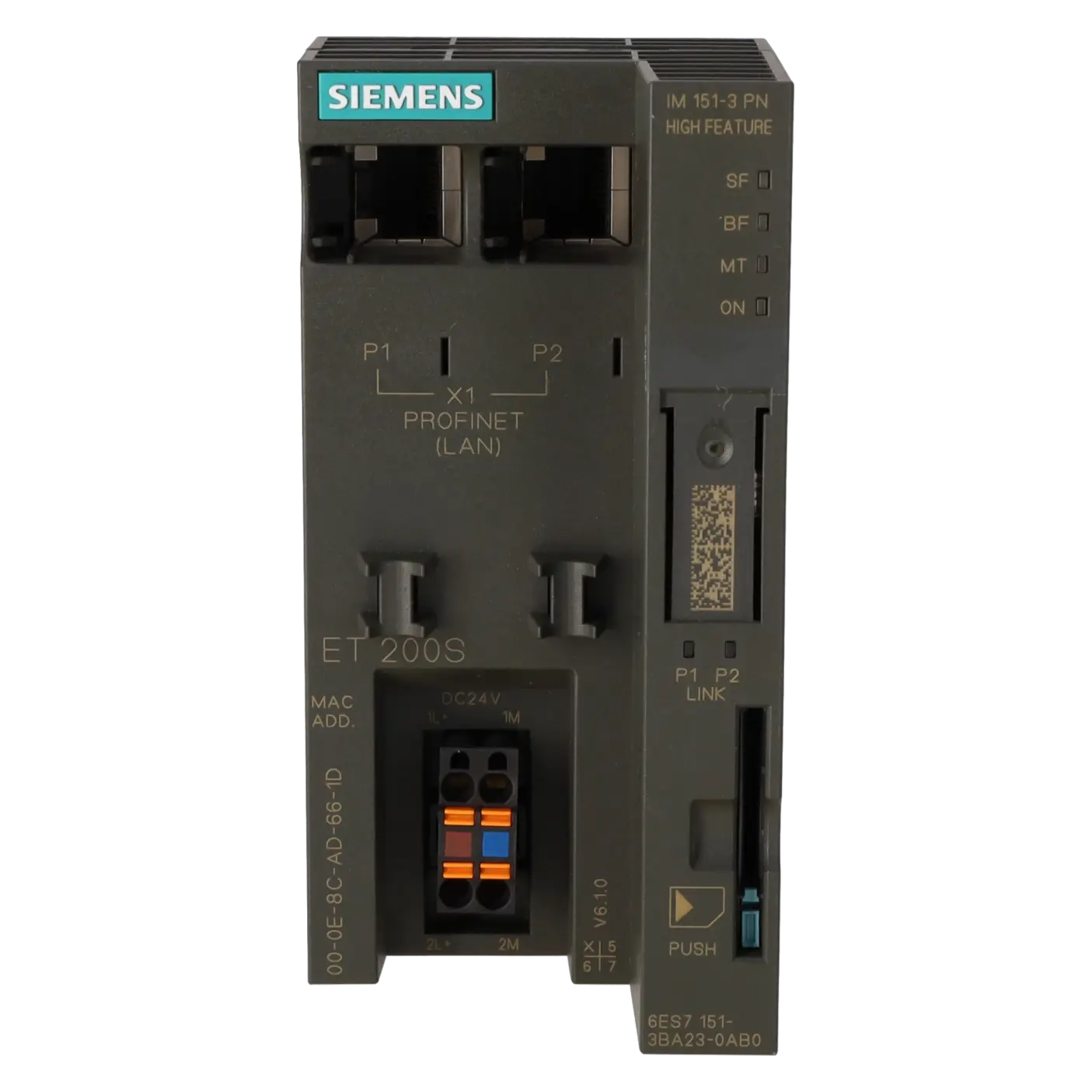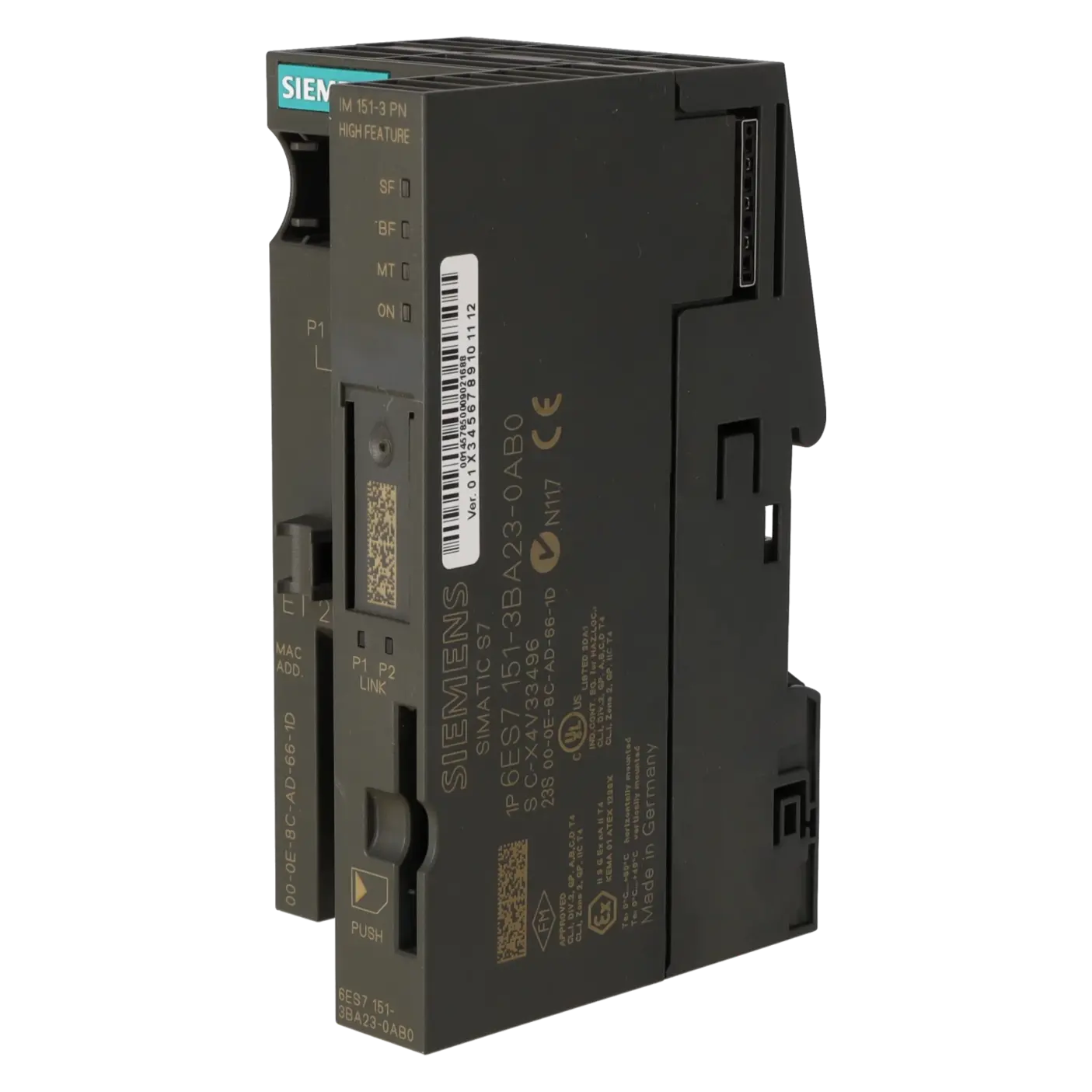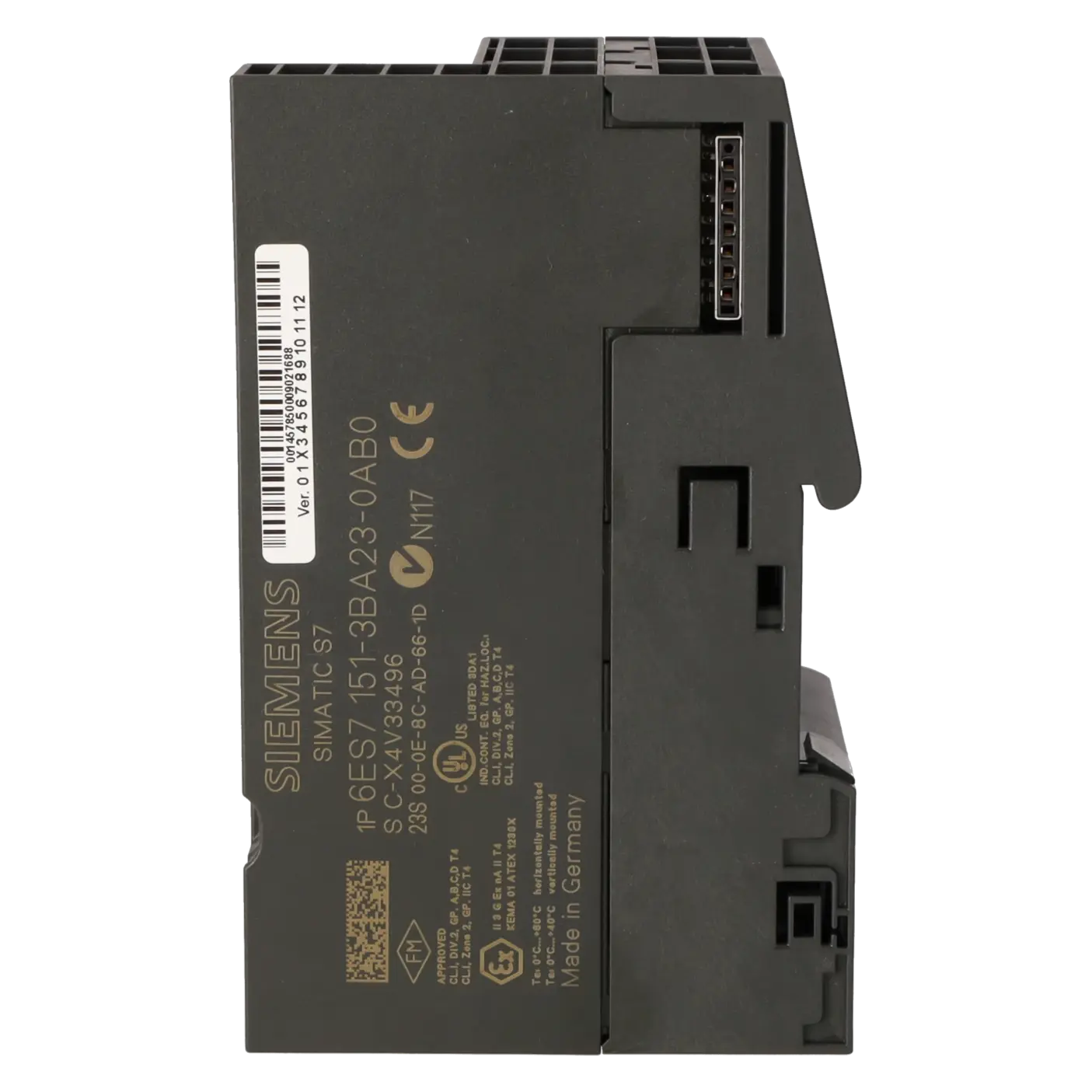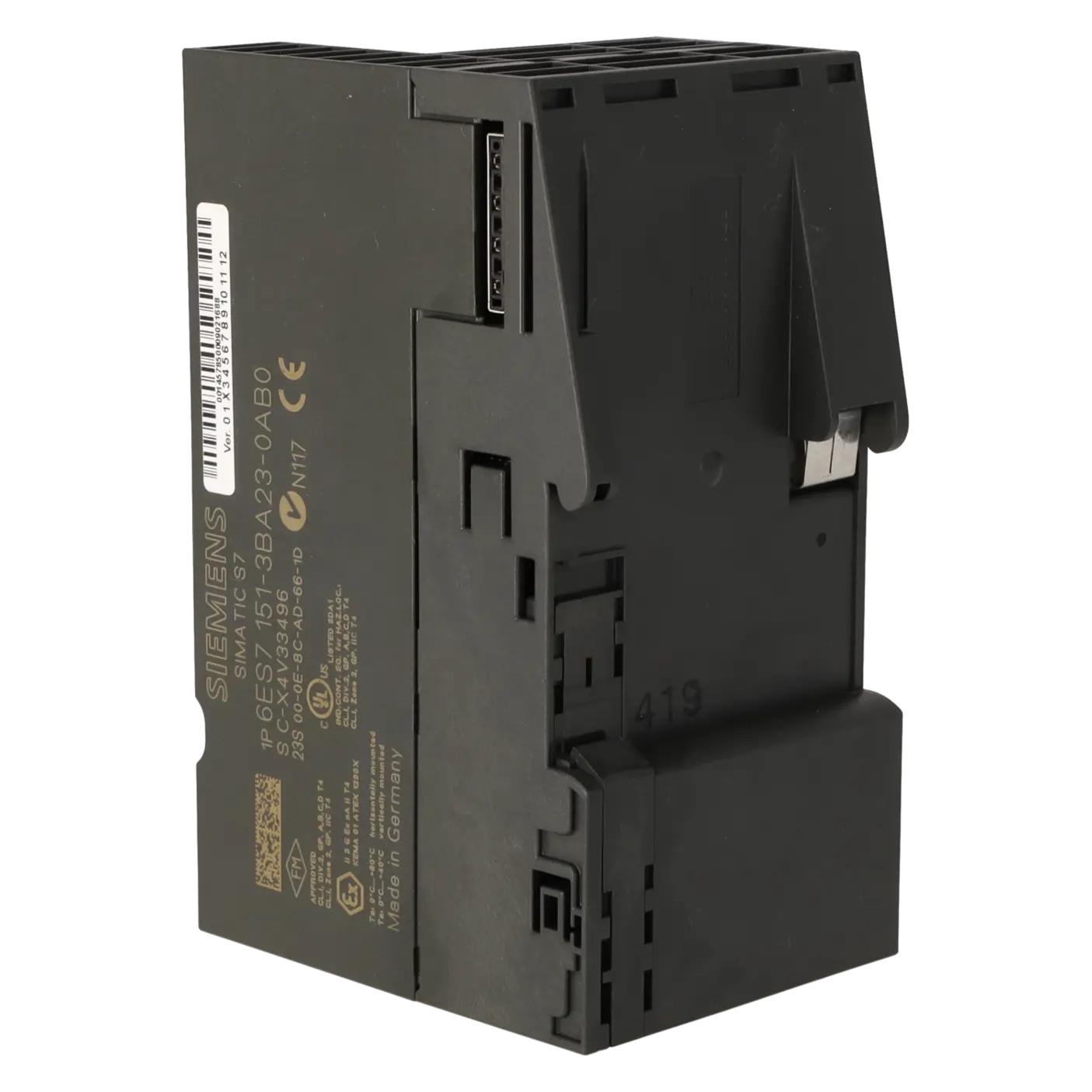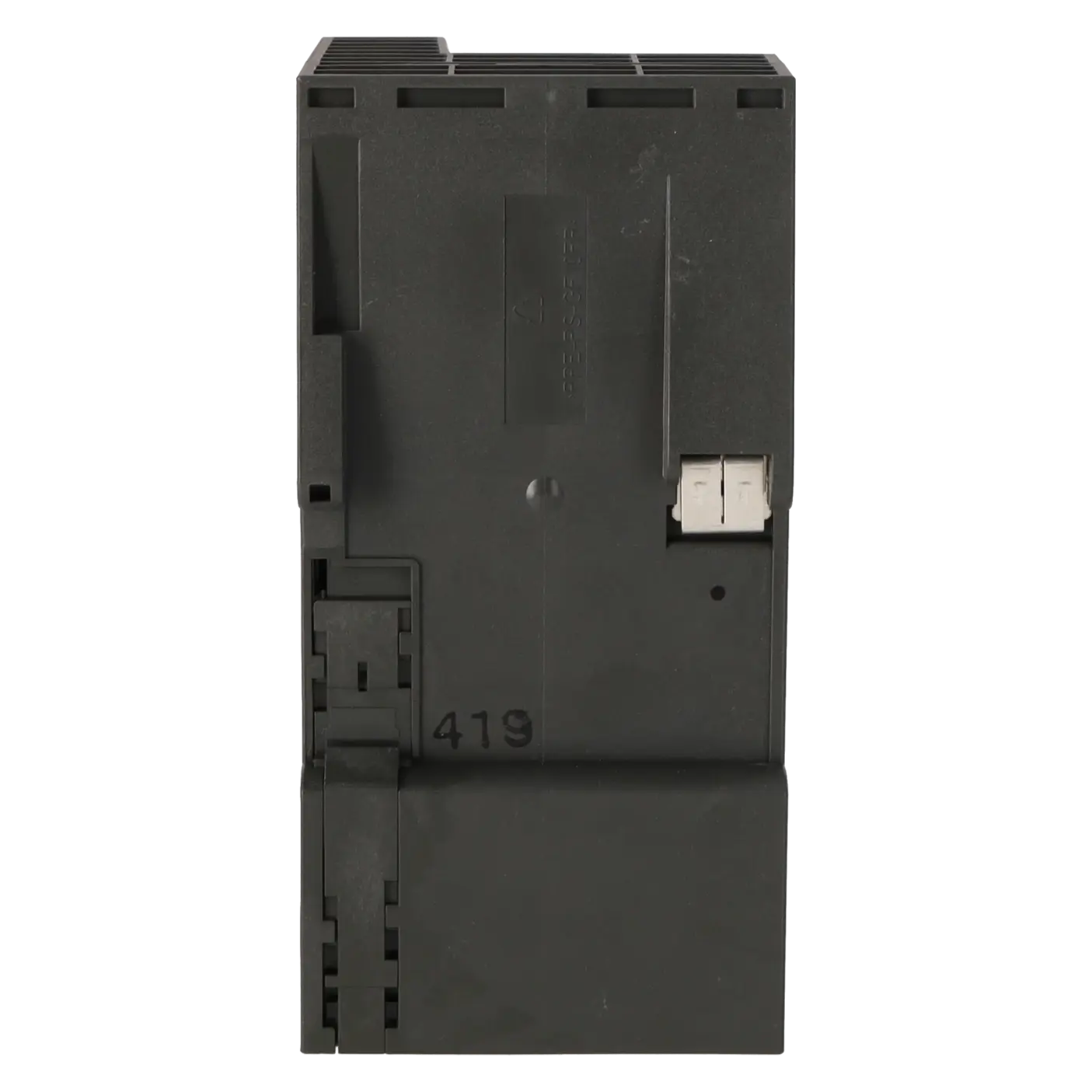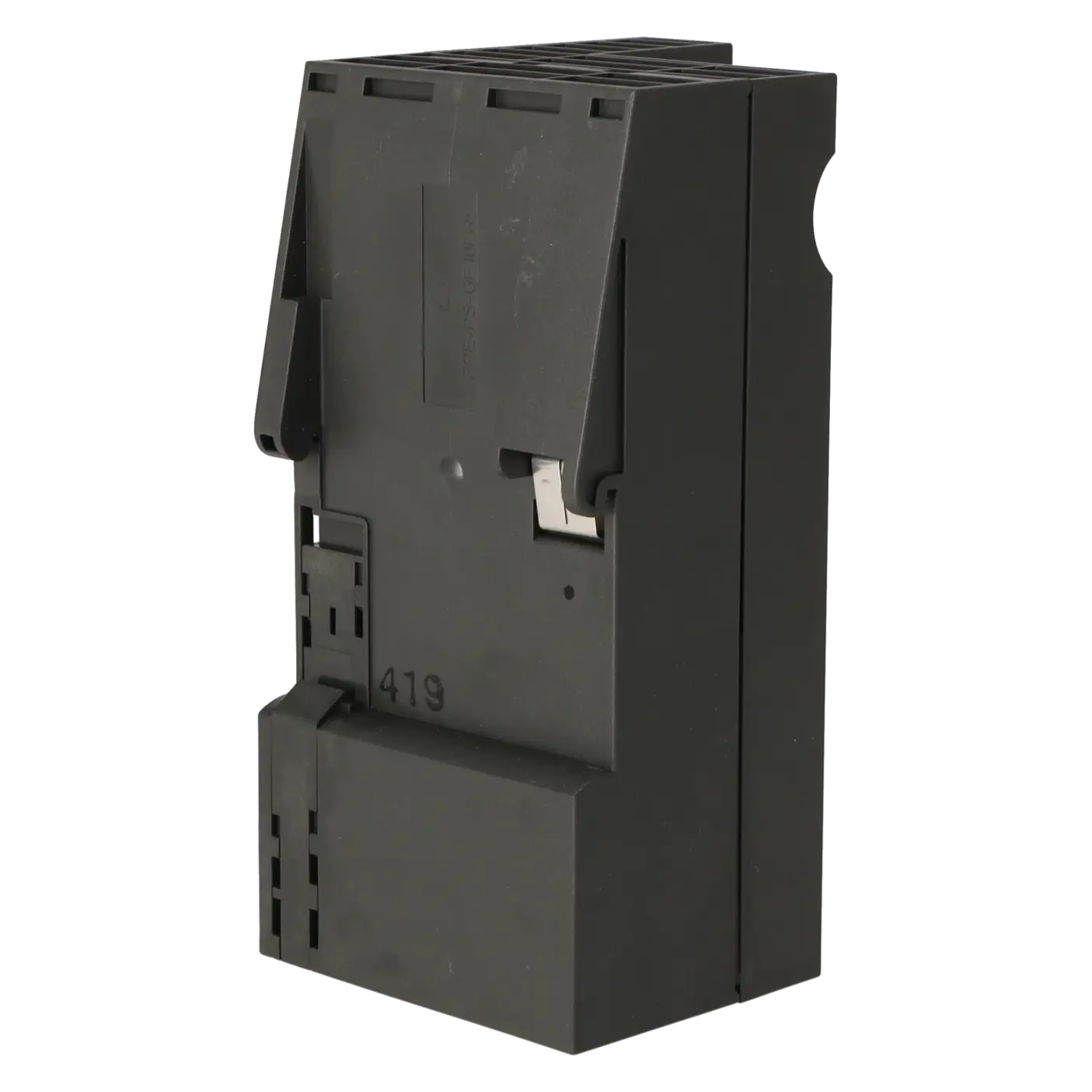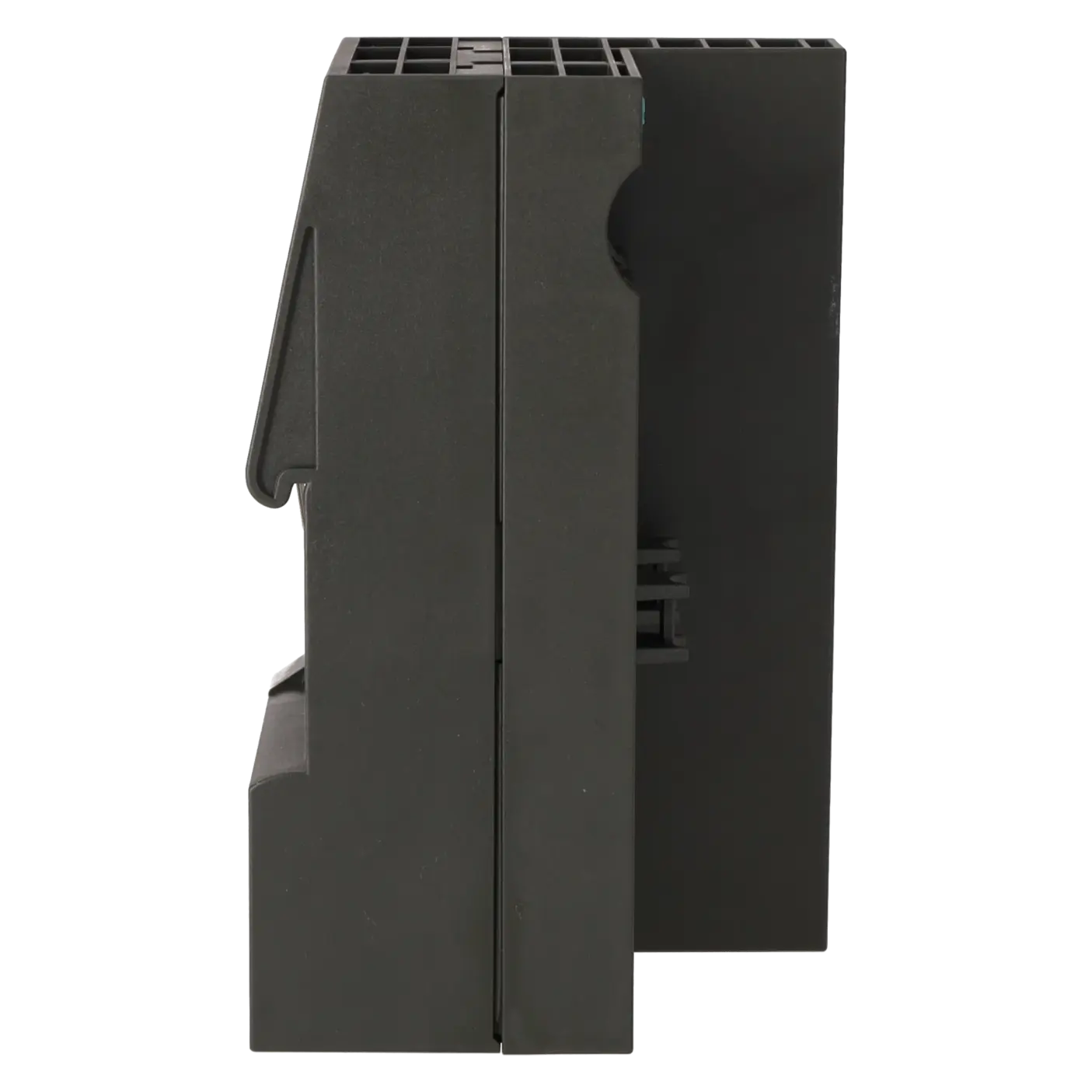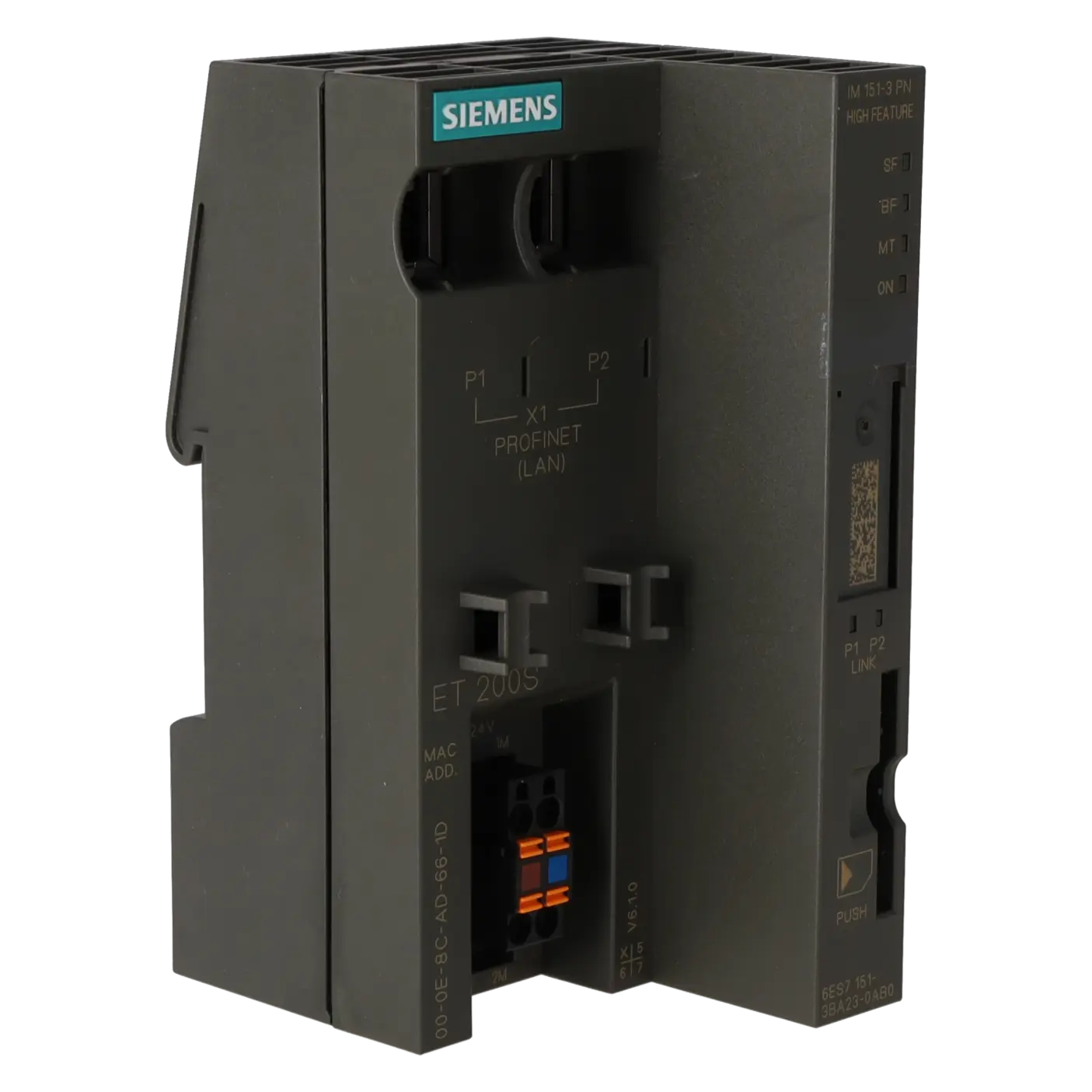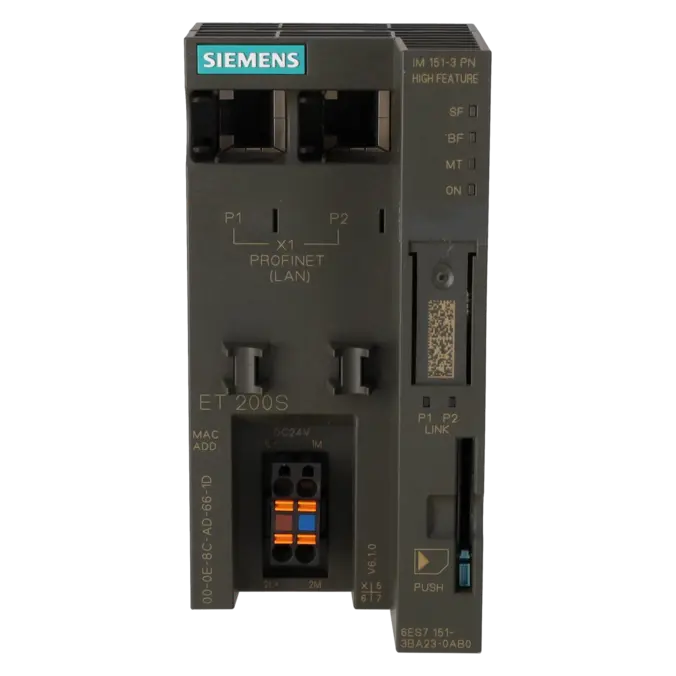
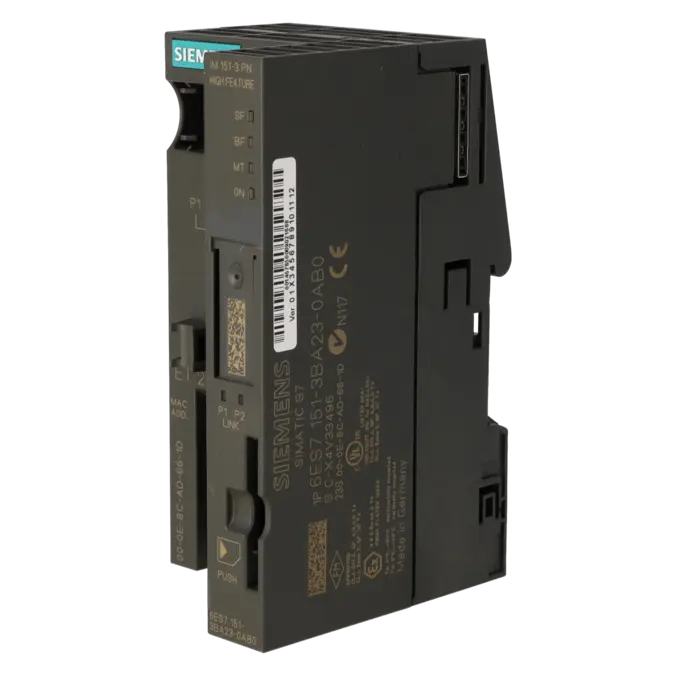
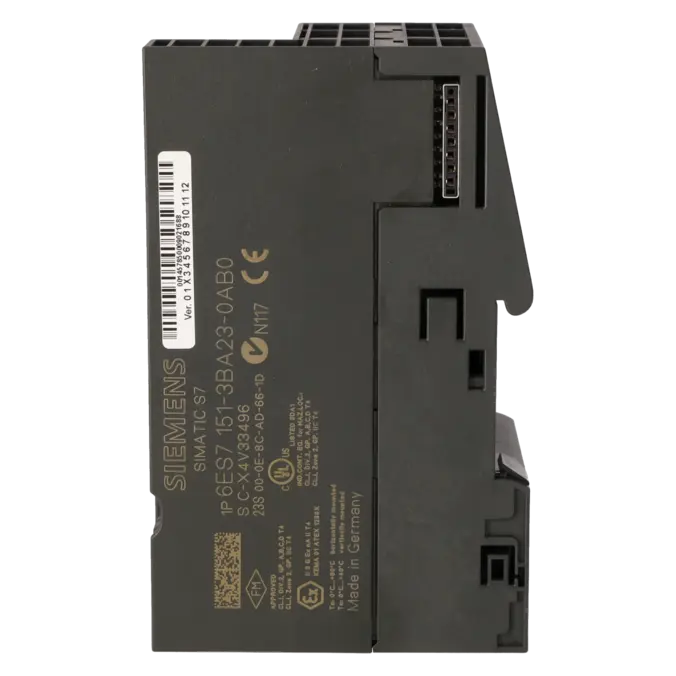
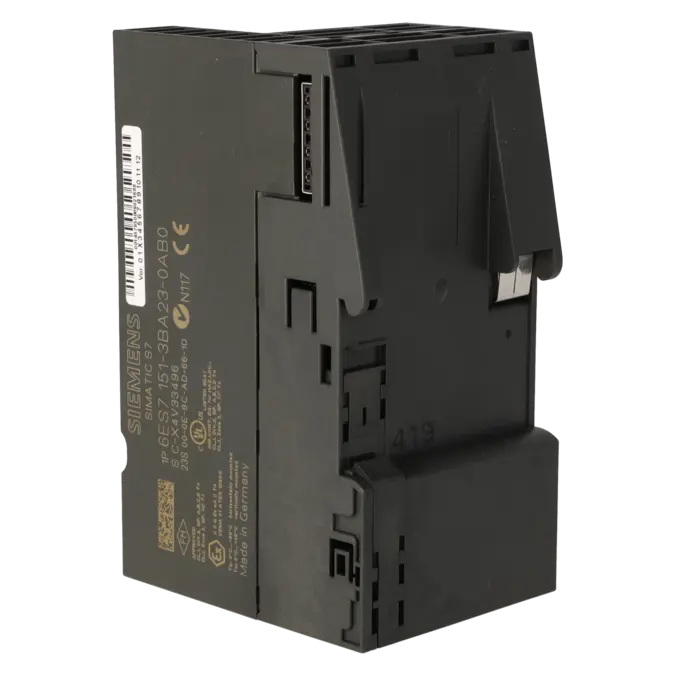
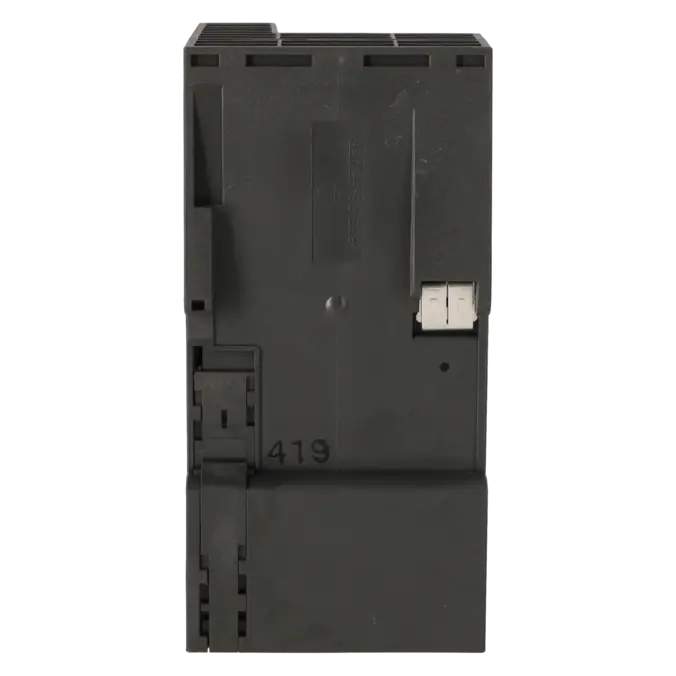
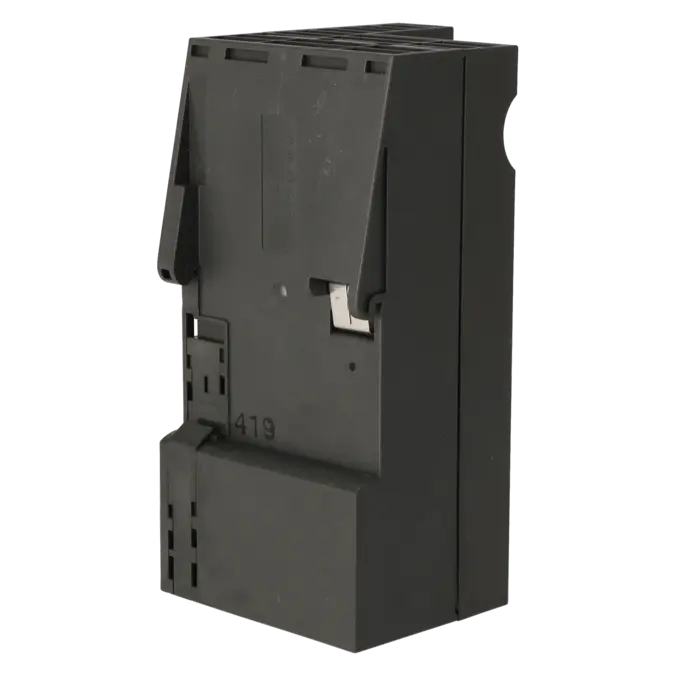
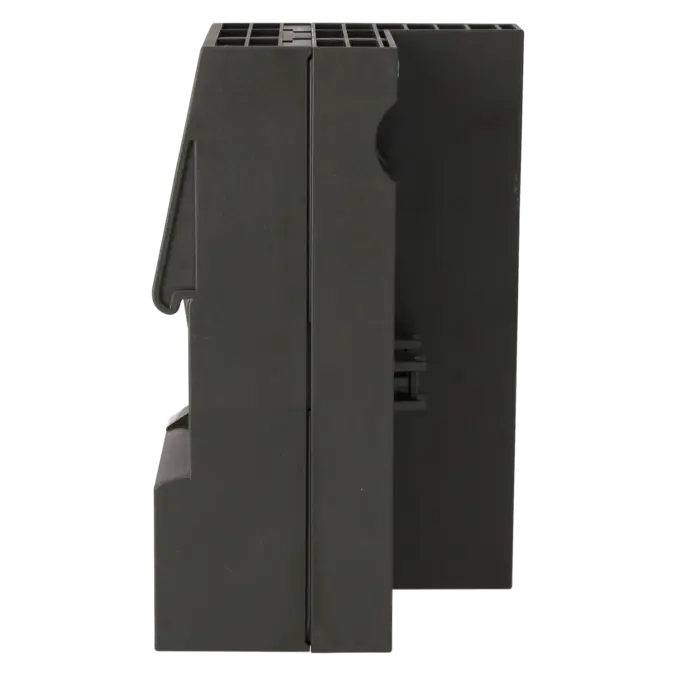
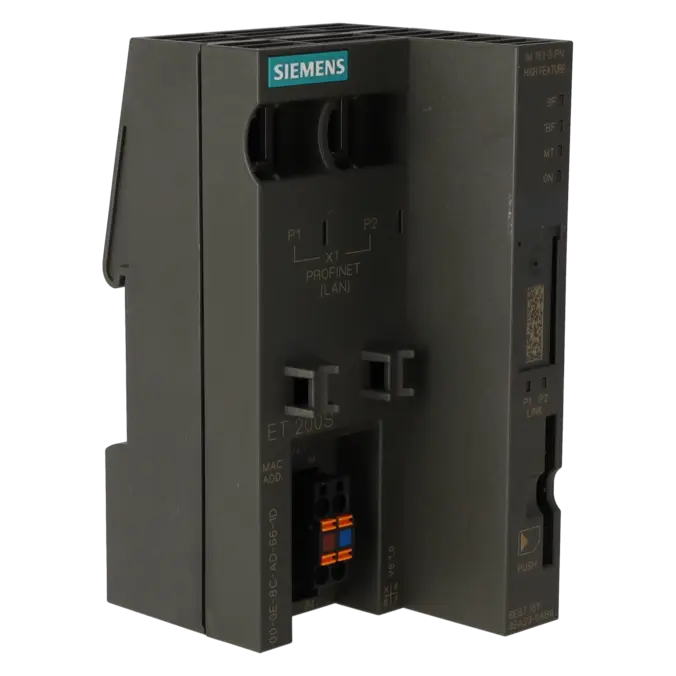
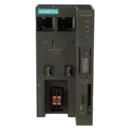
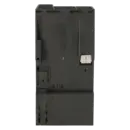
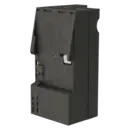

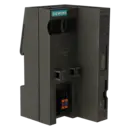
SIEMENS 6ES7151-3BA23-0AB0
-
SIEMENS | PLC Controls | Interface Modules / Power-On Units
- EICHLER-art.no.: K0219459
- EAN: 4025515076131
- UPC: 662643400892
Product description
SIMATIC DP, INTERFACE MODULE IM151-3 PN HF FOR ET 200S, TRANSMISS. RATE UP TO 100MBIT/S MAX. OF 63 PERIPHERAL MODULES UP TO 2M WIDTH CONNECTABLE; 2 X BUS INTERFACING VIA RJ45 INCL. TERMINATING MODULE
Services for SIEMENS 6ES7151-3BA23-0AB0
SIEMENS |
6ES7151-3BA23-0AB0 –
additional product information
| Delivery information | |||
|---|---|---|---|
| Export identifier | AL: N ECCN: EAR99H | ||
| Net weight | 0.197 | ||
| Quantity | 1 Stück | ||
| Packaging quantity | 1 | ||
| Additional product information | |||
|---|---|---|---|
| Product status | EOP: 2023-10-01 | ||
| EAN | 4025515076131 | ||
| UPC | 662643400892 | ||
| Static lot number | 85176200 | ||
| List indicator | ST76 | ||
| Product group | 4467 | ||
| Country of origin | DE | ||
| Compliance with the substance restrictions according to RoHS directive | Since: 20091125 | ||
| Product classifications | Version | Classification | |
|---|---|---|---|
| eClass | 4 | 27-24-21-06 | |
| eClass | 5.1 | 27-24-26-08 | |
| eClass | 6.0 | 27-24-26-08 | |
| ETIM | 3 | / | |
| ETIM | 4 | EC001604 | |
| ETIM | 5 | EC001604 | |
What is the 6ES7151-3BA23-0AB0 and where is it used?
The 6ES7151-3BA23-0AB0 is the SIEMENS SIMATIC DP Interface Assembly IM 151-3 PN HF for the ET 200S distributed I/O system. The assembly connects ET 200S stations to a controller via PROFINET and is intended for systems in which signals need to be acquired or controlled close to the machine. Typical application areas include packaging machinery, conveyor systems, assembly lines, test rigs and retrofit projects within existing SIMATIC environments. The assembly processes the data of the connected electronics assemblies, supplies the backplane bus and provides communication with the IO controller. Equipped with two RJ45 ports, it is also suitable for line-topology network structures and compact control cabinets.
Key technical data and what it means in practice
The IM 151-3 PN HF operates at 100 Mbit/s and supports PROFINET IO, IRT, MRP, Shared Device, PROFIenergy and diagnostic functions via LEDs and data records. Up to 63 I/O assemblies can be connected, with a maximum station width of 2 metres. The address range is 256 bytes of inputs and 256 bytes of outputs. Additional features of particular importance to maintenance and engineering personnel include two Ethernet ports, autonegotiation, autocrossing, a typical power consumption of 3.3 W, a mains and voltage interruption bridging time of 20 ms and a permissible operating temperature range from 0 to 60 °C. In practice, this provides robust communication, comprehensive diagnostic capabilities and sufficient performance reserves for many traditional ET 200S applications.
Product status, life-cycle status and obsolescence
For the 6ES7151-3BA23-0AB0, Siemens specifies the life-cycle status PM410: Product Cancellation. According to Siemens, the product has been discontinued since 1 October 2023 and is now classified as a spare part. This is particularly relevant for operators of existing systems, as ET 200S remains widely used in production facilities, while the availability of new products is becoming increasingly limited. The available product information does not identify a manufacturer-verified plug-compatible one-to-one successor for this exact assembly. As a general replacement strategy for ET 200S components, Siemens recommends migration to the ET 200SP platform as the successor system or functional replacement. For spare-parts strategies, this means securing inventory, evaluating repair options and planning migration projects at an early stage.
Available EICHLER services and when they are relevant
When a station fails and the system must be returned to operation quickly, repair is often the most economical solution. EICHLER currently specifies a repair turnaround time of 2–5 working days for this assembly and describes the service as including technical cleaning, preventive maintenance, comprehensive functional testing and a minimum 24-month warranty. In situations involving acute production pressure, replacement services become more relevant when diagnosis and repair cannot wait for the duration of a production breakdown. For purchasing and maintenance departments, used parts and new parts are also attractive options, as they help mitigate obsolescence risks and provide greater flexibility in stockholding strategies. The product page currently lists used parts with a lead time of 3–5 working days and new parts with a lead time of 1–3 working days, together with the respective stock availability.
| Attribute | Value |
|---|---|
| Product type designation | IM 151-3 PN HF |
| Configuration control | |
| via dataset | Yes |
| Supply voltage | |
| Mains buffering | |
| ● Mains/voltage failure stored energy time | 20 ms |
| Input current | |
| from supply voltage 1L+, max. | 200 mA |
| Power loss | |
| Power loss, typ. | 3.3 W |
| Address area | |
| Addressing volume | |
| ● Inputs | 256 byte |
| ● Outputs | 256 byte |
| Interfaces | |
| Transmission rate, max. | 100 Mbit/s |
| 1. Interface | |
| Autonegotiation | Yes |
| Autocrossing | Yes |
| Interface types | |
| ● RJ 45 (Ethernet) | Yes |
| ● Number of ports | 2 |
| PROFINET IO Device | |
| Services | |
| — IRT | Yes |
| — PROFIenergy | Yes |
| — Prioritized startup | Yes |
| — Shared device | Yes |
| — Number of IO Controllers with shared device, max. | 2 |
| Protocols | |
| Supports protocol for PROFINET IO | Yes |
| Protocols (Ethernet) | |
| ● SNMP | Yes |
| ● LLDP | Yes |
| ● ping | Yes |
| ● ARP | Yes |
| Redundancy mode | |
| Media redundancy | |
| — MRP | Yes |
| Interrupts/diagnostics/status information | |
| Alarms | Yes |
| Diagnostics function | Yes |
| Diagnostics indication LED | |
| ● LINK LED | Yes |
| ● Bus fault BF (red) | Yes |
| ● Group error SF (red) | Yes |
| ● Monitoring 24 V voltage supply ON (green) | Yes |
| Potential separation | |
| between backplane bus and electronics | No |
| between supply voltage and electronics | No |
| between Ethernet and electronics | Yes |
| Isolation | |
| Isolation tested with | 500 V |
| Standards, approvals, certificates | |
| CE mark | Yes |
| UL approval | Yes |
| Ambient conditions | |
| Ambient temperature during operation | |
| ● min. | 0 °C |
| ● max. | 60 °C |
| Dimensions | |
| Width | 60 mm |
| Height | 119.5 mm |
| Depth | 75 mm; with mounting rail |
| Weights | |
| Weight, approx. | 150 g |
| Fault Description | Possible Solution |
|---|---|
| Why is the BF LED flashing on the IM 151-3 PN HF even though the station is physically connected to the network? | According to Siemens, this is often caused by an incorrect or missing connection telegram. Typical causes include an incorrect device name, configuration or parameterisation errors, a switched-off or faulty IO controller, or a missing network connection to the controller. Discussions in technical forums also frequently highlight topology mismatches or incorrect device names following device naming as a common commissioning issue. Therefore, first verify the device name, project configuration, parameter settings, link status on ports P1 and P2, and the accessibility of the controller within the same PROFINET subnet. |
| Why does my ET 200S station with the 6ES7151-3BA23-0AB0 fail to start or not enter data exchange mode? | Siemens identifies missing modules, a missing terminating module, exceeding the maximum station configuration or a faulty backplane bus as common causes. A defective terminal module can also result in this condition. Technical forum discussions frequently identify the missing terminating module as one of the first items to check. Therefore, inspect the complete mechanical assembly from left to right, verify the correct module sequence, confirm that the terminating module is installed at the end of the station and check all terminal modules for damage or contact issues. |
| Why does the IM 151-3 PN HF report an ET 200S backplane bus interruption or USI W#16#0001? | This diagnostic indicates an interruption of the backplane bus. Siemens explains that the diagnostic includes the slot number from which the interruption occurs. Common causes include missing or loose modules, a missing terminating module or a defective terminal module. Read the diagnostic information using the module status or accessible-device diagnostics, identify the affected slot and inspect all terminal modules, locking mechanisms and mechanical connections from that position onwards. |
| Why does a used replacement module not function as expected after installation? | Siemens recommends that a previously used IM 151-3BA23 should be reset to its factory settings before being reused as a spare part. This ensures that any previous device name and retained settings are removed. Technical forum discussions also show that missing or incorrectly used MMCs can create uncertainty regarding addressing data and spare-parts strategies in legacy systems. Before replacing the module, restore the factory settings, assign the correct device name and verify that the actual network topology matches the configured project structure. |
| Why does a firmware update of the IM 151-3 PN HF fail or result in an SF/BF fault indication? | Siemens describes two methods for updating the firmware: via PROFINET IO or via a SIMATIC Micro Memory Card (MMC). For the MMC method, a card with a minimum capacity of 4 MB is required. If the assembly indicates a fault during the update process, the manual states that an incorrect firmware file or a read/write error may be responsible. Repeat the update only with the correct firmware version for the 6ES7151-3BA23-0AB0, verify the MMC and note that, when prioritised start-up is enabled, a reset to factory settings may be required beforehand. |
Is the 6ES7151-3BA23-0AB0 still available or has it been discontinued?
Siemens classifies the assembly as a spare part and assigns it the life-cycle status PM410: Product Cancellation. According to Siemens, the effective discontinuation date is 1 October 2023. For operators, this does not necessarily mean that the module is no longer available, but it does mean that supply increasingly depends on the spare-parts market, remaining inventory and qualified service providers. The EICHLER shop currently continues to offer repair, replacement on request, used parts and new parts as available procurement and service options.
What exactly does IM 151-3 PN HF mean for this module?
The designation refers to a PROFINET interface assembly of the High Feature (HF) class for ET 200S. The HF designation is significant because, compared with more basic versions, it provides additional functions such as IRT, Shared Device, MRP, PROFIenergy, option handling and extended diagnostic capabilities. For maintenance engineers, this is important because it improves network integration, assembly replacement procedures, diagnostics and behaviour within more complex PROFINET topologies. In existing machines equipped with ET 200S, this is often the key distinction compared with the standard version.
Can I use the 6ES7151-3BA23-0AB0 as a replacement for older IM 151-3 PN HF versions?
Yes. Siemens describes the 6ES7151-3BA23-0AB0 as compatible with its predecessors, the 6ES7151-3BA20-0AB0 and 6ES7151-3BA22-0AB0. In existing systems, the newer interface assembly can replace the predecessor without requiring project modifications. However, the manual also notes that a previously used IM 151-3BA23 should be reset to its factory settings before being used as a spare part. This helps prevent conflicts caused by stored device names or retained configuration data.
What is required for a firmware update of the IM 151-3 PN HF?
According to Siemens, firmware updates can be performed either via PROFINET IO or by using a SIMATIC Micro Memory Card (MMC). While an MMC with 64 kB capacity is sufficient for storing the device name, a firmware update requires an MMC with a minimum capacity of 4 MB. The manual also states that STEP 7 V5.3 SP2 or later is required for firmware updates. If the station has previously been operated with prioritised start-up enabled, a reset to factory settings may be necessary before performing an update via MMC.
Is there a direct successor to the 6ES7151-3BA23-0AB0?
The available product information does not identify a manufacturer-designated plug-compatible one-to-one successor for this specific assembly. Siemens describes the module as a spare part and recommends migration to the ET 200SP platform as the successor system or functional replacement for ET 200S components. For users, this means that spare-parts availability remains the primary concern in the short term, while a technical migration strategy should be considered in the medium to long term, particularly where multiple ET 200S stations remain in operation.
Can the assembly be replaced without a prepared MMC?
In principle, yes, provided that the system has been configured accordingly. Siemens describes a device-replacement procedure without a removable storage medium or programming device, in which the IO controller automatically transfers the device name to the newly installed IO device. The prerequisite is that the configured target topology matches the actual physical topology. In practice, this means that assembly replacement can be significantly simplified in well-documented PROFINET networks. Nevertheless, Siemens recommends resetting used spare parts to their factory settings beforehand to ensure that no legacy parameters interfere with commissioning.