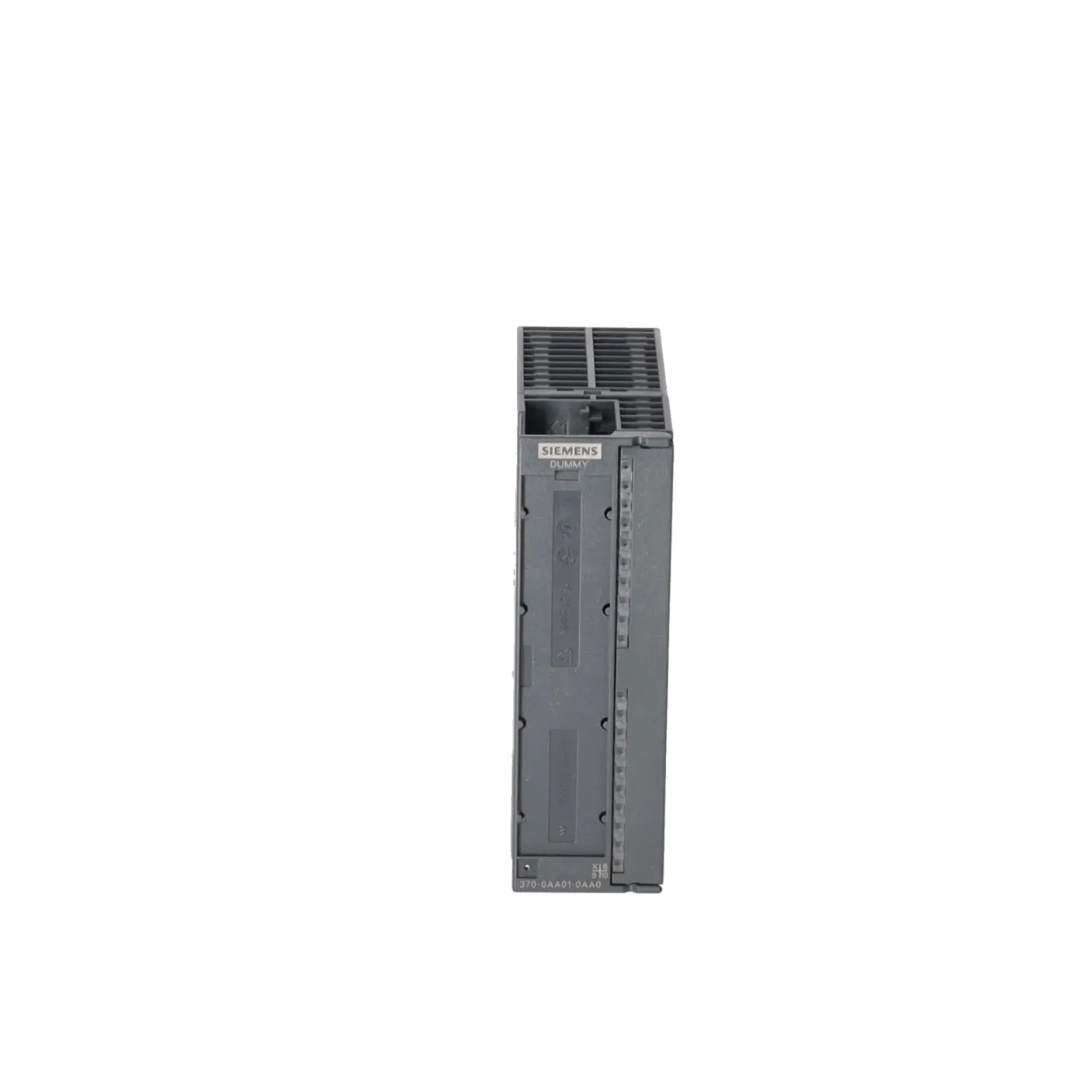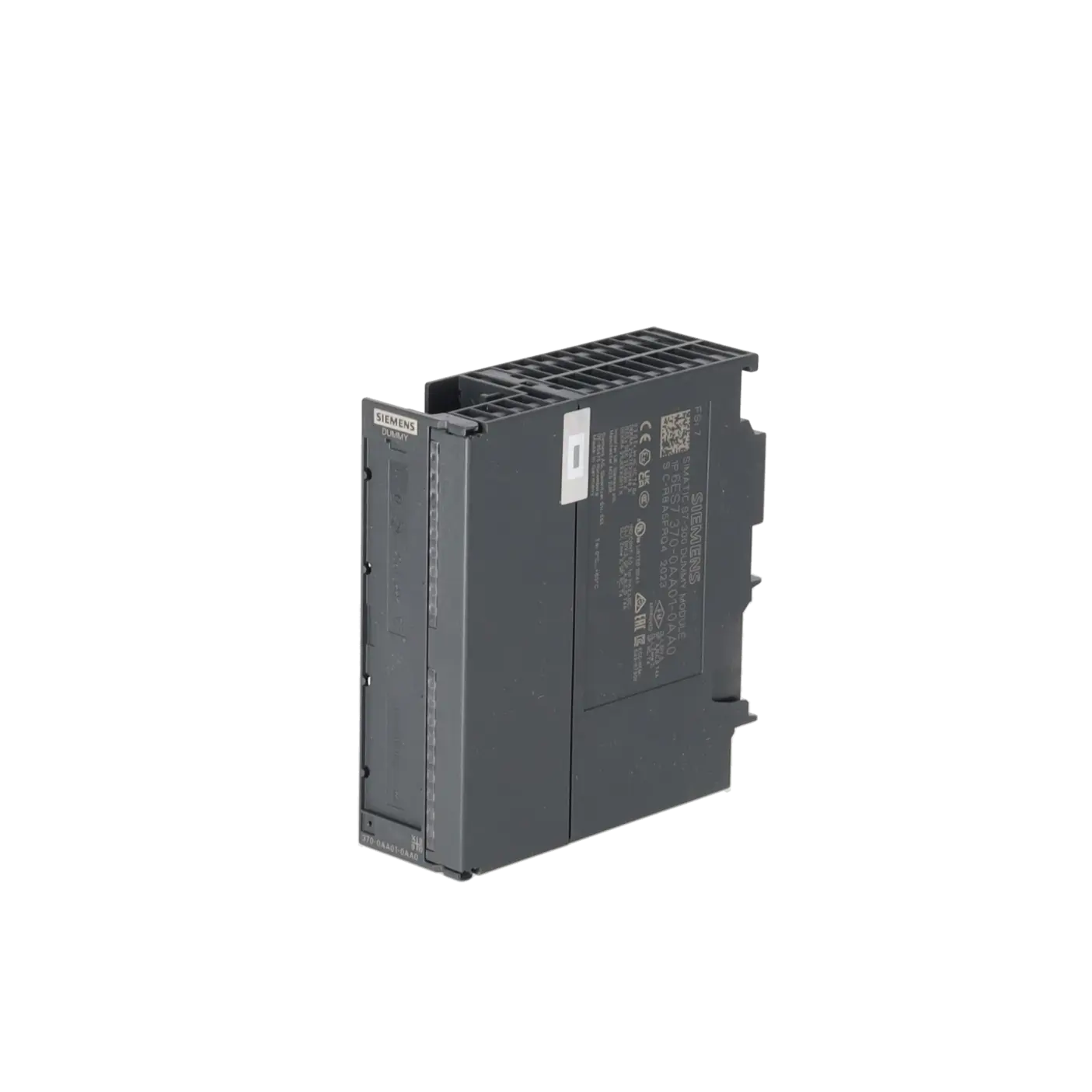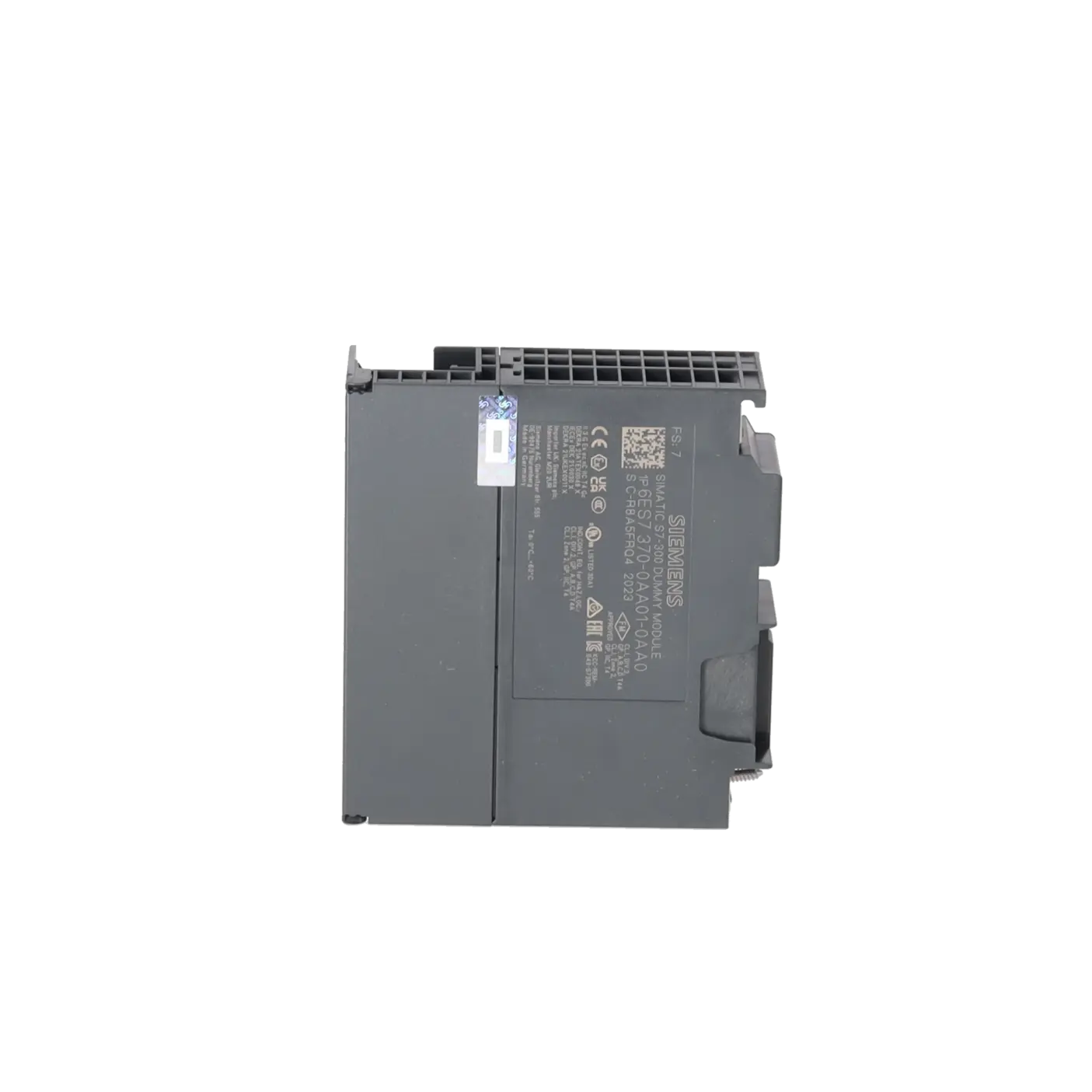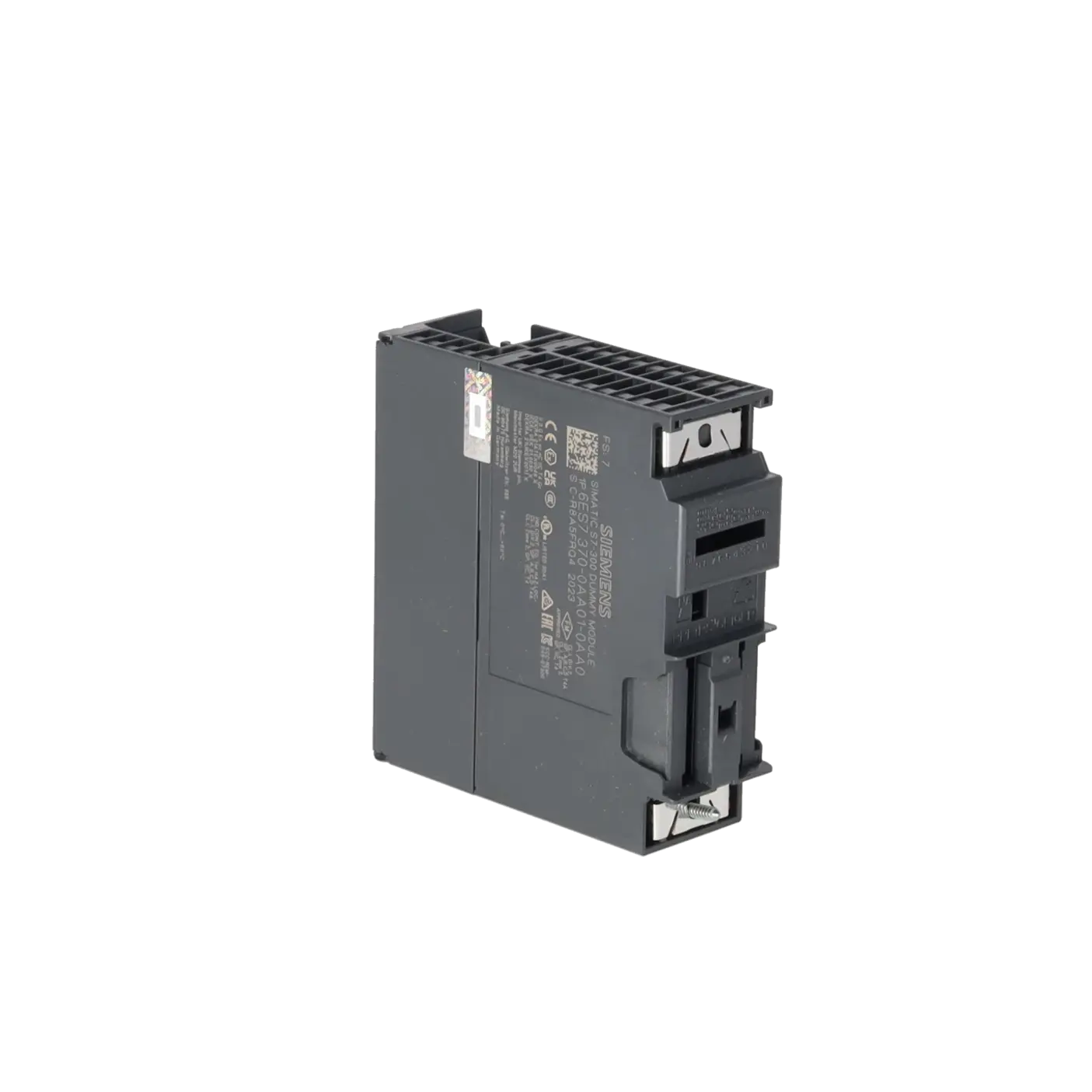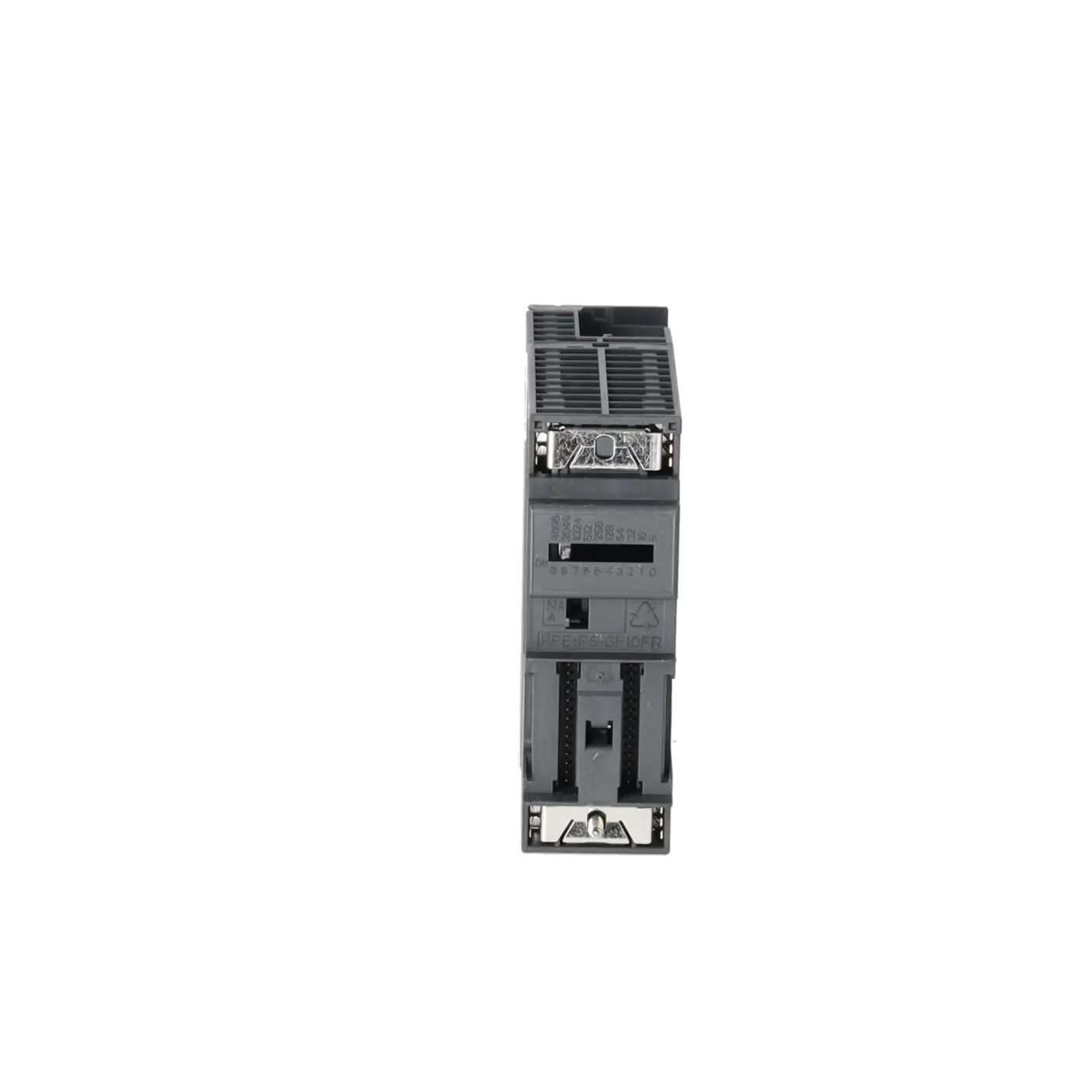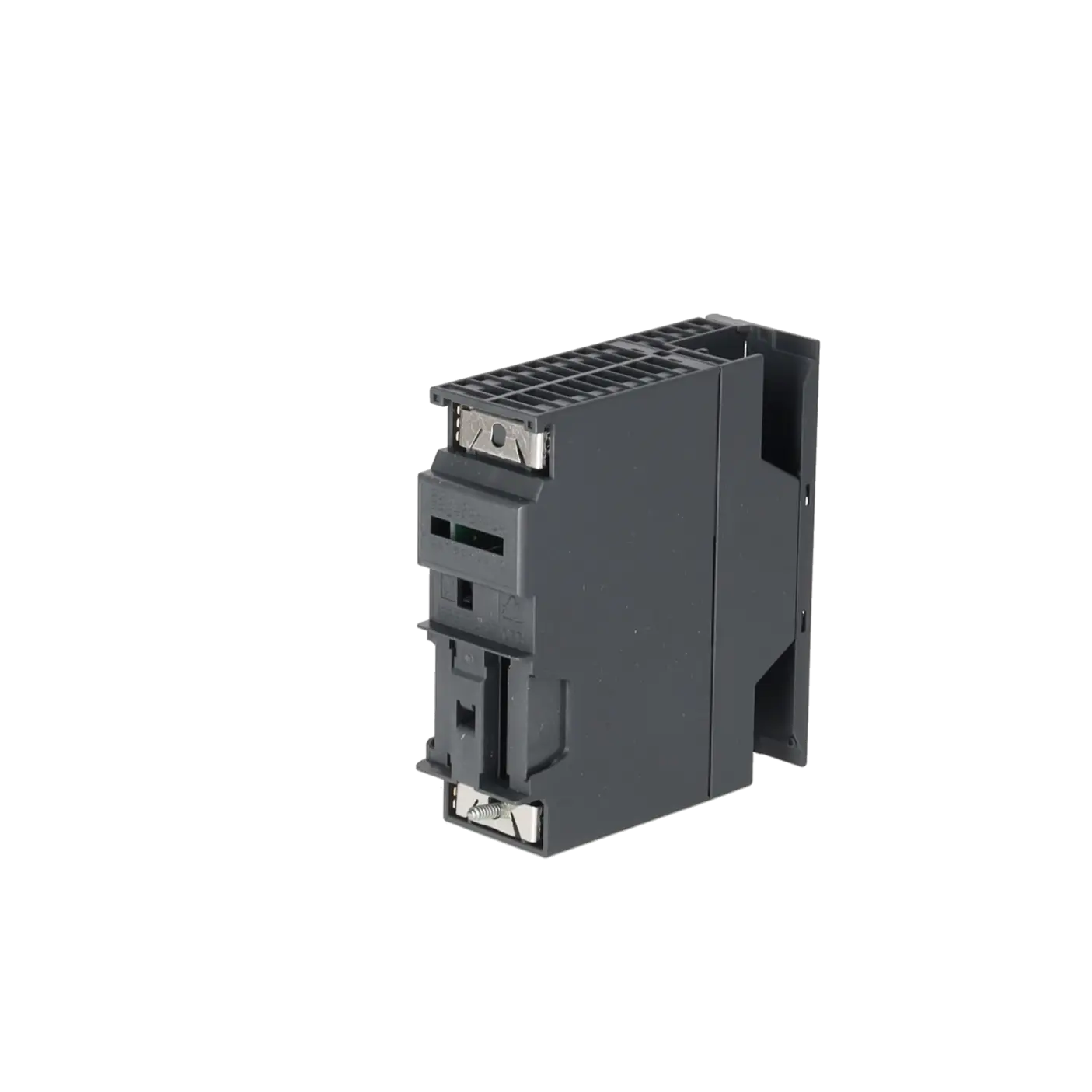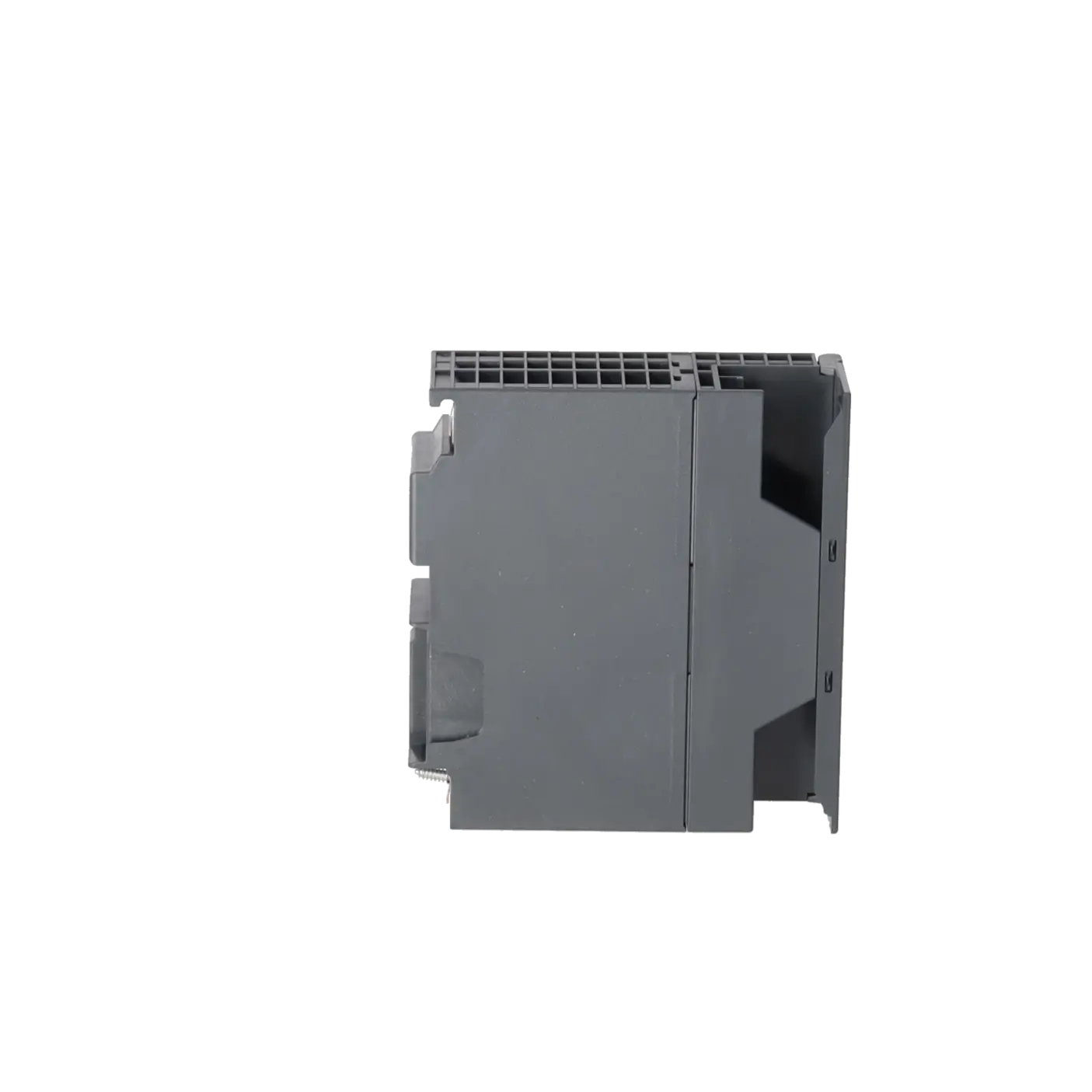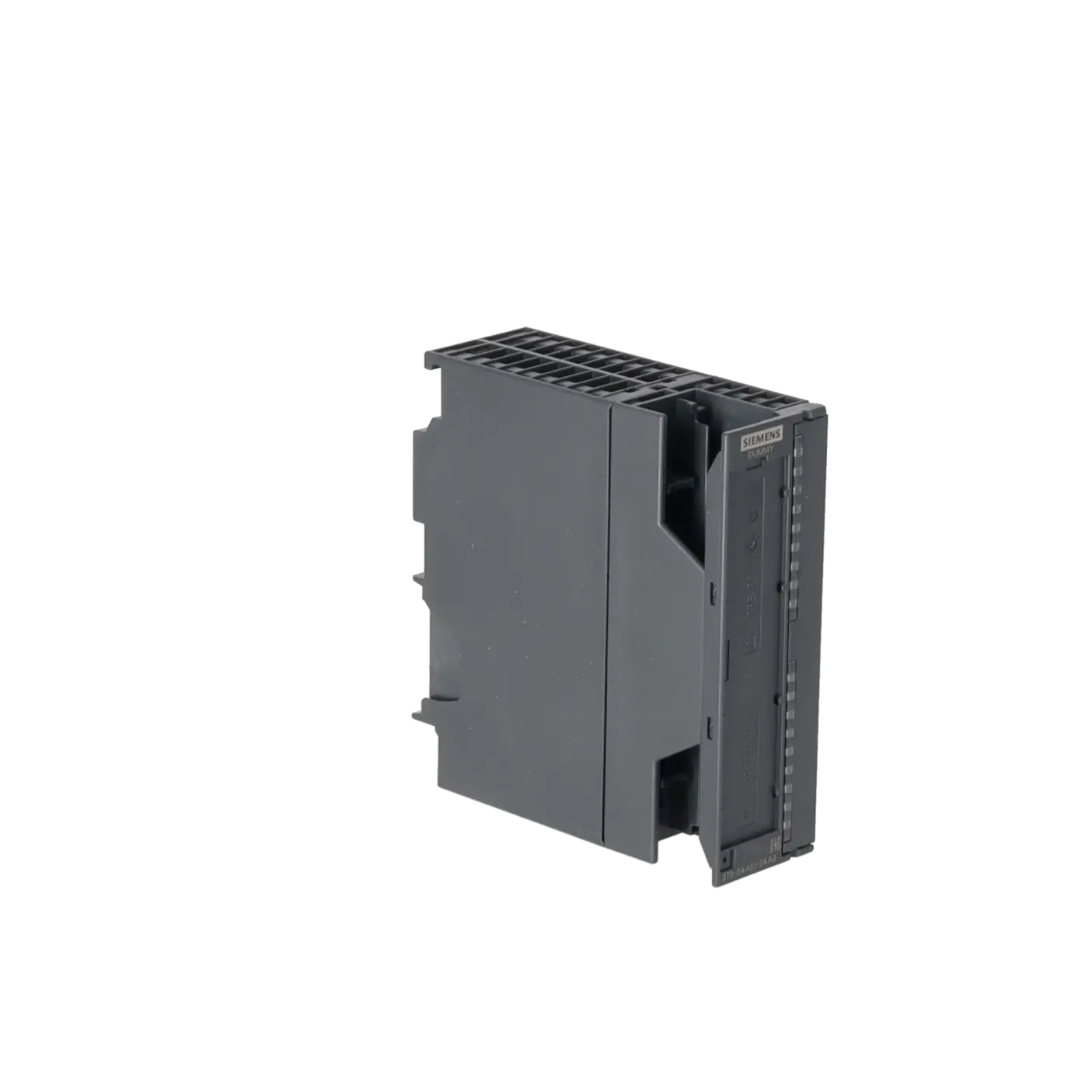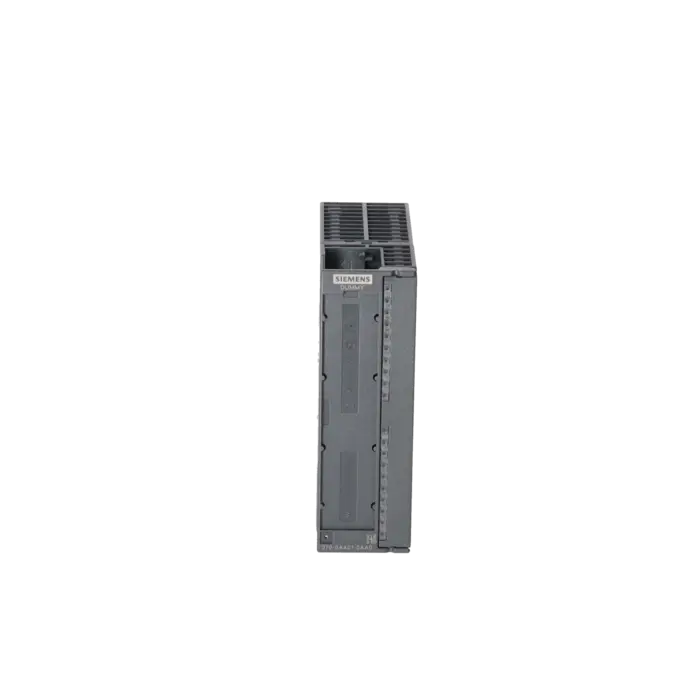
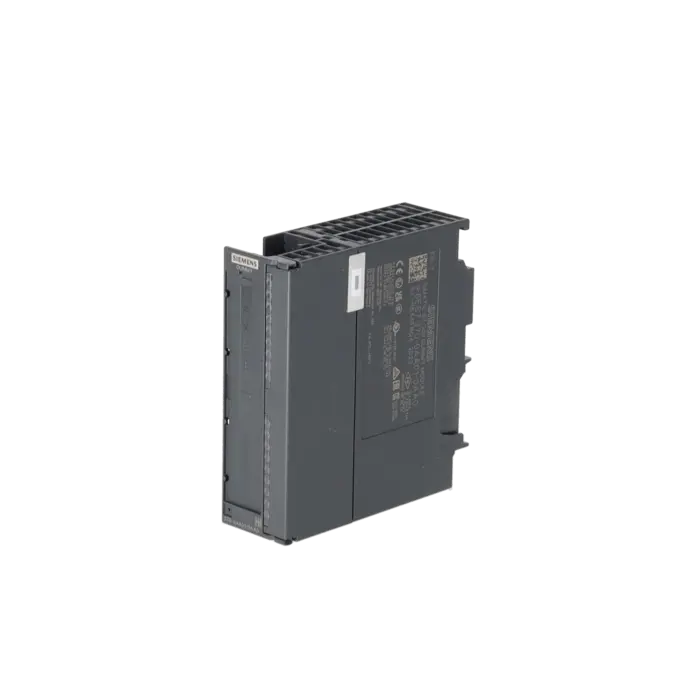
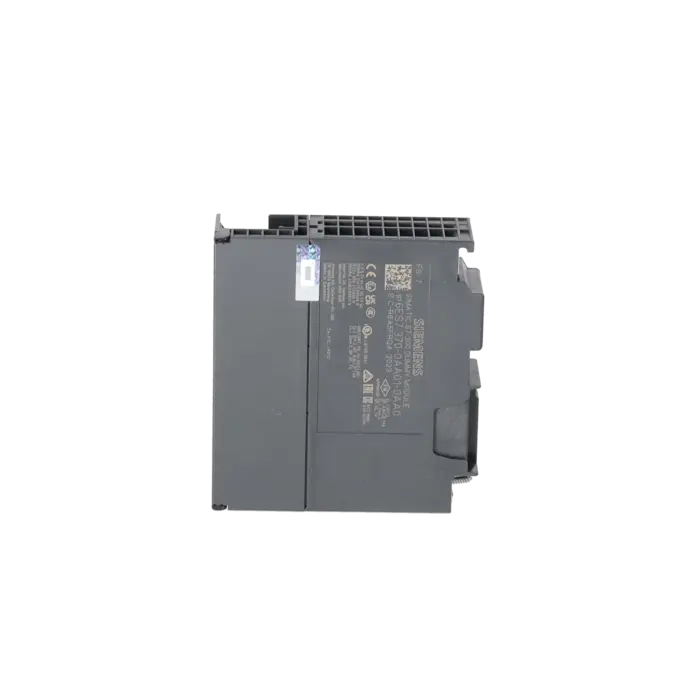
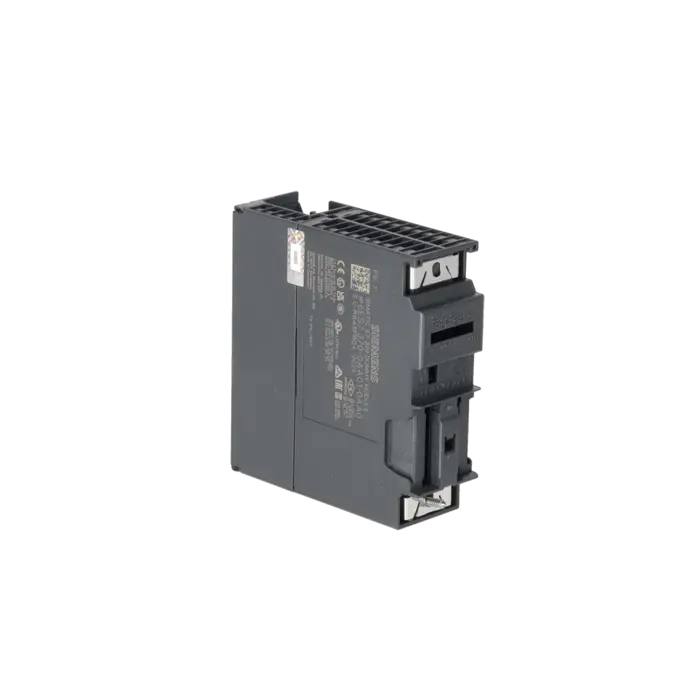
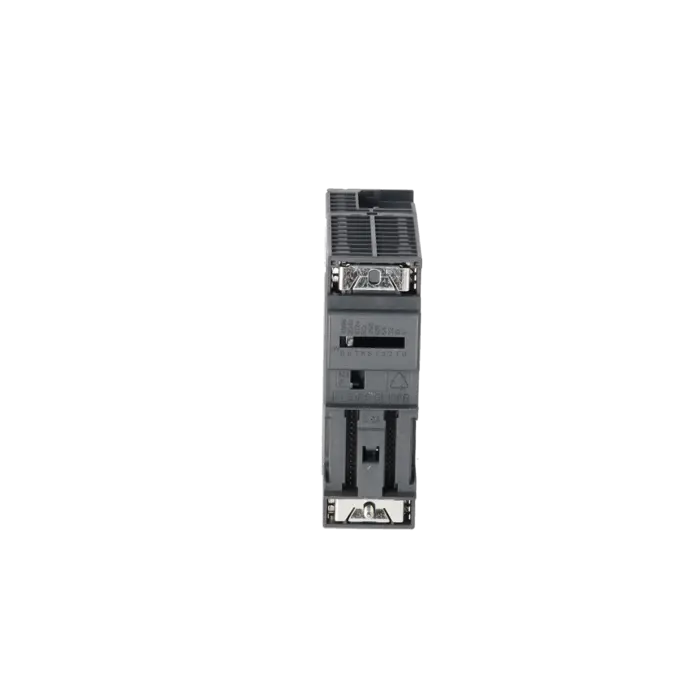
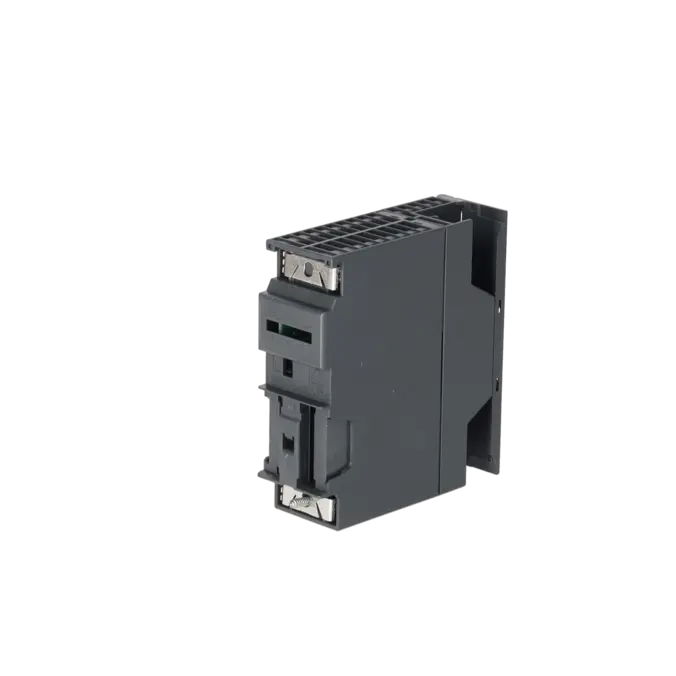
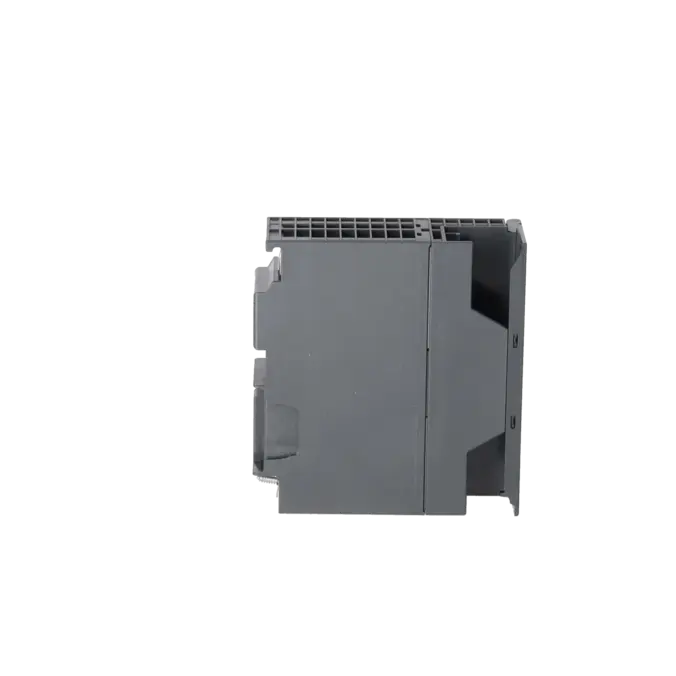
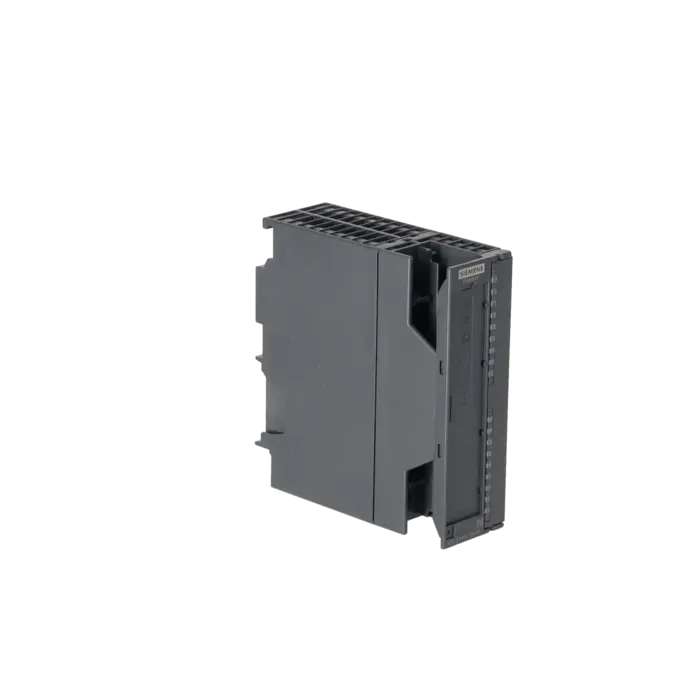
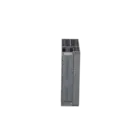
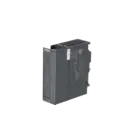
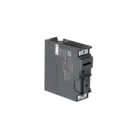
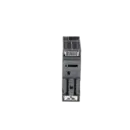
SIEMENS 6ES7370-0AA01-0AA0
- EICHLER-art.no.: K0118651
- EAN: 4025515061830
- UPC: 662643177251
Product description
SIMATIC S7-300, DUMMY MODULE DM 370, DUMMY MODULE USE FOR MODULE REPLACEMENT
Services for SIEMENS 6ES7370-0AA01-0AA0
Repair
from 171,67 €
to 262,55 €
Replacement
Used
151,47 €
113,60 €
New
168,30 €
126,22 €
SIEMENS |
6ES7370-0AA01-0AA0 –
additional product information
| Delivery information | |||
|---|---|---|---|
| Export identifier | AL: N ECCN: N | ||
| Net weight | 0.214 | ||
| Quantity | 1 Stück | ||
| Packaging quantity | 1 | ||
| Additional product information | |||
|---|---|---|---|
| Product status | |||
| EAN | 4025515061830 | ||
| UPC | 662643177251 | ||
| Static lot number | 85389091 | ||
| List indicator | ST73 | ||
| Product group | 4561 | ||
| Country of origin | DE | ||
| Compliance with the substance restrictions according to RoHS directive | Since: 20080331 | ||
| Product classifications | Version | Classification | |
|---|---|---|---|
| eClass | 4 | 27-24-03-07 | |
| eClass | 5.1 | 27-24-22-11 | |
| eClass | 6.0 | 27-24-22-11 | |
| ETIM | 3 | / | |
| ETIM | 4 | EC000238 | |
| ETIM | 5 | EC000238 | |
What is 6ES7370-0AA01-0AA0 and where is it used?
The 6ES7370-0AA01-0AA0 is the SIEMENS SIMATIC S7-300 DM 370 dummy module. It is not a conventional input/output module but is designed to reserve a slot within an S7-300 rack for a future or alternative module configuration. This is particularly useful when a system is being prepared mechanically and from an addressing perspective for future expansion without installing the final module immediately. Siemens specifies typical applications such as reserving positions for interface modules, non-parameterised signal modules, and modules that occupy two slots. When the dummy module is later replaced with another S7-300 module, the mechanical layout and address structure of the overall system can remain unchanged.
Overview of the key technical specifications and what they mean
The DM 370 is intentionally designed with minimal functionality: 0 digital inputs, 0 digital outputs, 0 analogue inputs, and 0 analogue outputs. It therefore does not process any field signals and instead fulfils a structural role within the rack. Current consumption from the backplane bus is a maximum of 5 mA, while power dissipation is only 0.03 W. With dimensions of 40 x 125 x 120 mm and a weight of approximately 180 g, it matches the standard S7-300 form factor. For maintenance personnel, the key point is that the module does not affect field signals but can be essential for preparing slot allocations, address space, and future expansions in a structured way. This is why it is often more important in retrofit, spare-parts, and migration projects than its simple technical specifications might suggest.
Product status, life-cycle status, and obsolescence
Siemens currently lists the 6ES7370-0AA01-0AA0 as a spare part. For operators, this is an important indication that the module belongs to the established S7-300 product environment and remains particularly relevant for existing systems, modifications, and spare-parts strategies. At the same time, Siemens references the S7-300 / ET 200M phase-out milestones with PM400 from 1 October 2023 and PM410 from 1 October 2025. For purchasing and production departments, this means that availability, stockholding strategies, repair options, and qualified sourcing channels are becoming increasingly important. No clearly identified direct successor for the DM 370 could be verified in the reviewed Siemens sources. As a result, this module represents a typical case for obsolescence management and long-term supply security in legacy installations.
Available EICHLER services and when they are relevant in practice
For the 6ES7370-0AA01-0AA0, EICHLER currently offers repair, exchange on request, used units, and new units. Repair is particularly relevant when an existing system configuration must be preserved or when a low-risk migration to another hardware structure is not immediately possible. According to EICHLER, repairs include technical cleaning, preventive maintenance, comprehensive functional testing, and a minimum 24-month warranty. For purchasing departments, the availability of new and used units can also be attractive when downtime costs exceed the cost of the component itself. For decision-makers, this combination of procurement options, exchange services, and service-backed support helps maintain the operational reliability of S7-300 legacy systems despite increasing obsolescence.
| Attribute | Wert |
|---|---|
| General information | |
| Product type designation | DM 370 |
| Input current | |
| from backplane bus 5 V DC, max. | 5 mA |
| Power loss | |
| Power loss, max. | 0.03 W |
| Digital inputs | |
| Number of digital inputs | 0 |
| Digital outputs | |
| Number of digital outputs | 0 |
| Analog inputs | |
| Number of analog inputs | 0 |
| Analog outputs | |
| Number of analog outputs | 0 |
| Dimensions | |
| Width | 40 mm |
| Height | 125 mm |
| Depth | 120 mm |
| Weights | |
| Weight, approx. | 180 g |
| Fault description | Possible solution |
|---|---|
| Why does the DM 370 not occupy any address space and not appear in STEP 7? | First check the switch position on the rear of the module. Siemens describes a setting for the DM 370 in which only the installation slot is reserved, the module is not configured in the project, and no address space is assigned. This setting is intended solely for physical slot reservation. If a slot with reserved addresses is required for a future module, the switch position must be set accordingly and the module must be configured to match the intended address allocation. |
| Why does the hardware configuration or addressing no longer match after replacing a module? | The DM 370 maintains the mechanical layout and address allocation only when it has been used correctly for the intended purpose. Siemens states that the module only needs to be configured in STEP 7 when it is reserving a slot for a parameterised signal module. If it was previously used only as a physical placeholder, a mismatch can occur between the planned and actual addressing after the replacement module is installed. |
| How can I replace an 80 mm wide S7-300 module with a 40 mm wide module without affecting the rack layout? | Siemens recommends using the DM 370 as a placeholder or spacekeeper for such modifications. For modules occupying two slots, two placeholder modules are typically used; however, address space is reserved only through slot x and not additionally through slot x+1. Siemens also describes connecting the new 40 mm module to the DM 370 via the rear bus connector when replacing an 80 mm module with a 40 mm version. If these recommendations are not followed, installation and configuration errors can easily occur. |
| Why does a retrofitted backplane bus or MPI concept not work as expected despite using a placeholder module? | In practice, problems often arise when the actual project configuration, the dummy/placeholder function, and the switch settings of retrofitted modules are confused. If a device connected to the backplane bus should not appear as a configured module, a DM 370-style configuration should not automatically be assumed. It should also be verified whether the installed CPU fully supports the intended backplane bus or MPI scenario. A clear distinction between physical slot reservation, address reservation, and communication functionality is essential for reliable operation. |
Is the 6ES7370-0AA01-0AA0 an active I/O module?
No. The DM 370 is not an active I/O module. Siemens specifies 0 digital inputs, 0 digital outputs, 0 analogue inputs, and 0 analogue outputs for this module. Its purpose is not signal processing but the mechanical and logical preparation of a slot within an S7-300 configuration. For engineering and purchasing departments, this distinction is important because the module does not provide any process data, yet it can significantly simplify future expansions or module replacements.
Do I need to configure the DM 370 in STEP 7?
Not necessarily. Siemens clearly states that the DM 370 only needs to be configured in STEP 7 when it is intended to reserve a slot for a parameterised signal module. If the purpose is simply to reserve space for an interface module or to keep a physical installation position available, no project configuration is required under certain switch settings. In practice, it is therefore essential to decide before installation whether only physical space or both space and address allocation need to be reserved.
How does the DM 370 reserve address space?
Depending on the switch position, the DM 370 can either reserve only a physical installation slot or additionally occupy 1 byte of input address space. Siemens explicitly differentiates between these operating modes using the switch settings on the rear of the module. This distinction is often critical in the field: if only mechanical space reservation is required, the non-configured mode is used; if an addressed slot is being prepared for a future module, the address-reserving mode must be selected and represented correctly in the hardware configuration. The switch setting and the hardware configuration must always correspond.
Can I use the DM 370 to prepare for a future module replacement?
Yes. This is exactly what the module is designed for. Siemens explains that when the placeholder module is later replaced with another S7-300 module, the mechanical structure and address allocation of the overall system can remain unchanged. This is particularly valuable in retrofit projects, planned upgrades, or situations where future expansions have not yet been approved. The DM 370 is also useful when preparing racks for 80 mm modules, which occupy two slots.
Is there a direct successor to the 6ES7370-0AA01-0AA0?
No direct successor explicitly identified by Siemens could be verified in the reviewed manufacturer sources. Siemens currently classifies the DM 370 as a spare part, which indicates that it is primarily intended for use in existing installations and service applications rather than as part of a new product generation. For operators, availability, stock management, replacement strategies, and access to a reliable service partner for S7-300 systems are therefore generally more important than the question of a successor product.
When is a new, used, or repaired DM 370 the best option?
The answer depends largely on downtime pressure and risk considerations. If a system must be restored to a defined operational state as quickly as possible, purchasing a new or used unit is often the fastest solution. If the existing module is to be retained and technically secured, repair can be the better option, particularly since EICHLER combines repair services with technical cleaning, preventive maintenance, comprehensive functional testing, and a minimum 24-month warranty. In many S7-300 legacy installations, this combination of procurement and service support is often more economical than an unplanned structural modification of the system.