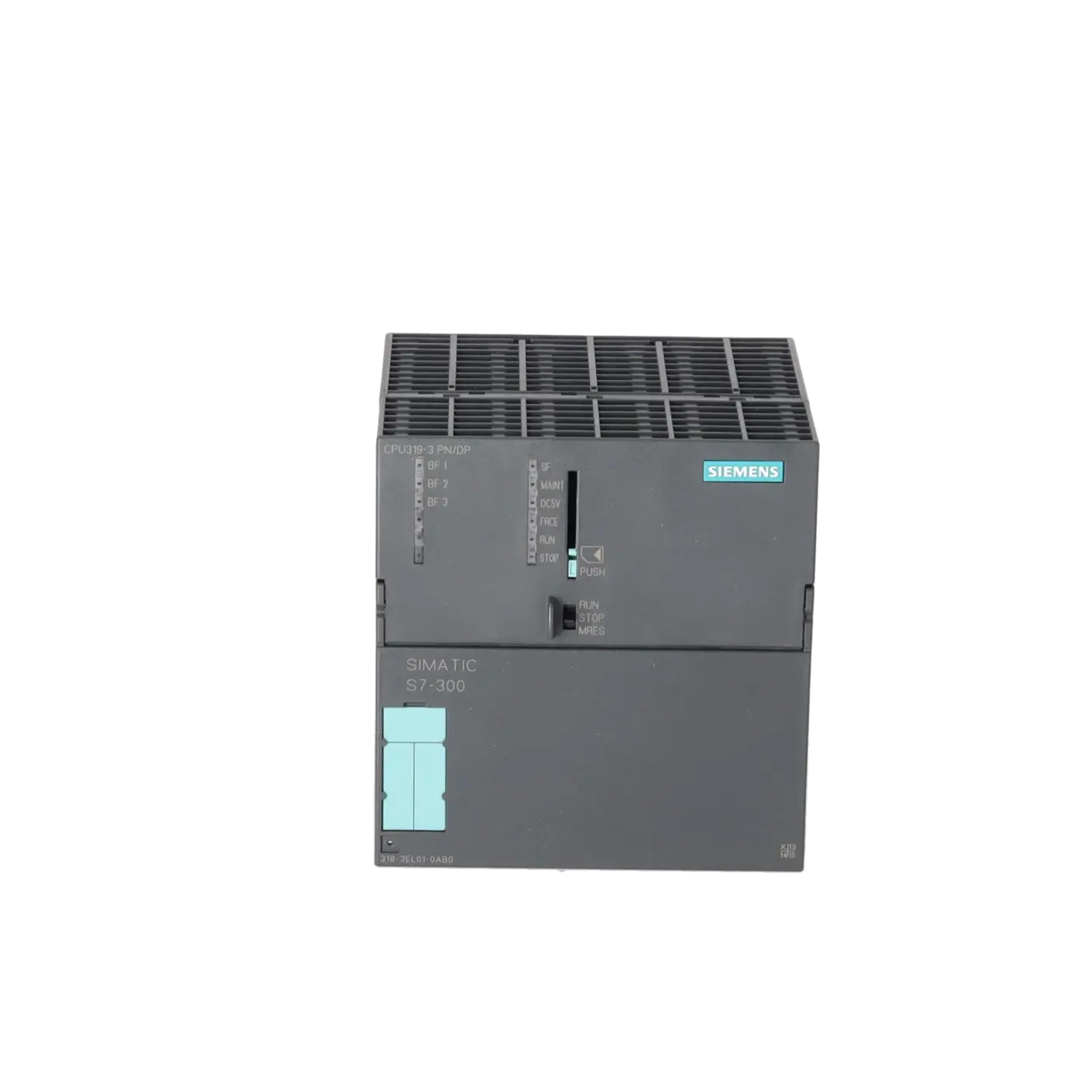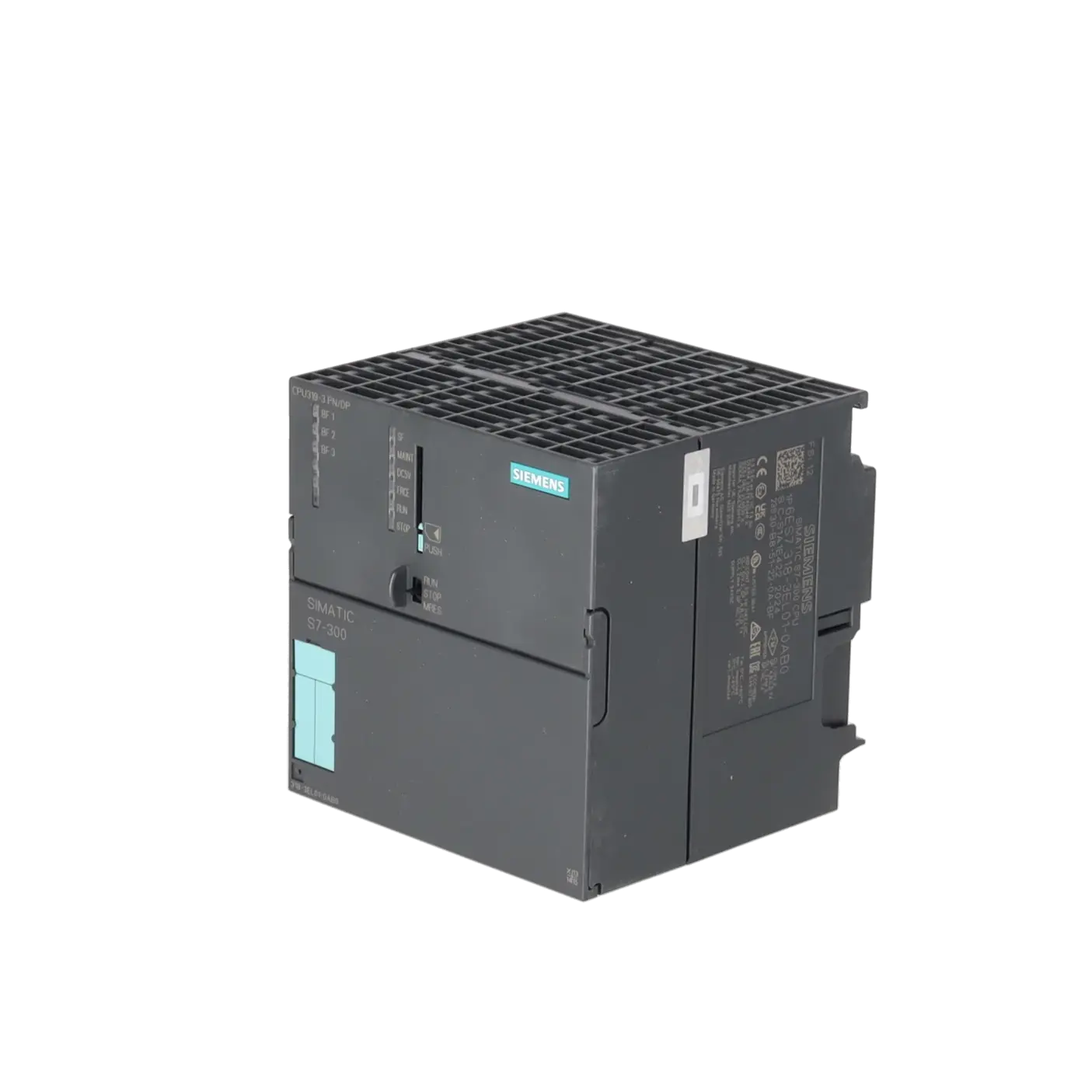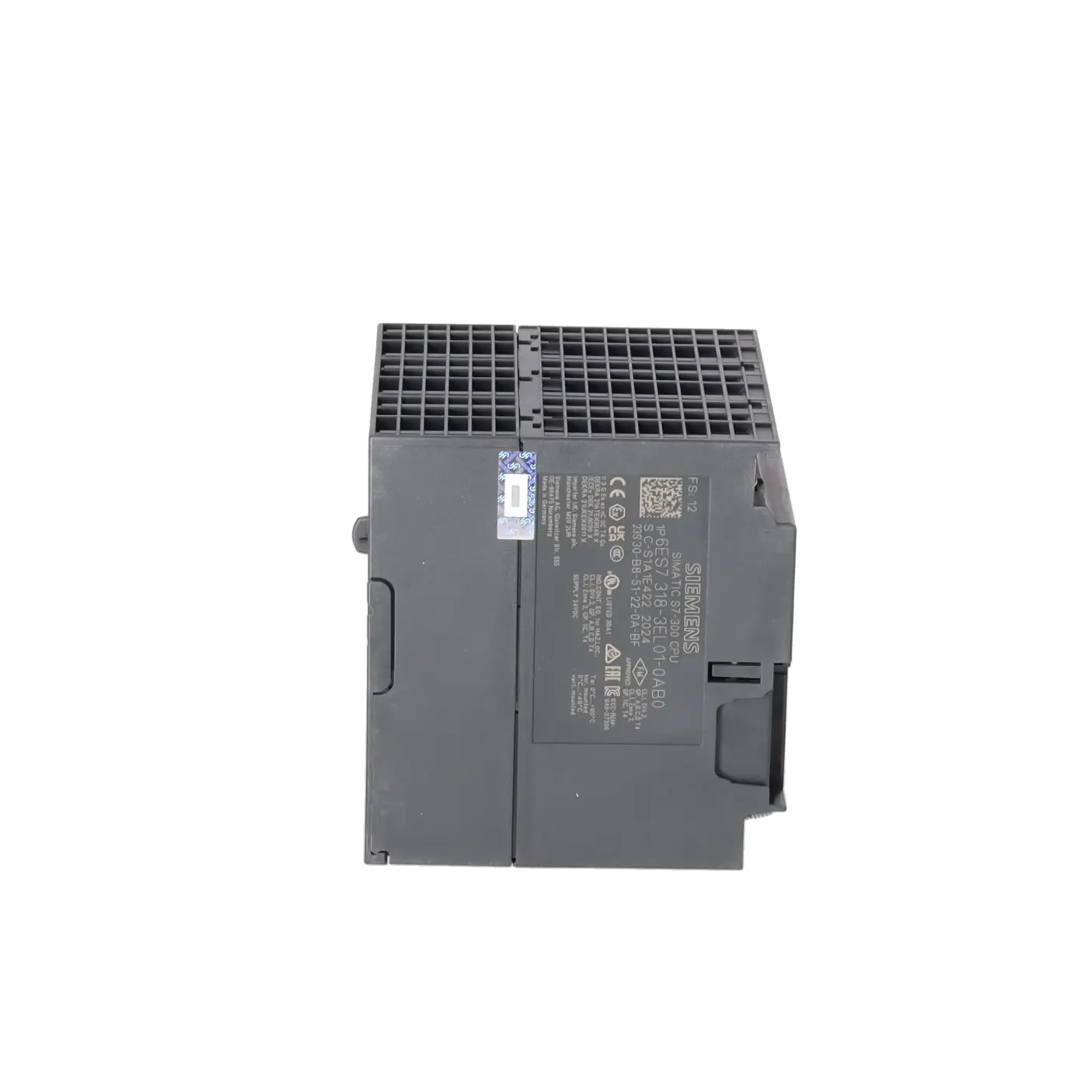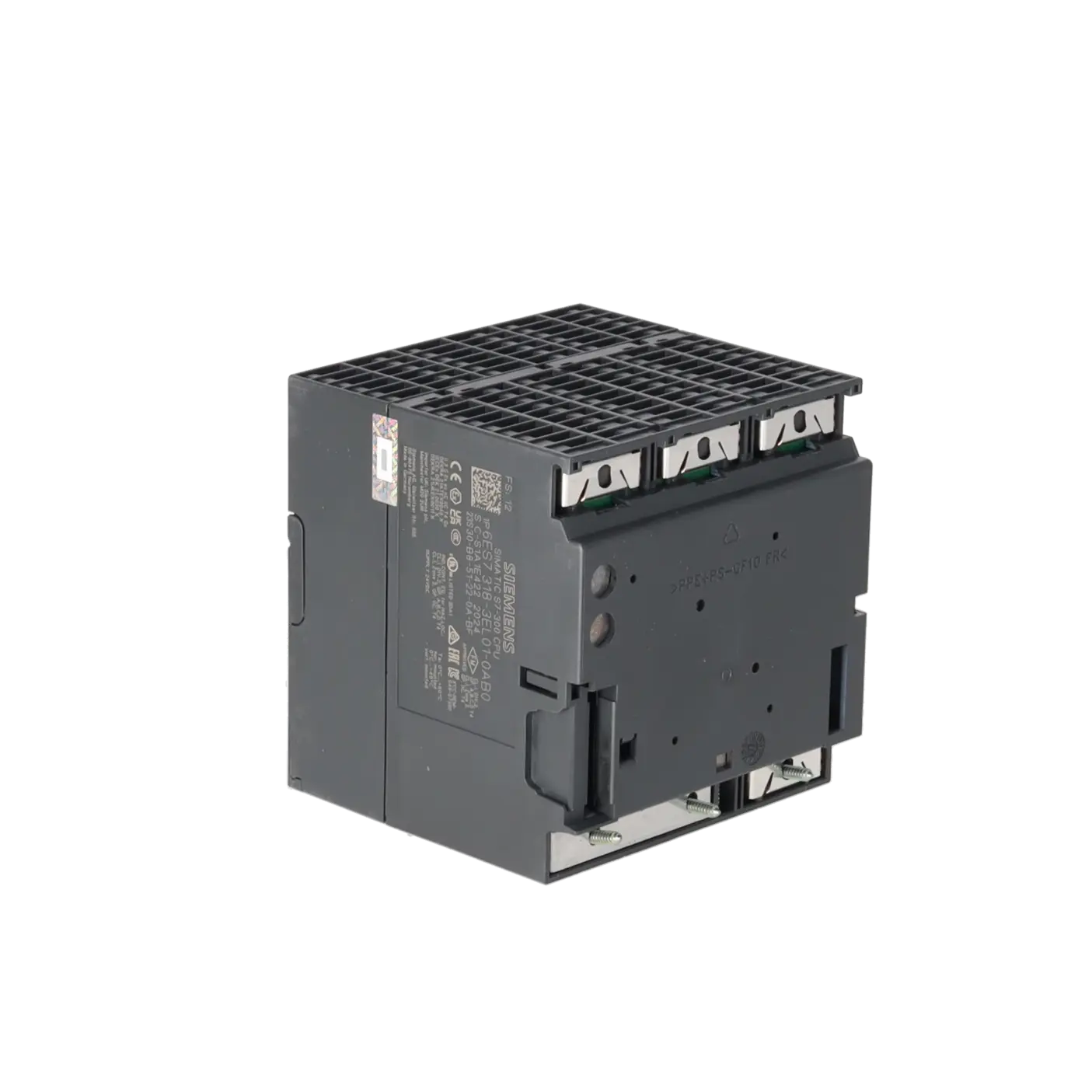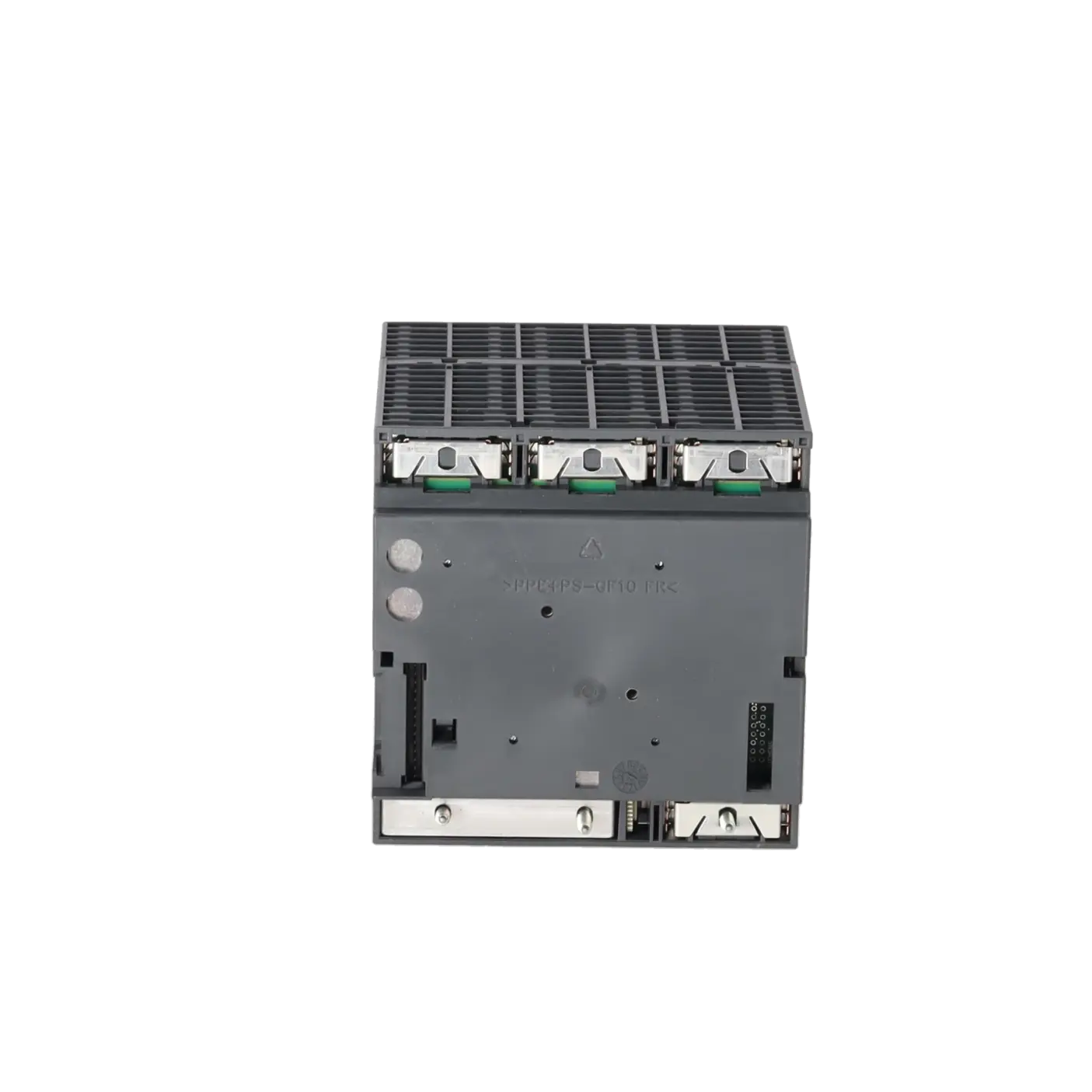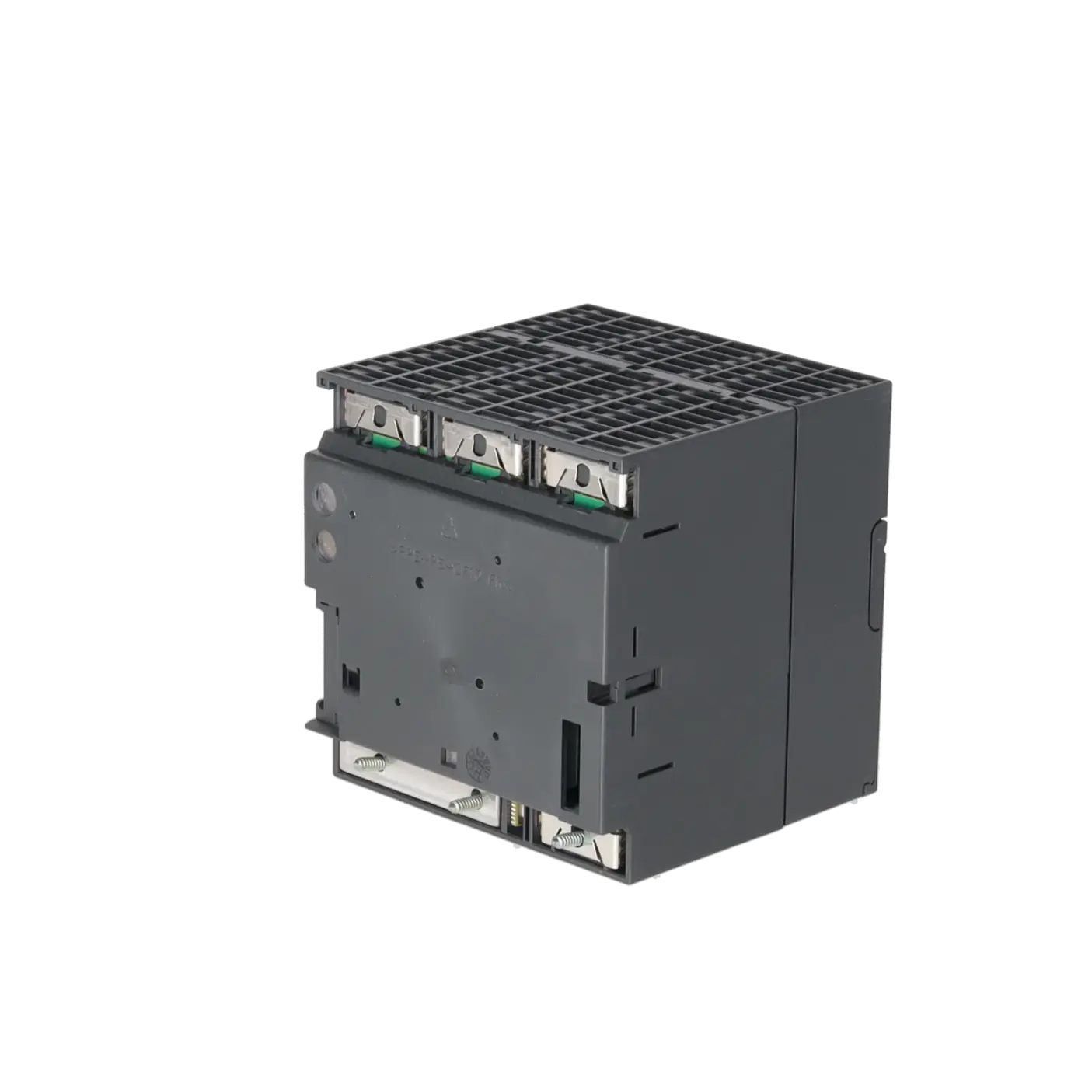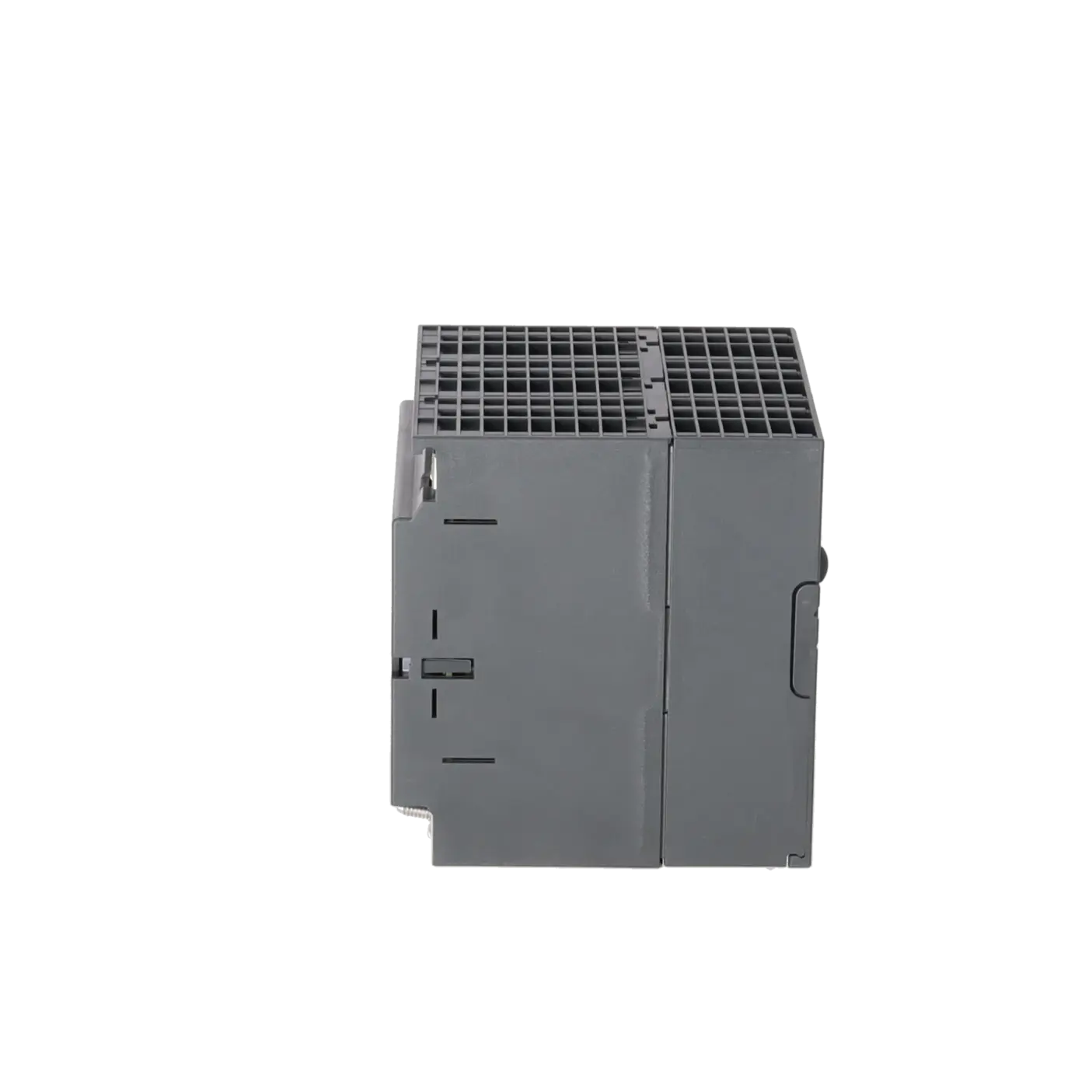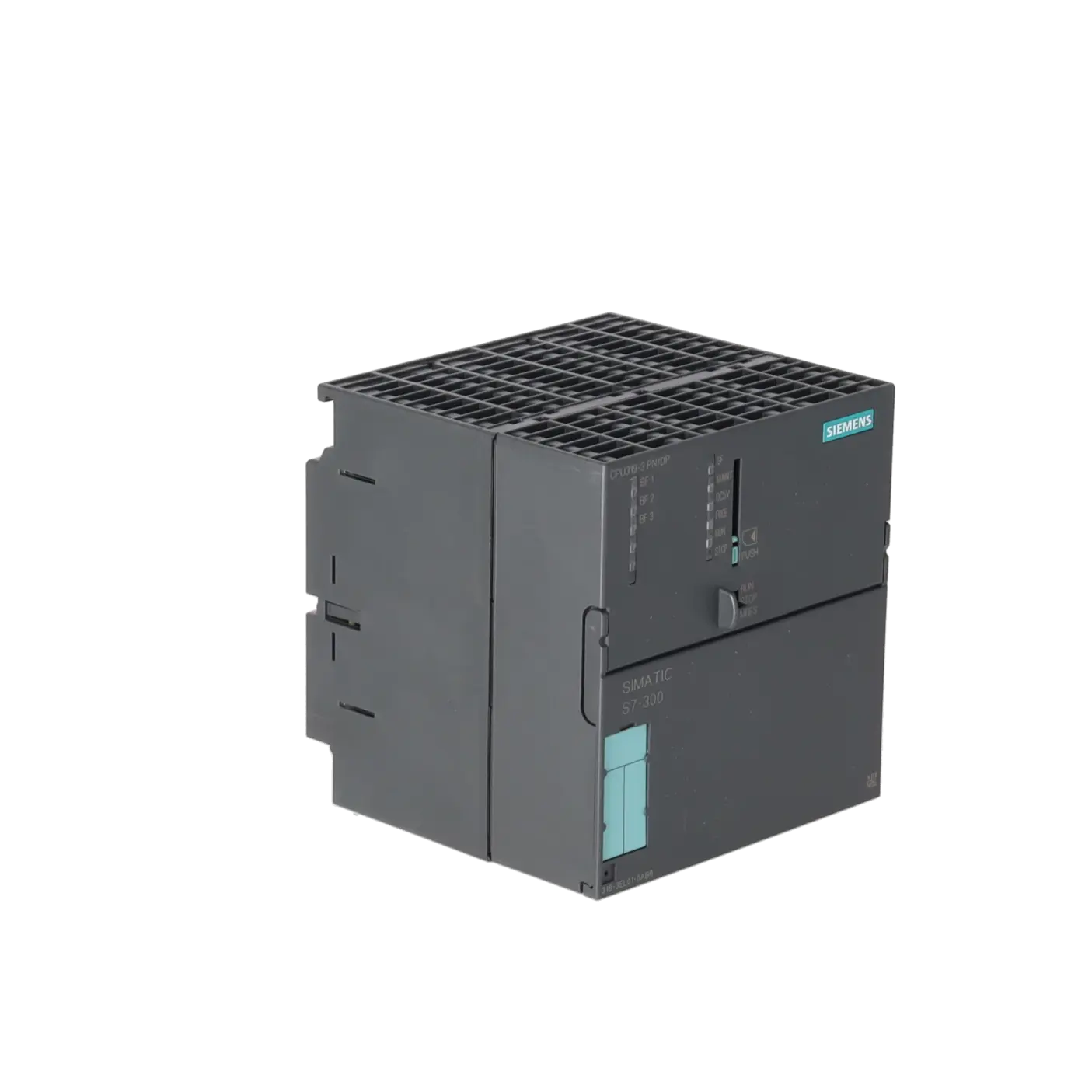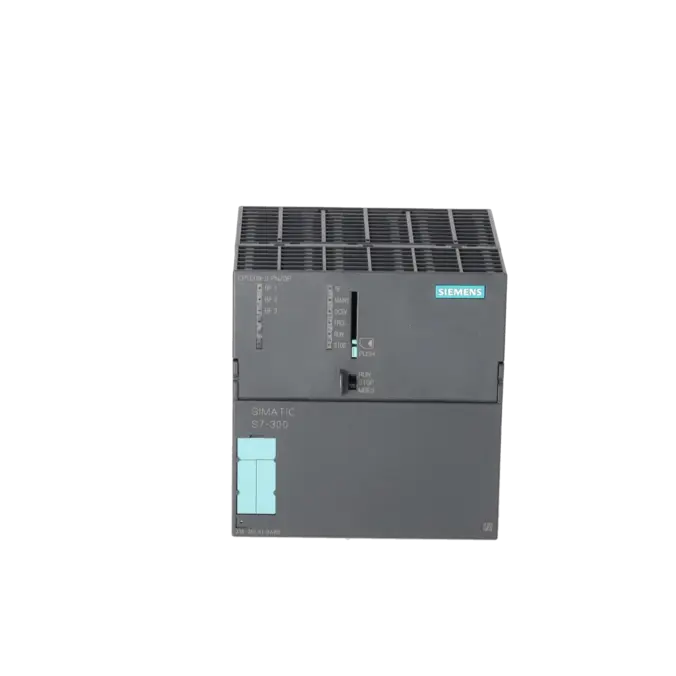
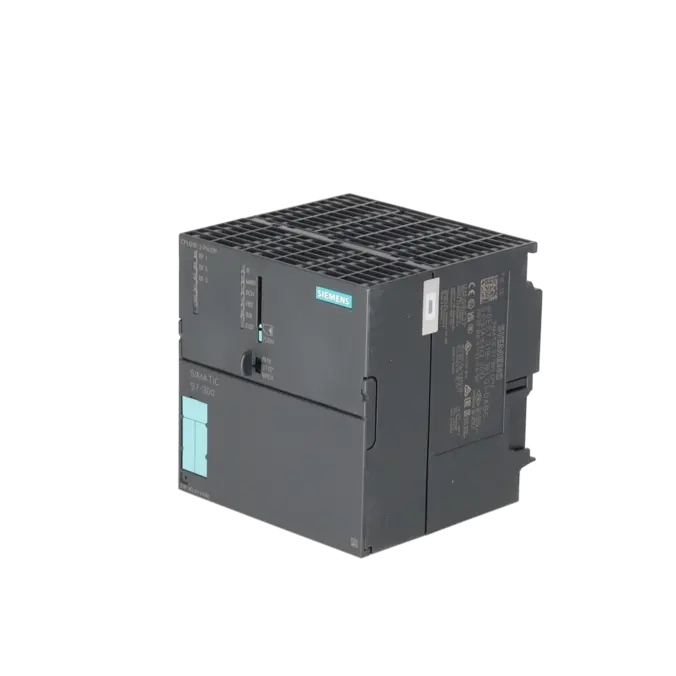
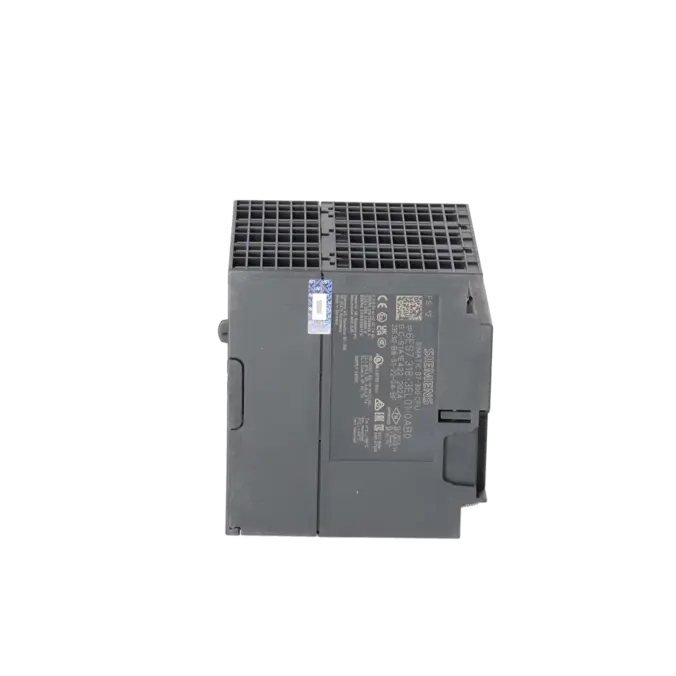
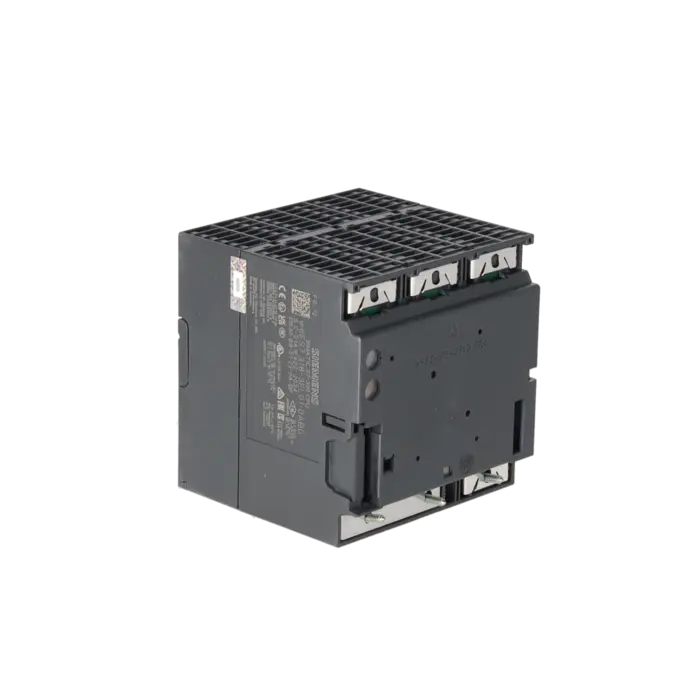
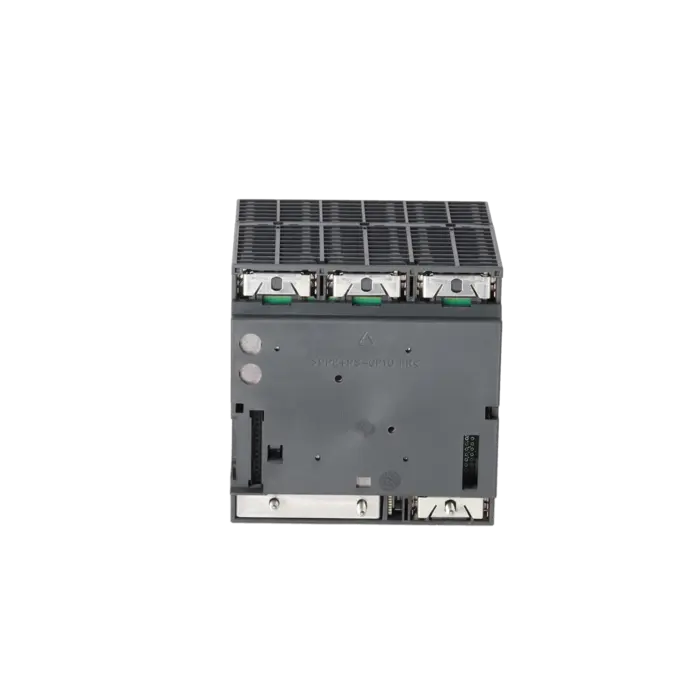
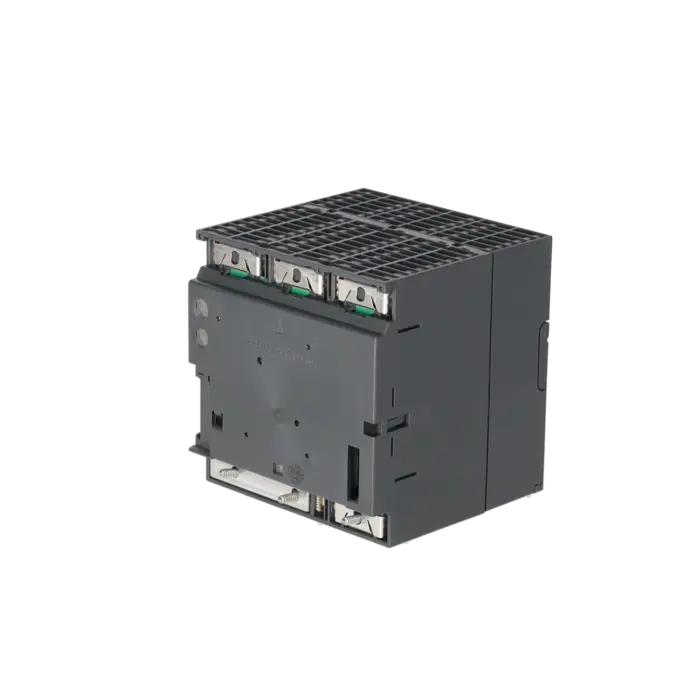
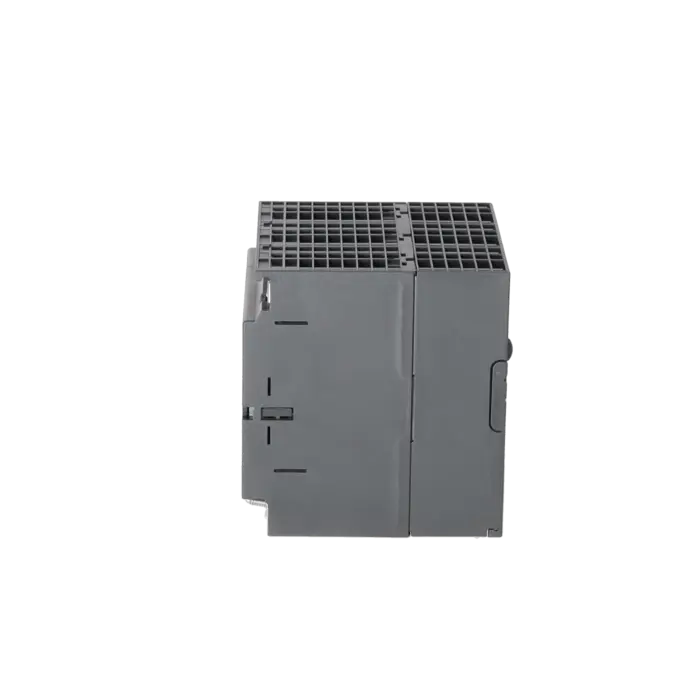
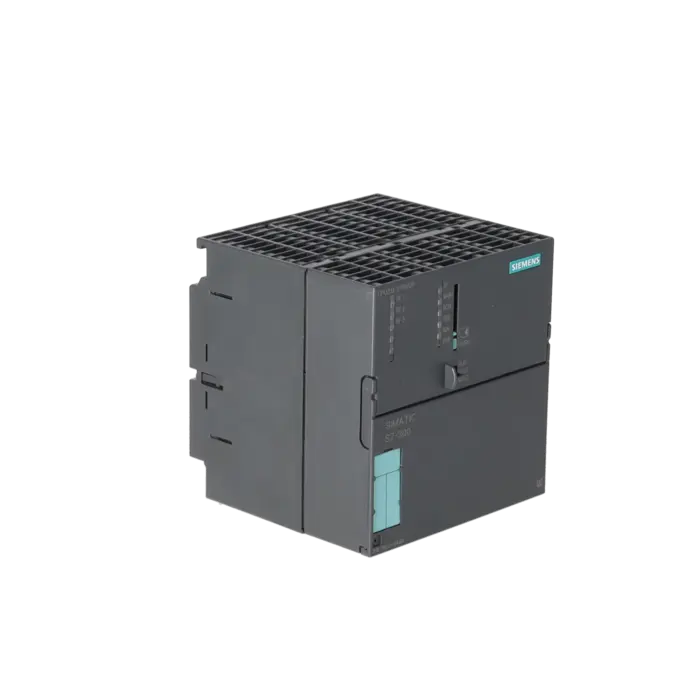
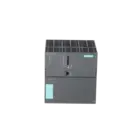
SIEMENS 6ES7318-3EL01-0AB0
- EICHLER-art.no.: K0252217
- EAN: 4025515076179
- UPC: 040892783698
Product description
SIMATIC S7-300 CPU 319-3 PN/DP, CENTRAL PROCESSING UNIT WITH 2 MB WORK MEMORY, 1ST INTERFACE MPI/DP 12 MBIT/S, 2ND INTERFACE DP MASTER/SLAVE 3RD INTERFACE ETHERNET PROFINET, WITH 2-PORT SWITCH, MICRO MEMORY CARD REQUIRED
Services for SIEMENS 6ES7318-3EL01-0AB0
Repair
from 1.450,41 €
to 2.610,74 €
Replacement
4.296,84 €
3.222,63 €
Used
6.026,53 €
4.519,90 €
New
8.441,40 €
6.331,05 €
SIEMENS |
6ES7318-3EL01-0AB0 –
additional product information
| Delivery information | |||
|---|---|---|---|
| Export identifier | AL: N ECCN: EAR99H | ||
| Net weight | 1.392 | ||
| Quantity | 1 Stück | ||
| Packaging quantity | 1 | ||
| Additional product information | |||
|---|---|---|---|
| Product status | EOP: 2025-10-01 | ||
| EAN | 4025515076179 | ||
| UPC | 040892783698 | ||
| Static lot number | 85371091 | ||
| List indicator | ST73 | ||
| Product group | 4256 | ||
| Country of origin | DE | ||
| Compliance with the substance restrictions according to RoHS directive | Since: 20100806 | ||
| Product classifications | Version | Classification | |
|---|---|---|---|
| eClass | 4 | 27-24-03-02 | |
| eClass | 5.1 | 27-24-22-07 | |
| eClass | 6.0 | 27-24-22-07 | |
| ETIM | 3 | / | |
| ETIM | 4 | EC000236 | |
| ETIM | 5 | EC000236 | |
What is 6ES7318-3EL01-0AB0 and where is it used?
The SIEMENS 6ES7318-3EL01-0AB0 is the SIMATIC S7-300 CPU 319-3 PN/DP, a high-performance central processing assembly for modular automation solutions in existing installations. It is used wherever machines, production lines, or process systems require a high-performance CPU, traditional fieldbus connectivity, and Ethernet communication simultaneously. Typical applications include systems using PROFIBUS DP, MPI/DP, and PROFINET, such as packaging machines, assembly systems, conveyor technology, and retrofit projects. For maintenance personnel, the assembly is particularly relevant when an existing S7-300 CPU must be identified precisely, replaced quickly, or repaired economically after a failure. For purchasing departments, the exact article number is important because it directly determines the version, memory size, and communication interfaces.
Overview of the key technical data and what they mean
The CPU provides 2 MB of work memory, operates on 24 V DC, requires a SIMATIC Micro Memory Card (MMC), and offers three communication paths: 1 × MPI/DP with up to 12 Mbit/s, 1 × PROFIBUS DP master/slave interface, and 1 × PROFINET Ethernet interface with an integrated 2-port switch. In practice, this means that the assembly is suitable for both traditional S7-300 architectures with distributed I/O and Ethernet-based connections for HMI, PG/OP, and I/O devices. Siemens also specifies support for isochronous operation, an integrated web server, up to 124 DP devices as a DP master, and a total of 32 communication connections. Configuration and programming are carried out using STEP 7 V5.5 or later, with support for LAD, FBD, STL, SCL, CFC, GRAPH, and HiGraph.
Product status, life cycle status and obsolescence
For operators of legacy systems, the status of this CPU is particularly important. Siemens lists the 6ES7318-3EL01-0AB0 as a spare part, while the Siemens Portal also identifies the lifecycle status as “Prod. Cancellation”. This indicates an assembly that remains technically relevant but is already in an advanced stage of obsolescence, with increasing procurement and availability risks. For production and purchasing departments, this means that spare parts stockholding, repair capability, and qualified sourcing channels are becoming increasingly important. The Siemens migration documentation primarily focuses on modernisation paths: in the Siemens migration guide, the CPU 319-3 PN/DP is mapped to the S7-1500 CPU 1517-3 PN/DP. However, this represents a migration strategy rather than a simple 1:1 replacement within an existing S7-300 rack.
Available EICHLER services and when they are relevant in practice
For operators of ageing S7-300 systems, EICHLER services are particularly valuable when the cost of downtime exceeds the cost of repair or replacement. For 6ES7318-3EL01-0AB0, EICHLER offers Repair, Exchange, Used, and New options. The repair service is specified with a turnaround time of 2–5 days and includes technical cleaning, preventive maintenance, comprehensive functional testing, and a minimum 24-month warranty. Exchange, used, and new units are currently listed with delivery times of 1–3 days. In addition, a test report for CPU/central processing assemblies can be selected. For maintenance and purchasing departments, this provides practical flexibility: depending on the fault situation, it is possible either to retain the original assembly, minimise downtime, or secure spare parts availability for a discontinued platform in a more predictable manner.
| Attribute | Value |
|---|---|
| General information | |
| Product type designation | CPU 319-3 PN/DP |
| HW functional status | 1 |
| Firmware version | V3.2 |
| Product function | |
| ● Isochronous mode | Yes; Via 2nd PROFIBUS DP or PROFINET interface |
| Engineering with | |
| ● Programming package | STEP 7 V5.5 or higher |
| Supply voltage | |
| Rated value (DC) | 24 V |
| permissible range, lower limit (DC) | 19.2 V |
| permissible range, upper limit (DC) | 28.8 V |
| external protection for power supply lines (recommendation) | 2 A min. |
| Mains buffering | |
| ● Mains/voltage failure stored energy time | 5 ms |
| ● Repeat rate, min. | 1 s |
| Input current | |
| Current consumption (rated value) | 1 250 mA |
| Current consumption (in no-load operation), typ. | 500 mA |
| Inrush current, typ. | 4 A |
| I²t | 1.2 A²·s |
| Power loss | |
| Power loss, typ. | 14 W |
| Memory | |
| Work memory | |
| ● integrated | 2 048 kbyte |
| ● expandable | No |
| Load memory | |
| ● Plug-in (MMC) | Yes |
| ● Plug-in (MMC), max. | 8 Mbyte |
| ● Data management on MMC (after last programming), min. | 10 a |
| Backup | |
| ● present | Yes |
| ● without battery | Yes |
| CPU processing times | |
| for bit operations, typ. | 0.004 µs |
| for word operations, typ. | 0.01 µs |
| for fixed point arithmetic, typ. | 0.01 µs |
| for floating point arithmetic, typ. | 0.04 µs |
| CPU-blocks | |
| Number of blocks (total) | 4 096; (DBs, FCs, FBs); the maximum number of loadable blocks can be reduced by the MMC used. |
| DB | |
| ● Number, max. | 4 096; Number range: 1 to 16000 |
| ● Size, max. | 64 kbyte |
| FB | |
| ● Number, max. | 4 096; Number range: 0 to 7999 |
| ● Size, max. | 64 kbyte |
| FC | |
| ● Number, max. | 4 096; Number range: 0 to 7999 |
| ● Size, max. | 64 kbyte |
| OB | |
| ● Size, max. | 64 kbyte |
| ● Number of free cycle OBs | 1; OB 1 |
| ● Number of time alarm OBs | 1; OB 10 |
| ● Number of delay alarm OBs | 2; OB 20, 21 |
| ● Number of cyclic interrupt OBs | 4; OB 32, 33, 34, 35 (OB 35: smallest settable clock pulse = 500 µs) |
| ● Number of process alarm OBs | 1; OB 40 |
| ● Number of DPV1 alarm OBs | 3; OB 55, 56, 57 |
| ● Number of isochronous mode OBs | 1; OB 61 |
| ● Number of startup OBs | 1; OB 100 |
| ● Number of asynchronous error OBs | 6; OB 80, 82, 83, 85, 86, 87 (OB83 only for PROFINET IO) |
| ● Number of synchronous error OBs | 2; OB 121, 122 |
| Nesting depth | |
| ● per priority class | 16 |
| ● additional within an error OB | 4 |
| Counters, timers and their retentivity | |
| S7 counter | |
| ● Number | 2 048 |
| Retentivity | |
| — adjustable | Yes |
| — preset | Z 0 to Z 7 |
| Counting range | |
| — adjustable | Yes |
| — lower limit | 0 |
| — upper limit | 999 |
| IEC counter | |
| ● present | Yes |
| ● Type | SFB |
| ● Number | Unlimited (limited only by RAM capacity) |
| S7 times | |
| ● Number | 2 048 |
| Retentivity | |
| — adjustable | Yes |
| — preset | No retentivity |
| Time range | |
| — lower limit | 10 ms |
| — upper limit | 9 990 s |
| IEC timer | |
| ● present | Yes |
| ● Type | SFB |
| ● Number | Unlimited (limited only by RAM capacity) |
| Data areas and their retentivity | |
| Retentive data area (incl. timers, counters, flags), max. | 700 kbyte |
| Flag | |
| ● Size, max. | 8 192 byte |
| ● Retentivity available | Yes; From MB 0 to MB 8 191 |
| ● Retentivity preset | MB 0 to MB 15 |
| ● Number of clock memories | 8; 1 memory byte |
| Data blocks | |
| ● Retentivity adjustable | Yes; via non-retain property on DB |
| ● Retentivity preset | Yes |
| Local data | |
| ● per priority class, max. | 32 768 byte; Max. 2048 bytes per block |
| Address area | |
| I/O address area | |
| ● Inputs | 8 192 byte |
| ● Outputs | 8 192 byte |
| of which distributed | |
| — Inputs | 8 192 byte |
| — Outputs | 8 192 byte |
| Process image | |
| ● Inputs | 8 192 byte |
| ● Outputs | 8 192 byte |
| ● Inputs, adjustable | 8 192 byte |
| ● Outputs, adjustable | 8 192 byte |
| ● Inputs, default | 256 byte |
| ● Outputs, default | 256 byte |
| Subprocess images | |
| ● Number of subprocess images, max. | 1; With PROFINET IO, the length of the user data is limited to 1600 bytes |
| Digital channels | |
| ● Inputs | 65 536 |
| — of which central | 1 024 |
| ● Outputs | 65 536 |
| — of which central | 1 024 |
| Analog channels | |
| ● Inputs | 4 096 |
| — of which central | 256 |
| ● Outputs | 4 096 |
| — of which central | 256 |
| Hardware configuration | |
| Number of DP masters | |
| ● integrated | 2 |
| ● via CP | 4 |
| Number of operable FMs and CPs (recommended) | |
| ● FM | 8 |
| ● CP, PtP | 8 |
| ● CP, LAN | 10 |
| Rack | |
| ● Racks, max. | 4 |
| ● Modules per rack, max. | 8 |
| Time of day | |
| Clock | |
| ● Hardware clock (real-time) | Yes |
| ● retentive and synchronizable | Yes |
| ● Backup time | 6 wk; At 40 °C ambient temperature |
| ● Deviation per day, max. | 10 s; Typ.: 2 s |
| ● Behavior of the clock following POWER-ON | Clock continues running after POWER OFF |
| ● Behavior of the clock following expiry of backup period | the clock continues at the time of day it had when power was switched off |
| Operating hours counter | |
| ● Number | 4 |
| ● Number/Number range | 0 to 3 |
| ● Range of values | 0 to 2^31 hours (when using SFC 101) |
| ● Granularity | 1 h |
| ● retentive | Yes; Must be restarted at each restart |
| Clock synchronization | |
| ● supported | Yes |
| ● to MPI, master | Yes |
| ● on MPI, device | Yes |
| ● to DP, master | Yes; With DP slave only slave clock |
| ● on DP, device | Yes |
| ● in AS, master | Yes |
| ● in AS, device | Yes |
| ● on Ethernet via NTP | Yes; As client |
| Digital inputs | |
| Number of digital inputs | 0 |
| Digital outputs | |
| Number of digital outputs | 0 |
| Analog inputs | |
| Number of analog inputs | 0 |
| Interfaces | |
| Number of PROFINET interfaces | 1; 2 ports (switch) RJ45 |
| Number of RS 485 interfaces | 2; Combined MPI / PROFIBUS DP and PROFIBUS DP |
| Number of RS 422 interfaces | 0 |
| 1. Interface | |
| Interface type | Integrated RS 485 interface |
| Isolated | Yes |
| Interface types | |
| ● RS 485 | Yes |
| ● Output current of the interface, max. | 150 mA |
| Protocols | |
| ● MPI | Yes |
| ● PROFIBUS DP master | Yes |
| ● PROFIBUS DP device | Yes; A DP slave at both interfaces simultaneously is not possible |
| ● Point-to-point connection | No |
| MPI | |
| ● Transmission rate, max. | 12 Mbit/s |
| Services | |
| — PG/OP communication | Yes |
| — Routing | Yes |
| — Global data communication | Yes |
| — S7 basic communication | Yes |
| — S7 communication | Yes |
| — S7 communication, as client | No; but via CP and loadable FB |
| — S7 communication, as server | Yes |
| PROFIBUS DP master | |
| ● Transmission rate, max. | 12 Mbit/s |
| ● max. number of DP devices | 124 |
| Services | |
| — PG/OP communication | Yes |
| — Routing | Yes |
| — Global data communication | No |
| — S7 basic communication | Yes; I blocks only |
| — S7 communication | Yes |
| — S7 communication, as client | No |
| — S7 communication, as server | Yes |
| — Equidistance | Yes |
| — Isochronous mode | No |
| — SYNC/FREEZE | Yes |
| — activation/deactivation of DP devices | Yes |
| — max. number of DP devices that can be activated/deactivated at the same time | 8 |
| — Direct data exchange (slave-to-slave communication) | Yes; as subscriber |
| — DPV1 | Yes |
| Address area | |
| — Inputs, max. | 8 kbyte |
| — Outputs, max. | 8 kbyte |
| User data per DP device | |
| — Inputs, max. | 244 byte |
| — Outputs, max. | 244 byte |
| PROFIBUS DP device | |
| ● Transmission rate, max. | 12 Mbit/s |
| ● automatic baud rate search | Yes; only with passive interface |
| ● Address area, max. | 32 |
| ● User data per address area, max. | 32 byte |
| Services | |
| — PG/OP communication | Yes |
| — Routing | Yes; with interface active |
| — Global data communication | No |
| — S7 basic communication | No |
| — S7 communication | Yes |
| — S7 communication, as client | No |
| — S7 communication, as server | Yes; Connection configured on one side only |
| — Direct data exchange (slave-to-slave communication) | Yes |
| — DPV1 | No |
| Transfer memory | |
| — Inputs | 244 byte |
| — Outputs | 244 byte |
| 2. Interface | |
| Interface type | Integrated RS 485 interface |
| Isolated | Yes |
| Interface types | |
| ● RS 485 | Yes |
| ● Output current of the interface, max. | 200 mA |
| Protocols | |
| ● MPI | No |
| ● PROFINET IO Controller | No |
| ● PROFINET IO Device | No |
| ● PROFINET CBA | No |
| ● PROFIBUS DP master | Yes |
| ● PROFIBUS DP device | Yes; A DP slave at both interfaces simultaneously is not possible |
| ● Open IE communication | No |
| ● Web server | No |
| PROFIBUS DP master | |
| ● Transmission rate, max. | 12 Mbit/s |
| ● max. number of DP devices | 124 |
| Services | |
| — PG/OP communication | Yes |
| — Routing | Yes |
| — Global data communication | No |
| — S7 basic communication | Yes; I blocks only |
| — S7 communication | Yes |
| — S7 communication, as client | No |
| — S7 communication, as server | Yes; Connection configured on one side only |
| — Equidistance | Yes |
| — Isochronous mode | Yes; OB 61 - isochronous mode is possible either on DP or PROFINET IO (not simultaneously) |
| — SYNC/FREEZE | Yes |
| — activation/deactivation of DP devices | Yes |
| — max. number of DP devices that can be activated/deactivated at the same time | 8 |
| — Direct data exchange (slave-to-slave communication) | Yes; as subscriber |
| — DPV1 | Yes |
| Address area | |
| — Inputs, max. | 8 kbyte |
| — Outputs, max. | 8 kbyte |
| User data per DP device | |
| — Inputs, max. | 244 byte |
| — Outputs, max. | 244 byte |
| PROFIBUS DP device | |
| ● GSD file | The latest GSD file is available at: http://www.siemens.com/profibus-gsd |
| ● Transmission rate, max. | 12 Mbit/s |
| ● automatic baud rate search | Yes; only with passive interface |
| ● Address area, max. | 32 |
| ● User data per address area, max. | 32 byte |
| Services | |
| — PG/OP communication | Yes |
| — Routing | Yes; with interface active |
| — Global data communication | No |
| — S7 basic communication | No |
| — S7 communication | Yes |
| — S7 communication, as client | No |
| — S7 communication, as server | Yes; Connection configured on one side only |
| — Direct data exchange (slave-to-slave communication) | Yes |
| — DPV1 | No |
| Transfer memory | |
| — Inputs | 244 byte |
| — Outputs | 244 byte |
| 3. Interface | |
| Interface type | PROFINET |
| Isolated | Yes |
| automatic detection of transmission rate | Yes; 10/100 Mbit/s |
| Autonegotiation | Yes |
| Autocrossing | Yes |
| Change of IP address at runtime, supported | Yes |
| Interface types | |
| ● RJ 45 (Ethernet) | Yes |
| ● Number of ports | 2 |
| ● integrated switch | Yes |
| Protocols | |
| ● MPI | No |
| ● PROFINET IO Controller | Yes; Also simultaneously with I-Device functionality |
| ● PROFINET IO Device | Yes; Also simultaneously with IO Controller functionality |
| ● PROFINET CBA | Yes |
| ● PROFIBUS DP master | No |
| ● PROFIBUS DP device | No |
| ● Open IE communication | Yes; Via TCP/IP, ISO on TCP, and UDP |
| ● Web server | Yes |
| ● Media redundancy | Yes |
| PROFINET IO Controller | |
| ● Transmission rate, max. | 100 Mbit/s |
| Services | |
| — PG/OP communication | Yes |
| — Routing | Yes |
| — S7 communication | Yes; with loadable FBs, max. configurable connections: 16, max. number of instances: 32 |
| — Isochronous mode | Yes; OB 61 - isochronous mode is possible either on DP or PROFINET IO (not simultaneously) |
| — Shared device | Yes |
| — Prioritized startup | Yes |
| — Number of IO devices with prioritized startup, max. | 32 |
| — Number of connectable IO Devices, max. | 256 |
| — Of which IO devices with IRT, max. | 64 |
| — of which in line, max. | 64 |
| — Number of IO Devices with IRT and the option "high flexibility" | 256 |
| — of which in line, max. | 61 |
| — Number of connectable IO Devices for RT, max. | 256 |
| — of which in line, max. | 256 |
| — Activation/deactivation of IO Devices | Yes |
| — Number of IO Devices that can be simultaneously activated/deactivated, max. | 8 |
| — IO Devices changing during operation (partner ports), supported | Yes |
| — Number of IO Devices per tool, max. | 8 |
| — Device replacement without swap medium | Yes |
| — Send cycles | 250 μs, 500 μs,1 ms; 2 ms, 4 ms (not in the case of IRT with "high flexibility" option) |
| — Updating time | 250 µs to 512 ms (depending on the operating mode, see Manual "S7-300 CPU 31xC and CPU 31x, technical Data" for more details) |
| Address area | |
| — Inputs, max. | 8 kbyte |
| — Outputs, max. | 8 kbyte |
| — User data consistency, max. | 1 024 byte |
| PROFINET IO Device | |
| Services | |
| — PG/OP communication | Yes |
| — Routing | Yes |
| — S7 communication | Yes; with loadable FBs, max. configurable connections: 16, max. number of instances: 32 |
| — Isochronous mode | No |
| — IRT | Yes |
| — PROFIenergy | Yes; With SFB 73 / 74 prepared for loadable PROFIenergy standard FB for I-Device |
| — Shared device | Yes |
| — Number of IO Controllers with shared device, max. | 2 |
| Transfer memory | |
| — Inputs, max. | 1 440 byte; Per IO Controller with shared device |
| — Outputs, max. | 1 440 byte; Per IO Controller with shared device |
| Submodules | |
| — Number, max. | 64 |
| — User data per submodule, max. | 1 024 byte |
| PROFINET CBA | |
| ● acyclic transmission | Yes |
| ● cyclic transmission | Yes |
| Open IE communication | |
| ● Number of connections, max. | 32 |
| ● Local port numbers used at the system end | 0, 20, 21, 23, 25, 80, 102, 135, 161, 443, 8080, 34962, 34963, 34964, 65532, 65533, 65534, 65535 |
| ● Keep-alive function, supported | Yes |
| Protocols | |
| PROFIsafe | No |
| Redundancy mode | |
| Media redundancy | |
| — Switchover time on line break, typ. | 200 ms; PROFINET MRP |
| — Number of stations in the ring, max. | 50 |
| Open IE communication | |
| ● TCP/IP | Yes; via integrated PROFINET interface and loadable FBs |
| — Number of connections, max. | 32 |
| — Data length for connection type 01H, max. | 1 460 byte |
| — Data length for connection type 11H, max. | 32 768 byte |
| — several passive connections per port, supported | Yes |
| ● ISO-on-TCP (RFC1006) | Yes; via integrated PROFINET interface and loadable FBs |
| — Number of connections, max. | 32 |
| — Data length, max. | 32 768 byte |
| ● UDP | Yes; via integrated PROFINET interface and loadable FBs |
| — Number of connections, max. | 32 |
| — Data length, max. | 1 472 byte |
| Web server | |
| ● supported | Yes |
| ● User-defined websites | Yes |
| ● Number of HTTP clients | 5 |
| Communication functions | |
| PG/OP communication | Yes |
| Data record routing | Yes |
| Global data communication | |
| ● supported | Yes |
| ● Number of GD loops, max. | 8 |
| ● Number of GD packets, max. | 8 |
| ● Number of GD packets, transmitter, max. | 8 |
| ● Number of GD packets, receiver, max. | 8 |
| ● Size of GD packets, max. | 22 byte |
| ● Size of GD packet (of which consistent), max. | 22 byte |
| S7 basic communication | |
| ● supported | Yes |
| ● User data per job, max. | 76 byte |
| ● User data per job (of which consistent), max. | 76 byte; 76 bytes (with X_SEND or X_RCV); 64 bytes (with X_PUT or X_GET as server) |
| S7 communication | |
| ● supported | Yes |
| ● as server | Yes |
| ● as client | Yes; via integrated PROFINET interface and loadable FB or via CP and loadable FB |
| ● User data per job, max. | See online help of STEP 7 (shared parameters of the SFBs/FBs and of the SFCs/FCs of S7 Communication) |
| S5 compatible communication | |
| ● supported | Yes; via CP and loadable FC |
| PROFINET CBA (at set setpoint communication load) | |
| ● Setpoint for the CPU communication load | 20 % |
| ● Number of remote interconnection partners | 32 |
| ● number of master/device functions | 50 |
| ● total of all master/device connections | 3 000 |
| ● data length of all incoming master/device connections, max. | 24 000 byte |
| ● data length of all outgoing master/device connections, max. | 24 000 byte |
| ● Number of device-internal and PROFIBUS interconnections | 1 000 |
| ● Data length of device-internal und PROFIBUS interconnections, max. | 8 000 byte |
| ● Data length per connection, max. | 1 400 byte |
| Remote interconnections with cyclic transmission | |
| — Transmission frequency: Transmission interval, min. | 1 ms |
| — Number of incoming interconnections | 300 |
| — Number of outgoing interconnections | 300 |
| — Data length of all incoming interconnections, max. | 4 800 byte |
| — Data length of all outgoing interconnections, max. | 4 800 byte |
| — Data length per connection, max. | 450 byte |
| HMI variables via PROFINET (acyclic) | |
| — Number of stations that can log on for HMI variables (PN OPC/iMap) | 3; 2x PN OPC/1x iMap |
| — HMI variable updating | 500 ms |
| — Number of HMI variables | 600 |
| — Data length of all HMI variables, max. | 9 600 byte |
| PROFIBUS proxy functionality | |
| — supported | Yes |
| — Number of linked PROFIBUS devices | 32 |
| — Data length per connection, max. | 240 byte; Slave-dependent |
| Number of connections | |
| ● overall | 32 |
| ● usable for PG communication | 31 |
| — reserved for PG communication | 1 |
| — adjustable for PG communication, min. | 1 |
| — adjustable for PG communication, max. | 31 |
| ● usable for OP communication | 31 |
| — reserved for OP communication | 1 |
| — adjustable for OP communication, min. | 1 |
| — adjustable for OP communication, max. | 31 |
| ● usable for S7 basic communication | 30 |
| — reserved for S7 basic communication | 0 |
| — adjustable for S7 basic communication, min. | 0 |
| — adjustable for S7 basic communication, max. | 30 |
| ● usable for S7 communication | 16 |
| — reserved for S7 communication | 0 |
| — adjustable for S7 communication, min. | 0 |
| — adjustable for S7 communication, max. | 16 |
| ● total number of instances, max. | 32 |
| ● usable for routing | X1 as MPI: max. 10; X1 as DP master: max. 24; X1 as DP slave (active): max. 14; X2 as DP master: max. 24; X2 as DP slave (active): max. 14; X3 as PROFINET: 48 max. |
| S7 message functions | |
| Number of login stations for message functions, max. | 32; Depending on the configured connections for PG/OP and S7 basic communication |
| Process diagnostic messages | Yes |
| simultaneously active Alarm_S blocks, max. | 300 |
| Test commissioning functions | |
| Status block | Yes; Up to 2 simultaneously |
| Single step | Yes |
| Number of breakpoints | 4 |
| Status/control | |
| ● Status/control variable | Yes |
| ● Variables | Inputs, outputs, memory bits, DB, times, counters |
| ● Number of variables, max. | 30 |
| — of which status variables, max. | 30 |
| — of which control variables, max. | 14 |
| Forcing | |
| ● Forcing | Yes |
| ● Forcing, variables | Inputs, outputs |
| ● Number of variables, max. | 10 |
| Diagnostic buffer | |
| ● present | Yes |
| ● Number of entries, max. | 500 |
| — adjustable | No |
| — of which powerfail-proof | 100 |
| ● Number of entries readable in RUN, max. | 499 |
| — adjustable | Yes; From 10 to 499 |
| — preset | 10 |
| Service data | |
| ● can be read out | Yes |
| Ambient conditions | |
| Ambient temperature during operation | |
| ● min. | 0 °C |
| ● max. | 60 °C |
| Configuration | |
| Configuration software | |
| ● STEP 7 | Yes; V5.5 or higher |
| Programming | |
| ● Command set | see instruction list |
| ● Nesting levels | 8 |
| ● System functions (SFC) | see instruction list |
| ● System function blocks (SFB) | see instruction list |
| Programming language | |
| — LAD | Yes |
| — FBD | Yes |
| — STL | Yes |
| — SCL | Yes |
| — CFC | Yes |
| — GRAPH | Yes |
| — HiGraph® | Yes |
| Know-how protection | |
| ● User program protection/password protection | Yes |
| ● Block encryption | Yes; With S7 block Privacy |
| Dimensions | |
| Width | 120 mm |
| Height | 125 mm |
| Depth | 130 mm |
| Weights | |
| Weight, approx. | 1 250 g |
| Fault description | Possible solution |
|---|---|
| Why is the BF LED on the 6ES7318-3EL01-0AB0 permanently illuminated? | On DP CPUs, a permanently illuminated BF LED indicates a bus fault, a DP interface fault, differing transmission rates in multi-master operation, or a short circuit on the bus. First check the bus cable, terminating resistors, and connectors. Then verify the baud rate and the configuration in STEP 7. If the CPU was previously communicating with a DP partner while in RUN, OB86 will be evaluated. If OB86 is not loaded, the CPU may additionally switch to STOP. |
| Why is the BF LED of the CPU 319-3 PN/DP flashing? | A flashing BF LED usually indicates that, as a DP master, at least one configured slave is not reachable or that the configured station does not match the actual hardware. In DP slave operation, additional causes may include a watchdog timeout, communication interruption, an incorrect PROFIBUS address, or inconsistent parameters. Allow the CPU to complete its start-up sequence and then verify that all slaves are reachable, the address is correctly configured, and the actual bus structure exactly matches the hardware configuration. |
| Why does the CPU switch to STOP after a peripheral access and report OB122? | OB122 is triggered by peripheral access faults, for example when the program directly accesses a missing, faulty, or incorrectly addressed assembly, a failed DP slave, or an unavailable PROFINET I/O device. Check the addressing in HW Config, the actual configuration of the distributed I/O, and any loose connections. If OB122 is not loaded, the CPU switches to STOP. If the fault originates from the process image, OB85 may also be relevant. |
| Why is the SF LED illuminated and the CPU stopping after assembly or station faults? | On this CPU, the SF LED indicates diagnostic events such as assemblies being inserted or removed during RUN, as well as faults on PROFIBUS or PROFINET devices. Depending on the event, OB82, OB83, or OB86 will be called. If these organisation blocks are not loaded, the CPU may switch to STOP. Therefore, verify that the affected station is physically present, that all modules are securely installed, and that the required diagnostic OBs have been correctly configured and downloaded according to the system architecture. |
| Why does the CPU request a memory reset after inserting the Micro Memory Card, or remain in STOP/SF? | The CPU 319-3 PN/DP requires a SIMATIC Micro Memory Card (MMC) for operation. Problems can occur if the MMC is unsuitable, uninitialised, defective, contains invalid data, or has been corrupted by an interrupted write process. Siemens also states that an MMC must not be removed while the CPU is in RUN, as this can damage the stored data. As a test, replace the card with a compatible MMC, perform a memory reset, and download the user program again. If an operating system or firmware issue is suspected, the appropriate Siemens firmware update should then be checked. |
Is 6ES7318-3EL01-0AB0 still an active Siemens product?
Siemens classifies the assembly as a spare part, and the Siemens Portal additionally lists the lifecycle status as “Prod. Cancellation”. For operators, this means that the CPU remains relevant for legacy systems, but it is no longer part of Siemens' active growth platform. As a result, the importance of forward-looking spare parts procurement, repair capability, and a robust service strategy increases significantly.
Does the CPU 319-3 PN/DP require a Micro Memory Card?
Yes. Siemens explicitly states in both the datasheet and the CPU documentation that the assembly requires a SIMATIC Micro Memory Card (MMC). The reason is that the CPU does not provide an integrated load memory for operation. In practice, this means that without a suitable MMC, neither reliable operation nor secure program transfer can be ensured. When replacing the CPU, the memory card should therefore always be treated as a critical commissioning component.
What are MPI/DP, DP, and PROFINET used for in everyday applications?
The three interfaces serve different purposes. MPI/DP remains important in many legacy systems for PG/OP service access and traditional communication. The second DP interface enables operation as either a DP master or DP slave for distributed I/O and older fieldbus structures. PROFINET, with its integrated 2-port switch, simplifies Ethernet connectivity for HMIs, engineering stations, and I/O devices without immediately requiring additional network hardware in every topology. For retrofit projects and spare parts management, this exact combination of interfaces is often the reason why the specific CPU variant must be sourced.
Which software is used to configure 6ES7318-3EL01-0AB0?
The Siemens datasheet specifies STEP 7 V5.5 or later for this CPU. Siemens also states that firmware updates require compatible STEP 7 versions. For operators of legacy systems, this is important because procuring the hardware alone is not sufficient. It is equally important to ensure that the existing engineering environment, project archive, and service workflows remain compatible with the platform. Particularly in older S7-300 installations, project versions, firmware revisions, and the PG/PC environment should be checked before procurement.
Is there a successor to the CPU 319-3 PN/DP?
For modernisation projects, Siemens identifies the CPU 1517-3 PN/DP within the S7-1500 platform as the target system in its migration guide. This is particularly relevant for operators who are planning a long-term platform upgrade rather than simply replacing a failed CPU. However, it is important to understand that this designation describes a migration path, not a simple mechanical or project-level replacement within an existing S7-300 configuration. Operators seeking to minimise downtime in the short term will generally still require the original CPU class or a specialised repair or exchange service.
When is repair more economical than exchange or purchasing a replacement unit?
Repair is generally the most economical option when the existing hardware and software platform are intended to remain unchanged and a planned reinstallation is more cost-effective than an immediate migration. On the EICHLER product page, repair is specified with a turnaround time of 2–5 days and includes technical cleaning, preventive maintenance, functional testing, and a minimum 24-month warranty. Exchange, used, and new units, on the other hand, are particularly attractive when downtime must be reduced to an absolute minimum; these services are currently specified with turnaround times of 1–3 days. For purchasing and production departments, this creates a clear decision framework balancing cost, speed, and operational risk.
Why is a test report useful for a CPU/central processing assembly?
On the EICHLER website, an optional test report for CPU/central processing assemblies can be selected for exchange and used-unit services. This is particularly useful for companies operating in critical production environments, where documentation is required internally or where a traceable verification of testing is needed before installation. It helps reduce queries between maintenance, purchasing, and quality departments, while also supporting a smooth handover to stores, spare parts management, and recommissioning processes.