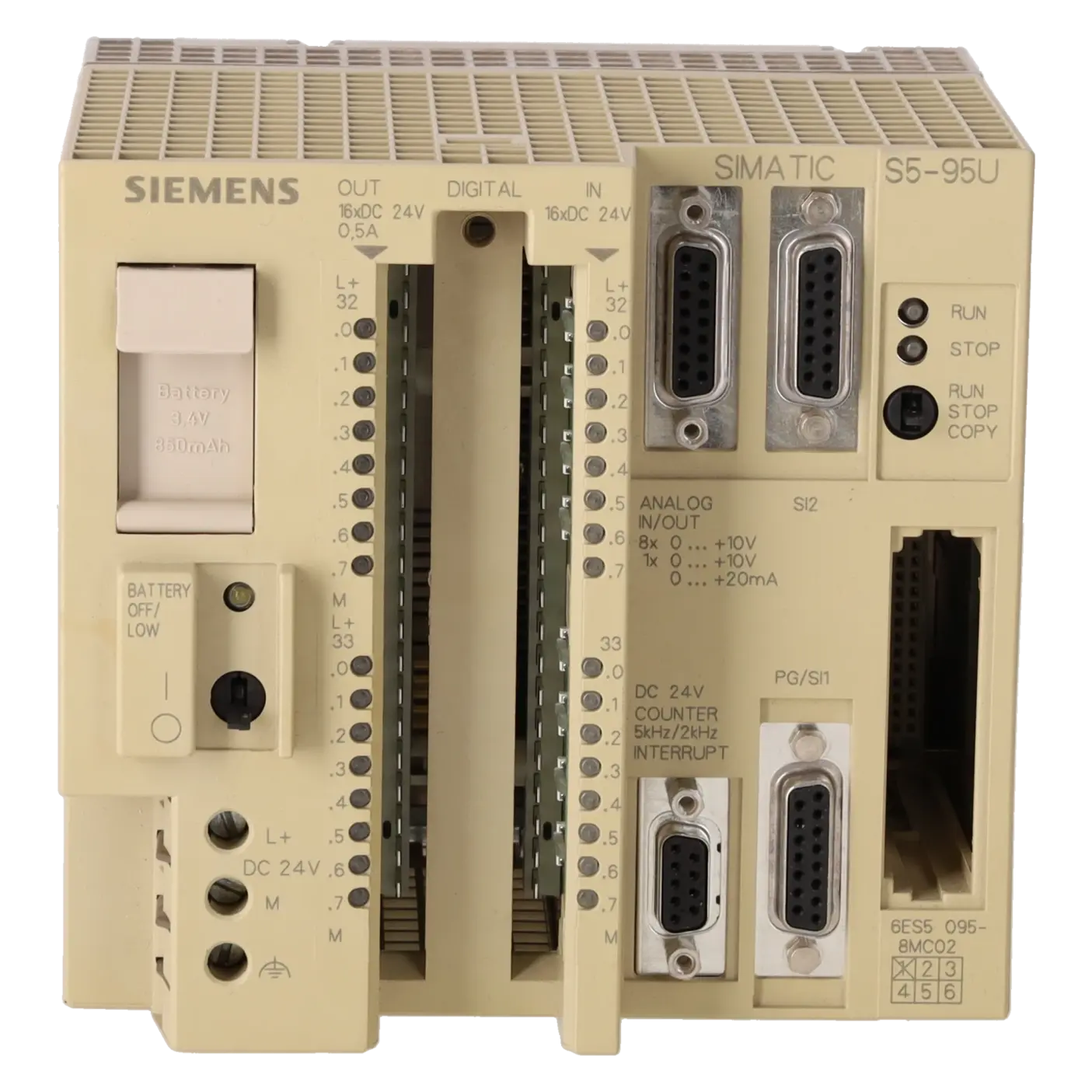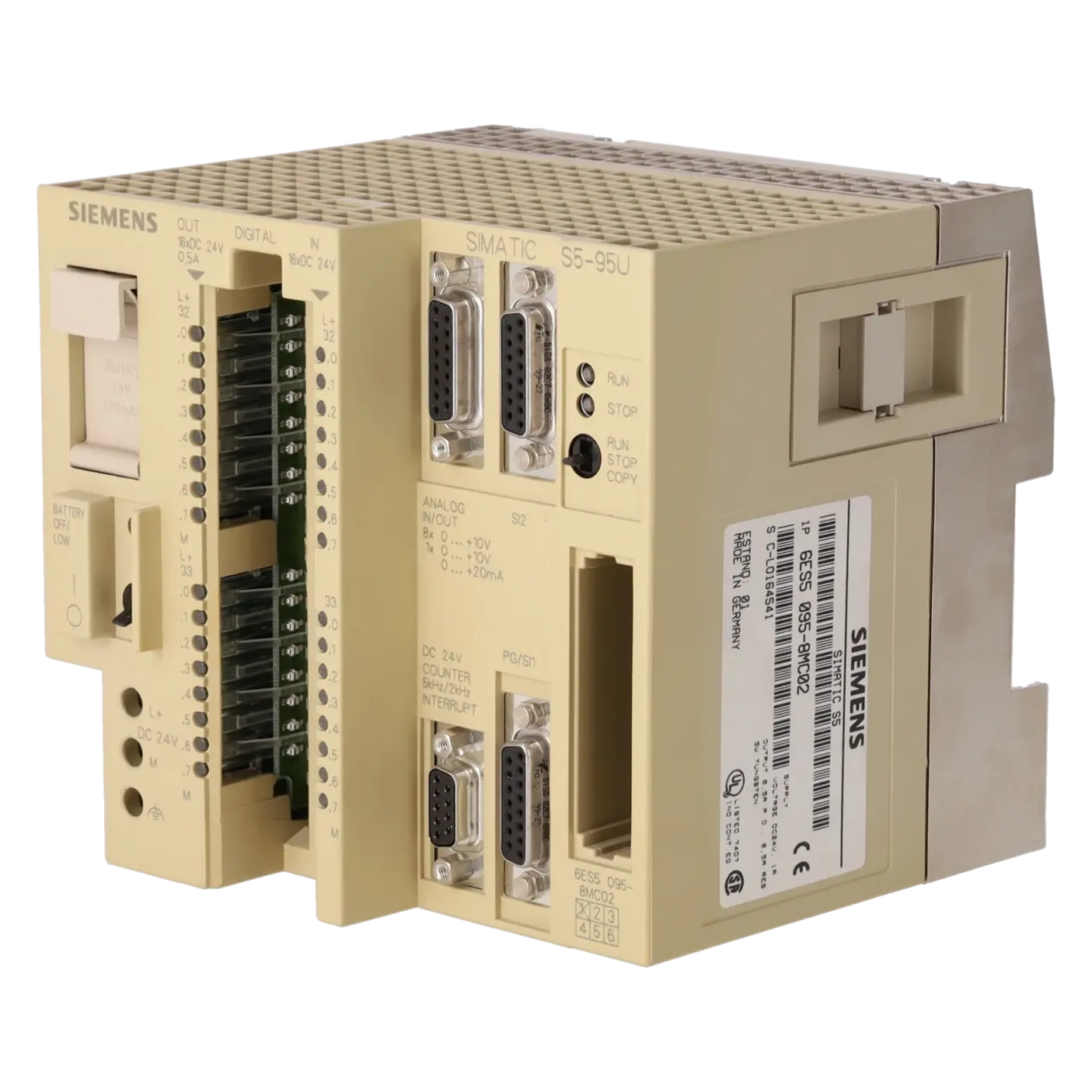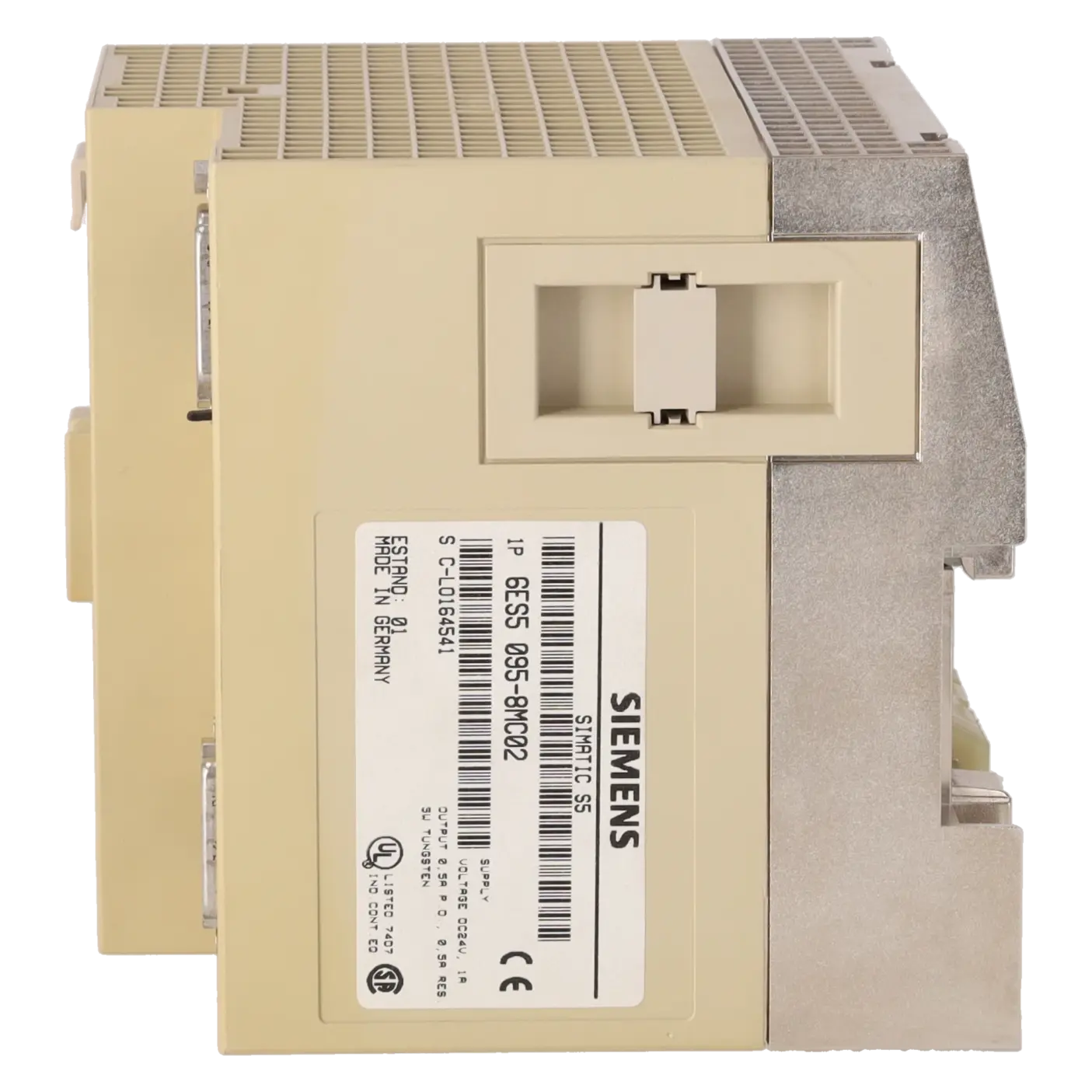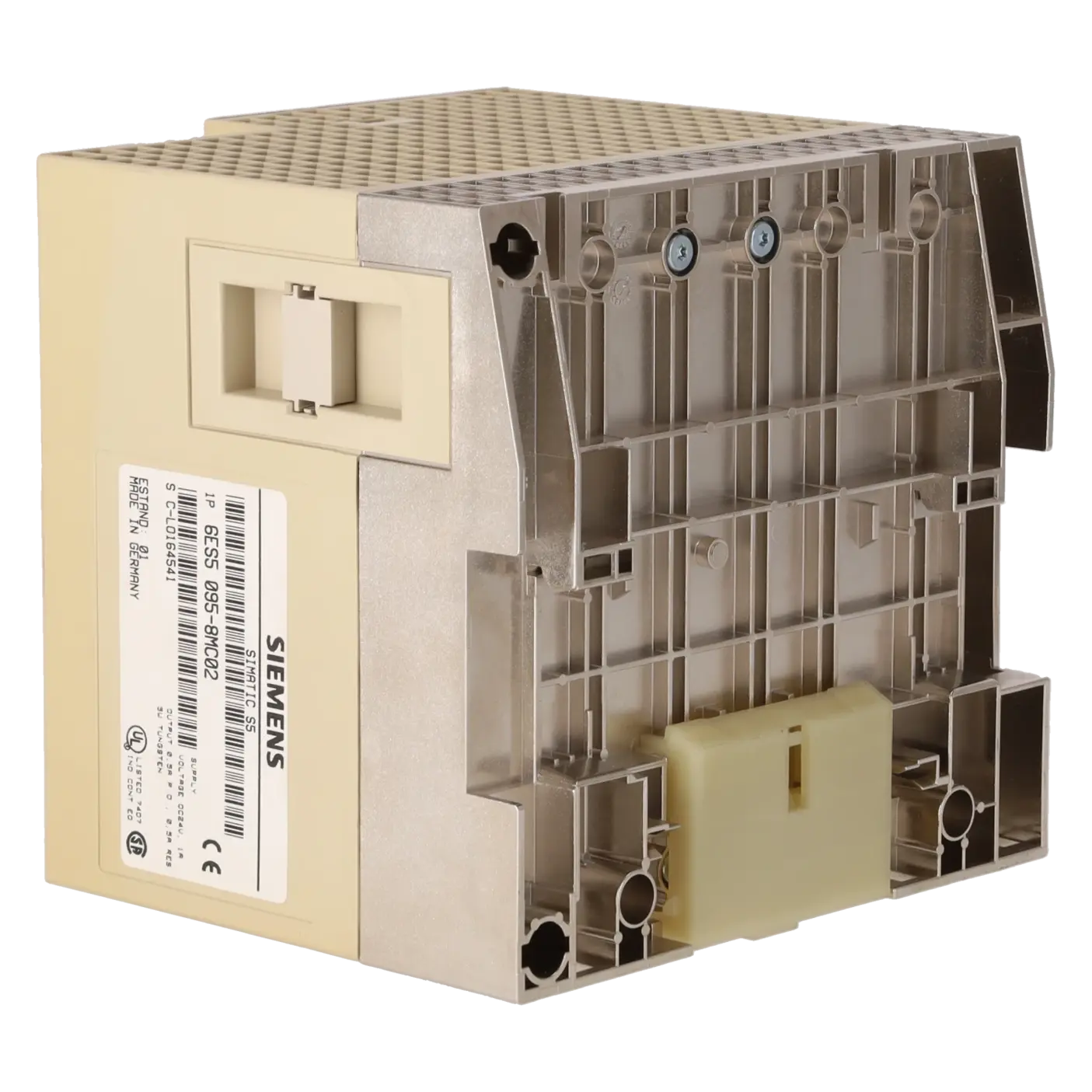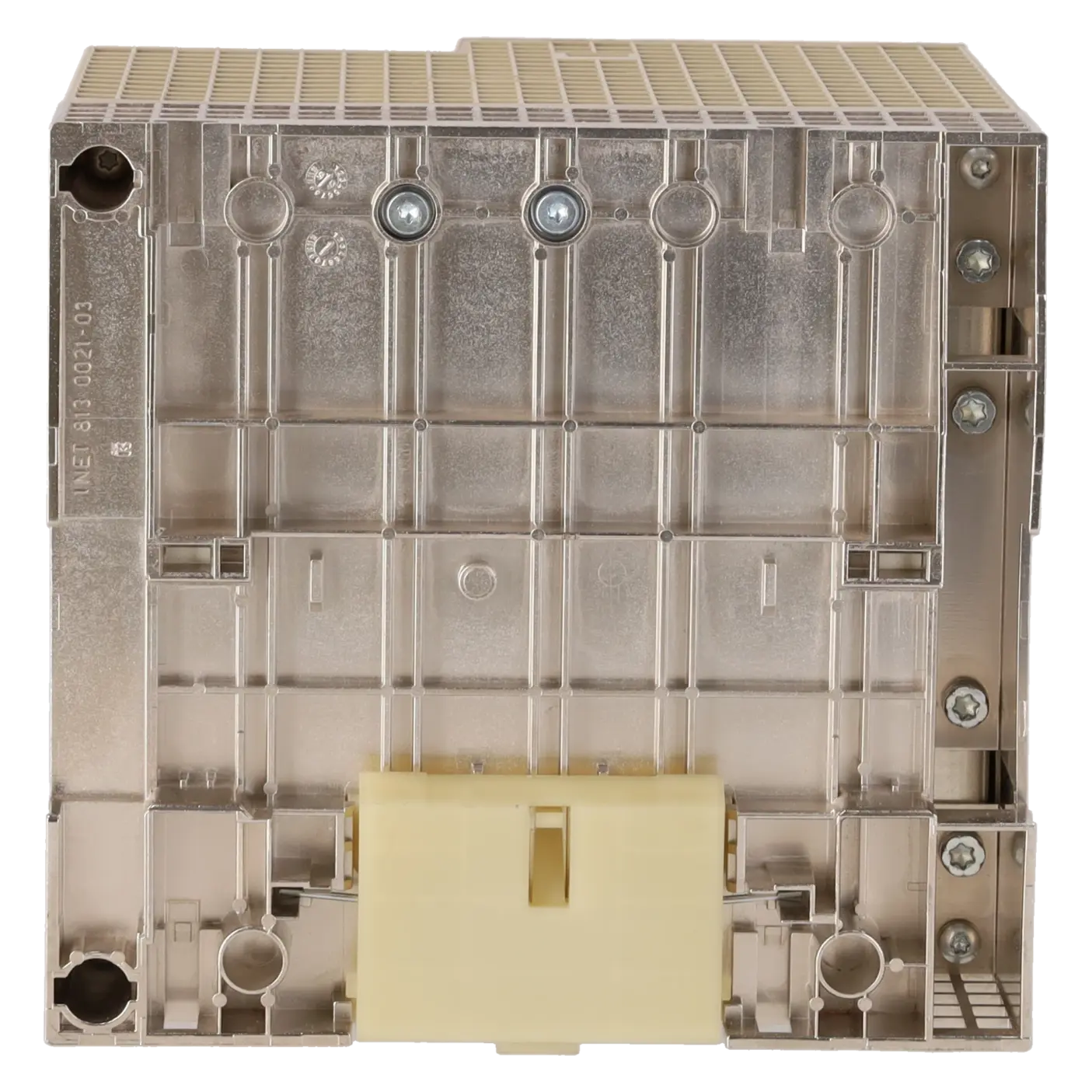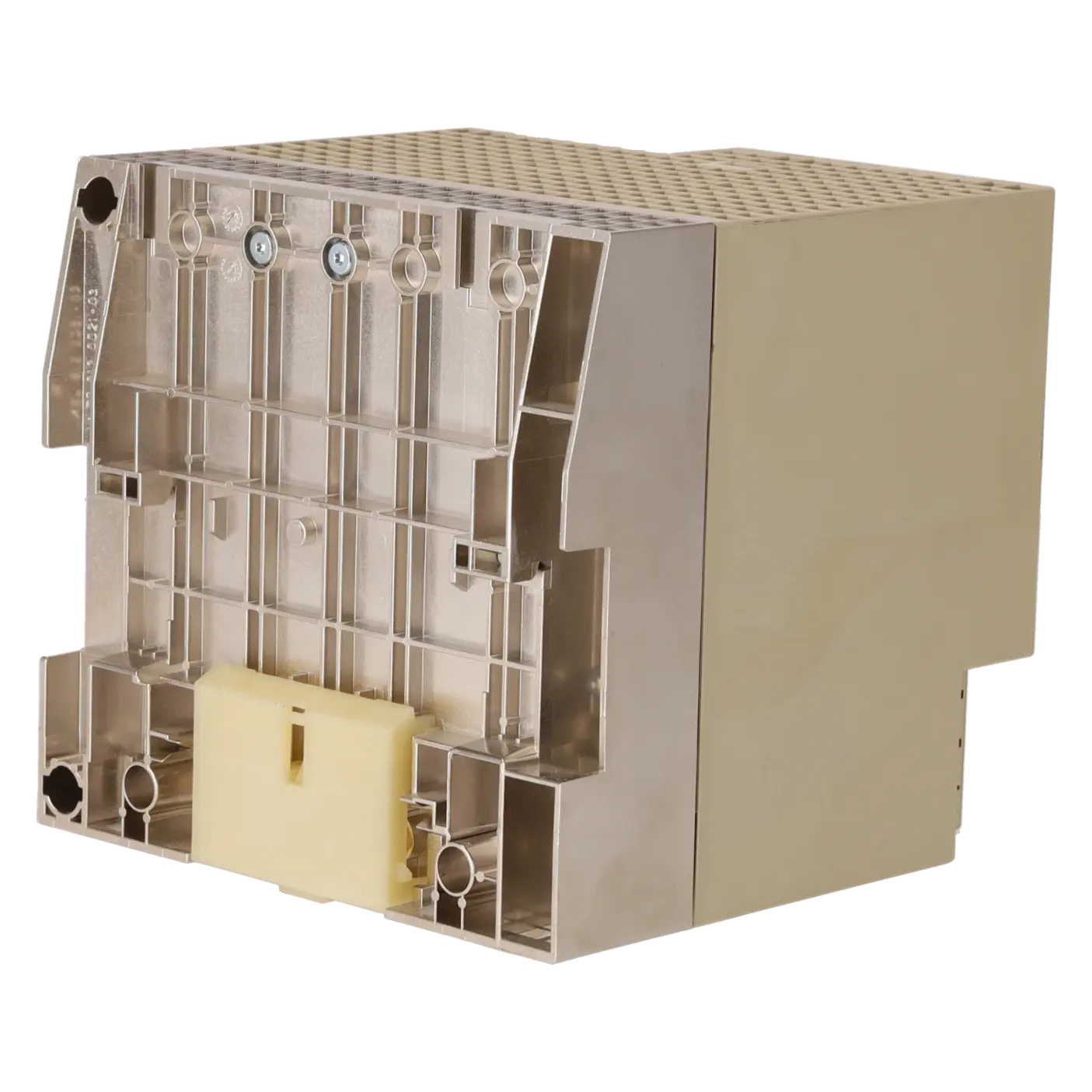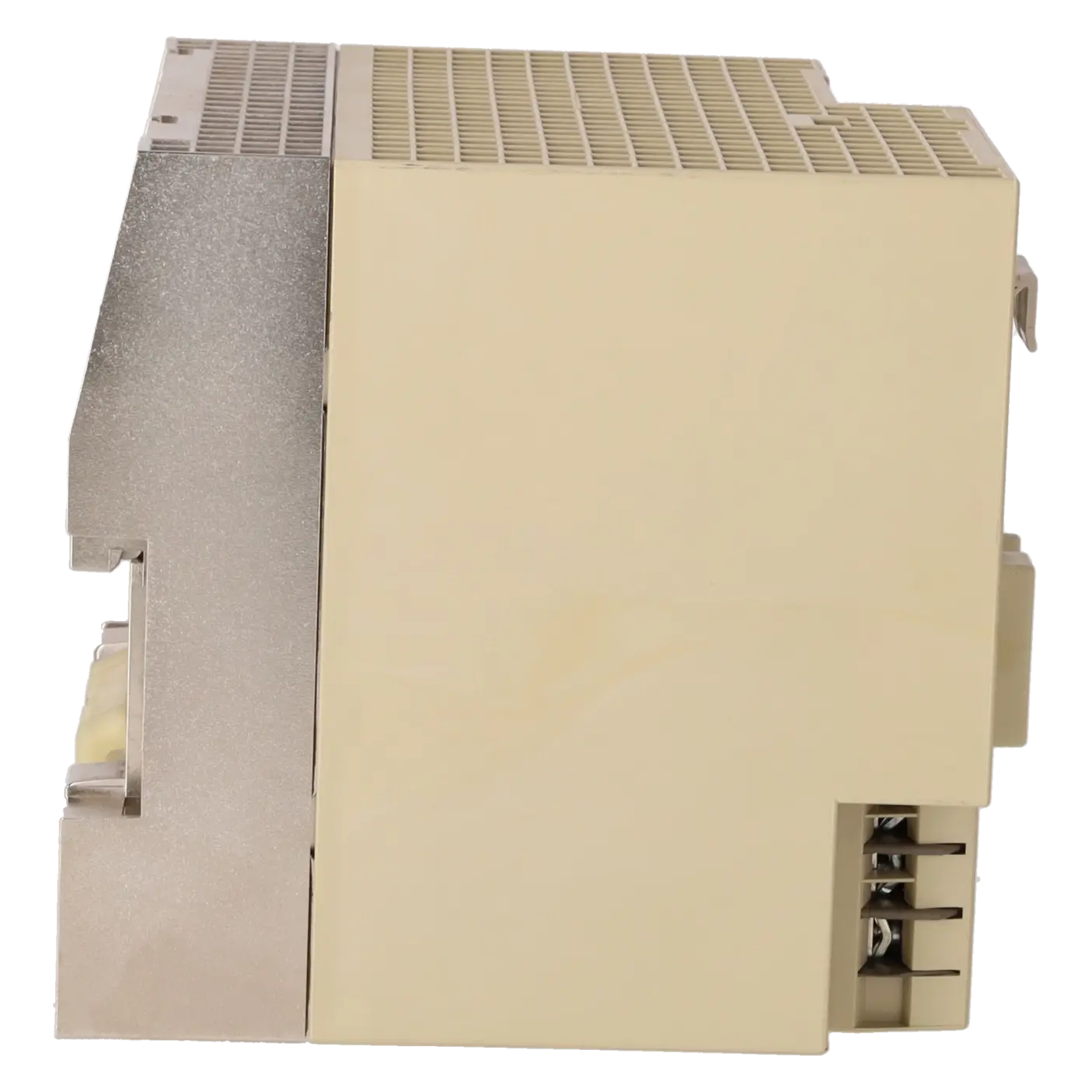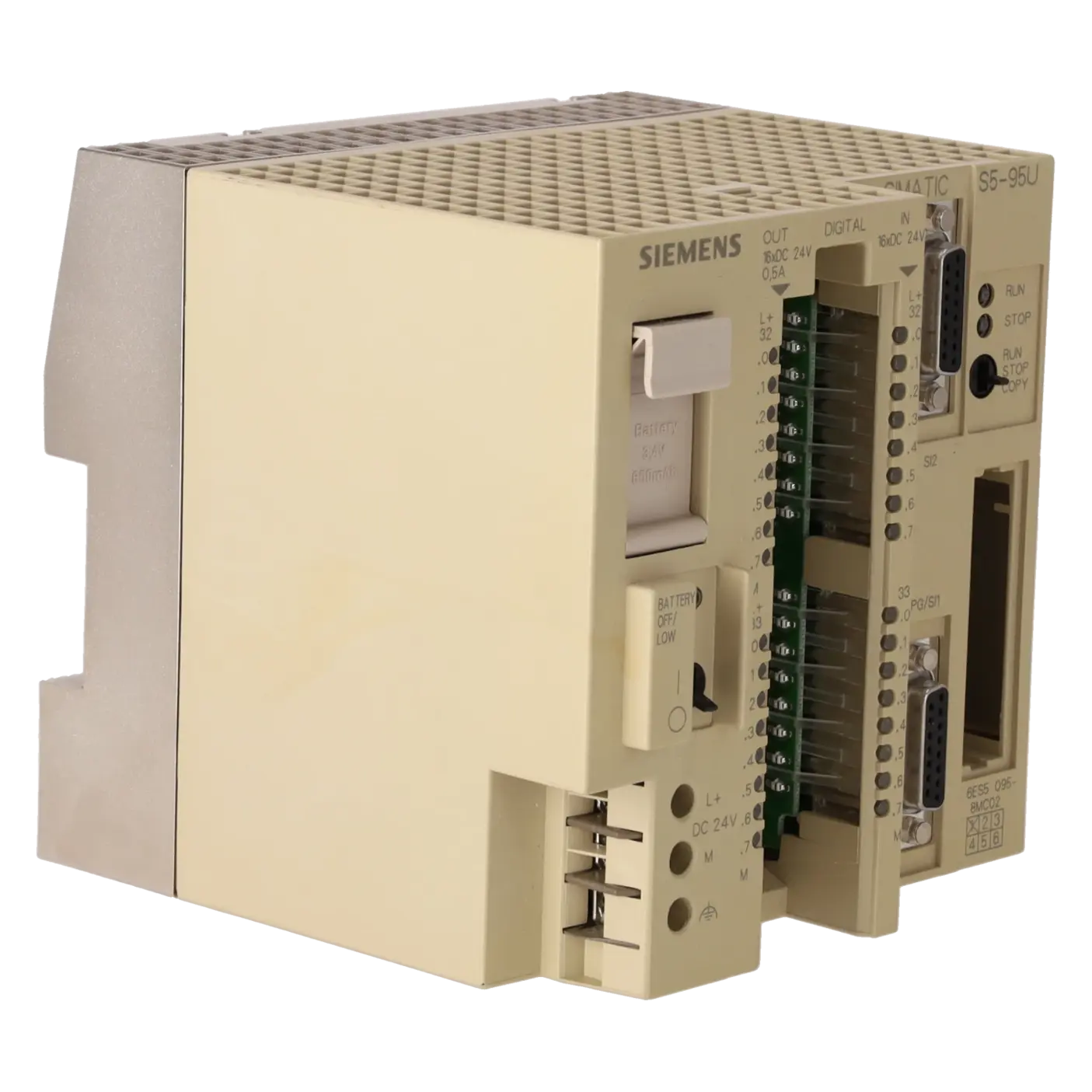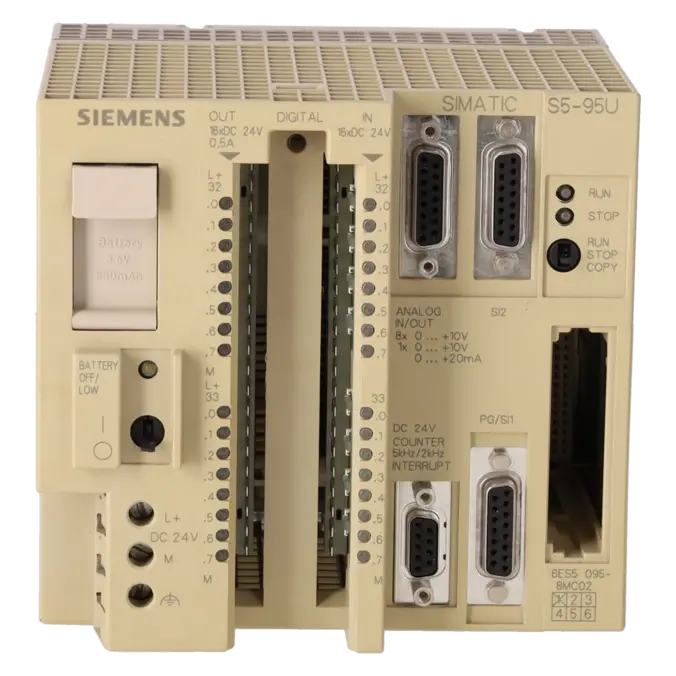
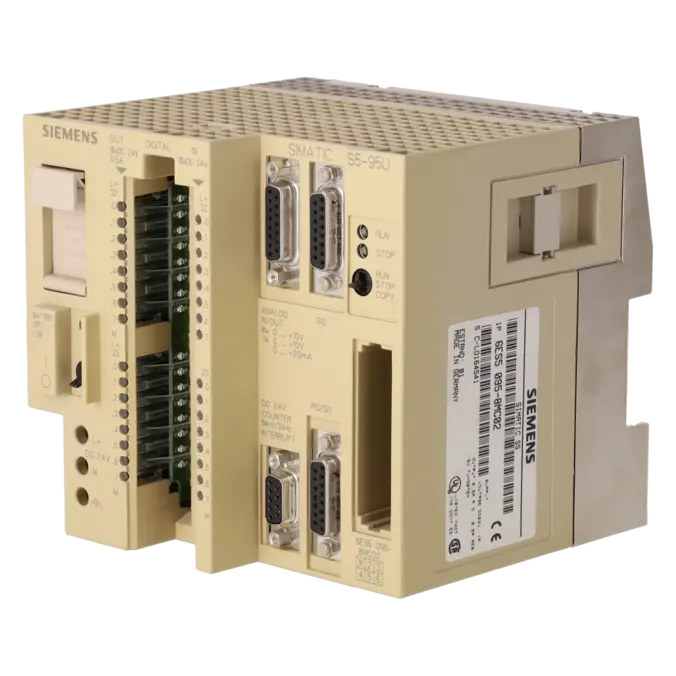
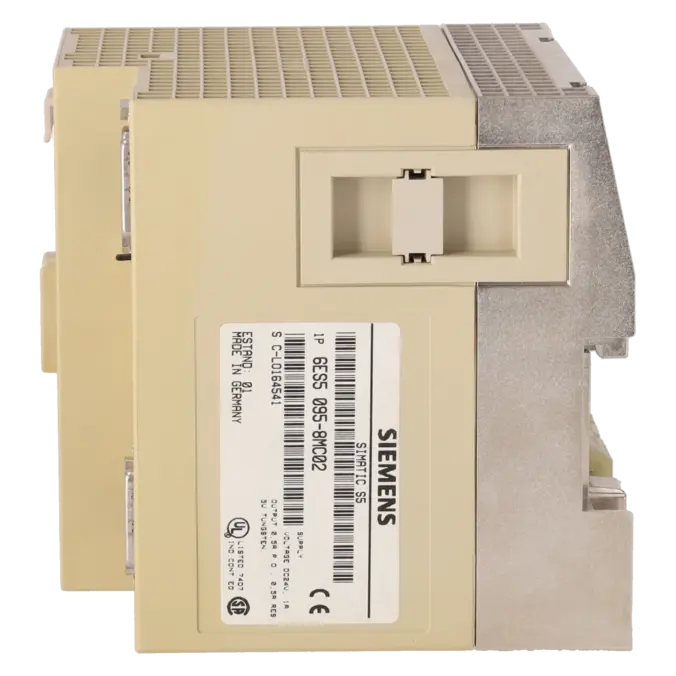
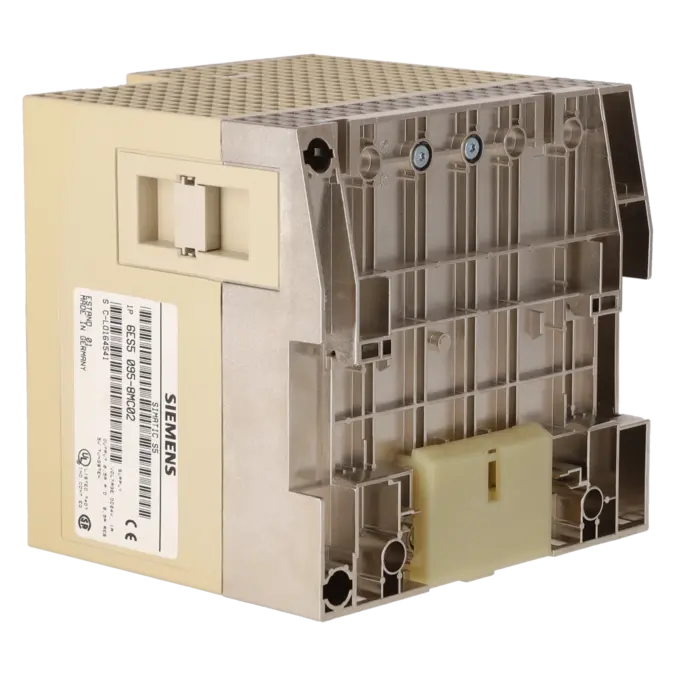
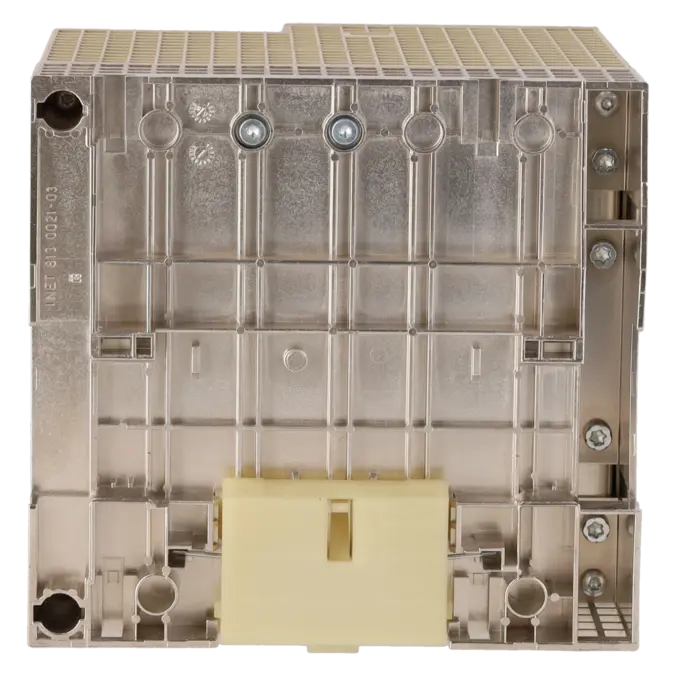
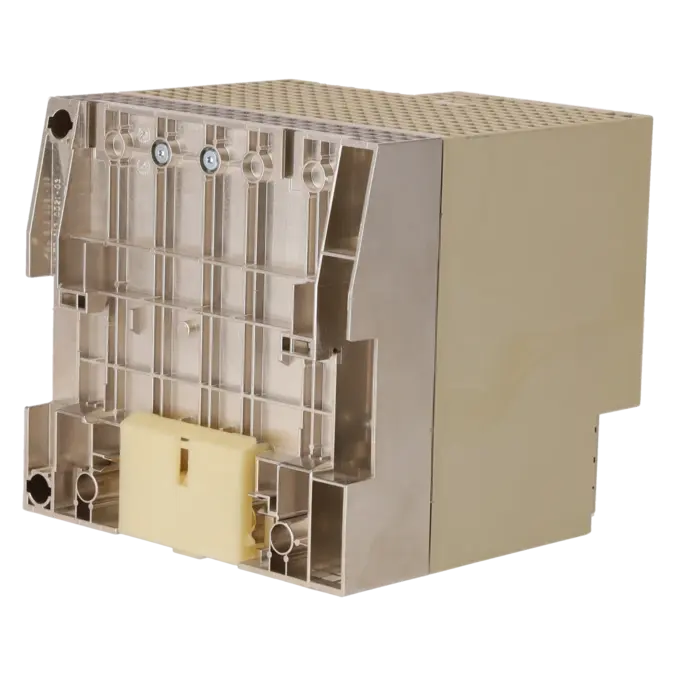
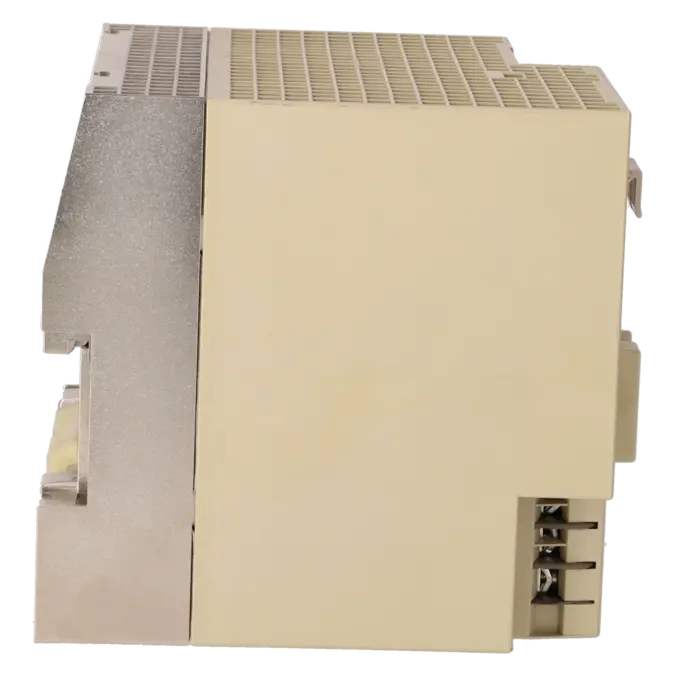
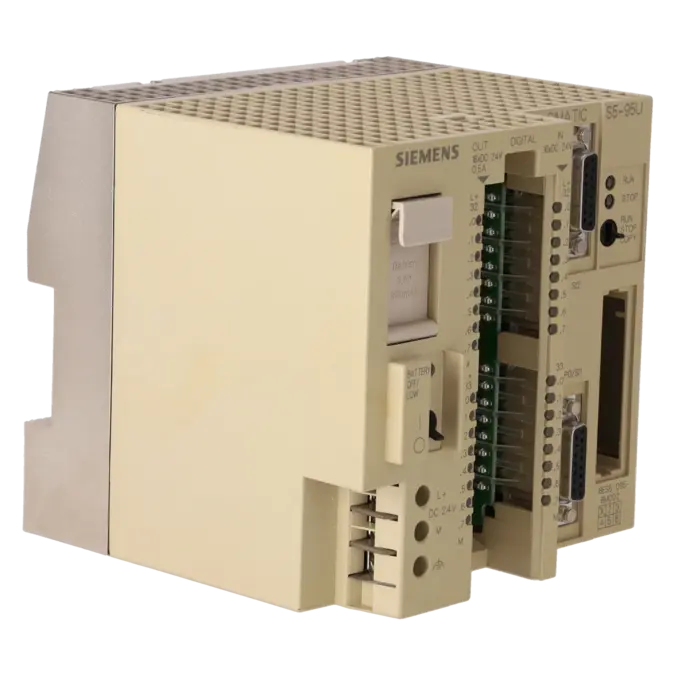
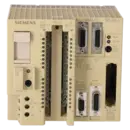
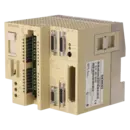
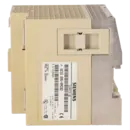
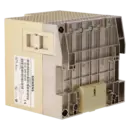
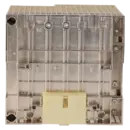
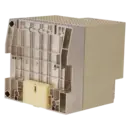
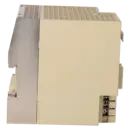
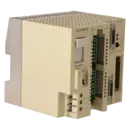
SIEMENS 6ES5095-8MC02
- EICHLER-art.no.: K0000851
- EAN: 4025515052524
Product description
SIMATIC S5,KOMPAKTGERAET S5-95U MIT 2. AS511-SCHNITTSTELLE
Services for SIEMENS 6ES5095-8MC02
SIEMENS |
6ES5095-8MC02 –
additional product information
| Delivery information | |||
|---|---|---|---|
| Export identifier | AL: ECCN: | ||
| Net weight | 1.3 | ||
| Quantity | 1 Stück | ||
| Packaging quantity | 1 | ||
| Additional product information | |||
|---|---|---|---|
| Product status | EOP: 2000-07-01 | ||
| EAN | 4025515052524 | ||
| UPC | / | ||
| Static lot number | 85371091 | ||
| List indicator | / | ||
| Product group | 4307 | ||
| Country of origin | / | ||
| Compliance with the substance restrictions according to RoHS directive | Since: / | ||
| Product classifications | Version | Classification | |
|---|---|---|---|
| eClass | 4 | / | |
| eClass | 5.1 | / | |
| eClass | 6.0 | / | |
| ETIM | 3 | / | |
| ETIM | 4 | / | |
| ETIM | 5 | / | |
What is 6ES5095-8MC02 and where is it used?
The 6ES5095-8MC02 is a SIEMENS SIMATIC S5-95U compact PLC featuring a second AS511/serial interface. The assembly belongs to the SIMATIC S5 product family and is particularly relevant for existing machines, production lines and special-purpose systems where a compact PLC with integrated inputs and outputs as well as additional communication capability is required. Typical application areas include retrofit-oriented legacy systems in which control, signal processing and service access are combined within a single device. For maintenance personnel, the article number is particularly important when an existing S5-95U must be clearly identified, quickly replaced, repaired or secured with a functionally equivalent spare unit.
Overview of the most important technical data and what they mean
The S5-95U provides 8K instructions of internal STEP 5 program memory, 16 digital inputs, 16 digital outputs, 4 alarm inputs, 2 counter inputs, 8 analogue inputs (0…10 V) and 1 analogue output (0…10 V or 0…20 mA). In practice, this means that many standard automation tasks can be implemented directly within the compact device without requiring additional assemblies. The digital inputs are designed for 24 V operation, the digital outputs can switch up to 0.5 A per output, and the analogue inputs are suitable for conventional voltage signals from sensors and process monitoring applications. Siemens also specifies compatible EPROM and EEPROM memory modules for memory expansion and program backup. This is important for purchasing and service departments because not only the CPU itself but also the chosen memory strategy determines restart capability and system availability.
Product status, life-cycle status and obsolescence
For 6ES5095-8MC02, the EICHLER product detail page lists a product status of EOP dated 01 July 2000. This clearly identifies the unit as a discontinued and highly obsolete product for which new-unit availability can no longer be considered predictable. No explicitly designated direct successor for this exact order number could be identified in the evaluated manufacturer sources; instead, Siemens describes the migration path from SIMATIC S5 to SIMATIC S7. For smaller systems in the 100U/95U series, Siemens even recommends a complete system replacement as the preferred migration approach. For operators, this means that repair, exchange units and strategic spare-part stocking are the key short-term measures, while a migration strategy should be considered in the medium term to reduce procurement and downtime risks.
Available EICHLER services and when they are relevant
EICHLER specifies a repair turnaround time of 2–5 days for this assembly. In addition, exchange, used units and new units on request are available as procurement options. The repair service includes technical cleaning, preventive maintenance, comprehensive functional testing and a minimum 24-month warranty; an optional test report for CPU/central assemblies is also available. For maintenance personnel, this is particularly valuable when an existing system must be returned to operation quickly while keeping field wiring and program status unchanged wherever possible. For purchasing departments, the benefit lies in having a reliable choice between repair, exchange and replacement procurement. For decision-makers, this service portfolio helps maintain operational capability despite obsolescence and economically minimise unplanned downtime.
| Fault description | Possible solution |
|---|---|
| Why does my S5-95U remain in STOP after switching from STOP to RUN? | A common cause is an incorrectly parameterised DB1. Siemens states that the controller interprets DB1 during the transition from STOP to RUN and remains in STOP if parameter errors are detected. If the ERT parameter block is used, the parameter error can be evaluated from the configured marker word onwards. Siemens also describes a rare special case: if the memory area for the compiled program exceeds the available capacity, the controller will also switch to STOP. In this case, long program blocks should be divided into shorter structures and the parameterisation should be checked systematically. |
| Why is the yellow battery indicator illuminated, or why are the program and data lost after power-off? | Siemens points out that, in the event of a power failure or when the device is switched off, the contents of the internal memory are retained only if a backup battery is installed. On the S5-95U, battery failure is indicated by the yellow LED. If the backup function fails, the user program and data blocks may be lost or the controller may restart in an unintended state. The battery condition should therefore be checked first, followed by reloading the program from the memory module or a backed-up project version and testing the restart procedure. |
| Why can't I establish a connection via AS511/PG, or why do I only receive a timeout message? | For programming device access to the S5-95U, the correct interface technology is essential. In practice, connection failures are often caused by incorrect cable wiring, a missing RS232-to-TTY converter or unsuitable COM-port settings. Siemens also states that the second serial interface supports various operating modes. If SI2 is configured for an ASCII driver or other communication functions, not all other functions are available simultaneously. Therefore, first check the cable type, wiring, selected COM port and the current SI2 configuration in DB1. |
| Why does the second serial interface SI2 not work with my communication partner? | On the 6ES5095-8MC02, SI2 can be operated as a point-to-point connection, for 3964/3964R communication, or as an ASCII driver. These operating modes must be parameterised correctly. Siemens notes that point-to-point communication is configured via DB1 and that incorrect wiring can even damage the SI2 interface. For troubleshooting, the coordination bytes KBS and KBE as well as the DB1 parameters relevant to the selected operating mode should be checked. In many cases, the root cause is not the device itself but an incorrect communication mode or faulty wiring. |
| Why does the red LED flash or flicker when working with the memory module? | Siemens explains that the red LED behaves differently during loading from or saving to a memory module. If it flashes continuously or remains illuminated, possible causes include no valid program on the memory module, an incorrect or undersized memory module, or no program stored in the controller. Discussions among S5-95U users also describe a flickering red LED during EPROM reading as typical behaviour during the loading process. Therefore, the memory module size and compatibility should be verified first, followed by a separate validation of the program version. |
Does 6ES5095-8MC02 have integrated inputs and outputs?
Yes. The 6ES5095-8MC02 is a SIMATIC S5-95U compact controller, not just a communication module. Siemens specifies 16 digital inputs, 16 digital outputs, 4 alarm inputs, 2 counter inputs, 8 analogue inputs and 1 analogue output integrated directly into the unit. For operators, this means that many machine functions can be implemented without additional standard I/O modules. This simplifies spare-part identification, reduces retrofit effort and makes the controller particularly valuable in existing installations where rapid 1:1 restoration is required.
What communication options does the second AS511/SI2 interface provide?
The second serial interface significantly expands the capabilities of the S5-95U. Siemens specifies support for SINEC L1 point-to-point communication, 3964/3964R computer links, ASCII drivers and PG functions. This is particularly important for maintenance and retrofit applications, as it enables the connection of operator panels, programming devices, third-party equipment and serial communication links. The key requirement is that the operating mode matches the connected device. When maintaining an existing machine, it is advisable to verify the actual function assigned to SI2 before ordering a replacement or arranging a repair, ensuring that the replacement unit can be commissioned without unnecessary delays.
Which memory modules are relevant for the S5-95U?
Siemens lists EPROM memory modules with capacities of 8 KB, 16 KB and 32 KB, as well as EEPROM modules with 2 KB and 4 KB for the S5-95U. This is important when sourcing spare parts, as the installed memory module often determines whether the controller can be restarted successfully. During service work, it should always be verified which module is installed, whether it contains the current program version and whether its capacity is sufficient for the existing project. For obsolete control systems, a suitable, tested memory module significantly reduces the risk of data loss and startup problems.
Is there a direct Siemens successor to 6ES5095-8MC02?
No explicitly designated direct successor for this exact part number was identified in the reviewed sources. Instead, Siemens generally recommends migration from SIMATIC S5 to SIMATIC S7 platforms. For smaller systems in the 100U/95U series, Siemens describes a complete system replacement as the preferred long-term approach. In practice, this means that repair, exchange units and strategic spare-part stocking are often the fastest short-term solutions, while a structured migration project should be planned as a medium-term strategy to reduce procurement risks, knowledge loss and downtime costs.
Is repair or replacement the better option for a 6ES5095-8MC02?
The answer depends on the fault condition, time pressure and application requirements. At EICHLER, this controller is available through repair, exchange, used and new procurement routes. Repair is specified with a turnaround time of 2–5 days and includes technical cleaning, preventive maintenance, comprehensive functional testing and a minimum 24-month warranty. For operators of older S5 systems, repair is often attractive when existing field wiring, program versions and mechanical installation should remain unchanged. Exchange is the better option when the system must be returned to operation immediately or when there is insufficient time for detailed fault analysis.
Can I still access the S5-95U with a PC or PG today?
Yes, in principle. However, successful access depends on using the correct interface technology. Practical experience with the S5-95U shows that an RS232-to-TTY converter is typically required for AS511 communication. Siemens also notes that the second serial interface can perform multiple functions. If SI2 is already configured for ASCII communication, point-to-point links or other communication tasks, service access must be planned accordingly. For maintenance and procurement, this means that not only the CPU part number is important, but also the correct cable set, converter, software version and the actual interface configuration in use.