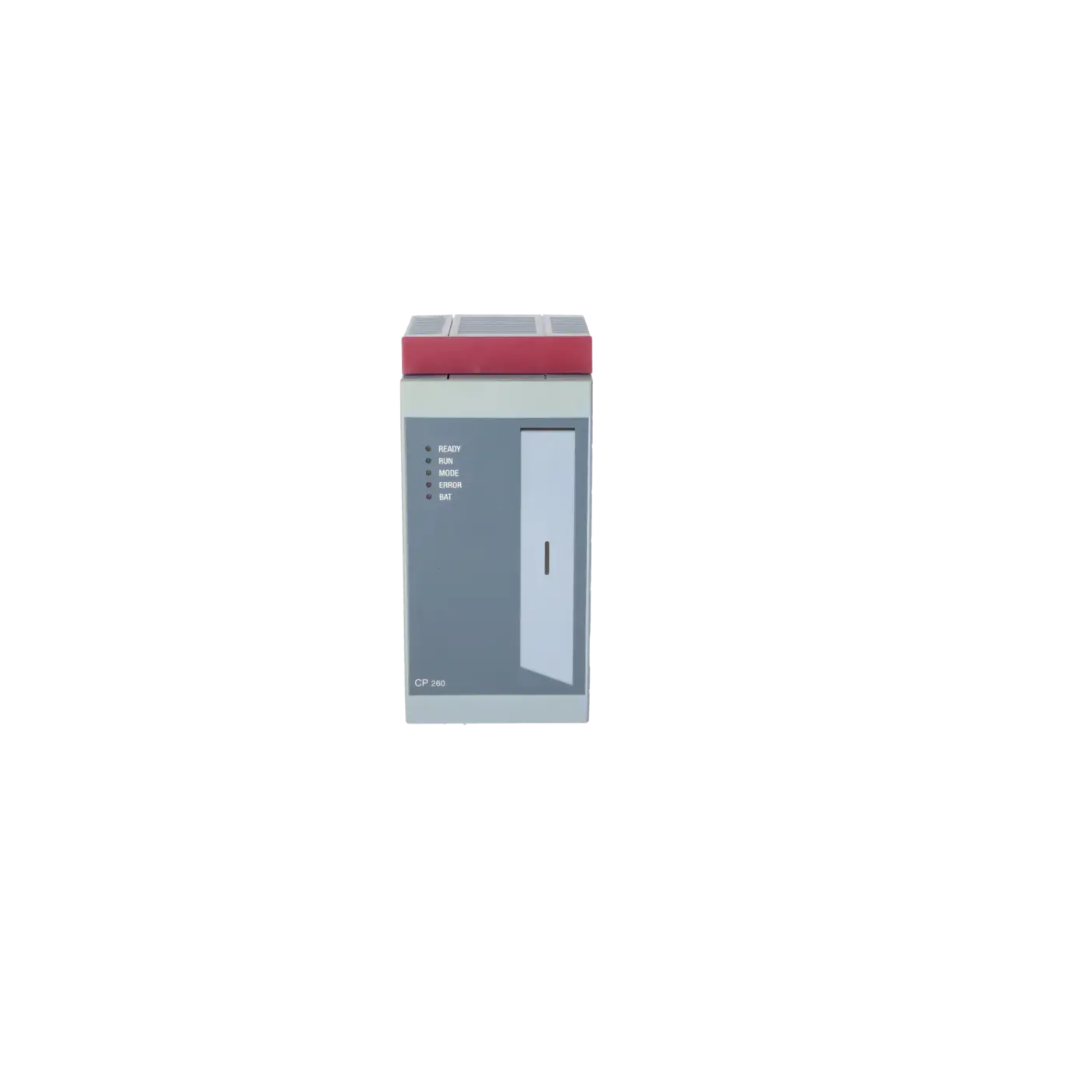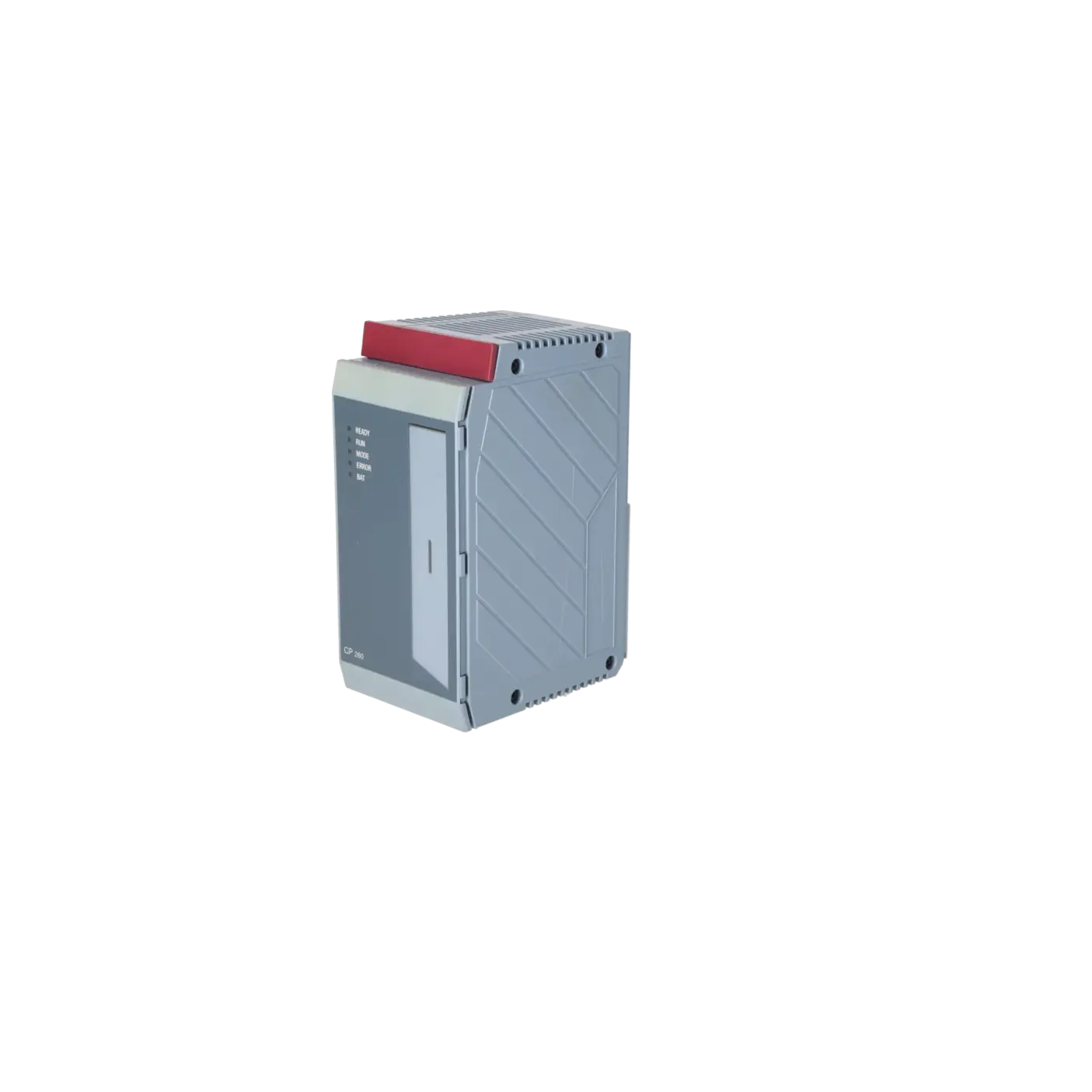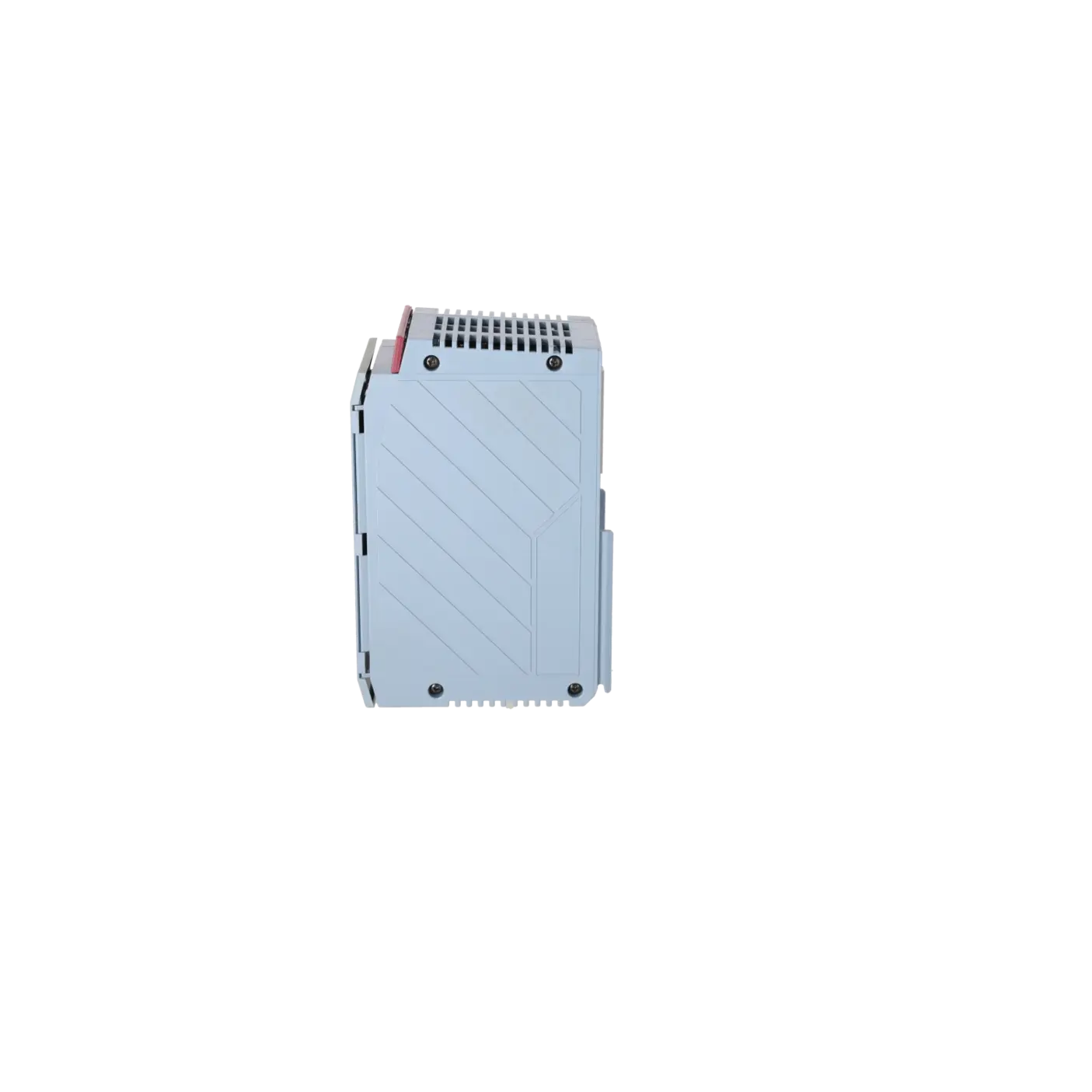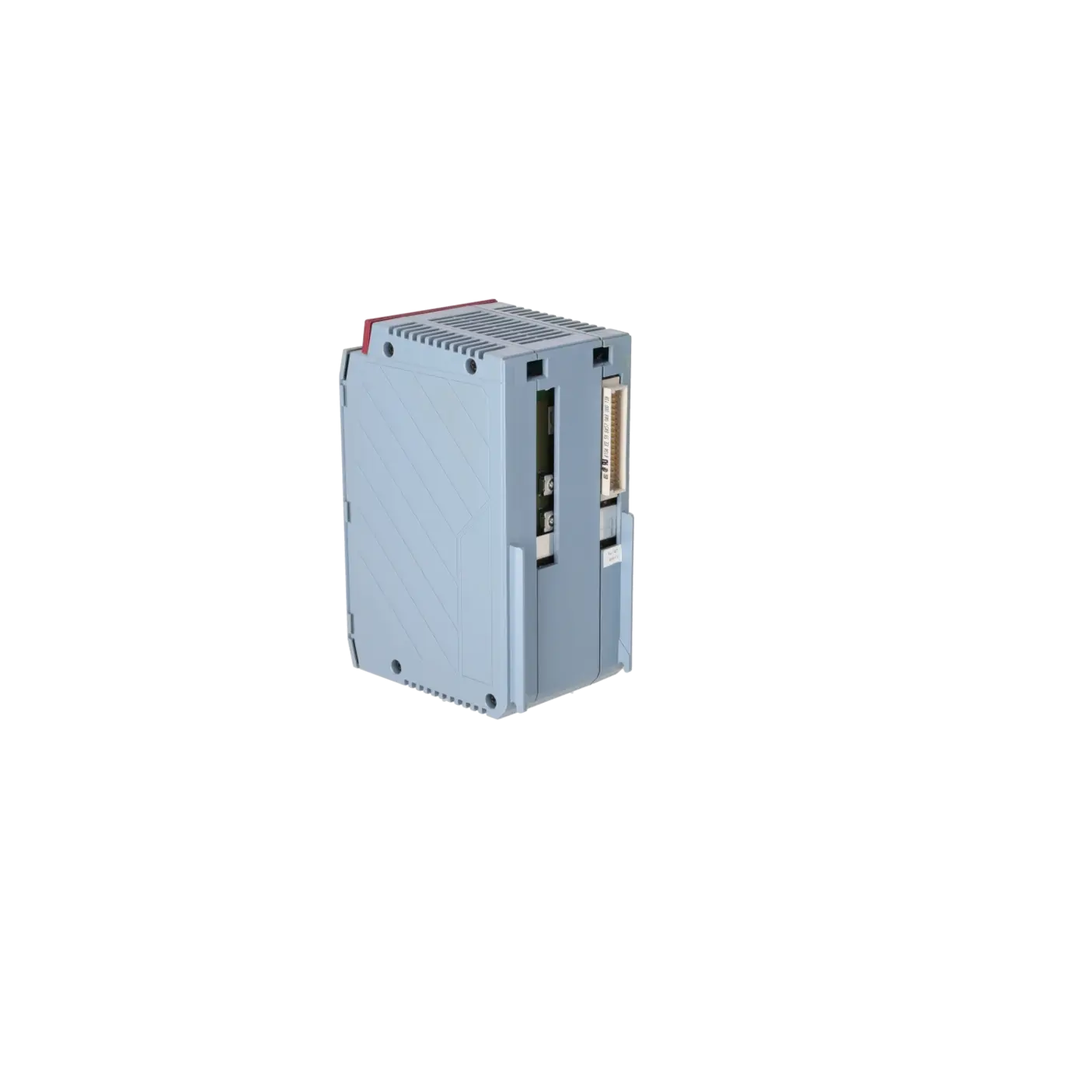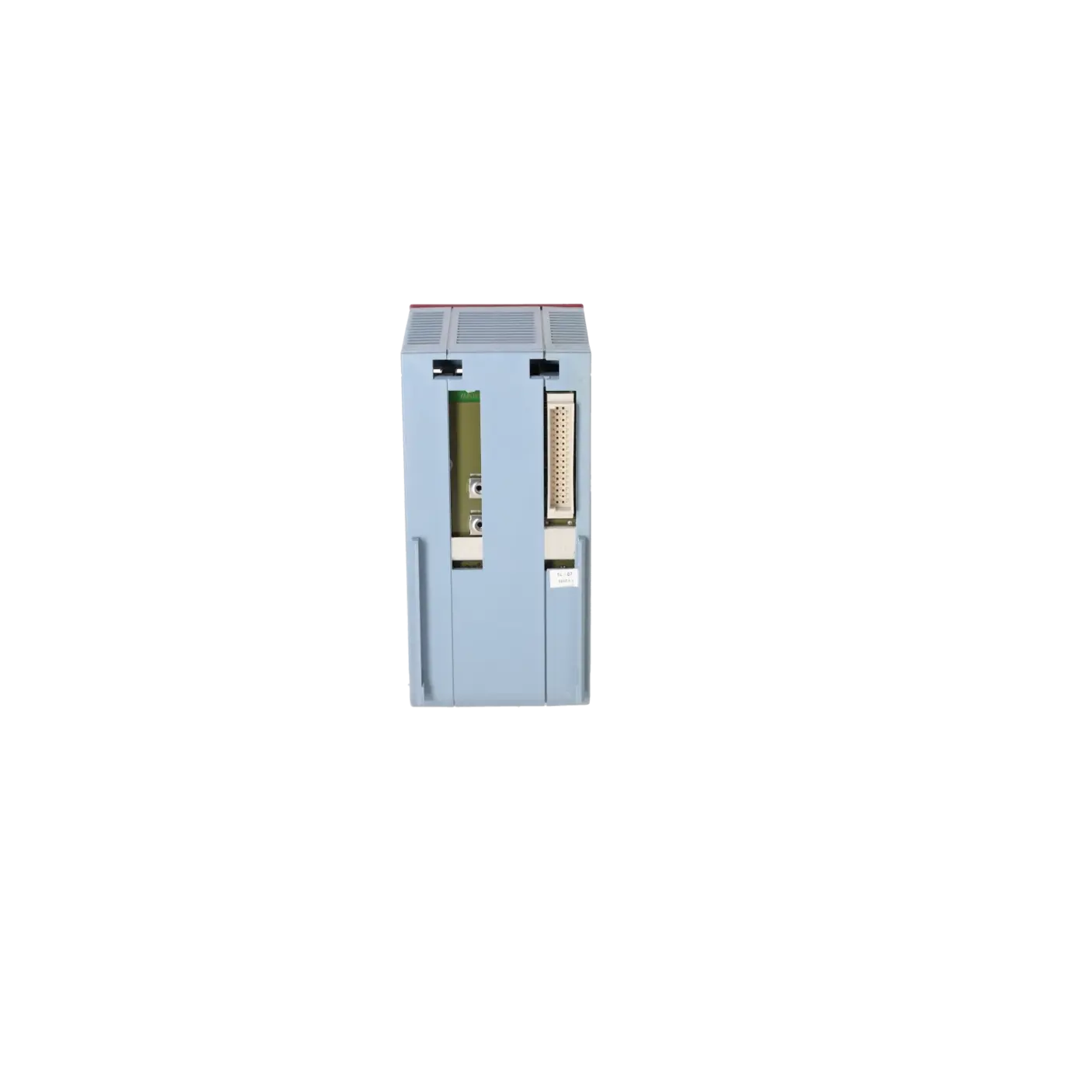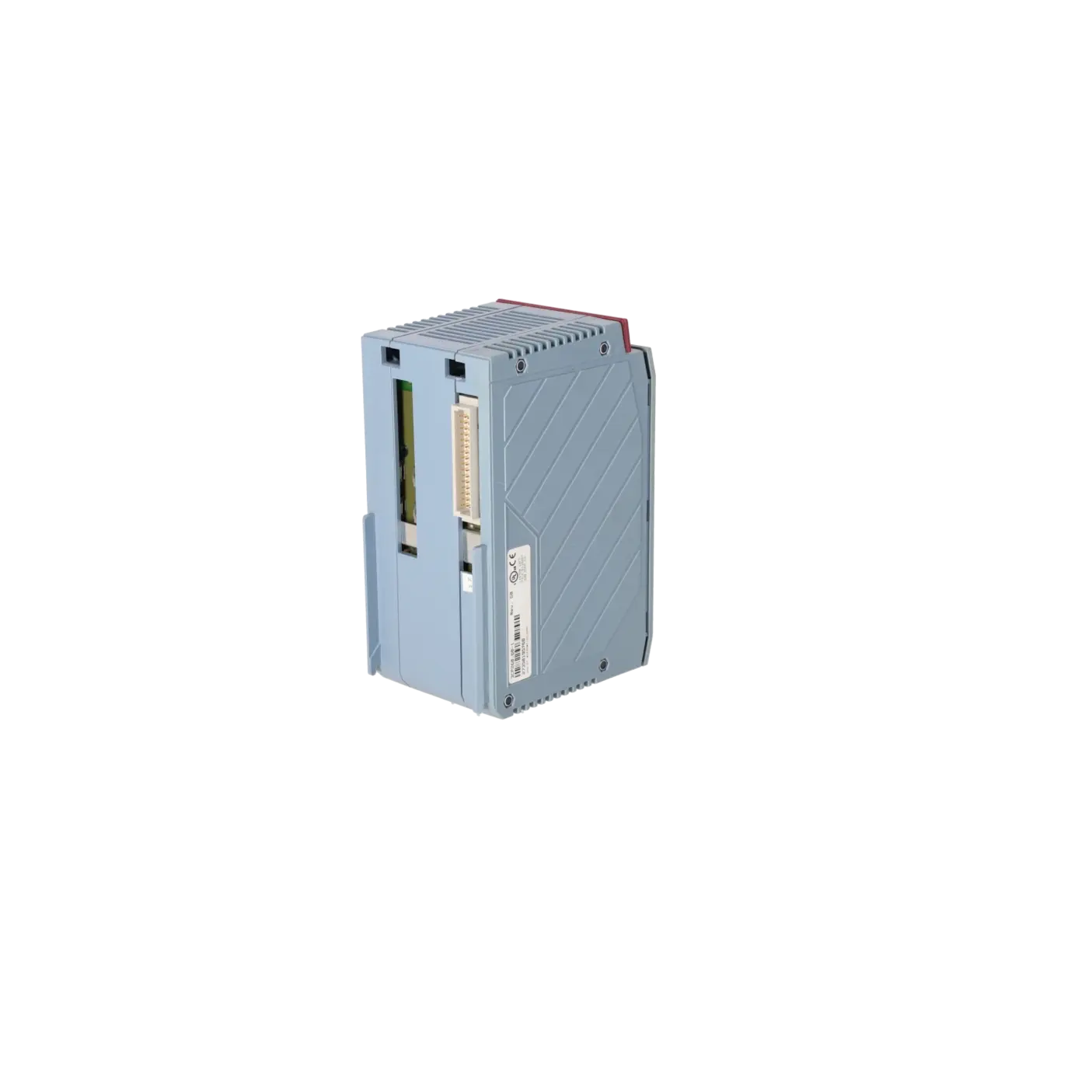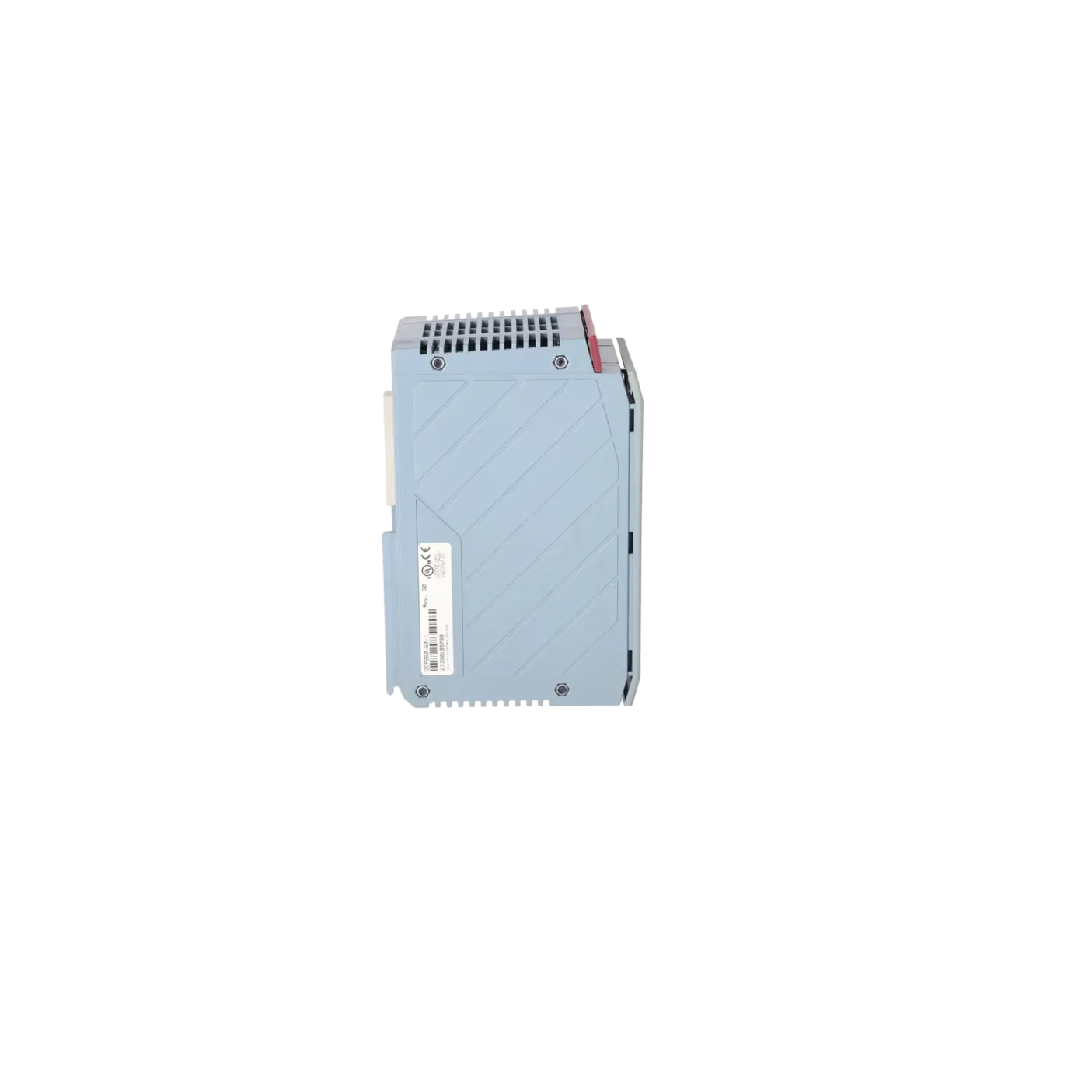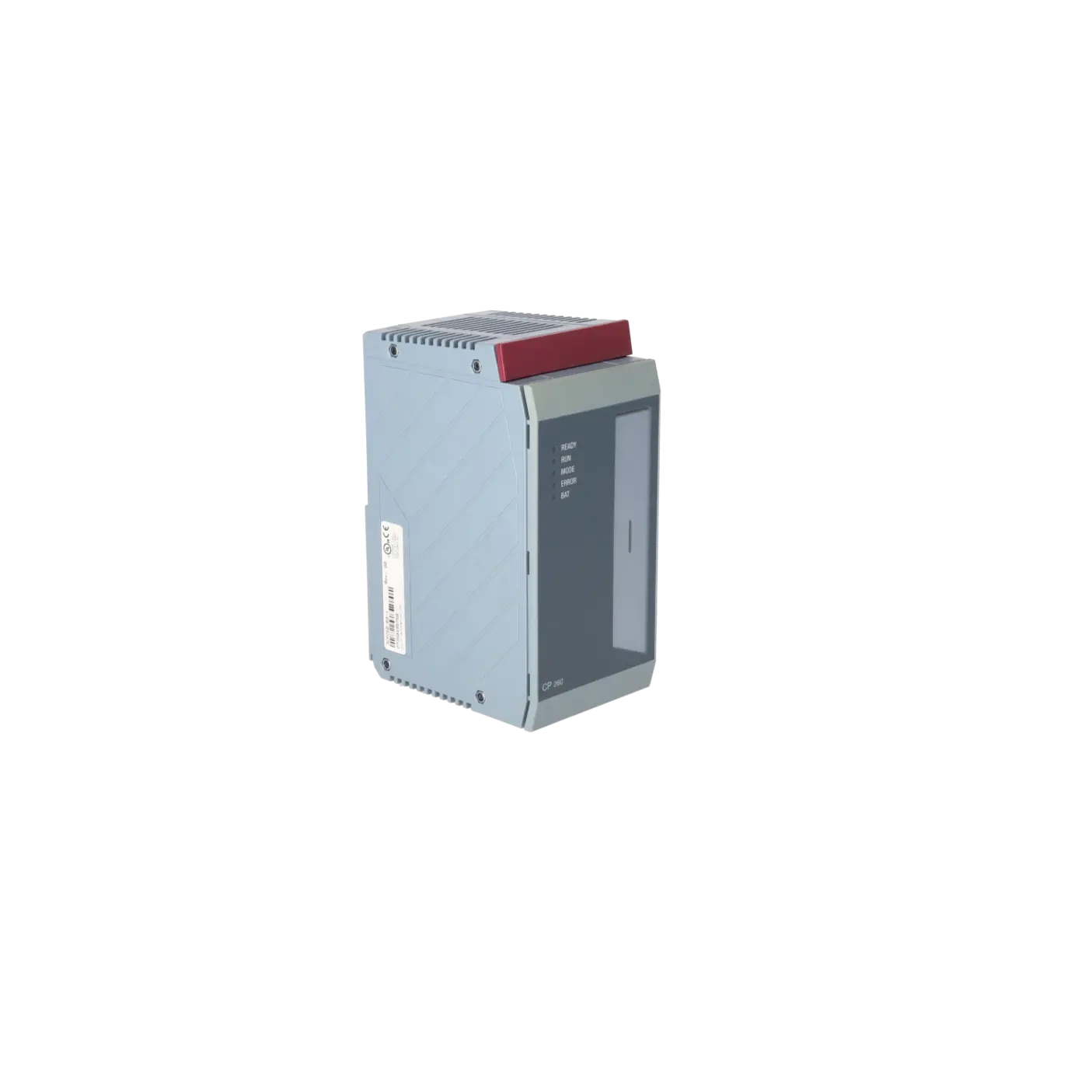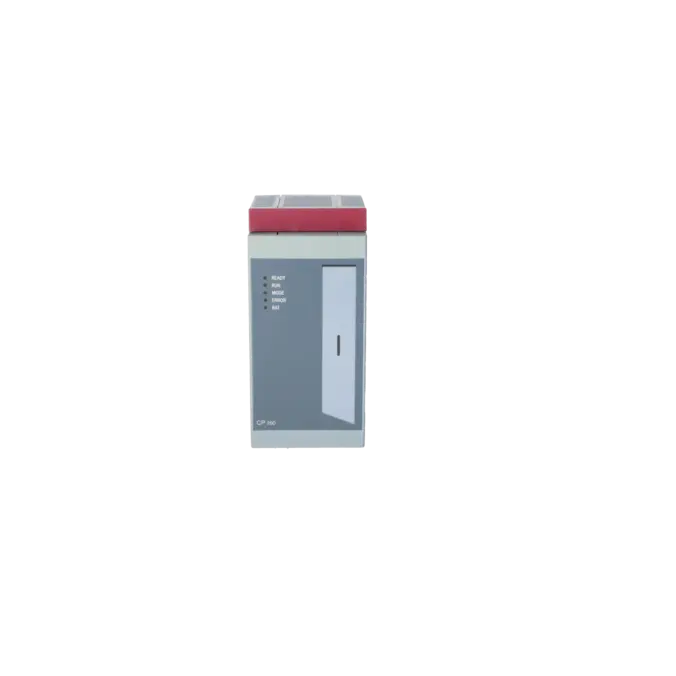
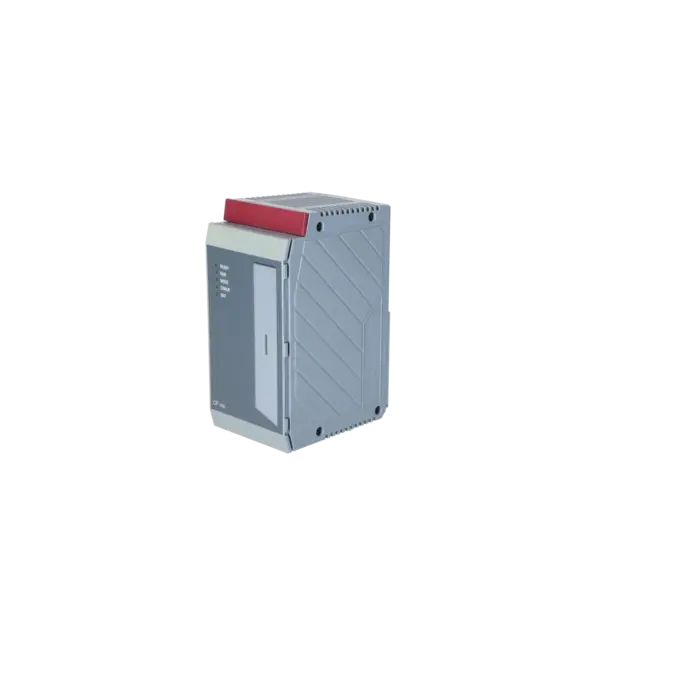
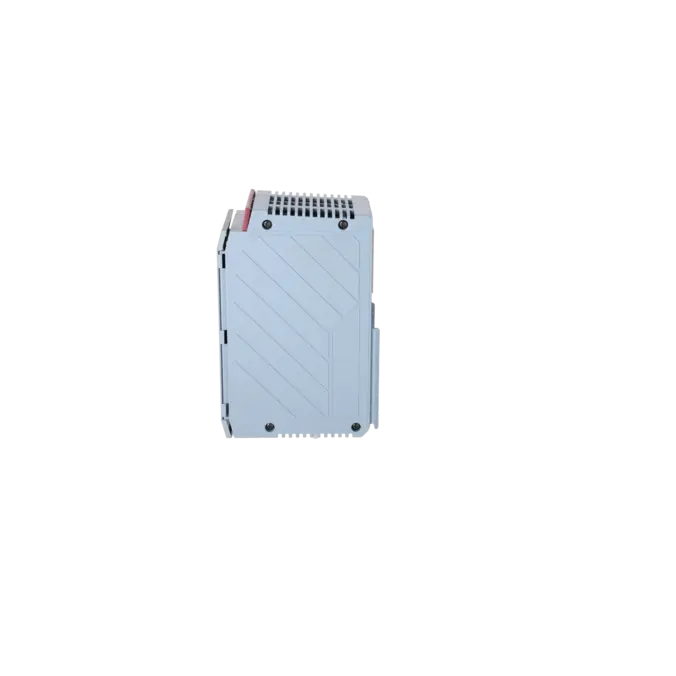
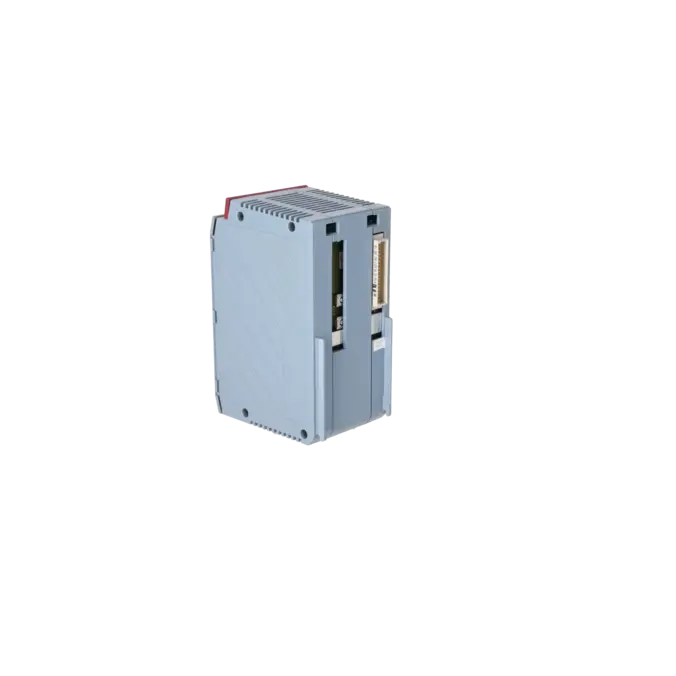

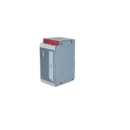
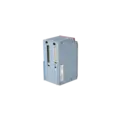

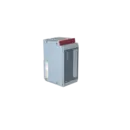
B & R 3CP260.60-1
- EICHLER-art.no.: K0332701
Product description
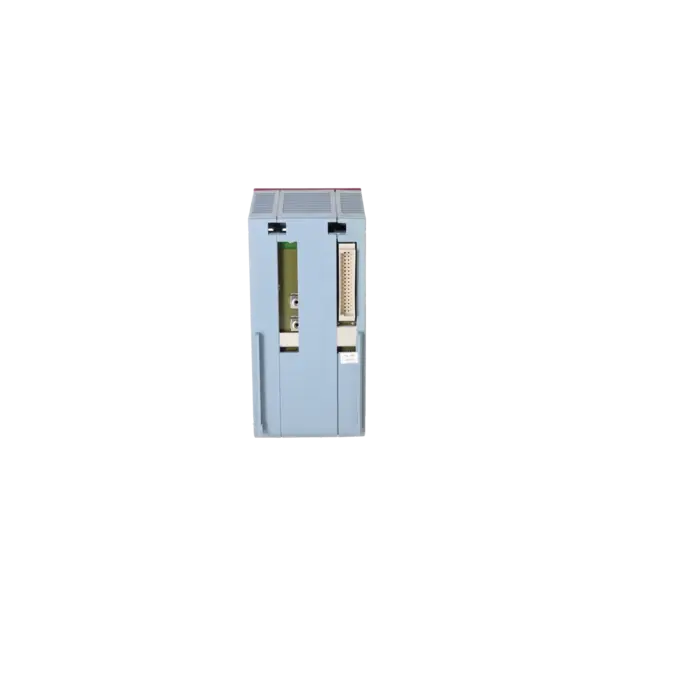
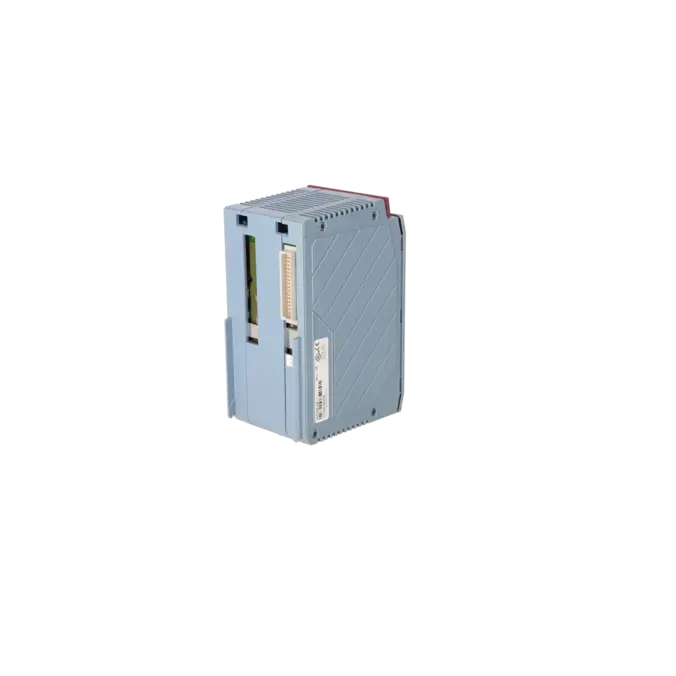
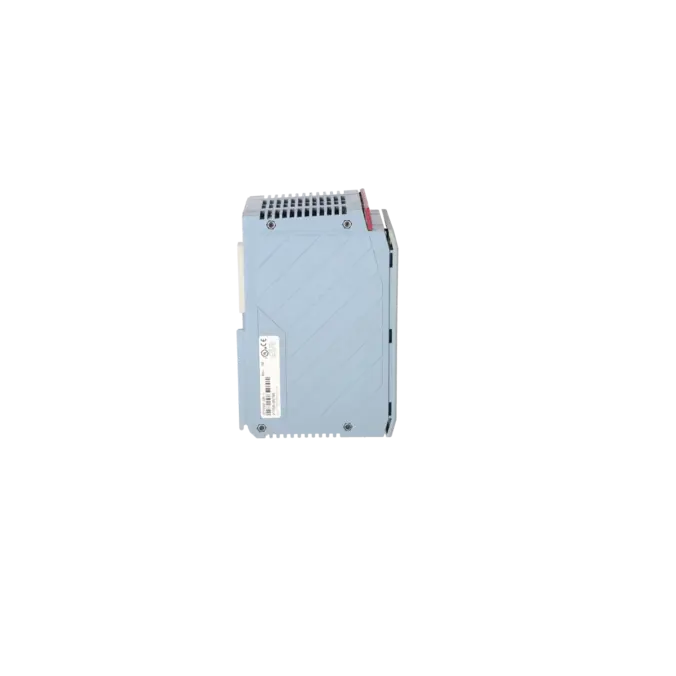
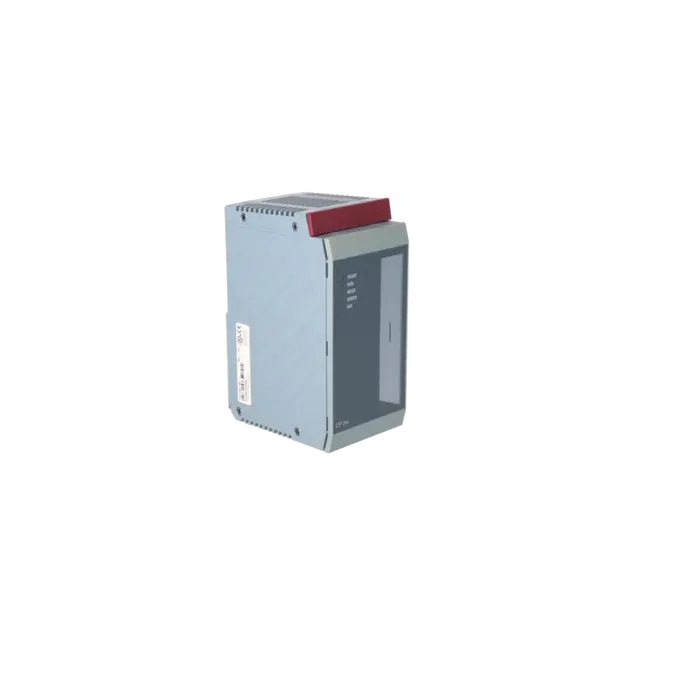
B&R 2005 Zentraleinheit 4MByte DRAM, 850kByte SRAM, 512 KByte FlashPROM, 2 Einschubsteckplätze, 1PCMCIA Steckplatz, 1 RS232 Schnittstelle
Services for B & R 3CP260.60-1
B & R |
3CP260.60-1 –
additional product information
| Delivery information | |||
|---|---|---|---|
| Export identifier | AL: ECCN: | ||
| Net weight | 0.6 | ||
| Quantity | 1 Stück | ||
| Packaging quantity | 1 | ||
| Additional product information | |||
|---|---|---|---|
| Product status | EOP: 2016-12-31 | ||
| EAN | / | ||
| UPC | / | ||
| Static lot number | 85371091 | ||
| List indicator | / | ||
| Product group | / | ||
| Country of origin | AT | ||
| Compliance with the substance restrictions according to RoHS directive | Since: / | ||
| Product classifications | Version | Classification | |
|---|---|---|---|
| eClass | 4 | / | |
| eClass | 5.1 | / | |
| eClass | 6.0 | / | |
| ETIM | 3 | / | |
| ETIM | 4 | / | |
| ETIM | 5 | / | |
What is 3CP260.60-1 and where is it used?
The 3CP260.60-1 is a B&R CPU central processing module from the SYSTEM 2005 product family. The module is installed in the main rack directly next to the power supply, occupies two slots and serves as the central processing and control unit for PLC applications in existing systems. It is typically used wherever existing machines or production lines must continue operating with the original SYSTEM 2005 hardware and where a form- and function-compatible replacement is required without major modifications. For maintenance personnel, the module is particularly relevant when downtime must be eliminated quickly, identical part numbers need to be sourced or older B&R racks must be kept operational.
Overview of the key technical data and what they mean
The CPU provides 4 MB DRAM, 850 kB user SRAM, 512 kB FlashPROM, two slots for interface modules, one PCMCIA slot and one RS232 interface. In operation, this means that the DRAM is used for high-speed processing, the SRAM stores user-related data and the FlashPROM retains system and application information in a non-volatile manner. The RS232 interface serves as the classic service and online interface for diagnostics, data transfer and commissioning. The PCMCIA slot allows memory expansion and simplifies program transfer in the field. For retrofit projects, the following specifications are also important: the CPU supports JEIDA/PCMCIA Type I, memory cards up to 16 MB, has a typical instruction cycle time of 0.2 µs and a maximum baud rate of 64 kBaud.
Product status, life-cycle status and obsolescence
For the 3CP260.60-1, the EICHLER product detail page lists a product status of EOP: 2016-12-31. This clearly indicates a discontinued or near-obsolete legacy product that, in many cases, is no longer available through standard new-product supply channels. At the same time, the module is still referenced on the official B&R product page with technical data, certifications and accessories. For purchasing and production departments, this means that supply security now depends primarily on repair services, tested used parts, exchange solutions and spare-parts stocking strategies. I could not verify a manufacturer-designated direct 1:1 successor in the currently available official product information. Therefore, any migration project should be evaluated based on rack configuration, interface modules and software version.
Available EICHLER services and when they are relevant
For the 3CP260.60-1, EICHLER offers repair, exchange, used units and new units on request. Repair is particularly relevant when the system must continue operating with exactly this CPU and engineering modifications should be avoided; the product page specifies a turnaround time of 2–5 days and a price starting from €995.65. An exchange unit is the preferred option when downtime is more critical than repair lead time. Used units and new units on request are useful for building spare-part inventories or safeguarding critical legacy systems. For operators, it is important that EICHLER states that repairs include technical cleaning, preventive maintenance, comprehensive functional testing and a minimum 24-month warranty. Especially for EOP products, this represents a practical way of maintaining functionality and availability over the long term.
| Fault description | Possible solution |
|---|---|
| Why do the READY LED stay green and the ERROR LED light red on the 3CP260.60-1 after replacing the CPU or PCMCIA card? | On the CP260, the ERROR LED indicates SERVICE mode. First check the operating mode switch: with PLC software > V2.0, position 4 starts without a memory card, position 6 starts with a memory card and position 8 is used for updates. Then establish an online connection to the CPU via RS232 and read out the logger or error log. For exactly this fault pattern, it has been recommended in a CP260 case to analyse the error log through the serial interface; without the logger it is often unclear whether the cause is a software, memory card or initialisation issue. |
| Why do the ERROR and BAT LEDs flash simultaneously on the 3CP260.60-1? | This flashing pattern is described in the manual for switch position 8 (Update): if an error occurs during installation, the ERROR and BAT LEDs flash. In this case, check whether a valid update memory card is inserted, whether the correct software version is being used and whether the update procedure is fully compatible with the CPU. If no update card is inserted while the switch is in position 8, the CPU enters SERVICE mode. |
| Why is the BAT LED illuminated on the 3CP260.60-1? | The BAT LED indicates that the battery or backup accumulator is discharged. The CP260 uses battery backup for the User RAM, System RAM and the real-time clock. According to the manual, backup can be provided via the battery in the 2005 backplane, an AC240 battery module or the internal NiMH accumulator. After long periods without power or when batteries have aged, the backup concept, battery condition and retention of date and time should therefore be checked before the CPU is returned to operation. |
| Why can I not establish an online connection to the 3CP260.60-1 via RS232? | The CP260 uses RS232 as its online interface. The manual specifies a 9-pin D-sub connector, a maximum cable length of 15 m and communication speeds of up to 64 kBaud. For Automation Studio 2.7, a standard configuration of RS232 with the correct COM port, 57600 baud, even parity and timeout 1 has been documented for a 3CP260.60-1. It is also important that the CPU is addressed via the serial interface and that a suitable online cable is used. |
| Why does the 3CP260.60-1 not start from the PCMCIA card or fail to load my application? | With PLC software versions greater than V2.0, switch position 4 ignores an inserted memory card, whereas position 6 additionally loads modules from the card. The memory cards are used as ROM-type MEMCARDs; internal variables cannot be stored on the card and the cards cannot be programmed directly on a PC with CP260 system software or application software. Therefore always check the switch position, card type and the actual software and data content of the card. |
| Why does the CPU enter a fault state when I remove an I/O or interface module during operation? | B&R clearly states that hot swapping on the SYSTEM 2005 backplane is not permitted. Removing modules while the system is powered can cause the CPU to enter a fault state, crash or even result in hardware damage. Modules should therefore only be replaced when the system is de-energised. Afterwards, the logger should be checked if the CPU starts with a red LED indication. |
What does the product status EOP 2016-12-31 mean for the 3CP260.60-1?
EOP stands for End of Production. For purchasing and maintenance departments, this means that the CPU is no longer part of the regular active product portfolio in its original sense, even though official technical product information may still be available. Procurement strategies therefore typically shift towards repair, exchange services, tested used parts and spare-parts stocking. For critical systems, this is a clear signal to establish a long-term spare-parts and service strategy.
Can I upload an existing project from the 3CP260.60-1?
Based on information documented in a CP260 case, an existing application cannot simply be retrieved from the CPU as an editable project. Normally, compiled files are transferred to the controller rather than the complete source or token files required by the development environment. For plant operators, this means that proper project archiving is just as important as hardware spare-part management.
Which PCMCIA memory cards are compatible with the 3CP260.60-1?
The officially listed memory cards for the CP260 include 0MC111.9 / 0MC111.9-1 with 2 MB FlashPROM, 0MC112.9 / 0MC112.9-1 with 4 MB FlashPROM, and 0MC211.9 with 2 MB SRAM. The manual also states that the CPU supports PCMCIA/JEIDA Type I cards and can generally handle up to 16 MB SRAM or 16 MB FlashPROM. Therefore, selection depends not only on the card format but also on whether the card content and intended application match the existing system.
How do I establish an online connection to the 3CP260.60-1 for diagnostics or data transfer?
The standard connection is made via the CPU’s RS232 interface. Official specifications include a 9-pin D-sub connector, a maximum cable length of 15 m, and communication speeds of up to 64 kBaud. The B&R online cable 0G0001.00-090 is listed as an accessory. In a documented 3CP260.60-1 case, Automation Studio 2.7 used a serial configuration with the correct COM port, 57600 baud, even parity and timeout 1. This connection is particularly important because it is also used to access logger and service information for troubleshooting.
Is repair, exchange or used equipment procurement the most realistic option today for the 3CP260.60-1?
Current market availability is mainly focused on repair services, exchange units, refurbished devices and remaining stock. EICHLER offers exactly these options for the 3CP260.60-1. In addition, market listings frequently reference immediate availability, express shipping, refurbished units or procurement on request. For companies, the key question is therefore usually not whether a solution exists, but which option provides the best balance between downtime reduction, risk management and budget.
Is there an official 1:1 successor for the 3CP260.60-1?
I could not verify an officially designated 1:1 successor from the manufacturer in the currently available product information. Therefore, replacement or migration decisions should not be made solely on the basis of a similar part number. Important factors include the rack configuration, installed interface modules, memory concept, software version and system documentation. In SYSTEM 2005 installations, a thorough technical compatibility assessment is generally more important than a purely nominal product similarity.