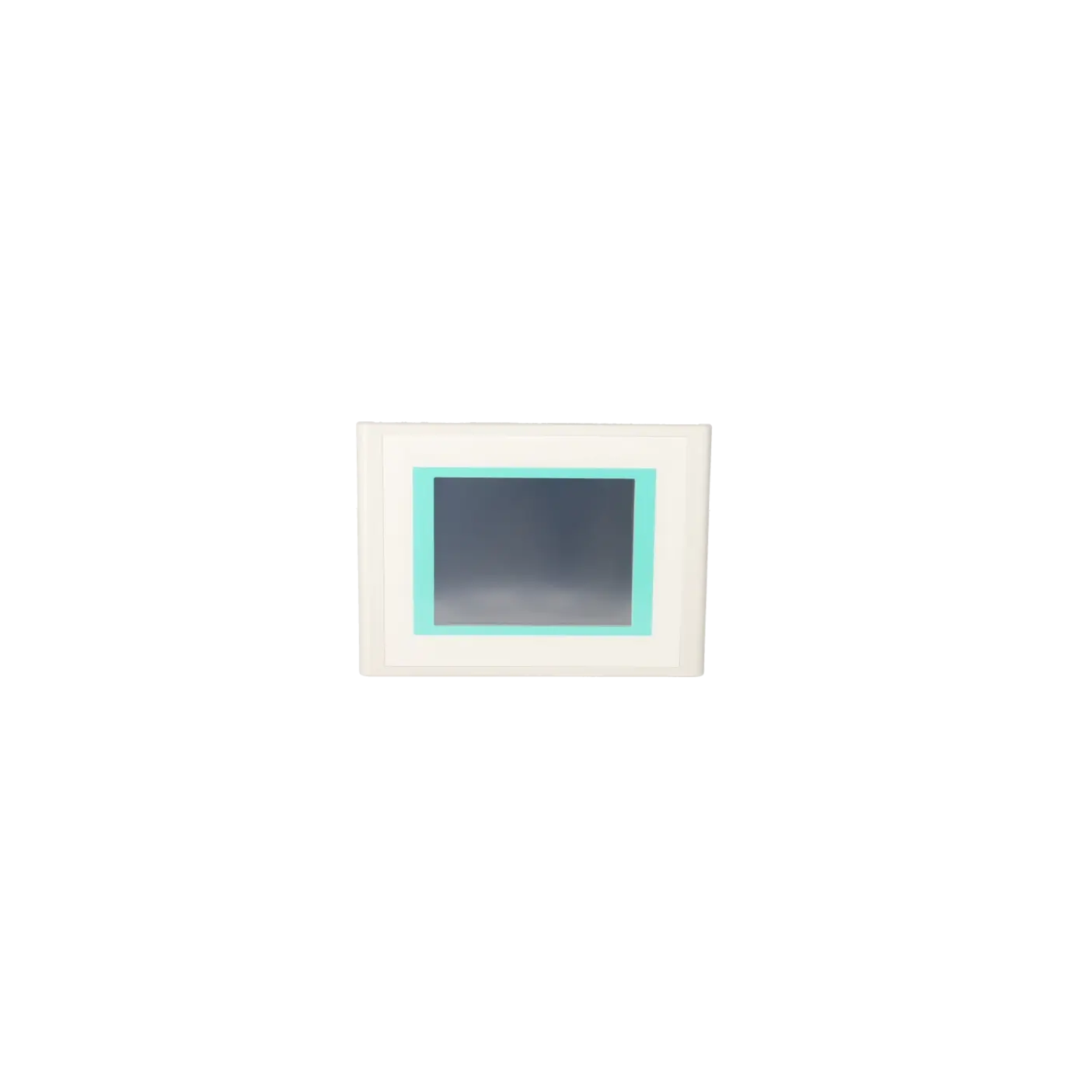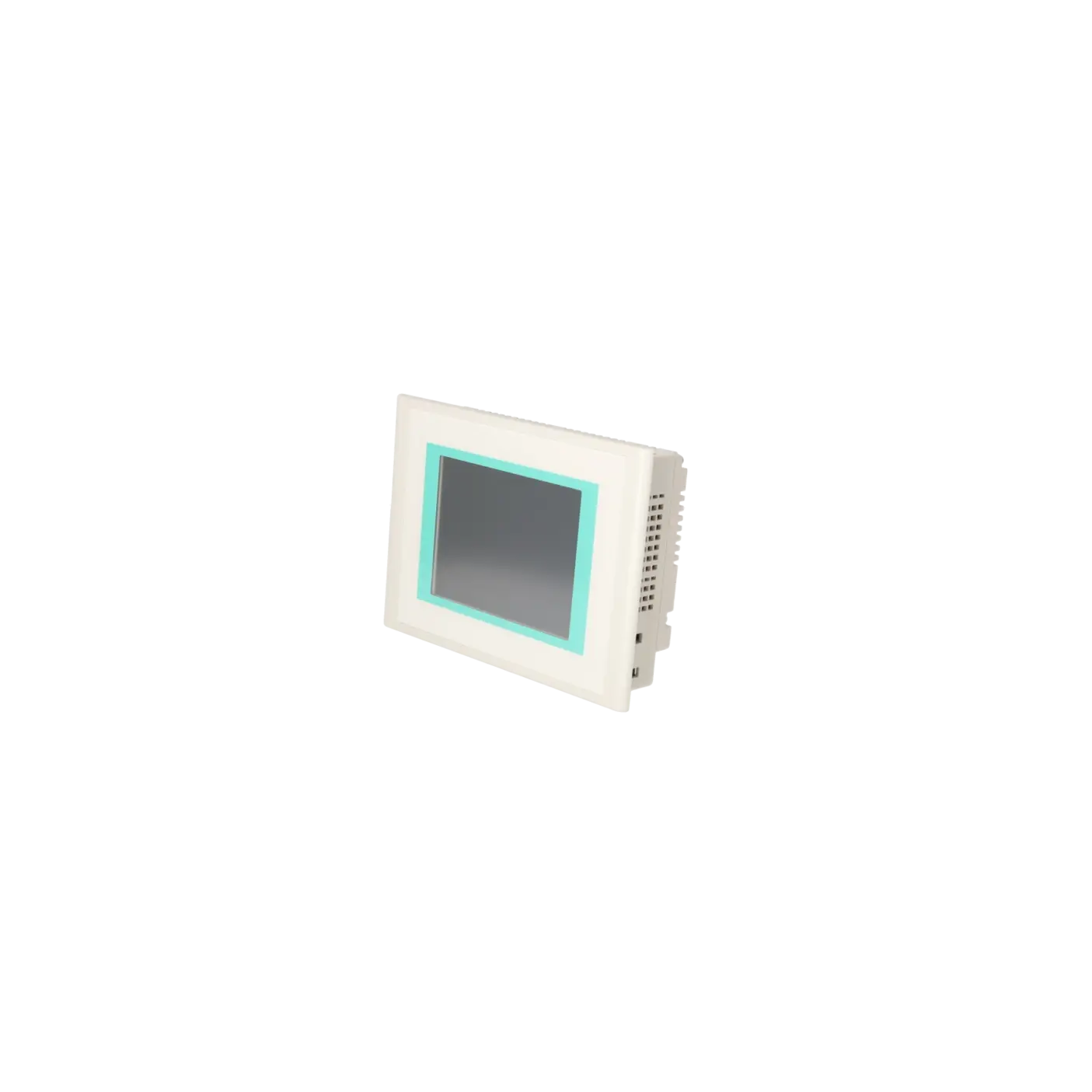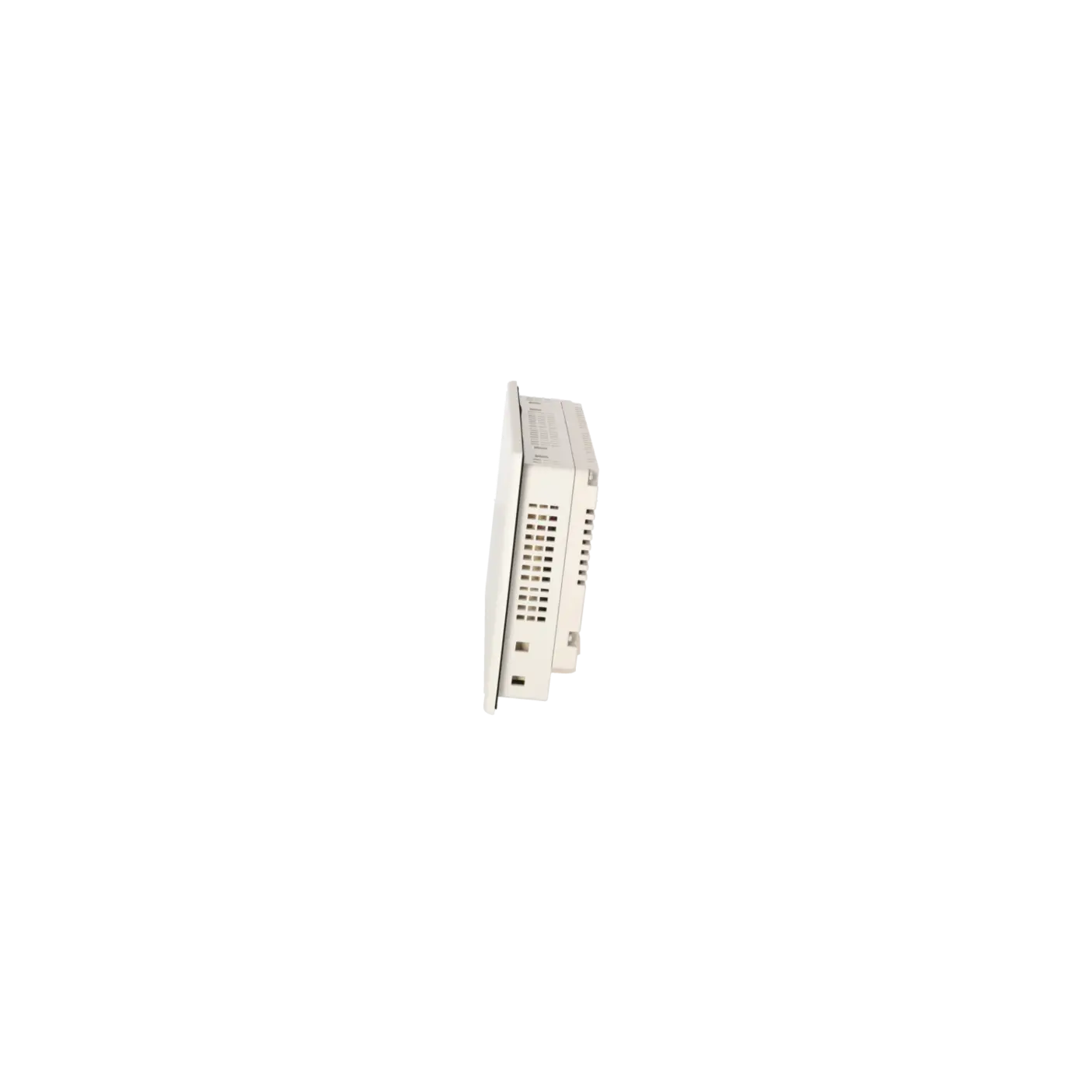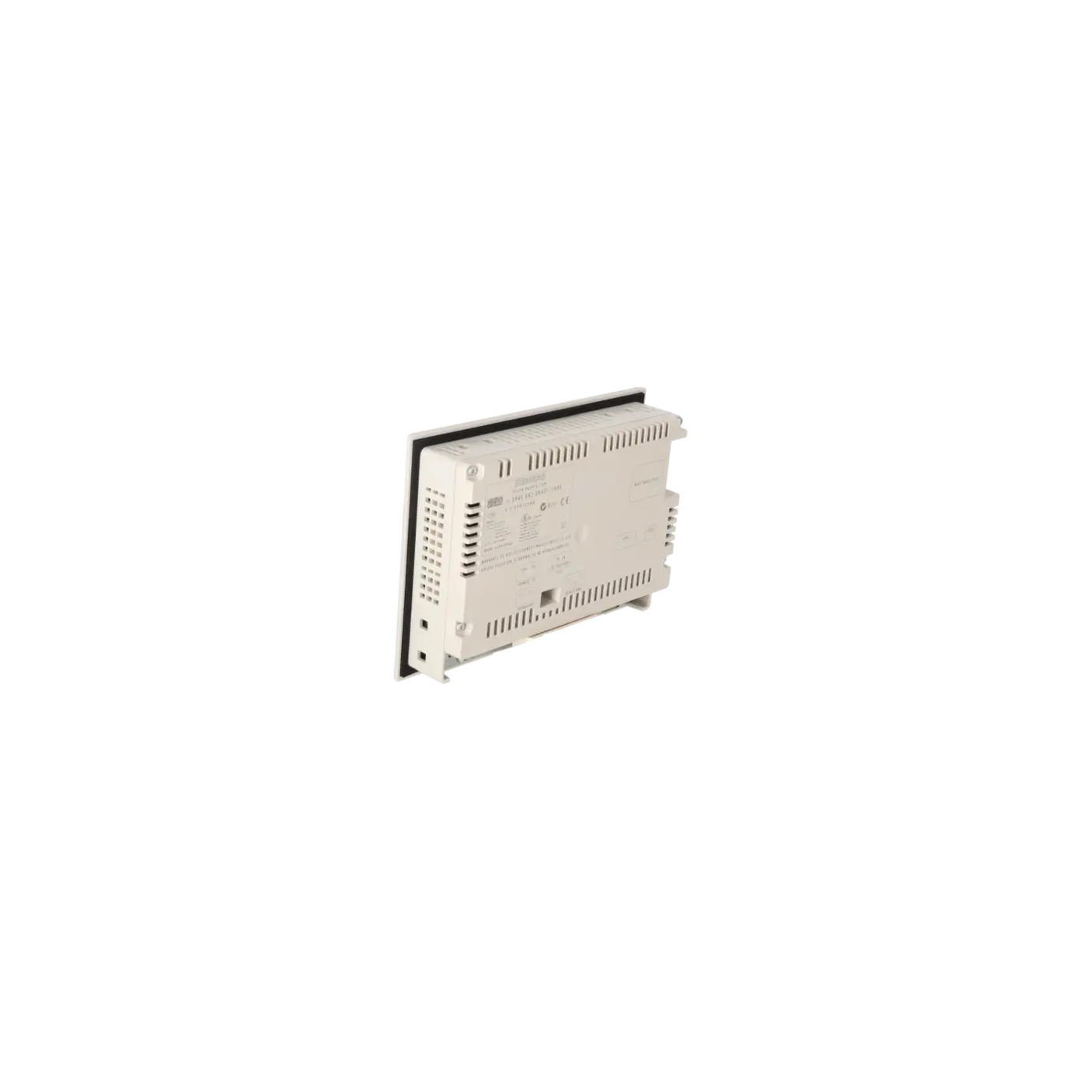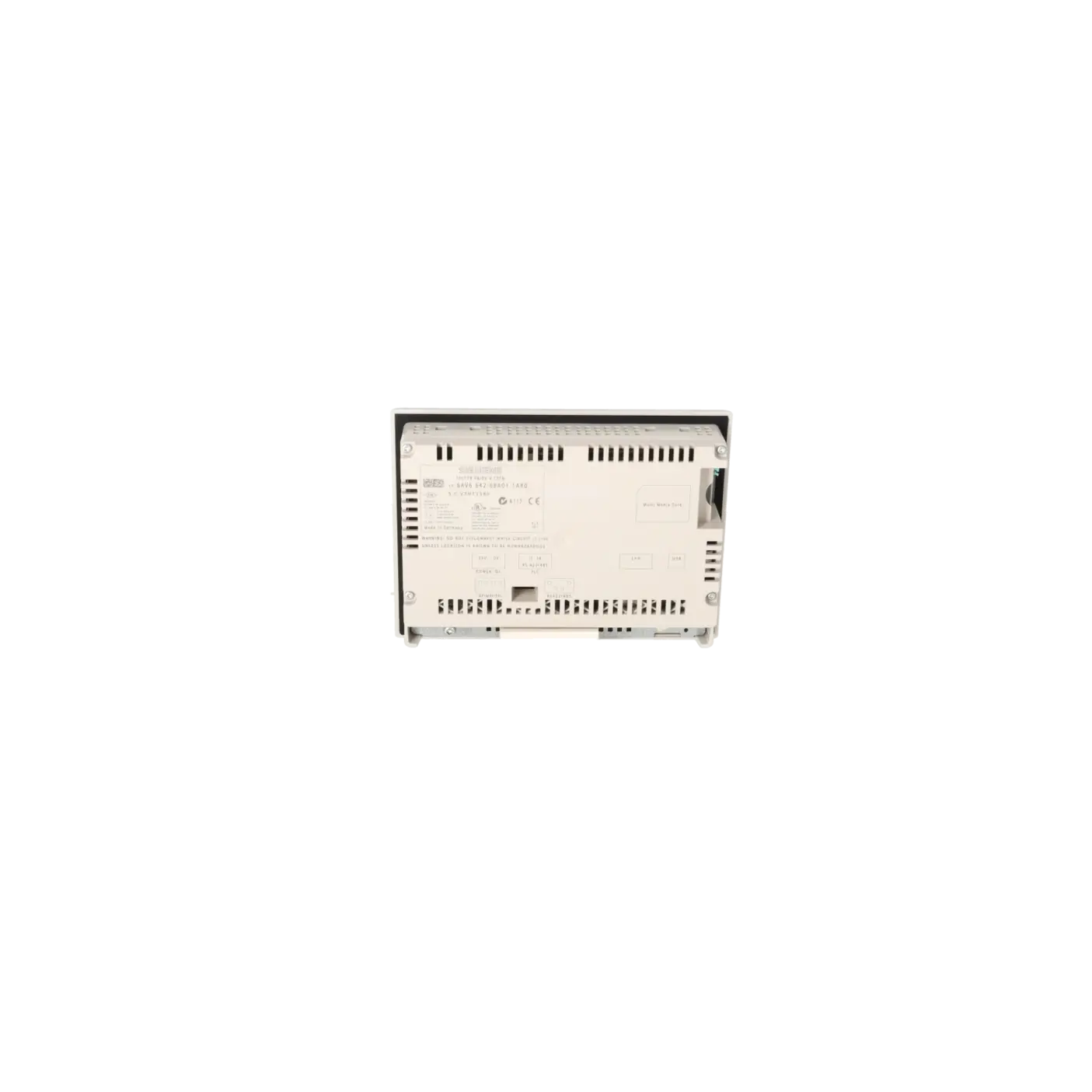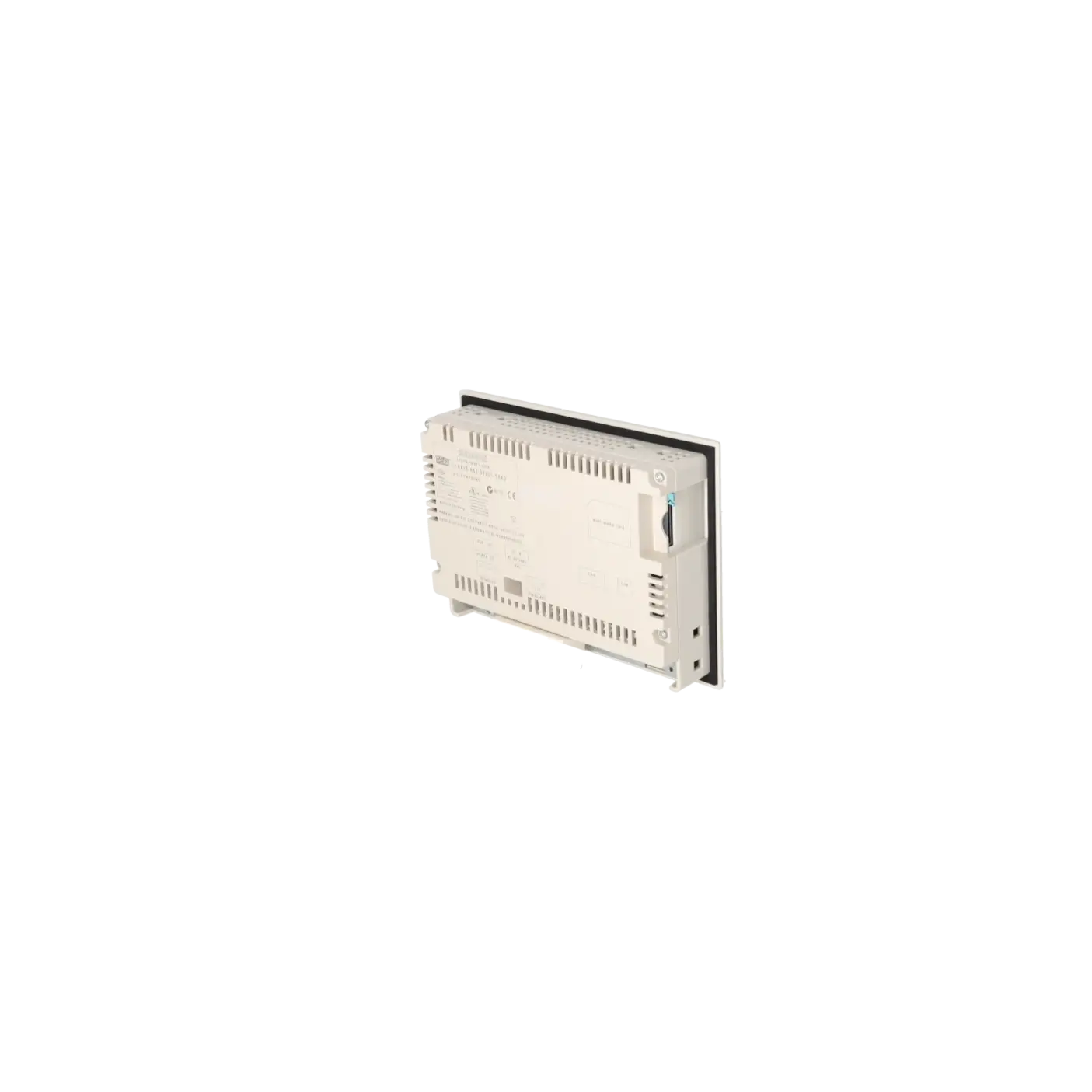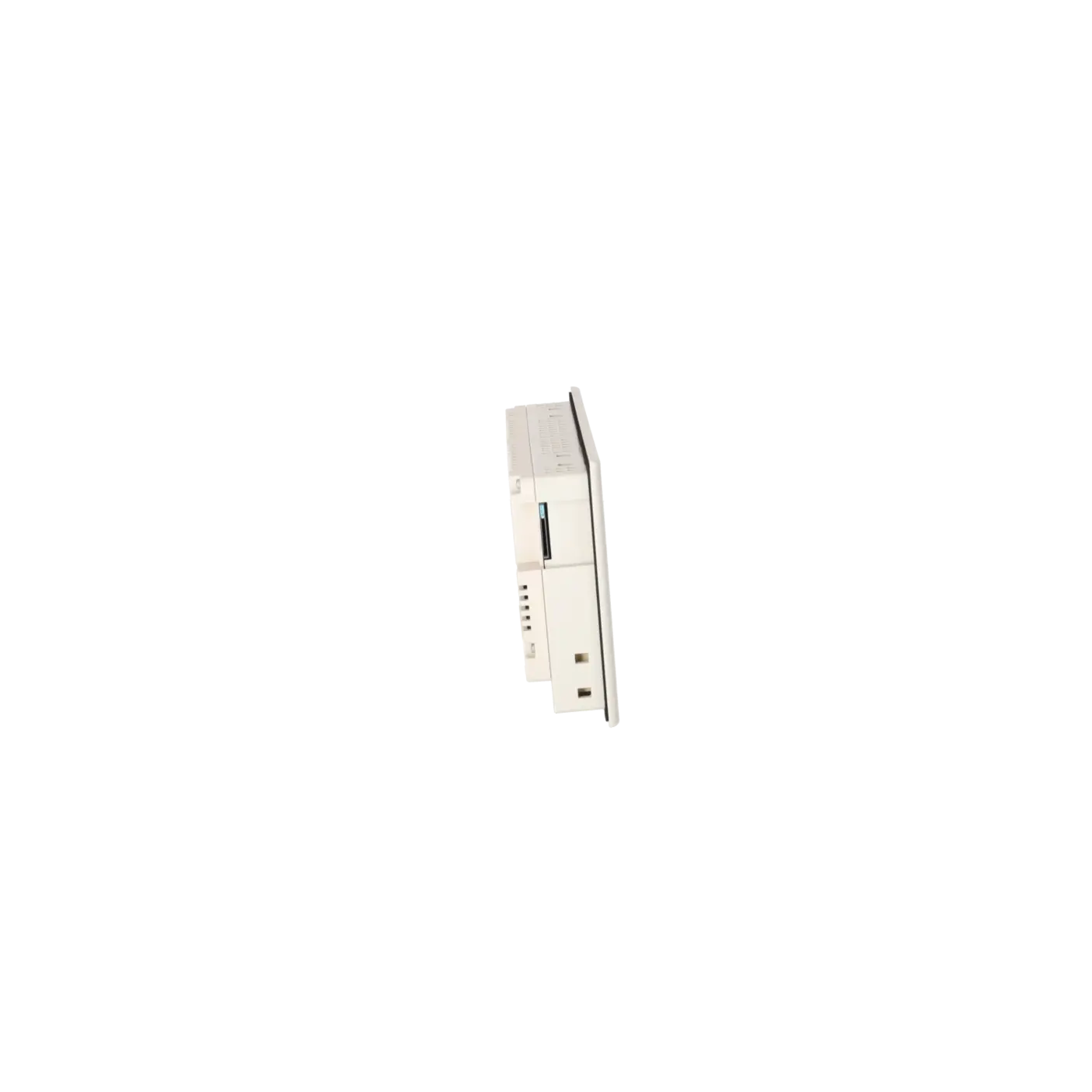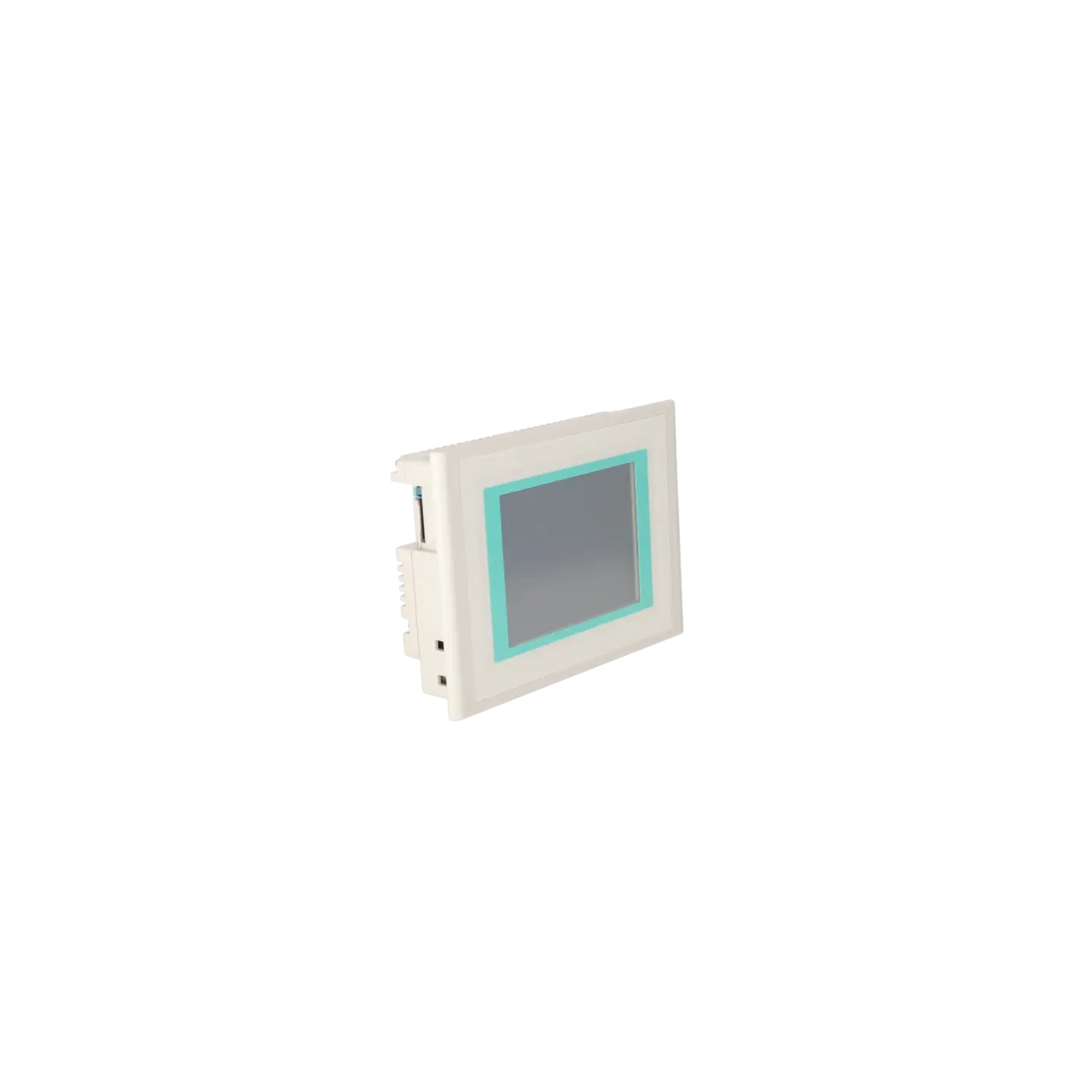
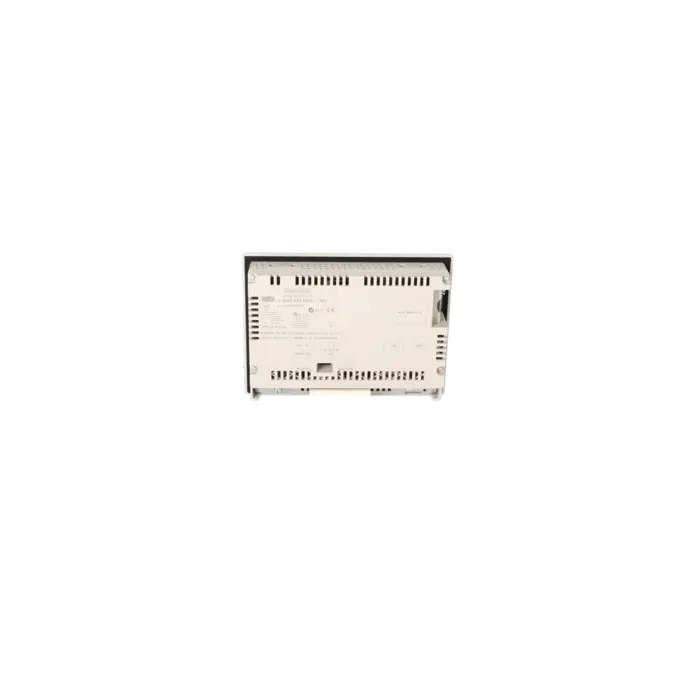
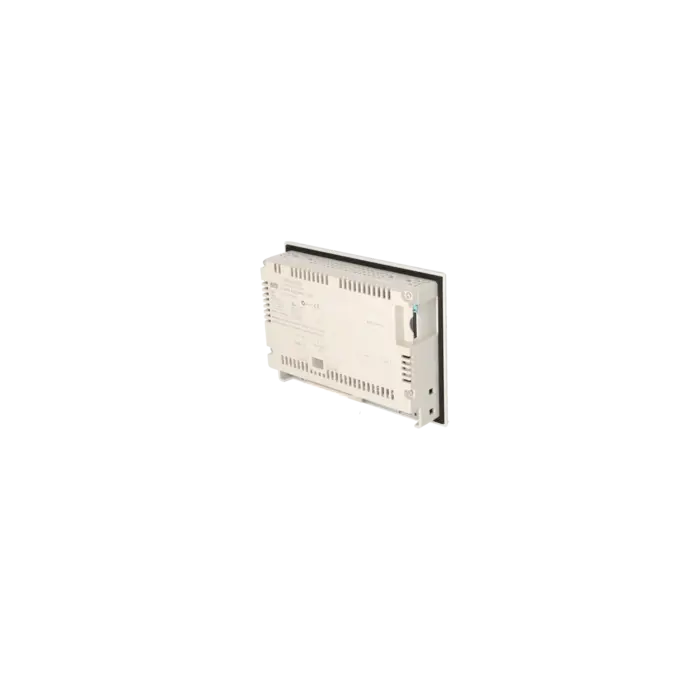
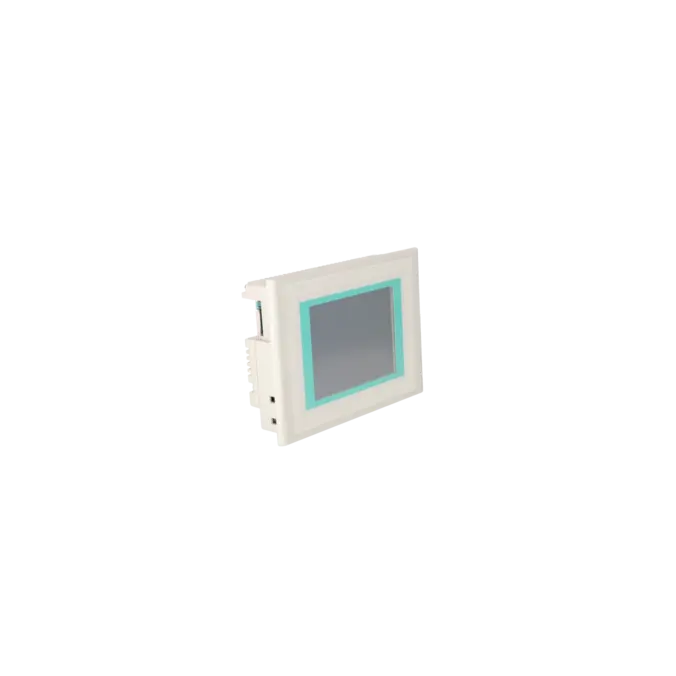


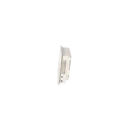
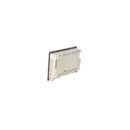


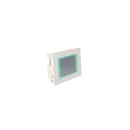
SIEMENS 6AV6642-0BA01-1AX0
-
SIEMENS | HMI | Touch Panels
- EICHLER-art.no.: K0170435
- EAN: 4025515072461
Product description
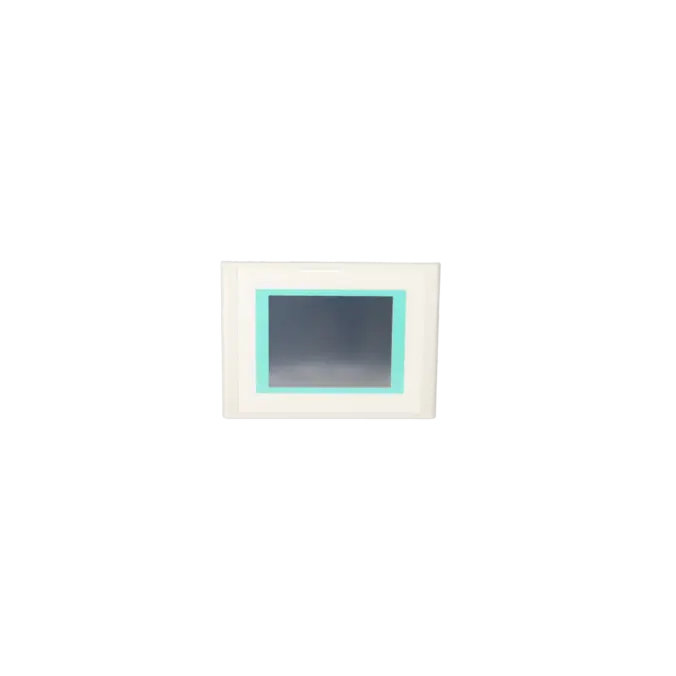
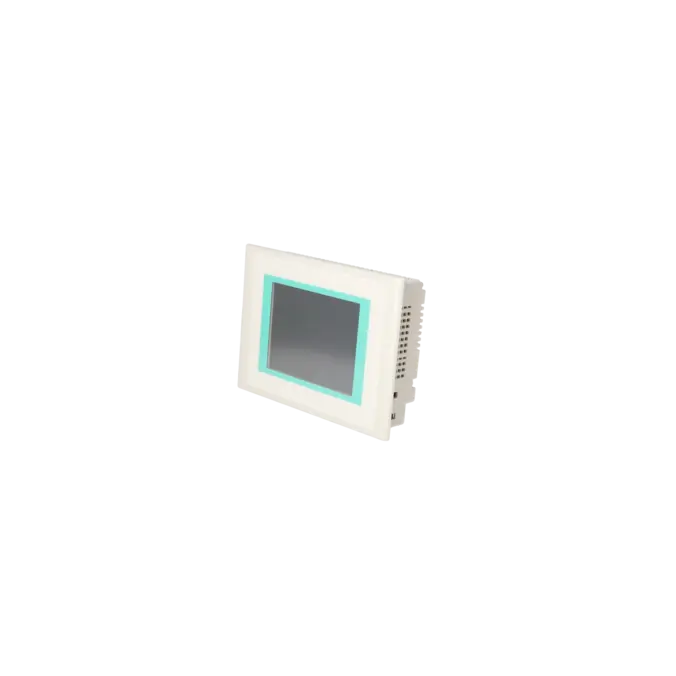
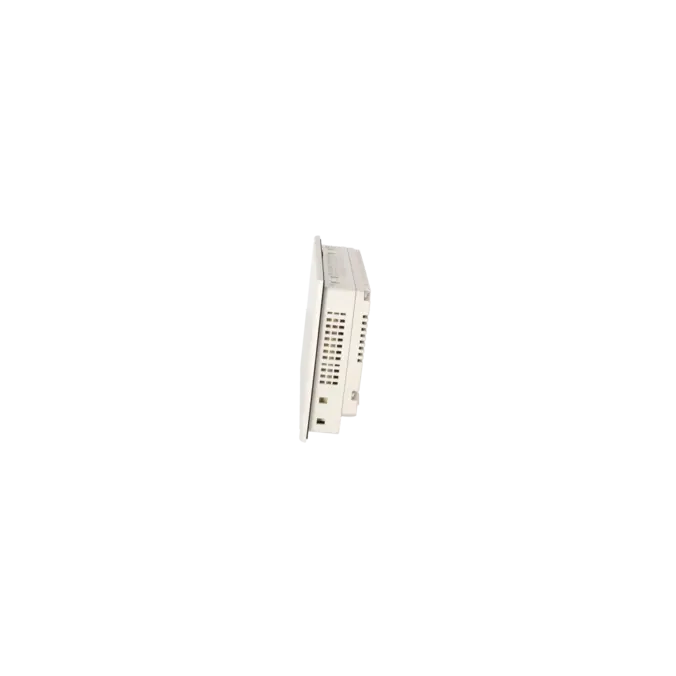
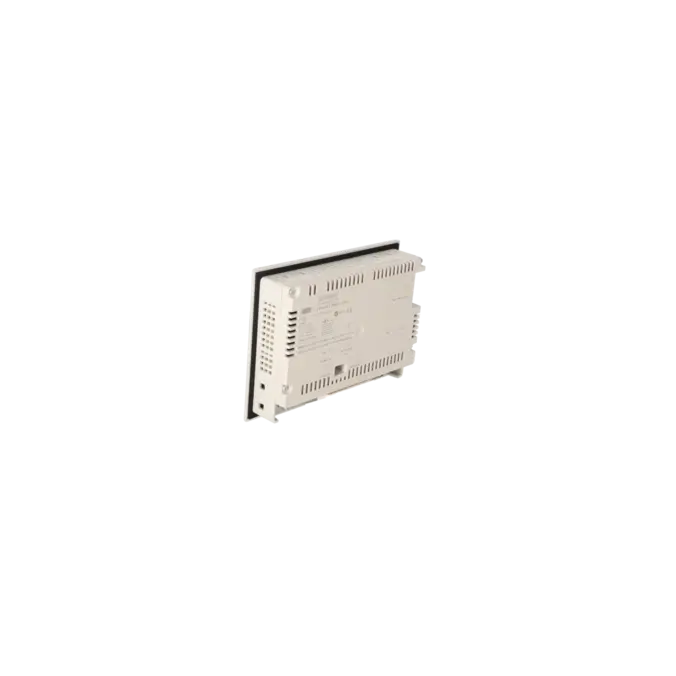
SIMATIC TOUCHPANEL TP177B PN/DP STN 265 COLOR-DISPLAY MPI-/PROFIBUS-DP - PROTOCOL RS485-/RS422-/USB - INTERFACE ETHERNET10/100 INTERFACE PRINTER - INTERFACE SLOT FOR MM-CARD CONFIGURABLE WITH WINCC FLEXIBLE 2005
Services for SIEMENS 6AV6642-0BA01-1AX0
Repair
from 1.431,74 €
to 2.577,14 €
Replacement
1.574,10 €
1.495,39 €
Used
1.749,00 €
1.661,55 €
New
SIEMENS |
6AV6642-0BA01-1AX0 –
additional product information
| Delivery information | |||
|---|---|---|---|
| Export identifier | AL: ECCN: | ||
| Net weight | 1.059 | ||
| Quantity | 1 Stück | ||
| Packaging quantity | 1 | ||
| Additional product information | |||
|---|---|---|---|
| Product status | EOP: 2008-07-11 | ||
| EAN | 4025515072461 | ||
| UPC | / | ||
| Static lot number | 85371098 | ||
| List indicator | / | ||
| Product group | 4356 | ||
| Country of origin | DE | ||
| Compliance with the substance restrictions according to RoHS directive | Since: / | ||
| Product classifications | Version | Classification | |
|---|---|---|---|
| eClass | 4 | / | |
| eClass | 5.1 | / | |
| eClass | 6.0 | / | |
| ETIM | 3 | / | |
| ETIM | 4 | / | |
| ETIM | 5 | / | |
What is 6AV6642-0BA01-1AX0 and where is it used?
The 6AV6642-0BA01-1AX0 is a SIEMENS SIMATIC TP177B PN/DP from the HMI product family for machine and system operation. This touch panel is used for the visualisation of process values, alarm and recipe management, and the operation of traditional automation applications within the SIMATIC environment. Thanks to its combination of Ethernet, MPI/PROFIBUS DP, RS422/RS485, USB and MMC card slot, the device is particularly suitable for existing installations where visualisation projects need to remain in operation or where a one-to-one replacement is required. Typical applications include retrofit projects, modernisation of existing systems, and the rapid provision of spare parts following the unexpected failure of a panel in production-critical environments.
Overview of the key technical specifications and their significance
The panel features a 5.7-inch STN colour display with 256 colours and a resolution of 320 × 240 pixels. In practical operation, this provides a proven and robust visualisation platform for traditional operator screens, alarm pages and straightforward process displays. The resistive touchscreen is designed specifically for industrial use. The device includes 2 MB of application memory, Windows CE as the pre-installed operating system, 1 × Ethernet RJ45 10/100, 1 × RS422/RS485, 1 × USB, and a MultiMediaCard slot. Power is supplied via 24 V DC, with a protection rating of IP65 on the front panel and IP20 on the rear. For purchasing and maintenance teams, these specifications are important because they help verify compatibility with existing installations, installation conditions, power requirements and communication infrastructure.
Product status, life-cycle status and obsolescence status
For the 6AV6642-0BA01-1AX0, the EICHLER product page specifies an EOP (End of Production) status effective from 11 July 2008. Siemens has also published product discontinuation notices for the TP177B family, further limiting long-term primary availability. For operators of older systems, this represents a clear obsolescence risk, particularly where an identical panel is required to maintain existing projects, mounting cut-outs and communication interfaces. In the official Siemens migration guide, the TP177B Colour device family is migrated towards the TP277, and subsequently within the Comfort Panel range towards the TP700 Comfort. For many existing installations, however, an immediate technology change is not always practical during a breakdown situation, as the existing visualisation, mounting cut-out and engineering environment often need to remain unchanged. This is precisely where repair services, exchange units and function-tested used devices become increasingly important.
Available EICHLER services and when they are relevant
For this panel, EICHLER offers repair services, exchange units, used assemblies and new-device enquiries. Repair is particularly attractive when the existing project status, installation arrangement and device allocation should remain unchanged. According to the product page, the repair service includes technical cleaning, preventive maintenance, comprehensive functional testing and a minimum 24-month warranty. An exchange unit is advantageous when downtime must be kept to an absolute minimum and a working replacement device is required immediately. Used assemblies are especially relevant when availability is more important than purchasing a new device. An optional test report can also be provided. For maintenance, purchasing and production departments, these services offer a practical way to maintain the operational reliability of existing installations despite product obsolescence, while keeping risk and costs predictable.
| Attribute | Value |
|---|---|
| Display | |
| Design of display | STN |
| Screen diagonal | 5.7 in |
| Color display | Yes |
| Number of colors | 256 |
| Resolution (pixels) | |
| ● Horizontal image resolution | 320 Pixel |
| ● Vertical image resolution | 240 Pixel |
| Backlighting | |
| ● MTBF backlighting (at 25 °C) | 50 000 h |
| Control elements | |
| Control elements | Touch screen |
| Keyboard fonts | |
| ● System keys | Yes |
| ● Numeric keyboard | Yes |
| ● alphanumeric keyboard | Yes |
| ● hexadecimal keyboard | Yes |
| ● Multi-key operation | No |
| Touch operation | |
| ● Design as touch screen | Yes; analog, resistive |
| Connection type | |
| ● Type of connection for mouse/keyboard/barcode reader | USB / USB / - |
| Installation type/mounting | |
| Mounting position | vertical |
| maximum permissible angle of inclination without external ventilation | 35° |
| Processor | |
| Processor type | RISC 32 bit, 200 MHz |
| Memory | |
| Type of memory | Flash / RAM |
| Memory available for user data | 2 048 kbyte |
| Time of day | |
| Clock | |
| ● Type | Hardware clock, synchronizable, no battery backup |
| ● retentive | No |
| ● synchronizable | Yes |
| Interfaces | |
| Interfaces/bus type | RS 232 optional, 1x RS 422, 1x RS 485, 1x Ethernet (RJ45) (max. 12 Mbit/s) |
| Number of industrial Ethernet interfaces | 1 |
| Number of RS 485 interfaces | 1 |
| Number of RS 422 interfaces | 1 |
| Number of USB interfaces | 1; Up to 1 GB |
| CF card slot | No |
| Multimedia card/SD card slot | 1x Multimedia Card slot, up to 128 MB |
| Degree and class of protection | |
| IP (at the front) | IP65 |
| IP (rear) | IP20 |
| NEMA (front) | NEMA 4, NEMA 4x, NEMA 12 (when installed) |
| Standards, approvals, certificates | |
| Certificate of suitability | CE, GL, ABS, BV, DNV, LRS, PRS, FM Class I Div. 2, UL, CSA, cULus, EX-Zone 2/22, Gost-R, C-TICK, NEMA 4, NEMA 4x, NEMA 12 |
| cULus | Yes |
| Use in hazardous areas | |
| ● ATEX Zone 2 | Yes |
| ● ATEX Zone 22 | Yes |
| ● FM Class I Division 2 | Yes |
| Marine approval | |
| ● Germanischer Lloyd (GL) | Yes |
| ● American Bureau of Shipping (ABS) | Yes |
| ● Bureau Veritas (BV) | Yes |
| ● Det Norske Veritas (DNV) | Yes |
| ● Lloyds Register of Shipping (LRS) | Yes |
| ● Polski Rejestr Statkow (PRS) | Yes |
| Ambient conditions | |
| Ambient temperature during storage/transportation | |
| ● min. | -20 °C |
| ● max. | 60 °C |
| Relative humidity | |
| ● Operation, max. | 90 % |
| Operating systems | |
| pre-installed operating system | Windows CE |
| Configuration | |
| Message indicator | Yes |
| Alarm system (incl. buffer and acknowledgment) | Yes |
| Process value display (output) | Yes |
| Process value default (input) possible | Yes |
| Recipe management | Yes |
| Configuration software | |
| ● Configuration tool | WinCC flexible Compact Version 2005 or higher (to be ordered separately) |
| Languages | |
| Online languages | |
| ● Number of online/runtime languages | 16 |
| Project languages | |
| ● Languages per project | 32 |
| Functionality under WinCC (TIA Portal) | |
| Libraries | Yes |
| Task planner | Yes |
| Help system | Yes |
| ● Number of characters per info text | 70 |
| Message system | |
| ● Number of alarm classes | 32 |
| ● Number of messages | 2 000 |
| ● Bit messages | Yes |
| — Number of bit messages | 2 000 |
| ● Analog messages | Yes |
| — Number of analog messages | 2 000 |
| ● System messages HMI | Yes |
| ● System messages PLC | Yes |
| ● Lines | 1 |
| ● Number of characters per message | 80 |
| ● Number of process values per message | 8 |
| ● Acknowledgment groups | |
| — Number of acknowledgement groups | 99 |
| ● Message indicator | Yes |
| ● acoustic feedback | No |
| ● First/last value | Yes |
| Recipe management | |
| ● Number of recipes | 100 |
| ● Data records per recipe | 200 |
| ● Entries per data record | 200 |
| ● Recipe memory | 32 KB integrated Flash, expandable |
| Variables | |
| ● Number of variables per device | 1 000 |
| ● Number of variables per screen | 50 |
| ● Number of variables | 1 000 |
| ● Initial values | 1 000 |
| ● Type Date & Time | 1 000 |
| ● Limit values | Yes |
| ● Multiplexing | Yes |
| ● Structures | No |
| Images | |
| ● Number of configurable images | 500 |
| ● Permanent window/default | Yes |
| ● Start screen configurable | Yes |
| ● Image selection by PLC | Yes |
| ● Image number in the PLC | Yes |
| Image objects | |
| ● Text objects | 2 500 text elements |
| ● Number of I/O fields per image | 50 |
| ● Number of date/time fields | 30 |
| ● Index of screen context | No |
| ● Return | Yes |
| ● Graphics object | Bit maps, icons, icon (full-screen), vector graphics |
| — Icons | 500 |
| — Icon (full screen) | 50 |
| Complex image objects | |
| ● Status/control | With SIMATIC S7 |
| ● dynamic objects | Diagrams, bar graphs, sliders, analog display, invisible buttons |
| — Number of objects per project | 500 |
| — Number of curve diagrams per image | 5 |
| ● Methods | Trend |
| ● Bar graphs | |
| — Number of bars per chart | 5 |
| ● Sliders | |
| — Number of slides per image | 0 |
| ● Pointer instruments | |
| — Number of analog indicators per image | 0 |
| ● Limit value lines | Yes |
| ● Number of alphanumerical fields | 1 000 |
| — alphanumeric fields per image | 100 |
| ● Number of numerical fields | 1 000 |
| — numerical fields per image | 100 |
| ● Number of password fields | 1 000 |
| ● Number of visible switches per project | 1 000 |
| — visible switches per image | 100 |
| — hidden switches per image | 100 |
| ● Number of status switches per project | 1 000 |
| — Number of status switches per image | 100 |
| ● Number of selector switches per project | 1 000 |
| — Selector switches per image | 100 |
| ● Number of decade switches per project | 0 |
| — Decade switches per image | 0 |
| ● Number of signal lamps per project | 1 000 |
| — Signal lamps per image | 100 |
| Attributes for dynamic objects | |
| ● Color change | Yes |
| ● X/Y movement | Yes |
| ● Hide | Yes |
| ● Angle of rotation | No |
| Lists | |
| ● Number of text lists per project | 300 |
| ● Number of text lists per image | 10 |
| ● Number of entries per text list | 30 |
| ● Number of graphics lists per project | 100 |
| ● Number of graphic lists per image | 10 |
| ● Number of entries per graphics list | 30 |
| Security | |
| ● Number of user groups | 50 |
| ● Number of user rights | 32 |
| ● Password export/import | Yes |
| Data carrier support | |
| ● PC card | No |
| ● CF card | No |
| Logging through printer | |
| ● Recording/Printing | Alarms, report (shift report), color print, hardcopy |
| Transfer (upload/download) | |
| ● Transfer of configuration | MPI/PROFIBUS DP, serial, USB, Ethernet, by means of external storage medium, automatic transfer recognition |
| Process coupling | |
| ● Connection to controller | S5, S7-200, S7-300/400, Win AC, PC (TCP/IP), SINUMERIK, SIMOTION, Allen Bradley (DF1), Mitsubishi (FX), Telemecanique (ADJUST), Modicon (Modbus), further non-Siemens drivers, see chapter "System interfaces" |
| ● S7-200 | Yes |
| — PPI (point-to-point) | Yes |
| — PPI network | No |
| — MPI | Yes |
| — PROFIBUS DP | Yes |
| ● S7-300/400 | Yes |
| — MPI | Yes |
| — PROFIBUS DP | Yes |
| — PROFINET | Yes |
| ● S5 | Yes; only PROFIBUS DP |
| — serial | No |
| — PROFIBUS DP | Yes |
| ● TI 505 | No |
| ● Allen Bradley (DF1) | Yes |
| ● Allen Bradley (DF485) | No |
| ● Mitsubishi (FX) | Yes |
| ● Telemecanique (ADJUST) | Yes |
| ● OMRON (LINK/Multilink) | No |
| ● Modicon (Modbus) | Yes |
| Functions | |
| ● Key repeat | No |
| ● TAB sequence | Yes |
| ● Calculating functions | Yes |
| ● Animate | Yes |
| ● Menu tree editor | Yes |
| ● Unit switchover | No |
| Service tools/configuration aids | |
| ● Clean screen | Yes |
| ● Touch calibration | Yes |
| ● Backup/Restore manually | Yes |
| ● Simulation | Yes |
| ● Device switchover | Yes |
| ● Delta transfer | Yes |
| ● Monitoring function for battery and memory | Yes |
| ● Trace (operation archive) | No |
| Expandability/openness | |
| ● Open Platform Program | Yes |
| Peripherals/Options | |
| Peripherals | Printer |
| SIMATIC HMI MM memory card: Multi Media Card | Yes |
| Additional software components loadable | Yes |
| Dimensions | |
| Width of the housing front | 212 mm |
| Height of housing front | 156 mm |
| Overall depth | 46 mm |
| Weights | |
| Weight (without packaging) | 0.8 kg |
| Fault description | Possible solution |
|---|---|
| Why does the TP177B touchscreen respond inaccurately or register touches in the wrong position? | On the TP177B, inaccurate operation can be caused by the need to recalibrate the touchscreen. Siemens describes this procedure in the Control Panel under "OP Properties" using the "Recalibrate" function. During the process, the calibration crosses must be touched one after another and the new values confirmed within the specified time window. If the touchscreen continues to respond inaccurately afterwards, it should be determined whether the issue is caused by a touchscreen hardware fault or whether only the calibration data has been lost. |
| Why is it not possible to transfer a project to the TP177B via Ethernet or MPI/PROFIBUS? | In many cases, the wrong transfer channel is active or the interface has not been configured correctly on the panel. Siemens specifies that the required communication channel must be enabled within "Transfer Settings". For Ethernet communication, the IP address and subnet configuration must be correct. For MPI/PROFIBUS communication, the address and transmission rate must match the network configuration. In addition, the panel must be switched to Transfer Mode. In practice, restarting the panel often helps to ensure that modified settings are applied correctly. |
| Why does the display remain dark even though the TP177B is still powered? | On this generation of devices, backlight failure is a common age-related issue. Siemens specifies a typical backlight lifetime of 50,000 operating hours for the TP177B 6" PN/DP. If screen content can still be recognised faintly when illuminated with an external light source, the problem is often not a complete device failure but rather a fault in the backlight system or its associated electronics. In such cases, repair or rapid replacement is usually a more practical solution than an unplanned migration to a different technology platform. |
| Why does my project no longer start after a restart, or why can backup data not be restored correctly? | Siemens requires the use of a suitable memory card with sufficient free storage capacity for backup and restore operations. During the restore process, existing data stored in the flash memory is deleted and replaced with the backed-up data. It is also important to use only approved memory cards. Siemens explicitly notes that an S7 MultiMediaCard formatted within the panel can no longer be used in a SIMATIC S7 controller afterwards. Problems are therefore often caused by unsuitable memory cards, corrupted backups or misunderstandings regarding the restore procedure. |
| Why does the TP177B no longer respond to touch input even though the display is still visible? | If the display remains visible but the panel no longer accepts touchscreen input, the touchscreen functionality should first be tested independently of the remaining HMI functions. Siemens lists USB devices such as keyboards and mice as supported peripherals. For this reason, specialist forums frequently recommend connecting an external USB mouse as a diagnostic measure. This helps determine whether only the touch sensor has failed or whether the panel itself is experiencing a broader operational issue. After this, the touchscreen calibration, software version and, if necessary, repair of the operator panel should be investigated. |
Which software do I need for the 6AV6642-0BA01-1AX0?
For this operator panel, WinCC flexible Compact from Version 2005 onwards is specified as the engineering tool. This is important for operators because existing projects are often maintained in older engineering environments, and an unplanned migration to a newer HMI generation can create additional migration effort. The panel itself operates with Windows CE. For procurement and maintenance teams, this means that before any purchase, repair or replacement, it should always be verified that the existing project, engineering version and interface structure are compatible with the installation in question.
Which interfaces and controllers are supported by the TP177B PN/DP?
The device supports Ethernet, RS422/RS485, USB and MPI/PROFIBUS DP communication. According to Siemens, it can be connected to SIMATIC S7-300/400, S7-200 and S5 controllers, while additional systems may also be integrated depending on the communication drivers used. In practice, this makes the panel well suited to older and heterogeneous machine environments. Particularly in retrofit projects or spare-parts situations, this versatility is important because suitability is determined not only by the display size but also by the existing communication architecture.
Is there a manufacturer-recommended successor for the 6AV6642-0BA01-1AX0?
Siemens identifies the TP277 as the next step in the migration path for the TP177B Colour family, with the TP700 Comfort representing the subsequent migration target within the Comfort Panel range. However, this should not be interpreted as an automatic one-to-one replacement. When moving to a newer generation, factors such as project migration, communication architecture, installation environment and, in some cases, the panel cut-out dimensions must also be considered. For operators who need to return a legacy system to service quickly, repair, exchange or a function-tested replacement unit from the same product family is often a more practical solution than an immediate full migration.
Can I create a backup of the panel and restore it if required?
Yes. Siemens describes a backup and restore function using a memory card for this class of device. The memory card must have sufficient free storage capacity available. During the restore process, the existing data stored in the internal flash memory is deleted and replaced with the backed-up data. This is particularly important in production environments where only short maintenance windows are available. For this reason, a valid and usable backup should ideally always be created before any intervention on a functioning panel. It is also important to note that not every memory card is suitable for use with the device.
When is repair more beneficial than replacement or purchasing a new device?
A repair is usually the preferred option when the existing project configuration, mounting cut-out, wiring and communication interfaces should remain unchanged. This is often the most economical approach for obsolete HMIs. According to the EICHLER product page, repairs are typically completed within 1–3 days and include technical cleaning, preventive maintenance, comprehensive functional testing and a minimum 24-month warranty. An exchange unit is advantageous when the system must be returned to operation immediately. Used devices are particularly attractive when availability and short delivery times are more important than sourcing a new unit.
Which protection ratings and power supply requirements are important for installation?
For the TP177B 6" PN/DP, Siemens specifies a nominal supply voltage of 24 V DC with an allowable operating range of 20.4 to 28.8 V. The protection rating is IP65 on the front panel when installed and IP20 on the rear. For maintenance purposes, this means that during replacement or troubleshooting, not only the panel and project should be checked, but also the supply voltage, sealing integrity, installation quality and environmental conditions. A correctly fitted front gasket is essential to ensure that the specified front-panel protection rating is maintained during normal operation.