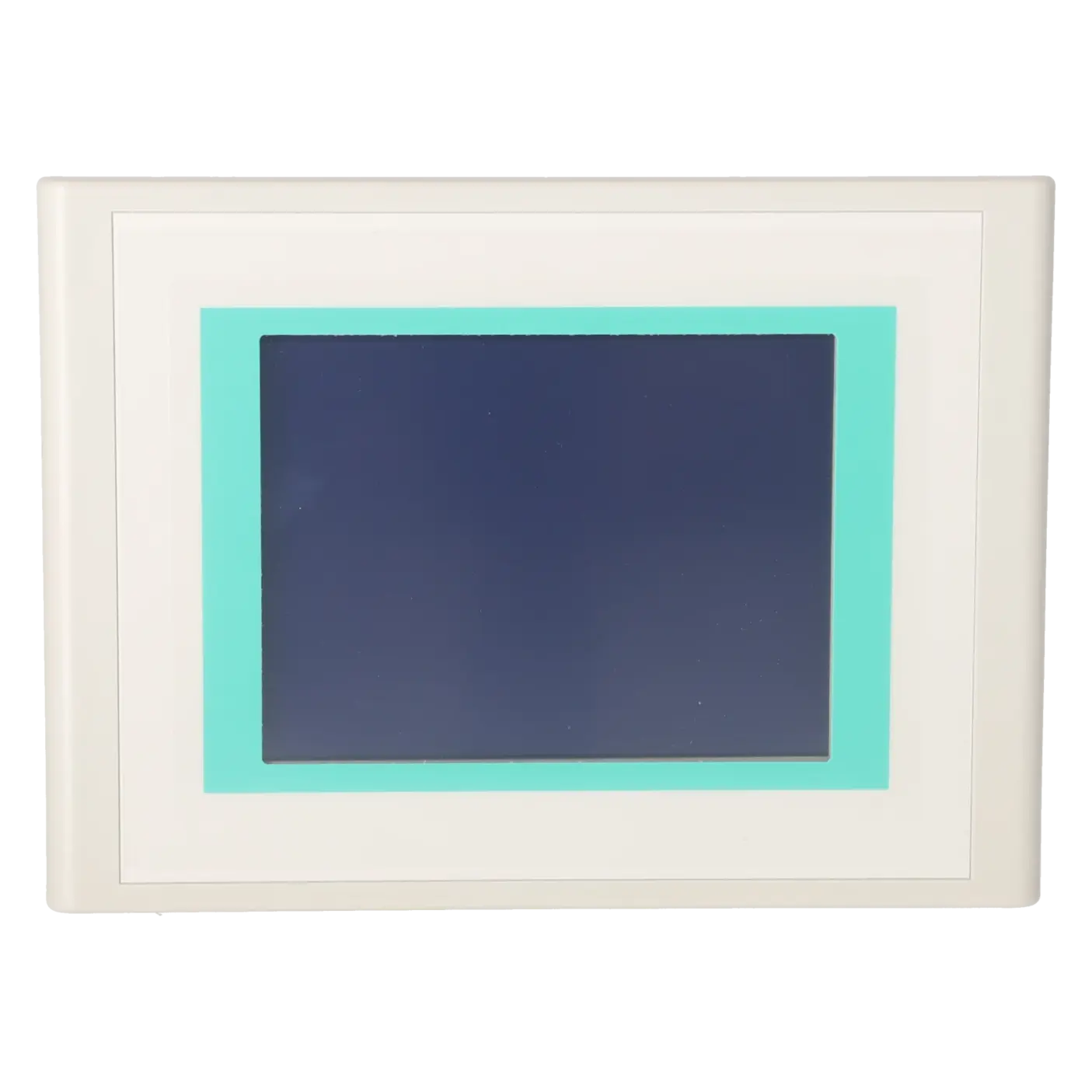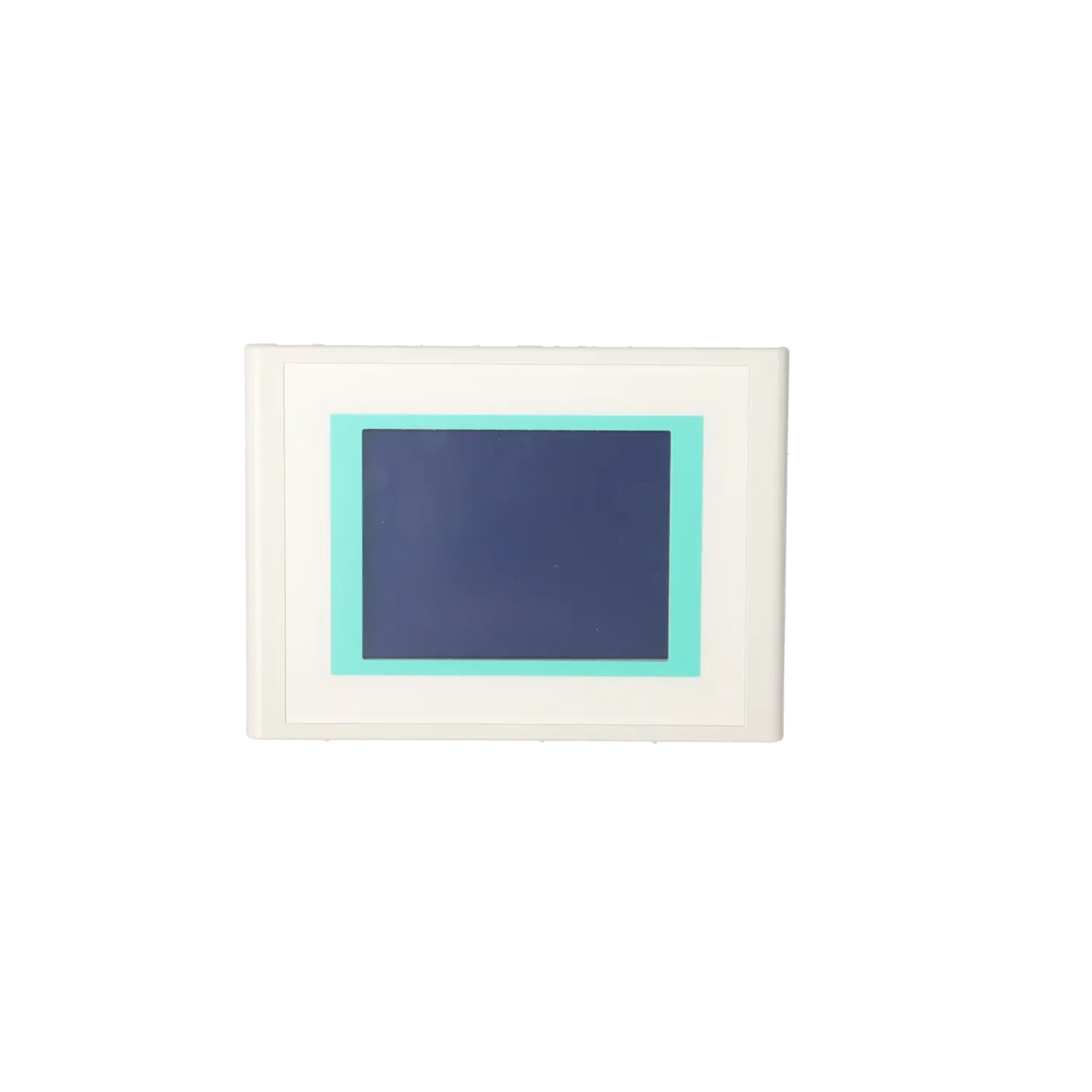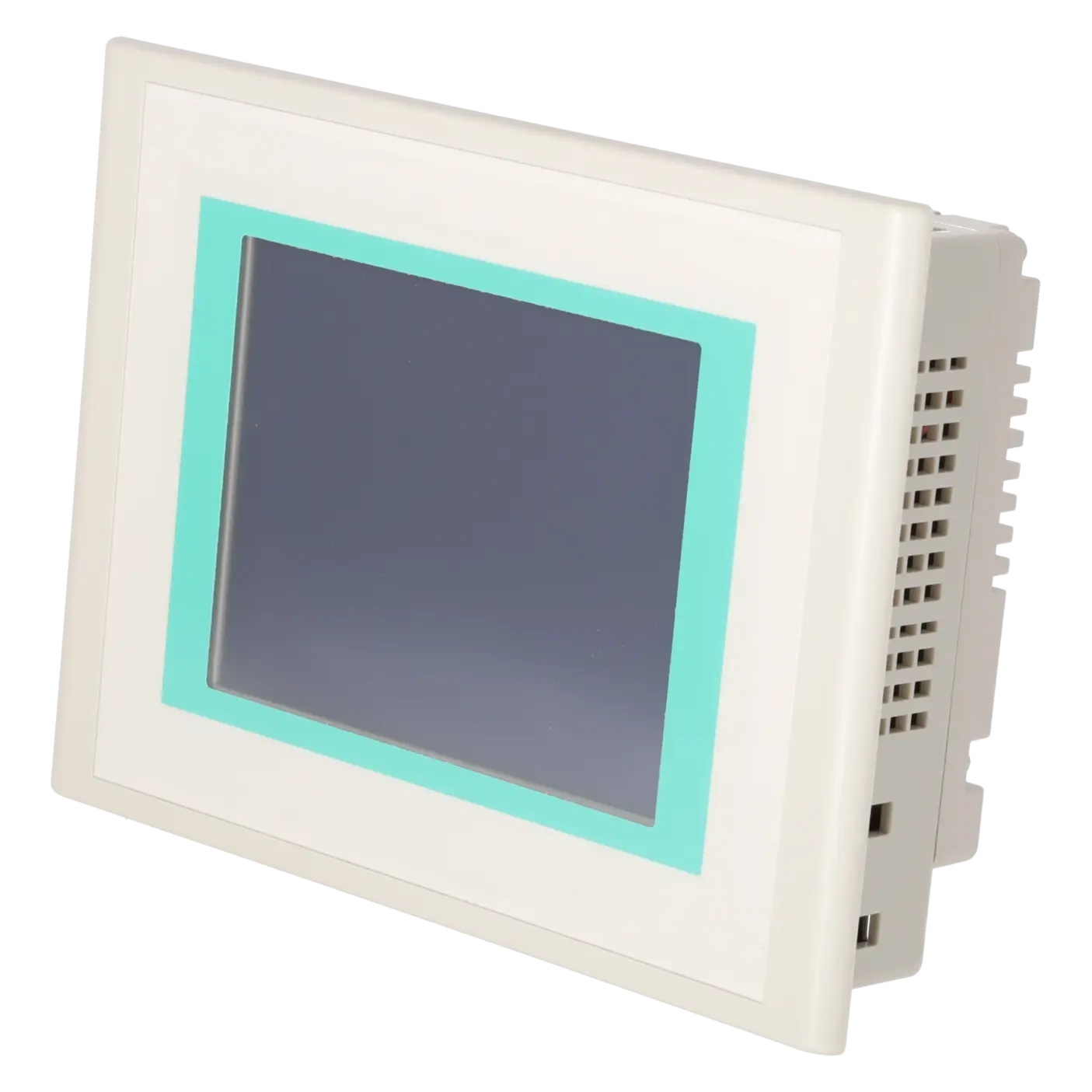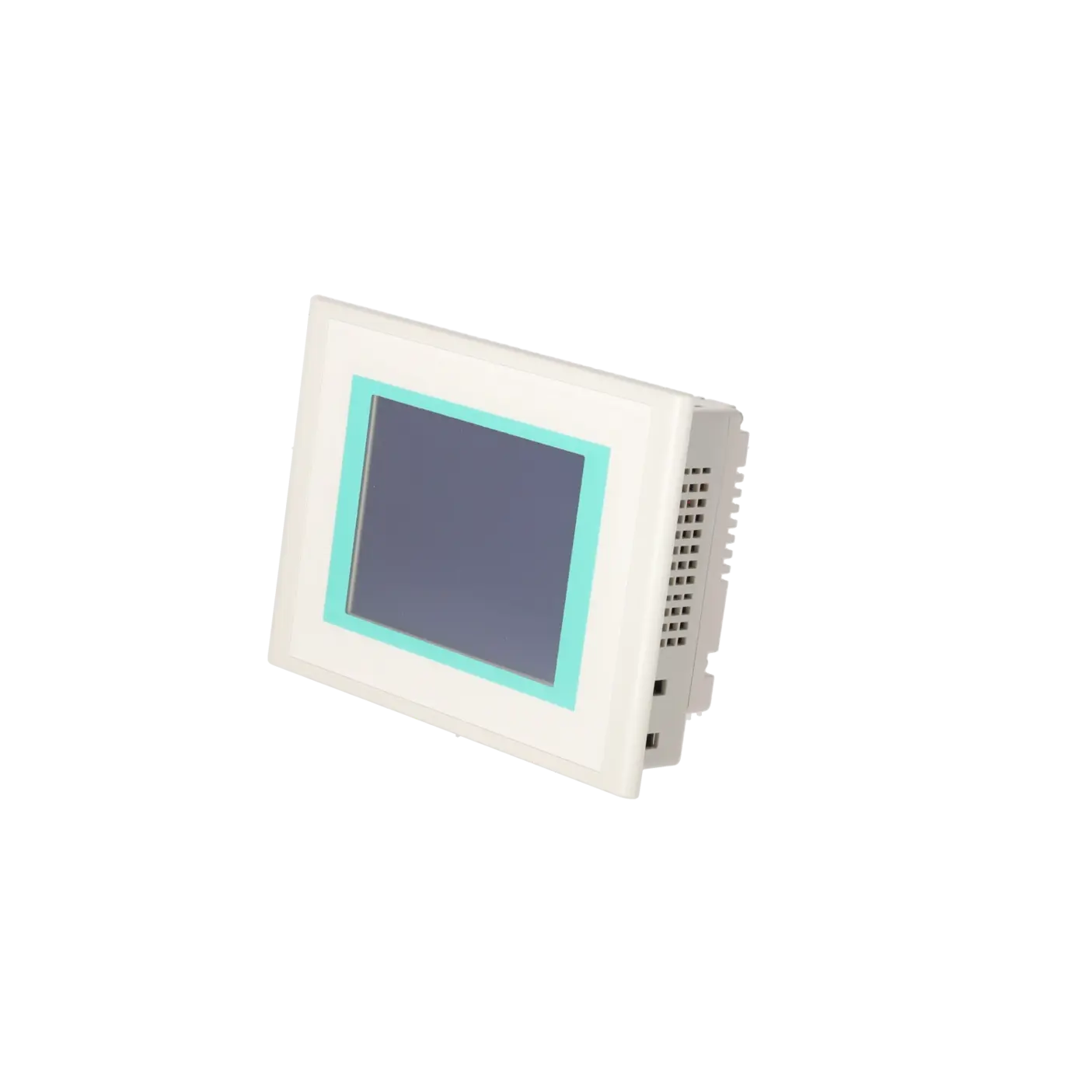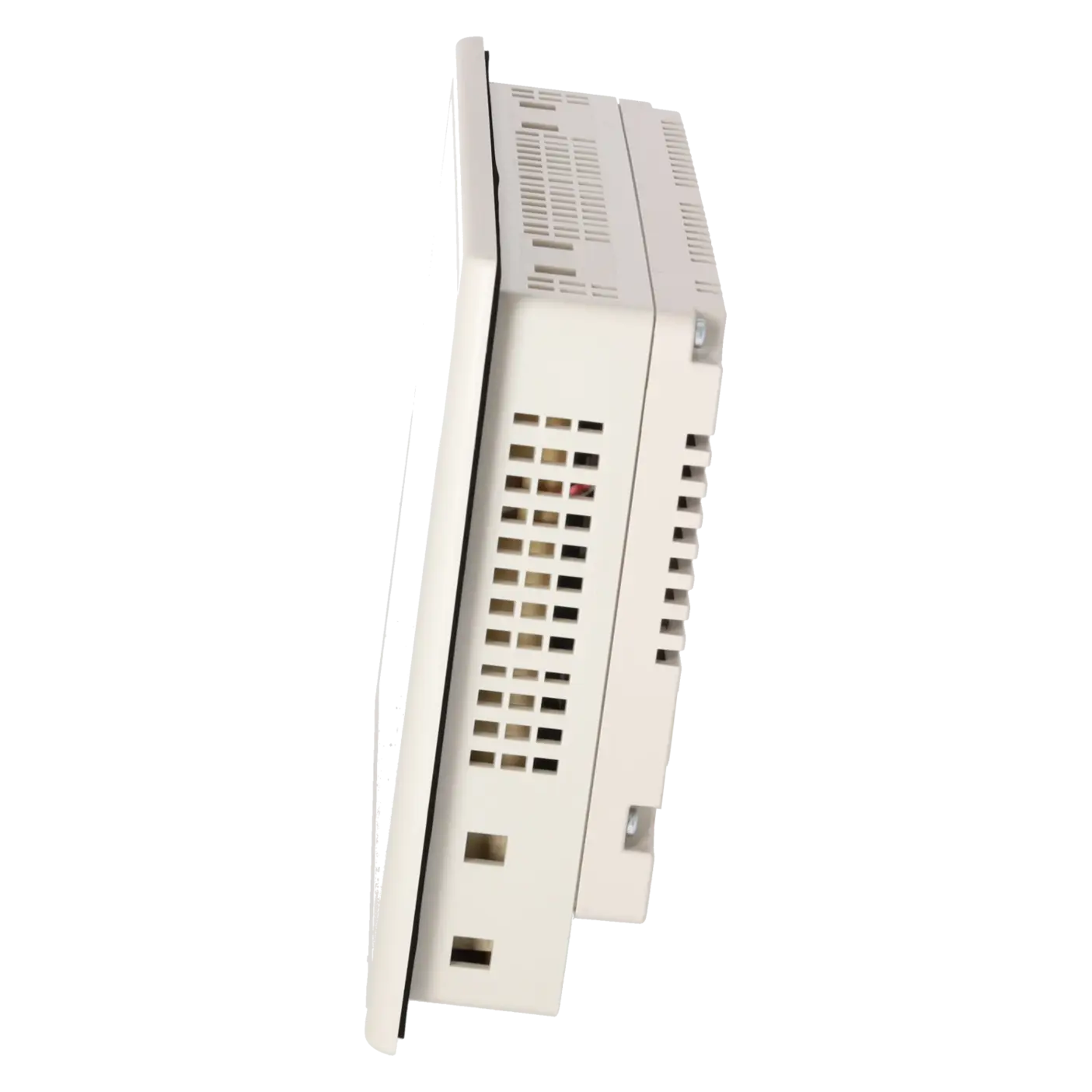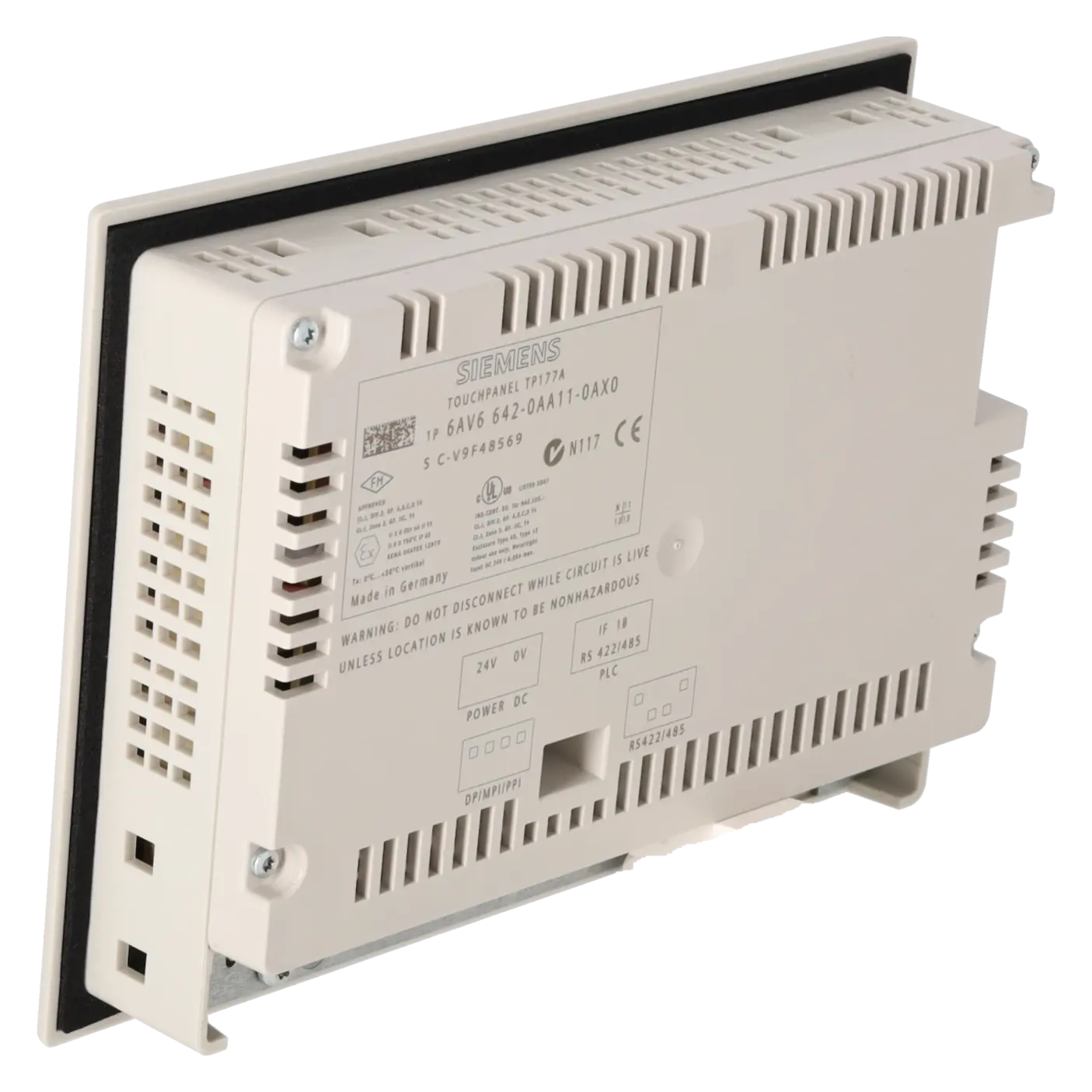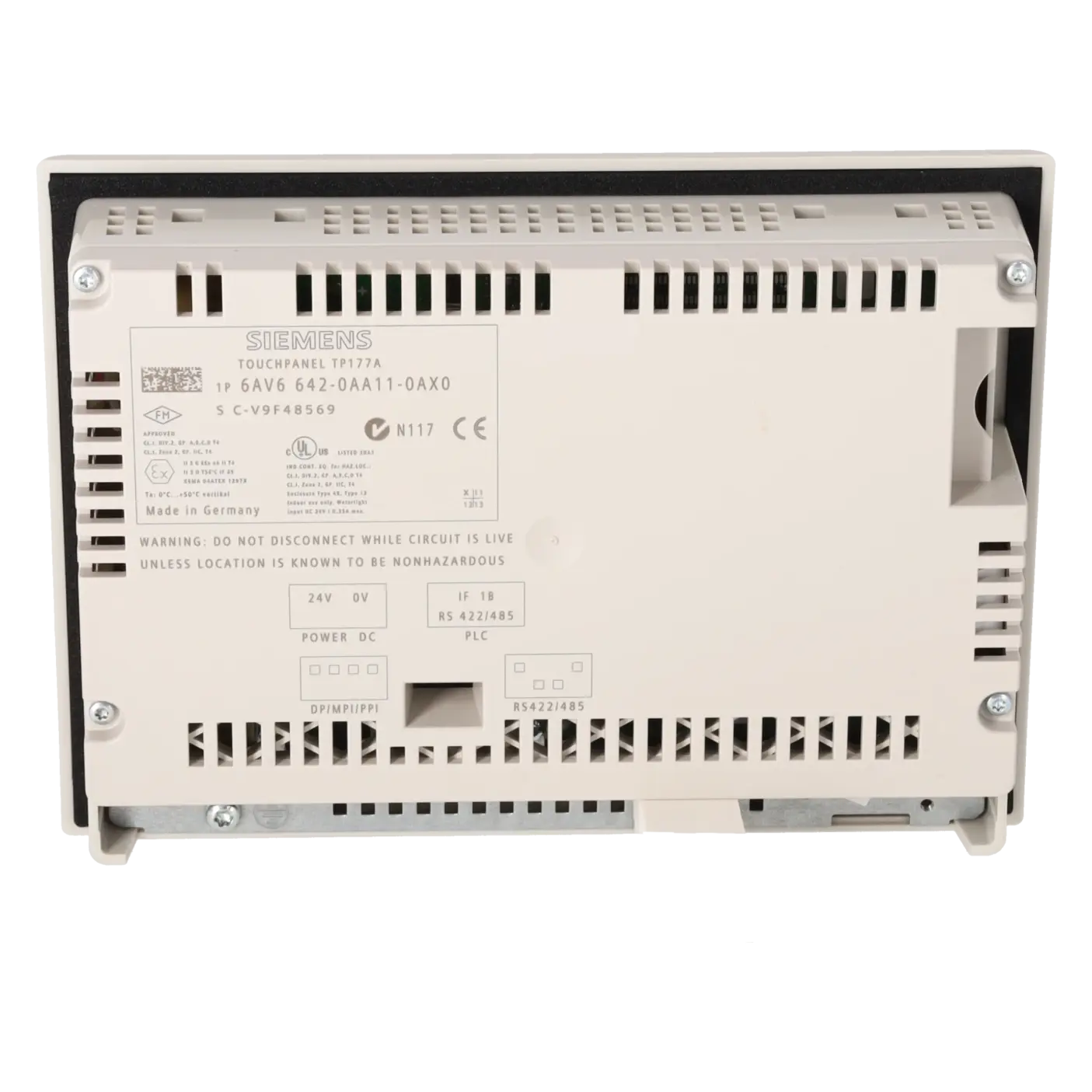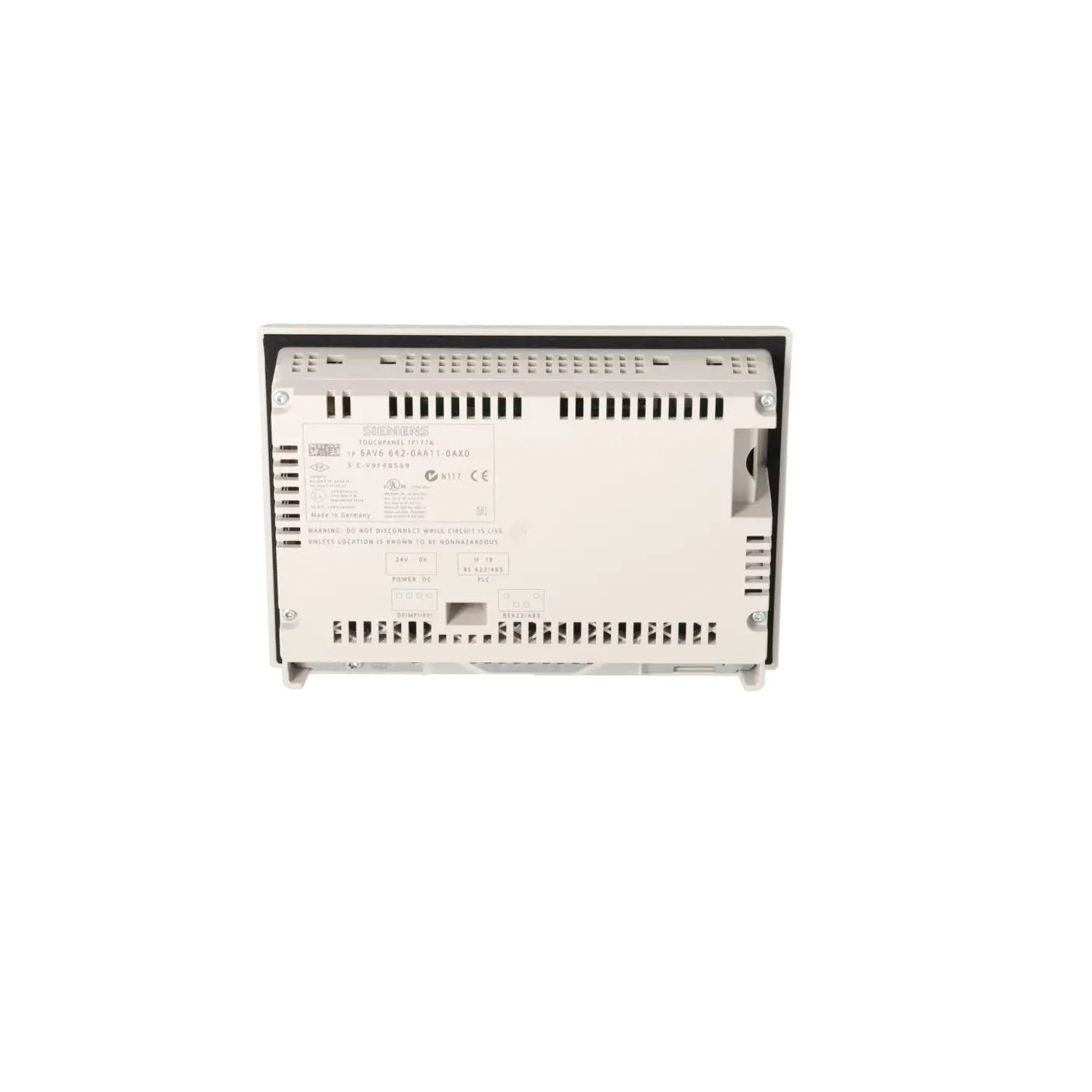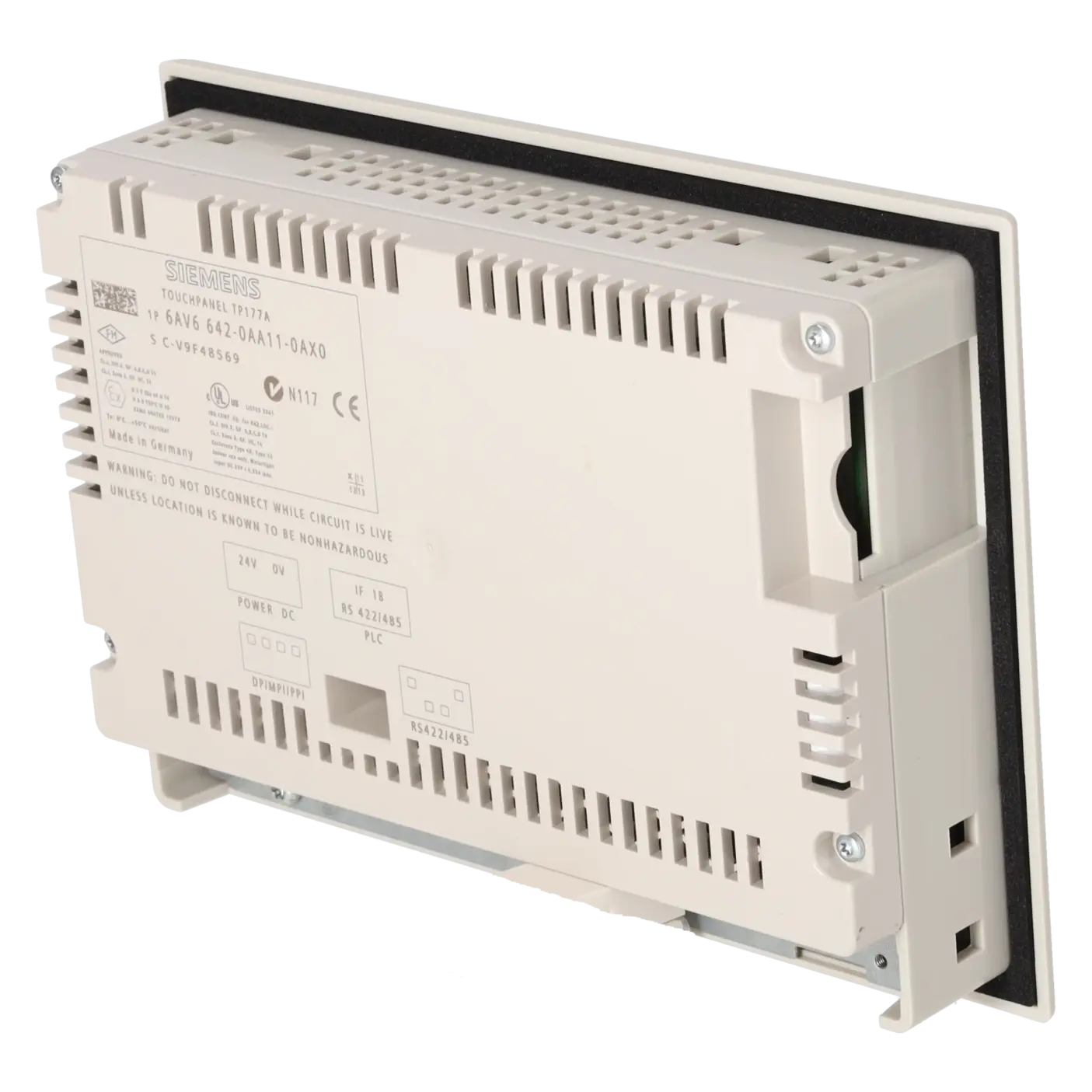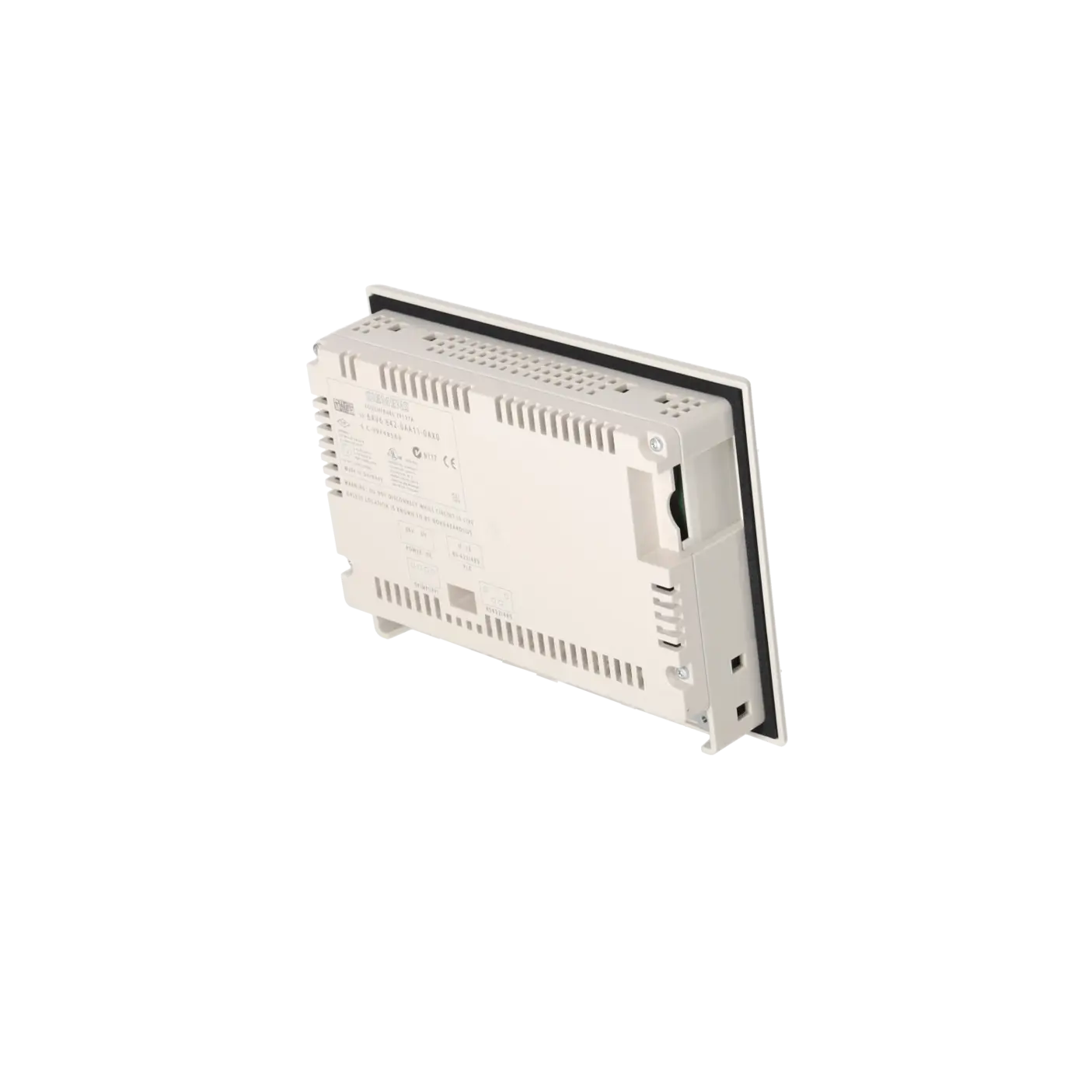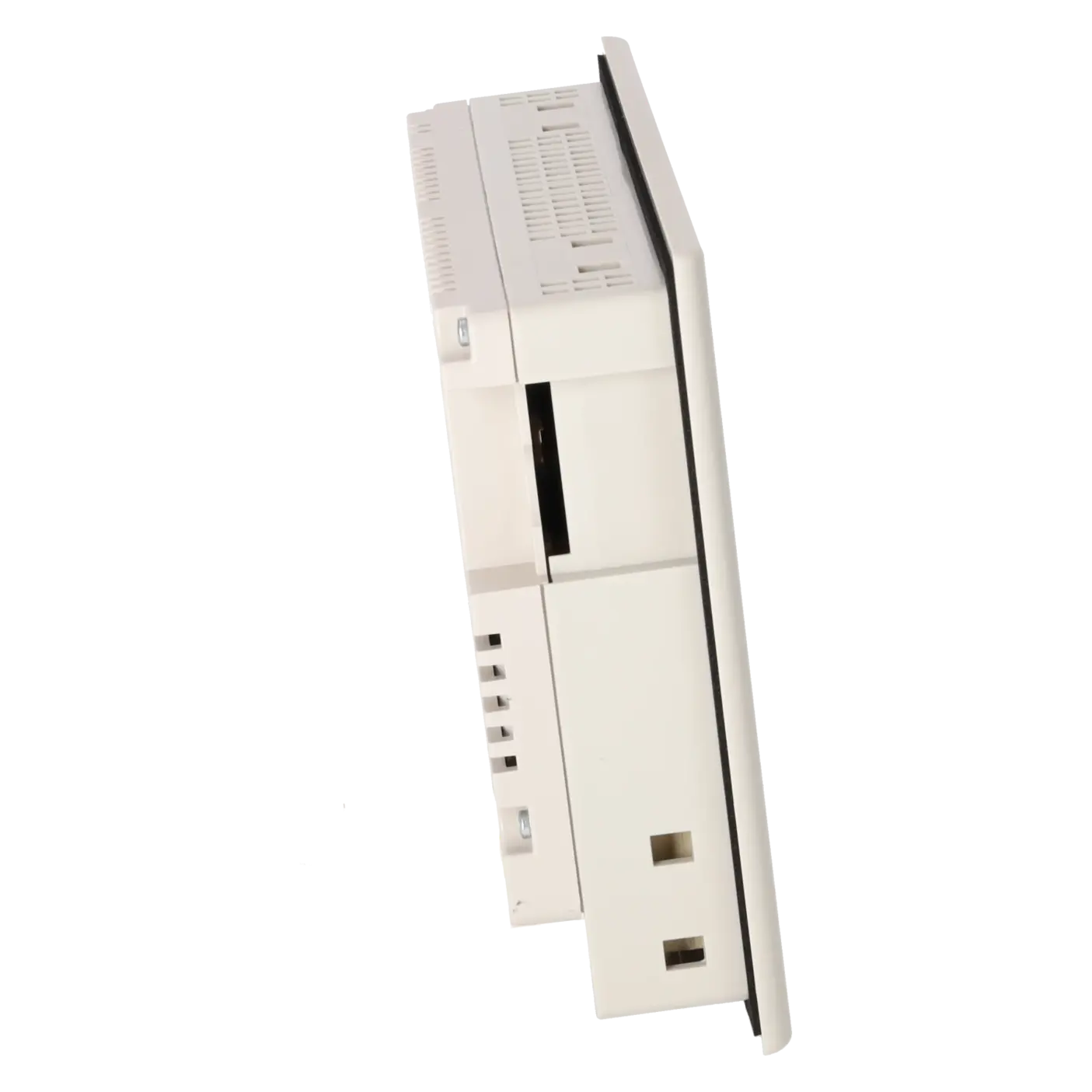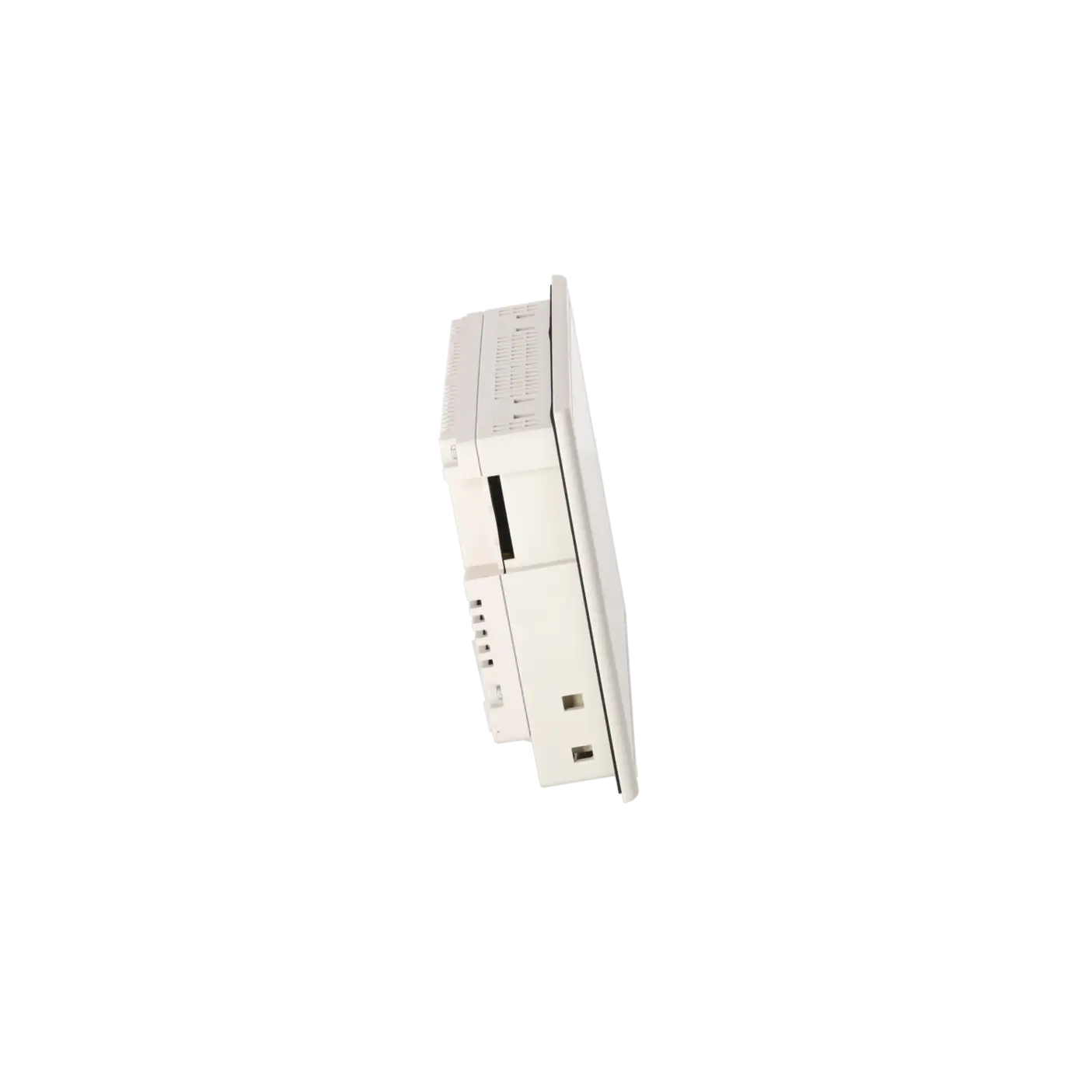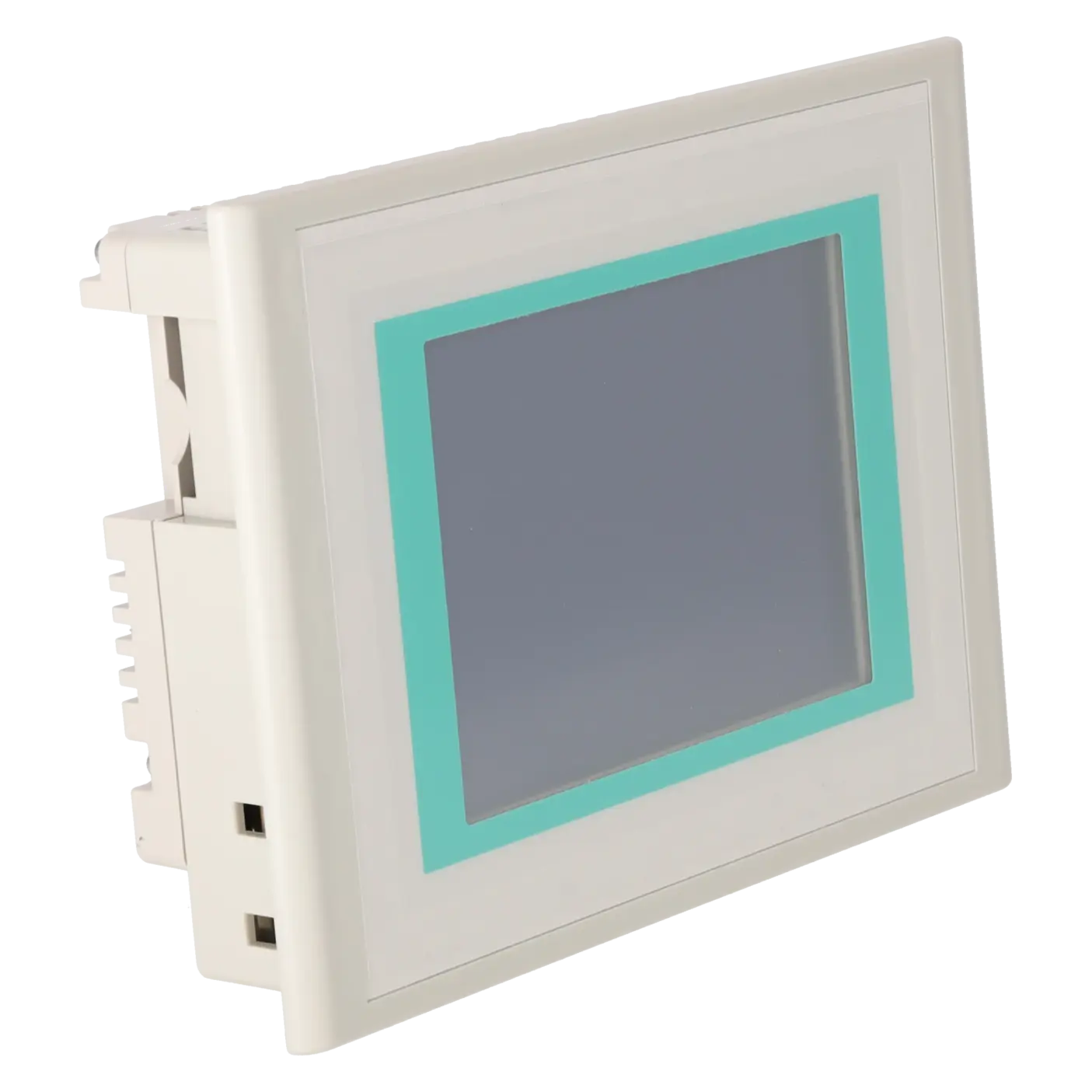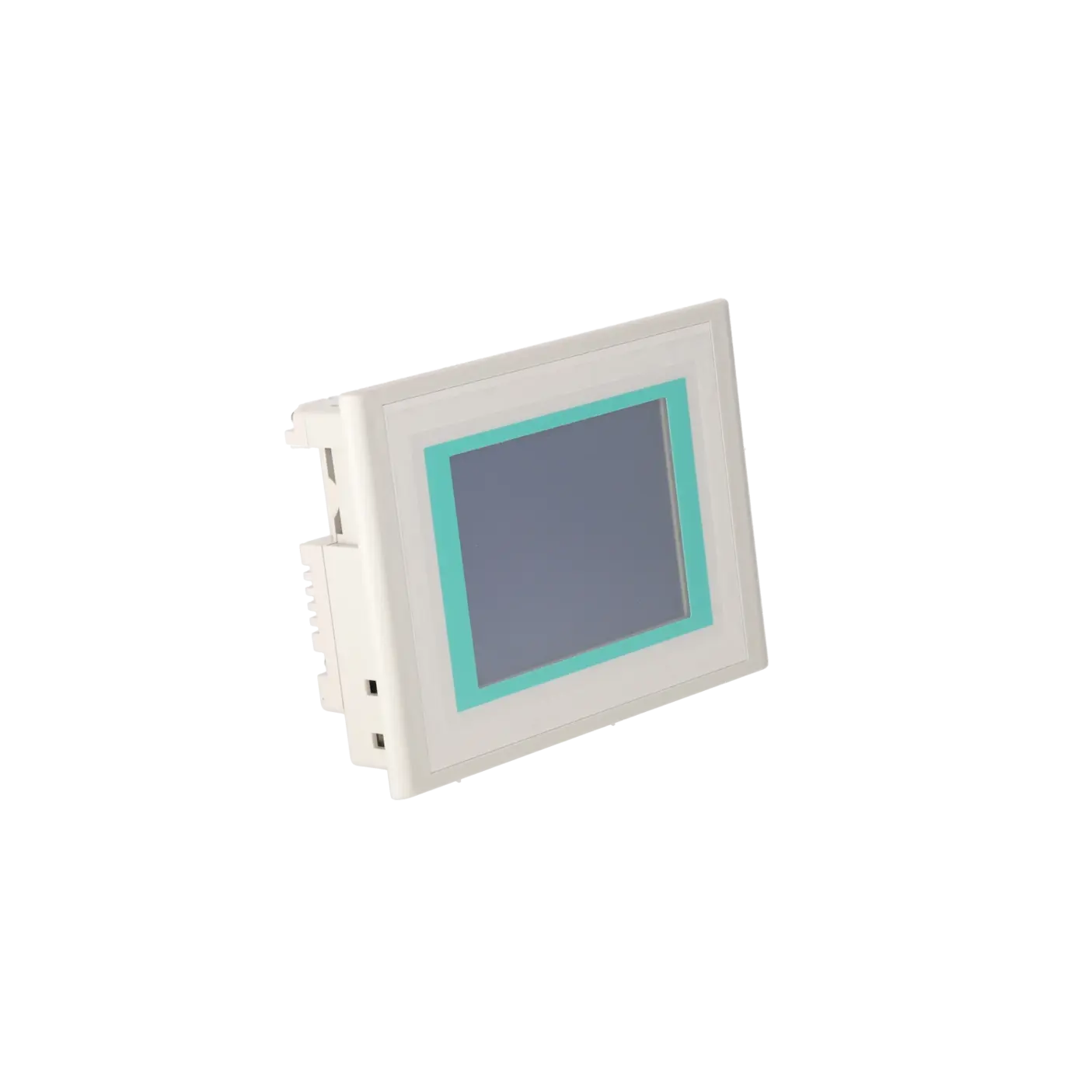
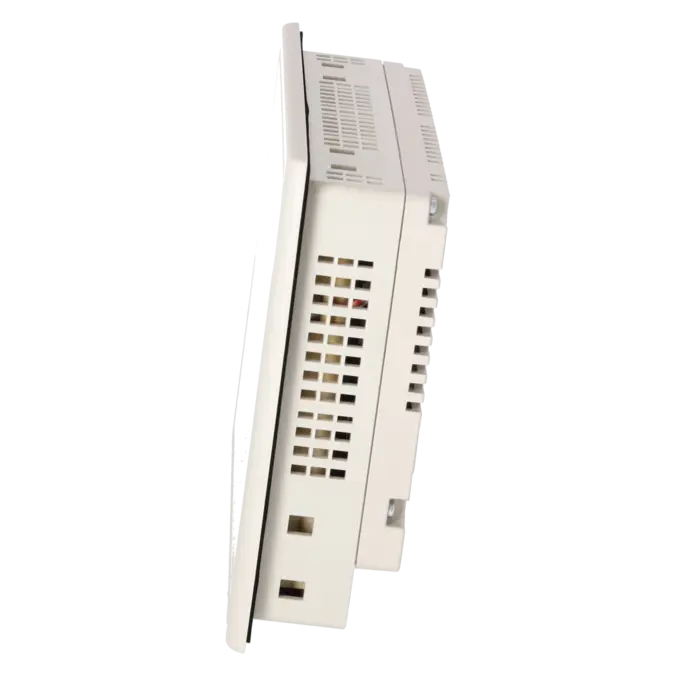
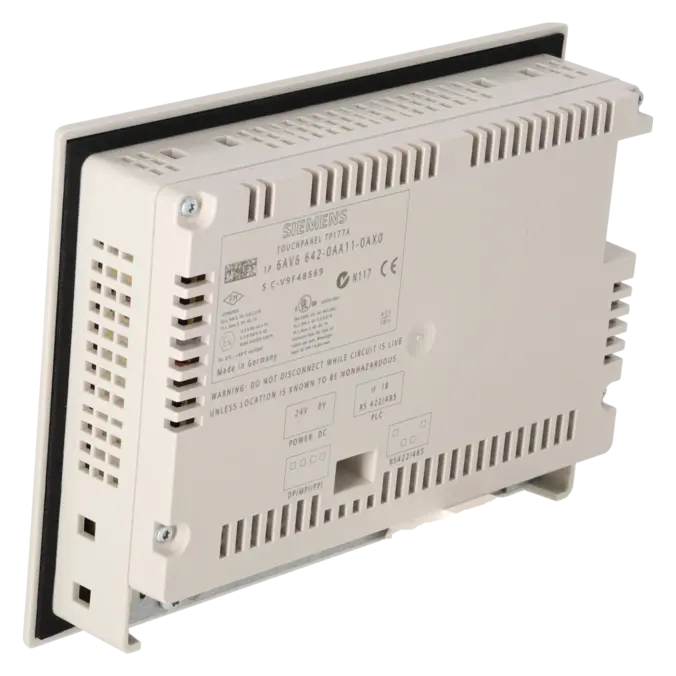
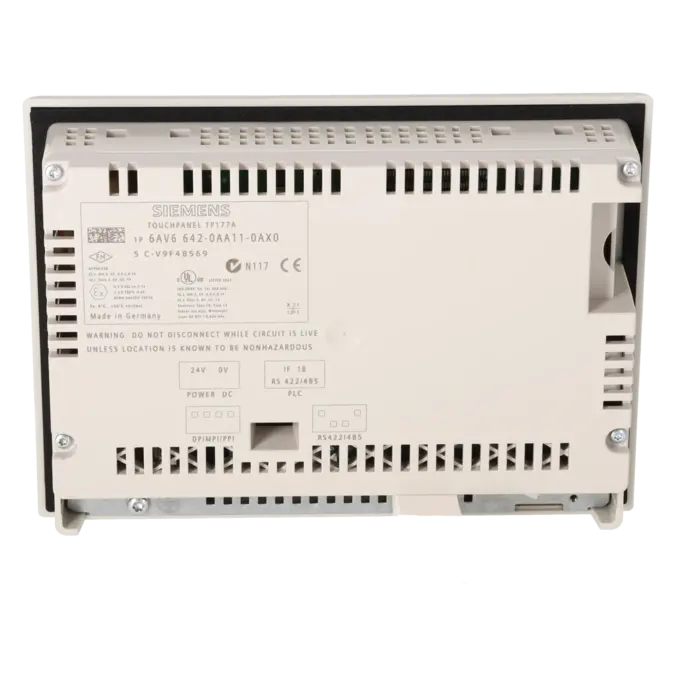
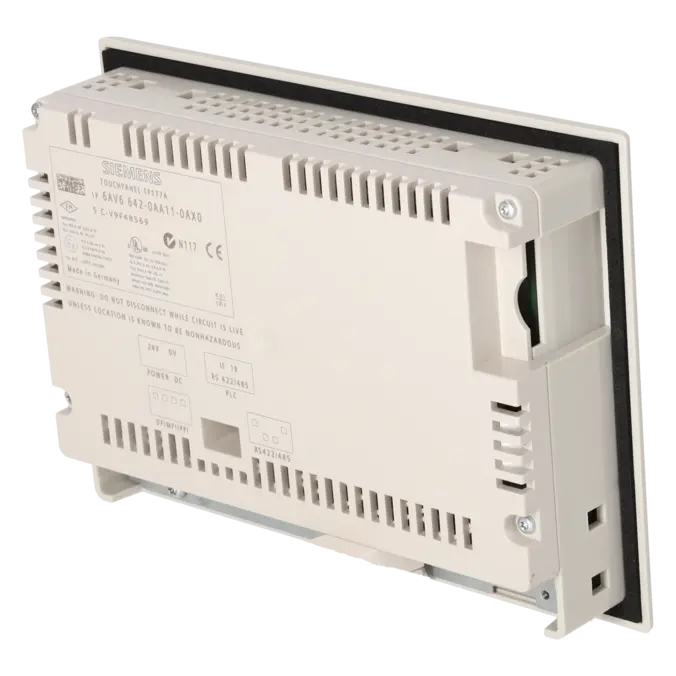


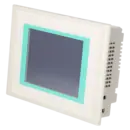
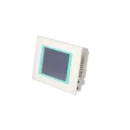
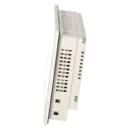
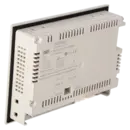
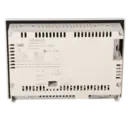
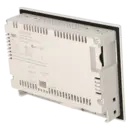

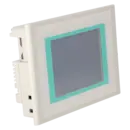
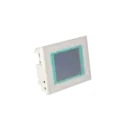
SIEMENS 6AV6642-0AA11-0AX0
-
SIEMENS | HMI | Touch Panels
- EICHLER-art.no.: K0136165
- EAN: 4025515071464
Product description
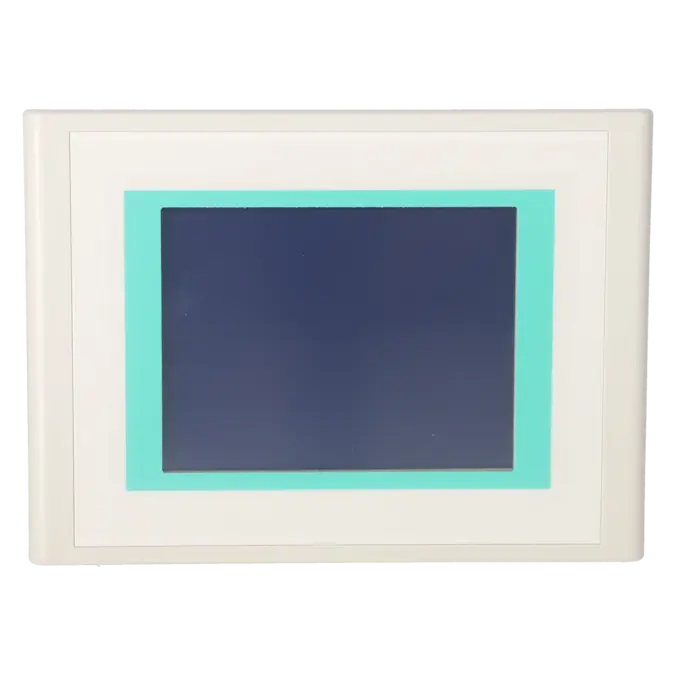
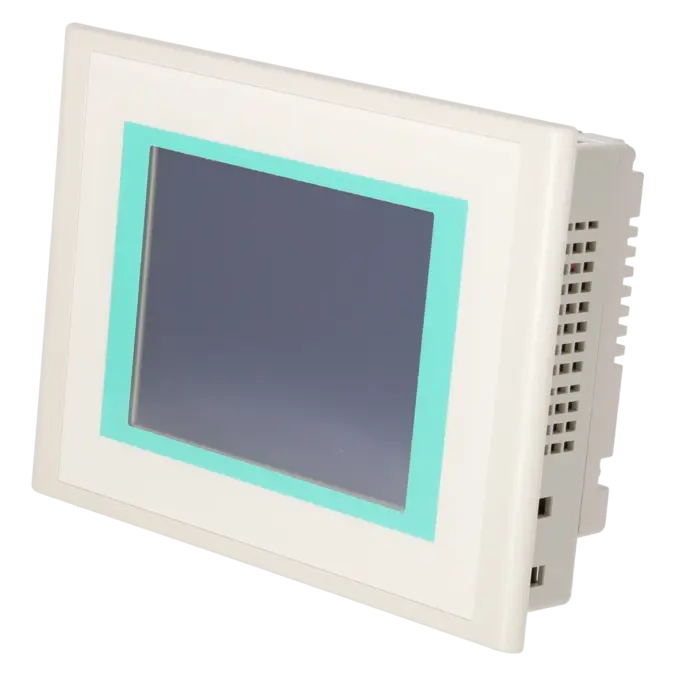
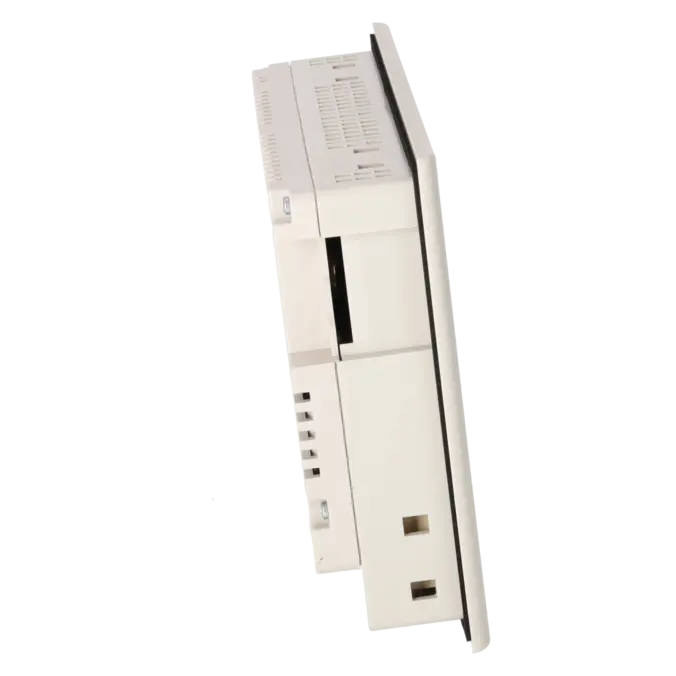
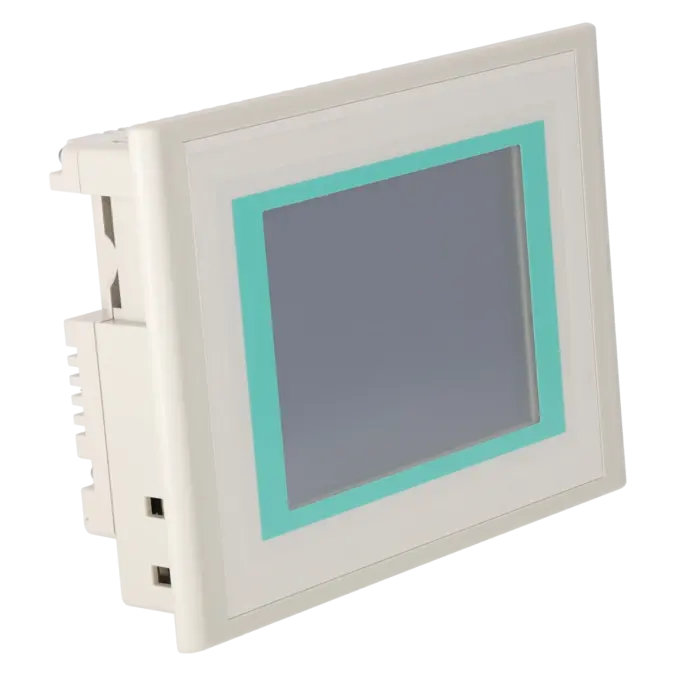
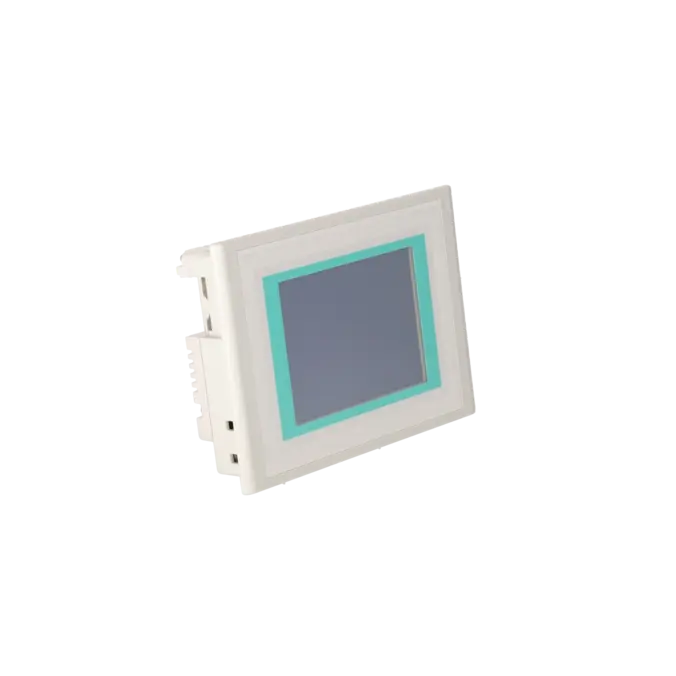
SIMATIC TOUCH PANEL TP 177A 5,7" BLUE MODE STN-DISPLAY, MPI/PROFIBUS-DP INTERFACE, CONFIGURABLE WINCC FLEXIBLE 2004 COMPACT HSP UPWARDS; CONTAINS OPEN-SOURCE-SW, WHICH IS PROVIDED FREE OF CHARGE. FOR DETAILS SEE ENCLOSED CD
Services for SIEMENS 6AV6642-0AA11-0AX0
SIEMENS |
6AV6642-0AA11-0AX0 –
additional product information
| Delivery information | |||
|---|---|---|---|
| Export identifier | AL: ECCN: | ||
| Net weight | 1.023 | ||
| Quantity | 1 Stück | ||
| Packaging quantity | 1 | ||
| Additional product information | |||
|---|---|---|---|
| Product status | EOP: 2008-07-11 | ||
| EAN | 4025515071464 | ||
| UPC | / | ||
| Static lot number | 85371098 | ||
| List indicator | / | ||
| Product group | 4356 | ||
| Country of origin | DE | ||
| Compliance with the substance restrictions according to RoHS directive | Since: / | ||
| Product classifications | Version | Classification | |
|---|---|---|---|
| eClass | 4 | / | |
| eClass | 5.1 | / | |
| eClass | 6.0 | / | |
| ETIM | 3 | / | |
| ETIM | 4 | / | |
| ETIM | 5 | / | |
What is 6AV6642-0AA11-0AX0 and where is it used?
The 6AV6642-0AA11-0AX0 is a SIEMENS SIMATIC TP 177A Touch Panel featuring a 5.7" Blue Mode STN display and an MPI/PROFIBUS DP interface. It was designed for simple to medium-level operator control and monitoring tasks in industrial environments and is particularly common in existing systems with a traditional SIMATIC architecture. Typical applications include machines and production lines where operator screens, status displays, alarms and basic process values are visualised directly on the panel. For maintenance teams, the assembly often becomes relevant when an existing system must be returned to operation as quickly as possible without a major retrofit. For purchasing departments, it is particularly important when the part number, interface and project compatibility must exactly match the existing machine.
Overview of the key technical specifications and their significance
Technically, the TP 177A operates with an LCD STN display in Blue Mode, an active display area of 115.18 × 86.38 mm (5.7") and a resolution of 320 × 240 pixels, or 240 × 320 pixels in portrait installation. The display supports 4 blue-grey shades, while user input is provided via an analogue resistive touchscreen. The device is powered by 24 V DC, accepts an input voltage range of 20.4 to 28.8 V, typically requires approximately 300 mA, and stores projects in 512 kB of application memory. In practical terms, this means that the panel is robust and reliable for traditional HMI tasks, but its display capabilities, memory capacity and operating comfort are clearly aligned with older visualisation concepts. When sourcing a replacement device, it is therefore essential to verify not only the part number, but also the power supply, installation orientation, display characteristics and communication method.
Product status, life-cycle status and obsolescence
For this assembly, obsolescence is a key consideration. The EICHLER product page lists the product status as EOP (End of Production). Siemens identifies the 6AV6642-0AA11-0AX1 as the verified successor to the 6AV6642-0AA11-0AX0. However, this variant was supplied as a spare part and, according to Siemens, entered the P.M410 spare-parts phase with effect from 08 August 2018. It has since been discontinued in the Siemens Industry Mall without a further replacement product. For operators, the focus today is therefore less on procuring new devices and more on securing long-term availability, maintaining repair capability and planning migration strategies. For modernisation projects, Siemens refers TP 177A users to the Basic Panel product range. In practice, the KTP600 Basic class is frequently regarded as a potential successor platform, depending on the communication requirements and project specifications.
Available EICHLER services and when they are relevant
When a TP 177A fails, operators are usually concerned not only with the device specifications but also with downtime, risk and supply security. For this model, EICHLER offers repair services, exchange units, function-tested used devices and new devices on request. On the product page, repair, exchange and used-device options are each listed with an availability of 1–3 days. For maintenance departments, component-level repair is particularly beneficial when the existing project must continue operating unchanged and the machine needs to be restored as closely as possible to its original condition. For purchasing departments, an exchange unit can be the preferred option when a quickly available replacement device helps minimise downtime. For decision-makers, Life Cycle Management becomes increasingly important once several legacy devices remain in operation and supply security must be ensured until the planned decommissioning date. This is where a structured approach involving asset assessment, risk evaluation and supply strategy planning helps maintain operational reliability despite ongoing obsolescence.
| Attribute | Value |
|---|---|
| Display | |
| Design of display | STN |
| Screen diagonal | 5.7 in |
| Color display | No |
| Number of colors | 2; Blue levels |
| Resolution (pixels) | |
| ● Horizontal image resolution | 320 Pixel |
| ● Vertical image resolution | 240 Pixel |
| Backlighting | |
| ● MTBF backlighting (at 25 °C) | 50 000 h |
| Control elements | |
| Control elements | Touch screen |
| Keyboard fonts | |
| ● Numeric keyboard | Yes |
| ● alphanumeric keyboard | Yes |
| ● hexadecimal keyboard | Yes |
| ● Multi-key operation | No |
| Touch operation | |
| ● Design as touch screen | Yes; analog, resistive |
| Connection type | |
| ● Type of connection for mouse/keyboard/barcode reader | - / - / - |
| Installation type/mounting | |
| Mounting position | vertical |
| maximum permissible angle of inclination without external ventilation | 35° |
| Input current | |
| Current consumption (rated value) | 0.24 A |
| Starting current inrush I²t | 0.5 A²·s |
| Power | |
| Active power input, typ. | 6 W |
| Processor | |
| Processor type | ARM |
| Memory | |
| Type of memory | Flash / RAM |
| Memory available for user data | 512 kbyte |
| Type of output | |
| Info LED | No |
| Power LED | No |
| Error LED | No |
| Time of day | |
| Clock | |
| ● Type | Software clock, no battery backup |
| ● retentive | No |
| ● synchronizable | No |
| Interfaces | |
| Interfaces/bus type | 1x RS 422, 1x RS 485 (max. 1.5 Mbit/s) |
| Number of industrial Ethernet interfaces | 0 |
| Number of RS 485 interfaces | 1 |
| Number of RS 422 interfaces | 1 |
| Number of USB interfaces | 0 |
| PC card slot | No |
| CF card slot | No |
| Multimedia card/SD card slot | No |
| Degree and class of protection | |
| IP (at the front) | IP65 |
| IP (rear) | IP20 |
| NEMA (front) | NEMA 4x (when installed) |
| Standards, approvals, certificates | |
| Certificate of suitability | CE, GL, ABS, BV, DNV, LRS, FM Class I Div. 2, UL, CSA, cULus, C-TICK, NEMA 4x |
| cULus | Yes |
| Use in hazardous areas | |
| ● ATEX Zone 2 | No |
| ● ATEX Zone 22 | No |
| ● FM Class I Division 2 | Yes |
| Marine approval | |
| ● Germanischer Lloyd (GL) | Yes |
| ● American Bureau of Shipping (ABS) | Yes |
| ● Bureau Veritas (BV) | Yes |
| ● Det Norske Veritas (DNV) | Yes |
| ● Lloyds Register of Shipping (LRS) | Yes |
| ● Nippon Kaiji Kyokai (Class NK) | Yes |
| ● Polski Rejestr Statkow (PRS) | No |
| Ambient conditions | |
| Ambient temperature during storage/transportation | |
| ● min. | -20 °C |
| ● max. | 60 °C |
| Relative humidity | |
| ● Operation, max. | 90 % |
| Operating systems | |
| pre-installed operating system | LINUX |
| Configuration | |
| Configuration software | |
| ● Configuration tool | WinCC flexible Compact Version 2004 SP1 or higher (to be ordered separately) |
| Languages | |
| Online languages | |
| ● Number of online/runtime languages | 5 |
| Project languages | |
| ● Languages per project | 32 |
| Functionality under WinCC (TIA Portal) | |
| Libraries | Yes |
| Number of Visual Basic Scripts | |
| ● Debugging in the simulator | No |
| Task planner | Yes |
| Help system | Yes |
| ● Number of characters per info text | 320 |
| ● Number of tooltips | 0 |
| Message system | |
| ● Number of alarm classes | 32 |
| ● Number of messages | 1 000 |
| ● Bit messages | Yes |
| — Number of bit messages | 1 000 |
| ● Analog messages | Yes |
| — Number of analog messages | 0 |
| ● Telegram message procedure Alarm S | No |
| ● System messages HMI | Yes |
| ● System messages PLC | Yes |
| ● System messages, other (SIMATIC S7, Sinumerik, Simotion, etc.) | No |
| ● Lines | 1 |
| ● Number of characters per message | 80 |
| ● Number of process values per message | 8 |
| ● Acknowledgment groups | Yes |
| ● Message indicator | Yes |
| ● acoustic feedback | No |
| ● First/last value | Yes |
| Recipe management | |
| ● Number of recipes | 5 |
| ● Data records per recipe | 20 |
| ● Entries per data record | 20 |
| ● Recipe memory | 32 KB integrated Flash |
| Variables | |
| ● Number of variables per device | 500 |
| ● Number of variables per screen | 30 |
| ● Limit values | Yes |
| ● Multiplexing | Yes |
| ● Structures | No |
| Images | |
| ● Number of configurable images | 250 |
| ● Permanent window/default | Yes |
| ● Start screen configurable | Yes |
| ● Image selection by PLC | Yes |
| ● Image number in the PLC | Yes |
| Image objects | |
| ● Text objects | 1 000 text elements |
| ● Number of I/O fields per image | 30 |
| ● Index of screen context | No |
| ● Return | No |
| ● Graphics object | Bit maps, icons, icon (full-screen), vector graphics |
| — Icons | 1 |
| — Icon (full screen) | 1 |
| Complex image objects | |
| ● Status/control | Not possible |
| ● dynamic objects | Diagrams, bar graphs |
| — Number of curves per diagram | 1 |
| ● Bar graphs | |
| — Number of bars per chart | 5 |
| ● Limit value lines | Yes |
| Attributes for dynamic objects | |
| ● Color change | No |
| ● X/Y movement | No |
| ● Hide | Yes |
| ● Angle of rotation | No |
| Lists | |
| ● Number of text lists per project | 150 |
| ● Number of graphics lists per project | 100 |
| Security | |
| ● Number of user groups | 50 |
| ● Number of user rights | 32 |
| ● Password export/import | Yes |
| Transfer (upload/download) | |
| ● Transfer of configuration | MPI/PROFIBUS DP, serial, automatic transfer recognition |
| Process coupling | |
| ● Connection to controller | S7-200, S7- 300/400, Win AC see section on "System interfaces" |
| ● S7-200 | Yes |
| — PPI (point-to-point) | Yes |
| — PPI network | Yes |
| — MPI | Yes |
| — PROFIBUS DP | Yes |
| ● S7-300/400 | Yes |
| — MPI | Yes |
| — PROFIBUS DP | Yes |
| — PROFINET | No |
| ● S5 | No |
| — serial | No |
| — PROFIBUS DP | No |
| ● TI 505 | No |
| ● Allen Bradley (DF1) | No |
| ● Allen Bradley (DF485) | No |
| ● Mitsubishi (FX) | No |
| ● Mitsubishi (MP4) | No |
| ● Telemecanique (ADJUST) | No |
| ● Telemecanique (Uni-Telway) | No |
| ● OMRON (LINK/Multilink) | No |
| ● Modicon (Modbus) | No |
| ● GE-Fanuc (SNP) | No |
| Functions | |
| ● Key repeat | No |
| ● TAB sequence | Yes |
| ● Calculating functions | Yes |
| ● Animate | No |
| ● Menu tree editor | No |
| ● Unit switchover | No |
| Service tools/configuration aids | |
| ● Clean screen | Yes |
| ● Touch calibration | Yes |
| ● Backup/Restore manually | Yes |
| ● Simulation | No |
| ● Device switchover | Yes |
| ● Delta transfer | No |
| ● Monitoring function for battery and memory | No |
| ● Trace (operation archive) | No |
| Expandability/openness | |
| ● Open Platform Program | No |
| Dimensions | |
| Width of the housing front | 212 mm |
| Height of housing front | 156 mm |
| Overall depth | 45 mm |
| Weights | |
| Weight (without packaging) | 0.75 kg |
| Fault description | Possible solution |
|---|---|
| Why is the TP 177A touchscreen responding inaccurately or not at all? | The TP 177A uses an analogue resistive touchscreen. First, check whether the issue is simply caused by incorrect calibration and start the touchscreen calibration procedure. Make sure to touch the calibration crosses exactly in the centre, otherwise the process will be repeated. If operation remains inaccurate despite correct calibration, the touch membrane or the front assembly is often worn on older devices. In such cases, repairing the front section or replacing the device is usually more effective than repeatedly recalibrating the touchscreen. |
| Why does the transfer to the TP 177A via MPI/PROFIBUS fail? | First, verify that the interface, cable type and transfer method are actually compatible with the TP 177A. In this environment, the device communicates via RS-422/RS-485 and MPI/PROFIBUS DP. Then check the bus parameters both on the panel and within the project, particularly the address, transmission path and the selected channel in ProSave or WinCC flexible. For PROFIBUS transfers, it is also important that the transfer parameters are configured correctly and that the physical connection is fault-free. If the transfer still fails, a controlled re-establishment of the connection using the appropriate adapter and correct panel settings will often resolve the issue. |
| Why does my TP 177A remain black or very dim after power-up? | On this generation of devices, the backlight is a common age-related weak point. Siemens specifies a typical half-brightness lifetime of approximately 50,000 operating hours for the backlight. In practice, TP 177A devices may also suffer from failures of the backlight, inverter or fuse. Therefore, first check the 24 V DC power supply and whether the panel is still responding acoustically or through communication. If communication is still possible, performing an OS update and restoring factory settings may help. If the display remains dark despite a correct power supply, a technical repair of the display assembly is usually more economical than extended troubleshooting in the field. |
| Why does the TP 177A only start in bootloader mode or display a white screen? | This symptom often indicates a corrupted or incomplete operating system, an interrupted update process, or a communication fault during the last transfer. First, try to reach the panel again using the appropriate connection and initiate an OS update or a restore procedure with defined transfer parameters. If a stable connection cannot be established, the adapter, cable and selected interface should be checked again. If the device remains stuck in the bootloader or permanently displays a white screen, a workshop inspection is recommended, as not only the operating system but also the memory or display hardware may be affected. |
| Why are texts or alarm messages displayed incorrectly or cut off on the TP 177A? | In TP 177A projects, the display of texts during runtime can be influenced by the selected default font. Siemens notes that texts may appear truncated if an unsuitable font size or font type is used. The solution is usually not within the panel itself but within the project configuration. The font type, font size, text fields and language switching settings should be reviewed and adjusted where necessary. This is particularly important after project migrations or project copies, where testing the affected screens directly on the target device is strongly recommended. |
Is 6AV6642-0AA11-0AX0 still available or has it already been discontinued?
The 6AV6642-0AA11-0AX0 is now considered an obsolete product. EICHLER lists the device with EOP (End of Production) status. Although Siemens still identifies the direct successor 6AV6642-0AA11-0AX1, this variant was moved into the spare-parts phase and has since also been discontinued without a further replacement. For procurement and maintenance teams, this means that the most realistic options today are repair services, exchange units, function-tested used devices or a planned migration strategy.
Is there a compatible Siemens successor for the TP 177A?
Yes. At part-number level, Siemens identifies 6AV6642-0AA11-0AX1 as the successor to the 0AX0 version. However, this successor is no longer an active product line, having been supplied only as a spare-part variant before eventually being discontinued as well. For actual technical modernisation, Siemens refers TP 177A users to the Basic Panel family. In migration projects, the device is therefore typically not replaced on a one-to-one basis, but instead migrated to a newer Basic Panel platform. During this process, factors such as the communication interface, mounting cut-out, device depth, front dimensions and project migration requirements must all be carefully evaluated.
Which software can be used to configure the TP 177A?
According to the product specification, the TP 177A can be configured using WinCC flexible 2004 Compact HSP and later versions. For users working with the TIA Portal environment, an important consideration is that Siemens no longer supports the older TP, OP and MP devices of this generation from TIA Portal V15 onwards. In practice, this means that existing projects can still be edited or migrated using earlier TIA Portal versions, but later versions require migration to a successor panel. For legacy systems, WinCC flexible or a defined intermediate version of TIA Portal therefore remains the most technically reliable approach.
Can I continue using an existing TP 177A project in TIA Portal?
Yes, but not indefinitely without an intermediate migration step. Siemens describes the migration of WinCC flexible projects into TIA Portal up to V14/V14 SP1. From TIA Portal V15 onwards, unsupported legacy panels must first be replaced with a successor device. In practice, this means that for the TP 177A, the project should first be migrated, then the device should be replaced with the successor platform, and only afterwards should the project be moved to newer TIA Portal versions. This approach reduces migration risks and prevents an otherwise functional visualisation system from becoming unusable due to a lack of device support.
Can the TP 177A be replaced using the same mounting cut-out?
For many modernisation projects, this is the key question. Siemens indicates in the Basic Panels migration guide that the 197 × 141 mm mounting cut-out used by the TP 177A is taken into account within the successor family. However, Siemens also explicitly notes that device depth and front dimensions may differ even when the mounting cut-out remains the same. This is particularly important for cabinet doors, cable routing and mechanical clearance requirements. Before placing an order, the mounting cut-out, installation depth, communication interface and project requirements should always be verified together.
When is repair more sensible than replacement or purchasing a substitute device?
A repair is particularly beneficial when the existing project must remain unchanged, the machine cannot be migrated to a new HMI platform, and the original assembly can still be repaired economically. An exchange unit is often the better choice when the system must be returned to operation as quickly as possible and a pre-tested replacement device is required immediately. For this model, EICHLER lists repair services, exchange units and used devices with typical availability of 1–3 days, complemented by Life Cycle Management services designed to secure inventory availability and minimise obsolescence risks. For operators managing multiple legacy systems, this combination is often the most cost-effective and sustainable solution.