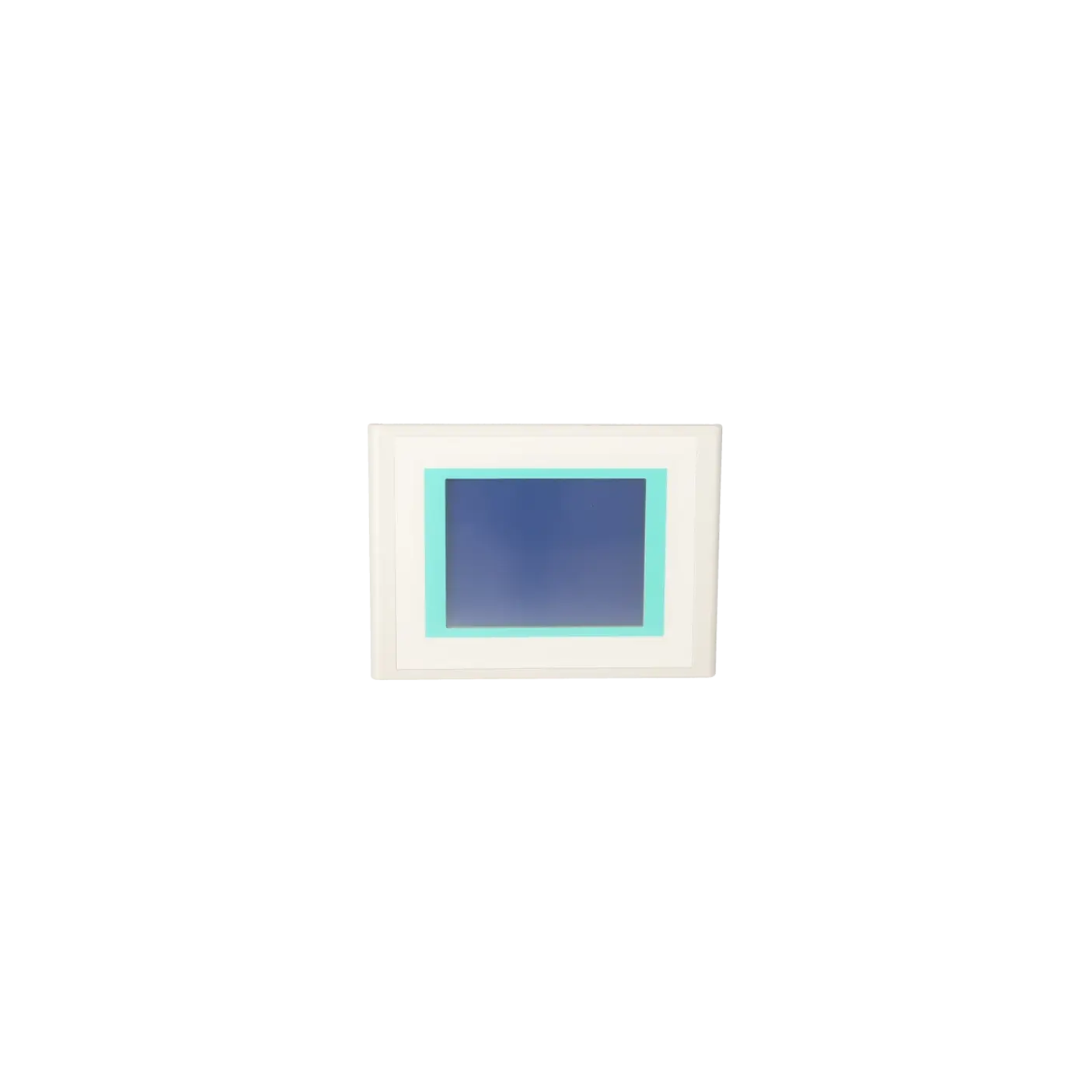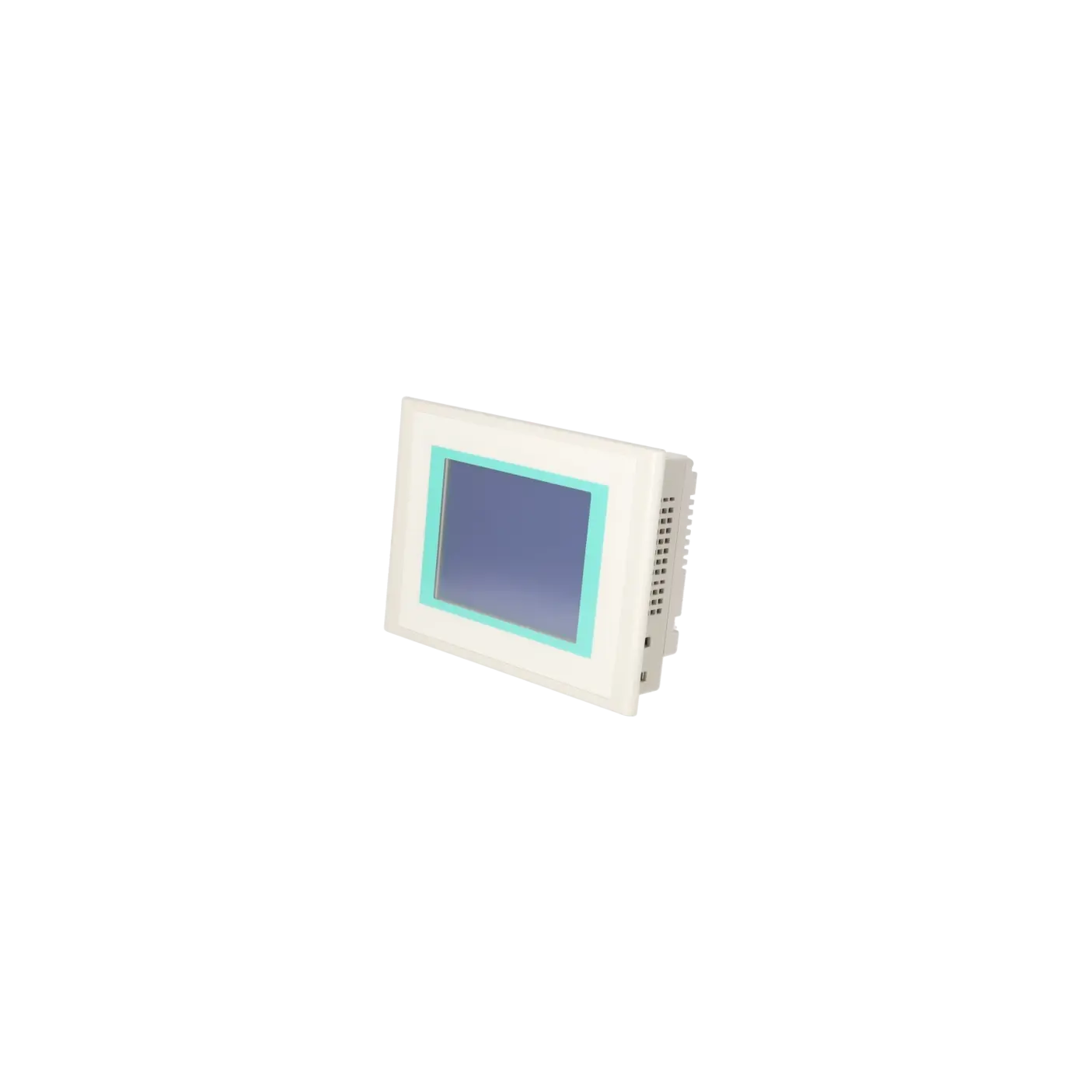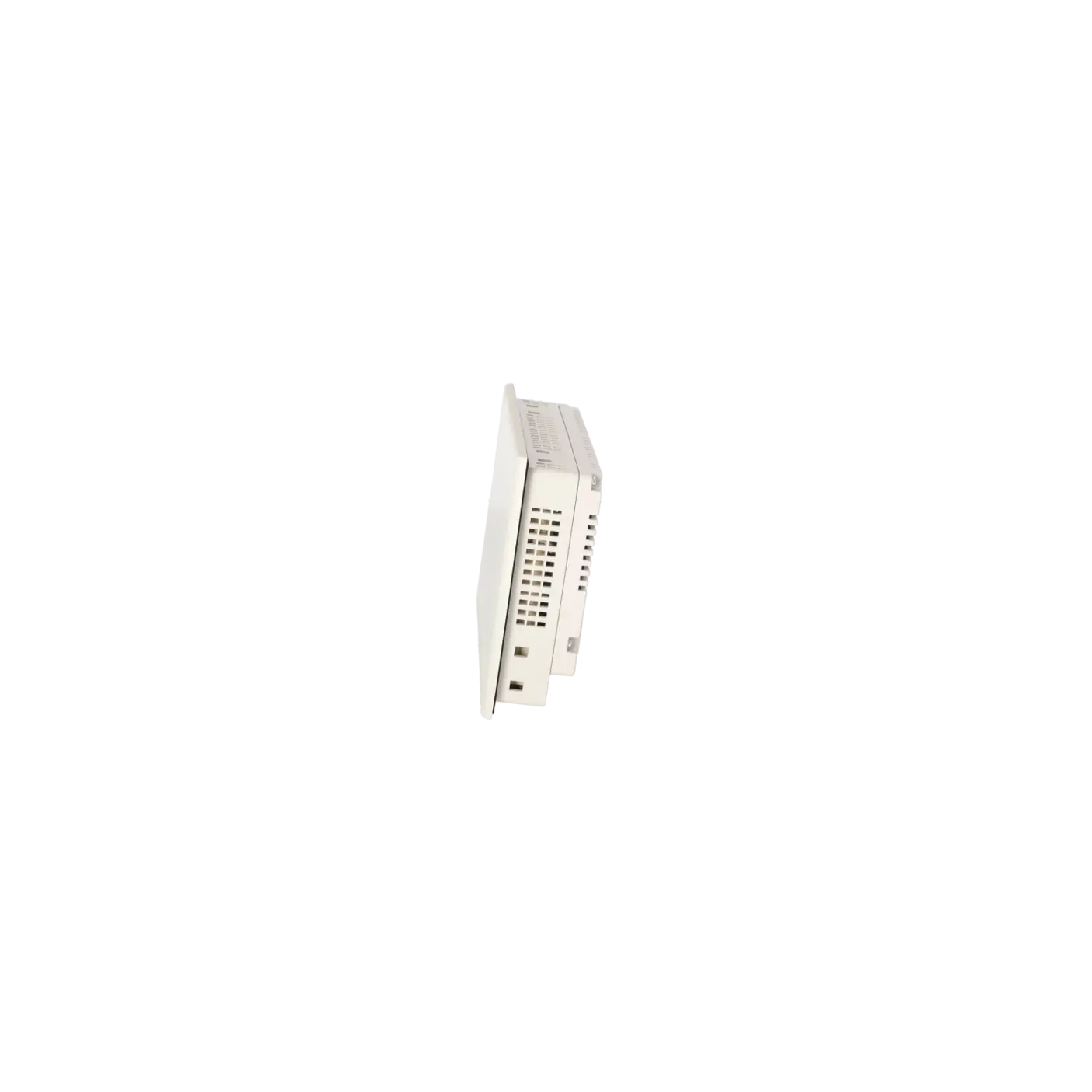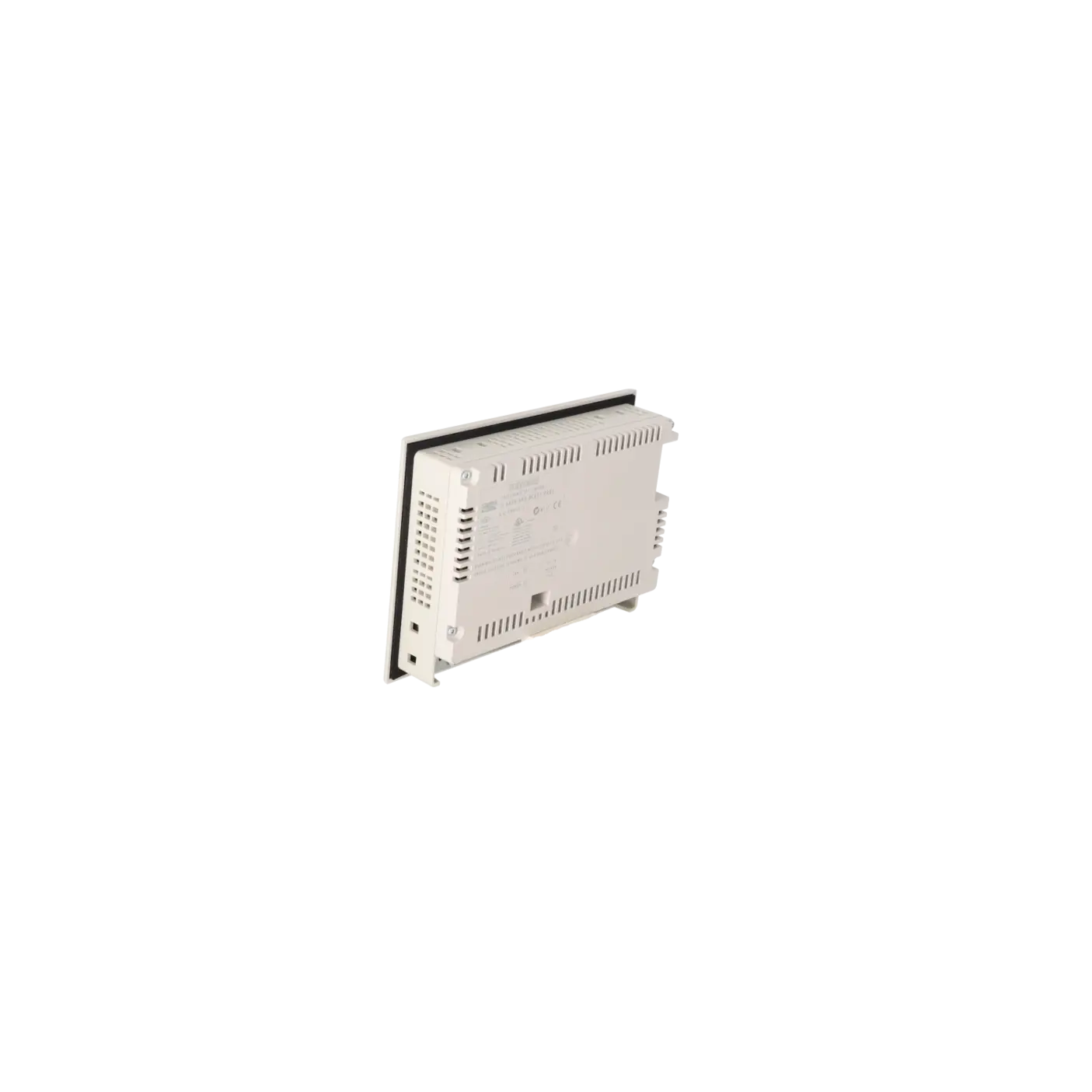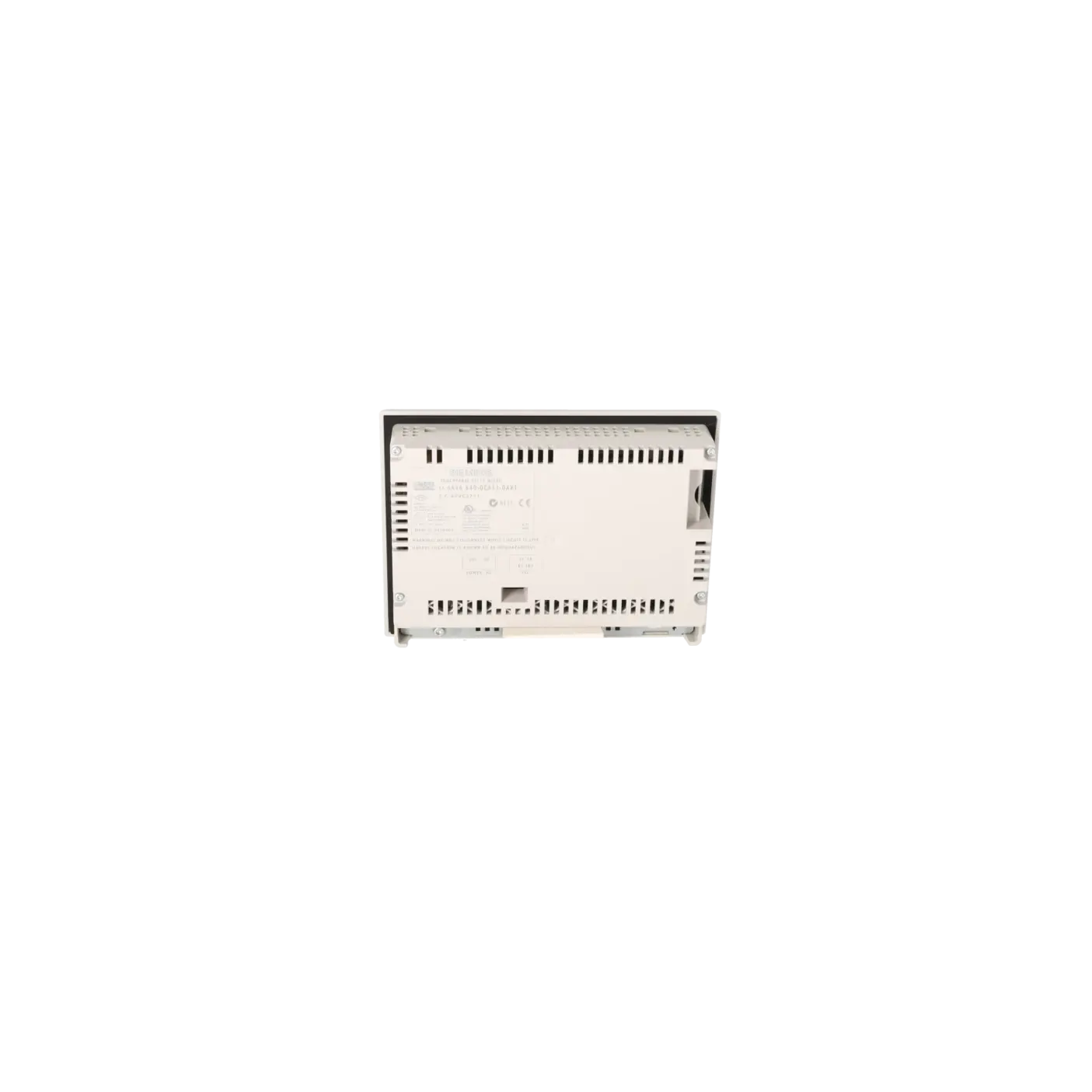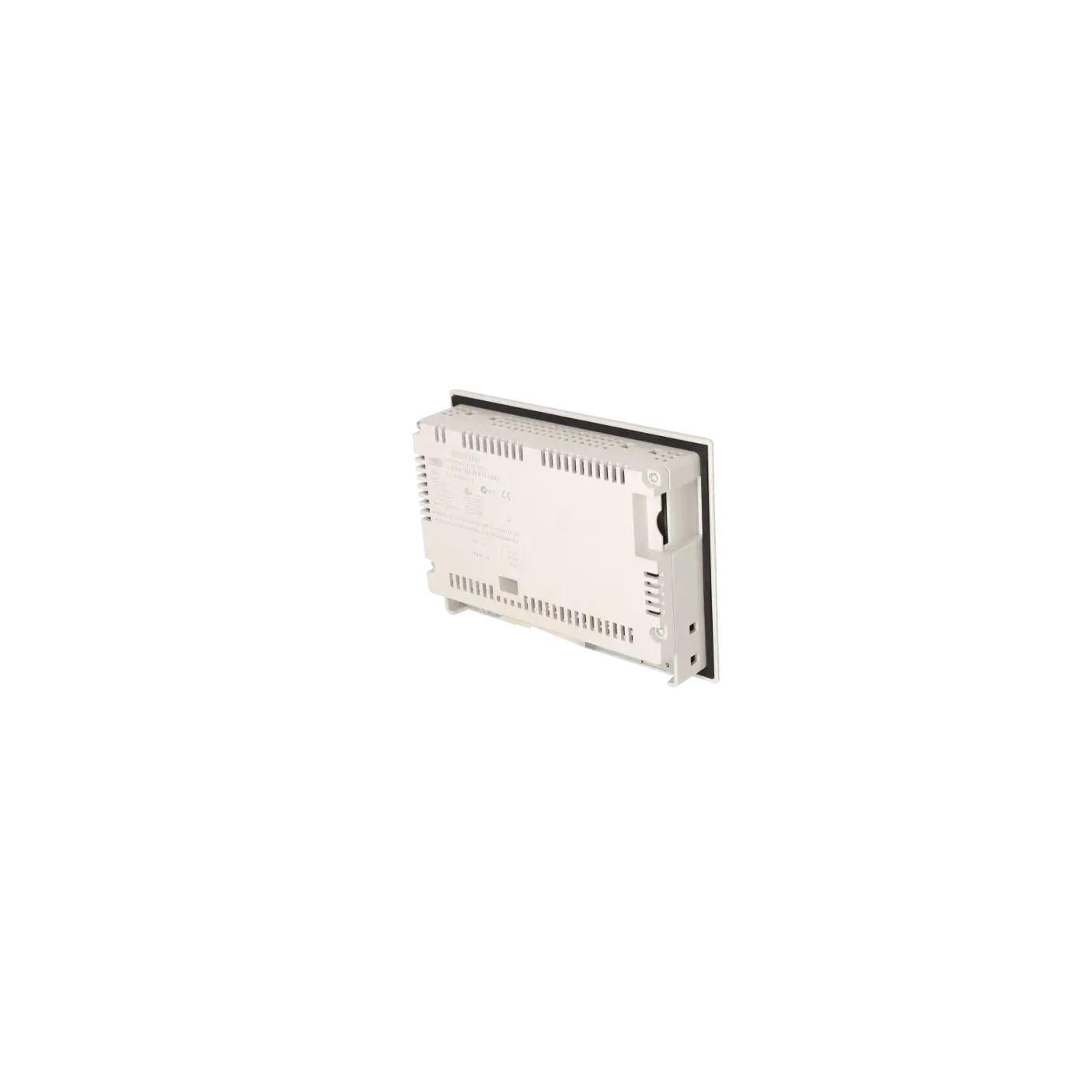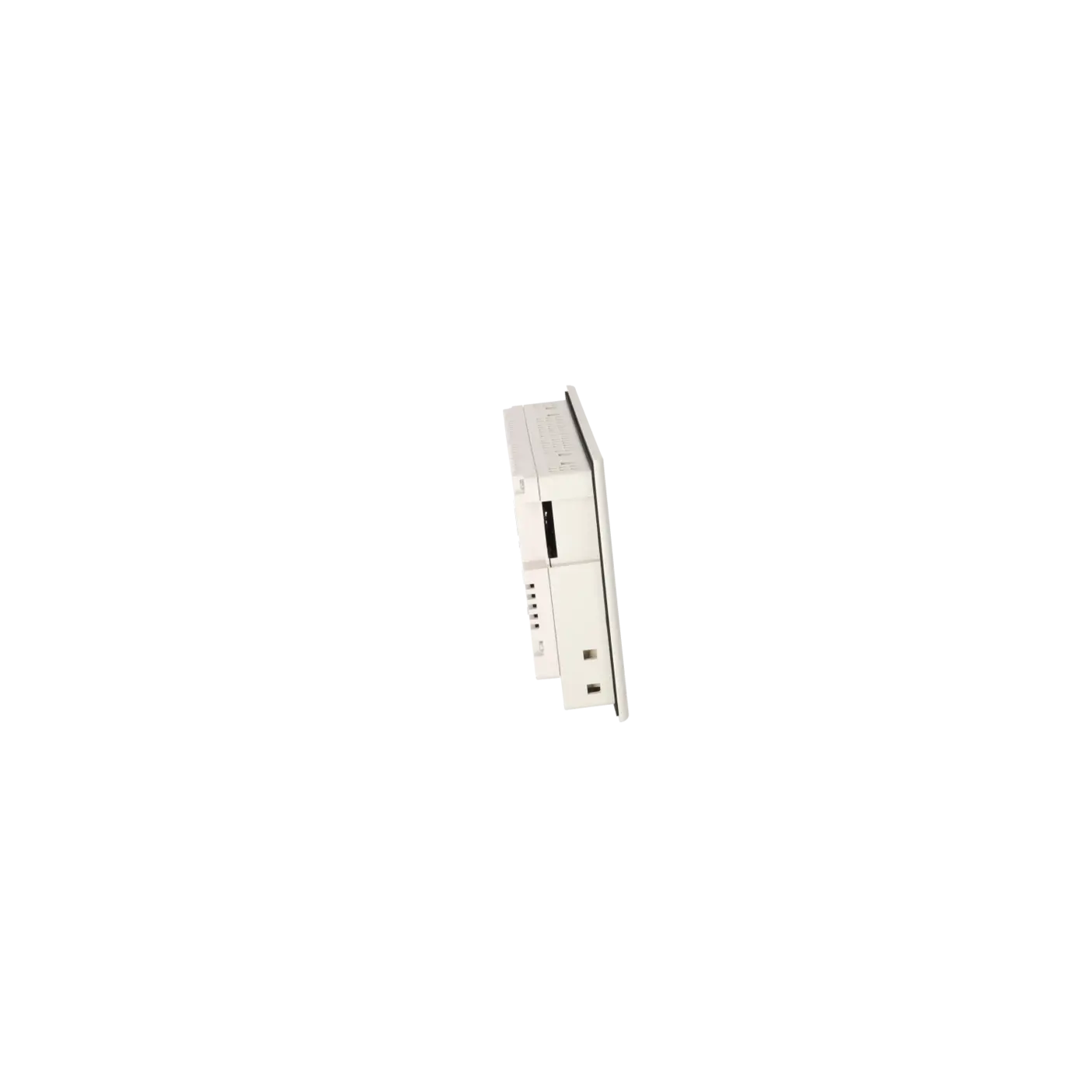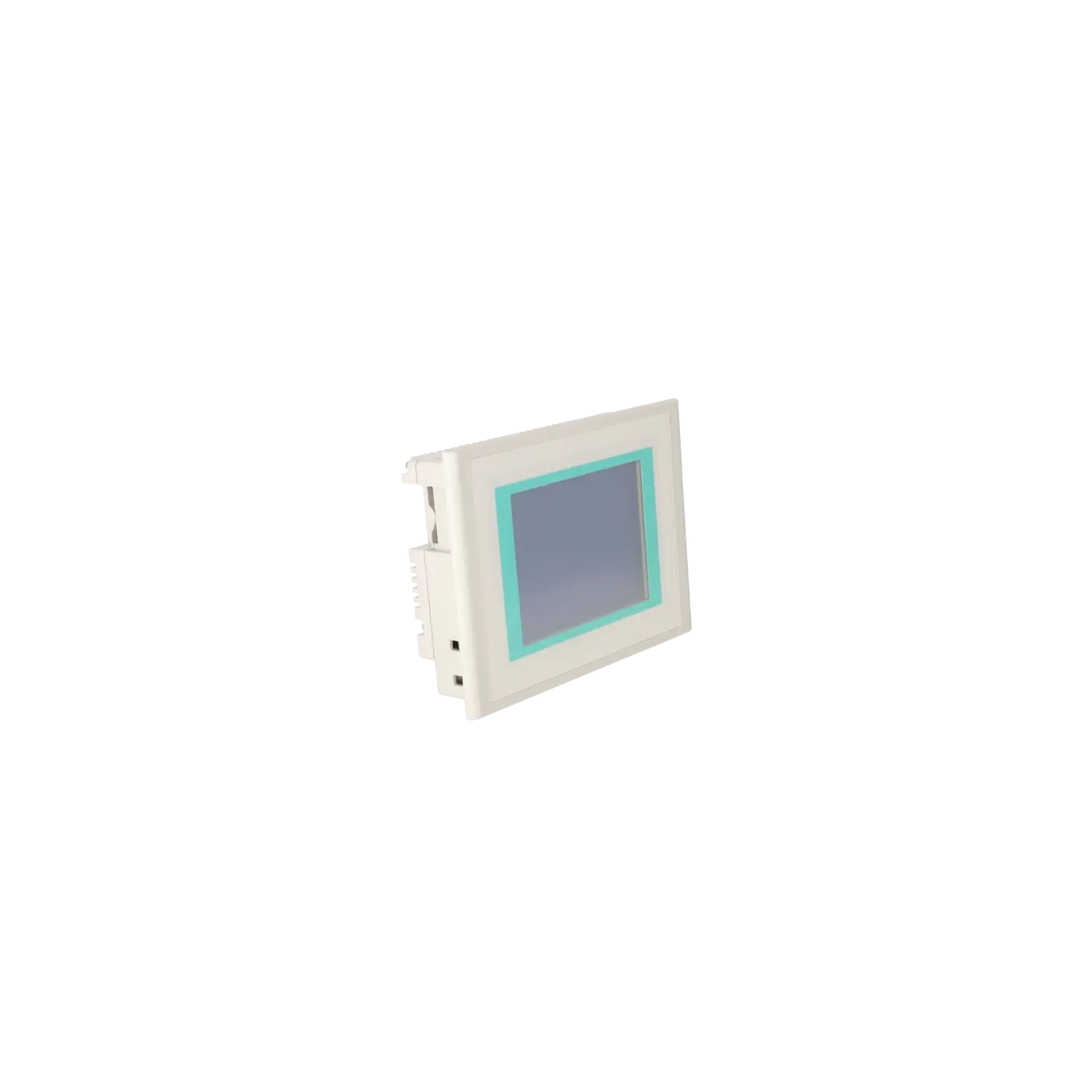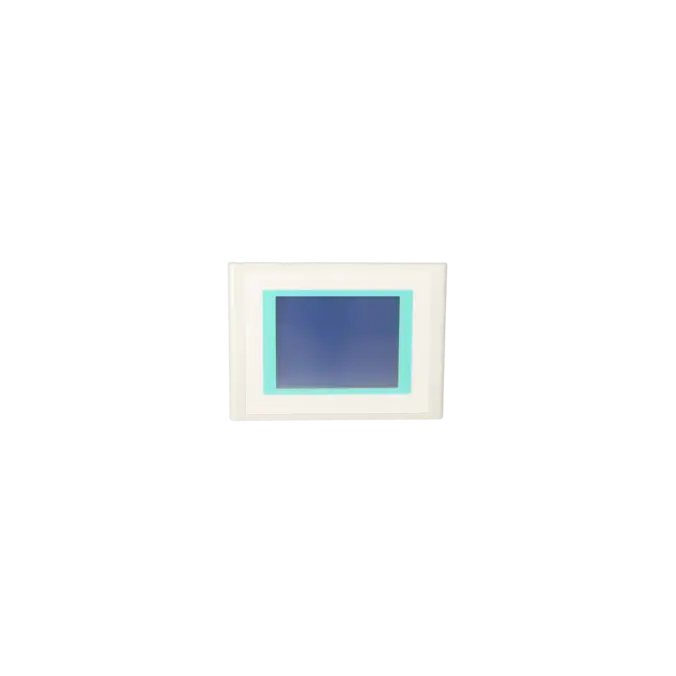
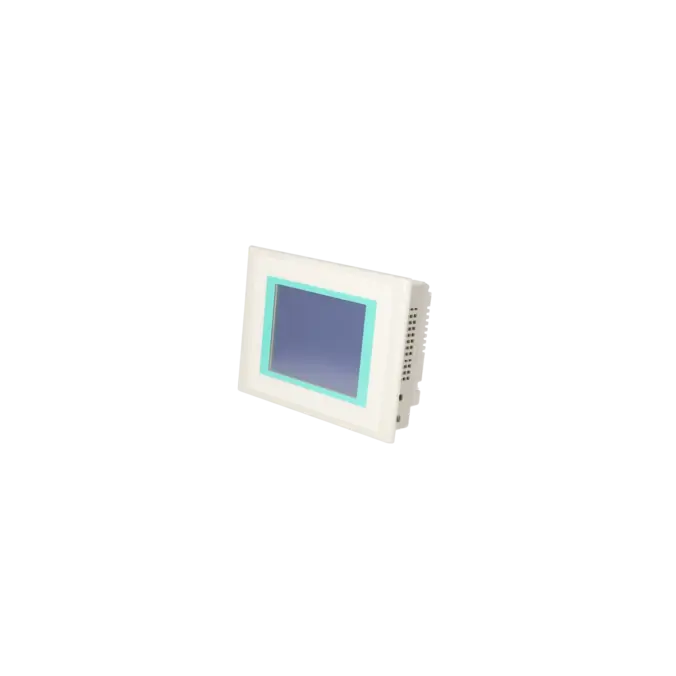
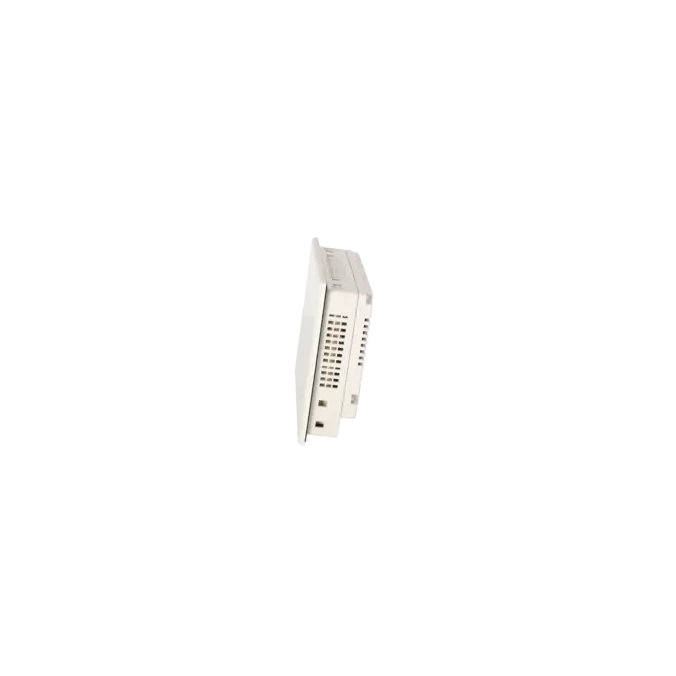
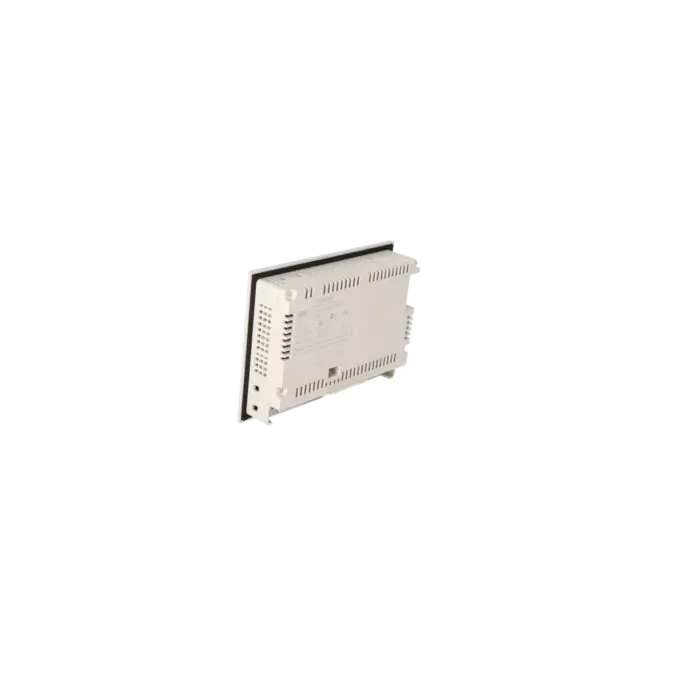
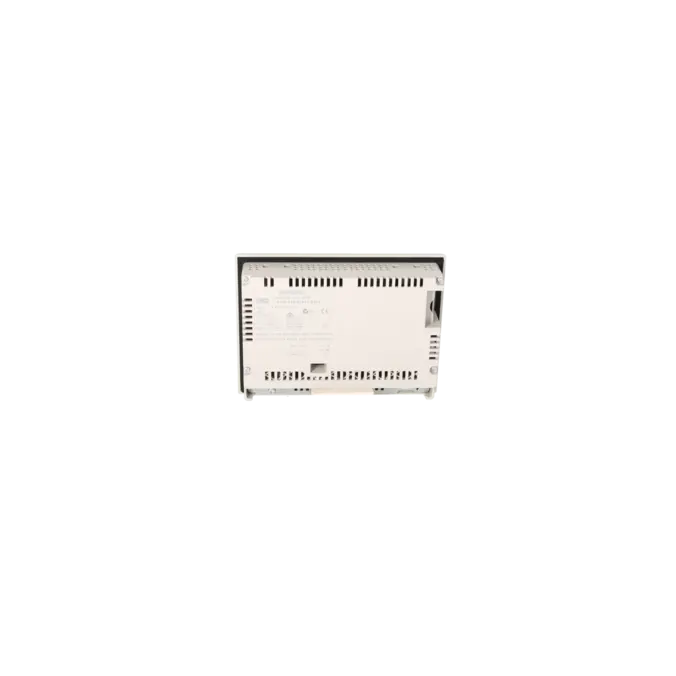
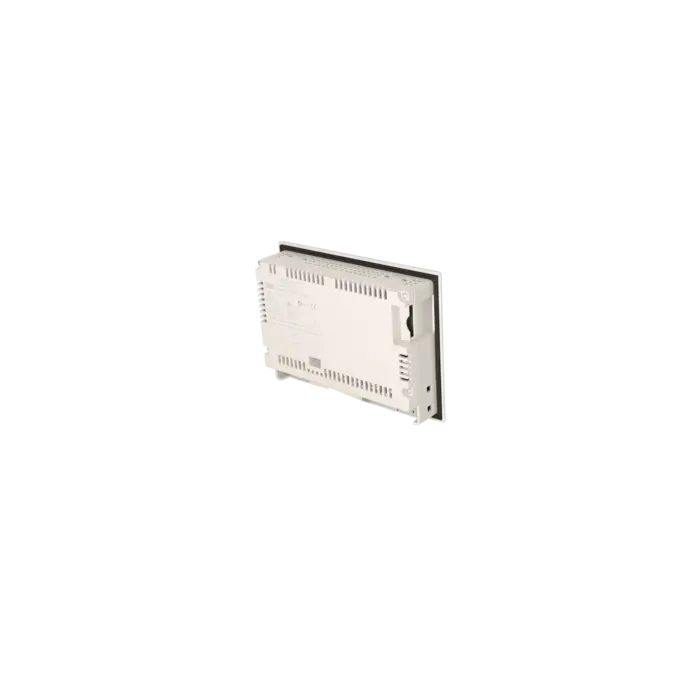
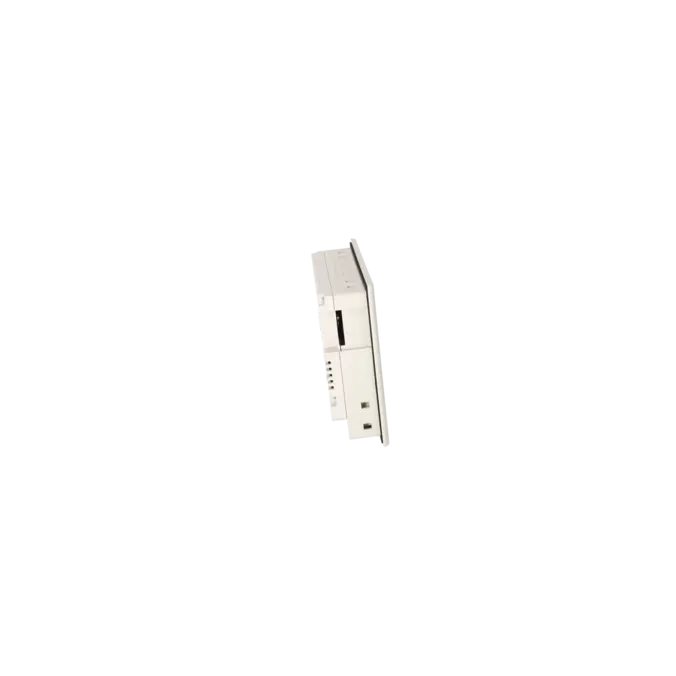
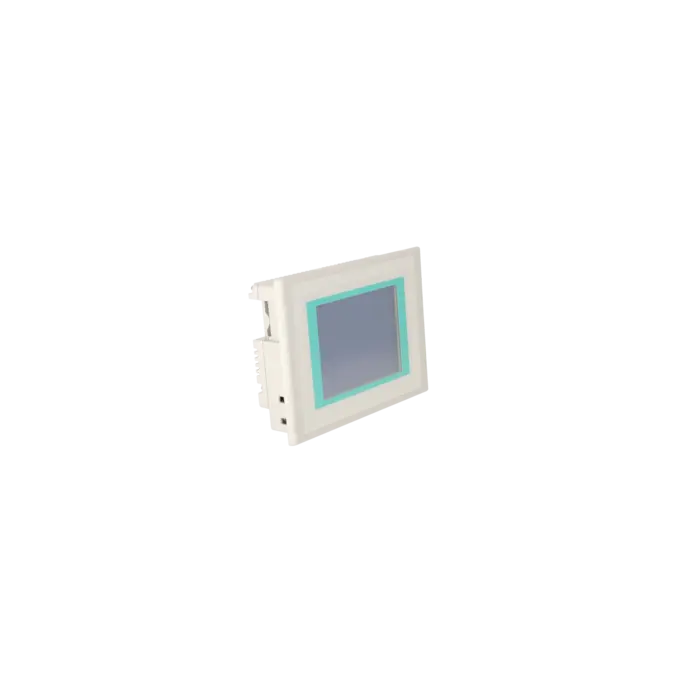



SIEMENS 6AV6640-0CA11-0AX1
-
SIEMENS | HMI | Touch Panels
- EICHLER-art.no.: K0219213
- EAN: 4025515076469
- UPC: 662643396782
Product description
SIMATIC TOUCH PANEL TP 177MICRO FOR SIMATIC S7-200 5.7" BLUE MODE STN DISPLAY CONFIGURABLE FROM WINCC FLEXIBLE 2004 MICRO HSP CONTAINS OPEN SOURCE SOFTWARE WHICH IS PROVIDED FREE OF CHARGE. SEE ENCLOSED CD
Services for SIEMENS 6AV6640-0CA11-0AX1
SIEMENS |
6AV6640-0CA11-0AX1 –
additional product information
| Delivery information | |||
|---|---|---|---|
| Export identifier | AL: N ECCN: N | ||
| Net weight | 0.999 | ||
| Quantity | 1 Stück | ||
| Packaging quantity | 1 | ||
| Additional product information | |||
|---|---|---|---|
| Product status | EOP: 2018-08-08 | ||
| EAN | 4025515076469 | ||
| UPC | 662643396782 | ||
| Static lot number | 85371098 | ||
| List indicator | ST80E | ||
| Product group | 4182 | ||
| Country of origin | DE | ||
| Compliance with the substance restrictions according to RoHS directive | Since: 20080331 | ||
| Product classifications | Version | Classification | |
|---|---|---|---|
| eClass | 4 | 27-36-01-02 | |
| eClass | 5.1 | 27-24-23-02 | |
| eClass | 6.0 | 27-24-23-02 | |
| ETIM | 3 | / | |
| ETIM | 4 | EC001412 | |
| ETIM | 5 | EC001412 | |
What is 6AV6640-0CA11-0AX1 and where is it used?
6AV6640-0CA11-0AX1 is a SIEMENS SIMATIC HMI TP 177micro Touch Panel. The operator device is designed for applications with the SIMATIC S7-200 and is used for operator control and monitoring tasks on smaller machines and systems. Typical applications include compact production cells, packaging machines, conveyor systems and simple process stations, where operators need to enter setpoints, acknowledge messages and monitor operating states. The panel was developed as a robust, space-saving HMI solution for installed systems. For maintenance personnel, it is particularly important that this is a clearly identifiable legacy device that remains highly relevant in the spare parts and repair market.
Overview of the key technical data and what they mean
The TP 177micro features a 5.7-inch STN display with 4 blue-grey levels and a resolution of 320 × 240 pixels. In practice, this provides a simple, easy-to-read monochrome visualisation rather than colour process graphics. The analogue resistive touchscreen is proven in industrial environments and can be recalibrated if necessary. The device operates on 24 V DC, typically consumes 6 W, and provides IP65 protection at the front and IP20 at the rear. Communication is handled via 1 × RS-485 with transmission rates of up to 187.5 kbit/s, making it suitable for S7-200-based architectures. The panel can be configured using WinCC flexible Micro from version 2004 SP1 onwards; TIA Portal is not supported for this device.
Product status, life-cycle status and obsolescence
For 6AV6640-0CA11-0AX1, the product page lists an EOP (End of Production) date of 08 August 2018. Siemens also classifies the TP 177micro within the P.M410 spare-parts phase, which is important for operators because the device is no longer part of the active product portfolio and should therefore be strategically supported in existing installations. For new projects or retrofit applications, Siemens identifies the following migration targets in its migration guides: KTP600 Basic mono PN, KTP600 Basic colour PN, KTP600 Basic colour DP, KTP700 Basic and KTP700 Basic DP
However, a 1:1 replacement cannot be assumed without first checking the project, communication interface and installation requirements.
Available EICHLER services and when they are relevant
EICHLER offers repair, exchange, used equipment and new equipment on request for 6AV6640-0CA11-0AX1. Repair is particularly relevant when the existing machine must continue operating without modifications to the project, panel cut-out or wiring. According to EICHLER, repairs include technical cleaning, preventive maintenance, comprehensive functional testing and a minimum 24-month warranty. For purchasing departments and production teams, the exchange service is often the preferred option when downtime must be kept to a minimum. Especially for obsolete HMIs, these services help maintain the operational availability of existing systems without immediately requiring a complete HMI migration.
| Attribute | Value |
|---|---|
| Product type designation | TP 177micro |
| Display | |
| Design of display | STN |
| Screen diagonal | 5.7 in |
| Color display | No |
| Number of colors | 4; Blue levels |
| Resolution (pixels) | |
| ● Horizontal image resolution | 320 pixel |
| ● Vertical image resolution | 240 pixel |
| Backlighting | |
| ● MTBF backlighting (at 25 °C) | 50 000 h |
| Control elements | |
| Control elements | Touch screen |
| Keyboard fonts | |
| ● Membrane keyboard | |
| — user-definable label membrane keys | No |
| ● Function keys | No |
| — Number of function keys | 0 |
| ● System keys | No |
| — Number of system keys | 0 |
| ● Numeric keyboard | Yes |
| ● alphanumeric keyboard | Yes |
| ● hexadecimal keyboard | Yes |
| ● Multi-key operation | No |
| Touch operation | |
| ● Design as touch screen | Yes; analog, resistive |
| Installation type/mounting | |
| Mounting position | vertical |
| maximum permissible angle of inclination without external ventilation | 35° |
| Supply voltage | |
| Type of supply voltage | DC |
| Input current | |
| Current consumption (rated value) | 0.24 A |
| Starting current inrush I²t | 0.5 A²·s |
| Power | |
| Active power input, typ. | 6 W |
| Processor | |
| Processor type | ARM |
| Memory | |
| Type of memory | Flash |
| Memory available for user data | 256 kbyte |
| Time of day | |
| Clock | |
| ● Type | Software clock, no battery backup |
| ● retentive | No |
| ● synchronizable | No |
| Interfaces | |
| Interfaces/bus type | 1x RS 485 (max. 187.5 kbit/s) |
| Number of industrial Ethernet interfaces | 0 |
| Number of RS 485 interfaces | 1 |
| Number of RS 422 interfaces | 0 |
| Number of USB interfaces | 0 |
| Protocols | |
| Supports protocol for PROFINET IO | No |
| PROFIsafe | No |
| PROFIBUS | Yes |
| EtherNet/IP | No |
| Protocols (Ethernet) | |
| ● TCP/IP | No |
| Further protocols | |
| ● MODBUS | No |
| ● other bus systems | Yes |
| Degree and class of protection | |
| IP (at the front) | IP65 |
| IP (rear) | IP20 |
| NEMA (front) | NEMA 4x (when installed) |
| Standards, approvals, certificates | |
| Certificate of suitability | CE, GL, ABS, BV, DNV, LRS, FM Class I Div. 2, UL, CSA, cULus, EX-Zone 2 (in Vorbereitung), EX-Zone 22 (in Vorbereitung), C-TICK, NEMA 4x |
| cULus | Yes |
| EAC (formerly Gost-R) | No |
| Suitable for safety functions | No |
| Use in hazardous areas | |
| ● ATEX Zone 2 | Yes |
| ● ATEX Zone 22 | Yes |
| ● FM Class I Division 2 | Yes |
| Marine approval | |
| ● Germanischer Lloyd (GL) | Yes |
| ● American Bureau of Shipping (ABS) | Yes |
| ● Bureau Veritas (BV) | Yes |
| ● Det Norske Veritas (DNV) | Yes |
| ● Lloyds Register of Shipping (LRS) | Yes |
| ● Nippon Kaiji Kyokai (Class NK) | Yes |
| ● Polski Rejestr Statkow (PRS) | No |
| Ambient conditions | |
| Ambient temperature during operation | |
| ● min. | 0 °C |
| ● max. | 50 °C |
| Ambient temperature during storage/transportation | |
| ● min. | -20 °C |
| ● max. | 60 °C |
| Relative humidity | |
| ● Operation, max. | 90 % |
| Operating systems | |
| pre-installed operating system | LINUX |
| configuration / header | |
| Message indicator | Yes |
| Alarm system (incl. buffer and acknowledgment) | Yes |
| Process value display (output) | Yes |
| Process value default (input) possible | Yes |
| Recipe management | No |
| Configuration software | |
| ● Configuration tool | WinCC flexible Micro Version 2004 SP1, HSP or higher (to be ordered separately) |
| ● STEP 7 Basic (TIA Portal) | No |
| ● STEP 7 Professional (TIA Portal) | No |
| ● WinCC flexible Compact | Yes |
| ● WinCC flexible Standard | Yes |
| ● WinCC flexible Advanced | Yes |
| ● WinCC Basic (TIA Portal) | No |
| ● WinCC Comfort (TIA Portal) | No |
| ● WinCC Advanced (TIA Portal) | No |
| ● WinCC Professional (TIA Portal) | No |
| Languages | |
| Online languages | |
| ● Number of online/runtime languages | 5 |
| Project languages | |
| ● Languages per project | 32 |
| Functionality under WinCC (TIA Portal) | |
| Libraries | Yes |
| Task planner | Yes |
| Help system | Yes |
| ● Number of characters per info text | 320 |
| ● Number of tooltips | 0 |
| Message system | |
| ● Number of alarm classes | 32 |
| ● Number of messages | 500 |
| ● Bit messages | Yes |
| — Number of bit messages | 500 |
| ● Analog messages | Yes |
| — Number of analog messages | 20 |
| ● Telegram message procedure Alarm S | No |
| ● System messages HMI | Yes |
| ● System messages PLC | Yes |
| ● System event, more (SIMATIC S7, SINUMERIK, SIMOTION, ... ) | No |
| ● Lines | 1 |
| ● Number of characters per message | 80 |
| ● Number of process values per message | 8 |
| ● Acknowledgment groups | Yes |
| ● Message indicator | Yes |
| ● acoustic feedback | No |
| ● First/last value | Yes |
| Variables | |
| ● Number of variables per device | 250 |
| ● Number of variables per screen | 20 |
| ● Limit values | Yes |
| ● Multiplexing | Yes |
| ● Structures | No |
| Images | |
| ● Number of configurable images | 250 |
| ● Permanent window/default | Yes |
| ● Start screen configurable | Yes |
| ● Image selection by PLC | No |
| ● Image number in the PLC | No |
| Image objects | |
| ● Text objects | 500 text elements |
| ● Number of I/O fields per image | 20 |
| ● Number of date/time fields | 0 |
| ● Index of screen context | No |
| ● Return | No |
| ● Graphics object | Bit maps, icons, icon (full-screen), vector graphics |
| — Icons | 1 |
| — Icon (full screen) | 1 |
| Complex image objects | |
| ● Status/control | Not possible |
| ● dynamic objects | Diagrams, bar graphs |
| — Number of curves per diagram | 1 |
| ● Bar graphs | |
| — Number of bars per chart | 5 |
| ● Sliders | |
| — Number of slides per image | 0 |
| ● Pointer instruments | |
| — Number of analog indicators per image | 0 |
| ● Limit value lines | Yes |
| ● Number of alphanumerical fields | 0 |
| — alphanumeric fields per image | 0 |
| ● Number of numerical fields | 0 |
| — numerical fields per image | 0 |
| ● Number of password fields | 0 |
| ● Number of visible switches per project | 0 |
| — visible switches per image | 0 |
| — hidden switches per image | 0 |
| ● Number of status switches per project | 0 |
| — Number of status switches per image | 0 |
| ● Number of selector switches per project | 0 |
| — Selector switches per image | 0 |
| ● Number of decade switches per project | 0 |
| — Decade switches per image | 0 |
| ● Number of signal lamps per project | 0 |
| — Signal lamps per image | 0 |
| Attributes for dynamic objects | |
| ● Color change | No |
| ● X/Y movement | No |
| ● Hide | Yes |
| ● Angle of rotation | No |
| Lists | |
| ● Number of text lists per project | 150 |
| ● Number of graphics lists per project | 100 |
| Security | |
| ● Number of user groups | 1 |
| ● number of users / for WinCC in the TIA Portal | 1 |
| ● Password export/import | Yes |
| Transfer (upload/download) | |
| ● Transfer of configuration | serial |
| Process coupling | |
| ● Connection to controller | for S7-200, see section on "System interfaces" |
| ● S7-200 | Yes |
| — PPI (point-to-point) | Yes |
| — PPI network | Yes |
| — MPI | Yes |
| — PROFIBUS DP | No |
| ● S7-300/400 | No |
| — MPI | No |
| — PROFIBUS DP | No |
| — PROFINET | No |
| ● S5 | No |
| — serial | No |
| — PROFIBUS DP | No |
| ● TI 505 | No |
| ● Allen Bradley (DF1) | No |
| ● Allen Bradley (DF485) | No |
| ● Mitsubishi (FX) | No |
| ● Mitsubishi (MP4) | No |
| ● Telemecanique (ADJUST) | No |
| ● Telemecanique (Uni-Telway) | No |
| ● OMRON (LINK/Multilink) | No |
| ● Modicon (Modbus) | No |
| ● GE-Fanuc (SNP) | No |
| Functions | |
| ● Key repeat | No |
| ● TAB sequence | Yes |
| ● Calculating functions | Yes |
| ● Animate | No |
| ● Menu tree editor | No |
| ● Unit switchover | No |
| Service tools/configuration aids | |
| ● Clean screen | Yes |
| ● Touch calibration | Yes |
| ● Backup/Restore manually | Yes |
| ● Simulation | No |
| ● Device switchover | Yes |
| ● Delta transfer | No |
| ● Monitoring function for battery and memory | No |
| ● Trace (operation archive) | No |
| Expandability/openness | |
| ● Open Platform Program | No |
| Peripherals/Options | |
| SIMATIC HMI MM memory card: Multi Media Card | No |
| Additional software components loadable | Yes |
| Dimensions | |
| Width of the housing front | 212 mm |
| Height of housing front | 156 mm |
| Mounting cutout, width | 198 mm |
| Mounting cutout, height | 142 mm |
| Overall depth | 45 mm |
| Weights | |
| Weight (without packaging) | 0.75 kg |
| Fault description | Possible solution |
|---|---|
| Why can't I transfer a project to the TP 177micro? | First check whether the panel is actually in Transfer mode. Siemens states that transfer can either be started from the Loader during startup or via a configured operator object within the project. If WinCC flexible cannot establish a connection, the most common causes are incorrect connection settings, an unsuitable data channel or an incompatible transfer cable. In practical TP177micro applications, a transfer rate of 19.2 kbaud is often used when transferring via a PC/PPI cable. If the project starts immediately and Autostart prevents access to the panel, Siemens recommends restoring the device to factory settings using ProSave. |
| Why does the touchscreen respond inaccurately or stop responding altogether? | Siemens recommends first performing a touchscreen recalibration via the Touch tab in the Control Panel OP Properties. The screen should only be operated using a finger or a suitable stylus, as hard or pointed objects can significantly reduce its service life. If the panel still does not respond correctly after recalibration, or if touch input is already unavailable on the startup screen, practical cases reported in automation forums indicate a possible touch hardware failure. In such cases, software measures alone are usually insufficient, and repair or replacement becomes necessary. |
| Why does the TP 177micro report communication errors with the S7-200? | Reliable communication requires that WinCC flexible and the S7-200/MicroWIN configuration use the same baud rate, station addresses and communication profile. Siemens specifies 9.6 kbaud, 19.2 kbaud and 187.5 kbaud as supported communication speeds; the selected value must be identical throughout the entire network. Practical cases from PLCtalk and SPS-Forum show that incorrect baud rates, missing terminating resistors or swapped A/B wires on PROFIBUS/RS-485 connectors are common causes of communication failures. Therefore, in addition to checking the software configuration, always verify connectors, termination and wiring. |
| Why does WinCC flexible report a compatibility conflict, or why does the panel reject the project? | Siemens explicitly describes this as a version mismatch between the engineering software and the panel operating system. The recommended solution is to perform an OS update using WinCC flexible or ProSave together with the correct image file. Practical TP177micro discussions describe the same procedure when a panel is reachable but does not support the project version being downloaded. It is important to use the correct communication parameters and to remember that, after a successful OS update, no project remains stored on the panel. The appropriate project must then be downloaded again or restored from a backup. |
Is 6AV6640-0CA11-0AX1 still regularly available or has it already been discontinued?
The device is in the End-of-Product/spare-parts phase. The EICHLER product page lists an EOP date of 08.08.2018, and Siemens classifies the TP 177micro within the P.M410 spare-parts phase. For operators, this means that the panel remains relevant for existing installations, but should no longer be planned as a current standard HMI. For procurement and maintenance, repair, exchange services, used-device availability and forward-looking stockholding are therefore particularly important.
Which successor is suitable for the Siemens TP 177micro?
In its migration guide, Siemens identifies the KTP600 Basic mono PN, KTP600 Basic colour PN and KTP600 Basic colour DP as verified migration devices. In addition, KTP700 Basic and KTP700 Basic DP are listed in later Basic Panel generations. The decisive factor is not only the display size but also the communication interface: the old TP 177micro communicates serially via RS-485, whereas PN variants use Ethernet/PROFINET. Therefore, before any upgrade, it should always be checked whether the existing machine communication, mounting cut-out and project can be migrated without major modifications.
Which software do I need for configuration, transfer and service?
According to Siemens and the technical product data, WinCC flexible Micro from version 2004 SP1 is relevant for the TP 177micro. WinCC flexible Compact, Standard and Advanced are also supported, but not the TIA Portal environment. For data backup, restoration and operating system updates, ProSave is the central service tool. This is particularly important when existing projects need to be backed up, a replacement panel prepared or an OS conflict resolved after a device replacement. TIA Portal is not a native engineering environment for this specific panel.
Can I back up or restore an existing project from the TP 177micro?
Yes. Siemens describes backup and restore procedures for the TP 177micro using both WinCC flexible and ProSave. During this process, data is transferred between the panel’s flash memory and a PC. As a rule, the operator device must be reachable and capable of being switched into Transfer mode. This is especially important in service situations because an existing project should be backed up before repair, replacement or an OS update. If the touchscreen is defective, however, this process becomes more difficult; in such cases, repair or hardware replacement is often the more practical solution.
Which communication interface and protection rating does the TP 177micro have?
The panel is equipped with an RS-485 interface and supports data rates of up to 187.5 kbit/s. The front of the device is rated IP65, while the rear is rated IP20. For users, this means that the front is suitable for installation in industrial control cabinets or operator stations, whereas the rear should only be operated within a protected enclosure. Combined with the 24 V DC power supply and a typical power consumption of 6 W, the TP 177micro remains a compact HMI solution for classic S7-200-based legacy machines.
When is repair more practical than direct migration to a new HMI?
Repair is particularly worthwhile when a machine needs to be returned to operation quickly, the existing project should be retained and no immediate changes to communication, wiring or visualisation are desired. In precisely these situations, repairing an obsolete legacy HMI such as the TP 177micro is often more economical than carrying out a migration under time pressure. According to the product page, EICHLER combines repair with technical cleaning, preventive maintenance, functional testing and a minimum 24-month warranty. Migration to a Basic Panel remains strategically sensible, but is generally easier to plan and implement when it can be prepared without the pressure of an ongoing production stoppage.