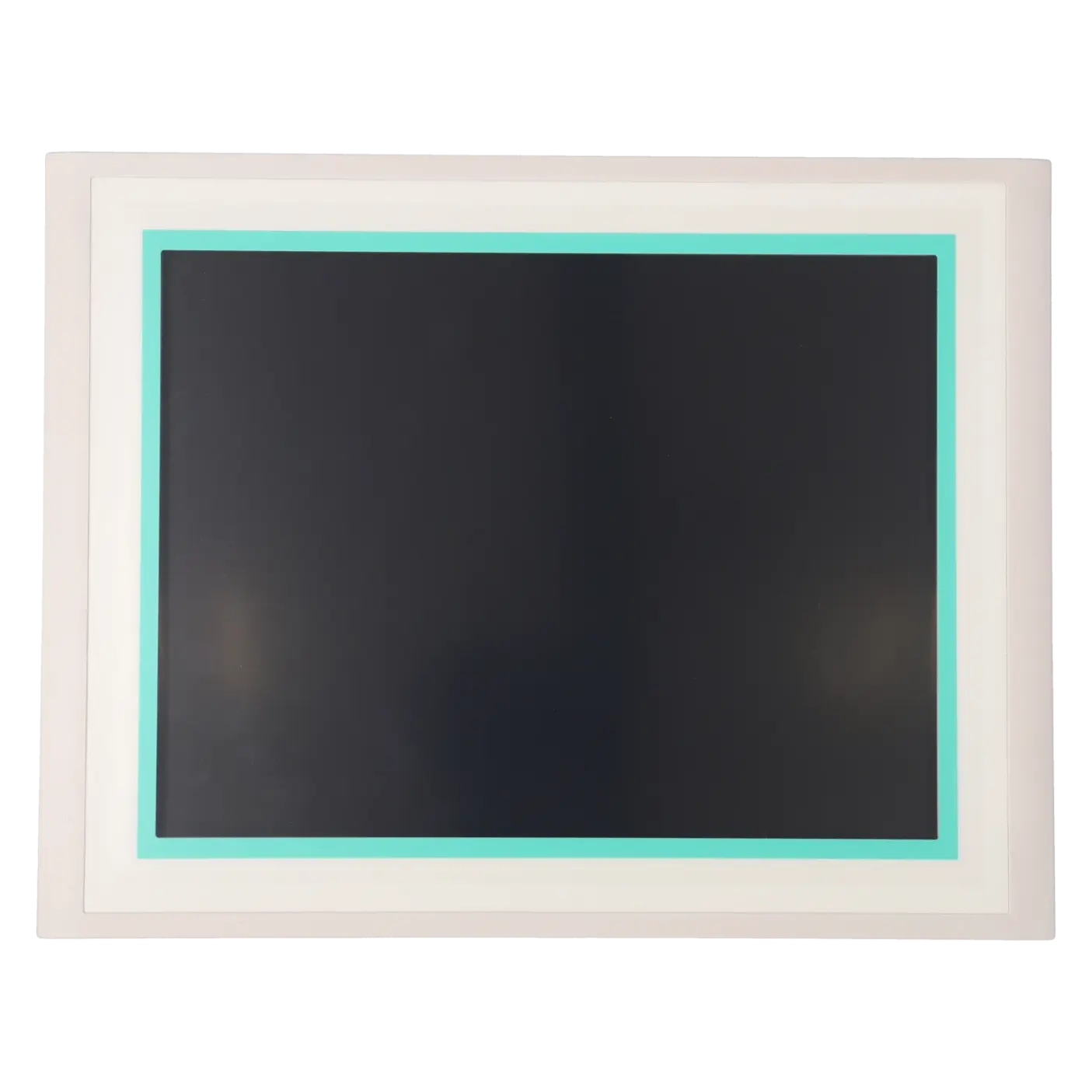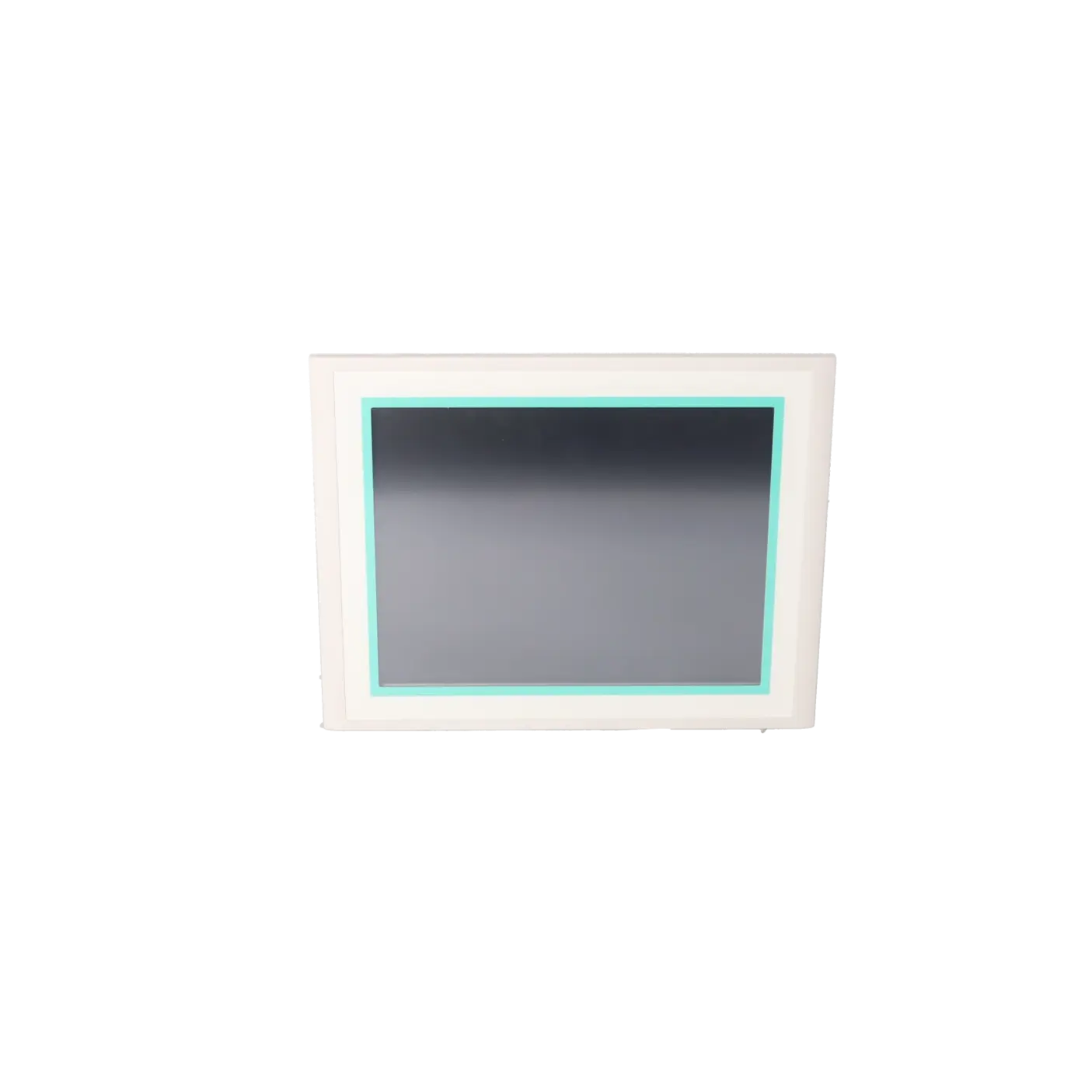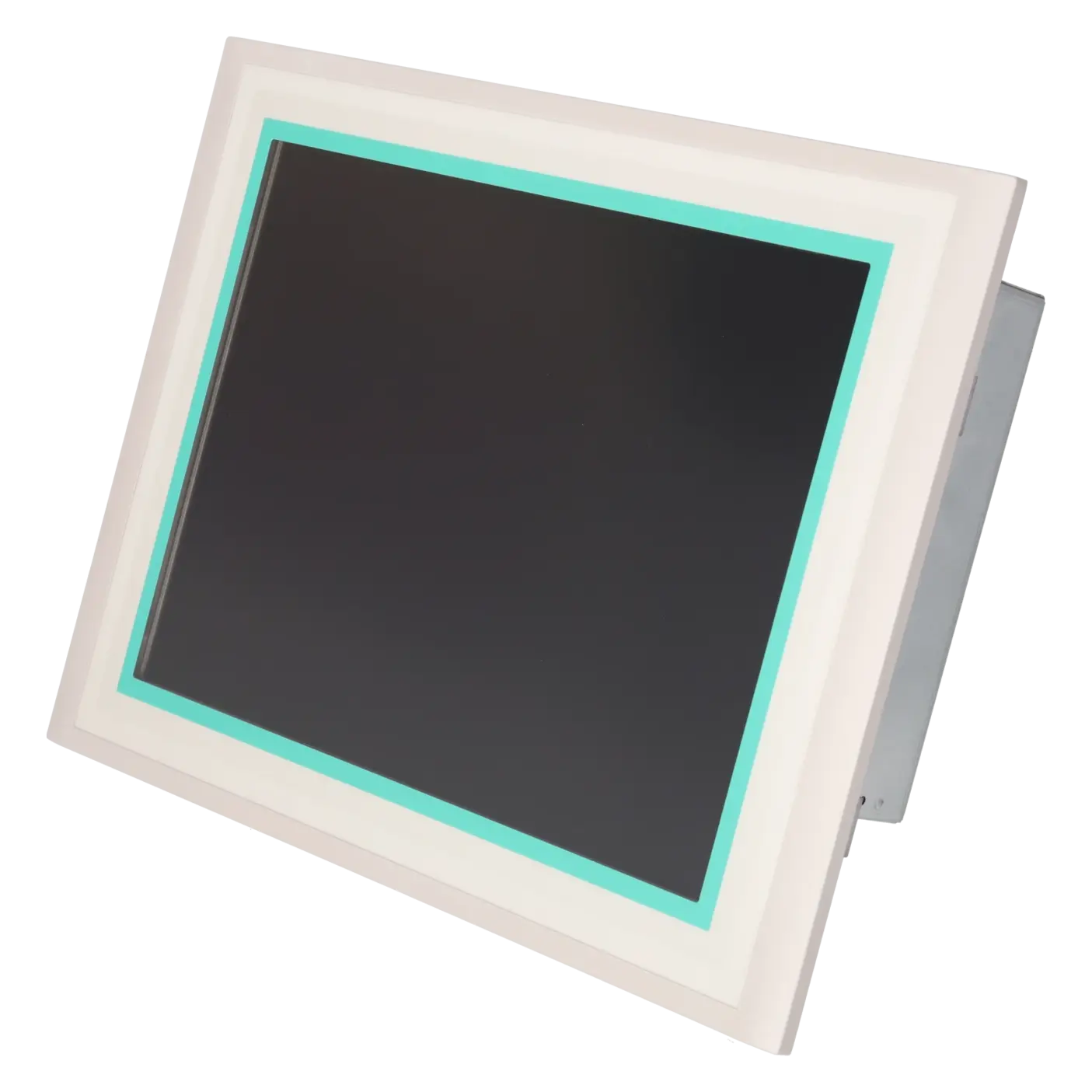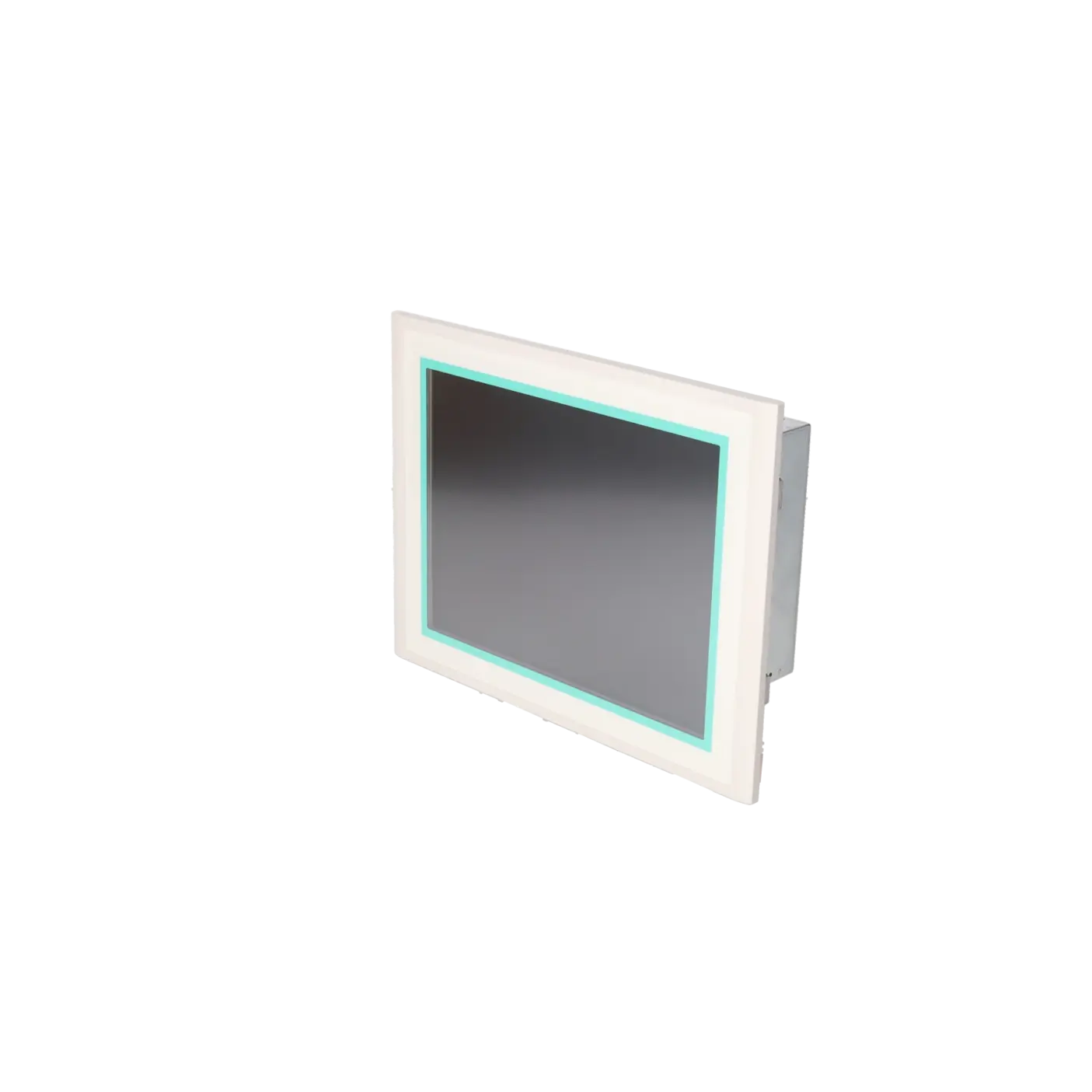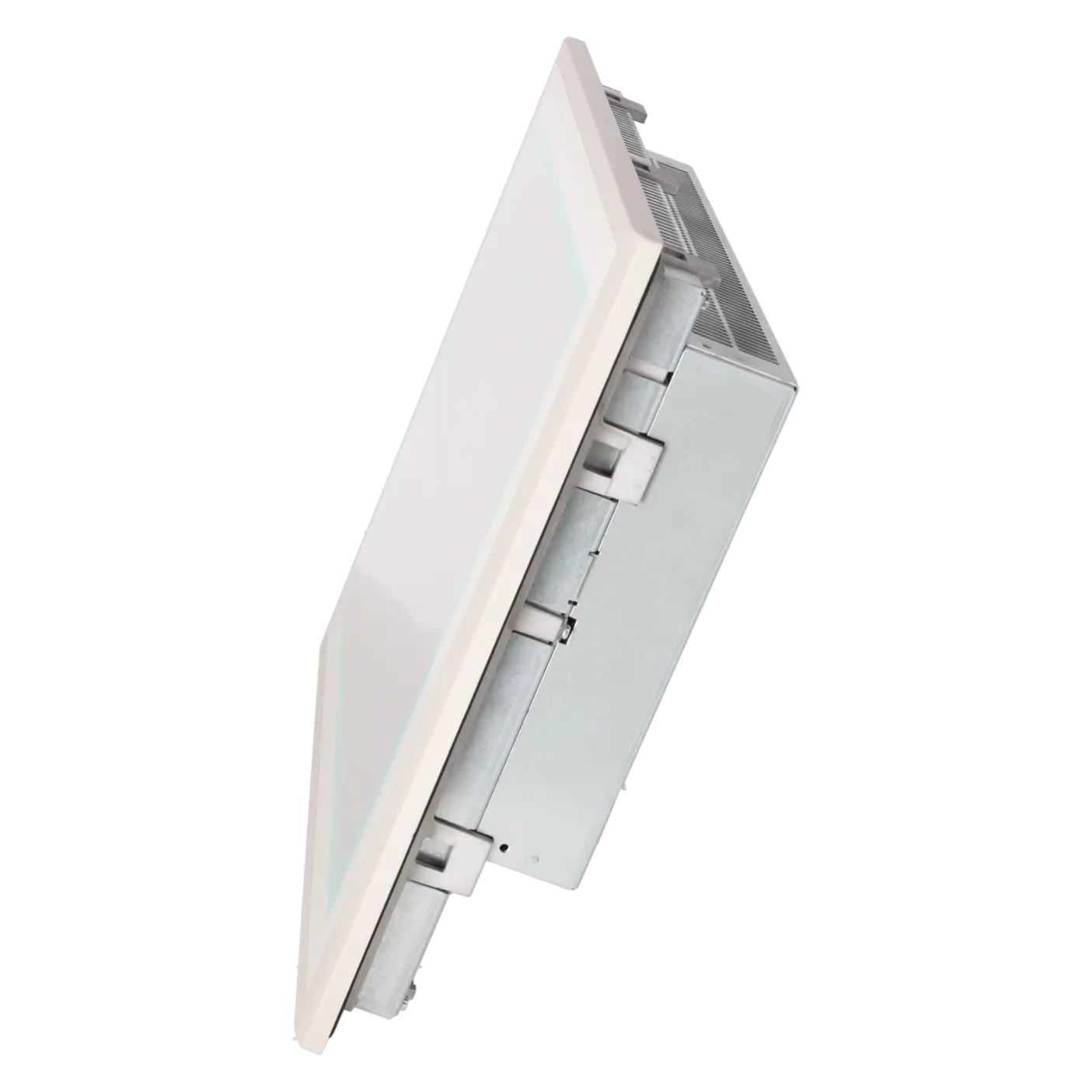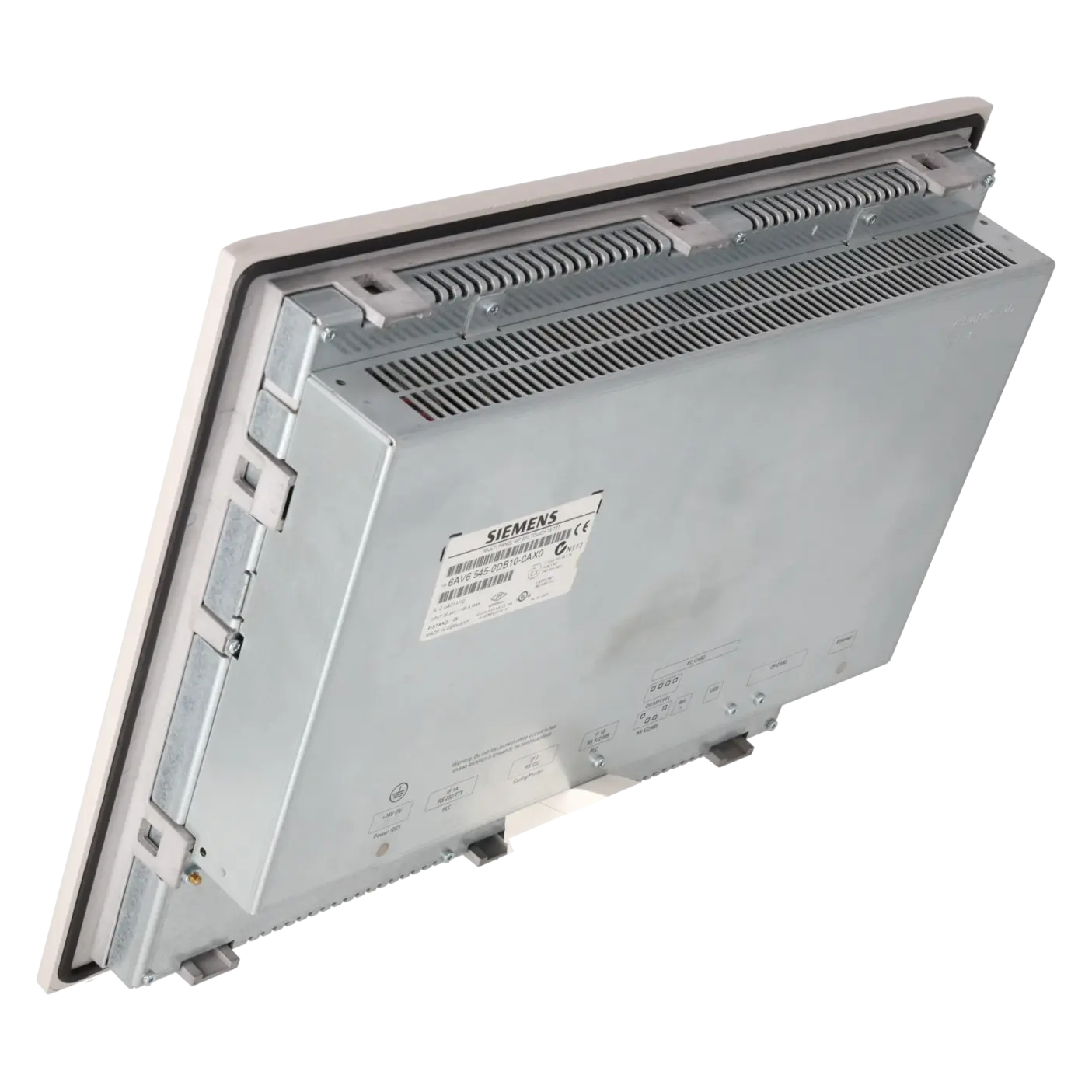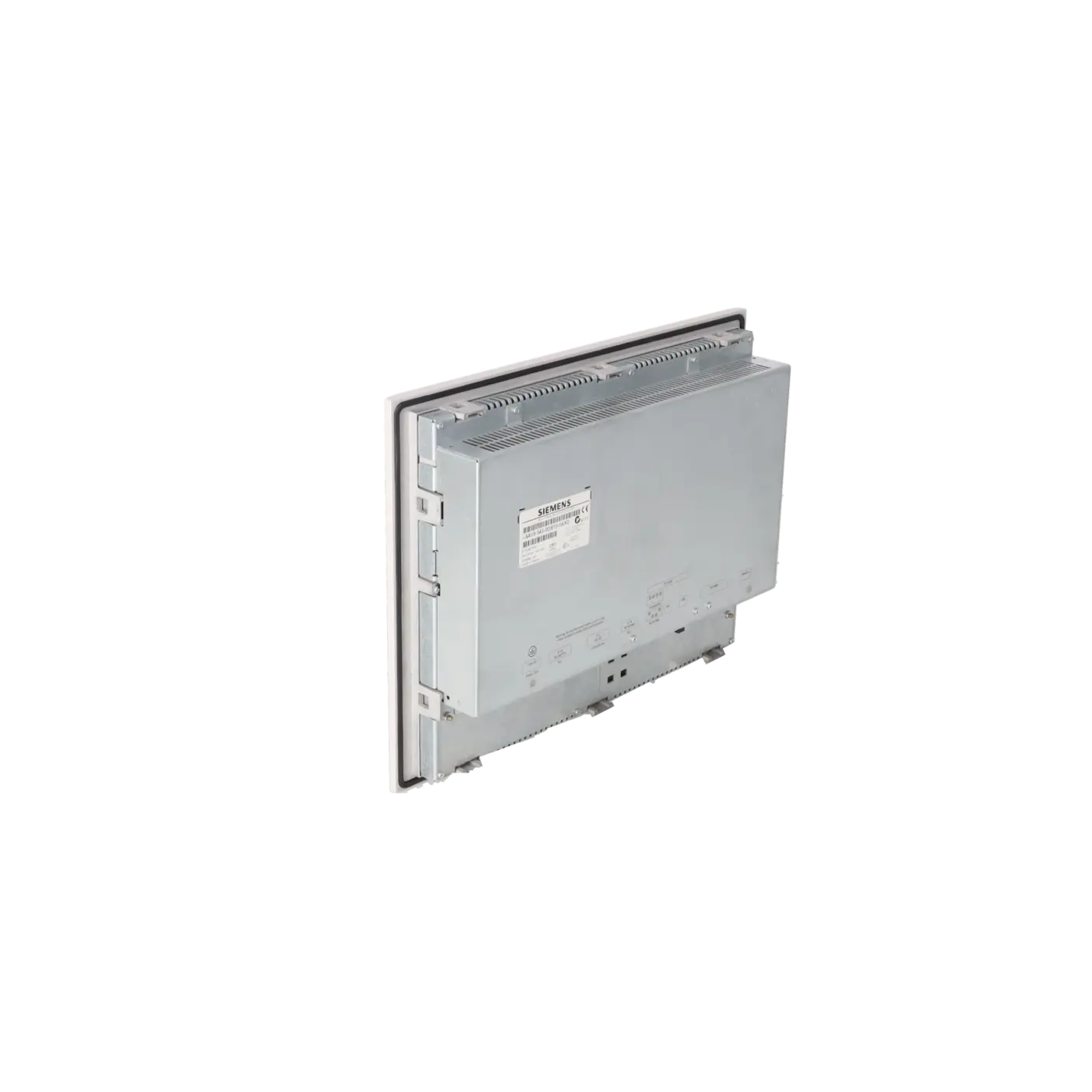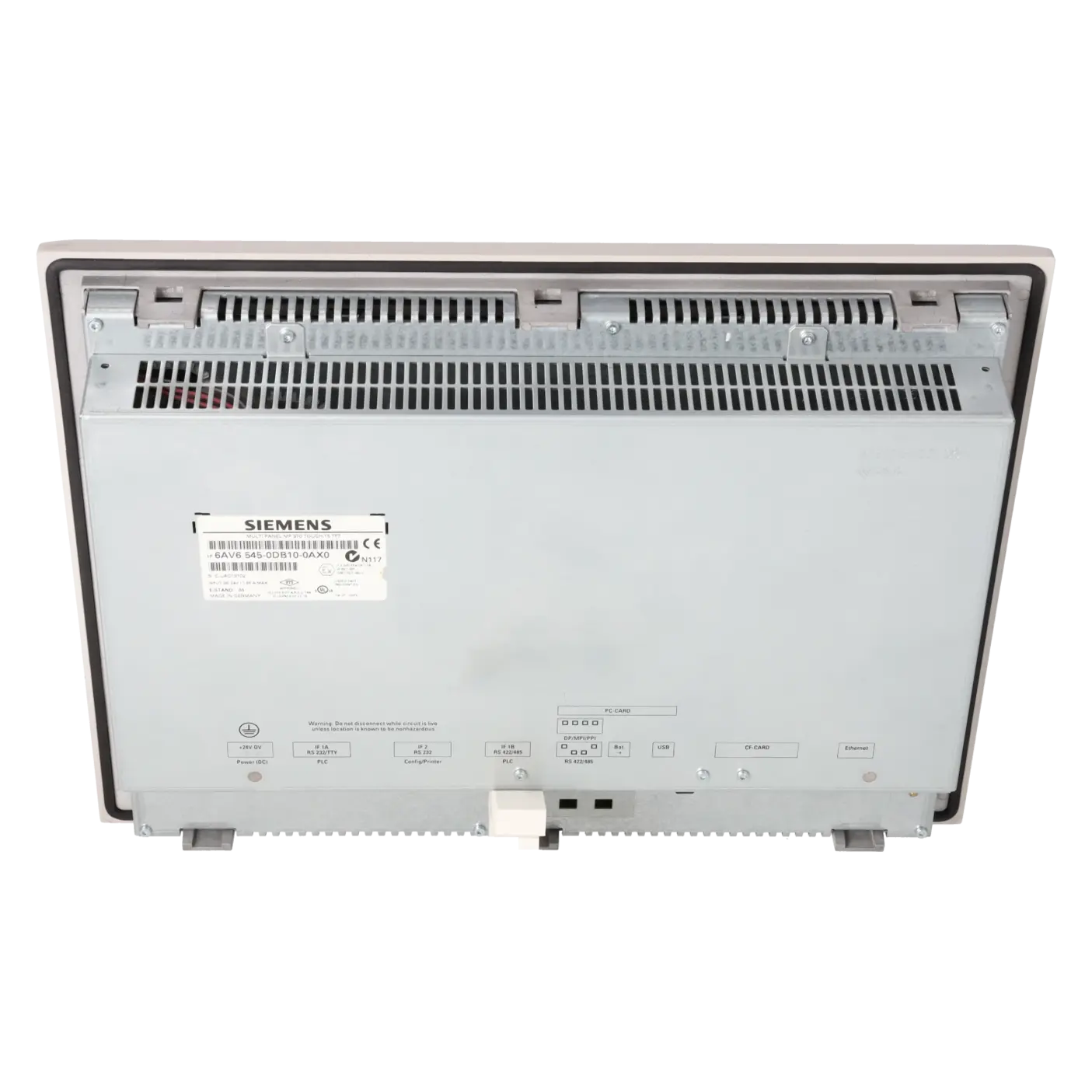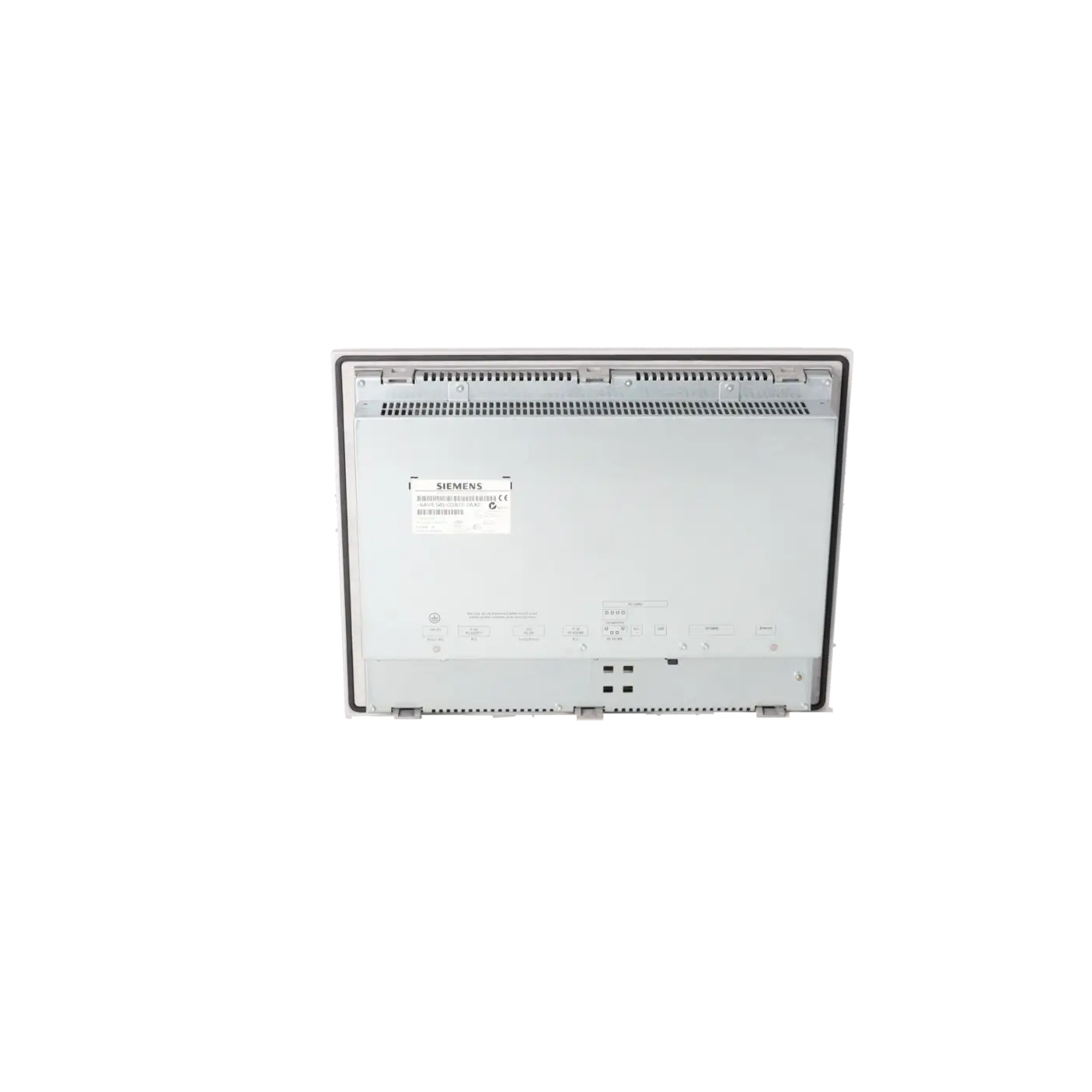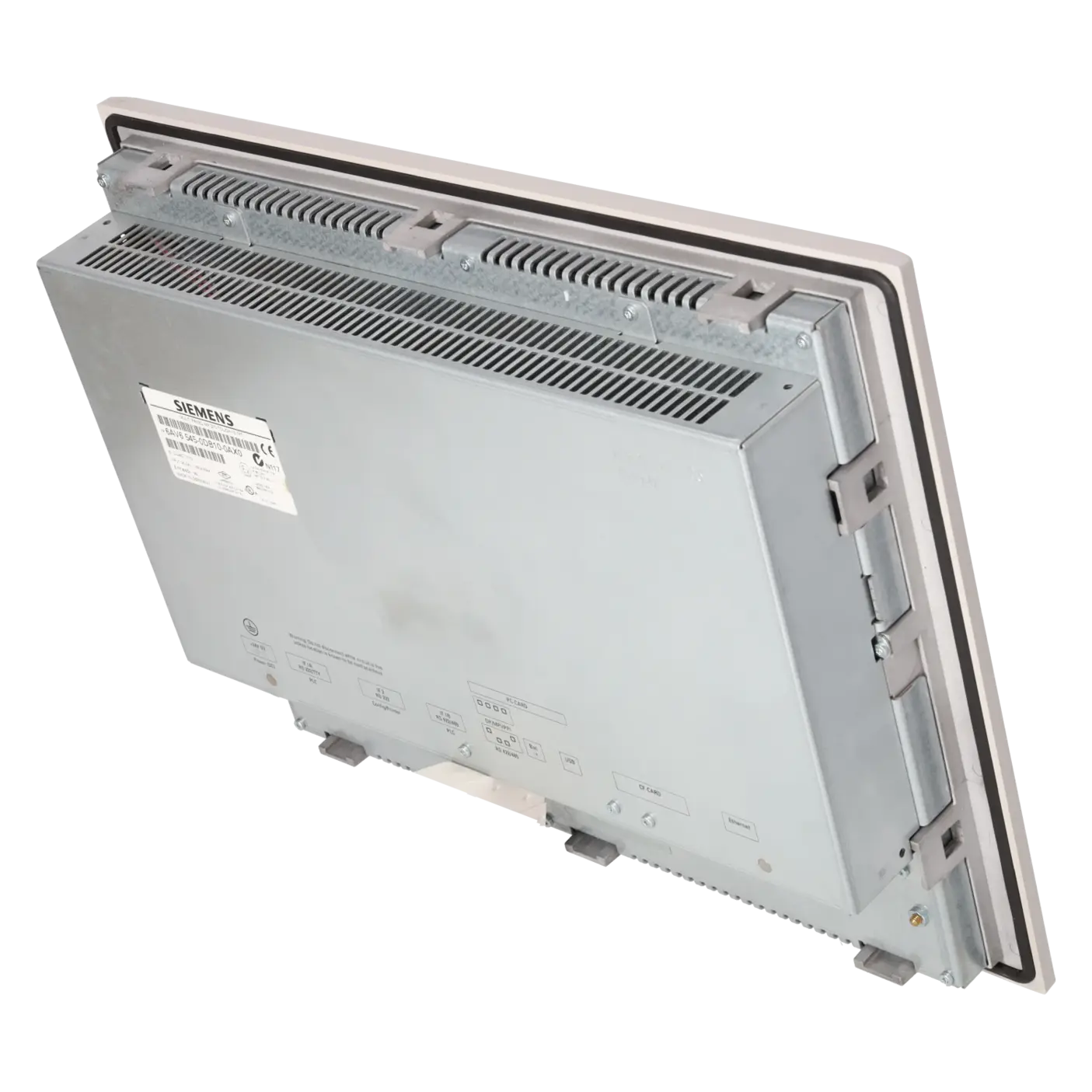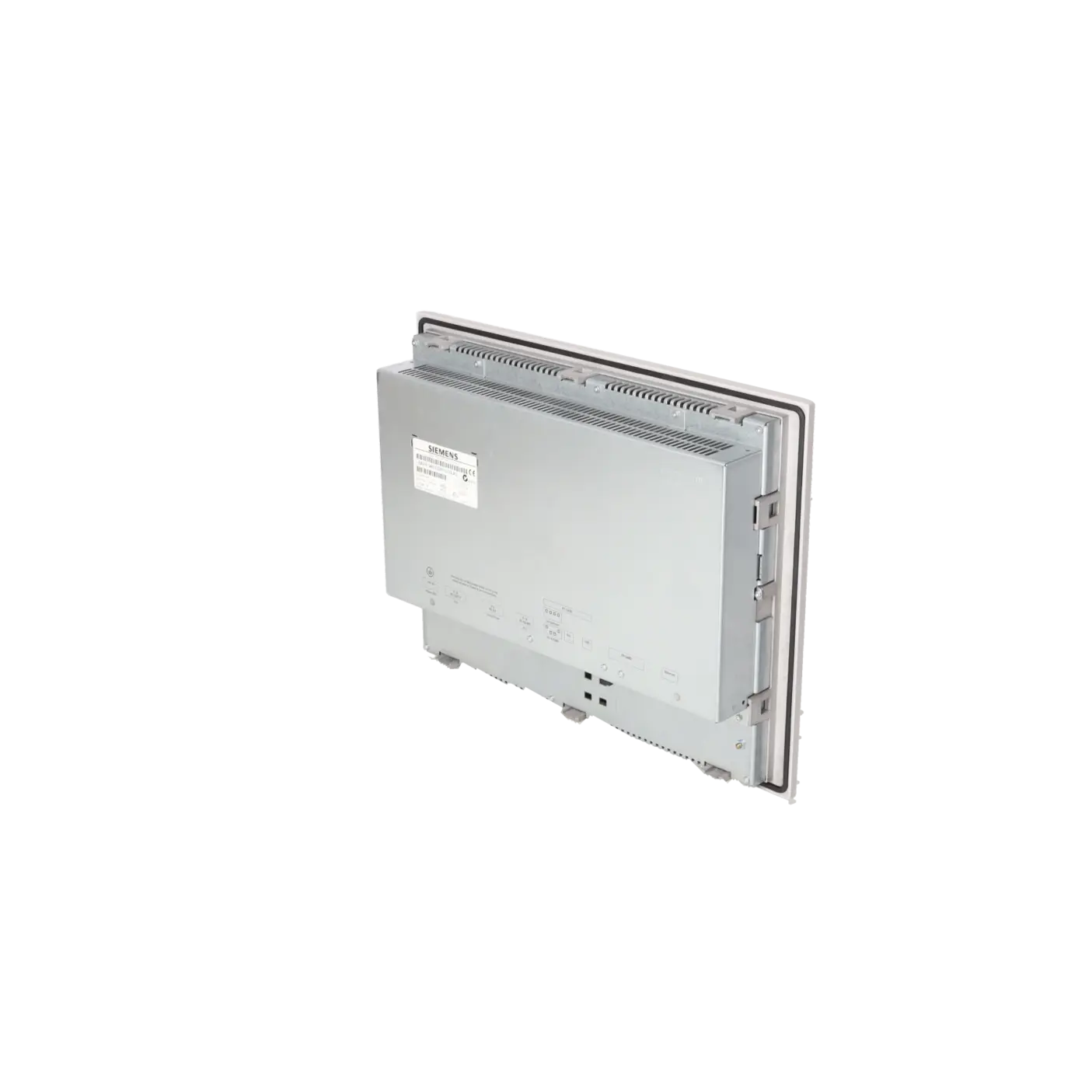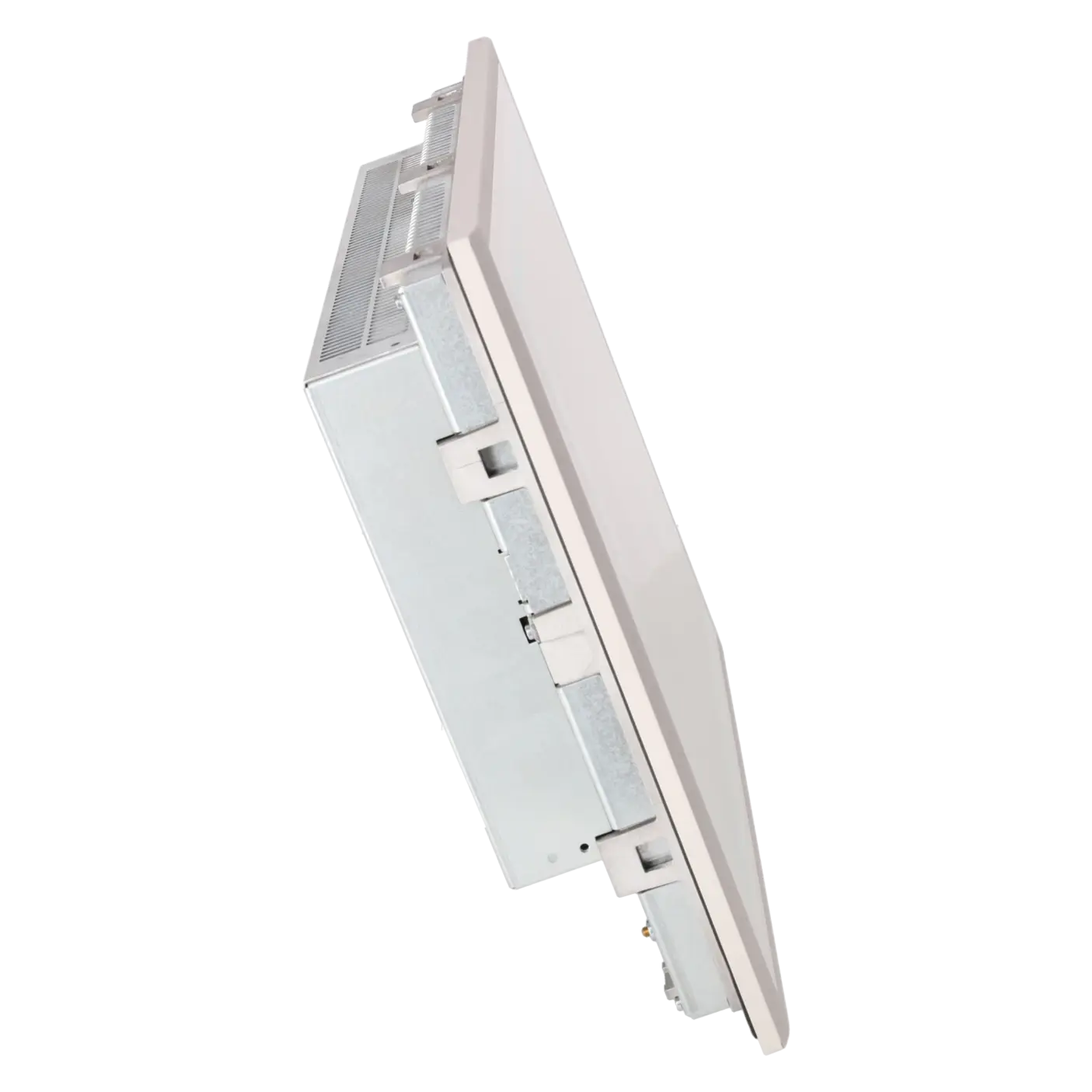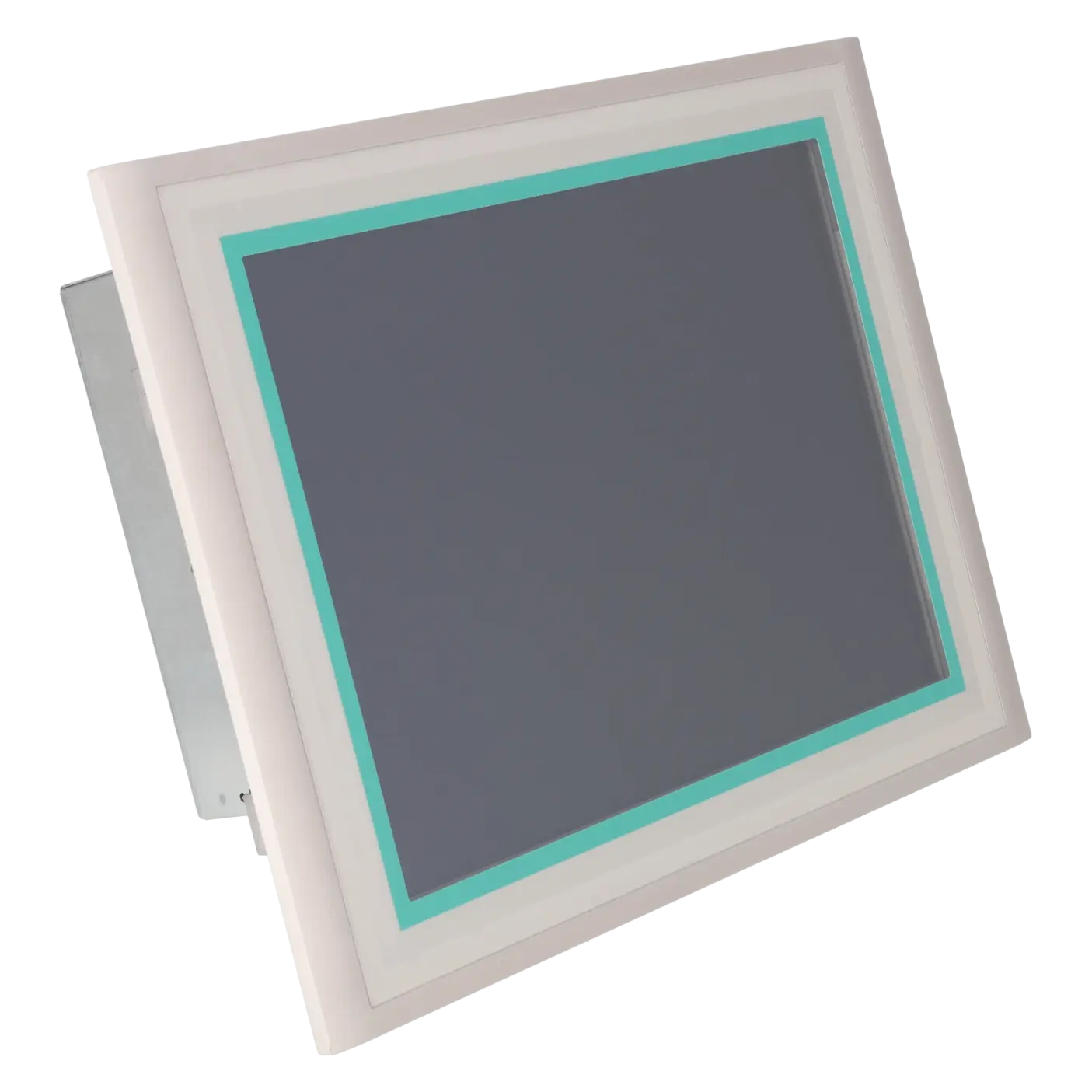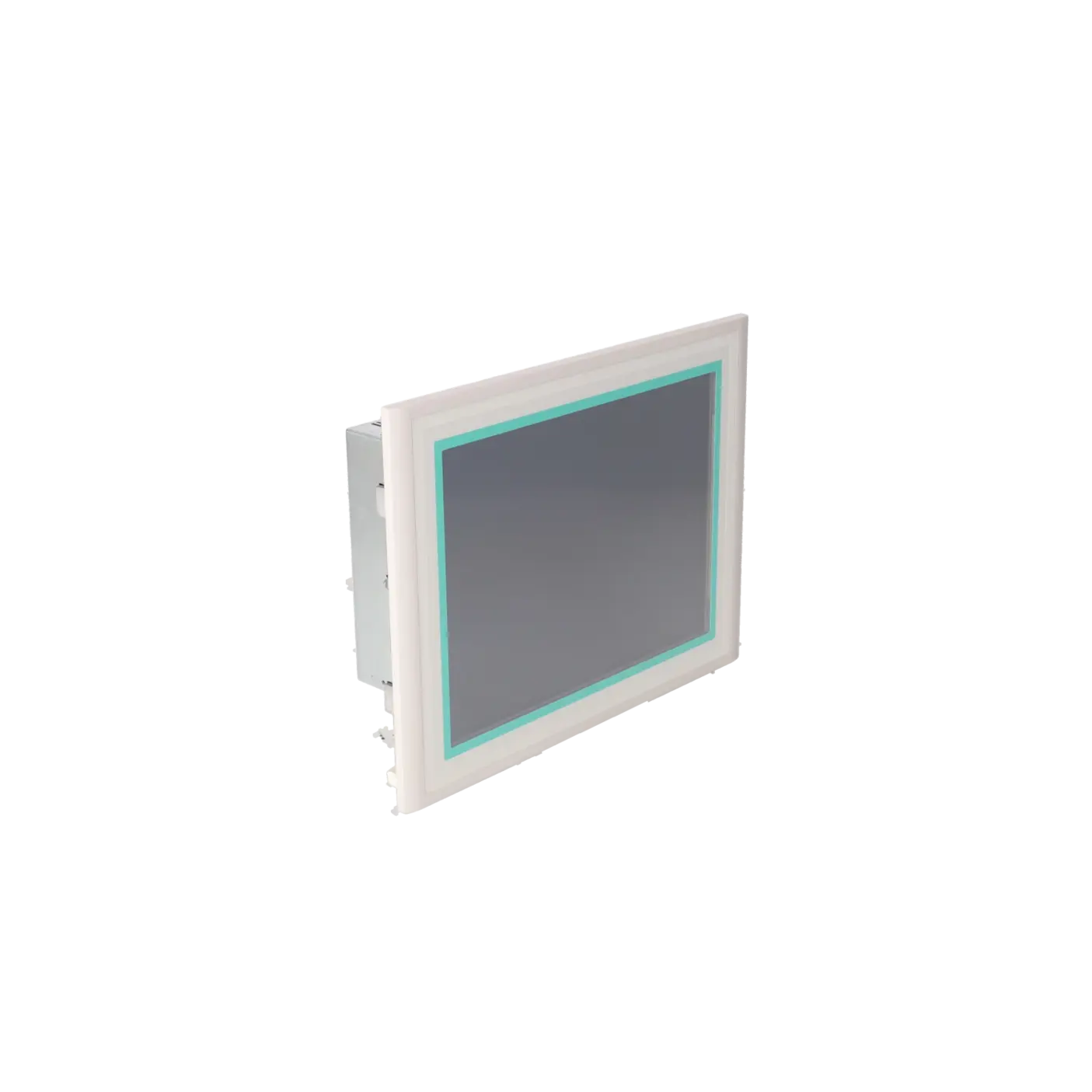
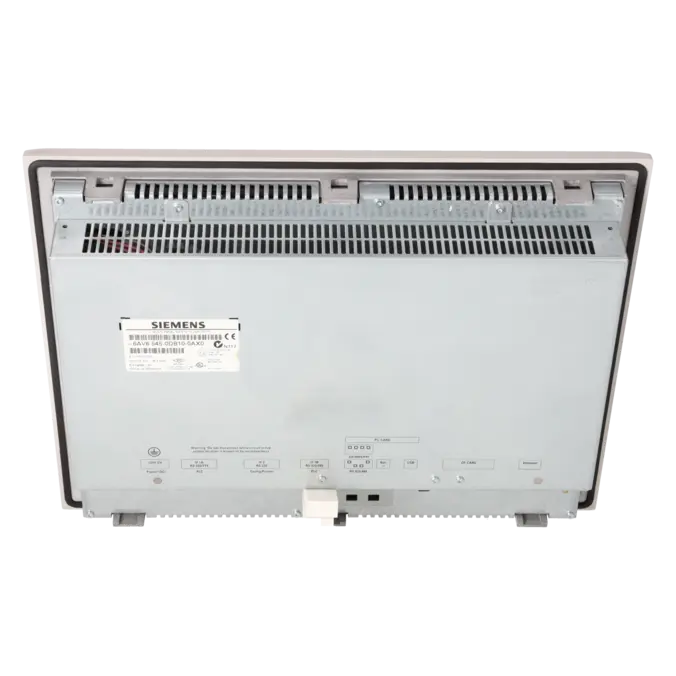
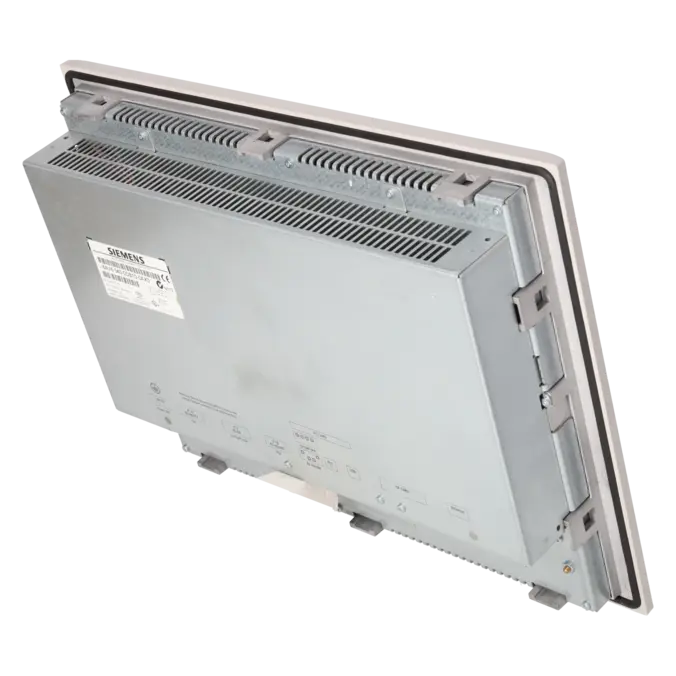
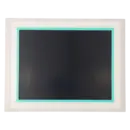
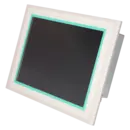

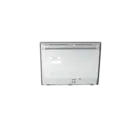
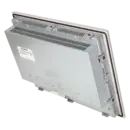

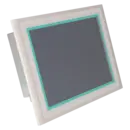

SIEMENS 6AV6545-0DB10-0AX0
-
SIEMENS | HMI | Touch Panels
- EICHLER-art.no.: K0116928
- EAN: 4025515068792
Product description
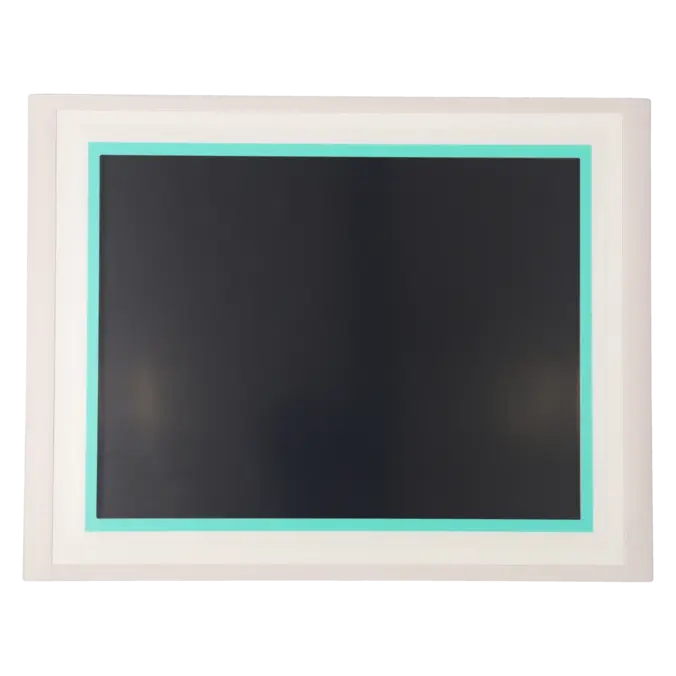
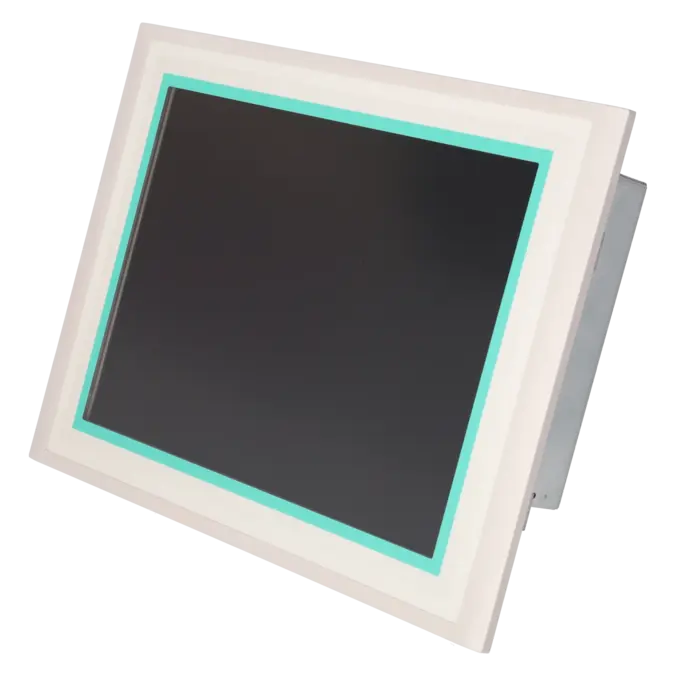
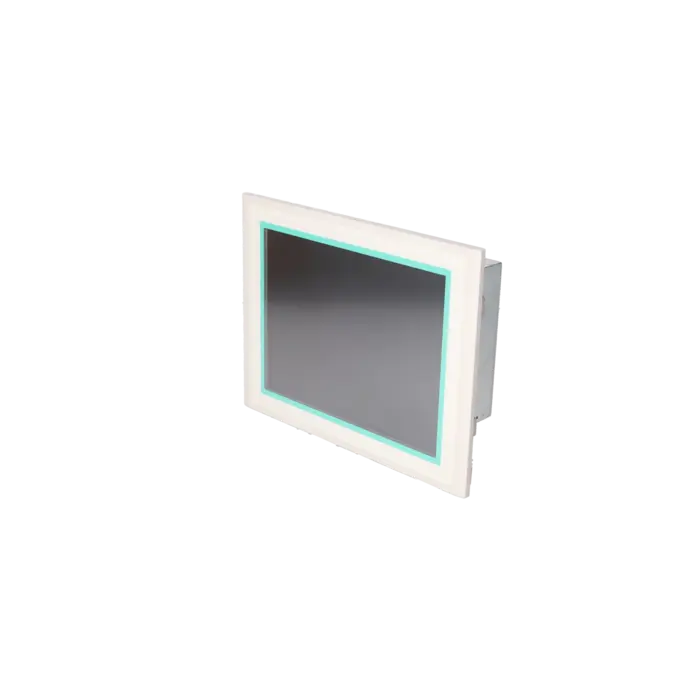
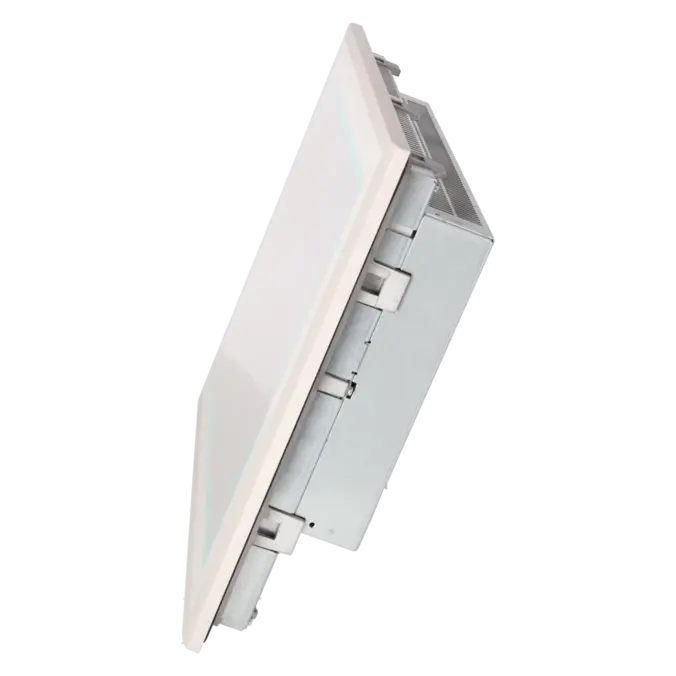
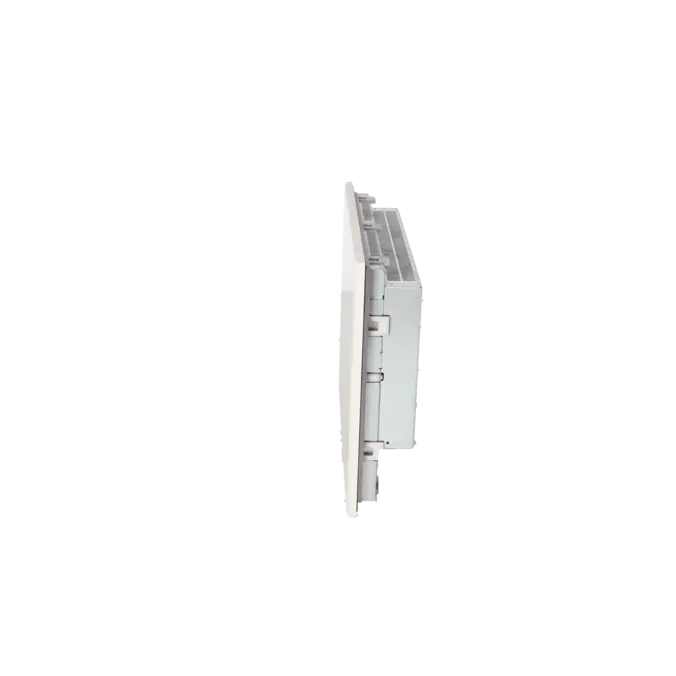
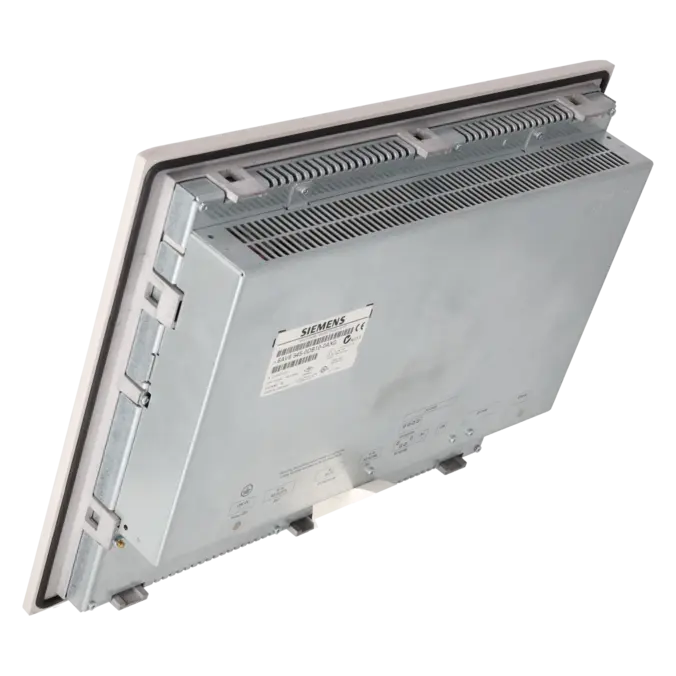
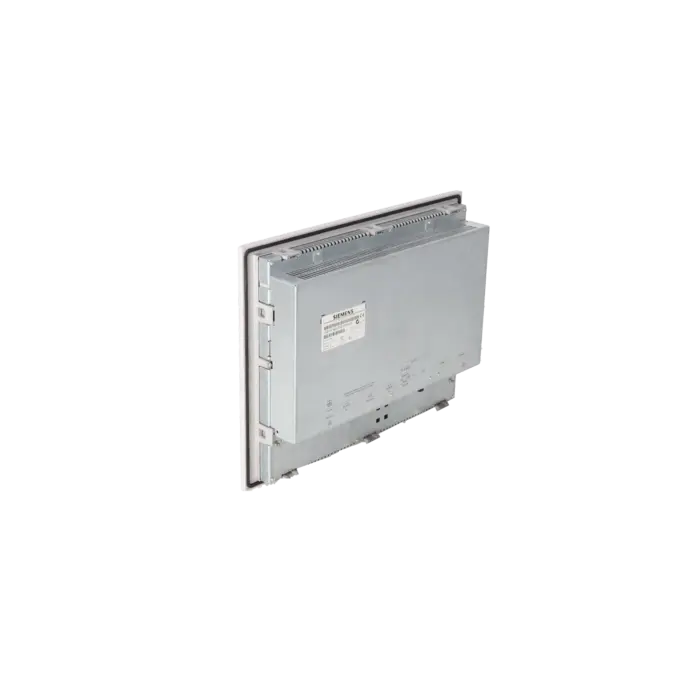
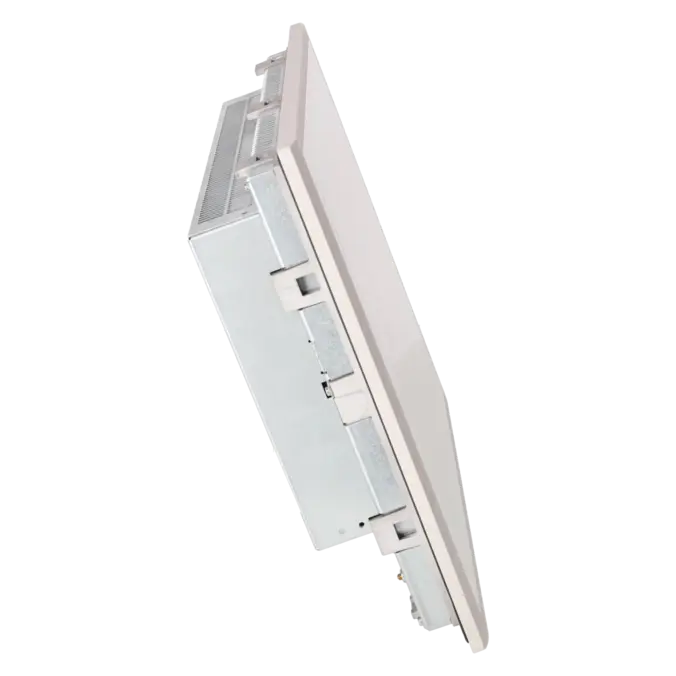
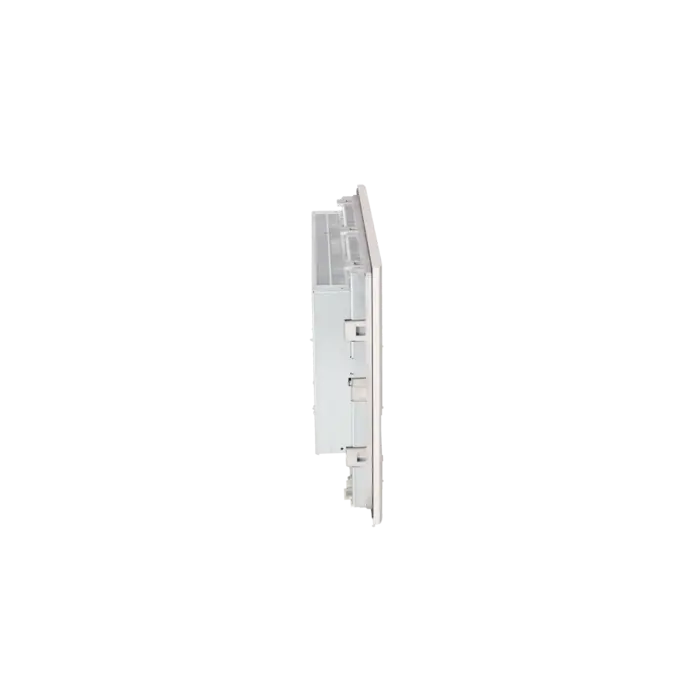
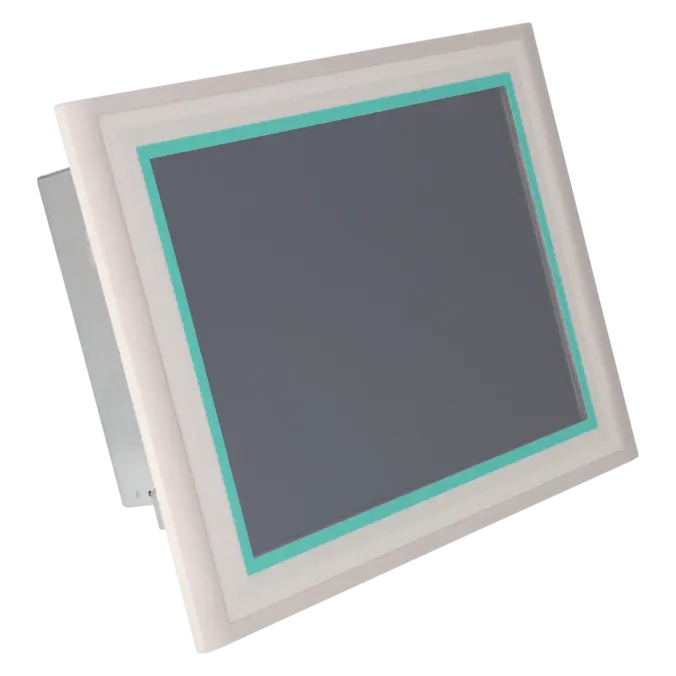
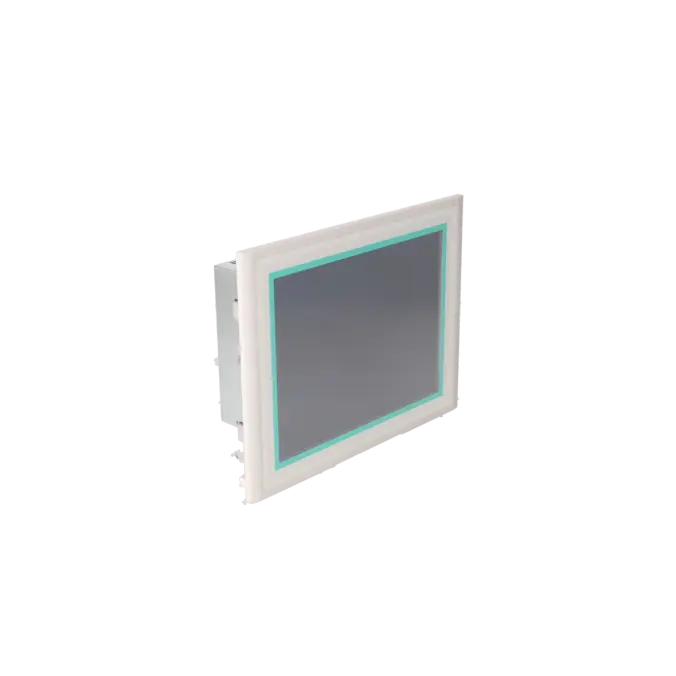
SIMATIC MULTIPANEL MP370 15" FARB-TFT-DISPLAY, TOUCH WINDOWS CE 3.0 PROJEKTIERBAR MIT PROTOOL AB VERSION V6.0+SP2
Services for SIEMENS 6AV6545-0DB10-0AX0
SIEMENS |
6AV6545-0DB10-0AX0 –
additional product information
| Delivery information | |||
|---|---|---|---|
| Export identifier | AL: ECCN: | ||
| Net weight | 8.5 | ||
| Quantity | 1 Stück | ||
| Packaging quantity | 1 | ||
| Additional product information | |||
|---|---|---|---|
| Product status | EOP: 2008-08-01 | ||
| EAN | 4025515068792 | ||
| UPC | / | ||
| Static lot number | 85371099 | ||
| List indicator | / | ||
| Product group | / | ||
| Country of origin | DE | ||
| Compliance with the substance restrictions according to RoHS directive | Since: / | ||
| Product classifications | Version | Classification | |
|---|---|---|---|
| eClass | 4 | / | |
| eClass | 5.1 | / | |
| eClass | 6.0 | / | |
| ETIM | 3 | / | |
| ETIM | 4 | / | |
| ETIM | 5 | / | |
What is 6AV6545-0DB10-0AX0 and where is it used?
The 6AV6545-0DB10-0AX0 is a SIEMENS SIMATIC MP370 15" Touch Multi Panel from the MP370 product family. This operator panel is designed for machine and plant visualisation and performs typical HMI tasks such as operator control, process monitoring, alarm handling, recipe management and data archiving. According to the product data sheet, the panel operates with Windows CE 3.0 and can be engineered using ProTool from Version 6.0 SP2 onwards or WinCC flexible Standard from Version 2004 onwards. In existing installations, the device is particularly relevant where an existing visualisation system must continue operating and a replacement panel is required without extensive modifications to the control cabinet or engineering environment.
Overview of the key technical specifications and their significance
The panel features a 15.1-inch TFT colour display with 256 colours and a resolution of 1,024 × 768 pixels. This XGA resolution is well suited to older but detailed process screens containing clear-text alarms, recipe interfaces and archive displays. Operation is performed via an analogue resistive touchscreen. The device is powered by 24 V DC, with a typical power consumption of 41 W and a rated current consumption of 1.8 A. For integration into existing installations, the communication interfaces are particularly important: 1 × TTY, 2 × RS232, 1 × RS422, 1 × RS485, 1 × Ethernet (RJ45), 1 × USB, plus PC Card and CompactFlash card slots. The protection rating is specified as IP65 on the front panel and IP20 on the rear, while the permitted operating temperature range is 0 to 50 °C.
Product status, life-cycle status and obsolescence status
For purchasing and maintenance departments, the life-cycle status is a key consideration. Siemens most recently classified the 6AV6545-0DB10-0AX0 as a spare part, while the SIMATIC MP370 product family has been officially designated as a discontinued series. For the MP370 15" Touch, Siemens identifies the MP377 15" Touch as the compatible successor device and specifies the MLFB 6AV6644-0AB01-2AX0 within its support documentation. For operators, this means that supply availability can no longer be compared to that of an actively manufactured product. As a result, repair services, tested exchange units and planned modernisation strategies become increasingly important in order to avoid procurement difficulties during unplanned downtime.
Available EICHLER services and when they are relevant
For this panel, EICHLER offers repair services, exchange units and tested used devices. For an obsolete HMI assembly, these options are particularly relevant for maintenance and procurement teams. A repair is often the preferred solution when the existing project configuration, installation location and machine approval status should remain unchanged. An exchange unit is advantageous when production downtime must be minimised immediately. A tested used device is frequently the most practical option when a machine is expected to remain in operation for several more years but a complete retrofit project has not yet been planned. For repairs, EICHLER specifies technical cleaning, preventive maintenance, comprehensive functional testing and a minimum 24-month warranty. In addition, a test report can be selected as an optional service.
| Attribute | Value |
|---|---|
| Customer-specific configuration | No |
| Display | |
| Design of display | TFT, 256 colors |
| Screen diagonal | 15.1 in |
| Resolution (pixels) | |
| ● Horizontal image resolution | 1 024 Pixel |
| ● Vertical image resolution | 768 Pixel |
| Backlighting | |
| ● MTBF backlighting (at 25 °C) | 50 000 h |
| Control elements | |
| Control elements | Touch screen |
| Keyboard fonts | |
| ● Membrane keyboard | No |
| — user-definable label membrane keys | No |
| ● Function keys | |
| — Number of function keys | 0 |
| ● Numeric keyboard | Yes |
| ● alphanumeric keyboard | Yes |
| ● hexadecimal keyboard | Yes |
| ● Multi-key operation | No |
| — Number of multi-key operations | 0 |
| Touch operation | |
| ● Design as touch screen | Yes; analog, resistive |
| Connection type | |
| ● Type of connection for mouse/keyboard/barcode reader | USB / USB / USB |
| Special operator controls | |
| ● Illuminated pushbutton | Yes |
| Installation type/mounting | |
| Mounting position | vertical |
| maximum permissible angle of inclination without external ventilation | 35° |
| Supply voltage | |
| Type of supply voltage | DC |
| UPS connectable (serial) | Yes |
| Input current | |
| Current consumption (rated value) | 1.8 A |
| Starting current inrush I²t | 0.5 A²·s |
| Power | |
| Active power input, typ. | 41 W |
| Processor | |
| Processor type | MIPS |
| Memory | |
| Type of memory | Flash / RAM |
| Memory available for user data | 7 168 kbyte |
| Battery | |
| Backup battery | |
| ● Backup battery (optional) | Yes; optional 3.6 V |
| ● Backup time, min. | 3 y |
| Type of output | |
| Info LED | No |
| Power LED | No |
| Error LED | No |
| Time of day | |
| Clock | |
| ● Type | Hardware clock, battery backup, synchronizable |
| ● retentive | Yes |
| ● synchronizable | Yes |
| Interfaces | |
| Interfaces/bus type | 1x TTY, 2x RS 232, 1x RS 422, 1x RS 485, 1x Ethernet (RJ45) (max. 12 Mbit/s) |
| USB port | Yes; 1x USB |
| PC card slot | 1x PC card slot |
| CF card slot | 1x CF card slot |
| Degree and class of protection | |
| IP (at the front) | IP65 |
| IP (rear) | IP20 |
| Standards, approvals, certificates | |
| Certificate of suitability | CE, FM Class I Div. 2, cULus, EX Zone 2/22, C-TICK |
| Ambient conditions | |
| Ambient temperature during operation | |
| ● min. | 0 °C |
| ● max. | 50 °C |
| Ambient temperature during storage/transportation | |
| ● min. | -20 °C |
| ● max. | 60 °C |
| Relative humidity | |
| ● Operation, max. | 85 % |
| Operating systems | |
| pre-installed operating system | Windows CE |
| Configuration | |
| Configuration software | |
| ● Configuration tool | ProTool Version 6 SP 2 or higher, or WinCC flexible Standard Version 2004 or higher (to be ordered separately) |
| Languages | |
| Online languages | |
| ● Number of online/runtime languages | 5 |
| Project languages | |
| ● Languages per project | 32 |
| Functionality under WinCC (TIA Portal) | |
| Libraries | Yes |
| Number of Visual Basic Scripts | |
| ● Debugging in the simulator | No |
| Task planner | Yes |
| Help system | Yes |
| ● Number of characters per info text | 70 |
| ● Number of tooltips | 0 |
| Message system | |
| ● Number of alarm classes | 32 |
| ● Number of messages | 4 000 |
| ● Bit messages | Yes |
| — Number of bit messages | 4 000 |
| ● Analog messages | Yes |
| — Number of analog messages | 4 000 |
| ● Telegram message procedure Alarm S | Yes |
| ● System messages HMI | Yes |
| ● System messages PLC | Yes |
| ● System messages, other (SIMATIC S7, Sinumerik, Simotion, etc.) | Yes |
| ● Lines | 1 |
| ● Number of characters per message | 80 |
| ● Number of process values per message | 8 |
| ● Acknowledgment groups | Yes |
| ● Message indicator | Yes |
| ● acoustic feedback | No |
| ● First/last value | Yes |
| Recipe management | |
| ● Number of recipes | 500 |
| ● Data records per recipe | 1 000 |
| ● Entries per data record | 1 000 |
| ● Recipe memory | 128 KB integrated Flash, expandable |
| Variables | |
| ● Number of variables per device | 2 048 |
| ● Number of variables per screen | 400 |
| ● Number of variables | 2 000 |
| ● Initial values | 2 048 |
| ● Type Date & Time | 2 048 |
| ● Limit values | Yes |
| ● Multiplexing | Yes |
| ● Structures | Yes |
| Images | |
| ● Number of configurable images | 500 |
| ● Permanent window/default | Yes |
| ● Start screen configurable | Yes |
| ● Image selection by PLC | Yes |
| ● Image number in the PLC | Yes |
| Image objects | |
| ● Text objects | 30 000 text elements |
| ● Number of I/O fields per image | 400 |
| ● Number of date/time fields | 400 |
| ● Index of screen context | No |
| ● Return | Yes |
| ● Graphics object | Bit maps, icons, vector graphics |
| — Icons | 2 000 |
| — Icon (full screen) | 0 |
| Complex image objects | |
| ● Status/control | With SIMATIC S7 |
| ● dynamic objects | Diagrams, bar graphs, sliders, analog display, invisible buttons |
| — Number of objects per project | 2 000 |
| — Number of curve diagrams per image | 20 |
| ● Methods | Trend / profile |
| ● Bar graphs | |
| — Number of bars per chart | 20 |
| ● Sliders | |
| — Number of slides per image | 20 |
| ● Pointer instruments | |
| — Number of analog indicators per image | 20 |
| ● Limit value lines | Yes |
| ● Number of alphanumerical fields | 300 |
| — alphanumeric fields per image | 400 |
| ● Number of numerical fields | 2 048 |
| — numerical fields per image | 400 |
| ● Number of password fields | 2 048 |
| ● Number of visible switches per project | 400 |
| — visible switches per image | 400 |
| — hidden switches per image | 400 |
| ● Number of status switches per project | 400 |
| — Number of status switches per image | 400 |
| ● Number of selector switches per project | 400 |
| — Selector switches per image | 400 |
| ● Number of decade switches per project | 400 |
| — Decade switches per image | 400 |
| ● Number of signal lamps per project | 400 |
| — Signal lamps per image | 400 |
| Attributes for dynamic objects | |
| ● Color change | Yes |
| ● X/Y movement | Yes |
| ● Hide | Yes |
| ● Angle of rotation | No |
| Lists | |
| ● Number of text lists per project | 500 |
| ● Number of text lists per image | 400 |
| ● Number of entries per text list | 256 |
| ● Number of graphics lists per project | 500 |
| ● Number of graphic lists per image | 400 |
| ● Number of entries per graphics list | 256 |
| Archiving | |
| ● Number of archives per device | 50 |
| ● Number of measuring points per project | 50 |
| ● Number of entries per archive | 50 000 |
| ● Message archive | Yes |
| ● Process value archive | Yes |
| ● Archiving methods | Sequential log, circular log, alarm log, process value archive |
| — Sequential archive | Yes |
| — Short-term archive | Yes |
| ● Memory location | PC card, CF card, Ethernet |
| — PC card | Yes |
| — CF card | Yes |
| — USB memory | No |
| — Ethernet | Yes |
| ● Data storage format | CSV file, readable, e.g. with MS Excel, MS Access |
| — CSV | Yes |
| — TXT | No |
| ● external evaluation | readable, e.g. with MS Excel, MS Access, etc. |
| ● Size of archive | depending on free memory on ext. card/stick or on free hard disk space via network drive |
| ● Online evaluation | via trends |
| — using trend curves | Yes |
| Filters | |
| ● cyclic | Yes |
| ● Tolerance | Yes |
| ● Change | Yes |
| Security | |
| ● Number of user groups | 50 |
| ● Number of user rights | 32 |
| ● Password export/import | Yes |
| Data carrier support | |
| ● PC card | Yes |
| ● CF card | Yes |
| ● Diskette drive | No |
| ● Hard disk | No |
| ● CD-ROM | No |
| Logging through printer | |
| ● Recording/Printing | Alarms, report (shift report), color print, hardcopy |
| Transfer (upload/download) | |
| ● Transfer of configuration | MPI/PROFIBUS DP, serial, USB, Ethernet, by means of external storage medium, automatic transfer recognition |
| Process coupling | |
| ● Connection to controller | S5, S7-200, S7- 300/400, TI 505, Win AC, PC (TCP/IP), SINUMERIK, SIMOTION, Allen Bradley (DF1), Allen Bradley (DF485), Mitsubishi (FX), Telemecanique (ADJUST), OMRON (LINK/Multilink), Modicon (Modbus), for further non-Siemens drivers, see section on "System interfaces" |
| ● S7-200 | Yes |
| — PPI (point-to-point) | Yes |
| — PPI network | Yes |
| — MPI | Yes |
| — PROFIBUS DP | Yes |
| ● S7-300/400 | Yes |
| — MPI | Yes |
| — PROFIBUS DP | Yes |
| — PROFINET | Yes |
| ● S5 | Yes |
| — serial | Yes |
| — PROFIBUS DP | Yes |
| ● TI 505 | Yes |
| ● Allen Bradley (DF1) | Yes |
| ● Allen Bradley (DF485) | Yes |
| ● Mitsubishi (FX) | Yes |
| ● Mitsubishi (MP4) | Yes |
| ● Telemecanique (ADJUST) | Yes |
| ● Telemecanique (Uni-Telway) | Yes |
| ● OMRON (LINK/Multilink) | Yes |
| ● Modicon (Modbus) | Yes |
| ● GE-Fanuc (SNP) | Yes |
| Functions | |
| ● Key repeat | No |
| ● TAB sequence | Yes |
| ● Calculating functions | Yes |
| ● Animate | Yes |
| ● Menu tree editor | No |
| ● Unit switchover | No |
| Service tools/configuration aids | |
| ● Clean screen | Yes |
| ● Touch calibration | Yes |
| ● Backup/Restore manually | Yes |
| ● Simulation | Yes |
| ● Device switchover | Yes |
| ● Delta transfer | Yes |
| ● Monitoring function for battery and memory | Yes |
| ● Trace (operation archive) | No |
| Expandability/openness | |
| ● Open Platform Program | Yes |
| Peripherals/Options | |
| Peripherals | Printer, barcode reader |
| SIMATIC HMI MM memory card: Multi Media Card | No |
| SIMATIC HMI SD memory card: Secure Digital memory card | No |
| USB memory | No |
| Dimensions | |
| Width of the housing front | 400 mm |
| Height of housing front | 310 mm |
| Overall depth | 69 mm |
| Weights | |
| Weight (without packaging) | 5.7 kg |
| Fault description | Possible solution |
|---|---|
| Why does the touchscreen on the 6AV6545-0DB10-0AX0 respond inaccurately or not at all? | First, restart the touchscreen calibration on the device. Siemens describes the recalibration procedure via the touch settings menu, after which the calibration targets must be confirmed accurately. If the touchscreen remains inaccurate afterwards, the front panel should be inspected for damage, contamination or a worn touchscreen layer. |
| Why can the project not be transferred to the MP370 15", or why does ProSave report no connection? | Verify that the correct transfer channel is enabled on the panel and that the exact device type and connection method have been selected in ProSave or WinCC flexible. Siemens specifies serial, MPI/PROFIBUS, USB and Ethernet as valid transfer methods for the MP370. When using USB, the panel should be connected directly with a suitable host-to-host USB cable. USB hubs and docking stations are not suitable for this purpose. |
| Why does the MP370 display only ### or no process values after changing from MPI to PROFIBUS DP? | In most cases, the bus type, addressing or communication settings no longer match the project configuration and controller settings. After changing the communication interface, the parameters configured on the panel and within the engineering project must be synchronised again. Only when the bus mode, address settings and communication path are configured consistently will process values be displayed correctly. |
| Why does the MP370 freeze or remain stuck in a faulty startup condition? | If the runtime environment does not start reliably or the device repeatedly locks up, the first step should be to create a backup of the existing data. Afterwards, an operating system update using ProSave is often the recommended next step. Siemens describes the OS update procedure for older devices using a complete OS reload, which can only be performed via a serial connection. In the case of persistent startup issues, this is frequently the most reliable method of restoring the panel to a known operational state. |
| Why are the date and time incorrect after the panel has been switched off? | The MP370 can be equipped with an optional backup battery that maintains the internal real-time clock during power interruptions. Siemens specifies a typical service life of approximately four years for this battery under normal operating conditions. If the date and time are lost after power is removed, the backup battery should be considered one of the first components to inspect. |
Is 6AV6545-0DB10-0AX0 still regularly available?
Not in the sense of a current production product. Siemens continues to list the 6AV6545-0DB10-0AX0 as a spare part, while the MP370 product family has been designated as a discontinued series. In practical procurement terms, this means that the key factors are tested stock availability, exchange units, repair options and a reliable modernisation strategy. For critical installations, it is therefore important to evaluate not only current availability but also medium-term supply security.
Which software is required for the 6AV6545-0DB10-0AX0?
For this panel, Siemens specifies ProTool from Version 6 SP2 onwards or WinCC flexible Standard from Version 2004 onwards. This is particularly important for service and spare-parts procurement because it determines whether an existing project can be maintained, backed up or transferred to another device at short notice. Before sourcing a replacement, it should therefore be clarified which engineering platform and software version are actually being used on the existing panel.
Which Siemens successor is suitable for the MP370 15" Touch?
Siemens identifies the MP377 15" Touch as the compatible successor to the MP370 15" Touch. Within Siemens product support documentation, this device is referenced under MLFB 6AV6644-0AB01-2AX0. This information is particularly relevant for decision-makers when a repair is no longer considered economical or when a planned technology upgrade is being prepared. Nevertheless, any replacement should be assessed not only from a mechanical perspective but also with regard to project compatibility and communication interfaces.
Can I migrate an old backup to a new panel without the original project source?
This depends largely on the type of runtime environment available on the original device. Siemens provides migration services for obsolete HMIs and continues to support the MP370 and MP377 device families within its legacy product portfolio. However, current Siemens documentation also states that ProTool runtime files (.fwd) are not supported for backup conversion, whereas WinCC flexible projects and backups may be convertible. Before starting a retrofit project, it is therefore essential to determine whether the existing panel is running ProTool or WinCC flexible.
Which interfaces are particularly important on the 6AV6545-0DB10-0AX0 for existing installations?
The most important interfaces are Ethernet, USB, RS232, RS422 and RS485, together with support for transfer operations via MPI/PROFIBUS DP. The device additionally includes PC Card and CompactFlash card slots. For maintenance personnel, these interfaces are critical because they determine how backups, project transfers, diagnostics and integration into existing control architectures can be managed. In many older installations, the available interface configuration is the deciding factor in whether a one-to-one continuation of operation is feasible or whether a modernisation project becomes the more economical option.
When is repairing an MP370 15" more economical than carrying out a system upgrade?
A repair is particularly advantageous when the existing visualisation system, panel cut-out and machine approval status should remain unchanged and downtime must be kept to a minimum. In stable legacy installations, this is often more economical than an immediate migration to a newer HMI platform. According to the EICHLER product page, repair services, exchange units and tested used devices are available for this panel. The repair service includes technical cleaning, preventive maintenance, comprehensive functional testing and a minimum 24-month warranty, helping operators maintain reliable operation while postponing larger modernisation projects until a more suitable time.