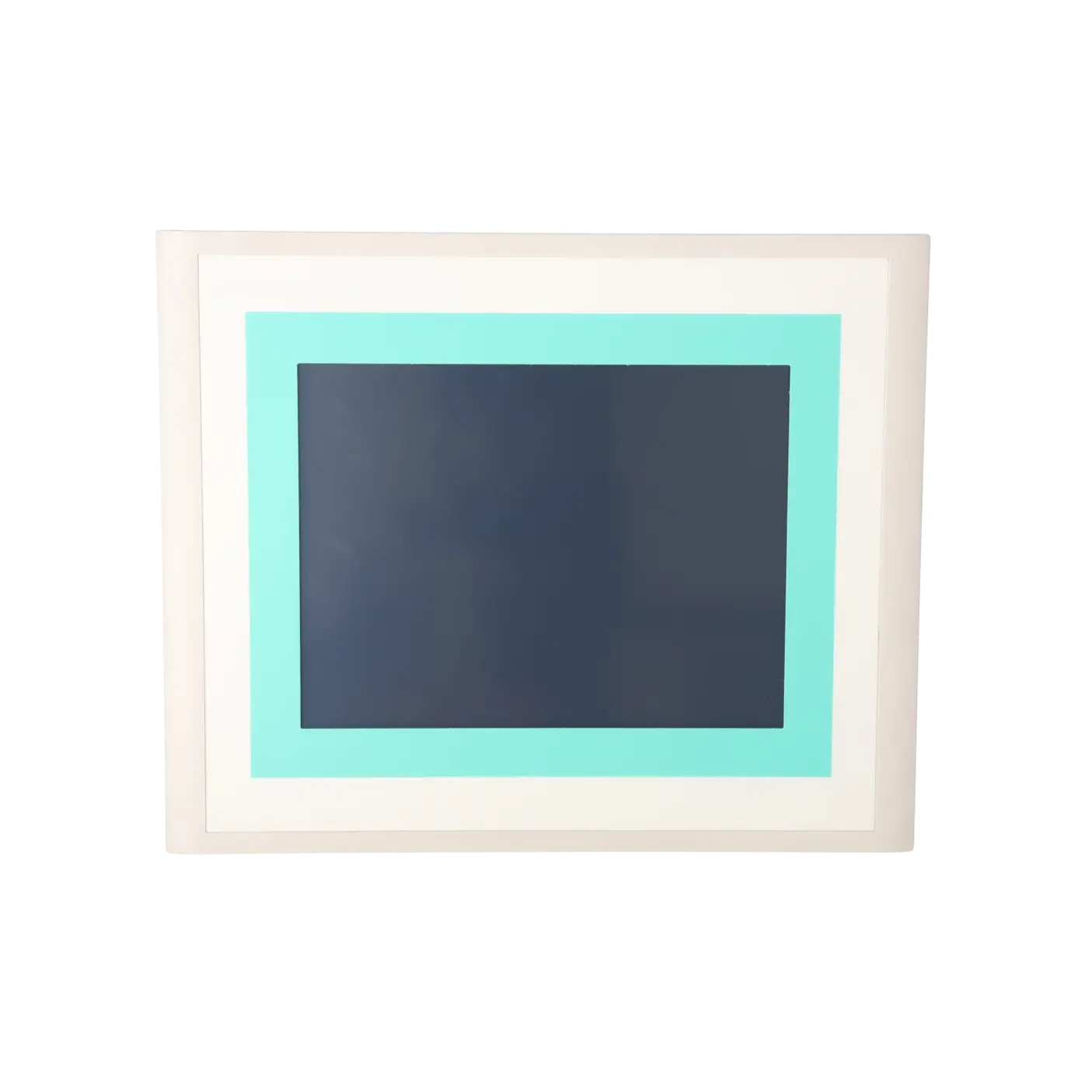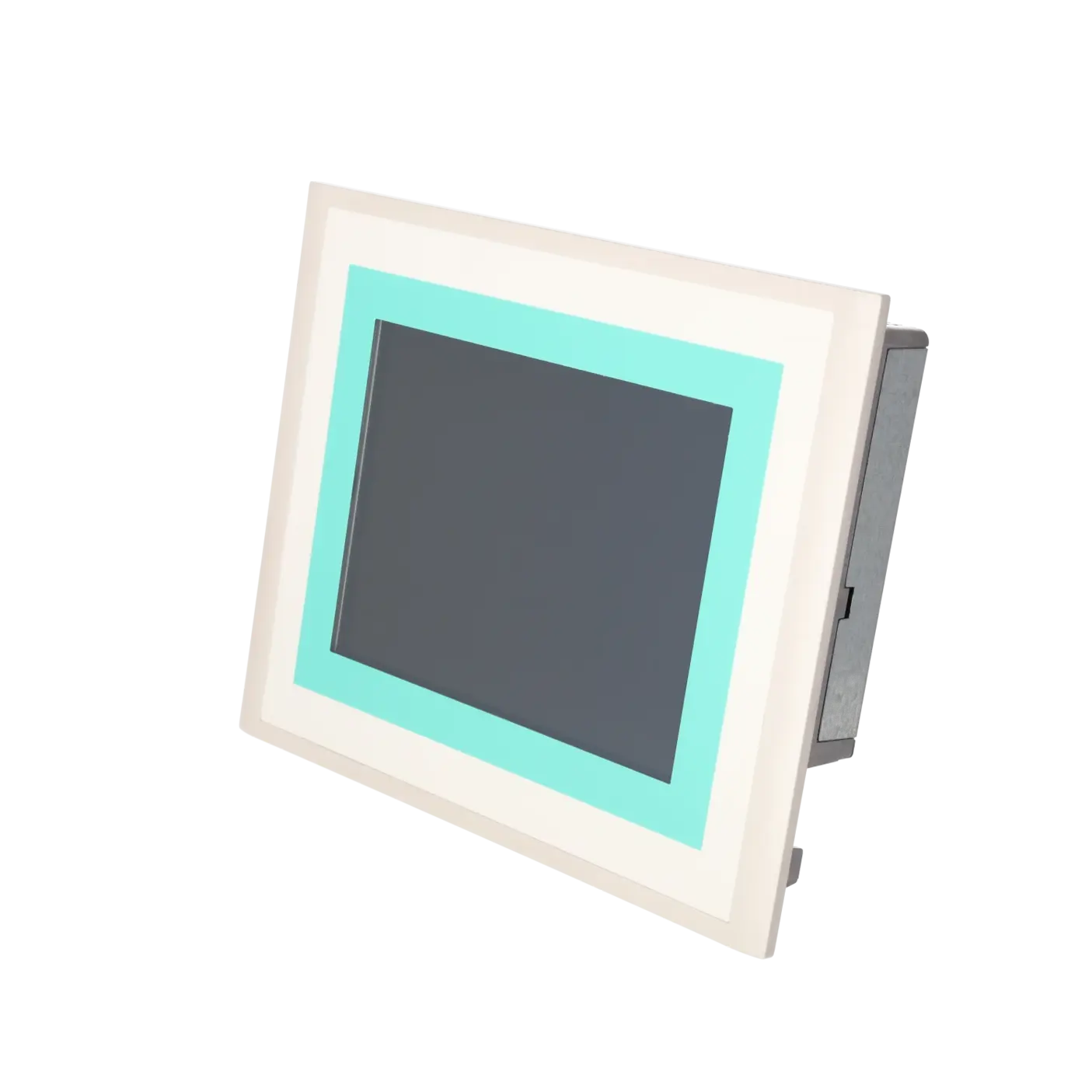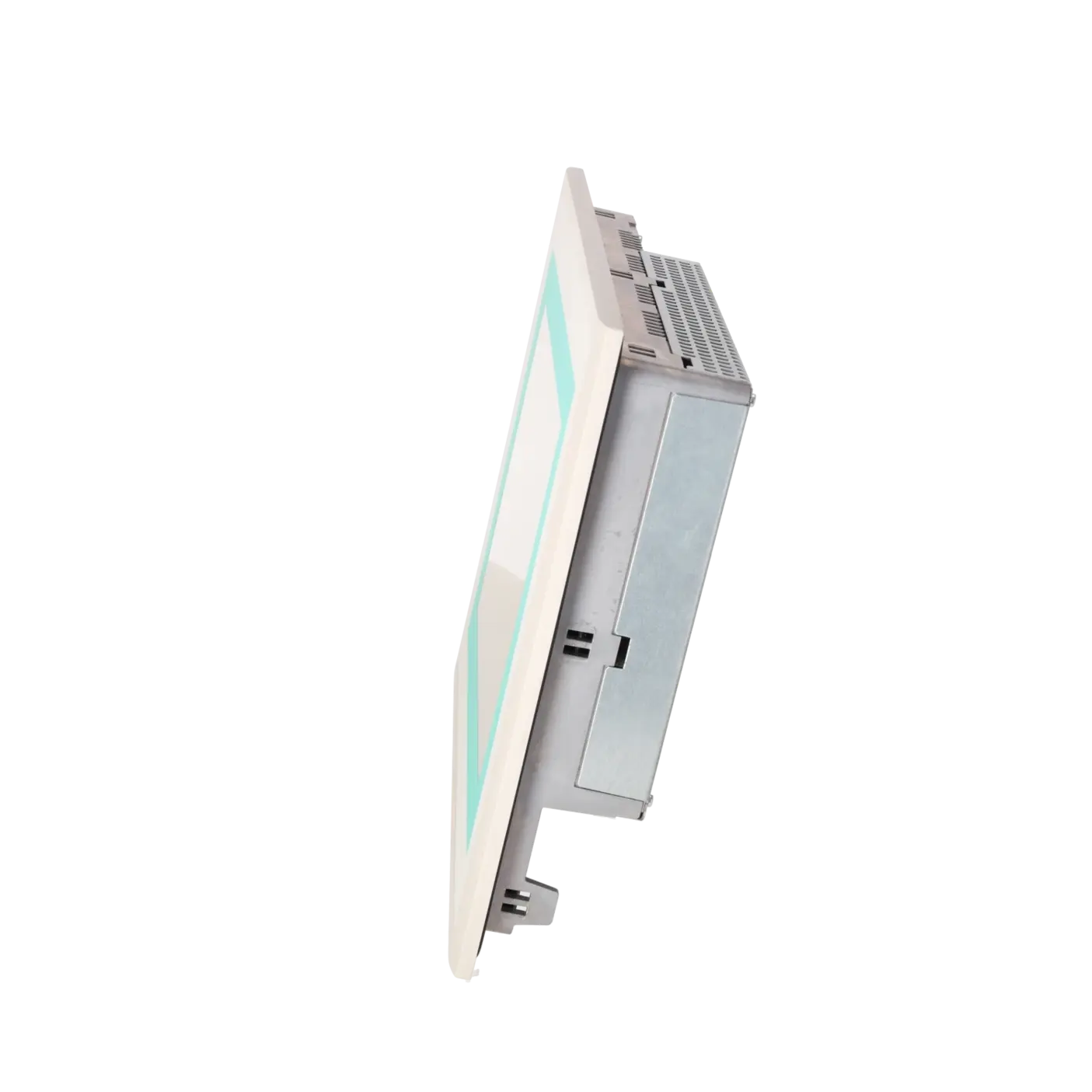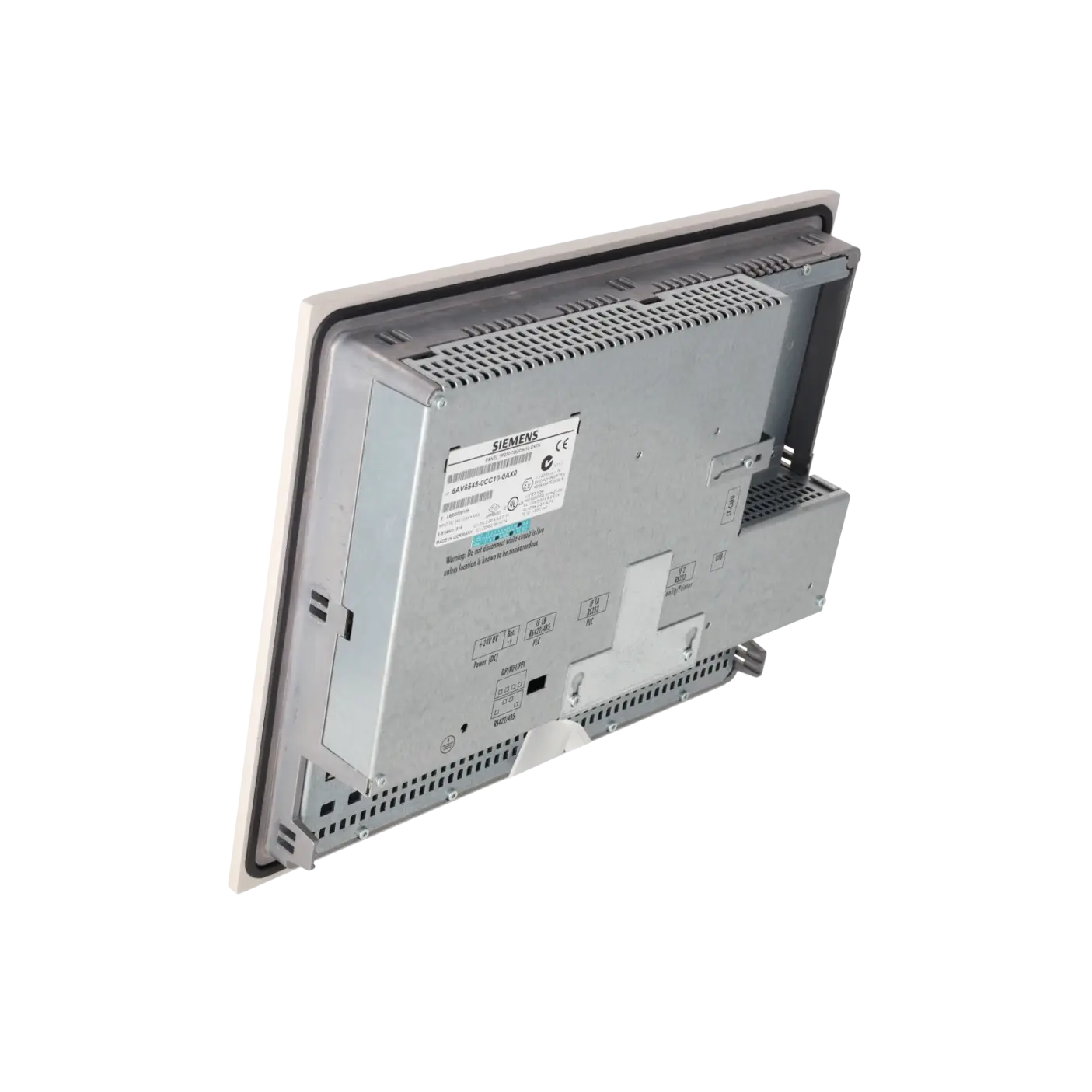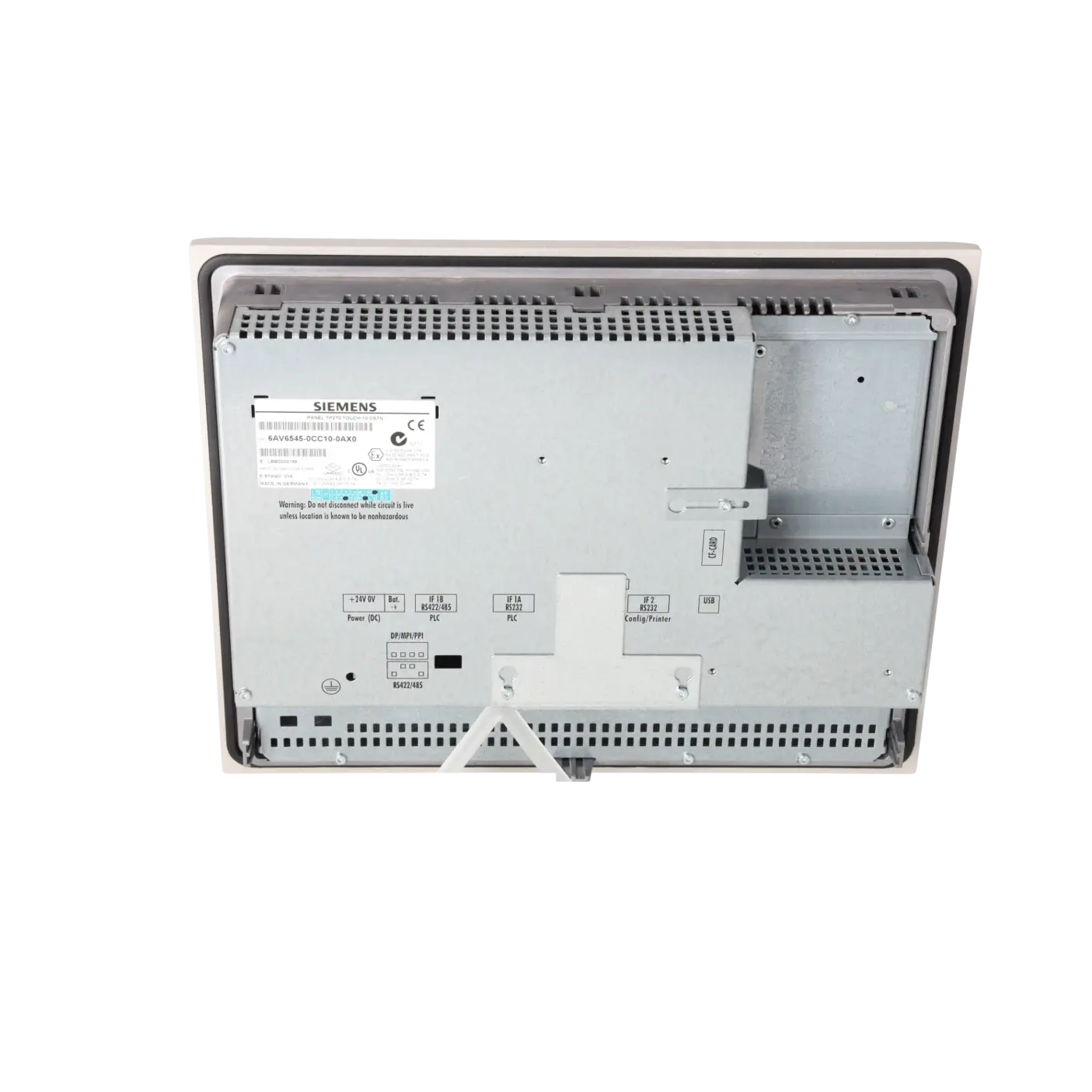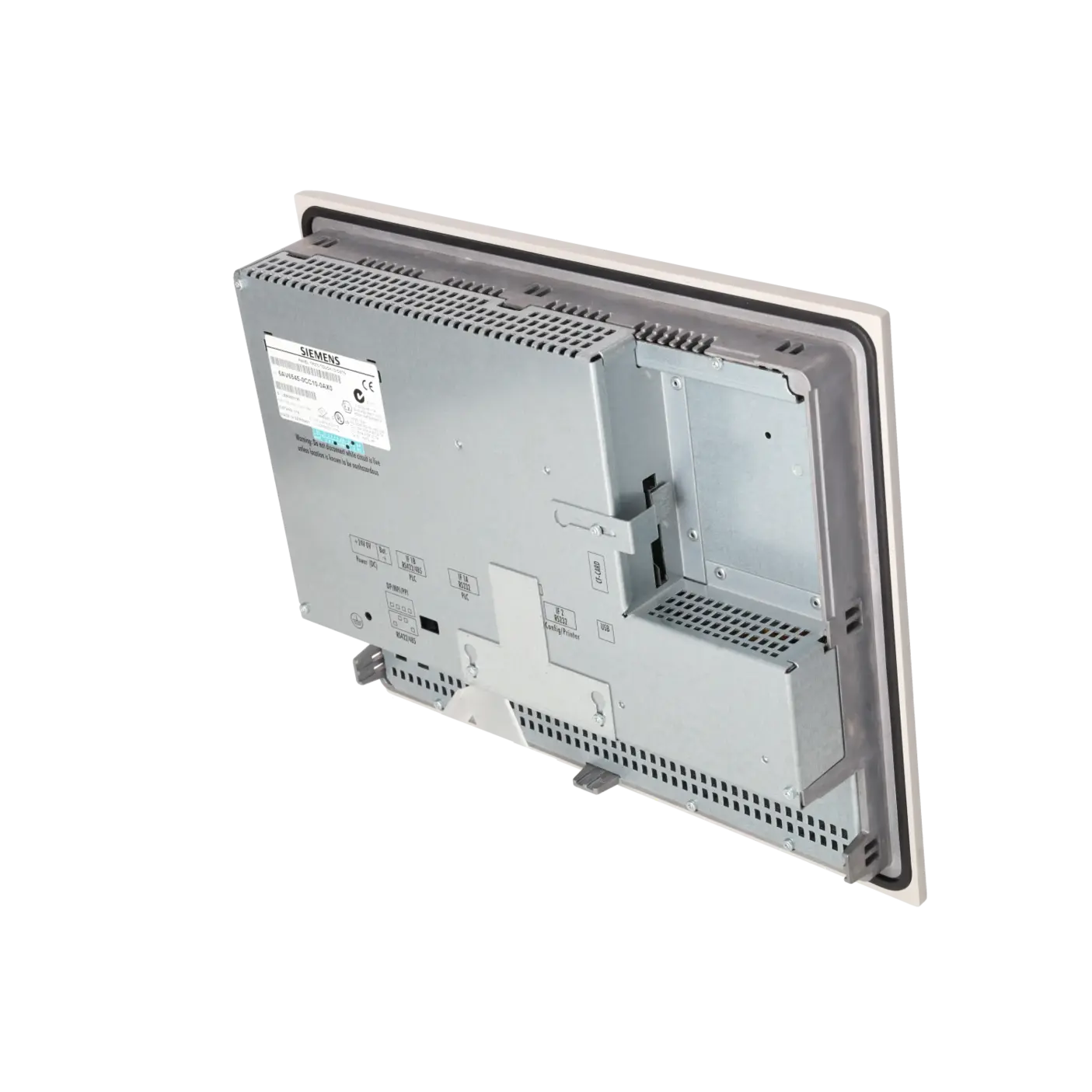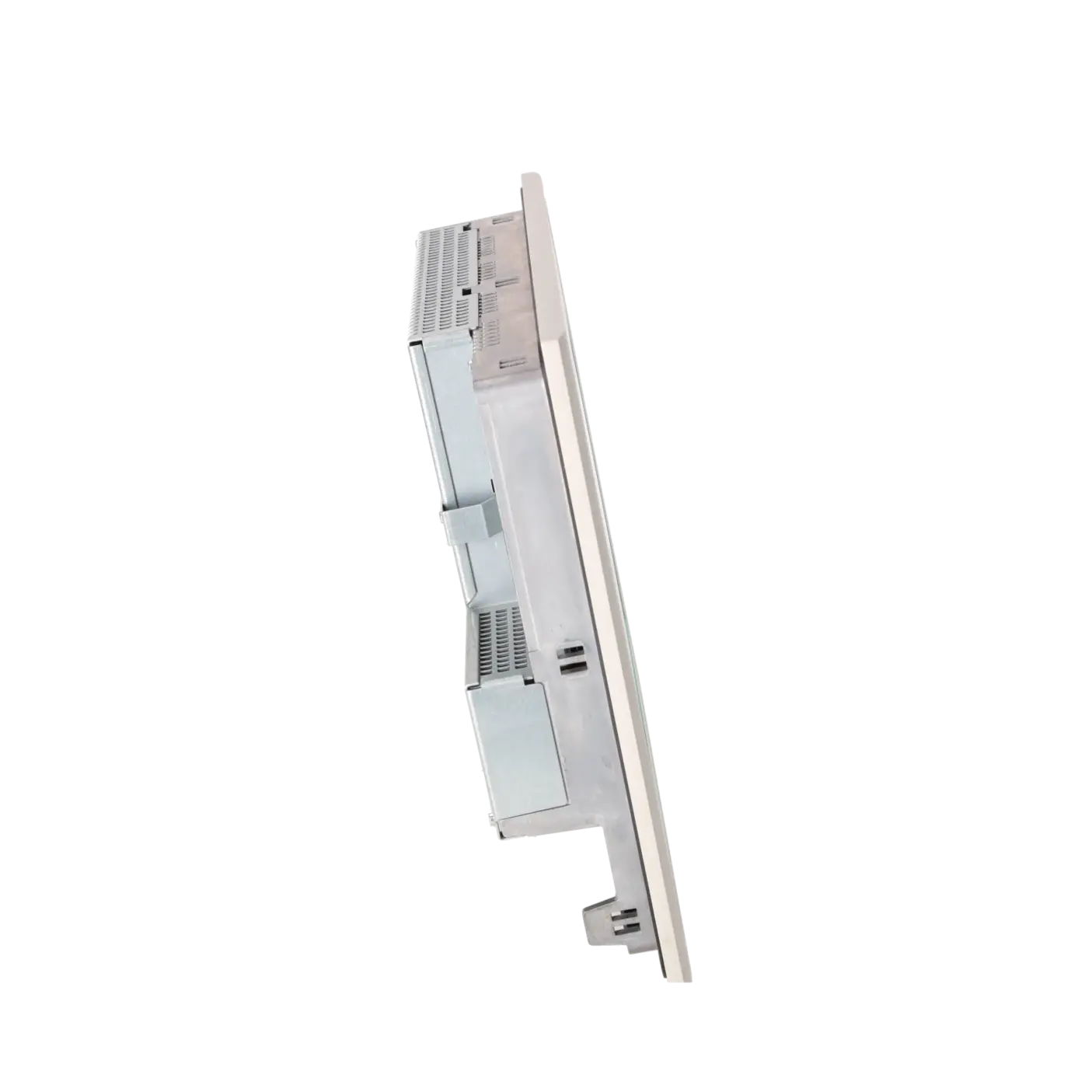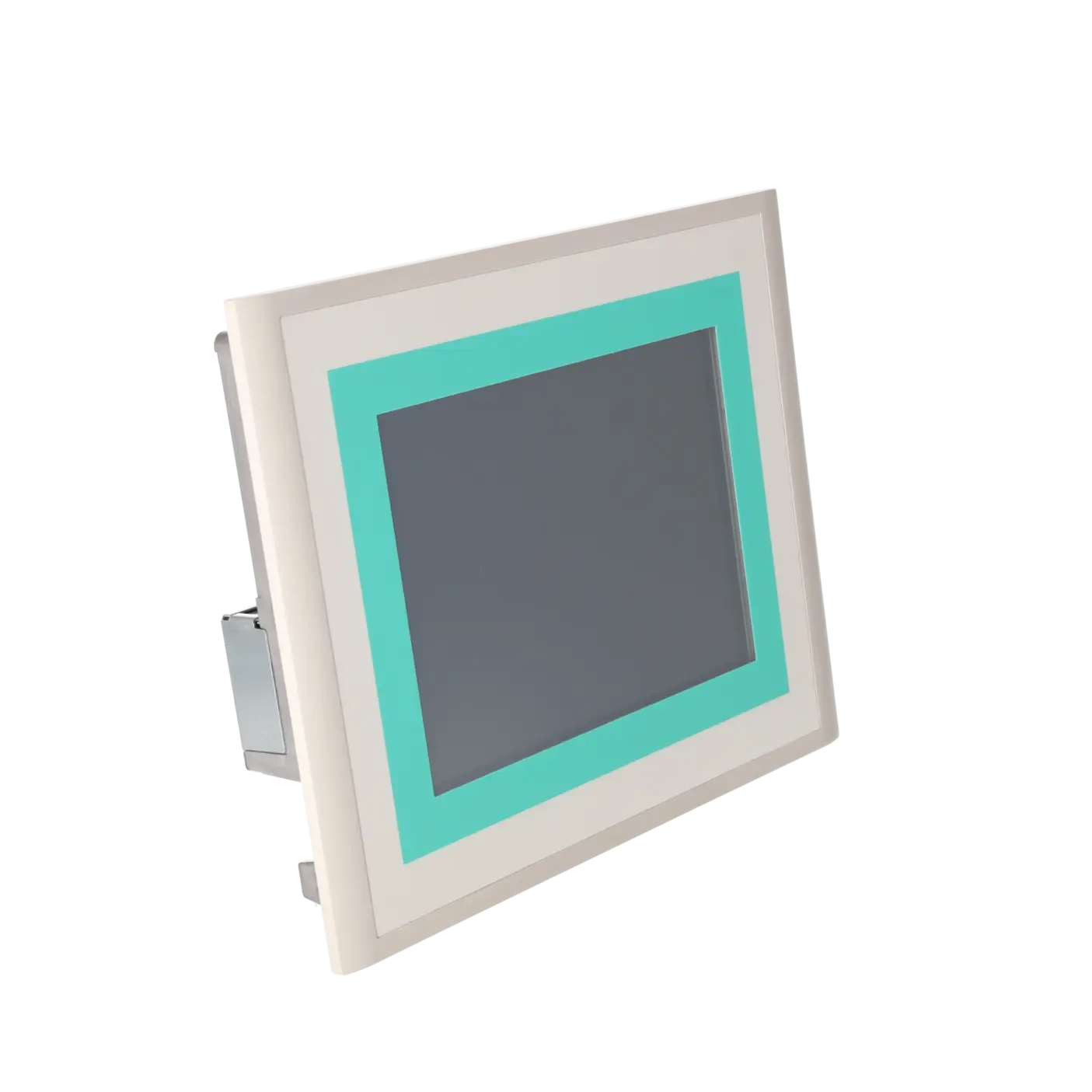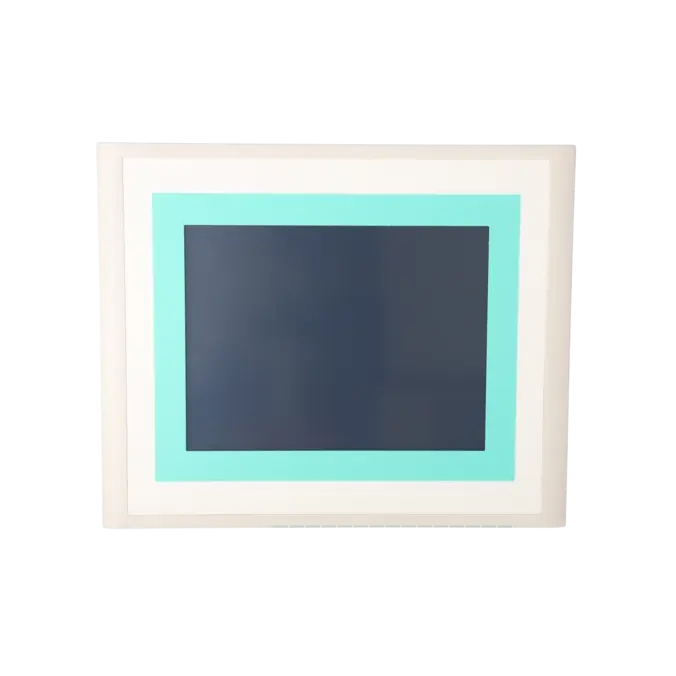
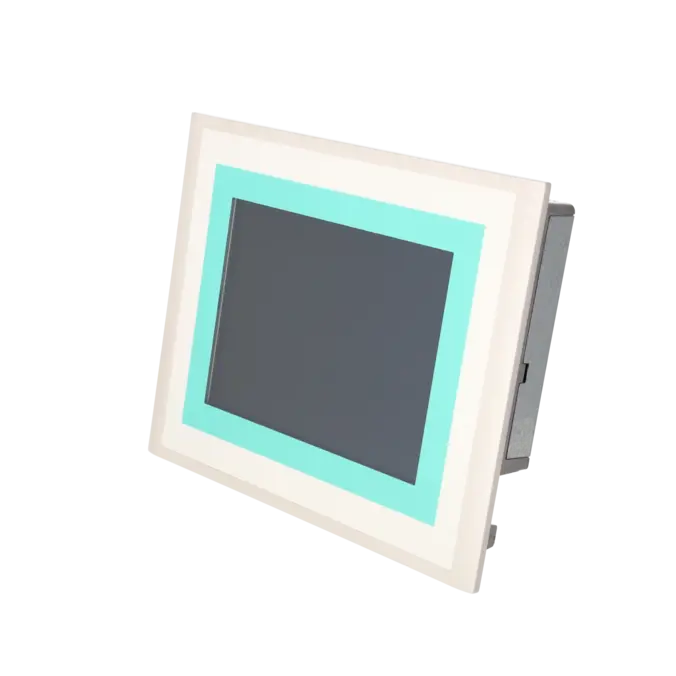
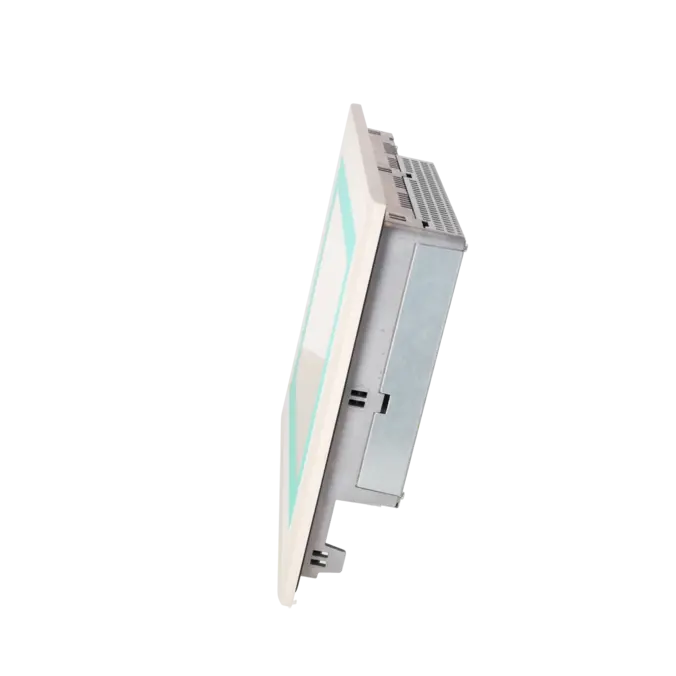
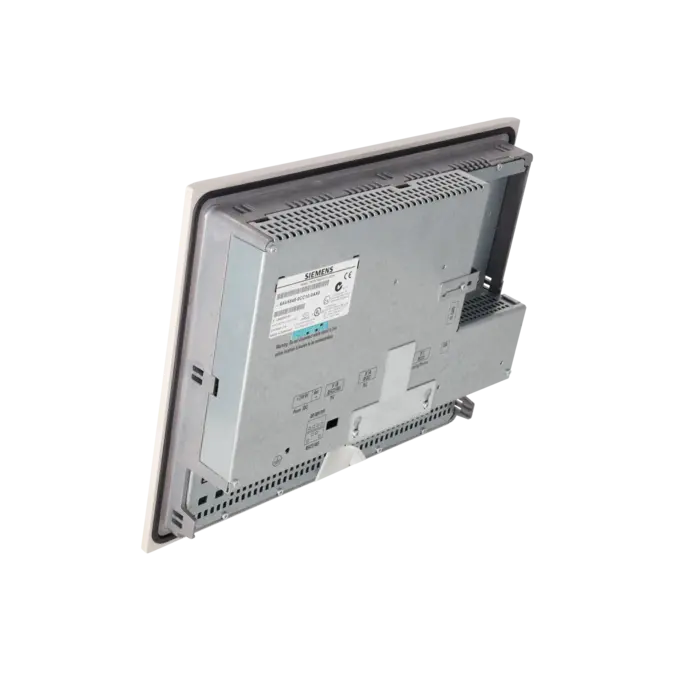
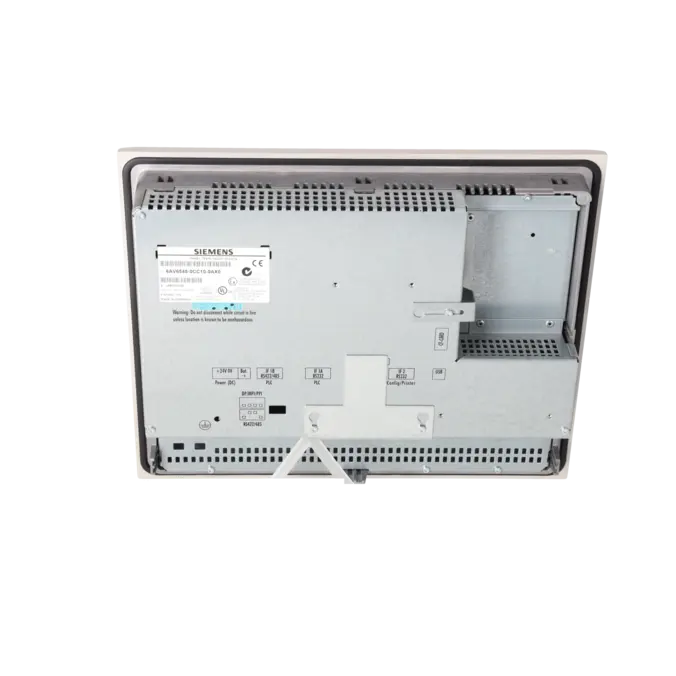
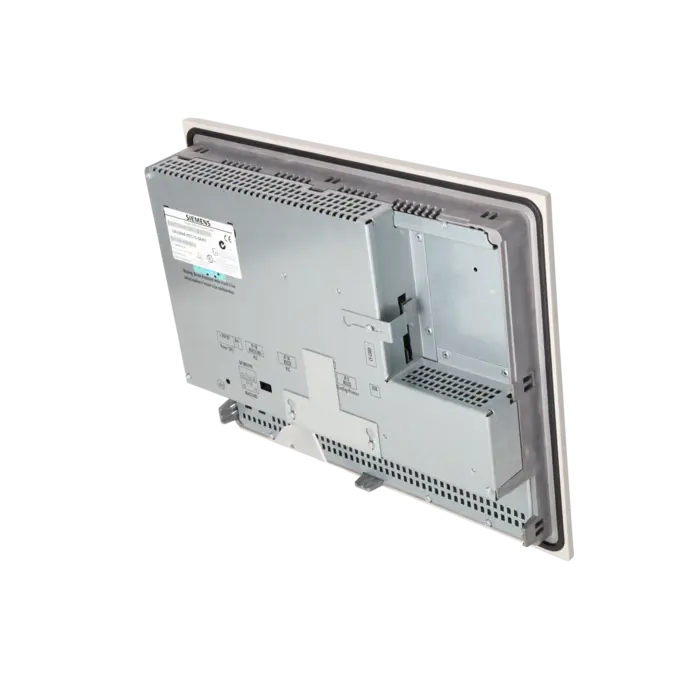
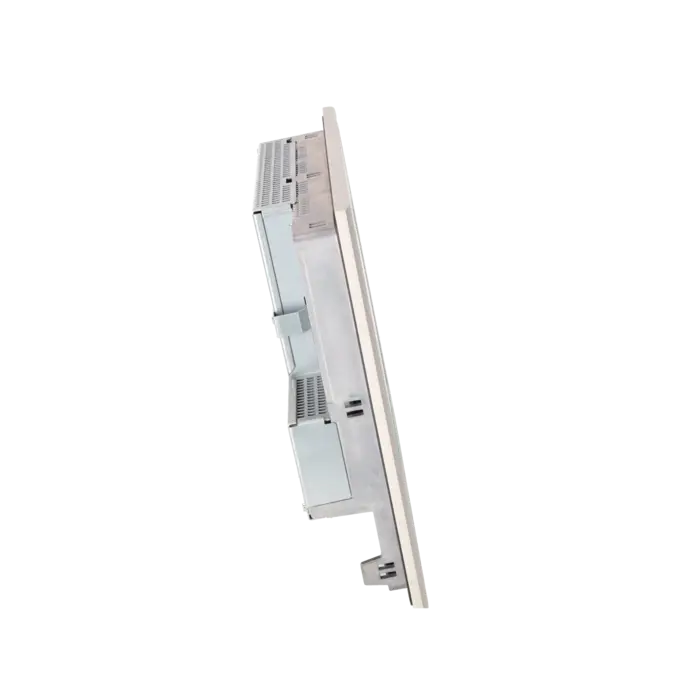
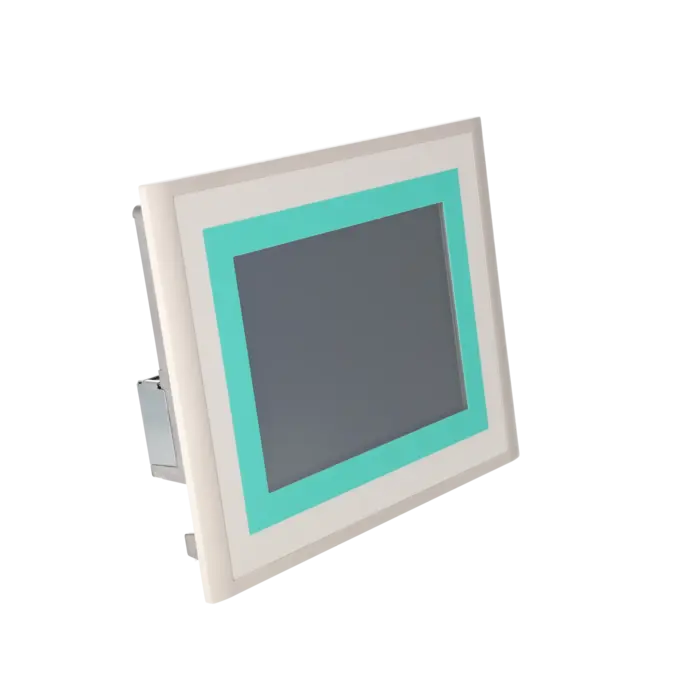
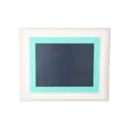


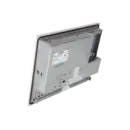
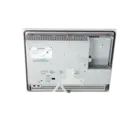
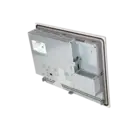


SIEMENS 6AV6545-0CC10-0AX0
-
SIEMENS | HMI | Touch Panels
- EICHLER-art.no.: K0116926
- EAN: 4025515067900
Product description
SIMATIC TP270 10" TOUCH PANEL 10,4" STN COLOR DISPLAY 2 MB PROJEKTIERUNGSSPEICHER, PROJEKTIERBAR MIT PROTOOL AB VERSION V6.0
Services for SIEMENS 6AV6545-0CC10-0AX0
Repair
from 1.623,48 €
to 2.922,26 €
Replacement
2.826,00 €
Used
3.140,00 €
New
3.454,00 €
SIEMENS |
6AV6545-0CC10-0AX0 –
additional product information
| Delivery information | |||
|---|---|---|---|
| Export identifier | AL: ECCN: | ||
| Net weight | 2.5 | ||
| Quantity | 1 Stück | ||
| Packaging quantity | 1 | ||
| Additional product information | |||
|---|---|---|---|
| Product status | EOP: 2008-04-01 | ||
| EAN | 4025515067900 | ||
| UPC | / | ||
| Static lot number | 85371098 | ||
| List indicator | / | ||
| Product group | / | ||
| Country of origin | DE | ||
| Compliance with the substance restrictions according to RoHS directive | Since: / | ||
| Product classifications | Version | Classification | |
|---|---|---|---|
| eClass | 4 | / | |
| eClass | 5.1 | / | |
| eClass | 6.0 | / | |
| ETIM | 3 | / | |
| ETIM | 4 | / | |
| ETIM | 5 | / | |
What is 6AV6545-0CC10-0AX0 and where is it used?
The 6AV6545-0CC10-0AX0 is a SIEMENS SIMATIC TP270 10" Touch Panel from the HMI product family, designed for the operation, monitoring and diagnostics of machines and systems. The operator device was developed for existing installations where visualisation, recipe management, alarm display and operator input are required directly at the machine. Typical application areas include packaging machinery, conveying technology, special-purpose machinery, process stations and retrofit projects, where an existing TP270 must be replaced or repaired while maintaining full functionality. For maintenance personnel, the exact part number is important because the project configuration, interface layout and mechanical installation are often fixed within existing systems, and using a different panel may result in additional migration effort.
Overview of the key technical specifications and their significance
The TP270 features a 10.4-inch CSTN/STN colour display with a resolution of 640 × 480 pixels (VGA) and 256 colours. For industrial operation, this provides a robust and well-established visualisation platform for traditional WinCC flexible and ProTool projects. The 2 MB project memory is typical of this generation of devices and is an important factor when assessing whether existing legacy projects can continue to be used without modification. The panel operates with Microsoft Windows CE, offers IP65 protection on the front panel, and supports communication and data transfer via RS422/RS485/MPI/PROFIBUS DP, RS232 and USB. The TP270 does not include an integrated Ethernet interface; however, a compatible CF Ethernet solution was available when Ethernet connectivity was required. For purchasing departments and technical teams, these specifications are critical when compatibility, installation requirements and recommissioning effort need to be assessed quickly.
Product status, life-cycle status and obsolescence information
The device is listed by Siemens as a spare part, while the EICHLER product page additionally shows an EOP (End of Production) status effective from 01 April 2008. For operators of older systems, this is a clear indication that the TP270 belongs to a discontinued product generation and should no longer be considered a standard choice for new projects. This is precisely why a reliable spare-parts supply remains important for existing installations. In its discontinuation notice for the TP270, OP270 and MP270 series, Siemens identified the MP277 10" Touch (Order No. 6AV6643-0CD01-1AX1) as the recommended migration path for new applications. For existing systems, however, maintaining the original 6AV6545-0CC10-0AX0 is often the more economical solution, as the project, mounting cut-out and service concept can remain unchanged.
Available EICHLER services and when they are relevant
For maintenance and purchasing departments dealing with a failed or ageing TP270, four options are typically most relevant: repair, exchange unit, used assembly and new assembly. EICHLER offers all of these options for this part number, each with short turnaround or delivery times, and an optional test report is also available. This is particularly valuable when downtime must be minimised, standardisation across multiple machines is required, or internal approval processes need documented evidence. For operators of obsolete HMI technology, these services provide valuable planning security. A repair can preserve the existing project environment, an exchange unit can accelerate the return to production, used assemblies can support budget-sensitive projects, and new stock units can be used to strategically secure critical systems. In this way, operational reliability can be maintained more effectively despite the challenges of obsolescence.
| Attribute | Value |
|---|---|
| Display | |
| Design of display | STN, 256 colors |
| Screen diagonal | 10.4 in |
| Resolution (pixels) | |
| ● Horizontal image resolution | 640 Pixel |
| ● Vertical image resolution | 480 Pixel |
| Backlighting | |
| ● MTBF backlighting (at 25 °C) | 60 000 h |
| Control elements | |
| Control elements | Touch screen |
| Keyboard fonts | |
| ● Membrane keyboard | No |
| — user-definable label membrane keys | No |
| ● Function keys | No |
| — Number of function keys | 0 |
| — Number of function keys with LEDs | 0 |
| ● System keys | No |
| ● Numeric keyboard | Yes |
| ● alphanumeric keyboard | Yes |
| ● hexadecimal keyboard | Yes |
| ● Multi-key operation | No |
| Touch operation | |
| ● Design as touch screen | Yes; analog, resistive |
| Connection type | |
| ● Type of connection for mouse/keyboard/barcode reader | USB / USB / USB |
| Special operator controls | |
| ● Handwheel | No |
| Installation type/mounting | |
| Mounting position | vertical |
| maximum permissible angle of inclination without external ventilation | 35° |
| Supply voltage | |
| UPS connectable (serial) | Yes |
| Input current | |
| Current consumption (rated value) | 0.9 A |
| Power | |
| Active power input, typ. | 15 W |
| Processor | |
| Processor type | RISC 32 bit |
| Memory | |
| Type of memory | Flash / RAM |
| Memory available for user data | 2 048 kbyte |
| Battery | |
| Backup battery | |
| ● Backup battery (optional) | Yes; optional 3.6 V |
| ● Backup time, min. | 3 y |
| Type of output | |
| Info LED | No |
| Power LED | No |
| Error LED | No |
| Time of day | |
| Clock | |
| ● Type | Hardware clock, battery backup, synchronizable |
| ● retentive | Yes |
| ● synchronizable | Yes |
| Interfaces | |
| Interfaces/bus type | 2x RS 232, 1x RS 422, 1x RS 485 (max. 12 Mbit/s) |
| USB port | Yes; 1x USB |
| PC card slot | No |
| CF card slot | 1x CF card slot |
| Degree and class of protection | |
| IP (at the front) | IP65 |
| IP (rear) | IP20 |
| Standards, approvals, certificates | |
| Certificate of suitability | CE, GL, ABS, DNV, LRS, FM Class I Div. 2, UL, cULus, EX Zone 2/22, C-TICK |
| Ambient conditions | |
| Ambient temperature during storage/transportation | |
| ● min. | -20 °C |
| ● max. | 60 °C |
| Relative humidity | |
| ● Operation, max. | 85 % |
| Operating systems | |
| pre-installed operating system | Windows CE |
| Configuration | |
| Configuration software | |
| ● Configuration tool | ProTool Version 6 SP 3 or higher, or WinCC flexible Standard Version 2004 or higher (to be ordered separately) |
| Languages | |
| Online languages | |
| ● Number of online/runtime languages | 5 |
| Project languages | |
| ● Languages per project | 32 |
| Functionality under WinCC (TIA Portal) | |
| Libraries | Yes |
| Number of Visual Basic Scripts | |
| ● Debugging in the simulator | No |
| Task planner | Yes |
| Help system | Yes |
| ● Number of characters per info text | 70 |
| ● Number of tooltips | 0 |
| Message system | |
| ● Number of alarm classes | 32 |
| ● Number of messages | 4 000 |
| ● Bit messages | Yes |
| — Number of bit messages | 2 000 |
| ● Analog messages | Yes |
| — Number of analog messages | 2 000 |
| ● Telegram message procedure Alarm S | Yes |
| ● System messages HMI | Yes |
| ● System messages PLC | No |
| ● System messages, other (SIMATIC S7, Sinumerik, Simotion, etc.) | No |
| ● Lines | 1 |
| ● Number of characters per message | 70 |
| ● Number of process values per message | 8 |
| ● Acknowledgment groups | Yes |
| ● Message indicator | Yes |
| ● acoustic feedback | No |
| ● First/last value | Yes |
| Recipe management | |
| ● Number of recipes | 300 |
| ● Data records per recipe | 500 |
| ● Entries per data record | 1 000 |
| ● Recipe memory | 64 KB integrated Flash, expandable |
| Variables | |
| ● Number of variables per device | 2 048 |
| ● Number of variables per screen | 200 |
| ● Number of variables | 2 048 |
| ● Type Date & Time | 2 048 |
| ● Limit values | Yes |
| ● Multiplexing | Yes |
| ● Structures | Yes |
| Images | |
| ● Number of configurable images | 300 |
| ● Permanent window/default | Yes |
| ● Start screen configurable | Yes |
| ● Image selection by PLC | Yes |
| ● Image number in the PLC | Yes |
| Image objects | |
| ● Text objects | 10 000 text elements |
| ● Number of I/O fields per image | 200 |
| ● Number of date/time fields | 30 |
| ● Index of screen context | No |
| ● Return | Yes |
| ● Graphics object | Bit maps, icons, vector graphics |
| — Icons | 1 000 |
| — Icon (full screen) | 0 |
| Complex image objects | |
| ● Status/control | With SIMATIC S7 |
| ● dynamic objects | Diagrams, bar graphs, invisible buttons |
| — Number of objects per project | 500 |
| — Number of curve diagrams per image | 5 |
| ● Methods | Trend |
| ● Bar graphs | |
| — Number of bars per chart | 10 |
| ● Sliders | |
| — Number of slides per image | 0 |
| ● Pointer instruments | |
| — Number of analog indicators per image | 0 |
| ● Limit value lines | Yes |
| ● Number of alphanumerical fields | 1 000 |
| — alphanumeric fields per image | 100 |
| ● Number of numerical fields | 1 000 |
| — numerical fields per image | 100 |
| ● Number of password fields | 1 000 |
| ● Number of visible switches per project | 1 000 |
| — visible switches per image | 100 |
| — hidden switches per image | 100 |
| ● Number of status switches per project | 1 000 |
| — Number of status switches per image | 100 |
| ● Number of selector switches per project | 1 000 |
| — Selector switches per image | 100 |
| ● Number of decade switches per project | 0 |
| — Decade switches per image | 0 |
| ● Number of signal lamps per project | 1 000 |
| — Signal lamps per image | 100 |
| Attributes for dynamic objects | |
| ● Color change | Yes |
| ● X/Y movement | Yes |
| ● Hide | Yes |
| ● Angle of rotation | No |
| Lists | |
| ● Number of text lists per project | 500 |
| ● Number of entries per text list | 256 |
| ● Number of graphics lists per project | 400 |
| ● Number of graphic lists per image | 10 |
| ● Number of entries per graphics list | 255 |
| Archiving | |
| ● Number of archives per device | 20 |
| ● Number of measuring points per project | 20 |
| ● Number of entries per archive | 10 000 |
| ● Message archive | Yes |
| ● Process value archive | Yes |
| ● Archiving methods | Sequential log, circular log, alarm log, process value archive |
| — Sequential archive | Yes |
| — Short-term archive | Yes |
| ● Memory location | CF card, Ethernet |
| — PC card | No |
| — CF card | Yes |
| — USB memory | No |
| — Ethernet | Yes |
| ● Data storage format | CSV file, readable, e.g. with MS Excel, MS Access |
| — CSV | Yes |
| — TXT | No |
| ● external evaluation | readable, e.g. with MS Excel, MS Access, etc. |
| ● Size of archive | depending on free memory on ext. card/stick or on free hard disk space via network drive |
| ● Online evaluation | via trends |
| — using trend curves | Yes |
| Filters | |
| ● cyclic | Yes |
| ● Tolerance | Yes |
| ● Change | Yes |
| Security | |
| ● Number of user groups | 50 |
| ● Number of user rights | 32 |
| ● Password export/import | Yes |
| Logging through printer | |
| ● Recording/Printing | Alarms, report (shift report), color print, hardcopy |
| Transfer (upload/download) | |
| ● Transfer of configuration | MPI/PROFIBUS DP, serial, USB, Ethernet, automatic transfer recognition |
| Process coupling | |
| ● Connection to controller | S5, S7-200, S7- 300/400, TI 505, Win AC, PC (TCP/IP), SINUMERIK, SIMOTION, Allen Bradley (DF1), Allen Bradley (DF485), Mitsubishi (FX), Telemecanique (ADJUST), OMRON (LINK/Multilink), Modicon (Modbus), for further non-Siemens drivers, see section on "System interfaces" |
| ● S7-200 | Yes |
| — PPI (point-to-point) | Yes |
| — PPI network | No |
| — MPI | Yes |
| — PROFIBUS DP | Yes |
| ● S7-300/400 | Yes |
| — MPI | Yes |
| — PROFIBUS DP | Yes |
| — PROFINET | No |
| ● S5 | Yes |
| — serial | Yes |
| — PROFIBUS DP | Yes |
| ● TI 505 | Yes |
| ● Allen Bradley (DF1) | Yes |
| ● Allen Bradley (DF485) | Yes |
| ● Mitsubishi (FX) | Yes |
| ● Mitsubishi (MP4) | Yes |
| ● Telemecanique (ADJUST) | Yes |
| ● Telemecanique (Uni-Telway) | Yes |
| ● OMRON (LINK/Multilink) | Yes |
| ● Modicon (Modbus) | Yes |
| ● GE-Fanuc (SNP) | Yes |
| Functions | |
| ● Key repeat | No |
| ● TAB sequence | Yes |
| ● Calculating functions | Yes |
| ● Animate | Yes |
| ● Menu tree editor | No |
| ● Unit switchover | No |
| Service tools/configuration aids | |
| ● Clean screen | Yes |
| ● Touch calibration | Yes |
| ● Backup/Restore manually | Yes |
| ● Simulation | Yes |
| ● Device switchover | Yes |
| ● Delta transfer | Yes |
| ● Monitoring function for battery and memory | Yes |
| ● Trace (operation archive) | No |
| Expandability/openness | |
| ● Open Platform Program | Yes |
| Peripherals/Options | |
| Peripherals | Printer, barcode reader |
| Dimensions | |
| Width of the housing front | 335 mm |
| Height of housing front | 275 mm |
| Overall depth | 59 mm |
| Weights | |
| Weight (without packaging) | 4.5 kg |
| Fault description | Possible solution |
|---|---|
| Why does my TP270 continuously calibrate and fail to save the touch points? | Siemens describes the calibration procedure via Control Panel > OP > Recalibrate, using five calibration crosses. After completing the process, the screen must be touched once more to confirm and save the calibration data. If the calibration crosses continue to cycle indefinitely and confirmation is not possible, a restart of the panel will often resolve the issue. If the behaviour persists after restarting, this typically indicates a fault within the touchscreen system. For temporary operation and diagnostics, a standard USB keyboard or USB mouse can be used as an alternative input device. |
| Why does my TP270 display System Message 200005 or 200105? | According to Siemens, these messages indicate that data can no longer be written or read. Possible causes include an interrupted cable connection, a controller that is not responding or is defective, or an overloaded system. First, check all connectors, the PLC operating status and bus availability. If the message remains permanently active after these checks, the panel should be restarted once the wiring and controller have been verified. |
| Why does the TP270 display Message 210005 or “PLC job invalid”? | Siemens associates this message with a controller job containing an invalid job number. Troubleshooting should therefore begin within the PLC program. The job mailbox, job number, parameter settings and data types must match the HMI project configuration. If jobs stop functioning after project modifications, the HMI project should be regenerated and the controller job configuration should be checked again. |
| Why is my TP270 unable to establish a stable connection to the PLC via IF1/IF2? | Siemens identifies the most common causes of communication failures as faulty cables, incorrect interface selection, incorrect interface parameters, protocol configuration issues or an incorrect controller address. If the same interface is configured for both communication and remote transfer, the Remote Transfer option should be checked and disabled if necessary. It is also important to note that the TP270 does not include an integrated Ethernet interface. Ethernet communication requires a compatible CF Ethernet card. |
| Why does my TP270 remain stuck on the boot screen after an OS update? | An interrupted or faulty operating system update can prevent the device from starting correctly. Siemens notes that an OS update deletes data stored on the panel, which is why a backup should always be created beforehand. To restore the device, the connection, correct image path and the ProSave or WinCC flexible OS update procedure must be followed precisely. If the interruption occurred due to a power loss during the update process, the OS update must be restarted in a stable service environment with a reliable power supply. |
Is 6AV6545-0CC10-0AX0 still suitable for new installations?
For new installations, this panel is only of limited suitability, as Siemens has discontinued the TP270 product range and now lists the device as a spare part. For existing systems, however, the assembly remains highly relevant when a panel with the same mounting cut-out, identical project basis and established communication interfaces needs to be replaced. In such situations, repair, exchange units or strategic spare-parts stockholding are often more economical than a complete HMI migration.
Which successor device does Siemens recommend for the TP270 10-inch panel?
In the discontinuation notice for the affected product family, Siemens identifies the MP277 10" Touch with Order No. 6AV6643-0CD01-1AX1 as the recommended successor and migration path for new applications. This is particularly relevant for purchasing departments when maintaining the existing visualisation unchanged is not a requirement. For maintenance personnel, however, it is important to understand that a successor panel cannot automatically be installed without migration effort, as the project configuration, communication setup and mechanical constraints must first be evaluated.
Which software can be used to configure the 6AV6545-0CC10-0AX0?
This device supports configuration using ProTool as well as WinCC flexible. The product information specifies ProTool Version 6 or later, while supplementary documentation references WinCC flexible Standard from Version 2004 onwards. Siemens documentation relating to this device family also explicitly describes the TP270 within the context of WinCC flexible 2004. This is particularly important for service applications, as legacy projects can often only be edited reliably using the original engineering environment.
Does the TP270 have an integrated Ethernet interface?
No. The TP270 does not include an integrated onboard Ethernet interface. Siemens states that Ethernet connectivity for the OP270/TP270 series could only be achieved using a NE2000-compatible CF Ethernet card. In practice, this means that anyone replacing an existing device or securing a project should not automatically assume Ethernet connectivity is available. Existing communication and transfer methods such as MPI/PROFIBUS, RS232 or USB should always be verified first.
Can a ProSave backup be restored to a replacement panel?
Yes. Siemens describes the use of ProSave backup and restore functions for Windows-based panels. The backup is stored as a .psb file and can later be restored using the Restore function. The key requirement is that the replacement device belongs to the same panel class or device type. For operators of critical systems, this is particularly valuable because a valid backup can significantly accelerate replacement and recommissioning. Without a reliable backup, the effort required for recommissioning and project reconstruction increases considerably.
Can an existing ProTool project be migrated to WinCC flexible?
Yes, in principle. Siemens explicitly describes the migration of existing ProTool projects to WinCC flexible within its migration documentation. If only archived project files or uploaded project data are available, the correct procedure involving the appropriate ProTool environment and proper unpacking or upload processes must be followed. For operators of older TP270 systems, this is an important consideration because it helps secure serviceability, documentation and future modification options without requiring an immediate complete redevelopment of the existing visualisation.
Is repair or replacement the better option for a faulty TP270?
The answer depends primarily on downtime pressure, project availability and the spare-parts situation. If the existing project is available and the device is mechanically integrated into the system without issues, repair is often the fastest way to preserve the current visualisation environment. If production must resume immediately, an exchange assembly is generally the lower-risk solution. Since Siemens now supplies the device only as a spare part, tested used units and exchange solutions are becoming increasingly important for many operators. Evaluating not only the hardware cost but also the downtime risk, migration effort and long-term support strategy is essential when determining the most economical option.