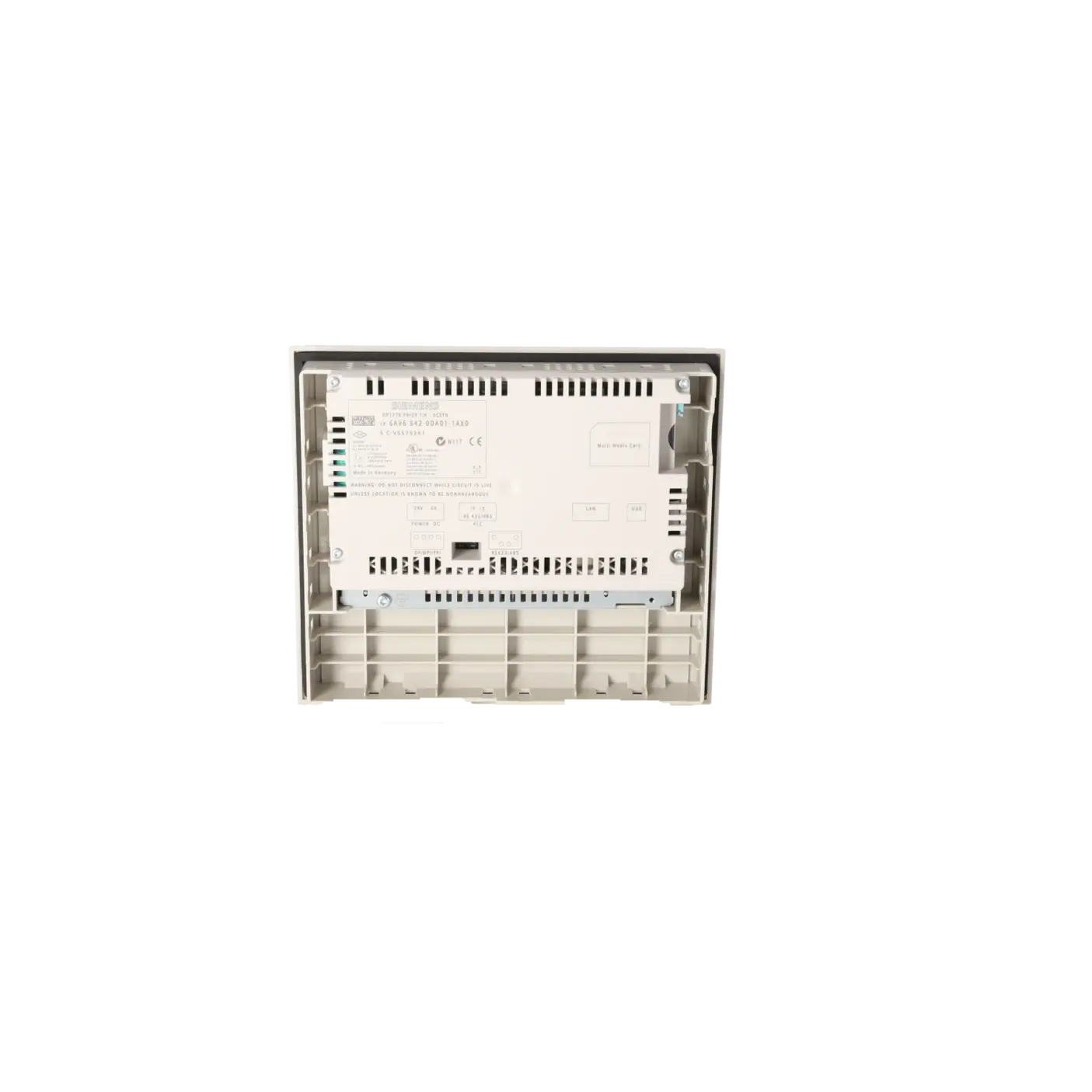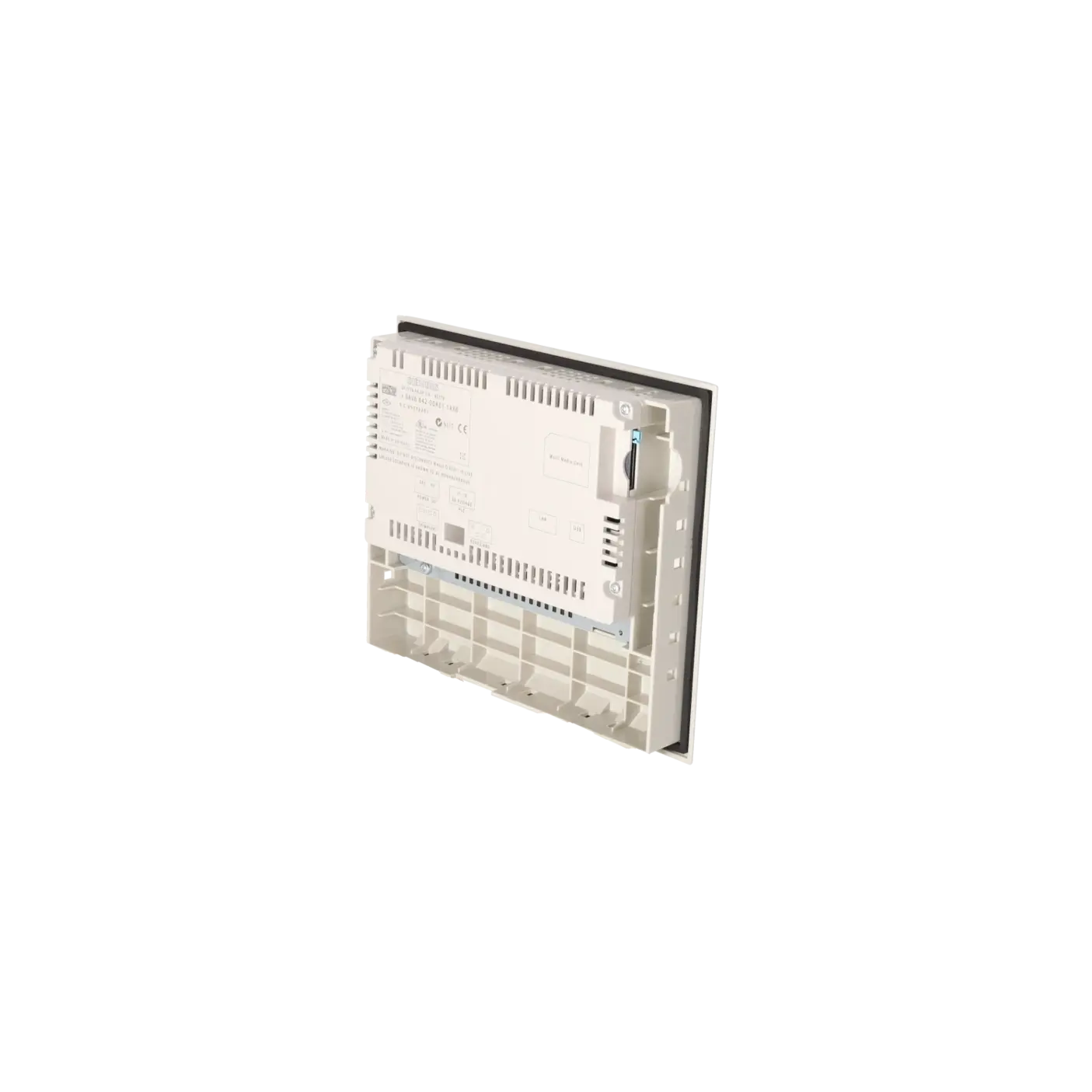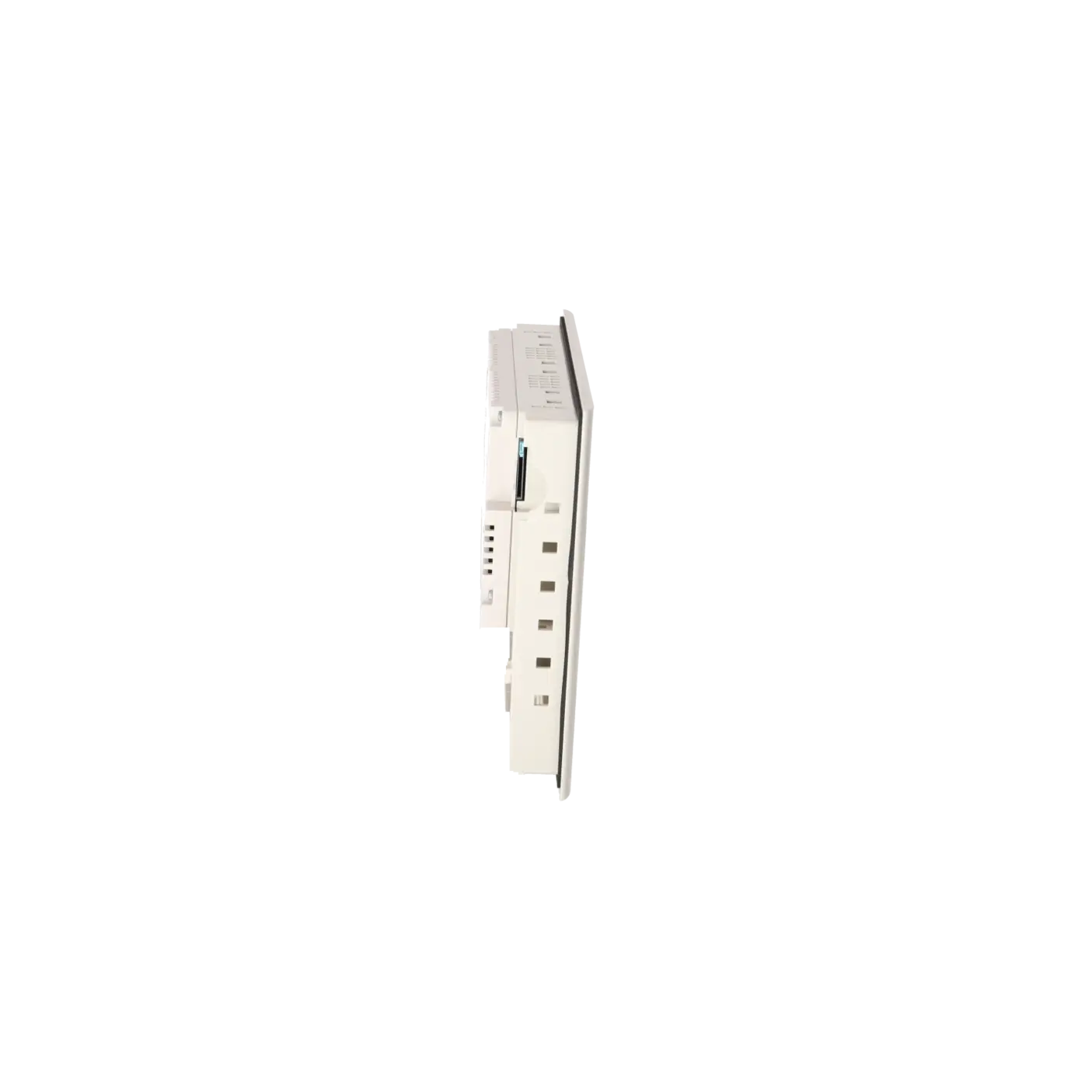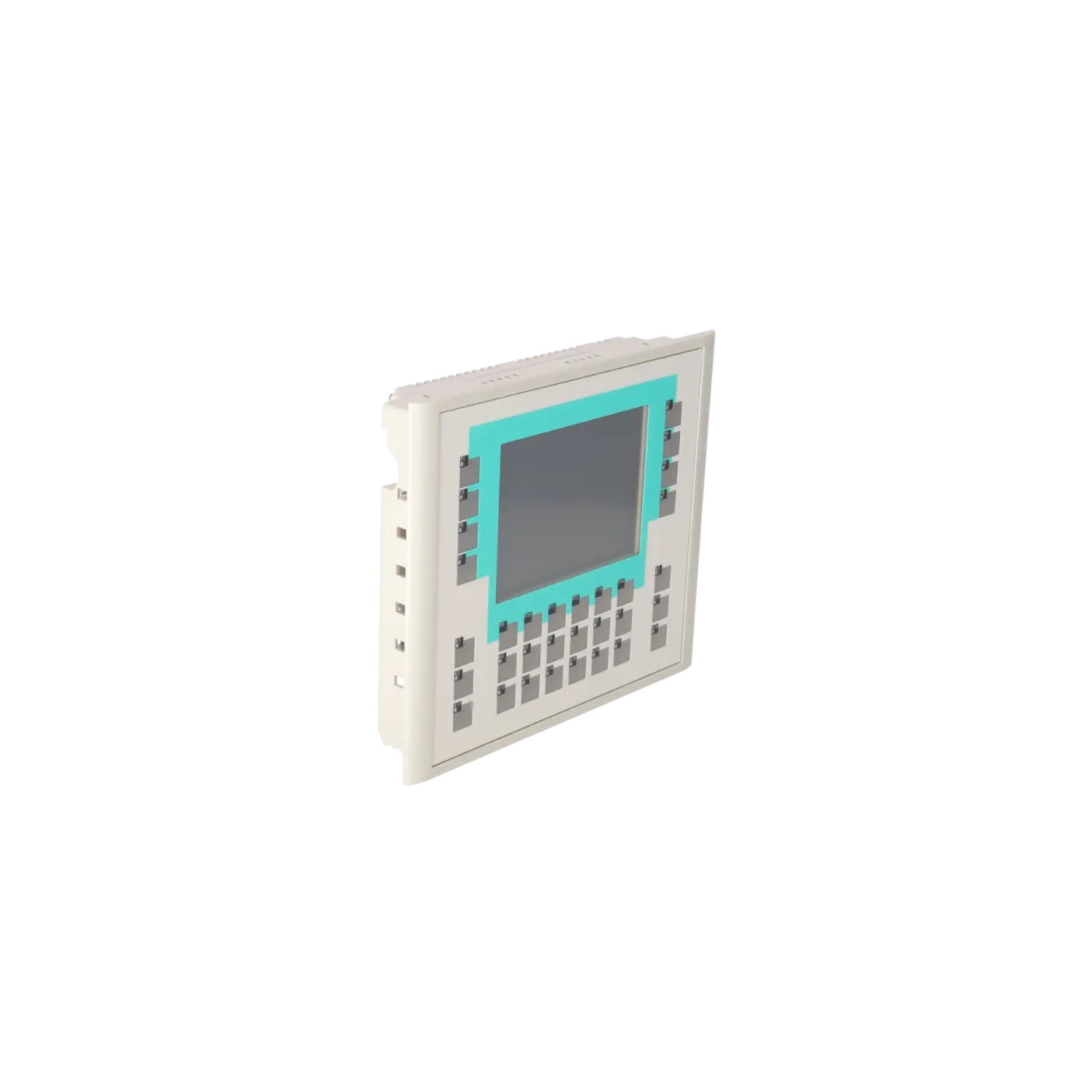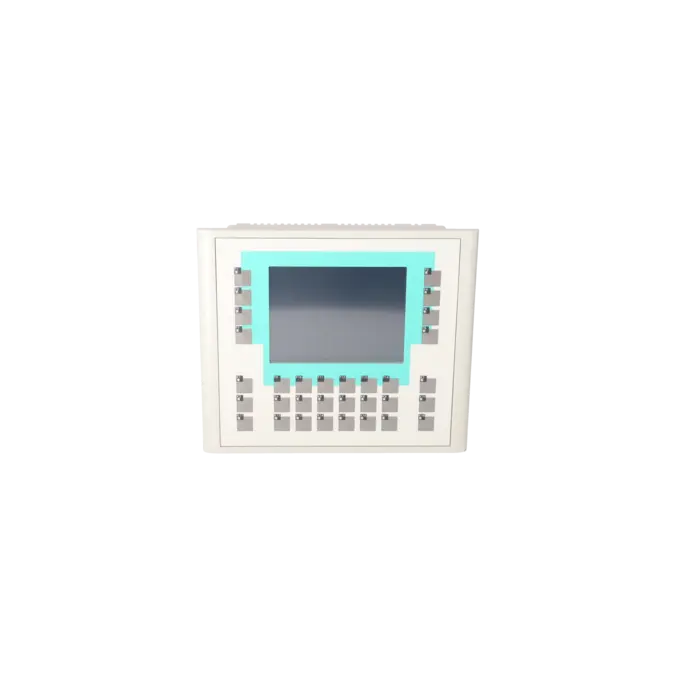
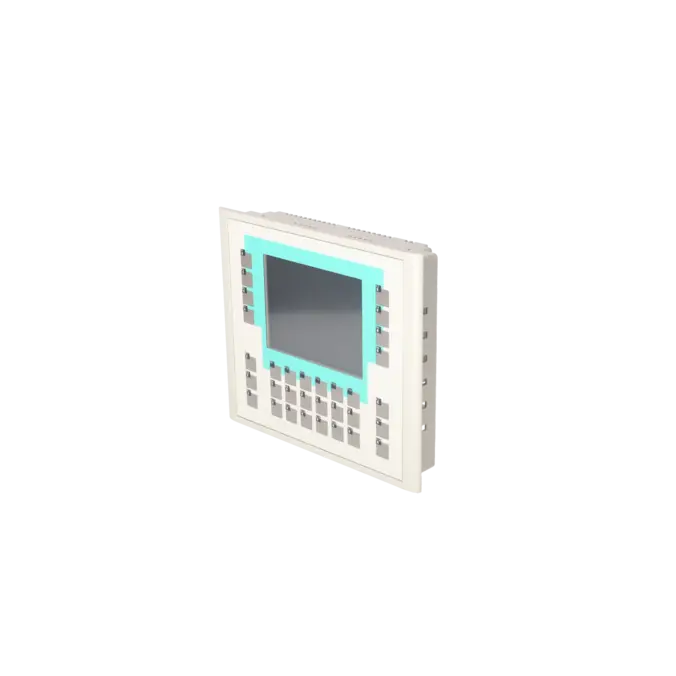
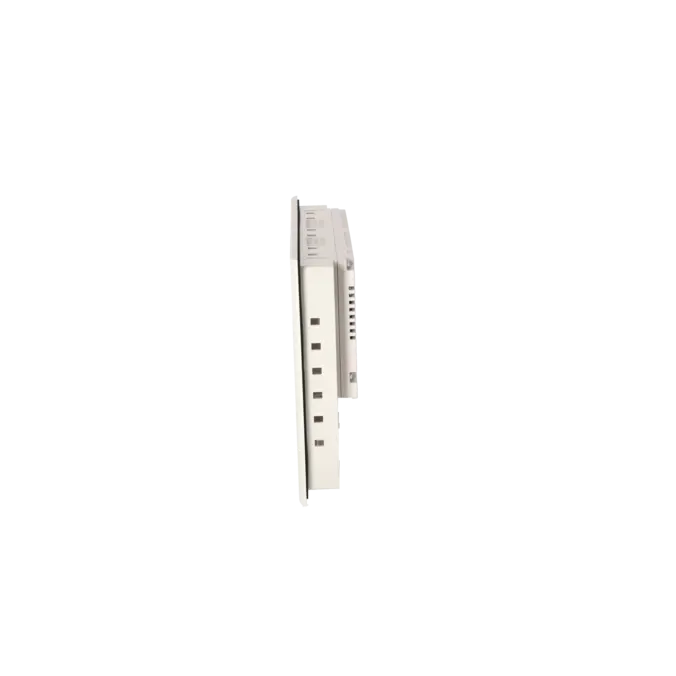
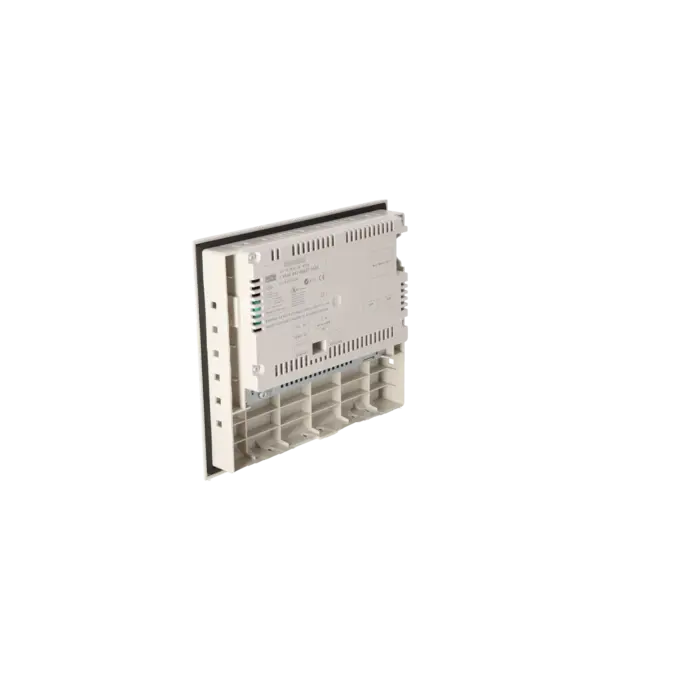
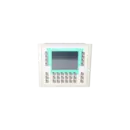
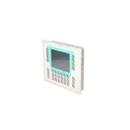
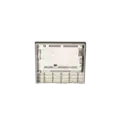
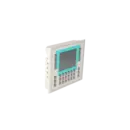
SIEMENS 6AV6642-0DA01-1AX0
- EICHLER-art.no.: K0170437
- EAN: 4025515072522
Product description
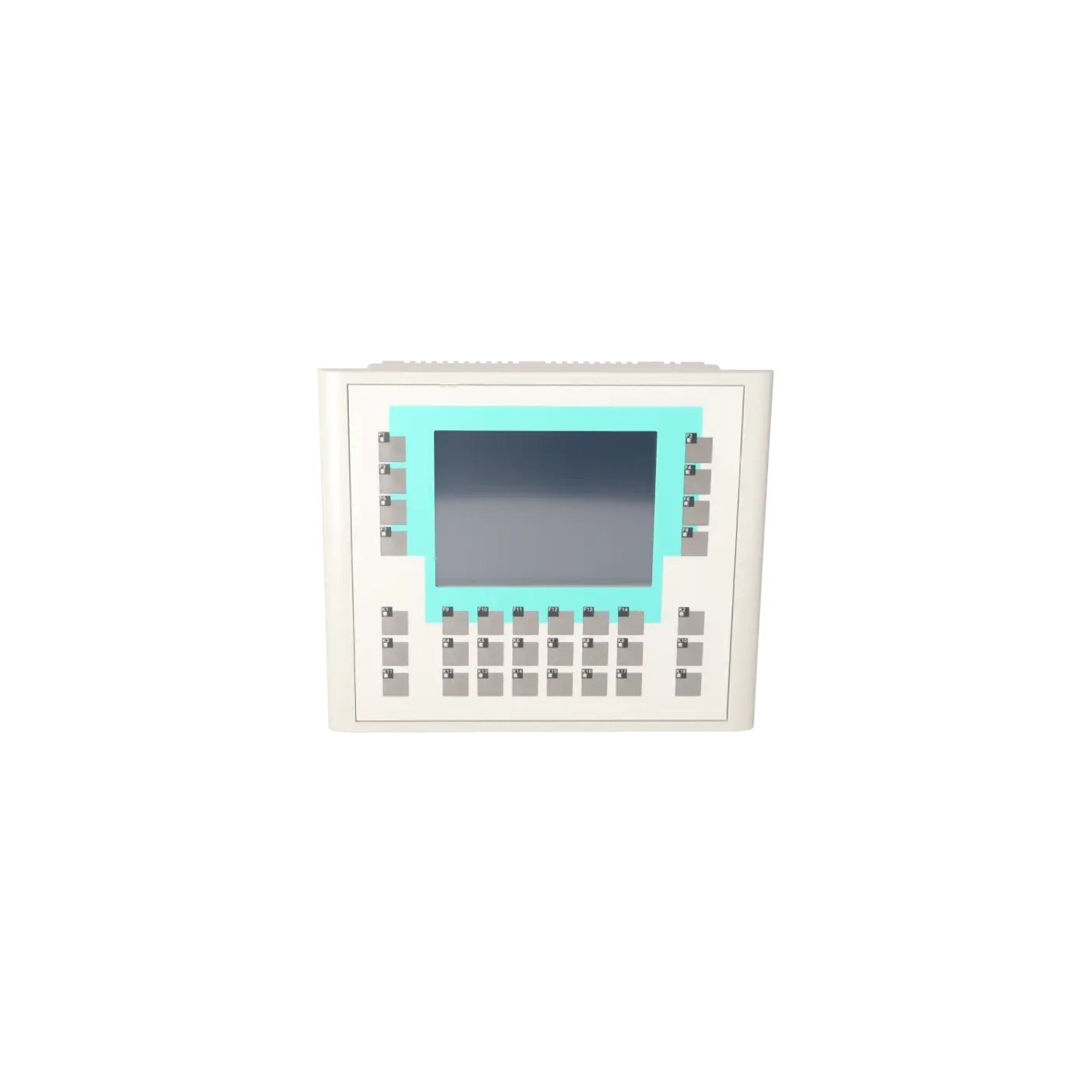
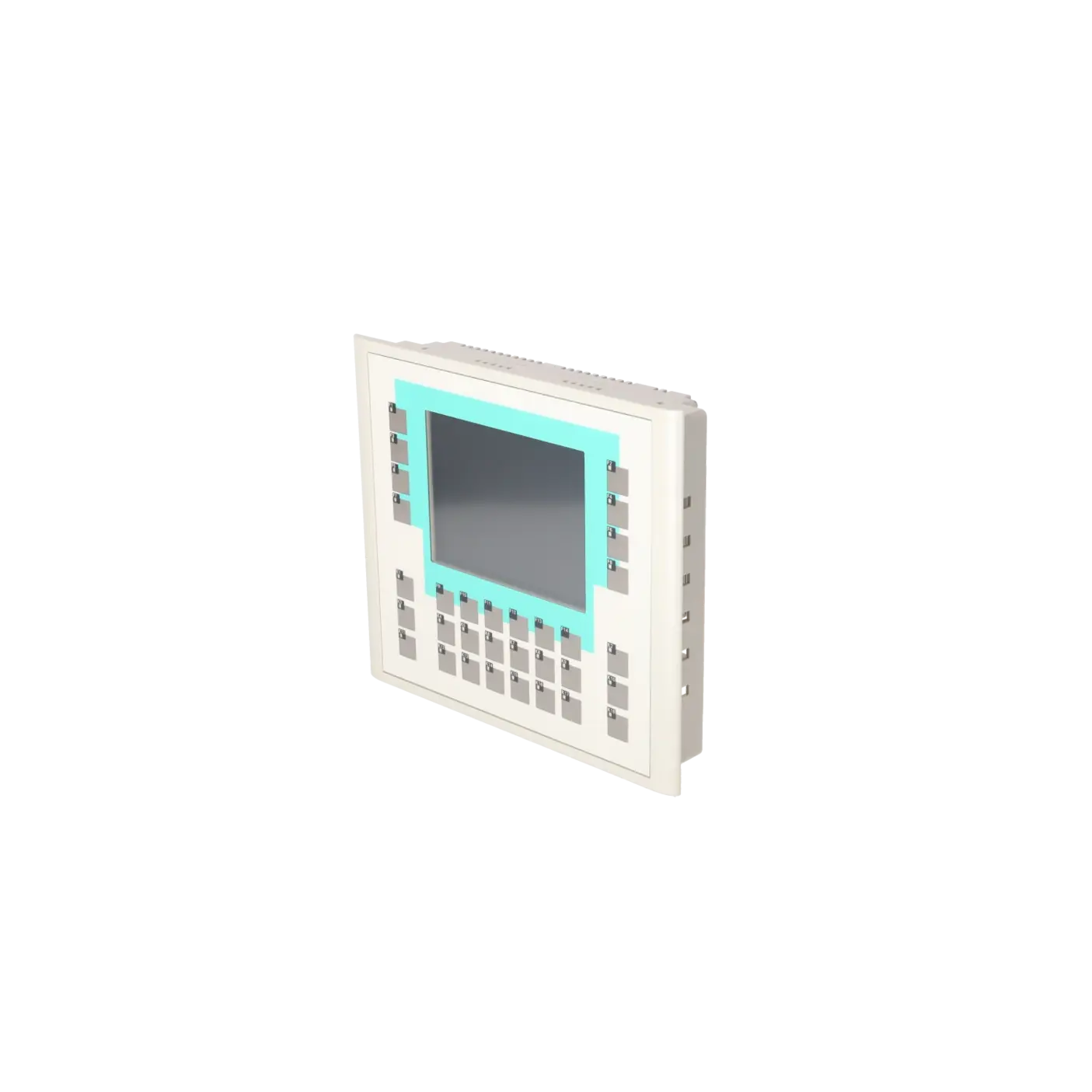
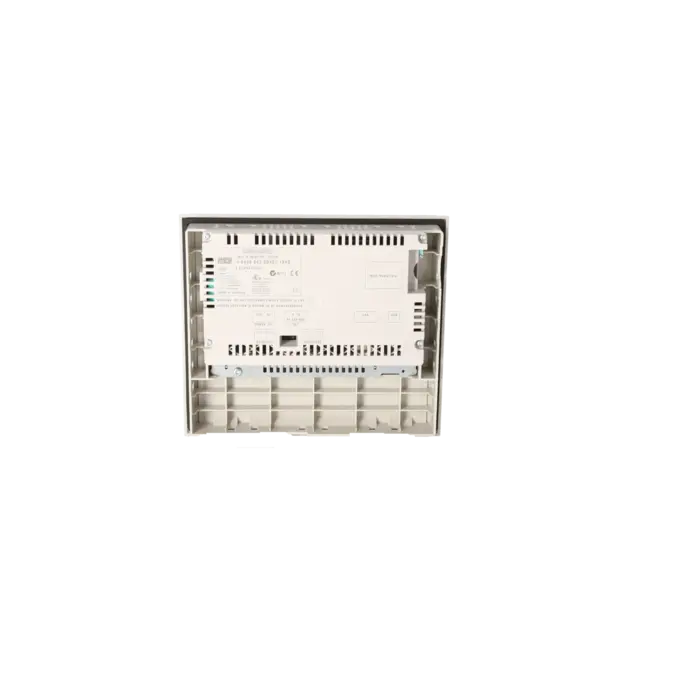
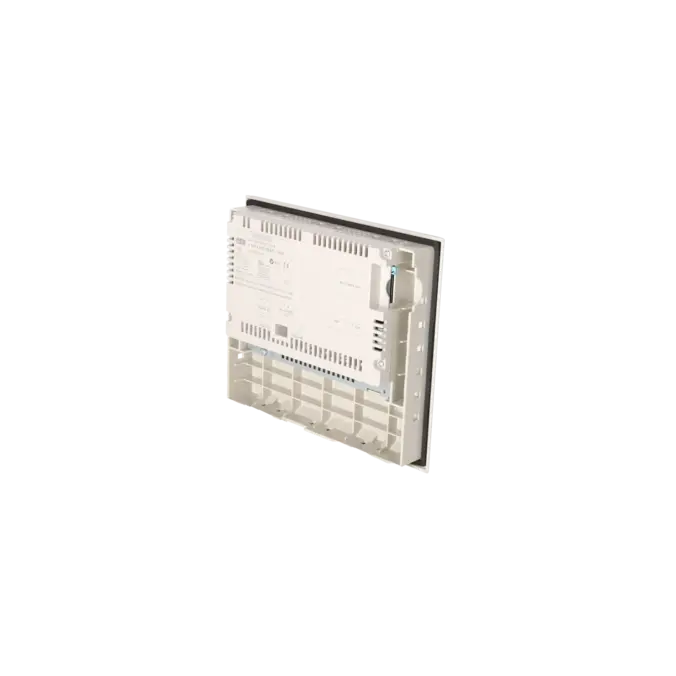
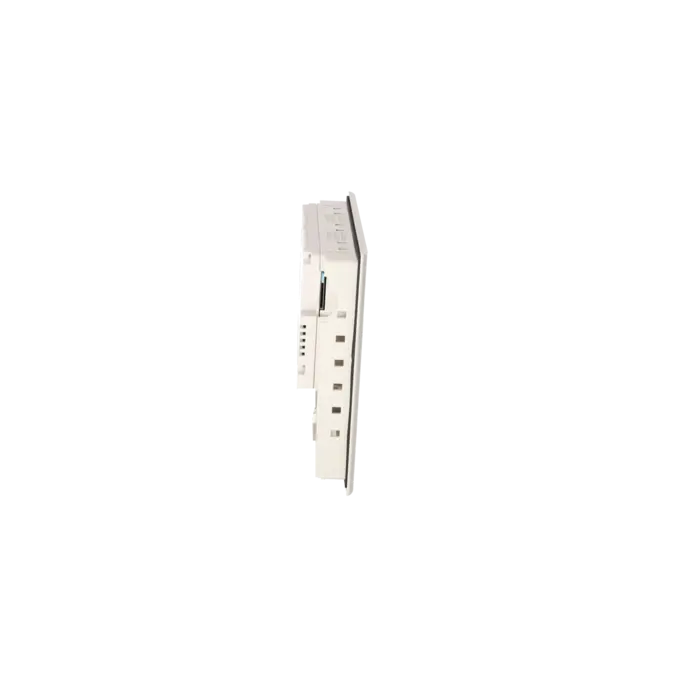
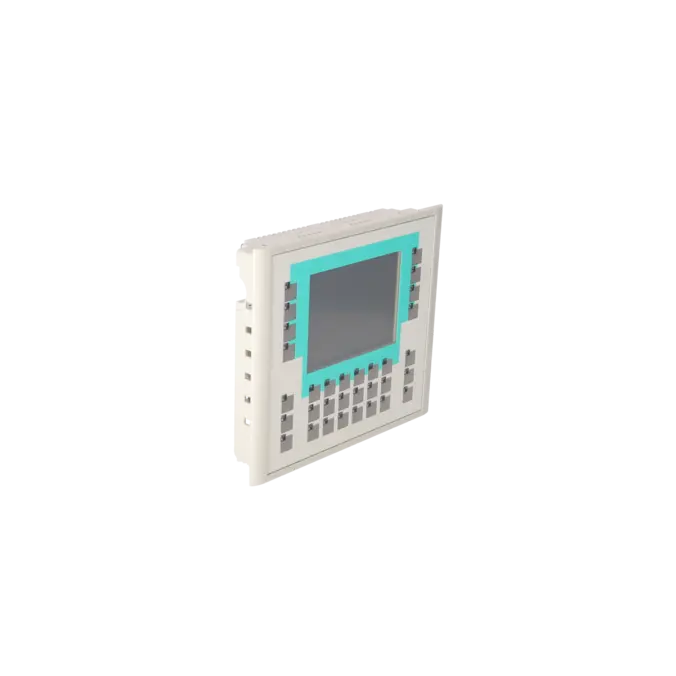
SIMATIC PANEL OP177B PN/DP STN 256 COLOR DISPLAY TOUCH AND KEYS MPI-/PROFIBUS-DP PROTOCOL RS485-/RS422-/USB- INTERFACE ETHERNET - INTERFACE PRINTER INTERFACE SLOT FOR MM-CARD CONFIGURABLE WITH WINCC FLEXIBLE 2005
Services for SIEMENS 6AV6642-0DA01-1AX0
SIEMENS |
6AV6642-0DA01-1AX0 –
additional product information
| Delivery information | |||
|---|---|---|---|
| Export identifier | AL: ECCN: | ||
| Net weight | 1.326 | ||
| Quantity | 1 Stück | ||
| Packaging quantity | 1 | ||
| Additional product information | |||
|---|---|---|---|
| Product status | EOP: 2008-07-11 | ||
| EAN | 4025515072522 | ||
| UPC | / | ||
| Static lot number | 85371098 | ||
| List indicator | / | ||
| Product group | 4356 | ||
| Country of origin | DE | ||
| Compliance with the substance restrictions according to RoHS directive | Since: / | ||
| Product classifications | Version | Classification | |
|---|---|---|---|
| eClass | 4 | / | |
| eClass | 5.1 | / | |
| eClass | 6.0 | / | |
| ETIM | 3 | / | |
| ETIM | 4 | / | |
| ETIM | 5 | / | |
What is the 6AV6642-0DA01-1AX0 (OP 177B PN/DP)?
The 6AV6642-0DA01-1AX0 is a SIMATIC OP 177B PN/DP, an operator panel featuring both touchscreen and keypad operation for machine and system visualisation. The device is listed as a spare part and is particularly suitable when a one-to-one replacement offers the fastest route back to full operational functionality.
Key technical specifications at a glance
The panel features a 5.7-inch STN display with a resolution of 320 × 240 pixels and 256 colours. The backlight is specified with an MTBF of 50,000 operating hours at 25 °C, providing a practical indication of expected panel service life in continuous operation.
Display & operation: 5.7" STN display, touchscreen and keypad
Operation is provided via both a touchscreen and a membrane keypad. Siemens specifies 32 function keys, of which 26 are equipped with LEDs, as well as configurable system and keyboard functions (for example alphanumeric and hexadecimal input). This is particularly important where the machine operating concept relies on physical keys rather than touchscreen operation alone.
Communication: MPI/PROFIBUS DP and Ethernet
The datasheet specifies support for MPI/PROFIBUS DP communication via RS485/RS422, together with an integrated Ethernet interface. This enables the panel to be integrated into both traditional SIMATIC S7 communication networks and Ethernet-based architectures, depending on the system design.
Interfaces & storage: USB, printer interface and MMC slot
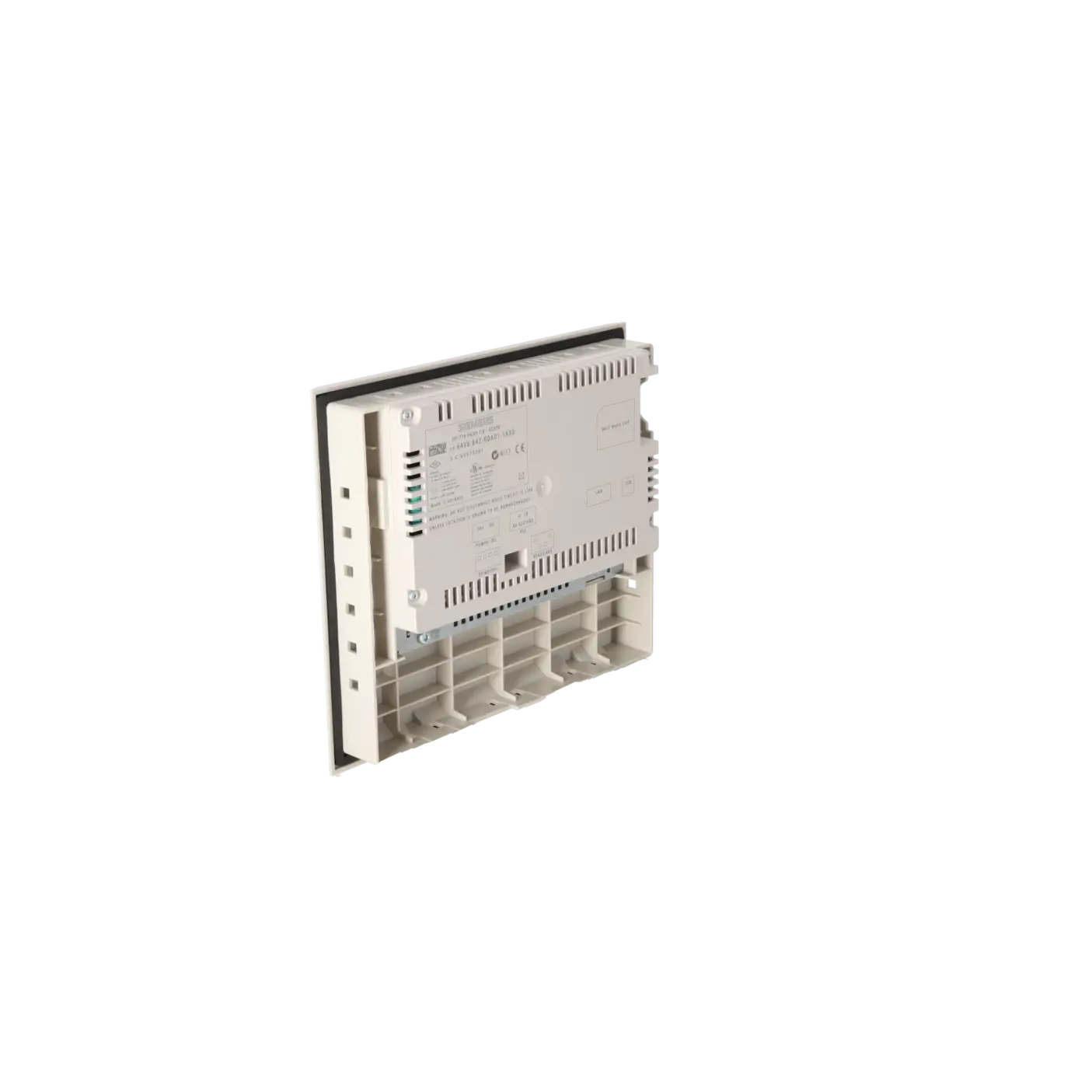
For service and data-management purposes, the panel provides USB connectivity, a printer interface, and an MMC (MultiMedia Card) slot. These features are particularly valuable for backup and restore procedures, as well as project transfer and maintenance activities when replacing a device.
Engineering: WinCC flexible 2005 – why is this important when replacing the panel?
The compatibility of the visualisation project with the existing engineering environment is often a critical purchasing criterion. The datasheet specifies WinCC flexible 2005 as the engineering platform. In existing installations, this is frequently the key factor that allows an existing project to continue operating without migration to a new software environment.
Purchase or repair: which option minimises downtime?
When production is interrupted, a function-tested replacement device is often the fastest way to restore operator functionality. EICHLER offers function-tested assemblies and specifies warranty periods of up to 36 months, helping to reduce risk and accelerate decision-making during maintenance and repair situations.
Identification & ordering: K No., EAN and MPN
For clear identification and procurement, the following references are particularly useful: MPN 6AV6642-0DA01-1AX0, EICHLER Part No. K0170437, EAN 4025515072522. These identifiers help ensure the correct panel is selected and ordered, particularly when managing spare parts, repairs or replacement projects.
| General information | |
|---|---|
| Customer-specific configuration | Yes |
| Display | |
| Design of display | STN |
| Screen diagonal | 5.7 in |
| Color display | Yes |
| Number of colors | 256 |
| Resolution (pixels) | |
| ● Horizontal image resolution | 320 Pixel |
| ● Vertical image resolution | 240 Pixel |
| Backlighting | |
| ● MTBF backlighting (at 25 °C) | 50 000 h |
| Control elements | |
| Control elements | Touch screen and membrane keyboard |
| Keyboard fonts | |
| ● Membrane keyboard | |
| — user-definable label membrane keys | Yes |
| ● Function keys | |
| — Number of function keys | 32 |
| — Number of function keys with LEDs | 26 |
| ● System keys | Yes |
| — Number of configurable system keys | 32 |
| ● Numeric keyboard | Yes |
| ● alphanumeric keyboard | Yes |
| ● hexadecimal keyboard | Yes |
| ● Multi-key operation | Yes |
| Touch operation | |
| ● Design as touch screen | Yes; analog, resistive |
| Connection type | |
| ● Type of connection for mouse/keyboard/barcode reader | USB / USB / - |
| Installation type/mounting | |
| Mounting position | vertical |
| maximum permissible angle of inclination without external ventilation | 35° |
| Processor | |
| Processor type | RISC 32 bit, 200 MHz |
| Memory | |
| Type of memory | Flash / RAM |
| Memory available for user data | 2 048 kbyte |
| Time of day | |
| Clock | |
| ● Type | Hardware clock, synchronizable, no battery backup |
| ● retentive | No |
| ● synchronizable | Yes |
| Interfaces | |
| Interfaces/bus type | RS 232 optional, 1x RS 422, 1x RS 485, 1x Ethernet (RJ45) (max. 12 Mbit/s) |
| Number of industrial Ethernet interfaces | 1 |
| Number of RS 485 interfaces | 1 |
| Number of RS 422 interfaces | 1 |
| Number of USB interfaces | 1; Up to 1 GB |
| PC card slot | No |
| CF card slot | No |
| Multimedia card/SD card slot | 1x Multimedia Card slot, up to 128 MB |
| Degree and class of protection | |
| IP (at the front) | IP65 |
| IP (rear) | IP20 |
| NEMA (front) | NEMA 4, NEMA 4x, NEMA 12 (when installed) |
| Standards, approvals, certificates | |
| Certificate of suitability | CE, GL, ABS, BV, DNV, LRS, PRS, FM Class I Div. 2, UL, CSA, cULus, EX-Zone 2/22, Gost-R, C-TICK, NEMA 4, NEMA 4x, NEMA 12 |
| cULus | Yes |
| Use in hazardous areas | |
| ● ATEX Zone 2 | Yes |
| ● ATEX Zone 22 | Yes |
| ● FM Class I Division 2 | Yes |
| Marine approval | |
| ● Germanischer Lloyd (GL) | Yes |
| ● American Bureau of Shipping (ABS) | Yes |
| ● Bureau Veritas (BV) | Yes |
| ● Det Norske Veritas (DNV) | Yes |
| ● Lloyds Register of Shipping (LRS) | Yes |
| ● Polski Rejestr Statkow (PRS) | Yes |
| Ambient conditions | |
| Ambient temperature during storage/transportation | |
| ● min. | -20 °C |
| ● max. | 60 °C |
| Relative humidity | |
| ● Operation, max. | 90 % |
| Operating systems | |
| pre-installed operating system | Windows CE |
| Configuration | |
| Message indicator | Yes |
| Alarm system (incl. buffer and acknowledgment) | Yes |
| Process value display (output) | Yes |
| Process value default (input) possible | Yes |
| Recipe management | Yes |
| Configuration software | |
| ● Configuration tool | WinCC flexible Compact Version 2005 or higher (to be ordered separately) |
| Languages | |
| Online languages | |
| ● Number of online/runtime languages | 16 |
| Project languages | |
| ● Languages per project | 32 |
| Functionality under WinCC (TIA Portal) | |
| Libraries | Yes |
| Task planner | Yes |
| Help system | Yes |
| ● Number of characters per info text | 70 |
| Message system | |
| ● Number of alarm classes | 32 |
| ● Number of messages | 2 000 |
| ● Bit messages | Yes |
| — Number of bit messages | 2 000 |
| ● Analog messages | Yes |
| — Number of analog messages | 2 000 |
| ● Telegram message procedure Alarm S | No |
| ● System messages HMI | Yes |
| ● System messages PLC | Yes |
| ● System messages, other (SIMATIC S7, Sinumerik, Simotion, etc.) | No |
| ● Lines | 1 |
| ● Number of characters per message | 80 |
| ● Number of process values per message | 8 |
| ● Acknowledgment groups | |
| — Number of acknowledgement groups | 99 |
| ● Message indicator | Yes |
| ● acoustic feedback | No |
| ● First/last value | Yes |
| Recipe management | |
| ● Number of recipes | 100 |
| ● Data records per recipe | 200 |
| ● Entries per data record | 200 |
| ● Recipe memory | 32 KB integrated Flash, expandable |
| Variables | |
| ● Number of variables per device | 1 000 |
| ● Number of variables per screen | 50 |
| ● Number of variables | 1 000 |
| ● Initial values | 1 000 |
| ● Type Date & Time | 1 000 |
| ● Limit values | Yes |
| ● Multiplexing | Yes |
| ● Structures | No |
| Images | |
| ● Number of configurable images | 500 |
| ● Permanent window/default | Yes |
| ● Start screen configurable | Yes |
| ● Image selection by PLC | Yes |
| ● Image number in the PLC | Yes |
| Image objects | |
| ● Text objects | 2 500 text elements |
| ● Number of I/O fields per image | 50 |
| ● Number of date/time fields | 30 |
| ● Index of screen context | No |
| ● Return | Yes |
| ● Graphics object | Bit maps, icons, icon (full-screen), vector graphics |
| — Icons | 500 |
| — Icon (full screen) | 50 |
| Complex image objects | |
| ● Status/control | With SIMATIC S7 |
| ● dynamic objects | Diagrams, bar graphs, sliders, analog display, invisible buttons |
| — Number of objects per project | 500 |
| — Number of curve diagrams per image | 5 |
| ● Methods | Trend |
| ● Bar graphs | |
| — Number of bars per chart | 5 |
| ● Sliders | |
| — Number of slides per image | 0 |
| ● Pointer instruments | |
| — Number of analog indicators per image | 0 |
| ● Limit value lines | Yes |
| ● Number of alphanumerical fields | 1 000 |
| — alphanumeric fields per image | 100 |
| ● Number of numerical fields | 1 000 |
| — numerical fields per image | 100 |
| ● Number of password fields | 1 000 |
| ● Number of visible switches per project | 1 000 |
| — visible switches per image | 100 |
| — hidden switches per image | 100 |
| ● Number of status switches per project | 1 000 |
| — Number of status switches per image | 100 |
| ● Number of selector switches per project | 1 000 |
| — Selector switches per image | 100 |
| ● Number of decade switches per project | 0 |
| — Decade switches per image | 0 |
| ● Number of signal lamps per project | 1 000 |
| — Signal lamps per image | 100 |
| Attributes for dynamic objects | |
| ● Color change | Yes |
| ● X/Y movement | Yes |
| ● Hide | Yes |
| ● Angle of rotation | No |
| Lists | |
| ● Number of text lists per project | 300 |
| ● Number of text lists per image | 10 |
| ● Number of entries per text list | 30 |
| ● Number of graphics lists per project | 100 |
| ● Number of graphic lists per image | 10 |
| ● Number of entries per graphics list | 30 |
| Security | |
| ● Number of user groups | 50 |
| ● Number of user rights | 32 |
| ● Password export/import | Yes |
| Logging through printer | |
| ● Recording/Printing | Alarms, report (shift report), color print, hardcopy |
| Transfer (upload/download) | |
| ● Transfer of configuration | MPI/PROFIBUS DP, Ethernet, by means of external storage medium, automatic transfer recognition |
| Process coupling | |
| ● Connection to controller | S5, S7-200, S7- 300/400, Win AC, SINUMERIK, SIMOTION, Allen Bradley (DF1), Mitsubishi (FX), Telemecanique (ADJUST), Modicon (Modbus), for further non-Siemens drivers, see section on "System interfaces" |
| ● S7-200 | Yes |
| — PPI (point-to-point) | Yes |
| — PPI network | No |
| — MPI | Yes |
| — PROFIBUS DP | Yes |
| ● S7-300/400 | Yes |
| — MPI | Yes |
| — PROFIBUS DP | Yes |
| — PROFINET | No |
| ● S5 | Yes |
| — serial | No |
| — PROFIBUS DP | Yes |
| ● TI 505 | No |
| ● Allen Bradley (DF1) | Yes |
| ● Allen Bradley (DF485) | No |
| ● Mitsubishi (FX) | Yes |
| ● Telemecanique (ADJUST) | Yes |
| ● OMRON (LINK/Multilink) | No |
| ● Modicon (Modbus) | Yes |
| Functions | |
| ● Key repeat | No |
| ● TAB sequence | Yes |
| ● Calculating functions | Yes |
| ● Animate | Yes |
| ● Menu tree editor | Yes |
| ● Unit switchover | No |
| Service tools/configuration aids | |
| ● Clean screen | Yes |
| ● Touch calibration | Yes |
| ● Backup/Restore manually | Yes |
| ● Simulation | Yes |
| ● Device switchover | Yes |
| ● Delta transfer | Yes |
| ● Monitoring function for battery and memory | Yes |
| ● Trace (operation archive) | No |
| Expandability/openness | |
| ● Open Platform Program | Yes |
| Peripherals/Options | |
| Peripherals | Printer |
| SIMATIC HMI MM memory card: Multi Media Card | Yes |
| Additional software components loadable | Yes |
| Dimensions | |
| Width of the housing front | 243 mm |
| Height of housing front | 212.5 mm |
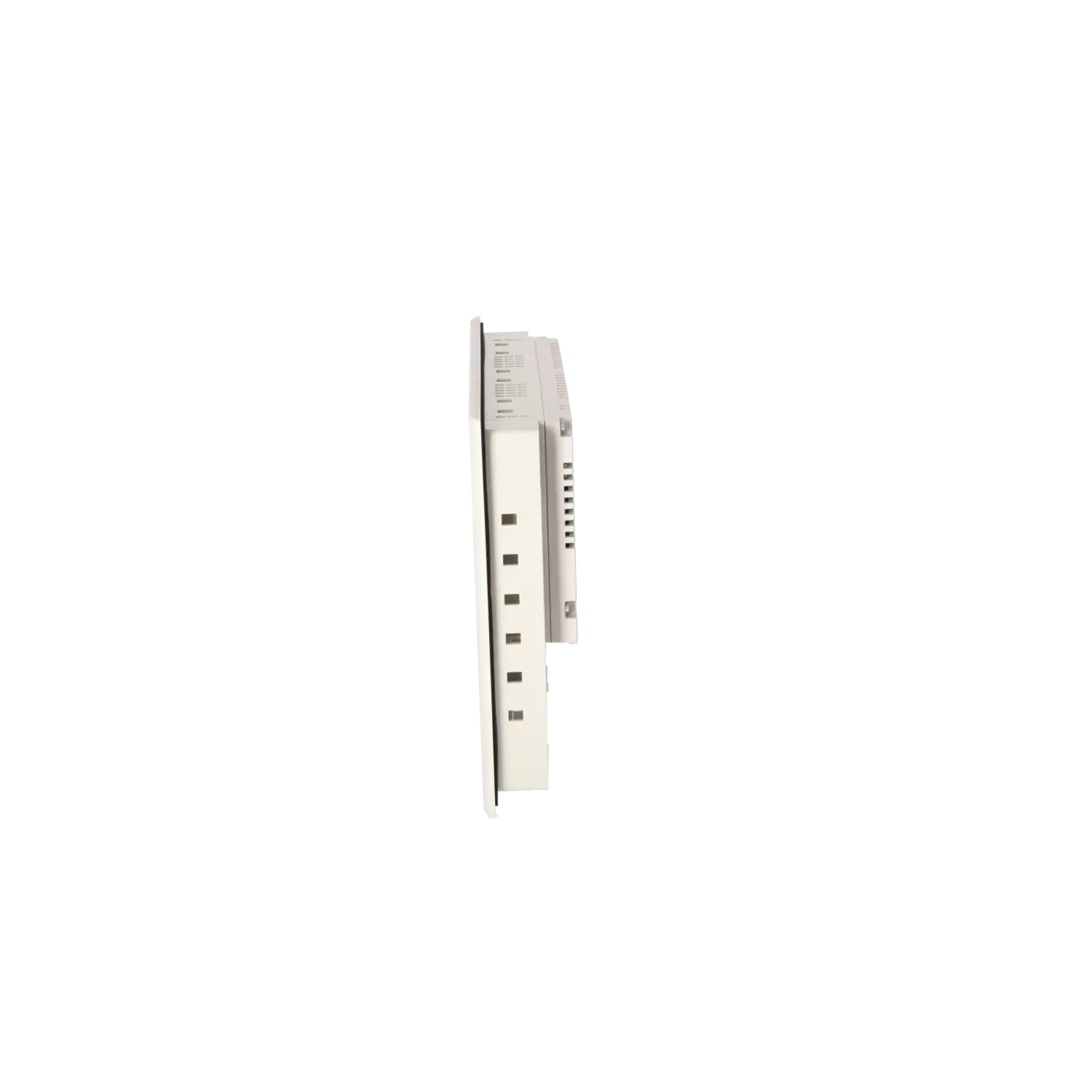
| Overall depth | 47 mm |
| Fault description | Possible solution |
|---|---|
| Panel does not start correctly or becomes stuck during boot-up – what should be checked first? | Typical checks include verifying a stable 24 V DC power supply, inspecting all connectors, and ensuring that any storage media or backup media (MMC) are correctly installed. If the panel repeatedly enters a boot loop, using a replacement device for comparison testing is often the fastest diagnostic step. |
| Touchscreen does not respond, but the keys still work – what is the typical cause? | Common causes include issues with the touch front assembly, the touch layer itself (ageing or contamination), or problems related to calibration or the project status. If the operating concept relies heavily on touchscreen functionality, a function-tested replacement device will often save more time than extended trial-and-error troubleshooting. |
| The keys and LED functions appear to be inactive – what could be the cause? | The panel features 32 function keys, 26 of which are equipped with LEDs. In the event of a failure, first check whether the keys are correctly configured within the project and whether the device itself is generally operational. If a hardware fault is suspected, repair or replacement is usually faster and more economical than extensive on-site rework. |
| No connection to the PLC via MPI/PROFIBUS – what should be checked? | MPI/PROFIBUS communication operates via RS485/RS422. Common causes include incorrect termination, faulty connectors, incorrect addresses or baud rates, or a bus interruption. A practical quick test is to connect the panel to a known working bus segment or to perform a comparison test using a replacement panel. |
| Ethernet communication is not working – what is the first thing to check? | The panel is equipped with an Ethernet interface. First verify the link status, port functionality, IP configuration, switch port settings and project assignment. If the cause remains unclear, a function-tested replacement device can provide a rapid A/B comparison test. |
| When is repair or replacement more sensible than continued troubleshooting? | If operator functionality is critical to production or faults continue to reoccur, a function-tested replacement device is often the most economical solution. The availability of up to 36 months warranty/guarantee provides additional risk mitigation and helps reduce uncertainty when making maintenance decisions. |
What is the 6AV6642-0DA01-1AX0 used for?
It is used for operation and visualisation as a SIMATIC OP 177B PN/DP with touchscreen and keypad operation, particularly as a one-to-one replacement spare part in existing installations.
Which display specifications are relevant when replacing the panel?
The panel features a 5.7-inch STN display, 320 × 240 pixel resolution, 256 colours, and a backlight MTBF of 50,000 operating hours.
Which interfaces and communication buses are supported by the panel?
The panel supports MPI/PROFIBUS DP (RS485/RS422) as well as an Ethernet interface. It also provides USB connectivity and a printer interface.
Is a memory card slot available?
Yes. The panel includes an MMC (MultiMedia Card) slot, which is particularly useful for service operations, project transfer and backup procedures.
Why is “function-tested with warranty” an important purchasing criterion?
Because HMI failures frequently result in a complete loss of operator functionality. EICHLER specifies function-tested assemblies and offers up to 36 months warranty/guarantee, making rapid replacement procurement more predictable and lower risk.