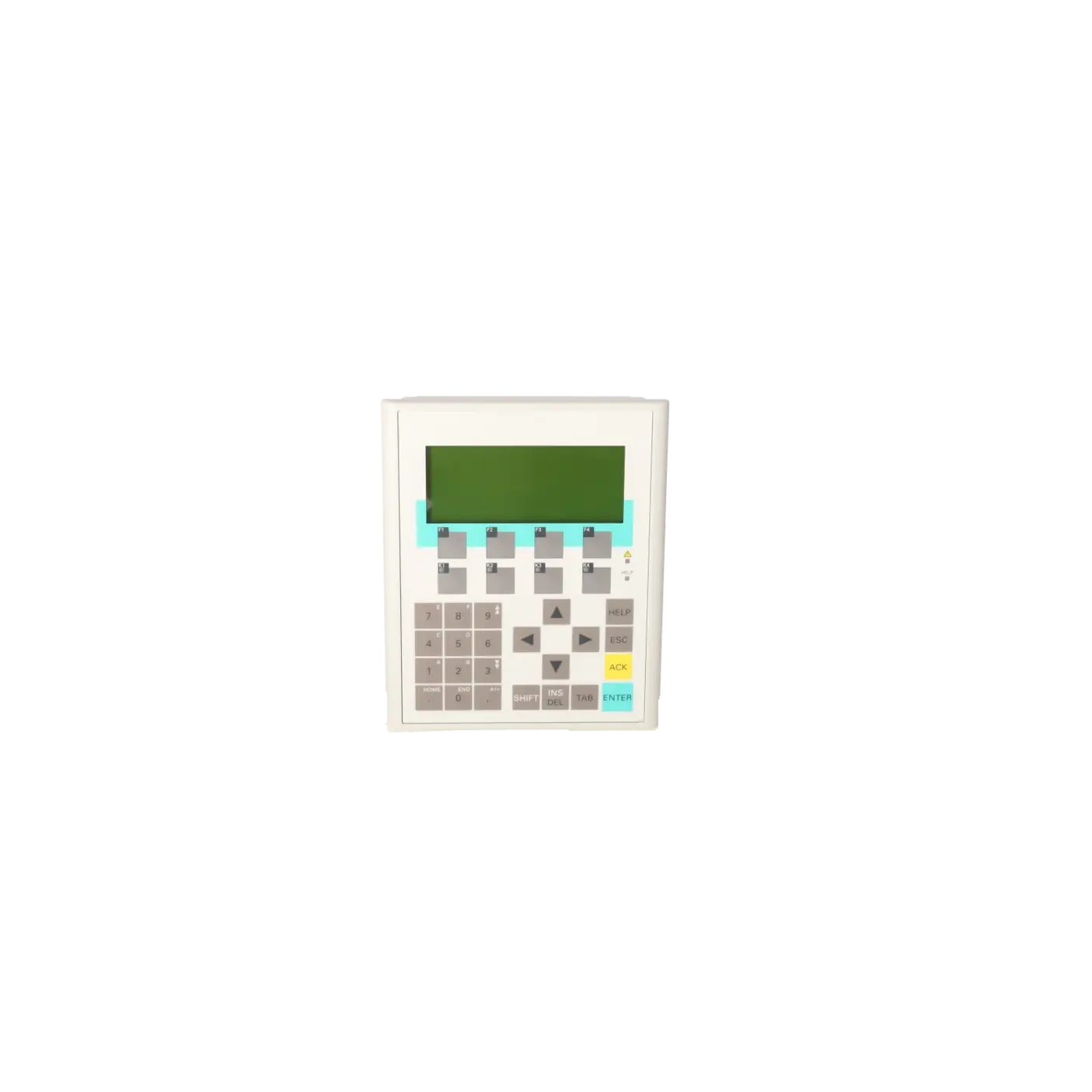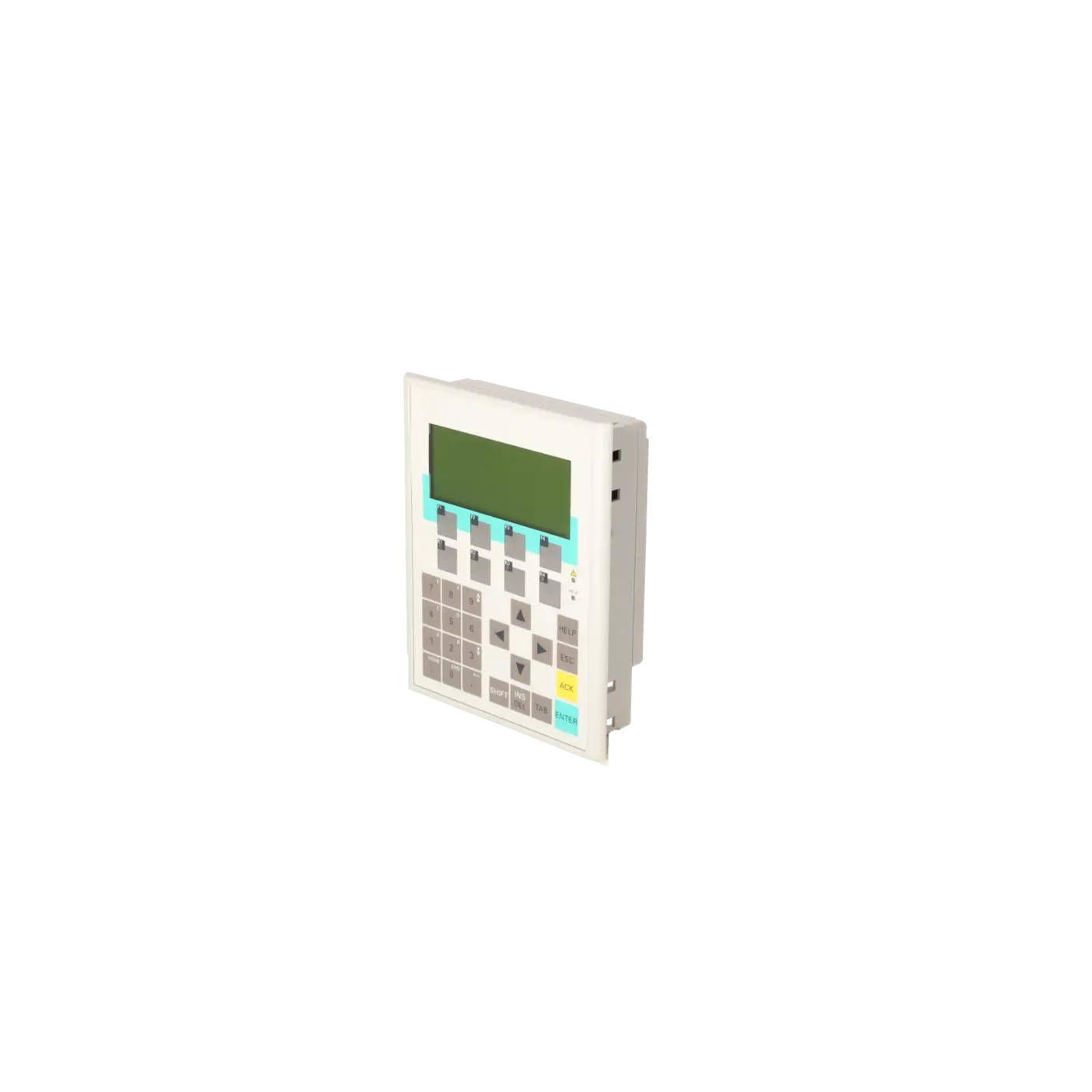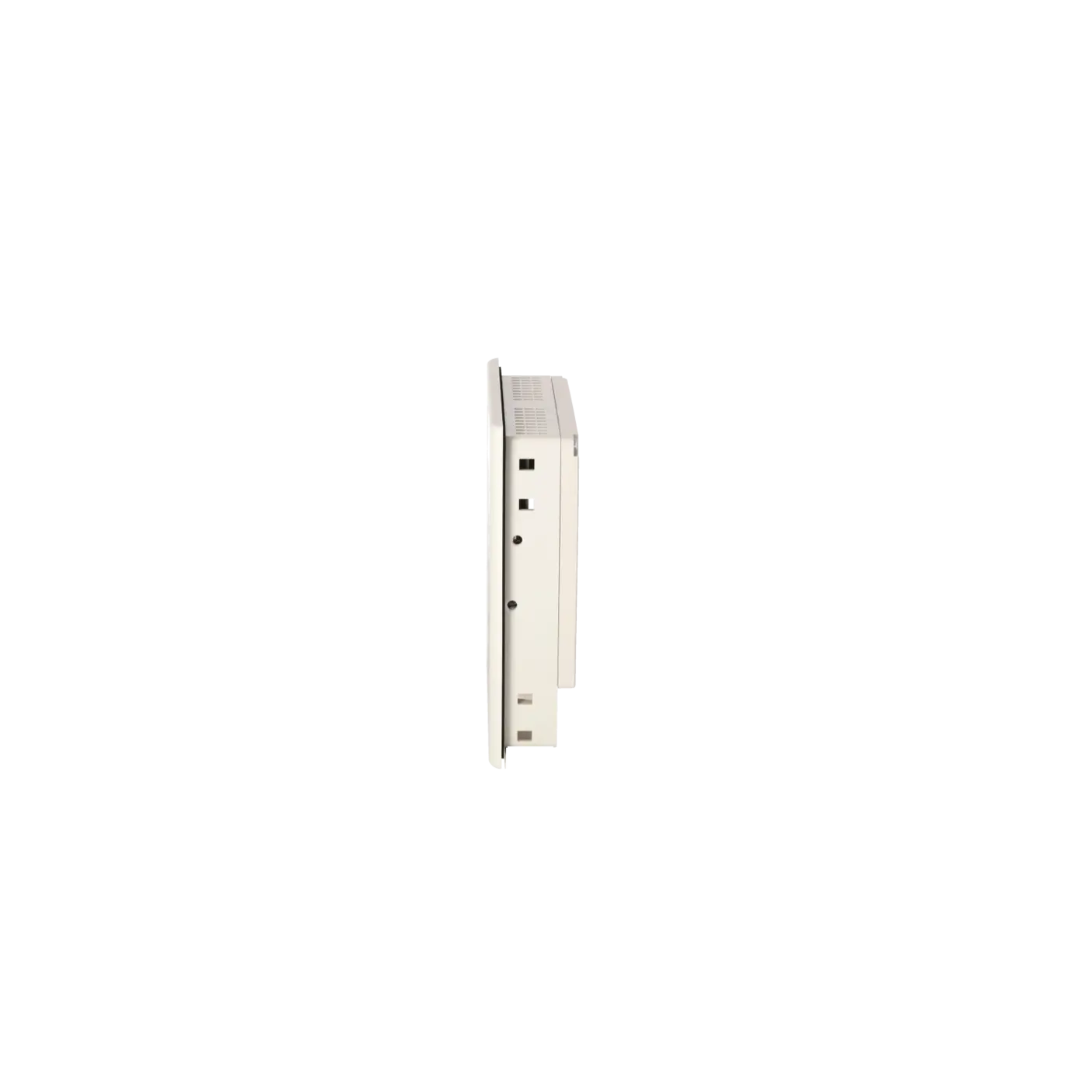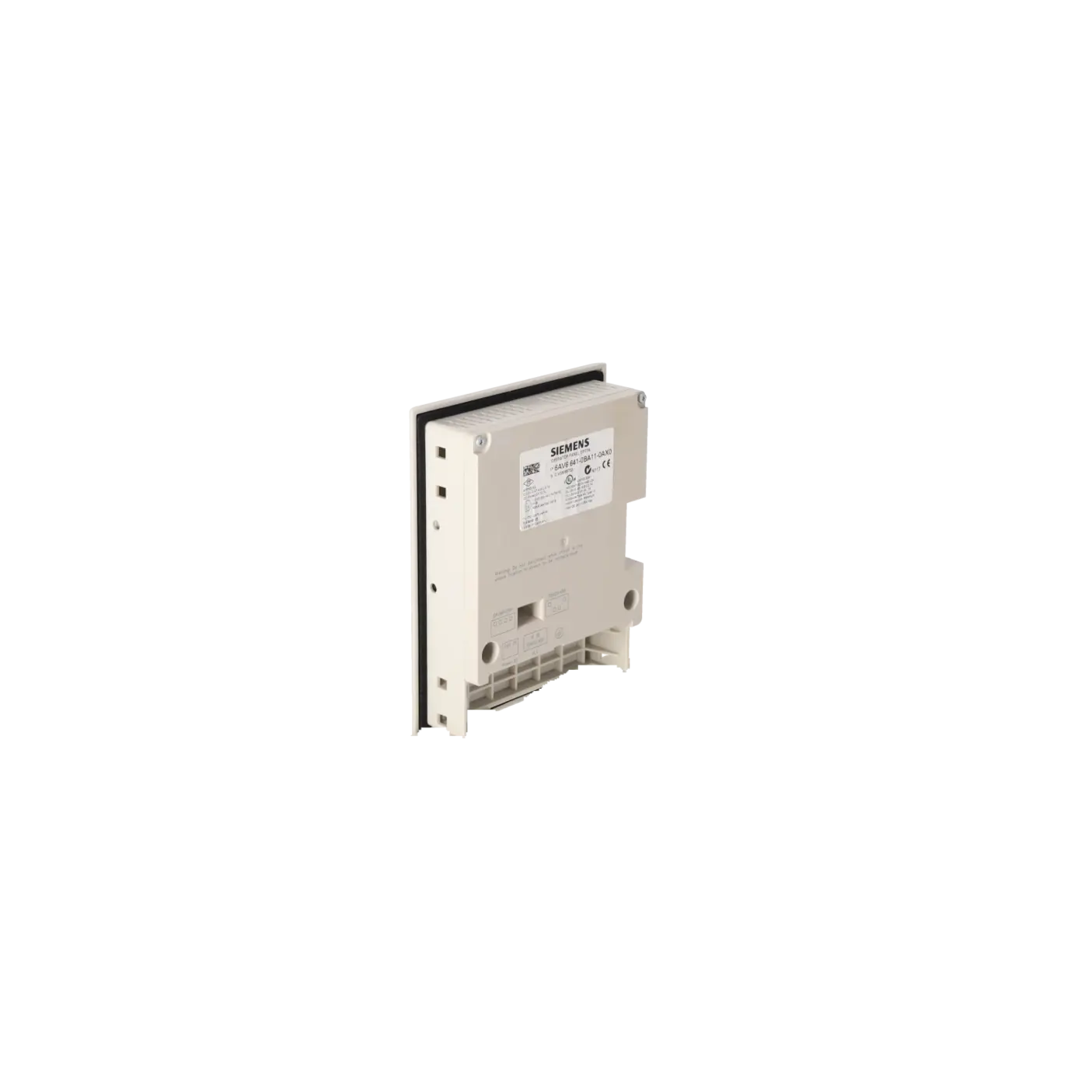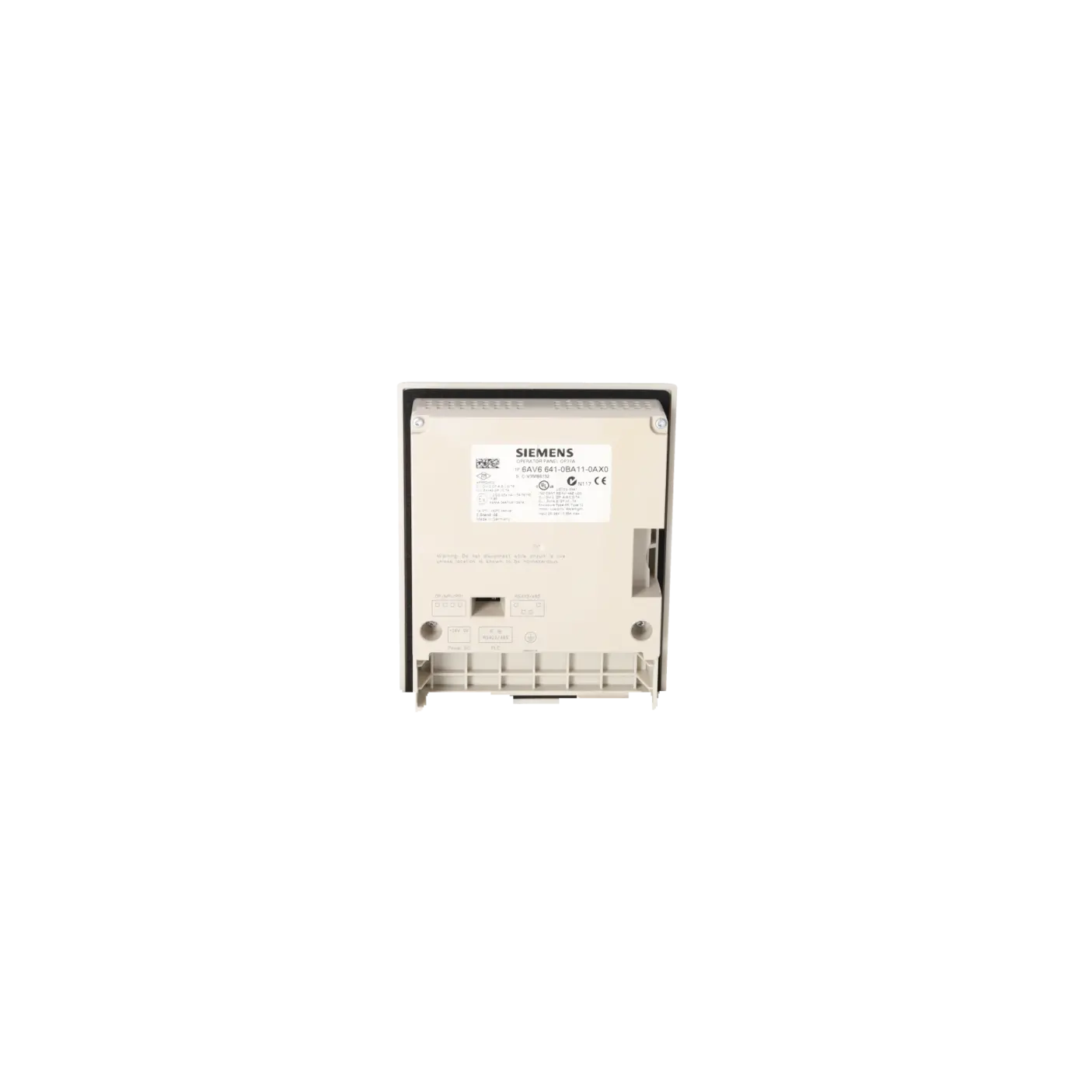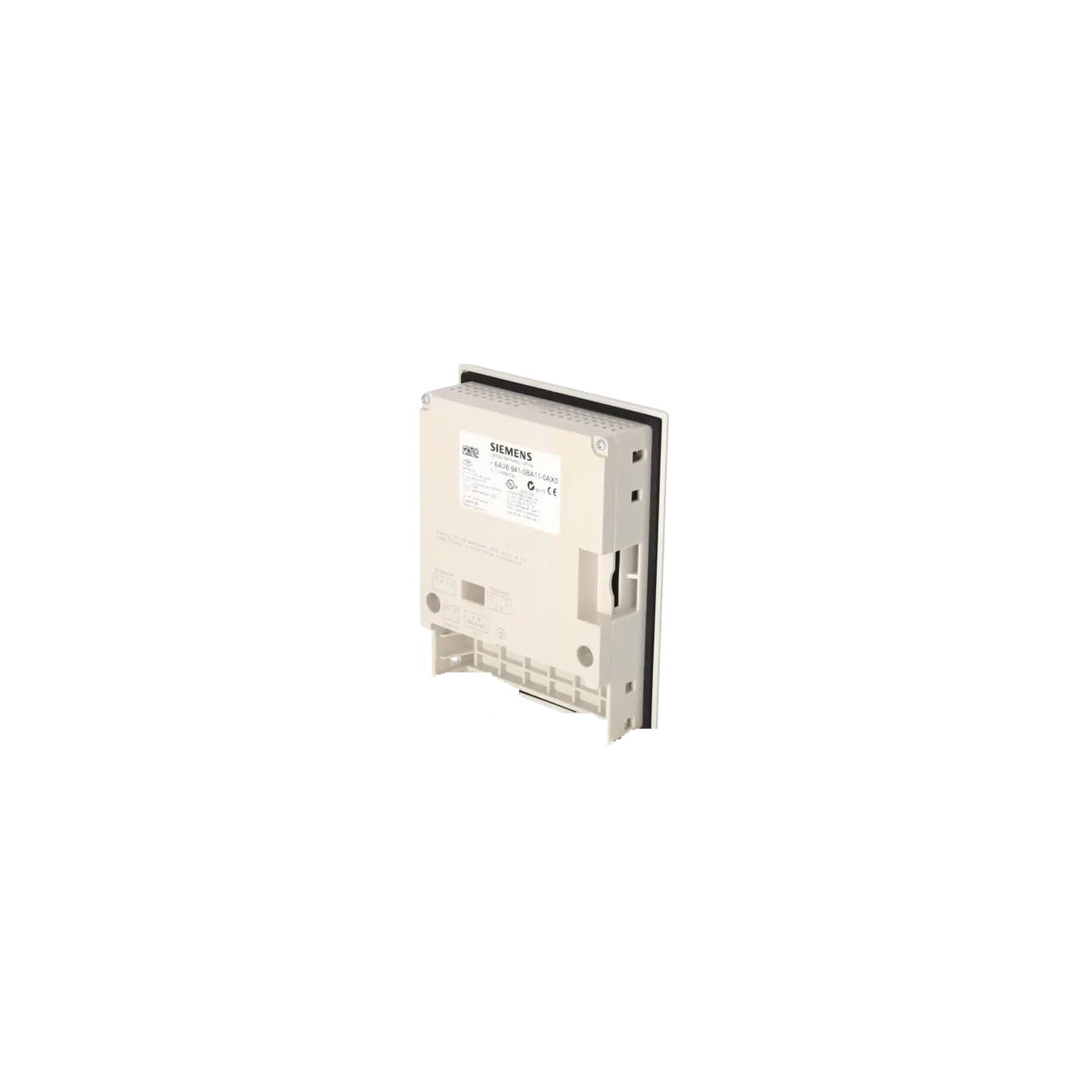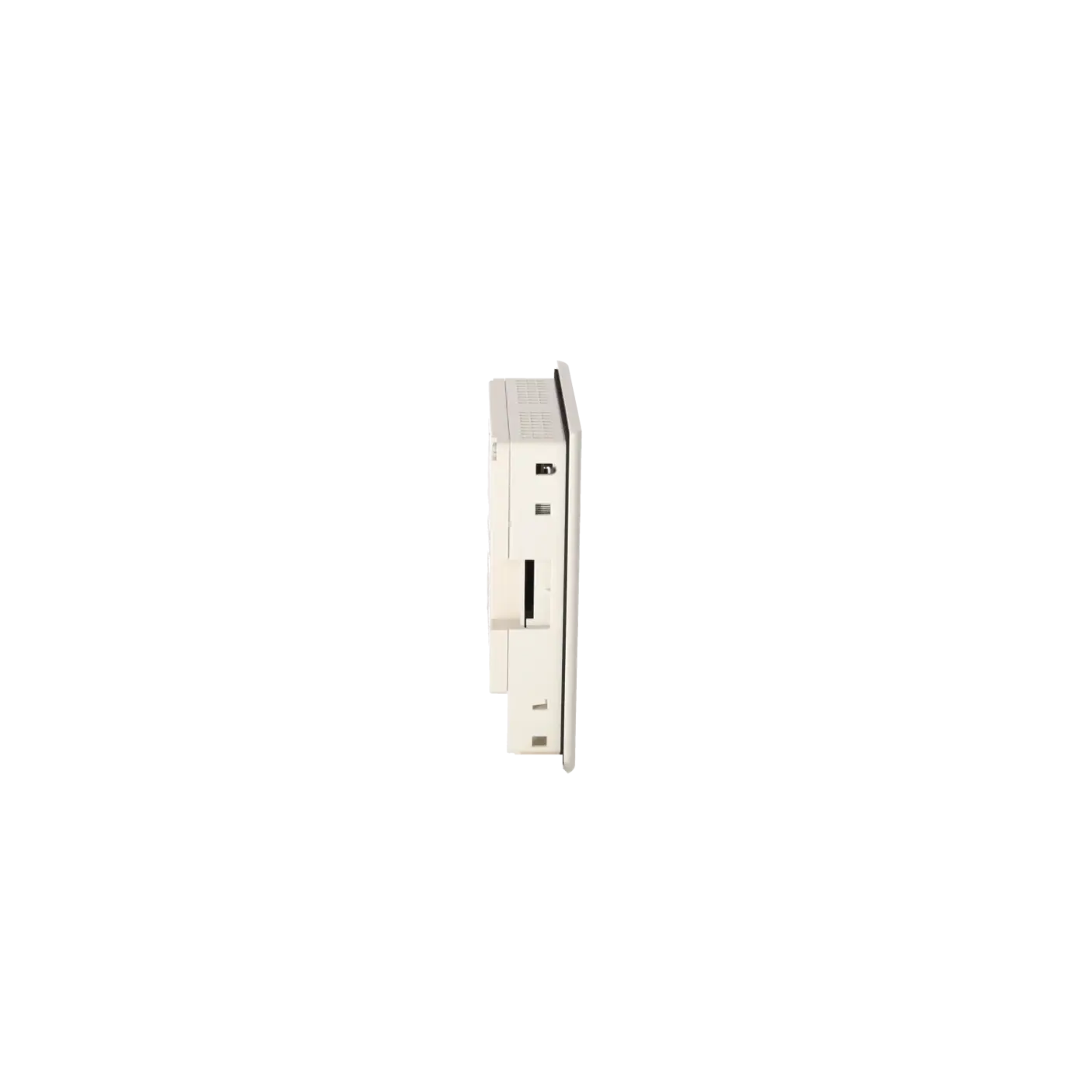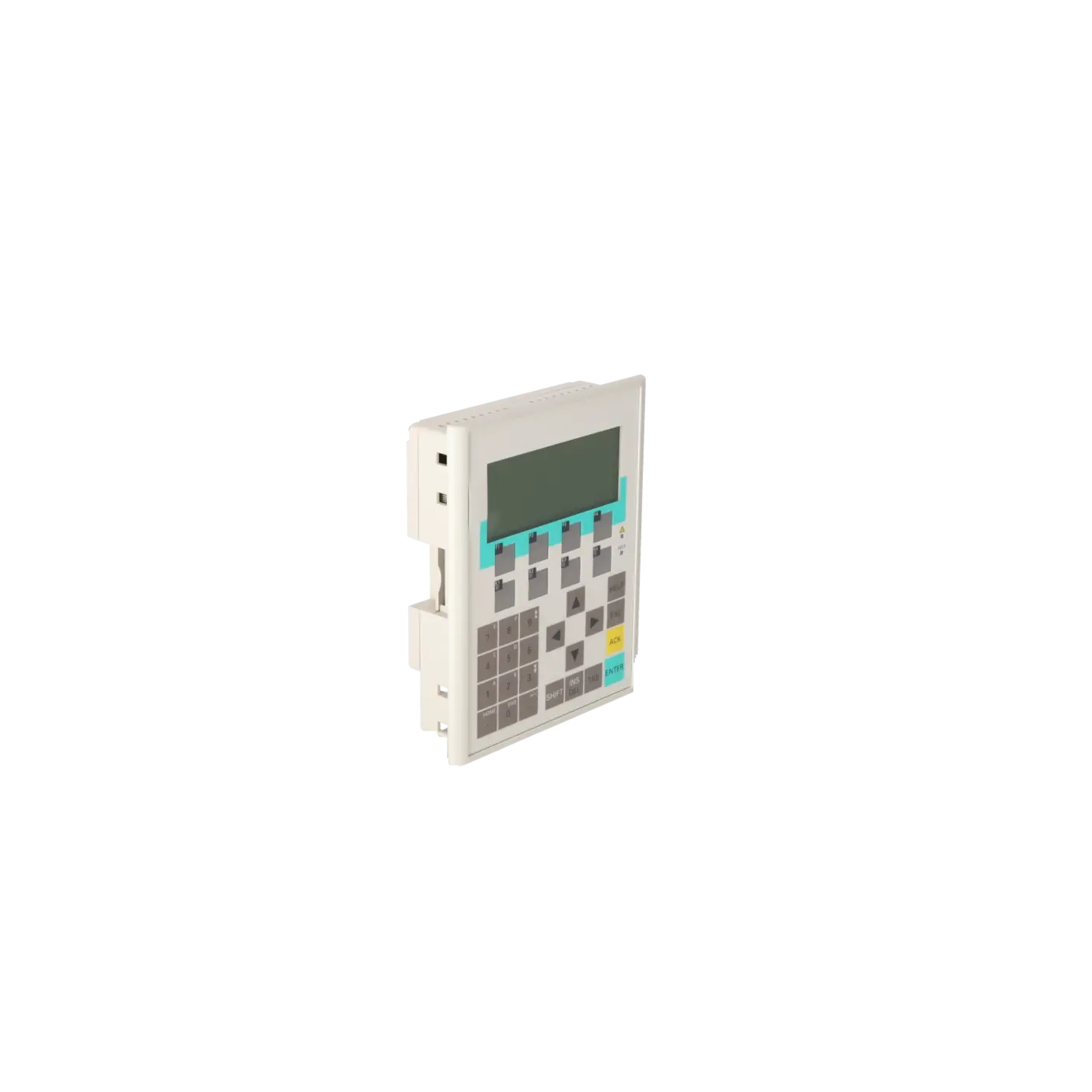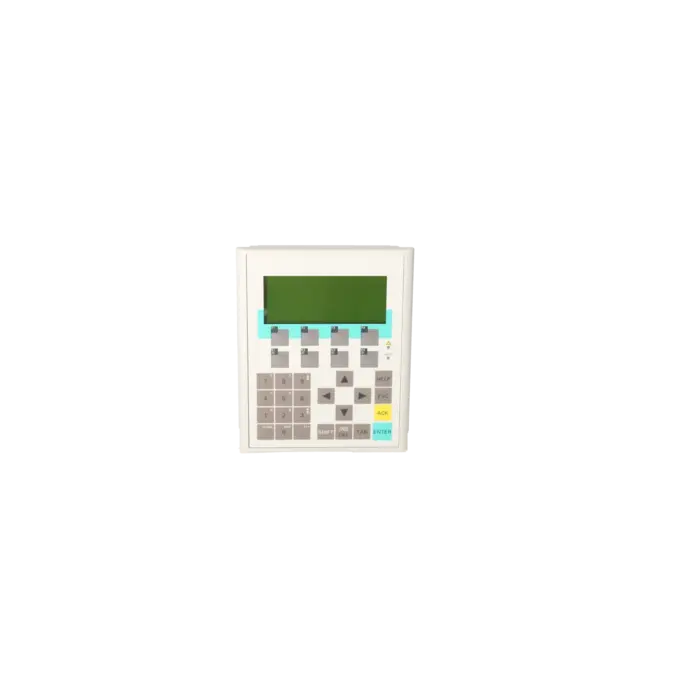
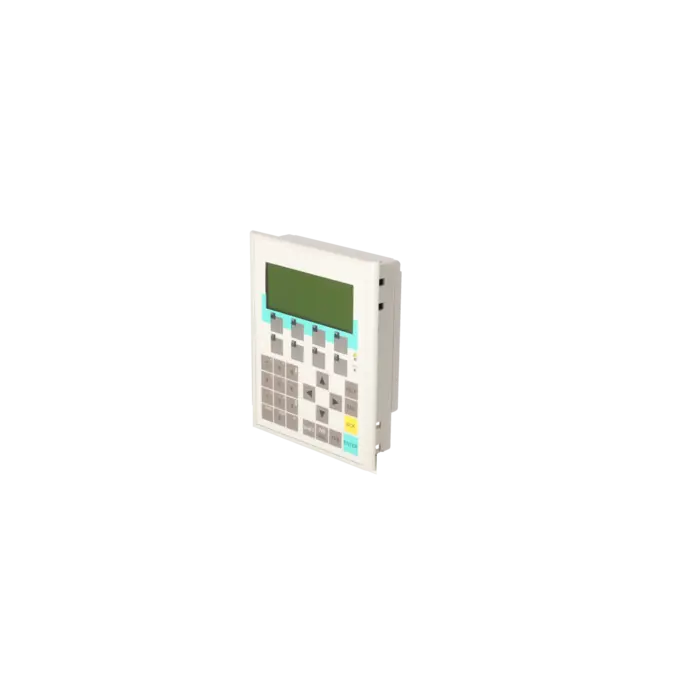
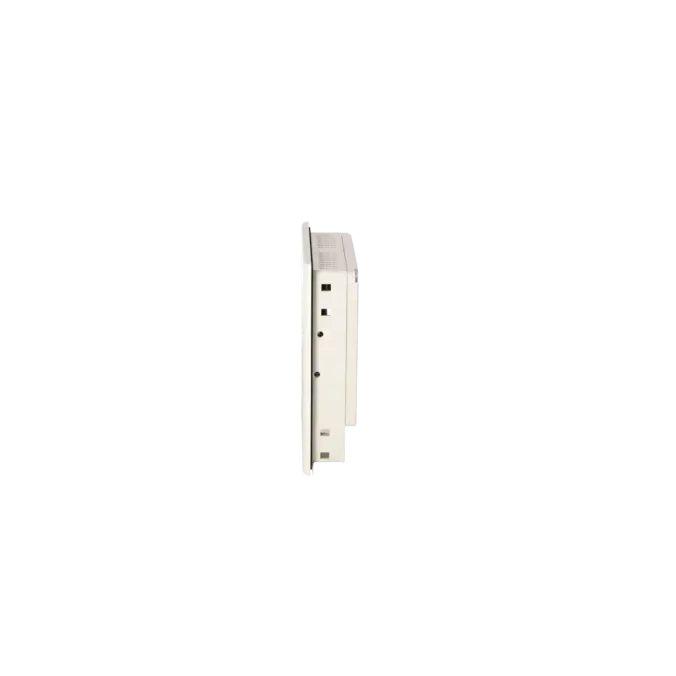
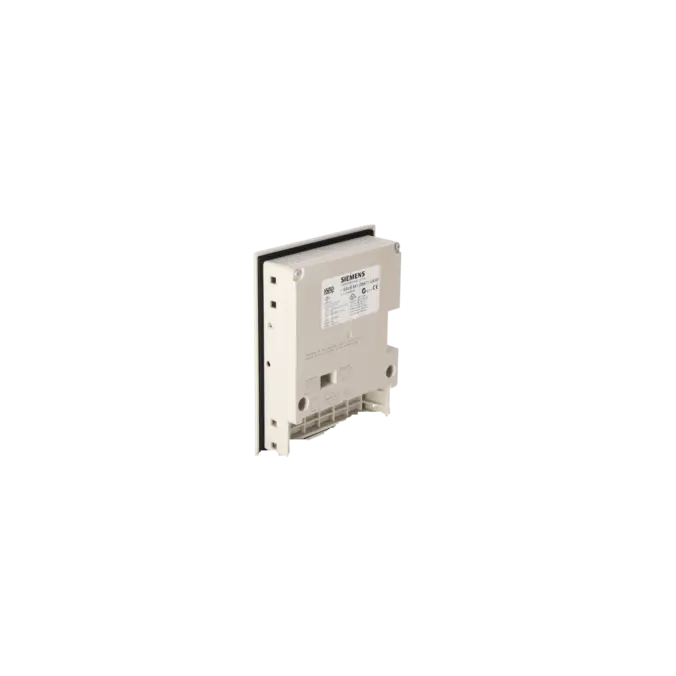
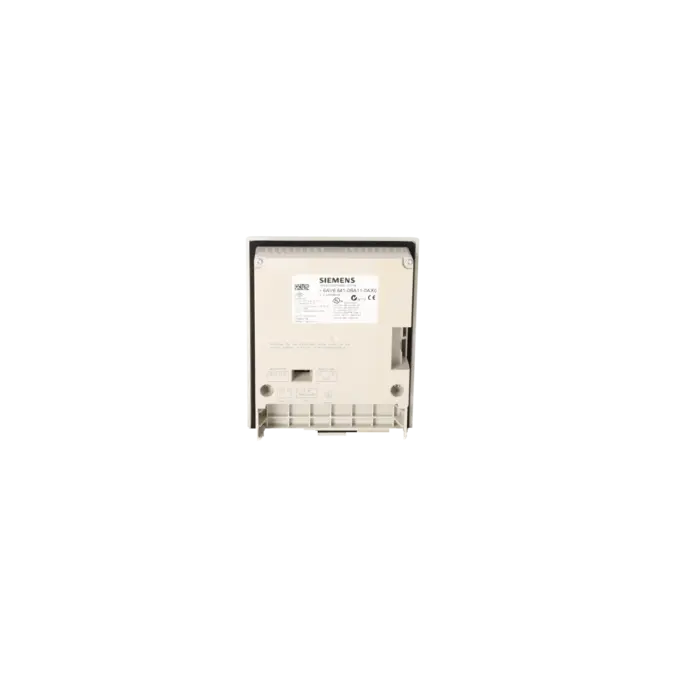
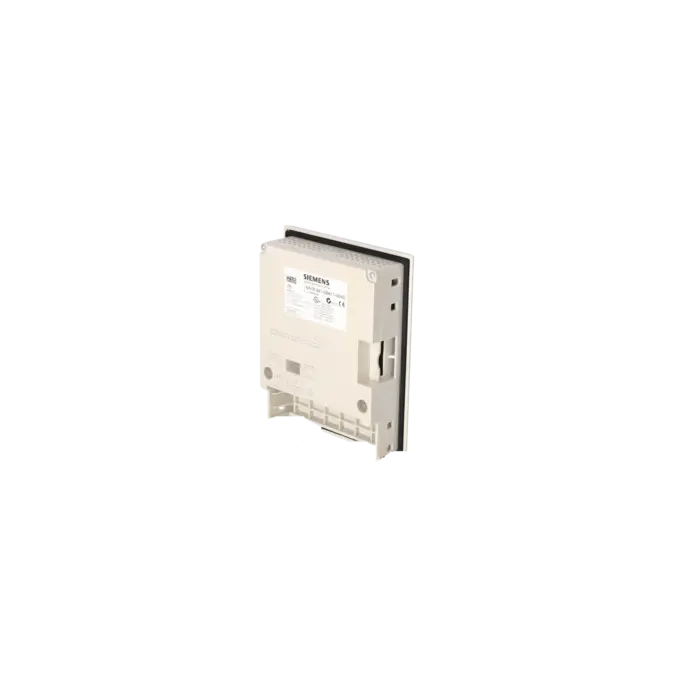
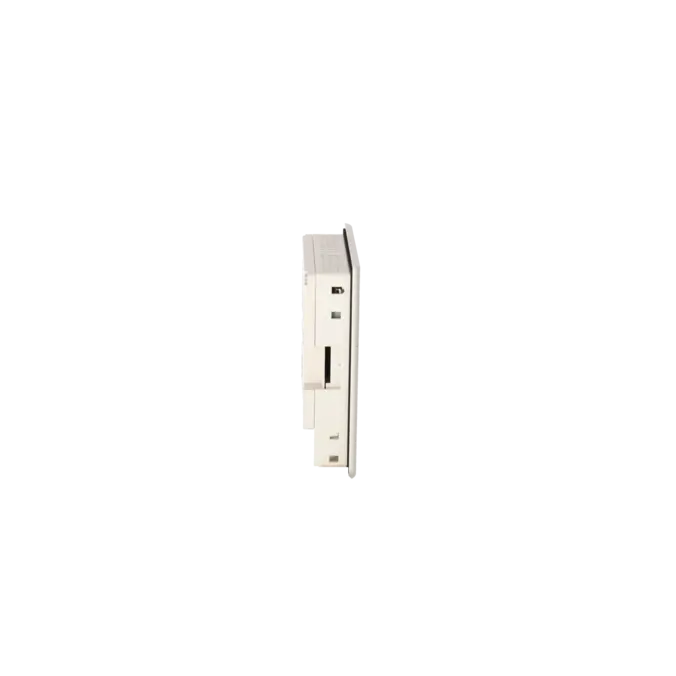
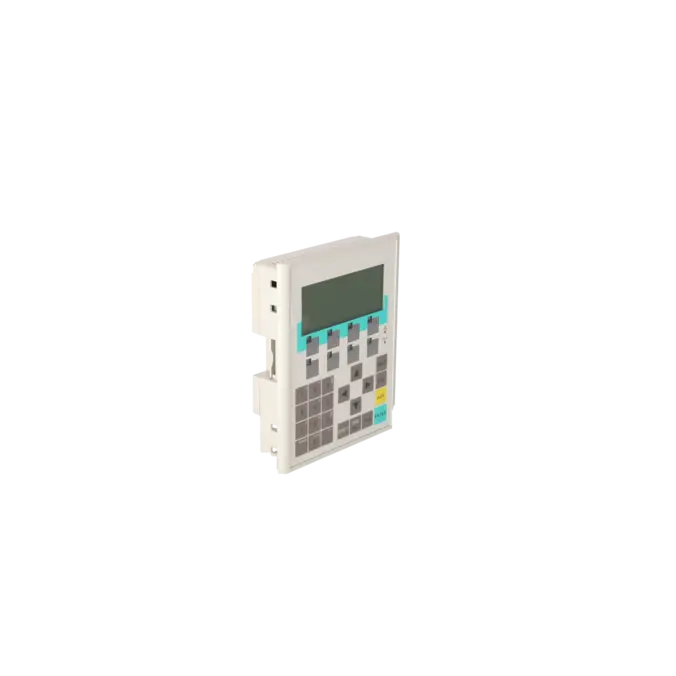
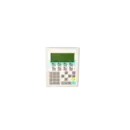

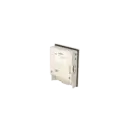
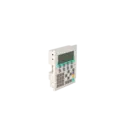
SIEMENS 6AV6641-0BA11-0AX0
- EICHLER-art.no.: K0140104
- EAN: 4025515071457
Product description
SIMATIC OPERATOR PANEL OP77A BACKLIT LC DISPLAY, 4.5" DISPL. W. GRAPHICS CAPABIL MPI-/PROFIBUS-DP INTERFACE UP TO 1,5MB, FOR CONFIGURATION WINCC FLEXIBLE 2004 COMPACT HSP UPWARDS; CONTAINS OPEN-SOURCE-SW, WHICH IS PROVIDED FREE OF CHARGE. FOR DETAILS SEE
Services for SIEMENS 6AV6641-0BA11-0AX0
Repair
from 897,87 €
to 1.616,17 €
Replacement
1.152,00 €
1.094,40 €
Used
1.280,00 €
1.216,00 €
New
SIEMENS |
6AV6641-0BA11-0AX0 –
additional product information
| Delivery information | |||
|---|---|---|---|
| Export identifier | AL: ECCN: | ||
| Net weight | 0.538 | ||
| Quantity | 1 Stück | ||
| Packaging quantity | 1 | ||
| Additional product information | |||
|---|---|---|---|
| Product status | EOP: 2008-07-11 | ||
| EAN | 4025515071457 | ||
| UPC | / | ||
| Static lot number | 85371098 | ||
| List indicator | / | ||
| Product group | 4368 | ||
| Country of origin | DE | ||
| Compliance with the substance restrictions according to RoHS directive | Since: / | ||
| Product classifications | Version | Classification | |
|---|---|---|---|
| eClass | 4 | / | |
| eClass | 5.1 | / | |
| eClass | 6.0 | / | |
| ETIM | 3 | / | |
| ETIM | 4 | / | |
| ETIM | 5 | / | |
What is 6AV6641-0BA11-0AX0 and where is it used?
The Siemens 6AV6641-0BA11-0AX0 is the SIMATIC OP 77A Operator Panel. It is a compact key-operated HMI designed for machine-level operation and monitoring tasks.
The panel is typically used in existing automation environments where SIMATIC S7-200 and S7-300/400 controllers are connected via MPI or PROFIBUS DP. It is particularly suitable for applications requiring robust local operation, clear status indication, and fast parameter adjustment. Through its bus connection, the OP 77A can communicate on the same MPI/PROFIBUS-DP network with up to four controllers.
For operators of legacy systems, this part number is therefore closely associated with spare parts supply, replacement, repair, and retrofit projects.
Overview of the key technical data and what it means
The OP 77A features a 4.5-inch monochrome STN-LC display with a resolution of 160 × 64 pixels. This is sufficient for alarms, setpoints, status pages, and simple graphical elements, but is clearly intended for compact HMI applications.
For operation, the device provides 8 freely configurable function keys, 23 system keys, and alphanumeric input capability.
Electrically, the panel requires 24 V DC, with an allowable voltage range of 20.4 to 28.8 V DC, and a typical current consumption of 0.2 A.
Additional specifications important for control cabinet integration include IP65 protection at the front, IP20 at the rear, 256 kB of user memory, and 1× RS422 plus 1× RS485 interface supporting up to 1.5 Mbit/s.
Overall, these specifications demonstrate that the panel is robust, compact, and specifically designed for serial-based legacy communication networks.
Product status, lifecycle status and obsolescence
From a procurement perspective, the lifecycle status is particularly important. EICHLER lists the product with an EOP (End of Product) status dated 11.07.2008.
Siemens also identifies the OP 77A within the Siemens Portal as a product with an available successor, 6AV6641-0BA11-0AX1.
For modernisation projects, Siemens additionally identifies the KP400 Basic colour PN as an innovative successor platform. The Siemens migration guide specifies that the OP 77A and KP400 Basic colour PN share the same panel cut-out dimensions of 135 × 171 mm.
However, the communication architecture changes significantly. The OP 77A uses RS422, RS485, MPI, and PROFIBUS-DP, whereas the KP400 Basic colour PN is based on PROFINET/Ethernet.
For operators, this means that while a mechanical replacement can often be planned relatively easily, the communication concept and project migration must be carefully evaluated before implementation.
Available EICHLER services and when they are relevant
When an OP 77A fails, the most important factor is often the time required to return the machine to operation.
For this reason, EICHLER offers repair, exchange units, and refurbished devices, each currently listed with a 1–3 day turnaround time. New units are available on request.
Repair is particularly attractive when the existing device configuration should remain unchanged and the cost of downtime exceeds the cost of repairing the original unit.
According to EICHLER, repairs include technical cleaning, preventive maintenance, comprehensive functional testing, and a minimum 24-month warranty.
For procurement and maintenance teams, this provides planning security, especially when a new replacement device is no longer readily available or when a mechanically compatible successor would require significant project migration effort.
| Attribute | Value |
|---|---|
| Display | |
| Design of display | STN |
| Screen diagonal | 4.5 in |
| Color display | No |
| Number of colors | 2; Black/white |
| Resolution (pixels) | |
| ● Horizontal image resolution | 160 Pixel |
| ● Vertical image resolution | 64 Pixel |
| Backlighting | |
| ● MTBF backlighting (at 25 °C) | 100 000 h |
| Control elements | |
| Control elements | Membrane keyboard |
| Keyboard fonts | |
| ● Membrane keyboard | |
| — user-definable label membrane keys | Yes |
| ● Function keys | |
| — Number of function keys | 8 |
| — Number of function keys with LEDs | 4 |
| ● System keys | |
| — Number of system keys | 23 |
| ● Numeric keyboard | Yes |
| ● alphanumeric keyboard | Yes |
| ● hexadecimal keyboard | Yes |
| ● Multi-key operation | Yes |
| Connection type | |
| ● Type of connection for mouse/keyboard/barcode reader | - / - / - |
| Installation type/mounting | |
| Mounting position | vertical |
| maximum permissible angle of inclination without external ventilation | 80° |
| Input current | |
| Current consumption (rated value) | 0.2 A |
| Starting current inrush I²t | 0.5 A²·s |
| Processor | |
| Processor type | ARM |
| Memory | |
| Type of memory | Flash / RAM |
| Memory available for user data | 256 kbyte |
| Type of output | |
| Info LED | Yes |
| Power LED | No |
| Error LED | No |
| Time of day | |
| Clock | |
| ● Type | Software clock, no battery backup |
| ● retentive | No |
| ● synchronizable | No |
| Interfaces | |
| Interfaces/bus type | 1x RS 422, 1x RS 485 (max. 1.5 Mbit/s) |
| Number of industrial Ethernet interfaces | 0 |
| Number of RS 485 interfaces | 1 |
| Number of RS 422 interfaces | 1 |
| Number of USB interfaces | 0 |
| PC card slot | No |
| CF card slot | No |
| Multimedia card/SD card slot | No |
| Degree and class of protection | |
| IP (at the front) | IP65 |
| IP (rear) | IP20 |
| NEMA (front) | NEMA 4x (when installed) |
| Standards, approvals, certificates | |
| Certificate of suitability | CE, GL, ABS, BV, DNV, LRS, FM Class I Div. 2, UL, CSA, cULus, EX Zone 2/22, C-TICK, NEMA 4x |
| cULus | Yes |
| Use in hazardous areas | |
| ● ATEX Zone 2 | Yes |
| ● ATEX Zone 22 | Yes |
| ● FM Class I Division 2 | Yes |
| Marine approval | |
| ● Germanischer Lloyd (GL) | Yes |
| ● American Bureau of Shipping (ABS) | Yes |
| ● Bureau Veritas (BV) | Yes |
| ● Det Norske Veritas (DNV) | Yes |
| ● Lloyds Register of Shipping (LRS) | Yes |
| ● Nippon Kaiji Kyokai (Class NK) | Yes |
| ● Polski Rejestr Statkow (PRS) | No |
| Ambient conditions | |
| Ambient temperature during storage/transportation | |
| ● min. | -20 °C |
| ● max. | 60 °C |
| Relative humidity | |
| ● Operation, max. | 90 % |
| Operating systems | |
| pre-installed operating system | LINUX |
| Configuration | |
| Configuration software | |
| ● Configuration tool | WinCC flexible Compact Version 2004 SP 1 and higher; HSP OP 77 (to be ordered separately) |
| Languages | |
| Online languages | |
| ● Number of online/runtime languages | 5 |
| Project languages | |
| ● Languages per project | 32 |
| Functionality under WinCC (TIA Portal) | |
| Libraries | Yes |
| Task planner | Yes |
| Help system | Yes |
| ● Number of characters per info text | 320 |
| Message system | |
| ● Number of alarm classes | 32 |
| ● Number of messages | 1 000 |
| ● Bit messages | Yes |
| — Number of bit messages | 1 000 |
| ● Analog messages | Yes |
| — Number of analog messages | 0 |
| ● Telegram message procedure Alarm S | No |
| ● System messages HMI | Yes |
| ● System messages PLC | Yes |
| ● System messages, other (SIMATIC S7, Sinumerik, Simotion, etc.) | No |
| ● Number of characters per message | 80 |
| ● Number of process values per message | 8 |
| ● Acknowledgment groups | Yes |
| ● Message indicator | No |
| ● acoustic feedback | No |
| ● First/last value | Yes |
| Recipe management | |
| ● Number of recipes | 5 |
| ● Data records per recipe | 20 |
| ● Entries per data record | 20 |
| ● Recipe memory | 32 KB integrated Flash |
| Variables | |
| ● Number of variables per device | 1 000 |
| ● Number of variables per screen | 30 |
| ● Limit values | Yes |
| ● Multiplexing | Yes |
| ● Structures | No |
| Images | |
| ● Number of configurable images | 500 |
| ● Permanent window/default | Yes |
| ● Start screen configurable | Yes |
| ● Image selection by PLC | Yes |
| ● Image number in the PLC | Yes |
| Image objects | |
| ● Text objects | 1 000 text elements |
| ● Number of I/O fields per image | 30 |
| ● Index of screen context | No |
| ● Return | Yes |
| ● Graphics object | Bit maps, icons, icon (full-screen) |
| — Icons | 1 |
| — Icon (full screen) | 1 |
| Complex image objects | |
| ● Status/control | Not possible |
| ● dynamic objects | Bar graphs |
| ● Bar graphs | |
| — Number of bars per chart | 5 |
| ● Limit value lines | Yes |
| ● Number of alphanumerical fields | 1 000 |
| — alphanumeric fields per image | 30 |
| ● Number of numerical fields | 1 000 |
| — numerical fields per image | 30 |
| Attributes for dynamic objects | |
| ● Color change | No |
| ● X/Y movement | No |
| ● Hide | Yes |
| ● Angle of rotation | No |
| Lists | |
| ● Number of text lists per project | 300 |
| ● Number of graphics lists per project | 0 |
| Security | |
| ● Number of user groups | 50 |
| ● Number of user rights | 32 |
| ● Password export/import | Yes |
| Transfer (upload/download) | |
| ● Transfer of configuration | MPI/PROFIBUS DP, serial, automatic transfer recognition |
| Process coupling | |
| ● Connection to controller | S7-200, S7- 300/400, Win AC see section on "System interfaces" |
| ● S7-200 | Yes |
| — PPI (point-to-point) | Yes |
| — PPI network | Yes |
| — MPI | Yes |
| — PROFIBUS DP | Yes |
| — Ethernet | No |
| ● S7-300/400 | Yes |
| — MPI | Yes |
| — PROFIBUS DP | Yes |
| — PROFINET | No |
| ● S5 | No |
| — serial | No |
| — PROFIBUS DP | No |
| ● TI 505 | No |
| ● Allen Bradley (DF1) | No |
| ● Allen Bradley (DF485) | No |
| ● Mitsubishi (FX) | No |
| ● Mitsubishi (MP4) | No |
| ● Telemecanique (ADJUST) | No |
| ● Telemecanique (Uni-Telway) | No |
| ● OMRON (LINK/Multilink) | No |
| ● Modicon (Modbus) | No |
| ● GE-Fanuc (SNP) | No |
| Functions | |
| ● Key repeat | Yes |
| ● TAB sequence | Yes |
| ● Calculating functions | Yes |
| ● Animate | No |
| ● Menu tree editor | No |
| ● Unit switchover | No |
| Service tools/configuration aids | |
| ● Clean screen | No |
| ● Touch calibration | No |
| ● Backup/Restore manually | Yes |
| ● Simulation | No |
| ● Device switchover | Yes |
| ● Delta transfer | No |
| ● Monitoring function for battery and memory | No |
| ● Trace (operation archive) | No |
| Expandability/openness | |
| ● Open Platform Program | No |
| Dimensions | |
| Width of the housing front | 150 mm |
| Height of housing front | 186 mm |
| Overall depth | 38.5 mm |
| Weights | |
| Weight (without packaging) | 0.5 kg |
| Fault description | Possible solution |
|---|---|
| Why can no connection be established to the OP77A? | Switch the operator panel to Loader or Transfer mode and select the correct data channel. On the OP77A, the MPI/PROFIBUS-DP address and baud rate configured for Channel 2 must match the actual bus settings. The Siemens manual describes the manual transfer procedure; discussions on the SPS forum show that this error often occurs when the wrong transfer path is used or when Transfer mode has not been activated. |
| Why does WinCC flexible display the message “This highest station address is invalid”? | Check the HSA (Highest Station Address) and PROFIBUS parameters in the project. SPS forum discussions relating to the OP77A and OP73 indicate that a highest station address greater than 63 can cause problems when used together with a baud rate of 1.5 Mbit/s. After adjusting the HSA and bus parameters, regenerate the project and transfer it again. |
| Why can I not set 500 kbaud directly on the OP77A? | According to Siemens, the local MPI/DP settings on the OP77A only allow selection of 9.6 kbit/s, 19.2 kbit/s, 187.5 kbit/s and 1.5 Mbit/s. If the network operates at 500 kbit/s, the DP parameters must be configured correctly within the project and transferred properly. In addition, verify the HSA, network type and bus parameters in the project configuration. |
| Why is the display dark or difficult to read? | First check the 24 V DC supply voltage; Siemens specifies an allowable range of 20.4 to 28.8 V. Then check the contrast setting, as Siemens explicitly notes that an incorrect contrast setting can make the display virtually unreadable. If the display remains faint despite correct settings, ageing of the backlight is a likely cause. |
| How do I back up an OP77A correctly before repair or replacement? | Siemens describes the backup and restore procedure for the OP77A using ProSave. This allows a backup to be created and restored to a target device. SPS forum discussions clearly distinguish between backup/restore and an editable project upload: a backup can be restored, but it does not automatically provide an editable project source for further engineering work. |
Which successor is suitable for 6AV6641-0BA11-0AX0?
Siemens identifies the 6AV6641-0BA11-0AX1 as the direct successor in the SiePortal. For more extensive modernisation projects, Siemens also names the KP400 Basic colour PN as the innovative successor to the OP77A. For operators, this distinction is important: the direct successor keeps the product line more closely aligned, whereas the Basic Panel represents a move to a newer HMI generation. Before making a decision, the panel cut-out, interfaces, engineering software and bus architecture should be checked, as a mechanically compatible replacement is not automatically a one-to-one replacement from a communications perspective.
Which software is used to configure the OP77A?
The OP77A is configured using WinCC flexible. Siemens states in the product release information that the device can be configured from WinCC flexible Compact onwards; product documentation also refers to WinCC flexible 2004 Compact HSP and WinCC flexible 2004 SP1 or later. This is particularly relevant for purchasing and maintenance teams, as older projects can often only be recommissioned quickly if the appropriate engineering environment is still available. Anyone planning to replace the device with a newer Basic Panel should therefore consider not only the hardware itself, but also the software platform used by the existing visualisation.
Will a Basic Panel fit mechanically into the existing OP77A cut-out?
For mechanical planning, the answer is often yes, but not without checking the installation depth and front dimensions. In the Siemens migration guide, the OP77A and the KP400 Basic colour PN are specified with the same panel cut-out of 135 × 171 mm. However, Siemens also points out that, despite identical cut-out dimensions, the installation depth and front housing dimensions may differ. This is a key consideration when upgrading a control cabinet. Anyone planning a rapid modernisation should therefore verify not only the cut-out dimensions, but also the installation depth, front overhang, cable routing and communications connections in advance.
Can I retrieve and edit the project from an existing OP77A?
In practice, it is important to distinguish between backup/restore and an editable project source. Siemens describes backup and restore procedures for the OP77A using ProSave. Discussions on the SPS forum make it clear that while a backup can be created and restored to another panel, it does not automatically provide an editable project file. For operators, this means that if the original engineering project is no longer available, backup files, project archives or the original engineering PC should be located and secured before any panel replacement is carried out.
Is repair or replacement the better option for an OP77A?
Repair is particularly worthwhile when the existing visualisation, wiring and serial communications structure are to remain unchanged. In many legacy systems, this is the fastest way to return the machine to production. Replacement becomes more attractive when several age-related risks are already evident or when a broader modernisation of the HMI, communications infrastructure and engineering environment is planned. EICHLER lists repair, exchange units and used devices with lead times of 1–3 days. Repairs additionally include cleaning, preventive maintenance, functional testing and a minimum 24-month warranty. As a result, repair is often the more economical immediate solution, whereas replacement is more of a strategic long-term option.
Is 6AV6641-0BA11-0AX0 still available at short notice?
This is an important consideration for service-related procurement. According to EICHLER, exchange units and used devices are currently available with lead times of 1–3 days, while repairs are also quoted at 1–3 days. New devices are available on request. For purchasing departments, this means that there are still realistic options for reducing downtime quickly, even with an obsolete panel, without immediately having to implement a complete HMI migration. For decision-makers, this provides greater flexibility when balancing downtime, spare-parts strategy and retrofit planning.