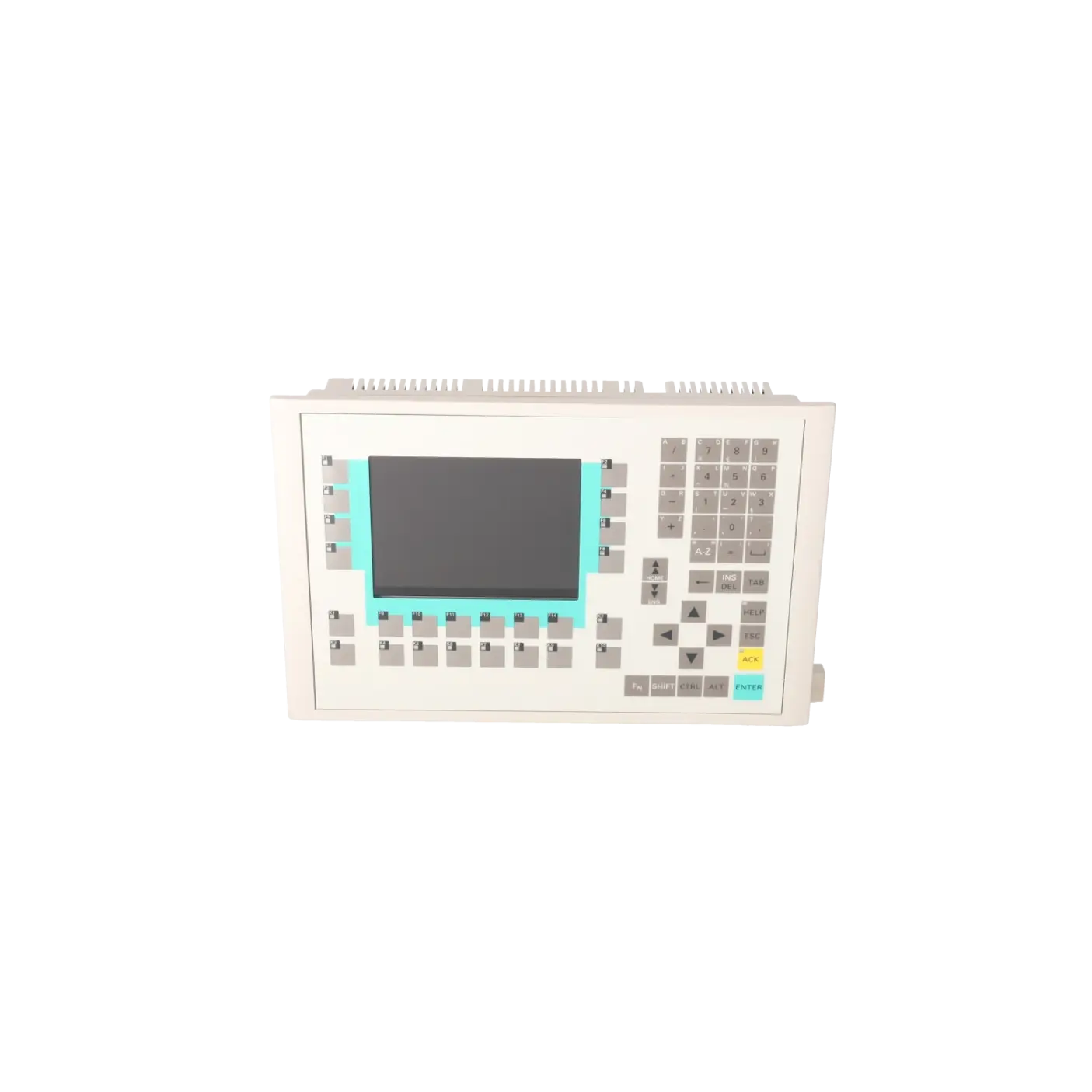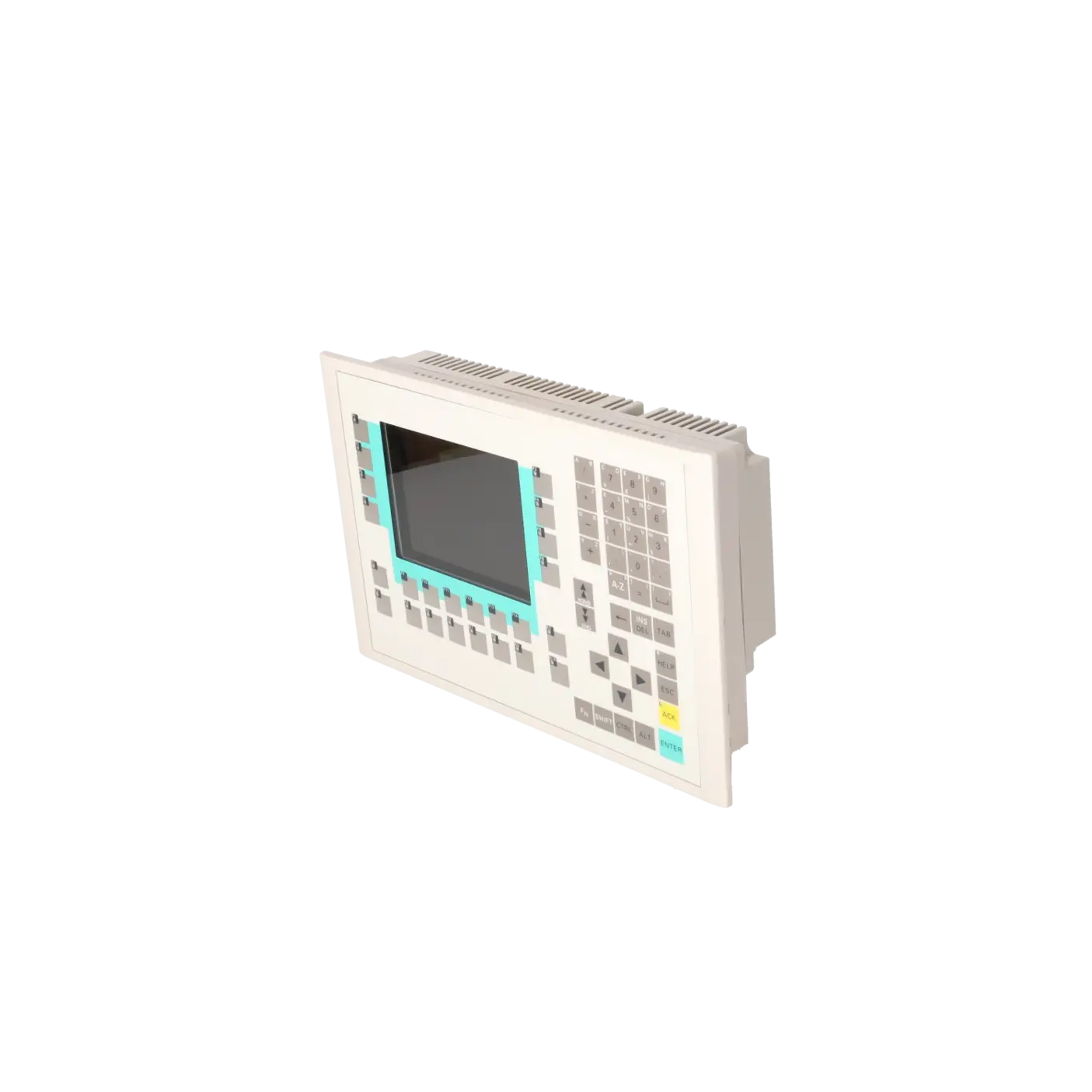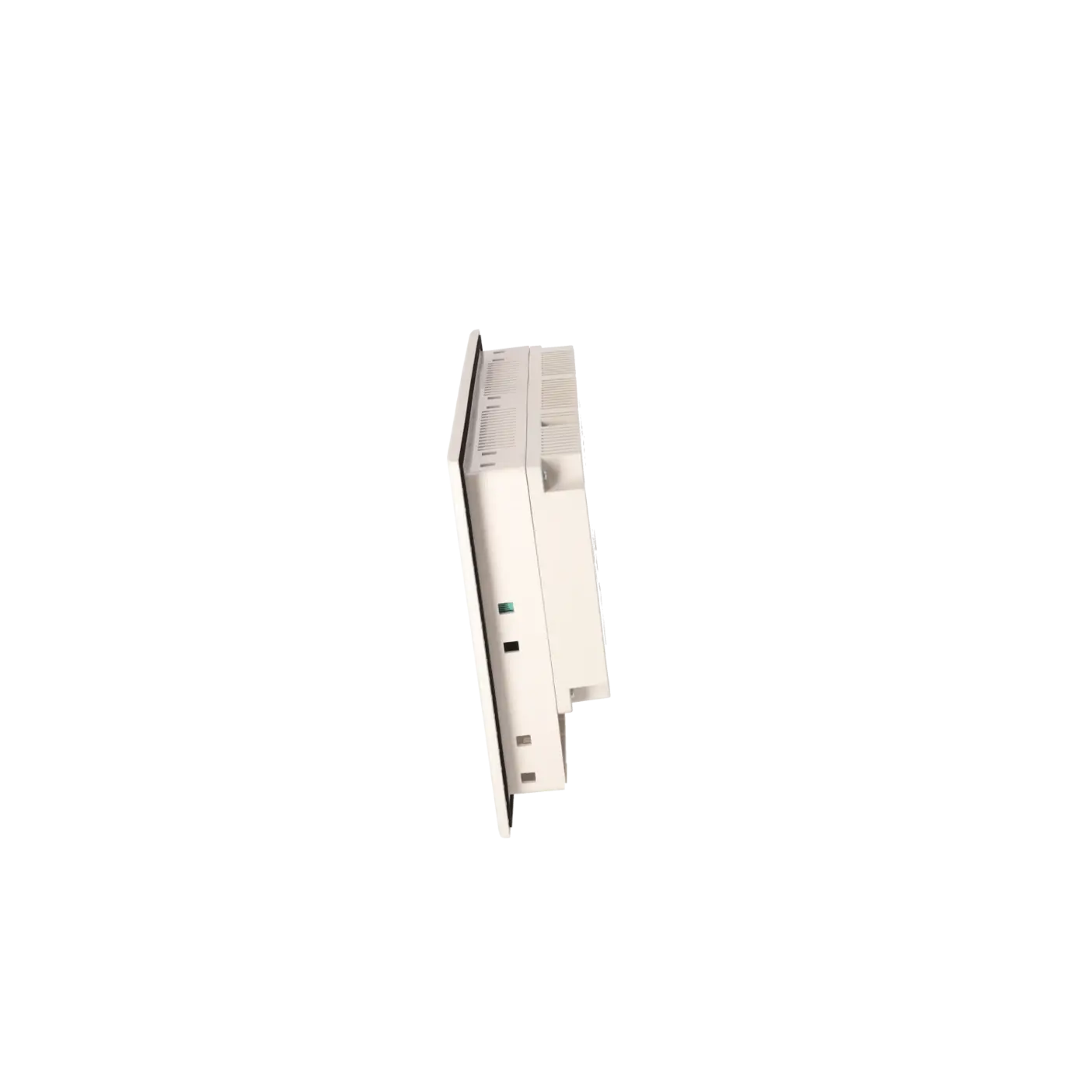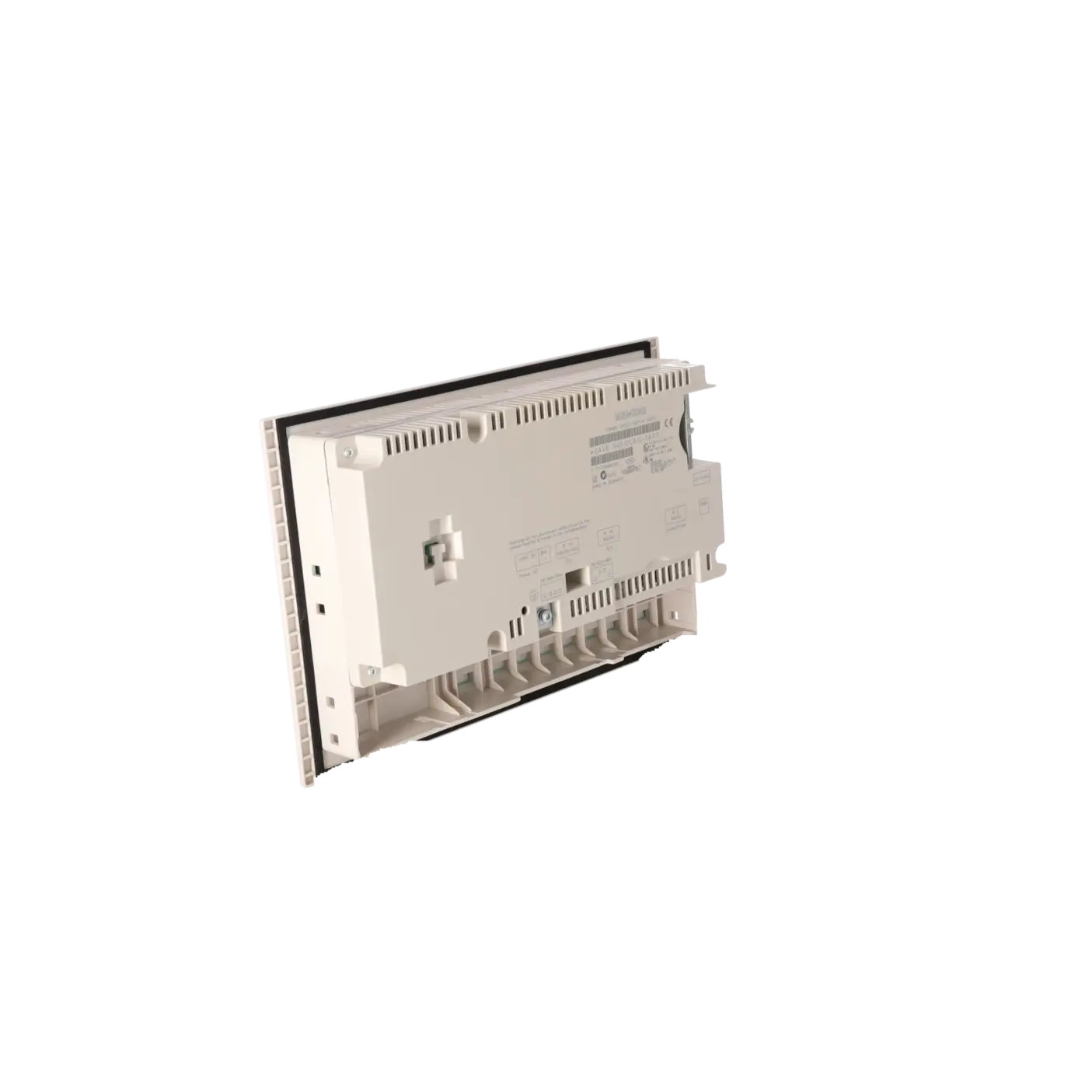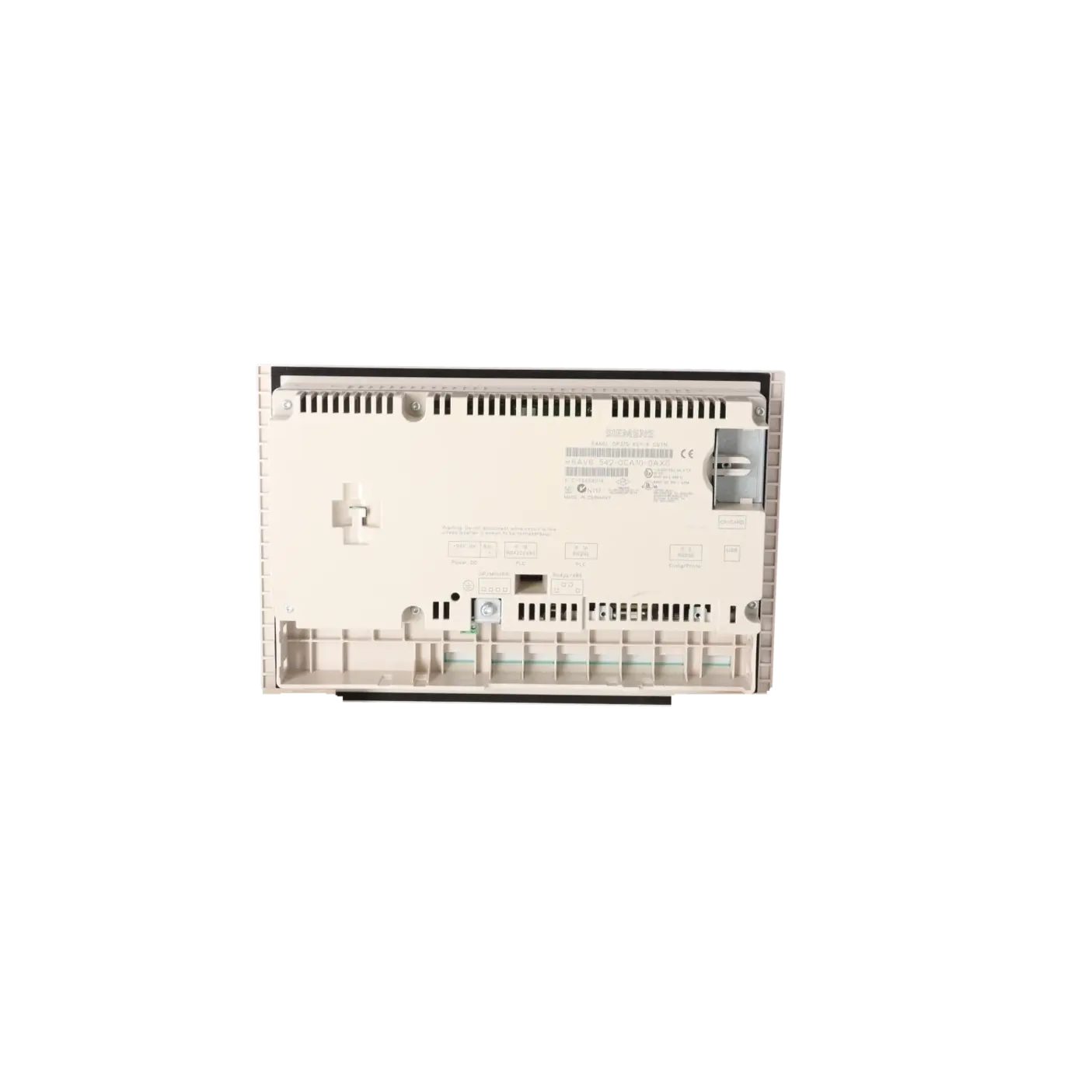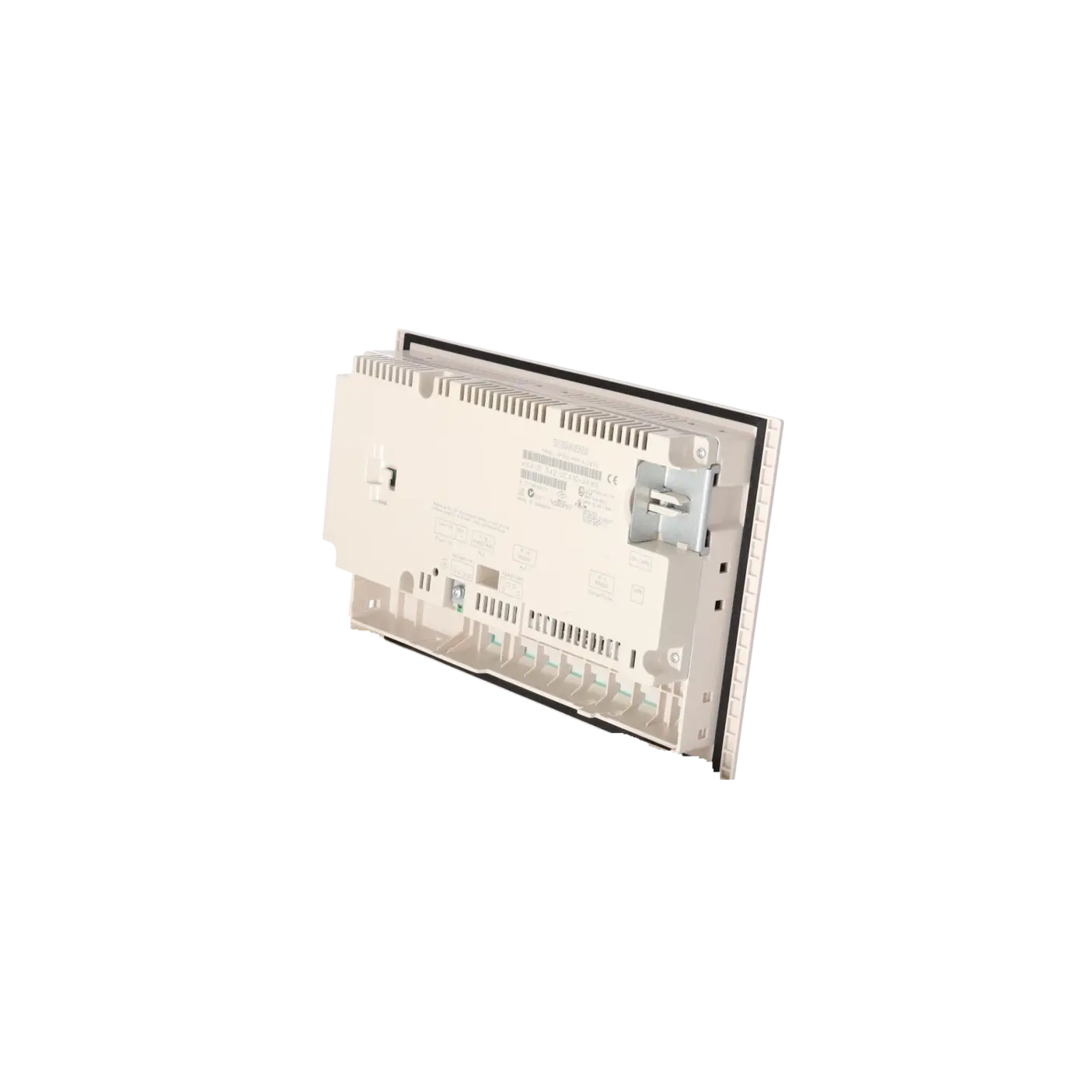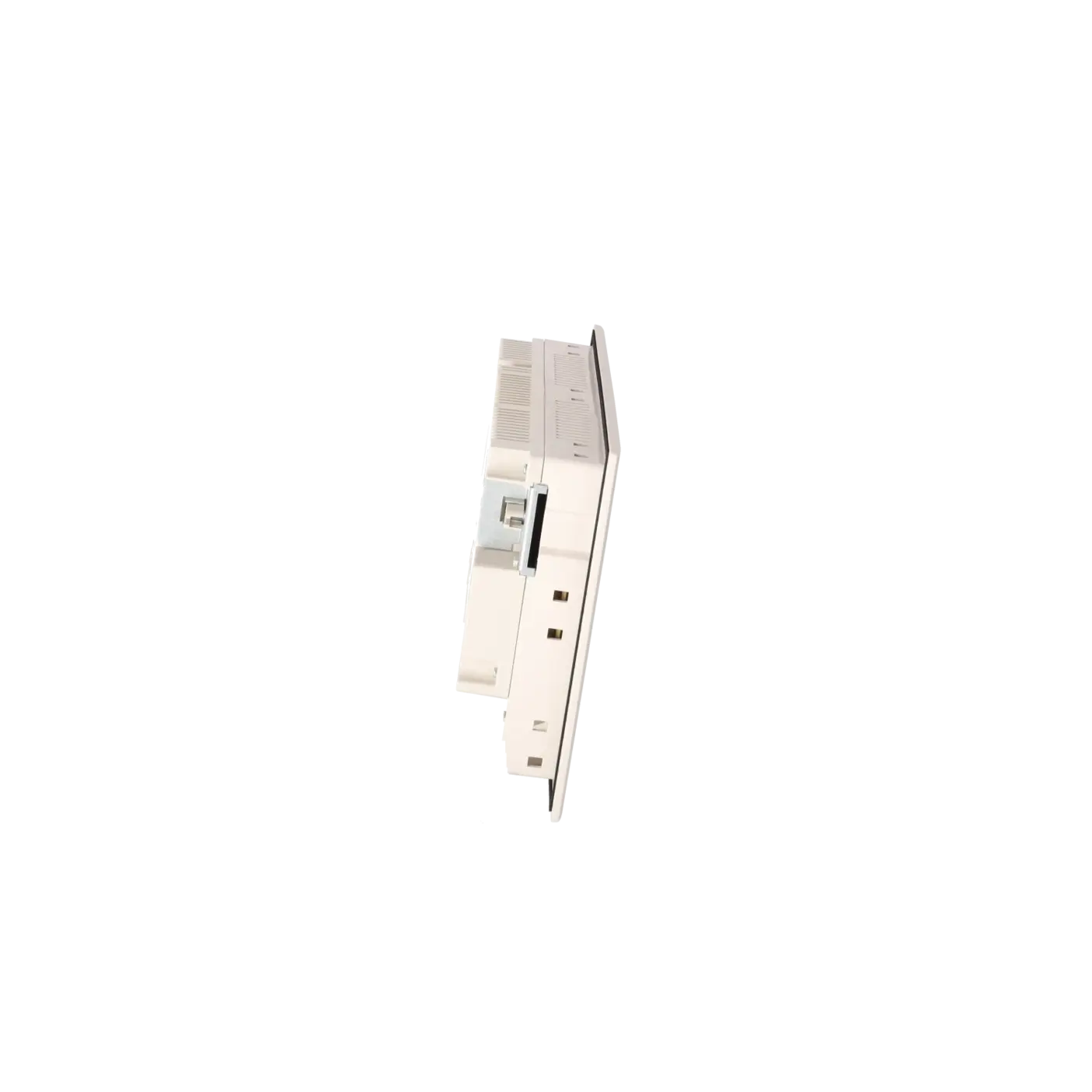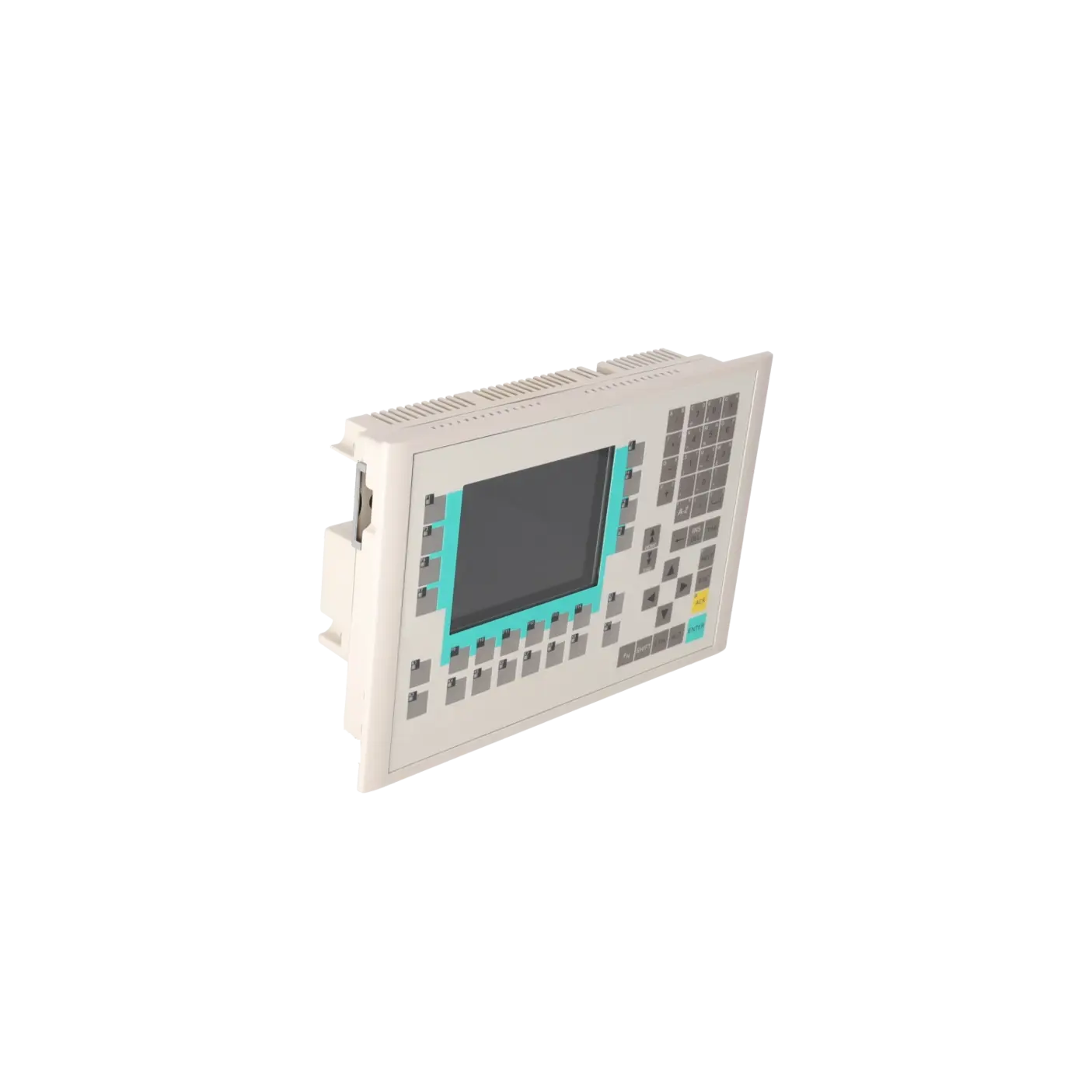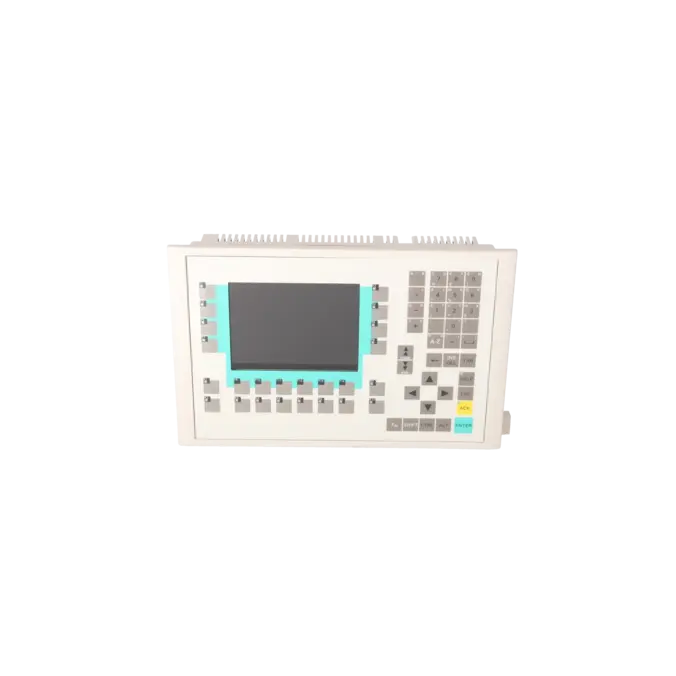
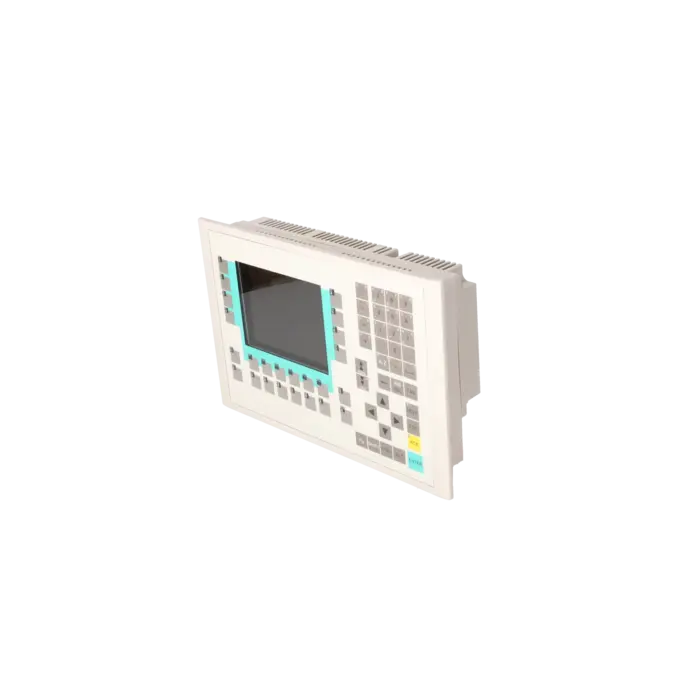
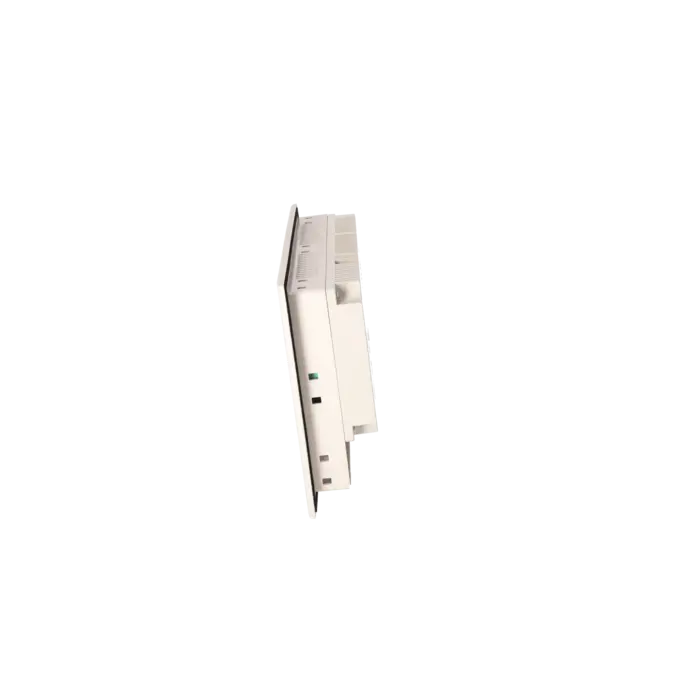
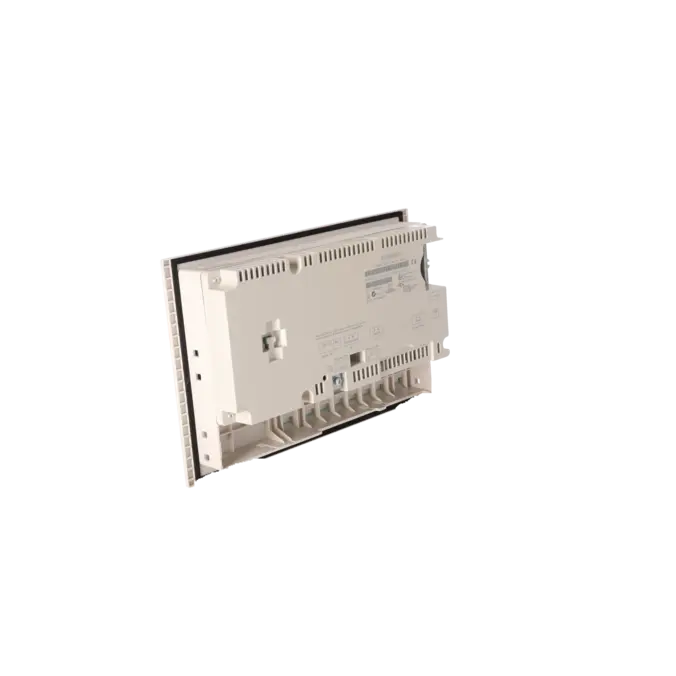
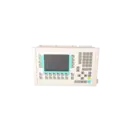
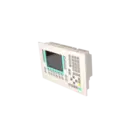


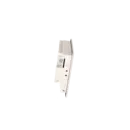
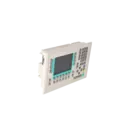
SIEMENS 6AV6542-0CA10-0AX0
- EICHLER-art.no.: K0116917
- EAN: 4025515067993
Product description
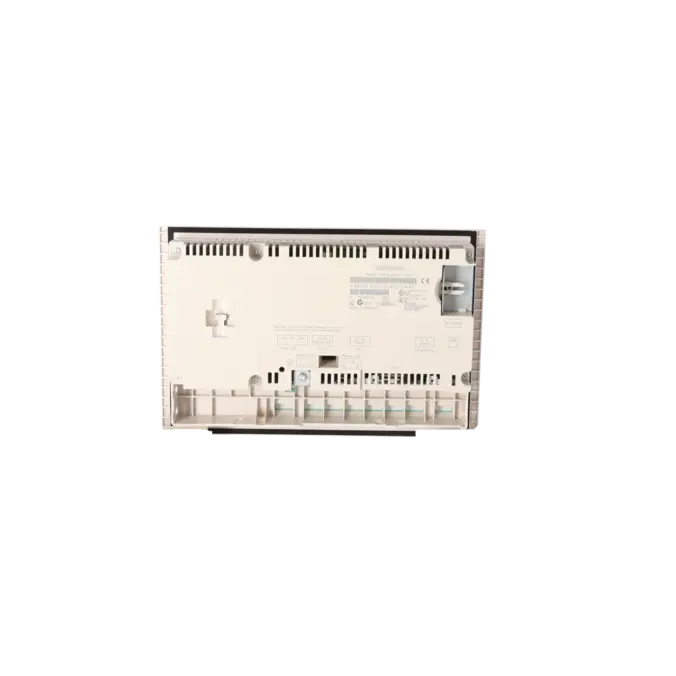
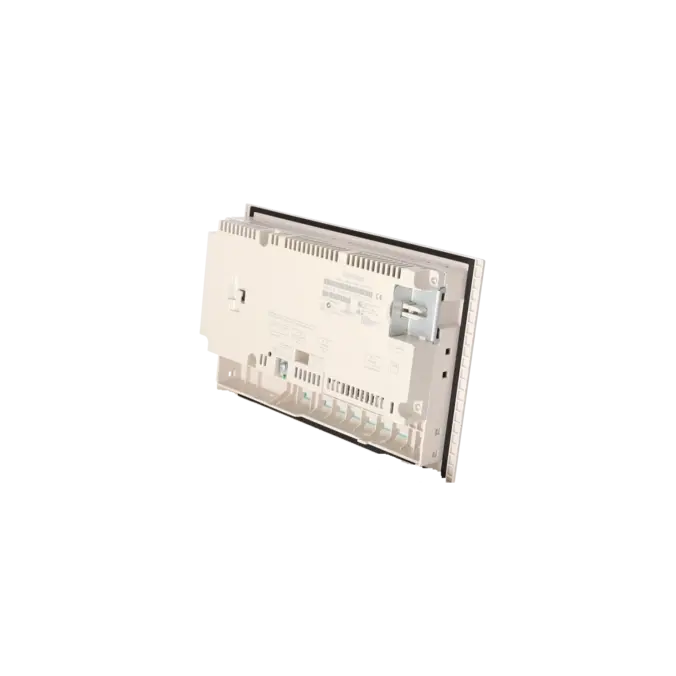
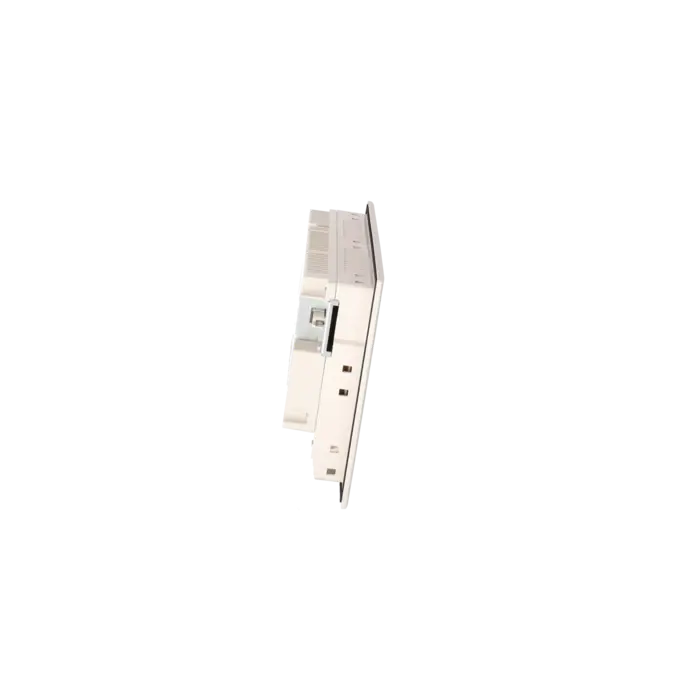
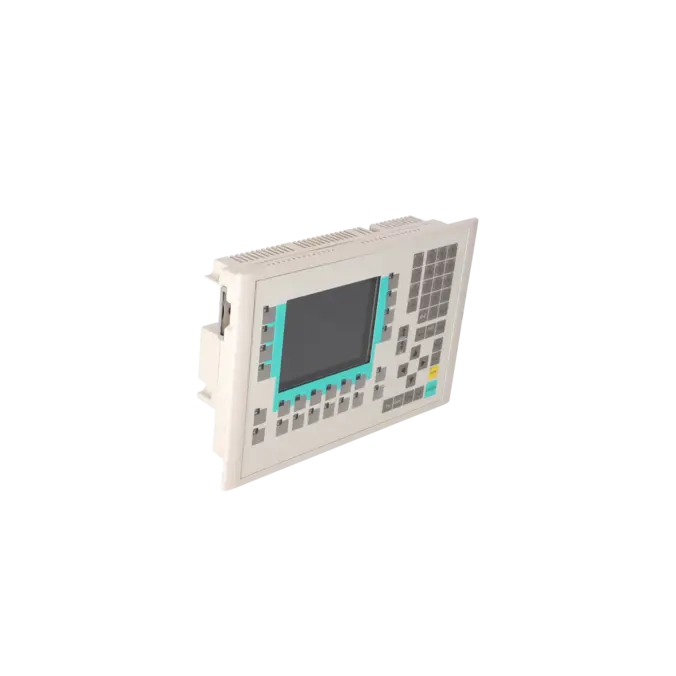
SIMATIC OP 270 6" Operator panel 5.7" STN color display 2 MB configuration memory, configurable with ProTool From Version V6.0
Services for SIEMENS 6AV6542-0CA10-0AX0
SIEMENS |
6AV6542-0CA10-0AX0 –
additional product information
| Delivery information | |||
|---|---|---|---|
| Export identifier | AL: ECCN: | ||
| Net weight | 1.945 | ||
| Quantity | 1 Stück | ||
| Packaging quantity | 1 | ||
| Additional product information | |||
|---|---|---|---|
| Product status | EOP: 2008-04-01 | ||
| EAN | 4025515067993 | ||
| UPC | / | ||
| Static lot number | 85371098 | ||
| List indicator | / | ||
| Product group | / | ||
| Country of origin | / | ||
| Compliance with the substance restrictions according to RoHS directive | Since: / | ||
| Product classifications | Version | Classification | |
|---|---|---|---|
| eClass | 4 | / | |
| eClass | 5.1 | / | |
| eClass | 6.0 | / | |
| ETIM | 3 | / | |
| ETIM | 4 | / | |
| ETIM | 5 | / | |
What is the 6AV6542-0CA10-0AX0 and where is it used?
The 6AV6542-0CA10-0AX0 is a SIMATIC OP270 6" Operator Panel with key-based operation for machines and systems in which statuses are displayed, alarms acknowledged, recipes selected and operating functions safely triggered via a membrane keyboard. The device is designed for classic automation environments where fixed keys, a clear operating concept and robust HMI integration are more important than touch operation. Typical applications include existing systems, retrofit projects with an existing panel cut-out and applications where a project already exists in ProTool or WinCC flexible. For maintenance personnel and purchasing departments, the panel is particularly relevant when an identical or low-migration spare part is required in order to minimise downtime and adaptation effort.
Overview of the most important technical data and what they mean
The OP270 6" features a 5.7-inch STN/CSTN colour display with 320 × 240 pixels and 256 colours. This is designed for classic operating and alarm screens and fits well into existing visualisations in legacy systems. The 24 configurable function keys, 18 of which are equipped with LEDs, are advantageous where fixed operating sequences, acknowledgements or direct functions are required. Technically important features for existing machines also include 2 × RS232, 1 × RS422, 1 × RS485, 1 × USB and a CF card slot for storage and service tasks. The device runs on Windows CE, requires 24 V DC, is protected to IP65 at the front and provides 2 MB of project memory. For control cabinet modifications, the dimensions of 308 × 204 mm and a panel cut-out of 282+1 × 178+1 mm are relevant.
Product status, life-cycle status and obsolescence
For the 6AV6542-0CA10-0AX0, the EICHLER page lists the product status EOP with the date 01.04.2008. The device therefore clearly belongs to the obsolescence and spare-parts category: in operating systems it often remains technically necessary, but it has not been part of the regular product lifecycle for many years. For operators, this means that repair capability, stocking strategies and rapid spare-parts procurement become significantly more important than the traditional purchase of new equipment. A Siemens-documented compatible migration path leads to the OP277 6". Siemens explicitly describes the OP277 as the next development stage of the 270 series and, in its migration documents, identifies OP270 6" → OP277 6" as a usable device replacement for existing projects. Nevertheless, project verification, communication checks and functional testing are still required for the migration.
EICHLER services for the 6AV6542-0CA10-0AX0
In the event of a failure, not every situation requires a complete modernisation. Repair is appropriate when the system must be returned to operation quickly and the existing project, panel cut-out and wiring are to remain unchanged. Replacement is a practical option when a functionally equivalent device is required immediately without lengthy diagnostics on the original unit. Used equipment is attractive when procurement time and budget are the main priorities. New equipment is available on request, which is typical for obsolete panels. On the EICHLER page, repair, replacement and used equipment are each listed with 1–3 days availability; repair additionally includes technical cleaning, preventive maintenance, comprehensive functional testing and a minimum 24-month warranty. This is particularly relevant when production downtime must be minimised and legacy systems need to remain operational despite obsolescence.
| Attribute | Value |
|---|---|
| Display | |
| Design of display | STN, 256 colors |
| Screen diagonal | 5.7 in |
| Resolution (pixels) | |
| ● Horizontal image resolution | 320 Pixel |
| ● Vertical image resolution | 240 Pixel |
| Backlighting | |
| ● MTBF backlighting (at 25 °C) | 40 000 h |
| Control elements | |
| Control elements | Membrane keyboard |
| Keyboard fonts | |
| ● Membrane keyboard | Yes |
| — user-definable label membrane keys | Yes |
| ● Function keys | |
| — Number of function keys | 24 |
| — Number of function keys with LEDs | 18 |
| ● System keys | |
| — Number of system keys | 36 |
| ● Numeric keyboard | Yes |
| ● alphanumeric keyboard | Yes |
| ● hexadecimal keyboard | Yes |
| ● Multi-key operation | Yes |
| Touch operation | |
| ● Design as touch screen | No |
| Connection type | |
| ● Type of connection for mouse/keyboard/barcode reader | USB / USB / USB |
| Special operator controls | |
| ● Handwheel | No |
| Installation type/mounting | |
| Mounting position | vertical |
| maximum permissible angle of inclination without external ventilation | 35° |
| Supply voltage | |
| UPS connectable (serial) | Yes |
| Input current | |
| Current consumption (rated value) | 0.6 A |
| Processor | |
| Processor type | RISC 32 bit |
| Memory | |
| Type of memory | Flash / RAM |
| Memory available for user data | 2 048 kbyte |
| Battery | |
| Backup battery | |
| ● Backup battery (optional) | Yes; optional 3.6 V |
| ● Backup time, min. | 3 y |
| Type of output | |
| Info LED | Yes |
| Power LED | No |
| Error LED | No |
| Time of day | |
| Clock | |
| ● Type | Hardware clock, battery backup, synchronizable |
| ● retentive | Yes |
| ● synchronizable | Yes |
| Interfaces | |
| Interfaces/bus type | 2x RS 232, 1x RS 422, 1x RS 485 (max. 12 Mbit/s) |
| USB port | Yes; 1x USB |
| PC card slot | No |
| CF card slot | 1x CF card slot |
| Degree and class of protection | |
| IP (at the front) | IP65 |
| IP (rear) | IP20 |
| Standards, approvals, certificates | |
| Certificate of suitability | CE, GL, ABS, DNV, LRS, FM Class I Div. 2, UL, cULus, EX Zone 2/22, C-TICK |
| Ambient conditions | |
| Ambient temperature during storage/transportation | |
| ● min. | -20 °C |
| ● max. | 60 °C |
| Relative humidity | |
| ● Operation, max. | 90 % |
| Operating systems | |
| pre-installed operating system | Windows CE |
| Configuration | |
| Configuration software | |
| ● Configuration tool | ProTool Version 6 SP 3 or higher, or WinCC flexible Standard Version 2004 or higher (to be ordered separately) |
| Languages | |
| Online languages | |
| ● Number of online/runtime languages | 5 |
| Project languages | |
| ● Languages per project | 32 |
| Functionality under WinCC (TIA Portal) | |
| Libraries | Yes |
| Number of Visual Basic Scripts | |
| ● Debugging in the simulator | No |
| Task planner | Yes |
| Help system | Yes |
| ● Number of characters per info text | 70 |
| ● Number of tooltips | 0 |
| Message system | |
| ● Number of alarm classes | 32 |
| ● Number of messages | 4 000 |
| ● Bit messages | Yes |
| — Number of bit messages | 2 000 |
| ● Analog messages | Yes |
| — Number of analog messages | 2 000 |
| ● Telegram message procedure Alarm S | Yes |
| ● System messages HMI | Yes |
| ● System messages PLC | No |
| ● System messages, other (SIMATIC S7, Sinumerik, Simotion, etc.) | No |
| ● Lines | 1 |
| ● Number of characters per message | 70 |
| ● Number of process values per message | 8 |
| ● Acknowledgment groups | Yes |
| ● Message indicator | Yes |
| ● acoustic feedback | No |
| ● First/last value | Yes |
| Recipe management | |
| ● Number of recipes | 300 |
| ● Data records per recipe | 500 |
| ● Entries per data record | 1 000 |
| ● Recipe memory | 64 KB integrated Flash, expandable |
| Variables | |
| ● Number of variables per device | 2 048 |
| ● Number of variables per screen | 200 |
| ● Number of variables | 2 048 |
| ● Type Date & Time | 2 048 |
| ● Limit values | Yes |
| ● Multiplexing | Yes |
| ● Structures | Yes |
| Images | |
| ● Number of configurable images | 300 |
| ● Permanent window/default | Yes |
| ● Start screen configurable | Yes |
| ● Image selection by PLC | Yes |
| ● Image number in the PLC | Yes |
| Image objects | |
| ● Text objects | 10 000 text elements |
| ● Number of I/O fields per image | 200 |
| ● Number of date/time fields | 30 |
| ● Index of screen context | No |
| ● Return | Yes |
| ● Graphics object | Bit maps, icons, vector graphics |
| — Icons | 1 000 |
| — Icon (full screen) | 0 |
| Complex image objects | |
| ● Status/control | With SIMATIC S7 |
| ● dynamic objects | Diagrams, bar graphs, invisible buttons |
| — Number of objects per project | 500 |
| — Number of curve diagrams per image | 5 |
| ● Methods | Trend |
| ● Bar graphs | |
| — Number of bars per chart | 10 |
| ● Sliders | |
| — Number of slides per image | 0 |
| ● Pointer instruments | |
| — Number of analog indicators per image | 0 |
| ● Limit value lines | Yes |
| ● Number of alphanumerical fields | 1 000 |
| — alphanumeric fields per image | 100 |
| ● Number of numerical fields | 1 000 |
| — numerical fields per image | 100 |
| ● Number of password fields | 1 000 |
| ● Number of visible switches per project | 1 000 |
| — visible switches per image | 100 |
| — hidden switches per image | 100 |
| ● Number of status switches per project | 1 000 |
| — Number of status switches per image | 100 |
| ● Number of selector switches per project | 1 000 |
| — Selector switches per image | 100 |
| ● Number of decade switches per project | 0 |
| — Decade switches per image | 0 |
| ● Number of signal lamps per project | 1 000 |
| — Signal lamps per image | 100 |
| Attributes for dynamic objects | |
| ● Color change | Yes |
| ● X/Y movement | Yes |
| ● Hide | Yes |
| ● Angle of rotation | No |
| Lists | |
| ● Number of text lists per project | 500 |
| ● Number of entries per text list | 256 |
| ● Number of graphics lists per project | 400 |
| ● Number of graphic lists per image | 10 |
| ● Number of entries per graphics list | 255 |
| Archiving | |
| ● Number of archives per device | 20 |
| ● Number of measuring points per project | 20 |
| ● Number of entries per archive | 10 000 |
| ● Message archive | Yes |
| ● Process value archive | Yes |
| ● Archiving methods | Sequential log, circular log, alarm log, process value archive |
| — Sequential archive | Yes |
| — Short-term archive | Yes |
| ● Memory location | CF card, Ethernet |
| — PC card | No |
| — CF card | Yes |
| — USB memory | No |
| — Ethernet | Yes |
| ● Data storage format | CSV file, readable, e.g. with MS Excel, MS Access |
| — CSV | Yes |
| — TXT | No |
| ● external evaluation | readable, e.g. with MS Excel, MS Access, etc. |
| ● Size of archive | depending on free memory on ext. card/stick or on free hard disk space via network drive |
| ● Online evaluation | via trends |
| — using trend curves | Yes |
| Filters | |
| ● cyclic | Yes |
| ● Tolerance | Yes |
| ● Change | Yes |
| Security | |
| ● Number of user groups | 50 |
| ● Number of user rights | 32 |
| ● Password export/import | Yes |
| Logging through printer | |
| ● Recording/Printing | Alarms, report (shift report), color print, hardcopy |
| Transfer (upload/download) | |
| ● Transfer of configuration | MPI/PROFIBUS DP, serial, USB, Ethernet, automatic transfer recognition |
| Process coupling | |
| ● Connection to controller | S5, S7-200, S7- 300/400, TI 505, Win AC, PC (TCP/IP), SINUMERIK, SIMOTION, Allen Bradley (DF1), Allen Bradley (DF485), Mitsubishi (FX), Telemecanique (ADJUST), OMRON (LINK/Multilink), Modicon (Modbus), for further non-Siemens drivers, see section on "System interfaces" |
| ● S7-200 | Yes |
| — PPI (point-to-point) | Yes |
| — PPI network | No |
| — MPI | Yes |
| — PROFIBUS DP | Yes |
| ● S7-300/400 | Yes |
| — MPI | Yes |
| — PROFIBUS DP | Yes |
| — PROFINET | No |
| ● S5 | Yes |
| — serial | Yes |
| — PROFIBUS DP | Yes |
| ● TI 505 | Yes |
| ● Allen Bradley (DF1) | Yes |
| ● Allen Bradley (DF485) | Yes |
| ● Mitsubishi (FX) | Yes |
| ● Mitsubishi (MP4) | Yes |
| ● Telemecanique (ADJUST) | Yes |
| ● Telemecanique (Uni-Telway) | Yes |
| ● OMRON (LINK/Multilink) | Yes |
| ● Modicon (Modbus) | Yes |
| ● GE-Fanuc (SNP) | Yes |
| Functions | |
| ● Key repeat | No |
| ● TAB sequence | Yes |
| ● Calculating functions | Yes |
| ● Animate | Yes |
| ● Menu tree editor | No |
| ● Unit switchover | No |
| Service tools/configuration aids | |
| ● Clean screen | No |
| ● Touch calibration | No |
| ● Backup/Restore manually | Yes |
| ● Simulation | Yes |
| ● Device switchover | Yes |
| ● Delta transfer | Yes |
| ● Monitoring function for battery and memory | Yes |
| ● Trace (operation archive) | No |
| Expandability/openness | |
| ● Open Platform Program | Yes |
| Peripherals/Options | |
| Peripherals | Printer, barcode reader |
| Dimensions | |
| Width of the housing front | 308 mm |
| Height of housing front | 204 mm |
| Overall depth | 59 mm |
| Weights | |
| Weight (without packaging) | 1 kg |
| Fault description | Possible solution |
|---|---|
| Why does my OP270 report that the project and operating system are not compatible during transfer? | This usually indicates a version conflict between the project and the panel OS. Siemens specifies that an operating system update of the operator panel is required in such cases. For the OP270, this is typically carried out using WinCC flexible or ProSave with the appropriate image. Afterwards, restart the transfer and verify that the configured device type and OS version match. |
| Why can I not establish a transfer connection from the PC to the OP270? | First check the transfer path actually being used. If a USB-to-RS232 converter is being used, the panel must be set to serial transfer mode and not MPI/DP. Also verify the COM port, cable type and the target interface on the OP270. Siemens states that the transfer channel and communication parameters must be configured correctly on the operator panel; when using a bus connection, the address, baud rate and bus configuration must be matched to the system. |
| Why does my OP270 display message 280001 or 280004 and stop reading data from the PLC? | Siemens describes these messages as an interrupted data exchange. Typical causes include a disconnected cable, incorrect interface selection, faulty connection parameters or a PLC that is not responding correctly. Therefore, first check the wiring, PLC status, selected interface and the project parameters in WinCC flexible. If the fault persists, restart both the panel and the controller. If the issue occurs after a project conversion, testing with a reduced project scope can help distinguish project configuration errors from hardware problems. |
| Why does my Siemens OP270 hang during boot-up or only display the bootloader? | In this case, a corrupted or incompatible image or an issue with the operating system version is often involved. A common solution is to load the correct image using ProSave and start the OS transfer directly. When attempting a restore via CF card, also verify that the backup format, firmware version and target device are compatible; otherwise, the restore will be rejected or the startup process will fail again. |
| Why does my OP270 lose the time and timestamps after being switched off? | An optional backup battery is provided for the operator panel to maintain the hardware clock during power interruptions. Siemens specifies a typical service life of approximately four years. If the time, archive timestamps or time-dependent functions are lost after power-off, the backup battery should be checked and replaced correctly. |
Is the 6AV6542-0CA10-0AX0 still available or has it been discontinued?
The device has been discontinued and is considered obsolete. It is no longer classified as a current standard product and is listed on the EICHLER website with EOP 01.04.2008. In practice, supply is therefore usually handled via repair, replacement, used equipment or available remaining stock. For purchasing and maintenance departments, this is the key point: not the catalogue status, but a secured spare parts supply is what matters.
Which software can I use to configure the 6AV6542-0CA10-0AX0?
For this panel, Siemens and the EICHLER data specify ProTool from Version 6 SP3 or WinCC flexible Standard from Version 2004. The device operates with Windows CE as the pre-installed operating system. This is important for existing systems because older projects can often only be transferred or migrated correctly using the matching engineering version. Before any recommissioning, it should therefore be verified which software version was originally used to create the existing project.
Can I migrate an existing OP270 project to an OP277?
Yes. Siemens identifies the OP277 6" as a suitable replacement device for existing OP270 6" projects. Siemens also describes the OP277 as the next development stage of the TP/OP270 6" series. This makes the OP277 the logical migration path when an identical OP270 is no longer economically viable or cannot be sourced reliably. However, migration is not simply a plug-and-play replacement: communication parameters, project functions, archives and operator screens must be verified before commissioning.
What is the CF card used for in the OP270?
The CF card slot in the OP270 is intended for storage and service tasks, such as backups, restore procedures and additional data storage. In practice, the card is frequently used to restore a backed-up project or panel backup to an identical replacement device. It is important that the panel type, OS version and backup format are compatible. Particularly with older devices, restore procedures often fail not because of the card itself, but because firmware or image versions do not match.
For a defective OP270, is repair or replacement the better option?
If the panel cut-out, wiring and project are to remain largely unchanged, repair is often the most economical solution. It reduces engineering effort and preserves the existing machine documentation. Replacement is the better choice when the system must be returned to operation immediately and a functionally equivalent device is required at short notice. On the EICHLER website, repair, replacement and used equipment are each listed with 1–3 days availability. Repairs additionally include functional testing, preventive maintenance and a minimum 24-month warranty.