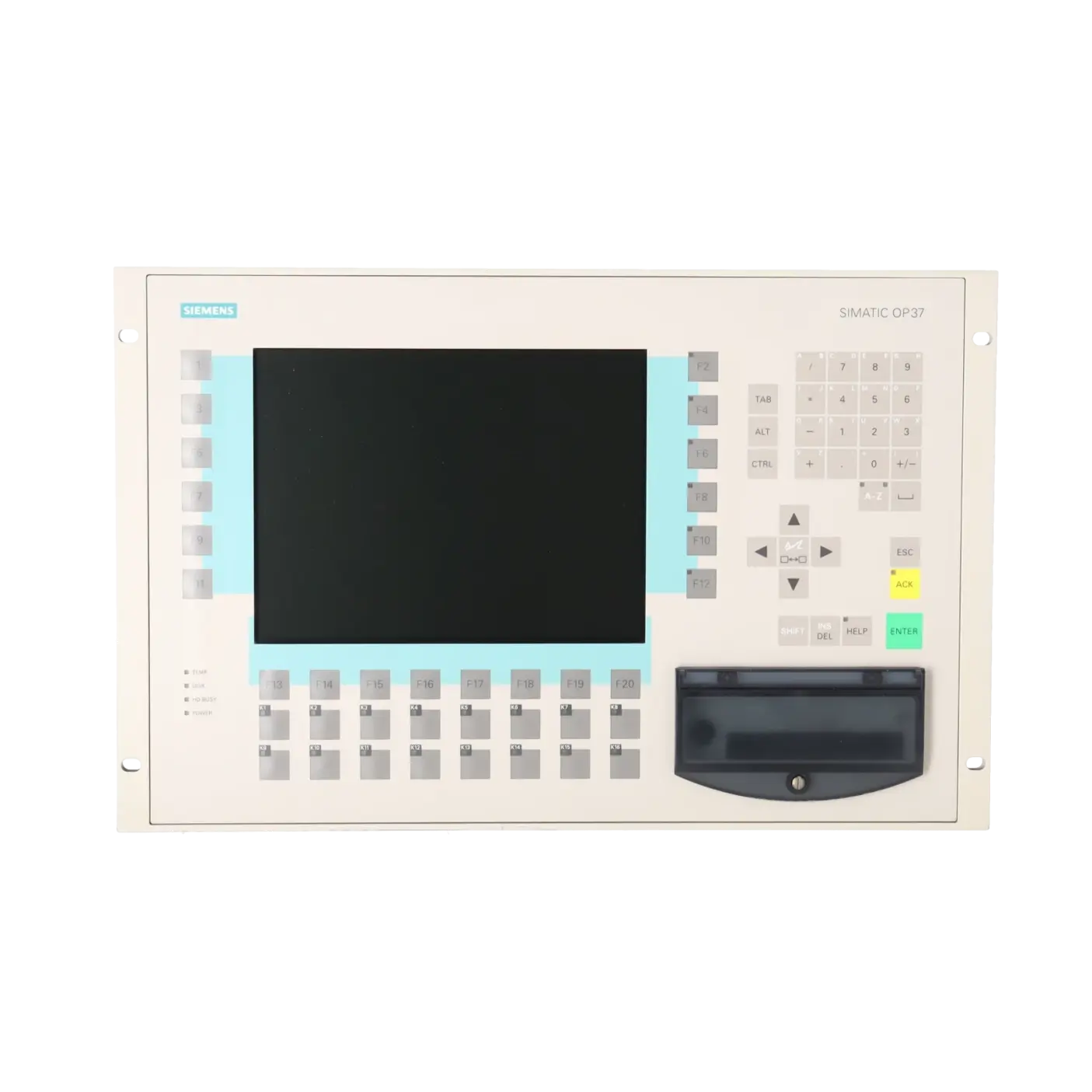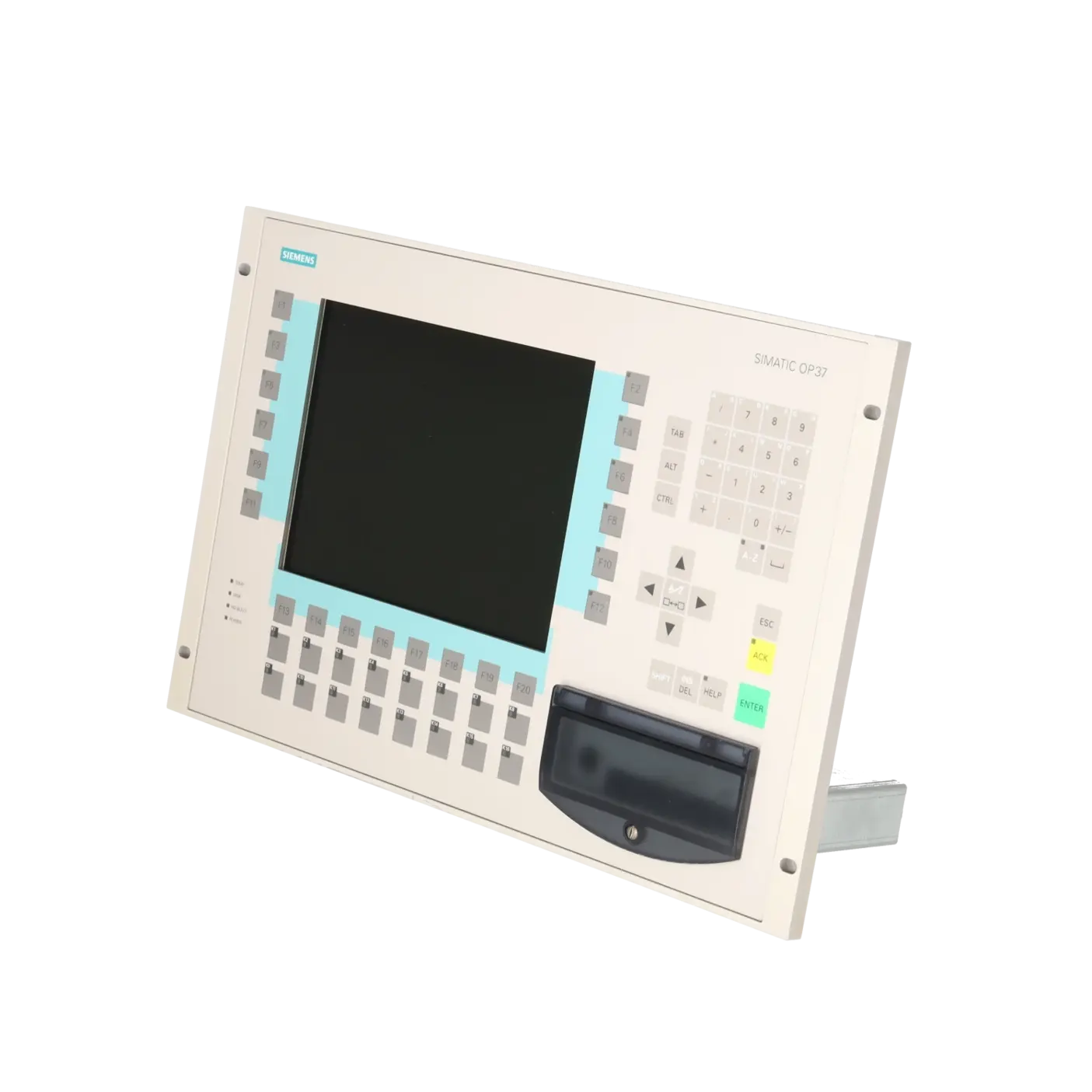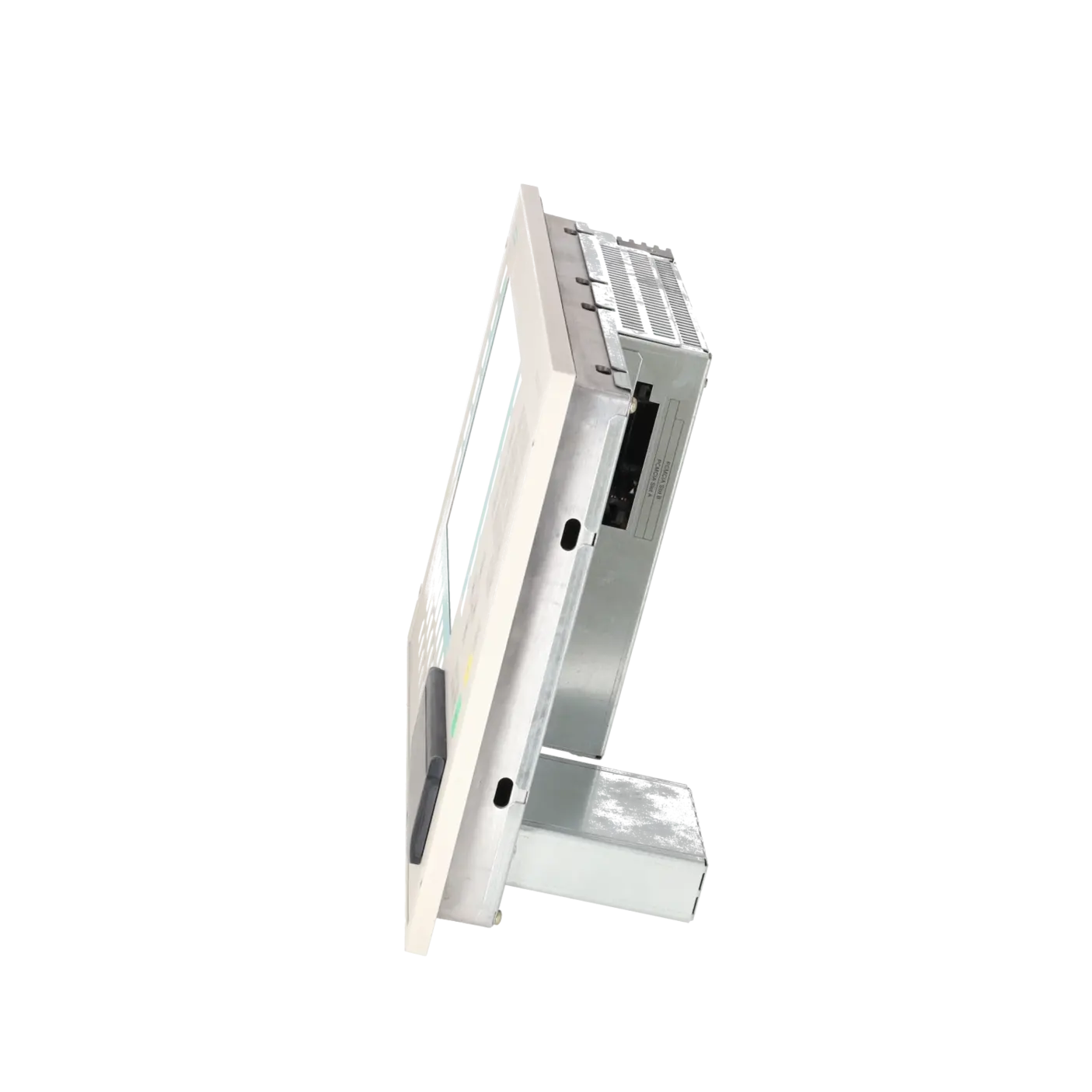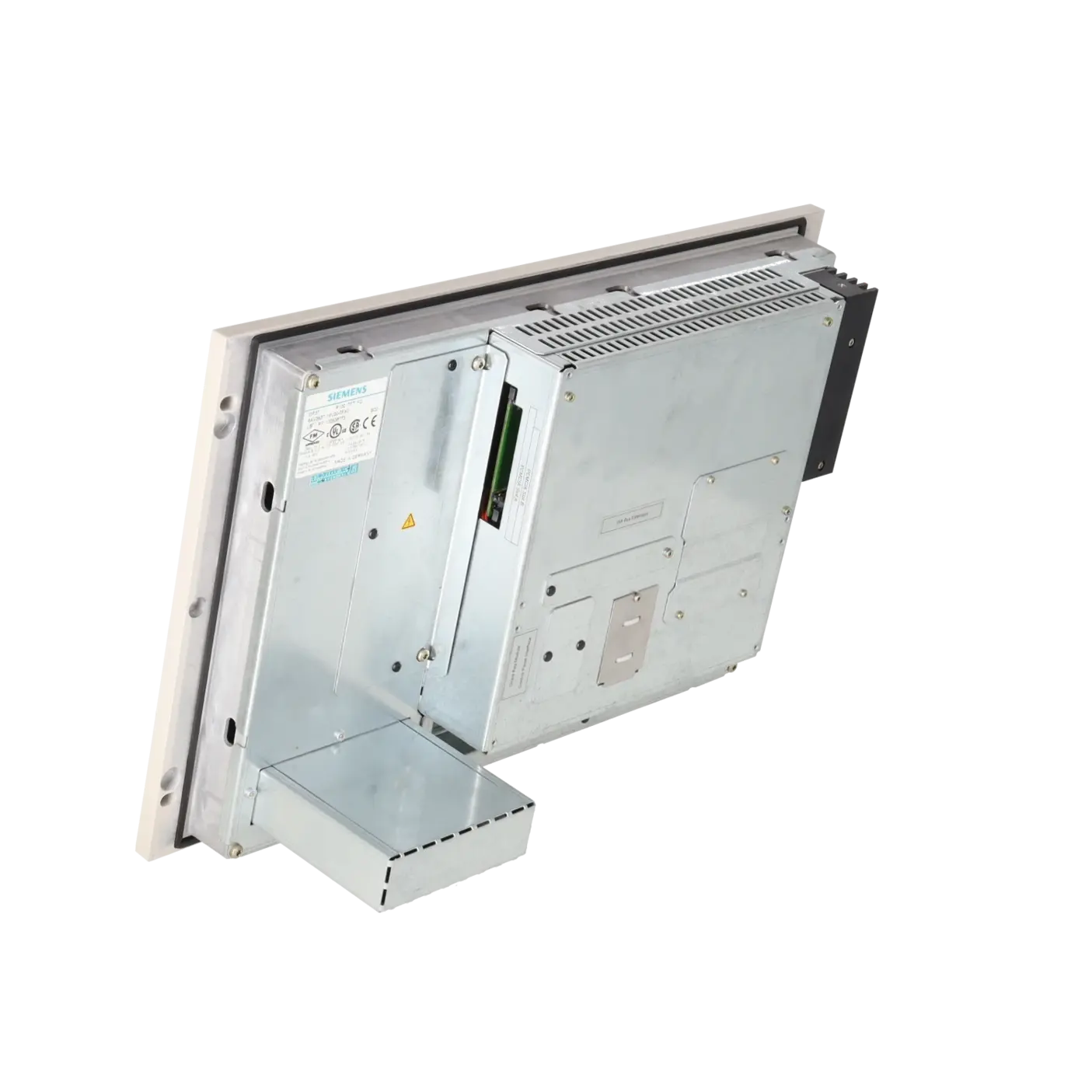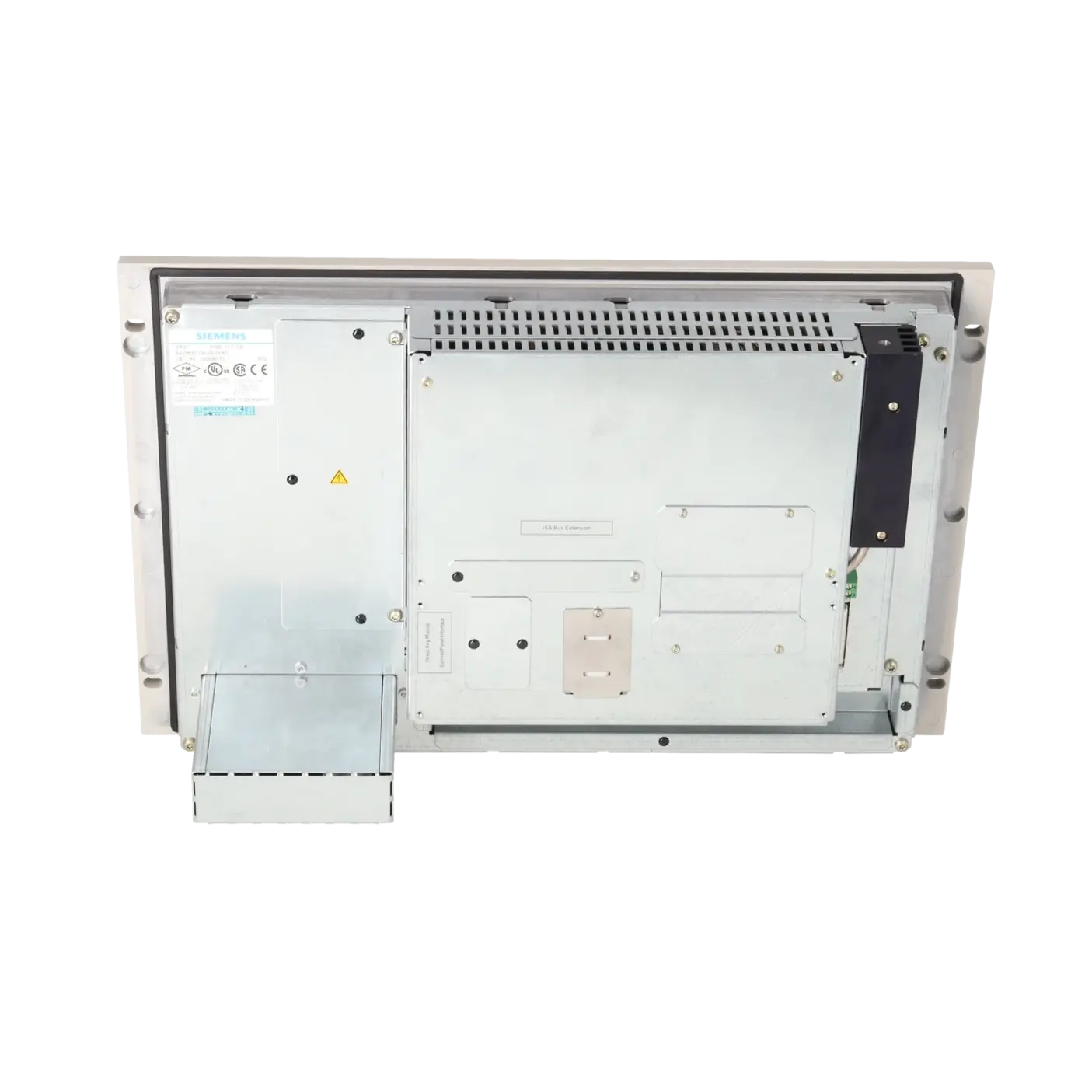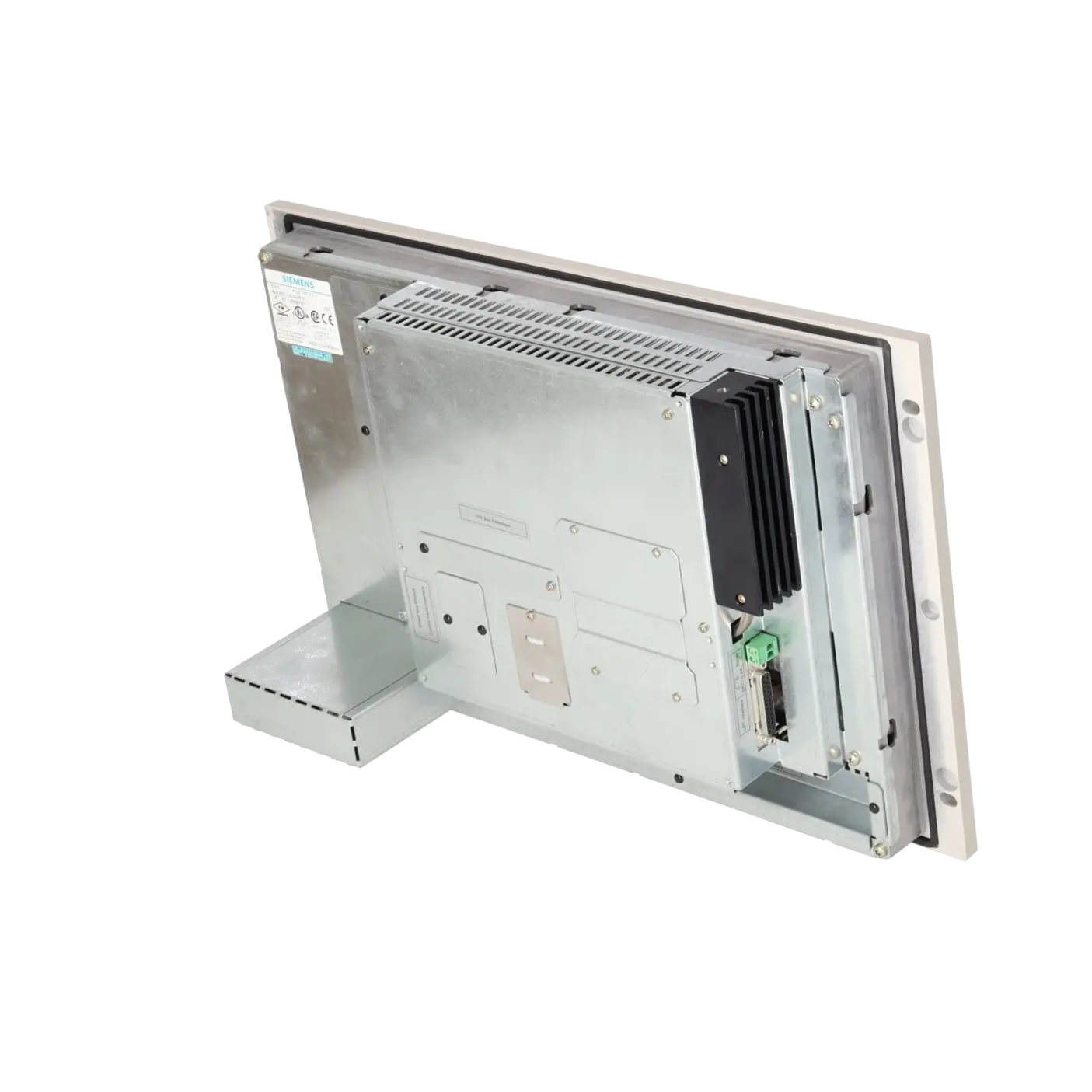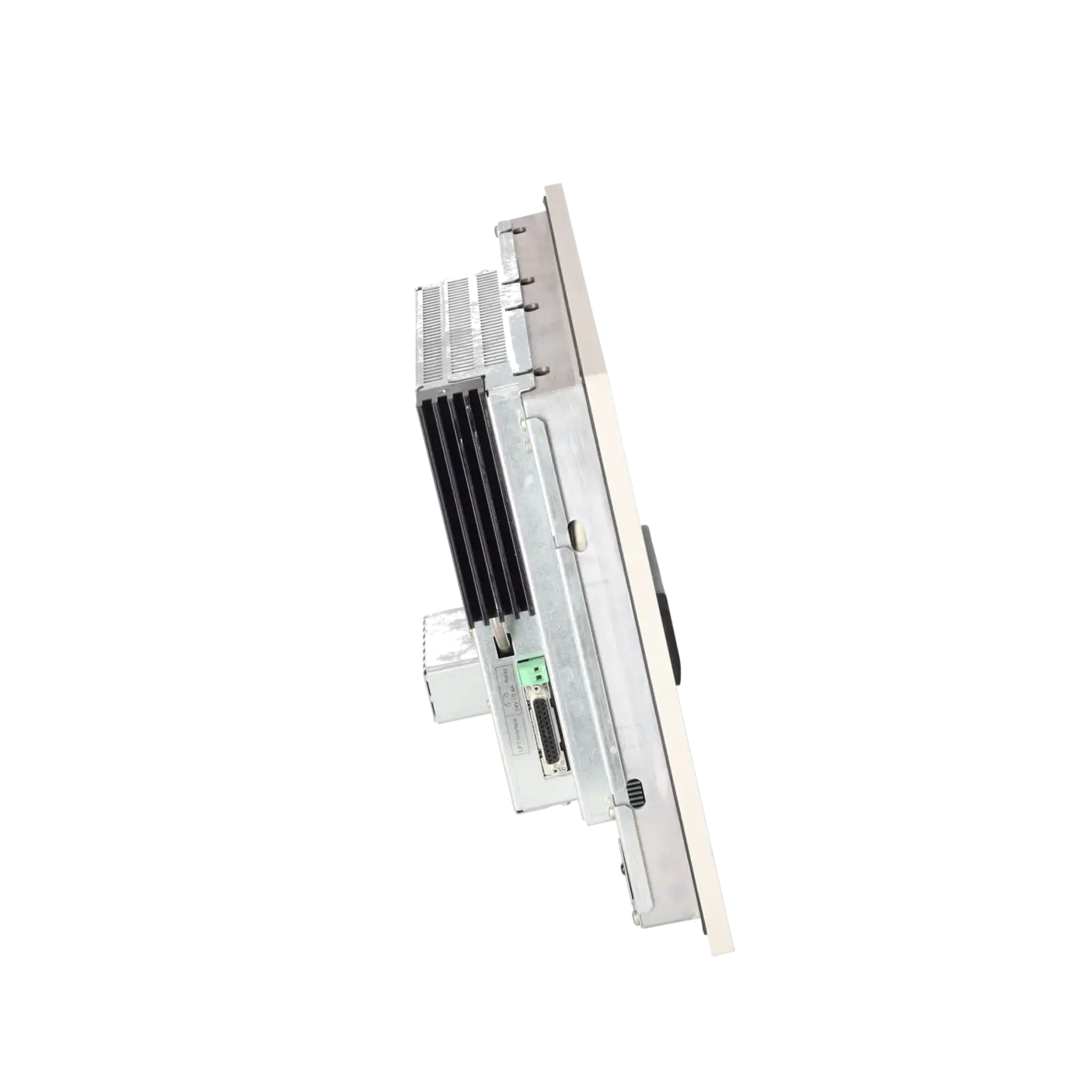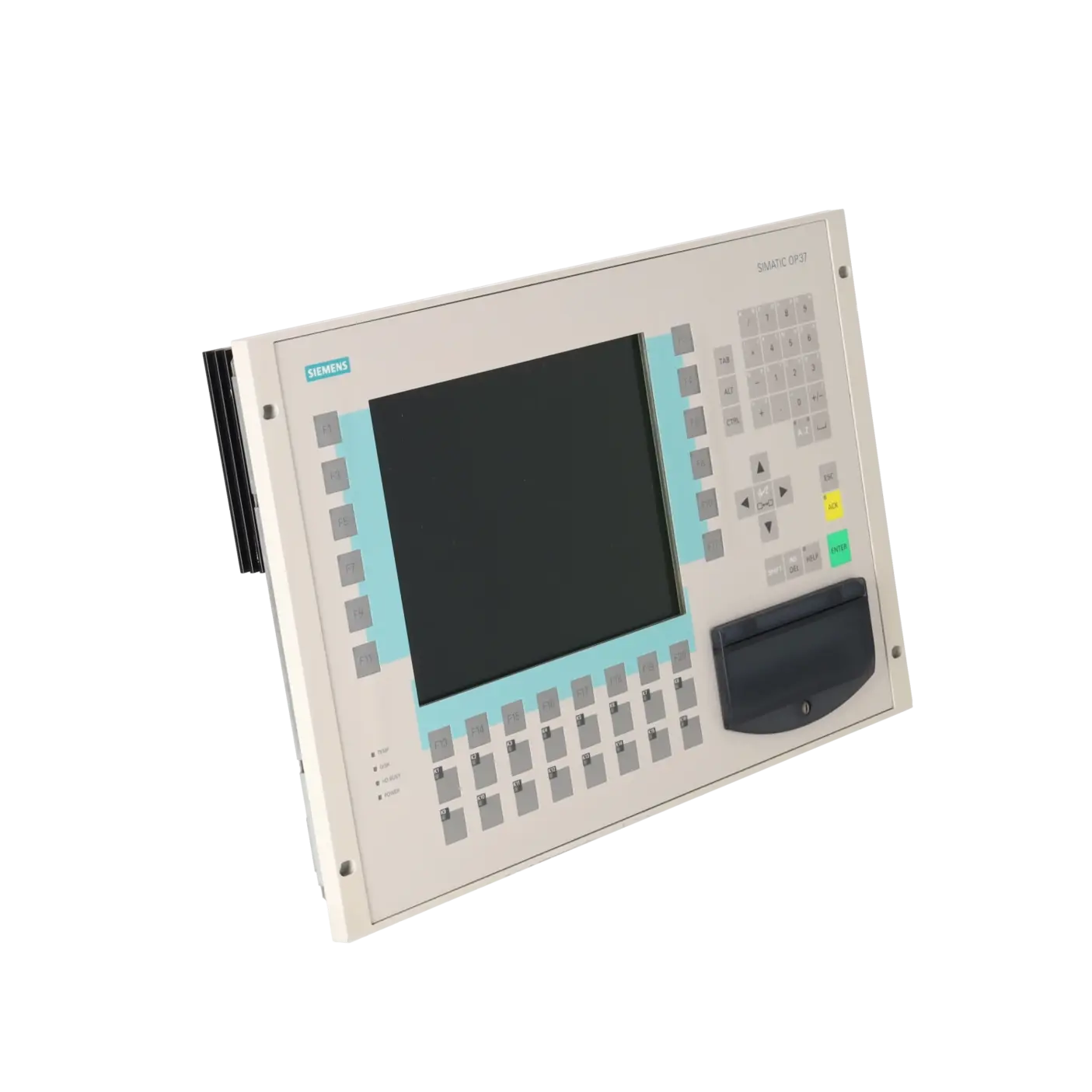
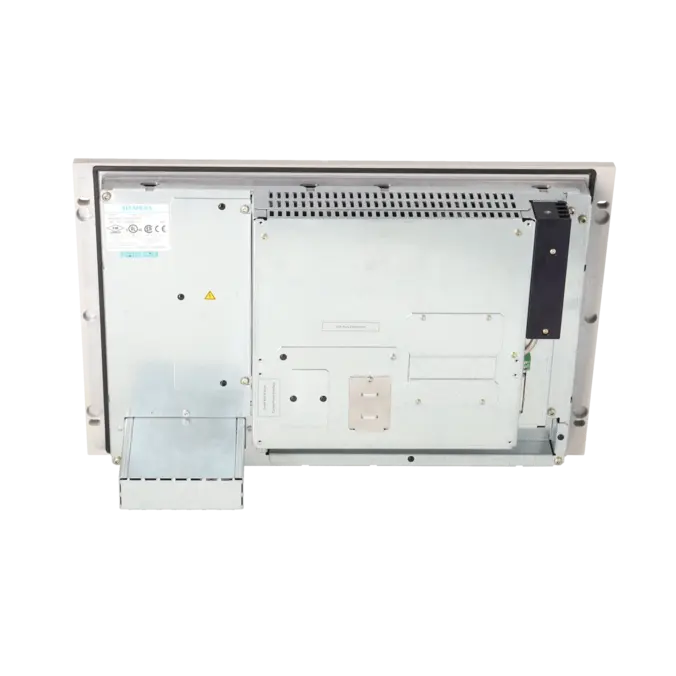
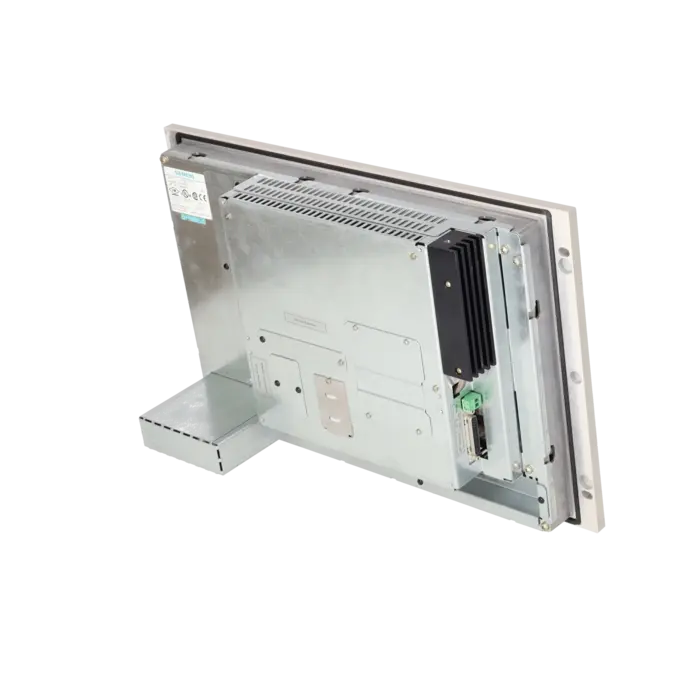
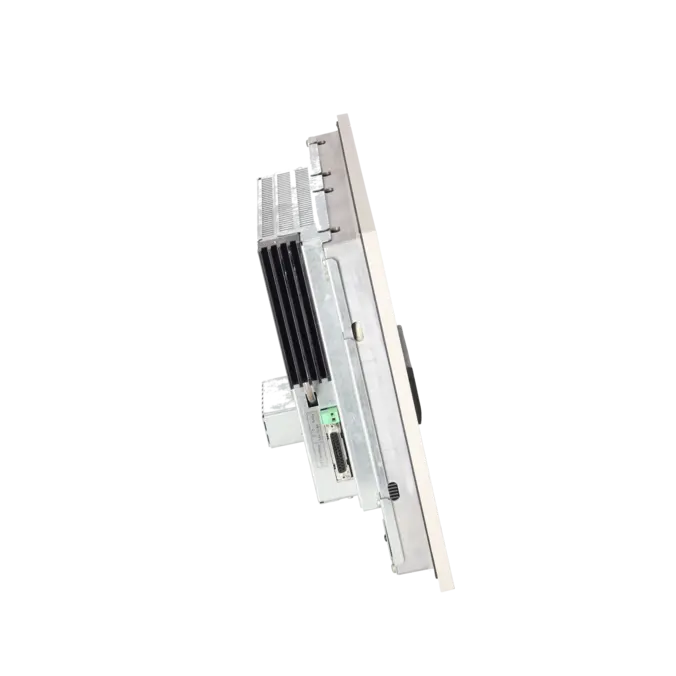
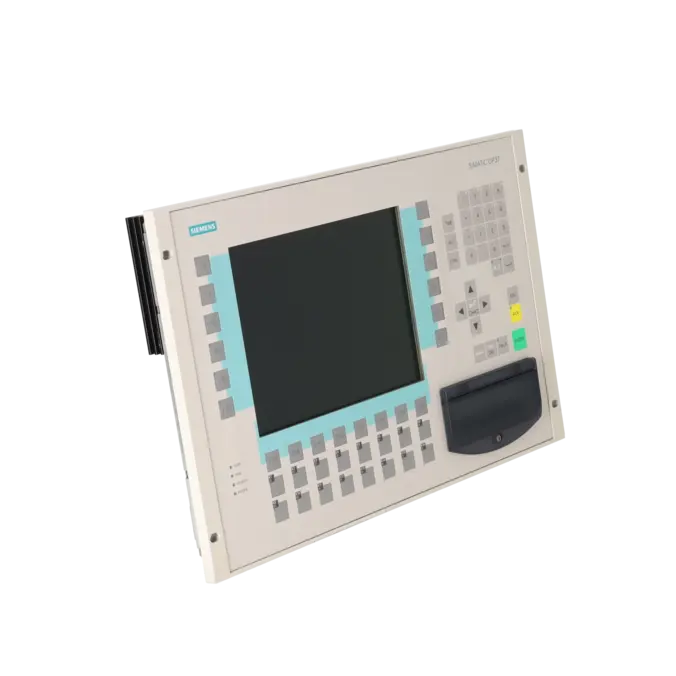
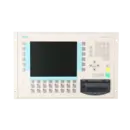
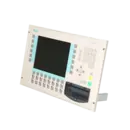
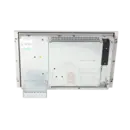
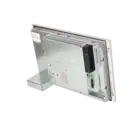
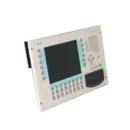
SIEMENS 6AV3637-1ML00-0FX0
- EICHLER-art.no.: K0205309
Product description
OPERATOR PANEL OP37 PENTIUM 100 MHZ, 8 MB RAM W. LC COLOR GRAPH. DISPLAY(TFT) W/O HD, WITH FD
Services for SIEMENS 6AV3637-1ML00-0FX0
SIEMENS |
6AV3637-1ML00-0FX0 –
additional product information
| Delivery information | |||
|---|---|---|---|
| Export identifier | AL: ECCN: | ||
| Net weight | 7.5 | ||
| Quantity | 1 Stück | ||
| Packaging quantity | 1 | ||
| Additional product information | |||
|---|---|---|---|
| Product status | EOP: 2003-04-01 | ||
| EAN | / | ||
| UPC | / | ||
| Static lot number | 85371099 | ||
| List indicator | / | ||
| Product group | 2349 | ||
| Country of origin | DE | ||
| Compliance with the substance restrictions according to RoHS directive | Since: / | ||
| Product classifications | Version | Classification | |
|---|---|---|---|
| eClass | 4 | / | |
| eClass | 5.1 | / | |
| eClass | 6.0 | / | |
| ETIM | 3 | / | |
| ETIM | 4 | / | |
| ETIM | 5 | / | |
What is 6AV3637-1ML00-0FX0 and where is it used?
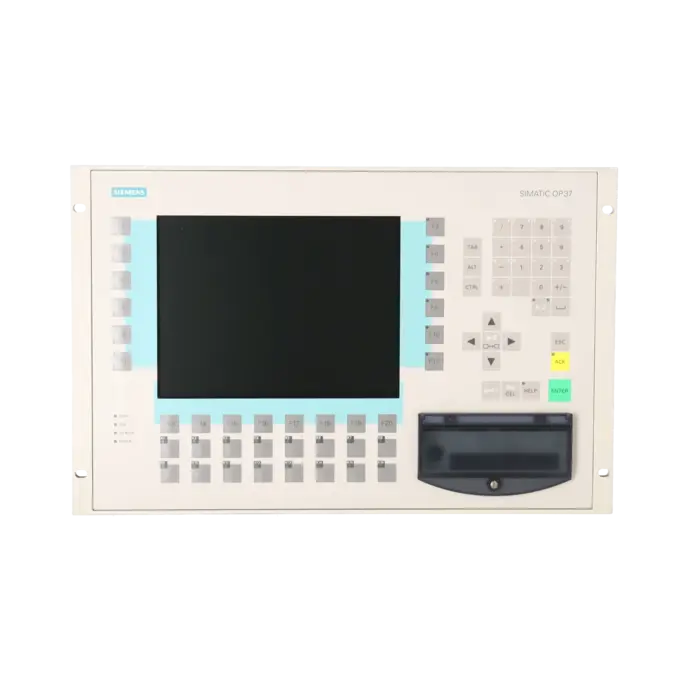
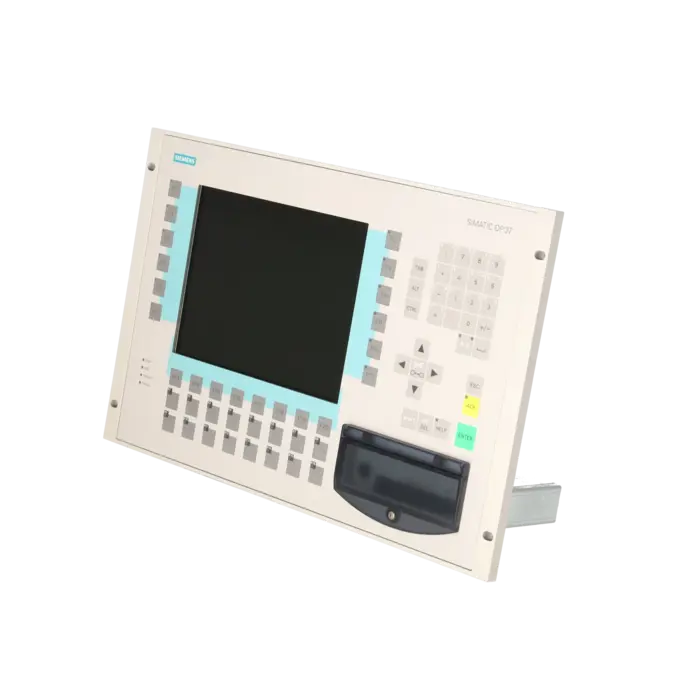
The 6AV3637-1ML00-0FX0 is a SIEMENS SIMATIC HMI Operator Panel OP37. It is a graphics-capable operator device designed for classic machine and plant operation, featuring a 10.4-inch TFT colour display, membrane keypad, 36 function keys and an integrated floppy disk drive. The panel was primarily used in existing installations where process values must be visualised, alarms acknowledged, parameters entered and recipes managed. Thanks to its keypad-based operation, the OP37 is particularly well suited to robust industrial environments where a defined operating procedure is more important than touch-screen convenience. For maintenance and purchasing departments, the exact part number is important because OP37 variants differ in display technology, drive configuration and overall equipment level.
Overview of the key technical specifications and what they mean
The OP37 is based on an x86 processor running at 100 MHz with 8 MB of RAM and features a 10.4-inch TFT display with a resolution of 480 × 640 pixels and 8 colours. It provides 36 function keys, 28 of which include LEDs, as well as 32 system keys. Particularly important in practice are the communication interfaces: 2 × TTY, 2 × RS232, 1 × RS422 and 1 × RS485 with transmission rates up to 12 Mbit/s, as these interfaces largely determine whether the panel can continue to be used in older installations. The device operates from an 18 V DC supply and has a typical power consumption of 40 W. Protection ratings are IP65 at the front and IP20 at the rear. The backlight is specified with an MTBF of 25,000 hours at 25 °C, which is useful for maintenance planning. ProTool from version 3.1 is required for project engineering and service tasks.
Product status, life-cycle status and obsolescence
For the 6AV3637-1ML00-0FX0, the product page specifies an EOP status effective from 1 April 2003. The device therefore clearly belongs to the category of obsolete legacy HMIs where spare-parts strategy, repair capability and migration planning are more important than new project development. A clearly defined one-to-one Siemens successor for this exact order number could not be reliably verified. However, Siemens documents migration paths for OP35 and OP37 projects to newer operator devices such as the OP170B, OP270 6" and MP370 or Panel PCs. It is important to note that project migration is not completely lossless, as certain key assignments and key-related functions cannot always be transferred directly. For decision-makers, this means that the OP37 is generally more relevant for targeted maintenance, replacement or retrofit projects than for straightforward new-equipment procurement.
Available EICHLER services and when they are relevant
For this assembly, EICHLER offers repair, exchange, used units and new units on request. Repair is particularly attractive when the existing project, mechanical installation and communication environment need to remain unchanged. According to the product page, repair includes technical cleaning, preventive maintenance, comprehensive functional testing and a minimum 24-month warranty. For unplanned downtime, the exchange option is particularly valuable, with a stated turnaround time of 1–3 days. A test report can also be ordered as an option. From the perspective of maintenance and purchasing departments, these services help minimise downtime, reduce risks in obsolete installations and maintain the functionality of older HMI infrastructures long after the original manufacturer life cycle has ended.
| Attribute | Value |
|---|---|
| Display | |
| Design of display | TFT, 8 colors |
| Screen diagonal | 10.4 in |
| graphics-enabled | Yes |
| Resolution (pixels) | |
| ● Horizontal image resolution | 480 Pixel |
| ● Vertical image resolution | 640 Pixel |
| Backlighting | |
| ● MTBF backlighting (at 25 °C) | 25 000 h |
| Control elements | |
| Control elements | Keys |
| Keyboard fonts | |
| ● Membrane keyboard | Yes |
| — user-definable label membrane keys | Yes |
| ● Function keys | |
| — Number of function keys | 36 |
| — Number of function keys with LEDs | 28 |
| ● System keys | |
| — Number of system keys | 32 |
| ● Numeric keyboard | Yes |
| ● alphanumeric keyboard | Yes |
| ● hexadecimal keyboard | Yes |
| ● Multi-key operation | No |
| Touch operation | |
| ● Design as touch screen | No |
| Installation type/mounting | |
| Mounting position | vertical |
| maximum permissible angle of inclination without external ventilation | 35° |
| Supply voltage | |
| Type of supply voltage | 18 V DC |
| UPS connectable (serial) | No |
| Input current | |
| Current consumption (rated value) | 1.6 A |
| Power | |
| Active power input, typ. | 40 W |
| Processor | |
| Processor type | X86, 100 MHz |
| Drives | |
| Diskette drive | Yes |
| CD-ROM | No |
| Hard disk | No |
| Memory | |
| Type of memory | Flash / RAM |
| Memory available for user data | 2 048 kbyte |
| Battery | |
| Backup battery | |
| ● Backup battery (optional) | Yes; optional 3.6 V |
| ● Backup time, min. | 4 y |
| Type of output | |
| Info LED | Yes |
| Power LED | Yes |
| Time of day | |
| Clock | |
| ● Type | Hardware clock, battery backup, synchronizable |
| ● retentive | Yes |
| ● synchronizable | Yes |
| Interfaces | |
| Interfaces/bus type | 2x TTY, 2x RS 232, 1x RS 422, 1x RS 485 (max. 12 Mbit/s) |
| Number of RS 485 interfaces | 1 |
| USB port | No |
| PC card slot | 1x PC card slot |
| CF card slot | No |
| Special interfaces | 1x special interfaces |
| Degree and class of protection | |
| IP (at the front) | IP65 |
| IP (rear) | IP20 |
| Standards, approvals, certificates | |
| Certificate of suitability | PRS, FM Class I Div. 2, UL, EX Zone 22 |
| Ambient conditions | |
| Ambient temperature during storage/transportation | |
| ● min. | -20 °C |
| ● max. | 60 °C |
| Relative humidity | |
| ● Operation, max. | 95 % |
| Operating systems | |
| pre-installed operating system | Rmos |
| Configuration | |
| Configuration software | |
| ● Configuration tool | ProTool Version 3.1 or higher (to be ordered separately) |
| Dimensions | |
| Width of the housing front | 482.6 mm |
| Height of housing front | 310.3 mm |
| Overall depth | 85 mm |
| Weights | |
| Weight (without packaging) | 8 kg |
| Fault description | Possible solution |
|---|---|
| Why does my OP37 report error 200 relating to the battery or lose data after a power interruption? | The backup battery maintains the SRAM operating data and the hardware clock. Siemens specifies a typical battery service life of approximately four years. The battery should be replaced with the device powered on whenever possible to prevent the loss of data such as passwords. If the message remains after replacing the battery, also check the seating and connection of the battery cable. |
| Why does the OP37 display “READY FOR SERIAL TRANSFER” when powered on? | This message appears automatically when no project is available on the device. In this case, the project and/or firmware must be transferred again via the IF2 interface (RS232/TTY). If a project is already present, transfer mode can be activated via the system settings or by pressing ESC + Up Arrow during startup. Afterwards, check the cable, COM port and target device settings. |
| Why does the OP37 report errors 041, 044 or 303 and fail to communicate with the controller? | Siemens identifies typical causes as faults in the transmission path, defective communication cables or incorrectly configured interface parameters on either the operator panel or the communication partner. With error 303, the transfer of larger data records on SIMATIC S5 systems may additionally trigger a watchdog fault. In this case, check the controller status, communication parameters and, on S5 systems, ensure that data word 98 is set to at least 2000. |
| Why do ProSave or the serial backup process repeatedly fail on the OP37? | Modern USB-to-serial adapters can cause communication problems with older OP37 devices. Practical experience has shown that backups may work with older programming devices featuring a native COM port while failing with newer devices using internal USB adapters. Whenever possible, use a native serial interface or a reliable FTDI-based adapter. In addition, verify the transfer mode, baud rate and target device settings in ProSave. |
| Why does the display remain dark even though the machine is still running? | In many cases, the operator panel itself has not failed; instead, the backlight has reached the end of its service life. Siemens describes the OP37 backlight as a serviceable component, and the lamps in TFT devices can be replaced. As the unit does not provide a standard VGA or EGA output, connecting an external monitor is generally not a practical temporary solution. For production-critical systems, repairing the display or backlight assembly is usually the most effective approach. |
Which software do I need for 6AV3637-1ML00-0FX0?
For project engineering, ProTool Version 3.1 or later is required. If an existing ProTool project is to be transferred to a newer Siemens HMI platform, migration to WinCC flexible 2008 is the recommended Siemens migration path. It is important to note that migration does not automatically preserve every function on a 1:1 basis. In particular, key assignments, LED mappings and individual screen contents may require rework. For service, spare-parts planning and retrofit projects, not only the hardware but also the availability and condition of the original project files are therefore critical.
Is 6AV3637-1ML00-0FX0 still within the regular Siemens lifecycle?
No. The device has EOP (End of Product) status effective 1 April 2003. For operators, this means the focus today is on repair, exchange units, tested used devices and a structured obsolescence strategy. For procurement, the key factor is usually not the availability of new units but whether the panel can be sourced quickly through repair services, exchange programmes or tested used stock. In many cases, service providers offering repair and exchange solutions are more cost-effective than searching for a direct new replacement.
Which interfaces does the OP37 provide and why is this important when purchasing?
The device provides 2 × TTY, 2 × RS232, 1 × RS422 and 1 × RS485 with communication speeds of up to 12 Mbit/s. These interfaces are critical in legacy systems because a seemingly similar HMI without the correct physical connections often cannot be installed without modification. For purchasing and maintenance teams, evaluation should therefore not be limited to display size or product family. Communication interfaces, engineering environment and compatibility with existing controllers, cabling and protocols are equally important. In many existing installations, these factors determine whether a replacement can be implemented quickly or turns into a larger retrofit project.
Is there a direct successor to the Siemens OP37?
A clearly documented 1:1 successor for the exact order number 6AV3637-1ML00-0FX0 could not be reliably verified. Instead, Siemens documents migration targets for OP35/OP37 projects, including the OP 170B, OP 270 6" and MP 370/Panel PCs. This is important for planning because migration should not be considered equivalent to a direct replacement. Siemens notes that certain key functions and key areas are not transferred completely. If minimising downtime is the priority, repair or an exchange unit is often the better option; if long-term modernisation is planned, a structured HMI migration project should be considered.
What is the typical service life of the backlight and battery?
The backlight has a specified MTBF of 25,000 hours at 25 °C. Siemens states a typical service life of approximately four years for the backup battery under normal operating conditions. For legacy installations, these are important maintenance indicators. Even when the panel is still operational, an ageing backlight or weak battery can cause gradual failures, poor readability or data loss after power interruptions. To minimise unplanned downtime, both components should be included in preventive maintenance schedules.
Is the OP37 suitable for harsh industrial environments?
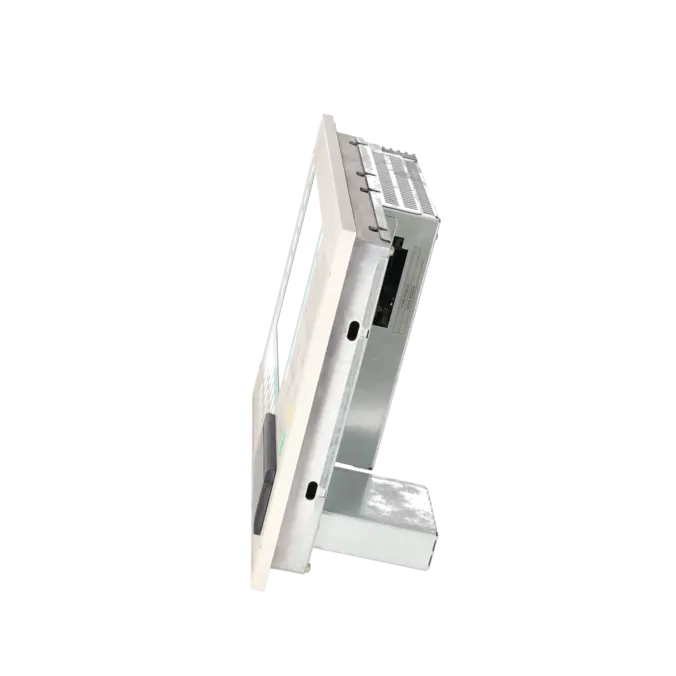
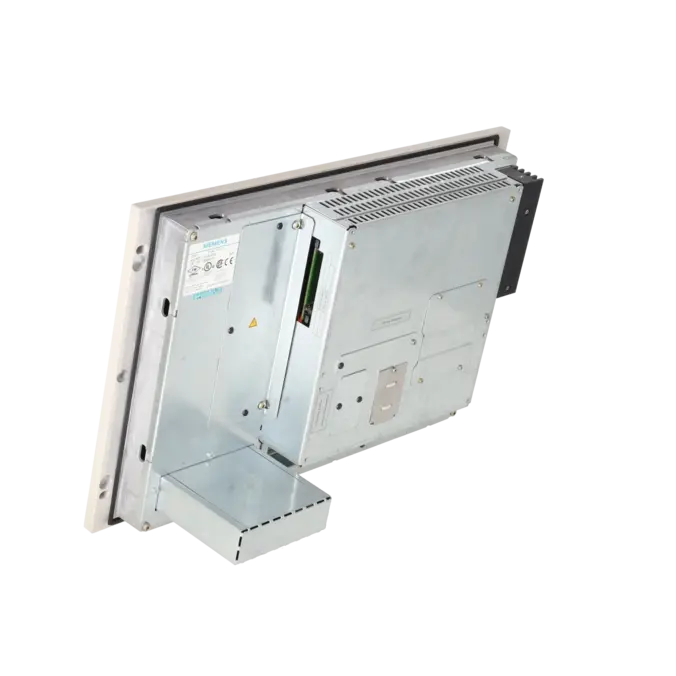
Yes. The front of the device is rated IP65, making it suitable for installation in industrial operator stations and control panels. The rear is rated IP20 and therefore requires installation in a suitable enclosure or cabinet. Siemens also specifies vertical mounting, a maximum inclination of 35° without forced ventilation, storage and transport temperatures from −20 °C to +60 °C and up to 95 % relative humidity during operation. For engineering and purchasing teams, this demonstrates that the panel is robust, but reliable operation depends on ensuring that installation and environmental conditions match the intended machine design.