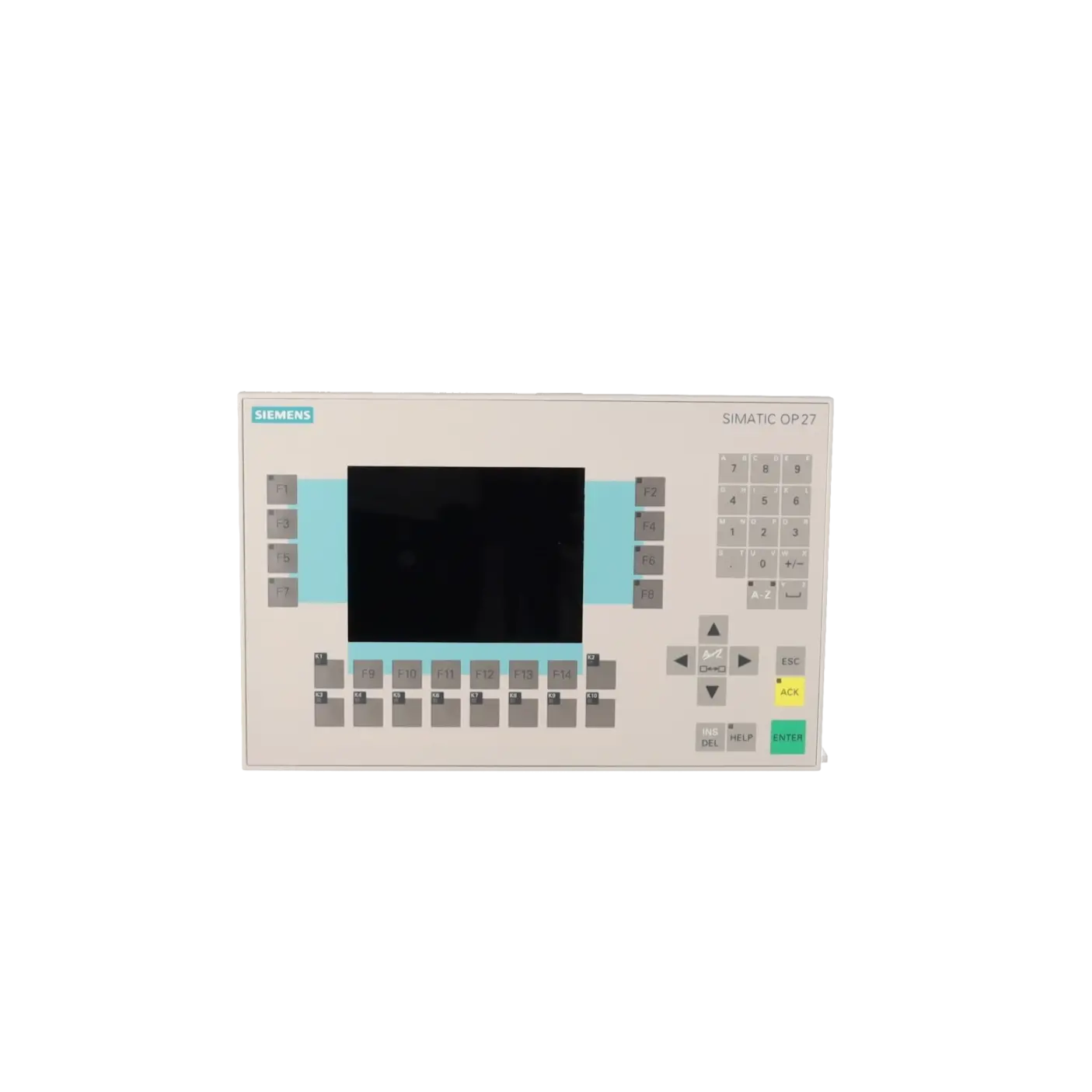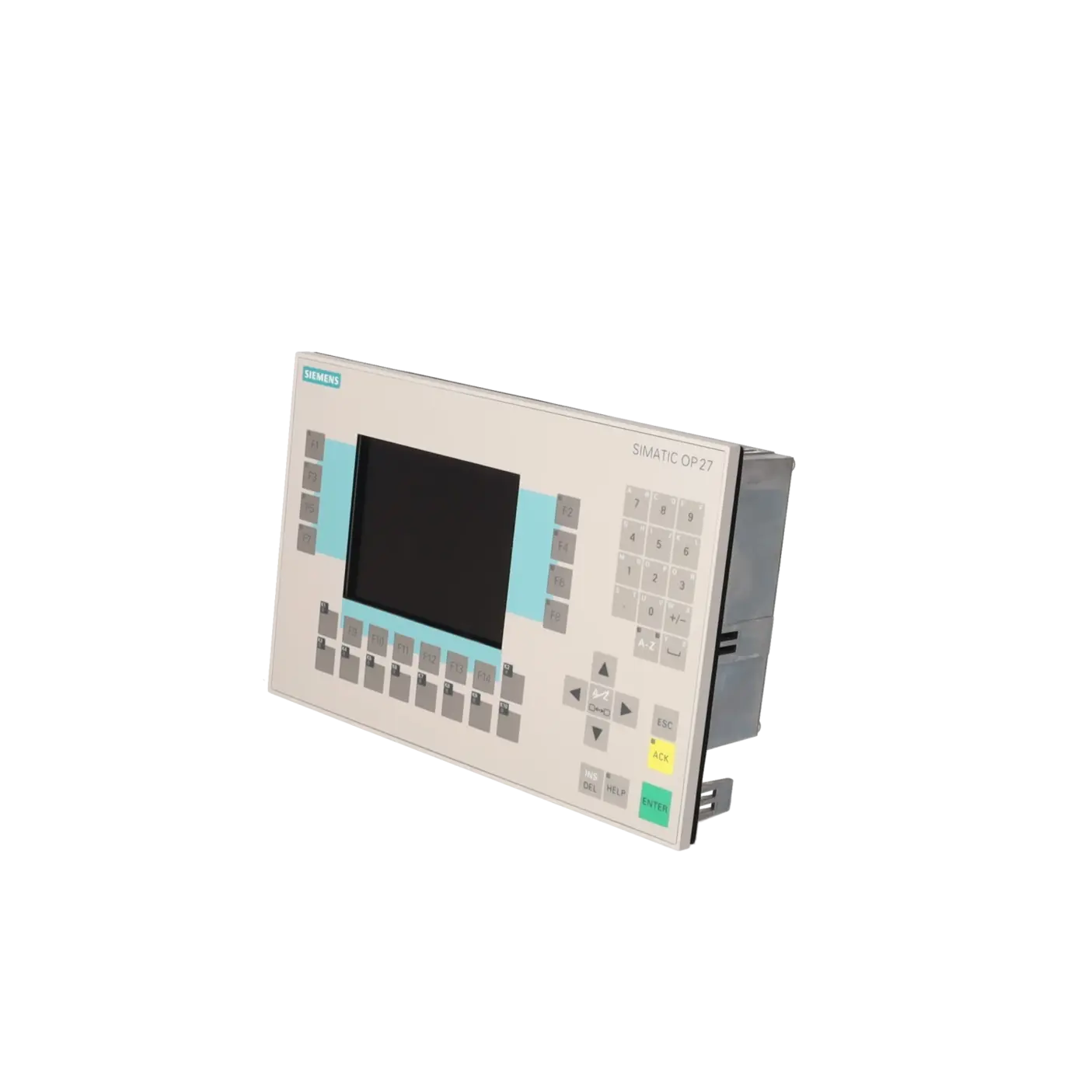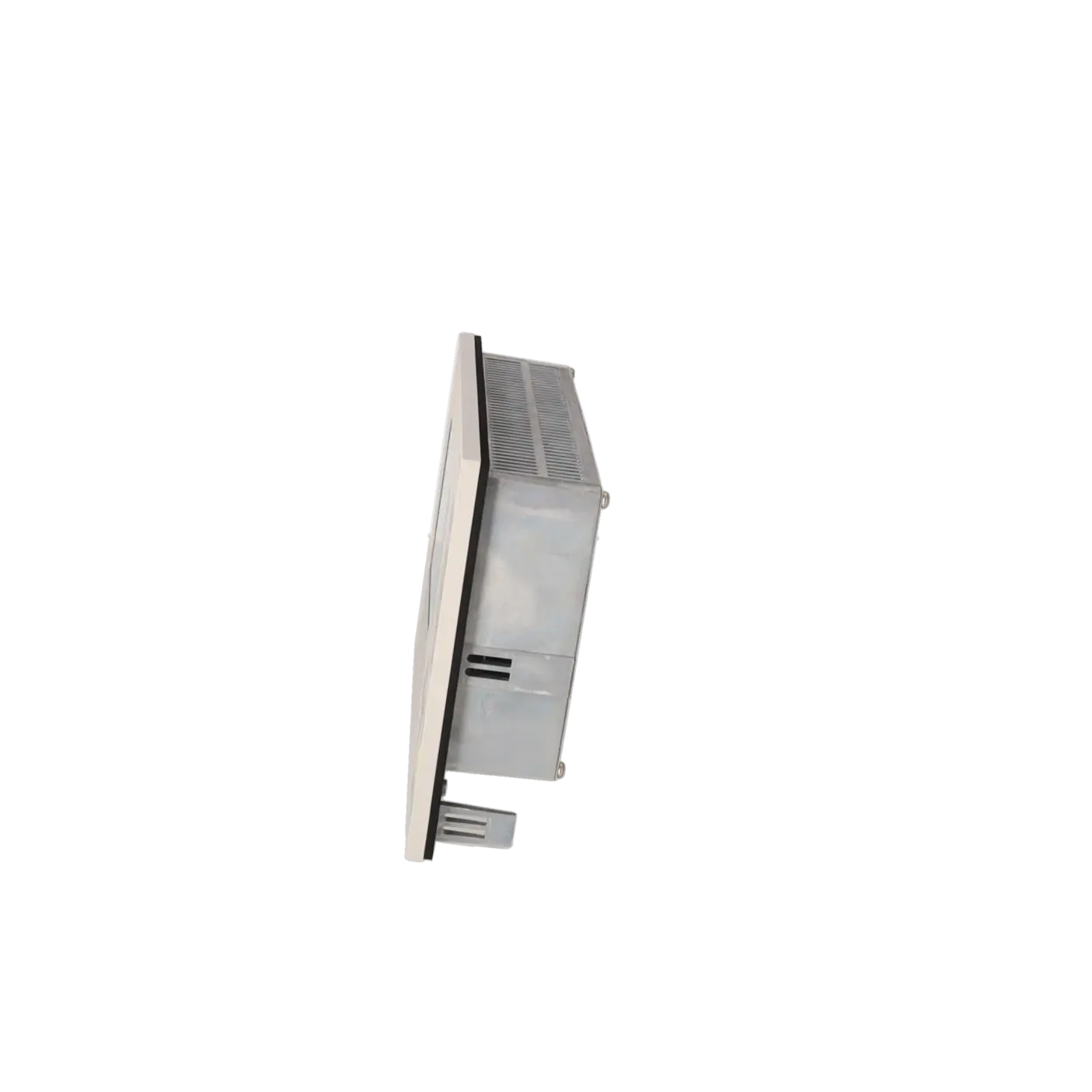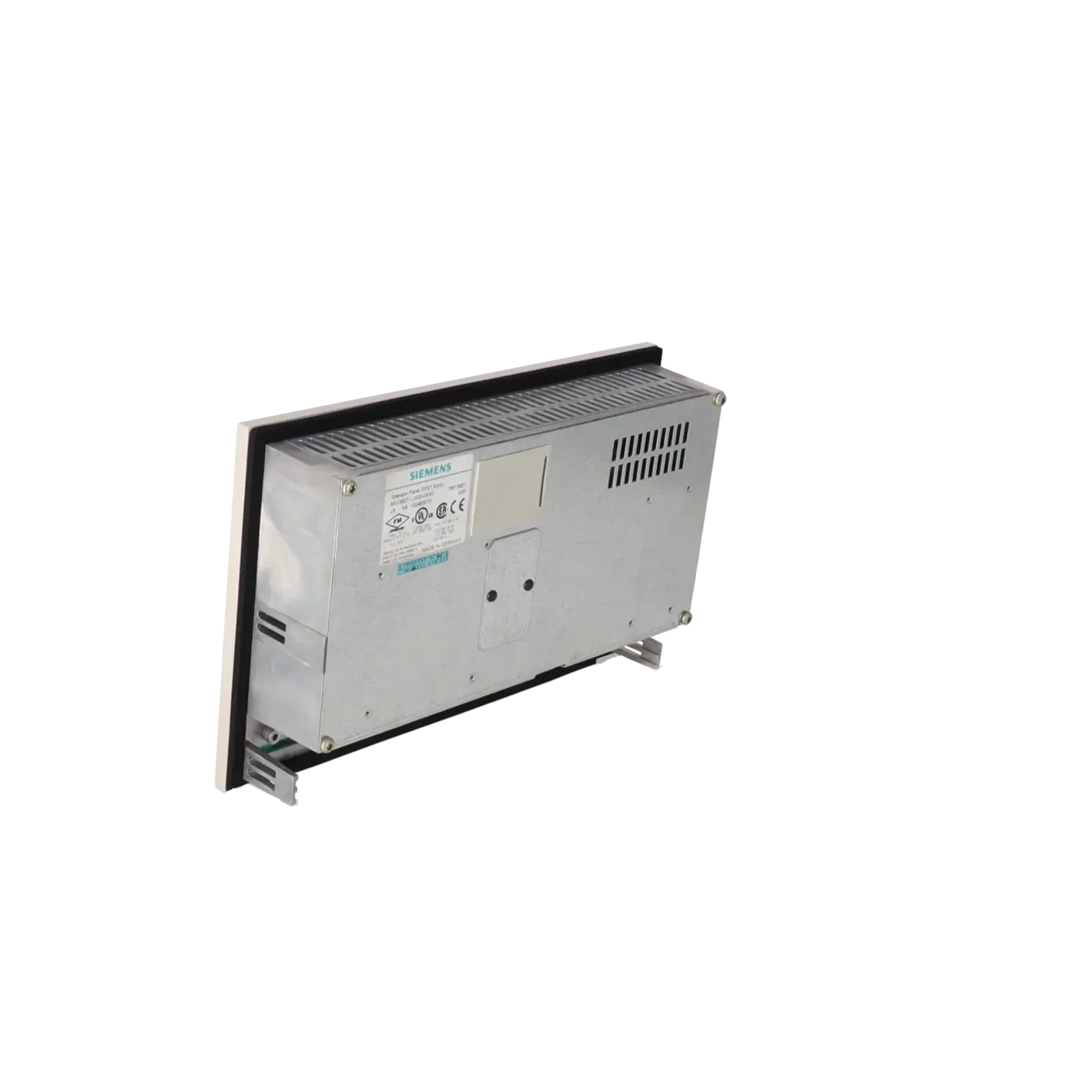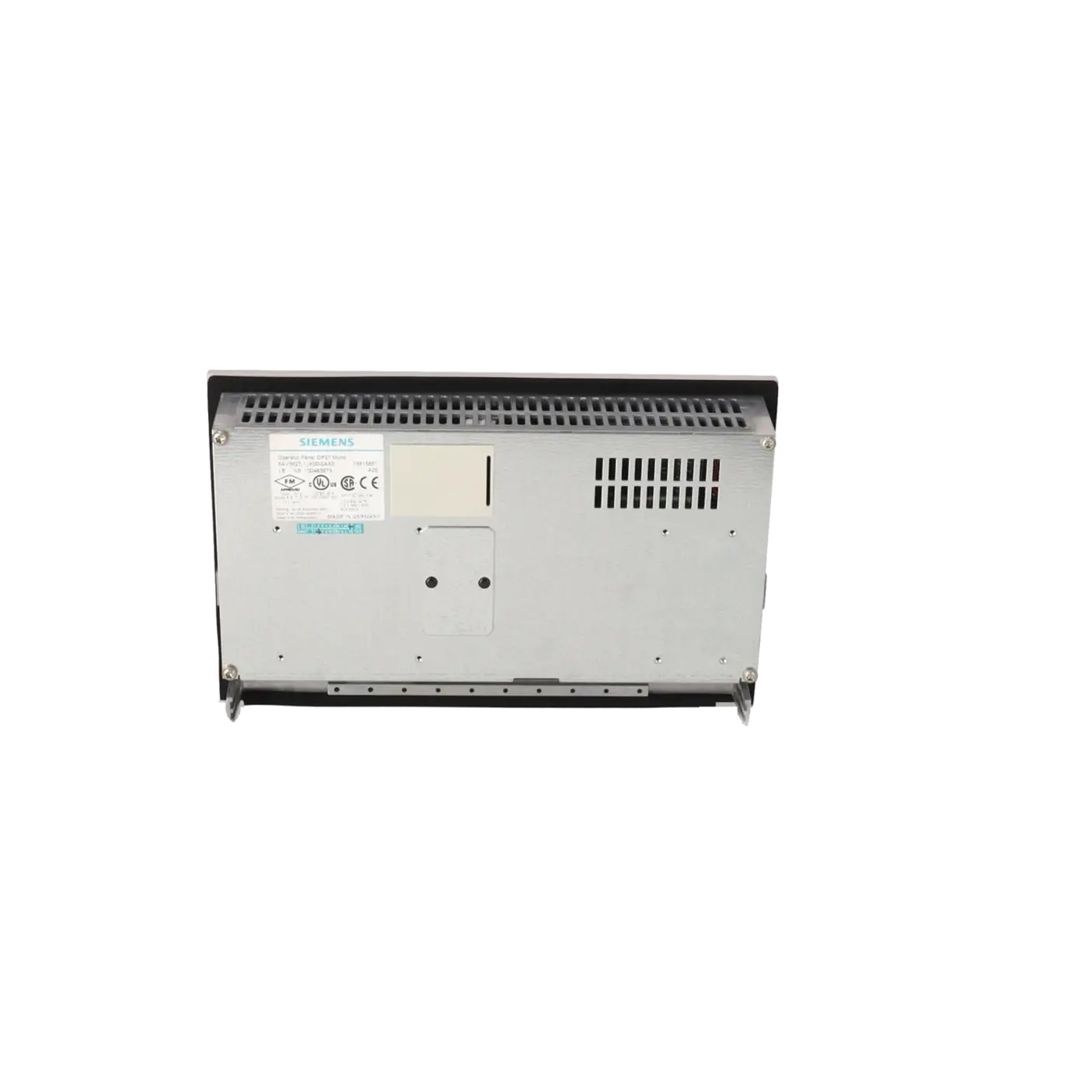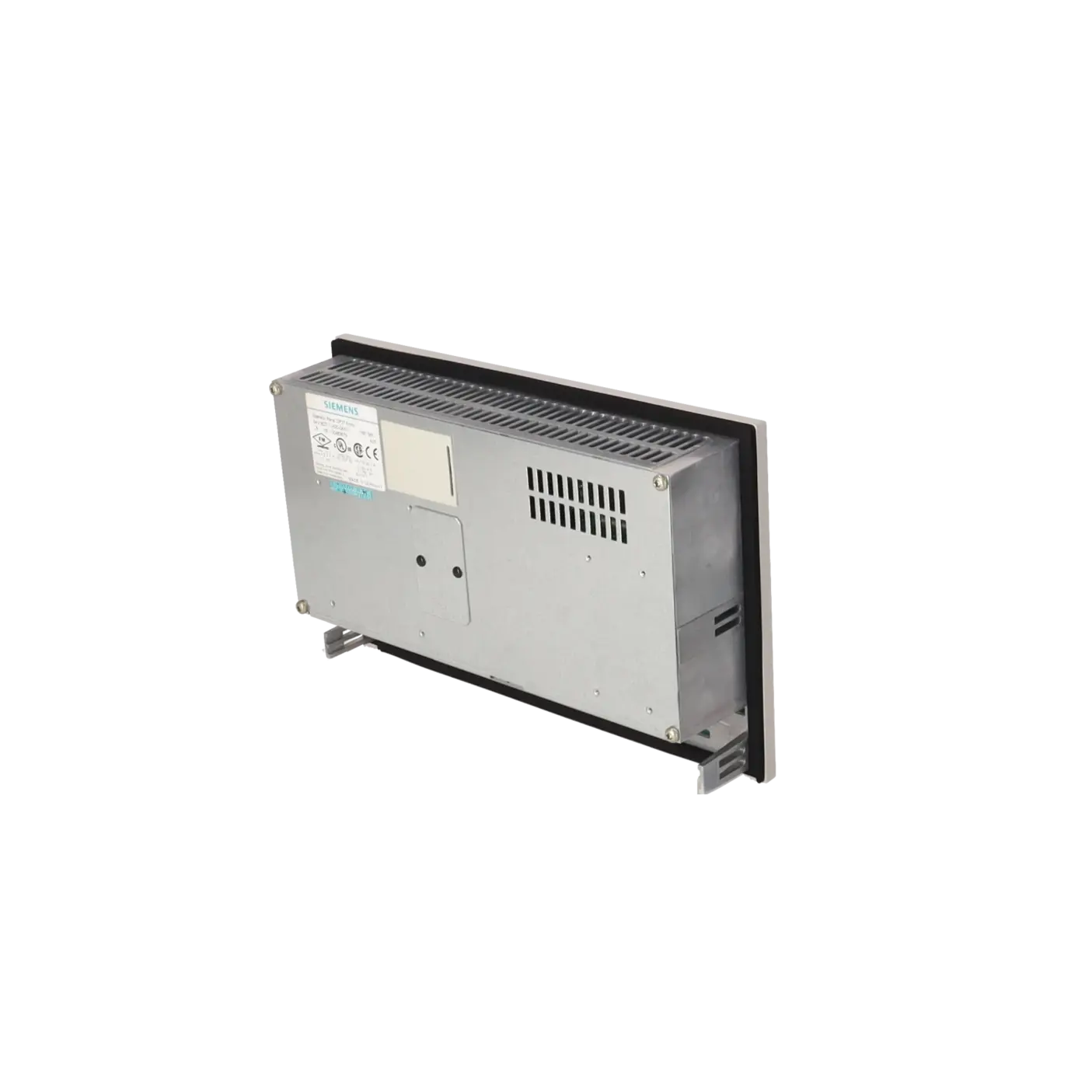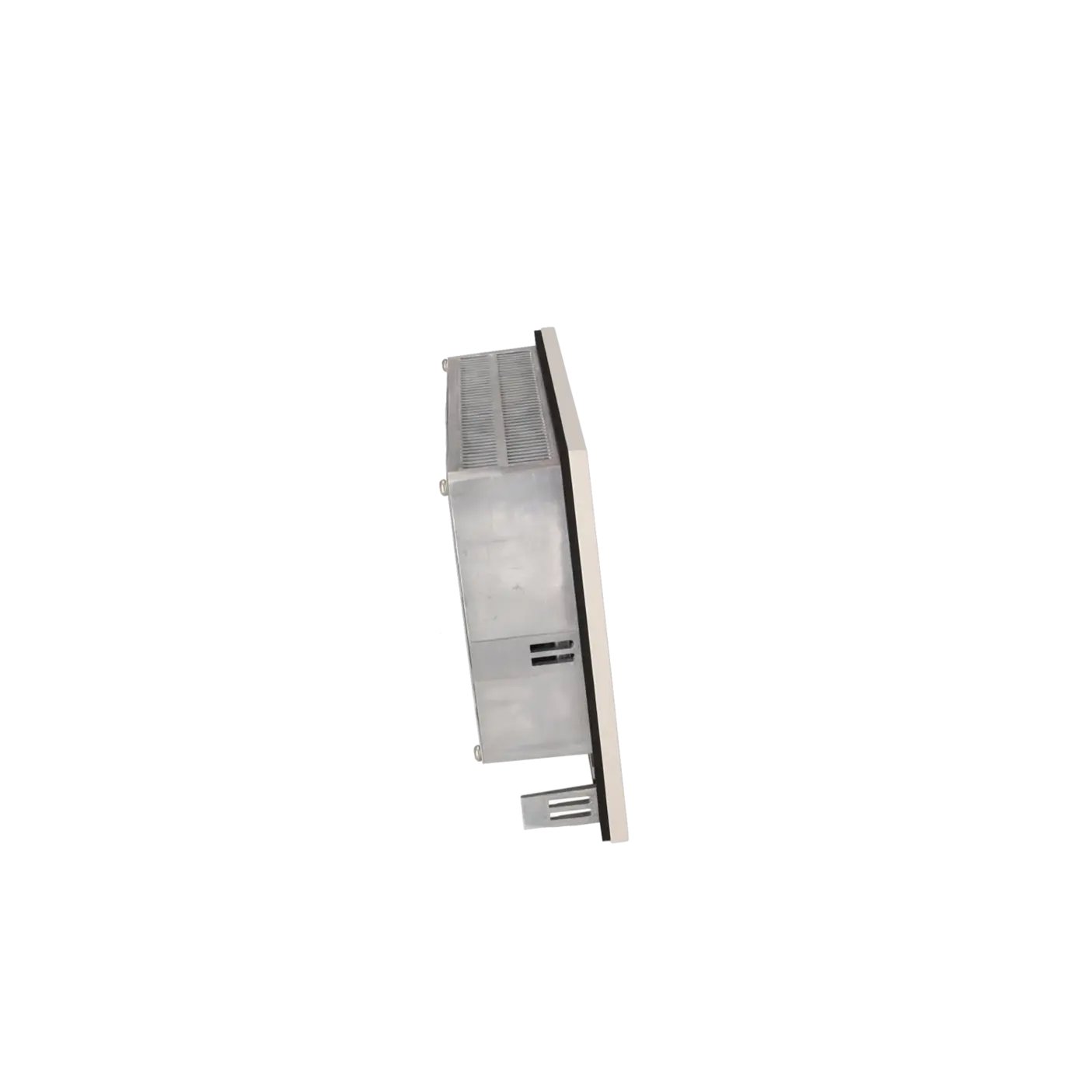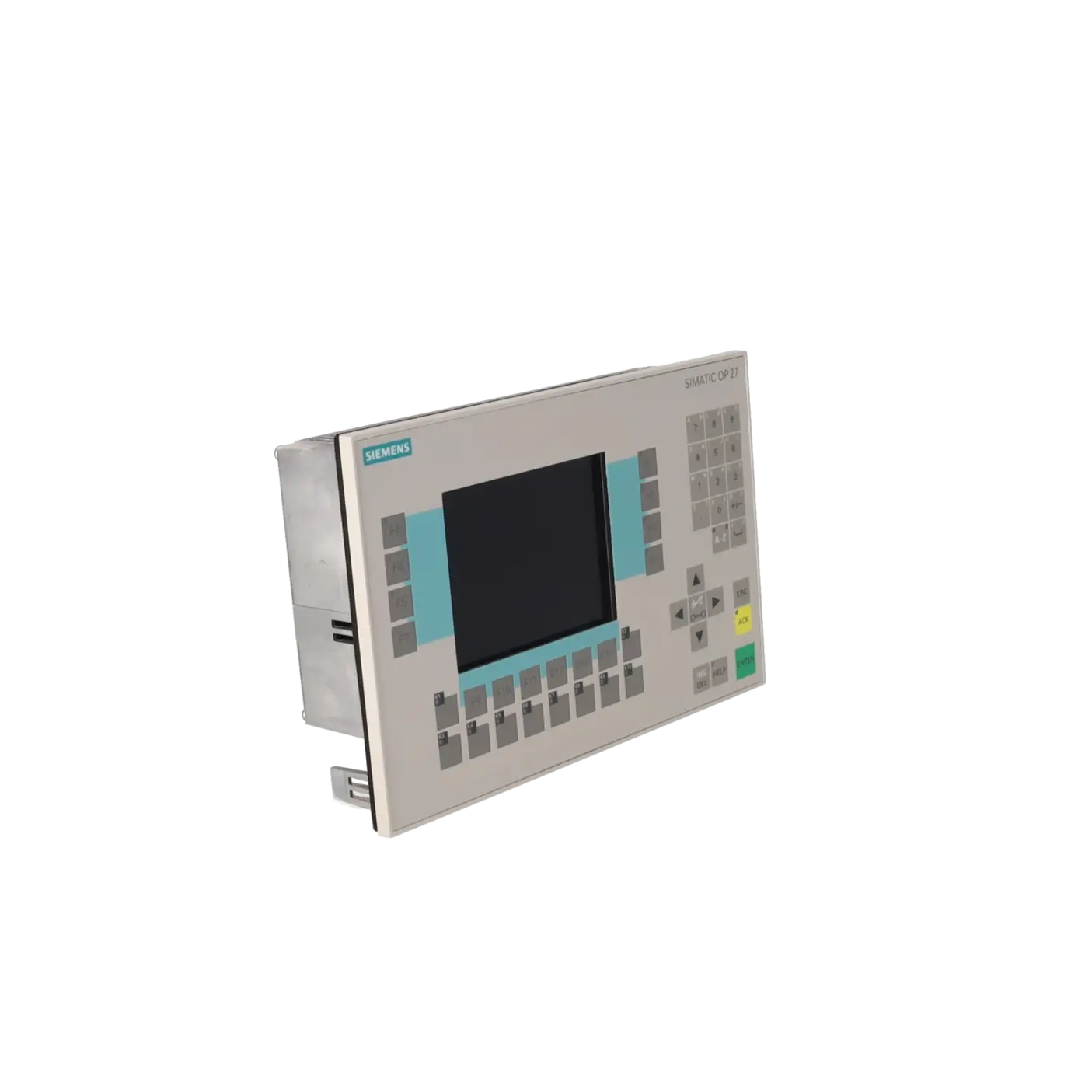
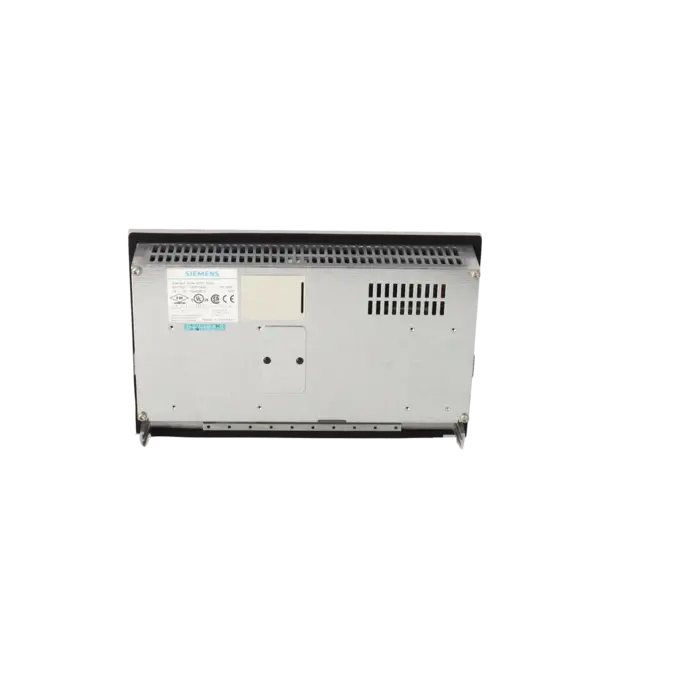
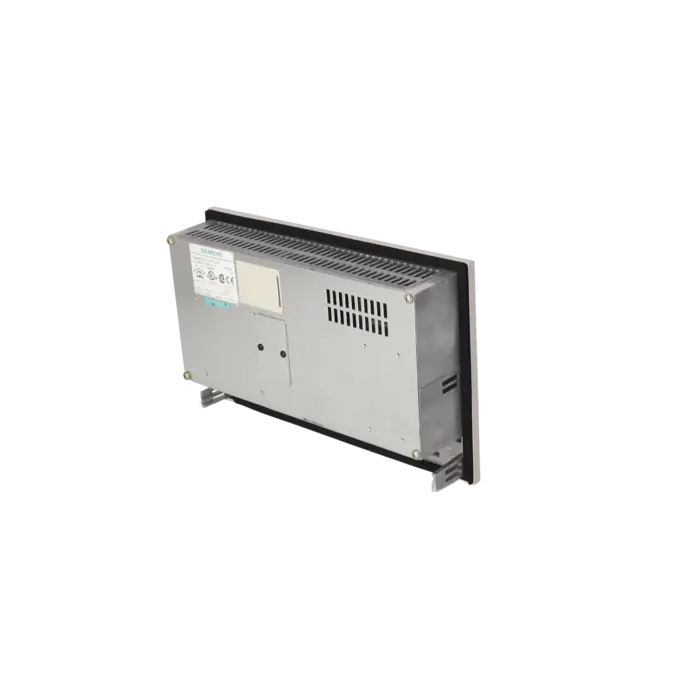
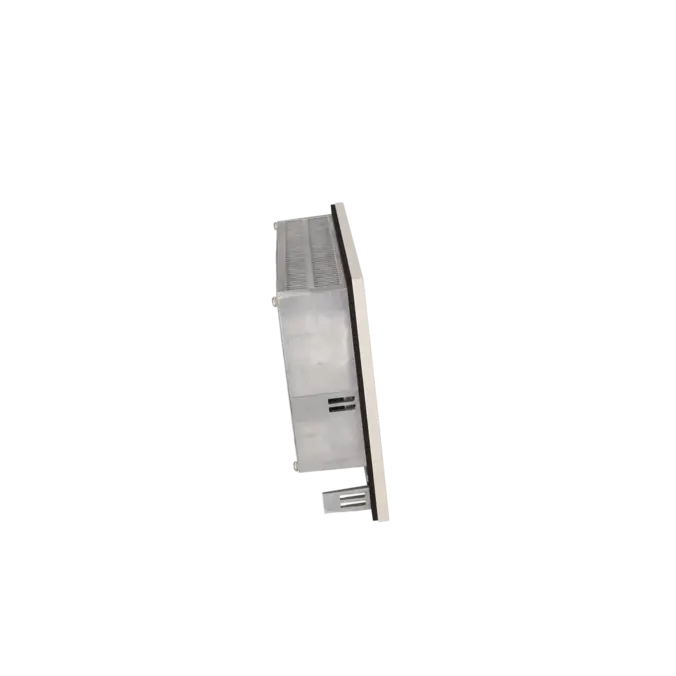
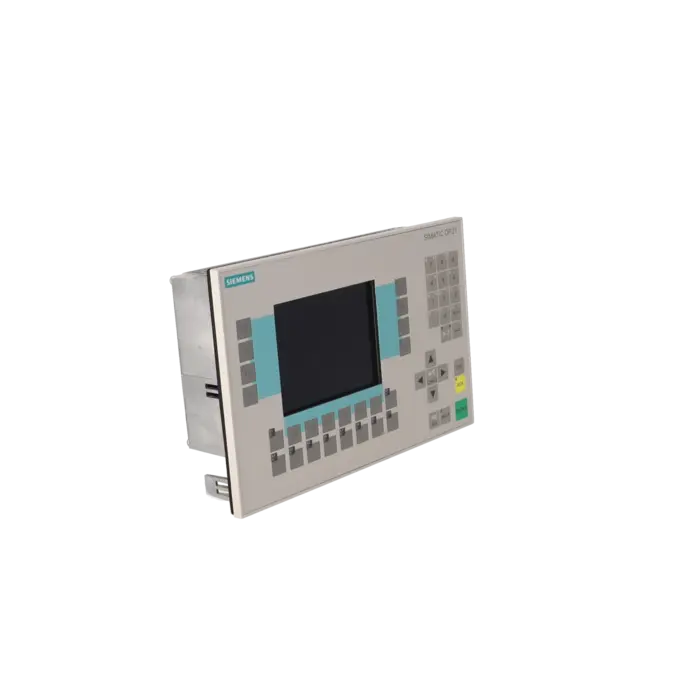
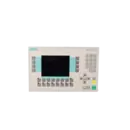
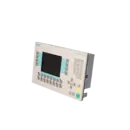
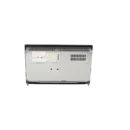
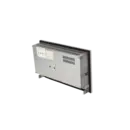
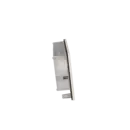
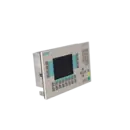
SIEMENS 6AV3627-1JK00-0AX0
- EICHLER-art.no.: K0116663
- EAN: 662643027846
Product description
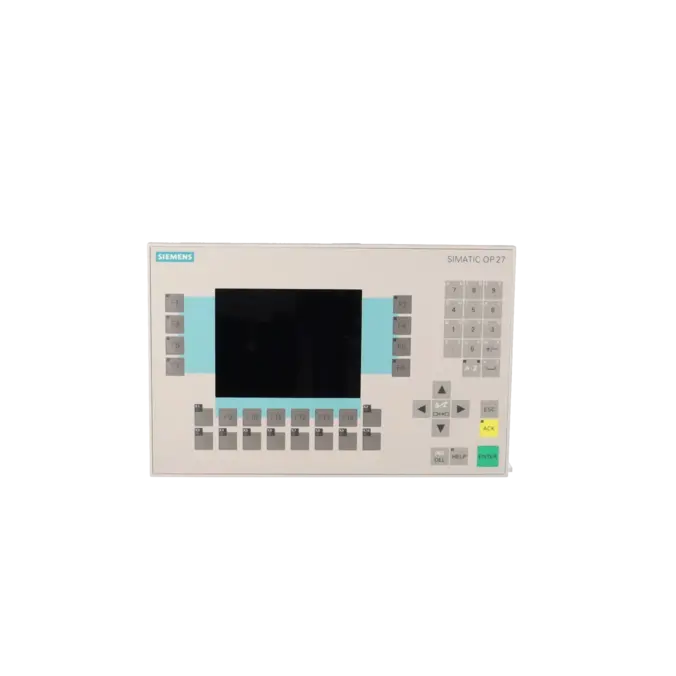
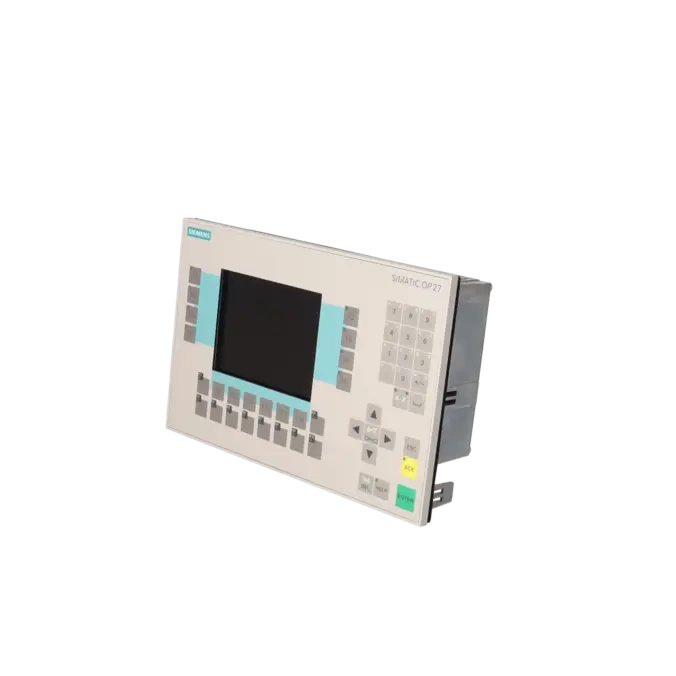
OPERATOR PANEL OP27 STN MONOCHROME LC DISPLAY
Services for SIEMENS 6AV3627-1JK00-0AX0
SIEMENS |
6AV3627-1JK00-0AX0 –
additional product information
| Delivery information | |||
|---|---|---|---|
| Export identifier | AL: ECCN: | ||
| Net weight | 1.888 | ||
| Quantity | 1 Stück | ||
| Packaging quantity | 1 | ||
| Additional product information | |||
|---|---|---|---|
| Product status | EOP: 2006-04-01 | ||
| EAN | 662643027846 | ||
| UPC | / | ||
| Static lot number | 85371091 | ||
| List indicator | / | ||
| Product group | 4357 | ||
| Country of origin | DE | ||
| Compliance with the substance restrictions according to RoHS directive | Since: / | ||
| Product classifications | Version | Classification | |
|---|---|---|---|
| eClass | 4 | / | |
| eClass | 5.1 | / | |
| eClass | 6.0 | / | |
| ETIM | 3 | / | |
| ETIM | 4 | / | |
| ETIM | 5 | / | |
What is 6AV3627-1JK00-0AX0 and where is it used?
The 6AV3627-1JK00-0AX0 is a SIEMENS SIMATIC HMI Operator Panel OP27 featuring a monochrome STN LCD display and a fixed keypad. The device belongs to the class of traditional operator panels used in machines and systems where operators enter setpoints, acknowledge alarms, manage recipes and monitor process conditions. Thanks to the combination of a graphical display and dedicated hardware keys, the OP27 is particularly suitable for legacy systems with a robust operating concept, such as those found in packaging machinery, conveying technology, machine tools and process engineering applications. For maintenance and purchasing departments, the exact part number is critical, as existing machines often require not only the correct form factor but also matching interfaces, project compatibility and spare-parts strategy.
Overview of the key technical specifications and their significance
The OP27 features a 5.7-inch display with a resolution of 240 × 320 pixels and 8 grey levels. In everyday industrial operation, this provides good readability for traditional process screens, alarm messages and parameter pages, although the display capabilities are naturally not comparable to those of modern HMI systems. The panel includes 24 function keys, of which 18 are equipped with LEDs, as well as 24 system keys and support for numeric, alphanumeric and hexadecimal input. For integration into older automation environments, the available TTY, RS232, RS422 and RS485 interfaces are particularly important. Additional features include 1 MB of application memory, a PC card slot, IP65 protection on the front panel, and a typical power consumption of 8 W. These characteristics are often decisive factors in retrofit and replacement projects.
Product status, life-cycle status and obsolescence status
The 6AV3627-1JK00-0AX0 is considered a significantly obsolete legacy device. The EICHLER product page lists the unit with EOP (End of Production) status dated 01 April 2006. A Siemens datasheet additionally classifies the assembly as a discontinued product and states end of PLM and support effective from 01 October 2015. A Siemens product directory further indicates that no direct replacement product is assigned to this part number. While Siemens support documentation occasionally references the OP270 and later the OP277 as possible migration paths, these should not be regarded as verified one-to-one replacements for every application. For operators, this means that long-term availability today is primarily ensured through repair services, exchange units, used-device availability and a well-structured asset management strategy.
Available EICHLER services and when they are relevant
Several practical service options are available from EICHLER for the OP27. Repair services are particularly suitable when the existing project configuration, wiring and mechanical installation need to remain unchanged and downtime must be kept predictable. EICHLER specifies a typical turnaround time of 1–3 days and includes services such as technical cleaning, preventive maintenance, comprehensive functional testing and a minimum 24-month warranty. An exchange unit may be the preferred option when a rapid return to operation is more important than repairing the original device. In addition, used devices with short delivery times and new devices on request are available. The optional test report supports purchasing departments, quality assurance teams and decision-makers by providing documentation and reducing operational risk, particularly in situations where obsolescence management has become a critical issue.
| Attribute | Value |
|---|---|
| Display | |
| Design of display | STN, 8 gray scales |
| Screen diagonal | 5.7 in |
| graphics-enabled | Yes |
| Resolution (pixels) | |
| ● Horizontal image resolution | 240 Pixel |
| ● Vertical image resolution | 320 Pixel |
| Backlighting | |
| ● MTBF backlighting (at 25 °C) | 50 000 h |
| Control elements | |
| Control elements | Keys |
| Keyboard fonts | |
| ● Membrane keyboard | Yes |
| — user-definable label membrane keys | Yes |
| ● Function keys | |
| — Number of function keys | 24 |
| — Number of function keys with LEDs | 18 |
| ● System keys | |
| — Number of system keys | 24 |
| ● Numeric keyboard | Yes |
| ● alphanumeric keyboard | Yes |
| ● hexadecimal keyboard | Yes |
| ● Multi-key operation | No |
| Touch operation | |
| ● Design as touch screen | No |
| Installation type/mounting | |
| Mounting position | vertical |
| maximum permissible angle of inclination without external ventilation | 35° |
| Supply voltage | |
| Type of supply voltage | 18 V DC |
| UPS connectable (serial) | No |
| Input current | |
| Current consumption (rated value) | 0.3 A |
| Power | |
| Active power input, typ. | 8 W |
| Processor | |
| Processor type | X86, 33 MHz |
| Drives | |
| Diskette drive | No |
| CD-ROM | No |
| Hard disk | No |
| Memory | |
| Type of memory | Flash / RAM |
| Memory available for user data | 1 024 kbyte |
| Battery | |
| Backup battery | |
| ● Backup battery (optional) | Yes; optional 3.6 V |
| ● Backup time, min. | 4 y |
| Type of output | |
| Info LED | Yes |
| Power LED | No |
| Time of day | |
| Clock | |
| ● Type | Hardware clock, battery backup, synchronizable |
| ● retentive | Yes |
| ● synchronizable | Yes |
| Interfaces | |
| Interfaces/bus type | 1x TTY, 2x RS 232, 1x RS 422, 1x RS 485 (max. 12 Mbit/s) |
| Number of RS 485 interfaces | 1 |
| USB port | No |
| PC card slot | 1x PC card slot |
| CF card slot | No |
| Special interfaces | No |
| Degree and class of protection | |
| IP (at the front) | IP65 |
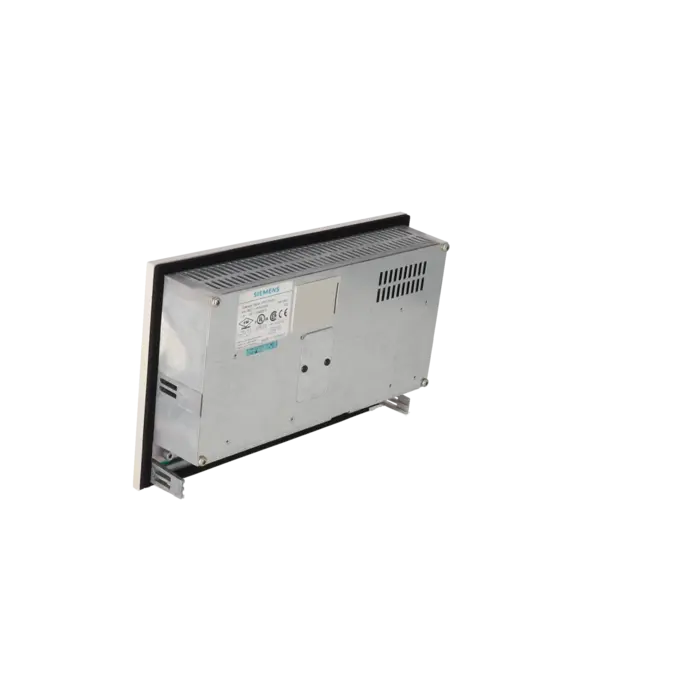
| IP (rear) | IP20 |
| Standards, approvals, certificates | |
| Certificate of suitability | PRS, FM Class I Div. 2, UL, EX Zone 22 |
| Ambient conditions | |
| Ambient temperature during storage/transportation | |
| ● min. | -20 °C |
| ● max. | 60 °C |
| Relative humidity | |
| ● Operation, max. | 95 % |
| Operating systems | |
| pre-installed operating system | Rmos |
| Configuration | |
| Configuration software | |
| ● Configuration tool | ProTool Version 3.1 or higher (to be ordered separately) |
| Dimensions | |
| Width of the housing front | 296 mm |
| Height of housing front | 192 mm |
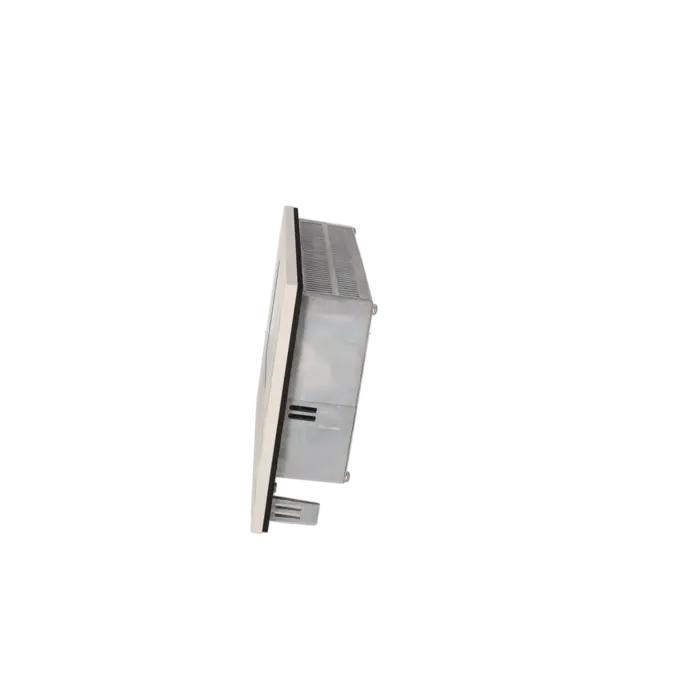
| Overall depth | 59 mm |
| Weights | |
| Weight (without packaging) | 1.85 kg |
| Fault description | Possible solution |
|---|---|
| Why does my OP27 display the message “200 OP Battery is bad”? | This message refers to the backup battery of the OP27 and not to the PLC battery. The first step is to check the panel battery and replace it according to the manufacturer's specifications. Afterwards, perform a restart of the panel and, if the message reappears, carry out an additional RTC/battery hardware test to determine whether only the battery or also the real-time clock backup function is affected. If the message remains despite replacing the battery, the device should be checked for contact issues, ageing of the battery holder or more extensive electronic faults. |
| Why does my OP27 only start with “READY FOR SERIAL TRANSFER”? | This condition occurs when no valid project is available or when the panel has been switched into transfer mode. In this state, the OP27 cannot be operated normally. To restore operation, the connection via IF2 (RS232/TTY) must be established correctly and the appropriate project must be transferred again. Before downloading the project, verify the cable, interface and transfer method. If the device repeatedly returns to this mode after every restart, the valid project in the internal memory is usually missing or corrupted. |
| Why do I receive Error 724:38 when downloading to the OP27? | Siemens classifies Error 724 as an internal error; the manual describes it as "Mailbox type not implemented". A structured troubleshooting approach is recommended: switch off the operator panel, place the controller in STOP mode, restart both systems, intentionally start the OP27 in transfer mode during boot-up and then perform a complete project download. If the error persists, check the project version, device type and communication parameters. In older legacy systems, it is also important to ensure that the correct project and the appropriate transfer procedure for the OP27 are being used. |
| Why does the OP27 report “No connection to OP” or “E4018 MPI protocol error”? | These errors typically indicate incorrect communication parameters, an invalid MPI configuration or issues within the communication path. Therefore, check the MPI address, baud rate, cable type, selected interface and the actual transfer mode of the panel. Particularly with older panels, it is often helpful to restart the device, initialise it correctly in boot or transfer mode, and then reload the project. If changes have recently been made to the controller or programming device, the communication settings on all devices must match exactly. |
| Why does the OP27 remain stuck at “Transfer timeout”? | In this situation, communication between the panel and PLC is often not being acknowledged correctly. In one documented case involving AS511, the transfer bit remained active, while FAP functioned as an alternative solution. Troubleshooting should therefore focus on the transfer protocol, handshake mechanism, communication blocks and PLC acknowledgement logic. It is also important to verify that the selected protocol type is actually compatible with the installed controller and project configuration. If recipe transfer or data record transfer is affected, the area pointers and the PLC's response behaviour should also be examined. |
| Why is the display dark, faulty or difficult to read? | The OP27 provides an internal display test as well as contrast and brightness adjustment functions within the hardware test menu. These tools help determine whether the issue is caused by contrast settings, pixel/display faults or deeper hardware problems. The backlight is a wear-related component, and EICHLER specifies an MTBF of 50,000 operating hours for the illumination system. If the display remains dark despite correct voltage supply and a valid project, the display test should be performed first. If a hardware fault is confirmed, repair or replacement is usually more economical than continuing to operate the device in a degraded condition. |
Is 6AV3627-1JK00-0AX0 still available or only obtainable as a legacy part?
The device is no longer a current production product. Siemens classifies this part number as discontinued and as a product that has reached the end of PLM and support, while EICHLER also lists it with EOP (End of Production) status. In practical procurement terms, however, this does not necessarily mean that the device is unavailable. For this assembly, EICHLER offers repair services, exchange units and used devices with short delivery times, while new devices are only available on request. For purchasing and maintenance teams, the key question is therefore not simply "new or used?", but rather which solution will return the system to operation most quickly and with the lowest risk.
Is there a direct successor for the Siemens OP27 Mono?
A directly verified one-to-one successor for the 6AV3627-1JK00-0AX0 is not specified in the manufacturer sources reviewed. A Siemens product directory explicitly states that the product is listed without an assigned replacement product. Although Siemens support discussions mention the OP270 and later the OP277 as potential migration paths, these references do not replace the need for a technical evaluation of the specific application. Critical factors include the project configuration, mounting cut-out, interfaces, power supply, operating concept and machine approval requirements. Operators of existing systems should therefore clearly distinguish between a full retrofit, a replacement using the same form factor, and a repair of the existing panel.
Which software do I need for the OP27?
The OP27 is configured using ProTool. The EICHLER product page specifies ProTool Version 3.1 or later as the required engineering software. Siemens documentation relating to later ProTool versions also describes the possibility of converting existing graphics-device projects, which is particularly relevant for migration projects. For routine service work on an existing OP27, however, the most important factor is the availability of the original or compatible legacy engineering environment. Simply replacing the device without correctly transferring the project may result in communication issues, incorrect key assignments or unsuccessful project downloads. In legacy installations, securing the project files is often just as important as sourcing the replacement hardware itself.
How can I back up project data or recipe data on the OP27?
Siemens provides a backup and restore function via memory card for the OP27. The memory card is inserted into the designated slot, after which a backup can be initiated from the standard screen. The device manual also describes the restoration of recipe datasets, firmware and project data. For operators of older systems, this is a critical precautionary measure. Before any repair, replacement or troubleshooting activity, the current project configuration and all production-relevant datasets should be backed up. This helps prevent situations where the panel itself is operational again after hardware replacement, but recipes, settings or the functional visualisation project are missing.
Which interfaces does the OP27 provide, and why is this important for repair and replacement?
According to the technical specifications, the OP27 is equipped with TTY, RS232, RS422 and RS485 interfaces, as well as a PC card slot. These legacy interfaces are often the most critical factor in existing installations. A mechanically compatible replacement panel offers little benefit if the protocol, connection method or project configuration does not match the machine. For maintenance personnel, it is therefore essential to verify not only the part number, but also the actual communication setup of the machine: Which controller is connected? Which interface is in use? Which protocol is running? How is the project transferred? The answers to these questions determine whether a repair, exchange unit or retrofit can ultimately be implemented successfully without extended downtime.
When is repair more economical than replacement?
For obsolete HMIs, the most cost-effective solution is rarely universal. Repair is usually the preferred option when the existing project configuration must be retained and preserving the original device provides the fastest route back into production. An exchange unit is often more suitable when an immediately operational replacement device is required. EICHLER specifies turnaround times of 1–3 days for both options and supplements its repair service with technical cleaning, preventive maintenance, functional testing and a minimum 24-month warranty. For decision-makers, the relevant factor is therefore not merely the purchase price, but the overall balance of downtime costs, integration effort, project migration risk and long-term spare-parts strategy. For organisations operating multiple OP27 units, a planned combination of repair capability and strategic stockholding is often the most robust long-term solution.