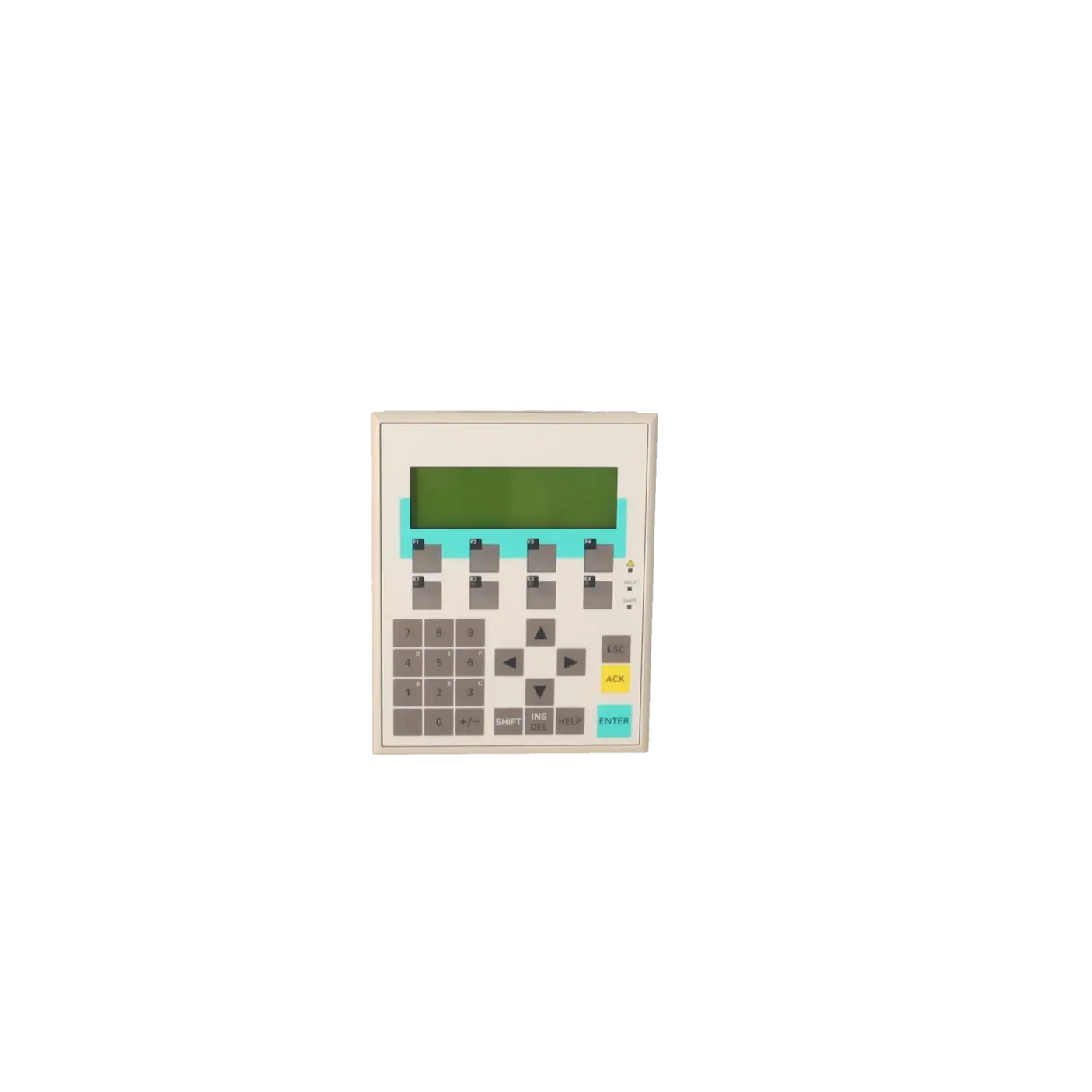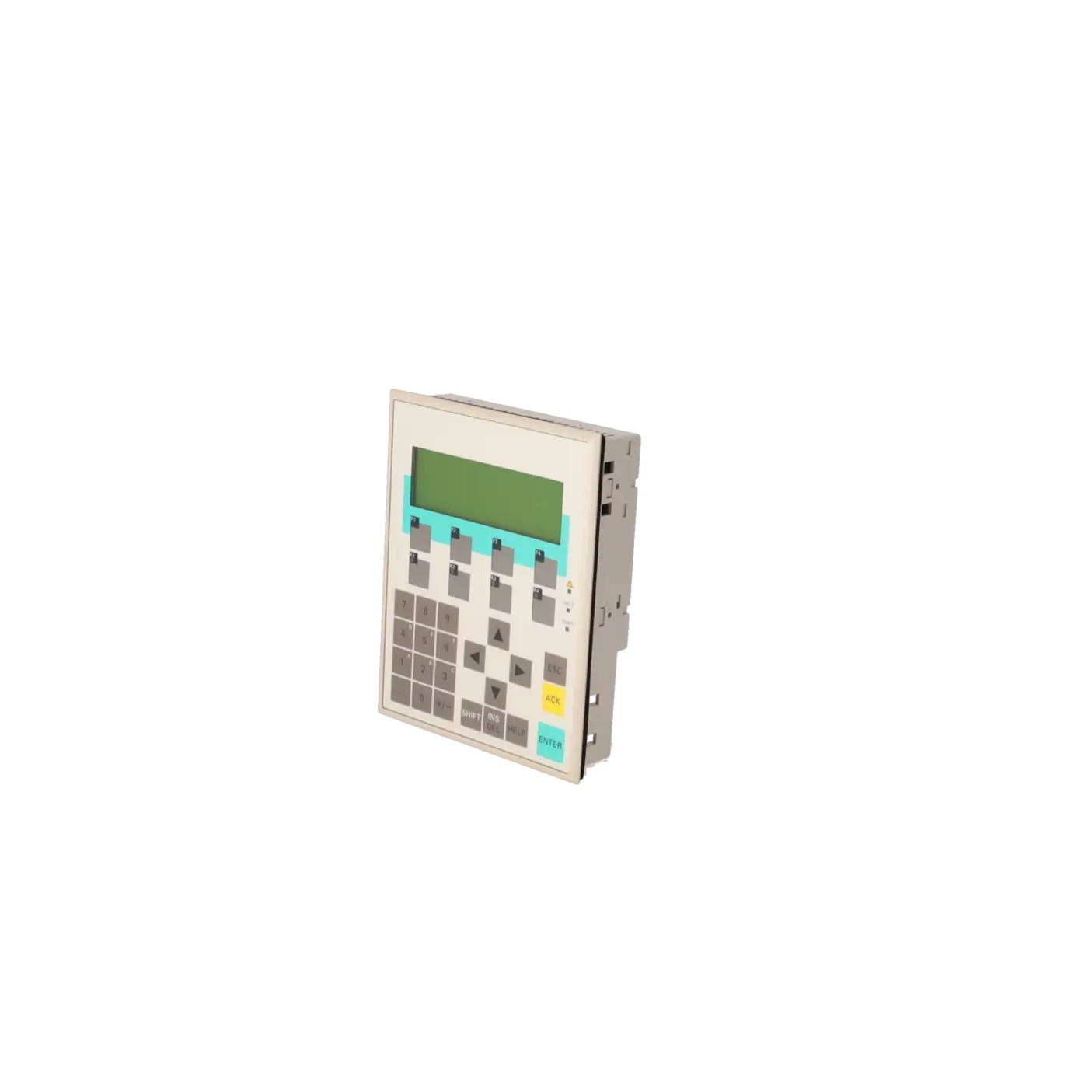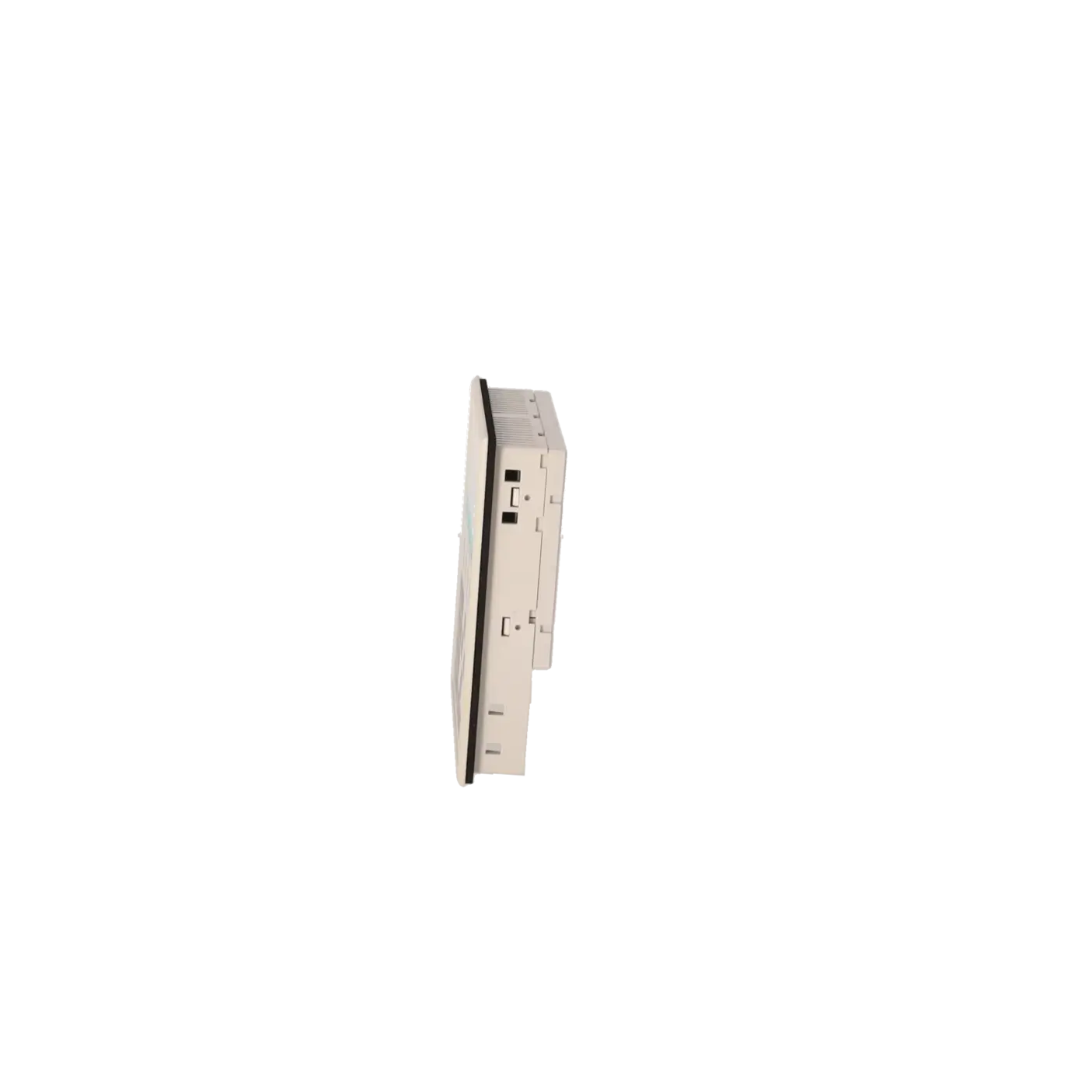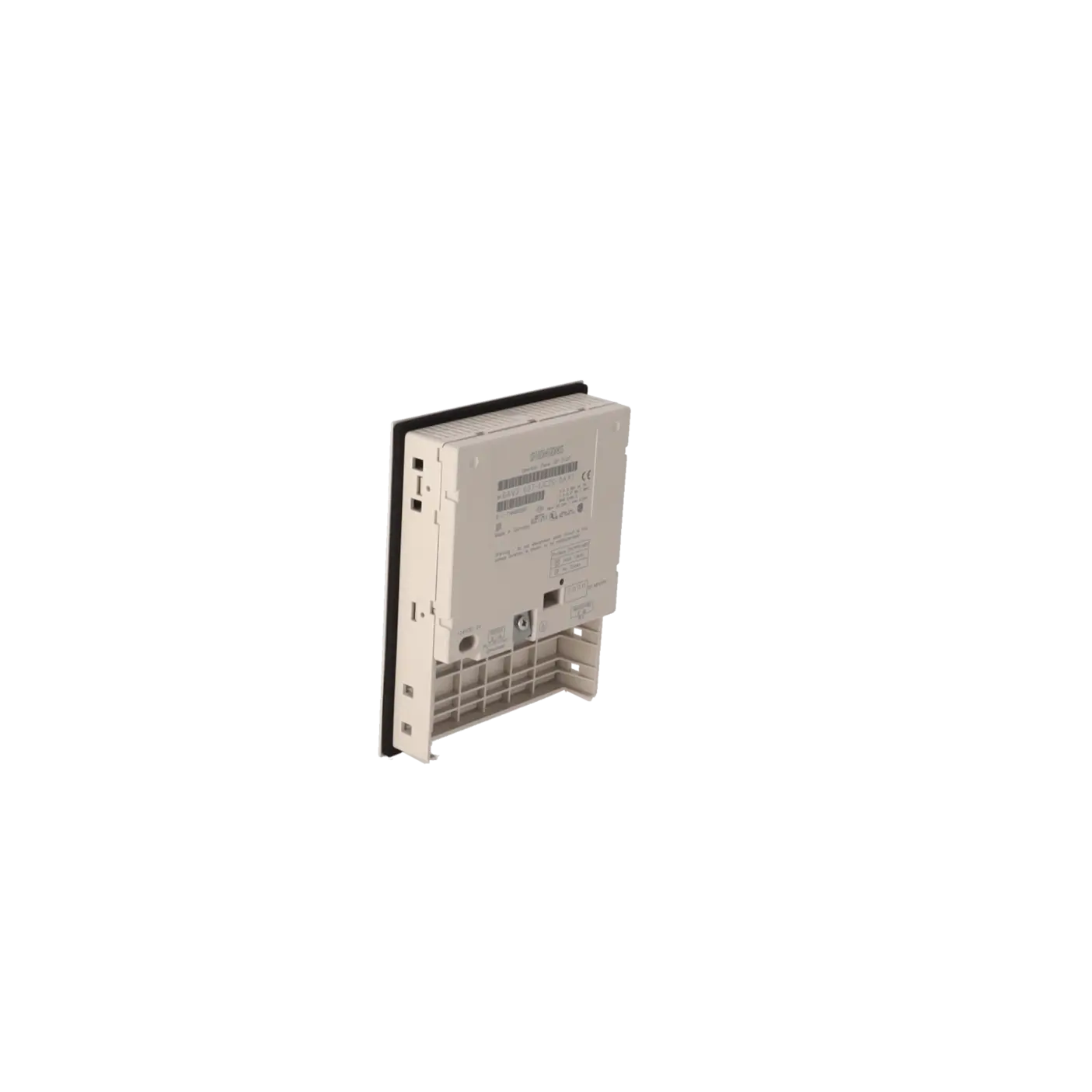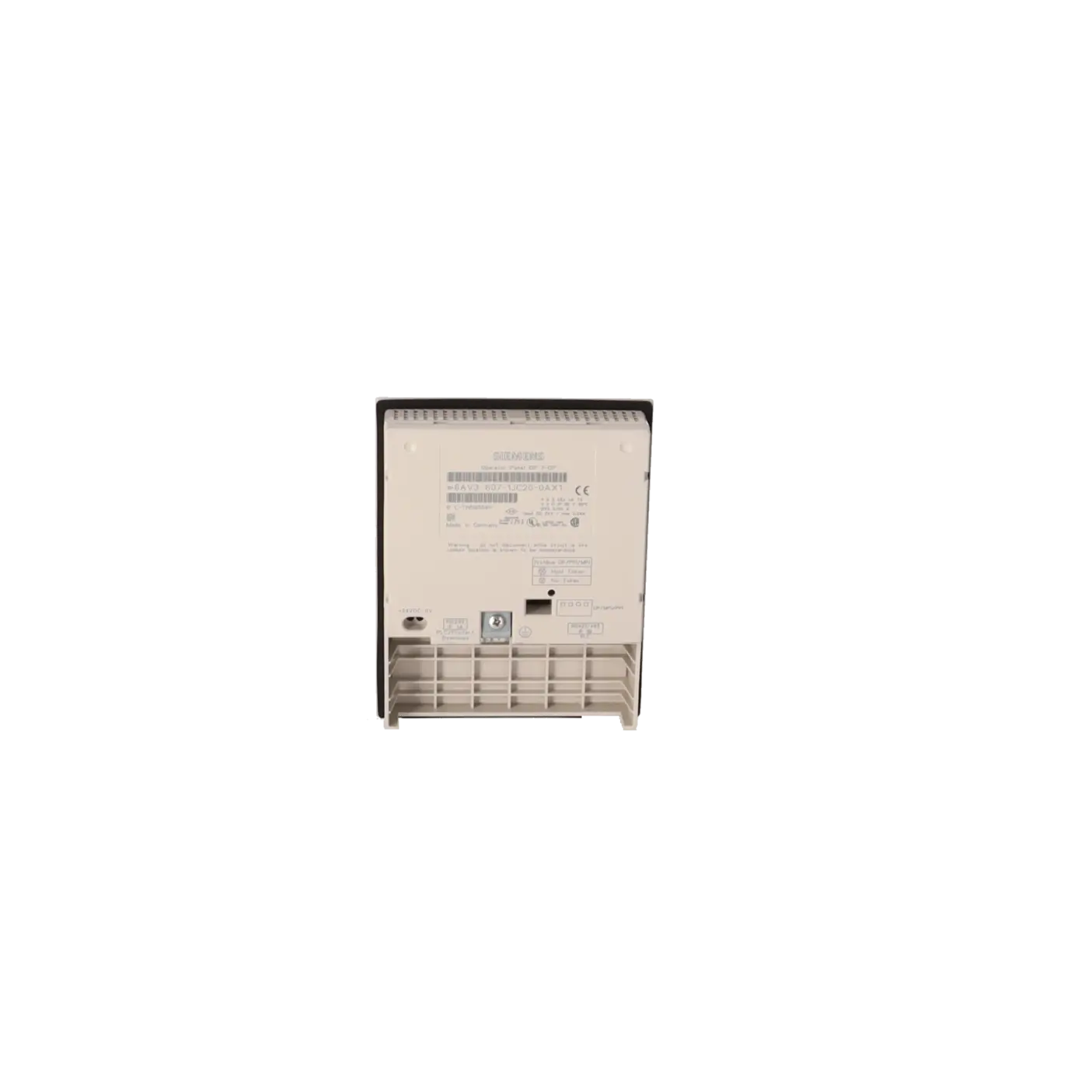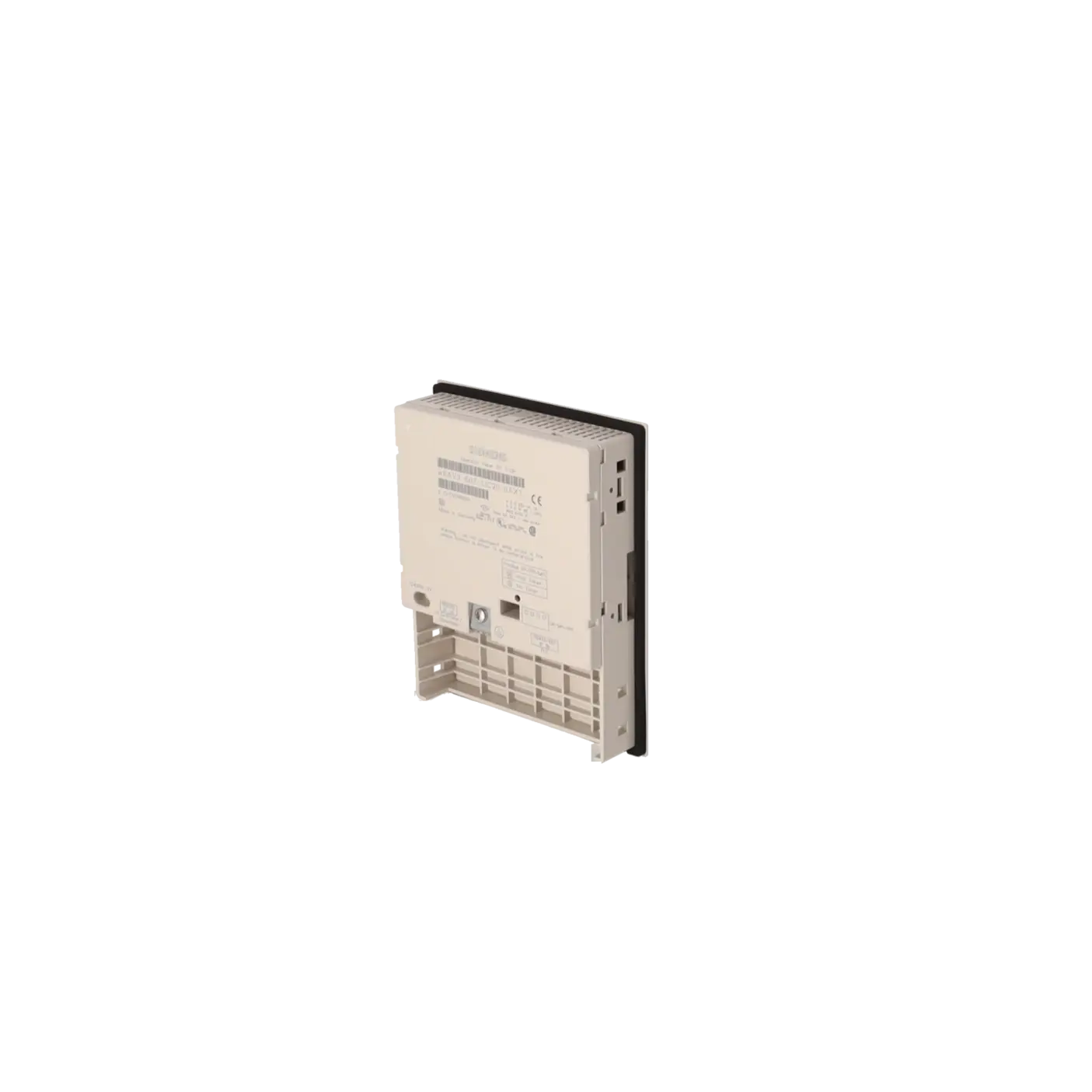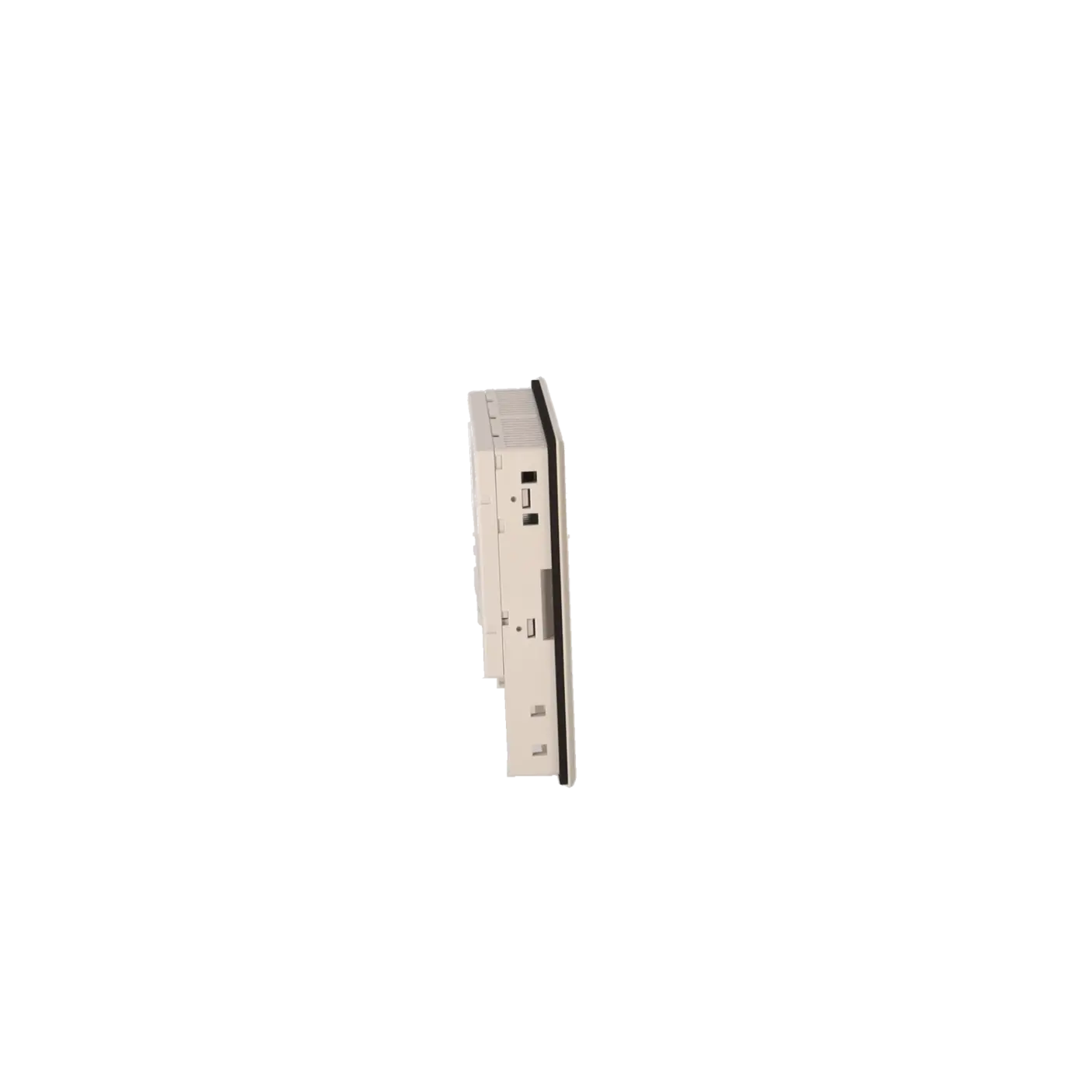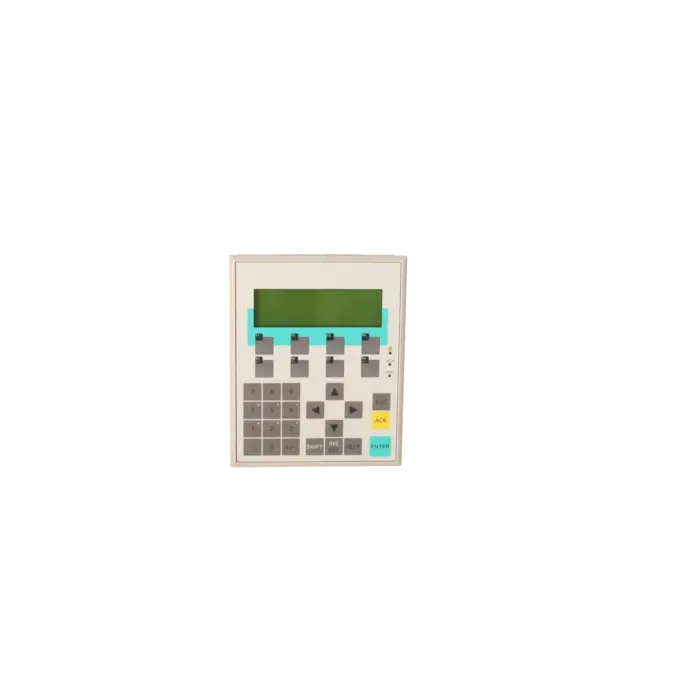
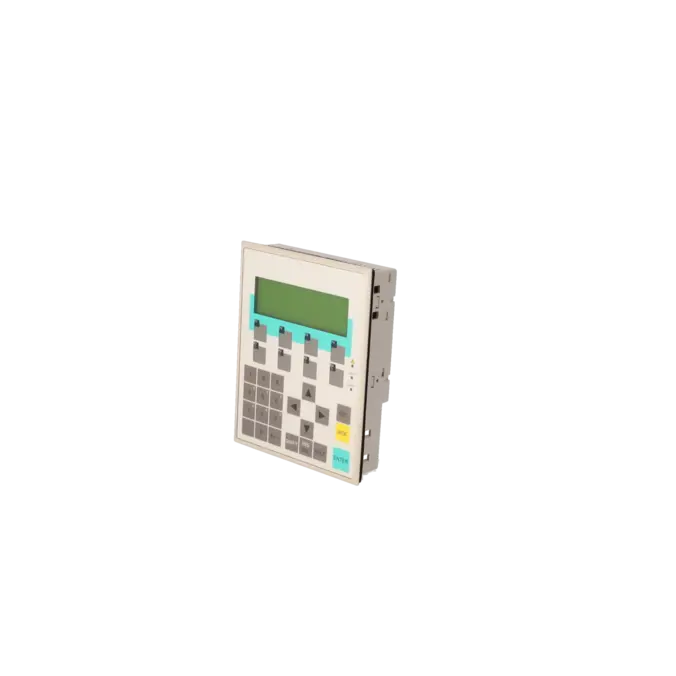
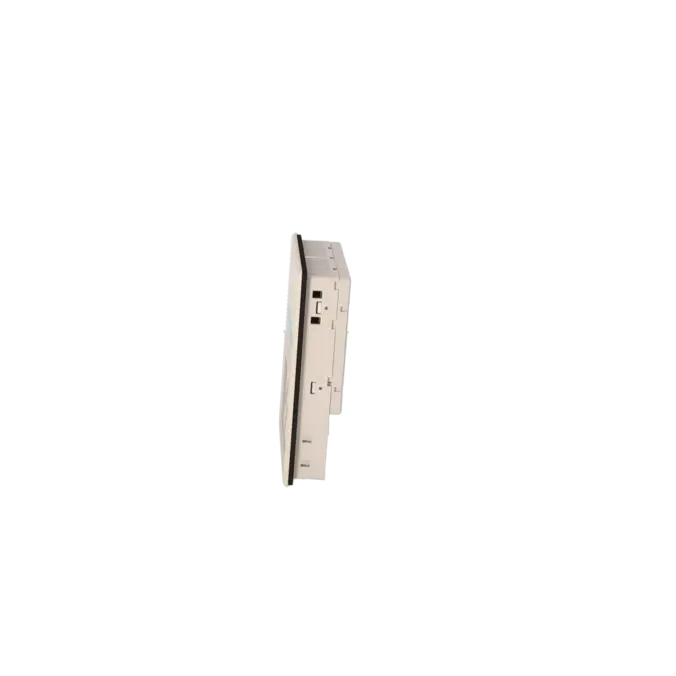
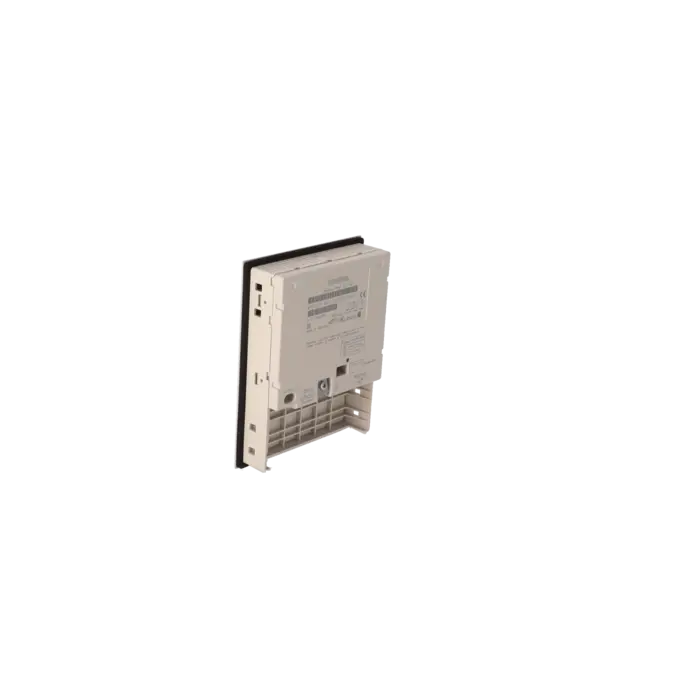
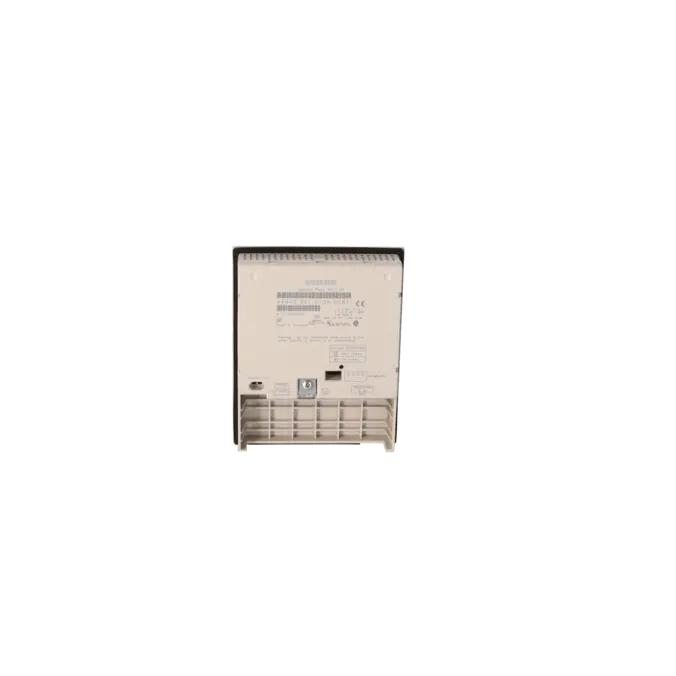
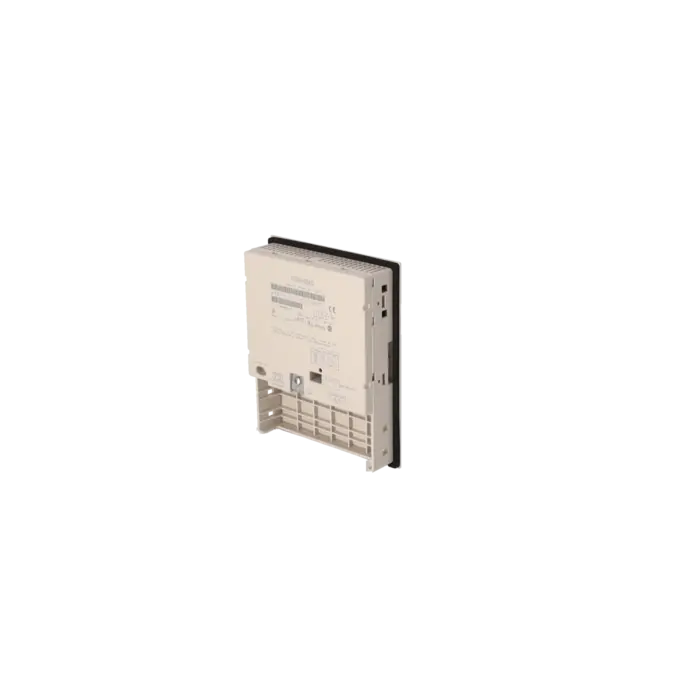
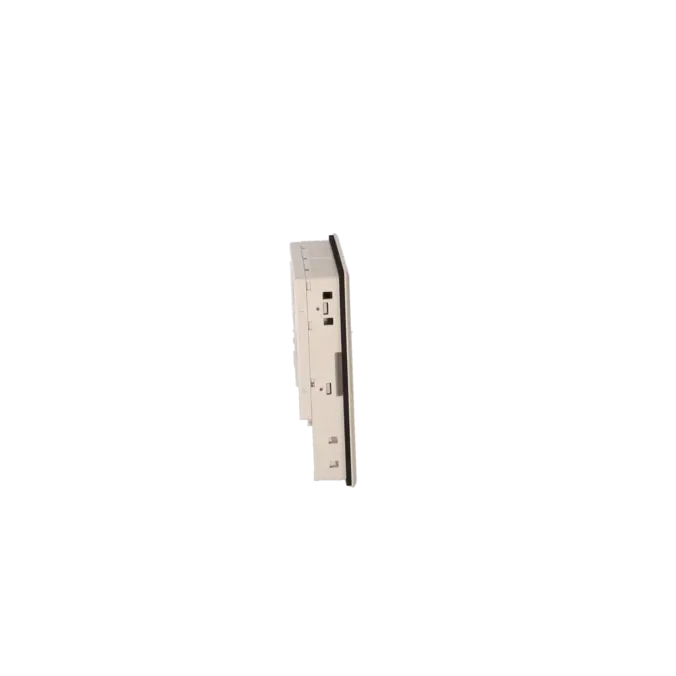
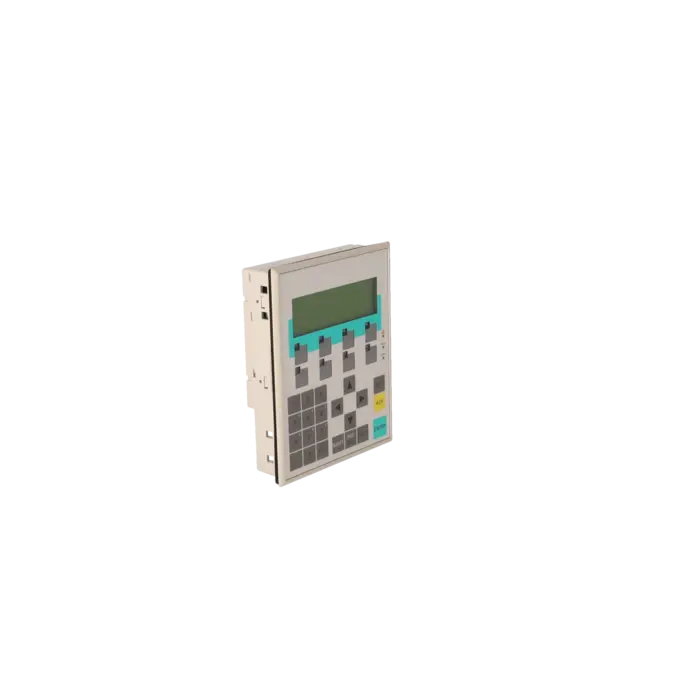
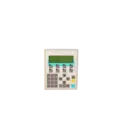
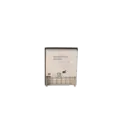
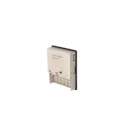
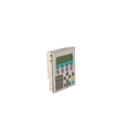
SIEMENS 6AV3607-1JC20-0AX1
- EICHLER-art.no.: K0116658
- EAN: 4025515052005
Product description
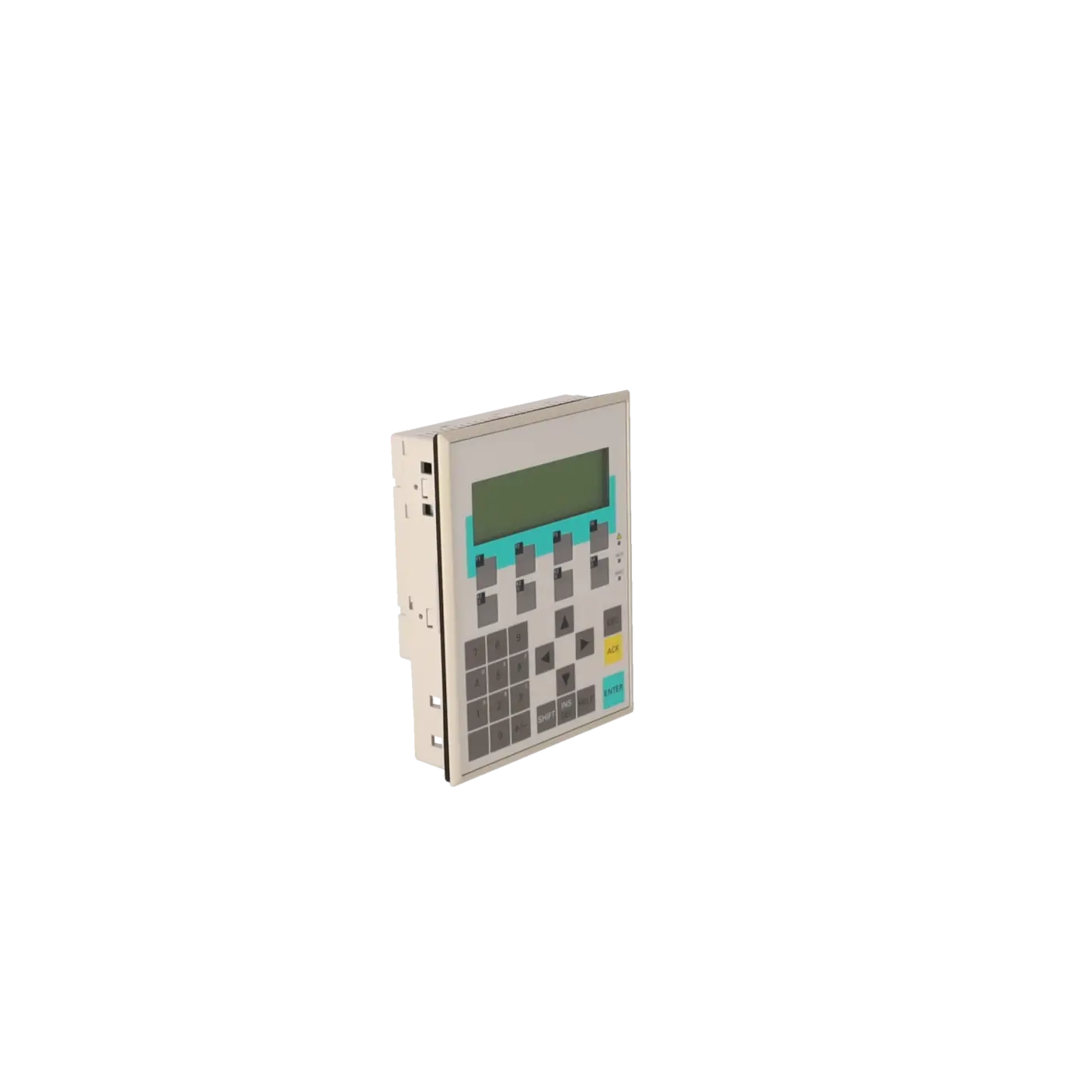
Operator panel OP7/DP LC display, LED backlit 4-tier, 20 characters/line, SIMATIC S7, M7, PROFIBUS DP 1.5 Mbaud with UL/CSA approval
Services for SIEMENS 6AV3607-1JC20-0AX1
Repair
from 1.226,16 €
to 2.207,09 €
Replacement
1.081,80 €
1.027,71 €
Used
1.202,00 €
1.141,90 €
New
SIEMENS |
6AV3607-1JC20-0AX1 –
additional product information
| Delivery information | |||
|---|---|---|---|
| Export identifier | AL: ECCN: | ||
| Net weight | 0.498 | ||
| Quantity | 1 Stück | ||
| Packaging quantity | 1 | ||
| Additional product information | |||
|---|---|---|---|
| Product status | EOP: 2007-10-01 | ||
| EAN | 4025515052005 | ||
| UPC | / | ||
| Static lot number | 85371098 | ||
| List indicator | / | ||
| Product group | 4368 | ||
| Country of origin | DE | ||
| Compliance with the substance restrictions according to RoHS directive | Since: / | ||
| Product classifications | Version | Classification | |
|---|---|---|---|
| eClass | 4 | / | |
| eClass | 5.1 | / | |
| eClass | 6.0 | / | |
| ETIM | 3 | / | |
| ETIM | 4 | / | |
| ETIM | 5 | / | |
What is the 6AV3607-1JC20-0AX1 (OP7/DP)?
The 6AV3607-1JC20-0AX1 is a SIEMENS SIMATIC OP7/DP supplied as a spare part for text-based operation in existing systems. It is a classic operator panel with keypad operation and a line display, making it ideal when a 1:1 replacement is the fastest way to restore operator functionality. Typical applications include machines where the operating logic is based on fixed keys (acknowledge/start/stop) and no graphical visualisation is required. The device is designed for robust control cabinet applications and long-term field operation.
Key technical data at a glance
The OP7/DP operates on 24 V DC and has a low current consumption (nominal value 0.19 A). For protection in the control cabinet, the front is rated IP65, while the rear is rated IP20. Front dimensions and installation depth are important replacement parameters; the data sheet specifies a front size of 144 × 180 mm and an installation depth of 38.5 mm. These values help determine whether the unit can be replaced without modifying the panel cut-out. Overall, the device is compact and designed for fast 1:1 installation.
Display: 4×20 character LCD and backlight MTBF
The panel uses a black-and-white LCD line display with 4 lines and 20 characters per line. The display is LED-backlit; the data sheet specifies a backlight MTBF of 100,000 hours at 25 °C. In practice, this is one of the main reasons for replacement: if text becomes difficult to read, the backlight is often the cause. For existing systems, this clear text-based display is often entirely sufficient and highly reliable.
Operation: membrane keypad, function keys and LEDs
The OP7/DP is operated via a membrane keypad with 8 function keys, 4 of which are equipped with LEDs. This supports operating concepts with status feedback, such as machine status, acknowledgement or enable signals. Alphanumeric input is also possible, which is useful for recipes or parameter values. Compared with touch panels, fixed keys are often faster, clearer and easier to operate with gloves in harsh environments. For a 1:1 replacement, the key and LED logic is often the most important compatibility factor.
Communication: PROFIBUS-DP via RS485 (1.5 Mbit/s)
Communication with the controller takes place via RS485 for PROFIBUS-DP at up to 1.5 Mbit/s. This specification is particularly important because many existing systems are based on PROFIBUS topologies. In the event of communication problems, common causes include bus termination, connectors, cabling or incorrect address and baud-rate settings. The OP7/DP is designed specifically for traditional DP communication and is therefore especially suitable where Ethernet migration is not desired or not possible. Its PROFIBUS compatibility is therefore a major advantage when sourcing a replacement.
Interfaces: RS232/RS422 and what is not included
In addition to DP/RS485, the data sheet lists RS232 and RS422 as available interfaces. Equally important in practice is what the device does not offer: no Industrial Ethernet and no USB. This helps avoid misunderstandings regarding service and transfer options when modern tools or USB media are expected. Anyone planning a replacement should therefore ensure that diagnostics and engineering can still be carried out using the available serial interfaces. This is often the reason why a system does not work immediately after installation, even when the hardware itself is correct.
Protection rating and installation: IP65 front and installation depth
For control cabinet operation, the IP65 front provides excellent protection against dust and water spray from the front. The rear is rated IP20, so installation inside a protected control cabinet is required. For a mechanical 1:1 replacement, dimensions such as the 144 × 180 mm front panel and 38.5 mm installation depth are important to ensure that the existing cut-out and available space are suitable. In existing systems, these factors are often more important than additional features because they avoid costly modifications.
Engineering: ProTool/Lite 2.51 – important for replacements
According to the data sheet, engineering is carried out using ProTool/Lite version 2.51 or later. In existing systems, this is often the critical factor: not the hardware itself, but engineering compatibility determines whether an existing project can be transferred or restored quickly. Anyone sourcing a replacement should verify that project files, software versions and transfer methods are available. If this is the case, the OP7/DP can continue to operate without requiring a platform migration, which is a significant advantage compared with retrofit projects that involve additional time and validation effort.
Repair/exchange: lead times, test report and warranty
When downtime is critical, clearly defined service options are essential. EICHLER lists repair (1–3 days) and exchange (1–3 days) services for this panel; an optional test report for the “Operator Panel with Key” is also available. Repairs typically include cleaning, preventive maintenance and functional testing, along with a minimum 24-month warranty. This reduces risk and helps maintenance teams make faster decisions when a system must be returned to operation as quickly as possible.
| General information | |
|---|---|
| Customer-specific configuration | No |
| Display | |
| Design of display | LC display, black/white |
| graphics-enabled | No |
| Line display | |
| ● Number of lines | 4 |
| ● Number of characters per line | 20 |
| Backlighting | |
| ● MTBF backlighting (at 25 °C) | 100 000 h |
| Control elements | |
| Control elements | Keys |
| Keyboard fonts | |
| ● Membrane keyboard | Yes |
| — user-definable label membrane keys | Yes |
| ● Function keys | |
| — Number of function keys | 8 |
| — Number of function keys with LEDs | 4 |
| ● System keys | |
| — Number of system keys | 22 |
| ● Numeric keyboard | Yes |
| ● alphanumeric keyboard | Yes |
| ● hexadecimal keyboard | Yes |
| ● Multi-key operation | No |
| Touch operation | |
| ● Design as touch screen | No |
| Installation type/mounting | |
| Mounting position | vertical |
| maximum permissible angle of inclination without external ventilation | 90° |
| Supply voltage | |
| Type of supply voltage | 24 V DC |
| UPS connectable (serial) | No |
| Input current | |
| Current consumption (rated value) | 0.19 A |
| Processor | |
| Processor type | X86 |
| Drives | |
| Diskette drive | Yes |
| CD-ROM | No |
| Hard disk | No |
| Memory | |
| Type of memory | Flash / RAM |
| Memory available for user data | 128 kbyte |
| Type of output | |
| Info LED | Yes |
| Power LED | No |
| Error LED | No |
| Time of day | |
| Clock | |
| ● Type | Software clock, synchronizable, no battery backup |
| ● retentive | No |
| ● synchronizable | Yes |
| Interfaces | |
| Interfaces/bus type | 1x RS 232, 1x RS 422, 1x RS 485 (max. 1.5 Mbit/s) |
| Number of RS 485 interfaces | 1 |
| Number of parallel interfaces | 1 |
| USB port | No |
| PC card slot | No |
| CF card slot | No |
| Special interfaces | No |
| Degree and class of protection | |
| IP (at the front) | IP65 |
| IP (rear) | IP20 |
| Standards, approvals, certificates | |
| Certificate of suitability | CE, GL, BV, DNV, LRS, PRS, FM Class I Div. 2, UL, CSA, cULus, EX zone 2/22 |
| Ambient conditions | |
| Ambient temperature during storage/transportation | |
| ● min. | -25 °C |
| ● max. | 70 °C |
| Relative humidity | |
| ● Operation, max. | 95 % |
| Operating systems | |
| pre-installed operating system | Rmos |
| Configuration | |
| Message indicator | Yes |
| Alarm system (incl. buffer and acknowledgment) | No |
| Process value display (output) | No |
| Process value default (input) possible | No |
| Recipe management | No |
| Configuration software | |
| ● Configuration tool | ProTool / Lite Version 2.51 or higher or Version 1 (to be ordered separately) |
| Peripherals/Options | |
| Additional software components loadable | No |
| Dimensions | |
| Width of the housing front | 144 mm |
| Height of housing front | 180 mm |
| Overall depth | 38.5 mm |
| Weights | |
| Weight (without packaging) | 0.43 kg |
| Fault description | Possible solution |
|---|---|
| Display dark or barely readable – what is the typical cause? | In many cases, the backlight is the root cause. The data sheet specifies a backlight MTBF of 100,000 hours at 25 °C; after long operating periods, ageing of the backlight is therefore a plausible explanation. |
| No communication via PROFIBUS-DP – what should be checked first? | PROFIBUS-DP communication runs via RS485. First check the bus termination, connectors, cabling, station address and baud rate. The device is specified for up to 1.5 Mbit/s, and incorrect bus parameters can quickly lead to communication failures. |
| Keys do not respond or LEDs remain off – what are the quickest checks? | First verify the 24 V DC power supply (nominal current consumption 0.19 A) and ensure that the membrane keypad is functioning correctly both mechanically and electrically. Then check the project configuration and key assignment, including the function-key and LED logic. |
| Why does a “modern” connection method sometimes fail immediately? | The OP7/DP does not provide Industrial Ethernet or USB interfaces. If engineering, transfer or diagnostic access is expected via these technologies, this is a common reason why the device appears not to work despite being operational. |
| When is replacement more economical than troubleshooting? | If operator functionality is critical to production or if the fault repeatedly occurs, an exchange unit (1–3 days) is often the fastest solution. An optional test report can also provide additional documentation for verification and audit purposes. |
What is the 6AV3607-1JC20-0AX1 used for?
It is used as an OP7/DP operator panel in existing systems that require a compact keypad-based HMI with a text display and PROFIBUS-DP communication.
Which display specifications are important when replacing the unit?
The panel features a black-and-white LCD display with 4 lines and 20 characters per line. The backlight is specified with an MTBF of 100,000 hours.
How is the panel connected?
Communication is provided via RS485 (PROFIBUS-DP) at up to 1.5 Mbit/s. Additional interfaces include RS232 and RS422.
Which engineering software is required?
The panel is engineered using ProTool / Lite version 2.51 or later.
How quickly can repair or exchange be carried out?
According to EICHLER, repair services are typically completed within 1–3 days and include functional testing and a minimum 24-month warranty. Exchange units are also available within 1–3 days. An optional, chargeable test report is available and can extend the warranty period to 36 months.