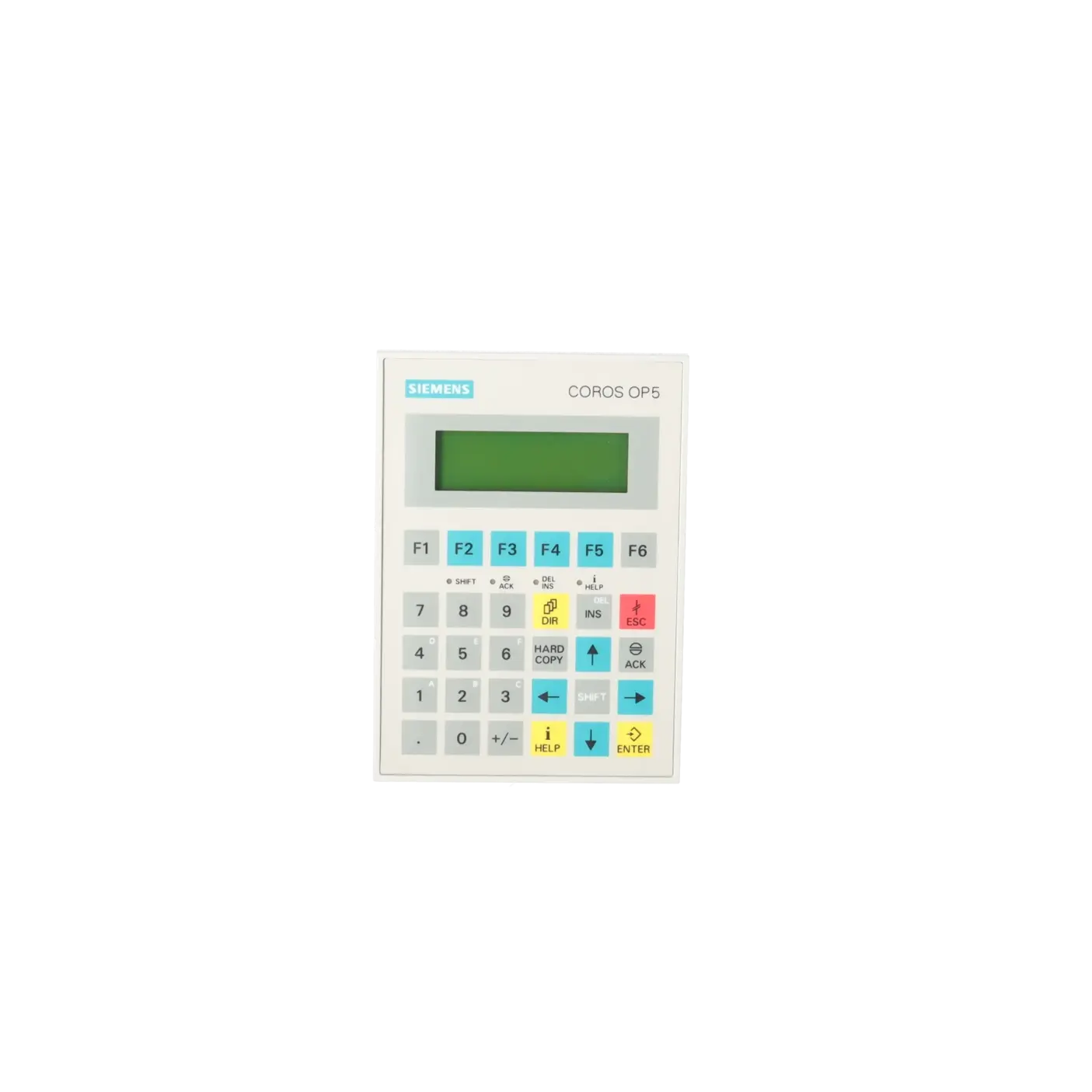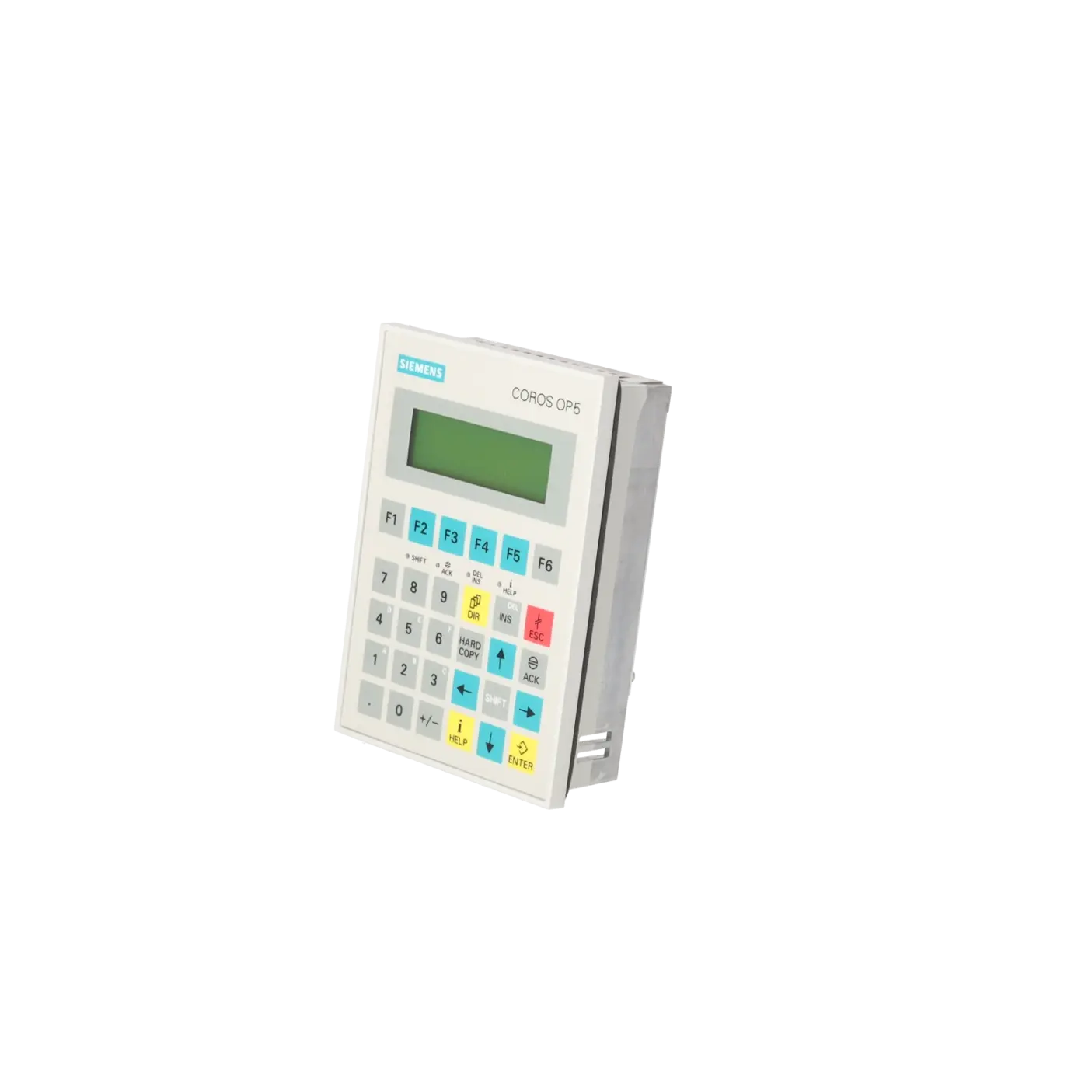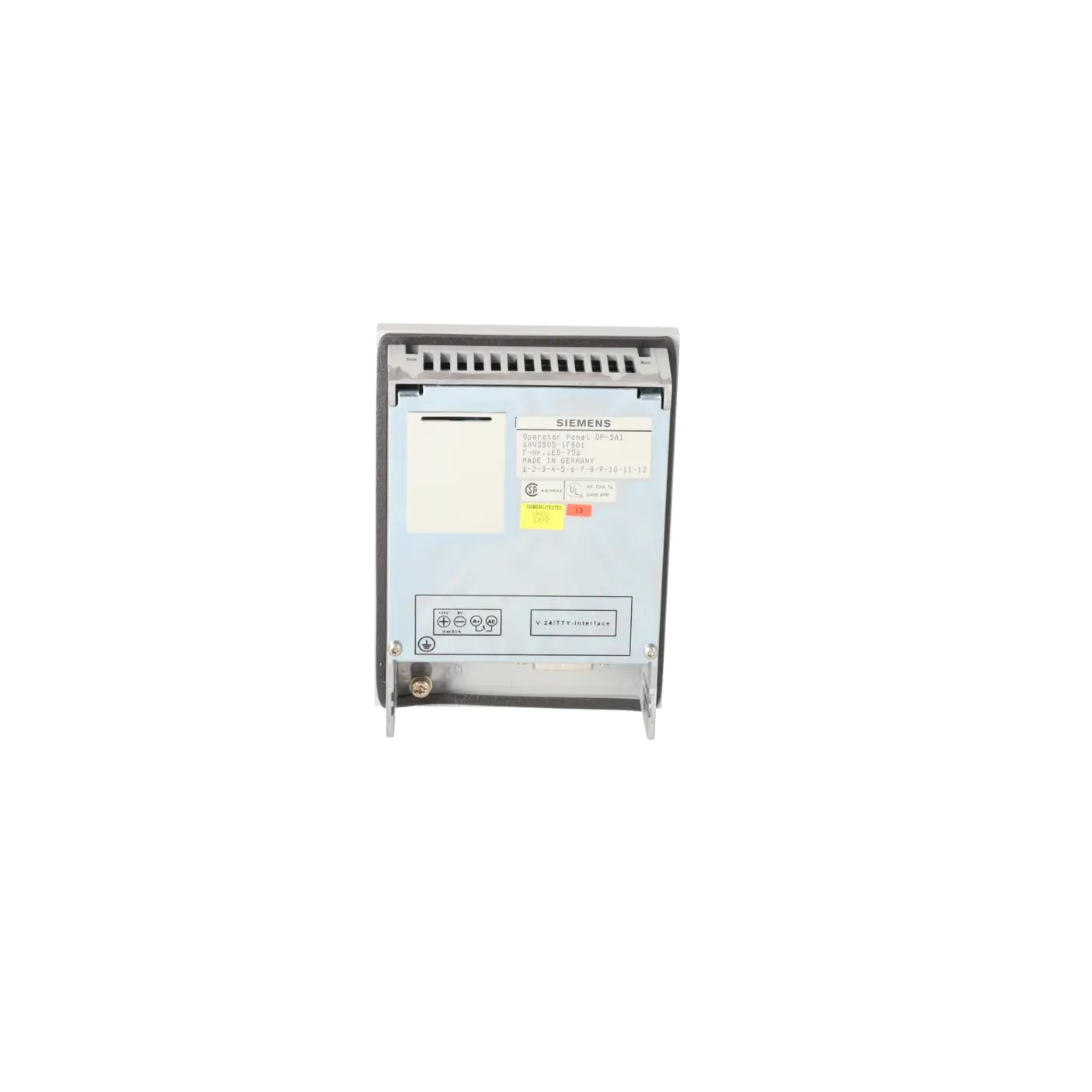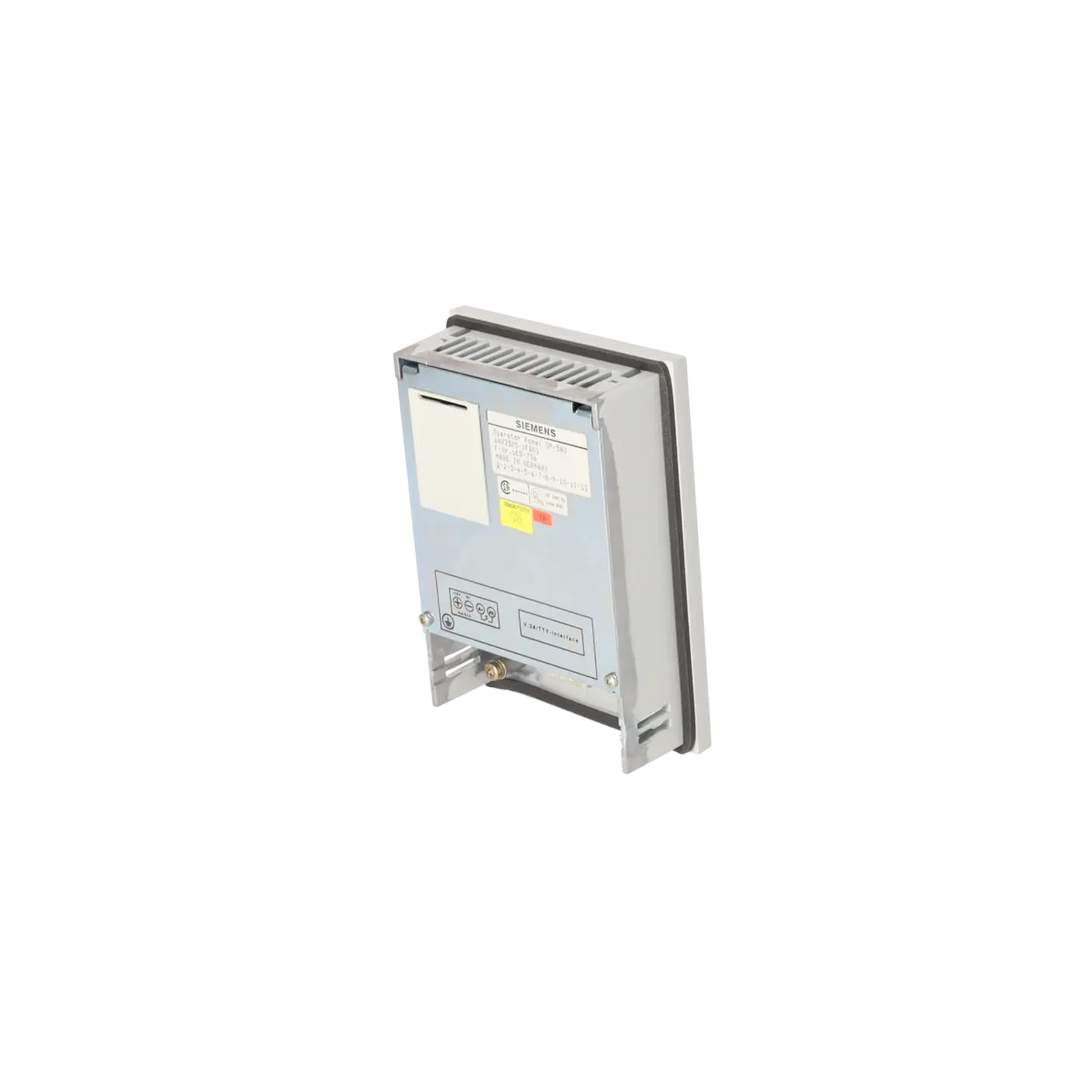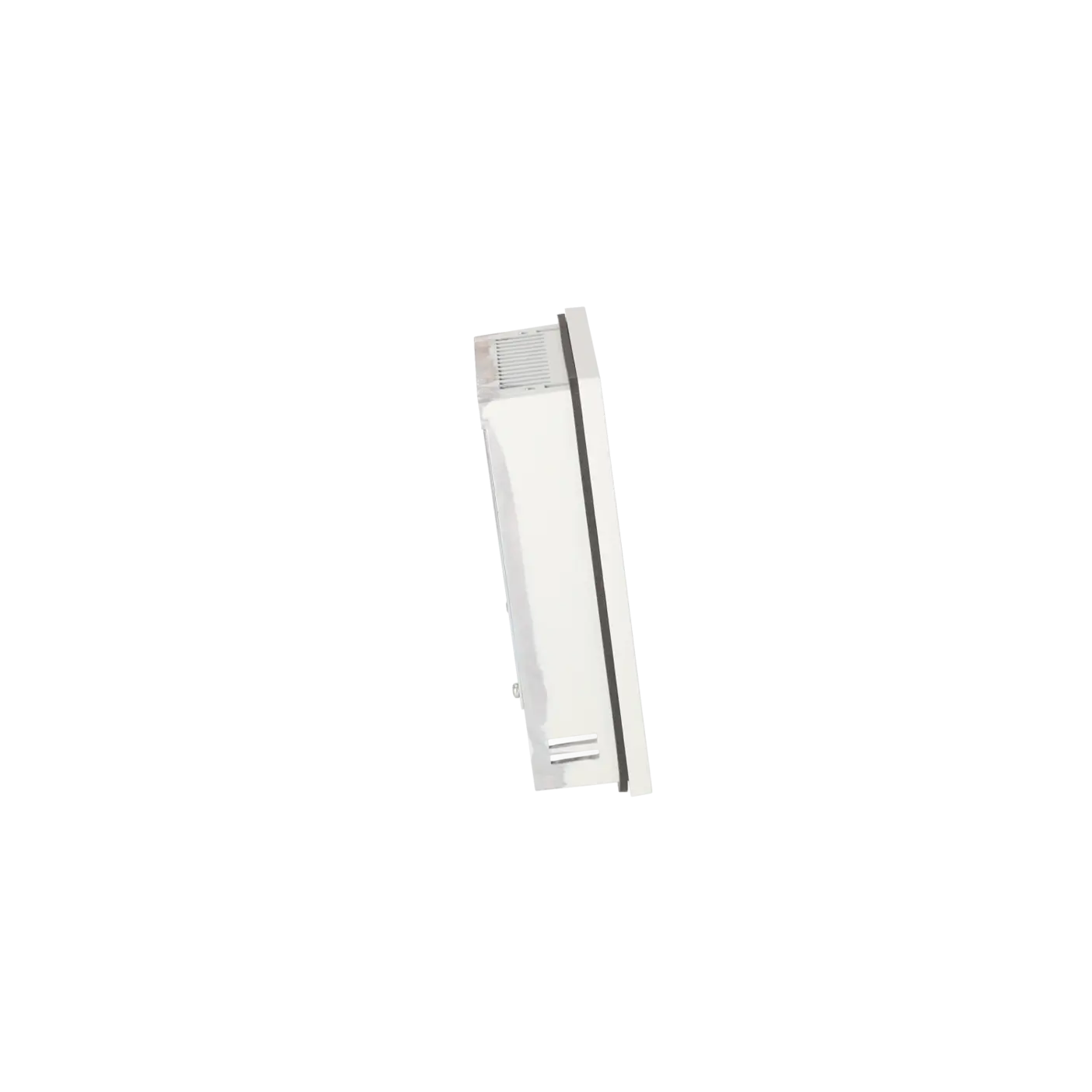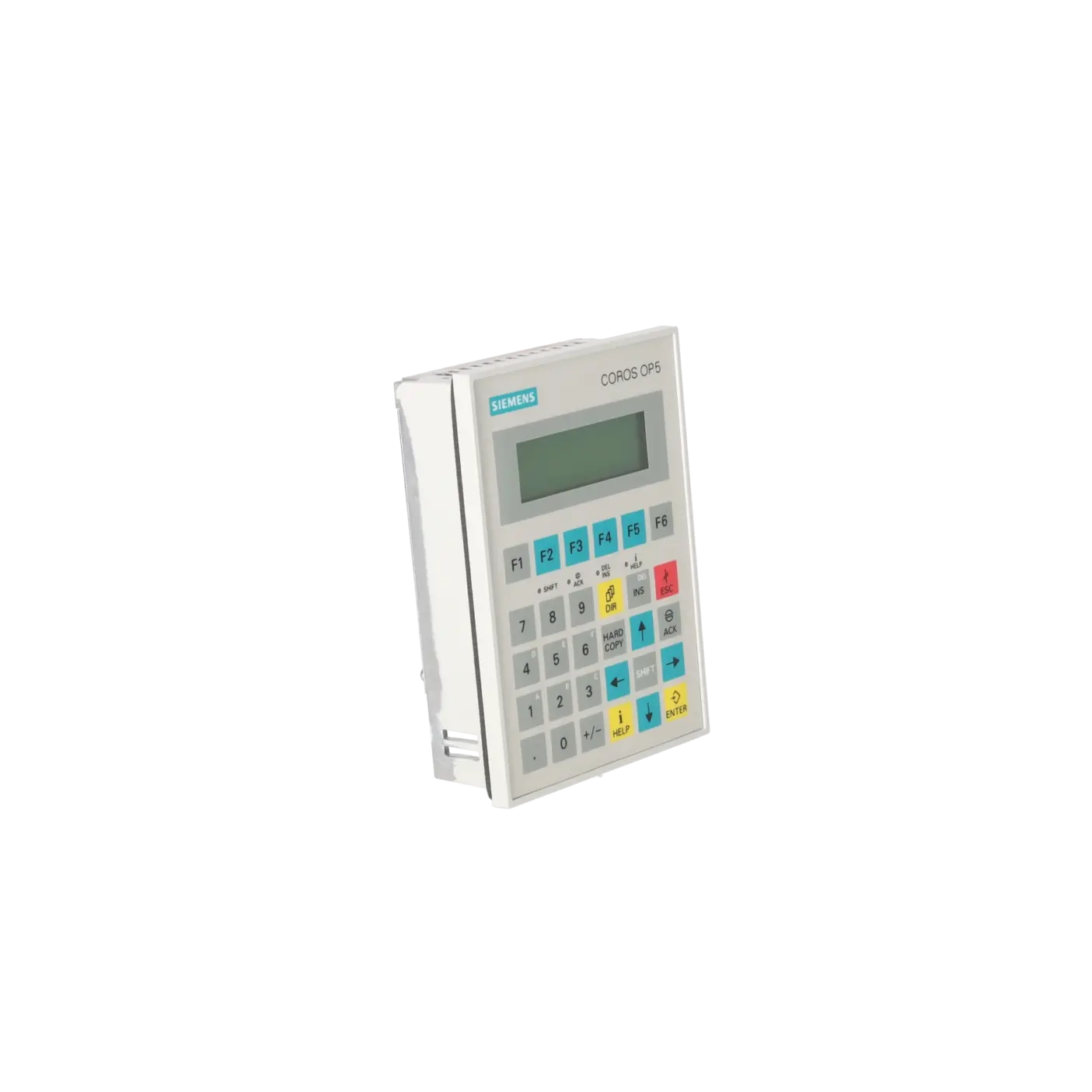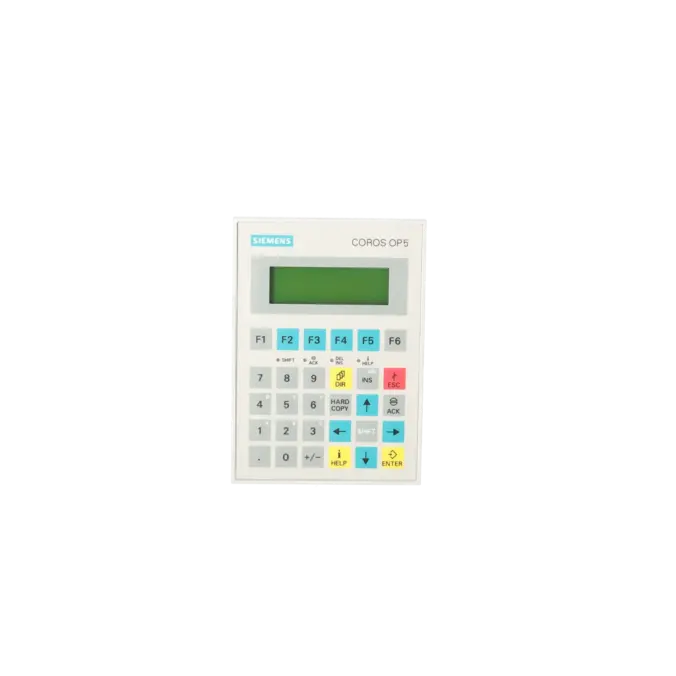
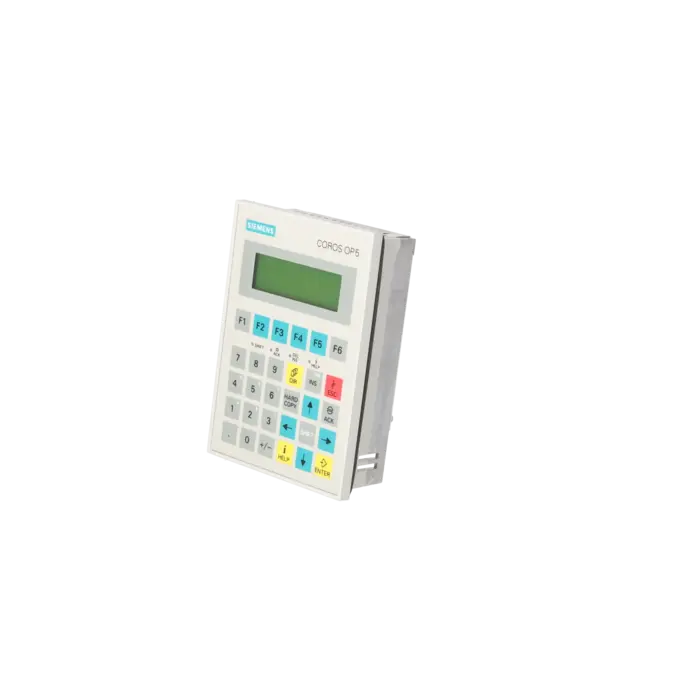
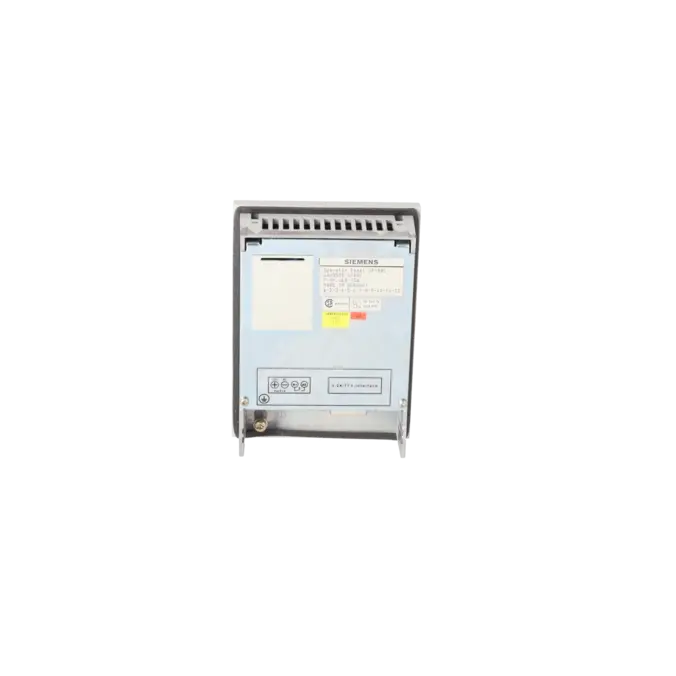
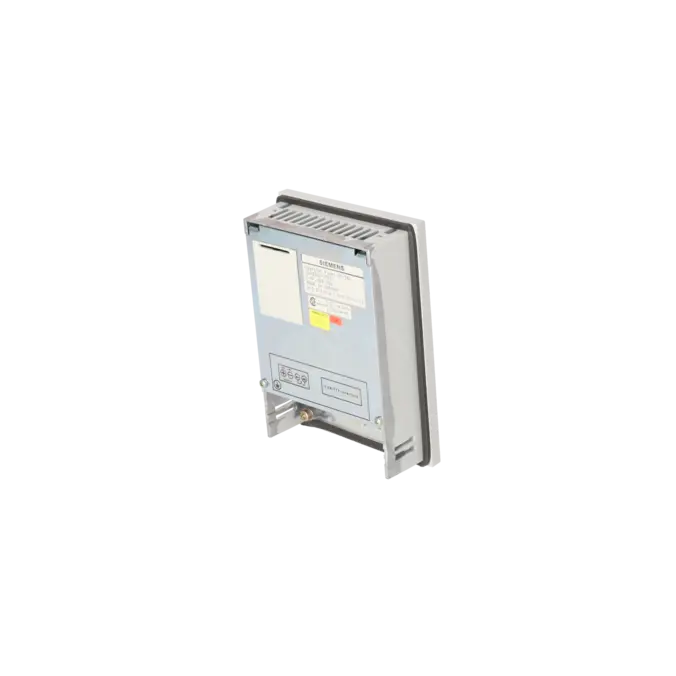
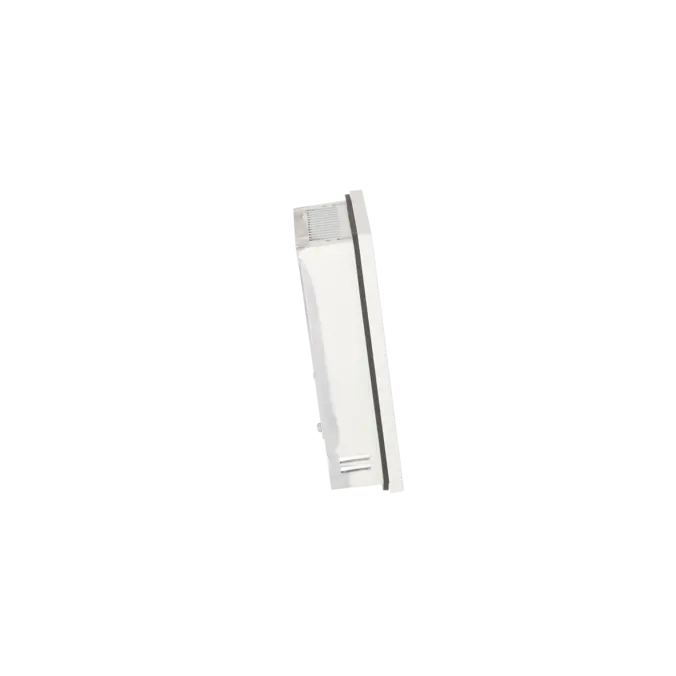
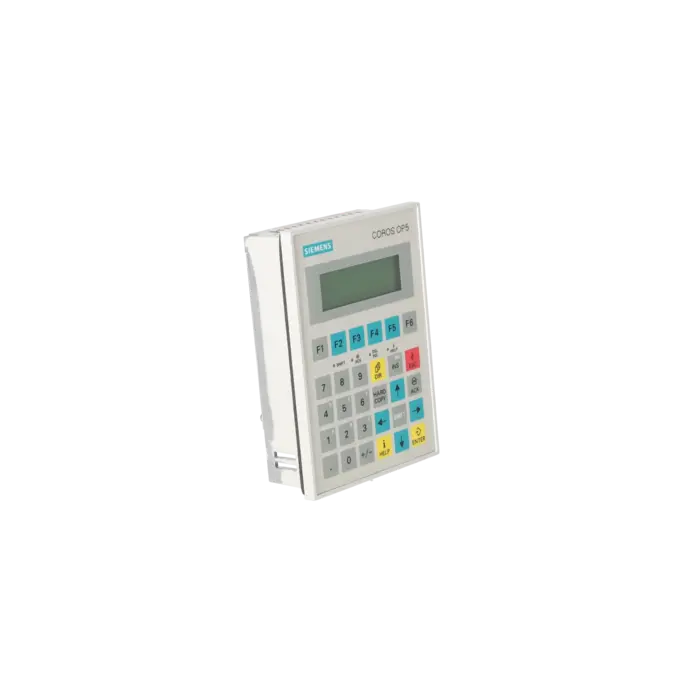
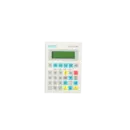
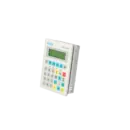

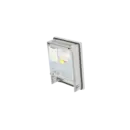

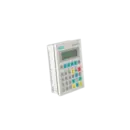
SIEMENS 6AV3505-1FB01
- EICHLER-art.no.: K0136030
- EAN: 4025515107316
Product description
OP 5/A1 OPERATOR PANEL 4 LINE DISPLAY, 20 CPL WITH 1 X TTY/V.24
Services for SIEMENS 6AV3505-1FB01
Repair
from 1.023,27 €
to 1.841,89 €
Replacement
720,00 €
Used
800,00 €
New
1.405,00 €
SIEMENS |
6AV3505-1FB01 –
additional product information
| Delivery information | |||
|---|---|---|---|
| Export identifier | AL: ECCN: | ||
| Net weight | 0.8 | ||
| Quantity | 1 Stück | ||
| Packaging quantity | 1 | ||
| Additional product information | |||
|---|---|---|---|
| Product status | EOP: 2000-04-01 | ||
| EAN | 4025515107316 | ||
| UPC | / | ||
| Static lot number | 84716070 | ||
| List indicator | / | ||
| Product group | 2343 | ||
| Country of origin | DE | ||
| Compliance with the substance restrictions according to RoHS directive | Since: / | ||
| Product classifications | Version | Classification | |
|---|---|---|---|
| eClass | 4 | / | |
| eClass | 5.1 | / | |
| eClass | 6.0 | / | |
| ETIM | 3 | / | |
| ETIM | 4 | / | |
| ETIM | 5 | / | |
What is the 6AV3505-1FB01 and where is it used?
The SIEMENS 6AV3505-1FB01 is a SIMATIC HMI OP5/A1 operator panel with a line-oriented LCD display. The device is used to display operating states, current process values and fault messages from a connected controller, while also allowing the operator to enter data and commands. Siemens describes the OP5 as an operator device for installation in control cabinets and operator consoles; a printer can also be connected for logging purposes. In practice, this panel is mainly found in legacy systems with traditional keypad-based machine operation, where an existing OP5/A1 must be replaced with an identical unit, repaired or sourced quickly to minimise downtime.
Overview of the key technical specifications and what they mean
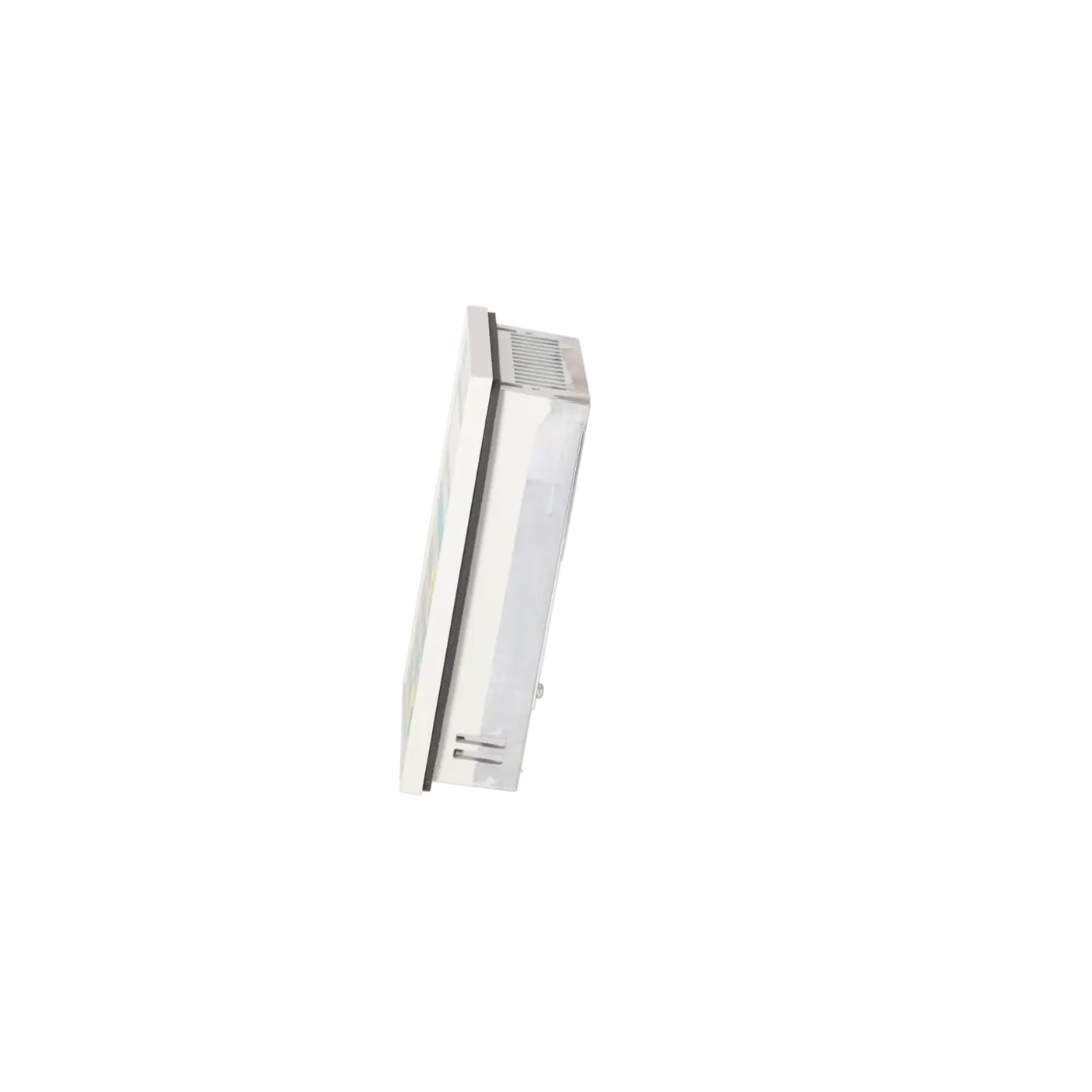
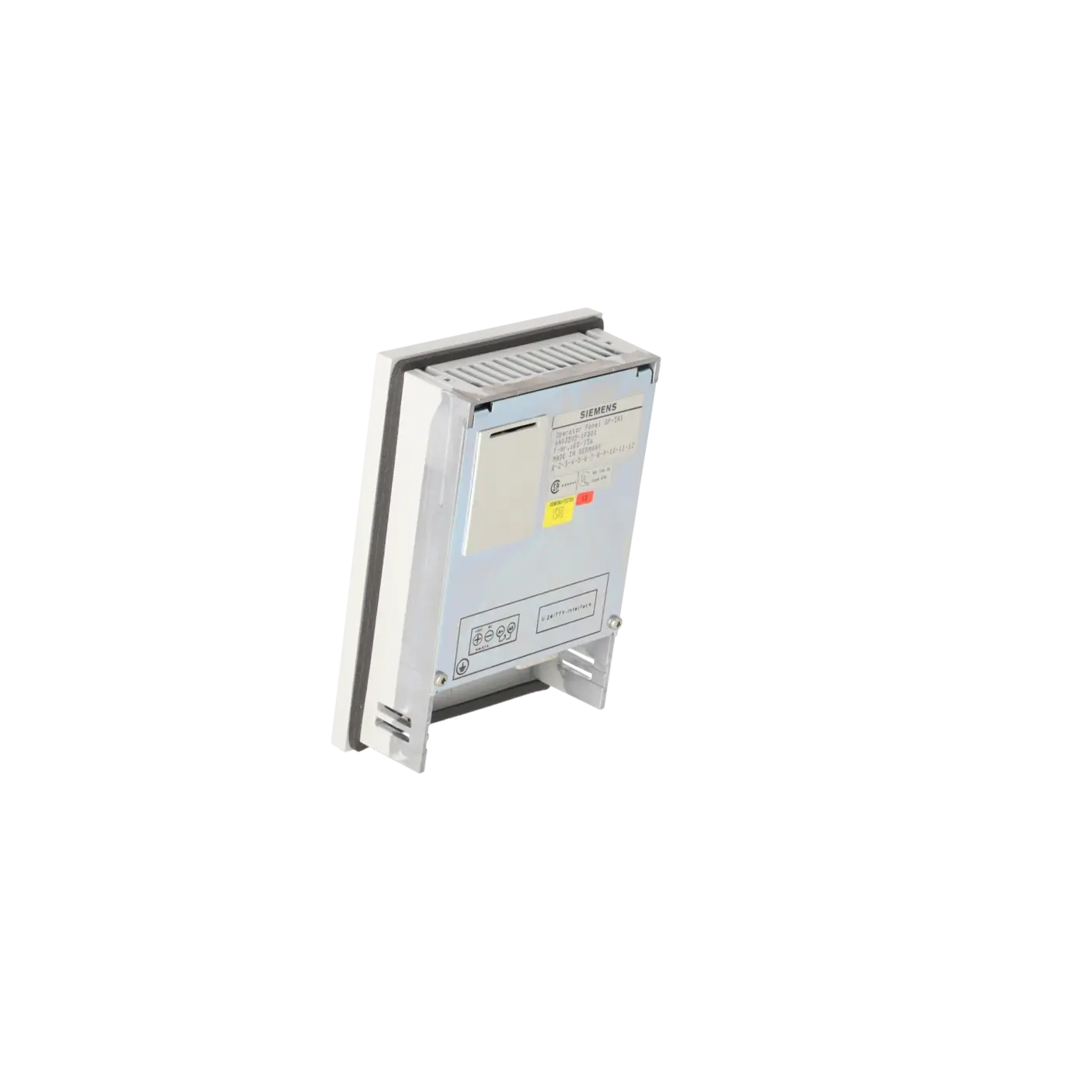
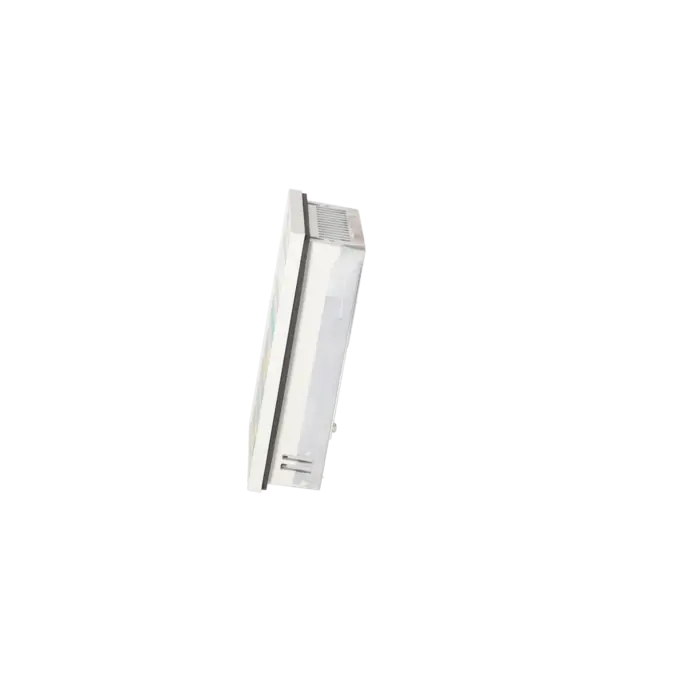
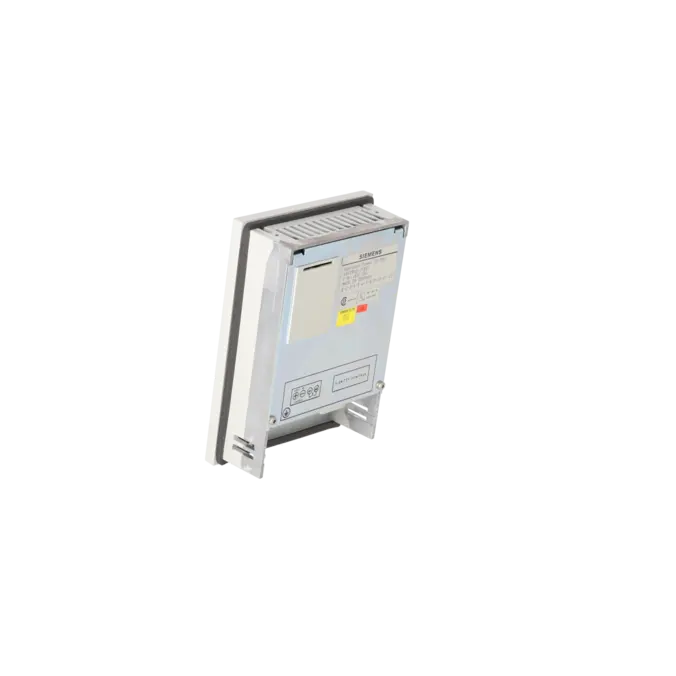
The most relevant technical data are as follows: the OP5/A1 operates with 4 lines of 20 characters each and a character height of 5 mm. It provides 1 × TTY/V.24 communication interface, requires a 24 V DC supply voltage with an allowable range of 18 to 30 V DC and has a typical current consumption of 180 mA. The housing dimensions are 120 × 168 × 48 mm, the panel cut-out is 112 × 160 mm, the protection rating is IP65 on the front and IP20 on the rear, and the unit weighs approximately 0.8 kg. The membrane keypad provides 24 system keys, 6 function keys and 4 soft keys. For maintenance personnel, this means compact installation dimensions, a robust front suitable for control cabinet environments and a classic serial communication interface for legacy systems.
Product status, life-cycle status and obsolescence
The product status is clear: EICHLER lists the 6AV3505-1FB01 with an EOP date of 2000-04-01. Siemens also identifies the model as discontinued and at the end of its product life cycle. For new applications, Siemens refers users to the OP7. This indicates that the 6AV3505-1FB01 is now primarily relevant from an obsolescence management, spare parts supply and system availability perspective. An officially confirmed 1:1 replacement compatibility between the OP5 and the OP7 was not evident from the Siemens sources reviewed. Therefore, any migration should be assessed based on installation dimensions, communication interface, project engineering and the existing communication environment.
The available EICHLER services and when they are relevant in practice
For operators of legacy systems, the services available from EICHLER are particularly valuable because they cover a range of procurement scenarios. Repair is the preferred option when the existing unit must remain in service due to project status, wiring or plant approval requirements. According to the product page, repairs include technical cleaning, preventive maintenance, comprehensive functional testing and a minimum 24-month warranty. Exchange service is especially beneficial when production downtime must be minimised. Used equipment supports cost-effective spare parts strategies, while new units are suitable when an unused device is specifically required. Short lead times of 1–3 days are listed for all four service options. This helps ensure the continued availability of obsolete HMI environments in a predictable and economically viable manner.
| Fault description | Possible solution |
|---|---|
| Why does my OP5/A1 only display “Ready for Transfer” after power-up? | This message indicates that the panel is waiting for data from the programming device (PG/PC). This typically occurs during initial commissioning when no project has been loaded or after switching the panel into transfer mode. Siemens also states that forcing transfer mode during power-up clears the project memory. The project must then be transferred again via IF1 using the correct transfer configuration. Siemens specifies the key combination ESC + Cursor Right + Cursor Down to force transfer mode. |
| What does the message “$040 Controller not responding” mean on the OP5? | Siemens lists a defective or disconnected cable as a common cause. In certain communication configurations, an excessively short character delay time may also trigger this message. First check the physical connection, the correct TTY/V.24 interface, connectors and cables. Then verify the communication parameters and the PLC program. Afterwards, reload or adjust the project configuration or communication settings as required. |
| What does “$006 Error during data transfer in transfer mode” mean? | According to Siemens, this message can be caused by timeout, parity, framing or overrun errors, communication line interruptions, receive buffer overflows or incorrect control characters. A practical approach is to check all cables and adapters, ensure that the correct transfer interface has been selected and then restart the transfer process. In OP5 applications, it is also advisable to verify that the correct serial operating mode has been selected in transfer mode. |
| What does “$200 Replace battery” or a low backup battery warning mean on the OP5? | The integrated lithium backup battery is rated at 3.6 V and approximately 1.5 Ah. Siemens specifies a typical service life of around four years. When the battery voltage drops below the specified threshold, a warning message is displayed during operation. The battery should then be replaced promptly. Siemens explicitly recommends replacing the battery while the unit remains powered to prevent data loss. |
| What does “$229 Keyboard connector defective or disconnected” mean on the OP5? | Siemens classifies this message as a hardware fault and recommends sending the device for repair. If keys no longer respond, trigger only intermittently or operate unreliably, reconfiguration alone is usually insufficient. In such cases, the keypad assembly and the panel’s internal connections should be inspected and repaired by qualified service personnel. |
Which software is required for the 6AV3505-1FB01?
The Siemens device manual specifies ProTool/Lite for project configuration. The project is created on a PC or programming device (PG) and then transferred to the operator panel. This is particularly important for maintenance and retrofit projects, because without the original project files or at least a compatible transfer environment, replacing the device quickly becomes significantly more complex. ProTool/Lite is therefore the key requirement when an OP5/A1 needs to be reloaded, recommissioned after repair or transferred to a replacement unit.
Is the 6AV3505-1FB01 still available or only obtainable as a legacy spare part?
From the manufacturer's perspective, the device has been discontinued and has reached the end of its product life cycle. However, the EICHLER product page shows that the model can still be sourced or serviced through repair, exchange, used equipment and new stock options. For purchasing and maintenance departments, this means that supply is no longer based on regular manufacturer production but instead relies on specialised service providers and spare parts channels.
Is the OP7 a direct replacement for the 6AV3505-1FB01?
Siemens recommends the OP7 for new applications. However, this should not automatically be interpreted as confirmed 1:1 compatibility for existing machines. Before any migration, the panel cut-out, communication interface, wiring, project configuration and PLC communication should be verified. For legacy systems, this assessment is particularly important because a nominal successor can still introduce additional downtime if a proper migration review has not been completed. This conclusion is based on Siemens lifecycle information and recommendations for new applications.
What power supply does the OP5/A1 require?
The OP5/A1 requires 24 V DC and supports an operating voltage range of 18 to 30 V DC. The typical current consumption is 180 mA, with a maximum of 250 mA. This information is important during troubleshooting because undervoltage or an unstable 24 V supply can cause malfunctions. The panel's grounding connection should also be correctly implemented within the control cabinet.
How do I enter transfer mode if a project is already loaded on the device?
Siemens describes two methods. If the project includes the standard system screen, transfer mode can be selected via System → Operating → Transfer. If this screen is unavailable, transfer mode can be forced during power-up. Siemens specifies the key combination ESC + Cursor Right + Cursor Down for this purpose. When this procedure is used, the project memory is erased and the device switches to Ready for Transfer mode. Before performing this action, it is therefore essential to ensure that the correct project files are available for reloading.
When is repair more suitable than exchange for the 6AV3505-1FB01?
Repair is generally the preferred option when the existing installation, project configuration and machine approval status should remain unchanged. According to the EICHLER product page, repair includes technical cleaning, preventive maintenance, comprehensive functional testing and a minimum 24-month warranty. Exchange is usually the better choice when minimising downtime is more important than retaining the original unit. In both cases, the benefit is significant because the product is officially obsolete and standard manufacturer support channels are limited.