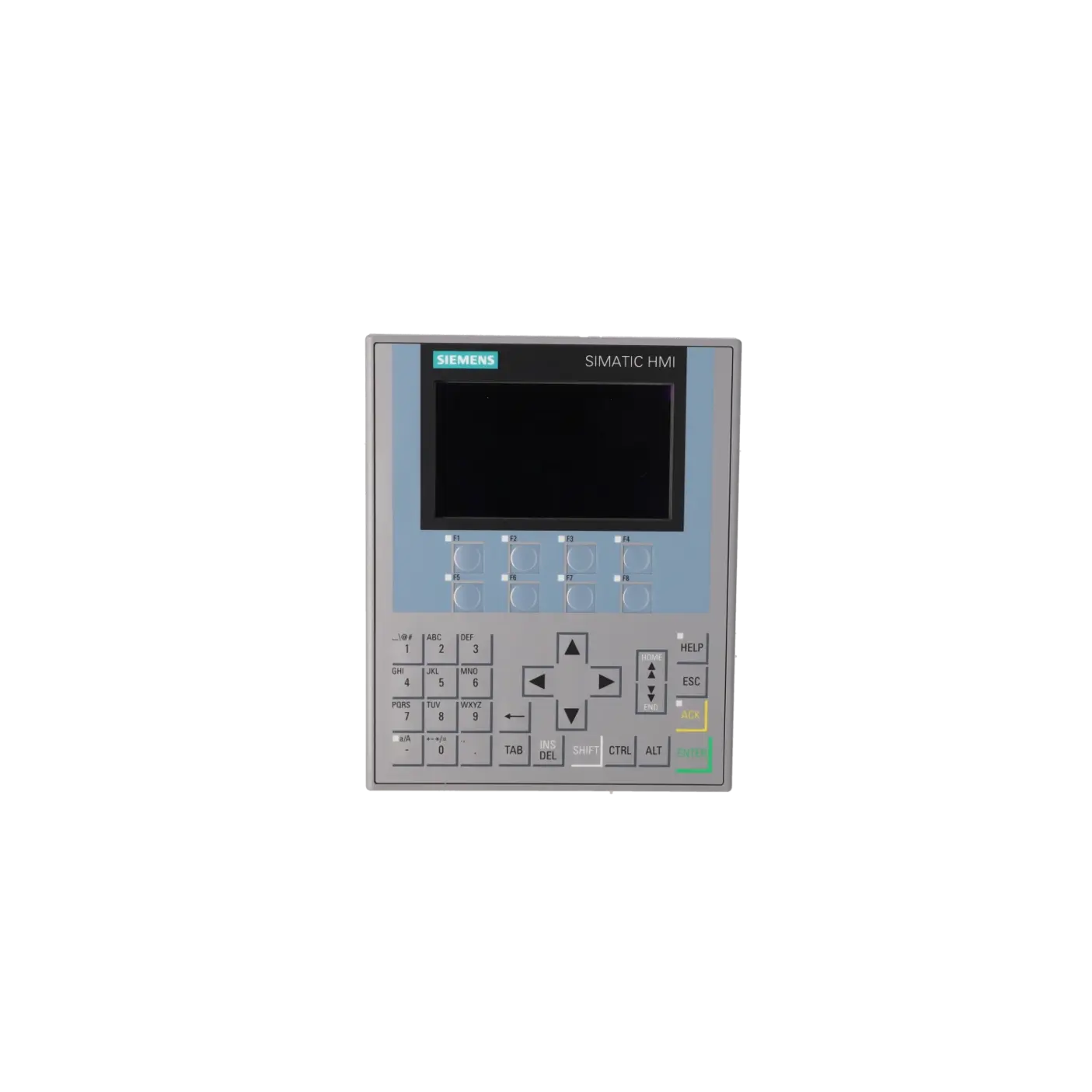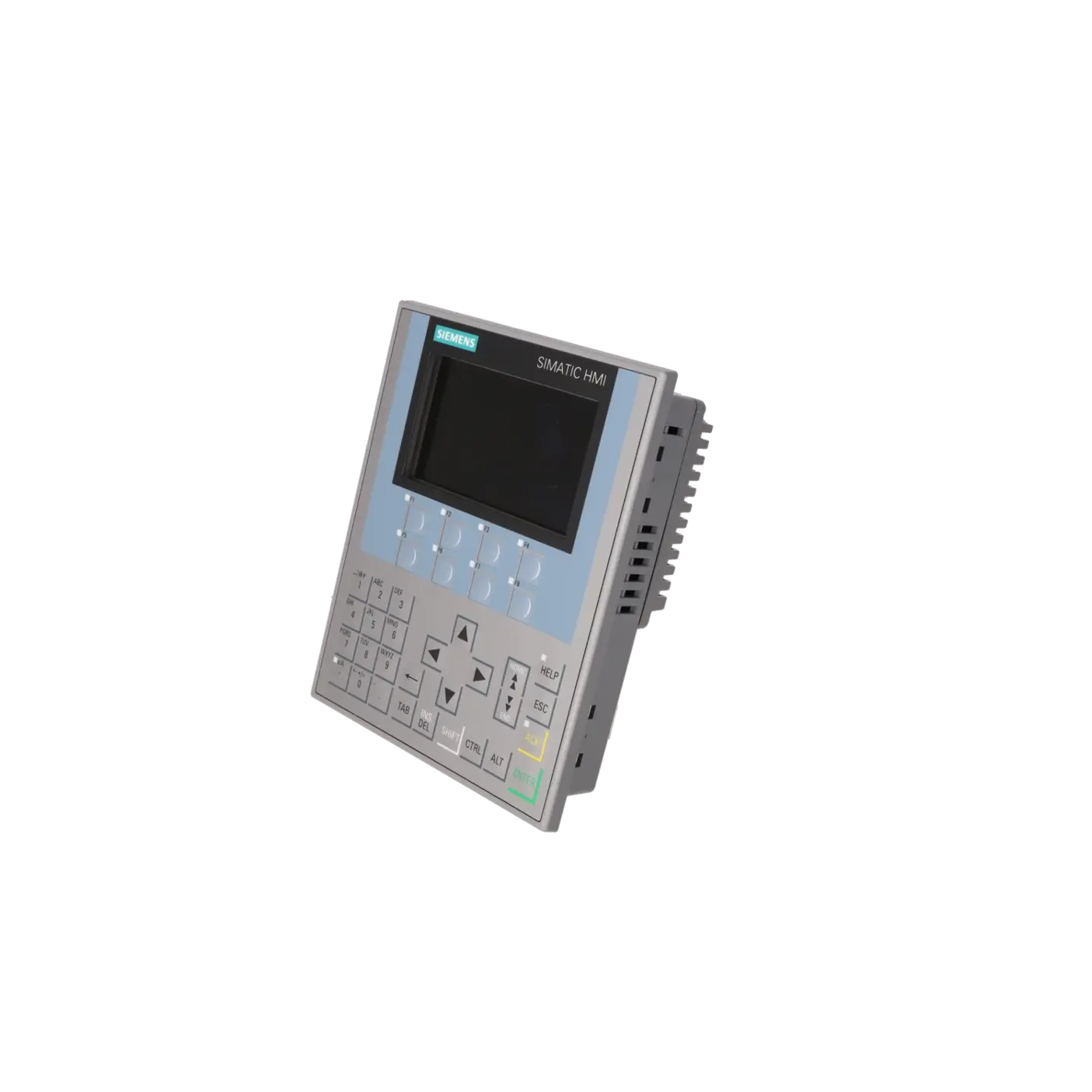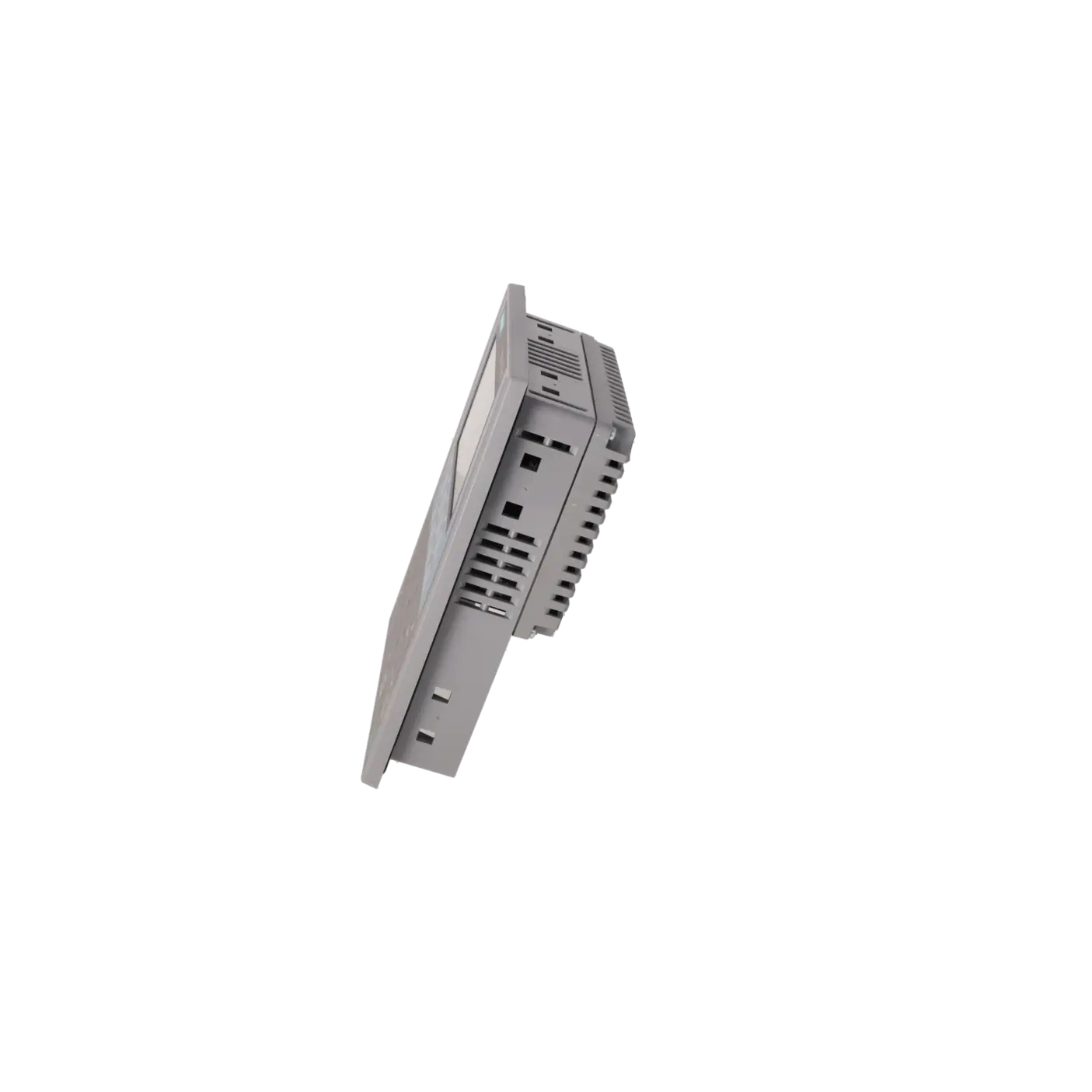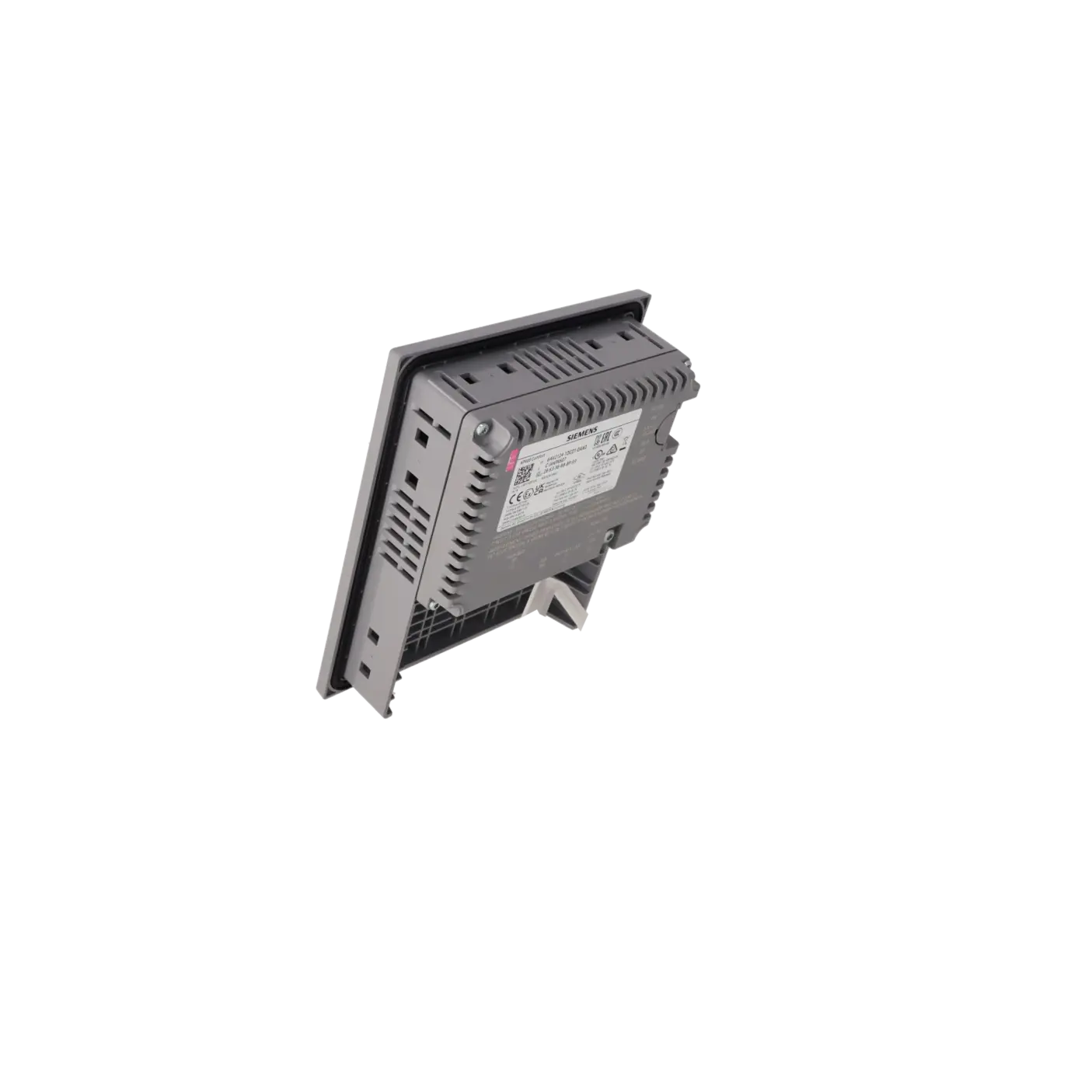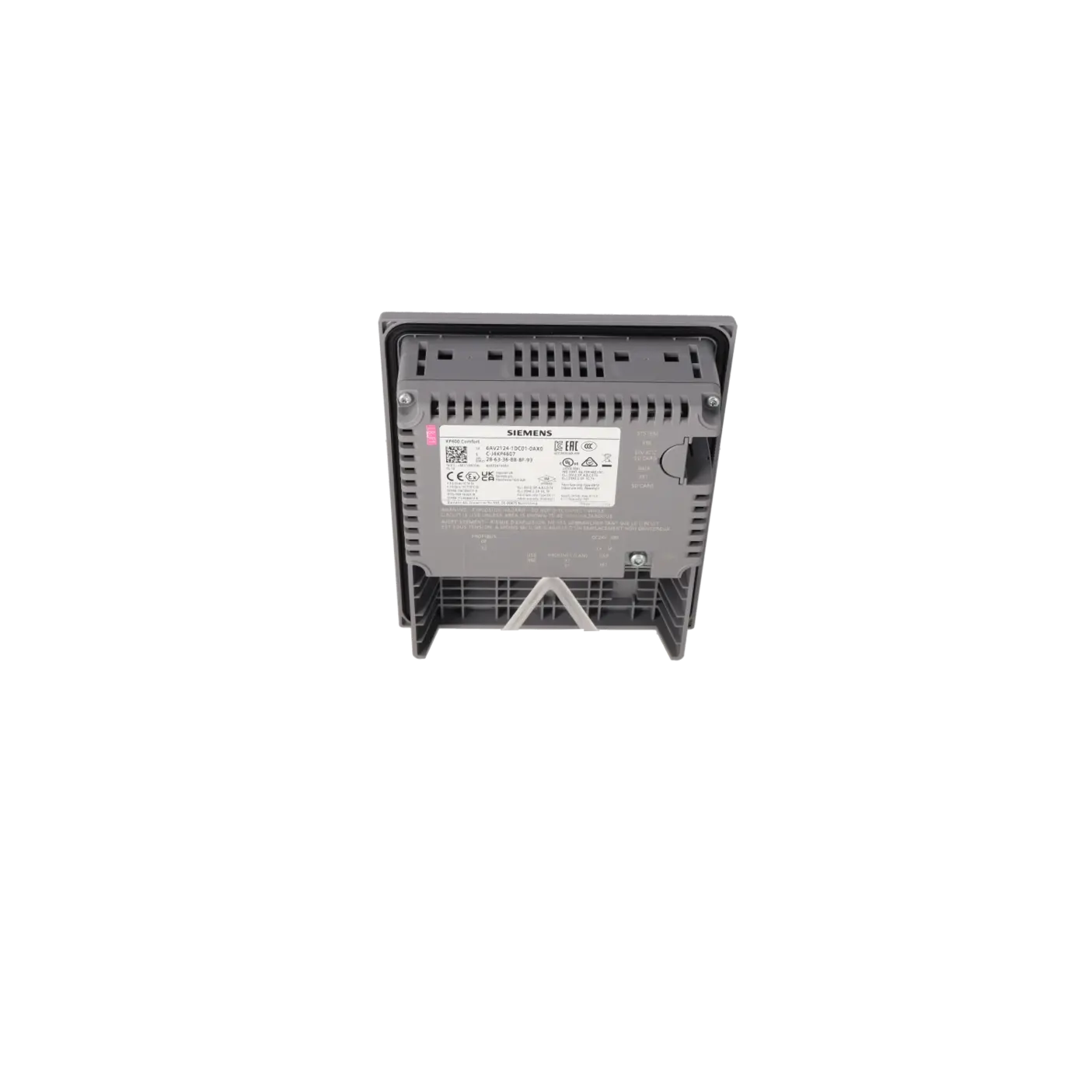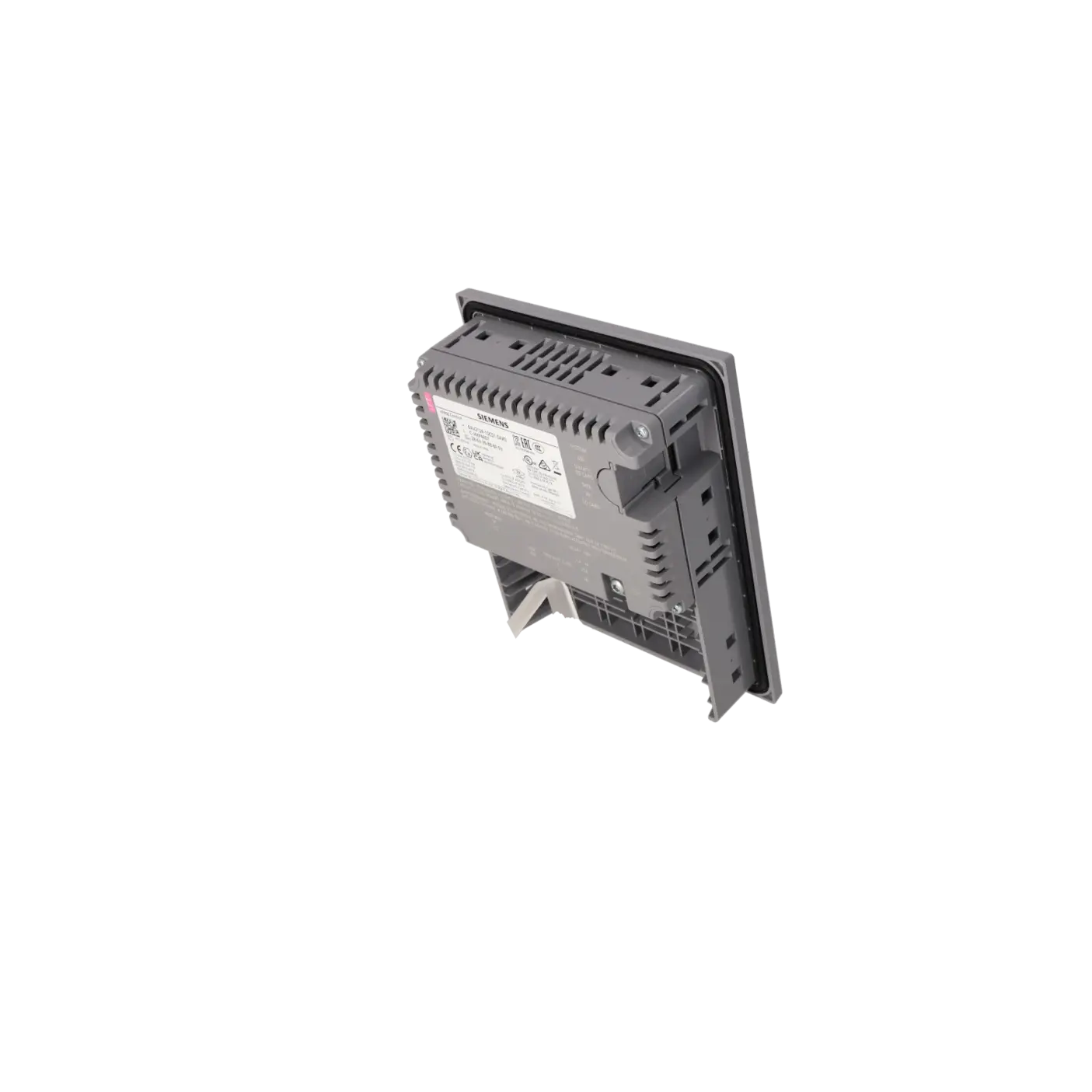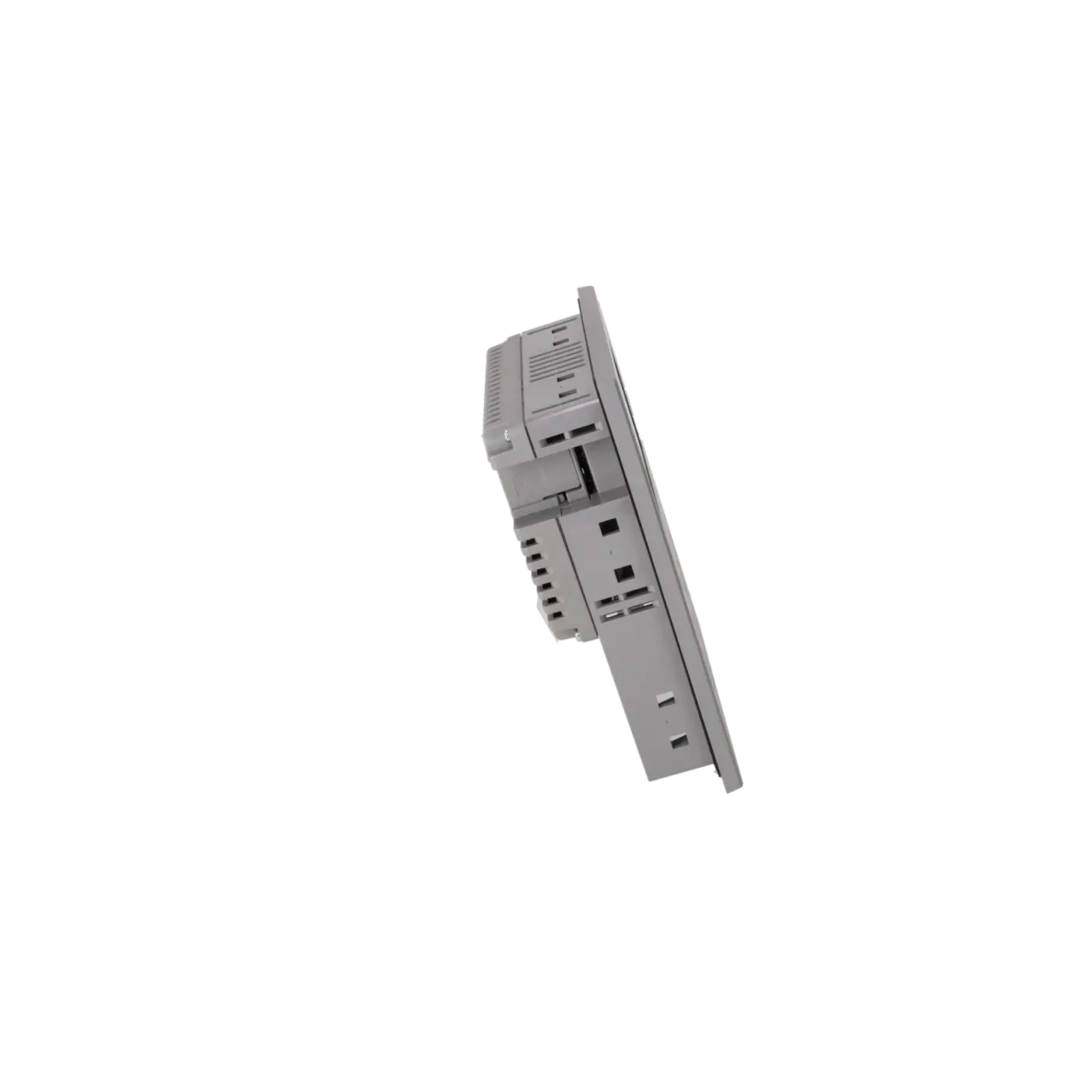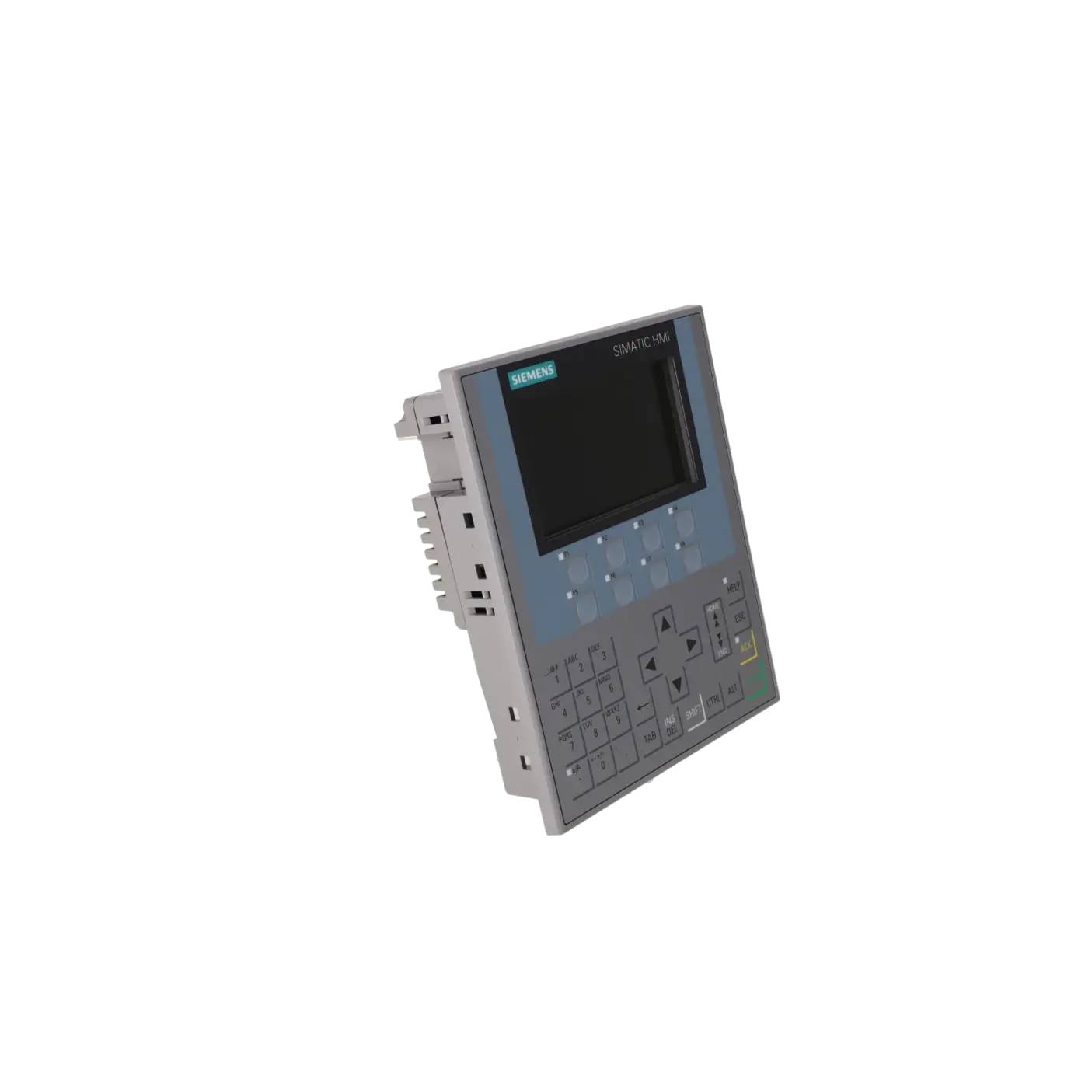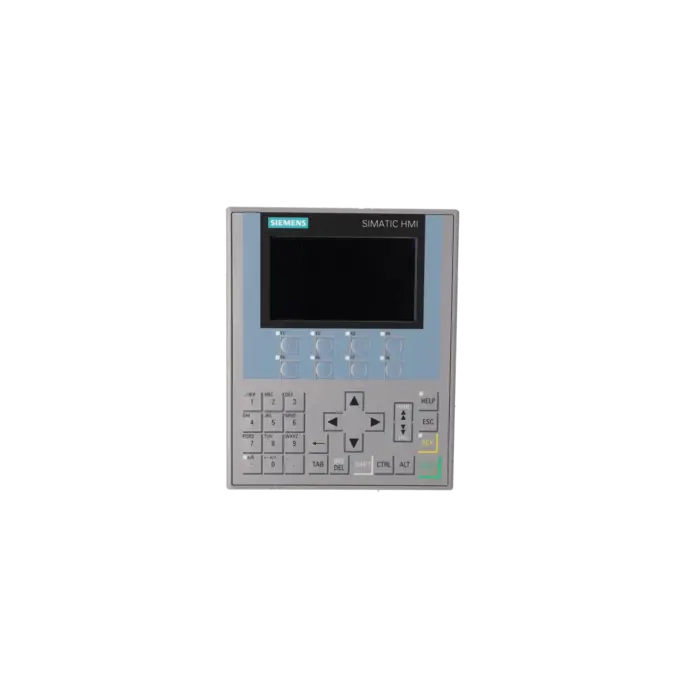
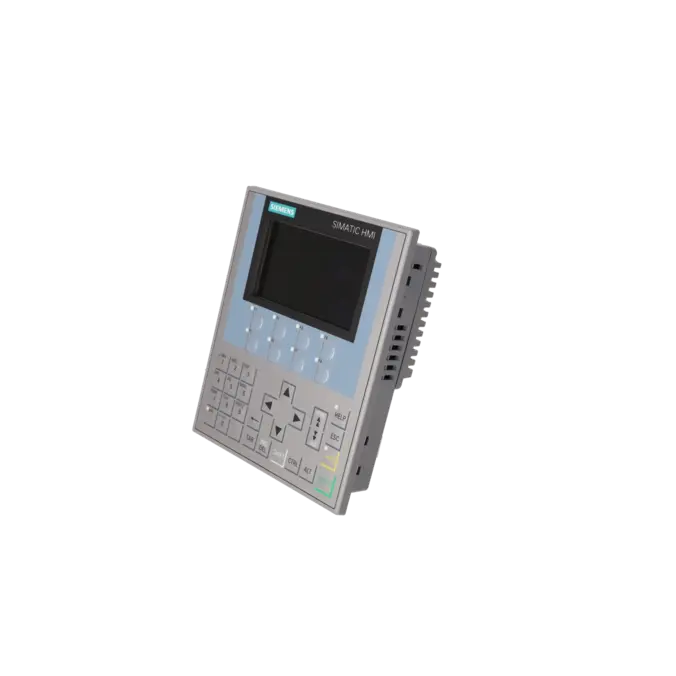
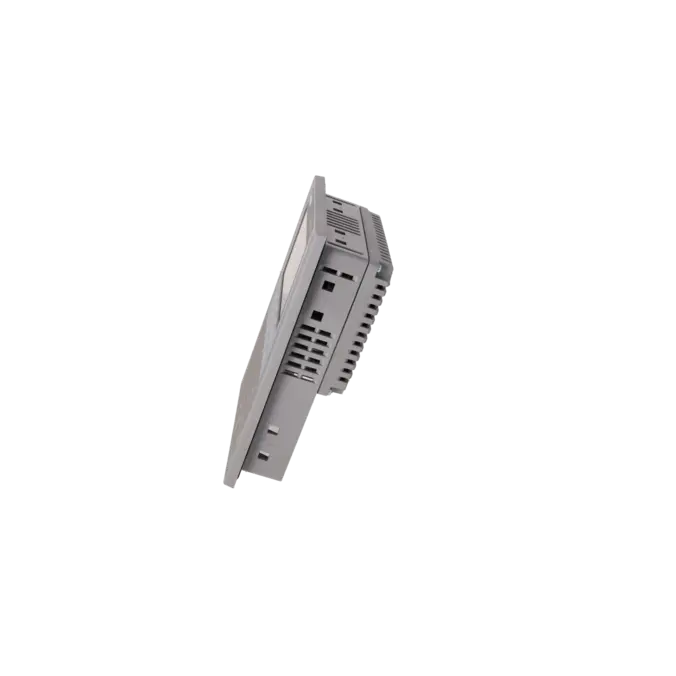
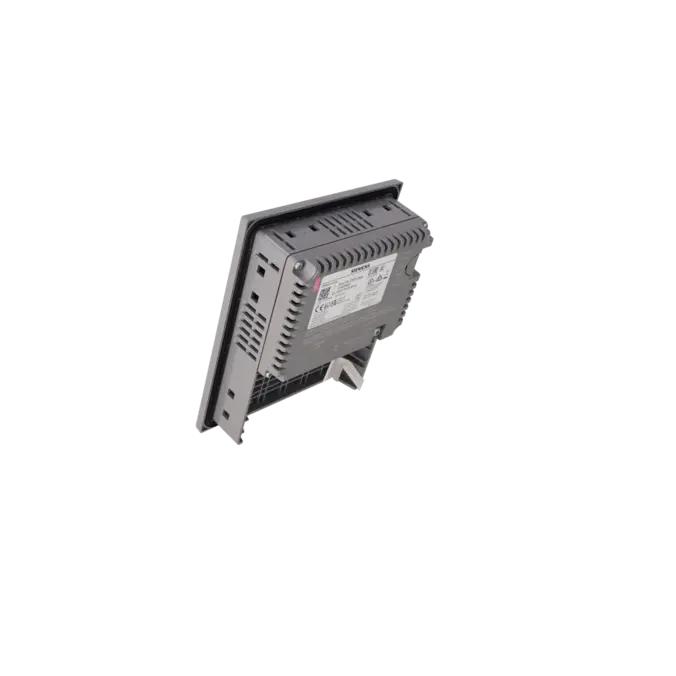
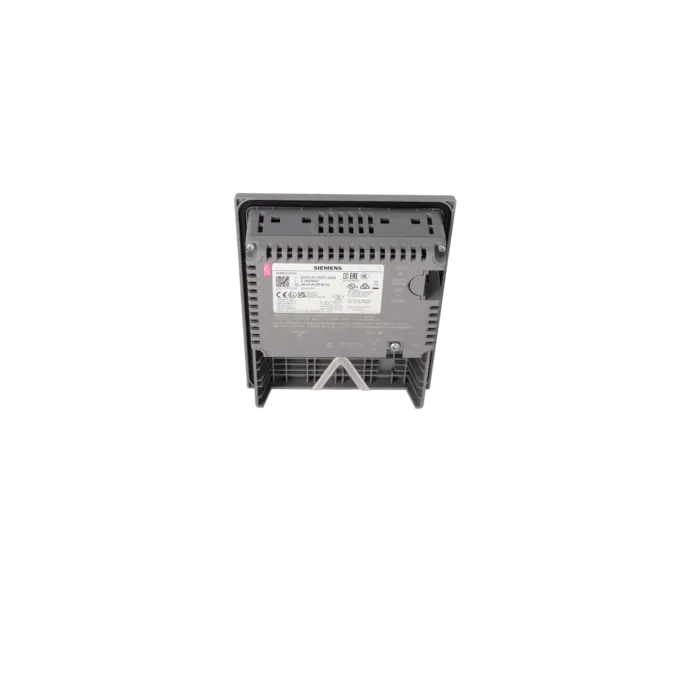
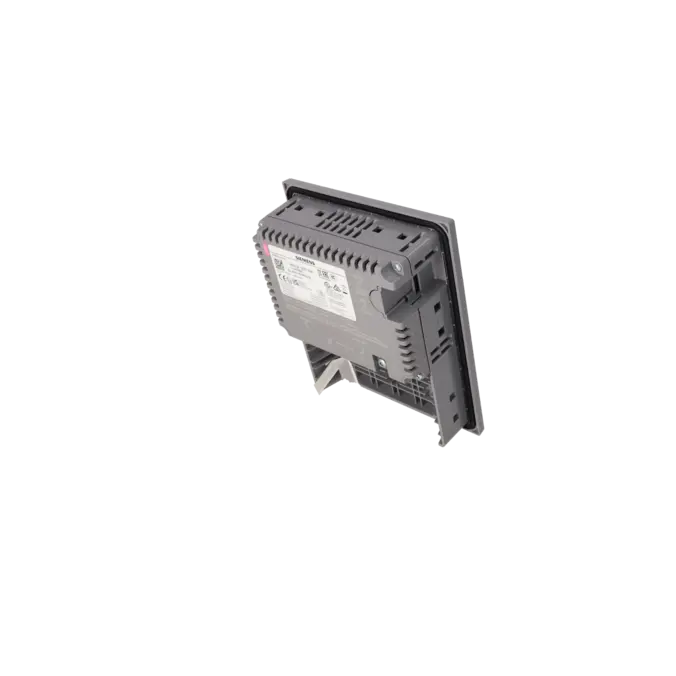
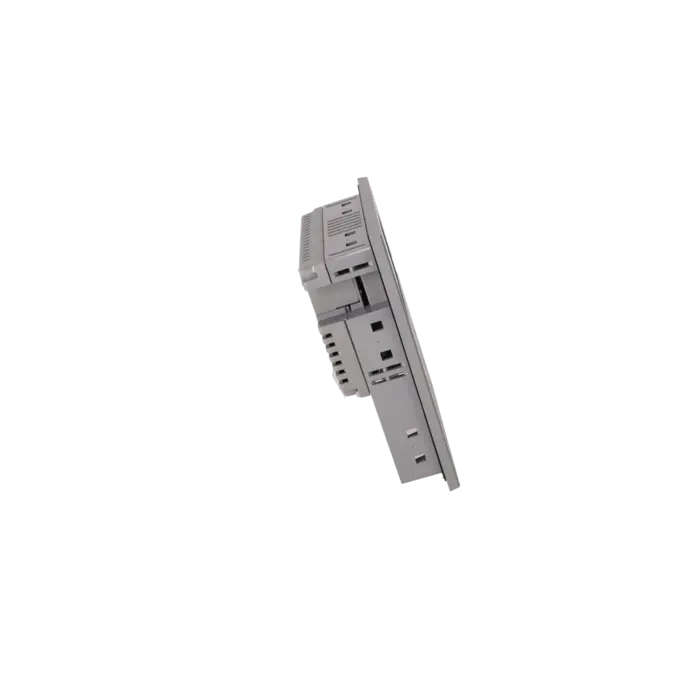
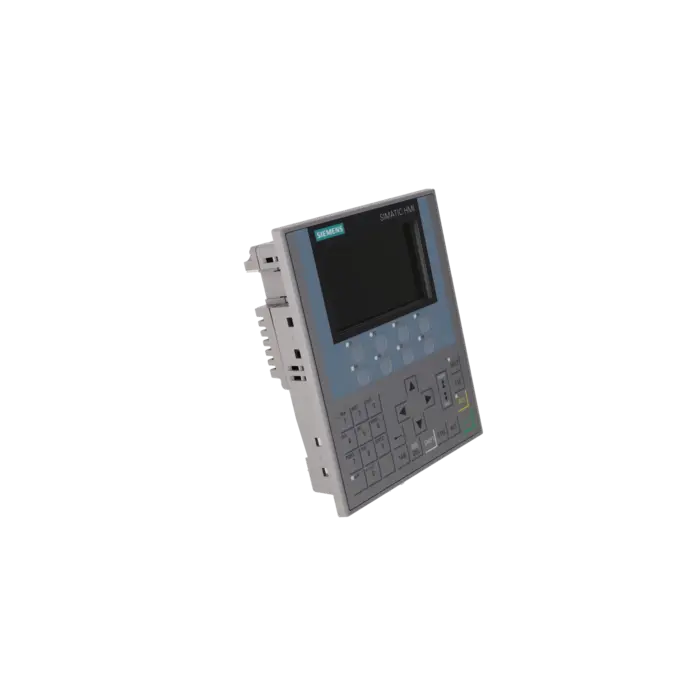
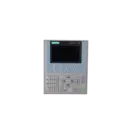
SIEMENS 6AV2124-1DC01-0AX0
- EICHLER-art.no.: K0251527
- EAN: 4025515078982
- UPC: 040892686067
Product description
SIMATIC HMI KP400 COMFORT, COMFORT PANEL, KEY OPERATION, 4 WIDESCREEN-TFT-DISPLAY, 16 MIL. COLORS, PROFINET INTERFACE, MPI/PROFIBUS DP INTERFACE, 4 MB USER MEMORY, WINDOWS CE 6.0, CONFIGURABLE FROM WINCC COMFORT V11
Services for SIEMENS 6AV2124-1DC01-0AX0
SIEMENS |
6AV2124-1DC01-0AX0 –
additional product information
| Delivery information | |||
|---|---|---|---|
| Export identifier | AL: N ECCN: EAR99H | ||
| Net weight | 0.857 | ||
| Quantity | 1 Stück | ||
| Packaging quantity | 1 | ||
| Additional product information | |||
|---|---|---|---|
| Product status | |||
| EAN | 4025515078982 | ||
| UPC | 040892686067 | ||
| Static lot number | 85371098 | ||
| List indicator | ST80.1N | ||
| Product group | 3403 | ||
| Country of origin | DE | ||
| Compliance with the substance restrictions according to RoHS directive | Since: 20110131 | ||
| Product classifications | Version | Classification | |
|---|---|---|---|
| eClass | 4 | 27-36-01-02 | |
| eClass | 5.1 | 27-24-23-02 | |
| eClass | 6.0 | 27-24-23-02 | |
| ETIM | 3 | / | |
| ETIM | 4 | EC001412 | |
| ETIM | 5 | EC001412 | |
What is 6AV2124-1DC01-0AX0 and where is it used?
6AV2124-1DC01-0AX0 is the SIEMENS SIMATIC HMI KP400 Comfort, a compact 4.3-inch operator panel with keypad operation designed for machine-level visualisation and control. The device is intended for operating and monitoring tasks where a robust HMI with PROFINET as well as MPI/PROFIBUS DP connectivity is required. Typical applications include packaging machinery, conveyor systems, machine tools, retrofit projects and existing installations where a compact front-mounted panel with a clearly defined key-based operating concept is preferred over a touchscreen. For maintenance personnel, the part number is particularly important when a faulty panel must be quickly identified, replaced or sent for repair. For purchasing departments, the device belongs to a well-established Siemens product family that has been used in machine designs for many years.
Overview of the key technical data and what they mean
The KP400 Comfort operates on 24 V DC with a permissible range of 19.2 to 28.8 V DC and typically requires only 3.1 W of power. The TFT display provides a resolution of 480 × 272 pixels and supports 16.7 million colours. Operation is performed via 8 LED-equipped function keys, system keys and numeric and alphanumeric keypad input; a touchscreen is intentionally not included. For integration into existing installations, the communication interfaces are particularly important: 1 × Industrial Ethernet/PROFINET, 1 × RS422/485 for MPI/PROFIBUS DP, 1 × USB Mini-B and 2 SD card slots. The panel is rated IP65 on the front and IP20 on the rear. For panel replacement and mechanical compatibility checks, the 136 × 172 mm cut-out, 152 × 188 mm front dimensions and 48 mm installation depth are also relevant.
Product status, lifecycle status and obsolescence
For 6AV2124-1DC01-0AX0, Siemens has announced the product phase-out with a scheduled date of 31 January 2026. Siemens identifies SIMATIC Unified Comfort as the successor platform and assigns 6AV2128-3GB06-0AX1 as the replacement product for the KP400 Comfort. Siemens currently lists this successor as an active product. For plant operators, it is important to understand that this is not simply a part-number replacement. The successor is a Unified Comfort Panel featuring a 7-inch touchscreen and requires engineering with WinCC Unified Comfort V16 or higher. As a result, the KP400 Comfort often remains a strong candidate for repair, exchange units or strategic spare-parts stocking whenever a fast 1:1 functional replacement is required in the field.
Available EICHLER services and when they are relevant in practice
For 6AV2124-1DC01-0AX0, EICHLER offers repair, exchange, used units and new units on request. These options are particularly relevant for maintenance and purchasing teams when machine downtime must be minimised but a migration to a new HMI generation has not yet been planned. Repair is often the preferred solution when the existing device, project configuration and installation environment should remain unchanged. EICHLER combines this service with technical cleaning, preventive maintenance, comprehensive functional testing and a minimum 24-month warranty. Exchange units are particularly useful when production must resume as quickly as possible and extended downtime is not acceptable. Used devices can help reduce obsolescence-related risks economically, while new units on request support structured procurement processes. These service options help maintain system availability even when the original manufacturer platform is already entering its phase-out stage.
| Attribute | Value |
|---|---|
| Product type designation | KP400 Comfort |
| Display | |
| Design of display | TFT |
| Screen diagonal | 4.3 in |
| Display width | 95 mm |
| Display height | 53.8 mm |
| Number of colors | 16 777 216 |
| Resolution (pixels) | |
| ● Horizontal image resolution | 480 pixel |
| ● Vertical image resolution | 272 pixel |
| Backlighting | |
| ● MTBF backlighting (at 25 °C) | 80 000 h |
| ● Backlight dimmable | Yes; 0-100 % |
| Control elements | |
| Keyboard fonts | |
| ● Function keys | |
| — Number of function keys | 8 |
| — Number of function keys with LEDs | 8 |
| ● Keys with LED | Yes |
| ● System keys | Yes |
| ● Numeric keyboard | Yes |
| ● alphanumeric keyboard | Yes; similar to mobile phone |
| Touch operation | |
| ● Design as touch screen | No; without |
| Expansions for operator control of the process | |
| ● DP direct LEDs (LEDs as S7 output I/O) | |
| — F1...Fx | 8 |
| ● Direct keys (keys as S7 input I/O) | |
| — F1...Fx | 8 |
| ● Direct keys (touch buttons as S7 input I/O) | 0 |
| Installation type/mounting | |
| Mounting position | vertical |
| Wall mounting/direct mounting | No |
| Mounting in portrait format possible | No |
| Mounting in landscape format possible | Yes |
| maximum permissible angle of inclination without external ventilation | 35° |
| Supply voltage | |
| Type of supply voltage | DC |
| Rated value (DC) | 24 V |
| permissible range, lower limit (DC) | 19.2 V |
| permissible range, upper limit (DC) | 28.8 V |
| Input current | |
| Current consumption (rated value) | 0.13 A |
| Starting current inrush I²t | 0.5 A²·s |
| Power | |
| Active power input, typ. | 3.1 W |
| Processor | |
| Processor type | ARM |
| Memory | |
| Flash | Yes |
| RAM | Yes |
| Memory available for user data | 4 Mbyte |
| Type of output | |
| Info LED | Yes |
| Power LED | No |
| Error LED | No |
| Acoustics | |
| ● Buzzer | Yes |
| ● Speaker | No |
| Time of day | |
| Clock | |
| ● Hardware clock (real-time) | Yes |
| ● Software clock | Yes |
| ● retentive | Yes; Back-up duration typically 6 weeks |
| ● synchronizable | Yes |
| Interfaces | |
| Number of industrial Ethernet interfaces | 1 |
| Number of RS 485 interfaces | 1; RS 422 / 485 combined |
| Number of RS 422 interfaces | 1 |
| Number of RS 232 interfaces | 0 |
| Number of USB interfaces | 1; USB 2.0 |
| ● USB Mini B | 1; 5-pole |
| Number of 20 mA interfaces (TTY) | 0 |
| Number of parallel interfaces | 0 |
| Number of other interfaces | 0 |
| Number of SD card slots | 2 |
| With software interfaces | No |
| Industrial Ethernet | |
| ● Industrial Ethernet status LED | 2 |
| ● Number of ports of the integrated switch | 1; No switch integrated |
| Protocols | |
| PROFINET | Yes |
| Supports protocol for PROFINET IO | Yes |
| IRT | No |
| PROFIBUS | Yes |
| EtherNet/IP | Yes |
| MPI | Yes |
| Protocols (Ethernet) | |
| ● TCP/IP | Yes |
| ● DHCP | Yes |
| ● SNMP | Yes |
| ● DCP | Yes |
| ● LLDP | Yes |
| WEB characteristics | |
| ● HTTP | Yes |
| ● HTTPS | No |
| ● HTML | Yes |
| ● XML | No |
| ● CSS | Yes |
| ● Active X | No |
| ● JavaScript | Yes |
| ● Java VM | No |
| Redundancy mode | |
| Media redundancy | |
| — MRP | No |
| Further protocols | |
| ● CAN | No |
| ● MODBUS | Yes |
| Interrupts/diagnostics/status information | |
| Diagnoses | |
| ● Diagnostic information readable | Yes; S7 controller |
| EMC | |
| Emission of radio interference acc. to EN 55 011 | |
| ● Limit class A, for use in industrial areas | Yes |
| ● Limit class B, for use in residential areas | No |
| Degree and class of protection | |
| IP (at the front) | IP65 |
| IP (rear) | IP20 |
| NEMA (front) | |
| ● Enclosure Type 4 at the front | Yes |
| ● Enclosure Type 4x at the front | Yes |
| Standards, approvals, certificates | |
| CE mark | Yes |
| cULus | Yes |
| RCM (formerly C-TICK) | Yes |
| KC approval | Yes |
| Use in hazardous areas | |
| ● ATEX Zone 2 | Yes |
| ● ATEX Zone 22 | Yes |
| ● IECEx Zone 2 | Yes |
| ● IECEx Zone 22 | Yes |
| ● cULus Class I Zone 1 | No |
| ● cULus Class I Zone 2, Division 2 | Yes |
| ● FM Class I Division 2 | Yes |
| Marine approval | |
| ● Germanischer Lloyd (GL) | Yes |
| ● American Bureau of Shipping (ABS) | Yes |
| ● Bureau Veritas (BV) | Yes |
| ● Det Norske Veritas (DNV) | Yes |
| ● Lloyds Register of Shipping (LRS) | Yes |
| ● Nippon Kaiji Kyokai (Class NK) | Yes |
| ● Polski Rejestr Statkow (PRS) | No |
| Ambient conditions | |
| Ambient temperature during operation | |
| Operation (vertical installation) | |
| — For vertical installation, min. | 0 °C |
| — For vertical installation, max. | 50 °C |
| Operation (max. tilt angle) | |
| — At maximum tilt angle, min. | 0 °C |
| — At maximum tilt angle, max. | 40 °C |
| Operation (vertical installation, portrait format) | |
| — For vertical installation, min. | 0 °C |
| — For vertical installation, max. | 40 °C |
| Operation (max. tilt angle, portrait format) | |
| — At maximum tilt angle, min. | 0 °C |
| — At maximum tilt angle, max. | 35 °C |
| Ambient temperature during storage/transportation | |
| ● min. | -20 °C |
| ● max. | 60 °C |
| Relative humidity | |
| ● Operation, max. | 90 %; no condensation |
| Operating systems | |
| proprietary | No |
| pre-installed operating system | |
| ● Windows CE | Yes |
| Configuration | |
| Message indicator | Yes |
| Alarm system (incl. buffer and acknowledgment) | Yes |
| Process value display (output) | Yes |
| Process value default (input) possible | Yes |
| Recipe management | Yes |
| Configuration software | |
| ● STEP 7 Basic (TIA Portal) | No |
| ● STEP 7 Professional (TIA Portal) | No |
| ● WinCC flexible Compact | No |
| ● WinCC flexible Standard | No |
| ● WinCC flexible Advanced | No |
| ● WinCC Basic (TIA Portal) | No |
| ● WinCC Comfort (TIA Portal) | Yes; from V11 |
| ● WinCC Advanced (TIA Portal) | Yes; from V11 |
| ● WinCC Professional (TIA Portal) | Yes; from V11 |
| Languages | |
| Online languages | |
| ● Number of online/runtime languages | 32 |
| Project languages | |
| ● Languages per project | 32 |
| Functionality under WinCC (TIA Portal) | |
| Libraries | Yes |
| Applications/options | |
| ● Web browser | Yes |
| ● Pocket Word | Yes |
| ● Pocket Excel | Yes |
| ● PDF Viewer | Yes |
| ● Media Player | Yes |
| ● SIMATIC WinCC Sm@rtServer | Yes |
| ● SIMATIC WinCC Audit | Yes |
| Number of Visual Basic Scripts | Yes |
| Task planner | |
| ● time-controlled | Yes |
| ● task-controlled | Yes |
| Help system | |
| ● Number of characters per info text | 70 |
| Message system | |
| ● Number of alarm classes | 32 |
| ● Bit messages | Yes |
| — Number of bit messages | 2 000 |
| ● Analog messages | Yes |
| — Number of analog messages | 50 |
| ● S7 alarm number procedure | Yes |
| ● System messages HMI | Yes |
| ● System event, more (SIMATIC S7, SINUMERIK, SIMOTION, ... ) | Yes |
| ● Number of characters per message | 80 |
| ● Number of process values per message | 8 |
| ● Acknowledgment groups | Yes |
| ● Message indicator | Yes |
| ● Message buffer | |
| — Number of entries | 256 |
| — Circulating buffer | Yes |
| — retentive | Yes |
| — maintenance-free | Yes |
| Recipe management | |
| ● Number of recipes | 100 |
| ● Data records per recipe | 200 |
| ● Entries per data record | 200 |
| ● Size of internal recipe memory | 512 kbyte |
| ● Recipe memory expandable | Yes |
| Variables | |
| ● Number of variables per device | 1 024 |
| ● Number of variables per screen | 50 |
| ● Limit values | Yes |
| ● Multiplexing | Yes |
| ● Structures | Yes |
| ● Arrays | Yes |
| Images | |
| ● Number of configurable images | 500 |
| ● Permanent window/default | Yes |
| ● Global image | Yes |
| ● Pop-up images | Yes |
| ● Slide-in images | Yes |
| ● Image selection by PLC | Yes |
| ● Image number in the PLC | Yes |
| Image objects | |
| ● Number of objects per image | 50 |
| ● Text fields | Yes |
| ● I/O fields | Yes |
| ● Graphic I/O fields (graphics list) | Yes |
| ● Symbolic I/O fields (text list) | Yes |
| ● Date/time fields | Yes |
| ● Switches | Yes |
| ● Buttons | Yes |
| ● Graphic display | Yes |
| ● Icons | Yes |
| ● Geometric objects | Yes |
| Complex image objects | |
| ● Number of complex objects per screen | 5 |
| ● Alarm view | Yes |
| ● Trend view | Yes |
| ● User view | Yes |
| ● Status/control | Yes |
| ● Sm@rtClient view | Yes |
| ● Recipe view | Yes |
| ● f(x) trend view | Yes |
| ● System diagnostics view | Yes |
| ● Media Player | Yes |
| ● HTML browser | No |
| ● PDF display | Yes |
| ● IP camera display | Yes |
| ● Bar graphs | Yes |
| ● Sliders | Yes |
| ● Pointer instruments | Yes |
| ● Analog/digital clock | Yes |
| Lists | |
| ● Number of text lists per project | 300 |
| ● Number of entries per text list | 30 |
| ● Number of graphics lists per project | 100 |
| ● Number of entries per graphics list | 30 |
| Archiving | |
| ● Number of archives per device | 10 |
| ● Number of entries per archive | 10 000 |
| ● Message archive | Yes |
| ● Process value archive | Yes |
| ● Archiving methods | |
| — Sequential archive | Yes |
| — Short-term archive | Yes |
| ● Memory location | |
| — Memory card | Yes |
| — USB memory | Yes |
| — Ethernet | Yes |
| ● Data storage format | |
| — CSV | Yes |
| — TXT | Yes |
| — RDB | Yes |
| Security | |
| ● Number of user groups | 50 |
| ● Number of user rights | 32 |
| ● Number of users | 50 |
| ● Password export/import | Yes |
| ● SIMATIC Logon | Yes |
| Logging through printer | |
| ● Alarms | Yes |
| ● Report (shift log) | Yes |
| ● Hardcopy | Yes |
| ● Electronic print to file | Yes; PDF, HTML |
| Character sets | |
| ● Keyboard fonts | |
| — US English | Yes |
| Transfer (upload/download) | |
| ● MPI/PROFIBUS DP | Yes |
| ● USB | Yes |
| ● Ethernet | Yes |
| ● using external storage medium | Yes |
| Process coupling | |
| ● S7-1200 | Yes |
| ● S7-1500 | Yes |
| ● S7-200 | Yes |
| ● S7-300/400 | Yes |
| ● LOGO! | Yes |
| ● WinAC | Yes |
| ● SINUMERIK | Yes; with SINUMERIK option package |
| ● SIMOTION | Yes |
| ● Allen Bradley (EtherNet/IP) | Yes |
| ● Allen Bradley (DF1) | Yes |
| ● Mitsubishi (MC TCP/IP) | Yes |
| ● Mitsubishi (FX) | Yes |
| ● OMRON (FINS TCP) | No |
| ● OMRON (LINK/Multilink) | Yes |
| ● Modicon (Modbus TCP/IP) | Yes |
| ● Modicon (Modbus) | Yes |
| ● OPC UA Client | Yes |
| ● OPC UA Server | Yes |
| Service tools/configuration aids | |
| ● Backup/Restore manually | Yes |
| ● Backup/Restore automatically | Yes |
| ● Simulation | Yes |
| ● Device switchover | Yes |
| Peripherals/Options | |
| Printer | Yes |
| SIMATIC HMI MM memory card: Multi Media Card | Yes; Up to 128 MB |
| SIMATIC HMI SD memory card: Secure Digital memory card | Yes; Up to 2 GB |
| SIMATIC HMI CF memory card Compact Flash Card | No |
| USB memory | Yes |
| SIMATIC IPC USB Flashdrive (USB stick) | Yes; Up to 16 GB |
| SIMATIC HMI USB stick | Yes; Up to 8 GB |
| Network camera | Yes |
| Mechanics/material | |
| Enclosure material (front) | |
| ● Plastic | Yes |
| ● Aluminum | No |
| ● Stainless steel | No |
| Dimensions | |
| Width of the housing front | 152 mm |
| Height of housing front | 188 mm |
| Mounting cutout, width | 136 mm |
| Mounting cutout, height | 172 mm |
| mounting depth | 48 mm |
| Weights | |
| Weight (without packaging) | 0.8 kg |
| Weight (with packaging) | 0.9 kg |
| Fault description | Possible solution |
|---|---|
| Why does TIA Portal not find the KP400 Comfort during download and report “0 compatible devices”? | First check whether the panel is actually in Transfer mode and whether the same transfer channel is configured on the HMI device as in the TIA project, for example PN/IE. If a project is still running on the panel, it must be stopped and the transfer manually enabled in the Start Center. Siemens also points out that an automatic switch to Transfer mode only works under certain conditions. In practice, it is also advisable to check whether the panel can be reached via ping, whether the PG/PC and panel are located in the same network, and whether the network interface on the panel has been configured correctly. |
| Why does the message “0132:000002” appear during project download? | This fault often occurs even though the panel is basically visible on the network. In such cases, simple network accessibility is not sufficient. Check the Transfer mode, transfer channel and project assignment again. It should also be verified whether the panel's runtime version or firmware version matches the project version. Siemens explicitly describes situations for Comfort Panels where an upgrade or downgrade of the runtime or firmware is required. Before performing an OS update, the user administration, recipes and, if applicable, licence data should be backed up, as an update or factory reset may delete data stored on the target device. |
| Why do the function keys or LEDs of the KP400 Comfort not respond as expected? | On the KP400 Comfort, direct keys and LED assignments are permanently mapped via defined input and output areas. Therefore, the key functions must be correctly integrated both in the project and in the PLC logic. Siemens also points out that the LEDs of the direct keys initially remain off after power-up and only illuminate once the PROFINET IO connection has been established. If direct-key communication fails or a PROFINET IO fault occurs, the LEDs switch off again. If keys or LEDs are not functioning correctly, the transfer areas, the PROFINET device names in WinCC and on the panel, as well as the communication with the controller, should be checked. |
| Why does the panel suddenly request a transport password? | Siemens uses the transport password to protect stored private passkeys and other passwords during project download. It is typically requested when other security-related passwords have already been configured within the project. Therefore, check under Runtime Settings > General whether a transport password has been defined. Siemens also describes the option of resetting a forgotten transport password by generating a new security certificate. In a widely discussed Comfort Panel case, users additionally reported that password-related behaviour was corrected with firmware version 17.00.00.06. In persistent cases, it is therefore worthwhile checking the installed image or firmware version. |
| Why can I no longer access the Control Panel because Secure Mode is active? | When password protection is enabled on a Comfort Panel, Secure Mode is automatically activated. Siemens states that the Control Panel, taskbar and desktop are then protected. If the password is known, the protection can be removed again via the Password Properties dialog. If the password is no longer available, access becomes severely restricted. In this case, recovery must be prepared using a planned Backup/Restore or ProSave procedure. Siemens also points out that an OS update or a reset to factory settings deletes data stored on the HMI, including project-related content and, depending on the procedure used, licence data as well. |
Is 6AV2124-1DC01-0AX0 a touch panel?
No. 6AV2124-1DC01-0AX0 is the KP400 Comfort and therefore a pure key-operated panel without touch functionality. If a combination of key and touch operation is required within the same 4-inch class, the corresponding device in this product family is the KTP400 Comfort, article number 6AV2124-2DC01-0AX0. This distinction is important for purchasing and spare parts management, as KP and KTP panels differ in project design, operating concept and replacement planning.
Which software is required to configure the KP400 Comfort?
The device is configured using WinCC Comfort, WinCC Advanced or WinCC Professional, each starting from Version V11. Siemens explicitly states in the technical documentation that STEP 7 Basic, STEP 7 Professional alone, and the older WinCC flexible versions are not intended as engineering software for this panel. For existing installations, this information is particularly important because the availability of the correct engineering environment often determines whether repair, migration or replacement can be carried out efficiently.
Which power supply and interfaces are important for commissioning?
The panel requires a 24 V DC power supply. The permissible voltage range is 19.2 to 28.8 V DC. For communication, the device provides PROFINET/Industrial Ethernet as well as MPI/PROFIBUS DP. In addition, it features one USB interface and two SD card slots. For maintenance personnel, these specifications are important because they indicate whether an existing machine concept can continue to operate without additional hardware or whether communication and storage concepts must be adapted during a retrofit.
Which dimensions are critical for panel installation and replacement?
For mechanical evaluation, the most important dimensions are the 136 × 172 mm cut-out, the 152 × 188 mm front dimensions and the 48 mm installation depth. Siemens also states that the cut-out of the KP400 Comfort is compatible with the OP 77B. This is particularly helpful during retrofit projects and replacements because the control cabinet often does not require mechanical modification. Nevertheless, the front dimensions and installation depth should always be checked separately before replacement, as identical cut-outs do not automatically mean identical device housings.
Is there a Siemens successor for 6AV2124-1DC01-0AX0?
Yes. As part of the product phase-out announcement, Siemens identifies SIMATIC Unified Comfort as the recommended successor platform and assigns 6AV2128-3GB06-0AX1 as the successor to the KP400 Comfort. This successor remains an active product. However, this does not automatically mean a direct 1:1 replacement. The specified successor is an MTP700 Unified Comfort with a 7-inch touch display and is engineered using WinCC Unified Comfort from Version V16 onwards. Any migration should therefore be carefully prepared from both a technical and project perspective.
Is the KP400 Comfort still economically viable despite its phase-out status?
Yes, in many existing installations it remains a practical solution. For running production systems, an immediate platform migration is often less economical than securing the existing HMI infrastructure. Common strategies include repair, replacement units, used devices and targeted spare parts stocking. These options remain available for this model. When machine downtime costs exceed the benefits of an immediate migration, continuing to operate the existing KP400 concept is often the lower-risk approach.
When is repair more appropriate than replacement for this panel?
Repair is particularly beneficial when the existing device fits mechanically into the machine, the project should remain unchanged and the fault is likely located within the panel itself. Replacement is usually the better option when production pressure is high and the fastest possible return to operation is the priority. Repair services for this model typically include technical cleaning, preventive maintenance, comprehensive functional testing and a minimum 24-month warranty. This makes repair especially attractive when the machine is expected to remain in operation for many years, even though the platform has already entered the product life-cycle phase-out stage.