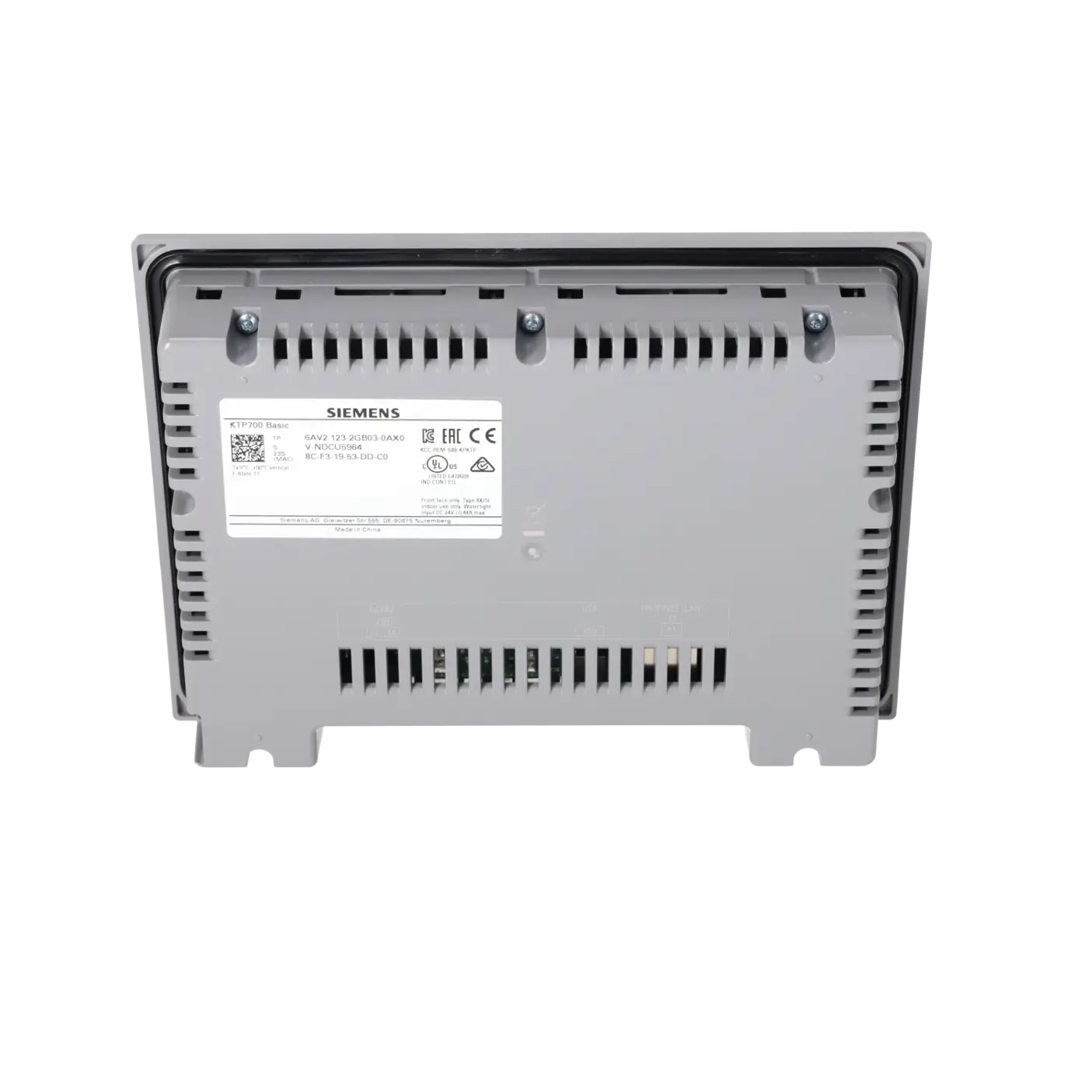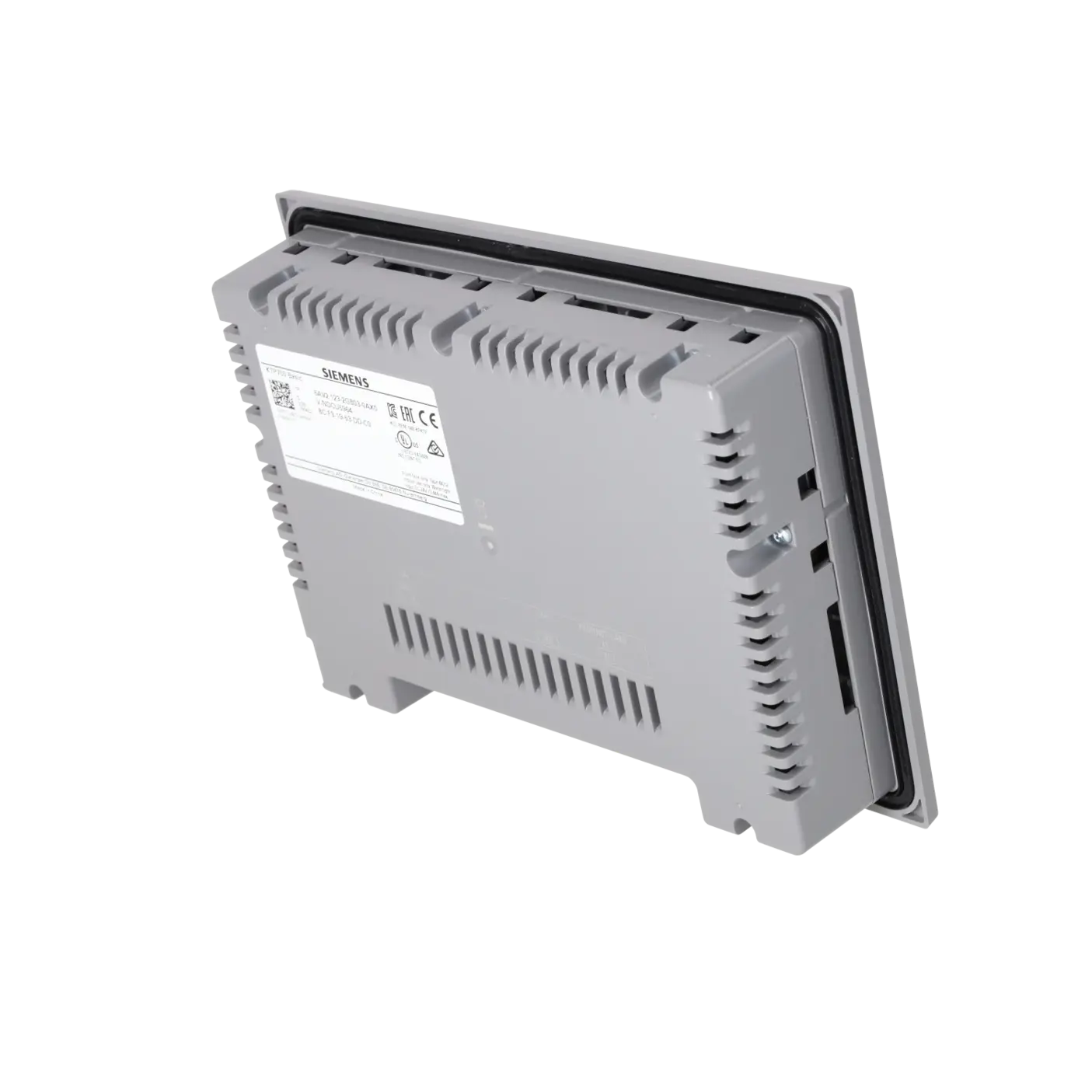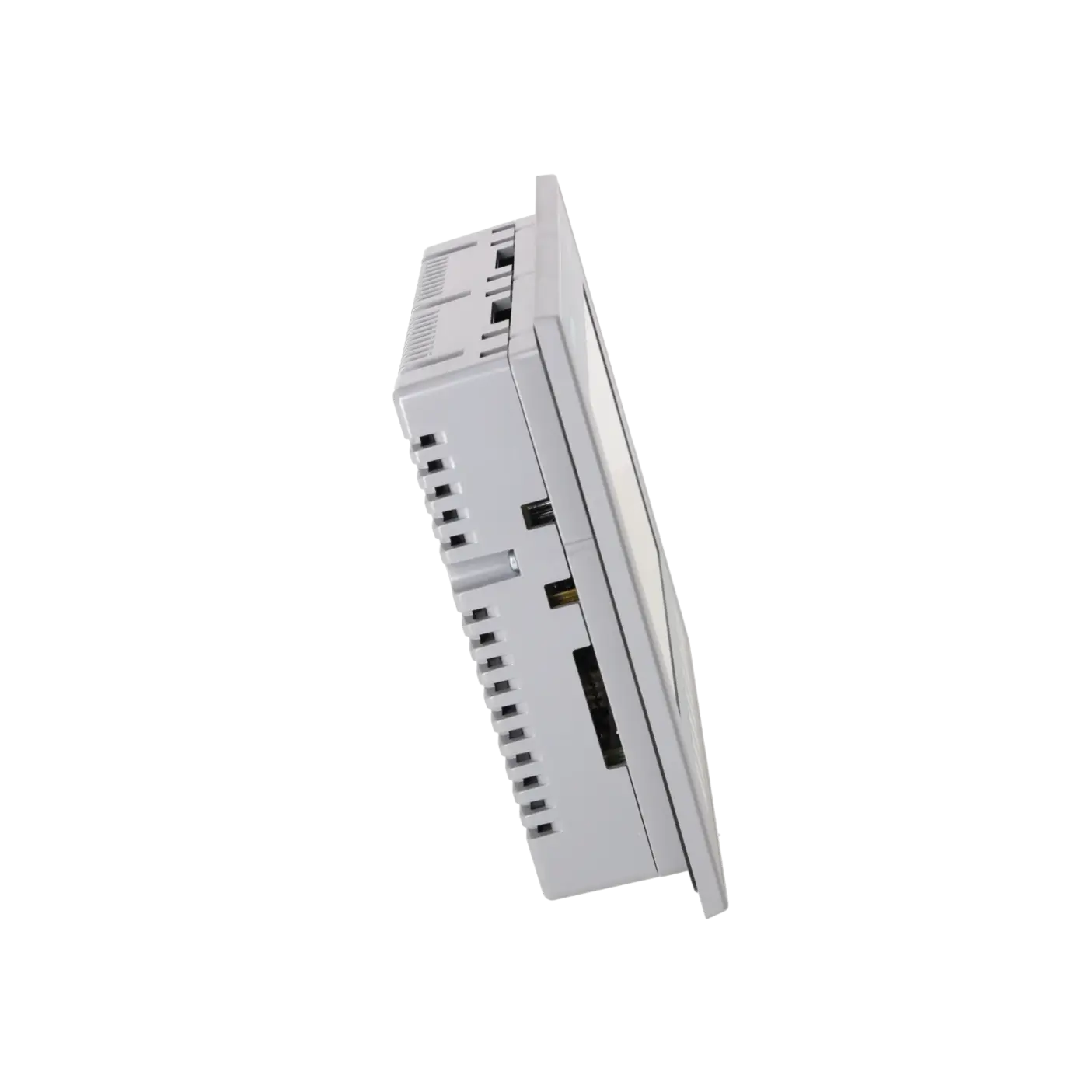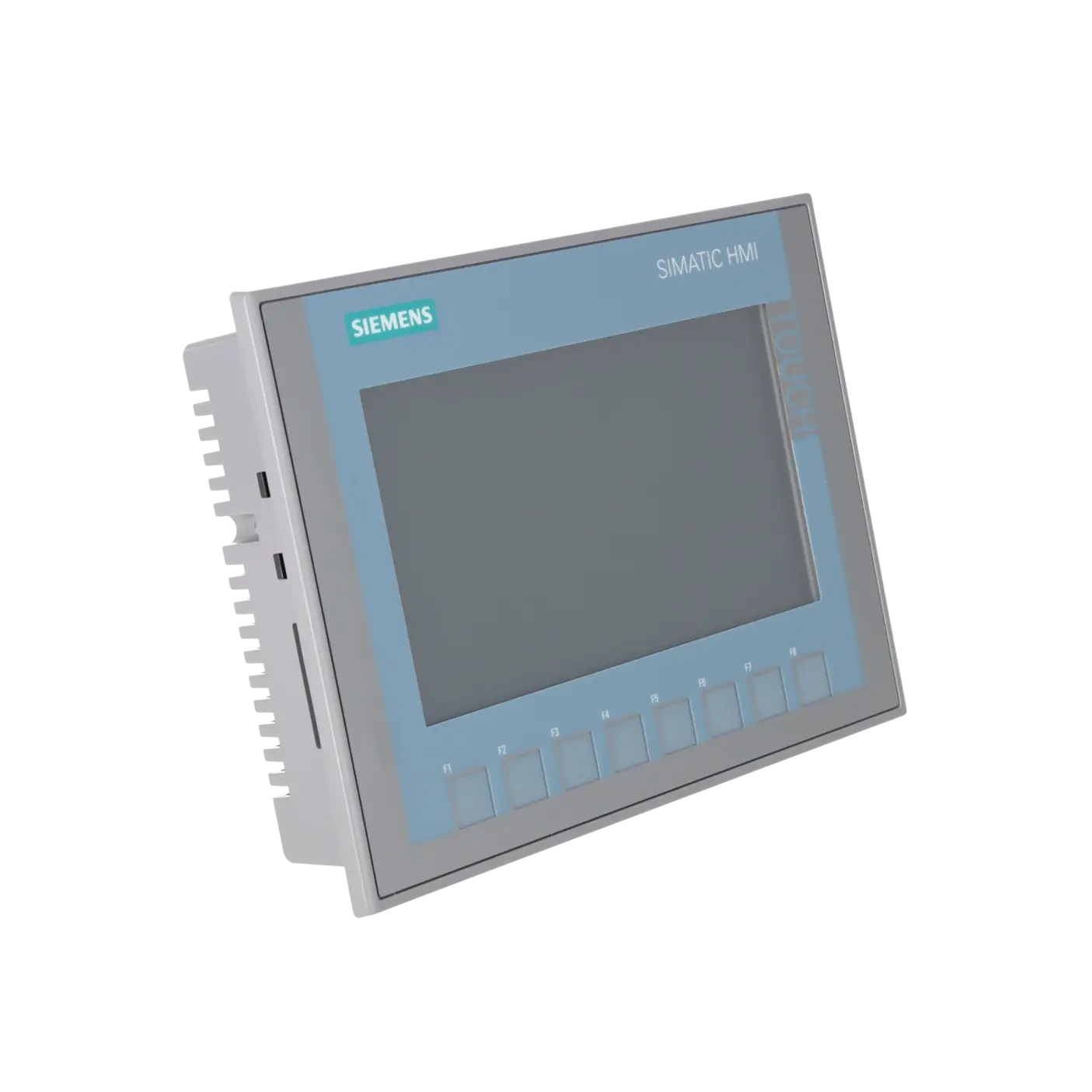
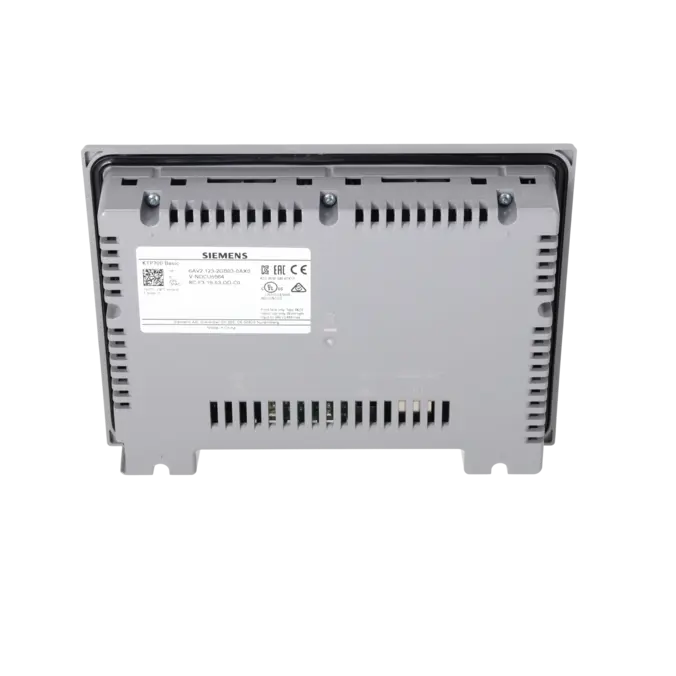
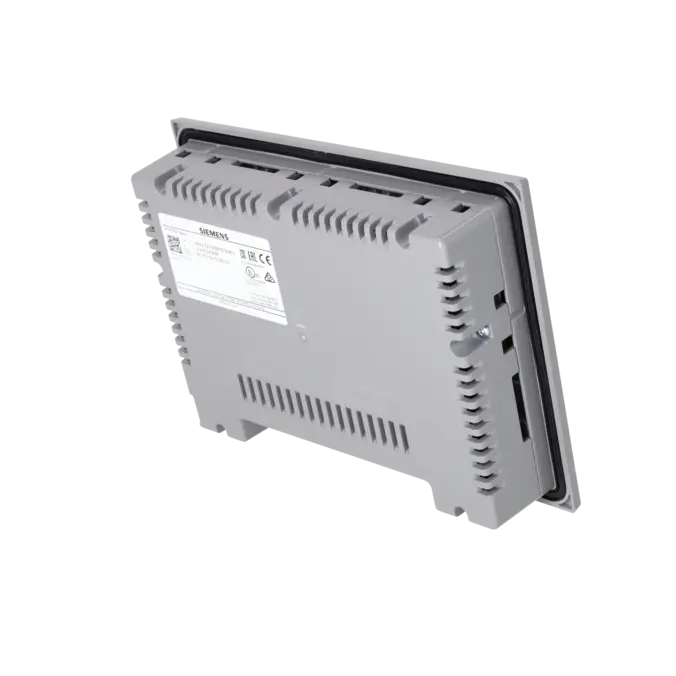
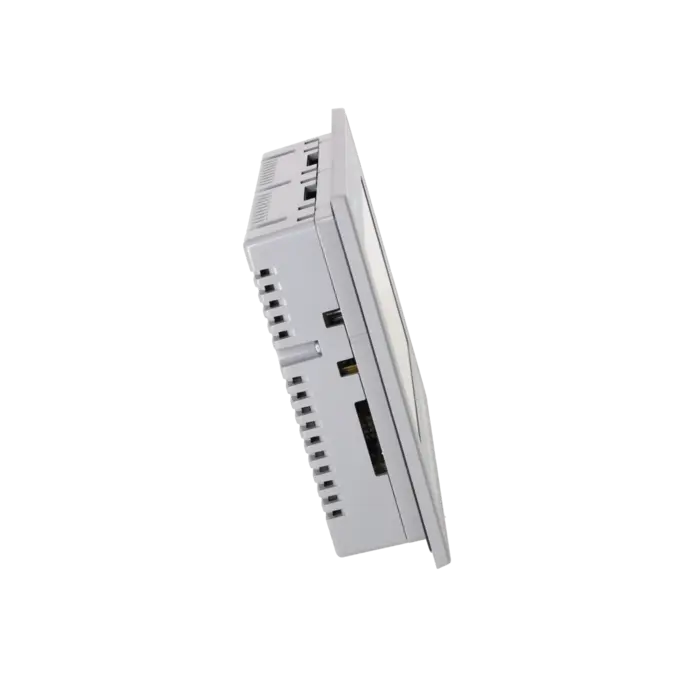
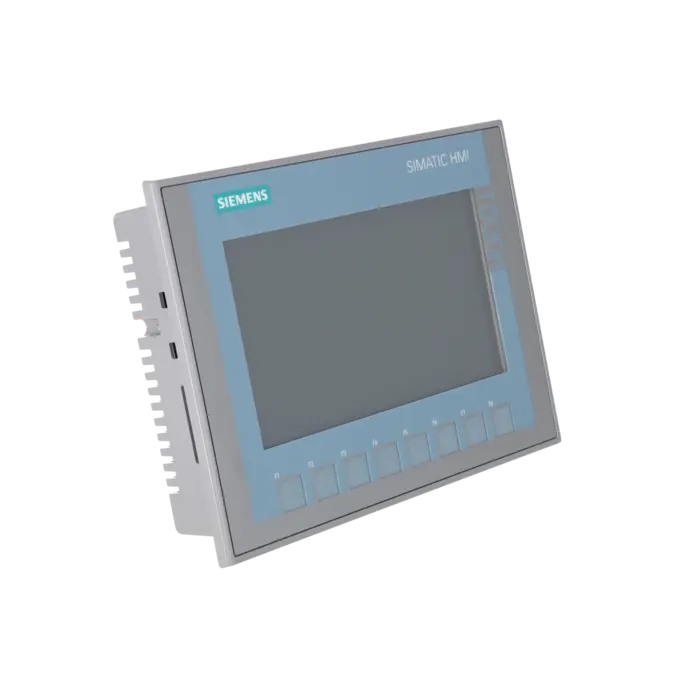
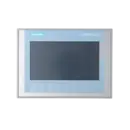
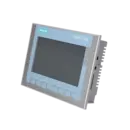
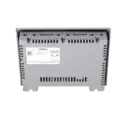
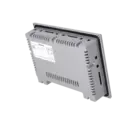
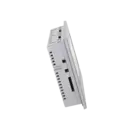
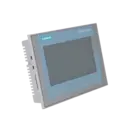
SIEMENS 6AV2123-2GB03-0AX0
- EICHLER-art.no.: K0369230
- EAN: 4034106029210
- UPC: 887621773120
Product description
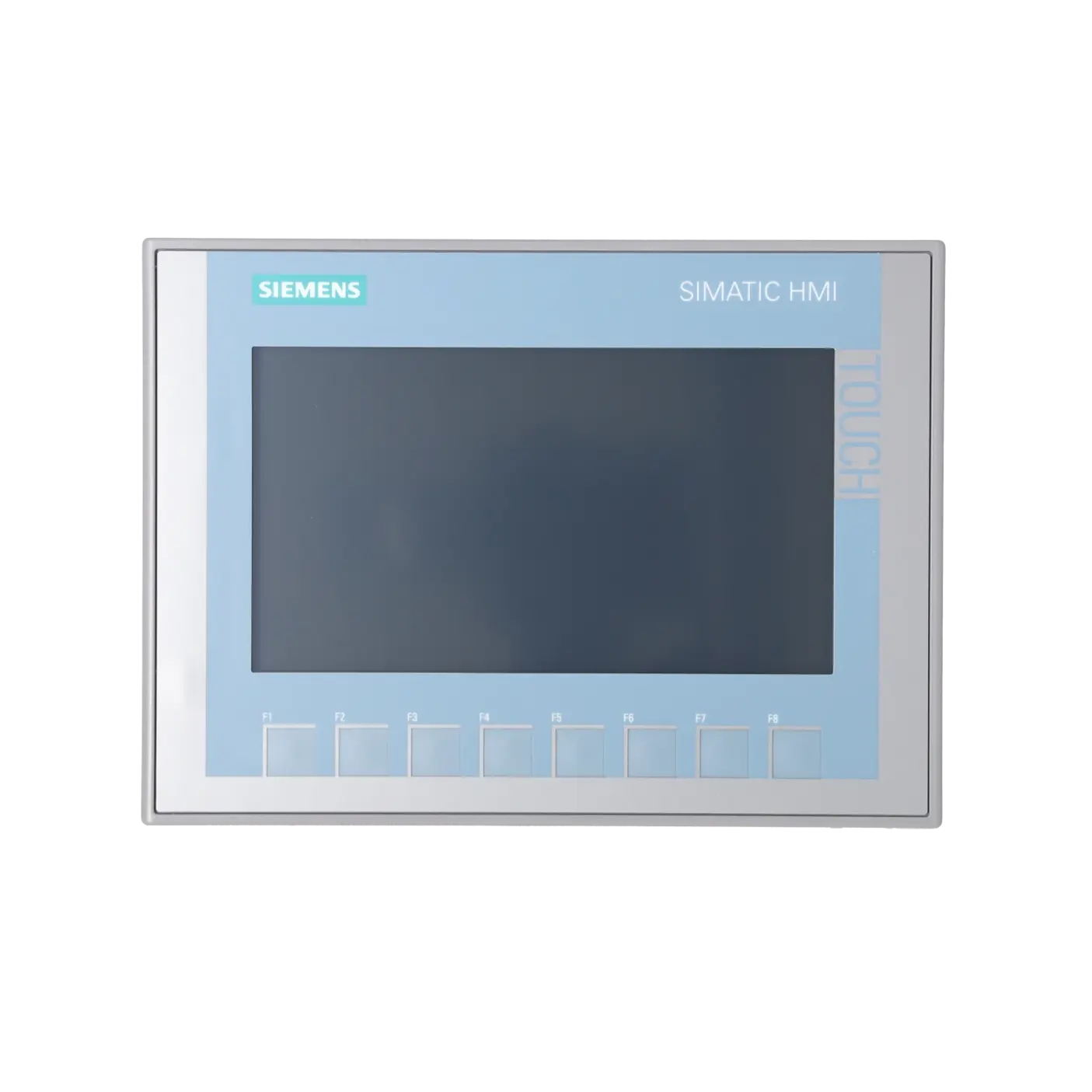
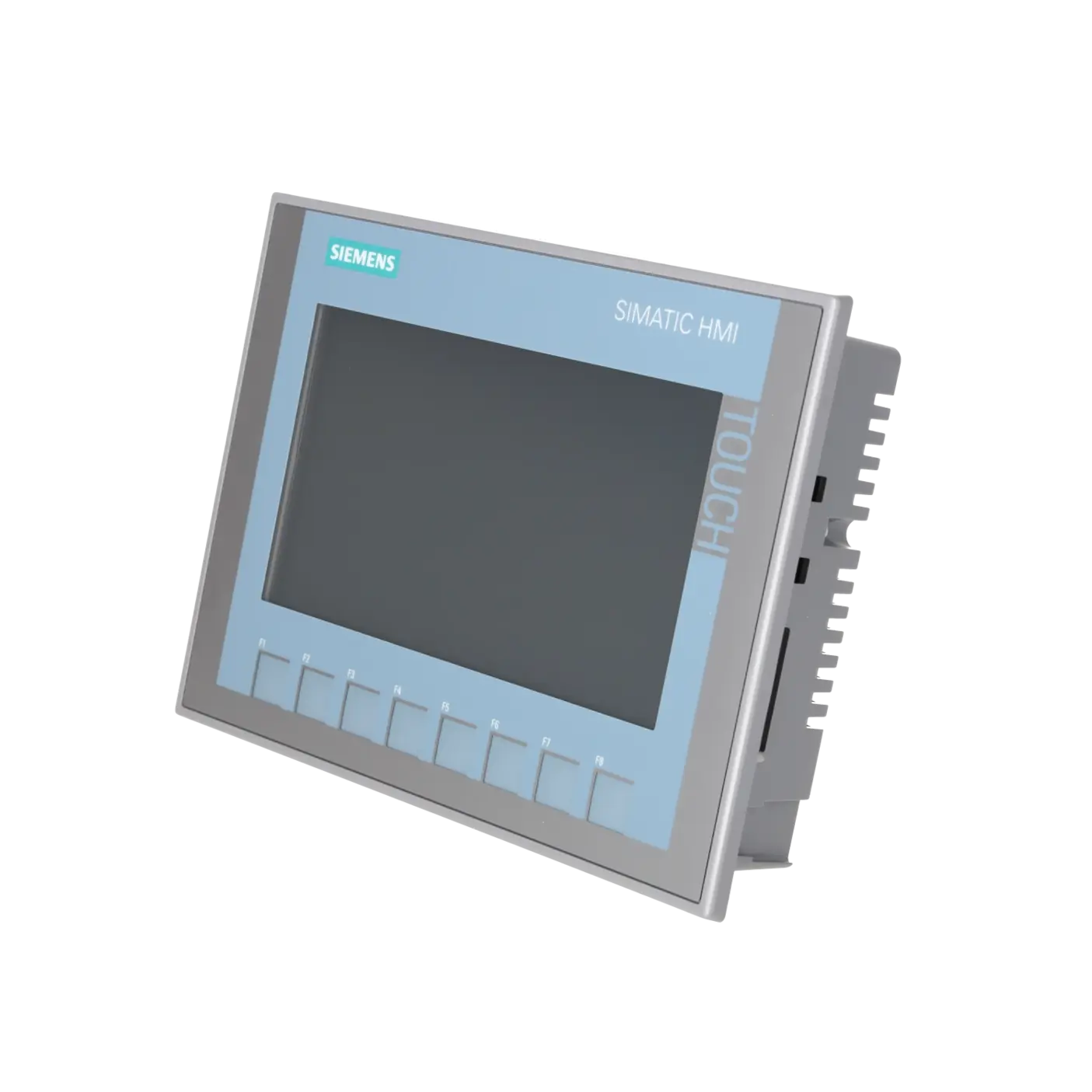
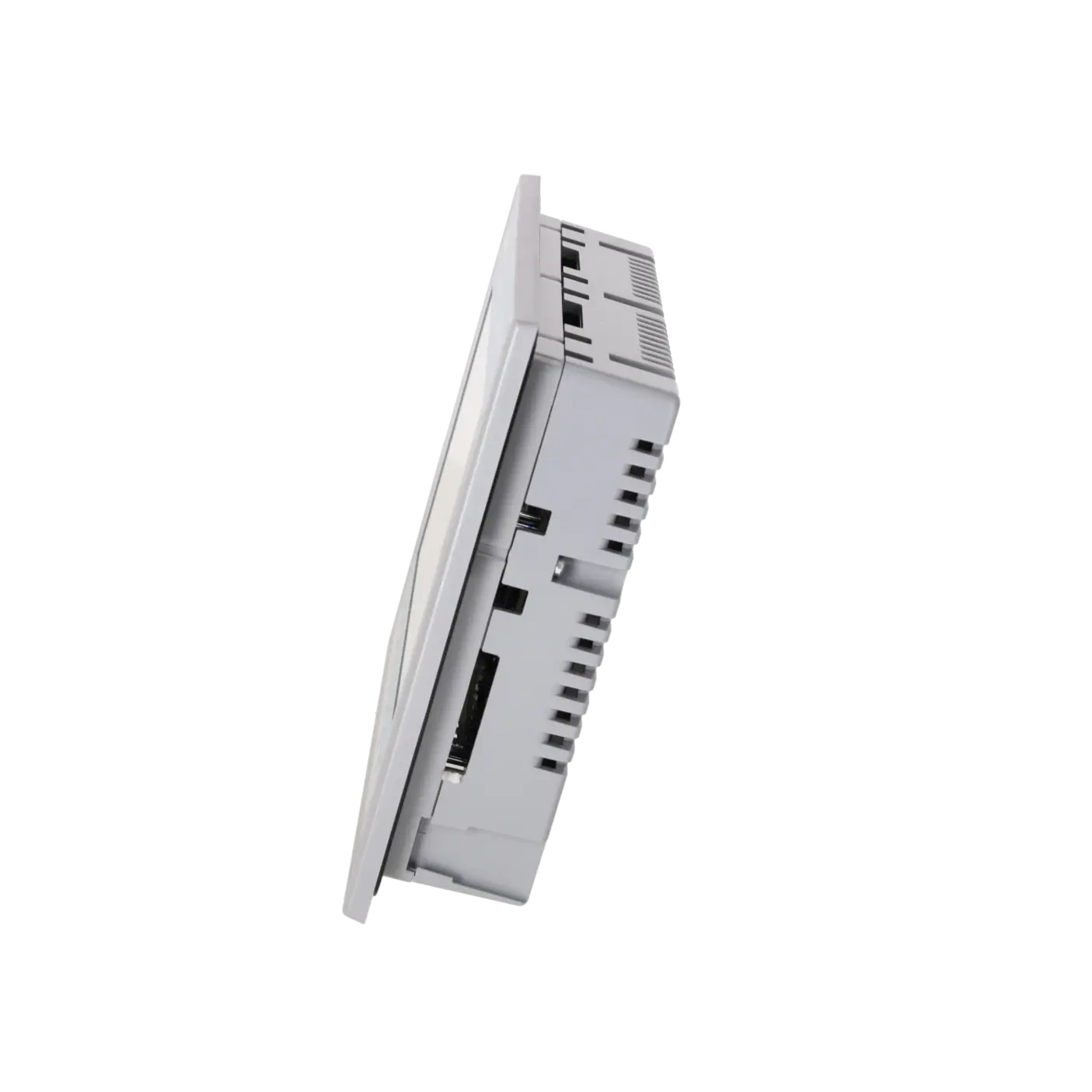
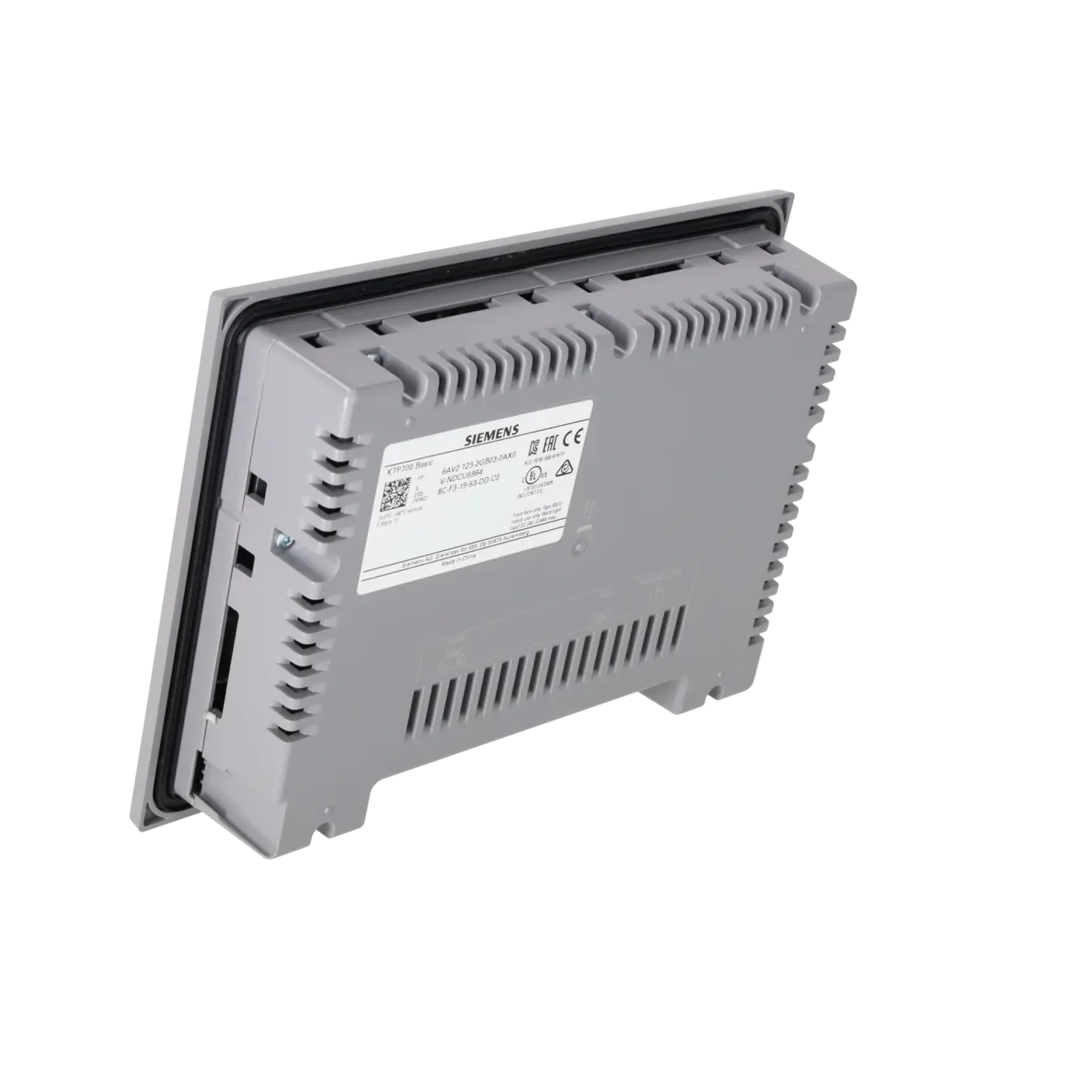
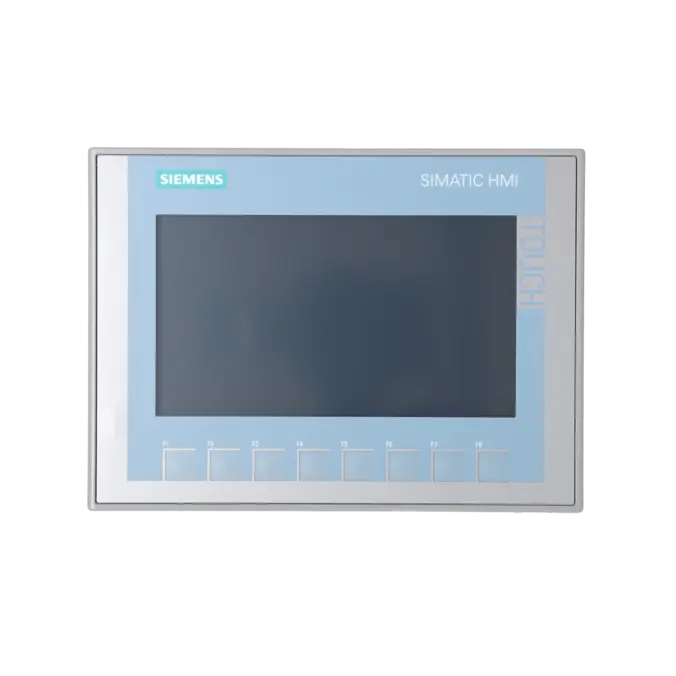
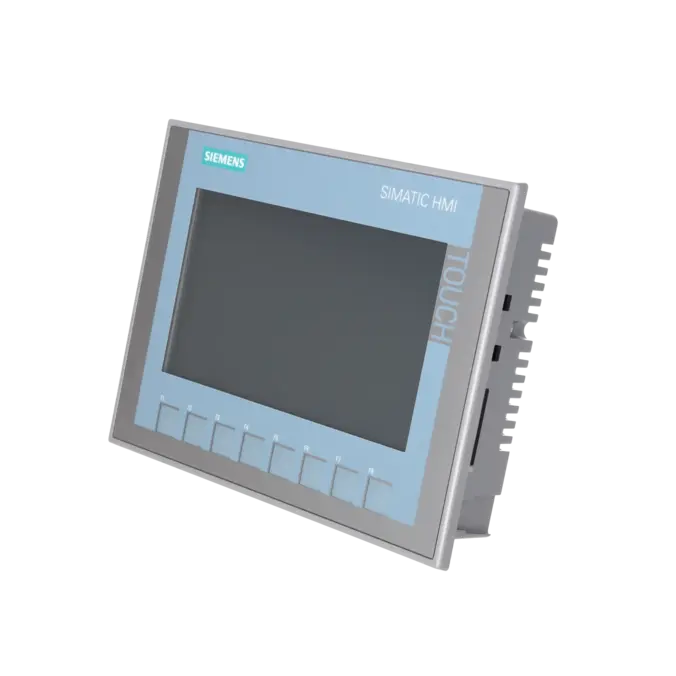
SIMATIC HMI, KTP700 BASIC, BASIC PANEL, KEY AND TOUCH OPERATION, 7 TFT DISPLAY, 65536 COLORS, PROFINET INTERFACE, CONFIGURATION FROM WINCC BASIC V13/ STEP7 BASIC V13, CONTAINS OPEN SOURCE SW WHICH IS PROVIDED FREE OF CHARGE FOR DETAILS SEE CD
Services for SIEMENS 6AV2123-2GB03-0AX0
Repair
from 853,99 €
to 1.537,18 €
Replacement
660,60 €
627,57 €
Used
734,00 €
697,30 €
New
829,56 €
788,08 €
SIEMENS |
6AV2123-2GB03-0AX0 –
additional product information
| Delivery information | |||
|---|---|---|---|
| Export identifier | AL: N ECCN: EAR99H | ||
| Net weight | 0.977 | ||
| Quantity | 1 Stück | ||
| Packaging quantity | 1 | ||
| Additional product information | |||
|---|---|---|---|
| Product status | |||
| EAN | 4034106029210 | ||
| UPC | 887621773120 | ||
| Static lot number | 85371091 | ||
| List indicator | ST80.1J | ||
| Product group | 2263 | ||
| Country of origin | CN | ||
| Compliance with the substance restrictions according to RoHS directive | Since: 20140319 | ||
| Product classifications | Version | Classification | |
|---|---|---|---|
| eClass | 4 | / | |
| eClass | 5.1 | 27-24-23-02 | |
| eClass | 6.0 | 27-24-23-02 | |
| ETIM | 3 | / | |
| ETIM | 4 | EC001412 | |
| ETIM | 5 | EC001412 | |
What is 6AV2123-2GB03-0AX0 and where is it used?
The 6AV2123-2GB03-0AX0 is a Siemens SIMATIC HMI KTP700 Basic colour PN, part of the Basic Panels 2nd Generation range. It is a compact operator panel that combines touch operation with eight function keys, making it suitable for machines where recurring actions can be executed quickly via dedicated keys while variable inputs are handled through the display.
It is typically used in small to medium-sized machines and production systems, for example in packaging, conveyor technology, assembly systems, water treatment, and general factory automation. In these applications, the panel is responsible for visualisation of process states, alarms, setpoints, recipes and operator screens. Siemens positions Basic Panels as cost-effective HMI solutions for standard automation tasks, with the PN version designed for PROFINET / Industrial Ethernet communication.
Overview of key technical data and what it means
For maintenance and procurement, the most relevant specifications are those that affect replacement compatibility and integration into existing TIA Portal projects.
The panel features a 7-inch widescreen TFT display with 800 × 480 resolution and 65,536 colours, providing significantly improved readability compared to older Basic Panels. Power supply is 24 V DC (19.2–28.8 V range).
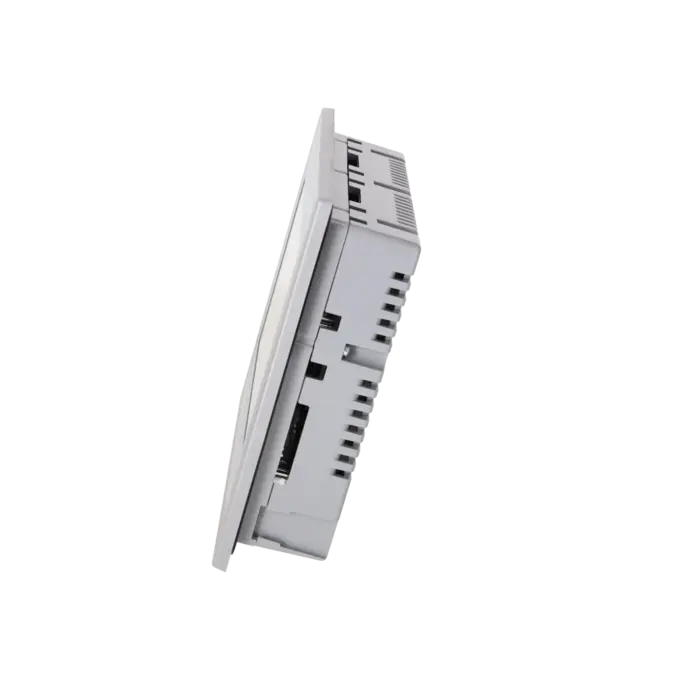
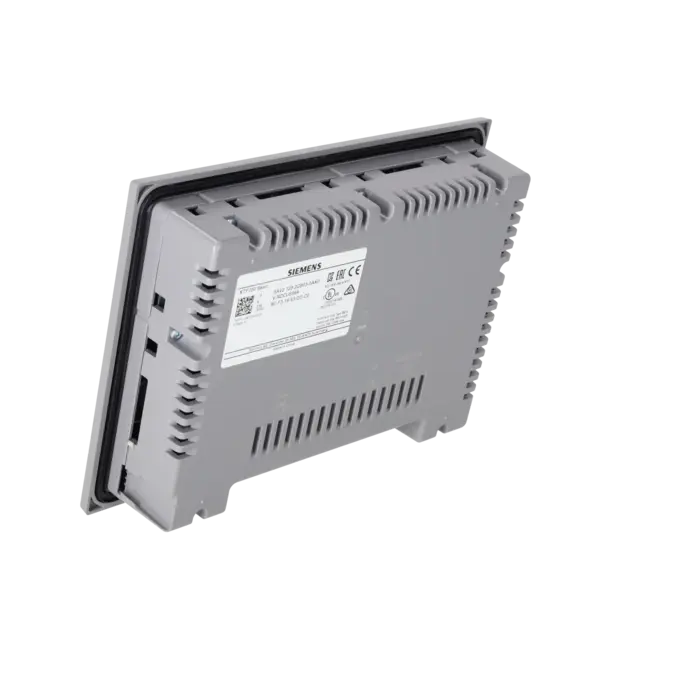
The device has IP65 front protection and IP20 rear protection, one Industrial Ethernet / PROFINET interface, and one USB interface. It includes approximately 10 MB user memory. Typical power consumption is around 5.5 W, and the LED backlight has a rated lifetime of approximately 20,000 hours MTBF, which is relevant for long-term operation planning.
Product status, life cycle status and obsolescence
From a lifecycle perspective, the 6AV2123-2GB03-0AX0 is currently a low-risk, active standard product. Siemens lists it as PM300: Active Product within the Standard devices 2nd Generation portfolio.
This means it is not a discontinued or end-of-life product, but an actively manufactured and supported device. No official successor is specified for this exact model in Siemens documentation.
In fact, the perspective is often the opposite: this panel is frequently used as a migration target for older Basic Panels (e.g. first-generation KTP600 series). For existing installations, this improves long-term availability and simplifies procurement and replacement strategies.
Available EICHLER services and when they are relevant in practice
For industrial users managing installed base equipment, the key options are repair, exchange units, refurbished devices, new units, and optional test reports.
A repair is suitable when the existing project, cabinet cut-out and machine logic must remain unchanged and fast restoration of functionality is the priority. An exchange unit is the fastest option when downtime must be minimised immediately.
Refurbished and new units support both strategic spare parts stocking and planned replacements in serial production environments. According to EICHLER, repairs include technical cleaning, preventive maintenance, full functional testing, and a minimum 24-month warranty.
This makes the device particularly relevant for maintenance and procurement teams who need to ensure long-term availability and operational reliability of installed systems.
| Attribute | Value |
|---|---|
| Product type designation | KTP700 Basic color PN |
| Display | |
| Design of display | TFT widescreen display, LED backlighting |
| Screen diagonal | 7 in |
| Display width | 154.1 mm |
| Display height | 85.9 mm |
| Number of colors | 65 536 |
| Resolution (pixels) | |
| ● Horizontal image resolution | 800 pixel |
| ● Vertical image resolution | 480 pixel |
| Backlighting | |
| ● MTBF backlighting (at 25 °C) | 20 000 h |
| ● Backlight dimmable | Yes |
| Control elements | |
| Keyboard fonts | |
| ● Function keys | |
| — Number of function keys | 8 |
| — Number of function keys with LEDs | 0 |
| ● Keys with LED | No |
| ● System keys | No |
| ● Numeric keyboard | Yes; Onscreen keyboard |
| ● alphanumeric keyboard | Yes; Onscreen keyboard |
| Touch operation | |
| ● Design as touch screen | Yes; Analog-resistive |
| Installation type/mounting | |
| Mounting position | vertical |
| Wall mounting/direct mounting | No |
| Mounting in portrait format possible | Yes |
| Mounting in landscape format possible | Yes |
| maximum permissible angle of inclination without external ventilation | 35° |
| Supply voltage | |
| Type of supply voltage | DC |
| Rated value (DC) | 24 V |
| permissible range, lower limit (DC) | 19.2 V |
| permissible range, upper limit (DC) | 28.8 V |
| Input current | |
| Current consumption (rated value) | 230 mA |
| Starting current inrush I²t | 0.2 A²·s |
| Power | |
| Active power input, typ. | 5.5 W |
| Processor | |
| Processor type | ARM |
| Memory | |
| Flash | Yes |
| RAM | Yes |
| Memory available for user data | 10 Mbyte |
| Type of output | |
| Acoustics | |
| ● Buzzer | Yes |
| ● Speaker | No |
| Time of day | |
| Clock | |
| ● Hardware clock (real-time) | Yes |
| ● Software clock | Yes |
| ● retentive | Yes; Back-up duration typically 6 weeks |
| ● synchronizable | Yes |
| Interfaces | |
| Number of industrial Ethernet interfaces | 1 |
| Number of RS 485 interfaces | 0 |
| Number of RS 422 interfaces | 0 |
| Number of RS 232 interfaces | 0 |
| Number of USB interfaces | 1; Up to 16 GB |
| Number of 20 mA interfaces (TTY) | 0 |
| Number of parallel interfaces | 0 |
| Number of other interfaces | 0 |
| Number of SD card slots | 0 |
| With software interfaces | No |
| Industrial Ethernet | |
| ● Industrial Ethernet status LED | 2 |
| Protocols | |
| PROFINET | Yes |
| Supports protocol for PROFINET IO | No |
| IRT | No |
| PROFIBUS | No |
| EtherNet/IP | Yes |
| MPI | No |
| Protocols (Ethernet) | |
| ● TCP/IP | Yes |
| ● DHCP | Yes |
| ● DCP | Yes |
| ● LLDP | Yes |
| WEB characteristics | |
| ● HTTP | No |
| ● HTML | No |
| Redundancy mode | |
| Media redundancy | |
| — MRP | No |
| Further protocols | |
| ● CAN | No |
| ● MODBUS | Yes; Modicon (MODBUS TCP/IP) |
| Interrupts/diagnostics/status information | |
| Diagnoses | |
| ● Diagnostic information readable | No |
| EMC | |
| Emission of radio interference acc. to EN 55 011 | |
| ● Limit class A, for use in industrial areas | Yes |
| ● Limit class B, for use in residential areas | No |
| Degree and class of protection | |
| IP (at the front) | IP65 |
| IP (rear) | IP20 |
| NEMA (front) | |
| ● Enclosure Type 4 at the front | Yes |
| ● Enclosure Type 4x at the front | Yes |
| Standards, approvals, certificates | |
| CE mark | Yes |
| cULus | Yes |
| RCM (formerly C-TICK) | Yes |
| KC approval | Yes |
| Ecological footprint | |
| ● environmental product declaration | Yes |
| Global warming potential | |
| — global warming potential, (total) [CO2 eq] | 85 kg |
| — global warming potential, (during production) [CO2 eq] | 26.2 kg |
| — global warming potential, (during operation) [CO2 eq] | 59.2 kg |
| — global warming potential, (after end of life cycle) [CO2 eq] | -0.682 kg |
| Use in hazardous areas | |
| ● ATEX Zone 2 | No |
| ● ATEX Zone 22 | No |
| ● IECEx Zone 2 | No |
| ● IECEx Zone 22 | No |
| ● cULus Class I Zone 1 | No |
| ● cULus Class I Zone 2, Division 2 | No |
| ● FM Class I Division 2 | No |
| Marine approval | |
| ● Germanischer Lloyd (GL) | Yes |
| ● American Bureau of Shipping (ABS) | Yes |
| ● Bureau Veritas (BV) | Yes |
| ● Det Norske Veritas (DNV) | Yes |
| ● Lloyds Register of Shipping (LRS) | Yes |
| ● Nippon Kaiji Kyokai (Class NK) | Yes |
| ● Polski Rejestr Statkow (PRS) | No |
| ● Chinese Classification Society (CCS) | No |
| Ambient conditions | |
| Ambient temperature during operation | |
| Operation (vertical installation) | |
| — For vertical installation, min. | 0 °C |
| — For vertical installation, max. | 50 °C |
| Operation (max. tilt angle) | |
| — At maximum tilt angle, min. | 0 °C |
| — At maximum tilt angle, max. | 40 °C |
| Operation (vertical installation, portrait format) | |
| — For vertical installation, min. | 0 °C |
| — For vertical installation, max. | 40 °C |
| Operation (max. tilt angle, portrait format) | |
| — At maximum tilt angle, min. | 0 °C |
| — At maximum tilt angle, max. | 35 °C |
| Ambient temperature during storage/transportation | |
| ● min. | -20 °C |
| ● max. | 60 °C |
| Relative humidity | |
| ● Operation, max. | 90 %; no condensation |
| Operating systems | |
| proprietary | Yes |
| pre-installed operating system | |
| ● Windows CE | No |
| Configuration | |
| Message indicator | Yes |
| Alarm system (incl. buffer and acknowledgment) | Yes |
| Process value display (output) | Yes |
| Process value default (input) possible | Yes |
| Recipe management | Yes |
| Configuration software | |
| ● STEP 7 Basic (TIA Portal) | Yes; via integrated WinCC Basic (TIA Portal) |
| ● STEP 7 Professional (TIA Portal) | Yes; via integrated WinCC Basic (TIA Portal) |
| ● WinCC flexible Compact | No |
| ● WinCC flexible Standard | No |
| ● WinCC flexible Advanced | No |
| ● WinCC Basic (TIA Portal) | Yes |
| ● WinCC Comfort (TIA Portal) | Yes |
| ● WinCC Advanced (TIA Portal) | Yes |
| ● WinCC Professional (TIA Portal) | Yes |
| Languages | |
| Online languages | |
| ● Number of online/runtime languages | 10 |
| Project languages | |
| ● Languages per project | 32 |
| Functionality under WinCC (TIA Portal) | |
| Libraries | Yes |
| Applications/options | |
| ● Web browser | Yes |
| ● SIMATIC WinCC Sm@rtServer | Yes; Available with WinCC (TIA Portal) V14 or higher |
| Number of Visual Basic Scripts | No |
| Task planner | Yes |
| ● time-controlled | No |
| ● task-controlled | Yes |
| Help system | Yes |
| ● Number of characters per info text | 500 |
| Message system | |
| ● Number of alarm classes | 32 |
| ● Bit messages | |
| — Number of bit messages | 1 000 |
| ● Analog messages | |
| — Number of analog messages | 25 |
| ● S7 alarm number procedure | No |
| ● System messages HMI | Yes |
| ● System event, more (SIMATIC S7, SINUMERIK, SIMOTION, ... ) | Yes; System message buffer of the SIMATIC S7-1200 and S7-1500 |
| ● Number of characters per message | 80 |
| ● Number of process values per message | 8 |
| ● Acknowledgment groups | Yes |
| ● Message indicator | Yes |
| ● Message buffer | |
| — Number of entries | 256 |
| — Circulating buffer | Yes |
| — retentive | Yes |
| — maintenance-free | Yes |
| Recipe management | |
| ● Number of recipes | 50 |
| ● Data records per recipe | 100 |
| ● Entries per data record | 100 |
| ● Size of internal recipe memory | 256 kbyte |
| ● Recipe memory expandable | No |
| Variables | |
| ● Number of variables per device | 800 |
| ● Number of variables per screen | 100 |
| ● Limit values | Yes |
| ● Multiplexing | Yes |
| ● Structures | No |
| ● Arrays | Yes |
| Images | |
| ● Number of configurable images | 250 |
| ● Permanent window/default | Yes |
| ● Global image | Yes |
| ● Pop-up images | No |
| ● Slide-in images | No |
| ● Image selection by PLC | Yes |
| ● Image number in the PLC | Yes |
| Image objects | |
| ● Number of objects per image | 100 |
| ● Text fields | Yes |
| ● I/O fields | Yes |
| ● Graphic I/O fields (graphics list) | Yes |
| ● Symbolic I/O fields (text list) | Yes |
| ● Date/time fields | Yes |
| ● Switches | Yes |
| ● Buttons | Yes |
| ● Graphic display | Yes |
| ● Icons | Yes |
| ● Geometric objects | Yes |
| Complex image objects | |
| ● Number of complex objects per screen | 10 |
| ● Alarm view | Yes |
| ● Trend view | Yes |
| ● User view | Yes |
| ● Status/control | No |
| ● Sm@rtClient view | No |
| ● Recipe view | Yes |
| ● f(x) trend view | No |
| ● System diagnostics view | Yes; System message buffer of the SIMATIC S7-1200 and S7-1500 |
| ● Media Player | No |
| ● HTML browser | Yes |
| ● PDF display | No |
| ● IP camera display | No |
| ● Bar graphs | Yes |
| ● Sliders | No |
| ● Pointer instruments | No |
| ● Analog/digital clock | No |
| Lists | |
| ● Number of text lists per project | 300 |
| ● Number of entries per text list | 100 |
| ● Number of graphics lists per project | 100 |
| ● Number of entries per graphics list | 100 |
| Archiving | |
| ● Number of archives per device | 2; One message and one process value archive |
| ● Number of entries per archive | 10 000 |
| ● Message archive | Yes |
| ● Process value archive | Yes |
| ● Archiving methods | |
| — Sequential archive | Yes |
| — Short-term archive | Yes |
| ● Memory location | |
| — Memory card | No |
| — USB memory | Yes |
| — Ethernet | No |
| ● Data storage format | |
| — CSV | No |
| — TXT | Yes |
| — RDB | No |
| Security | |
| ● Number of user groups | 50 |
| ● Number of user rights | 32 |
| ● Number of users | 50 |
| ● Password export/import | Yes |
| ● SIMATIC Logon | No |
| Character sets | |
| ● Keyboard fonts | |
| — US English | Yes |
| Transfer (upload/download) | |
| ● MPI/PROFIBUS DP | No |
| ● USB | No |
| ● Ethernet | Yes |
| ● using external storage medium | Yes |
| Process coupling | |
| ● S7-1200 | Yes |
| ● S7-1500 | Yes |
| ● S7-200 | Yes |
| ● S7-300/400 | Yes |
| ● LOGO! | Yes |
| ● WinAC | Yes |
| ● SINUMERIK | Yes; No access to NCK data |
| ● SIMOTION | Yes |
| ● Allen Bradley (EtherNet/IP) | Yes |
| ● Allen Bradley (DF1) | No |
| ● Mitsubishi (MC TCP/IP) | Yes |
| ● Mitsubishi (FX) | No |
| ● OMRON (FINS TCP) | No |
| ● OMRON (LINK/Multilink) | No |
| ● Modicon (Modbus TCP/IP) | Yes |
| ● Modicon (Modbus) | No |
| Service tools/configuration aids | |
| ● Backup/Restore manually | Yes |
| ● Backup/Restore automatically | No |
| ● Simulation | Yes |
| ● Device switchover | Yes |
| Peripherals/Options | |
| Printer | No |
| SIMATIC HMI MM memory card: Multi Media Card | No |
| SIMATIC HMI SD memory card: Secure Digital memory card | No |
| SIMATIC HMI CF memory card Compact Flash Card | No |
| USB memory | Yes |
| SIMATIC IPC USB Flashdrive (USB stick) | Yes |
| SIMATIC HMI USB stick | Yes |
| Mechanics/material | |
| Enclosure material (front) | |
| ● Plastic | Yes |
| ● Aluminum | No |
| ● Stainless steel | No |
| Dimensions | |
| Width of the housing front | 214 mm |
| Height of housing front | 158 mm |
| Mounting cutout, width | 198 mm |
| Mounting cutout, height | 142 mm |
| mounting depth | 39 mm |
| Weights | |
| Weight (without packaging) | 780 g |
| Weight (with packaging) | 990 g |
| Fault description | Possible solution |
|---|---|
| Why is my KTP700 Basic not detected during download or why does the transfer abort? | First check the transfer settings on the panel. With Basic Panels, transfer mode must be enabled. Depending on the configuration, the same communication method must be used as in engineering, for example Ethernet / PN-IE. If IP address, subnet or interface selection is incorrect, the download will often fail before it even starts. If TIA also reports firmware adaptation issues, the correct HMI image in WinCC or ProSave should be used and an OS update may be required. |
| Why does the KTP700 Basic show only a white screen or repeatedly reboot after power-up? | In this case, a corrupted operating system, incomplete image, or faulty project startup may be responsible. For Basic Panels, Siemens describes a factory reset via WinCC or ProSave, as well as a USB-based recovery procedure. If the Start Center is no longer accessible, recovery software for Basic Panels can be copied onto a FAT32-formatted USB stick and executed directly on the device. After successful recovery, the project must be downloaded again and the touchscreen recalibrated if necessary. |
| Why does the touchscreen no longer respond correctly or register inputs in the wrong position? | Open the panel’s touch settings and start recalibration. Siemens explicitly describes this process using the “Recalibrate” function followed by touching five calibration points. After an OS update, restore or recovery, recalibration is often required. If the deviation persists despite proper recalibration or the panel only responds partially, this usually indicates a hardware defect in the touch layer or front assembly, where repair is often more economical than continued operation. |
| Why does my KTP700 Basic suddenly lose communication with the PLC? | With Basic Panels using PROFINET, the cause can be both network configuration and certificate handling. Siemens notes that changes in CPU configuration can also change the PLC communication certificate. In such cases, the HMI must be updated via a new project download, and the certificate may need to be marked as trusted on the panel. Siemens also documents cases in WinCC Panel Image V17 Update 6 where communication issues are related to time settings and certificate validation. |
| Why is my USB stick not recognised for backup, restore or recovery? | Siemens recommends using a FAT32-formatted USB 2.0 stick and notes that some USB sticks are not reliably recognised by the operating system. For recovery, the recovery software must be placed in the root directory of the USB drive. If the stick is still not detected, a different manufacturer or model should be used. For service scenarios, a pre-tested service USB stick is recommended to avoid delays caused by media incompatibility. |
Is 6AV2123-2GB03-0AX0 a PROFINET panel or a PROFIBUS panel?
This device is the PROFINET version of the KTP700 Basic. Siemens explicitly designates it as KTP700 Basic colour PN, meaning it is designed for communication via PROFINET (Industrial Ethernet).
For existing installations, this distinction is important because the PROFIBUS (DP) variant uses a different order number. The PN version is intended for Ethernet-based systems such as S7-1200, S7-1500, and other PROFINET-capable controllers.
When replacing or planning a swap, the communication architecture of the plant should always be checked beforehand to avoid installing a PN panel into a purely PROFIBUS-based environment, where it would not be directly compatible.
Which software is required to engineer 6AV2123-2GB03-0AX0?
Siemens specifies engineering support from WinCC Basic V13 / STEP 7 Basic V13 onwards. In more detailed product documentation, compatibility is also listed with STEP 7 Professional as well as WinCC Basic, Comfort, Advanced and Professional in the TIA Portal environment.
For procurement, this means the hardware fits into modern TIA ecosystems, but correct operation depends on whether the installed engineering version supports the specific device image. For maintenance teams, it is therefore essential to verify not only the panel, but also the TIA version and available HMI images when replacing or taking over projects.
Can the 6AV2123-2GB03-0AX0 replace an older KTP600 Basic?
Yes, for several first-generation Basic Panels, the KTP700 Basic (6AV2123-2GB03-0AX0) is listed as a successor or migration device, including certain KTP600 Basic PN variants.
However, this should not be treated as a purely mechanical 1:1 replacement. Before conversion, the project data, cabinet cut-out, communication setup, and operator screen logic must always be reviewed. In running series production systems, this pre-check helps avoid unplanned downtime during commissioning.
Can backup, restore or recovery be performed on the KTP700 Basic?
Yes. Siemens supports backup and restore via ProSave, as well as factory reset via WinCC or ProSave. In addition, a USB-based recovery procedure is available, where recovery software is copied to a FAT32-formatted USB stick and executed directly on the panel.
For a stable service process, the panel should be placed into transfer mode before backup or restore. In automated configurations, the device may switch into transfer mode automatically. For critical systems, it is advisable to keep recovery files and the latest approved project version available in advance.
Which operating and language features does the KTP700 Basic offer?
The panel combines touch operation with eight function keys, making it suitable for both fixed operator actions and flexible on-screen navigation or acknowledgements.
Siemens specifies support for up to 10 runtime languages and 32 project languages, which is particularly useful in internationally operated machines, as multiple operator languages can be integrated into a single project without requiring a higher-end HMI system.
When is repair more suitable than replacement or new purchase?
Repair is especially suitable when the existing project, installation footprint, and system approval must remain unchanged, and when the fault is clearly limited to the device itself. Exchange units are preferable when production must be restored in the shortest possible time.
Used units are often chosen for spare part stocking or cost-sensitive maintenance strategies, while new devices are used for standardised procurement without legacy constraints.
For this article, EICHLER offers all three options in parallel. Repair services typically include technical cleaning, preventive maintenance, full functional testing, and a minimum 24-month warranty.