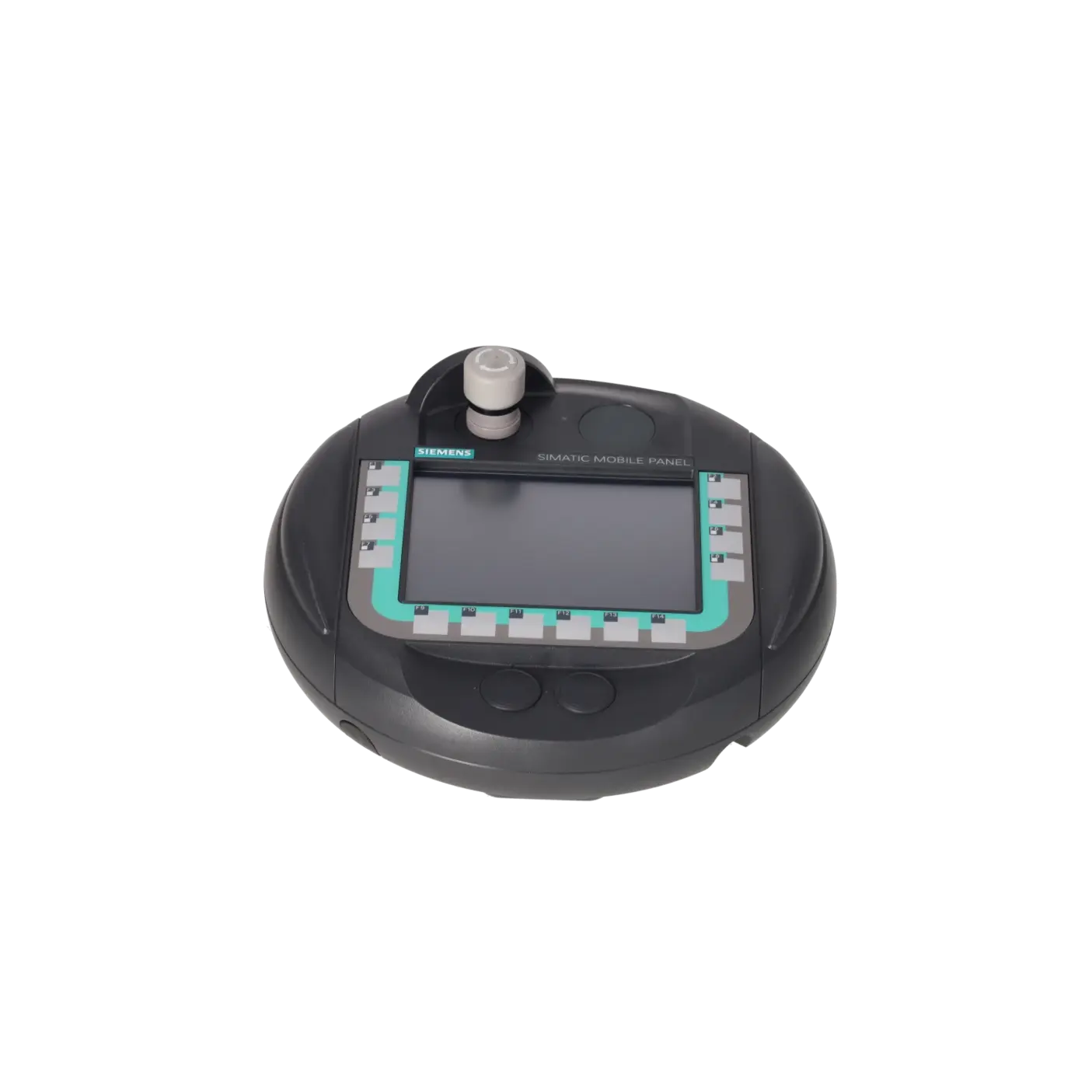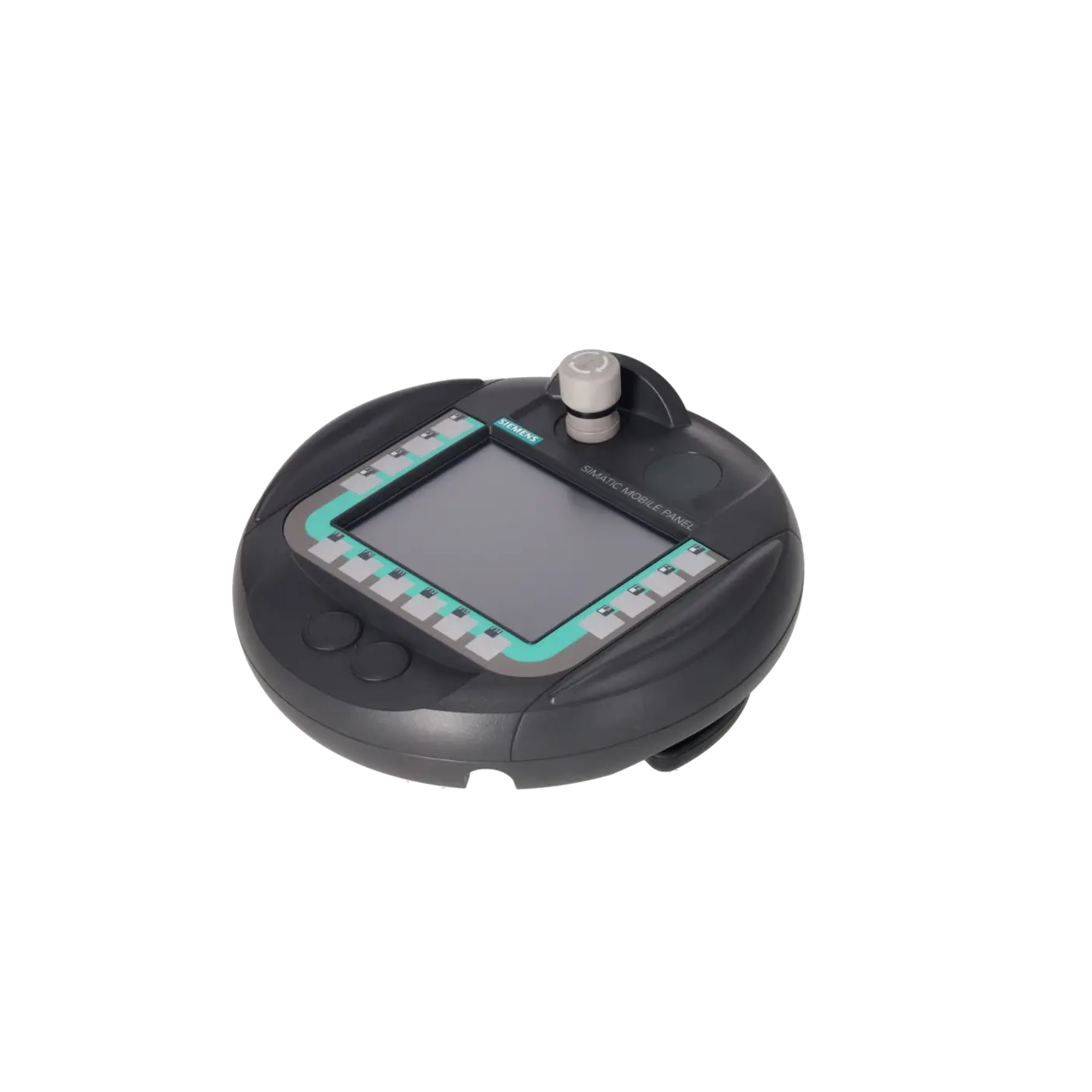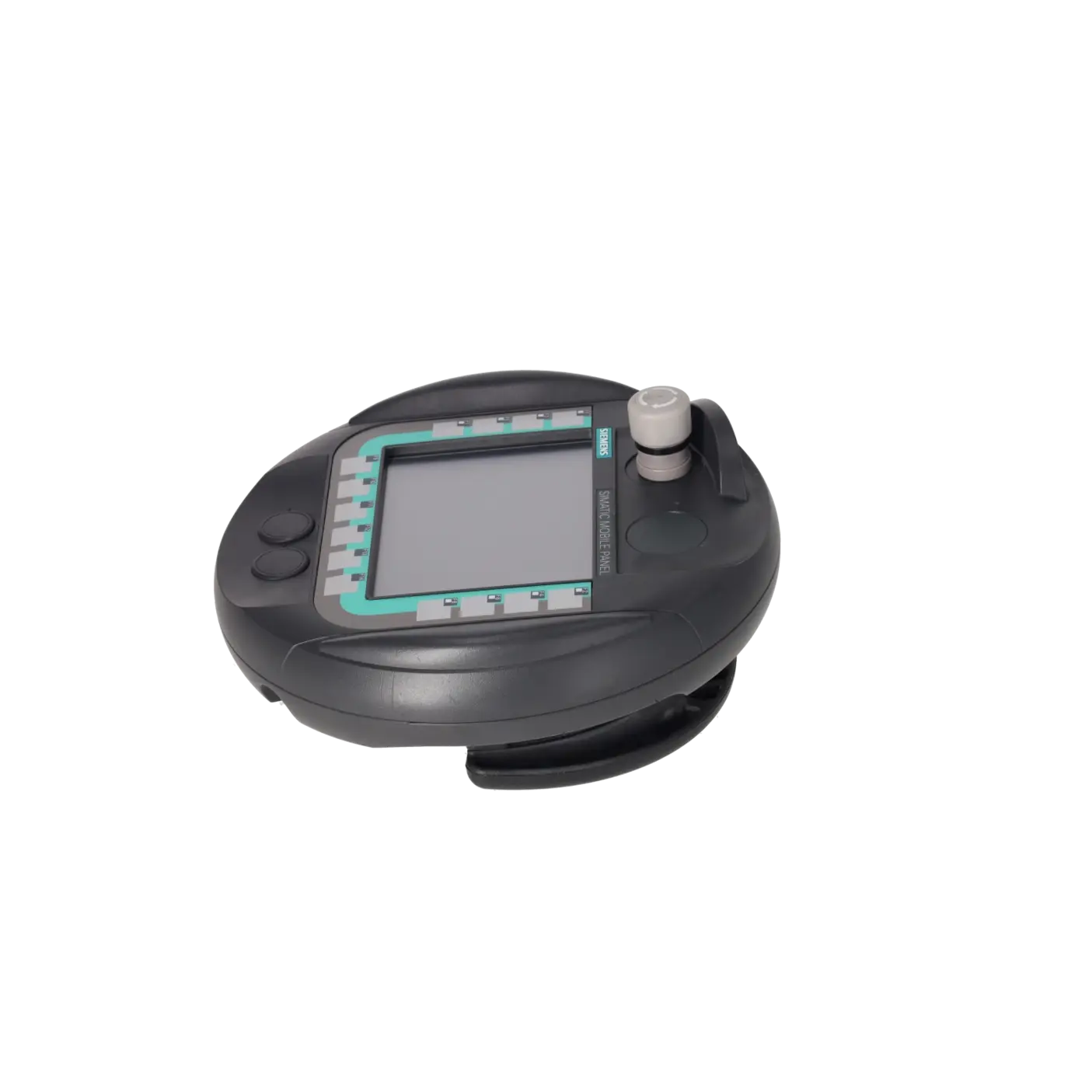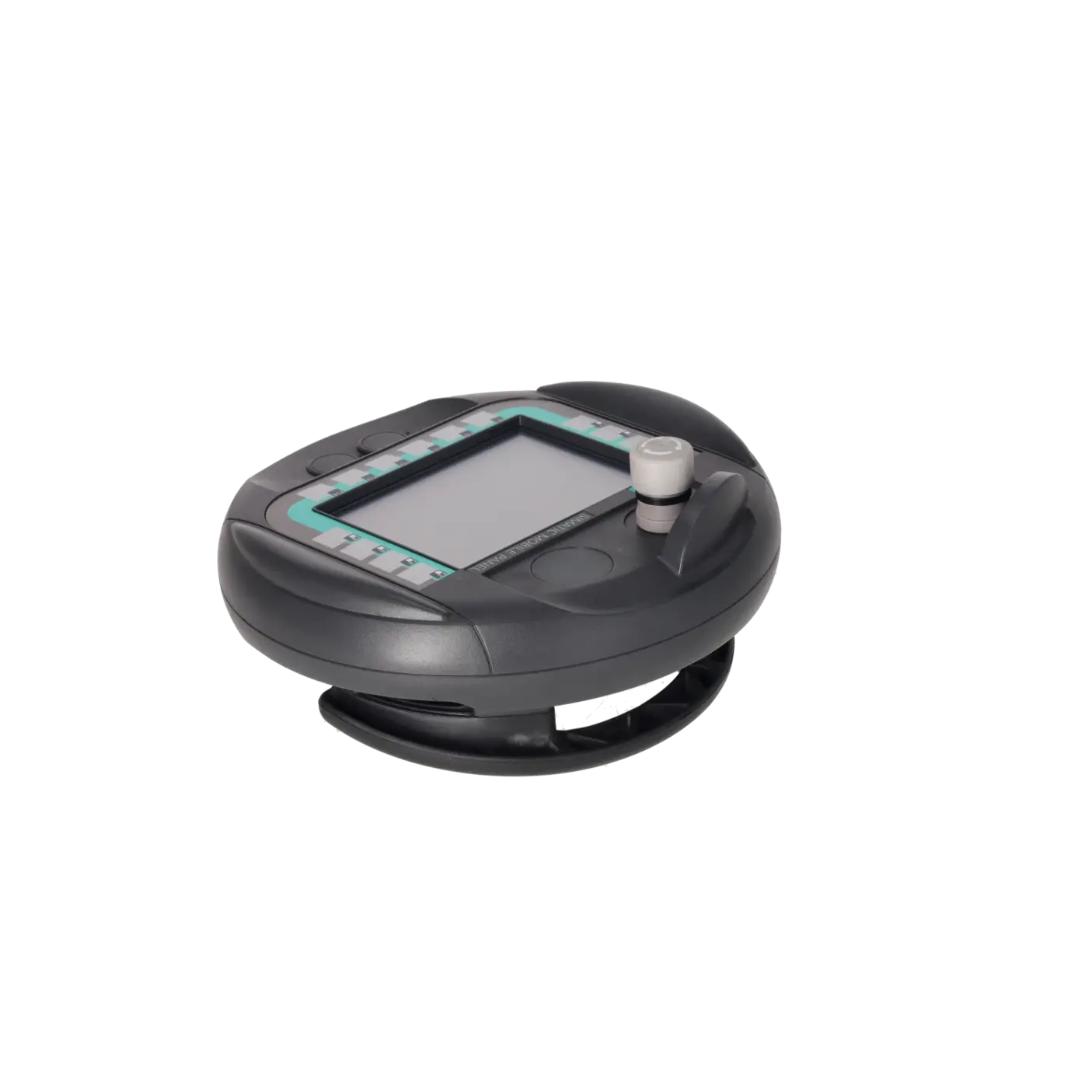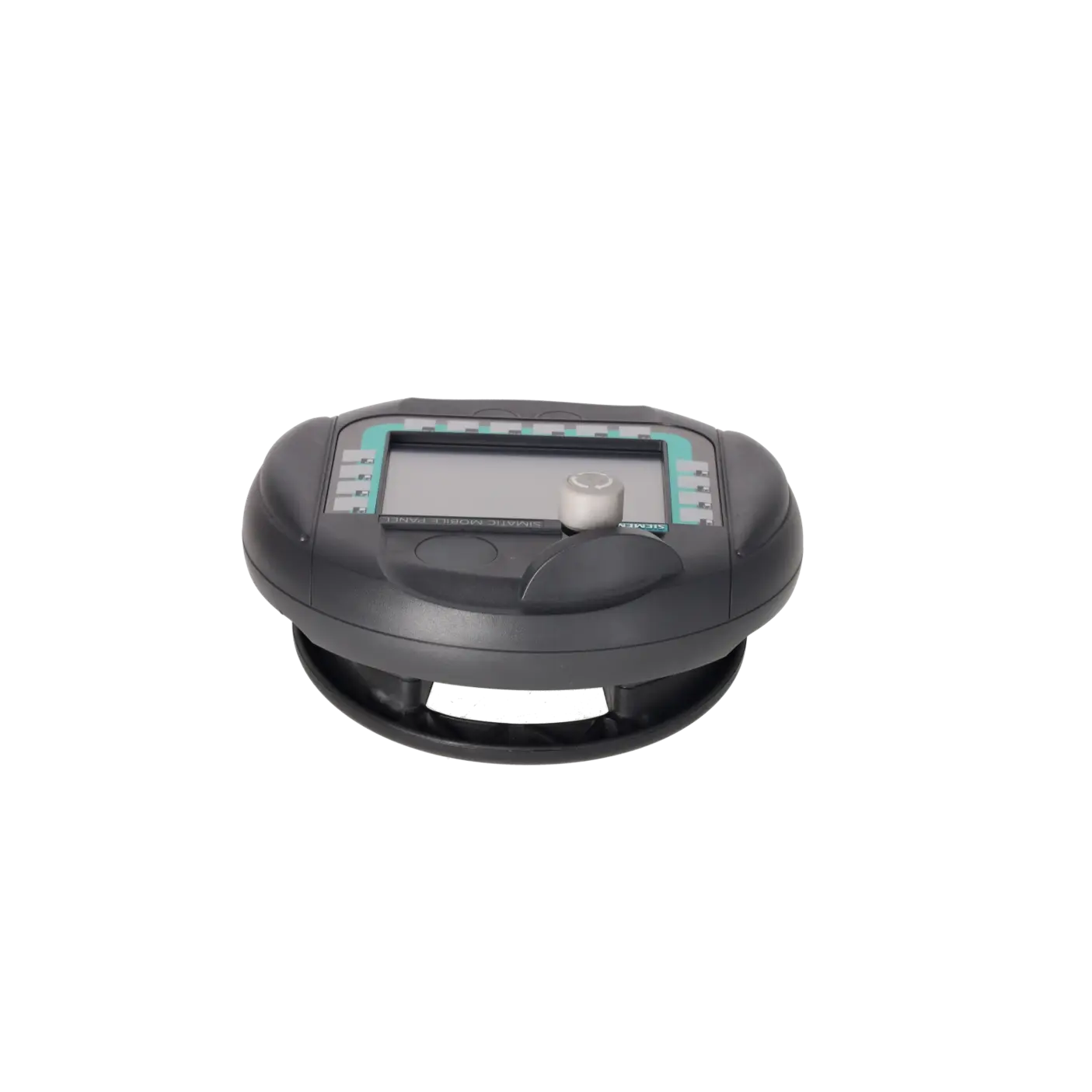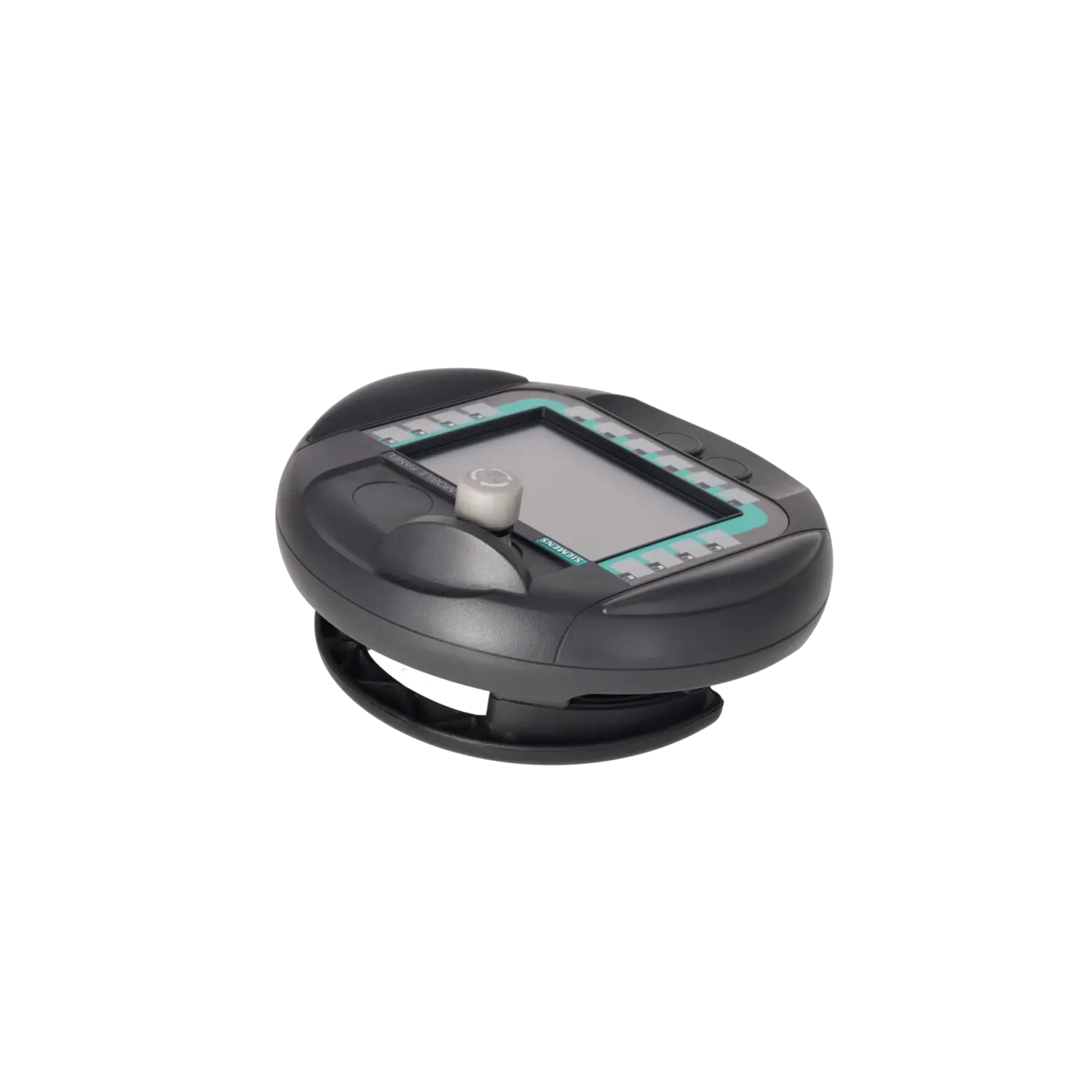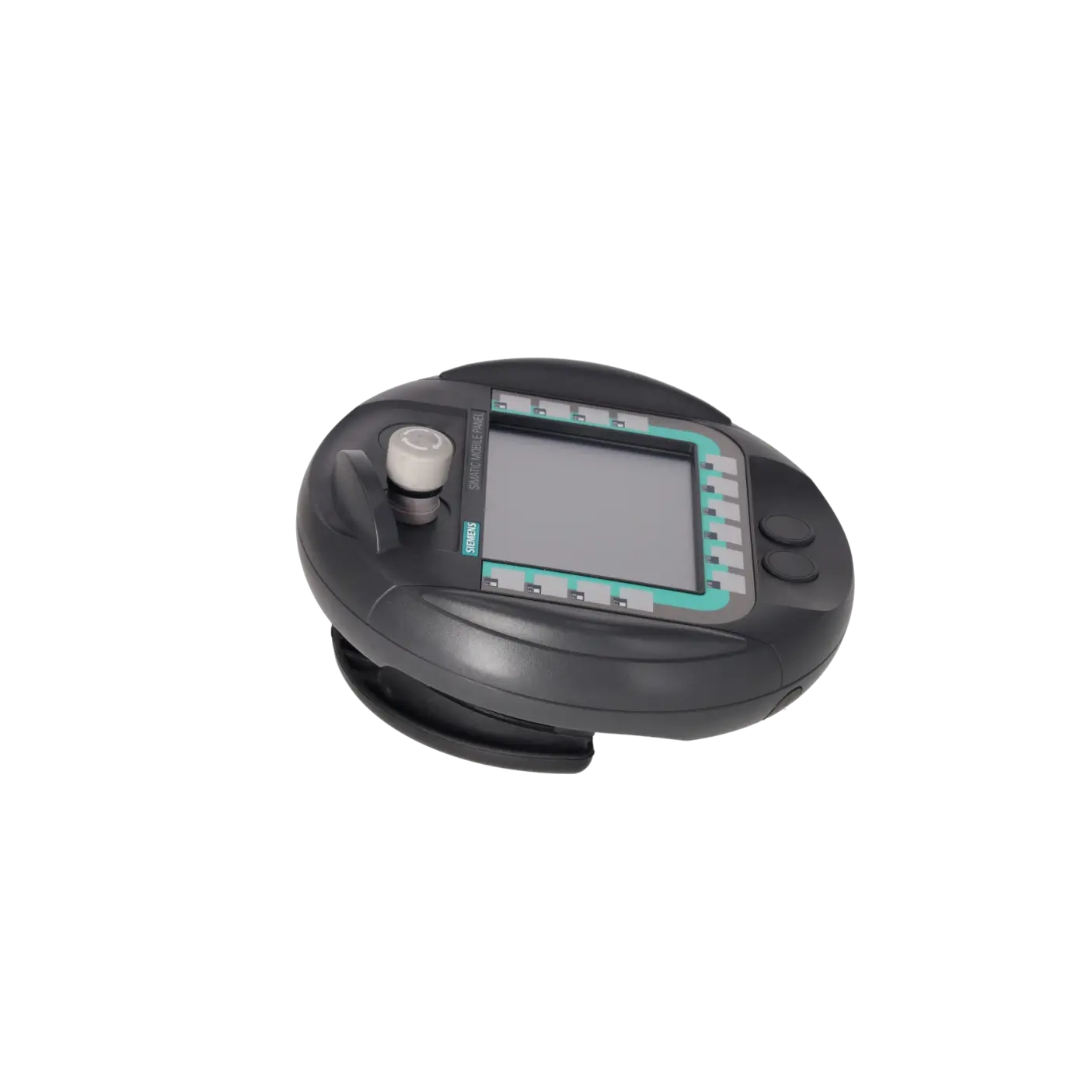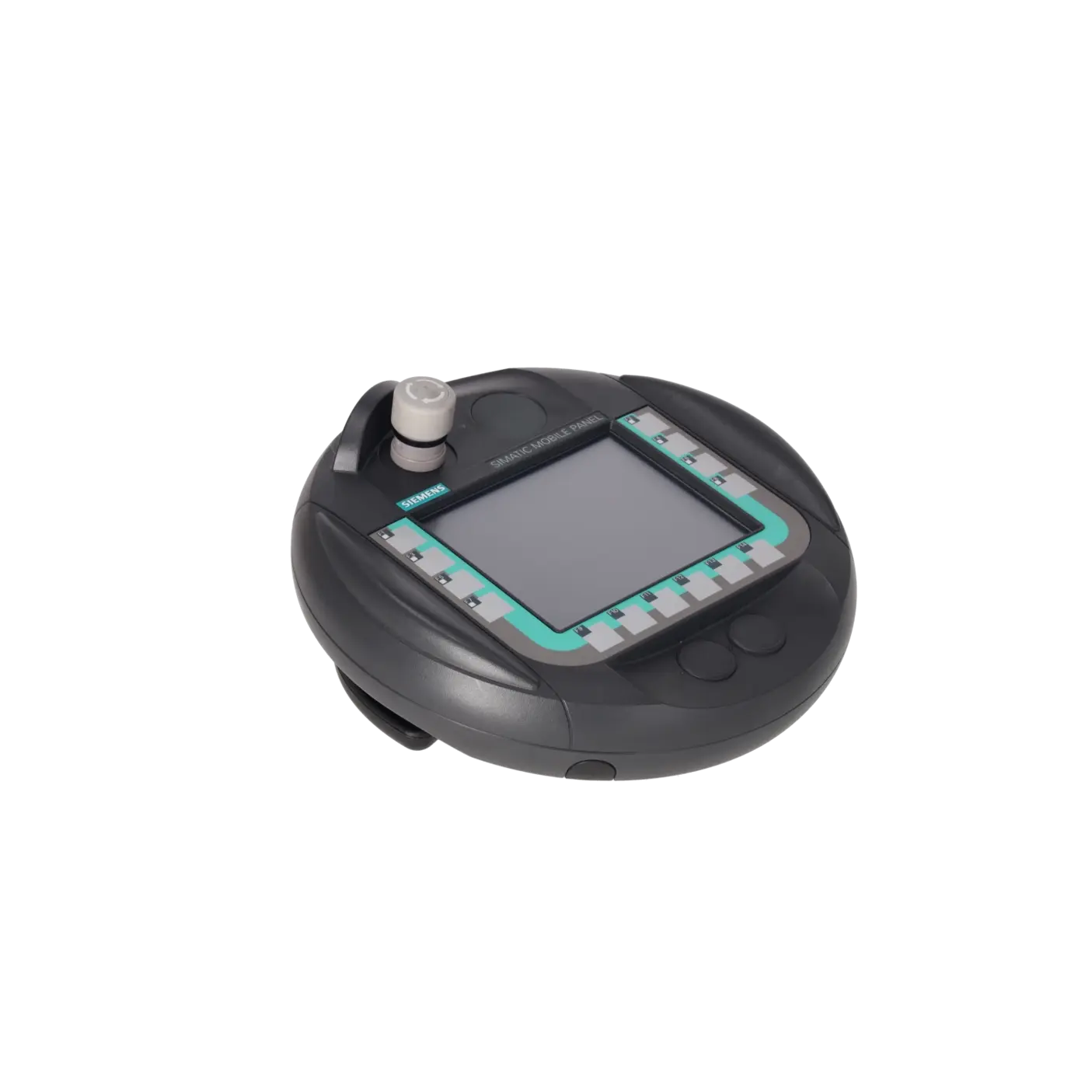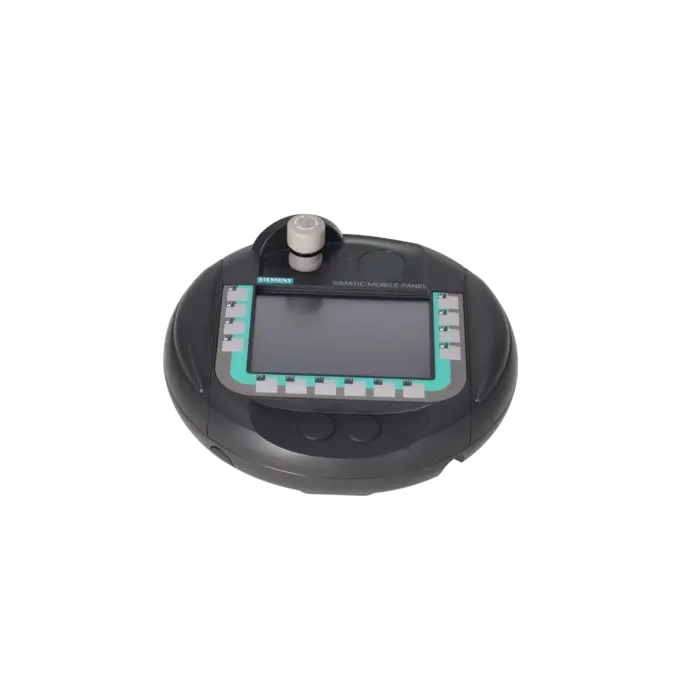
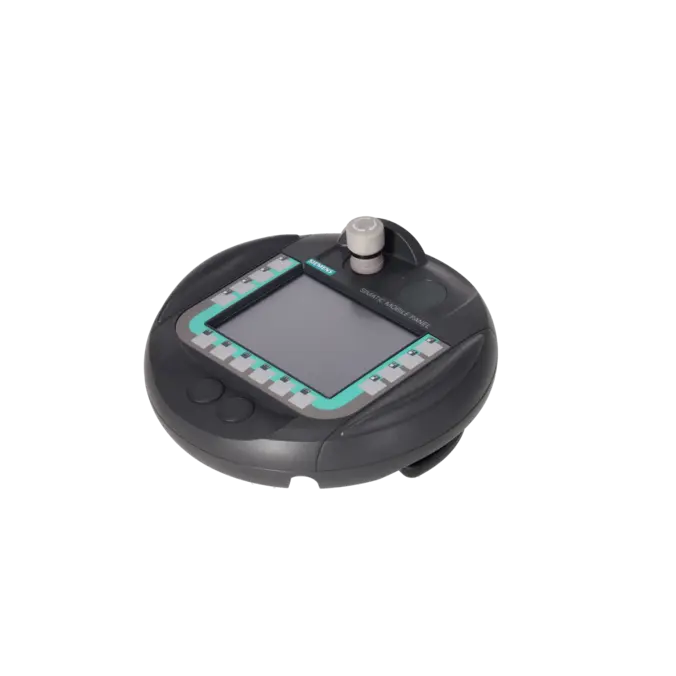
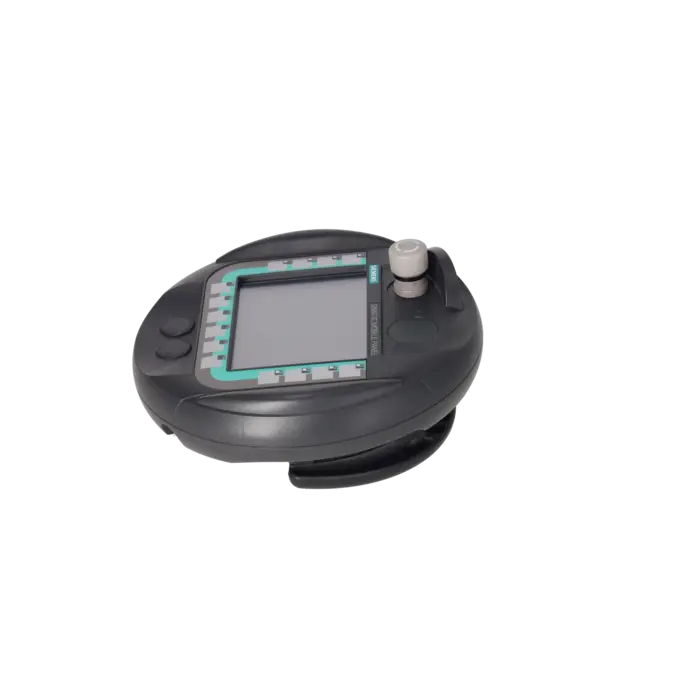
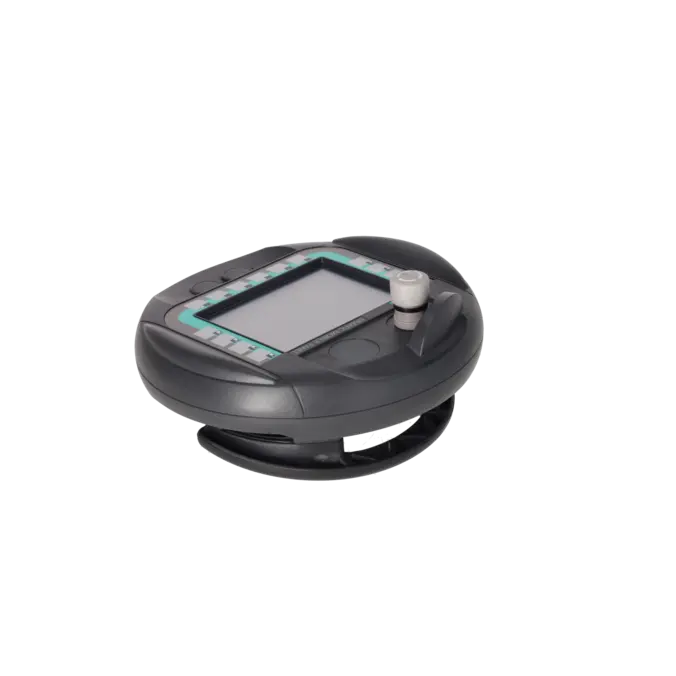
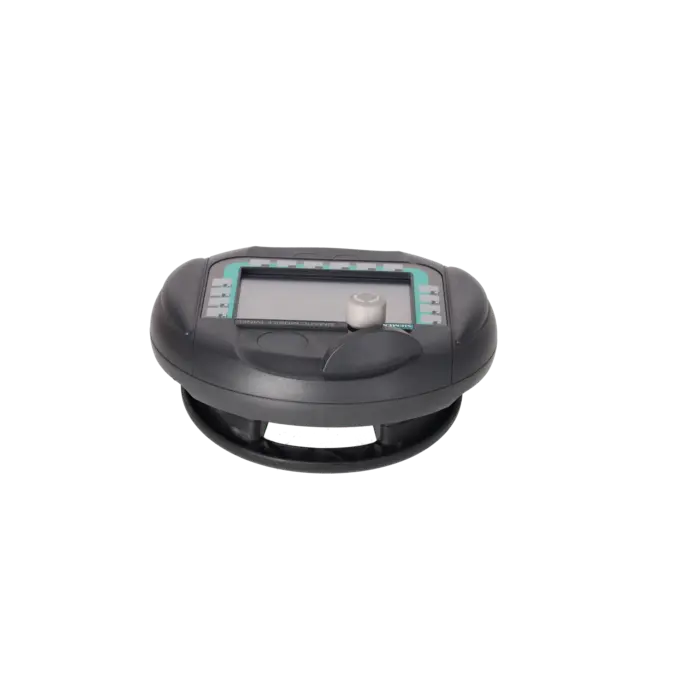
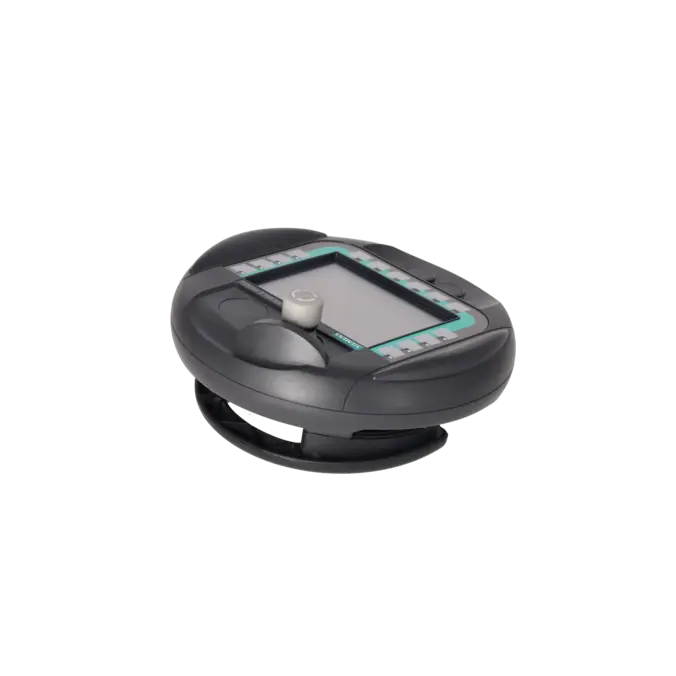
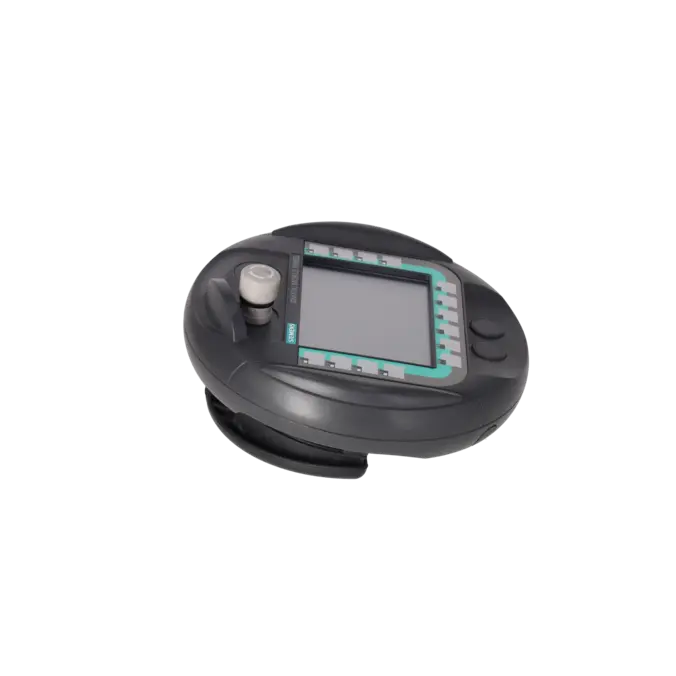
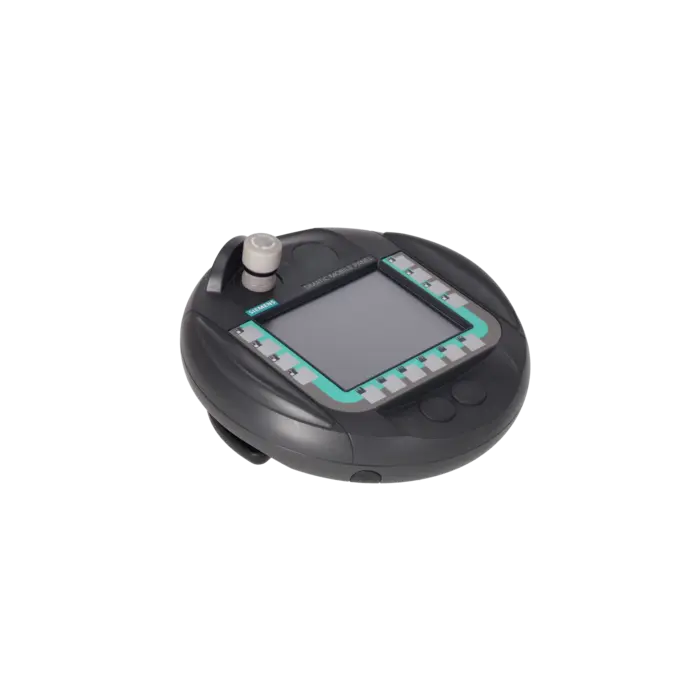
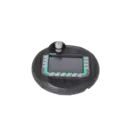
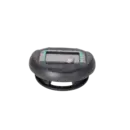
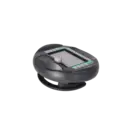
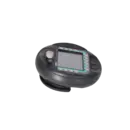
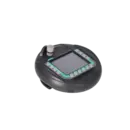
SIEMENS 6AV6645-0AB01-0AX0
- EICHLER-art.no.: K0170447
- EAN: 4025515089742
- UPC: 662643029680
Product description
SIMATIC Mobile Panel 177 DP with integrated acknowledgment button and stop pushbutton, configurable with WinCC flexible Compact Version 2005 or higher or TIA Portal V11 to V14
Services for SIEMENS 6AV6645-0AB01-0AX0
Repair
from 1.826,81 €
to 3.288,25 €
Replacement
2.293,20 €
2.178,54 €
Used
2.548,00 €
2.420,60 €
New
SIEMENS |
6AV6645-0AB01-0AX0 –
additional product information
| Delivery information | |||
|---|---|---|---|
| Export identifier | AL: N ECCN: 5D992 | ||
| Net weight | 1.593 | ||
| Quantity | 1 Stück | ||
| Packaging quantity | 1 | ||
| Additional product information | |||
|---|---|---|---|
| Product status | EOP: 2021-10-01 | ||
| EAN | 4025515089742 | ||
| UPC | 662643029680 | ||
| Static lot number | 85371098 | ||
| List indicator | ST9.80 | ||
| Product group | 4367 | ||
| Country of origin | AT | ||
| Compliance with the substance restrictions according to RoHS directive | Since: 20100101 | ||
| Product classifications | Version | Classification | |
|---|---|---|---|
| eClass | 4 | 27-36-01-02 | |
| eClass | 5.1 | 27-24-23-03 | |
| eClass | 6.0 | 27-24-23-03 | |
| ETIM | 3 | / | |
| ETIM | 4 | EC001427 | |
| ETIM | 5 | EC001427 | |
What is 6AV6645-0AB01-0AX0 and where is it used
The 6AV6645-0AB01-0AX0 is a SIEMENS SIMATIC Mobile Panel 177 DP with an integrated enabling switch and emergency stop button. It belongs to the family of mobile HMI devices and is designed for applications where operators are not permanently stationed at a control cabinet but need to move directly along machines, production lines or multiple operating stations. Typical applications include servicing, setup, commissioning, format changes, troubleshooting and manual machine operation in PROFIBUS DP-based systems. The panel can be configured using WinCC flexible Compact from Version 2005 and TIA Portal V11 to V14. This makes it particularly suitable for legacy installations where existing SIMATIC HMI infrastructures need to remain operational and supported.
Overview of the key technical specifications and what they mean
The Mobile Panel 177 DP features a 5.7-inch STN colour display with a resolution of 320 × 240 pixels and 256 colours. In practice, this means the device is intended for robust visualisation, text messages and simple process screens rather than modern high-end graphics. Operation is provided via a resistive touchscreen and 14 function keys, including 8 LED-equipped keys, as well as numeric and alphanumeric input functions. Communication is handled through RS422/RS485 interfaces with data rates of up to 12 Mbit/s, supporting PROFIBUS and MODBUS communication. Industrial Ethernet is not available on this DP version. The panel runs on Windows CE and offers an operating temperature range of 0 to 40 °C. Additional practical features include a drop resistance of up to 1.5 m and suitability for safety-related applications up to Performance Level d according to ISO 13849-1.
Product status, life cycle status and obsolescence
From a lifecycle perspective, the Mobile Panel 177 DP is clearly an obsolescence-related product. The EICHLER product page lists an EOP date of 01 October 2021. Siemens also classifies the 6AV6645-0AB01-0AX0 as a spare part and documents a PM410 lifecycle status change for Mobile Panel 177 DP variants effective from 01 October 2021. Current Siemens lifecycle documentation additionally notes that spare parts supply for certain HMI products may require the return of a defective unit. For new machine designs, Siemens recommends the Mobile Panels 2nd Generation and identifies migration paths towards the KTP Mobile family. However, any replacement strategy should carefully evaluate safety functions, connection box compatibility, project configuration and the overall machine concept before selecting a successor.
Available EICHLER services and when they are relevant
For the 6AV6645-0AB01-0AX0, EICHLER offers repair, exchange, refurbished units and new units on request. These services are particularly relevant when a machine experiences an unexpected failure, an identical replacement device is required quickly or a cost-effective decision between repair and replacement must be made. According to EICHLER, repair services include technical cleaning, preventive maintenance, comprehensive functional testing and a minimum 24-month warranty. An optional test report is also available. For maintenance and purchasing departments, these services help extend the operational life of existing machines without immediately requiring a complete HMI or machine migration. Especially for obsolete panels, this approach reduces procurement risks and helps minimise both downtime and upgrade costs.
| Attribute | Value |
|---|---|
| Product type designation | Mobile Panel 177 DP |
| Display | |
| Design of display | STN |
| Screen diagonal | 5.7 in |
| Color display | Yes |
| Number of colors | 256 |
| Resolution (pixels) | |
| ● Horizontal image resolution | 320 pixel |
| ● Vertical image resolution | 240 pixel |
| Backlighting | |
| ● MTBF backlighting (at 25 °C) | 50 000 h |
| ● Backlight dimmable | No |
| Control elements | |
| Control elements | Keys and touch |
| Keyboard fonts | |
| ● Membrane keyboard | |
| — user-definable label membrane keys | Yes |
| ● Function keys | |
| — Number of function keys | 14 |
| — Number of function keys with LEDs | 8 |
| ● Keys with LED | Yes; 8 with LED |
| ● Numeric keyboard | Yes |
| ● alphanumeric keyboard | Yes |
| ● hexadecimal keyboard | Yes |
| ● Multi-key operation | Yes |
| — Number of multi-key operations | 2 |
| Touch operation | |
| ● Design as touch screen | Yes; analog, resistive |
| Special operator controls | |
| ● Stop button | Yes |
| ● Acknowledgement button | Yes |
| ● Key-operated switch | No |
| ● Illuminated pushbutton | No |
| ● Handwheel | No |
| Supply voltage | |
| Design of the power supply | via connection box |
| Type of supply voltage | DC |
| Processor | |
| Processor type | RISC 32 bit, 200 MHz |
| Memory | |
| Type of memory | Flash / RAM |
| Memory available for user data | 2 048 kbyte |
| Accumulator | |
| Buffer battery | Yes; maximum buffer time 10 min |
| Type of output | |
| Info LED | No |
| Power LED | No |
| Error LED | No |
| Interfaces | |
| Interfaces/bus type | 1x RS 422,1x RS 485 (max. 12 Mbit/s) |
| Number of industrial Ethernet interfaces | 0 |
| Number of RS 485 interfaces | 1 |
| Number of RS 422 interfaces | 1 |
| Number of USB interfaces | 0 |
| Number of wireless interfaces | 0 |
| PC card slot | No |
| CF card slot | No |
| Multimedia card/SD card slot | combined |
| Protocols | |
| Supports protocol for PROFINET IO | No |
| PROFIsafe | No |
| PROFIBUS | Yes |
| EtherNet/IP | No |
| AS-Interface | No |
| Protocols (Ethernet) | |
| ● TCP/IP | No |
| Further protocols | |
| ● MODBUS | Yes |
| ● other bus systems | Yes |
| Communication functions | |
| Wireless communication | |
| ● supported standards | |
| — Radio standard WLAN 802.11 | No |
| Standards, approvals, certificates | |
| Certificate of suitability | CE, cULus, C-TICK, SIBE |
| CE mark | Yes |
| cULus | Yes |
| RCM (formerly C-TICK) | Yes |
| Suitable for safety functions | Yes |
| Highest safety class achievable in safety mode | |
| ● Performance level according to ISO 13849-1 | d |
| Use in hazardous areas | |
| ● cULus Class I Zone 2, Division 2 | No |
| ● FM Class I Division 2 | No |
| Ambient conditions | |
| Free fall | |
| ● Fall height, max. | 1.5 m |
| Ambient temperature during operation | |
| ● min. | 0 °C |
| ● max. | 40 °C |
| Ambient temperature during storage/transportation | |
| ● min. | -20 °C |
| ● max. | 60 °C |
| Relative humidity | |
| ● Operation, max. | 80 % |
| Operating systems | |
| pre-installed operating system | Windows CE |
| Configuration | |
| Message indicator | Yes |
| Alarm system (incl. buffer and acknowledgment) | Yes |
| Process value display (output) | Yes |
| Process value default (input) possible | Yes |
| Recipe management | Yes |
| Configuration software | |
| ● Configuration tool | WinCC flexible Compact Version 2005 or higher (to be ordered separately) |
| ● WinCC flexible Compact | Yes |
| ● WinCC flexible Standard | Yes |
| ● WinCC flexible Advanced | Yes |
| ● WinCC Basic (TIA Portal) | No |
| ● WinCC Comfort (TIA Portal) | Yes |
| ● WinCC Advanced (TIA Portal) | Yes |
| ● WinCC Professional (TIA Portal) | Yes |
| Languages | |
| Online languages | |
| ● Number of online/runtime languages | 5 |
| Project languages | |
| ● Languages per project | 32 |
| Functionality under WinCC (TIA Portal) | |
| Libraries | Yes |
| Applications/options | none |
| ● Web browser | No |
| ● Pocket Word | No |
| ● Pocket Excel | No |
| ● PDF Viewer | No |
| ● Media Player | No |
| ● SIMATIC WinCC Sm@rtServer | Yes |
| ● SIMATIC WinCC Audit | No |
| ● Connection point identification | Yes |
| Number of Visual Basic Scripts | No |
| ● Debugging in the simulator | No |
| Task planner | Yes |
| Help system | Yes |
| ● Number of characters per info text | 70 |
| Message system | |
| ● Number of alarm classes | 32 |
| ● Bit messages | Yes |
| — Number of bit messages | 2 000 |
| ● Analog messages | Yes |
| — Number of analog messages | 50 |
| ● Telegram message procedure Alarm S | No |
| ● System messages HMI | Yes |
| ● System messages PLC | No |
| ● System event, more (SIMATIC S7, SINUMERIK, SIMOTION, ... ) | No |
| ● Lines | 1 |
| ● Number of characters per message | 80 |
| ● Number of process values per message | 8 |
| ● Message indicator | Yes |
| ● acoustic feedback | No |
| ● First/last value | Yes |
| Recipe management | |
| ● Number of recipes | 100 |
| ● Data records per recipe | 200 |
| ● Entries per data record | 200 |
| ● Recipe memory | 32 KB integrated Flash, expandable |
| Variables | |
| ● Number of variables per device | 1 024 |
| ● Number of variables per screen | 50 |
| ● Limit values | Yes |
| ● Multiplexing | Yes |
| ● Structures | Yes |
| Images | |
| ● Number of configurable images | 500 |
| ● Permanent window/default | Yes |
| ● Start screen configurable | Yes |
| ● Image selection by PLC | Yes |
| ● Image number in the PLC | Yes |
| Image objects | |
| ● Text objects | 2 500 text elements |
| ● Number of I/O fields per image | 50 |
| ● Index of screen context | No |
| ● Return | Yes |
| ● Graphics object | Bit maps, vector graphics |
| Complex image objects | |
| ● Status/control | Yes; With SIMATIC S7 |
| ● dynamic objects | Diagrams, bar graphs, sliders, invisible buttons |
| ● Methods | Trend / profile |
| ● Bar graphs | |
| — Number of bars per chart | 5 |
| ● Limit value lines | Yes |
| ● Number of visible switches per project | 1 000 |
| Attributes for dynamic objects | |
| ● Color change | Yes |
| ● X/Y movement | Yes |
| ● Hide | Yes |
| ● Angle of rotation | No |
| Lists | |
| ● Number of text lists per project | 300 |
| ● Number of entries per text list | 30 |
| ● Number of graphics lists per project | 100 |
| Archiving | |
| ● Number of archives per device | 0 |
| ● Message archive | No |
| ● Process value archive | No |
| ● Archiving methods | |
| — Sequential archive | No |
| — Short-term archive | No |
| ● Memory location | |
| — USB memory | No |
| — Ethernet | No |
| ● Data storage format | |
| — CSV | No |
| — TXT | No |
| ● Online evaluation | |
| — using trend curves | No |
| Security | |
| ● Number of user groups | 50 |
| ● Number of user rights | 32 |
| ● Password export/import | Yes |
| Transfer (upload/download) | |
| ● Transfer of configuration | MPI/PROFIBUS DP, serial, automatic transfer recognition |
| Process coupling | |
| ● Connection to controller | S5, S7-200, S7-300/400, TI 505, Win AC, SINUMERIK, SIMOTION, Allen Bradley (DF1), Allen Bradley (DF485), Mitsubishi (FX), OMRON (LINK/Multilink), Modicon (Modbus), further non-Siemens drivers, see chapter "System interfaces" |
| ● S7-1200 | Yes; with restrictions |
| ● S7-1500 | Yes; with restrictions |
| ● S7-200 | Yes |
| — PPI (point-to-point) | Yes |
| — PPI network | Yes |
| — MPI | Yes |
| — PROFIBUS DP | Yes |
| ● S7-300/400 | Yes |
| — MPI | Yes |
| — PROFIBUS DP | Yes |
| — PROFINET | No |
| ● LOGO! | No |
| ● WinAC | Yes |
| ● SINUMERIK | Yes |
| ● SIMOTION | Yes |
| ● S5 | Yes |
| — serial | No |
| — PROFIBUS DP | Yes |
| ● TI 505 | Yes |
| ● Allen Bradley (EtherNet/IP) | No |
| ● Allen Bradley (DF1) | Yes |
| ● Allen Bradley (DF485) | Yes |
| ● Mitsubishi (MC TCP/IP) | No |
| ● Mitsubishi (FX) | Yes |
| ● Mitsubishi (MP4) | Yes |
| ● Telemecanique (ADJUST) | No |
| ● Telemecanique (Uni-Telway) | Yes |
| ● OMRON (FINS TCP) | No |
| ● OMRON (LINK/Multilink) | Yes |
| ● Modicon (Modbus TCP/IP) | No |
| ● Modicon (Modbus) | Yes |
| ● GE-Fanuc (SNP) | Yes |
| Functions | |
| ● Key repeat | No |
| ● TAB sequence | Yes |
| ● Calculating functions | Yes |
| ● Animate | Yes |
| ● Menu tree editor | No |
| ● Unit switchover | No |
| Service tools/configuration aids | |
| ● Clean screen | No |
| ● Touch calibration | Yes |
| ● Backup/Restore manually | Yes |
| ● Simulation | Yes |
| ● Device switchover | Yes |
| ● Delta transfer | Yes |
| ● Monitoring function for battery and memory | Yes |
| ● Trace (operation archive) | No |
| Expandability/openness | |
| ● Open Platform Program | Yes |
| Peripherals/Options | |
| Printer | Yes |
| SIMATIC HMI MM memory card: Multi Media Card | Yes |
| SIMATIC HMI SD memory card: Secure Digital memory card | No |
| USB memory | No |
| Mechanics/material | |
| Enclosure material (front) | plastic |
| Dimensions | |
| Enclosure diameter | 245 mm |
| Depth of housing | 58 mm |
| Weights | |
| Weight (without packaging) | 1.3 kg |
| Fault description | Possible solution |
|---|---|
| Why does my Mobile Panel 177 DP display error 140015? | Error 140015 indicates an incorrect baud rate, incorrect bus parameters such as HSA, an operator panel address greater than the configured HSA, or an incorrect interrupt vector. Check the PROFIBUS parameters configured in WinCC flexible, the device address, the PG/PC interface settings and the actual bus configuration. If the project configuration and the PROFIBUS network do not match exactly, reliable variable communication will not be possible. After correcting the settings, restart the panel and test communication again. |
| Why does the Mobile Panel 177 DP display error 140016 or 140017? | Error 140016 indicates that the configured interrupt is not supported by the hardware, while error 140017 indicates that the selected interrupt is already being used by another driver. In both cases, the interrupt number must be adjusted. This is particularly relevant when working with older projects, migrated applications or modified communication configurations. After changing the hardware or communication settings, download the project again and restart the panel. |
| Why can't the HMI project be transferred to the panel? | If a project transfer cannot be completed, first check the transfer method, PG/PC interface configuration, transfer settings, communication channel and physical connection. Siemens specifically identifies these points as the primary causes of transfer issues. For the Mobile Panel 177 DP, it is also important to note that transfer options depend on the configured communication path, such as serial communication or MPI/PROFIBUS DP. Incorrect interface selection, disabled automatic transfer mode or mismatched communication parameters are common causes. |
| Why does the panel display \Flash\Simatic\PDATA.FWX or why won't the project start? | PDATA.FWX is the runtime file of a WinCC flexible project stored in the internal flash memory. If this file is missing, corrupted or incompatible with the installed runtime version, the project will not start correctly. Siemens identifies the path \Flash\Simatic as the location where the runtime file is stored. In practice, troubleshooting often involves regenerating the runtime file, ensuring it is correctly named PDATA.FWX and downloading it again. This message typically indicates a runtime or transfer issue rather than a simple hardware fault. |
| Why is the touchscreen inaccurate or offset? | Siemens provides a touchscreen calibration function specifically for the Mobile Panel 177. If touch inputs are not detected accurately, perform a recalibration through Control Panel > OP Properties > Touch > Recalibrate. During this process, new calibration values are measured and saved within 30 seconds. This is often the first corrective action when dealing with panel ageing, changes in installation conditions or operation from difficult viewing angles. |
| Why does the PLC fail to recognise the connection box or box ID correctly? | When multiple connection boxes are used, the Mobile Panel 177 relies on a unique box ID to identify the active connection point. Siemens requires each connection box to have its own unique box ID. If the ID is not transferred correctly to the PLC, the cause is often incomplete runtime settings for the access point, missing variables or incomplete project configuration. In older installations using Mobile Panel 170 connection boxes, it should also be noted that these boxes do not support a true box ID function. |
Is 6AV6645-0AB01-0AX0 still available or has it already been discontinued?
The device is no longer part of the regular new-product lifecycle. Siemens lists the 6AV6645-0AB01-0AX0 as a spare part, while EICHLER states an EOP status effective from 01 October 2021. For procurement and maintenance, this means that the assembly should not simply be regarded as a current production item, but rather as a spare part, exchange unit, used unit or repair item. Current Siemens status documentation also indicates that spare-part supply for affected products may be subject to the return of the defective device.
Which software can be used to configure the 6AV6645-0AB01-0AX0?
WinCC flexible Compact from Version 2005 onwards as well as TIA Portal V11 to V14 are specified for this panel. This is particularly important for existing systems, as it allows users to quickly determine whether the available engineering system is still compatible with the device. For both purchasing and technical departments, this also means that, before any purchase, replacement or repair, it should be verified which version was used to create the existing project and whether the available engineering environment still directly supports the panel.
Is there a successor to the 6AV6645-0AB01-0AX0?
For new machines, Siemens recommends the Mobile Panels 2nd Generation. The release and migration documentation describes migration towards KTP Mobile devices or – depending on the safety requirements – the KTP700 Mobile / KTP700F Mobile. A successor should not be selected solely based on display size. The enabling function, STOP/safety concept, connection box, communication architecture and project migration must also be assessed. A successor is generally available, but it should not automatically be regarded as a direct one-to-one replacement without prior project evaluation.
Which interfaces and controllers are supported by the Mobile Panel 177 DP?
The DP variant provides 1 × RS 422 and 1 × RS 485 interfaces with transmission rates of up to 12 Mbit/s. PROFIBUS and MODBUS are supported, whereas Industrial Ethernet and PROFINET IO are not available on this model. According to the operating instructions, the device is designed for communication with SIMATIC S7-300/400 controllers via MPI and PROFIBUS DP. This makes the assembly particularly suitable for older, traditional SIMATIC environments where no Ethernet-based HMI architecture is planned.
Do I absolutely need the correct DP connection box for the Mobile Panel 177 DP?
Yes, for the intended operation. Siemens explicitly states that only the correct combination of Mobile Panel 177 DP, DP connection cable and DP connection box is mechanically compatible. The connection box is not merely a connection point; it is also relevant for power supply, communication, safety functions and connection box ID recognition. If a system is operated with several connection points, unique box IDs are required so that the panel can correctly identify where it is connected.
Can I use multiple connection boxes within one system with this panel?
Yes, this is an intended feature. Siemens describes connection-point identification via box ID, whereby each connection box must be assigned a unique ID. This information can be evaluated within the project and transferred to the controller. Proper configuration of the variables and their evaluation within the PLC is essential. If this logic is missing or if box IDs are assigned more than once, diagnostic issues or unclear operating conditions can easily arise.