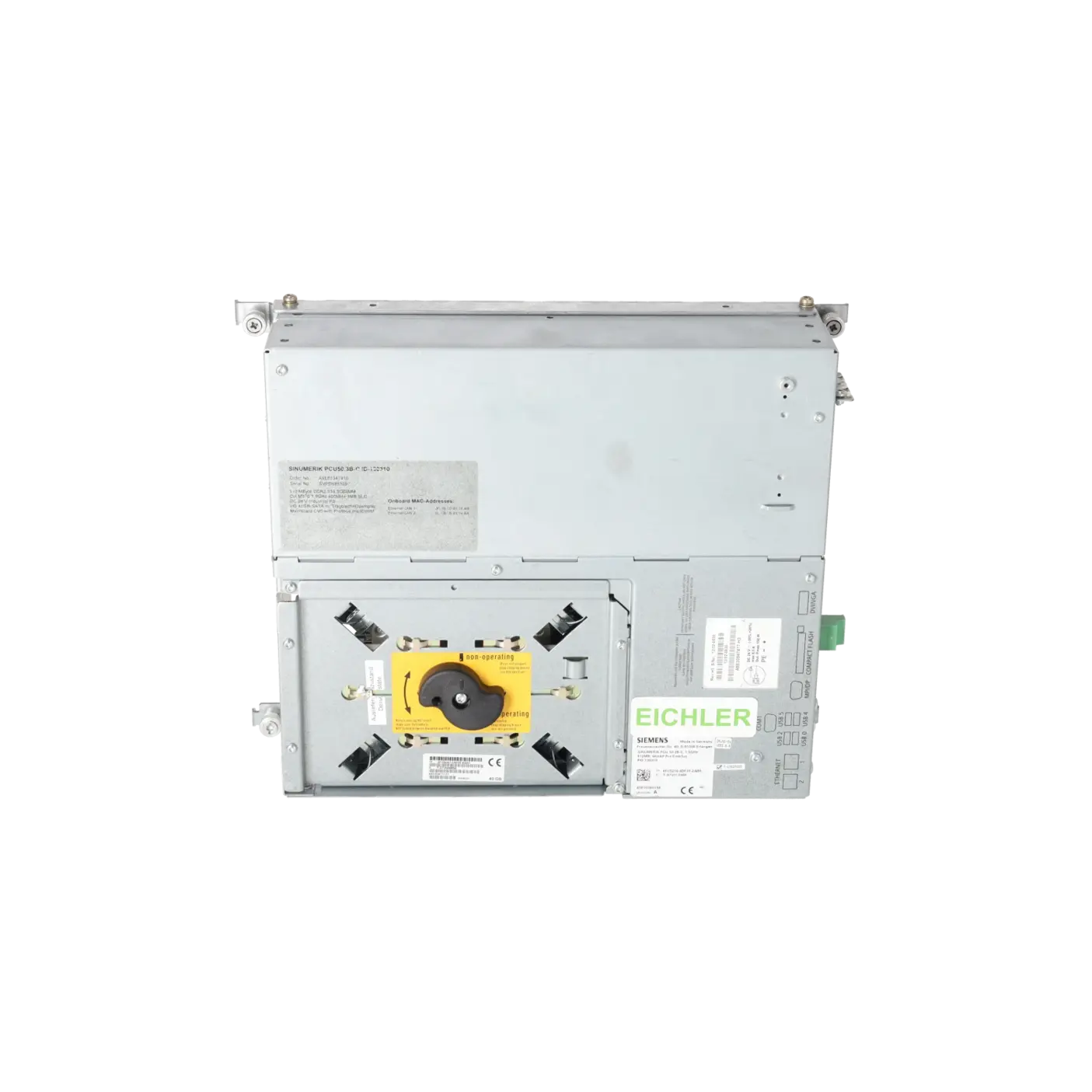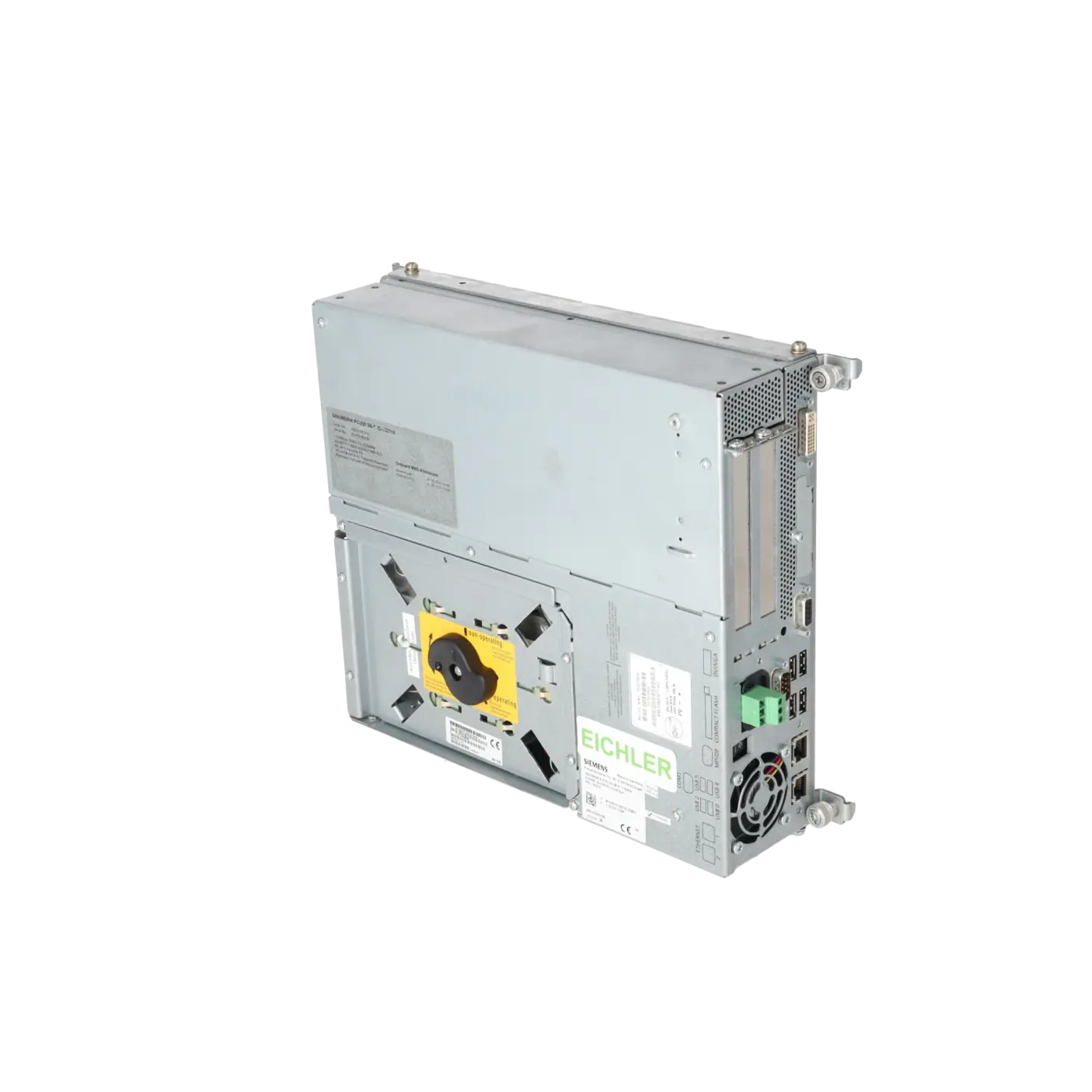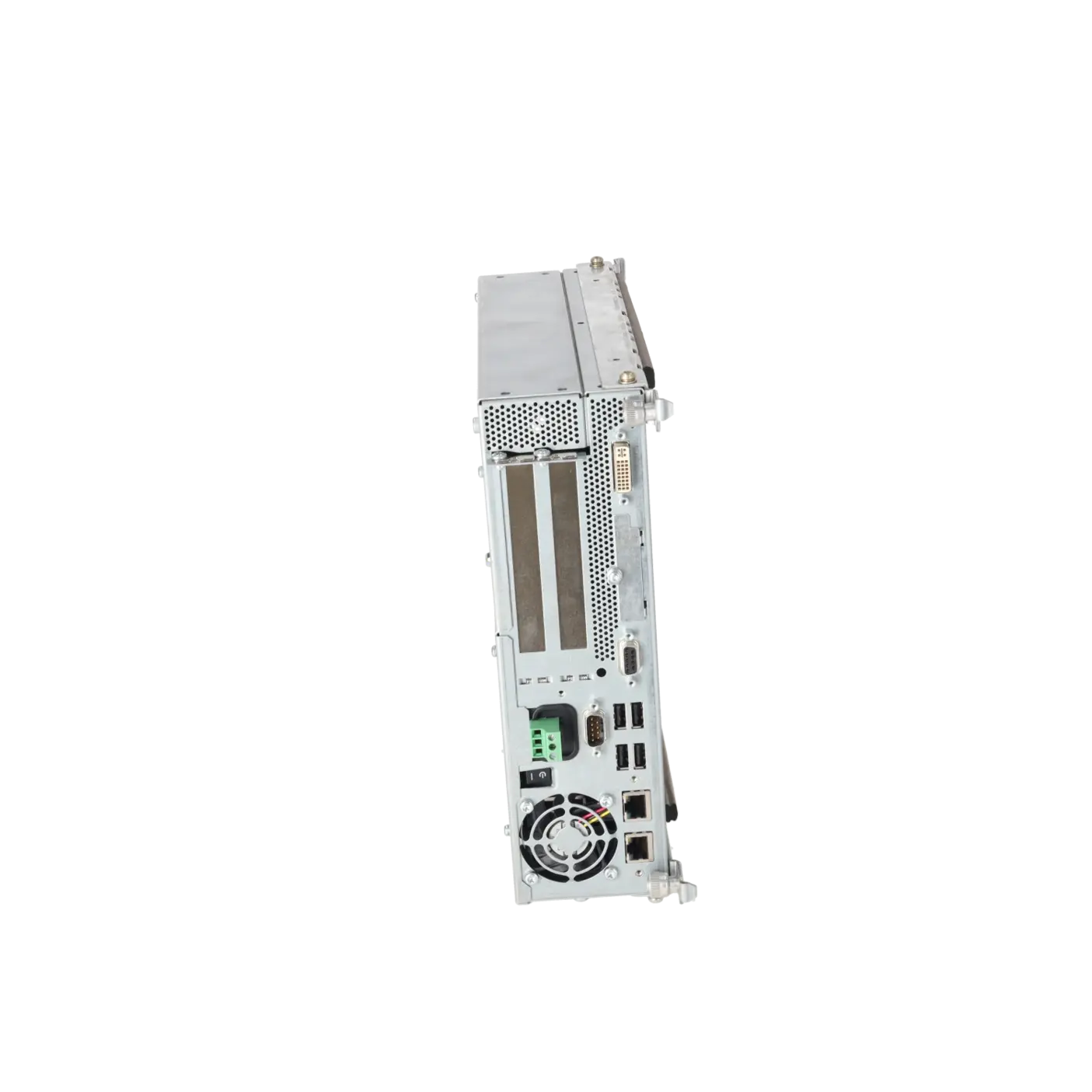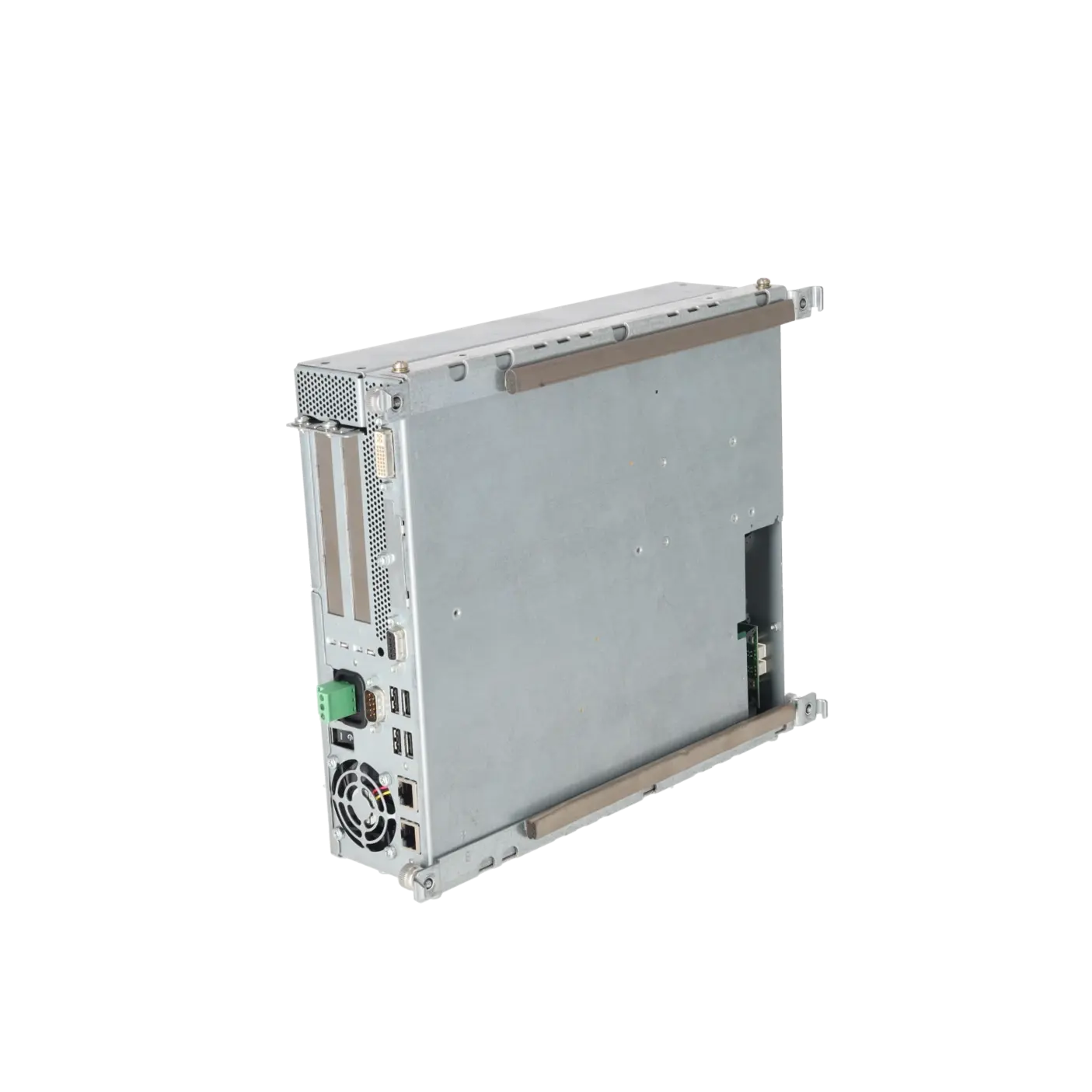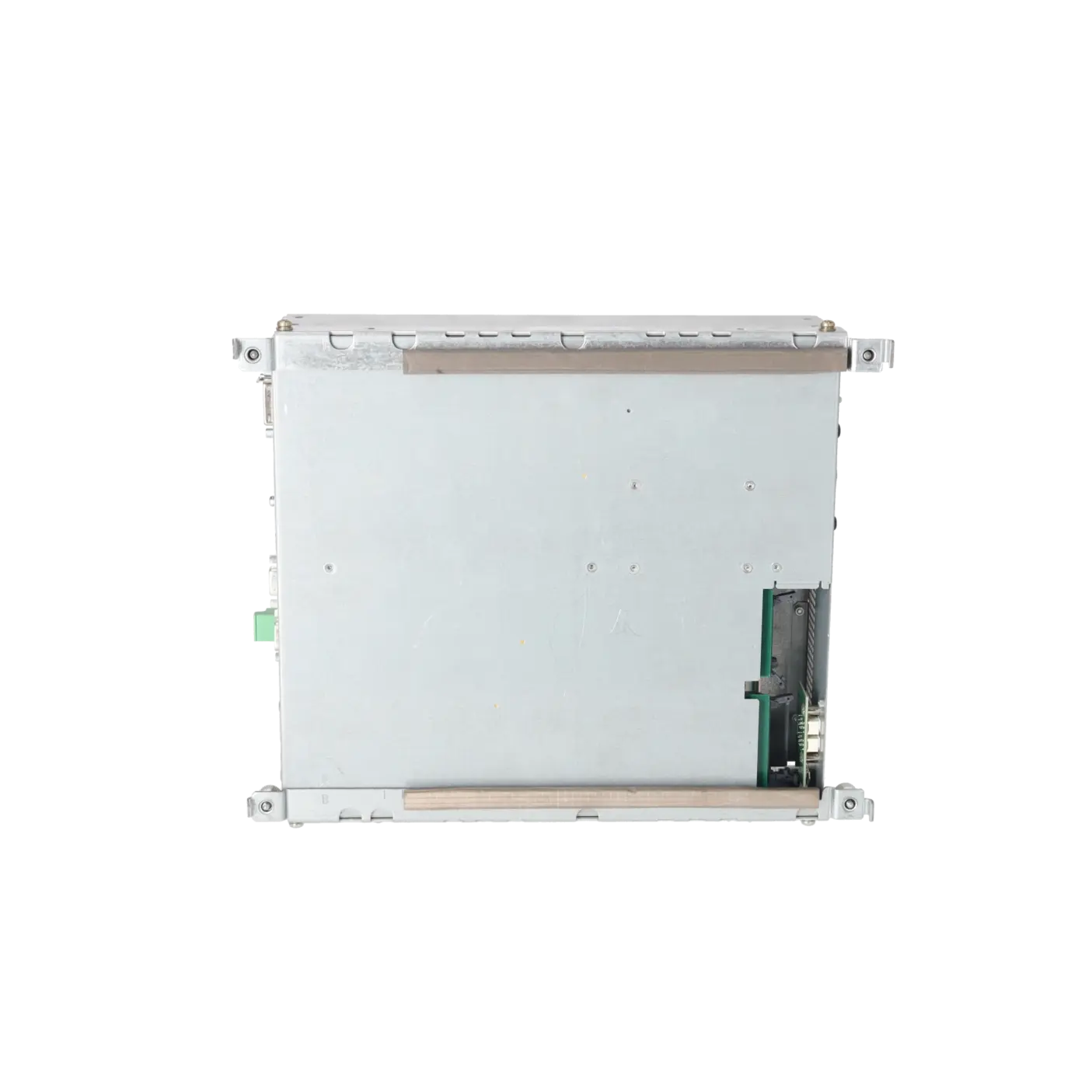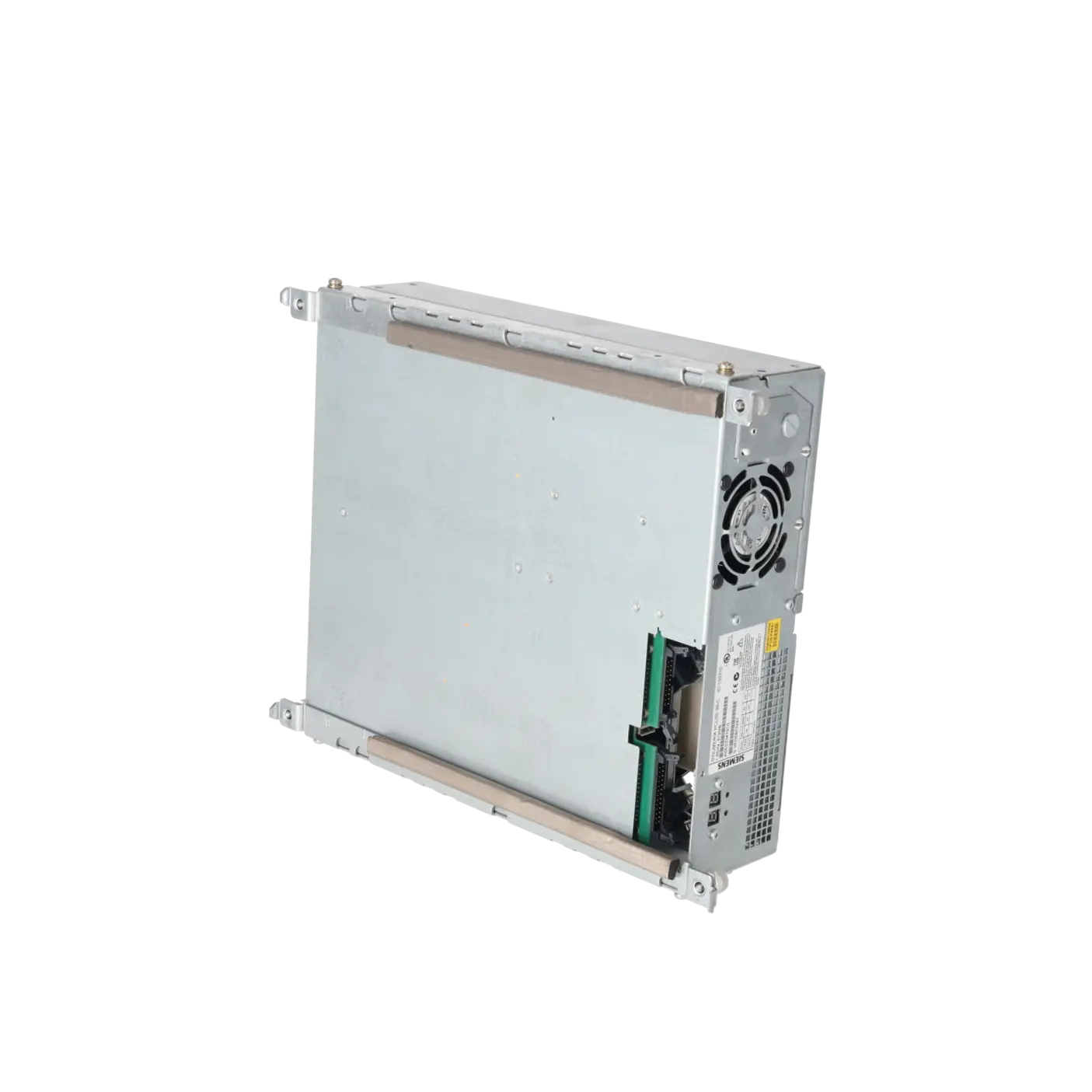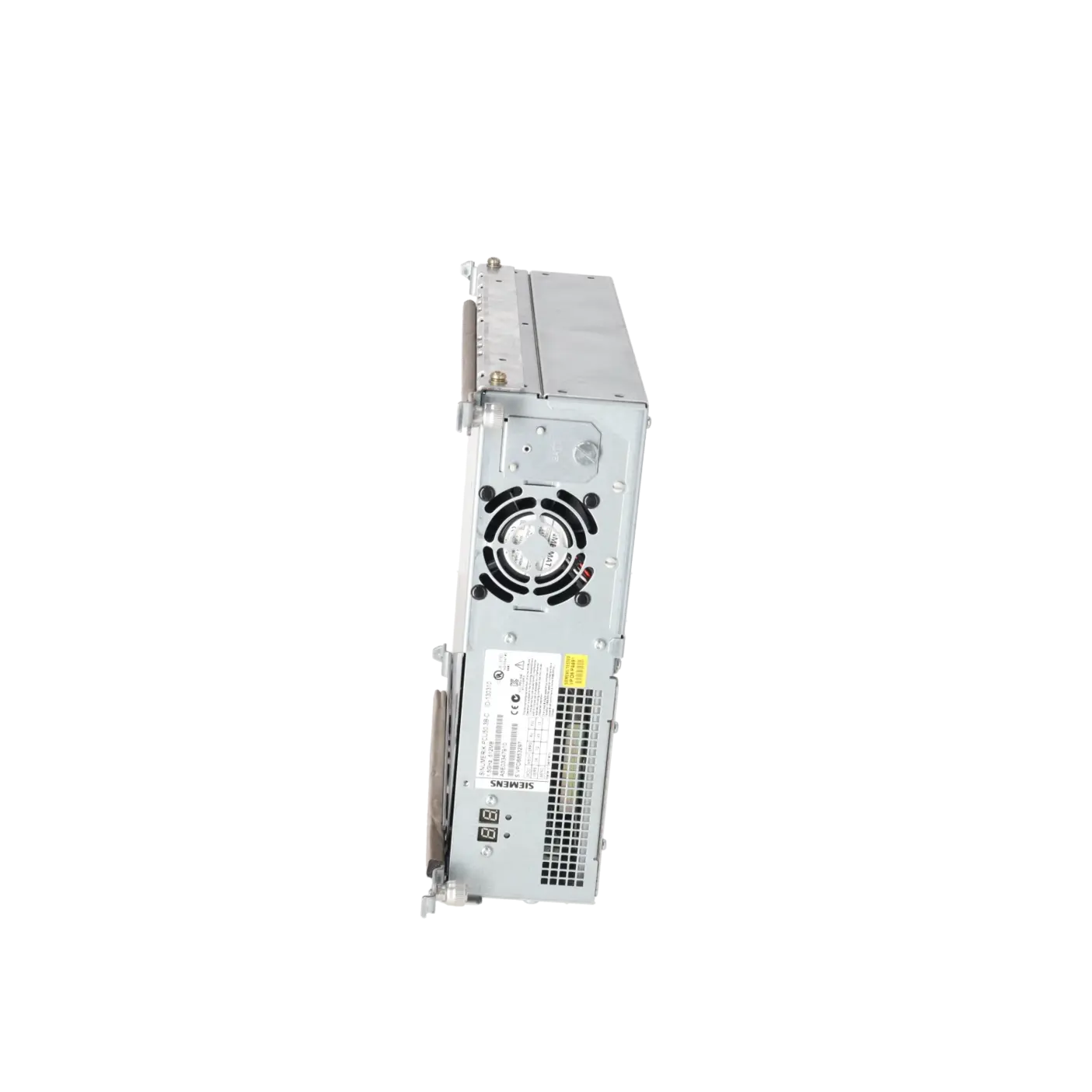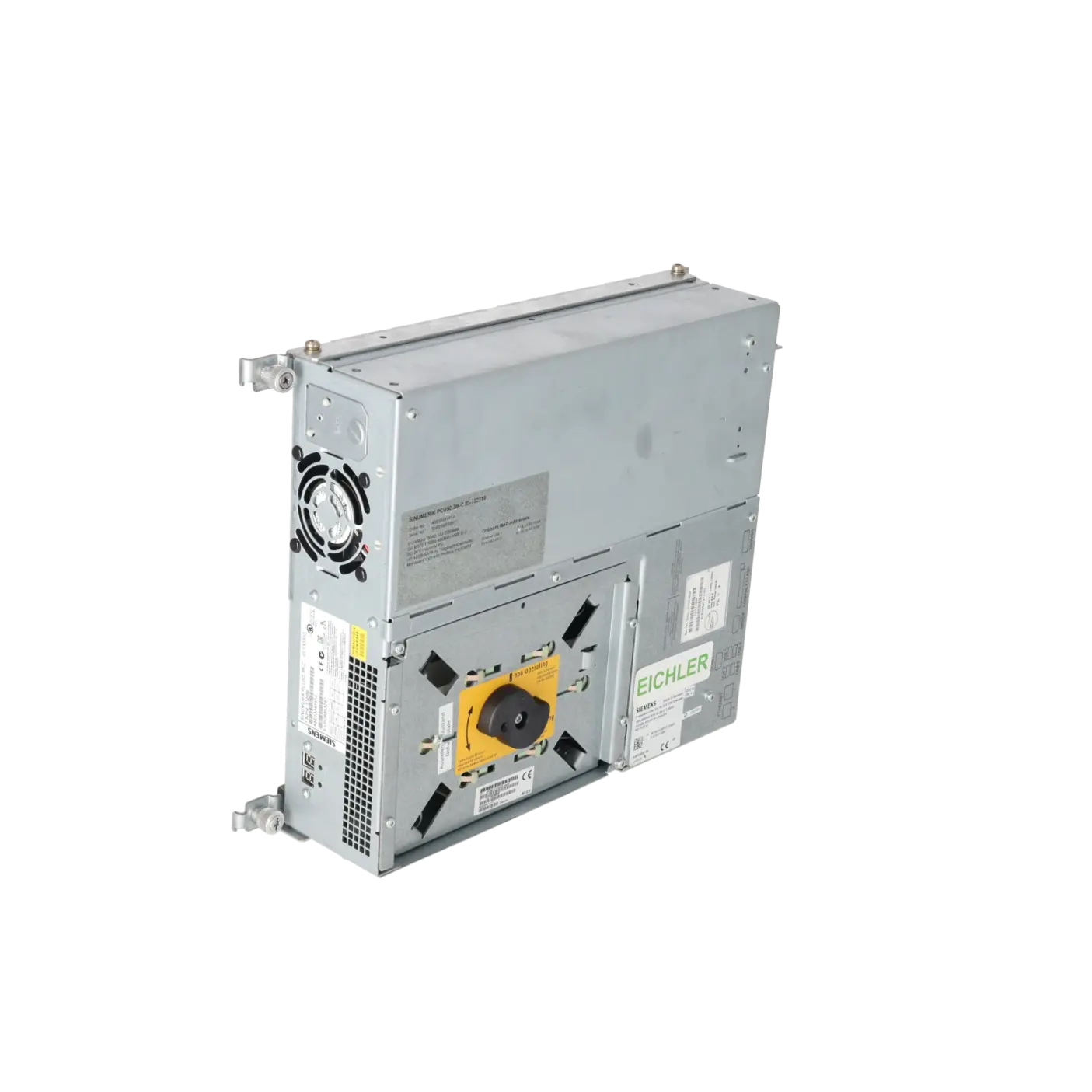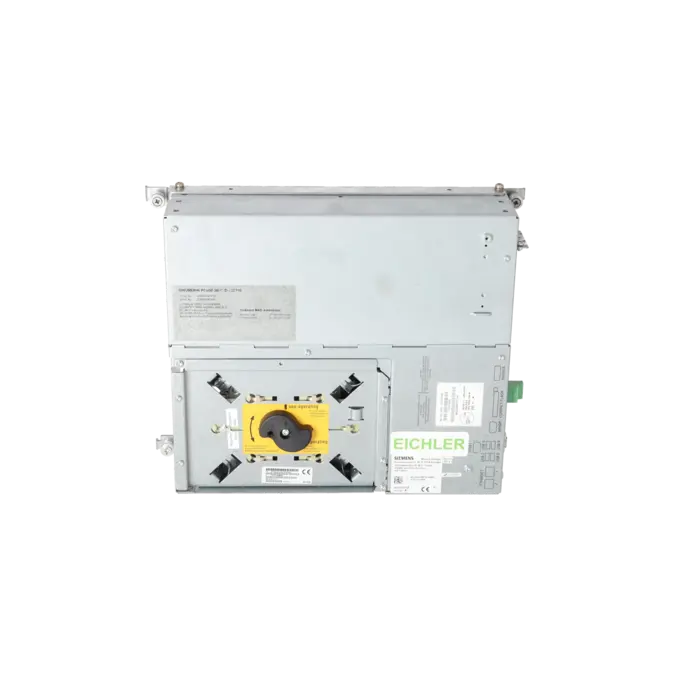
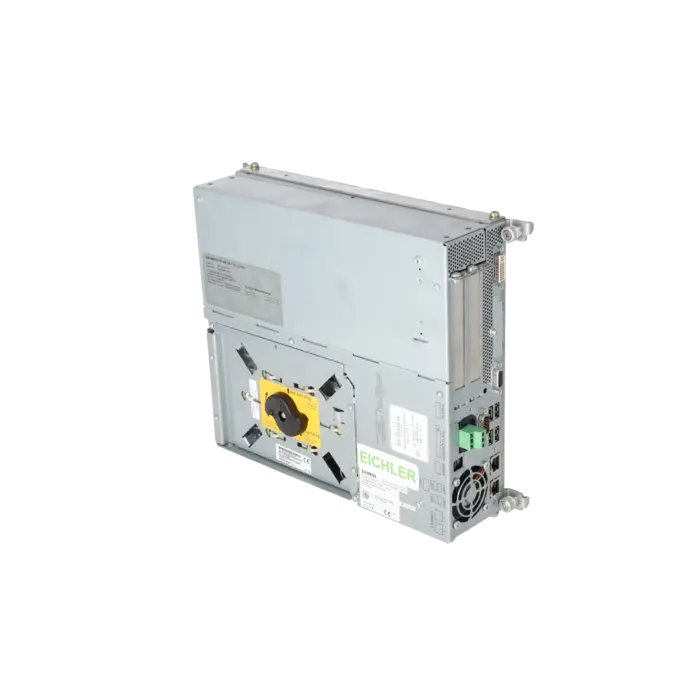
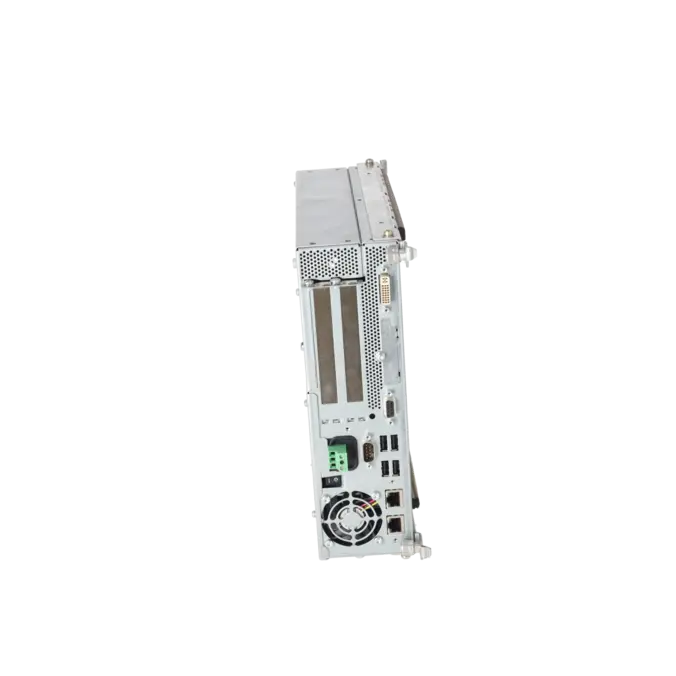
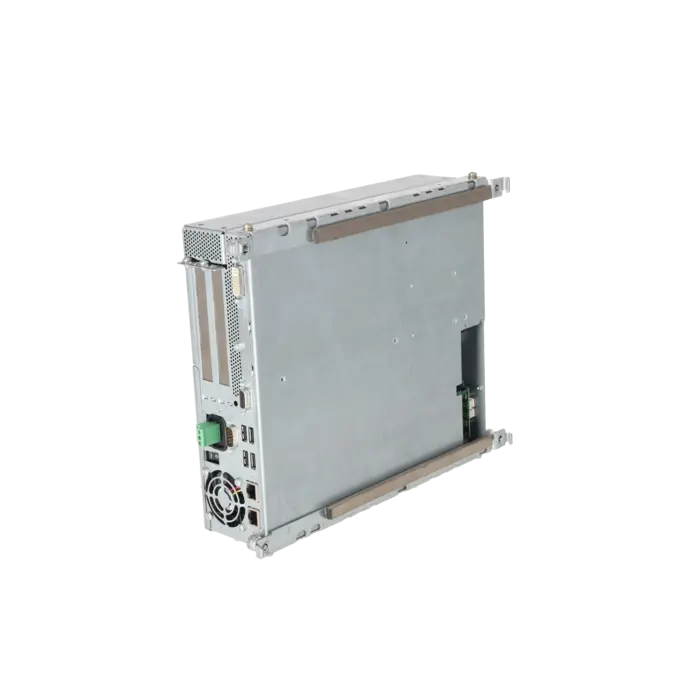
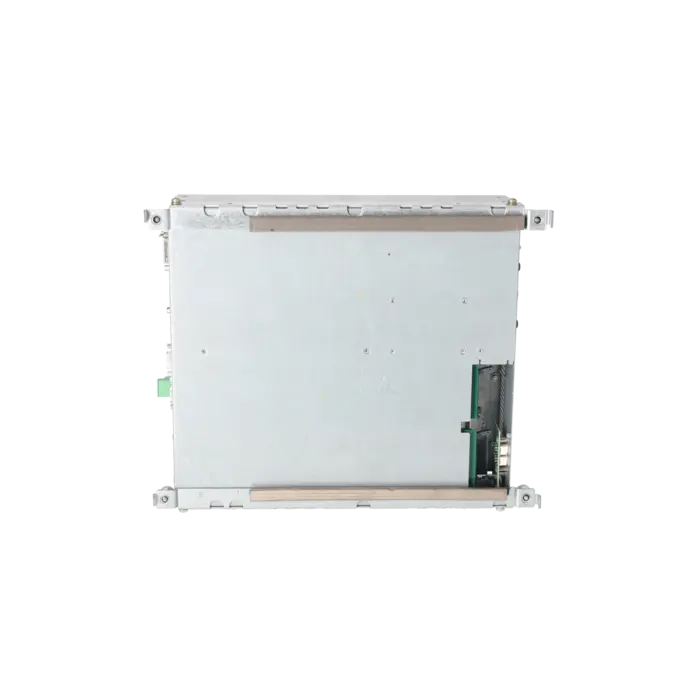
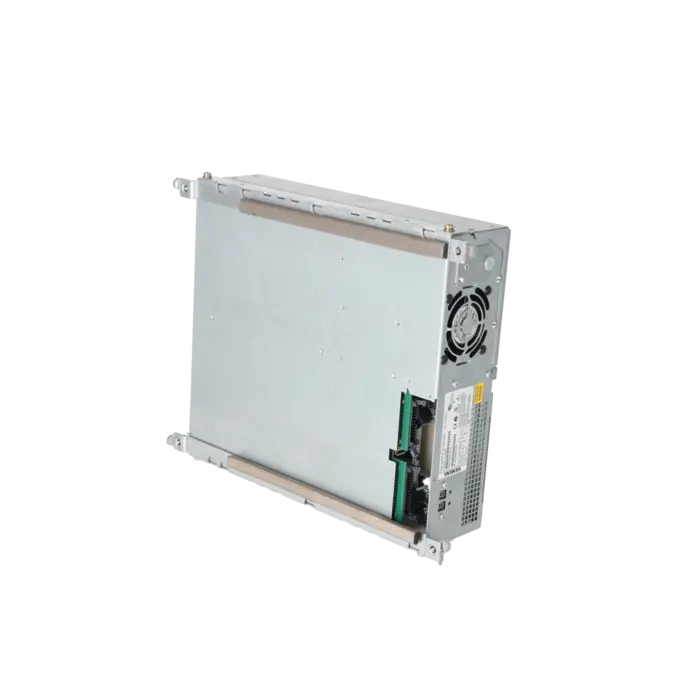
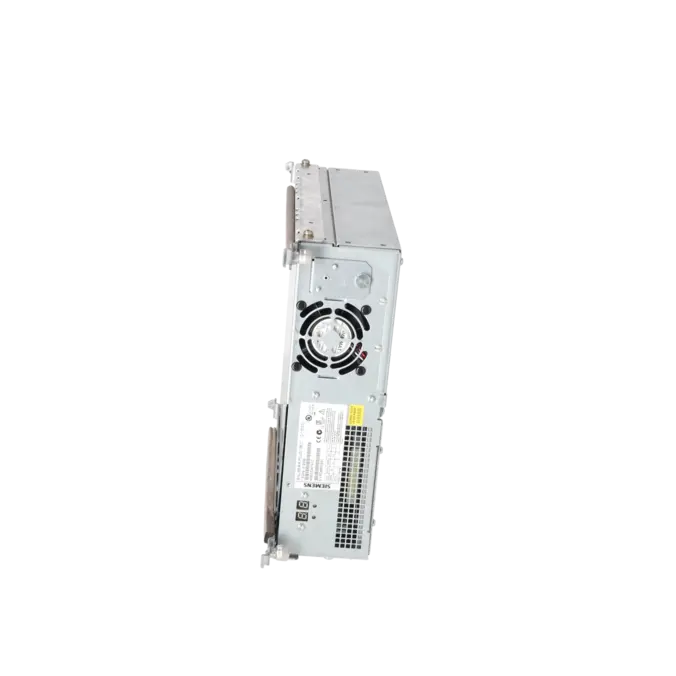
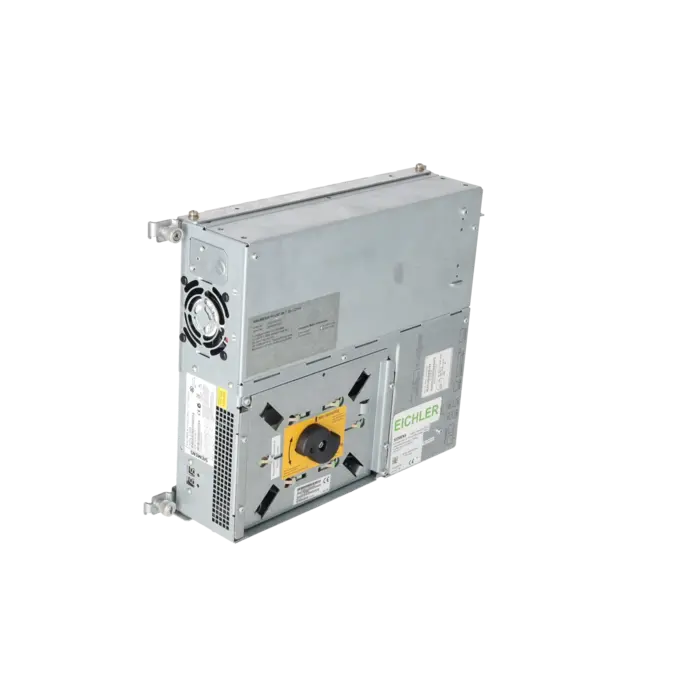
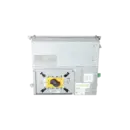
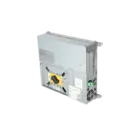
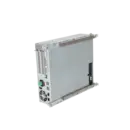
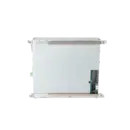
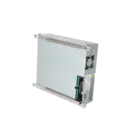
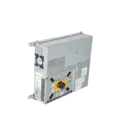
SIEMENS 6FC5210-0DF31-2AB0
-
SIEMENS | HMI | Industrial PC
- EICHLER-art.no.: K0333300
- EAN: 887621150280
Product description
SINUMERIK PCU 50.3B-C ELEKTRONISCHES STEUERGERAET CM370; 1,5GHZ; 1 X 512MB RAM DC 24V; WINDOWS XP PROFESSIONAL FOR EMBEDDED SYSTEMS (WINXP PRO EMBSYS)
Services for SIEMENS 6FC5210-0DF31-2AB0
SIEMENS |
6FC5210-0DF31-2AB0 –
additional product information
| Delivery information | |||
|---|---|---|---|
| Export identifier | AL: ECCN: | ||
| Net weight | 6 | ||
| Quantity | 1 Stück | ||
| Packaging quantity | 1 | ||
| Additional product information | |||
|---|---|---|---|
| Product status | EOP: 2014-04-01 | ||
| EAN | 887621150280 | ||
| UPC | / | ||
| Static lot number | 85371010 | ||
| List indicator | / | ||
| Product group | 3512 | ||
| Country of origin | DE | ||
| Compliance with the substance restrictions according to RoHS directive | Since: / | ||
| Product classifications | Version | Classification | |
|---|---|---|---|
| eClass | 4 | / | |
| eClass | 5.1 | / | |
| eClass | 6.0 | / | |
| ETIM | 3 | / | |
| ETIM | 4 | / | |
| ETIM | 5 | / | |
What is 6FC5210-0DF31-2AB0 and where is it used?
The 6FC5210-0DF31-2AB0 is a SIEMENS SINUMERIK PCU 50.3B-C and is assigned to the HMI / Industrial PC product group in the EICHLER portfolio. Siemens describes the assembly as an electronic control unit CM370 based on Windows XP Embedded; in the market it is primarily used as an operator and computing platform within SINUMERIK environments. In Siemens documentation, the PCU 50.3B-C platform appears in connection with 840Di sl systems, and in practice the exact article number is particularly important when existing machine software, images, interfaces and licence configurations must be retained. For maintenance and purchasing departments, the unit is therefore less a generic industrial PC and more a machine-specific, version-critical CNC component.
Overview of the key technical specifications and what they mean
The main specifications are: 1.5 GHz CPU, 1 × 512 MB RAM, 24 V DC power supply and Windows XP Professional for Embedded Systems. Within the PCU 50.3 platform, Siemens also specifies four USB 2.0 ports, a CF card slot and two Ethernet interfaces. For machine operation, this means the unit is designed for reliable HMI, operator and communication tasks in existing CNC systems rather than modern office or IT workloads. The 24 V DC supply matches typical control cabinet environments. The XP Embedded operating system remains important primarily for compatibility with existing software, but it also requires structured spare-parts management, backup strategies and network management because it is a legacy platform.
Product status, lifecycle status and obsolescence
For 6FC5210-0DF31-2AB0, the lifecycle situation is clearly approaching obsolescence: EICHLER lists the assembly with EOP status dated 01.04.2014. In a Siemens product overview, the article is identified as PM410: Product cancellation, while at the same time still appearing in Siemens sources as a spare part. This is important for purchasing and maintenance because availability is typically no longer ensured through normal series production but rather through repair services, exchange units, used equipment or project-specific remaining stock. Siemens introduced the PCU 50.3B as a redesign of an earlier PCU 50.3 generation. In the Siemens sources reviewed, no clearly defined 1:1 successor for this exact MLFB could be verified; therefore, any replacement solution should always be assessed in relation to the specific machine and software environment.
Available EICHLER services and when they are relevant
For 6FC5210-0DF31-2AB0, EICHLER currently offers repair, exchange, used equipment and new on request. For repairs, EICHLER specifically includes technical cleaning, preventive maintenance, comprehensive functional testing and a minimum 24-month warranty. In general, EICHLER provides 24 months warranty and guarantee for repairs and sales; with optional extended testing, coverage of up to 36 months is available. For maintenance teams, an exchange unit is particularly valuable when machine downtime must be minimised. Repair is the preferred option when an obsolete assembly is to remain in service and the existing machine environment should remain as stable as possible. For purchasing departments and decision-makers, this combination helps to manage downtime, migration risks and procurement uncertainty associated with a legacy Windows XP-based platform.
| Fault description | Possible solution |
|---|---|
| Why does my SINUMERIK PCU 50.3B-C not start and the screen remain black? | First check the 24 V DC power supply and the inrush current capability. For the PCU 50.3 platform, a short-term inrush current of up to 14 A for approximately 30 ms is specified. Also verify that any transport lock fitted to the hard disk has been removed. If even the BIOS startup screen does not appear, the cause is often related to the power supply, power distribution or core hardware. In this case, testing with a correctly dimensioned power supply and, if possible, comparing the unit with an identical reference device is the quickest way to narrow down the fault. |
| Why does the PCU 50.3 fail to boot correctly after incorrect BIOS settings or a depleted battery? | Siemens points out that incorrect BIOS settings can prevent the system from booting. In such cases, reset the BIOS to a known default configuration, check or replace the battery and only then set the date and time correctly within Windows or the HMI environment. It is important to avoid experimental BIOS changes, as Siemens states that the PCU 50.3 is preconfigured in a way that normally requires no BIOS modifications. |
| Why does the PCU 50.3B-C not boot properly or remain unusable after restoring a Ghost image? | When working with images, platform and version compatibility are critical. Siemens explicitly states that an existing system from a PCU 50 V2 cannot be transferred to a PCU 50.3. In addition, an incompatible or outdated image may allow a PCU 50.3 to boot while leaving it unusable. Therefore, only use images that match the correct PCU generation and Base Software version. For newer Operate versions, Siemens recommends at least Base Software V8.6 SP1 on the PCU 50.3 platform. |
| What does an unusual 7-segment display indication on the PCU 50.3 mean and how should I proceed? | According to Siemens, the 7-segment display on the PCU 50.3 is intended for initial diagnostics, particularly when no local operator interface is connected. If an error is detected during boot-up, the numerical display alone is usually not sufficient for diagnosis. A local monitor or operator panel should therefore be connected, the startup sequence observed again and the system started in Service Mode. The display indication should then be evaluated together with the status of H1/H2 and the available service and boot messages. This helps determine whether the issue is primarily related to booting, communication or software. |
| Why does the SINUMERIK perform a configuration update every time it is restarted after replacing the PCU 50.3 or hard disk? | A single configuration update after transferring a hard disk or image can be normal. However, if the update is performed again after every restart, this generally indicates an inconsistent software or configuration status. Siemens addresses this scenario in a dedicated FAQ. The associated compatibility information suggests checking the installed Base Software, ensuring that the image matches the hardware and verifying that the PCU name and system configuration are assigned correctly. |
Where is 6FC5210-0DF31-2AB0 typically used?
The 6FC5210-0DF31-2AB0 is a SINUMERIK PCU 50.3B-C and is used as a machine-based operator and computing platform in SINUMERIK CNC environments. Siemens references the PCU 50.3B-C platform in documentation associated with 840Di sl systems, among others. For purchasing departments, it is important to understand that the exact MLFB is critical, not just the general PCU 50.3 product family, because the software version, interfaces and machine project must match the existing installation.
Has 6FC5210-0DF31-2AB0 been discontinued or is it still regularly available?
The assembly is no longer part of a standard active product programme and is approaching obsolescence. EICHLER lists an EOP date of 01.04.2014. Siemens also identifies the article as PM410 / Product cancellation, while still maintaining it as a spare part. For procurement, this means that availability today is generally achieved through repair services, exchange units, used equipment or remaining stock rather than through conventional series production.
Can I simply replace an older PCU 50 or PCU 50.3 with 6FC5210-0DF31-2AB0?
Generally, no. Siemens clearly differentiates between PCU 50, PCU 50.3, PCU 50.3B and versions equipped with an additional MCI2 board. Siemens also states that existing systems or Ghost images cannot simply be transferred between a PCU 50 V2 and a PCU 50.3. Before carrying out a replacement, the hardware version, storage device, Base Software version, licences, network parameters and machine project should always be verified.
What is the best way to back up data and images from a PCU 50.3B-C?
Siemens describes a Ghost-based backup concept for the PCU 50.3 platform. According to the documentation, the image is stored on the hard disk in D:\Eboot, from which a portable Service System / Emergency Boot System can be created on a USB device. This is particularly important before modifying the hard disk, SSD, PCU hardware or software version. Such backups help reduce recovery times and minimise the risk of losing machine or HMI data following a failure.
Which software base should be used on a PCU 50.3B-C?
For newer SINUMERIK Operate versions, Siemens recommends Base Software V8.6 SP1 or later on the PCU 50.3 platform. Siemens also provides dedicated releases for PCU 50.3 Base Software WINXP V8.6 SP3 and SP4 for 50.3B variants. For existing installations, this means that before replacement, imaging or repair work is performed, the installed HMI/Operate version and the corresponding approved PCU Base Software version should always be verified.