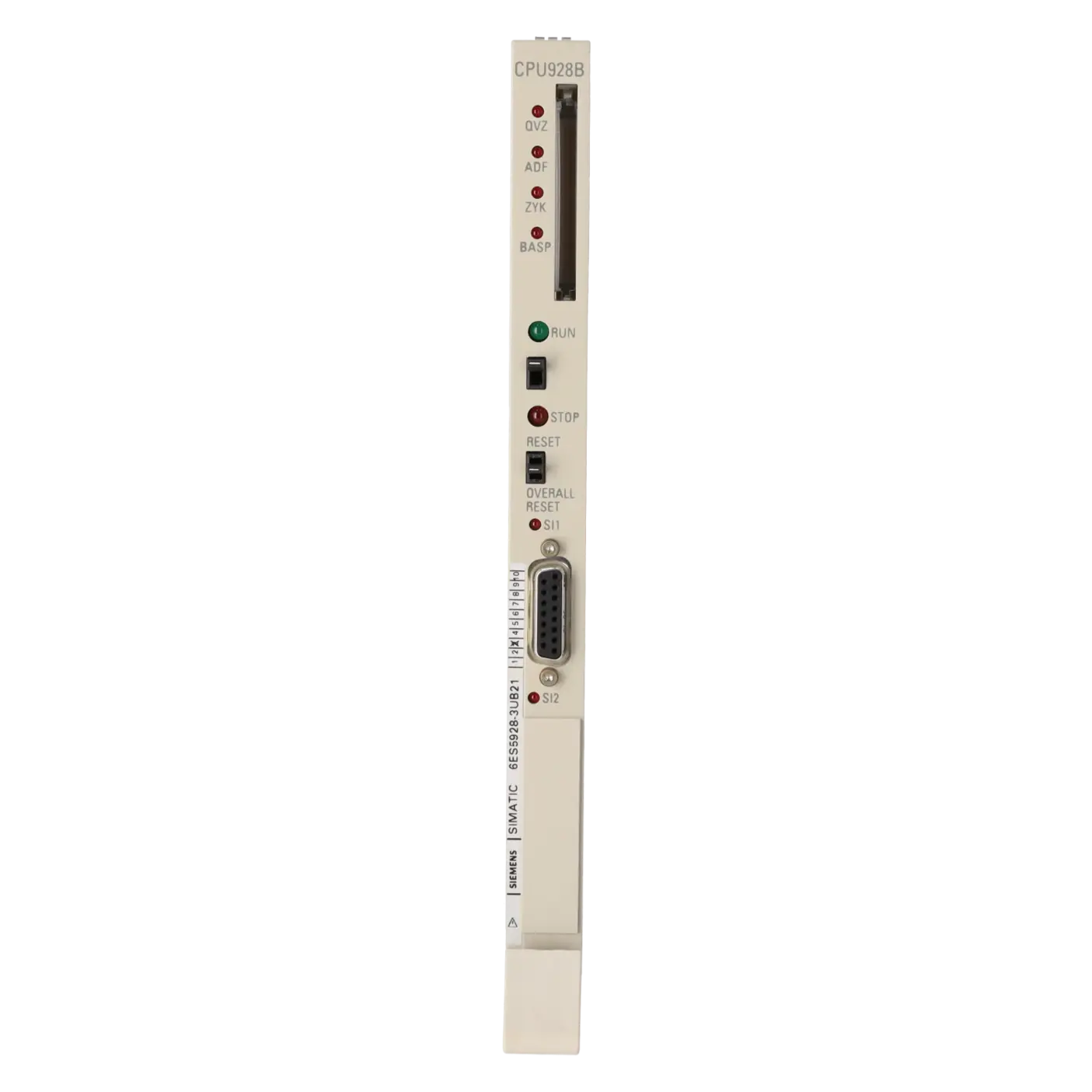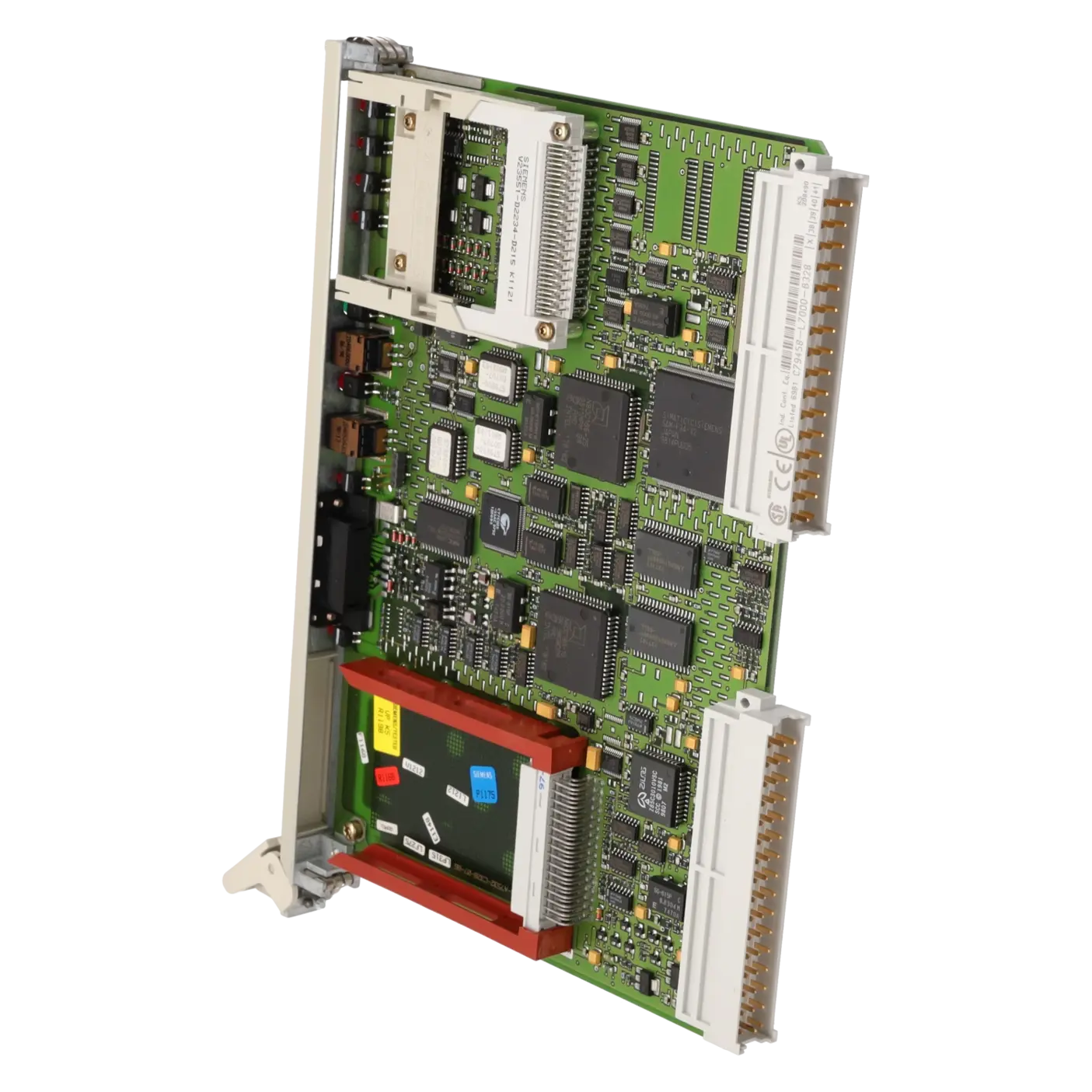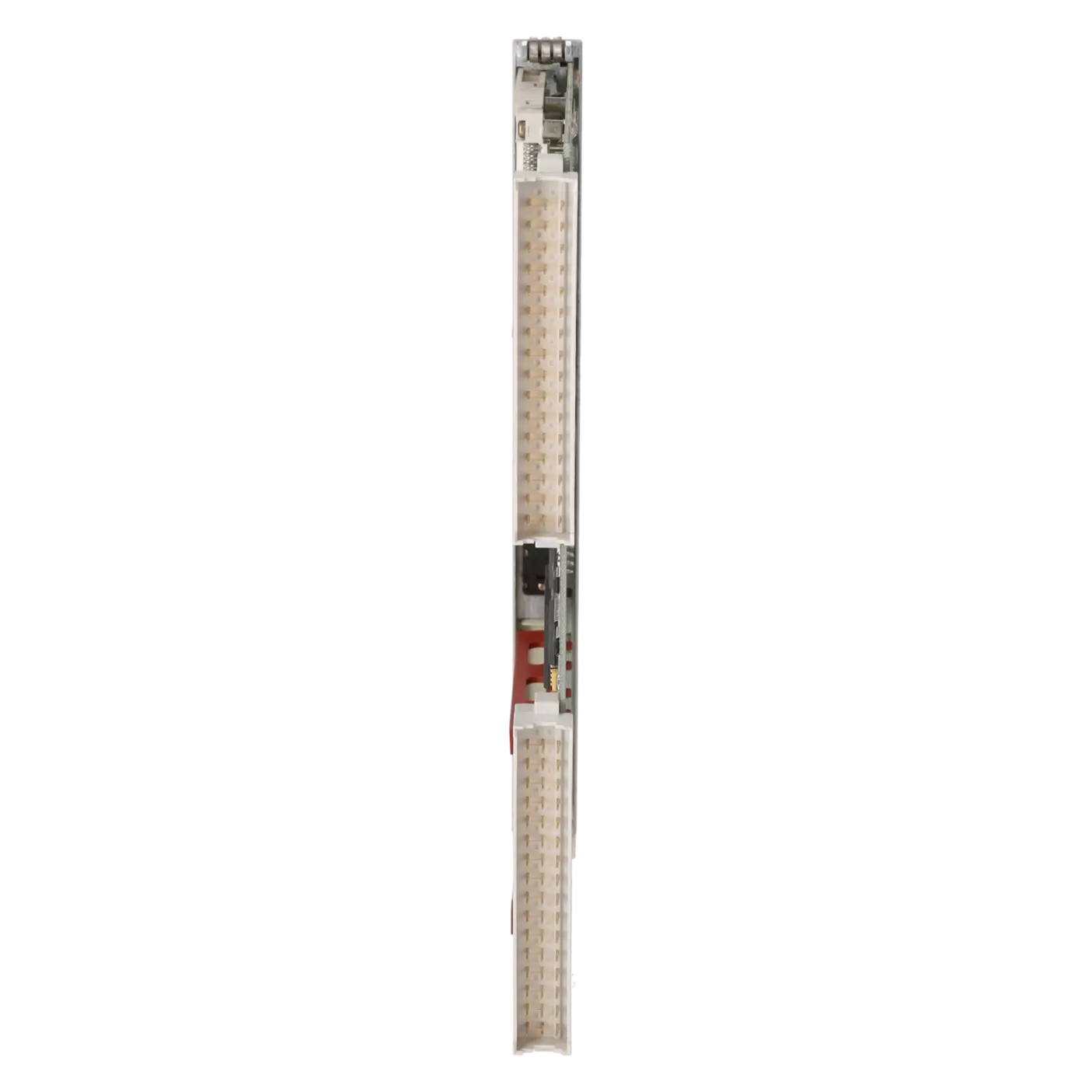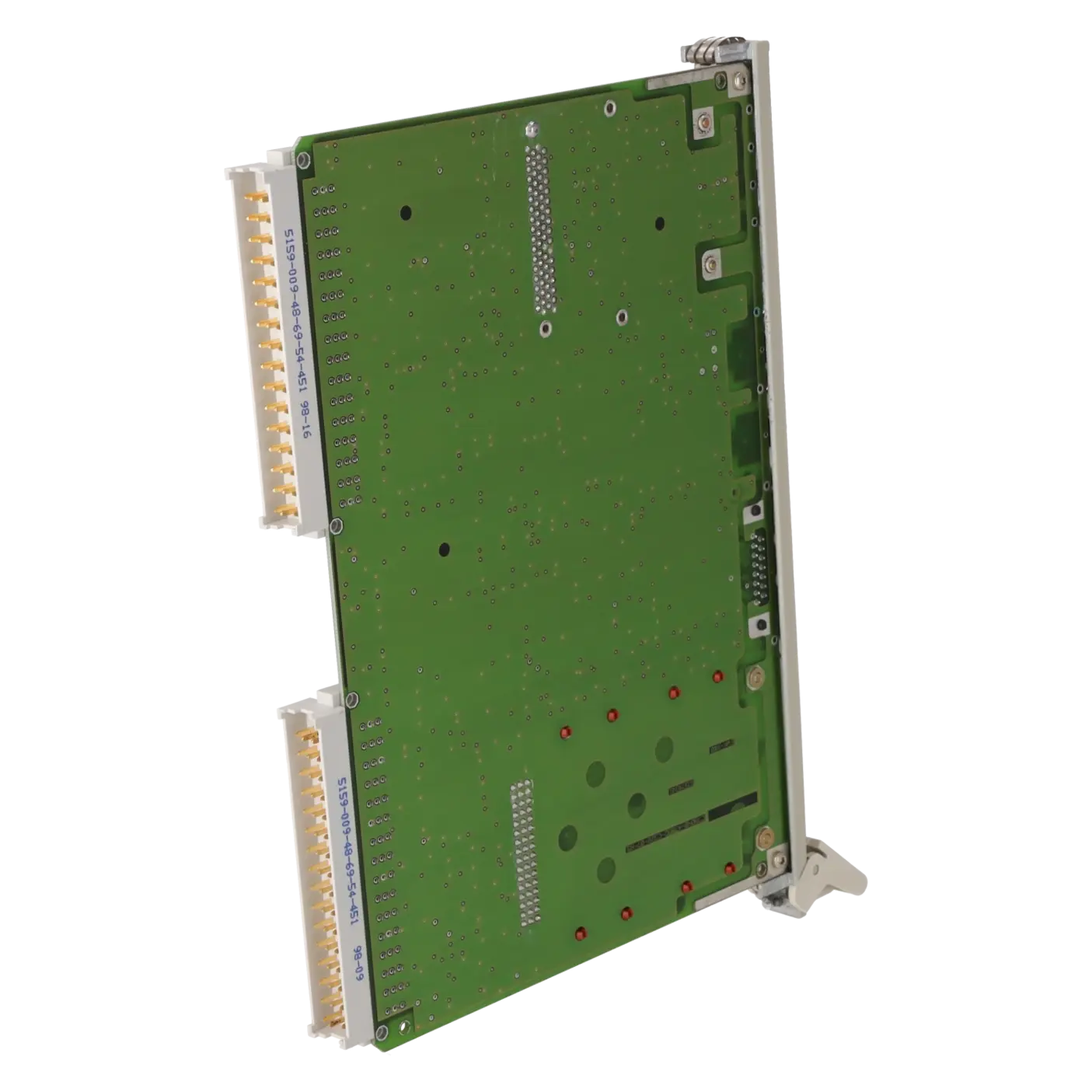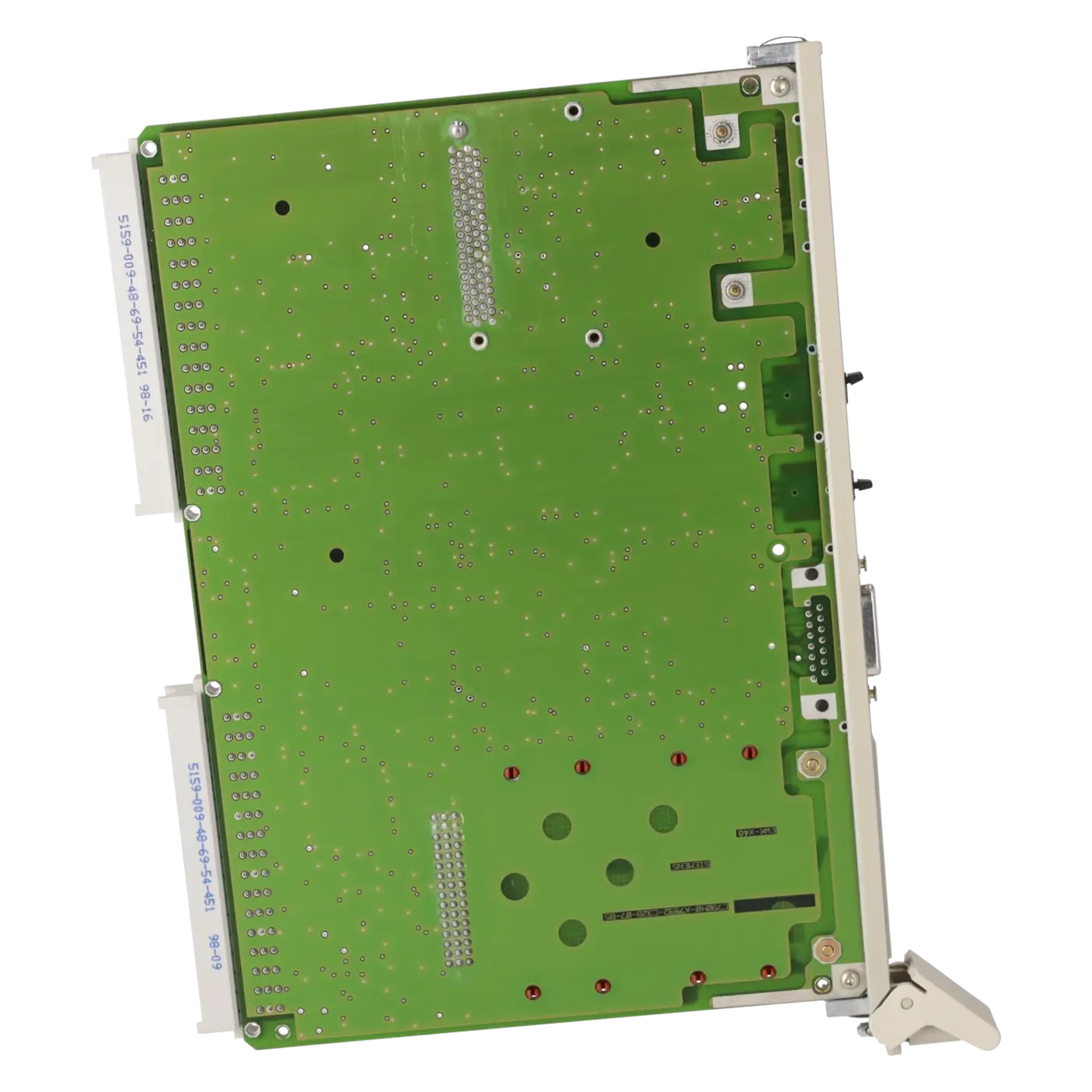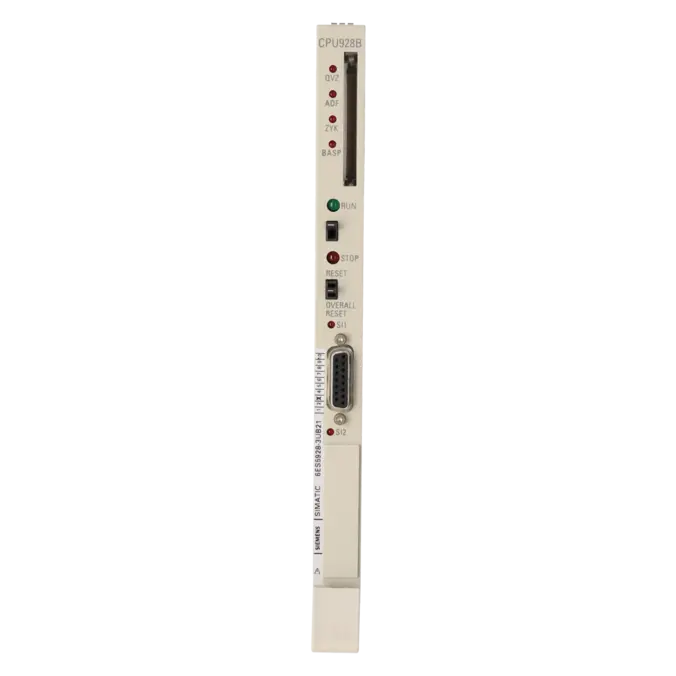
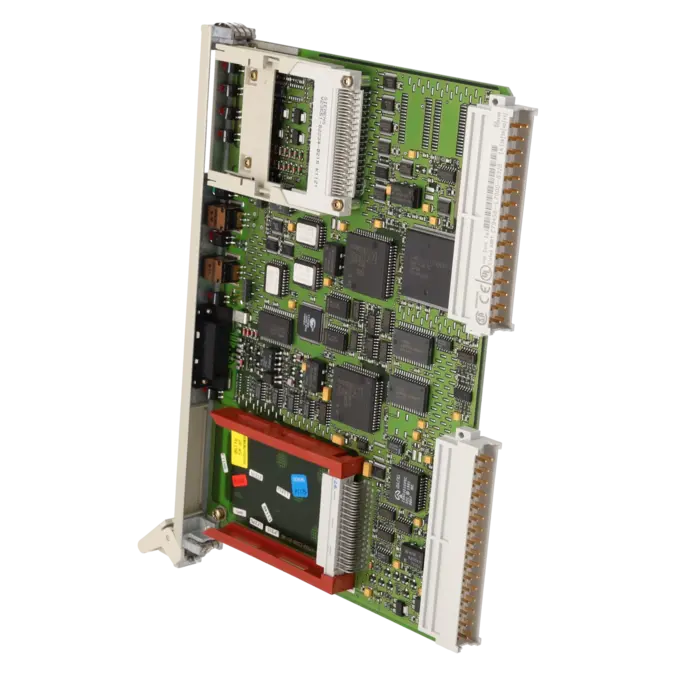
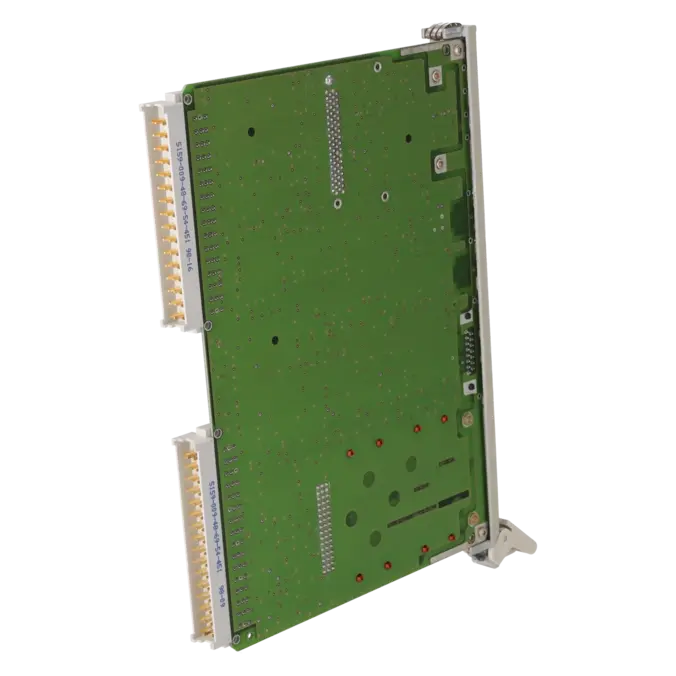
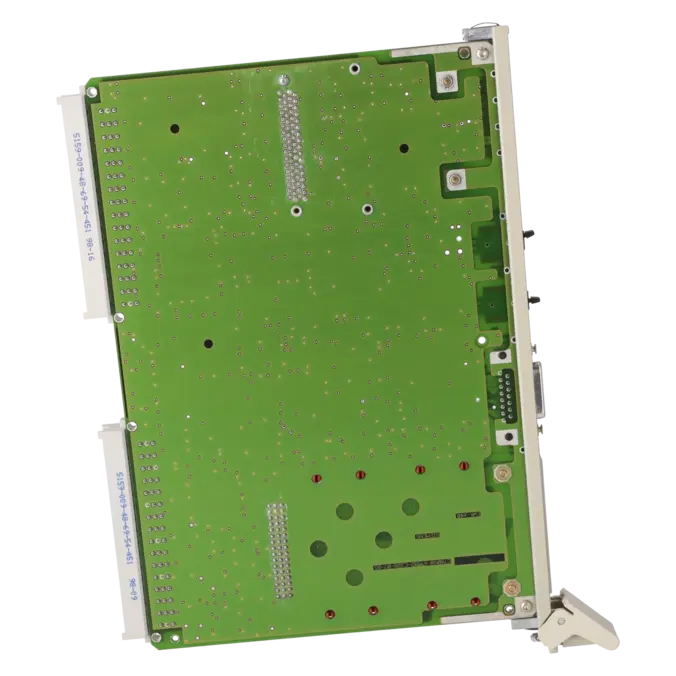



SIEMENS 6ES5928-3UB21
- EICHLER-art.no.: K0117875
- EAN: 4025515124481
Product description
SIMATIC S5, CPU 928B Central processing unit for S5-135U/-155U with SS slot for 2nd interface New version single-width
Services for SIEMENS 6ES5928-3UB21
SIEMENS |
6ES5928-3UB21 –
additional product information
| Delivery information | |||
|---|---|---|---|
| Export identifier | AL: ECCN: | ||
| Net weight | 0.519 | ||
| Quantity | 1 Stück | ||
| Packaging quantity | 1 | ||
| Additional product information | |||
|---|---|---|---|
| Product status | EOP: 2006-10-01 | ||
| EAN | 4025515124481 | ||
| UPC | / | ||
| Static lot number | 85371091 | ||
| List indicator | / | ||
| Product group | 4225 | ||
| Country of origin | DE | ||
| Compliance with the substance restrictions according to RoHS directive | Since: / | ||
| Product classifications | Version | Classification | |
|---|---|---|---|
| eClass | 4 | / | |
| eClass | 5.1 | / | |
| eClass | 6.0 | / | |
| ETIM | 3 | / | |
| ETIM | 4 | / | |
| ETIM | 5 | / | |
What is 6ES5928-3UB21 and where is it used?
The SIEMENS 6ES5928-3UB21 is a SIMATIC S5 CPU 928B central processing assembly for S5-135U and S5-155U systems. It is designed for traditional automation applications in legacy systems where robust PLC technology, STEP 5 programmes and existing S5 peripherals continue to be used productively. Typical application areas include older production lines, packaging machines, conveyor systems, process systems and special-purpose machines where a complete retrofit is not immediately economical. The assembly is a single-width module and includes an SS slot for a second interface, making it particularly attractive when additional communication functions or service access are required alongside the standard PG connection.
Overview of the most important technical data and what it means
The CPU provides 110 KB of memory, divided into 64 KB of user memory and 46 KB of DB RAM. For maintenance personnel, this means that STEP 5 programme code and data blocks can be managed separately and clearly. The assembly supports 256 PBs, 256 SBs, 256 FBs, 256 FXs, 256 DBs and 256 DXs, as well as 2,048 flags, 8,192 S-flags, 256 timers and 256 counters. The integrated PG interface operates at 9,600 bps. Depending on the installed submodule, the optional second interface can be configured as a PG interface, RK512, 3964/3964R, Open Driver or RS422/485 communication interface. Another important practical consideration is that the CPU operates with internal RAM, is a single-width assembly and requires a functioning backup battery to ensure reliable start-up and data retention.
Product status, life cycle status and obsolescence
For the 6ES5928-3UB21, the EICHLER website specifies a product status of EOP dated 2006-10-01. Siemens lists the assembly as a spare part while also noting that the Product Life Cycle for the SIMATIC S5 system ended on 30 September 2020; since 1 October 2020, regular manufacturer spare parts support has no longer been available to the usual extent. For operators, this means that the assembly is clearly obsolete, but remains available on the market through existing stock, tested used equipment, exchange services and repairs. Siemens does not specify a plug-and-play compatible manufacturer successor for this CPU. For migration projects, Siemens identifies the CPU 1516-3 PN/DP of the S7-1500 family as the target platform, although this represents a migration project rather than a direct 1:1 replacement.
Available EICHLER services and when they are relevant
For this assembly, EICHLER offers repair, exchange, used equipment and new equipment services. Repair is particularly relevant when the original unit should remain in the system, when parameter settings and compatibility must be preserved, and when breakdown costs increase rapidly. According to the shop information, repairs include technical cleaning, preventive maintenance, comprehensive functional testing and a minimum 24-month warranty; an optional test report for CPUs and central processing assemblies is also available. For purchasing departments, exchange services are attractive when minimising downtime is more important than receiving the original unit back. Used equipment helps address obsolescence challenges and budget constraints. New equipment remains an option for planned inventory stocking where stock is still available. These service options help ensure the continued operation of older S5 systems even after their official discontinuation.
| Fault description | Possible solution |
|---|---|
| Why does my 6ES5928-3UB21 not switch to RUN and the STOP LED flash rapidly? | A rapidly flashing STOP LED indicates that an OVERALL RESET is being requested. Siemens identifies incorrect RAM contents or a defective or incorrectly programmed Memory Card as possible causes. The recommended procedure is to place the CPU in STOP, perform a correct OVERALL RESET, and then test the system either with a valid Memory Card or without a user programme. If the request persists after another reset, this indicates a CPU or system fault; in this case, the backup battery, power supply and the assembly itself should be checked. Starting the CPU without a user programme is particularly useful for diagnosis because it helps determine whether the fault originates from the hardware, memory contents or application programme. |
| Why is the QVZ LED illuminated on my CPU 928B? | QVZ stands for acknowledgement delay. Siemens describes this fault as occurring when an input or output assembly does not respond with RDY quickly enough after being addressed. Common causes include a defective peripheral assembly, a removed module or an assembly that is no longer recognised correctly following a hardware modification. The solution is to read the ISTACK or fault address, assign the affected I/O address to the corresponding slot, insert or replace the module, check contacts and power supply, and then reset the CPU correctly. If the fault occurs during the process image update, it should also be verified that the affected assembly is physically present in the rack and correctly recognised again after the reset. |
| Why is the ADF LED illuminated on the 6ES5928-3UB21? | ADF stands for addressing fault. The CPU uses this indication to report that the user programme is accessing an I/O address for which no assembly exists. This often occurs after replacing assemblies, modifying the rack configuration, assigning modules to incorrect slots or when DB1 or the address list no longer matches the actual hardware configuration. The solution is to compare the physical rack configuration with the STEP 5 project, verify the affected I/O address in both the programme and DB1, correct any missing or incorrect modules and then perform a reset or restart. For systems that have been without power for an extended period, it should also be verified that all assemblies are correctly recognised after start-up. |
| Why is the ZYK LED illuminated or why does the CPU stop due to a cycle fault? | The ZYK LED indicates that the cycle monitoring time has been exceeded. Siemens identifies causes such as programming errors, programme loops within function blocks, clock generator failures or excessive system load caused by large programmes and process image updates. The solution is to check the cycle time and ISTACK, isolate endless loops and heavily branched routines, evaluate resource-intensive processing within the cycle and, if necessary, temporarily reduce the number of connected assemblies or communication load. If OB 26 is not loaded, the CPU will switch to STOP when such a fault occurs. In cases of recurring ZYK and BASP combinations, the power supply should also be checked because an unstable supply can produce similar secondary symptoms. |
| Why is BASP illuminated and why do my digital outputs remain inactive? | BASP indicates that command output is inhibited; the digital outputs are therefore blocked or switched to a safe state. Siemens describes BASP as being active during STOP, during start-up and during the first cycle after restart. In practice, BASP often appears together with ADF, QVZ or ZYK, making it a consequence of a higher-level fault. The solution is not to focus solely on the outputs, but first to evaluate the other fault LEDs and the ISTACK. Once the underlying cause—such as an addressing fault, a peripheral acknowledgement issue or a cycle fault—has been corrected and the CPU returns properly to RUN, the BASP indication will normally clear automatically. |
Is 6ES5928-3UB21 still a regularly available Siemens product?
No, it is no longer a current production product. The EICHLER product page lists the assembly with an EOP date of 2006-10-01. Siemens additionally states that the Product Life Cycle of the SIMATIC S5 system ended on 30 September 2020, and that from 1 October 2020 onwards, regular manufacturer spare parts have no longer been available to the usual extent. For purchasing and maintenance departments, this means that availability is now primarily ensured through service partners, existing inventories, refurbished assemblies, exchange services and repairs. For operators of older production lines, proactive spare parts and service planning is therefore particularly important.
Can the 6ES5928-3UB21 replace an older 6ES5928-3UB12?
In many cases, yes, but not without verifying the application. Siemens describes the -3UB21 as a newer version incorporating changes compared with the -3UB12, including a single-width design, integrated 64 KB RAM and the use of a SIMATIC Memory Card. In a Siemens forum discussion, the -3UB21 is also referred to as the successor version to the -3UB12. In practice, however, after replacement, the start-up behaviour, DB0/DB1, interface configuration, memory card behaviour and connected peripherals should all be carefully checked, particularly where communication or analogue functions are involved. In legacy systems, technical similarity does not automatically mean risk-free operation without validation.
What is the second interface of the 6ES5928-3UB21 intended for?
The second interface extends the assembly for service, PG and communication functions. Siemens lists possible applications including a second PG interface for a PG or OP, as well as communication via RK512, 3964/3964R, Open Driver and, with a suitable submodule, SINEC L1. For maintenance personnel, this is important when additional diagnostic or data connections are required alongside the standard PG connection. For procurement and retrofit planning, it means that not only the CPU part number but also the installed interface submodule must be verified, as the functionality of the second interface depends directly on that submodule.
What happens during an overall reset when a memory card is inserted?
On the CPU 928B -3UB21, the operating system copies the contents of an inserted Flash EPROM Memory Card into the internal RAM during an OVERALL RESET, while also rebuilding DB0. The user memory is then protected accordingly for operation, and the card is no longer permanently required during normal runtime. This is important for service work because, after an overall reset, the desired software version will only be loaded if a correctly programmed memory card is installed. Defective or incompatible cards can lead to the same start-up issues typically indicated by a rapidly flashing STOP LED and repeated requests for an overall reset.
What Siemens migration option is available for this S5 CPU?
For migration projects, Siemens maps the 6ES5 928-3UB21 CPU 928B in the S5-135U system to the S7-1500 CPU 1516-3 PN/DP. This is useful for decision-makers planning a phased modernisation strategy and who do not intend to continue operating S5 technology indefinitely. However, it is important to distinguish that this mapping is a migration guideline, not a direct mechanical or electrical replacement at plug level. A migration therefore requires the hardware architecture, programme, communication structure and peripherals to be reviewed and adapted accordingly.
Does the 6ES5928-3UB21 require a battery to start correctly?
Yes, the backup system is operationally critical. The Siemens system manual states that the backup battery must be installed and functional for the CPU to start correctly; without backup voltage, the controller remains in the STOP state after power-up. For maintenance personnel, this means that whenever start-up problems occur after a prolonged shutdown period or after work has been carried out on the rack, the condition of the lithium battery and the backup system should always be checked. This is particularly important when programmes are stored in RAM or when unclear start-up conditions occur after power restoration.