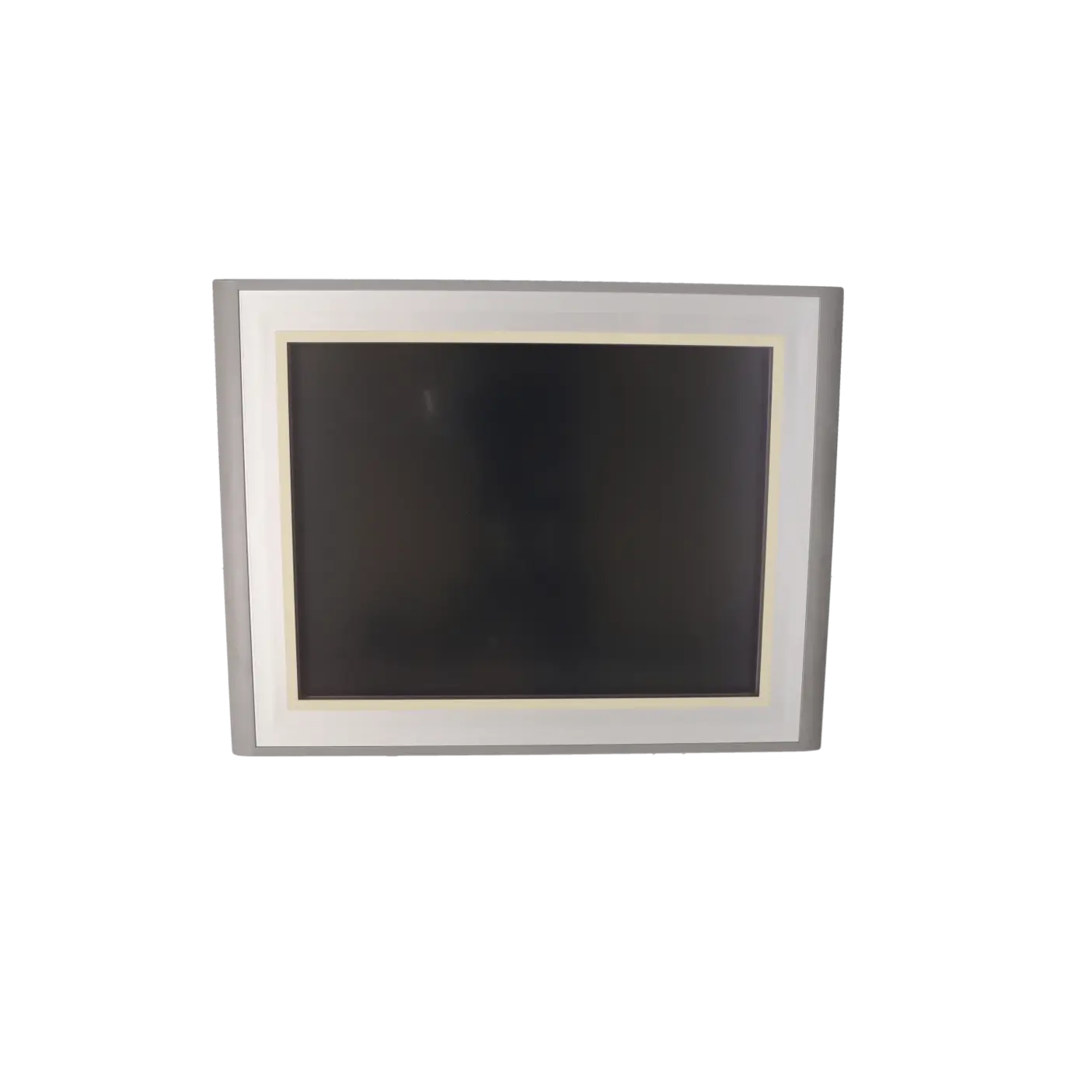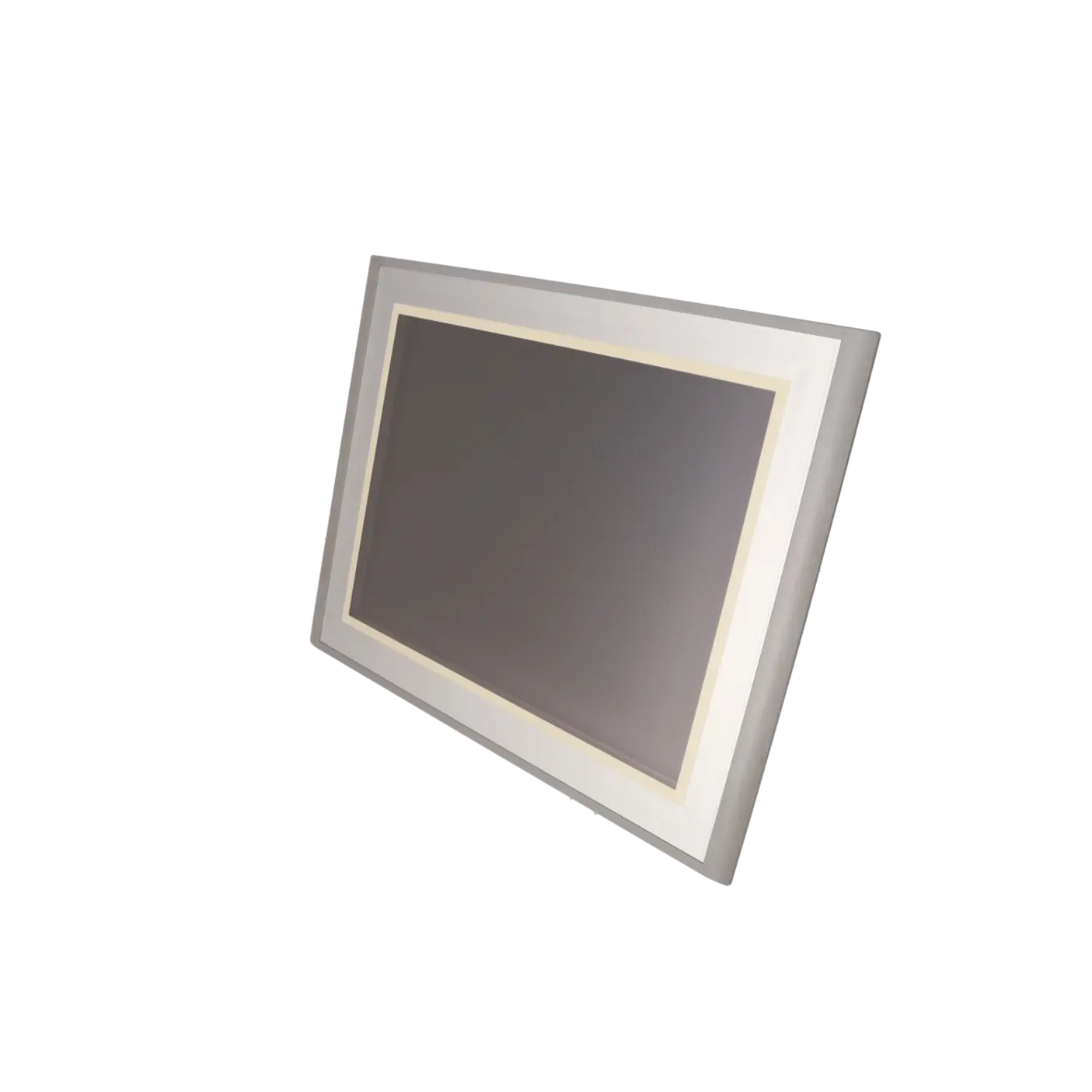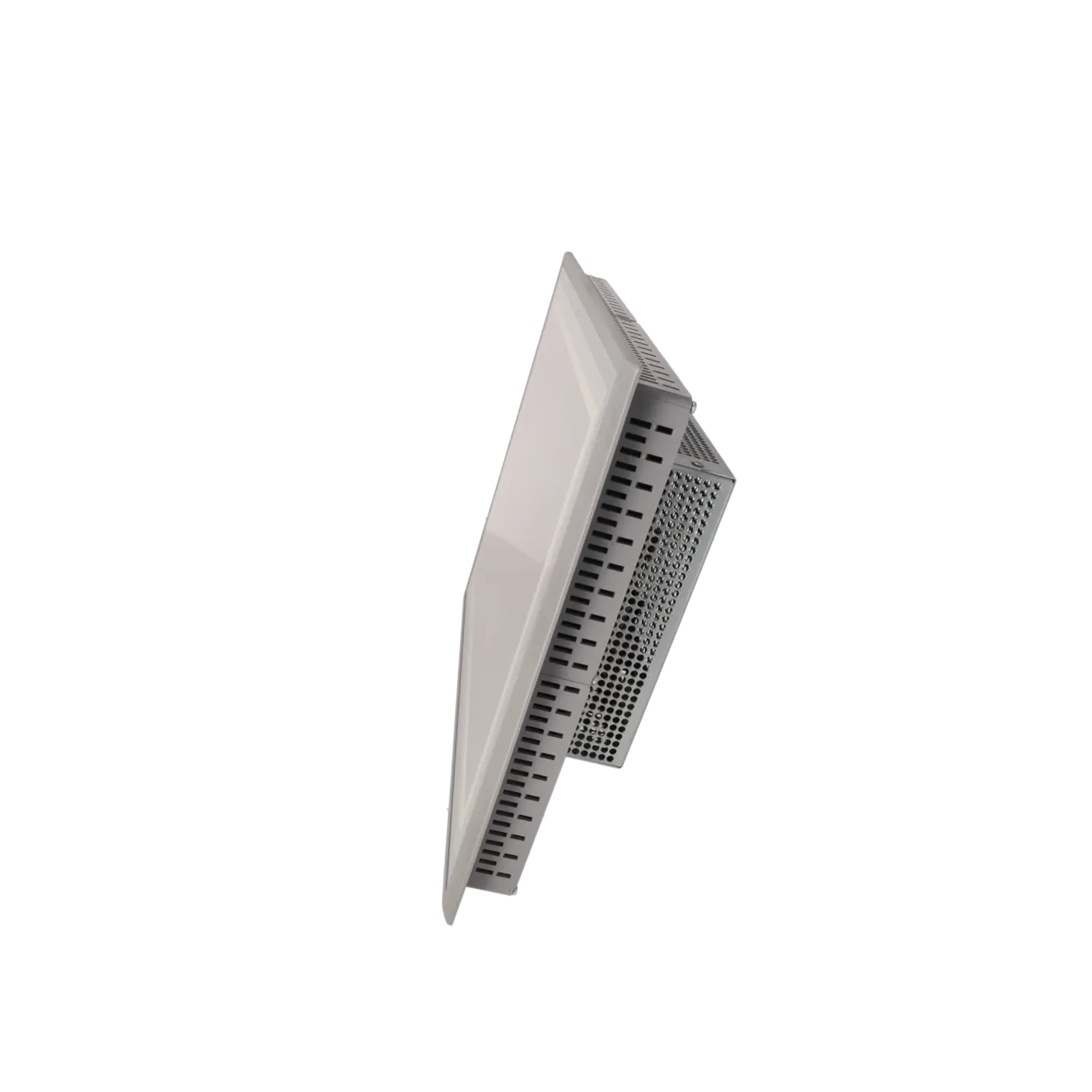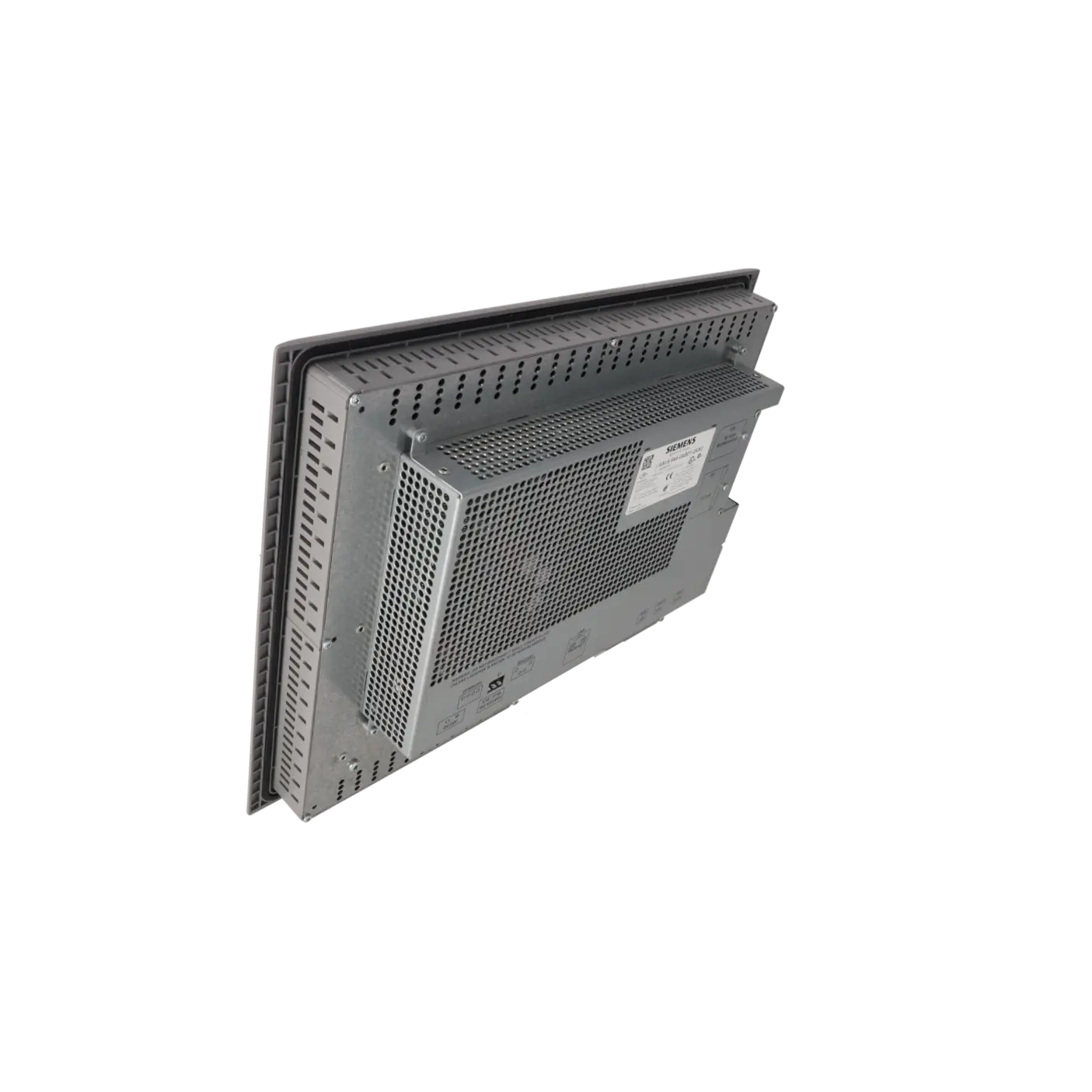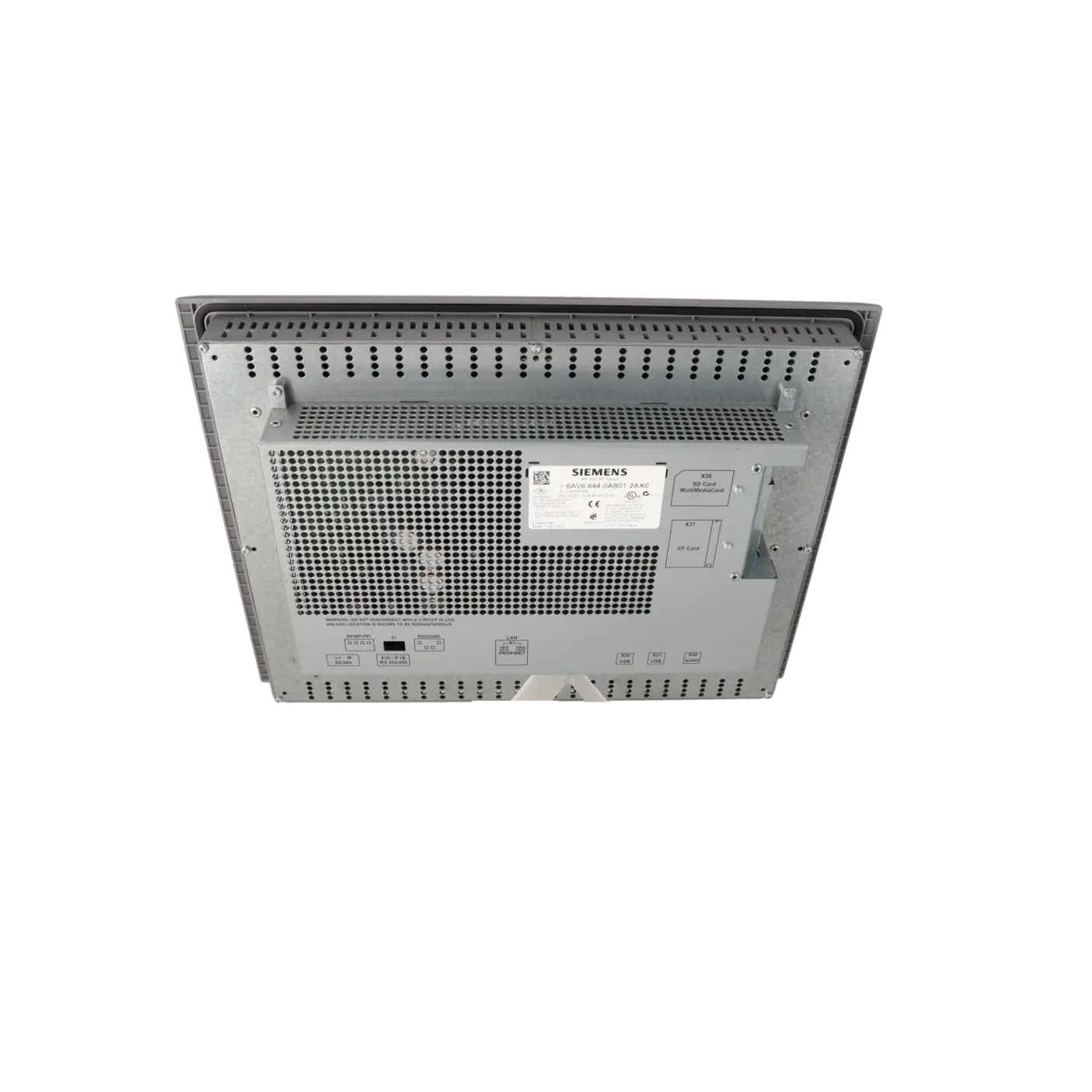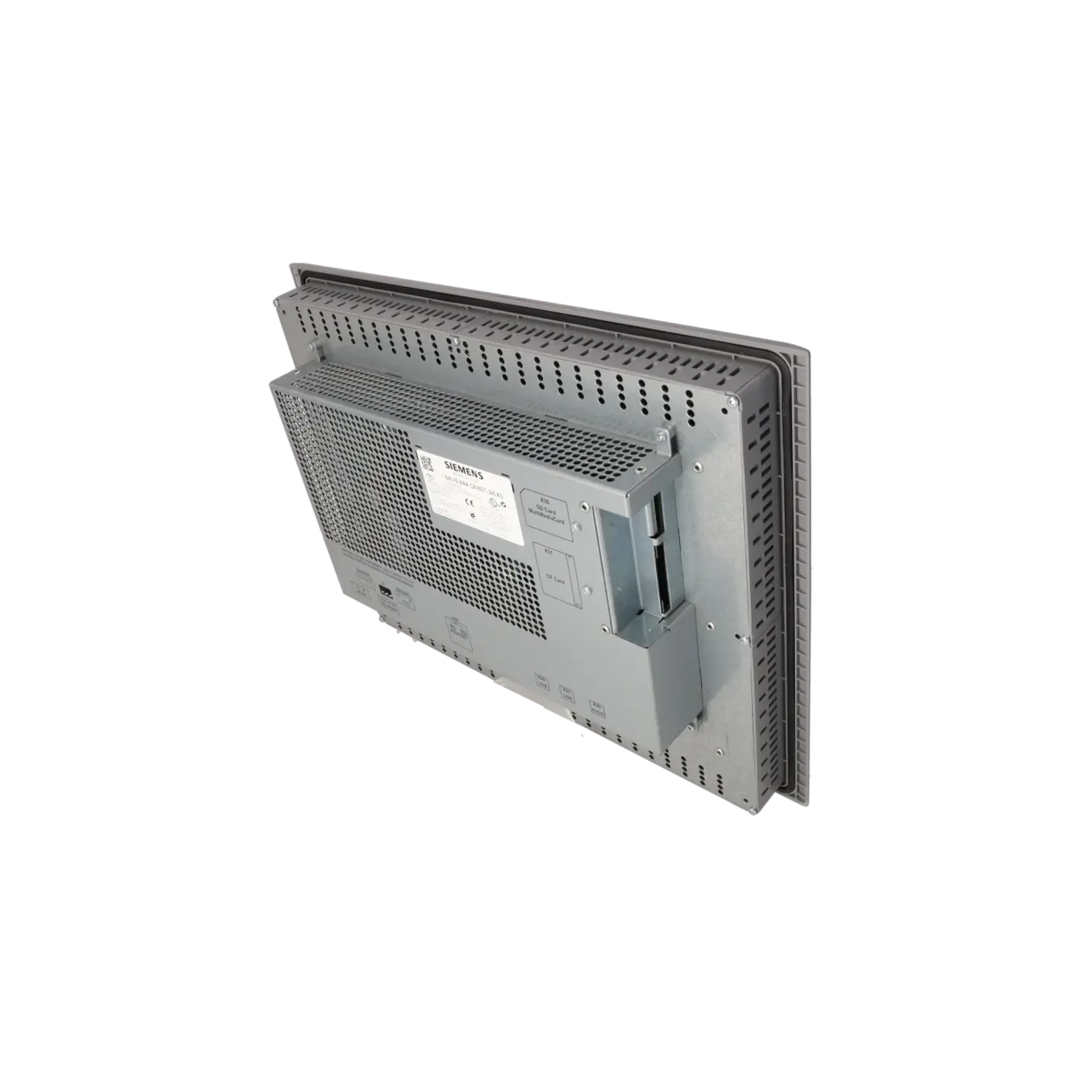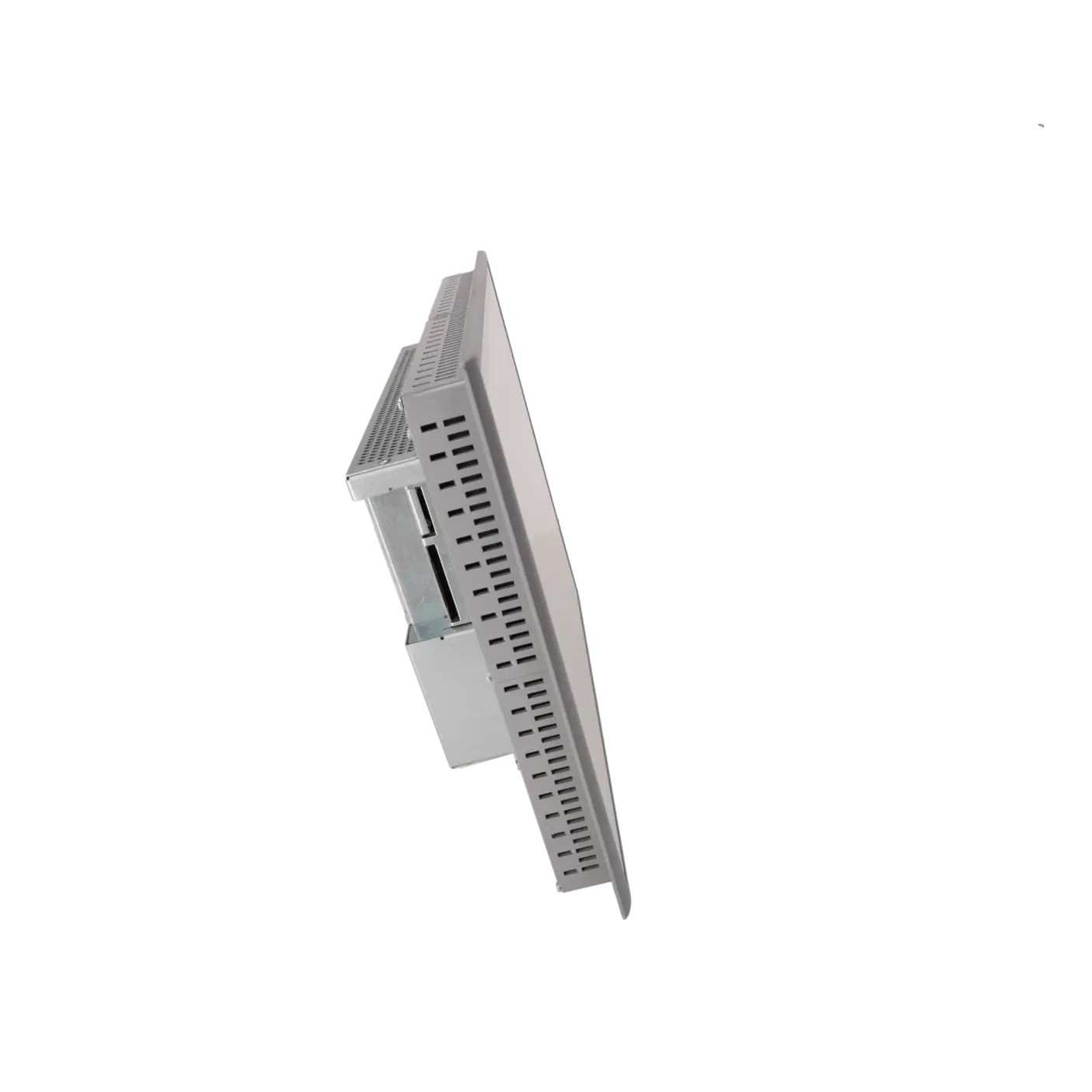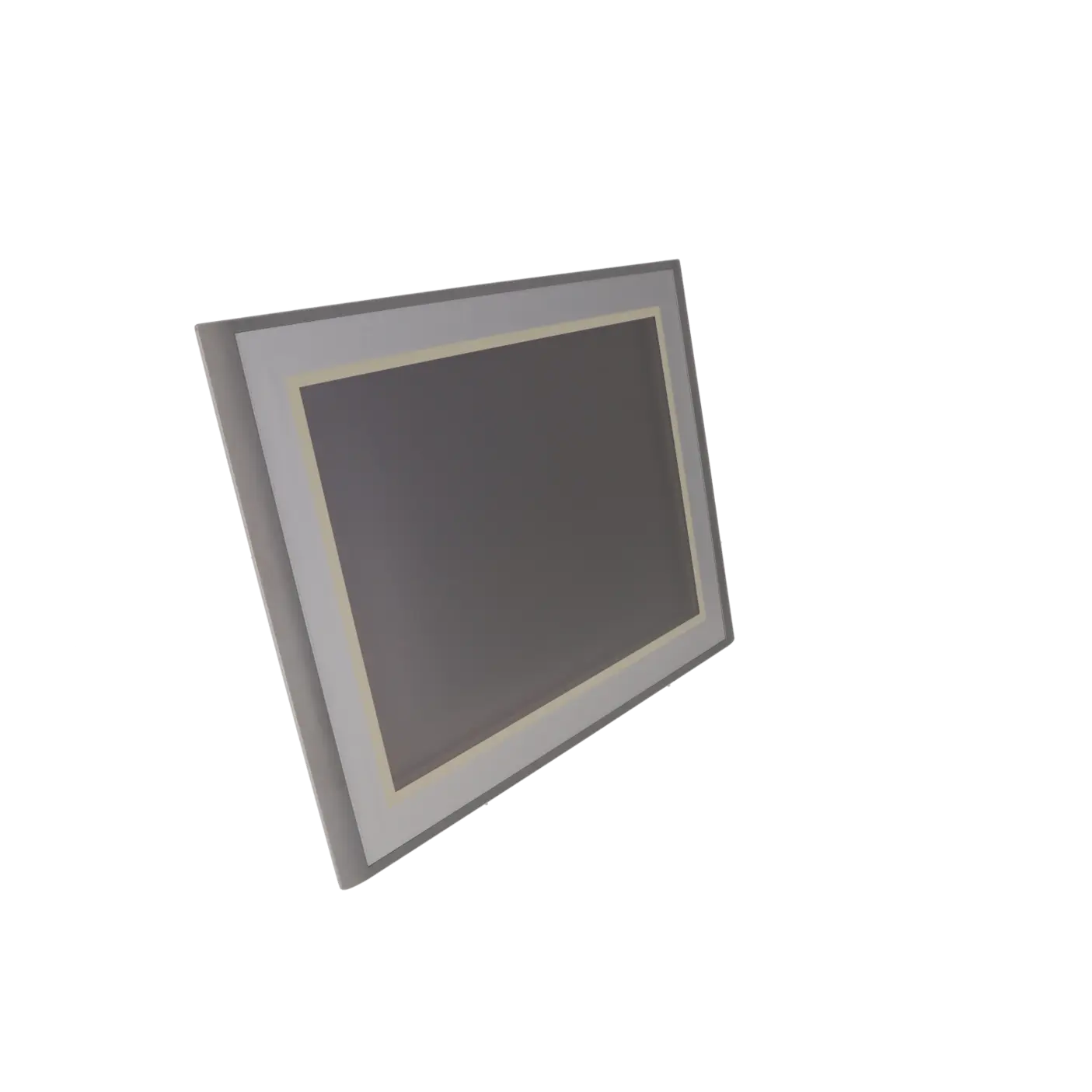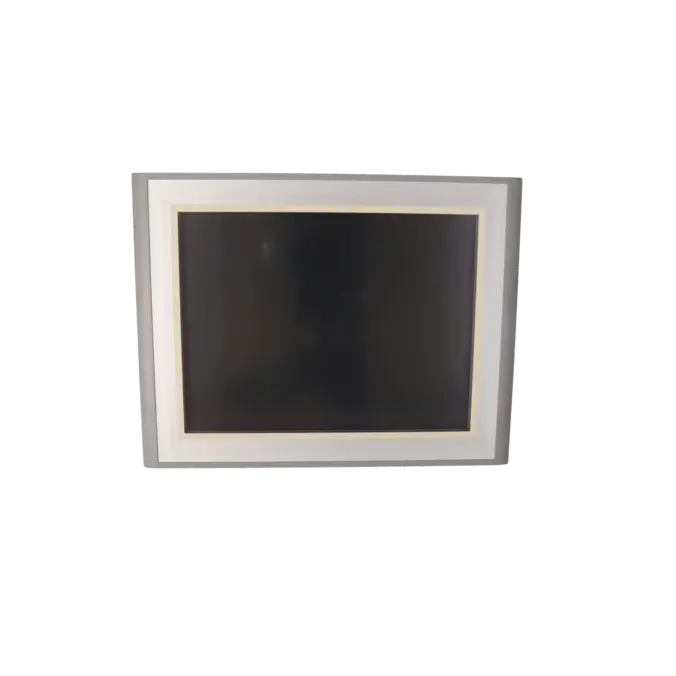
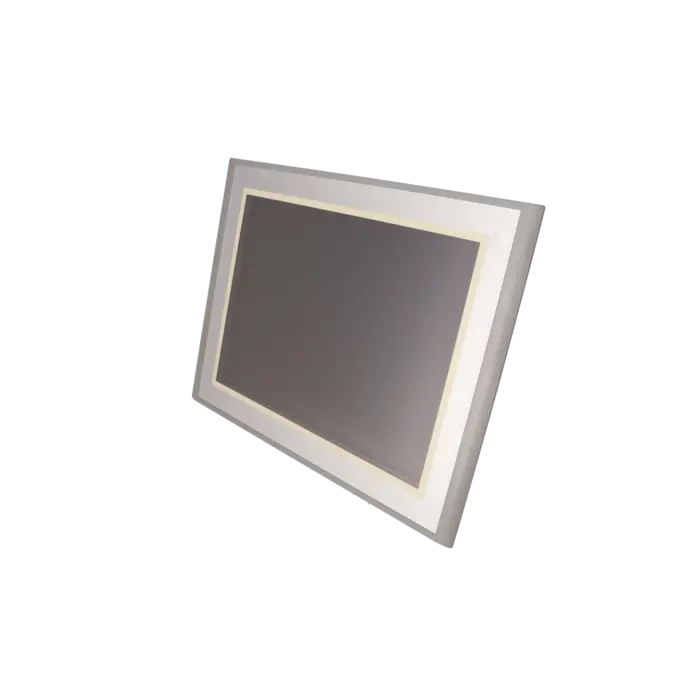
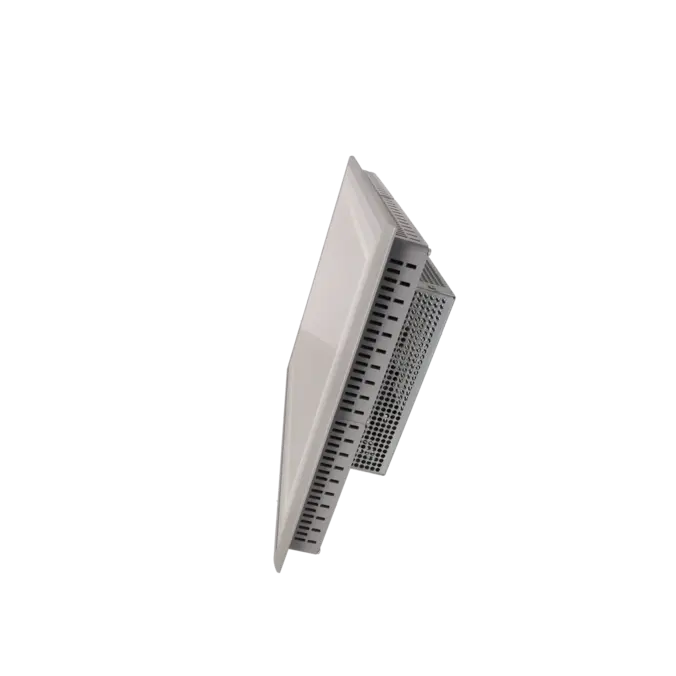
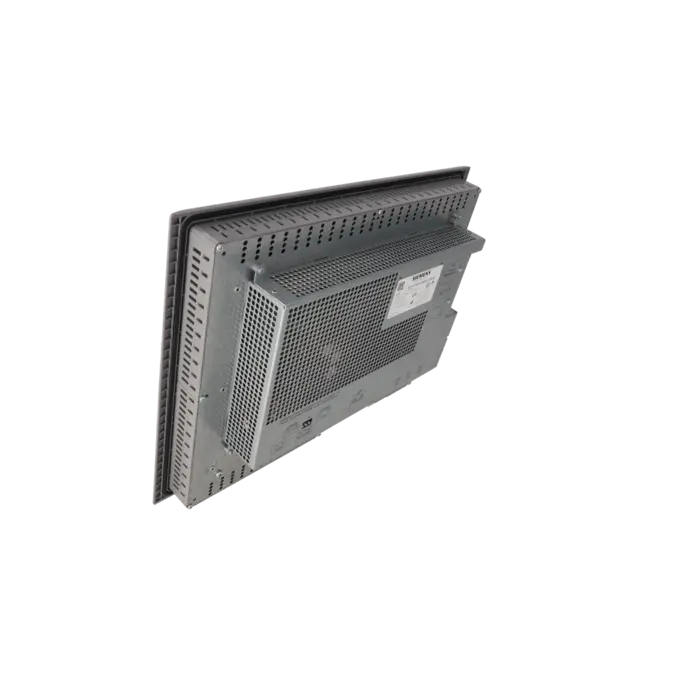
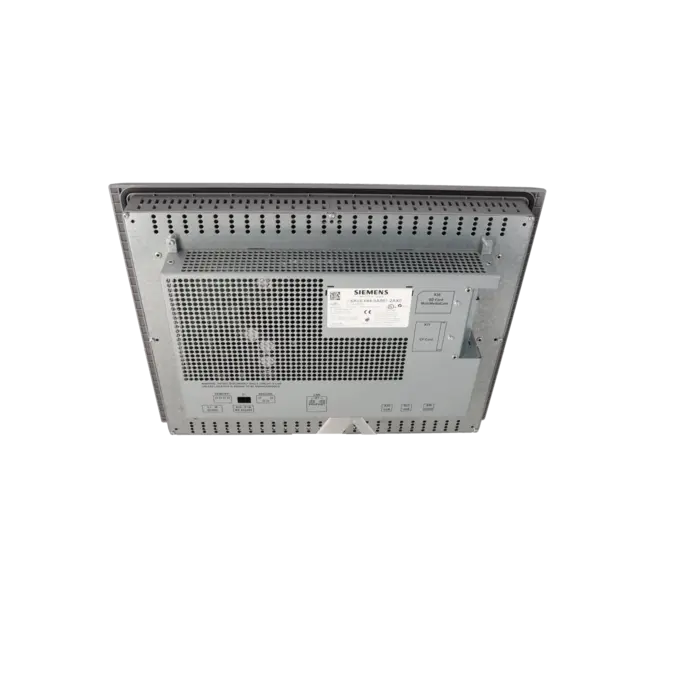
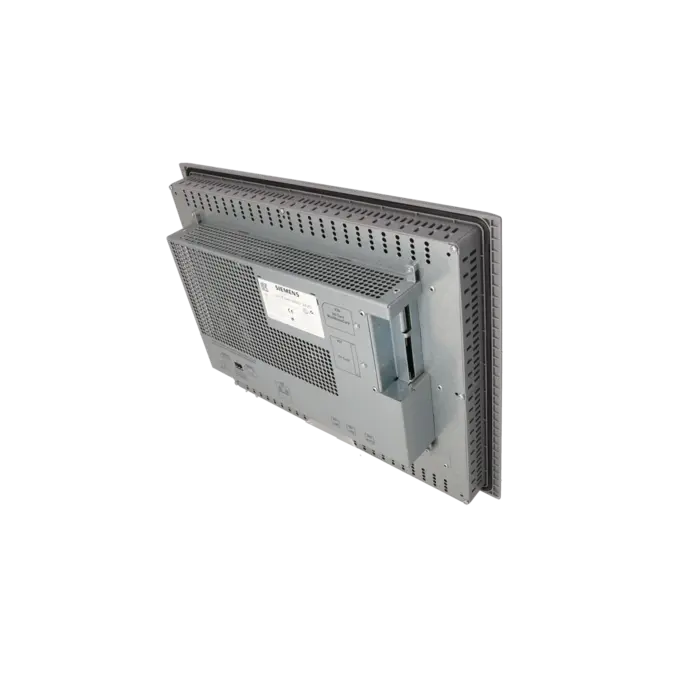
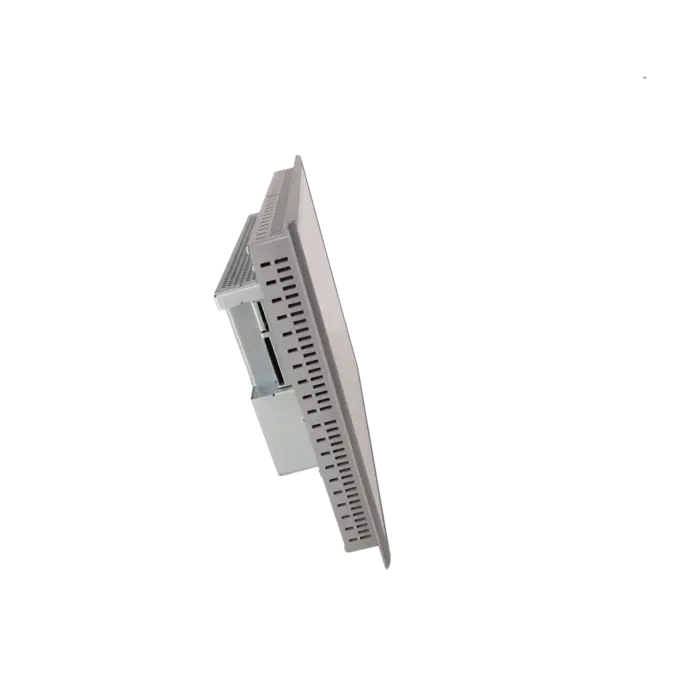
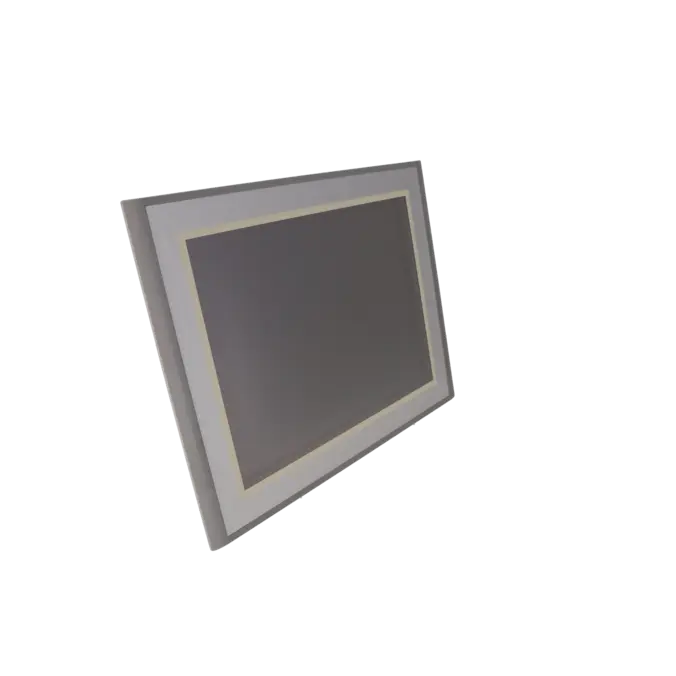




SIEMENS 6AV6644-0AB01-2AX0
-
SIEMENS | HMI | Touch Panels
- EICHLER-art.no.: K0199929
- EAN: 4025515075325
- UPC: 662643396973
Product description
SIMATIC MP 377 15" TOUCH MULTI PANEL, WINDOWS CE 5.0 15" COLOR TFT DISPLAY 12 MB CONFIGURATION MEMORY CONFIGURABLE FROM WINCC FLEXIBLE 2007
Services for SIEMENS 6AV6644-0AB01-2AX0
SIEMENS |
6AV6644-0AB01-2AX0 –
additional product information
| Delivery information | |||
|---|---|---|---|
| Export identifier | AL: N ECCN: 5D002ENCU | ||
| Net weight | 5.66 | ||
| Quantity | 1 Stück | ||
| Packaging quantity | 1 | ||
| Additional product information | |||
|---|---|---|---|
| Product status | |||
| EAN | 4025515075325 | ||
| UPC | 662643396973 | ||
| Static lot number | 85371091 | ||
| List indicator | ST9.80 | ||
| Product group | 4351 | ||
| Country of origin | DE | ||
| Compliance with the substance restrictions according to RoHS directive | Since: 20080331 | ||
| Product classifications | Version | Classification | |
|---|---|---|---|
| eClass | 4 | 27-36-01-02 | |
| eClass | 5.1 | 27-24-23-02 | |
| eClass | 6.0 | 27-24-23-02 | |
| ETIM | 3 | / | |
| ETIM | 4 | EC001412 | |
| ETIM | 5 | EC001412 | |
What is 6AV6644-0AB01-2AX0 and where is it used?
The 6AV6644-0AB01-2AX0 is a Siemens SIMATIC MP 377 15" Touch Multi Panel used for industrial operation, visualisation, and diagnostics. It is designed for demanding HMI applications in machines and plant systems where a large touchscreen interface with stable integration into existing automation systems is required.
It typically appears in production machines, packaging lines, process plants, and retrofit projects, especially where existing HMI systems must continue operating without major mechanical or software redesign.
For maintenance and procurement teams, the exact order number is critical because the device form factor, communication interfaces, and existing project data are tightly coupled to the installed hardware base.
Overview of key technical data and what it means
The panel features a 15-inch TFT display with 65,536 colours and 1024 × 768 resolution (XGA). It uses an analog resistive touchscreen, which is suitable for industrial environments and supports calibration.
For system integration, the MP 377 offers extensive connectivity options including 2× Ethernet (RJ45), RS422, RS485, 2× USB ports, CF card slot, and MMC slot. Supported protocols include PROFINET IO, PROFIBUS, MPI, EtherNet/IP, MODBUS, and TCP/IP.
The front is rated IP65, while the rear is IP20, and the usable application memory is approximately 12 MB. In practice, this makes the device suitable for mixed legacy and modern communication architectures, which is common in long-life industrial installations.
Product status, life cycle status and obsolescence
From a lifecycle perspective, the 6AV6644-0AB01-2AX0 is already in the spare parts phase. Siemens indicates in its documentation that new delivery from factory has been blocked since 01.01.2015.
Additionally, Siemens defines a P.M490 lifecycle milestone with an end date of 01.10.2026, indicating a final phase of product support.
For migration planning, Siemens identifies the SIMATIC HMI TP1900 Comfort (6AV2124-0UC02-0AX0) as a validated successor platform.
This means that for many installed systems, the focus is no longer on new purchase, but on repair, exchange units, refurbished devices, or planned migration strategies to newer HMI generations.
Available EICHLER services and when they are relevant
For this device, EICHLER offers repair, exchange units, refurbished devices, and new units on request. Repair is especially relevant when the existing panel must remain identical in terms of mechanics, project configuration, and machine integration.
According to the service description, repairs include technical cleaning, preventive maintenance, full functional testing, and a minimum 24-month warranty. A test report can also be provided.
Exchange or refurbished units are particularly useful when downtime must be minimised and a ready-to-use replacement is required quickly.
These services are only offered for industrial customers and are designed to ensure continued operation of legacy systems even when manufacturer new supply is no longer available.
| Attribute | Value |
|---|---|
| Product type designation | MP377 15" touch |
| Customer-specific configuration | No |
| Display | |
| Design of display | TFT |
| Screen diagonal | 15 in |
| Color display | Yes |
| Number of colors | 65 536 |
| Resolution (pixels) | |
| ● Horizontal image resolution | 1 024 pixel |
| ● Vertical image resolution | 768 pixel |
| Backlighting | |
| ● MTBF backlighting (at 25 °C) | 50 000 h |
| Control elements | |
| Control elements | Touch screen |
| Keyboard fonts | |
| ● Function keys | |
| — Number of function keys | 0 |
| — Number of function keys with LEDs | 0 |
| ● System keys | No |
| — Number of system keys | 0 |
| ● Numeric keyboard | Yes |
| ● alphanumeric keyboard | Yes |
| ● hexadecimal keyboard | Yes |
| Touch operation | |
| ● Design as touch screen | Yes; analog, resistive |
| Connection type | |
| ● Type of connection for mouse/keyboard/barcode reader | USB / USB / USB |
| Installation type/mounting | |
| maximum permissible angle of inclination without external ventilation | 35° |
| Supply voltage | |
| Type of supply voltage | DC |
| Input current | |
| Current consumption (rated value) | 1.9 A |
| Power | |
| Active power input, typ. | 45.6 W |
| Memory | |
| Type of memory | Flash / RAM |
| Memory available for user data | 12 288 kbyte |
| Time of day | |
| Clock | |
| ● Type | Hardware clock, battery backup, synchronizable |
| ● retentive | Yes |
| ● synchronizable | Yes |
| Interfaces | |
| Interfaces/bus type | 1x RS 422, 1x RS 485, 2x Ethernet (RJ45) |
| Number of industrial Ethernet interfaces | 2 |
| Number of RS 485 interfaces | 1 |
| Number of RS 422 interfaces | 1 |
| Number of USB interfaces | 2; Up to 1 GB respectively |
| CF card slot | 1x CF card slot |
| Multimedia card/SD card slot | 1x Multimedia Card slot, up to 128 MB |
| With software interfaces | No |
| Protocols | |
| Supports protocol for PROFINET IO | Yes |
| PROFIsafe | No |
| PROFIBUS | Yes |
| EtherNet/IP | Yes |
| MPI | Yes |
| Protocols (Ethernet) | |
| ● TCP/IP | Yes |
| Protocols (terminal link) | |
| ● Sm@rtServer | Yes |
| Further protocols | |
| ● MODBUS | Yes |
| EMC | |
| Emission of radio interference acc. to EN 55 011 | |
| ● Limit class A, for use in industrial areas | Yes |
| Degree and class of protection | |
| IP (at the front) | IP65 |
| IP (rear) | IP20 |
| NEMA (front) | NEMA 4, NEMA 12 (when installed) |
| Standards, approvals, certificates | |
| CE mark | Yes |
| UL approval | Yes |
| cULus | Yes |
| Suitable for safety functions | No |
| Use in hazardous areas | |
| ● ATEX Zone 2 | No; certificate no longer available as of 1 October 2020 |
| ● ATEX Zone 22 | No; certificate no longer available as of 1 October 2020 |
| ● FM Class I Division 2 | Yes |
| Ambient conditions | |
| Ambient temperature during operation | |
| ● min. | 0 °C |
| ● max. | 50 °C |
| Ambient temperature during storage/transportation | |
| ● min. | -20 °C |
| ● max. | 60 °C |
| Relative humidity | |
| ● Operation, max. | 90 % |
| Operating systems | |
| pre-installed operating system | Windows CE |
| Configuration | |
| Message indicator | Yes |
| Alarm system (incl. buffer and acknowledgment) | Yes |
| Process value display (output) | Yes |
| Process value default (input) possible | Yes |
| Recipe management | Yes |
| Configuration software | |
| ● Configuration tool | WinCC flexible Standard Version 2007 or higher (to be ordered separately) |
| ● STEP 7 Basic (TIA Portal) | No |
| ● STEP 7 Professional (TIA Portal) | No |
| ● WinCC flexible Compact | No |
| ● WinCC flexible Standard | Yes |
| ● WinCC flexible Advanced | Yes |
| ● WinCC Basic (TIA Portal) | No |
| ● WinCC Comfort (TIA Portal) | Yes |
| ● WinCC Advanced (TIA Portal) | Yes |
| ● WinCC Professional (TIA Portal) | Yes |
| Languages | |
| Online languages | |
| ● Number of online/runtime languages | 16 |
| Project languages | |
| ● Languages per project | 32 |
| Functionality under WinCC (TIA Portal) | |
| Libraries | Yes |
| Task planner | Yes |
| Help system | Yes |
| ● Number of characters per info text | 70 |
| Message system | |
| ● Number of alarm classes | 32 |
| ● Number of messages | 4 000 |
| ● Bit messages | Yes |
| — Number of bit messages | 4 000 |
| ● Analog messages | Yes |
| — Number of analog messages | 200 |
| ● Telegram message procedure Alarm S | Yes |
| ● System messages HMI | Yes |
| ● System messages PLC | Yes |
| ● System event, more (SIMATIC S7, SINUMERIK, SIMOTION, ... ) | Yes |
| ● Lines | 1 |
| ● Number of characters per message | 80 |
| ● Number of process values per message | 8 |
| ● Message indicator | Yes |
| ● First/last value | Yes |
| Recipe management | |
| ● Number of recipes | 500 |
| ● Data records per recipe | 1 000 |
| ● Entries per data record | 1 000 |
| ● Recipe memory | 128 KB integrated Flash, expandable |
| Variables | |
| ● Number of variables per device | 4 096; Configuration with WinCC flexible 2008 and higher |
| ● Number of variables per screen | 400 |
| ● Number of variables | 2 000 |
| ● Initial values | 2 048 |
| ● Type Date & Time | 2 048 |
| ● Limit values | Yes |
| ● Multiplexing | Yes |
| ● Structures | Yes |
| Images | |
| ● Number of configurable images | 500 |
| ● Permanent window/default | Yes |
| ● Start screen configurable | Yes |
| ● Image selection by PLC | Yes |
| ● Image number in the PLC | Yes |
| Image objects | |
| ● Text objects | 30 000 text elements |
| ● Number of I/O fields per image | 400 |
| ● Number of date/time fields | 400 |
| ● Return | Yes |
| ● Graphics object | Bit maps, icons, vector graphics |
| — Icons | 2 000 |
| Complex image objects | |
| ● Status/control | With SIMATIC S7 |
| ● dynamic objects | Diagrams, bar graphs, sliders, analog display, invisible buttons |
| — Number of objects per project | 2 000 |
| — Number of curve diagrams per image | 20 |
| ● Methods | Trend / profile |
| ● Bar graphs | |
| — Number of bars per chart | 20 |
| ● Sliders | |
| — Number of slides per image | 20 |
| ● Pointer instruments | |
| — Number of analog indicators per image | 20 |
| ● Limit value lines | Yes |
| ● Number of alphanumerical fields | 300 |
| — alphanumeric fields per image | 400 |
| ● Number of numerical fields | 2 048 |
| — numerical fields per image | 400 |
| ● Number of password fields | 2 048 |
| ● Number of visible switches per project | 400 |
| — visible switches per image | 400 |
| — hidden switches per image | 400 |
| ● Number of status switches per project | 400 |
| — Number of status switches per image | 400 |
| ● Number of selector switches per project | 400 |
| — Selector switches per image | 400 |
| ● Number of signal lamps per project | 400 |
| — Signal lamps per image | 400 |
| Attributes for dynamic objects | |
| ● Color change | Yes |
| ● X/Y movement | Yes |
| ● Hide | Yes |
| Lists | |
| ● Number of text lists per project | 500 |
| ● Number of text lists per image | 400 |
| ● Number of entries per text list | 256 |
| ● Number of graphics lists per project | 500 |
| ● Number of graphic lists per image | 400 |
| ● Number of entries per graphics list | 256 |
| Archiving | |
| ● Number of archives per device | 50 |
| ● Number of measuring points per project | 50 |
| ● Number of entries per archive | 50 000 |
| ● Message archive | Yes |
| ● Process value archive | Yes |
| ● Archiving methods | Sequential log, circular log, alarm log, process value archive |
| — Sequential archive | Yes |
| — Short-term archive | Yes |
| ● Memory location | CF card, SD/MMC card, Ethernet, USB memory stick |
| — CF card | Yes |
| — Ethernet | Yes |
| ● Data storage format | CSV file, readable, e.g. with MS Excel, MS Access |
| — CSV | Yes |
| ● external evaluation | readable, e.g. with MS Excel, MS Access, etc. |
| ● Size of archive | depending on free memory on ext. card/stick or on free hard disk space via network drive |
| ● Online evaluation | via trends |
| — using trend curves | Yes |
| Filters | |
| ● cyclic | Yes |
| ● Tolerance | Yes |
| ● Change | Yes |
| Security | |
| ● Number of user groups | 50 |
| ● Number of user rights | 32 |
| ● Password export/import | Yes |
| Data carrier support | |
| ● CF card | Yes |
| ● Hard disk | Yes |
| Logging through printer | |
| ● Recording/Printing | Alarms, report (shift report), color print, hardcopy |
| Transfer (upload/download) | |
| ● Transfer of configuration | MPI/PROFIBUS DP, serial, USB, Ethernet, by means of external storage medium, automatic transfer recognition |
| Process coupling | |
| ● Connection to controller | S5, S7-200, S7-300/400, TI 505, Win AC, PC (TCP/IP), SINUMERIK, SIMOTION, Allen Bradley (DF1), Allen Bradley (DF485), Mitsubishi (FX), OMRON (LINK/Multilink), Modicon (Modbus), further non-Siemens drivers, see chapter "System interfaces" |
| ● S7-1200 | Yes |
| ● S7-1500 | Yes |
| ● S7-200 | Yes |
| — PPI (point-to-point) | Yes |
| — PPI network | Yes |
| — MPI | Yes |
| — PROFIBUS DP | Yes |
| ● S7-300/400 | Yes |
| — MPI | Yes |
| — PROFIBUS DP | Yes |
| — PROFINET | Yes |
| ● S5 | Yes |
| — PROFIBUS DP | Yes |
| ● TI 505 | Yes |
| ● Allen Bradley (DF1) | Yes |
| ● Allen Bradley (DF485) | Yes |
| ● Mitsubishi (FX) | Yes |
| ● Mitsubishi (MP4) | Yes |
| ● Telemecanique (Uni-Telway) | Yes |
| ● OMRON (LINK/Multilink) | Yes |
| ● Modicon (Modbus) | Yes |
| ● GE-Fanuc (SNP) | Yes |
| Functions | |
| ● TAB sequence | Yes |
| ● Calculating functions | Yes |
| ● Animate | Yes |
| Service tools/configuration aids | |
| ● Clean screen | Yes |
| ● Touch calibration | Yes |
| ● Backup/Restore manually | Yes |
| ● Simulation | Yes |
| ● Device switchover | Yes |
| ● Delta transfer | Yes |
| ● Monitoring function for battery and memory | Yes |
| Expandability/openness | |
| ● Open Platform Program | Yes |
| Peripherals/Options | |
| Peripherals | Printer, card reader, barcode reader |
| SIMATIC HMI MM memory card: Multi Media Card | Yes |
| SIMATIC HMI SD memory card: Secure Digital memory card | Yes |
| USB memory | Yes |
| Additional software components loadable | Yes |
| Dimensions | |
| Width of the housing front | 400 mm |
| Height of housing front | 310 mm |
| Mounting cutout, width | 367 mm |
| Mounting cutout, height | 289 mm |
| mounting depth | 72 mm |
| Weights | |
| Weight (without packaging) | 4.7 kg |
| Fault description | Possible solution |
|---|---|
| Why can I not connect to the MP 377 or transfer a project? | First check whether the panel is in transfer mode and whether transfer type, address, cable connection, connectors, and PG/PC interface are correctly configured. Siemens explicitly lists these as key checks. In addition, the OS/image version must match the engineering version used in WinCC flexible. If changes were made to the MPI/DP baud rate, the panel must be restarted. For transferring images or projects, Siemens states that the PC Adapter MPI/PROFIBUS is not approved for this purpose. |
| Why does the transfer on the MP 377 stop at around 90%? | Check the device status, the transfer setting on the panel, and the version of WinCC flexible or the installed image. In practical cases involving the MP 377, transfer failures at around 90% were resolved by aligning the WinCC flexible version and correcting the download/transfer settings. A consistent check of project version, OS level, and transfer path is the most effective first step. |
| Why does the touchscreen respond inaccurately or not at all? | Perform a touch calibration via Control Panel > OP > Touch. Siemens explicitly recommends recalibration before or after an OS update or recommissioning. For cleaning and operation, the touchscreen should only be cleaned when the system is in a locked state. If the touch is offset after a restore or OS update, recalibration is usually the first and most effective corrective action. |
| Why does backup/restore fail with “not_allow” or incompatible backup? | This message typically indicates that the backup file, OS version, and hardware configuration do not match. Verify that the backup originates from a compatible MP 377 device and that the OS version on the target device is correct. If necessary, the correct image must be loaded first before repeating the restore. The correct image path in ProSave should also be checked. |
| Why are recipes, user data, or licences missing after an OS update? | Siemens states that an OS update deletes all data on the HMI device. Therefore, users, recipes, and licences must be backed up before performing the update. For the MP 377 series, licence keys can be included in a full backup, but a dedicated licence backup is still recommended. After a restore or factory reset, the project must be downloaded again and verified. |
Is 6AV6644-0AB01-2AX0 still available as a new unit from the manufacturer?
Siemens lists the 6AV6644-0AB01-2AX0 in its current datasheet as a spare part. It is also stated that new deliveries from the factory have been blocked since 01.01.2015.
For operators this means that procurement is no longer based on standard new production supply, but typically relies on repair, exchange units, refurbished stock, or planned migration strategies. This is also reflected on the EICHLER service side, where repair, exchange, used units, and new-on-request options are provided.
Which Siemens successor is specified for the MP 377 15" Touch?
In Siemens’ official migration guidance, the TP1900 Comfort (6AV2124-0UC02-0AX0) is named as the successor platform for the MP 377 15" Touch.
For operators, this should not be seen as a simple one-to-one replacement, but as a migration path. Especially in established systems, the project structure, screen design, operating concept, and cabinet integration should be reviewed in advance to avoid unexpected commissioning risks.
Which software is required to engineer 6AV6644-0AB01-2AX0?
According to Siemens, the device can be engineered using WinCC flexible Standard from version 2007 onwards. The datasheet also references compatibility within the WinCC Comfort, WinCC Advanced, and WinCC Professional environment.
In legacy systems, the key issue is not only software availability, but ensuring consistency between engineering version, OS image, and existing project data. Version mismatches are a common cause of transfer and restore issues in older panels.
Which interfaces and protocols are most relevant in legacy installations?
The MP 377 is particularly relevant in retrofit environments because it combines multiple communication technologies in one device. Siemens specifies 2× Ethernet, RS422, RS485, USB, CF card slot, and MMC slot, along with support for PROFINET IO, PROFIBUS, MPI, EtherNet/IP, MODBUS, and TCP/IP.
This makes the panel suitable for mixed environments where legacy PLC systems and modern network infrastructure coexist.
When is repair more suitable than replacement or refurbished units?
Repair is typically the better option when the panel is mechanically and electrically compatible with the machine and the existing project must remain unchanged, allowing a fast return to operation without engineering effort.
Exchange or refurbished units are more suitable when downtime must be minimized and immediate replacement is required without troubleshooting the original device.
According to EICHLER service information, repair includes cleaning, preventive maintenance, full functional testing, and a minimum 24-month warranty. This is particularly relevant for operators aiming to reduce downtime and manage obsolescence risks in a controlled way.
What should be considered in the spare parts and obsolescence strategy?
For this device, operators should no longer rely on ad-hoc procurement. Siemens documents its spare-part status, the blocked new delivery since 01.01.2015, and a lifecycle end target (P.M490) of 01.10.2026. At the same time, the TP1900 Comfort is defined as the successor platform.
This leads to a practical strategy combining project backup, repair feasibility, short-term replacement options, and planned migration before a time-critical failure occurs.