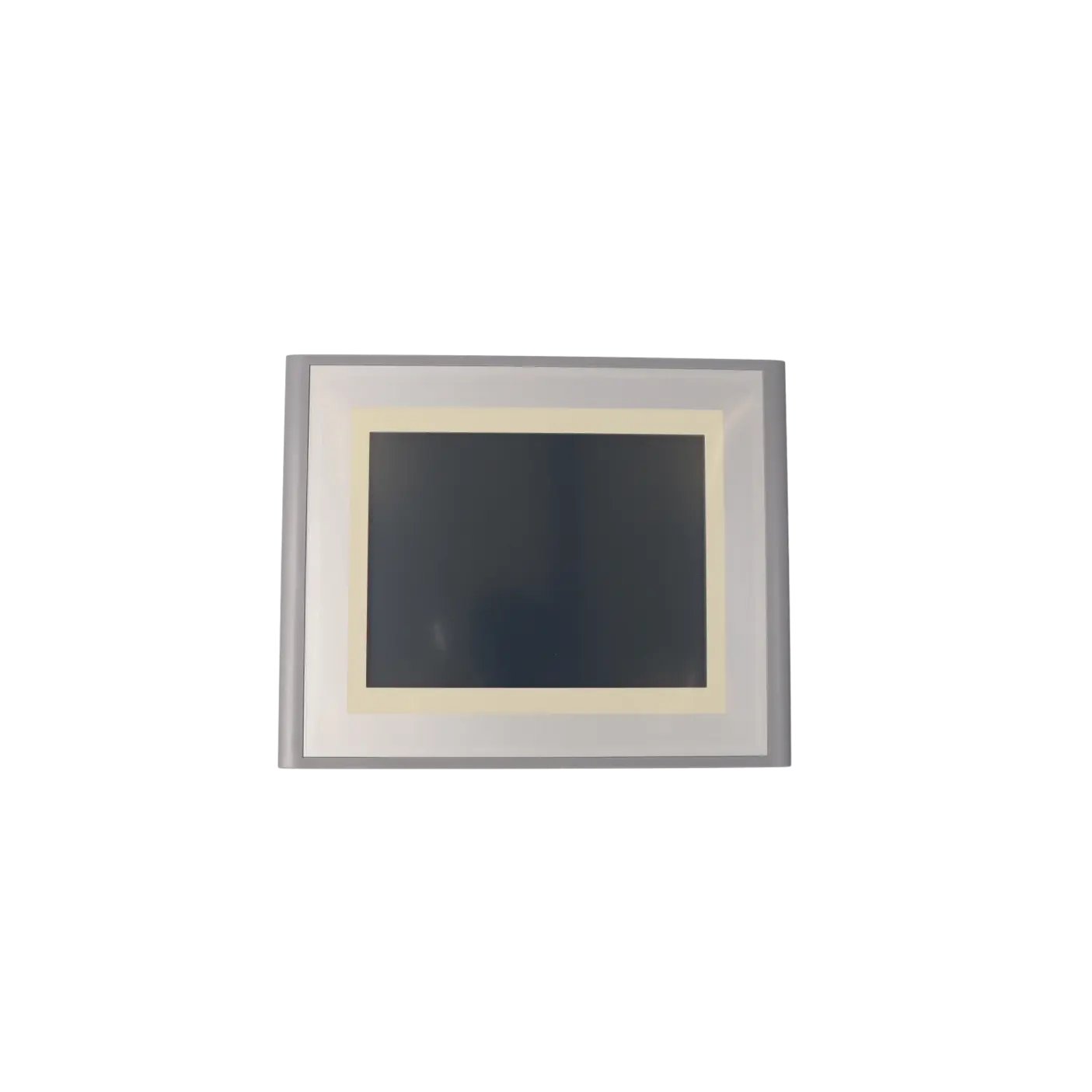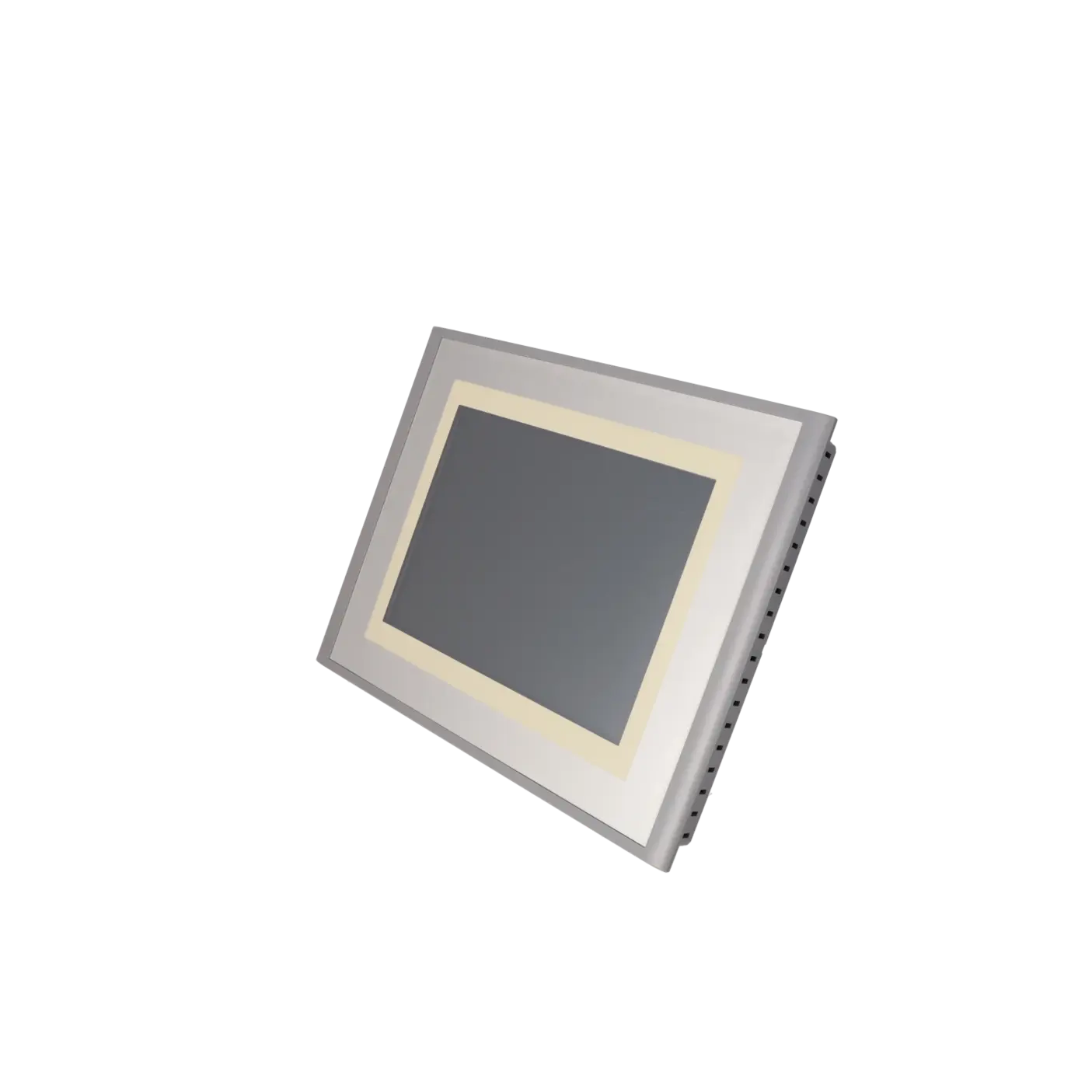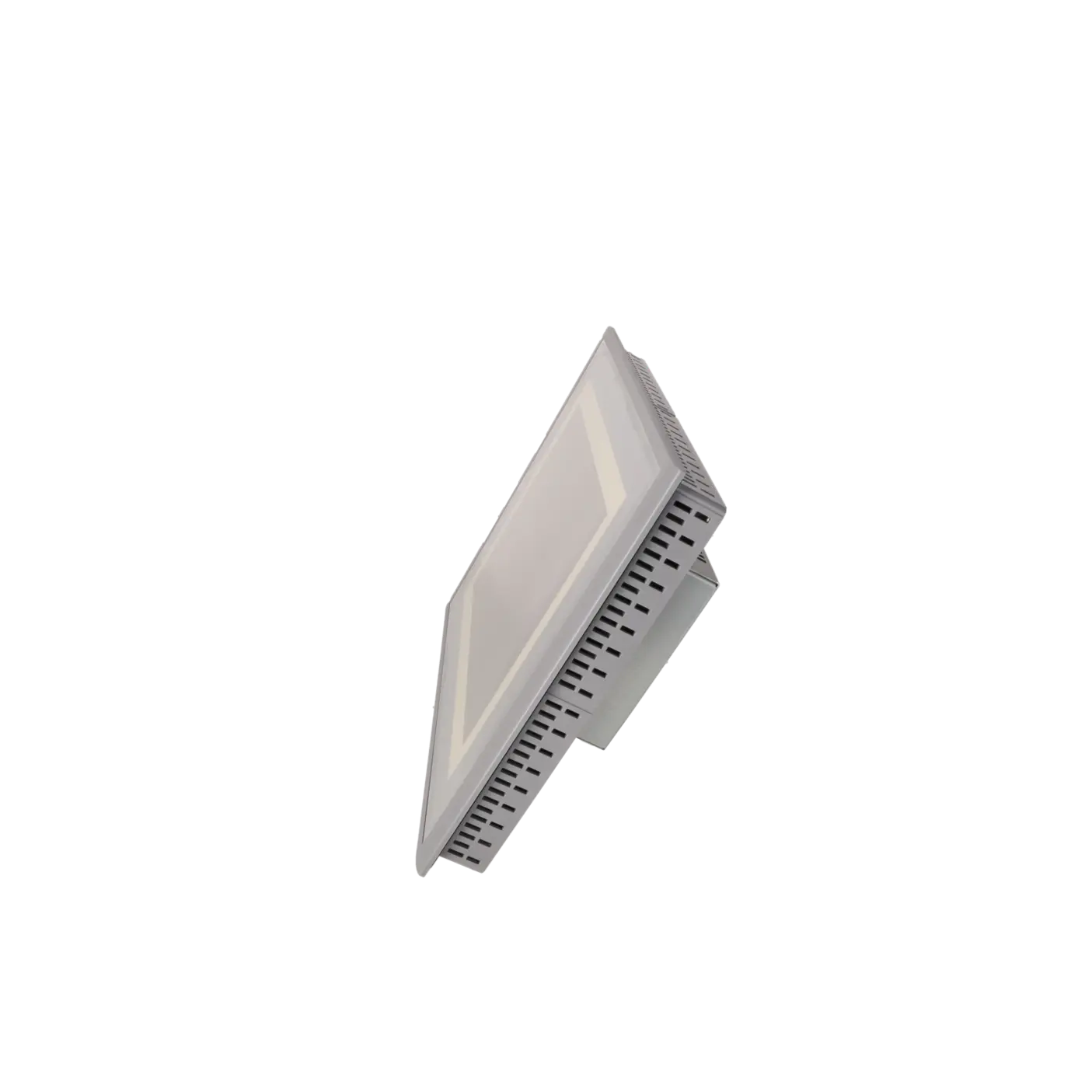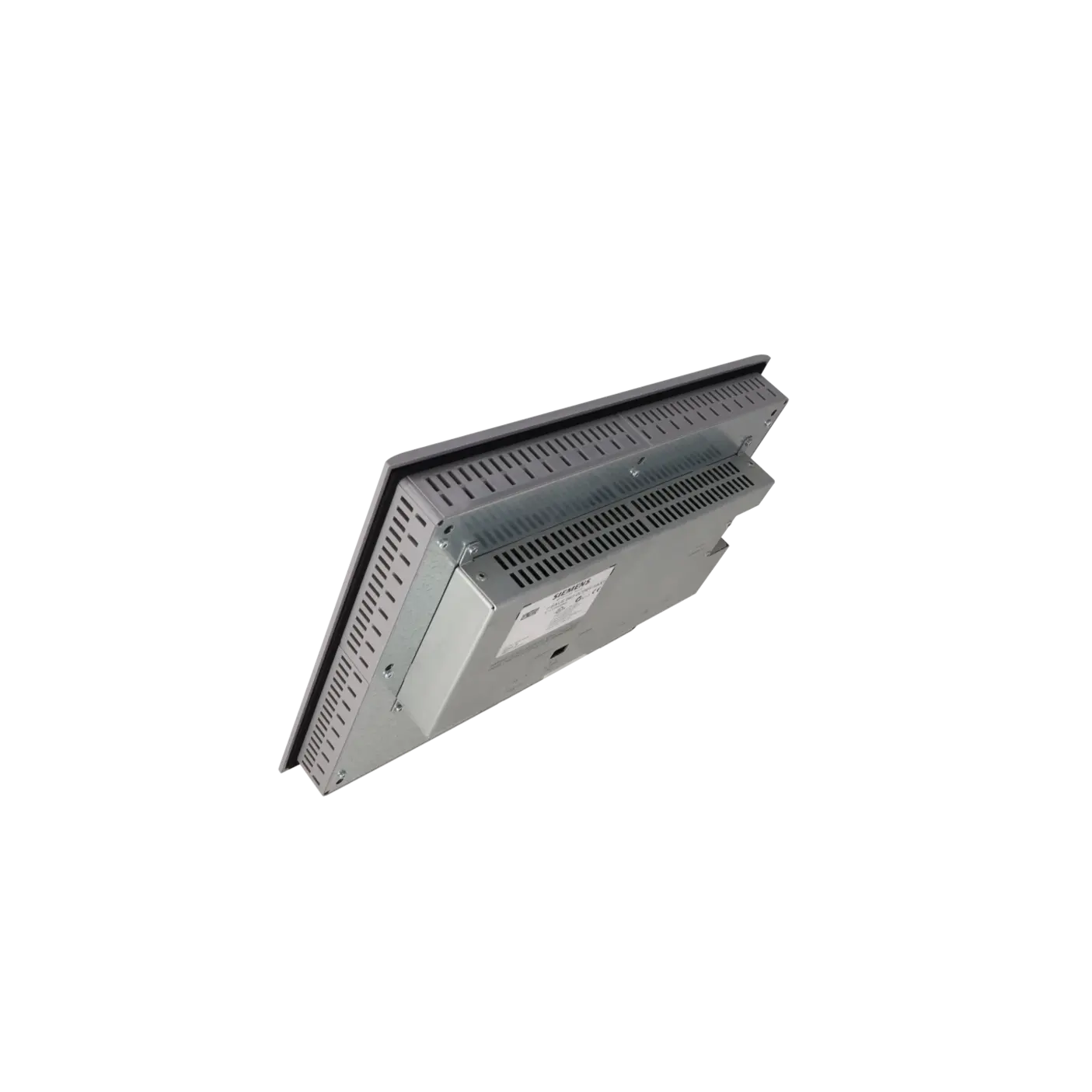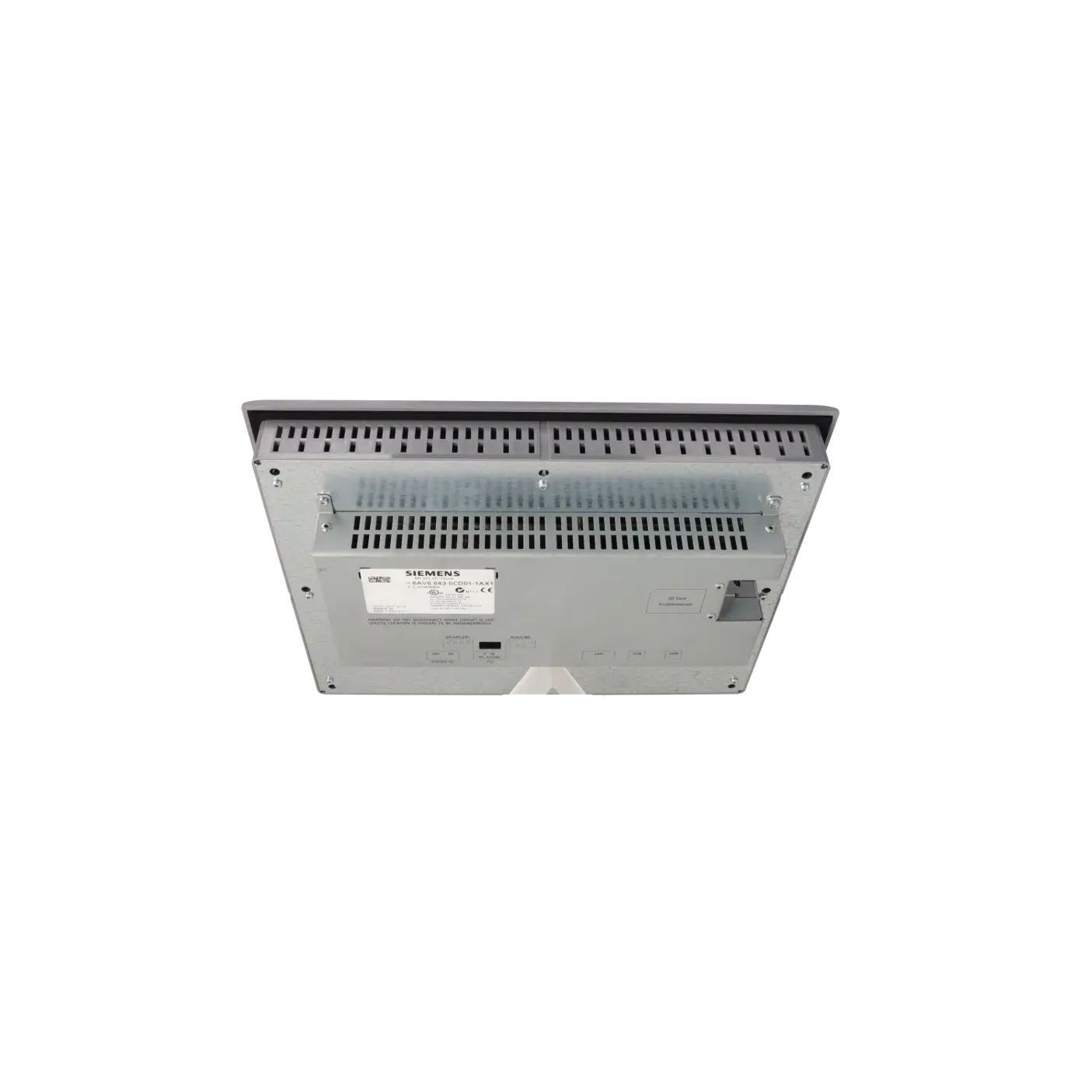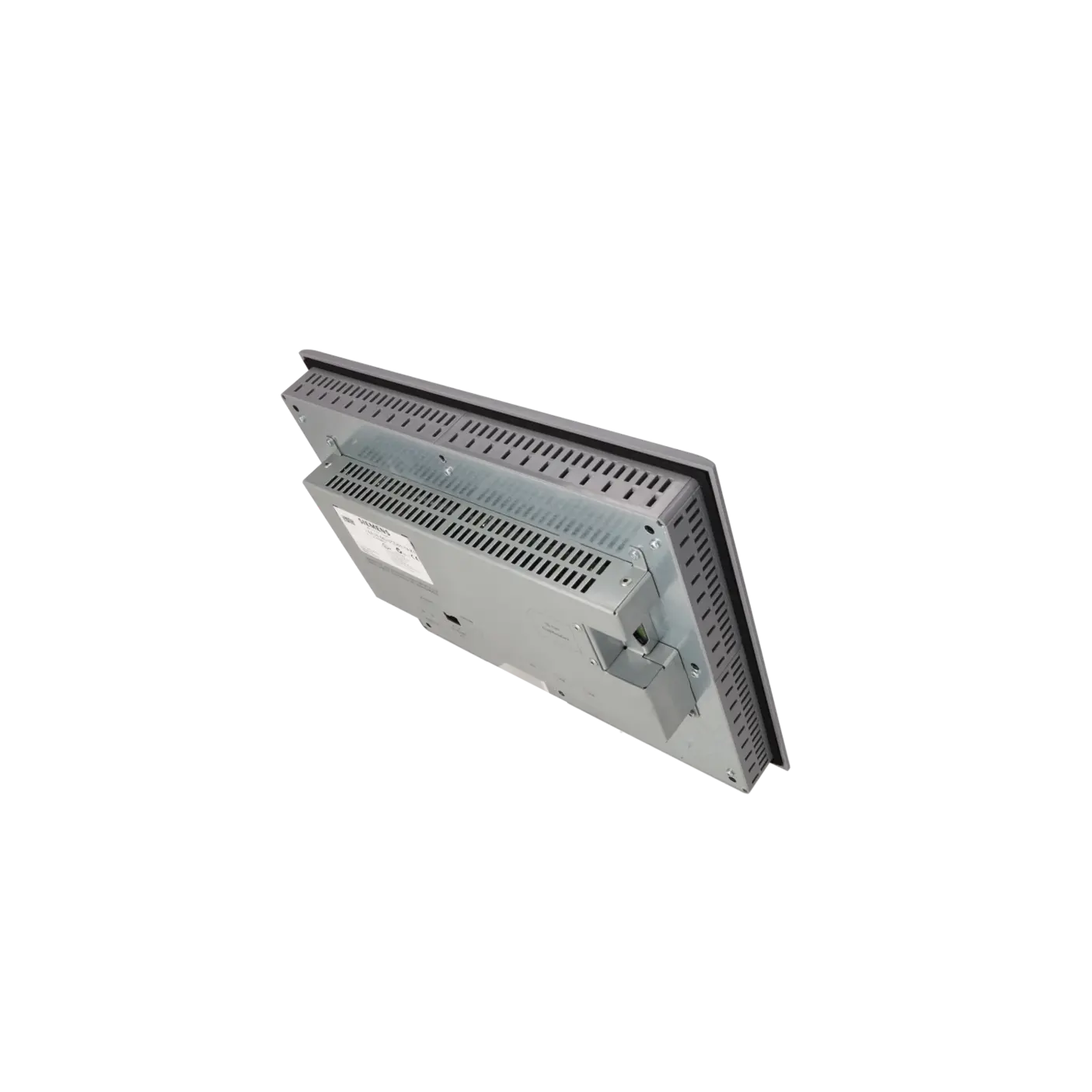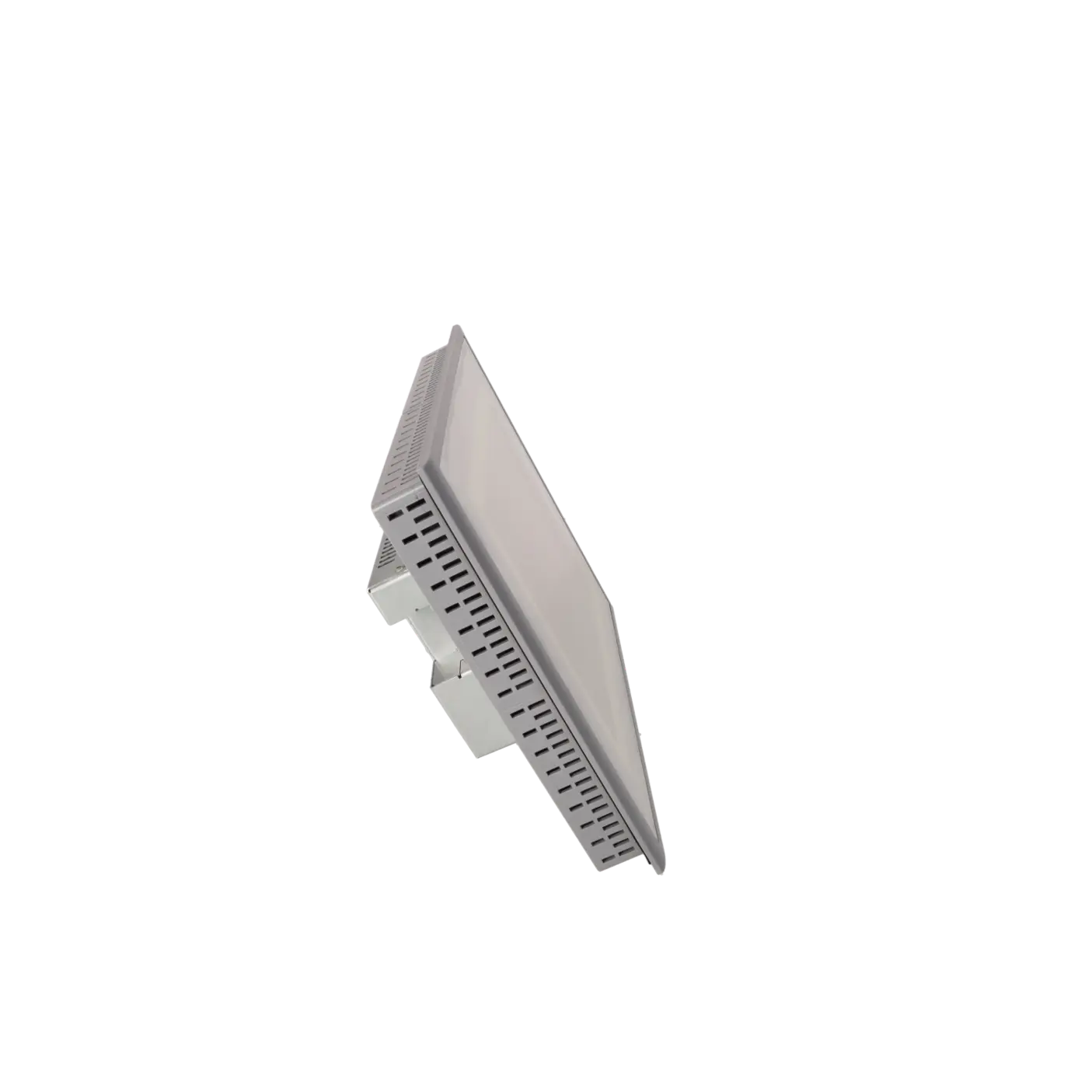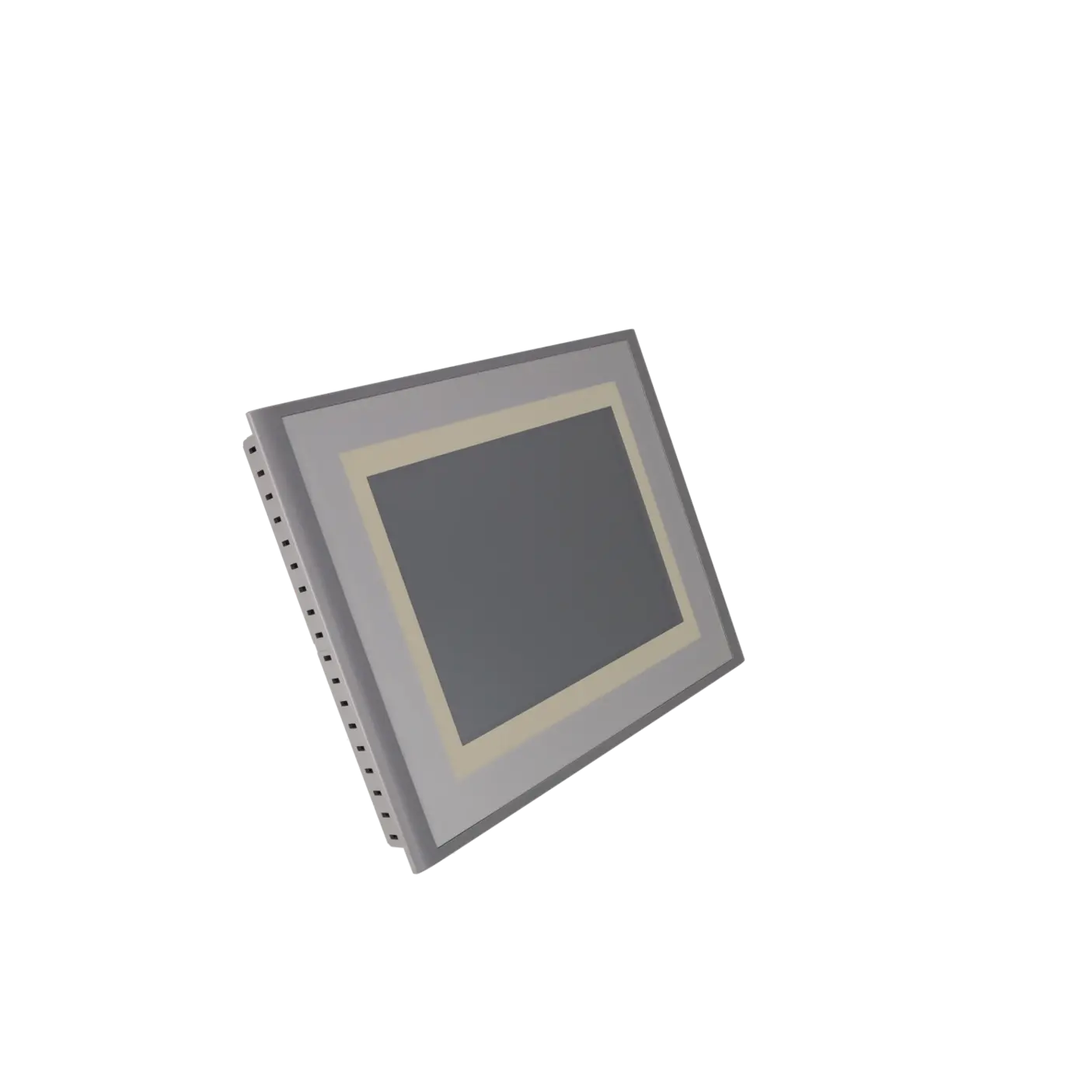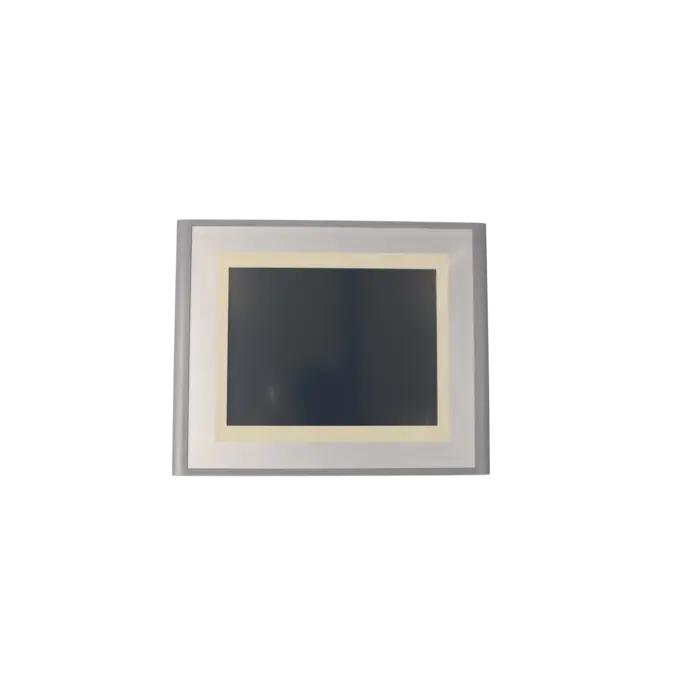
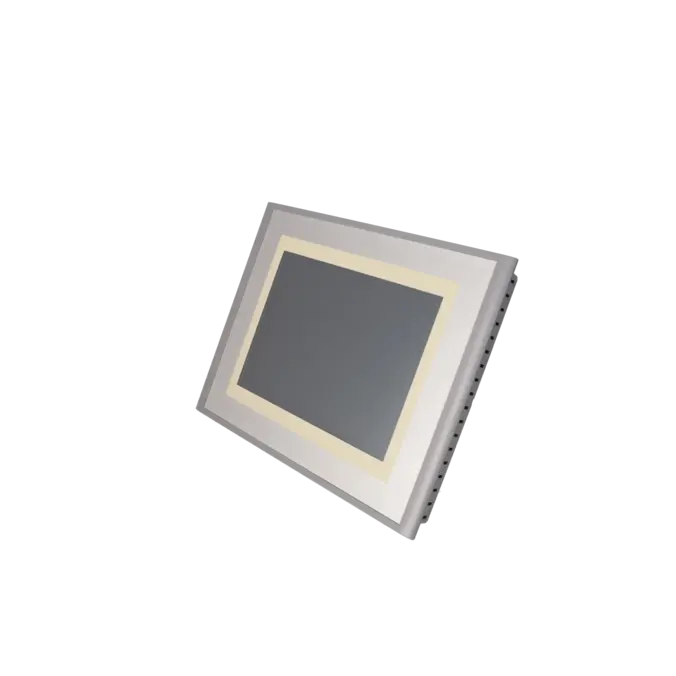
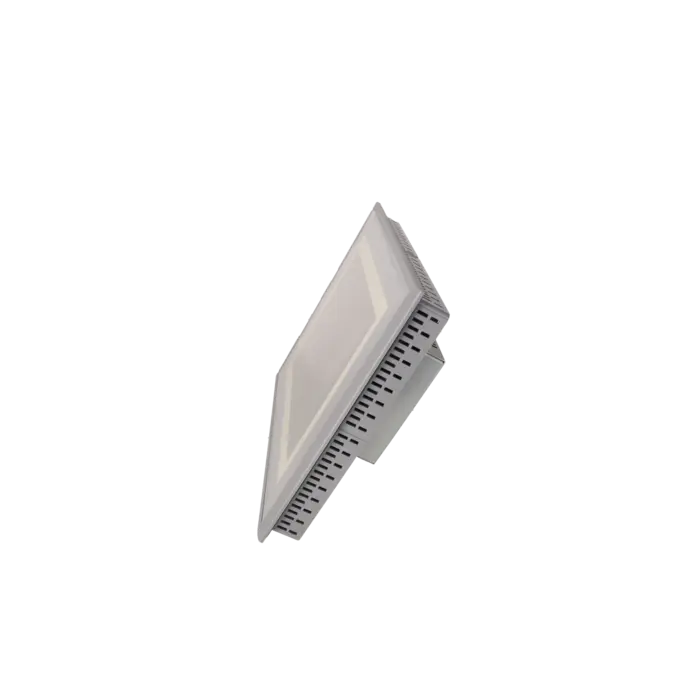
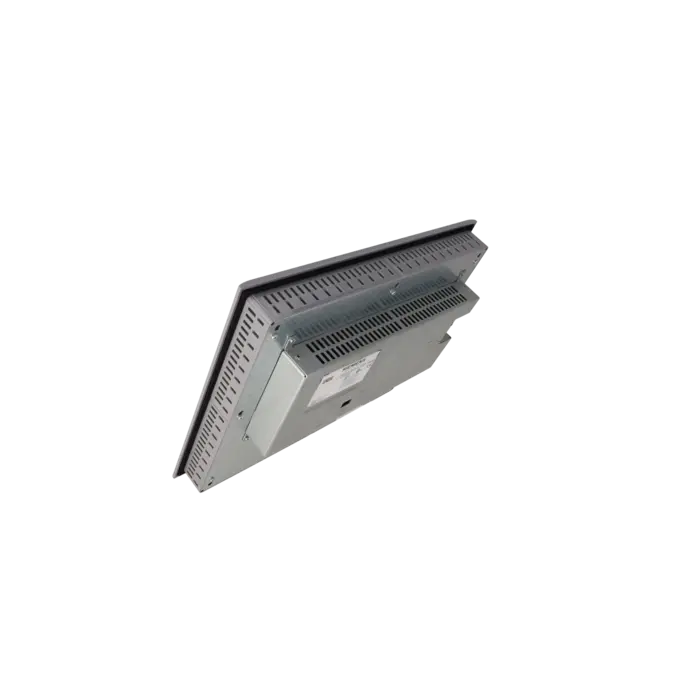
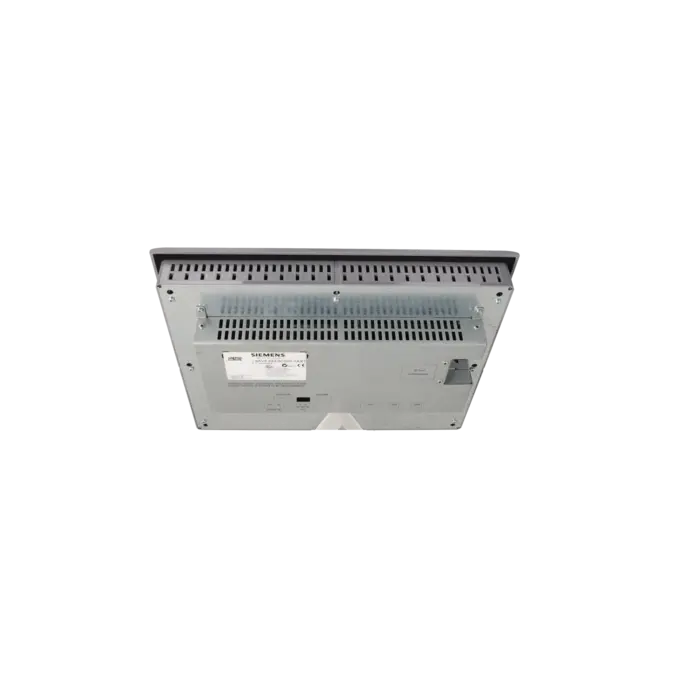
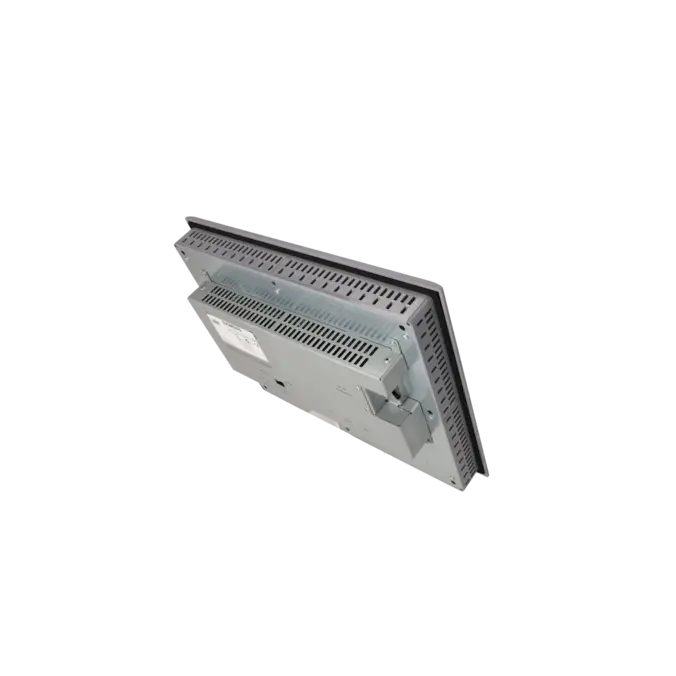
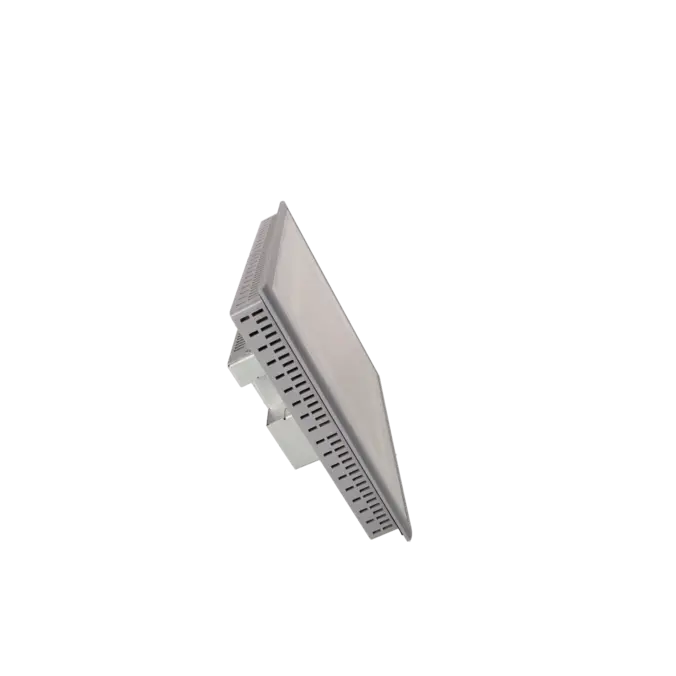
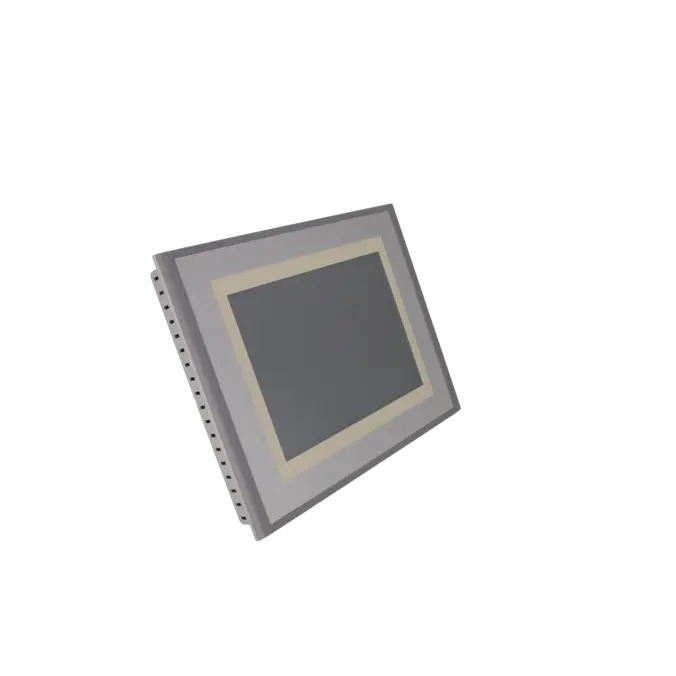
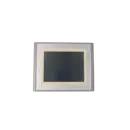

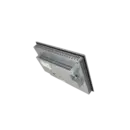
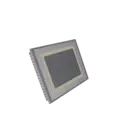
SIEMENS 6AV6643-0CD01-1AX1
-
SIEMENS | HMI | Touch Panels
- EICHLER-art.no.: K0199923
- EAN: 4025515075349
Product description
SIMATIC MP 277 10" TOUCH MULTI PANEL WITH RETENTIVE MEMORY 10.4" TFT DISPLAY 6 MB CONFIGURATION MEMORY CONFIGURABLE WITH WINCC FLEXIBLE 2005 STANDARD SP1
Services for SIEMENS 6AV6643-0CD01-1AX1
SIEMENS |
6AV6643-0CD01-1AX1 –
additional product information
| Delivery information | |||
|---|---|---|---|
| Export identifier | AL: N ECCN: 5D002ENCU | ||
| Net weight | 3.242 | ||
| Quantity | 1 Stück | ||
| Packaging quantity | 1 | ||
| Additional product information | |||
|---|---|---|---|
| Product status | EOP: 2026-10-01 | ||
| EAN | 4025515075349 | ||
| UPC | / | ||
| Static lot number | 85371091 | ||
| List indicator | ST9.80 | ||
| Product group | 2347 | ||
| Country of origin | DE | ||
| Compliance with the substance restrictions according to RoHS directive | Since: 20080331 | ||
| Product classifications | Version | Classification | |
|---|---|---|---|
| eClass | 4 | / | |
| eClass | 5.1 | 27-24-23-02 | |
| eClass | 6.0 | 27-24-23-02 | |
| ETIM | 3 | / | |
| ETIM | 4 | EC001412 | |
| ETIM | 5 | EC001412 | |
What is 6AV6643-0CD01-1AX1 and where is it used?
The 6AV6643-0CD01-1AX1 is a Siemens SIMATIC MP 277 10" Touch Multi Panel with remanence memory, a 10.4" TFT display, and approximately 6 MB project memory. It is designed as a panel-mounted HMI device for control cabinets and is used for machine and plant visualisation, operation, and monitoring.
It is typically found in legacy automation systems, where existing WinCC flexible projects must continue running or be quickly restored after a failure. Because of its combination of touch operation, alarm handling, recipe management, archiving, and broad PLC connectivity, it is widely used in installed bases rather than new machine designs.
For maintenance and procurement teams, this MLFB is especially relevant when a defective MP277 needs to be replaced, a like-for-like spare is required, or a repair is evaluated as an alternative to retrofit.
Overview of key technical data and what it means
The panel uses an analog resistive touchscreen and offers a resolution of 640 × 480 pixels with 65,536 colours. The backlight has a rated lifetime of approximately 50,000 hours MTBF at 25 °C, which is relevant for assessing ageing display issues.
Key interfaces include 1× Ethernet (RJ45), 1× RS422, 1× RS485, 2× USB ports, and a MultiMedia Card slot. This allows integration into both modern and classic Siemens environments.
Supported communication includes PROFINET IO, PROFIBUS, TCP/IP, and connectivity to S7-200, S7-300/400, S7-1200, and S7-1500 controllers.
With IP65 front protection, IP20 rear protection, Windows CE operating system, 128 MB main memory, and 0–50 °C operating range, the MP277 remains a robust solution for industrial legacy applications with clear retrofit and service requirements.
Product status, life cycle status and obsolescence
From a lifecycle perspective, this device is no longer part of Siemens’ active new-delivery portfolio. According to Siemens documentation, new units have been subject to delivery restrictions since 01.01.2015, although spare parts may still be available on demand.
According to EICHLER product data, the device is also listed with EOP (End of Production) status as of 01.10.2026.
A verified Siemens successor within the same product family is the 6AV6643-0CD01-1AX2. However, Siemens explicitly notes that a direct restore (backup transfer) from 1AX1 to 1AX2 is not possible without adjustments.
For longer-term migration strategies, Siemens recommends transitioning to the SIMATIC HMI Comfort Panel family. This makes it essential to review project versions, backups, and migration strategy before any replacement decision.
Available EICHLER services and when they are relevant
For the 6AV6643-0CD01-1AX1, EICHLER offers repair, exchange, used units, and new units on request. According to the service information, repair, exchange, and used units are typically available within 1–3 days.
Repair is especially relevant when the existing panel must remain in the machine without changes to installation, cut-out, or project configuration, and downtime must be minimized. The service includes technical cleaning, preventive maintenance, full functional testing, and at least a 24-month warranty.
For procurement and maintenance teams, this approach helps reduce obsolescence risk, spare parts stocking costs, and unplanned retrofit effort, while maintaining the operational availability of installed systems.
| Attribute | Value |
|---|---|
| Product type designation | MP277 10" touch |
| Customer-specific configuration | Yes |
| Display | |
| Design of display | TFT |
| Screen diagonal | 10.4 in |
| Color display | Yes |
| Number of colors | 65 536 |
| Resolution (pixels) | |
| ● Horizontal image resolution | 640 pixel |
| ● Vertical image resolution | 480 pixel |
| Backlighting | |
| ● MTBF backlighting (at 25 °C) | 50 000 h |
| Control elements | |
| Control elements | Touch screen |
| Keyboard fonts | |
| ● Function keys | |
| — Number of function keys | 0 |
| — Number of function keys with LEDs | 0 |
| ● System keys | No |
| — Number of system keys | 0 |
| ● Numeric keyboard | Yes |
| ● alphanumeric keyboard | Yes |
| ● hexadecimal keyboard | Yes |
| Touch operation | |
| ● Design as touch screen | Yes; analog, resistive |
| Connection type | |
| ● Type of connection for mouse/keyboard/barcode reader | USB / USB / USB |
| Installation type/mounting | |
| Mounting position | vertical |
| maximum permissible angle of inclination without external ventilation | 35° |
| Supply voltage | |
| Type of supply voltage | DC |
| Processor | |
| Processor type | ARM |
| Memory | |
| Type of memory | Flash / RAM |
| Memory available for user data | 6 Mbyte |
| Capacity of main memory, max. | 128 Mbyte |
| Time of day | |
| Clock | |
| ● Type | Hardware clock, battery backup, synchronizable |
| ● retentive | Yes |
| ● synchronizable | Yes |
| Interfaces | |
| Interfaces/bus type | 1x RS 422, 1x RS 485, 1x Ethernet (RJ45) |
| Number of industrial Ethernet interfaces | 1 |
| Number of RS 485 interfaces | 1 |
| Number of RS 422 interfaces | 1 |
| Number of USB interfaces | 2; Up to 1 GB |
| Multimedia card/SD card slot | 1x Multimedia Card slot, up to 128 MB |
| With software interfaces | No |
| Protocols | |
| Supports protocol for PROFINET IO | Yes |
| PROFIsafe | No |
| PROFIBUS | Yes |
| EtherNet/IP | No |
| Protocols (Ethernet) | |
| ● TCP/IP | Yes |
| Further protocols | |
| ● MODBUS | Yes |
| Degree and class of protection | |
| IP (at the front) | IP65 |
| IP (rear) | IP20 |
| NEMA (front) | NEMA 4x (when installed) |
| Standards, approvals, certificates | |
| CE mark | Yes |
| UL approval | Yes |
| cULus | Yes |
| Suitable for safety functions | No |
| Use in hazardous areas | |
| ● ATEX Zone 2 | No; certificate no longer available as of 1 October 2020 |
| ● ATEX Zone 22 | No; certificate no longer available as of 1 October 2020 |
| ● FM Class I Division 2 | Yes |
| Ambient conditions | |
| Ambient temperature during operation | |
| ● min. | 0 °C |
| ● max. | 50 °C |
| Ambient temperature during storage/transportation | |
| ● min. | -20 °C |
| ● max. | 60 °C |
| Relative humidity | |
| ● Operation, max. | 90 % |
| Operating systems | |
| pre-installed operating system | Windows CE |
| Configuration | |
| Message indicator | Yes |
| Alarm system (incl. buffer and acknowledgment) | Yes |
| Process value display (output) | Yes |
| Process value default (input) possible | Yes |
| Recipe management | Yes |
| Configuration software | |
| ● Configuration tool | WinCC flexible Standard Version 2005 SP1 or higher (to be ordered separately) |
| ● STEP 7 Basic (TIA Portal) | No |
| ● STEP 7 Professional (TIA Portal) | No |
| ● WinCC flexible Compact | No |
| ● WinCC flexible Standard | Yes |
| ● WinCC flexible Advanced | Yes |
| ● WinCC Basic (TIA Portal) | No |
| ● WinCC Comfort (TIA Portal) | Yes |
| ● WinCC Advanced (TIA Portal) | Yes |
| ● WinCC Professional (TIA Portal) | Yes |
| Languages | |
| Online languages | |
| ● Number of online/runtime languages | 16 |
| Project languages | |
| ● Languages per project | 32 |
| Functionality under WinCC (TIA Portal) | |
| Libraries | Yes |
| Task planner | Yes |
| Help system | Yes |
| ● Number of characters per info text | 80 |
| Message system | |
| ● Number of alarm classes | 32 |
| ● Number of messages | 4 000 |
| ● Bit messages | Yes |
| — Number of bit messages | 4 000 |
| ● Analog messages | Yes |
| — Number of analog messages | 200 |
| ● System messages HMI | Yes |
| ● System messages PLC | Yes |
| ● System event, more (SIMATIC S7, SINUMERIK, SIMOTION, ... ) | Yes |
| ● Lines | 1 |
| ● Number of characters per message | 80 |
| ● Number of process values per message | 8 |
| ● Acknowledgment groups | Yes |
| ● Message indicator | Yes |
| ● First/last value | Yes |
| Recipe management | |
| ● Number of recipes | 300 |
| ● Data records per recipe | 500 |
| ● Entries per data record | 1 000 |
| ● Recipe memory | 64 KB integrated Flash, expandable |
| Variables | |
| ● Number of variables per device | 2 048 |
| ● Number of variables per screen | 200 |
| ● Number of variables | 1 000 |
| ● Type Date & Time | 2 048 |
| ● Limit values | Yes |
| ● Multiplexing | Yes |
| ● Structures | Yes |
| Images | |
| ● Number of configurable images | 500 |
| ● Permanent window/default | Yes |
| ● Start screen configurable | Yes |
| ● Image selection by PLC | Yes |
| ● Image number in the PLC | Yes |
| Image objects | |
| ● Text objects | 10 000 text elements |
| ● Number of I/O fields per image | 200 |
| ● Number of date/time fields | 200 |
| ● Return | Yes |
| ● Graphics object | Bit maps, icons, vector graphics |
| — Icons | 1 000 |
| Complex image objects | |
| ● Status/control | With SIMATIC S7 |
| ● dynamic objects | Diagrams, bar graphs, sliders, analog display, invisible buttons |
| — Number of objects per project | 1 000 |
| — Number of curve diagrams per image | 10 |
| ● Methods | Trend / profile |
| ● Bar graphs | |
| — Number of bars per chart | 10 |
| ● Sliders | |
| — Number of slides per image | 10 |
| ● Pointer instruments | |
| — Number of analog indicators per image | 10 |
| ● Limit value lines | Yes |
| ● Number of alphanumerical fields | 300 |
| — alphanumeric fields per image | 200 |
| ● Number of numerical fields | 2 048 |
| — numerical fields per image | 200 |
| ● Number of password fields | 2 048 |
| ● Number of visible switches per project | 200 |
| — visible switches per image | 200 |
| — hidden switches per image | 200 |
| ● Number of status switches per project | 200 |
| — Number of status switches per image | 200 |
| ● Number of selector switches per project | 200 |
| — Selector switches per image | 200 |
| ● Number of decade switches per project | 200 |
| — Decade switches per image | 200 |
| ● Number of signal lamps per project | 200 |
| — Signal lamps per image | 200 |
| Attributes for dynamic objects | |
| ● Color change | Yes |
| ● X/Y movement | Yes |
| ● Hide | Yes |
| Lists | |
| ● Number of text lists per project | 500 |
| ● Number of text lists per image | 200 |
| ● Number of entries per text list | 256 |
| ● Number of graphics lists per project | 400 |
| ● Number of graphic lists per image | 200 |
| ● Number of entries per graphics list | 256 |
| Archiving | |
| ● Number of archives per device | 20 |
| ● Number of measuring points per project | 20 |
| ● Number of entries per archive | 10 000 |
| ● Message archive | Yes |
| ● Process value archive | Yes |
| ● Archiving methods | |
| — Sequential archive | Yes |
| — Short-term archive | Yes |
| ● Memory location | SD and MultiMediaCard |
| ● Data storage format | |
| — CSV | Yes |
| ● Online evaluation | |
| — using trend curves | Yes |
| Filters | |
| ● cyclic | Yes |
| ● Tolerance | Yes |
| ● Change | Yes |
| Security | |
| ● Number of user groups | 50 |
| ● Number of user rights | 32 |
| ● Password export/import | Yes |
| Logging through printer | |
| ● Recording/Printing | Alarms, report (shift report), color print, hardcopy |
| Transfer (upload/download) | |
| ● Transfer of configuration | MPI/PROFIBUS DP, USB, Ethernet, automatic transfer recognition |
| Process coupling | |
| ● Connection to controller | S5, S7-200, S7-300/400, TI 505, SINUMERIK, SIMOTION, Allen Bradley (DF1), Allen Bradley (DF485), Mitsubishi (FX), OMRON (LINK/Multilink), Modicon (Modbus) see chapter "System interfaces" |
| ● S7-1200 | Yes |
| ● S7-1500 | Yes |
| ● S7-200 | Yes |
| — PPI (point-to-point) | Yes |
| — PPI network | Yes |
| — MPI | Yes |
| — PROFIBUS DP | Yes |
| — Ethernet | Yes |
| ● S7-300/400 | Yes |
| — MPI | Yes |
| — PROFIBUS DP | Yes |
| — PROFINET | Yes |
| ● S5 | Yes |
| — PROFIBUS DP | Yes |
| ● TI 505 | Yes |
| ● Allen Bradley (DF1) | Yes |
| ● Allen Bradley (DF485) | Yes |
| ● Mitsubishi (FX) | Yes |
| ● Mitsubishi (MP4) | Yes |
| ● Telemecanique (Uni-Telway) | Yes |
| ● OMRON (LINK/Multilink) | Yes |
| ● Modicon (Modbus) | Yes |
| ● GE-Fanuc (SNP) | Yes |
| Functions | |
| ● TAB sequence | Yes |
| ● Calculating functions | Yes |
| ● Animate | Yes |
| Service tools/configuration aids | |
| ● Clean screen | Yes |
| ● Touch calibration | Yes |
| ● Backup/Restore manually | Yes |
| ● Simulation | Yes |
| ● Device switchover | Yes |
| ● Delta transfer | Yes |
| Expandability/openness | |
| ● Open Platform Program | Yes |
| Peripherals/Options | |
| Peripherals | Printer, barcode reader |
| SIMATIC HMI MM memory card: Multi Media Card | Yes |
| SIMATIC HMI SD memory card: Secure Digital memory card | Yes |
| USB memory | Yes |
| Additional software components loadable | Yes |
| Dimensions | |
| Width of the housing front | 335 mm |
| Height of housing front | 275 mm |
| Mounting cutout, width | 310 mm |
| Mounting cutout, height | 248 mm |
| mounting depth | 61 mm |
| Weights | |
| Weight (without packaging) | 2.65 kg |
| Fault description | Possible solution |
|---|---|
| Why does the transfer to the MP277 fail with a version or compatibility message? | This is usually caused by a version mismatch between the project created in WinCC flexible (or the engineering version used) and the HMI image on the panel. Check the exact device type and device version, switch the panel into transfer mode, and then align versions using a suitable OS update or matching image. After the update, the project must be transferred again. |
| Why does ProSave not detect the MP277 even though the panel is reachable in the network? | A simple ping is not sufficient. The panel must be correctly configured for transfer and manually switched into transfer mode. Siemens describes this as either a manual start via the loader or via a configured operating element. For reset or OS operations over Ethernet, the connection type, IP parameters, and subnet configuration must also be correct; factory reset scenarios require a properly defined static IP setup. |
| Why does the MP277 touchscreen respond offset or stop responding completely? | First, restart the touch calibration. Siemens explicitly provides touch calibration as a service tool; after a restore or OS update, recalibration may be required. If the calibration screen appears but inputs are not correctly registered or values are not applied, the issue is often no longer related to software or project configuration, but instead to a faulty touch layer, front panel, or related hardware. In such cases, repair is usually more effective than further reloading of the project. |
| Why does the MP277 no longer boot correctly or stay stuck in the loader after a failed update? | If an OS or image update is interrupted due to power loss or communication failure, the operating system may become corrupted or partially deleted. Siemens recommends performing an OS update with factory reset via ProSave or WinCC flexible. This process deletes project and device data; any license keys must be backed up beforehand. After recovery, the project should be transferred again and the touch recalibrated if necessary. |
Is 6AV6643-0CD01-1AX1 still available or only as a spare part?
Siemens no longer classifies this device as a freely available new product. Instead, it is marked as no longer available for standard new delivery, while procurement as a spare part remains possible on demand.
For day-to-day operation, this means availability is mainly ensured through repair services, exchange units, refurbished stock, and targeted spare part strategies. Providers such as EICHLER reflect this reality by offering repair, exchange, used units, and new units on request.
Which successor is officially confirmed for 6AV6643-0CD01-1AX1?
The verified successor within the same product family is the 6AV6643-0CD01-1AX2 (MP277 series). Siemens explicitly states that a backup from the predecessor cannot be restored directly onto the successor device.
For systems not staying within the MP277 family, Siemens identifies the SIMATIC HMI Comfort Panels as the modern successor platform. For procurement, this means the key decision is whether a like-for-like replacement or a full migration is required.
Can the MP277 10" Touch communicate with S7-1200 and S7-1500?
Yes. The technical specifications explicitly include communication with S7-1200 and S7-1500 controllers. In addition, the panel supports S7-200, S7-300/400, MPI, PROFIBUS DP, PROFINET, and Ethernet.
This is particularly relevant for retrofit scenarios, as it allows older HMI hardware to remain usable in newer PLC environments—provided that project version, drivers, and communication configuration are correctly validated.
Which software is required for 6AV6643-0CD01-1AX1?
The native engineering environment is WinCC flexible Standard (from version 2005 SP1). Siemens documentation also references compatibility within the TIA Portal ecosystem (WinCC Comfort, Advanced, and Professional), although legacy systems typically remain based on WinCC flexible projects.
For procurement and maintenance, it is essential to verify the actual project version and engineering environment before replacing hardware, otherwise a functional device may fail due to software incompatibility.
Is a restore from 1AX1 to 1AX2 straightforward?
No. Siemens explicitly states that a backup from 6AV6643-0CD01-1AX1 cannot be directly restored onto 1AX2. This means that a simple swap-out approach is not sufficient.
In practice, this requires checking the project, image version, and commissioning steps in advance, otherwise issues only appear during startup after replacement.
When is repair more suitable than replacement or migration?
Repair is especially suitable when the installation footprint, wiring, project status, and operator concept must remain unchanged and downtime needs to be minimised.
EICHLER typically performs repair with short turnaround times, technical cleaning, preventive maintenance, functional testing, and a minimum 24-month warranty. Exchange units are faster from a procurement standpoint, while migration involves additional engineering, testing, and validation effort.
In many legacy installations, repair is therefore the fastest way to restore operation without immediately triggering a full retrofit project.