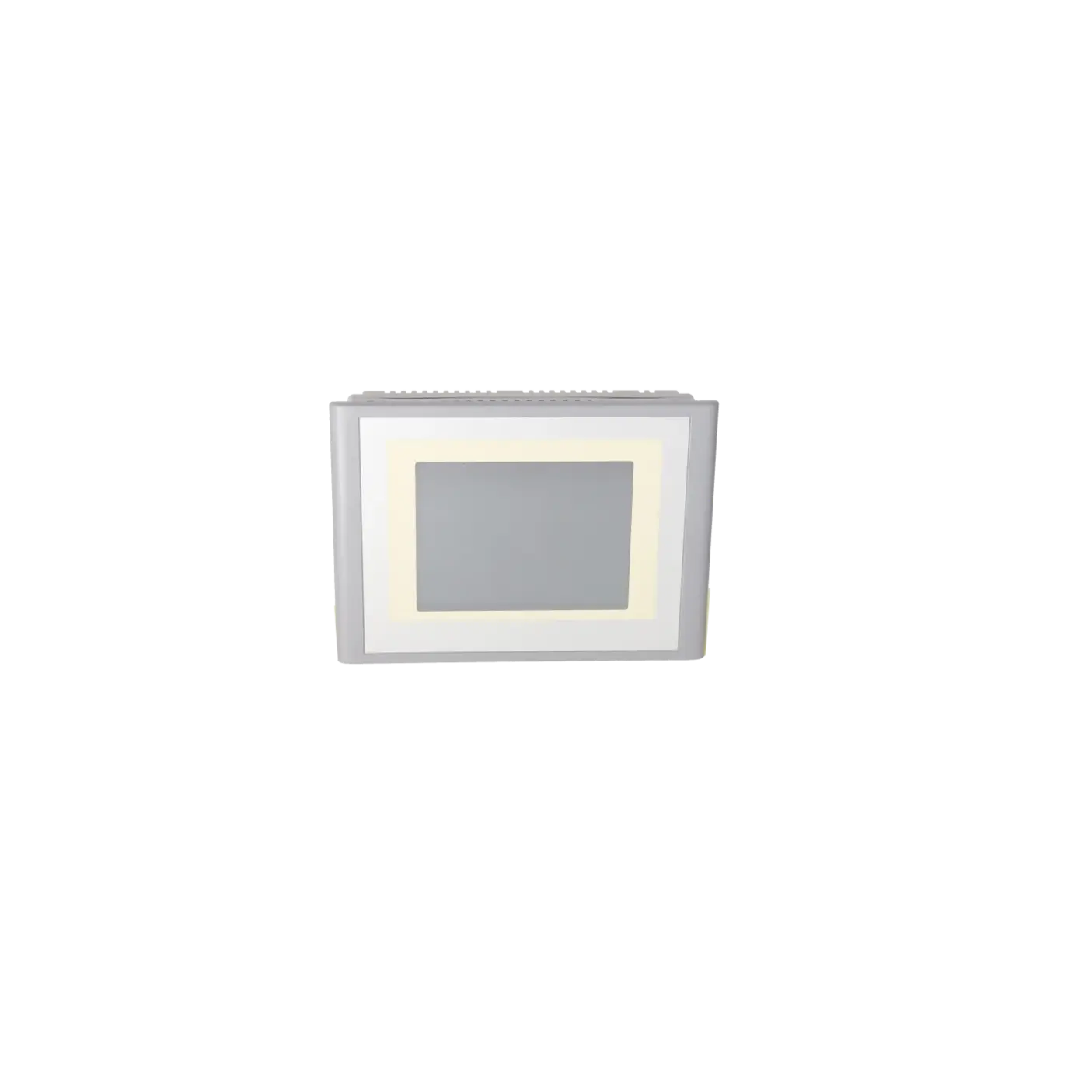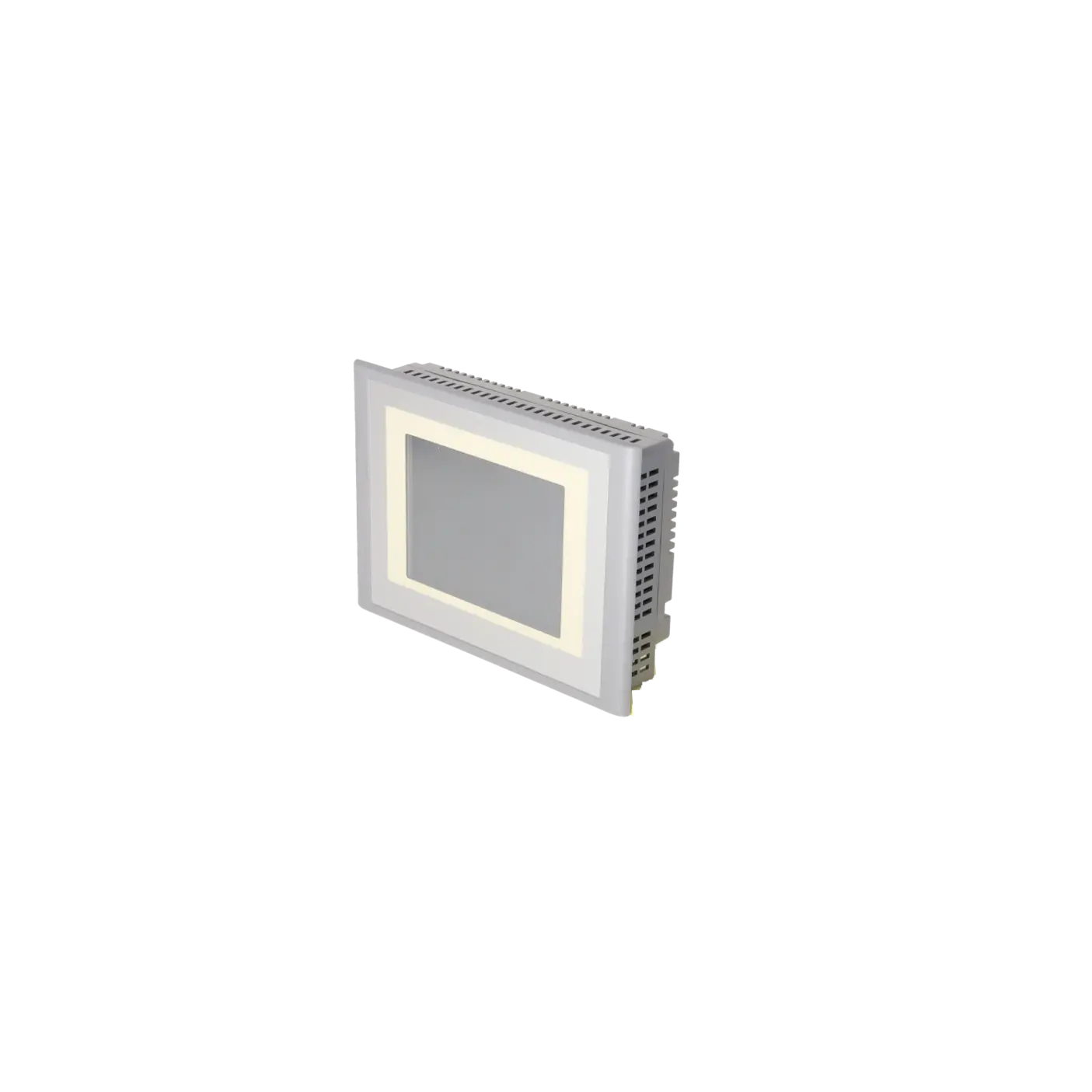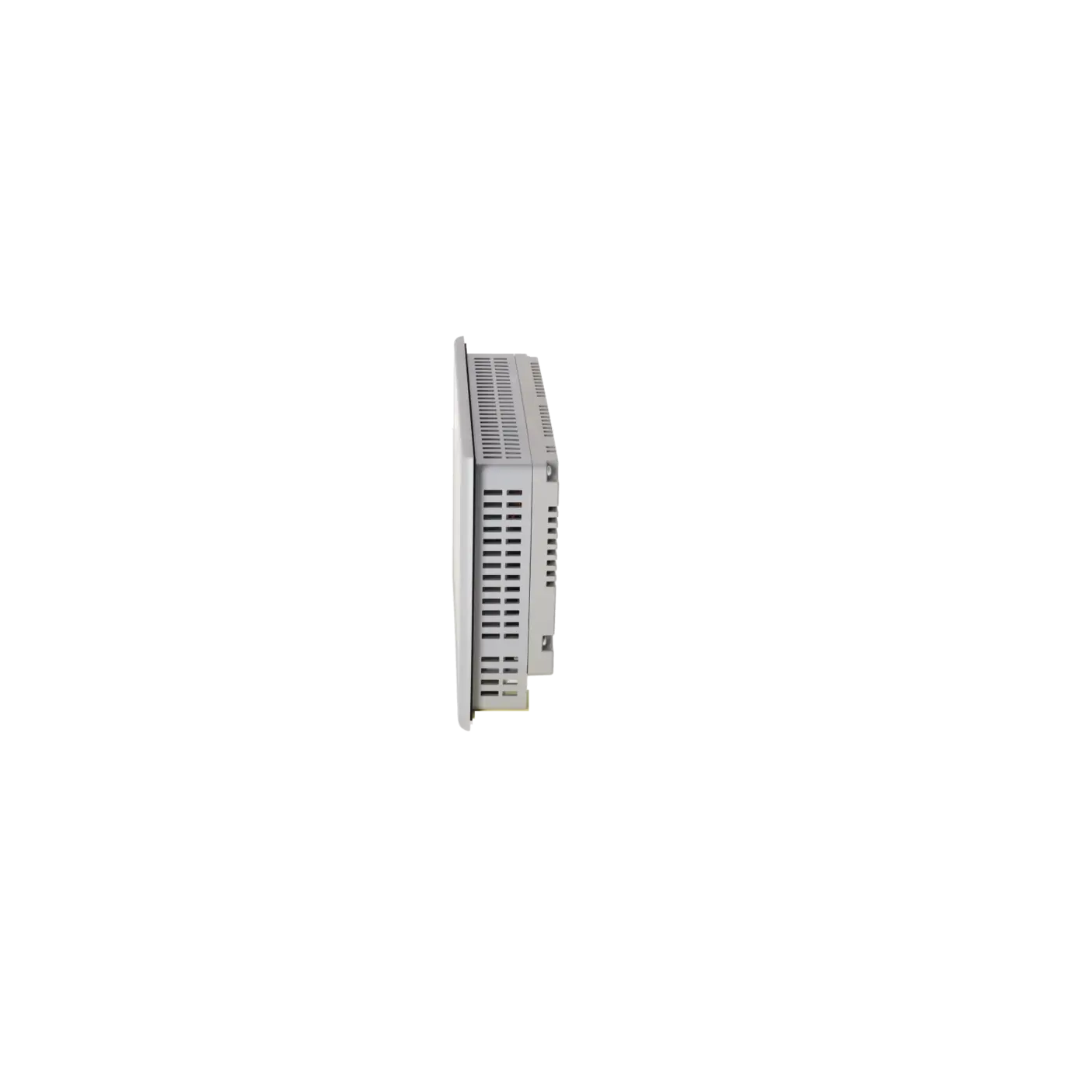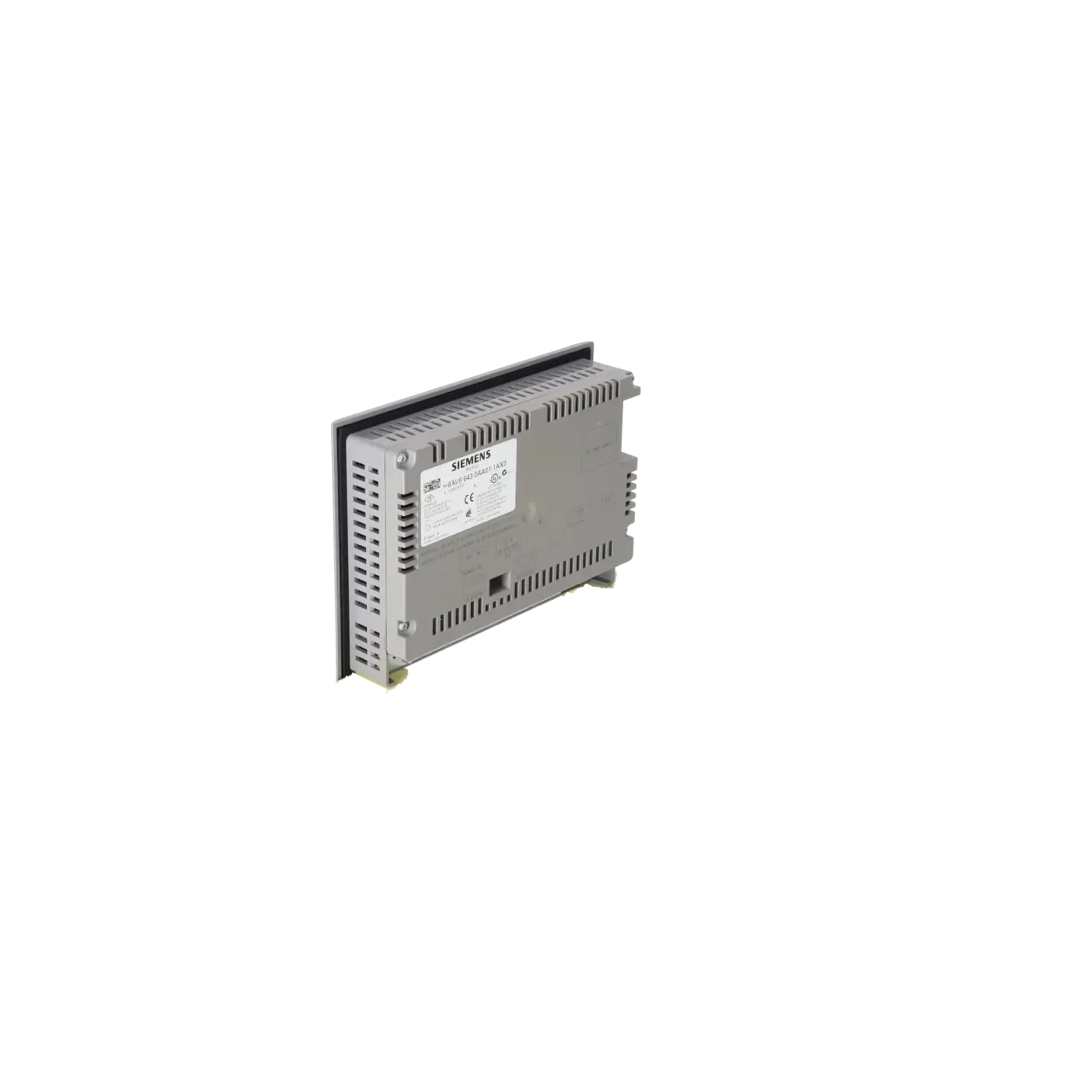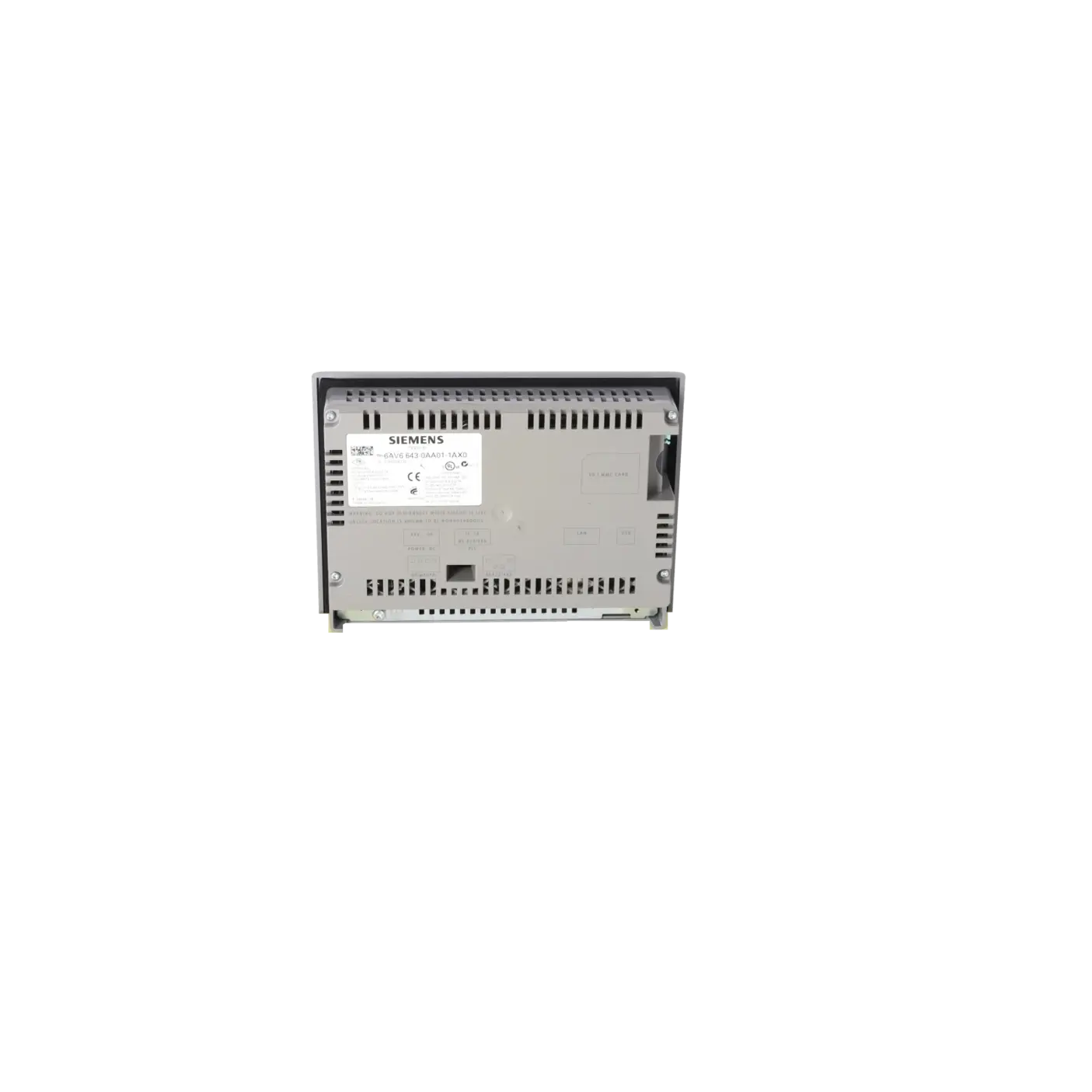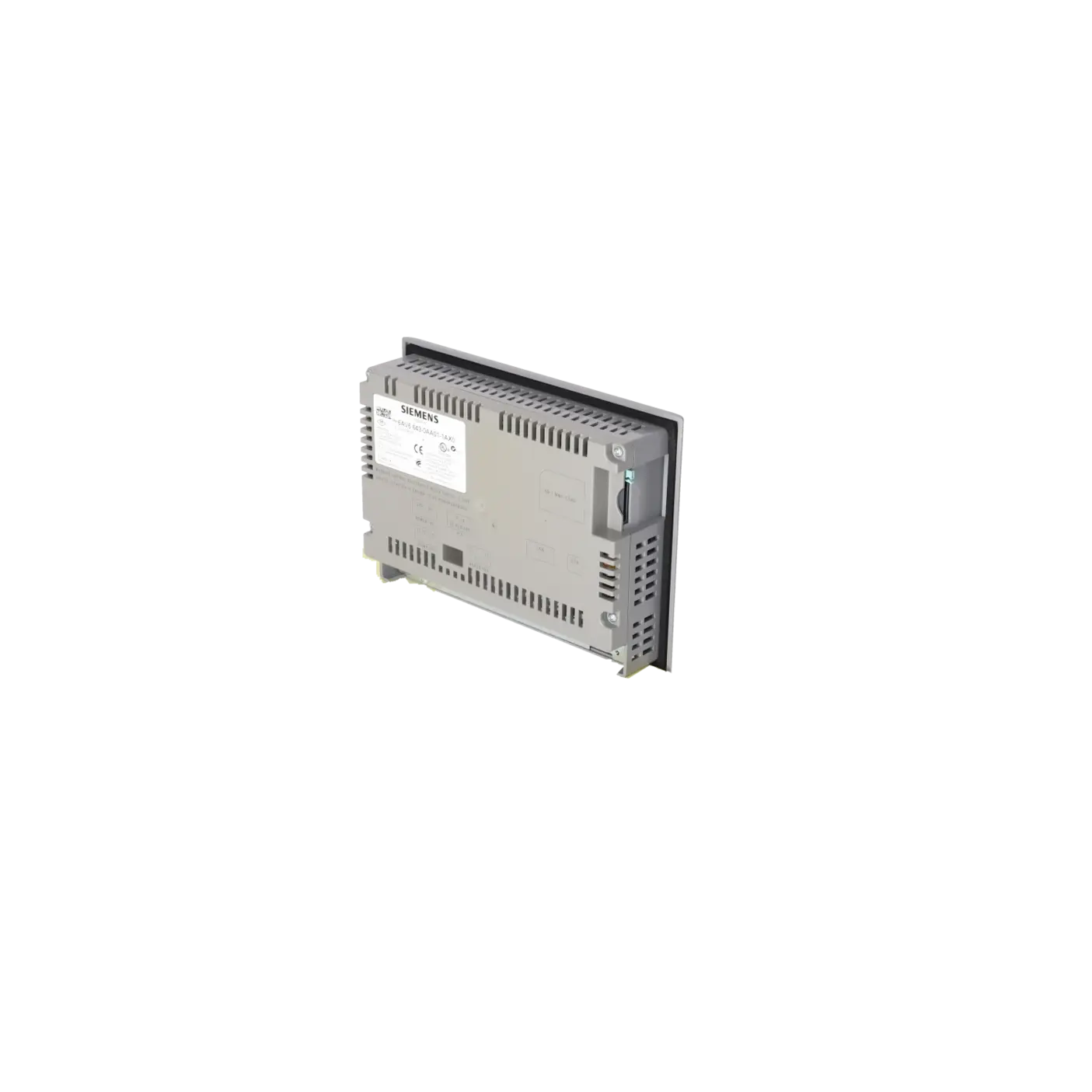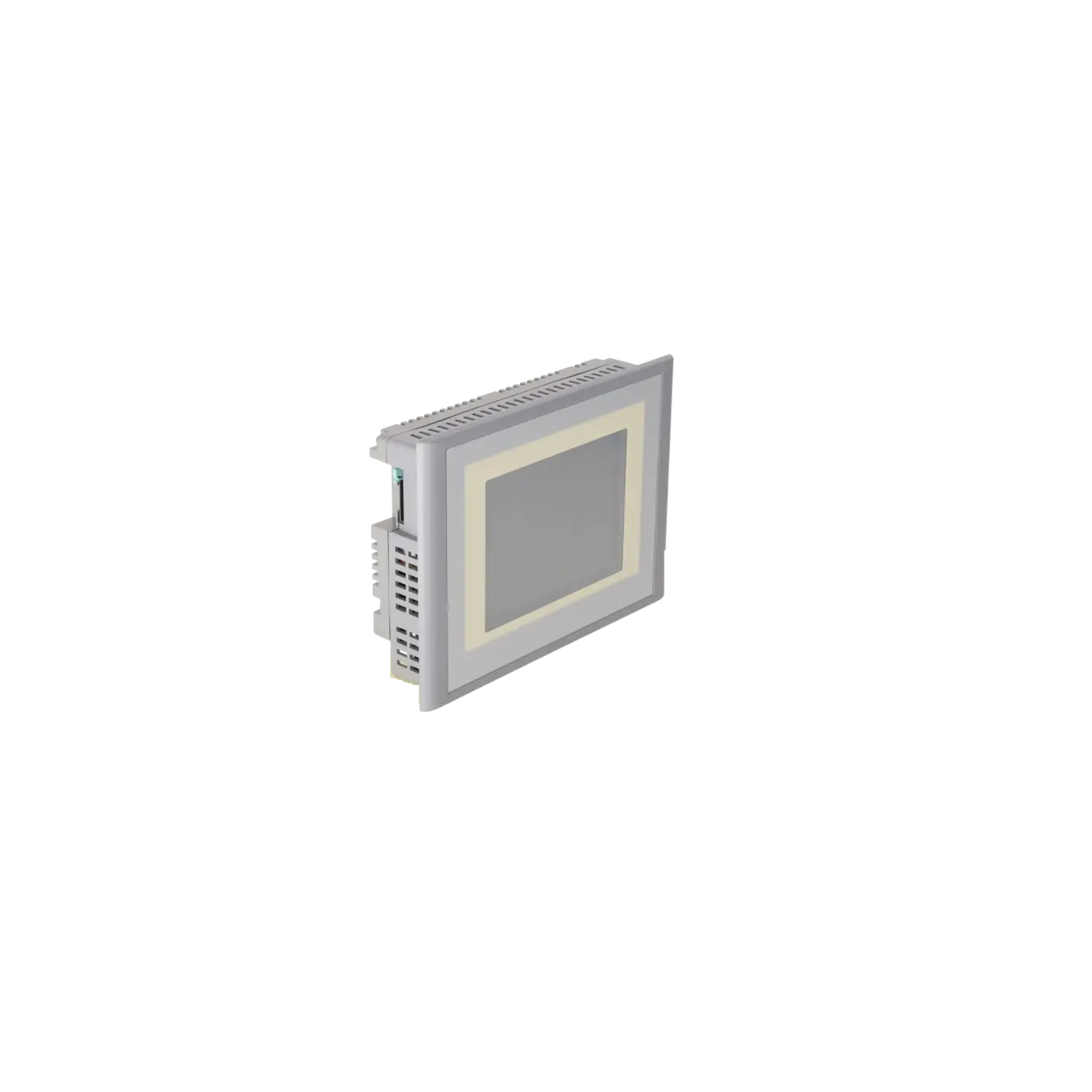
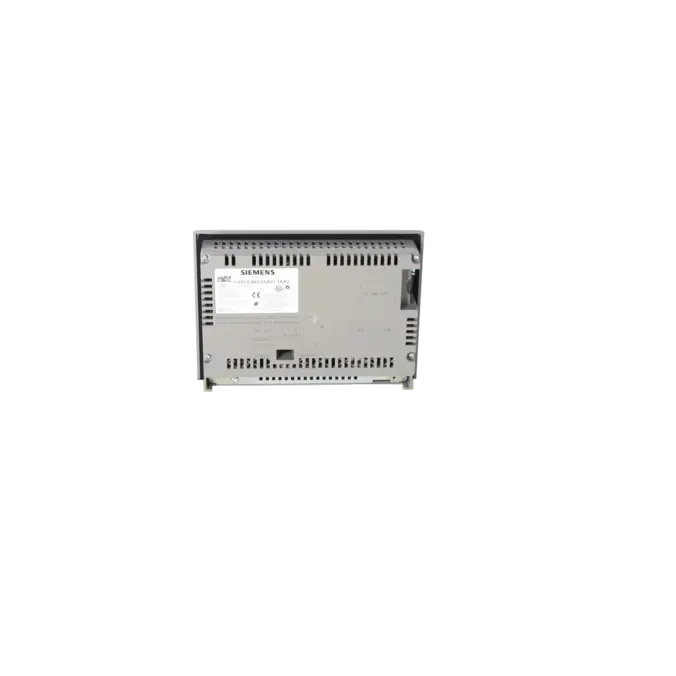
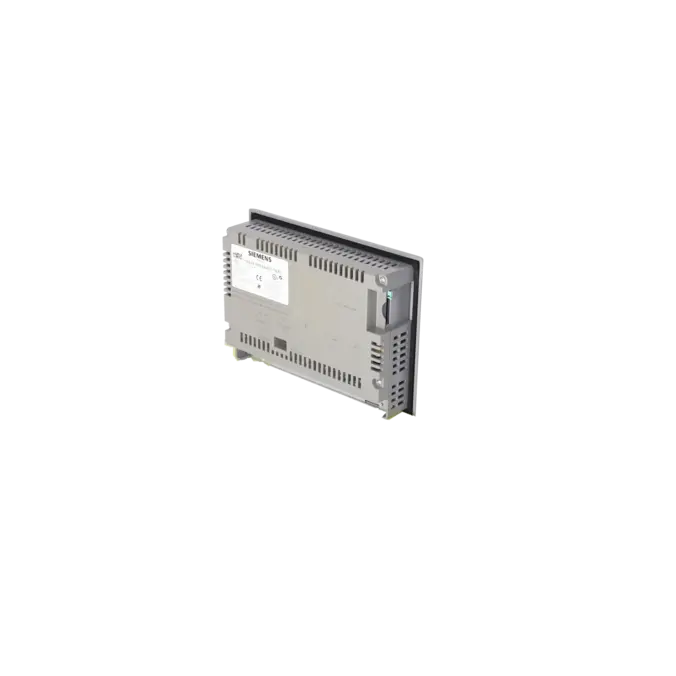
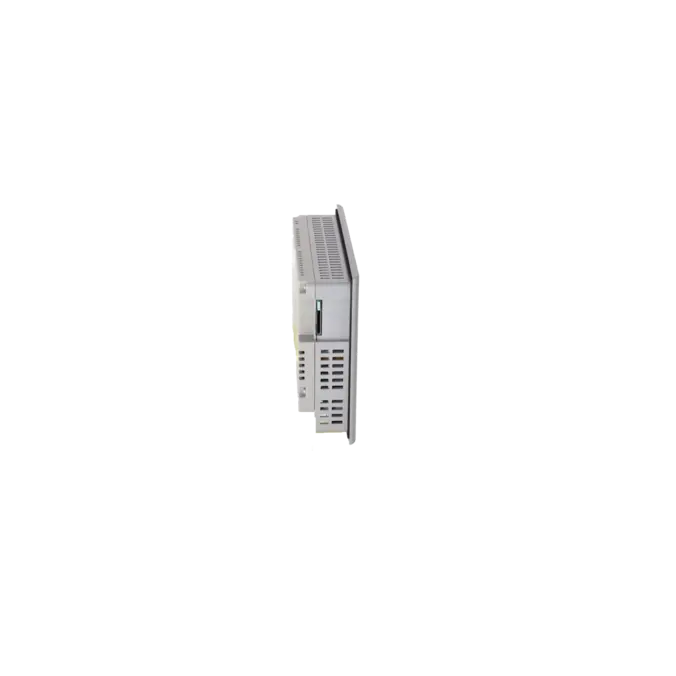
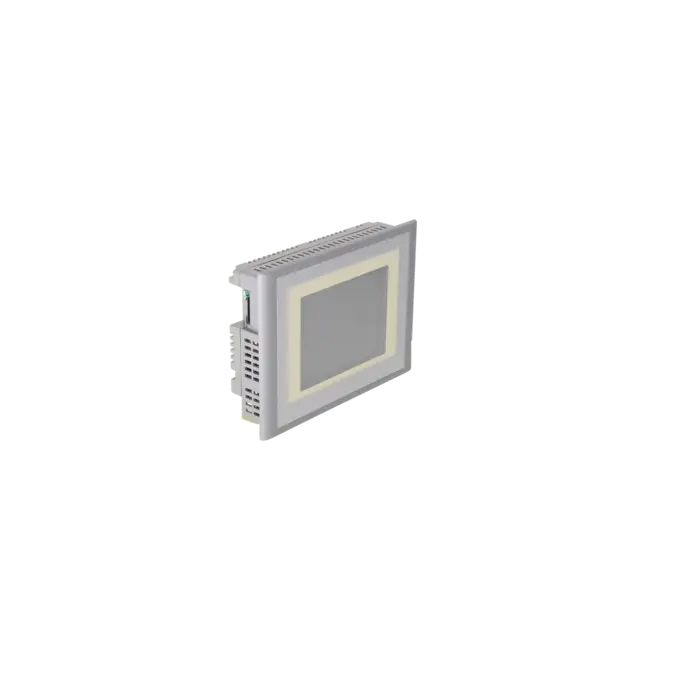
SIEMENS 6AV6643-0AA01-1AX0
-
SIEMENS | HMI | Touch Panels
- EICHLER-art.no.: K0170440
- EAN: 4025515074144
- UPC: 662643209563
Product description
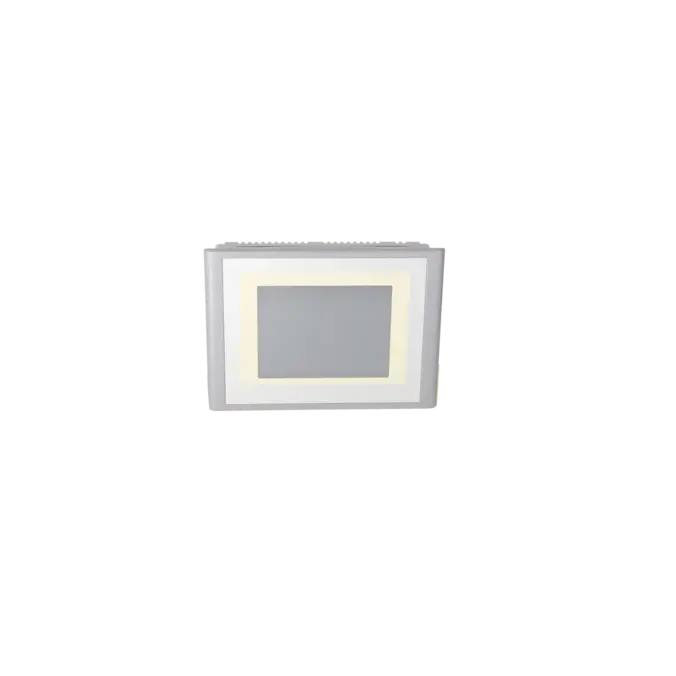
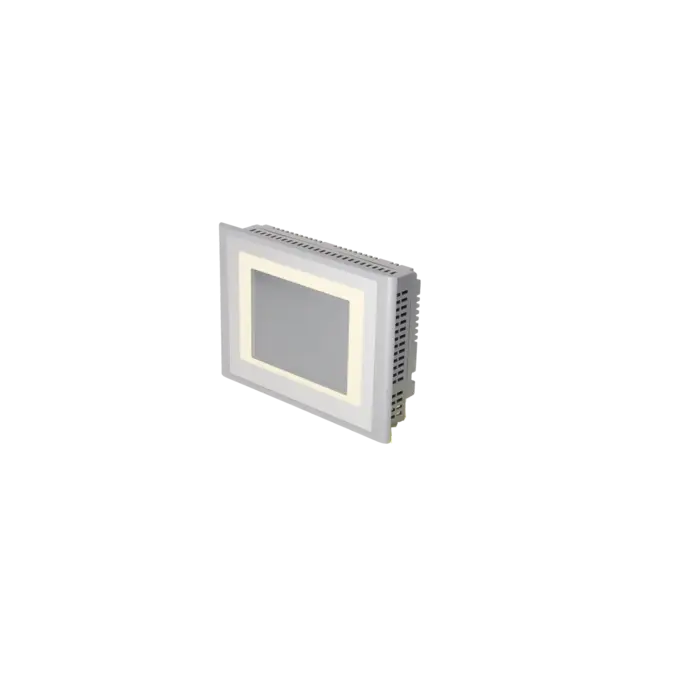
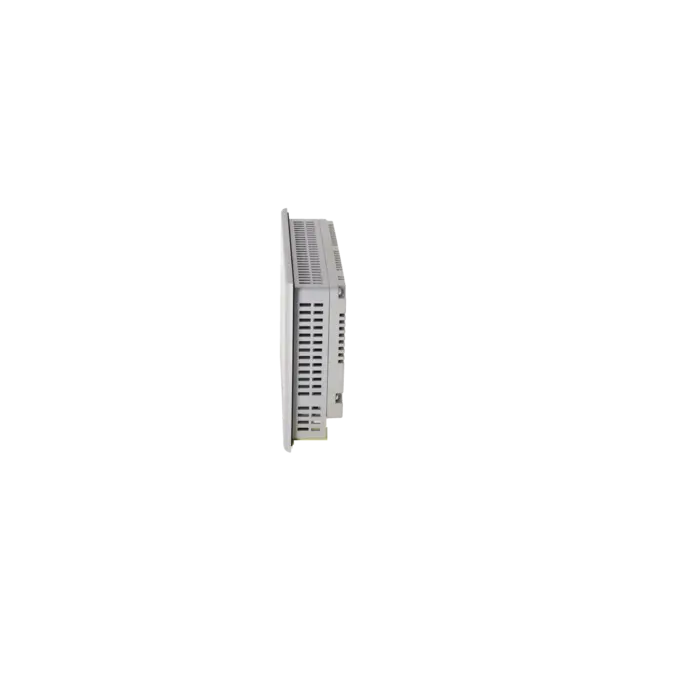
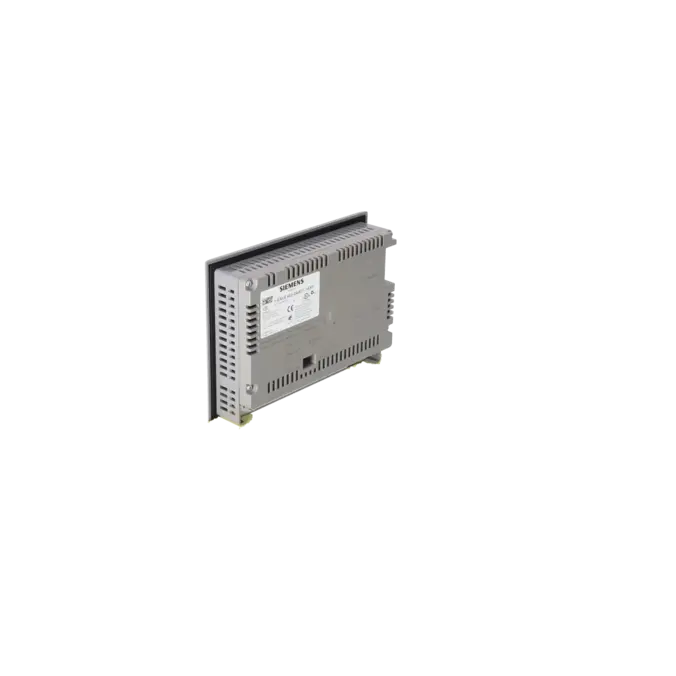
SIMATIC TP 277 6" TOUCH PANEL 5.7" TFT DISPLAY 4 MB CONFIGURATION MEMORY, CONFIGURABLE WITH WINCC FLEXIBLE 2005 STANDARD
Services for SIEMENS 6AV6643-0AA01-1AX0
Repair
from 1.864,18 €
to 3.355,52 €
Replacement
2.392,20 €
2.272,59 €
Used
2.658,00 €
2.525,10 €
New
14.644,40 €
13.912,18 €
SIEMENS |
6AV6643-0AA01-1AX0 –
additional product information
| Delivery information | |||
|---|---|---|---|
| Export identifier | AL: N ECCN: 5D002ENCU | ||
| Net weight | 0.978 | ||
| Quantity | 1 Stück | ||
| Packaging quantity | 1 | ||
| Additional product information | |||
|---|---|---|---|
| Product status | EOP: 2021-10-01 | ||
| EAN | 4025515074144 | ||
| UPC | 662643209563 | ||
| Static lot number | 85371098 | ||
| List indicator | ST9.80 | ||
| Product group | 4357 | ||
| Country of origin | DE | ||
| Compliance with the substance restrictions according to RoHS directive | Since: 20080331 | ||
| Product classifications | Version | Classification | |
|---|---|---|---|
| eClass | 4 | 27-36-01-02 | |
| eClass | 5.1 | 27-24-23-02 | |
| eClass | 6.0 | 27-24-23-02 | |
| ETIM | 3 | / | |
| ETIM | 4 | EC001412 | |
| ETIM | 5 | EC001412 | |
What is 6AV6643-0AA01-1AX0 and where is it used?
The 6AV6643-0AA01-1AX0 is a Siemens SIMATIC TP 277 6" Touch Panel. The operator device belongs to the established 270 series and is designed for machine-level operation and visualisation. Siemens identifies factory automation, process automation and building automation as typical application areas. The panel is installed directly on the machine or system, allowing operators to enter setpoints, acknowledge alarms, manage recipes and monitor process conditions. In existing installations, this model remains highly relevant because many machines still operate with WinCC flexible projects, existing cut-outs and legacy PLC or network architectures. For maintenance and purchasing departments, the article number is often the key to identifying the correct repair, exchange or replacement solution and minimising downtime.
Overview of the key technical data and what it means
The TP 277 6" features a 5.7-inch TFT display with 320 × 240 pixels and 256 colours. In practical terms, this provides a proven visualisation platform for standard process screens, alarm pages and recipe management applications. The analogue resistive touchscreen is designed for direct finger operation and can be recalibrated when necessary. The device operates on 24 V DC and provides 1 × RS422, 1 × RS485, 1 × Ethernet (RJ45), 1 × USB and a MultiMediaCard slot. This interface combination allows straightforward integration into many existing systems without requiring major changes to the communication architecture. The front protection rating is IP65 when installed, while the rear is rated IP20. The panel additionally supports 16 online languages and 32 project languages, making it suitable for internationally deployed machines.
Product status, lifecycle status and obsolescence
The lifecycle status of 6AV6643-0AA01-1AX0 is an important consideration. The EICHLER product page lists a product status EOP (End of Product) dated 01 October 2021. Siemens has also documented the TP 277 6" for several years as a spare-part and discontinuation topic, with current status documentation referencing 01 October 2026 as a further lifecycle milestone. For purchasing and maintenance teams, this means that long-term new-device availability should no longer be regarded as guaranteed. Instead, repair, exchange services and spare-parts stock strategies become increasingly important. Siemens references two migration paths depending on the context: older migration guides point towards the TP700 Comfort, while current HMI upgrade documentation identifies the TP900 Comfort as the successor platform. Any migration should therefore include a detailed review of the project, installation dimensions and communication requirements.
Available EICHLER services and when they are relevant
For this panel, EICHLER offers repair, exchange units, tested used devices, new devices on request and an optional test report. These options are particularly valuable when production cannot wait for a larger migration project and the machine must return to operation as quickly as possible. Component-level repairs help extend the service life of existing devices while preserving the original project environment. Exchange units are beneficial when production downtime must be minimised and the defective panel can be returned afterwards. Used or new devices are often selected when building strategic spare-parts inventories. EICHLER additionally supports these services with up to 36 months warranty, 24/7 availability, fully tested assemblies and lifecycle management services, helping operators manage obsolescence risks and maintain the availability of legacy installations.
| Attribute | Value |
|---|---|
| General information | |
| Product type designation | TP277 |
| Customer-specific configuration | Yes |
| Display | |
| Design of display | TFT |
| Screen diagonal | 5.7 in |
| Color display | Yes |
| Number of colors | 256 |
| Resolution (pixels) | |
| ● Horizontal image resolution | 320 pixel |
| ● Vertical image resolution | 240 pixel |
| Backlighting | |
| ● MTBF backlighting (at 25 °C) | 60 000 h |
| Control elements | |
| Control elements | Touch screen |
| Keyboard fonts | |
| ● Function keys | |
| — Number of function keys | 0 |
| — Number of function keys with LEDs | 0 |
| ● System keys | No |
| — Number of system keys | 0 |
| ● Numeric keyboard | Yes |
| ● alphanumeric keyboard | Yes |
| ● hexadecimal keyboard | Yes |
| Touch operation | |
| ● Design as touch screen | Yes; analog, resistive |
| Connection type | |
| ● Type of connection for mouse/keyboard/barcode reader | USB / USB / USB |
| Installation type/mounting | |
| Mounting position | vertical |
| Supply voltage | |
| Type of supply voltage | DC |
| Processor | |
| Processor type | RISC 32 bit |
| Memory | |
| Type of memory | Flash / RAM |
| Memory available for user data | 4 Mbyte |
| Capacity of main memory, max. | 64 Mbyte |
| Time of day | |
| Clock | |
| ● Type | Software clock, synchronizable, no battery backup |
| ● retentive | No |
| ● synchronizable | Yes |
| Interfaces | |
| Interfaces/bus type | 1x RS 422, 1x RS 485, 1x Ethernet (RJ45) |
| Number of industrial Ethernet interfaces | 1 |
| Number of RS 485 interfaces | 1 |
| Number of RS 422 interfaces | 1 |
| Number of USB interfaces | 1; Up to 1 GB |
| Multimedia card/SD card slot | 1x Multimedia Card slot, up to 128 MB |
| With software interfaces | No |
| Protocols | |
| Supports protocol for PROFINET IO | Yes |
| PROFIsafe | No |
| PROFIBUS | Yes |
| EtherNet/IP | No |
| Protocols (Ethernet) | |
| ● TCP/IP | Yes |
| Further protocols | |
| ● MODBUS | Yes |
| Degree and class of protection | |
| IP (at the front) | IP65 |
| IP (rear) | IP20 |
| NEMA (front) | NEMA 4x (when installed) |
| Standards, approvals, certificates | |
| CE mark | Yes |
| UL approval | Yes |
| Suitable for safety functions | No |
| Use in hazardous areas | |
| ● ATEX Zone 2 | No; certificate no longer available as of 1 October 2020 |
| ● ATEX Zone 22 | No; certificate no longer available as of 1 October 2020 |
| Ambient conditions | |
| Ambient temperature during operation | |
| ● min. | 0 °C |
| ● max. | 50 °C |
| Ambient temperature during storage/transportation | |
| ● min. | -20 °C |
| ● max. | 60 °C |
| Relative humidity | |
| ● Operation, max. | 80 % |
| Operating systems | |
| pre-installed operating system | Windows CE |
| Configuration | |
| Message indicator | Yes |
| Alarm system (incl. buffer and acknowledgment) | Yes |
| Process value display (output) | Yes |
| Process value default (input) possible | Yes |
| Recipe management | Yes |
| Configuration software | |
| ● Configuration tool | WinCC flexible Standard Version 2005 SP1 or higher (to be ordered separately) |
| ● STEP 7 Basic (TIA Portal) | No |
| ● STEP 7 Professional (TIA Portal) | No |
| ● WinCC flexible Compact | No |
| ● WinCC flexible Standard | Yes |
| ● WinCC flexible Advanced | Yes |
| ● WinCC Basic (TIA Portal) | No |
| ● WinCC Comfort (TIA Portal) | Yes |
| ● WinCC Advanced (TIA Portal) | Yes |
| ● WinCC Professional (TIA Portal) | Yes |
| Languages | |
| Online languages | |
| ● Number of online/runtime languages | 16 |
| Project languages | |
| ● Languages per project | 32 |
| Functionality under WinCC (TIA Portal) | |
| Libraries | Yes |
| Task planner | Yes |
| Help system | Yes |
| ● Number of characters per info text | 80 |
| Message system | |
| ● Number of alarm classes | 32 |
| ● Number of messages | 4 000 |
| ● Bit messages | Yes |
| — Number of bit messages | 4 000 |
| ● Analog messages | Yes |
| — Number of analog messages | 4 000 |
| ● System messages HMI | Yes |
| ● System messages PLC | Yes |
| ● System event, more (SIMATIC S7, SINUMERIK, SIMOTION, ... ) | Yes |
| ● Lines | 1 |
| ● Number of characters per message | 80 |
| ● Number of process values per message | 8 |
| ● Acknowledgment groups | |
| — Number of acknowledgement groups | Yes |
| ● Message indicator | Yes |
| ● First/last value | Yes |
| Recipe management | |
| ● Number of recipes | 300 |
| ● Data records per recipe | 500 |
| ● Entries per data record | 1 000 |
| ● Recipe memory | 64 KB integrated Flash, expandable (using optional memory card) |
| Variables | |
| ● Number of variables per device | 2 048 |
| ● Number of variables per screen | 200 |
| ● Number of variables | 1 000 |
| ● Type Date & Time | 2 048 |
| ● Limit values | Yes |
| ● Multiplexing | Yes |
| ● Structures | Yes |
| Images | |
| ● Number of configurable images | 500 |
| ● Permanent window/default | Yes |
| ● Start screen configurable | Yes |
| ● Image selection by PLC | Yes |
| ● Image number in the PLC | Yes |
| Image objects | |
| ● Text objects | 10 000 text elements |
| ● Number of I/O fields per image | 200 |
| ● Number of date/time fields | 200 |
| ● Return | Yes |
| ● Graphics object | Bit maps, icons, vector graphics |
| — Icons | 1 000 |
| Complex image objects | |
| ● Status/control | With SIMATIC S7 |
| ● dynamic objects | Diagrams, bar graphs, sliders, analog display, invisible buttons |
| — Number of objects per project | 1 000 |
| — Number of curve diagrams per image | 10 |
| ● Methods | Trend / profile |
| ● Bar graphs | |
| — Number of bars per chart | 10 |
| ● Sliders | |
| — Number of slides per image | 10 |
| ● Pointer instruments | |
| — Number of analog indicators per image | 10 |
| ● Limit value lines | Yes |
| ● Number of alphanumerical fields | 300 |
| — alphanumeric fields per image | 200 |
| ● Number of numerical fields | 2 048 |
| — numerical fields per image | 200 |
| ● Number of password fields | 2 048 |
| ● Number of visible switches per project | 200 |
| — visible switches per image | 200 |
| — hidden switches per image | 200 |
| ● Number of status switches per project | 200 |
| — Number of status switches per image | 200 |
| ● Number of selector switches per project | 200 |
| — Selector switches per image | 200 |
| ● Number of decade switches per project | 200 |
| — Decade switches per image | 200 |
| ● Number of signal lamps per project | 200 |
| — Signal lamps per image | 200 |
| Attributes for dynamic objects | |
| ● Color change | Yes |
| ● X/Y movement | Yes |
| ● Hide | Yes |
| Lists | |
| ● Number of text lists per project | 500 |
| ● Number of text lists per image | 200 |
| ● Number of entries per text list | 256 |
| ● Number of graphics lists per project | 400 |
| ● Number of graphic lists per image | 200 |
| ● Number of entries per graphics list | 256 |
| Archiving | |
| ● Number of archives per device | 20 |
| ● Number of measuring points per project | 20 |
| ● Number of entries per archive | 10 000 |
| ● Message archive | Yes |
| ● Process value archive | Yes |
| ● Archiving methods | |
| — Sequential archive | Yes |
| — Short-term archive | Yes |
| ● Memory location | MultiMediaCard |
| — Ethernet | Yes |
| ● Data storage format | |
| — CSV | Yes |
| ● Online evaluation | |
| — using trend curves | Yes |
| Filters | |
| ● cyclic | Yes |
| ● Tolerance | Yes |
| ● Change | Yes |
| Security | |
| ● Number of user groups | 50 |
| ● Number of user rights | 32 |
| ● Password export/import | Yes |
| Logging through printer | |
| ● Recording/Printing | Alarms, report (shift report), color print, hardcopy |
| Transfer (upload/download) | |
| ● Transfer of configuration | MPI/PROFIBUS DP, USB, Ethernet, automatic transfer recognition |
| Process coupling | |
| ● Connection to controller | S5, S7-200, S7- 300/400, TI 505, SINUMERIK, SIMOTION, Allen Bradley (DF1), Allen Bradley (DF485), Mitsubishi (FX), Telemecanique (ADJUST), OMRON (LINK/Multilink), Modicon (Modbus), see section on "System interfaces" |
| ● S7-1200 | Yes |
| ● S7-200 | Yes |
| — PPI (point-to-point) | Yes |
| — PPI network | Yes |
| — MPI | Yes |
| — PROFIBUS DP | Yes |
| — Ethernet | Yes |
| ● S7-300/400 | Yes |
| — MPI | Yes |
| — PROFIBUS DP | Yes |
| — PROFINET | Yes |
| ● S5 | Yes |
| — serial | Yes |
| — PROFIBUS DP | Yes |
| ● TI 505 | Yes |
| ● Allen Bradley (DF1) | Yes |
| ● Allen Bradley (DF485) | Yes |
| ● Mitsubishi (FX) | Yes |
| ● Mitsubishi (MP4) | Yes |
| ● Telemecanique (ADJUST) | Yes |
| ● Telemecanique (Uni-Telway) | Yes |
| ● OMRON (LINK/Multilink) | Yes |
| ● Modicon (Modbus) | Yes |
| ● GE-Fanuc (SNP) | Yes |
| Functions | |
| ● TAB sequence | Yes |
| ● Calculating functions | Yes |
| ● Animate | Yes |
| Service tools/configuration aids | |
| ● Clean screen | Yes |
| ● Touch calibration | Yes |
| ● Backup/Restore manually | Yes |
| ● Simulation | Yes |
| ● Device switchover | Yes |
| ● Delta transfer | Yes |
| Expandability/openness | |
| ● Open Platform Program | Yes |
| Peripherals/Options | |
| Peripherals | Printer, barcode reader |
| SIMATIC HMI MM memory card: Multi Media Card | Yes |
| Additional software components loadable | Yes |
| Dimensions | |
| Width of the housing front | 212 mm |
| Height of housing front | 156 mm |
| Mounting cutout, width | 197 mm |
| Mounting cutout, height | 141 mm |
| mounting depth | 45 mm |
| Weights | |
| Weight (without packaging) | 0.78 kg |
| Fault description | Possible solution |
|---|---|
| Why does the TP 277 touchscreen respond inaccurately or not at all? | Siemens notes that parallax effects may occur depending on the installation position and viewing angle. In such cases, the touchscreen should be recalibrated via Control Panel > OP > Touch. If the touchscreen still does not respond correctly afterwards, the touch overlay should be inspected for mechanical damage. The use of sharp or hard objects can significantly reduce the service life of the touchscreen and may eventually lead to complete failure. |
| Why does the transfer to the TP 277 fail after a project modification or after changing the WinCC flexible version? | The panel must be in Transfer Mode, the correct data channel must be configured and the connection parameters must match the actual communication path. If the issue occurs after a software version change, first verify that the correct operating system image is installed on the panel. Practical experience with MP/TP 277 devices has shown that older panel images may require a prior OS update. In cases where Ethernet communication fails, testing the transfer via PROFIBUS can help isolate the issue. |
| Why is there no communication via MPI or PROFIBUS DP? | On the TP 277, the bus address, baud rate, Highest Station Address (HSA) and all other bus parameters must match the network configuration exactly. Siemens emphasises that all participants within the MPI/PROFIBUS DP network must use identical bus parameters. Diagnostic message 140014 indicates that the selected bus address is already in use, while 140015 points to an incorrect baud rate or invalid bus parameters. In practice, the first step is to verify the panel’s unique address, followed by checking the overall network configuration. |
| Why does the message “No image found. Waiting for image update…” appear during startup? | This message indicates that no valid operating system image is available on the panel. Siemens recommends performing an OS update using the “Reset to factory settings” procedure. Before resetting the device, all licenses, recipes and user data should be backed up because the update process deletes the data stored on the panel. After a successful OS update, the device remains in Transfer Mode, allowing the project to be downloaded again. |
| Why does message 70029 “Backup of the RAM file system has failed” appear? | According to Siemens, message 70029 requires checking the settings under Control Panel > OP and saving the files using “Save Files” in the Persistent Storage tab. The message indicates that no backup copy of the RAM file system has been created. This is particularly important because local changes or data may be lost after a restart if they have not been transferred correctly to the panel’s persistent storage. |
Can I still buy 6AV6643-0AA01-1AX0 as a new unit, or is it only available as a spare part?
Siemens classifies the device as a spare part, and its lifecycle status clearly identifies it as a legacy HMI platform. At the same time, the EICHLER product page offers several procurement options, including repair, exchange, tested used devices and new units. For operators, this means that sourcing the device is still possible, but long-term availability should no longer rely solely on purchasing new parts. A sustainable spare-parts strategy should also include exchange units, repairable installed devices and strategic stockholding.
Which software is required to engineer the TP 277 6"?
Siemens documentation specifies WinCC flexible Standard from Version 2005 SP1 or later compatible WinCC flexible releases for project engineering. This is particularly important for existing machines because many legacy installations are still based on this engineering environment. Before making modifications, it should be verified which software version was originally used and whether a simple project transfer is sufficient or a migration is required. For maintenance and engineering teams, this check is essential to avoid issues caused by incompatible operating system images or software versions.
Is the TP 277 6" still directly supported in current TIA Portal versions?
No. Siemens explicitly lists the TP 277 6" among the operator panels that are no longer directly supported after migration to WinCC (TIA Portal) V15 and later environments. This does not mean that modernisation is impossible, but the typical path involves migration, device replacement and the use of Comfort Panels rather than continued direct engineering of the original TP 277. For operators, this is an important consideration because a software upgrade alone may not provide a sustainable long-term solution.
Which successor is recommended for the TP 277 6"?
In current Siemens HMI Upgrade Packages, the TP900 Comfort is identified as the successor to the TP 277 6". Older Siemens migration guides and cut-out compatibility documents also reference the TP700 Comfort in connection with device replacement and migration projects. The most suitable successor therefore depends on the specific application, including migration requirements, mechanical installation constraints, communication interfaces and the existing visualisation concept. The choice should always be based on the actual machine project rather than solely on the successor part number.
Will a Comfort Panel fit into the existing panel cut-out?
Siemens states that the TP700 Comfort uses a cut-out that is compatible with the TP 177B 6", MP 177 6" and TP 277 6". However, Siemens also notes that older and newer devices cannot be compared purely on mechanical dimensions because of the transition to widescreen formats and a newer hardware generation. In practice, the cut-out may fit, but factors such as screen layout, resolution, project structure, communication settings and operator interface design should always be verified before replacement.
Can I recover an existing TP277 project without the original project file?
Only to a limited extent. Siemens describes an upload function for compressed project files, but this requires that the compressed project file was originally transferred to the panel together with the runtime project and that the device has access to an external memory card. If these conditions are not met, recovering a fully editable project is often not possible. Practical experience reported in engineering forums also indicates that project recovery without the original engineering files can be problematic. For future upgrades or migrations, the original engineering project should therefore be secured as early as possible.