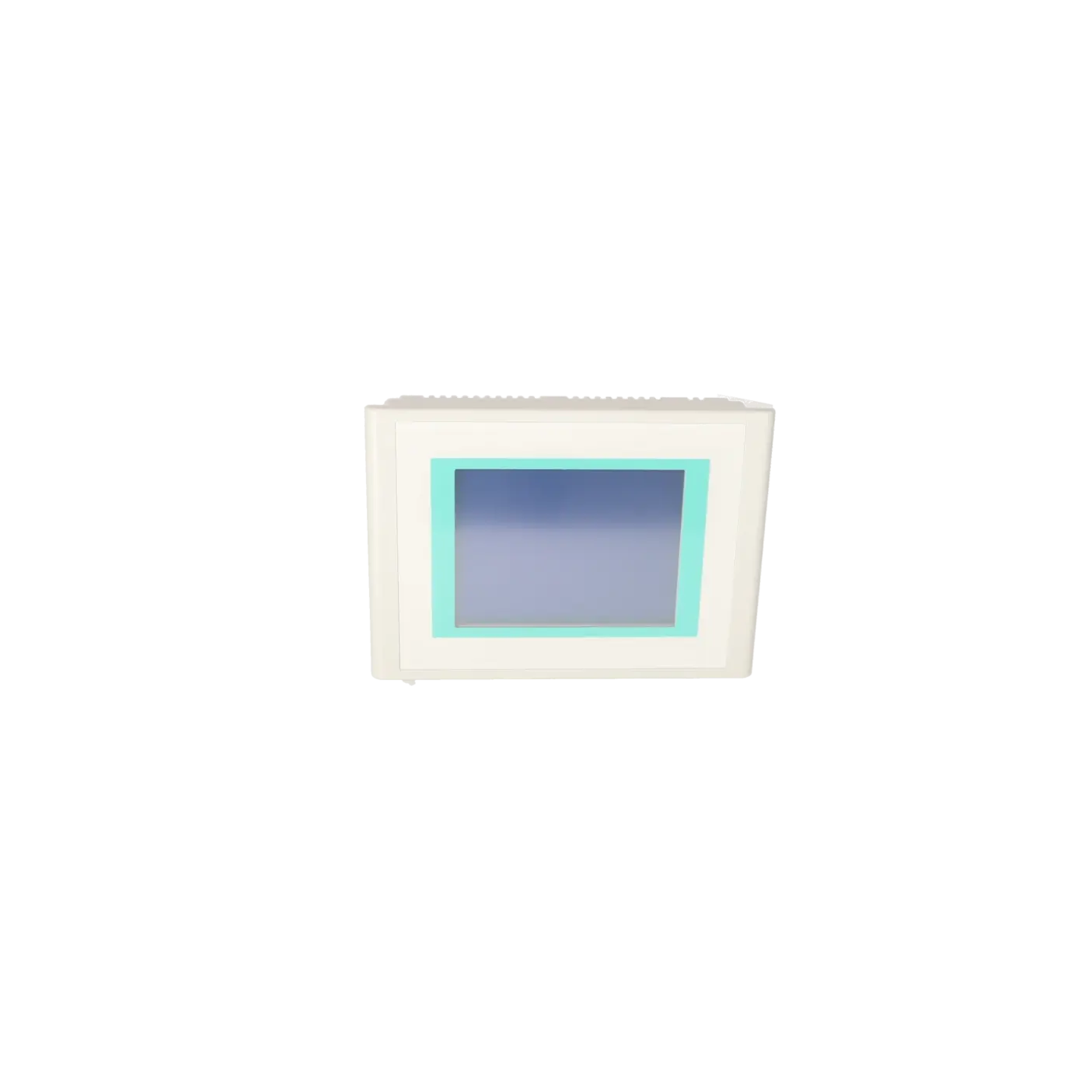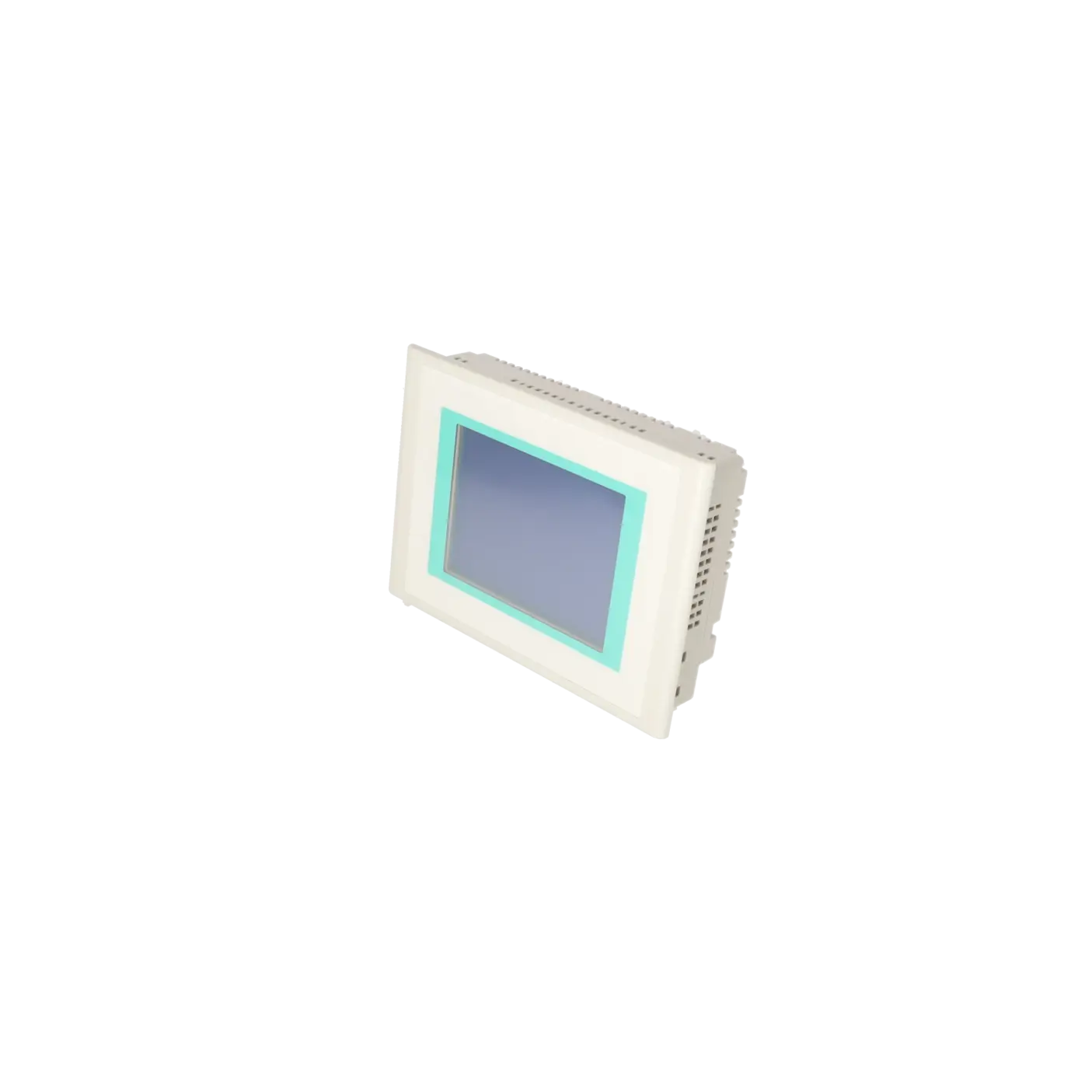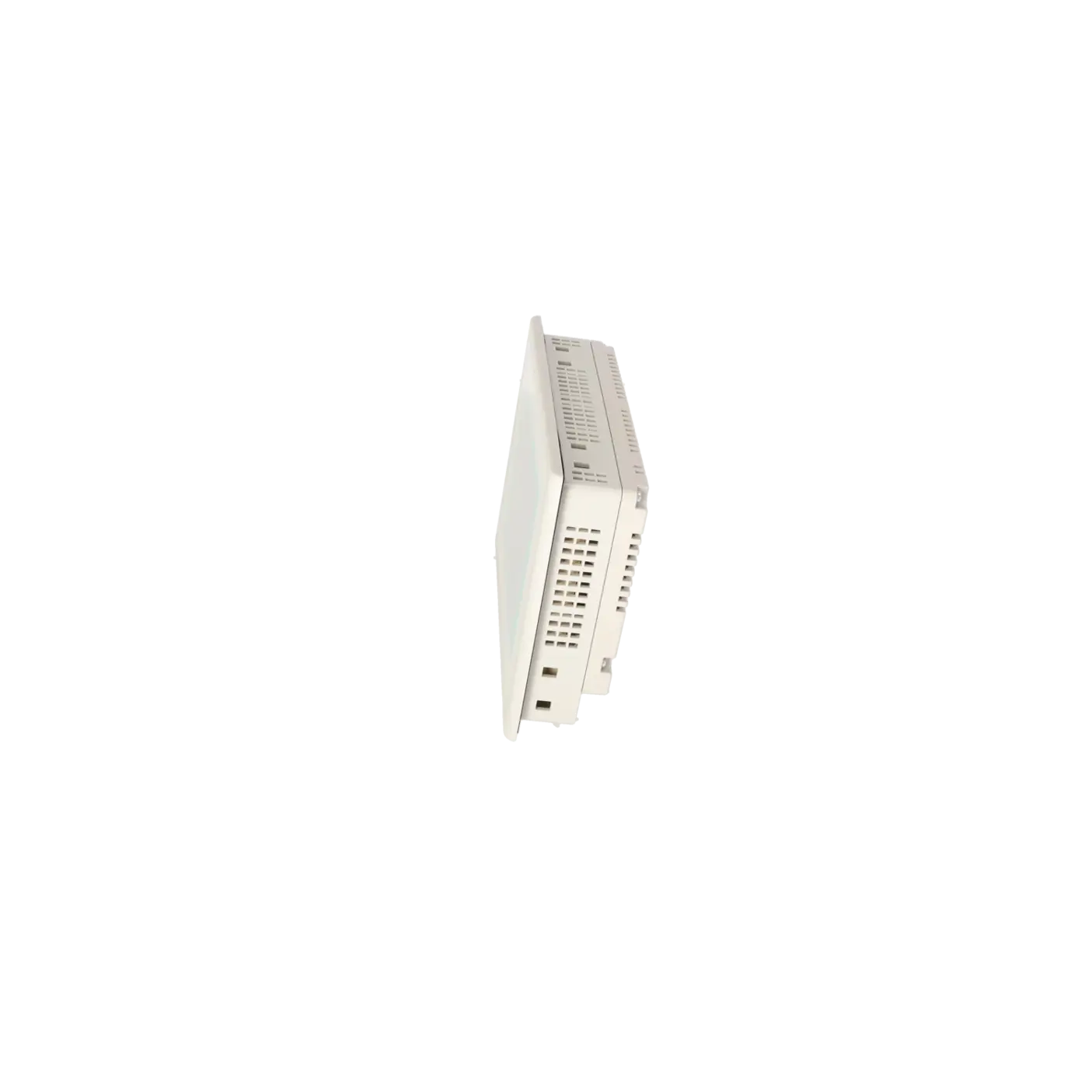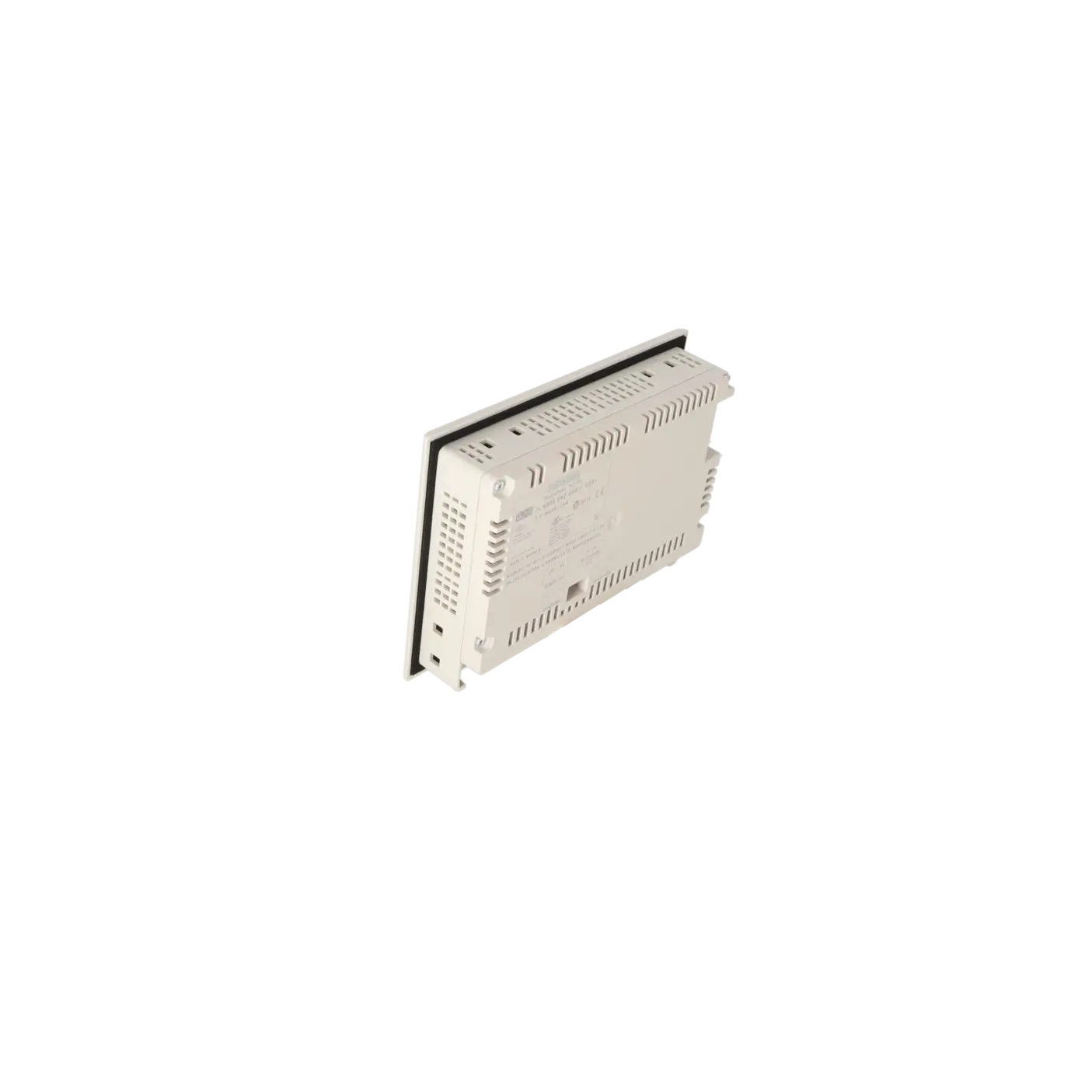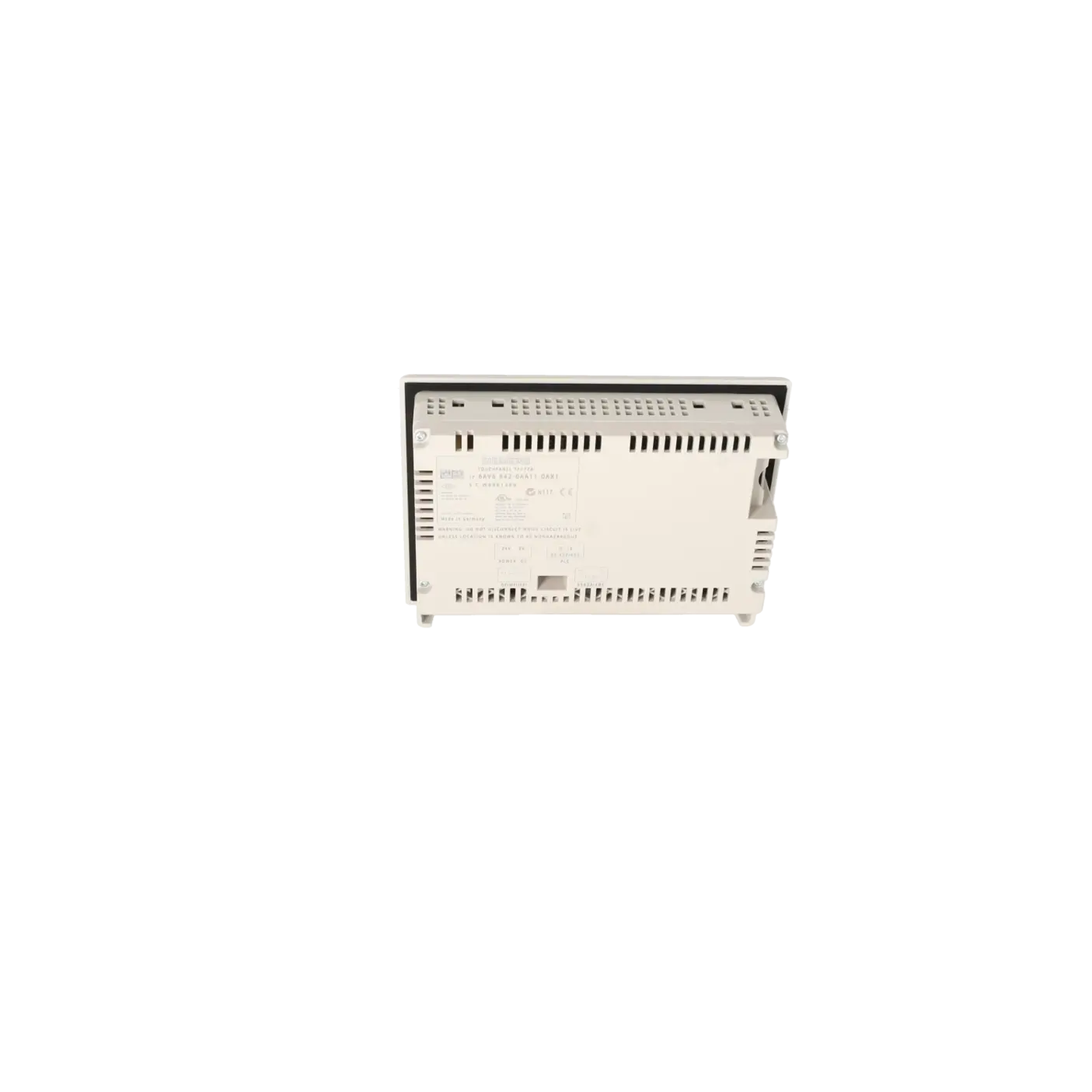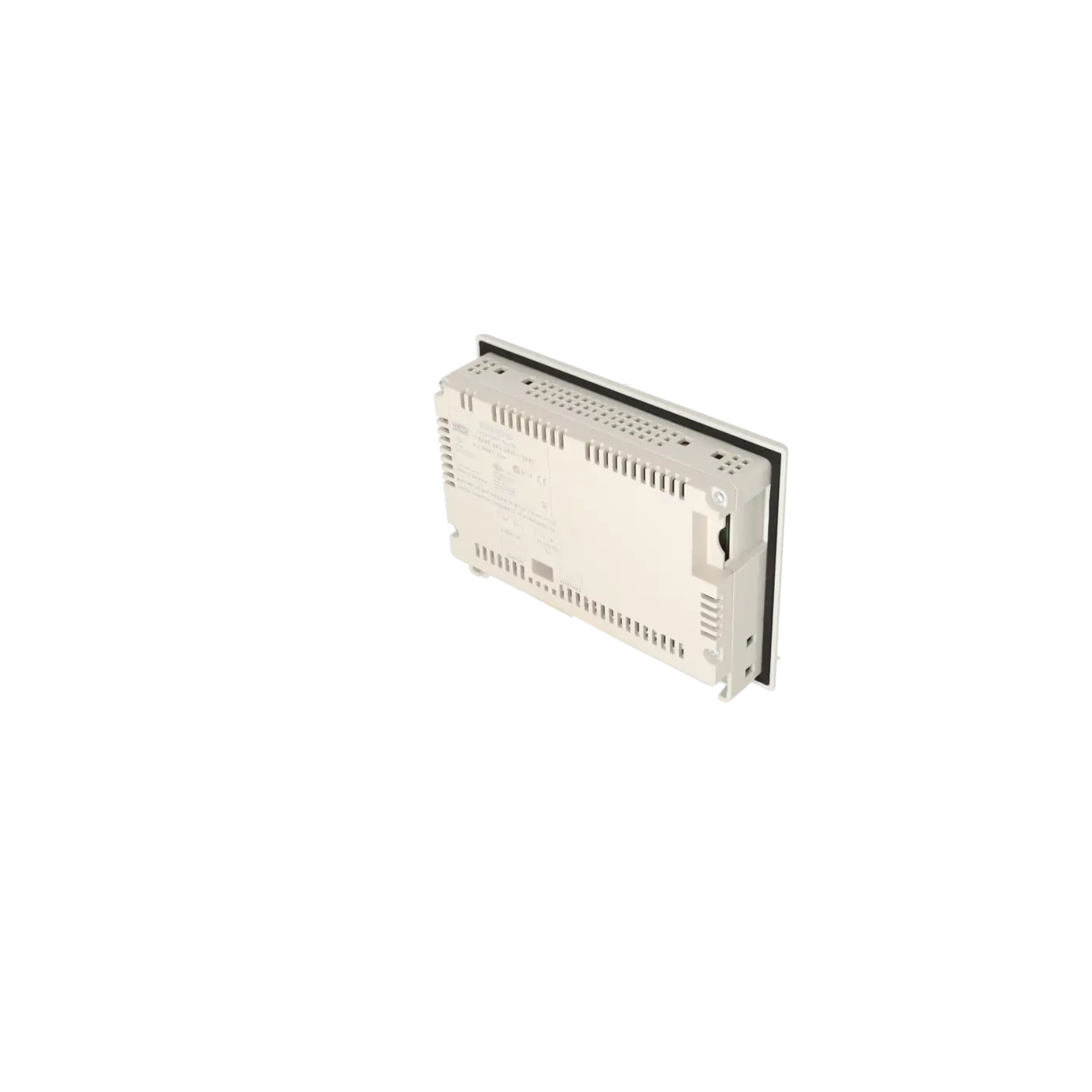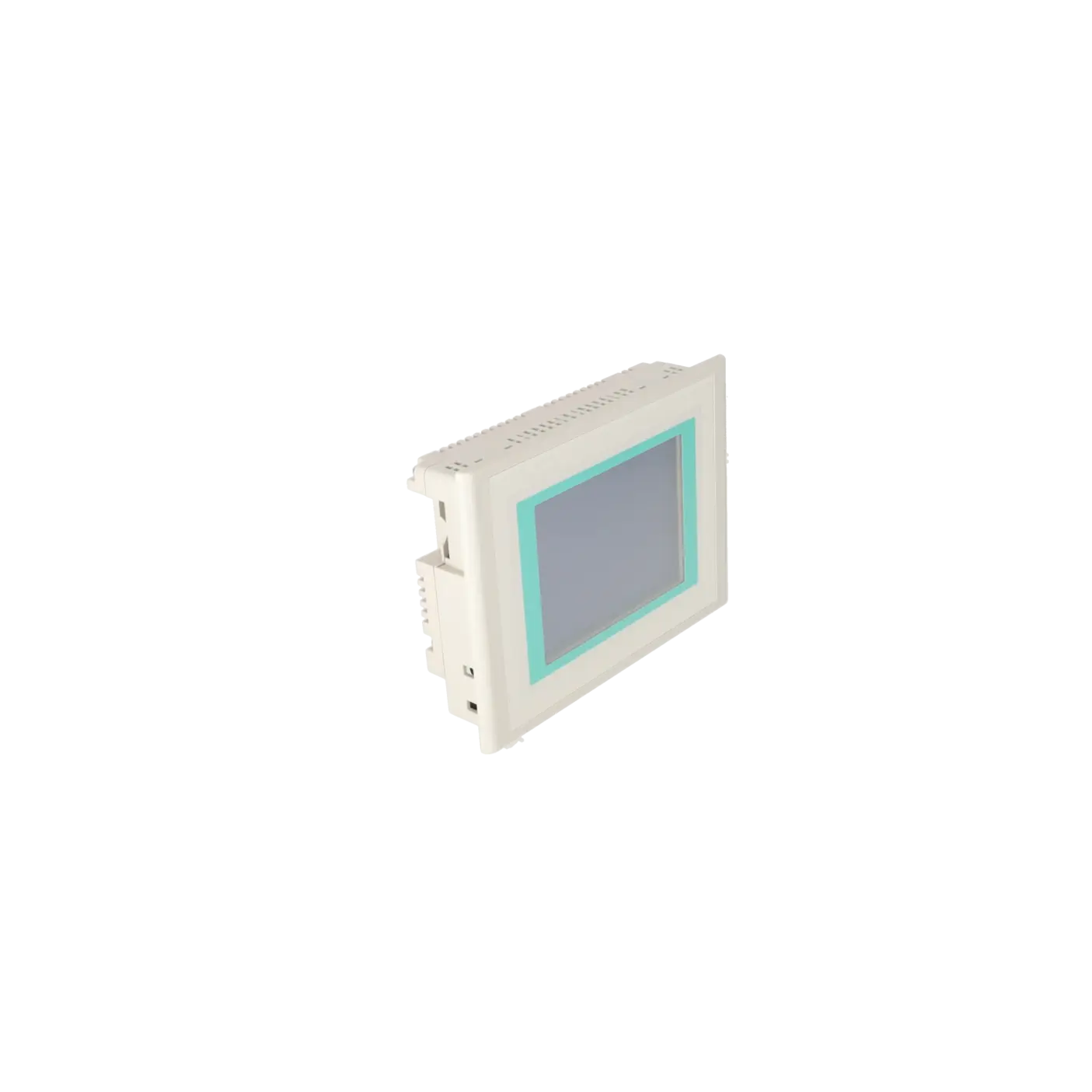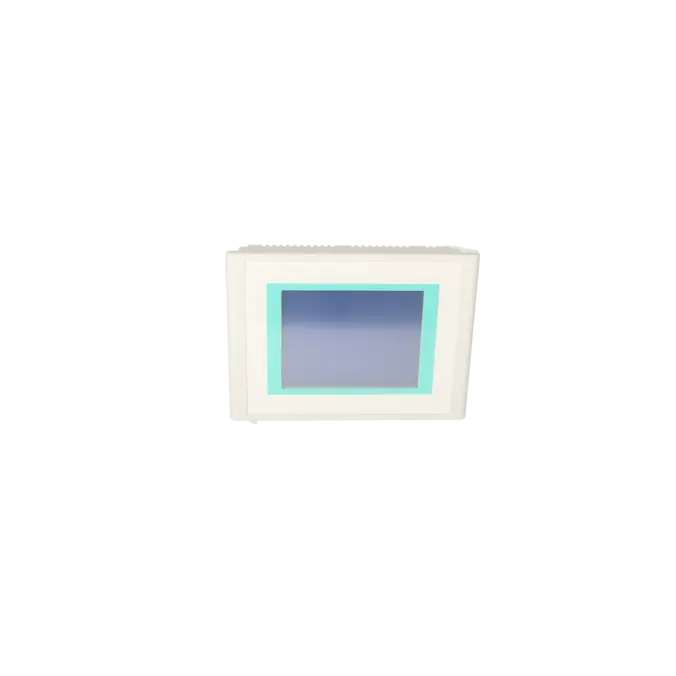
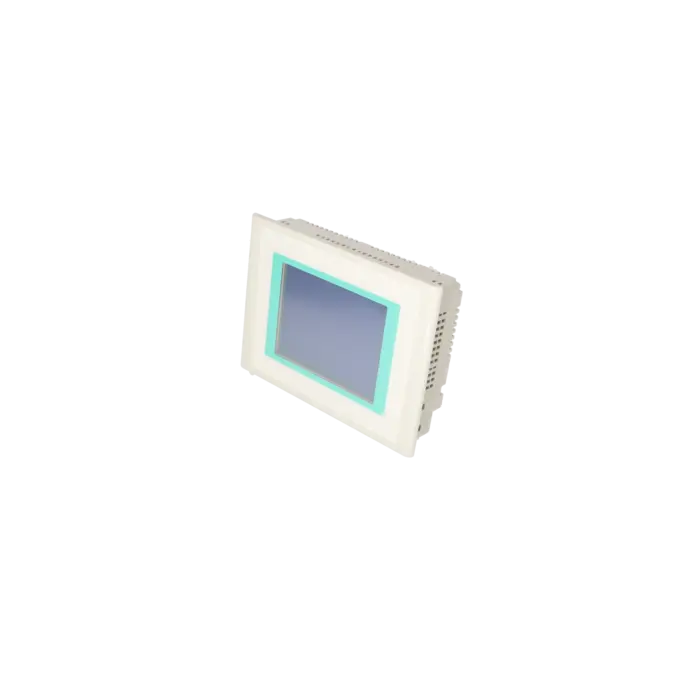
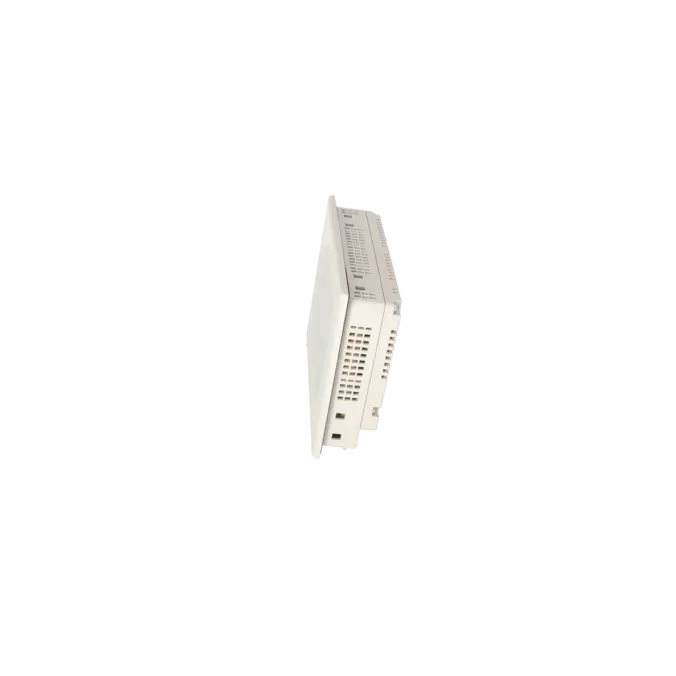
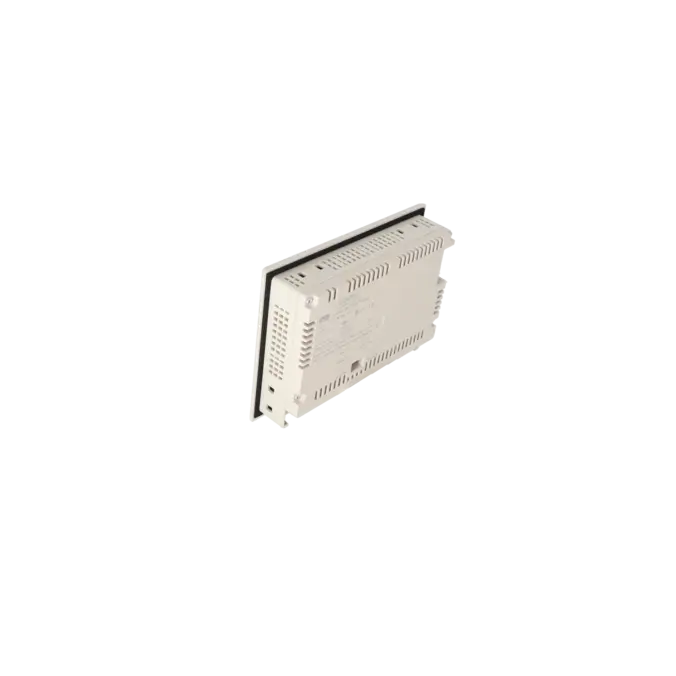
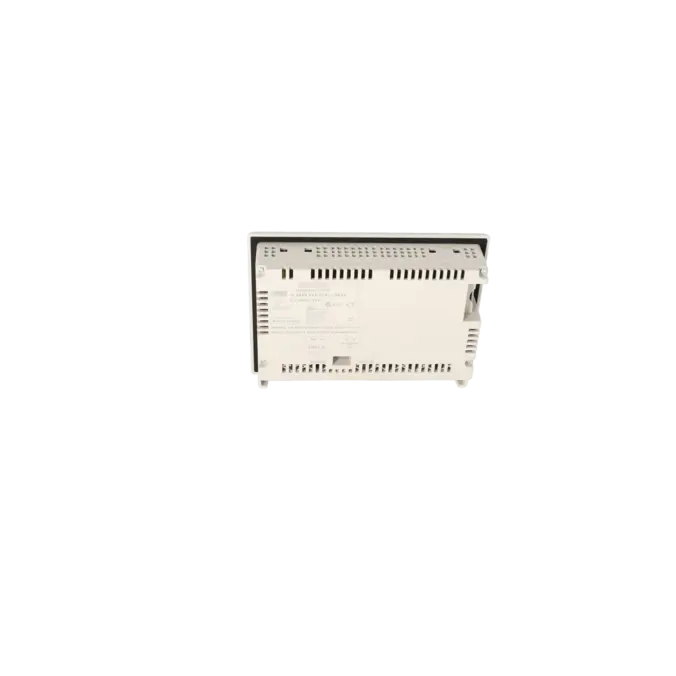
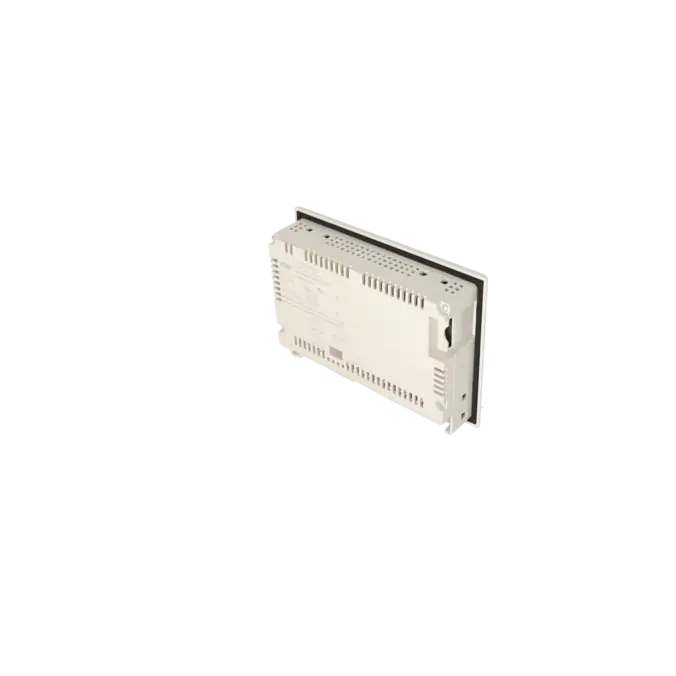
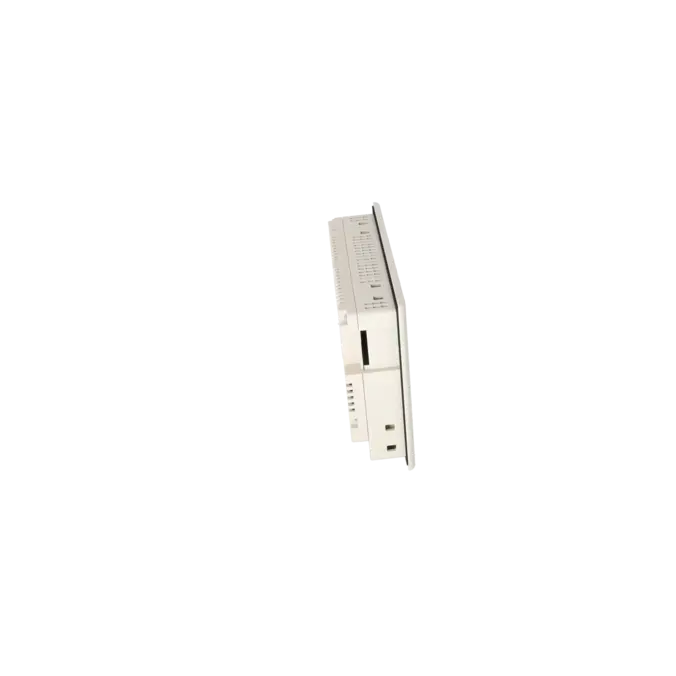
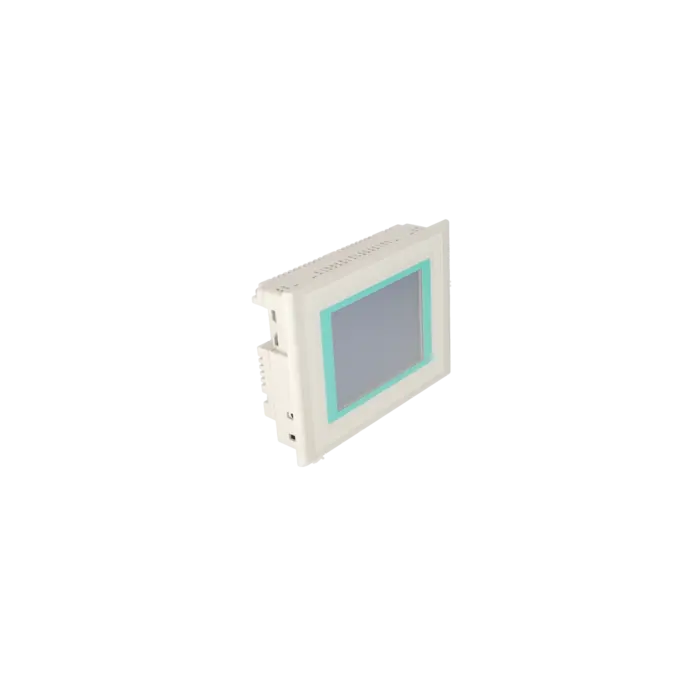
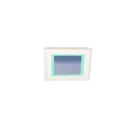


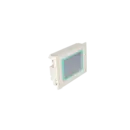
SIEMENS 6AV6642-0AA11-0AX1
-
SIEMENS | HMI | Touch Panels
- EICHLER-art.no.: K0205164
- EAN: 4025515076452
- UPC: 662643396829
Product description
SIMATIC TOUCH PANEL TP 177A 5.7" BLUE MODE STN DISPLAY, MPI/PROFIBUS DP INTERFACE, CONFIGURABLE FROM WINCC FLEXIBLE 2004 COMPACT HSP CONTAINS OPEN SOURCE SOFTWARE WHICH IS PROVIDED FREE OF CHARGE. SEE ENCLOSED CD
Services for SIEMENS 6AV6642-0AA11-0AX1
SIEMENS |
6AV6642-0AA11-0AX1 –
additional product information
| Delivery information | |||
|---|---|---|---|
| Export identifier | AL: N ECCN: N | ||
| Net weight | 0.988 | ||
| Quantity | 1 Stück | ||
| Packaging quantity | 1 | ||
| Additional product information | |||
|---|---|---|---|
| Product status | EOP: 2018-08-08 | ||
| EAN | 4025515076452 | ||
| UPC | 662643396829 | ||
| Static lot number | 85371098 | ||
| List indicator | ST9.80 | ||
| Product group | 4356 | ||
| Country of origin | DE | ||
| Compliance with the substance restrictions according to RoHS directive | Since: 20080331 | ||
| Product classifications | Version | Classification | |
|---|---|---|---|
| eClass | 4 | 27-36-01-02 | |
| eClass | 5.1 | 27-24-23-02 | |
| eClass | 6.0 | 27-24-23-02 | |
| ETIM | 3 | / | |
| ETIM | 4 | EC001412 | |
| ETIM | 5 | EC001412 | |
What is the 6AV6642-0AA11-0AX1 (TP 177A)?
The 6AV6642-0AA11-0AX1 is a Siemens SIMATIC TP 177A touch panel used for industrial HMI applications. It serves as an operator and visualisation device within SIMATIC environments and is particularly relevant for installed base systems, as the device is classified as EOP (End of Product).
Technical key data at a glance
The TP 177A features a 5.7-inch STN display with 320 × 240 resolution and 2 grey levels. It uses an analogue resistive touchscreen, designed for robust industrial operation. This makes the panel suitable for applications where reliable operation and clear basic visualisation are more important than advanced graphics.
Which interfaces does the TP 177A have? (MPI/PROFIBUS-DP)
For integration into automation systems, the device supports MPI and PROFIBUS-DP communication. This allows it to be used in classic SIMATIC architectures where these fieldbus standards are still widely installed.
Engineering & software: WinCC flexible Compact
The TP 177A is engineered using WinCC flexible Compact (depending on system and project version). This enables reuse of existing visualisation projects and supports continued operation in environments based on this generation of Siemens engineering software.
Repair: scope, turnaround time, and warranty
To ensure high system availability, repair services are a key option. These typically include technical refurbishment, preventive maintenance, and full functional testing, ensuring the panel is returned to reliable operating condition.
Fast turnaround times and a defined warranty period make repair a strong option when downtime risk needs to be minimised and system continuity is critical.
Replacement instead of repair: when does it make sense?
An exchange unit is particularly suitable when downtime must be reduced to a minimum or when a fast and predictable replacement process is required. In cases of recurring failures, replacement can often be the more economical solution to avoid unplanned production stops.
EOP (End of Product): spare parts strategy for installed systems
Since the TP 177A is classified as end-of-product (EOP), a structured spare parts strategy becomes essential. Options such as repair, replacement units, or tested refurbished devices help extend the lifecycle of existing systems without requiring immediate full retrofit measures.
Identification & ordering: EAN/UPC and internal references
For procurement and maintenance, clear identification is important. In addition to the Siemens order number 6AV6642-0AA11-0AX1, identifiers such as EAN/UPC codes and internal article numbers support accurate ordering and reduce the risk of confusion when multiple device variants are in use.
| Feature | Value |
|---|---|
| Product type designation | TP 177A |
| Display | |
| Design of display | STN |
| Screen diagonal | 5.7 in |
| Color display | No |
| Number of colors | 2; Blue levels |
| Resolution (pixels) | |
| ● Horizontal image resolution | 320 pixel |
| ● Vertical image resolution | 240 pixel |
| Backlighting | |
| ● MTBF backlighting (at 25 °C) | 50 000 h |
| Control elements | |
| Control elements | Touch screen |
| Keyboard fonts | |
| ● Function keys | No |
| — Number of function keys | 0 |
| ● System keys | No |
| ● Numeric keyboard | Yes |
| ● alphanumeric keyboard | Yes |
| ● hexadecimal keyboard | Yes |
| ● Multi-key operation | No |
| Touch operation | |
| ● Design as touch screen | Yes; analog, resistive |
| Connection type | |
| ● Type of connection for mouse/keyboard/barcode reader | - / - / - |
| Installation type/mounting | |
| Mounting position | vertical |
| maximum permissible angle of inclination without external ventilation | 35° |
| Supply voltage | |
| Type of supply voltage | DC |
| Input current | |
| Current consumption (rated value) | 0.24 A |
| Starting current inrush I²t | 0.5 A²·s |
| Power | |
| Active power input, typ. | 6 W |
| Processor | |
| Processor type | ARM |
| Memory | |
| Type of memory | Flash / RAM |
| Memory available for user data | 512 kbyte |
| Type of output | |
| Info LED | No |
| Power LED | No |
| Error LED | No |
| Time of day | |
| Clock | |
| ● Type | Software clock, no battery backup |
| ● retentive | No |
| ● synchronizable | No |
| Interfaces | |
| Interfaces/bus type | 1x RS 422, 1x RS 485 (max. 1.5 Mbit/s) |
| Number of industrial Ethernet interfaces | 0 |
| Number of RS 485 interfaces | 1 |
| Number of RS 422 interfaces | 1 |
| Number of USB interfaces | 0 |
| PC card slot | No |
| CF card slot | No |
| Multimedia card/SD card slot | No |
| Protocols | |
| Supports protocol for PROFINET IO | No |
| PROFIsafe | No |
| PROFIBUS | Yes |
| EtherNet/IP | No |
| Protocols (Ethernet) | |
| ● TCP/IP | No |
| Further protocols | |
| ● MODBUS | No |
| ● other bus systems | Yes |
| Degree and class of protection | |
| IP (at the front) | IP65 |
| IP (rear) | IP20 |
| NEMA (front) | NEMA 4x (when installed) |
| Standards, approvals, certificates | |
| Certificate of suitability | CE, GL, ABS, BV, DNV, LRS, FM Class I Div. 2, UL, CSA, cULus, EX-Zone 2 (in Vorbereitung), EX-Zone 22 (in Vorbereitung), C-TICK, NEMA 4x |
| cULus | Yes |
| EAC (formerly Gost-R) | No |
| Suitable for safety functions | No |
| Use in hazardous areas | |
| ● ATEX Zone 2 | Yes |
| ● ATEX Zone 22 | Yes |
| ● FM Class I Division 2 | Yes |
| Marine approval | |
| ● Germanischer Lloyd (GL) | Yes |
| ● American Bureau of Shipping (ABS) | Yes |
| ● Bureau Veritas (BV) | Yes |
| ● Det Norske Veritas (DNV) | Yes |
| ● Lloyds Register of Shipping (LRS) | Yes |
| ● Nippon Kaiji Kyokai (Class NK) | Yes |
| ● Polski Rejestr Statkow (PRS) | No |
| Ambient conditions | |
| Ambient temperature during operation | |
| ● min. | 0 °C |
| ● max. | 50 °C |
| Ambient temperature during storage/transportation | |
| ● min. | -20 °C |
| ● max. | 60 °C |
| Relative humidity | |
| ● Operation, max. | 90 % |
| Operating systems | |
| pre-installed operating system | LINUX |
| configuration / header | |
| Message indicator | Yes |
| Alarm system (incl. buffer and acknowledgment) | Yes |
| Process value display (output) | Yes |
| Process value default (input) possible | Yes |
| Recipe management | Yes |
| Configuration software | |
| ● Configuration tool | WinCC flexible Compact Version 2004 SP1 or higher (to be ordered separately) |
| ● STEP 7 Basic (TIA Portal) | No |
| ● STEP 7 Professional (TIA Portal) | No |
| ● WinCC flexible Compact | Yes |
| ● WinCC flexible Standard | Yes |
| ● WinCC flexible Advanced | Yes |
| ● WinCC Basic (TIA Portal) | No |
| ● WinCC Comfort (TIA Portal) | Yes |
| ● WinCC Advanced (TIA Portal) | Yes |
| ● WinCC Professional (TIA Portal) | Yes |
| Languages | |
| Online languages | |
| ● Number of online/runtime languages | 5 |
| Project languages | |
| ● Languages per project | 32 |
| Functionality under WinCC (TIA Portal) | |
| Libraries | Yes |
| Number of Visual Basic Scripts | |
| ● Debugging in the simulator | No |
| Task planner | Yes |
| Help system | Yes |
| ● Number of characters per info text | 70 |
| ● Number of tooltips | 0 |
| Message system | |
| ● Number of alarm classes | 32 |
| ● Number of messages | 1 000 |
| ● Bit messages | Yes |
| — Number of bit messages | 1 000 |
| ● Analog messages | Yes |
| — Number of analog messages | 20 |
| ● Telegram message procedure Alarm S | No |
| ● System messages HMI | Yes |
| ● System messages PLC | Yes |
| ● System event, more (SIMATIC S7, SINUMERIK, SIMOTION, ... ) | No |
| ● Lines | 1 |
| ● Number of characters per message | 80 |
| ● Number of process values per message | 8 |
| ● Acknowledgment groups | Yes |
| ● Message indicator | Yes |
| ● acoustic feedback | No |
| ● First/last value | Yes |
| Recipe management | |
| ● Number of recipes | 5 |
| ● Data records per recipe | 20 |
| ● Entries per data record | 20 |
| ● Recipe memory | 32 KB integrated Flash |
| Variables | |
| ● Number of variables per device | 500 |
| ● Number of variables per screen | 30 |
| ● Limit values | Yes |
| ● Multiplexing | Yes |
| ● Structures | No |
| Images | |
| ● Number of configurable images | 250 |
| ● Permanent window/default | Yes |
| ● Start screen configurable | Yes |
| ● Image selection by PLC | Yes |
| ● Image number in the PLC | Yes |
| Image objects | |
| ● Text objects | 1 000 text elements |
| ● Number of I/O fields per image | 30 |
| ● Index of screen context | No |
| ● Return | No |
| ● Graphics object | Bit maps, icons, icon (full-screen), vector graphics |
| — Icons | 1 |
| — Icon (full screen) | 1 |
| Complex image objects | |
| ● Status/control | Not possible |
| ● dynamic objects | Diagrams, bar graphs |
| ● Bar graphs | |
| — Number of bars per chart | 5 |
| ● Limit value lines | Yes |
| Attributes for dynamic objects | |
| ● Color change | No |
| ● X/Y movement | No |
| ● Hide | Yes |
| ● Angle of rotation | No |
| Lists | |
| ● Number of text lists per project | 300 |
| ● Number of graphics lists per project | 100 |
| Security | |
| ● Number of user groups | 50 |
| ● Number of user rights | 32 |
| ● Password export/import | Yes |
| Data carrier support | |
| ● PC card | No |
| ● CF card | No |
| Transfer (upload/download) | |
| ● Transfer of configuration | MPI/PROFIBUS DP, serial, automatic transfer recognition |
| Process coupling | |
| ● Connection to controller | S7-200, S7- 300/400, Win AC see section on "System interfaces" |
| ● S7-200 | Yes |
| — PPI (point-to-point) | Yes |
| — PPI network | Yes |
| — MPI | Yes |
| — PROFIBUS DP | Yes |
| — Ethernet | No |
| ● S7-300/400 | Yes |
| — MPI | Yes |
| — PROFIBUS DP | Yes |
| — PROFINET | No |
| ● S5 | No |
| — serial | No |
| — PROFIBUS DP | No |
| ● TI 505 | No |
| ● Allen Bradley (DF1) | No |
| ● Allen Bradley (DF485) | No |
| ● Mitsubishi (FX) | No |
| ● Mitsubishi (MP4) | No |
| ● Telemecanique (ADJUST) | No |
| ● Telemecanique (Uni-Telway) | No |
| ● OMRON (LINK/Multilink) | No |
| ● Modicon (Modbus) | No |
| ● GE-Fanuc (SNP) | No |
| Functions | |
| ● Key repeat | No |
| ● TAB sequence | Yes |
| ● Calculating functions | Yes |
| ● Animate | No |
| ● Menu tree editor | No |
| ● Unit switchover | No |
| Service tools/configuration aids | |
| ● Clean screen | Yes |
| ● Touch calibration | Yes |
| ● Backup/Restore manually | Yes |
| ● Simulation | Yes |
| ● Device switchover | Yes |
| ● Delta transfer | No |
| ● Monitoring function for battery and memory | No |
| ● Trace (operation archive) | No |
| Expandability/openness | |
| ● Open Platform Program | No |
| Peripherals/Options | |
| SIMATIC HMI MM memory card: Multi Media Card | No |
| Additional software components loadable | Yes |
| Dimensions | |
| Width of the housing front | 212 mm |
| Height of housing front | 156 mm |
| Mounting cutout, width | 198 mm |
| Mounting cutout, height | 142 mm |
| Overall depth | 44 mm |
| Weights | |
| Weight (without packaging) | 0.75 kg |
| Fault description | Possible solution |
|---|---|
| Error message: “A connection could not be established. Please check your settings, ports, cable etc.” (Transfer) | Typical cause: Incorrect transfer interface/COM port, wrong cable/adapter (e.g. USB–MPI), panel not in transfer mode, or mismatched parameters. Quick fix: Switch panel to Transfer mode (Control Panel → Transfer) and select the correct interface. In WinCC flexible / ProSave, choose the correct adapter/COM port and test the connection. Replace cable/adapter if transfers or OS updates fail intermittently. When service is needed: If transfer continuously fails despite correct settings (possible OS or flash memory issue). |
| Error message: “Transfer failed with error …” (project/OS download aborts) | Typical cause: Interrupted transfer (cable/adapter/power supply), unstable interface, or corrupted panel data/OS areas. Quick fix: Retry transfer using a different adapter/cable and ensure stable power supply. For OS-related issues: perform an OS update with “Reset to factory settings” via ProSave (if allowed and backup exists). When service is needed: If a boot error or blue screen appears afterwards or access is no longer possible. |
| Boot error / display: “No Filesystem” / blue screen (panel does not start correctly) | Typical cause: Corrupted OS or file system, often after an interrupted OS update or transfer. Quick fix (standard procedure): Recovery / OS update via ProSave including factory reset (if the panel is still accessible). Practical note: In severe cases, dedicated recovery may be required as standard transfer methods no longer work. When repair or replacement is recommended: If no connection to the panel is possible or the boot error reoccurs (replacement saves time compared to troubleshooting). |
| Error message: “No connection to PLC / PLC not reachable” (runtime) | Typical cause: Incorrect MPI/PROFIBUS address, wrong baud rate or network parameters, faulty bus termination/connector, or incorrect communication channel in the project. Quick fix: Verify addresses and bus parameters in both project and PLC, check termination resistors. Use project diagnostics to verify communication channel and variables. When service is needed: If the panel itself is unstable (e.g. communication drops despite a correct bus setup). |
| Error code 290040: “Data record error … action canceled” | Typical cause: Incorrect data block/data record on PLC side, wrong memory location, or misconfigured area pointer/connection. Quick fix: Check PLC data record location and verify area pointer configuration. Re-establish connection and retry action; involve support/service if the issue persists. |
| Symptom: Panel freezes when pressing transfer or does not respond | Typical cause: Corrupted or inconsistent operating system/runtime environment. Quick fix: In practice, an OS update with factory reset via ProSave is recommended. When service or replacement is appropriate: If downtime is critical, replacement is often faster than extended troubleshooting. |
| Symptom: Project compiles but “nothing is transferred” (no visible error) | Typical cause: Incorrect transfer path (wrong interface), panel not actually in correct transfer mode, or compatibility/version mismatch in engineering environment. Quick fix: Carefully verify transfer settings (interface/address) and, if necessary, use an OS update as a diagnostic check. If OS update works but project transfer does not, the issue is likely project or compatibility related. Note: Work on PROFIBUS/MPI networks, OS updates and factory resets should only be performed by qualified personnel; a proper backup/restore strategy is essential in production environments. |
FAQ – 6AV6642-0AA11-0AX1 (SIEMENS TP 177A)
Which display specifications does the 6AV6642-0AA11-0AX1 have?
The TP 177A features a 5.7" STN display (320 × 240 pixels). It is compact, easy to read, and well suited for proven HMI applications in existing industrial installations.
Which communication interface does the TP 177A use?
The device supports MPI/PROFIBUS-DP, allowing reliable integration into many existing SIMATIC systems without requiring major system changes.
Is the touchscreen resistive or capacitive?
The touch panel is analogue resistive, making it robust for industrial environments. It can also be operated with gloves and is less sensitive to typical contamination or harsh operating conditions.
From which software version is engineering supported?
According to the datasheet, engineering is supported from WinCC flexible Compact (from version 2004 onwards). This is particularly useful when maintaining or quickly restarting existing projects.
Is the product discontinued (EOP) – and why is service important?
Yes, the device has an EOP status (2018-08-08). For this reason, repair or exchange solutions are often the fastest way to minimise downtime and keep installed systems operating economically.