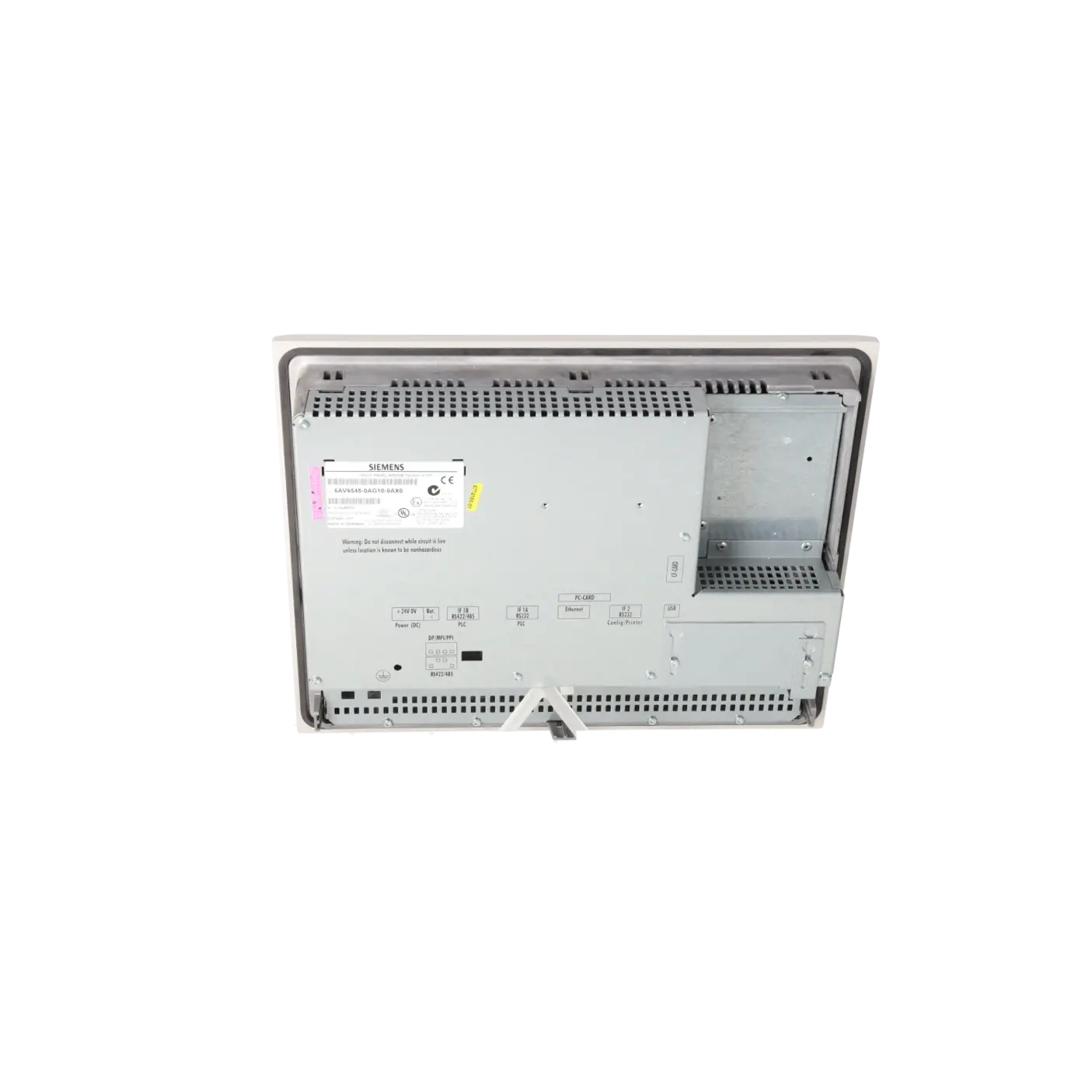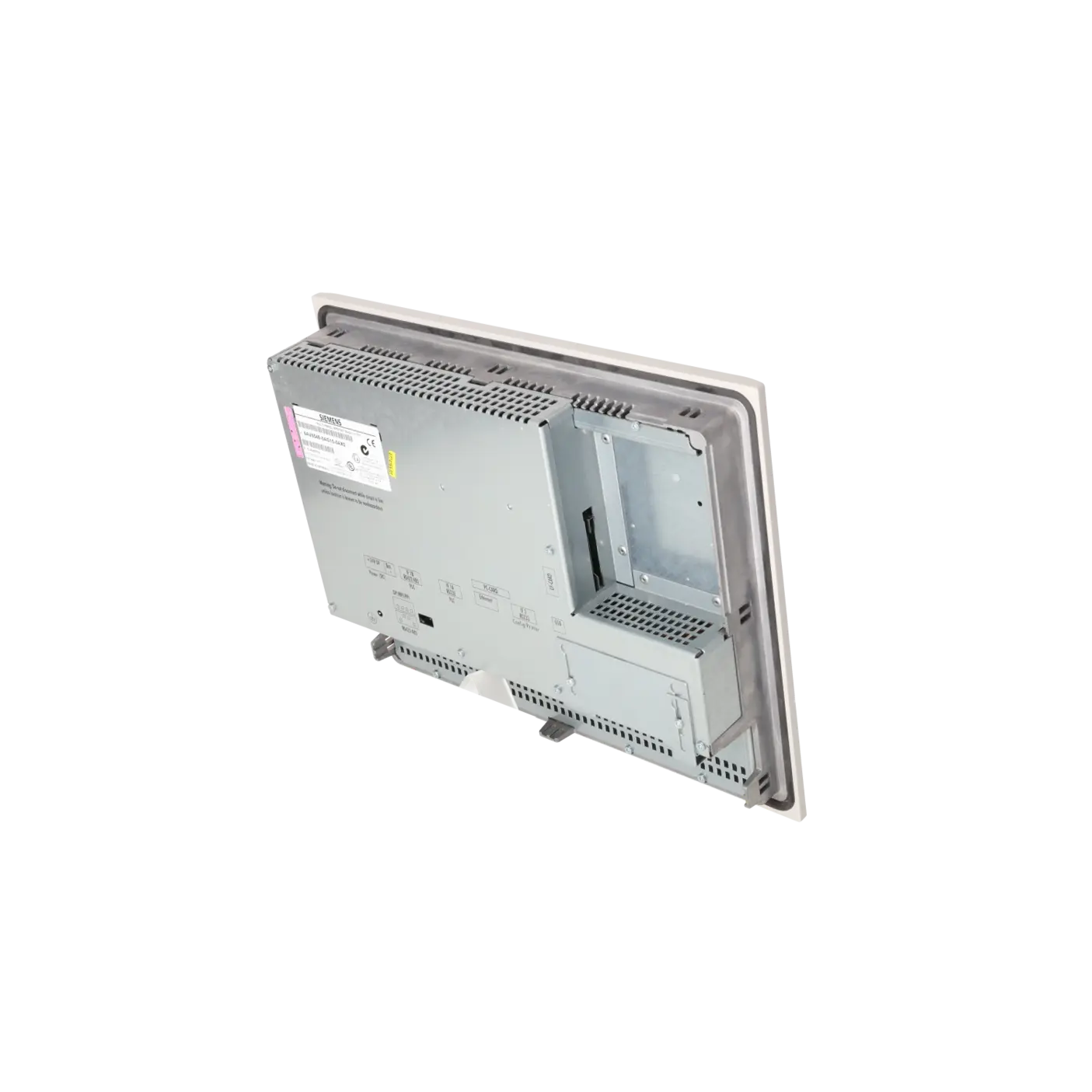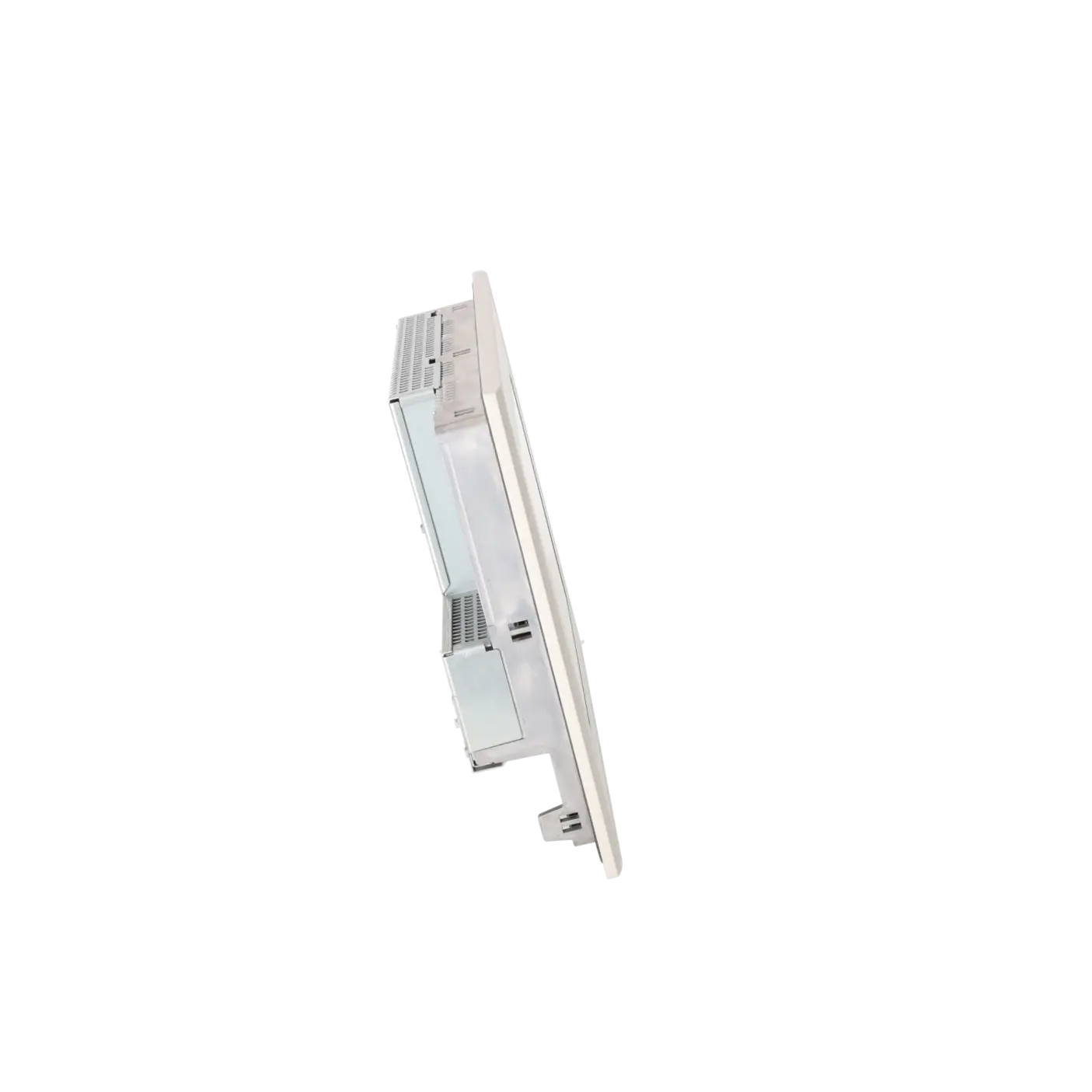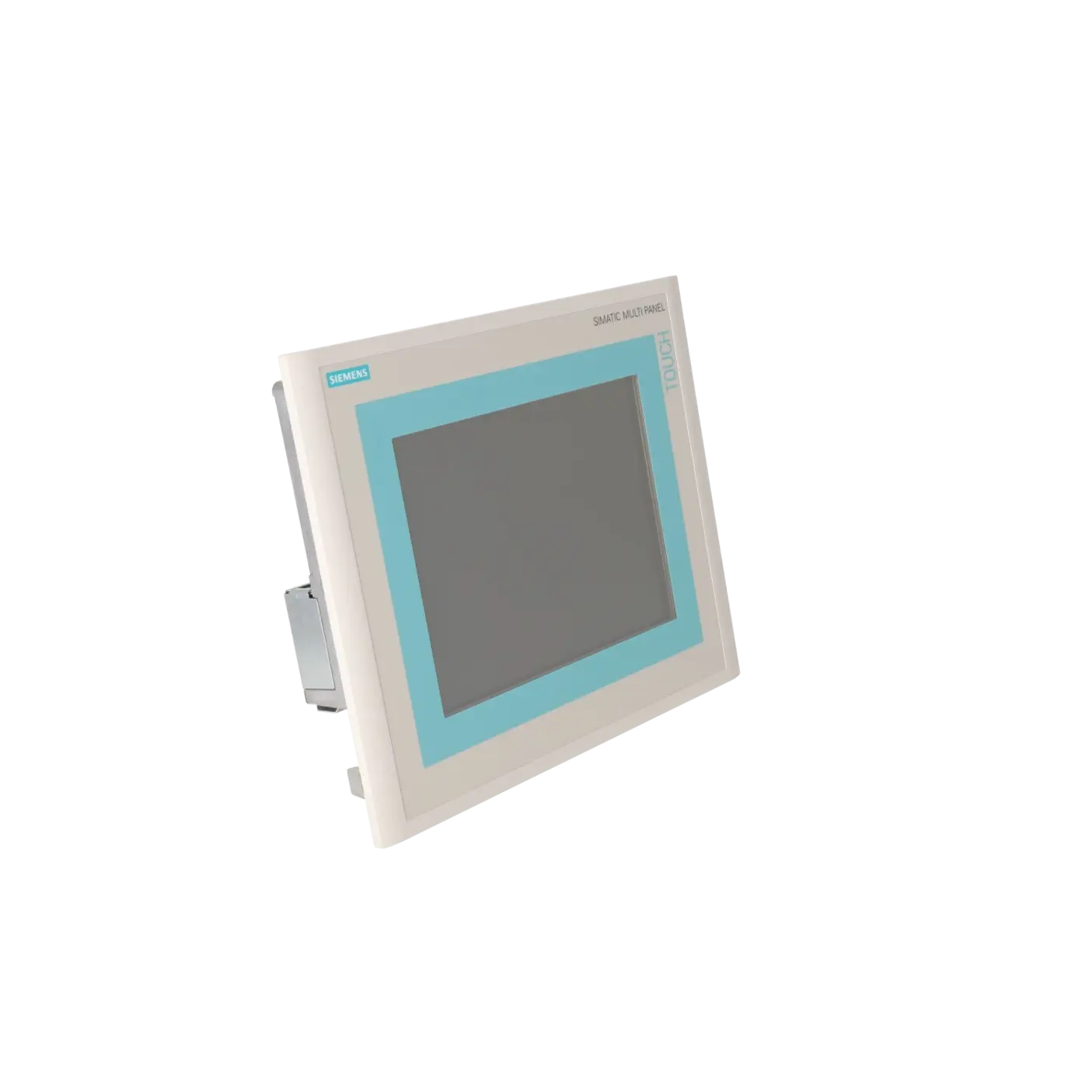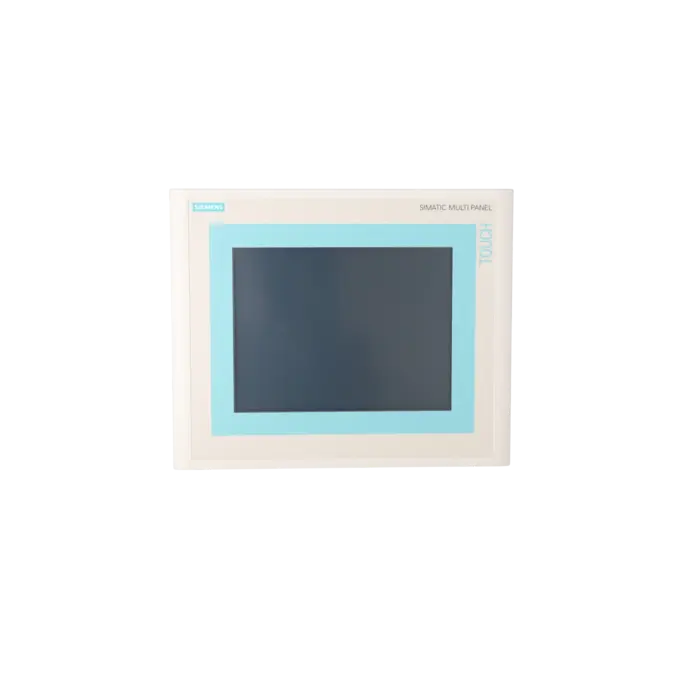
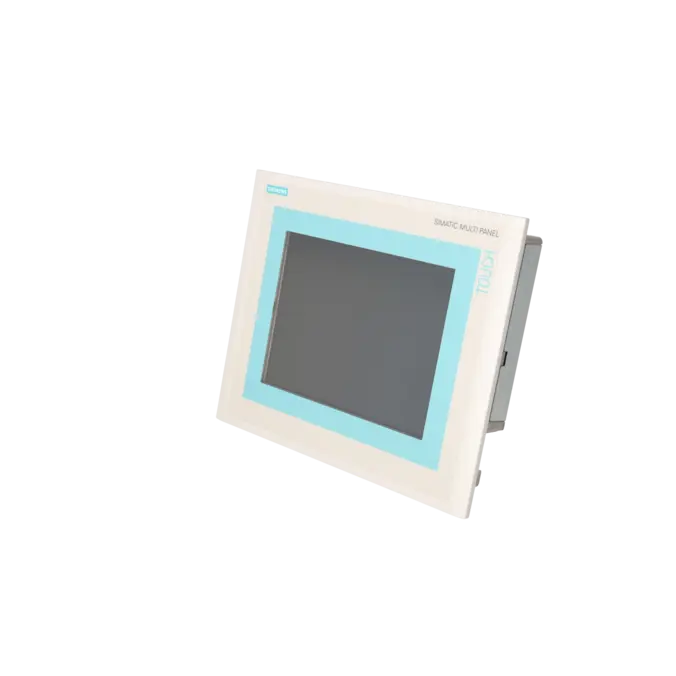
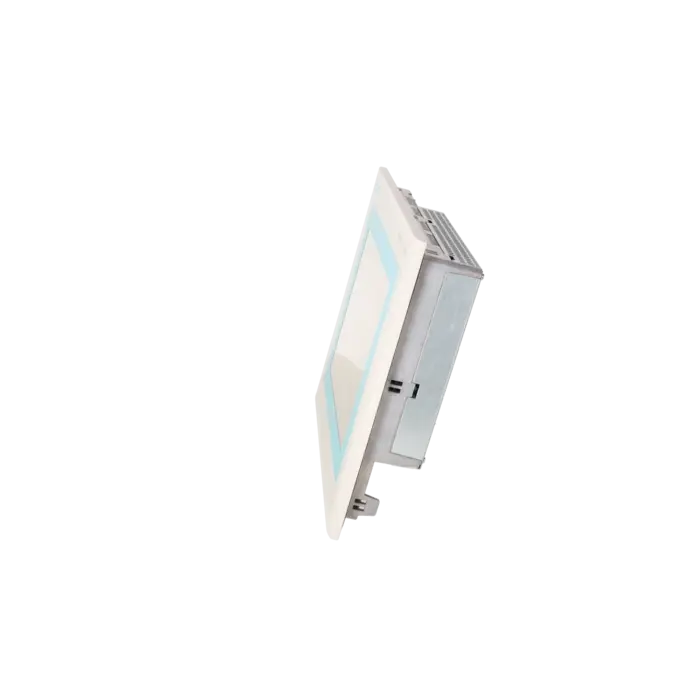
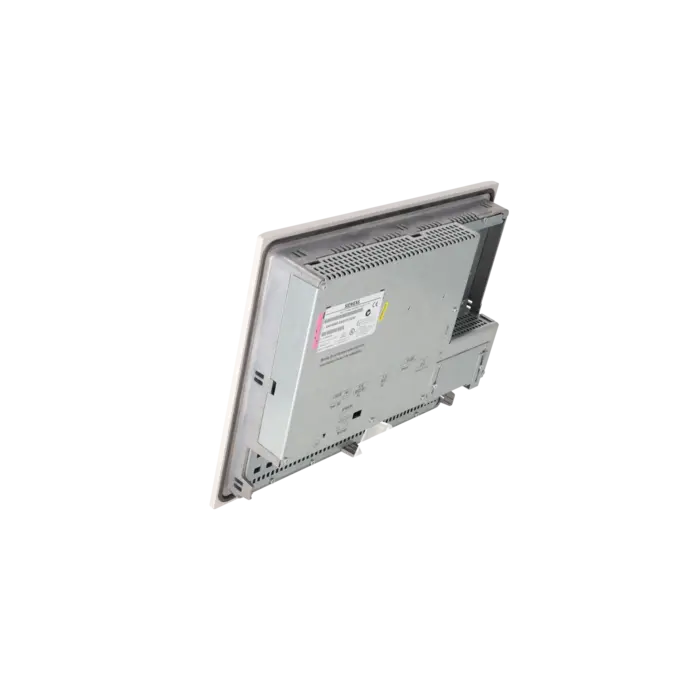
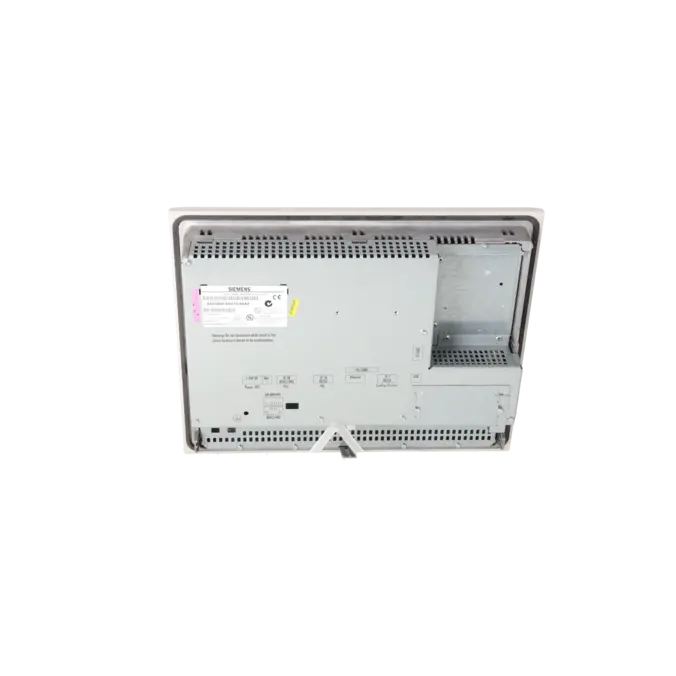
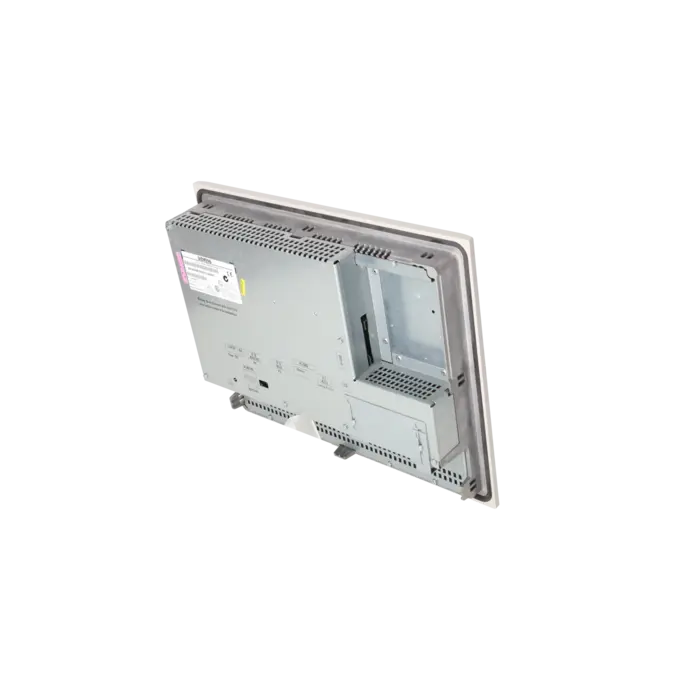
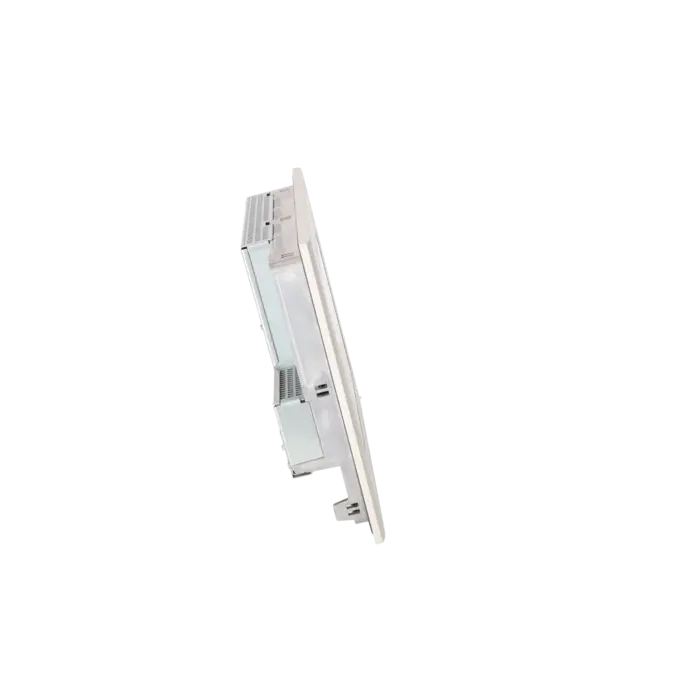
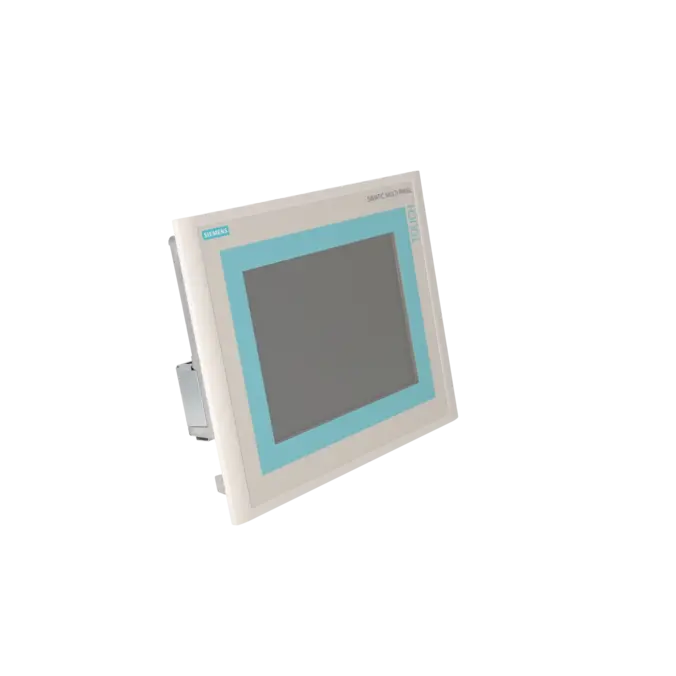
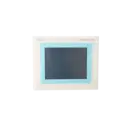

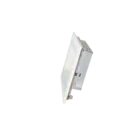
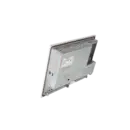
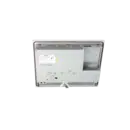


SIEMENS 6AV6545-0AG10-0AX0
-
SIEMENS | HMI | Touch Panels
- EICHLER-art.no.: K0116921
- EAN: 4025515068020
Product description
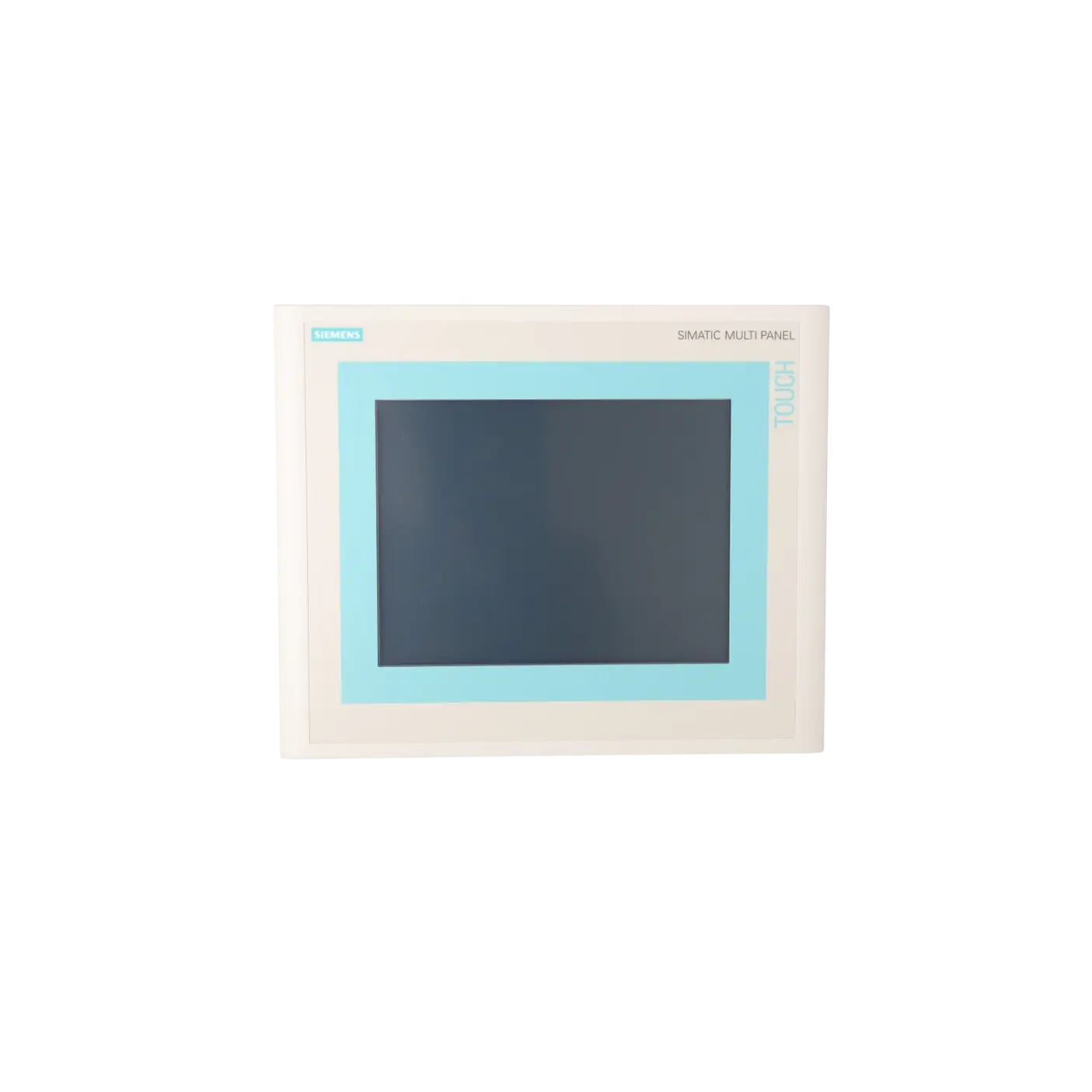
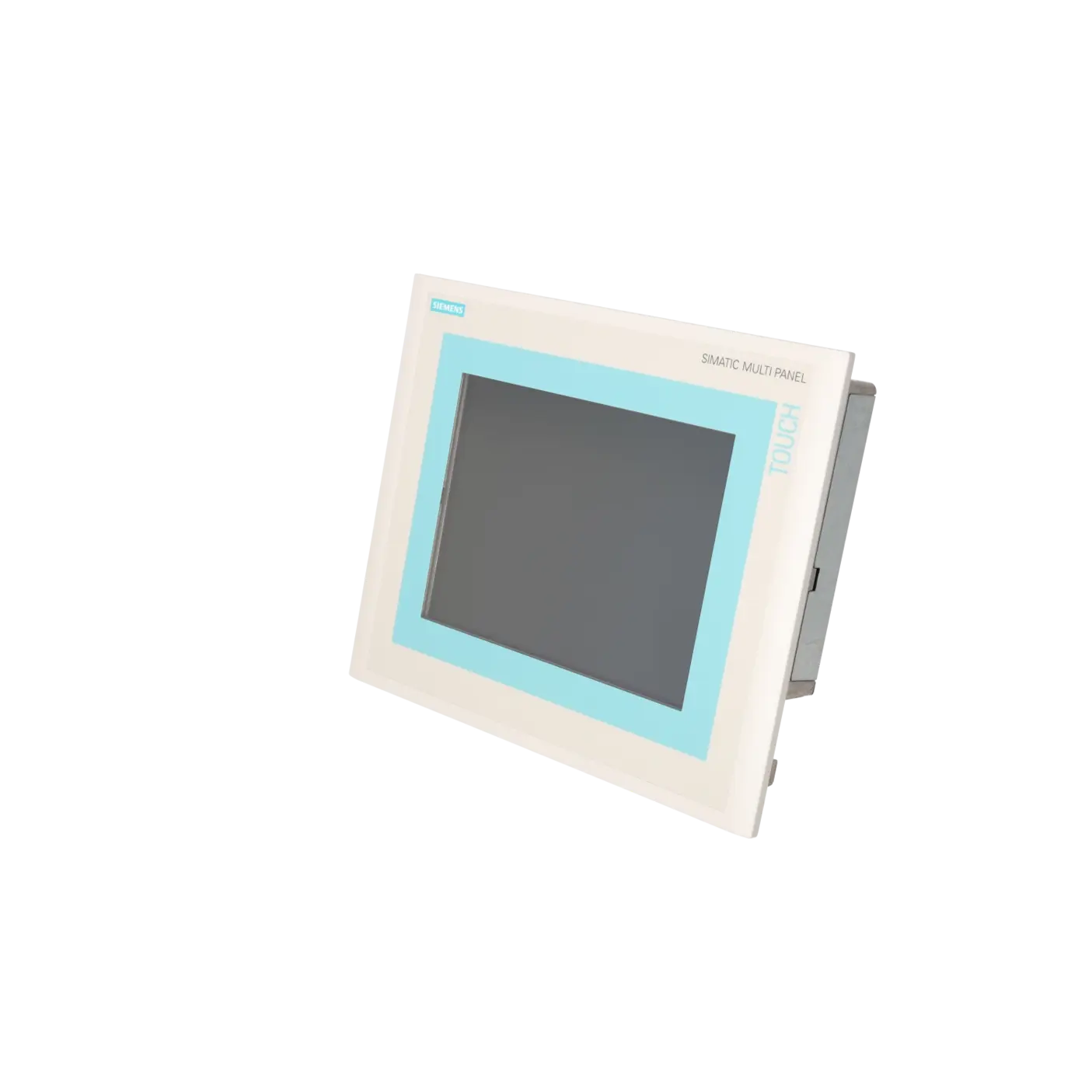
SIMATIC MP270B TOUCH MULTI PANEL 10,4" TFT DISPLAY 4 MB PROJEKTIERUNGSSPEICHER, PROJEKTIERBAR MIT PROTOOL AB VERSION V6.0
Services for SIEMENS 6AV6545-0AG10-0AX0
Repair
from 1.784,48 €
to 3.212,07 €
Replacement
3.395,70 €
3.225,91 €
Used
3.773,00 €
3.584,35 €
New
7.544,00 €
7.166,80 €
SIEMENS |
6AV6545-0AG10-0AX0 –
additional product information
| Delivery information | |||
|---|---|---|---|
| Export identifier | AL: ECCN: | ||
| Net weight | 5.9 | ||
| Quantity | 1 Stück | ||
| Packaging quantity | 1 | ||
| Additional product information | |||
|---|---|---|---|
| Product status | EOP: 2008-04-01 | ||
| EAN | 4025515068020 | ||
| UPC | / | ||
| Static lot number | 85371099 | ||
| List indicator | / | ||
| Product group | / | ||
| Country of origin | / | ||
| Compliance with the substance restrictions according to RoHS directive | Since: / | ||
| Product classifications | Version | Classification | |
|---|---|---|---|
| eClass | 4 | / | |
| eClass | 5.1 | / | |
| eClass | 6.0 | / | |
| ETIM | 3 | / | |
| ETIM | 4 | / | |
| ETIM | 5 | / | |
What is 6AV6545-0AG10-0AX0 and where is it used?
The 6AV6545-0AG10-0AX0 is a Siemens SIMATIC MP270B Touch Multi Panel with a 10.4" TFT display and 4 MB project memory. It is designed for classic HMI tasks in legacy industrial installations, where machines are operated, visualised and monitored via a panel-based interface.
It is typically used in older production lines and installed systems, where existing HMI layouts, cabinet cut-outs and communication structures need to be maintained without major redesign. The device is engineered for machine visualisation, operator guidance, alarm handling and process value display.
For maintenance and procurement teams, the exact order number is important because it directly defines project compatibility, physical integration and replacement strategy.
Overview of key technical data and what it means
The MP270B Touch features a 10.4" TFT display with 640 × 480 resolution (VGA) and 256 colours. In practice, this provides a stable and clearly readable interface for traditional machine HMIs.
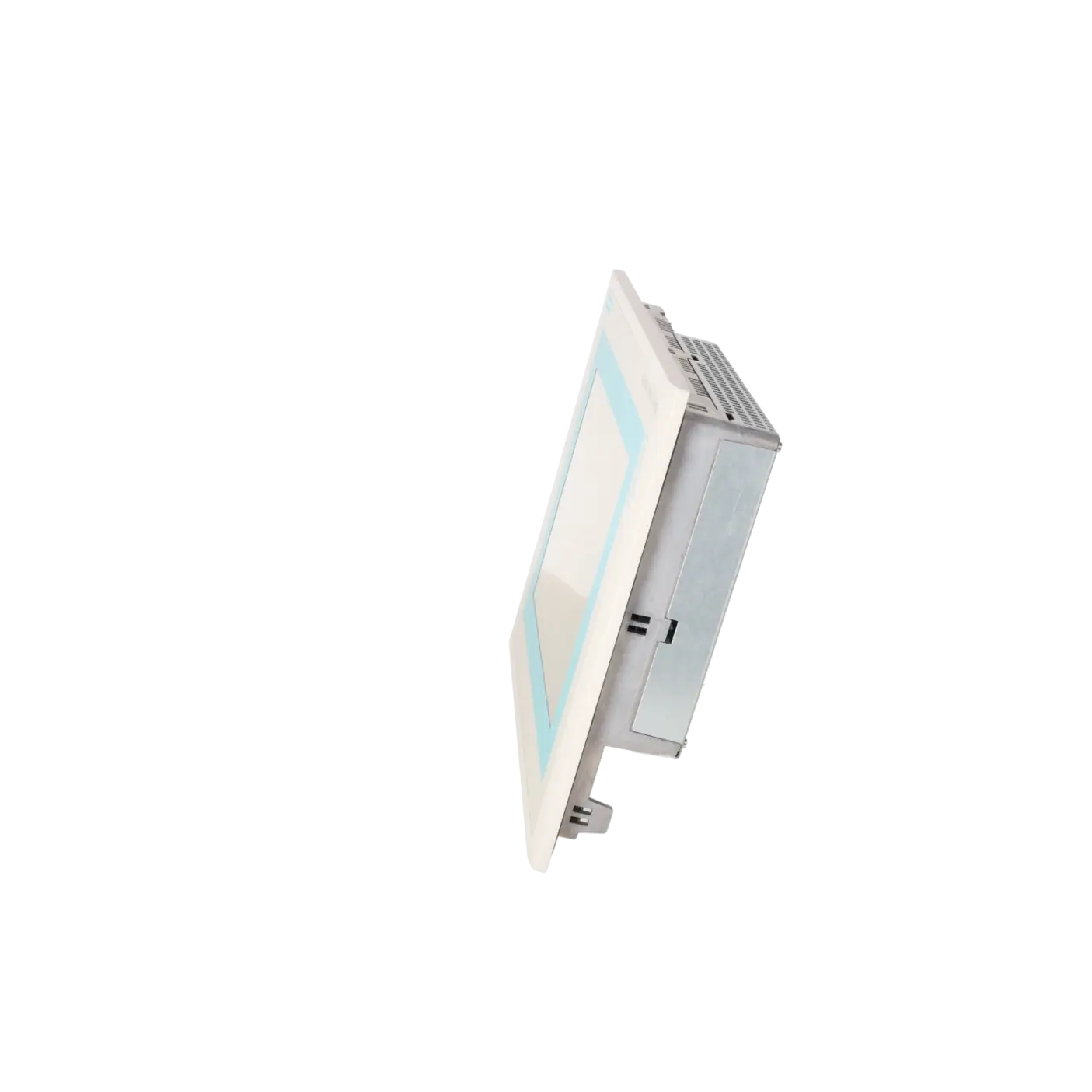
The panel is powered by 24 V DC and designed for retrofit-friendly installation with a front cut-out of 310 × 248 mm, external dimensions of 335 × 275 mm, and an installation depth of 59 mm. The front has IP65 protection, while the rear is IP20 rated.
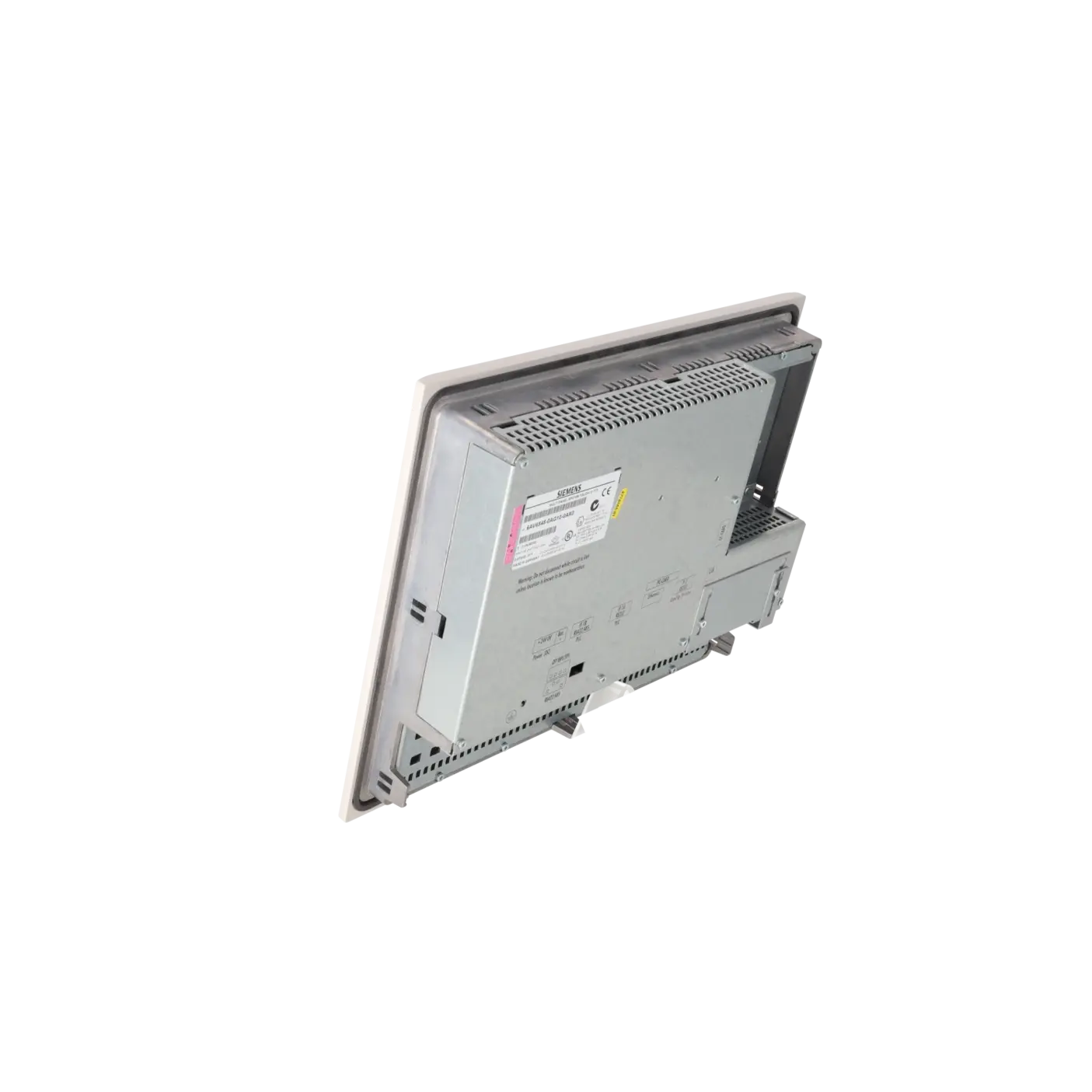
Communication and service interfaces include Ethernet (RJ45), USB, CF card, PC card, and serial/fieldbus connections, along with support for backup/restore and touchscreen calibration. These features are relevant for serviceability, data backup and migration planning in legacy environments.
Product status, life cycle status and obsolescence
This device is clearly in an end-of-life lifecycle stage. According to EICHLER data, the product status is EOP (01.04.2008). Siemens product information also classifies it as a discontinued product (PM500 – end of product lifecycle and support).
Historically, Siemens identified the MP 277 10" Touch (6AV6643-0CD01-1AX1) as a mechanically compatible successor within migration paths for the MP270B series. Project migration was intended via WinCC flexible device switch functionality.
In practical terms, this means the device is no longer part of active product development, but is still relevant for installed base support, spare part strategies, and legacy system maintenance.
Available EICHLER services and when they are relevant
For the 6AV6545-0AG10-0AX0, EICHLER offers repair, exchange units, refurbished devices and new units on request. According to the service information, repair and exchange are typically available within 1–3 days.
Optional test reports and function-checked units are also available, and service offerings may include warranty periods of up to 36 months depending on the solution.
For maintenance teams, this service structure is particularly important when downtime must be minimised. For procurement, it allows a choice between fast restoration, planned replacement, or long-term spare part strategies, helping to keep legacy systems operational even when original Siemens supply is no longer active.
| Attribute | Value |
|---|---|
| Display | |
| Design of display | TFT, 256 colors |
| Screen diagonal | 10.4 in |
| Resolution (pixels) | |
| ● Horizontal image resolution | 640 Pixel |
| ● Vertical image resolution | 480 Pixel |
| Backlighting | |
| ● MTBF backlighting (at 25 °C) | 50 000 h |
| Control elements | |
| Control elements | Touch screen |
| Keyboard fonts | |
| ● Membrane keyboard | No |
| — user-definable label membrane keys | No |
| ● Function keys | No |
| — Number of function keys | 0 |
| — Number of function keys with LEDs | 0 |
| ● System keys | No |
| ● Numeric keyboard | Yes |
| ● alphanumeric keyboard | Yes |
| ● hexadecimal keyboard | Yes |
| ● Multi-key operation | No |
| — Number of multi-key operations | 0 |
| Touch operation | |
| ● Design as touch screen | Yes; analog, resistive |
| Connection type | |
| ● Type of connection for mouse/keyboard/barcode reader | USB / USB / USB |
| Special operator controls | |
| ● Illuminated pushbutton | Yes |
| Installation type/mounting | |
| Mounting position | vertical |
| maximum permissible angle of inclination without external ventilation | 35° |
| Supply voltage | |
| UPS connectable (serial) | Yes |
| Input current | |
| Current consumption (rated value) | 0.9 A |
| Starting current inrush I²t | 0.5 A²·s |
| Power | |
| Active power input, typ. | 22 W |
| Processor | |
| Processor type | RISC 32 bit |
| Memory | |
| Type of memory | Flash / RAM |
| Memory available for user data | 4 096 kbyte |
| Battery | |
| Backup battery | |
| ● Backup battery (optional) | Yes; optional 3.6 V |
| ● Backup time, min. | 3 y |
| Type of output | |
| Info LED | No |
| Power LED | No |
| Error LED | No |
| Time of day | |
| Clock | |
| ● Type | Hardware clock, battery backup, synchronizable |
| ● retentive | Yes |
| ● synchronizable | Yes |
| Interfaces | |
| Interfaces/bus type | 2x RS 232, 1x RS 422, 1x RS 485, 1x Ethernet (RJ45) (max. 12 Mbit/s) |
| USB port | Yes; 1x USB |
| PC card slot | 1x PC card slot |
| CF card slot | 1x CF card slot |
| Degree and class of protection | |
| IP (at the front) | IP65 |
| IP (rear) | IP20 |
| Standards, approvals, certificates | |
| Certificate of suitability | CE, GL, ABS, DNV, LRS, FM Class I Div. 2, cULus, EX Zone 2/22, C-TICK |
| Ambient conditions | |
| Free fall | |
| ● Fall height, max. | 90 m |
| Ambient temperature during storage/transportation | |
| ● min. | -20 °C |
| ● max. | 60 °C |
| Relative humidity | |
| ● Operation, max. | 90 % |
| Operating systems | |
| pre-installed operating system | Windows CE |
| Configuration | |
| Configuration software | |
| ● Configuration tool | ProTool Version 6 SP 3 or higher, or WinCC flexible Standard Version 2004 or higher (to be ordered separately) |
| Languages | |
| Online languages | |
| ● Number of online/runtime languages | 5 |
| Project languages | |
| ● Languages per project | 32 |
| Functionality under WinCC (TIA Portal) | |
| Libraries | Yes |
| Number of Visual Basic Scripts | |
| ● Debugging in the simulator | No |
| Task planner | Yes |
| Help system | Yes |
| ● Number of characters per info text | 70 |
| ● Number of tooltips | 0 |
| Message system | |
| ● Number of alarm classes | 32 |
| ● Number of messages | 4 000 |
| ● Bit messages | Yes |
| — Number of bit messages | 4 000 |
| ● Analog messages | Yes |
| — Number of analog messages | 4 000 |
| ● Telegram message procedure Alarm S | Yes |
| ● System messages HMI | Yes |
| ● System messages PLC | Yes |
| ● System messages, other (SIMATIC S7, Sinumerik, Simotion, etc.) | Yes |
| ● Lines | 1 |
| ● Number of characters per message | 70 |
| ● Number of process values per message | 8 |
| ● Acknowledgment groups | Yes |
| ● Message indicator | Yes |
| ● acoustic feedback | No |
| ● First/last value | Yes |
| Recipe management | |
| ● Number of recipes | 300 |
| ● Data records per recipe | 500 |
| ● Entries per data record | 1 000 |
| ● Recipe memory | 64 KB integrated Flash, expandable |
| Variables | |
| ● Number of variables per device | 2 048 |
| ● Number of variables per screen | 200 |
| ● Number of variables | 1 000 |
| ● Type Date & Time | 2 048 |
| ● Limit values | Yes |
| ● Multiplexing | Yes |
| ● Structures | Yes |
| Images | |
| ● Number of configurable images | 500 |
| ● Permanent window/default | Yes |
| ● Start screen configurable | Yes |
| ● Image selection by PLC | Yes |
| ● Image number in the PLC | Yes |
| Image objects | |
| ● Text objects | 10 000 text elements |
| ● Number of I/O fields per image | 200 |
| ● Number of date/time fields | 200 |
| ● Index of screen context | No |
| ● Return | Yes |
| ● Graphics object | Bit maps, icons, vector graphics |
| — Icons | 1 000 |
| — Icon (full screen) | 0 |
| Complex image objects | |
| ● Status/control | With SIMATIC S7 |
| ● dynamic objects | Diagrams, bar graphs, sliders, analog display, invisible buttons |
| — Number of objects per project | 1 000 |
| — Number of curve diagrams per image | 10 |
| ● Methods | Trend / profile |
| ● Bar graphs | |
| — Number of bars per chart | 10 |
| ● Sliders | |
| — Number of slides per image | 10 |
| ● Pointer instruments | |
| — Number of analog indicators per image | 10 |
| ● Limit value lines | Yes |
| ● Number of alphanumerical fields | 300 |
| — alphanumeric fields per image | 200 |
| ● Number of numerical fields | 2 048 |
| — numerical fields per image | 200 |
| ● Number of password fields | 2 048 |
| ● Number of visible switches per project | 200 |
| — visible switches per image | 200 |
| — hidden switches per image | 200 |
| ● Number of status switches per project | 200 |
| — Number of status switches per image | 200 |
| ● Number of selector switches per project | 200 |
| — Selector switches per image | 200 |
| ● Number of decade switches per project | 200 |
| — Decade switches per image | 200 |
| ● Number of signal lamps per project | 200 |
| — Signal lamps per image | 200 |
| Attributes for dynamic objects | |
| ● Color change | Yes |
| ● X/Y movement | Yes |
| ● Hide | Yes |
| ● Angle of rotation | No |
| Lists | |
| ● Number of text lists per project | 500 |
| ● Number of text lists per image | 200 |
| ● Number of entries per text list | 256 |
| ● Number of graphics lists per project | 400 |
| ● Number of graphic lists per image | 200 |
| ● Number of entries per graphics list | 256 |
| Archiving | |
| ● Number of archives per device | 20 |
| ● Number of measuring points per project | 20 |
| ● Number of entries per archive | 10 000 |
| ● Message archive | Yes |
| ● Process value archive | Yes |
| ● Archiving methods | Sequential log, circular log, alarm log, process value archive |
| — Sequential archive | Yes |
| — Short-term archive | Yes |
| ● Memory location | PC card, CF card, Ethernet |
| — PC card | Yes |
| — CF card | Yes |
| — USB memory | No |
| — Ethernet | Yes |
| ● Data storage format | CSV file, readable, e.g. with MS Excel, MS Access |
| — CSV | Yes |
| — TXT | No |
| ● external evaluation | readable, e.g. with MS Excel, MS Access, etc. |
| ● Size of archive | depending on free memory on ext. card/stick or on free hard disk space via network drive |
| ● Online evaluation | via trends |
| — using trend curves | Yes |
| Filters | |
| ● cyclic | Yes |
| ● Tolerance | Yes |
| ● Change | Yes |
| Security | |
| ● Number of user groups | 50 |
| ● Number of user rights | 32 |
| ● Password export/import | Yes |
| Logging through printer | |
| ● Recording/Printing | Alarms, report (shift report), color print, hardcopy |
| Transfer (upload/download) | |
| ● Transfer of configuration | MPI/PROFIBUS DP, serial, USB, Ethernet, by means of external storage medium, automatic transfer recognition |
| Process coupling | |
| ● Connection to controller | S5, S7-200, S7- 300/400, TI 505, Win AC, PC (TCP/IP), SINUMERIK, SIMOTION, Allen Bradley (DF1), Allen Bradley (DF485), Mitsubishi (FX), Telemecanique (ADJUST), OMRON (LINK/Multilink), Modicon (Modbus), for further non-Siemens drivers, see section on "System interfaces" |
| ● S7-200 | Yes |
| — PPI (point-to-point) | Yes |
| — PPI network | Yes |
| — MPI | Yes |
| — PROFIBUS DP | Yes |
| ● S7-300/400 | Yes |
| — MPI | Yes |
| — PROFIBUS DP | Yes |
| — PROFINET | Yes |
| ● S5 | Yes |
| — serial | Yes |
| — PROFIBUS DP | Yes |
| ● TI 505 | Yes |
| ● Allen Bradley (DF1) | Yes |
| ● Allen Bradley (DF485) | Yes |
| ● Mitsubishi (FX) | Yes |
| ● Mitsubishi (MP4) | Yes |
| ● Telemecanique (ADJUST) | Yes |
| ● Telemecanique (Uni-Telway) | Yes |
| ● OMRON (LINK/Multilink) | Yes |
| ● Modicon (Modbus) | Yes |
| ● GE-Fanuc (SNP) | Yes |
| Functions | |
| ● Key repeat | No |
| ● TAB sequence | Yes |
| ● Calculating functions | Yes |
| ● Animate | Yes |
| ● Menu tree editor | No |
| ● Unit switchover | No |
| Service tools/configuration aids | |
| ● Clean screen | Yes |
| ● Touch calibration | Yes |
| ● Backup/Restore manually | Yes |
| ● Simulation | Yes |
| ● Device switchover | Yes |
| ● Delta transfer | Yes |
| ● Monitoring function for battery and memory | Yes |
| ● Trace (operation archive) | No |
| Expandability/openness | |
| ● Open Platform Program | Yes |
| Peripherals/Options | |
| Peripherals | Printer, barcode reader |
| Dimensions | |
| Width of the housing front | 335 mm |
| Height of housing front | 275 mm |
| Overall depth | 59 mm |
| Weights | |
| Weight (without packaging) | 4.5 kg |
| Fault description | Possible solution |
|---|---|
| Why does the touch respond offset or hit the wrong buttons? | On the MP270B, a shifted touch response can be caused by parallax due to installation position and viewing angle. Siemens describes recalibrating the touchscreen either during runtime or during startup via the touch settings. It is also important to operate the screen only with a finger or suitable stylus, as hard or sharp objects can significantly reduce service life and may even lead to total failure. |
| Why does project transfer fail with compatibility conflicts or a “Time monitoring error on receiving data”? | Siemens notes that transfer may fail due to version mismatches between engineering software and the HMI image. In such cases, an OS update via ProSave or WinCC flexible is required. Additionally, the correct communication path must be selected (e.g. IF2, MPI/PROFIBUS, USB, or Ethernet) and the panel must be in transfer mode. Practical cases from PLCtalk and SPS forum discussions also link this behaviour on MP270B/270 devices to incorrect transfer routes or outdated operating systems. |
| Why does the MP270B repeatedly reboot or lose data after a power interruption? | Siemens recommends using a UPS (uninterruptible power supply) or ensuring a controlled shutdown of the runtime, as sudden power loss may cause data corruption. The panel operates on 24 V DC, so issues such as unstable power supply, loose terminals, incorrect polarity, or missing buffering should be checked first. Similar fault patterns have been reported in Siemens community forums. Before investigating software or project issues, always verify the power supply, wiring, terminals, and any UPS integration. |
| Why does the screen remain black even though the panel appears to be running? | On the MP270B, an activated screensaver can dim or completely hide the display backlight, creating the impression of a black screen. Siemens explains that the screensaver activates automatically after a defined period of inactivity and can be deactivated by touching the screen or pressing a key. Only if the issue persists independently of this behaviour should the power supply, backlight, or display ageing be investigated, as the backlight is a known wear component in the datasheet. |
| What does archive error 80030 mean on the MP270B? | Siemens defines error 80030 as an archive structure mismatch, meaning the existing archive does not match the expected structure, and archiving is stopped. The recommended solution is to manually delete the existing archive data and restart archiving. This issue typically occurs after changes to archive definitions, storage media, or when reusing older archived data sets. |
Is 6AV6545-0AG10-0AX0 still available as a new unit?
The original Siemens device has been discontinued and is listed in later lifecycle information as no longer available with a current successor defined.
In practical procurement terms, this means that new availability is no longer guaranteed via standard Siemens distribution. What is still found on the market typically comes from remaining stock, refurbished units, used devices, exchange units, or repair services.
On the EICHLER product page, exactly these supply paths are reflected. For procurement teams, the key question is therefore less “is it still a series product?” and more which sourcing strategy minimises downtime and supply risk.
Which successor fits the Siemens MP270B Touch 10.4"?
In Siemens’ discontinuation notice for the MP270B Touch 10", the MP 277 10" Touch (6AV6643-0CD01-1AX1) is identified as the successor.
This successor is described as mechanically compatible, and Siemens also states that existing MP270B configurations can be transferred via Device Switch in WinCC flexible.
However, it is important to classify this correctly: it is a historically defined migration successor, not an indication that the original MP270B generation is still actively maintained as a standard product.
Can I reuse an existing ProTool or WinCC flexible project?
Yes, in many cases reuse or migration is possible. Siemens specifies ProTool (from version V6.0) and WinCC flexible Standard (from 2004 onwards) as engineering environments for this device family.
For the migration from MP270B to MP277, Siemens explicitly documents Device Switch project transfer as a supported migration path.
For legacy systems, this is a major advantage, as it often allows the existing HMI concept to be continued or migrated instead of being completely rebuilt.
Can a ProSave backup from an MP270B be restored to another panel?
A ProSave backup is generally device-specific. Siemens explains that during restore it is clearly indicated for which panel type the backup was created.
Additionally, Siemens forum guidance confirms that a ProSave backup can typically only be restored onto the same panel type.
In practice, this means backups must be carefully labelled, and a distinction must be made between like-for-like replacement and migration to a different panel family. For different device classes, project migration is usually required instead of restore.
What should be backed up before repair or replacement?
Before any intervention, at minimum recipes, passwords, and a full project backup should be secured. Siemens explicitly documents these backup procedures in WinCC flexible and ProSave.
It is also important to note that a restore may delete data in the application memory and can potentially affect licenses or runtime data.
For maintenance and procurement teams, this is critical: a replacement panel alone does not guarantee fast commissioning if project data, credentials, or backups are missing.
Is repair more suitable than replacement for 6AV6545-0AG10-0AX0?
For this part number, repair is often both economically and technically advantageous, as the product is discontinued and no active direct successor is maintained in current Siemens portfolios.
At the same time, many installed systems depend on the existing front cut-out, project configuration, and communication setup.
EICHLER therefore offers multiple options—repair, exchange units, refurbished devices, and new units on request—allowing operators to choose between fastest restoration, predictable replacement, or long-term spare parts strategy, depending on downtime requirements.