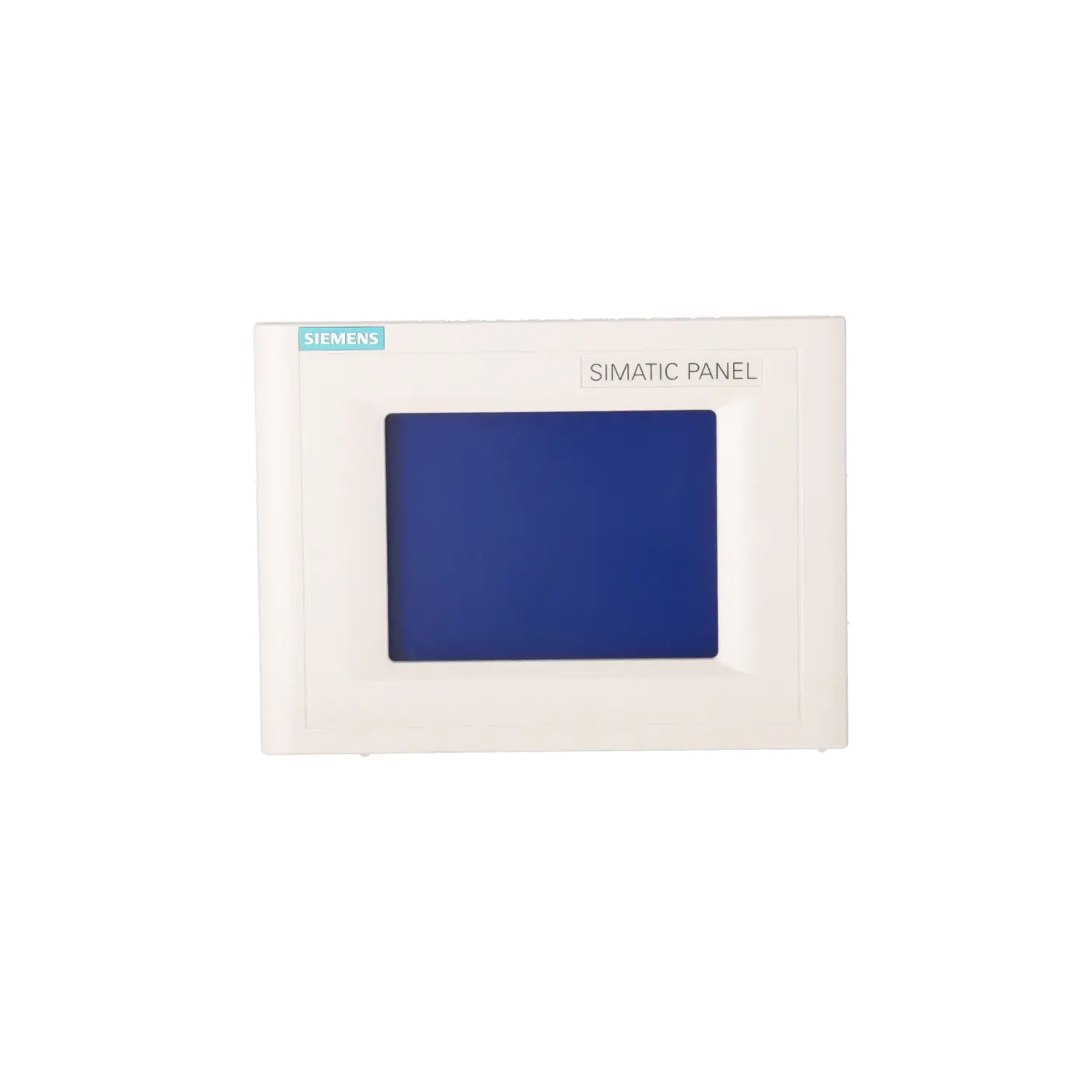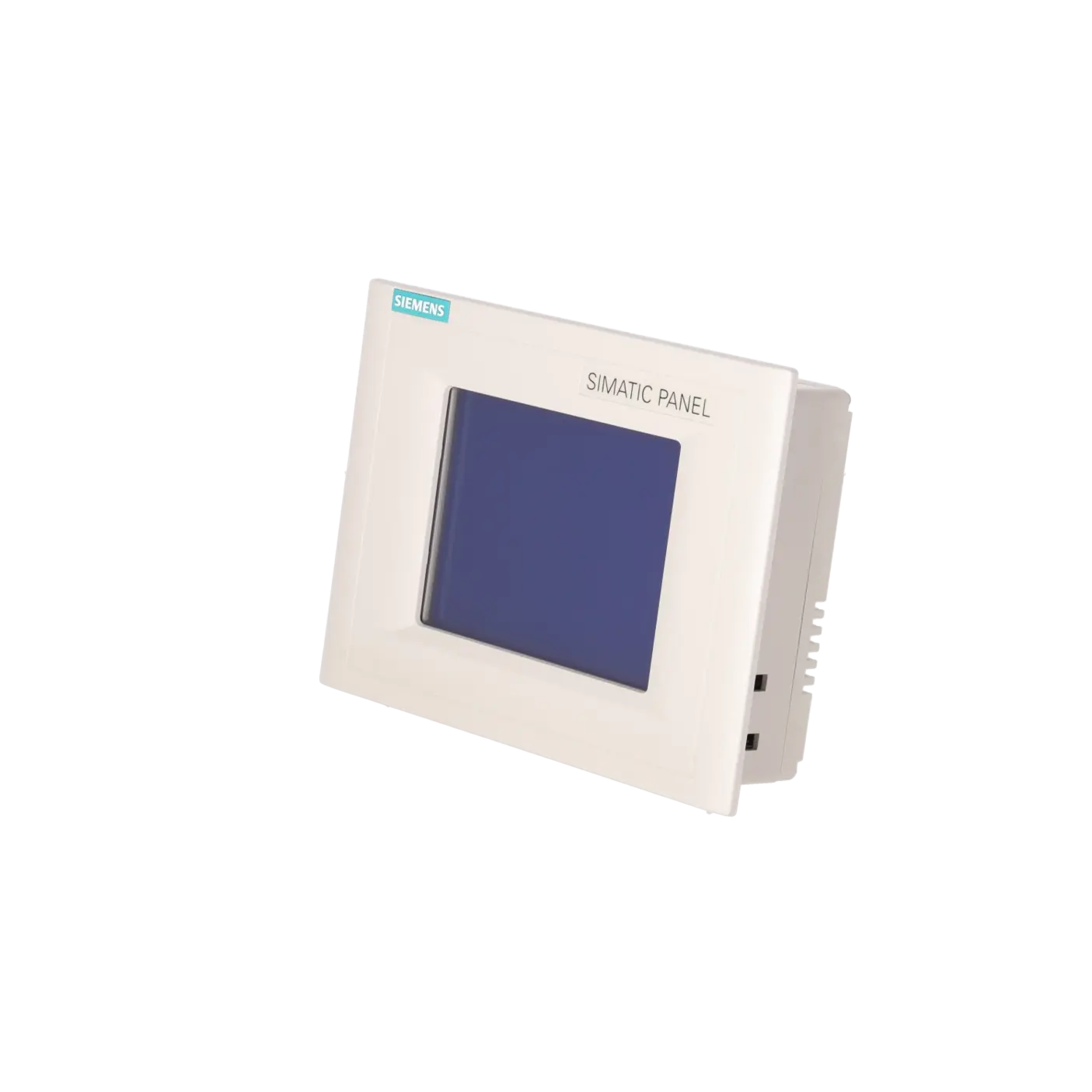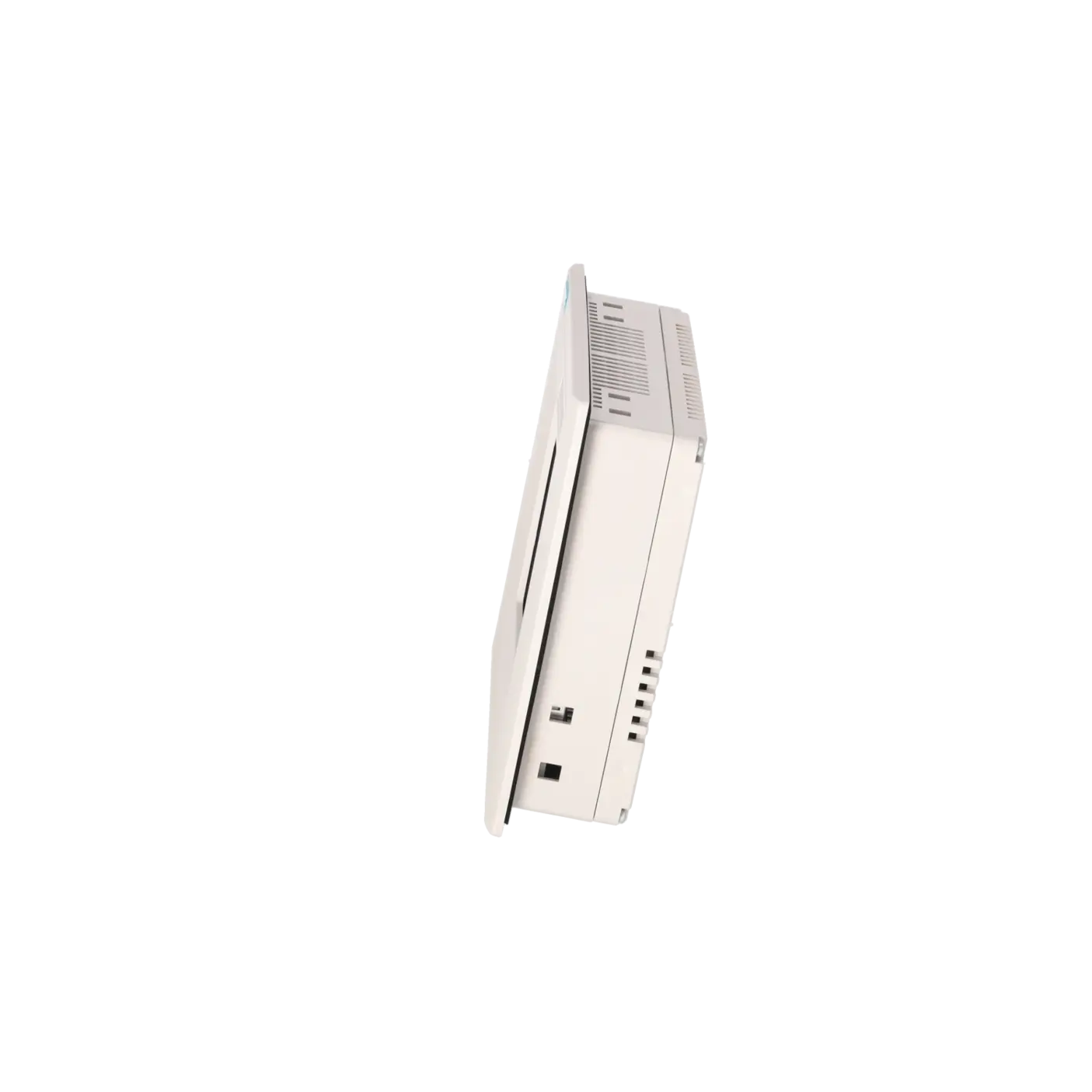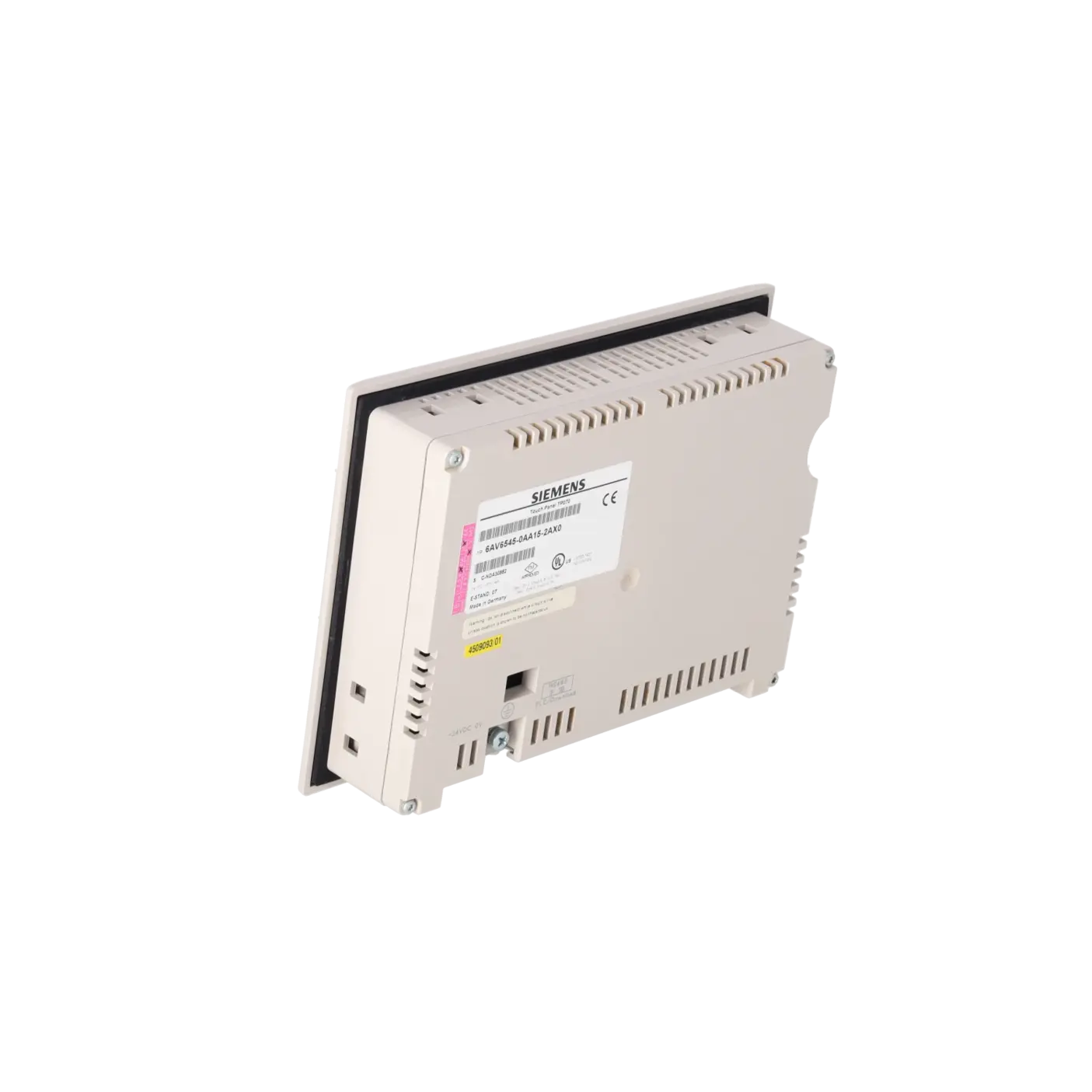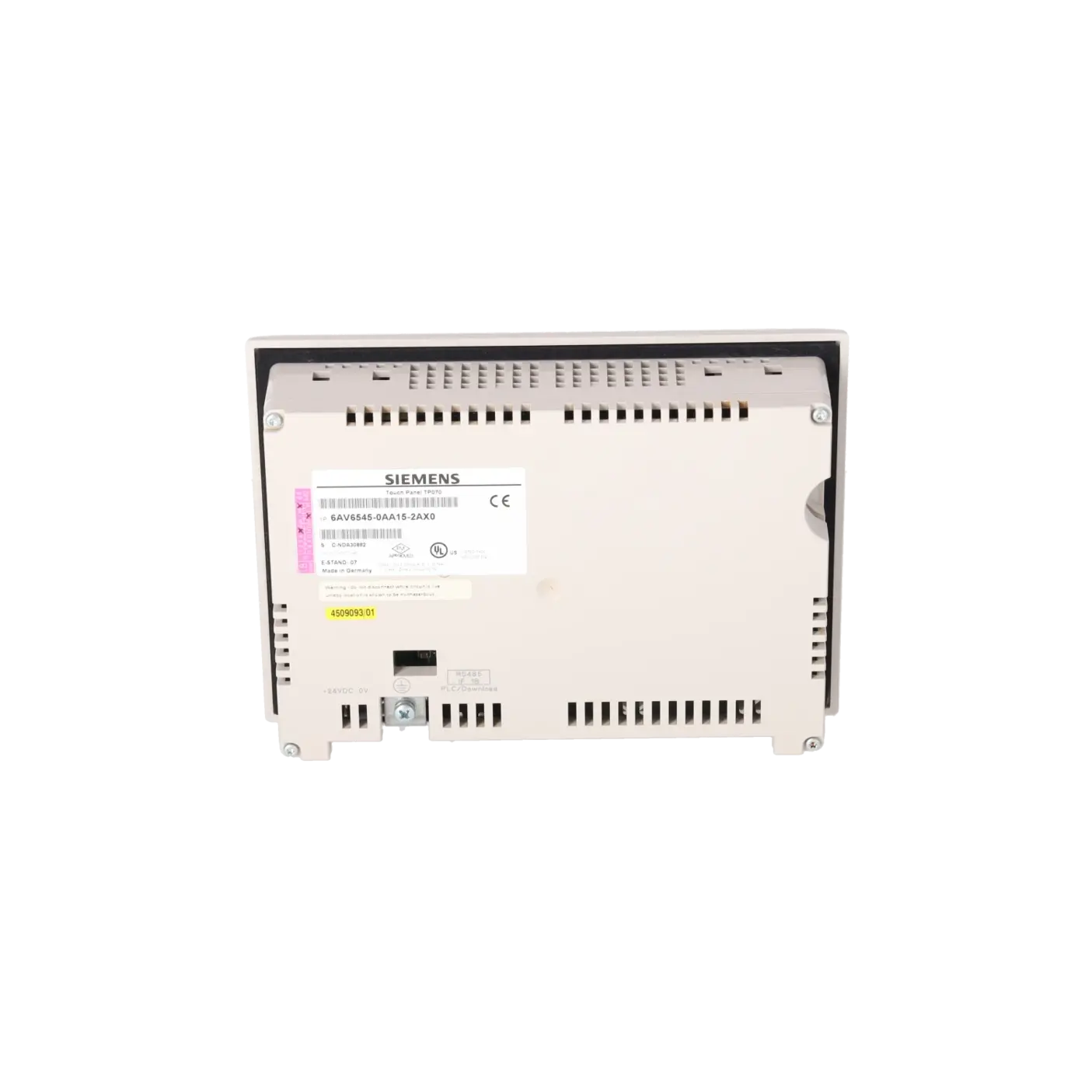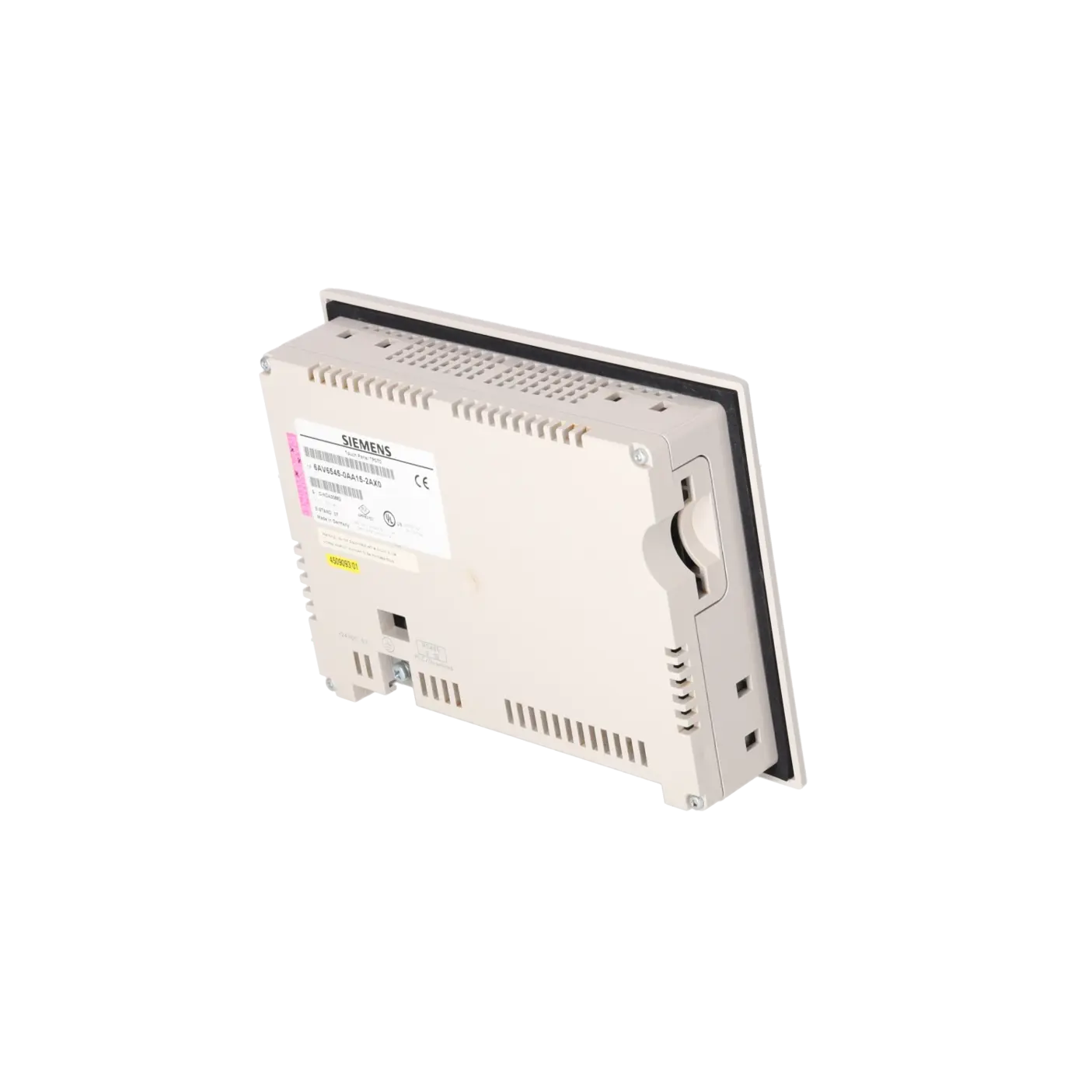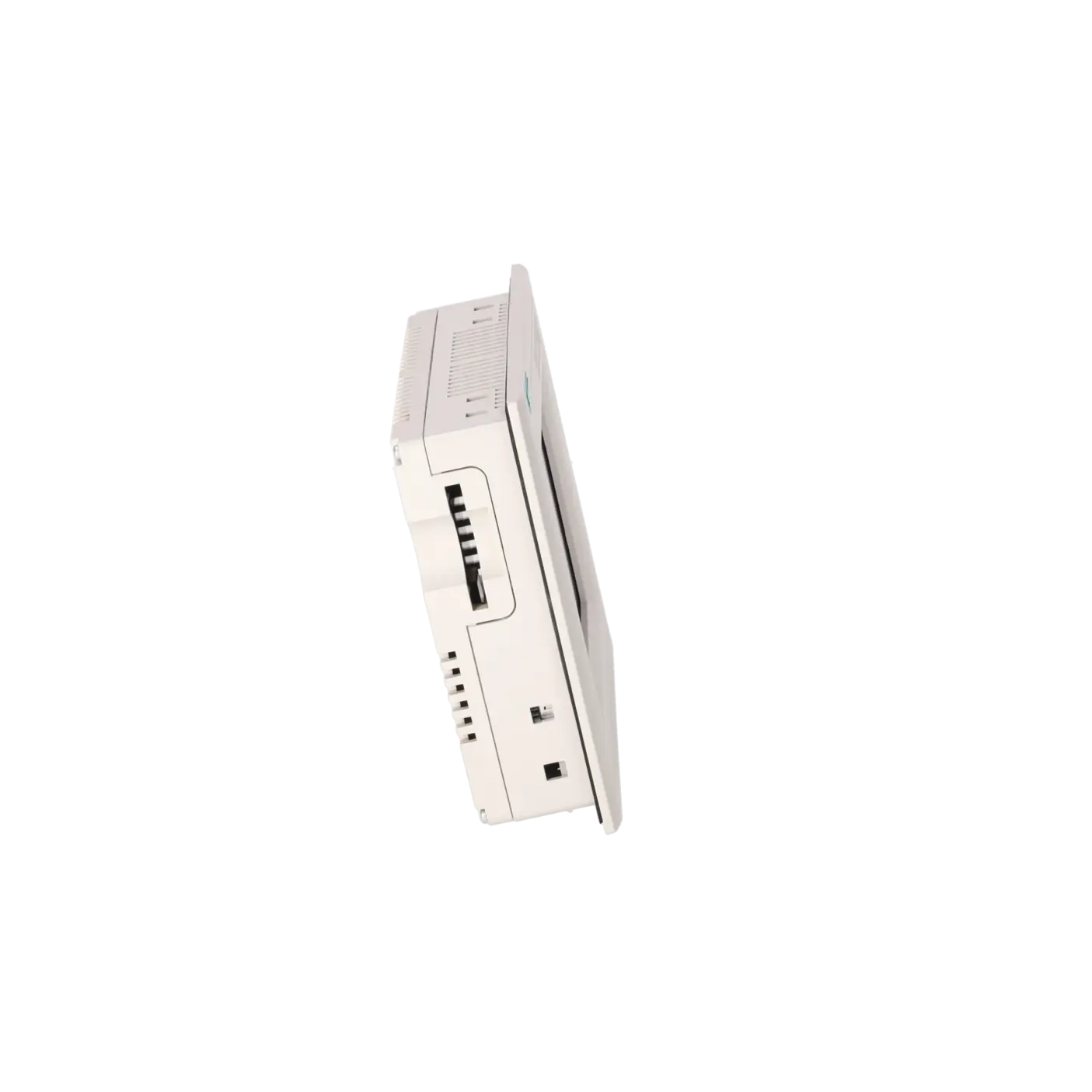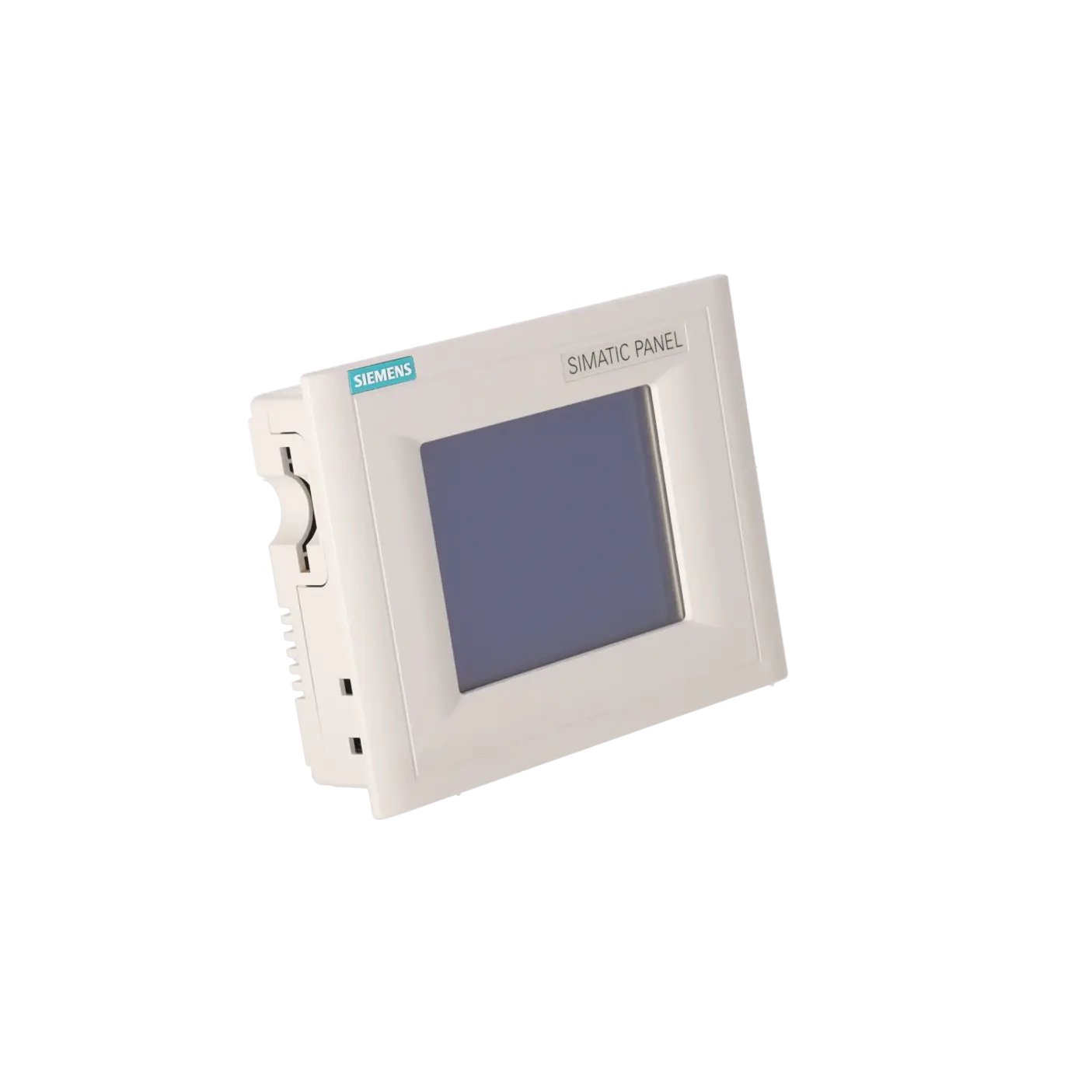
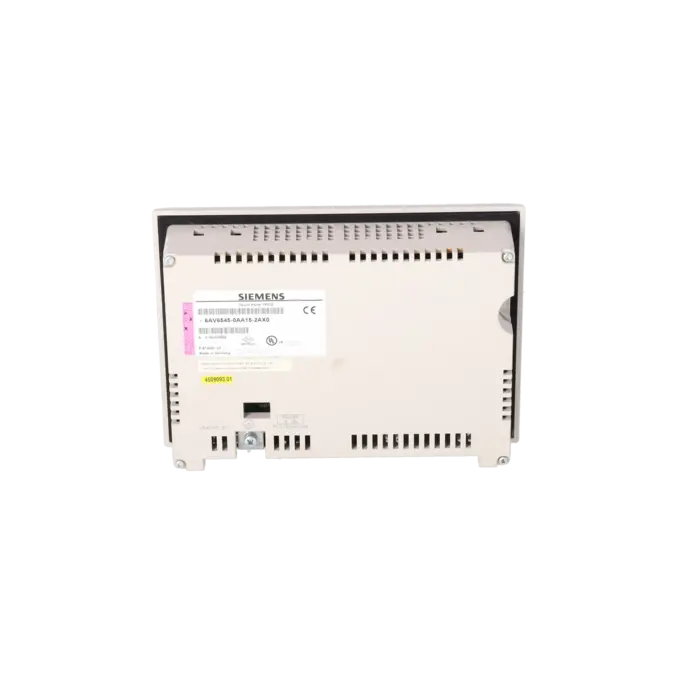
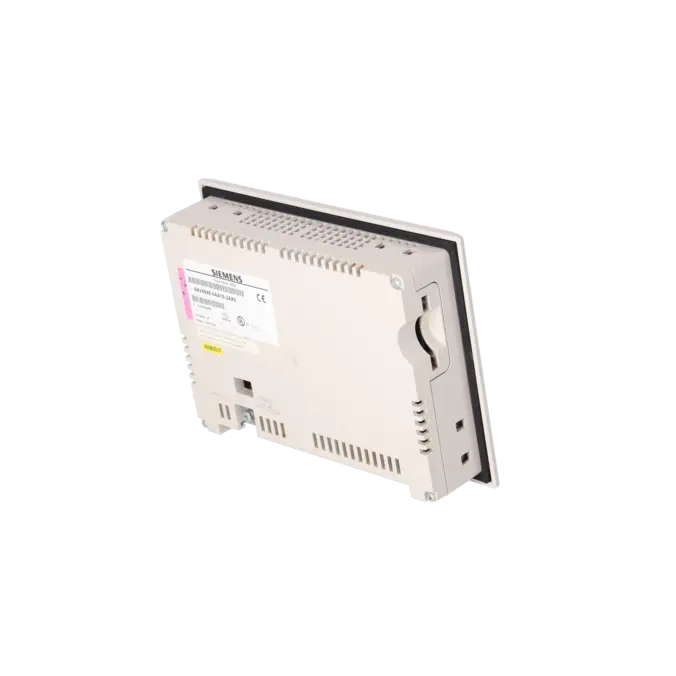

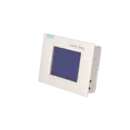


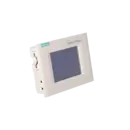
SIEMENS 6AV6545-0AA15-2AX0
-
SIEMENS | HMI | Touch Panels
- EICHLER-art.no.: K0116920
- EAN: 4025515063407
Product description
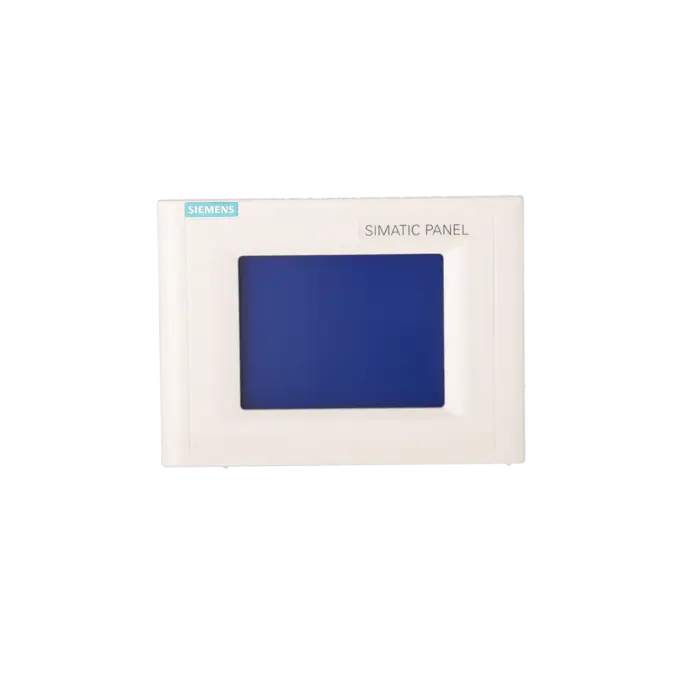
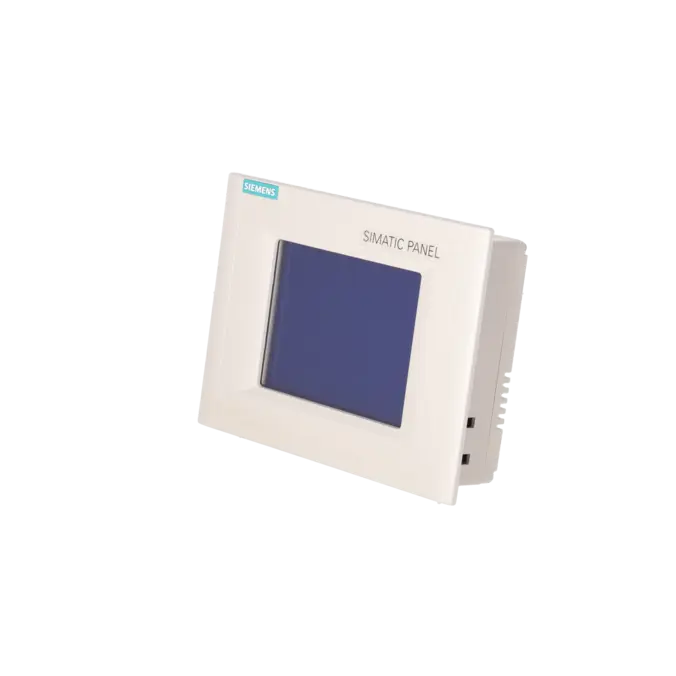
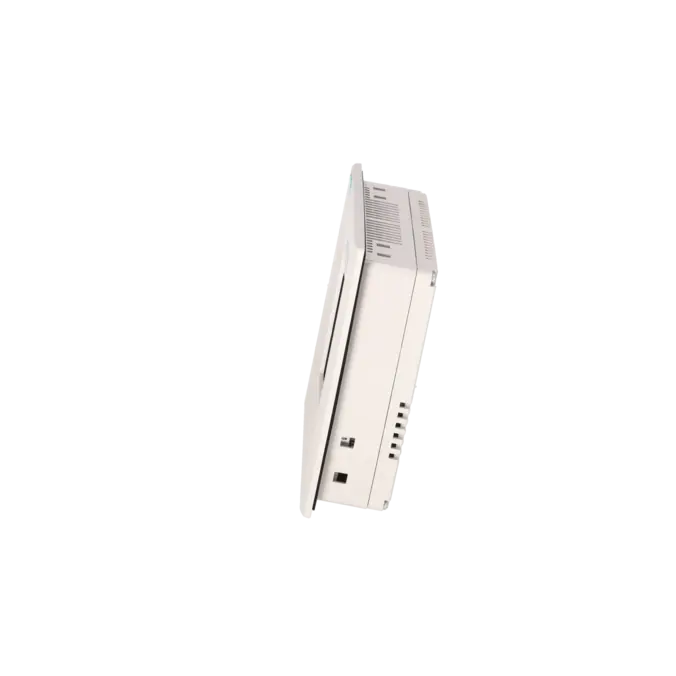
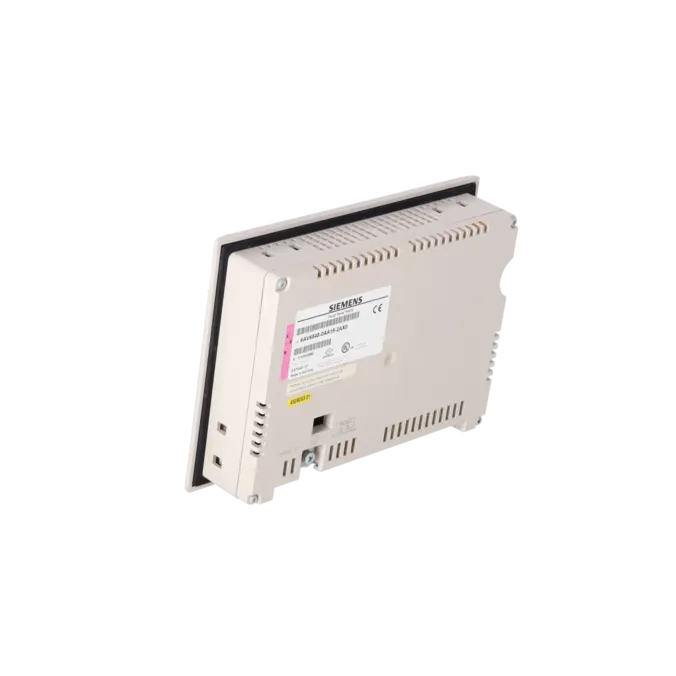
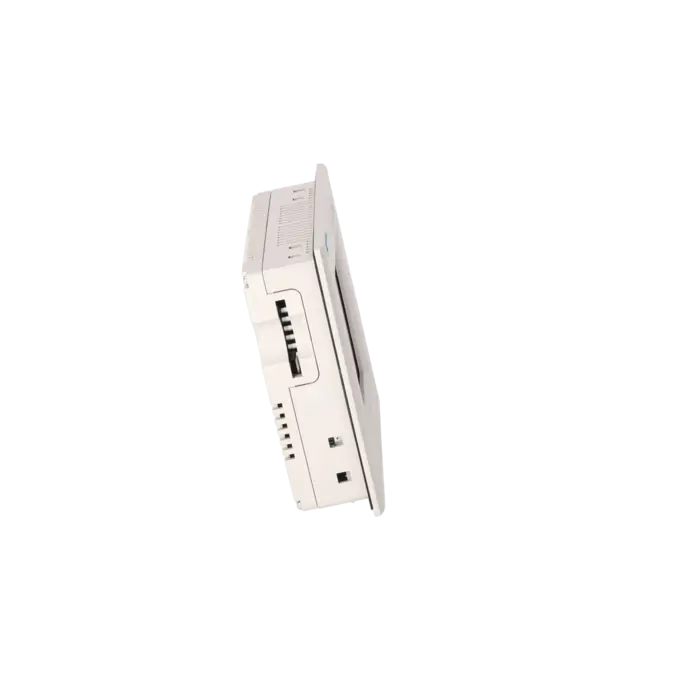
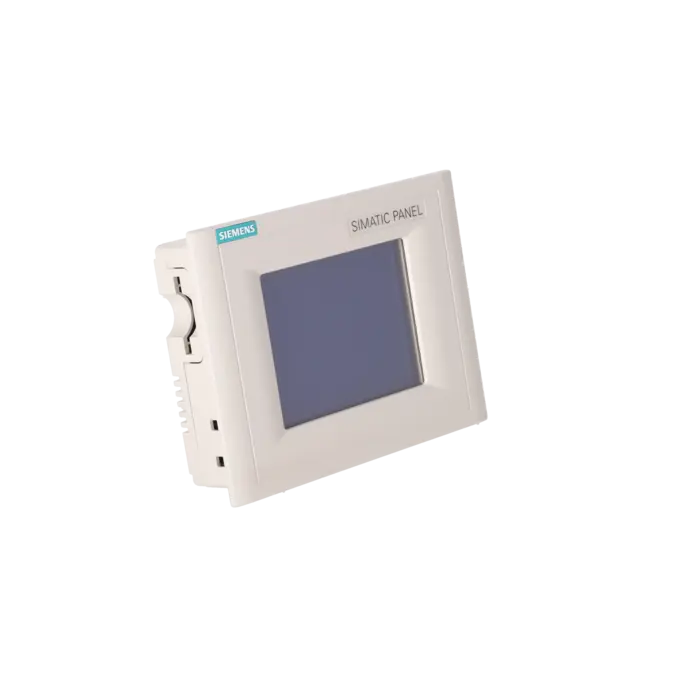
SIMATIC TOUCH PANEL TP070 5,7" STN-DISPLAY RESISTIVER ANALOGER TOUCH
Services for SIEMENS 6AV6545-0AA15-2AX0
Repair
from 869,43 €
to 1.564,97 €
Replacement
892,80 €
Used
992,00 €
New
1.416,50 €
SIEMENS |
6AV6545-0AA15-2AX0 –
additional product information
| Delivery information | |||
|---|---|---|---|
| Export identifier | AL: ECCN: | ||
| Net weight | 2 | ||
| Quantity | 1 Stück | ||
| Packaging quantity | 1 | ||
| Additional product information | |||
|---|---|---|---|
| Product status | EOP: 2000-10-01 | ||
| EAN | 4025515063407 | ||
| UPC | / | ||
| Static lot number | 85371099 | ||
| List indicator | / | ||
| Product group | / | ||
| Country of origin | / | ||
| Compliance with the substance restrictions according to RoHS directive | Since: / | ||
| Product classifications | Version | Classification | |
|---|---|---|---|
| eClass | 4 | / | |
| eClass | 5.1 | / | |
| eClass | 6.0 | / | |
| ETIM | 3 | / | |
| ETIM | 4 | / | |
| ETIM | 5 | / | |
What is 6AV6545-0AA15-2AX0 and where is it used?
6AV6545-0AA15-2AX0 is the SIEMENS SIMATIC Touch Panel TP070. The operator device is designed for the visualisation and basic operation of machines and systems and was developed specifically for use with the SIMATIC S7-200. Typical applications include compact machines, legacy systems and retrofit projects where existing S7-200 structures are to be retained. For maintenance personnel, the device is particularly relevant when an installed panel fails, production is interrupted or an identical replacement unit is required for rapid recommissioning. For purchasing departments, the article number is important because it enables clear identification for repair, exchange, used-equipment procurement or new-part sourcing.
Overview of the key technical data and what they mean
The TP070 features a 5.7-inch STN display with a resolution of 320 × 240 pixels and 4 blue-grey shades. This is entirely sufficient for classic status displays, recipe screens, acknowledgements and simple operating pages, although it is considerably less sophisticated than modern HMI systems. The analogue resistive touchscreen is robust and can be operated using gloves or a stylus, which is often advantageous in maintenance environments. For communication, the device uses 1 × RS485 with a maximum transmission rate of 19.2 kbit/s. The protection rating is IP65 on the front and IP20 on the rear. Windows CE is pre-installed as the operating system. Engineering and service activities are based on the older Siemens software environment using Micro/WIN and TP Designer. These specifications are particularly important for spare-parts decisions because they determine installation compatibility, communication compatibility and migration effort.
Product status, life-cycle status and obsolescence
The 6AV6545-0AA15-2AX0 clearly belongs to the category of obsolete legacy HMIs. EICHLER lists the product with EOP (End of Product) status. Siemens classified the TP070 as a phased-out product and announced its discontinuation effective 01 April 2008. For operators of older systems, this means that the focus is no longer on new engineering projects using current HMI technology, but rather on ensuring availability, repairability and planned migration. Siemens identifies the TP177micro, specifically 6AV6640-0CA11-0AX0, as the recommended successor. However, it is important to note that an existing TP Designer project for the TP070 cannot simply be migrated into WinCC flexible. As a result, the successor is technically suitable but not automatically a project-level one-to-one replacement.
Available EICHLER services and when they are relevant
For operators of legacy systems, four service options are particularly relevant for this panel: repair, exchange, used equipment and new units. These options are listed by EICHLER for 6AV6545-0AA15-2AX0, with short processing or delivery times specified for several of them. Repair is especially attractive in the event of an unplanned failure because EICHLER combines it with technical cleaning, preventive maintenance, comprehensive functional testing and a minimum 24-month warranty. This helps reduce the risk of further failures in installed equipment. An exchange unit is the preferred option when production must be restored immediately. Used or new units allow purchasing departments to select the most appropriate procurement strategy based on budget, expected remaining machine life and spare-parts policy.
| Attribute | Value |
|---|---|
| Display | |
| Design of display | STN, 4 blue levels |
| Screen diagonal | 5.7 in |
| Resolution (pixels) | |
| ● Horizontal image resolution | 320 Pixel |
| ● Vertical image resolution | 240 Pixel |
| Backlighting | |
| ● MTBF backlighting (at 25 °C) | 50 000 h |
| Control elements | |
| Control elements | Touch screen |
| Keyboard fonts | |
| ● Function keys | No |
| — Number of function keys | 0 |
| ● System keys | No |
| ● Numeric keyboard | Yes |
| ● alphanumeric keyboard | No |
| ● hexadecimal keyboard | Yes |
| ● Multi-key operation | No |
| Touch operation | |
| ● Design as touch screen | Yes; analog, resistive |
| Connection type | |
| ● Type of connection for mouse/keyboard/barcode reader | - / - / - |
| Installation type/mounting | |
| Mounting position | vertical |
| maximum permissible angle of inclination without external ventilation | 35° |
| Input current | |
| Current consumption (rated value) | 0.24 A |
| Processor | |
| Processor type | RISC 32 bit |
| Memory | |
| Type of memory | Flash / RAM |
| Memory available for user data | 128 kbyte |
| Type of output | |
| Info LED | No |
| Power LED | No |
| Error LED | No |
| Time of day | |
| Clock | |
| ● Type | Software clock, no battery backup |
| ● retentive | No |
| Interfaces | |
| Interfaces/bus type | 1x RS 485 (max. 19.2 kbit/s) |
| PC card slot | No |
| CF card slot | No |
| Degree and class of protection | |
| IP (at the front) | IP65 |
| IP (rear) | IP20 |
| Standards, approvals, certificates | |
| Certificate of suitability | CE, FM Class I Div. 2, UL, CSA, cULus |
| Ambient conditions | |
| Ambient temperature during storage/transportation | |
| ● min. | -20 °C |
| ● max. | 60 °C |
| Relative humidity | |
| ● Operation, max. | 85 % |
| Operating systems | |
| pre-installed operating system | Windows CE |
| Configuration | |
| Configuration software | |
| ● Configuration tool | MicroWin / TP Designer Version 1 and higher (to be ordered separately) |
| Dimensions | |
| Width of the housing front | 212 mm |
| Height of housing front | 156 mm |
| Overall depth | 45 mm |
| Weights | |
| Weight (without packaging) | 0.7 kg |
| Fault description | Possible solution |
|---|---|
| Why can no project be transferred to the TP070? | Common causes include an incorrect software version, an unsuitable transfer method or a panel that is not in Transfer Mode. Siemens notes that transfer failures may be related to the installed Windows CE version and the ProTool version being used. For the TP070, older service methods are also relevant, including TP Designer, PTUpdate and communication via IF1B/RS485 using a suitable PC/PPI cable. Discussions in SPS forums also describe successful transfers using a serial adapter, whereas the presence of a USB cable alone does not guarantee communication. Before replacing the hardware, check the transfer mode, software version, adapter type and interface settings. |
| Why is there no communication between the TP070 and the S7-200? | The TP070 communicates with the S7-200 via RS485/MPI. Siemens identifies the key checks as the correct addressing of both the panel and the CPU, proper network configuration within the project and compliance with the maximum transmission rate of 19.2 kbit/s. The device manual also states that the PC/PPI cable should not be used as a permanent connection between the operator panel and the S7-200. SPS forum discussions further indicate that selecting the correct adapter is critical, and that RS232, RS485 and PPI interfaces are not interchangeable. In practice, a systematic check of the adapter, baud rate, address settings, wiring and termination should be carried out before concluding that the panel itself is defective. |
| Why is backup, restore or project upload not possible on the TP070? | Siemens explicitly states that ProSave backup and restore functions are not supported on the TP070. Siemens support documentation also explains that not every operator panel supports project upload and recommends retaining the original engineering files. This is particularly important for the TP070 because many legacy systems can only be maintained reliably using the original engineering environment. If the original project files are no longer available, the only options are often to reconstruct the visualisation or migrate to a successor platform with a newly created project. To ensure long-term supportability, not only the hardware but also project archives and communication cables should be documented and retained. |
| Why does the TP070 touchscreen respond inaccurately or trigger incorrect commands? | Siemens describes touchscreen calibration as part of the display settings on the TP070. If operation becomes inaccurate, the touchscreen should first be recalibrated. The device manual also recommends cleaning the display only when the screen is switched off or disabled to prevent unintended operations. If recalibration does not resolve the issue, wear of the touchscreen layer or front assembly is a common cause on older devices. In such cases, professional repair is usually more appropriate than continued operation with an unreliable touchscreen, as inaccurate touch input can quickly lead to operational problems, especially when enabling machines or entering setpoint values. |
Is 6AV6545-0AA15-2AX0 discontinued?
Yes. The TP070 belongs to Siemens' discontinued HMI product range. Siemens initially classified the product as a phased-out product and subsequently announced its discontinuation effective 01 April 2008. EICHLER also lists the unit with EOP (End of Product) status. For operators, this primarily means that supply is now typically maintained through repair, exchange units, stock inventory, used equipment or planned migration to a successor platform. For purchasing and maintenance departments, the key issue is therefore no longer new engineering projects, but rather how to manage failure risks and remaining service life in a cost-effective manner.
Which successor does Siemens recommend for the TP070?
Siemens identifies the TP177micro as the recommended successor to the TP070. The discontinuation notice specifically references the order number 6AV6640-0CA11-0AX0. However, Siemens documentation for the TP177micro also indicates that this platform itself is now considered an older generation and is largely supported as a spare-part product. For operators, this means that the successor is useful when maintaining an existing S7-200 installation, but it does not completely eliminate the underlying obsolescence issue. Long-term planning should therefore distinguish between short-term replacement requirements and a strategic HMI migration programme.
Which software is required for 6AV6545-0AA15-2AX0?
The TP070 is not part of the modern TIA Portal or Comfort Panel environment but belongs to the earlier Siemens engineering platform. EICHLER lists Micro/WIN and TP Designer Version 1 or later as the relevant engineering tools. Siemens also documents service and update procedures using PTUpdate and the appropriate image files for the TP070. This is important for maintenance personnel because many transfer and migration issues are caused not by the panel itself but by missing legacy software, unsuitable adapters or undocumented engineering versions. Anyone intending to operate the device sustainably should therefore consider the software version, communication cables and project archive together.
Can I simply migrate an existing TP070 project into WinCC flexible?
No. This is one of the most important limitations of this device. Siemens explicitly states in its successor-related support documentation that TP070 projects created with TP Designer cannot be transferred into WinCC flexible. This means that while a hardware replacement with a successor device may be possible, the existing visualisation project may need to be recreated or substantially reworked. For decision-makers, this is significant because what appears to be a straightforward spare-parts replacement can quickly become an engineering project. To minimise downtime, it is advisable to determine early whether an identical replacement, a repair or a full migration project is the most suitable option.
Which communication and protection specifications are important for replacement purposes?
For replacement or repair decisions, four key factors are particularly important: RS485/MPI communication, a maximum transmission rate of 19.2 kbit/s, IP65 protection at the front, IP20 protection at the rear, and the physical installation dimensions of the device. These characteristics determine whether the panel is electrically, mechanically and functionally compatible with the existing system. This is especially important in legacy installations where there is little room for modifications and where the HMI interface must match the existing S7-200 configuration precisely. Ordering solely on the basis of screen size can easily result in additional downtime caused by communication or installation issues. For purchasing and technical departments, verifying these fundamental specifications is therefore more important than making a superficial model comparison.
Is 6AV6545-0AA15-2AX0 available from EICHLER as repair, exchange, used and new equipment?
According to the currently available EICHLER product page, repair, exchange, used equipment and new units are all offered for 6AV6545-0AA15-2AX0. Short availability or processing times are listed for several of these options. This provides purchasing departments with valuable flexibility, as different strategies may be appropriate depending on production requirements: repair for preserving an existing unit, exchange for urgent downtime situations, used equipment for cost-conscious life-extension strategies, and new units for planned spare-parts stocking. Particularly with obsolete HMI devices, this range of options offers considerably more flexibility than relying solely on the search for a manufacturer-supplied new part.