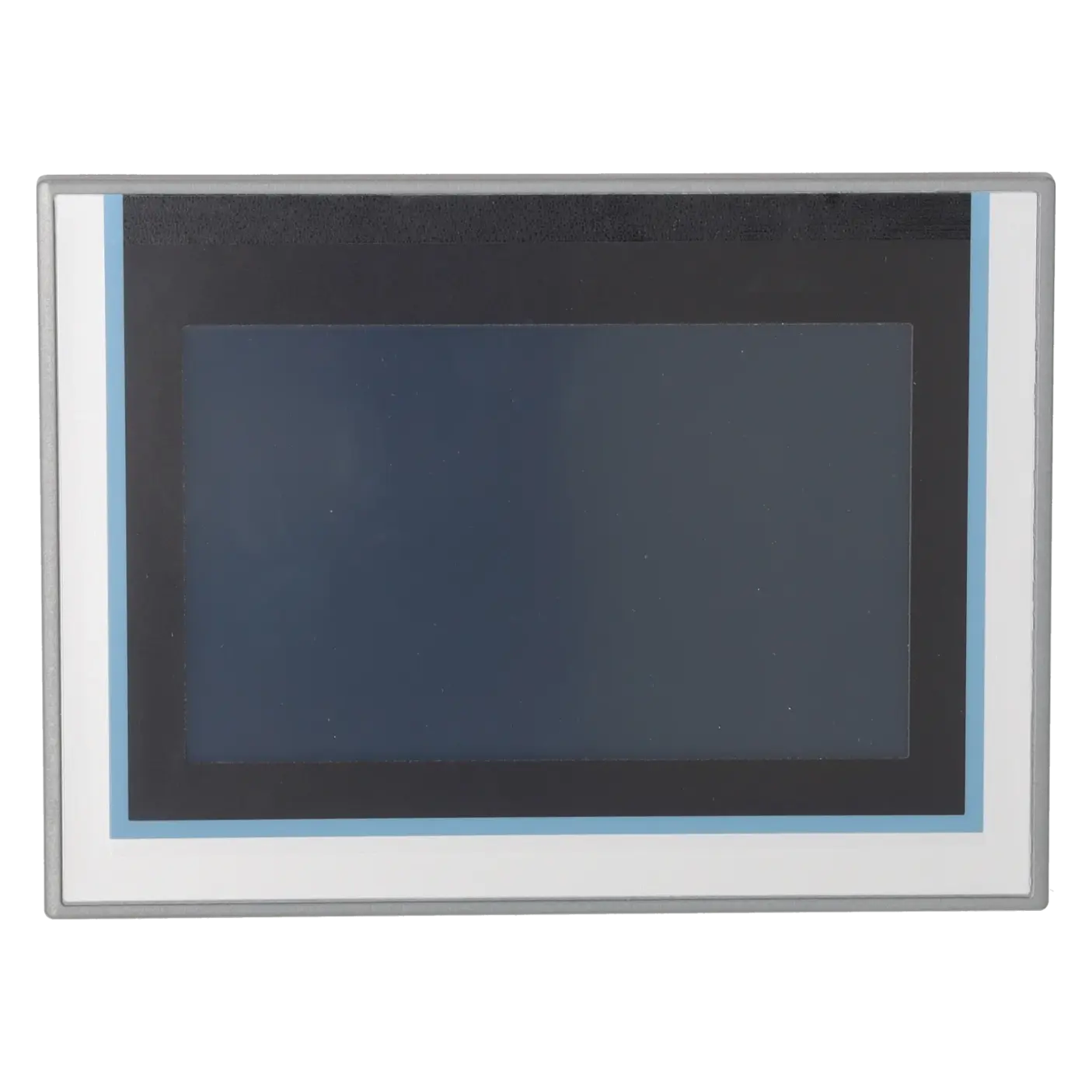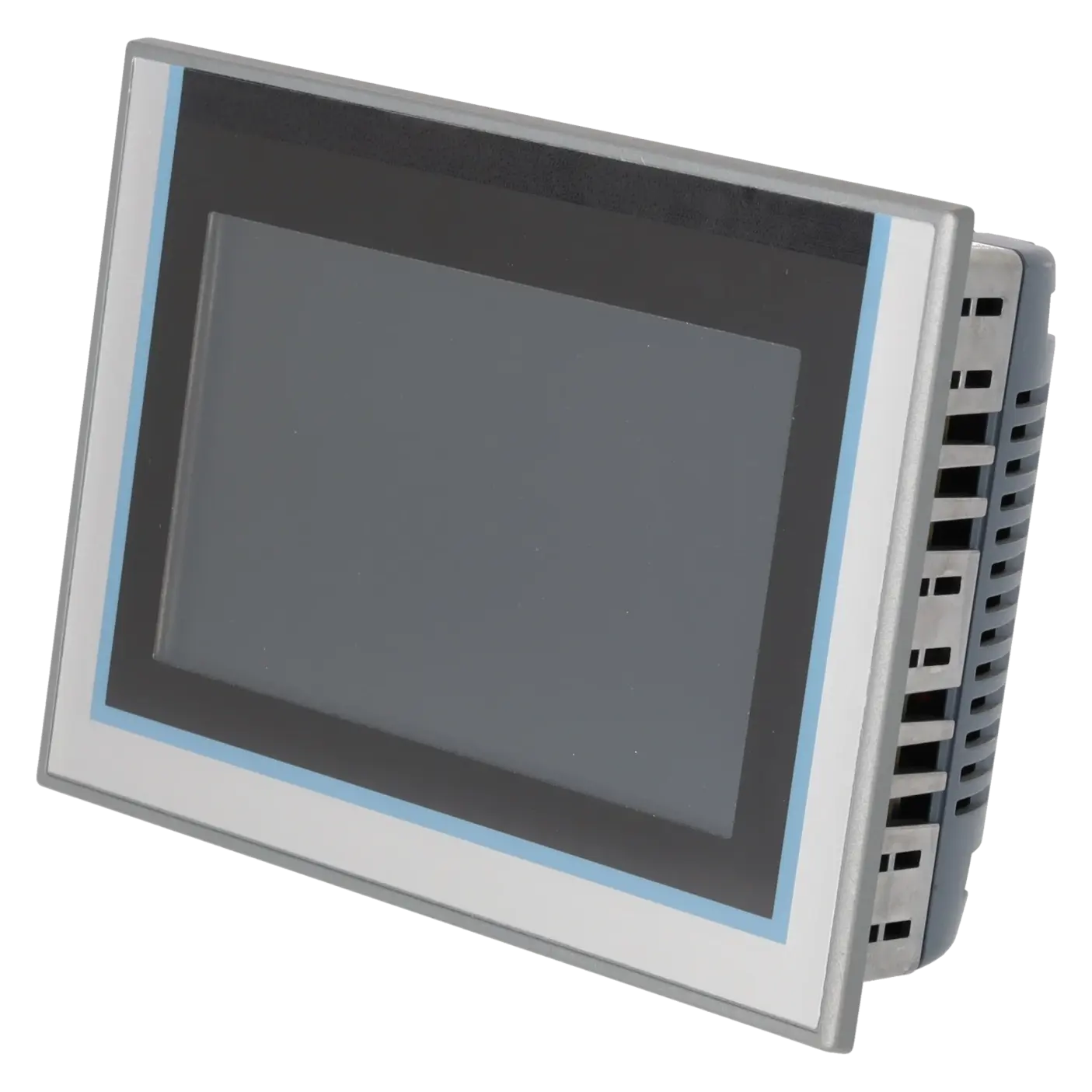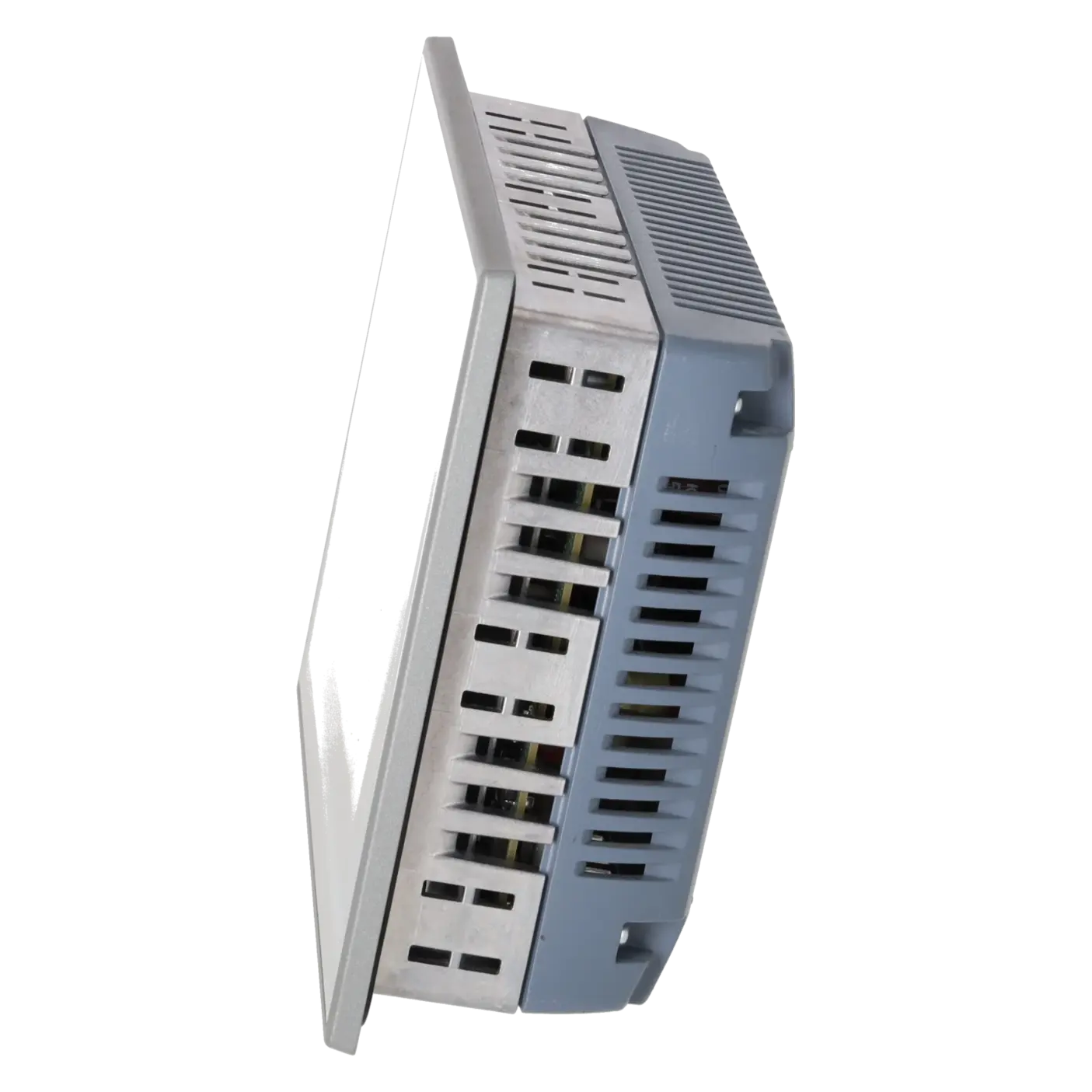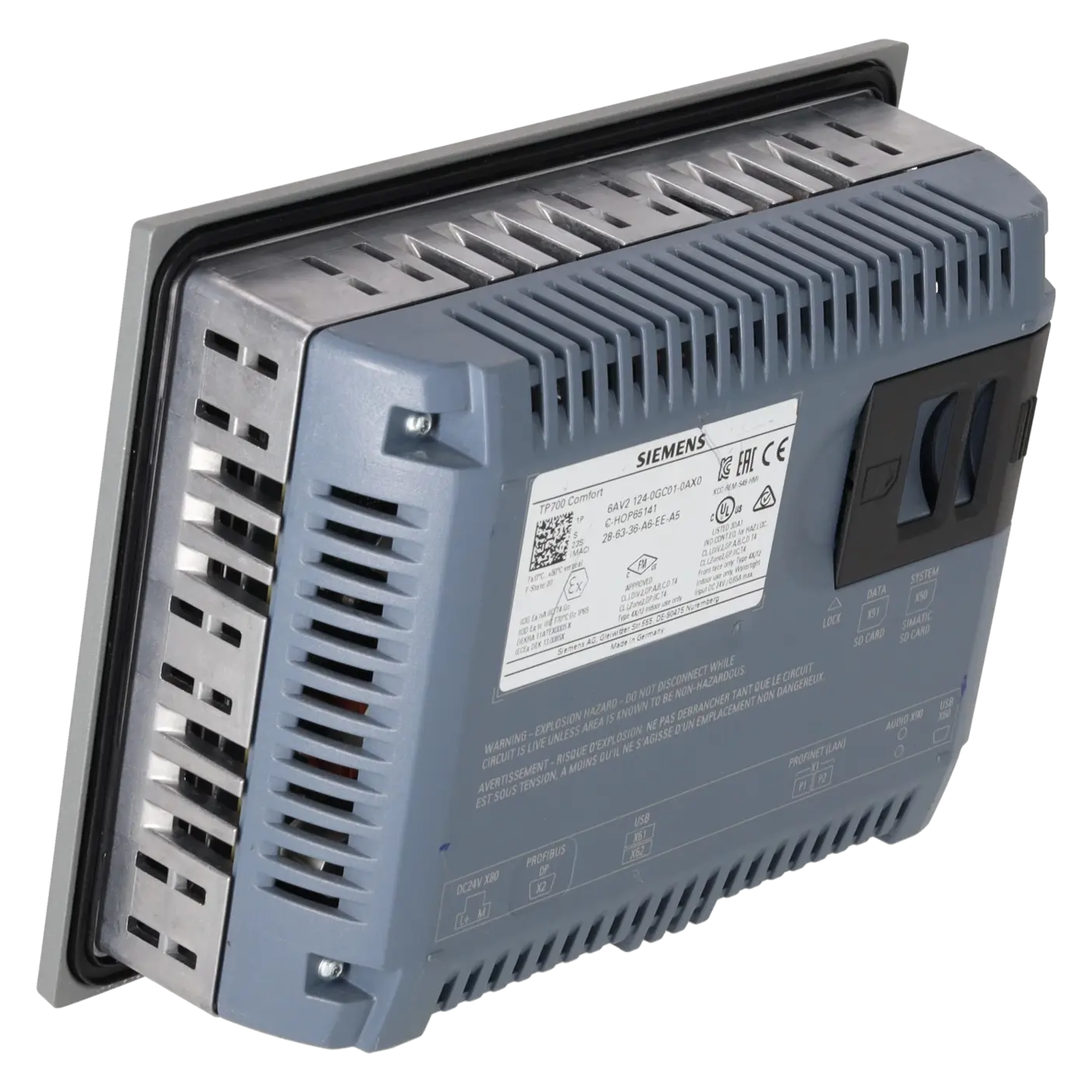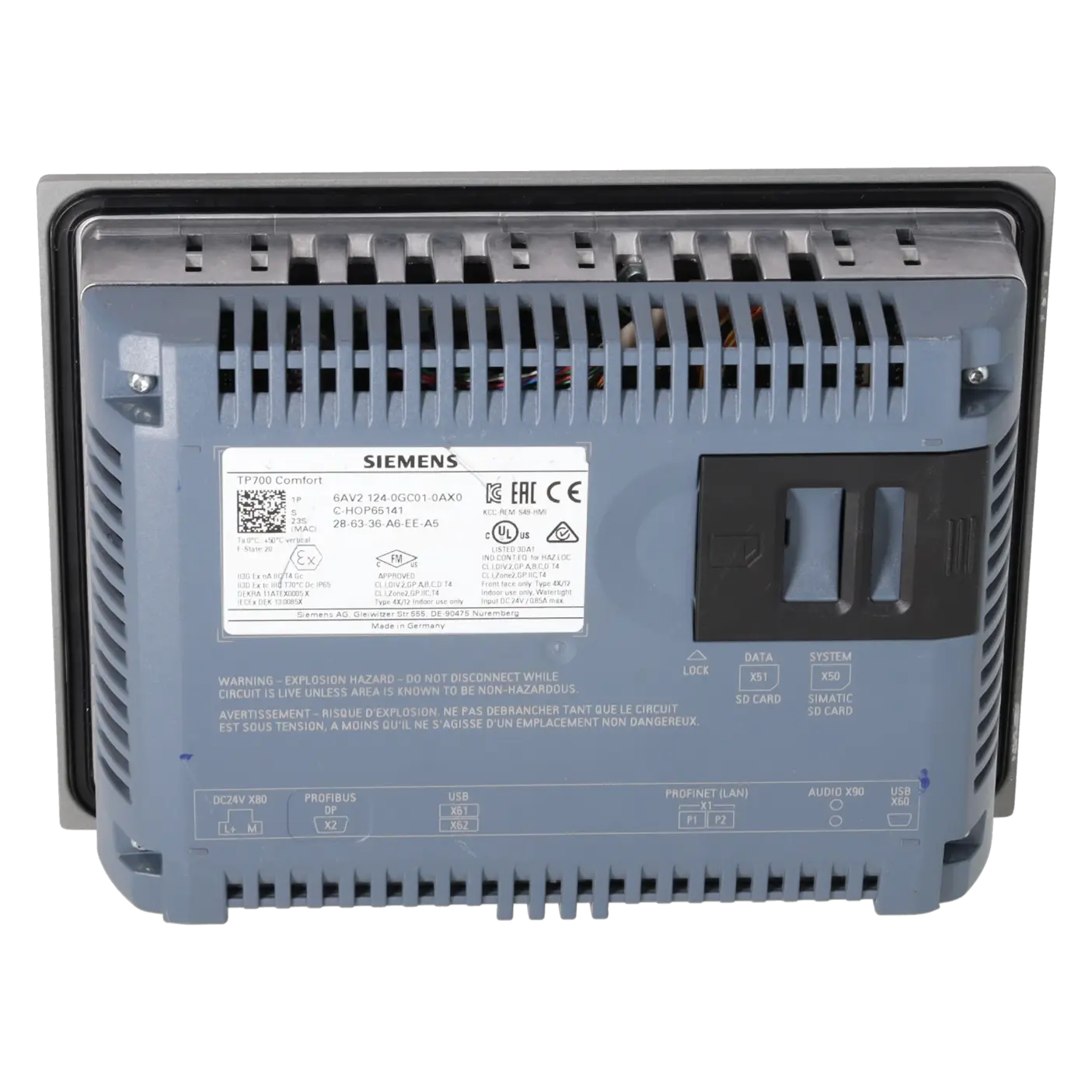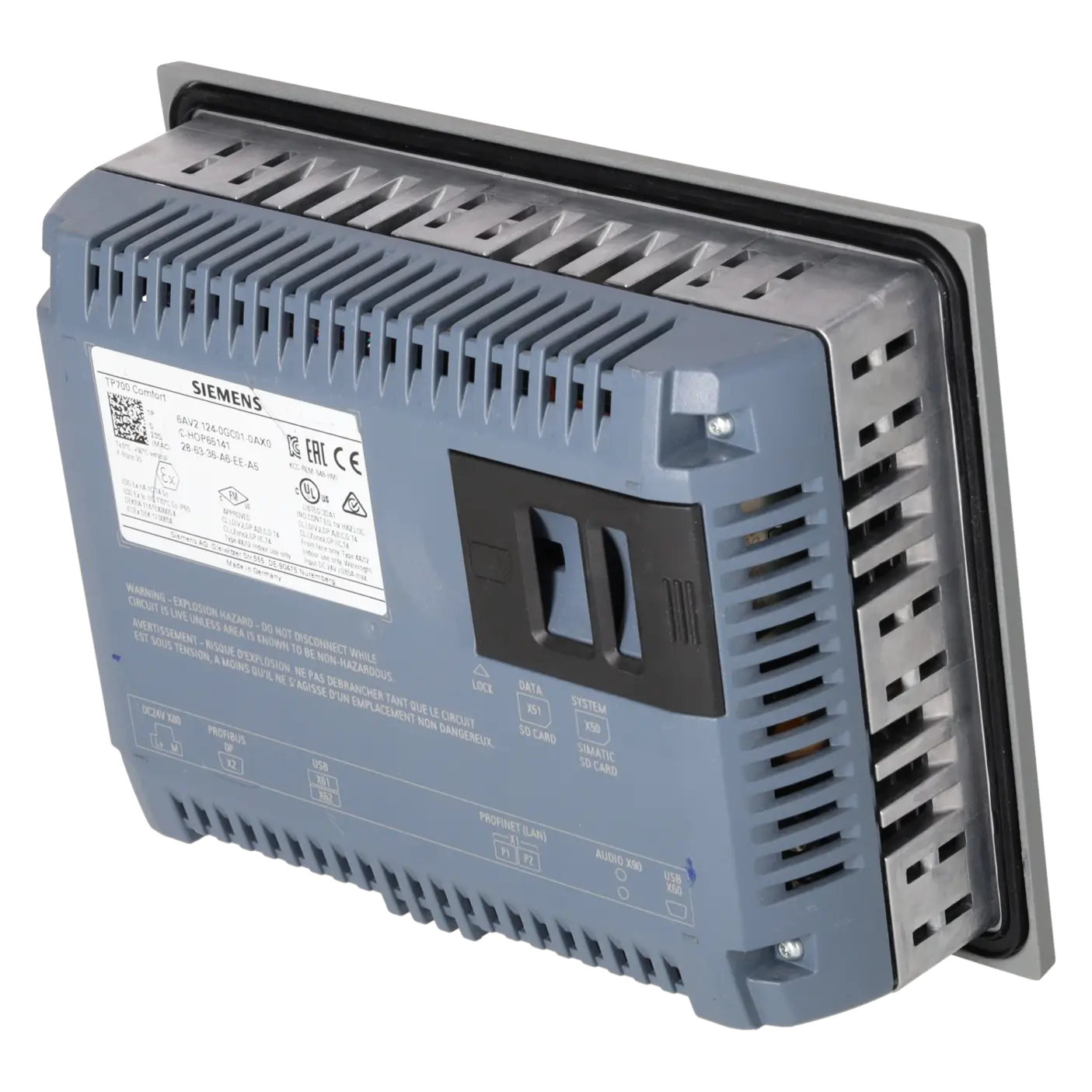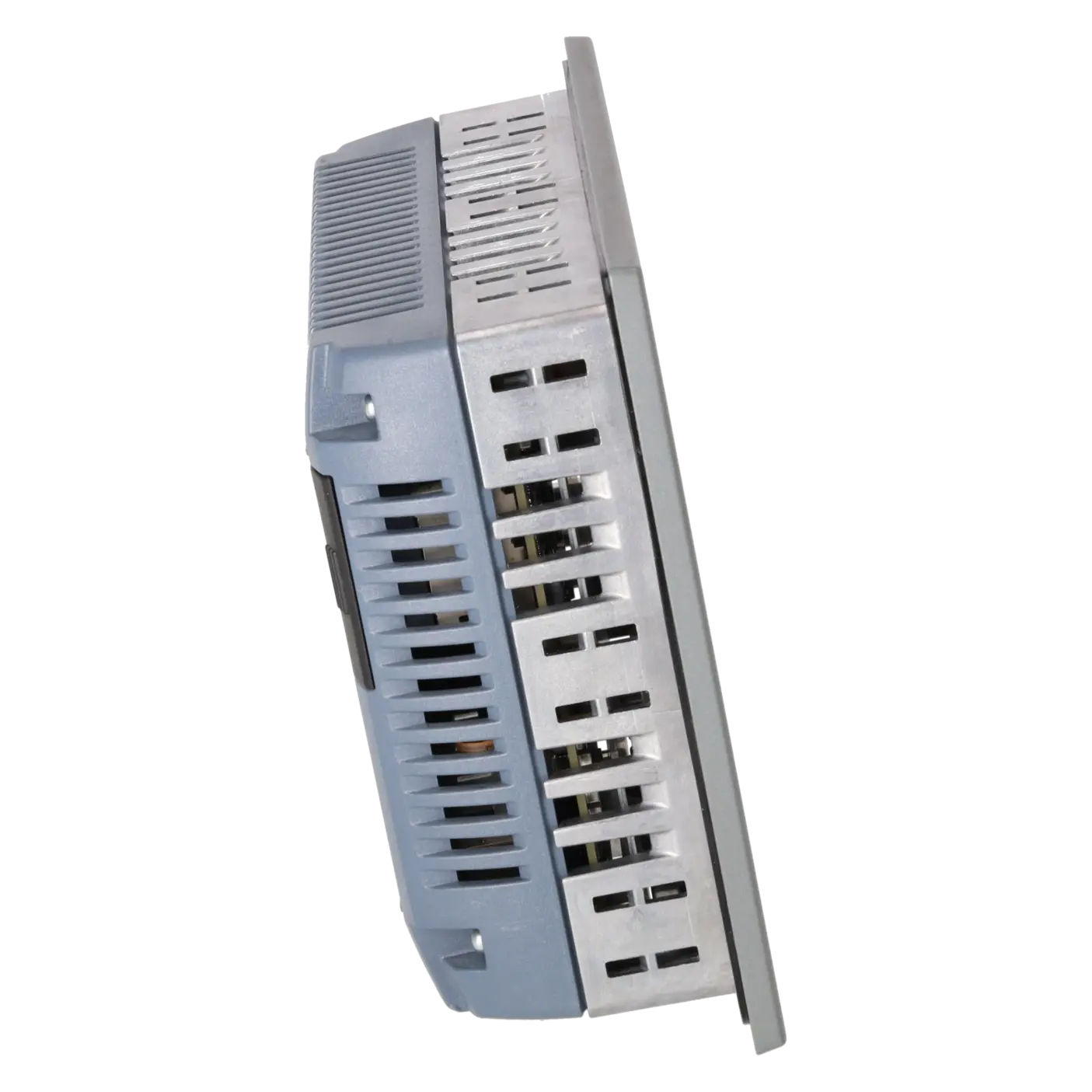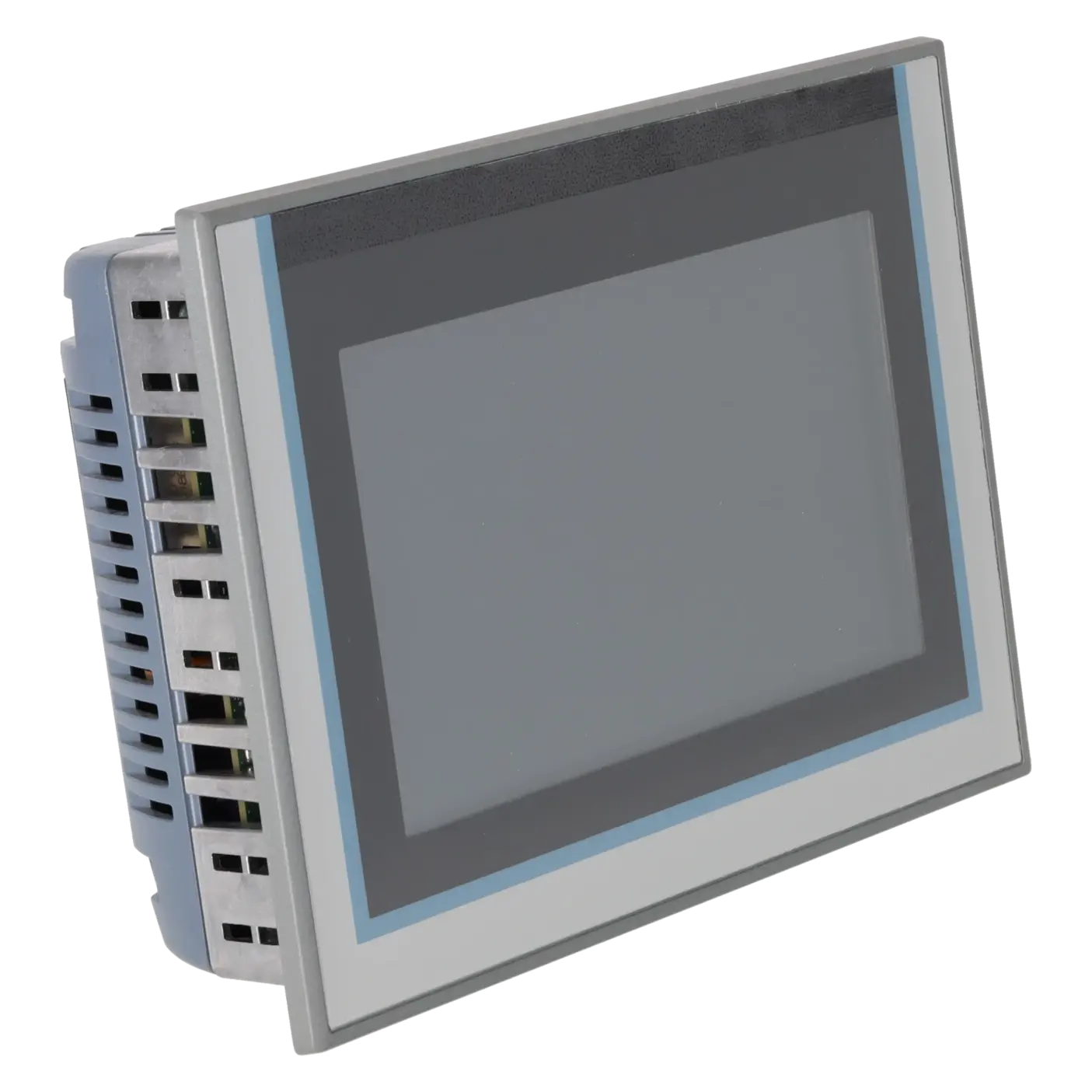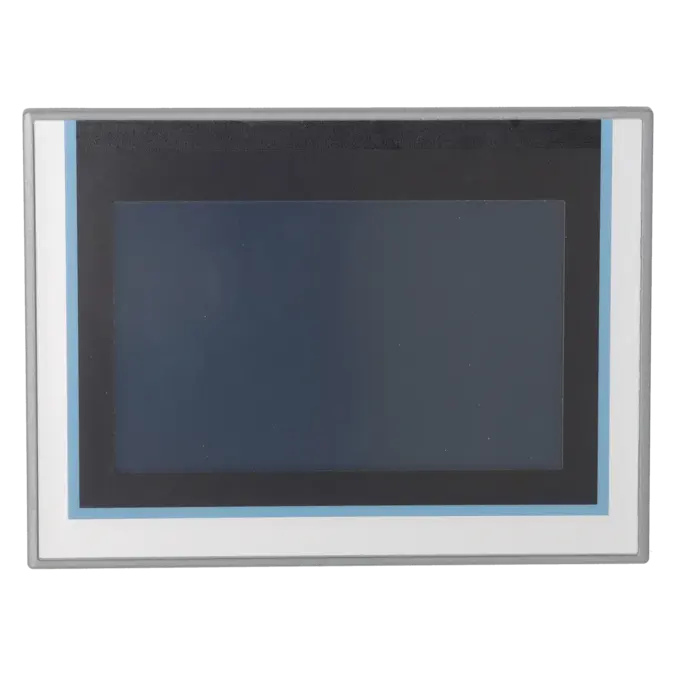
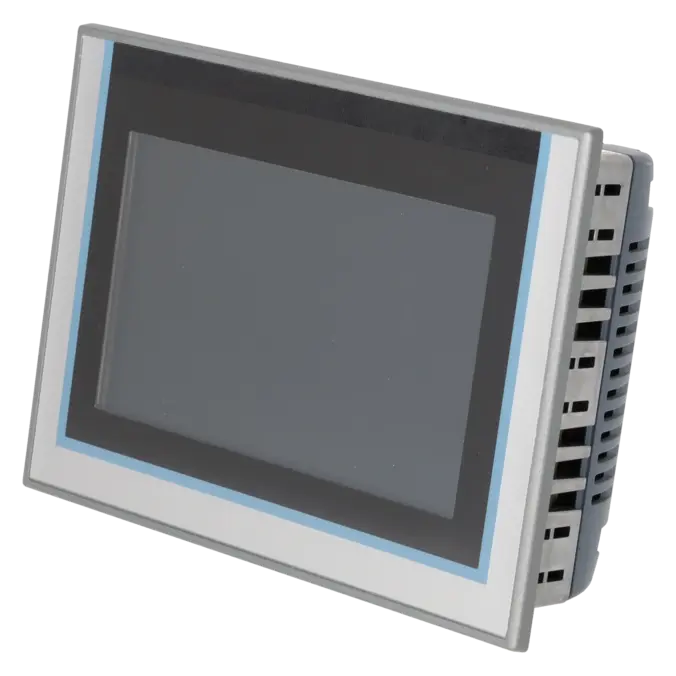
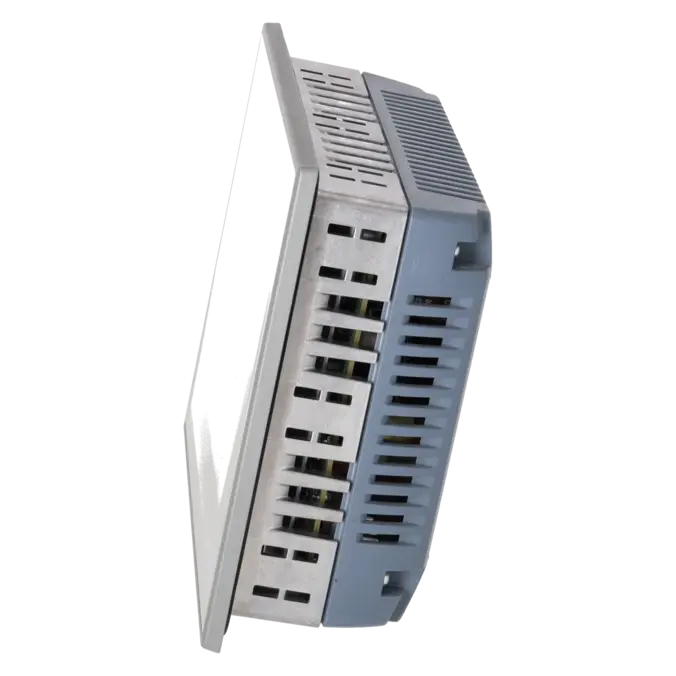
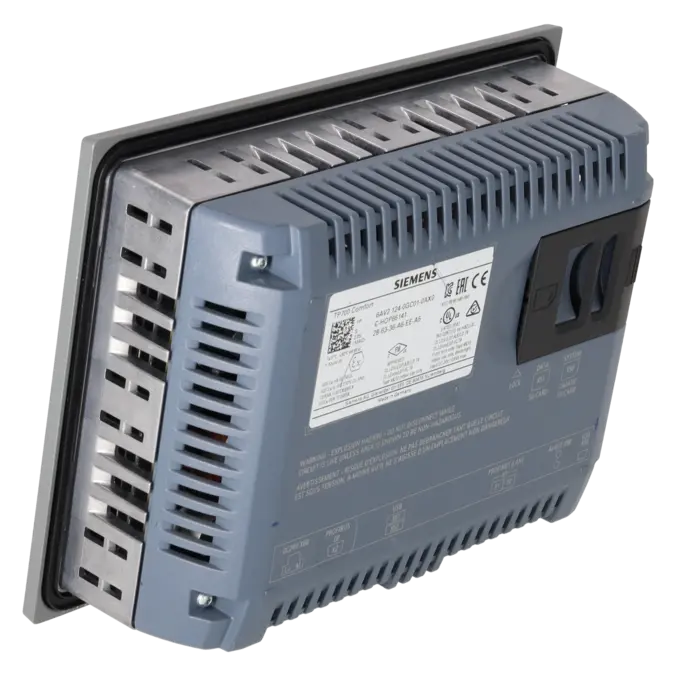
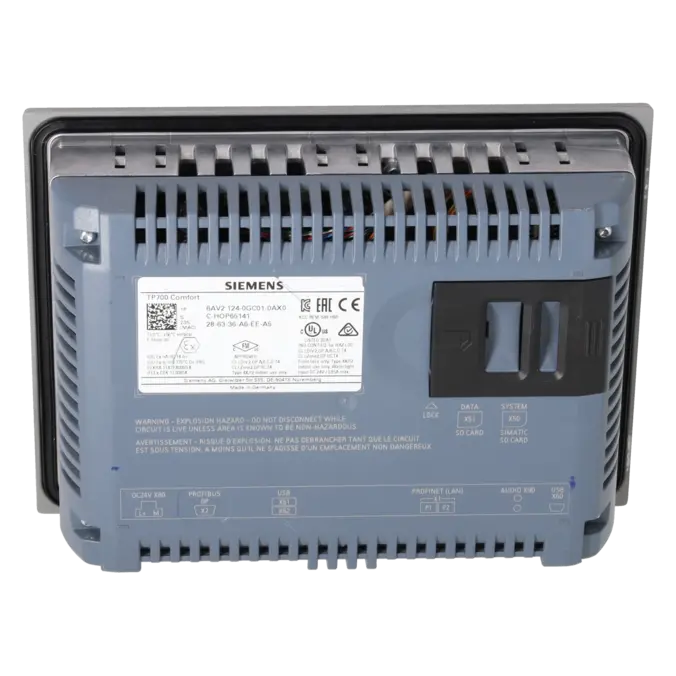
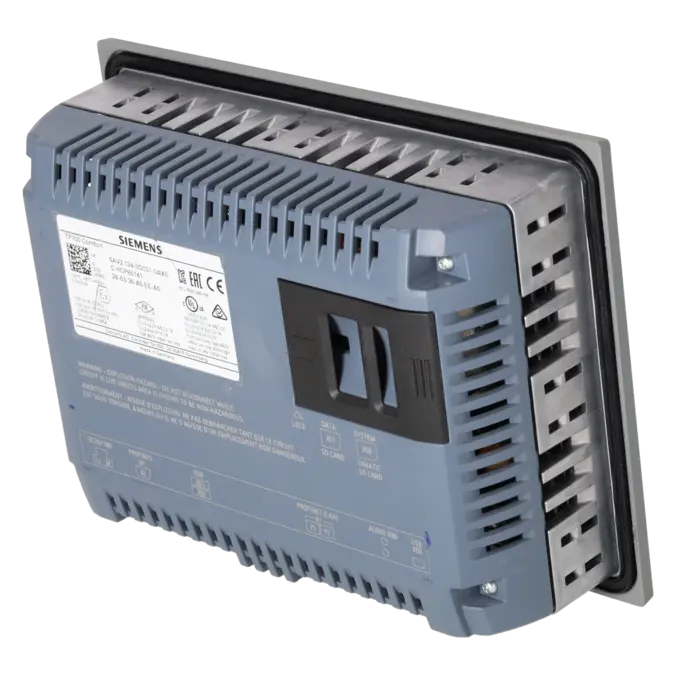
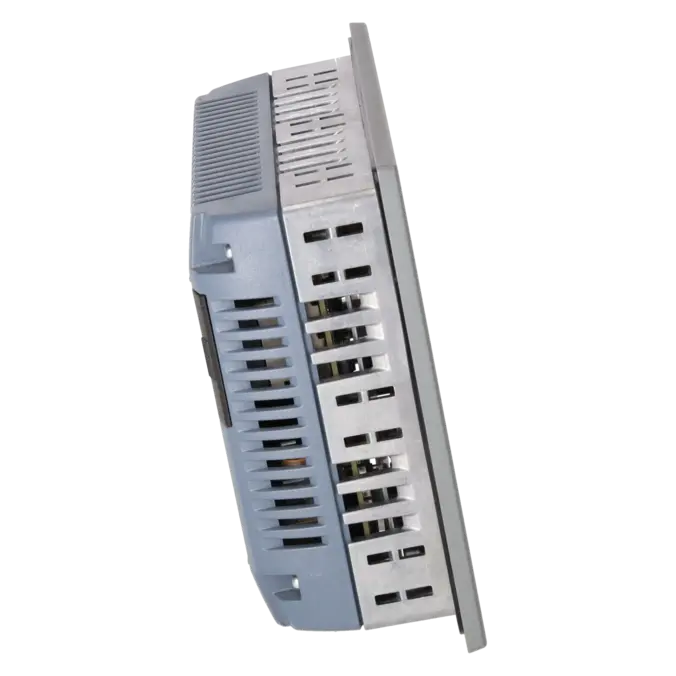
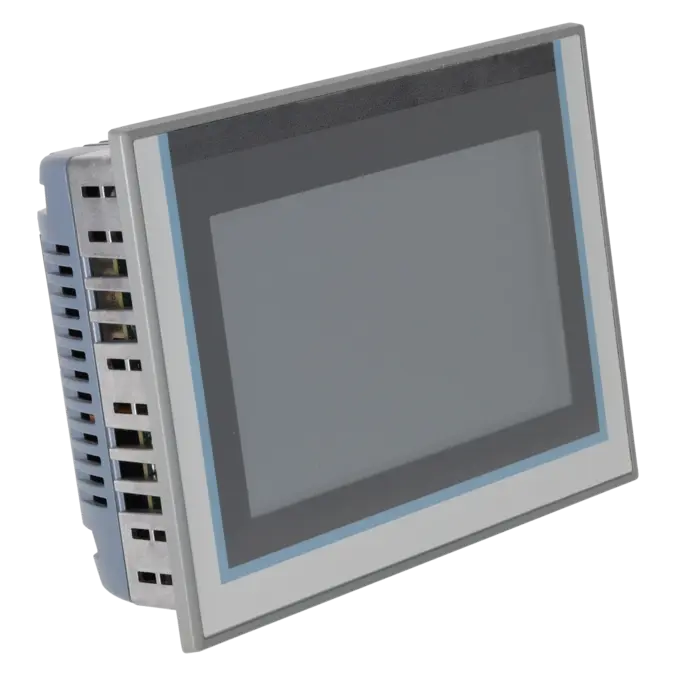

SIEMENS 6AV2124-0GC01-0AX0
-
SIEMENS | HMI | Touch Panels
- EICHLER-art.no.: K0251524
- EAN: 4025515079026
- UPC: 040892783421
Product description
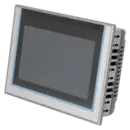
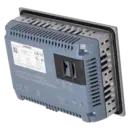
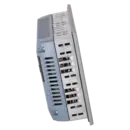
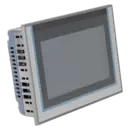
SIMATIC HMI TP700 Comfort, Comfort Panel, touch operation, 7" widescreen TFT display, 16 million colors, PROFINET interface, MPI/PROFIBUS DP interface, 12 MB configuration memory, Windows CE 6.0, configurable from WinCC Comfort V11
Services for SIEMENS 6AV2124-0GC01-0AX0
Repair
from 973,13 €
to 1.751,64 €
Replacement
1.720,80 €
1.634,76 €
Used
1.912,00 €
1.816,40 €
New
2.103,20 €
1.998,04 €
SIEMENS |
6AV2124-0GC01-0AX0 –
additional product information
| Delivery information | |||
|---|---|---|---|
| Export identifier | AL: N ECCN: 5A992 | ||
| Net weight | 1.58 | ||
| Quantity | 1 Stück | ||
| Packaging quantity | 1 | ||
| Additional product information | |||
|---|---|---|---|
| Product status | |||
| EAN | 4025515079026 | ||
| UPC | 040892783421 | ||
| Static lot number | 85371091 | ||
| List indicator | ST80.1N | ||
| Product group | 3403 | ||
| Country of origin | DE | ||
| Compliance with the substance restrictions according to RoHS directive | Since: 20151130 | ||
| Product classifications | Version | Classification | |
|---|---|---|---|
| eClass | 4 | 27-36-01-02 | |
| eClass | 5.1 | 27-24-23-02 | |
| eClass | 6.0 | 27-24-23-02 | |
| ETIM | 3 | / | |
| ETIM | 4 | EC001412 | |
| ETIM | 5 | EC001412 | |
What is the 6AV2124-0GC01-0AX0 and where is it used?
The 6AV2124-0GC01-0AX0 is a SIMATIC HMI TP700 Comfort from Siemens. It is a 7-inch touch panel designed for machine operation, visualisation and diagnostics. The device is typically used in production lines, packaging machines, conveyor systems, special-purpose machinery and retrofit projects. The panel is particularly relevant in applications where existing systems still rely on PROFINET as well as MPI/PROFIBUS DP, and where a robust HMI solution with proven TIA Portal integration is required. For maintenance personnel, the device is especially important when an identical replacement is needed. For purchasing departments, it is relevant whenever downtime costs need to be reduced through rapid repair, exchange or replacement.
Overview of the key technical data and what they mean
The TP700 Comfort features a 7-inch widescreen TFT display with a resolution of 800 × 480 pixels and 16.7 million colours. The analogue resistive touchscreen is designed for traditional industrial environments. The panel operates on 24 V DC, typically consumes 12 W, and includes an x86 processor with 12 MB of user data memory. Connectivity includes one Industrial Ethernet interface with integrated 2-port switch, MPI/PROFIBUS DP via RS422/485, two USB 2.0 ports and two SD card slots. For panel builders, important specifications include IP65 protection at the front, IP20 at the rear, an installation depth of 63 mm and an operating temperature range of 0 to 50 °C when mounted vertically. These specifications are essential for compatibility checks, installation planning and spare-parts approval.
Product status, life-cycle status and obsolescence
Siemens currently lists the 6AV2124-0GC01-0AX0 with PLM status PM400: Product phase-out announcement. According to the manufacturer, the product phase-out became effective on 31 January 2026. In addition, the panel is based on Windows CE 6.0; the EICHLER product information explicitly notes that Microsoft support, including security updates, has been discontinued. For operators of existing systems, this means that the panel often remains technically usable, but the risks associated with obsolescence and cybersecurity continue to increase. Siemens identifies the 6AV2128-3GB06-0AX1 (MTP700 Unified Comfort) as the verified successor. The Siemens migration guide maps the TP700 Comfort to the MTP700 Unified Comfort and describes the transition as a modernisation path that does not require physical modifications to the existing mounting cut-out.
Available EICHLER services and when they are relevant in practice
For the 6AV2124-0GC01-0AX0, EICHLER currently offers repair, exchange, used units and new units, as well as an optional test report for touch panels. According to EICHLER, repairs include technical cleaning, preventive maintenance, comprehensive functional testing and a minimum 24-month warranty. This is particularly valuable for maintenance teams when a panel suffers an electrical or mechanical failure but the existing project should be retained. An exchange unit is often the preferred solution when the system must be returned to operation as quickly as possible. Used units can be economically attractive when budgets are limited and an identical form factor is required. New units are suitable when maximum planning reliability and spare-parts strategies are the primary concern. Especially in the context of obsolescence, this combination of services helps maintain the operational availability of existing systems even after product discontinuation.
| Attribute | Value |
|---|---|
| Product type designation | TP700 Comfort |
| Display | |
| Design of display | TFT |
| Screen diagonal | 7 in |
| Display width | 152.4 mm |
| Display height | 91.4 mm |
| Number of colors | 16 777 216 |
| Resolution (pixels) | |
| ● Horizontal image resolution | 800 pixel |
| ● Vertical image resolution | 480 pixel |
| Backlighting | |
| ● MTBF backlighting (at 25 °C) | 80 000 h |
| ● Backlight dimmable | Yes; 0-100 % |
| Control elements | |
| Keyboard fonts | |
| ● Function keys | |
| — Number of function keys | 0 |
| — Number of function keys with LEDs | 0 |
| ● Keys with LED | No |
| ● System keys | No |
| ● Numeric keyboard | Yes; Onscreen keyboard |
| ● alphanumeric keyboard | Yes; Onscreen keyboard |
| Touch operation | |
| ● Design as touch screen | Yes; Analog-resistive |
| Expansions for operator control of the process | |
| ● DP direct LEDs (LEDs as S7 output I/O) | |
| — F1...Fx | 0 |
| ● Direct keys (keys as S7 input I/O) | |
| — F1...Fx | 0 |
| ● Direct keys (touch buttons as S7 input I/O) | 32 |
| Installation type/mounting | |
| Mounting position | vertical |
| Wall mounting/direct mounting | No |
| Mounting in portrait format possible | Yes |
| Mounting in landscape format possible | Yes |
| maximum permissible angle of inclination without external ventilation | 35° |
| Supply voltage | |
| Type of supply voltage | DC |
| Rated value (DC) | 24 V |
| permissible range, lower limit (DC) | 19.2 V |
| permissible range, upper limit (DC) | 28.8 V |
| Input current | |
| Current consumption (rated value) | 0.5 A |
| Starting current inrush I²t | 0.5 A²·s |
| Power | |
| Active power input, typ. | 12 W |
| Processor | |
| Processor type | X86 |
| Memory | |
| Flash | Yes |
| RAM | Yes |
| Memory available for user data | 12 Mbyte |
| Type of output | |
| Info LED | No |
| Power LED | No |
| Error LED | No |
| Acoustics | |
| ● Buzzer | No |
| ● Speaker | Yes |
| Time of day | |
| Clock | |
| ● Hardware clock (real-time) | Yes |
| ● Software clock | Yes |
| ● retentive | Yes; Back-up duration typically 6 weeks |
| ● synchronizable | Yes |
| Interfaces | |
| Number of industrial Ethernet interfaces | 1; 2 ports (switch) |
| Number of RS 485 interfaces | 1; RS 422 / 485 combined |
| Number of RS 422 interfaces | 0; together with RS 485 |
| Number of RS 232 interfaces | 0 |
| Number of USB interfaces | 2; USB 2.0 |
| ● USB Mini B | 1; 5-pole |
| Number of 20 mA interfaces (TTY) | 0 |
| Number of parallel interfaces | 0 |
| Number of other interfaces | 0 |
| Number of SD card slots | 2 |
| With software interfaces | No |
| Industrial Ethernet | |
| ● Industrial Ethernet status LED | 2 |
| ● Number of ports of the integrated switch | 2 |
| Protocols | |
| PROFINET | Yes |
| Supports protocol for PROFINET IO | Yes |
| IRT | Yes; As of WinCC V12 |
| PROFIBUS | Yes |
| EtherNet/IP | Yes |
| MPI | Yes |
| Protocols (Ethernet) | |
| ● TCP/IP | Yes |
| ● DHCP | Yes |
| ● SNMP | Yes |
| ● DCP | Yes |
| ● LLDP | Yes |
| WEB characteristics | |
| ● HTTP | Yes |
| ● HTTPS | Yes |
| ● HTML | Yes |
| ● XML | Yes |
| ● CSS | Yes |
| ● Active X | Yes |
| ● JavaScript | Yes |
| ● Java VM | No |
| Redundancy mode | |
| Media redundancy | |
| — MRP | Yes; As of WinCC V12 |
| Further protocols | |
| ● CAN | No |
| ● MODBUS | Yes |
| Interrupts/diagnostics/status information | |
| Diagnoses | |
| ● Diagnostic information readable | Yes; S7 controller |
| EMC | |
| Emission of radio interference acc. to EN 55 011 | |
| ● Limit class A, for use in industrial areas | Yes |
| ● Limit class B, for use in residential areas | No |
| Degree and class of protection | |
| IP (at the front) | IP65 |
| IP (rear) | IP20 |
| NEMA (front) | |
| ● Enclosure Type 4 at the front | Yes |
| ● Enclosure Type 4x at the front | Yes |
| Standards, approvals, certificates | |
| CE mark | Yes |
| cULus | Yes |
| RCM (formerly C-TICK) | Yes |
| KC approval | Yes |
| Use in hazardous areas | |
| ● ATEX Zone 2 | Yes |
| ● ATEX Zone 22 | Yes |
| ● IECEx Zone 2 | Yes |
| ● IECEx Zone 22 | Yes |
| ● cULus Class I Zone 1 | No |
| ● cULus Class I Zone 2, Division 2 | Yes |
| ● FM Class I Division 2 | Yes |
| Marine approval | |
| ● Germanischer Lloyd (GL) | Yes |
| ● American Bureau of Shipping (ABS) | Yes |
| ● Bureau Veritas (BV) | Yes |
| ● Det Norske Veritas (DNV) | Yes |
| ● Lloyds Register of Shipping (LRS) | Yes |
| ● Nippon Kaiji Kyokai (Class NK) | Yes |
| ● Polski Rejestr Statkow (PRS) | No |
| Ambient conditions | |
| Suited for indoor use | Yes |
| Suited for outdoor use | No |
| Ambient temperature during operation | |
| Operation (vertical installation) | |
| — For vertical installation, min. | 0 °C |
| — For vertical installation, max. | 50 °C; (55 °C, see entry ID: 64847814) |
| Operation (max. tilt angle) | |
| — At maximum tilt angle, min. | 0 °C |
| — At maximum tilt angle, max. | 40 °C |
| Operation (vertical installation, portrait format) | |
| — For vertical installation, min. | 0 °C |
| — For vertical installation, max. | 40 °C |
| Operation (max. tilt angle, portrait format) | |
| — At maximum tilt angle, min. | 0 °C |
| — At maximum tilt angle, max. | 35 °C |
| Ambient temperature during storage/transportation | |
| ● min. | -20 °C |
| ● max. | 60 °C |
| Relative humidity | |
| ● Operation, max. | 90 %; no condensation |
| Operating systems | |
| proprietary | No |
| pre-installed operating system | |
| ● Windows CE | Yes |
| Configuration | |
| Message indicator | Yes |
| Alarm system (incl. buffer and acknowledgment) | Yes |
| Process value display (output) | Yes |
| Process value default (input) possible | Yes |
| Recipe management | Yes |
| Configuration software | |
| ● STEP 7 Basic (TIA Portal) | No |
| ● STEP 7 Professional (TIA Portal) | No |
| ● WinCC flexible Compact | No |
| ● WinCC flexible Standard | No |
| ● WinCC flexible Advanced | No |
| ● WinCC Basic (TIA Portal) | No |
| ● WinCC Comfort (TIA Portal) | Yes; from V11 |
| ● WinCC Advanced (TIA Portal) | Yes; from V11 |
| ● WinCC Professional (TIA Portal) | Yes; from V11 |
| Languages | |
| Online languages | |
| ● Number of online/runtime languages | 32 |
| Project languages | |
| ● Languages per project | 32 |
| Functionality under WinCC (TIA Portal) | |
| Libraries | Yes |
| Applications/options | |
| ● Web browser | Yes |
| ● Pocket Word | Yes |
| ● Pocket Excel | Yes |
| ● PDF Viewer | Yes |
| ● Media Player | Yes |
| ● SIMATIC WinCC Sm@rtServer | Yes |
| ● SIMATIC WinCC Audit | Yes |
| Number of Visual Basic Scripts | Yes |
| Task planner | |
| ● time-controlled | Yes |
| ● task-controlled | Yes |
| Help system | |
| ● Number of characters per info text | 70 |
| Message system | |
| ● Number of alarm classes | 32 |
| ● Bit messages | Yes |
| — Number of bit messages | 4 000 |
| ● Analog messages | Yes |
| — Number of analog messages | 200 |
| ● S7 alarm number procedure | Yes |
| ● System messages HMI | Yes |
| ● System event, more (SIMATIC S7, SINUMERIK, SIMOTION, ... ) | Yes |
| ● Number of characters per message | 80 |
| ● Number of process values per message | 8 |
| ● Acknowledgment groups | Yes |
| ● Message indicator | Yes |
| ● Message buffer | |
| — Number of entries | 1 024 |
| — Circulating buffer | Yes |
| — retentive | Yes |
| — maintenance-free | Yes |
| Recipe management | |
| ● Number of recipes | 300 |
| ● Data records per recipe | 500 |
| ● Entries per data record | 1 000 |
| ● Size of internal recipe memory | 2 Mbyte |
| ● Recipe memory expandable | Yes |
| Variables | |
| ● Number of variables per device | 2 048 |
| ● Number of variables per screen | 400 |
| ● Limit values | Yes |
| ● Multiplexing | Yes |
| ● Structures | Yes |
| ● Arrays | Yes |
| Images | |
| ● Number of configurable images | 500 |
| ● Permanent window/default | Yes |
| ● Global image | Yes |
| ● Pop-up images | Yes |
| ● Slide-in images | Yes |
| ● Image selection by PLC | Yes |
| ● Image number in the PLC | Yes |
| Image objects | |
| ● Number of objects per image | 400 |
| ● Text fields | Yes |
| ● I/O fields | Yes |
| ● Graphic I/O fields (graphics list) | Yes |
| ● Symbolic I/O fields (text list) | Yes |
| ● Date/time fields | Yes |
| ● Switches | Yes |
| ● Buttons | Yes |
| ● Graphic display | Yes |
| ● Icons | Yes |
| ● Geometric objects | Yes |
| Complex image objects | |
| ● Number of complex objects per screen | 20 |
| ● Alarm view | Yes |
| ● Trend view | Yes |
| ● User view | Yes |
| ● Status/control | Yes |
| ● Sm@rtClient view | Yes |
| ● Recipe view | Yes |
| ● f(x) trend view | Yes |
| ● System diagnostics view | Yes |
| ● Media Player | Yes |
| ● HTML browser | Yes |
| ● PDF display | Yes |
| ● IP camera display | Yes |
| ● Bar graphs | Yes |
| ● Sliders | Yes |
| ● Pointer instruments | Yes |
| ● Analog/digital clock | Yes |
| Lists | |
| ● Number of text lists per project | 500 |
| ● Number of entries per text list | 500 |
| ● Number of graphics lists per project | 500 |
| ● Number of entries per graphics list | 500 |
| Archiving | |
| ● Number of archives per device | 50 |
| ● Number of entries per archive | 20 000 |
| ● Message archive | Yes |
| ● Process value archive | Yes |
| ● Archiving methods | |
| — Sequential archive | Yes |
| — Short-term archive | Yes |
| ● Memory location | |
| — Memory card | Yes |
| — USB memory | Yes |
| — Ethernet | Yes |
| ● Data storage format | |
| — CSV | Yes |
| — TXT | Yes |
| — RDB | Yes |
| Security | |
| ● Number of user groups | 50 |
| ● Number of user rights | 32 |
| ● Number of users | 50 |
| ● Password export/import | Yes |
| ● SIMATIC Logon | Yes |
| Logging through printer | |
| ● Alarms | Yes |
| ● Report (shift log) | Yes |
| ● Hardcopy | Yes |
| ● Electronic print to file | Yes; PDF, HTML |
| Character sets | |
| ● Keyboard fonts | |
| — US English | Yes |
| Transfer (upload/download) | |
| ● MPI/PROFIBUS DP | Yes |
| ● USB | Yes |
| ● Ethernet | Yes |
| ● using external storage medium | Yes |
| Process coupling | |
| ● S7-1200 | Yes |
| ● S7-1500 | Yes |
| ● S7-200 | Yes |
| ● S7-300/400 | Yes |
| ● LOGO! | Yes |
| ● WinAC | Yes |
| ● SINUMERIK | Yes; with SINUMERIK option package |
| ● SIMOTION | Yes |
| ● Allen Bradley (EtherNet/IP) | Yes |
| ● Allen Bradley (DF1) | Yes |
| ● Mitsubishi (MC TCP/IP) | Yes |
| ● Mitsubishi (FX) | Yes |
| ● OMRON (FINS TCP) | No |
| ● OMRON (LINK/Multilink) | Yes |
| ● Modicon (Modbus TCP/IP) | Yes |
| ● Modicon (Modbus) | Yes |
| ● OPC UA Client | Yes |
| ● OPC UA Server | Yes |
| Service tools/configuration aids | |
| ● Backup/Restore manually | Yes |
| ● Backup/Restore automatically | Yes |
| ● Simulation | Yes |
| ● Device switchover | Yes |
| Peripherals/Options | |
| Printer | Yes |
| SIMATIC HMI MM memory card: Multi Media Card | Yes; Up to 128 MB |
| SIMATIC HMI SD memory card: Secure Digital memory card | Yes; Up to 2 GB |
| SIMATIC HMI CF memory card Compact Flash Card | No |
| USB memory | Yes |
| SIMATIC IPC USB Flashdrive (USB stick) | Yes; Up to 16 GB |
| SIMATIC HMI USB stick | Yes; Up to 8 GB |
| Network camera | Yes |
| Mechanics/material | |
| Enclosure material (front) | |
| ● Plastic | No |
| ● Aluminum | Yes |
| ● Stainless steel | No |
| Dimensions | |
| Width of the housing front | 214 mm |
| Height of housing front | 158 mm |
| Mounting cutout, width | 198 mm |
| Mounting cutout, height | 142 mm |
| mounting depth | 63 mm |
| Weights | |
| Weight (without packaging) | 1.4 kg |
| Weight (with packaging) | 1.6 kg |
| Fault description | Possible solution |
|---|---|
| Why does the touch function of my TP700 Comfort no longer respond or only respond inaccurately? | First check whether the issue is caused by an operating error or a calibration problem. Siemens describes touch calibration for Comfort Panels via the Control Panel. Use a suitable stylus for this procedure and avoid sharp or hard objects, as these may damage the screen surface. For temporary operation, a USB mouse can also be connected. If the front screen is damaged or the touch function remains permanently inaccurate, repair or replacement of the device is usually the safest solution. |
| Why does the project download to the TP700 Comfort fail with errors such as 0132:000002? | Check the configured device version in the TIA project and compare it with the Runtime version installed on the panel. In addition, the transfer channel must be enabled and the panel must either be in transfer mode or configured to allow a transfer to stop the Runtime. Siemens also states that when automatic transfer is enabled, an active Runtime can be terminated automatically when a transfer is started. In many cases, the root cause is not the project itself but a version mismatch or a blocked transfer setting. |
| Why do I receive the message “No communication possible” when using ProSave or creating a backup? | Make sure the correct HMI device, interface and communication path are selected in ProSave. If the panel does not allow a connection while Runtime is active, switch the device to transfer mode or enable automatic transfer. Siemens also provides manual backup and restore procedures via the device Control Panel and external storage media. This is particularly important for existing systems, because a reliable backup of the project and device data should always be created before replacing the panel, updating the operating system or restoring factory settings. |
| Why does the TP700 Comfort remain stuck at the SIMATIC HMI logo or at “Update of operating system”? | In such cases, first check whether a previous OS update was interrupted or whether the Runtime installation has become corrupted. Siemens describes restoring Comfort Panels to factory settings via the “OS Update” tab in ProSave. During this process, the operating system is reinstalled and progress is displayed both in ProSave and on the device. Practical examples from PLC forums also describe successful recovery using a direct Ethernet connection and manual entry of the MAC address when normal access is no longer possible. If Ethernet and USB are both completely non-functional, the issue is more likely to be a hardware fault, making repair or replacement the appropriate solution. |
What is the successor to 6AV2124-0GC01-0AX0?
Siemens specifies the 6AV2128-3GB06-0AX1, the MTP700 Unified Comfort, as the verified successor. At the same time, the TP700 Comfort has been in PM400: Product phase-out announcement status since 31 January 2026. For operators, this means that migration to the Unified platform should be considered as part of any modernization or spare parts strategy. According to the Siemens migration guide, the transition from the TP700 Comfort to the MTP700 Unified Comfort is the designated successor path, and no physical modifications to the installation cut-out are generally required.
Which software do I need for 6AV2124-0GC01-0AX0?
According to Siemens, the panel can be engineered with WinCC Comfort from V11 onwards. The technical data also lists WinCC Advanced and WinCC Professional from version V11. This is important for operators of existing systems because engineering, backups and future project modifications depend on the correct TIA Portal/WinCC version. Before replacing the panel or transferring a project, the actual device version and Runtime version installed on the panel should always be verified.
Can I connect the TP700 Comfort to PROFINET and MPI/PROFIBUS DP?
Yes. According to Siemens, the device is equipped with an Industrial Ethernet interface including a 2-port switch for PROFINET-based networks, as well as a combined RS422/485 interface for MPI/PROFIBUS DP. This combination of interfaces is often crucial in existing installations because it allows integration into both modern and legacy automation environments. For purchasing and maintenance departments, this reduces the risk of selecting a replacement device that is mechanically compatible but unsuitable from a communications perspective.
Can I restore a backup from an existing TP700 Comfort to a replacement device?
In principle, yes. Siemens describes backup and restore procedures for Comfort Panels using ProSave, as well as manual backup and recovery methods via the panel’s Control Panel. This is particularly important when an identical replacement unit or exchange device needs to be commissioned quickly. Key requirements are selecting the correct device type, establishing a reliable communication path and, ideally, having a backup created before the failure occurred. In a production environment, it should also be considered that transfer or restore operations may interrupt the Runtime.
Is 6AV2124-0GC01-0AX0 still available as a new, used or exchange unit?
On the EICHLER product page, the panel is currently available through several procurement options: repair, exchange, used and new. This is especially useful for purchasing departments because a new device is not always the only viable option. For critical systems with high downtime costs, an exchange unit is often the fastest solution. For less time-critical applications, repair or tested used equipment may be the more economical choice.
Which environmental and protection ratings are important for cabinet installation?
Key specifications include IP65 protection at the front, IP20 at the rear, a 24 V DC supply voltage, an installation depth of 63 mm and an operating temperature range of 0 to 50 °C for vertical mounting. Siemens also specifies a maximum installation angle of 35° without forced ventilation. These values are important when replacing an existing device, planning a retrofit or assessing the installation conditions within a control cabinet. Verifying these requirements helps avoid incorrect purchases and unnecessary mechanical modifications.