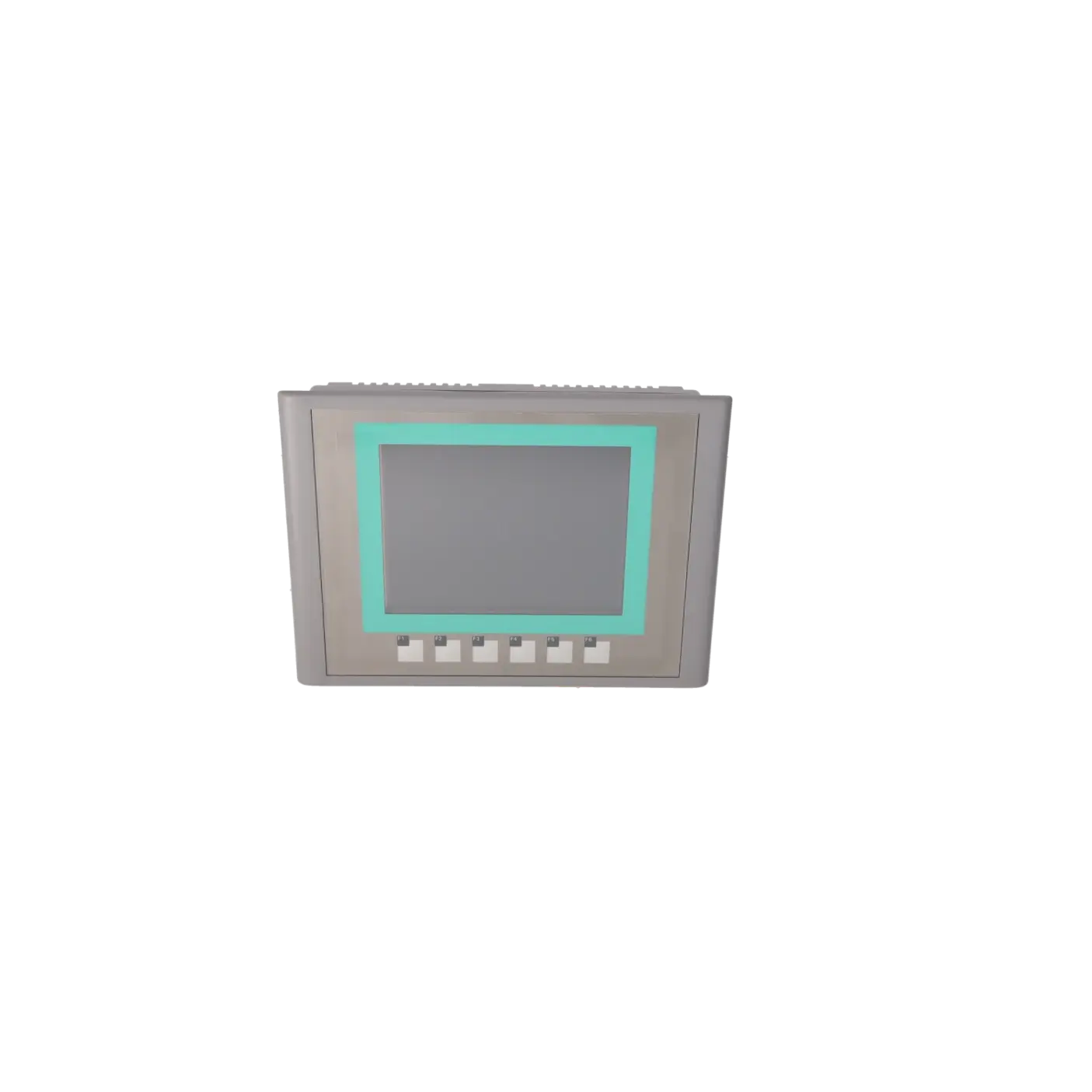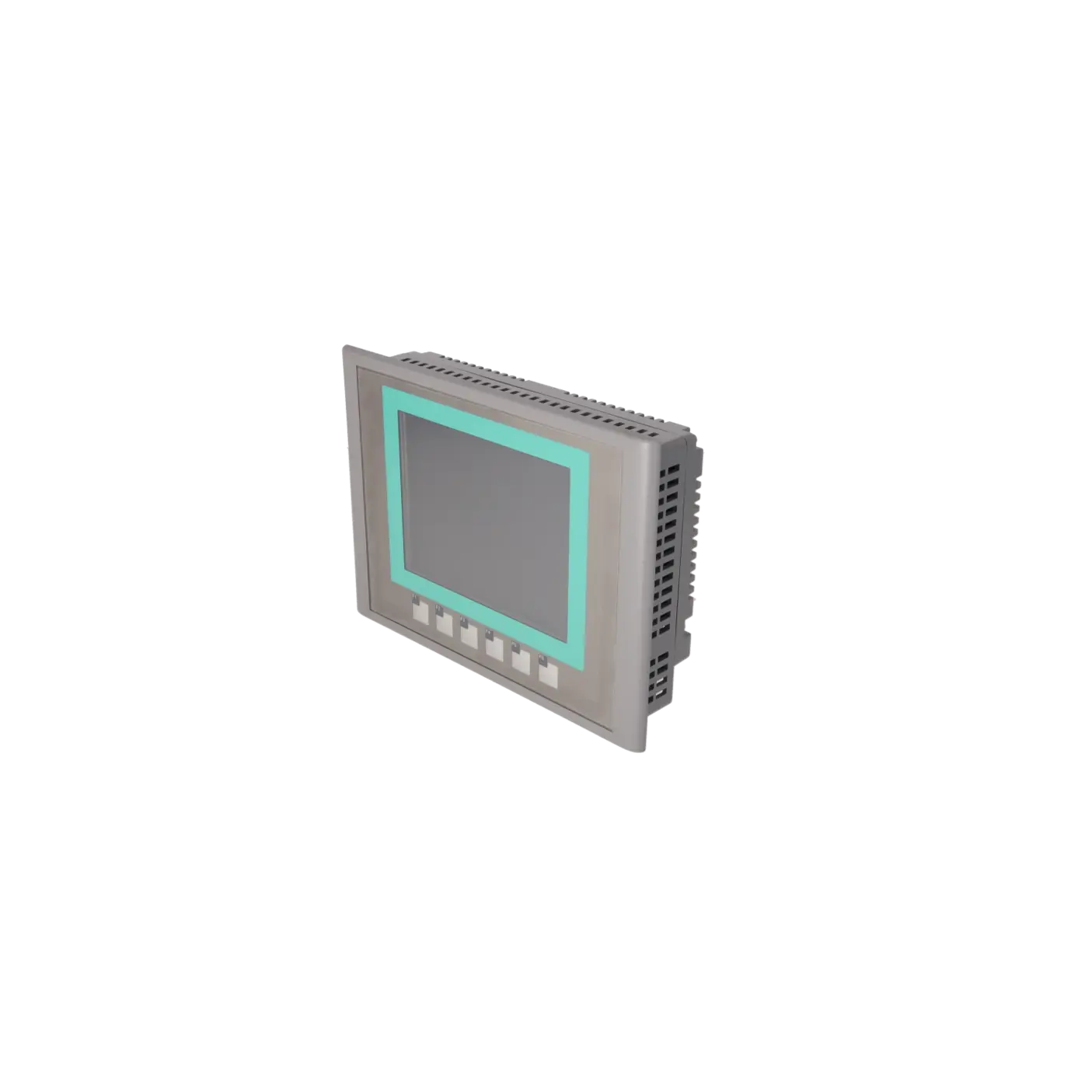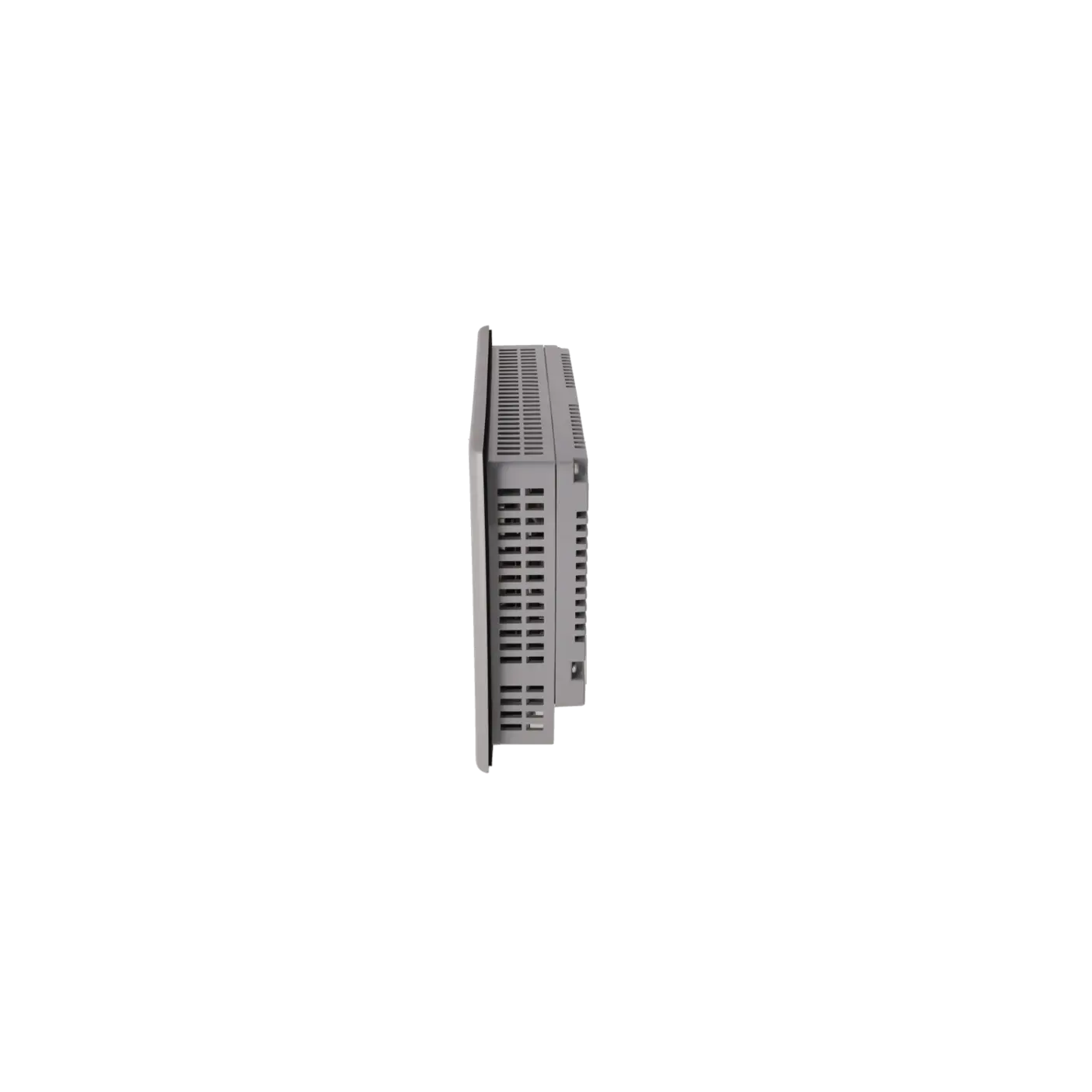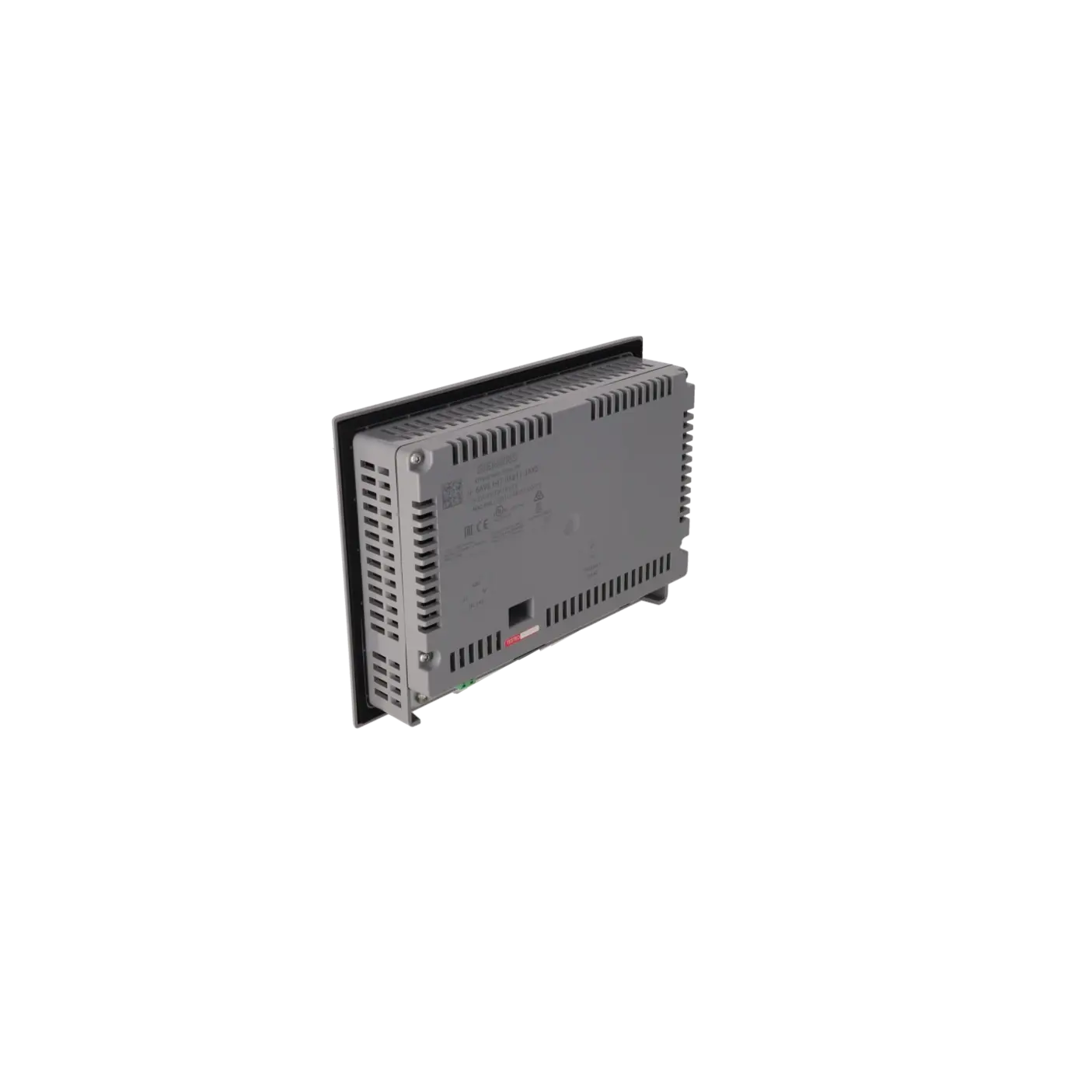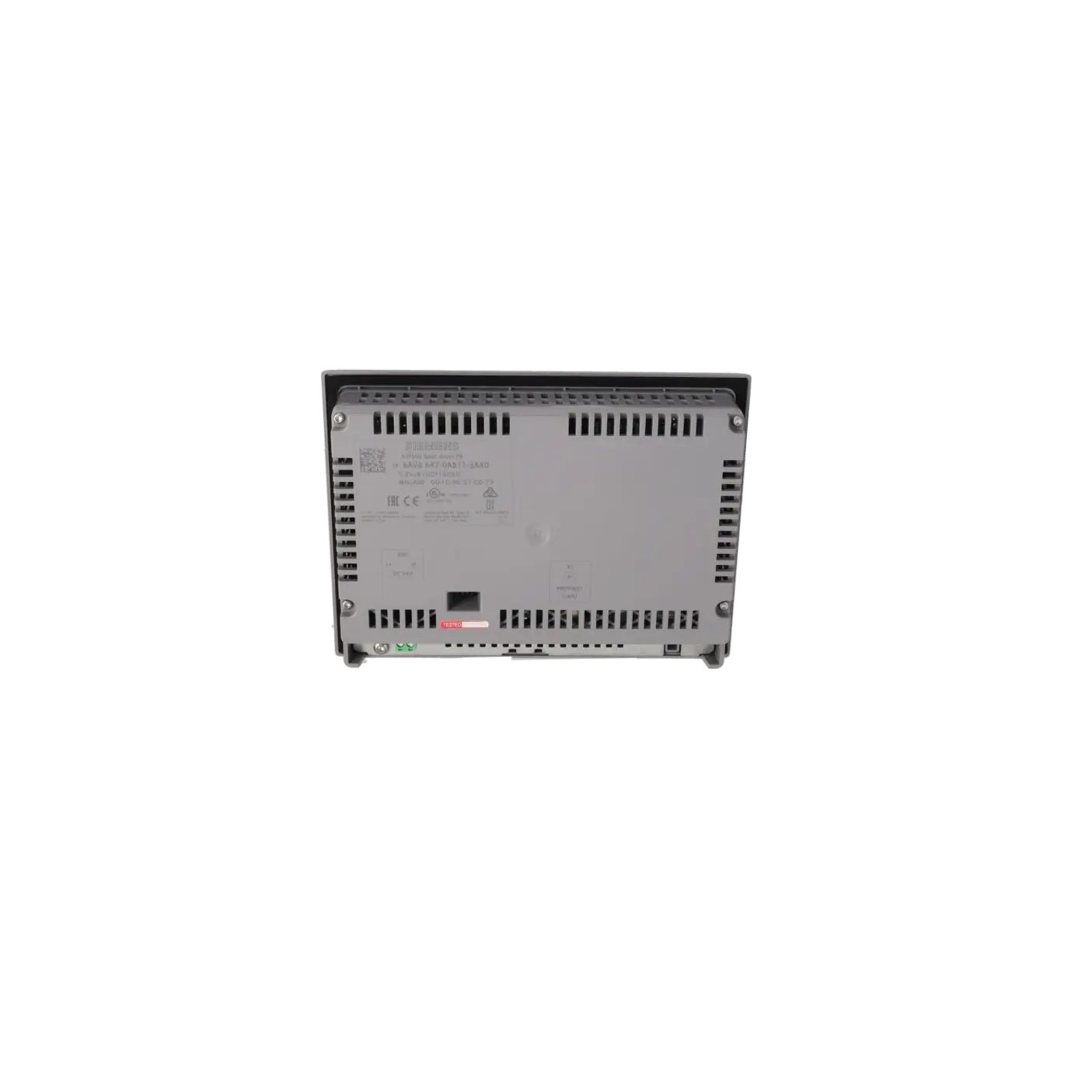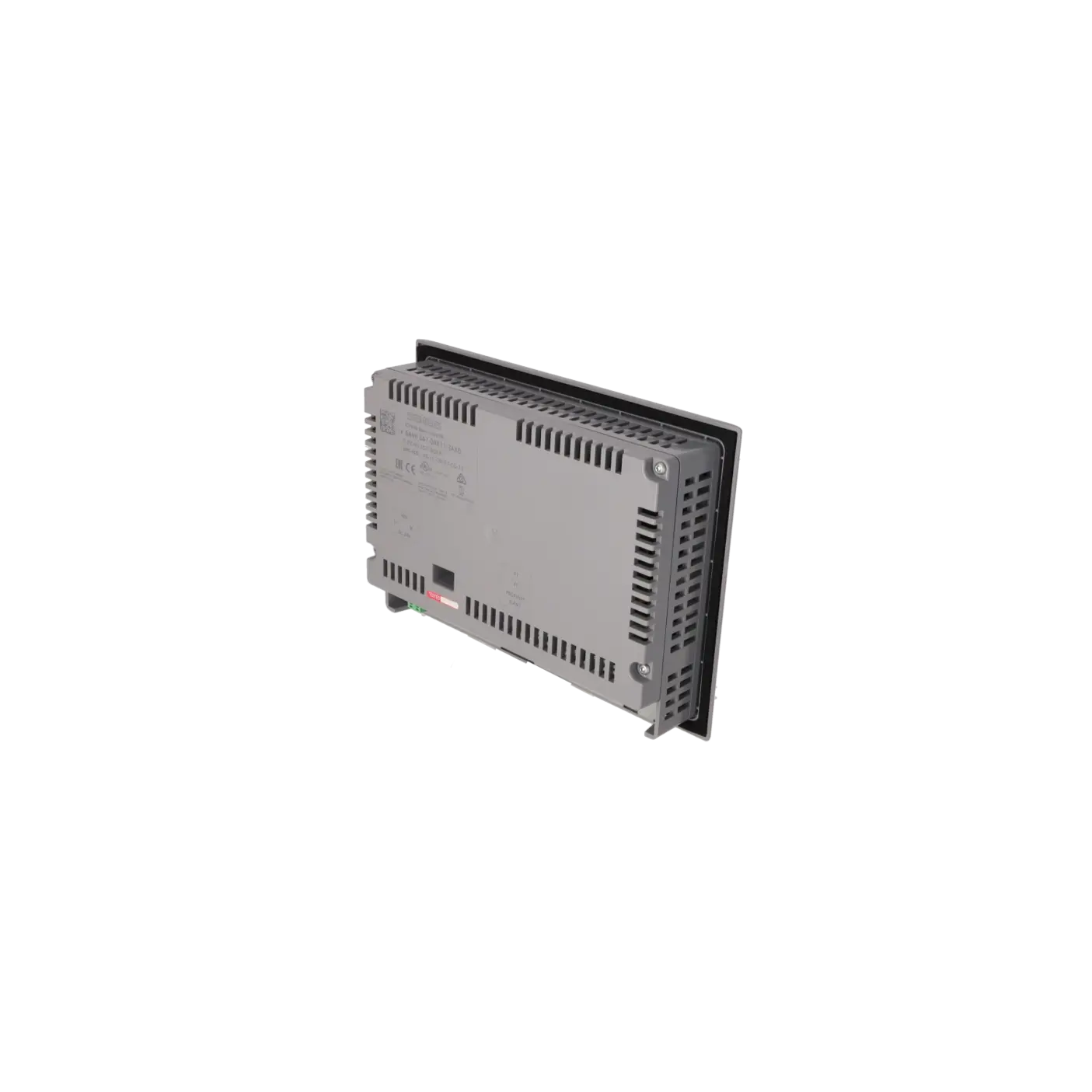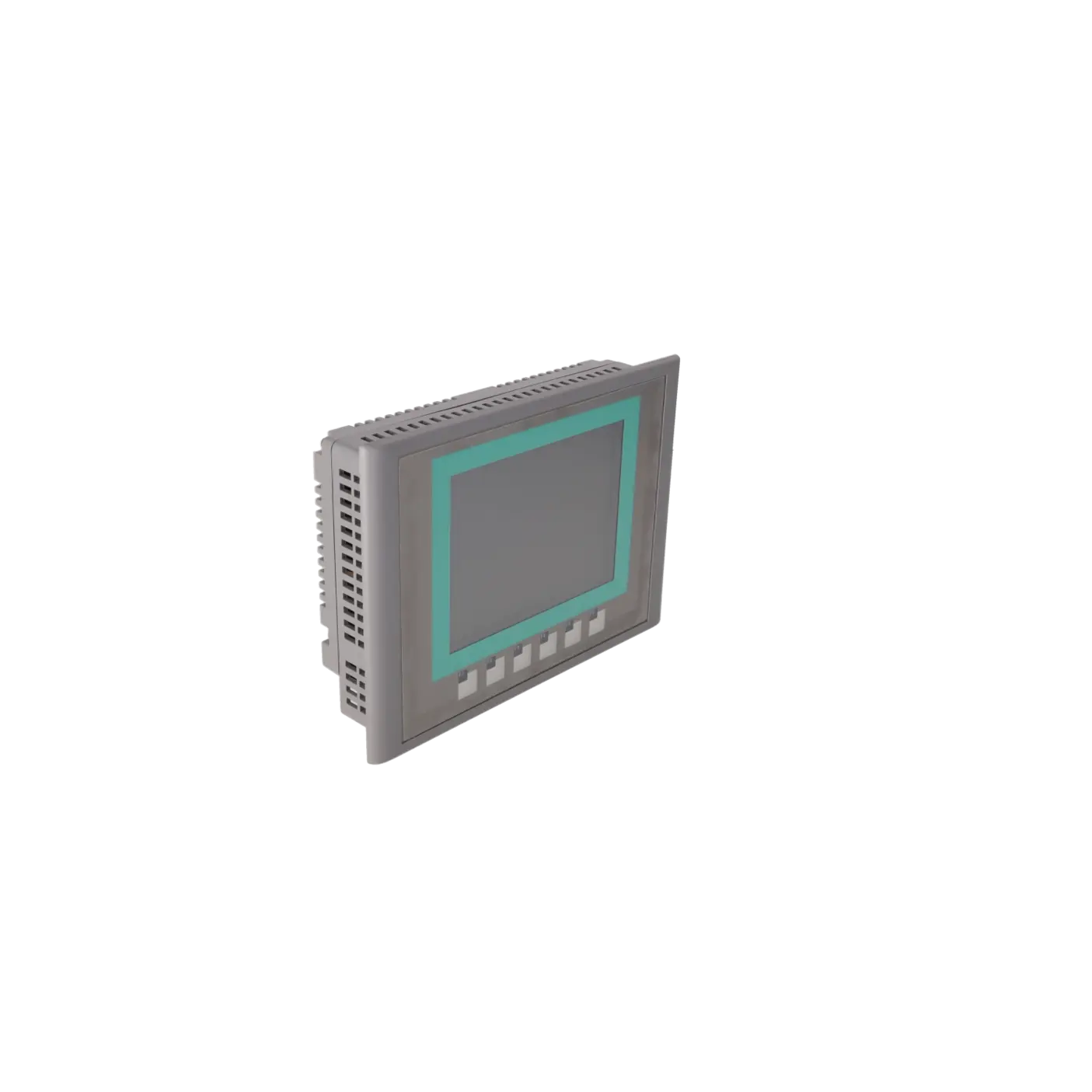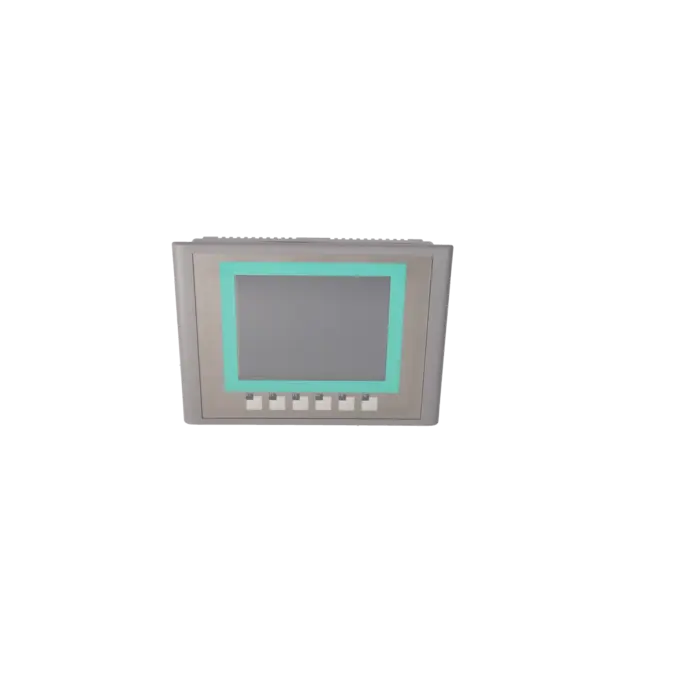
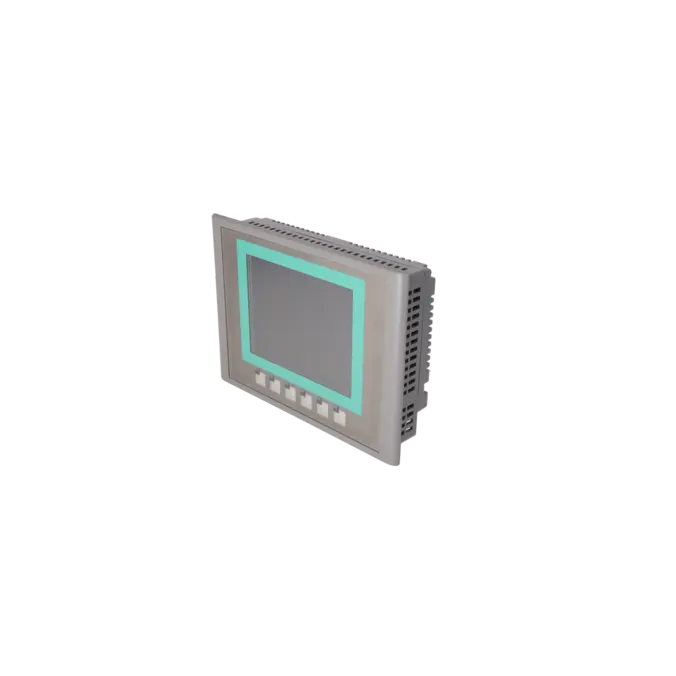
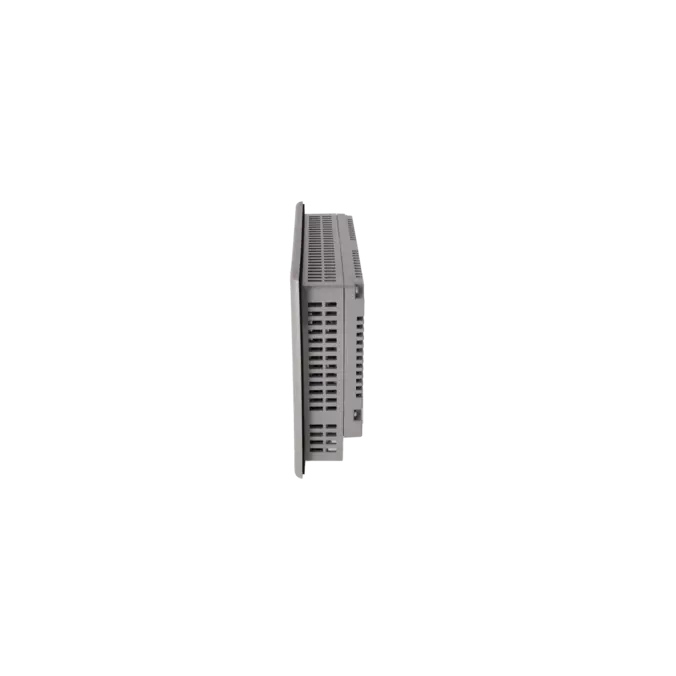
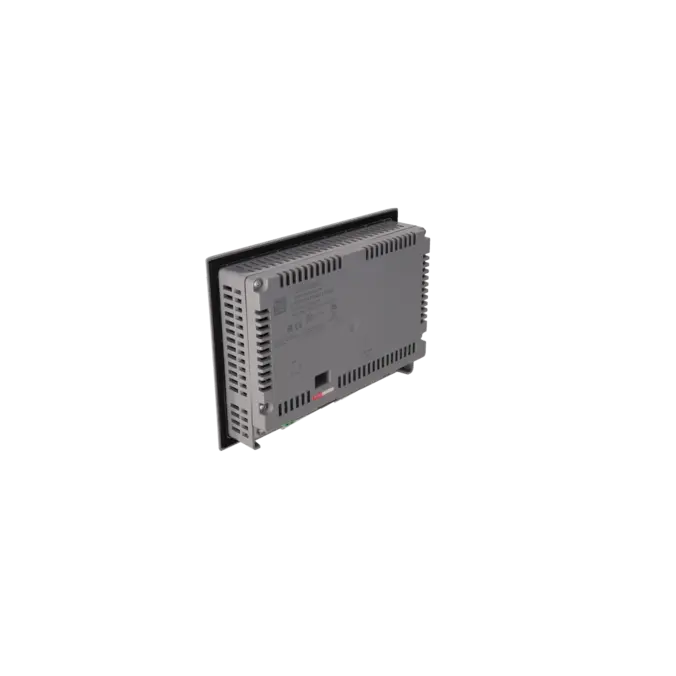
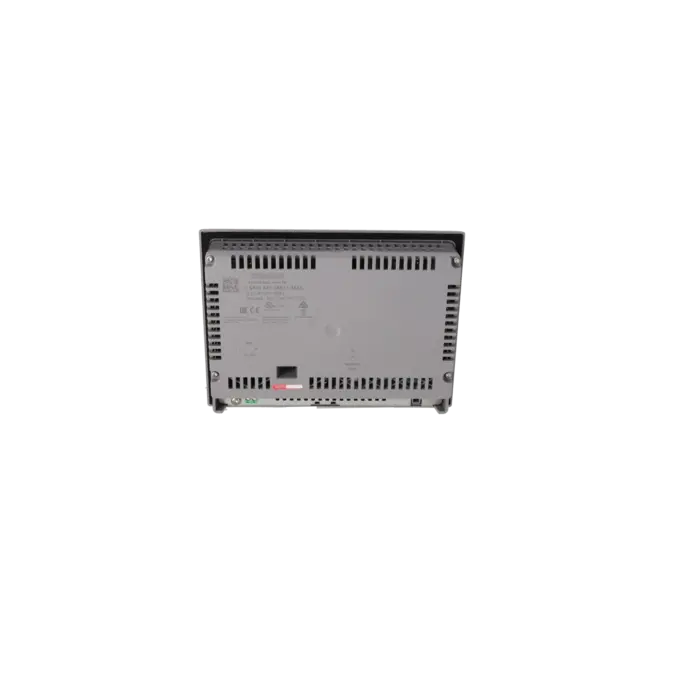
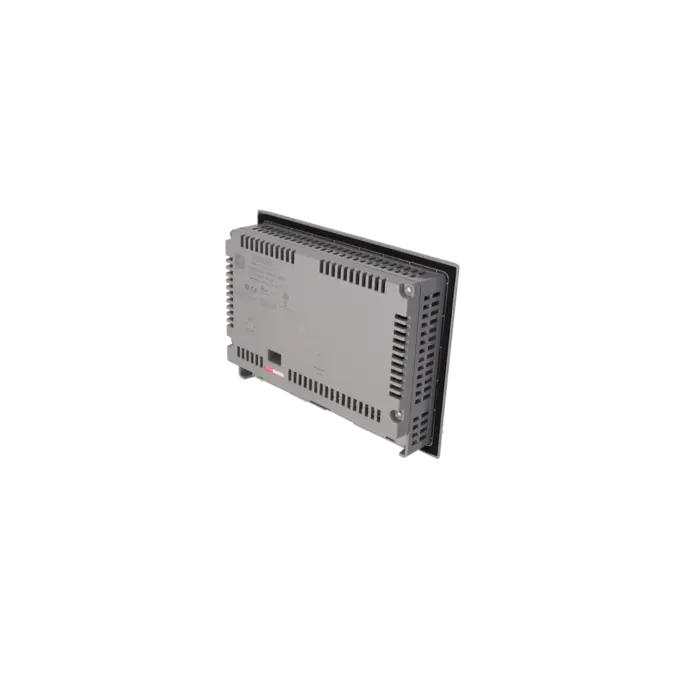
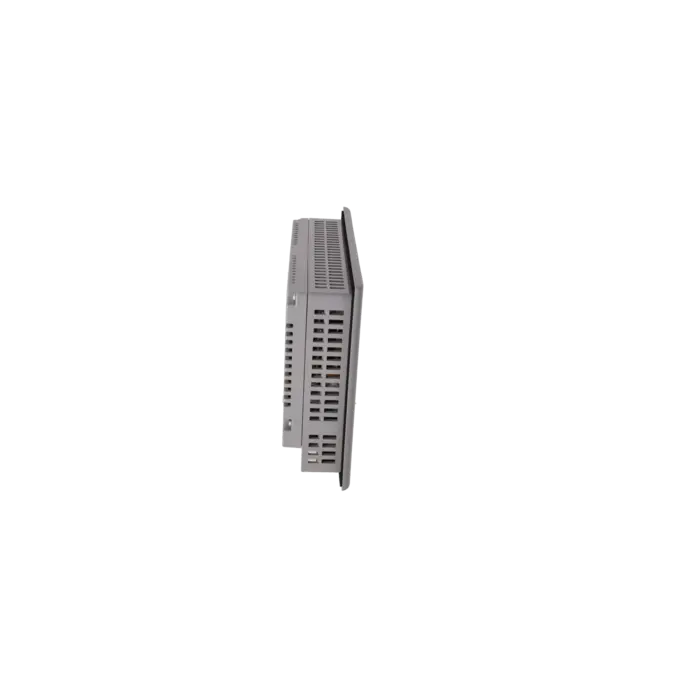
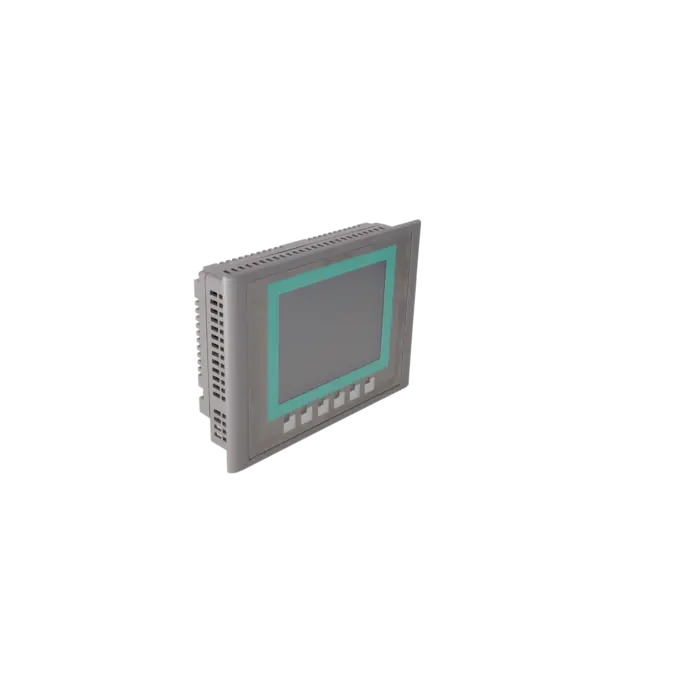
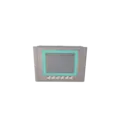
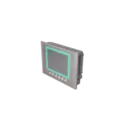
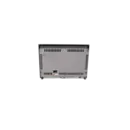
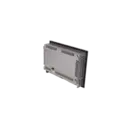
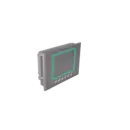
SIEMENS 6AV6647-0AB11-3AX0
- EICHLER-art.no.: K0251650
- EAN: 6940408100572
- UPC: 040892549294
Product description
SIMATIC HMI KTP600 BASIC MONO PN, BASIC PANEL, KEY/TOUCH OPERATION, 6" STN DISPLAY, 4 GRAY LEVELS, PROFINET INTERFACE, CONFIGURABLE AS OF WINCC FLEXIBLE 2008 SP2 COMPACT/ WINCC BASIC V10.5/ STEP 7 BASIC V10.5, CONTAINS OPEN-SOURCE SOFTWARE, WHICH IS PROVI
Services for SIEMENS 6AV6647-0AB11-3AX0
Repair
from 1.021,32 €
to 1.838,38 €
Replacement
913,50 €
867,82 €
Used
1.015,00 €
964,25 €
New
SIEMENS |
6AV6647-0AB11-3AX0 –
additional product information
| Delivery information | |||
|---|---|---|---|
| Export identifier | AL: N ECCN: N | ||
| Net weight | 1.316 | ||
| Quantity | 1 Stück | ||
| Packaging quantity | 1 | ||
| Additional product information | |||
|---|---|---|---|
| Product status | EOP: 2022-02-22 | ||
| EAN | 6940408100572 | ||
| UPC | 040892549294 | ||
| Static lot number | 85371091 | ||
| List indicator | ST9.80 | ||
| Product group | 4548 | ||
| Country of origin | CN | ||
| Compliance with the substance restrictions according to RoHS directive | Since: 20090331 | ||
| Product classifications | Version | Classification | |
|---|---|---|---|
| eClass | 4 | 27-36-01-02 | |
| eClass | 5.1 | 27-24-23-02 | |
| eClass | 6.0 | 27-24-23-02 | |
| ETIM | 3 | / | |
| ETIM | 4 | EC001412 | |
| ETIM | 5 | EC001412 | |
What is 6AV6647-0AB11-3AX0 and where is it used?
The 6AV6647-0AB11-3AX0 is a SIEMENS SIMATIC HMI KTP600 Basic mono PN. It is a compact Basic Panel featuring both keypad and touchscreen operation for simple to medium-level visualisation and operator-control tasks directly at the machine. Typical applications include packaging systems, conveying technology, assembly stations, small process skids and retrofit projects, where operator screens, alarms, recipes and setpoint entries are required locally at the panel. Thanks to its PROFINET interface, the device is particularly well suited to installations using SIMATIC controllers, although Siemens also states that it can be used with other Ethernet-based communication environments. For operators of older machines, this part number is often important when an existing panel fails and a repair, replacement or exchange unit is required at short notice.
Overview of the key technical specifications and their significance
The panel is equipped with a 5.7-inch STN display with a resolution of 320 × 240 pixels and 4 grey levels. This is sufficient for straightforward process screens, alarm displays and operator pages, although it naturally limits more graphically demanding visualisation concepts. The combination of six function keys and an analogue resistive touchscreen is particularly practical in industrial environments, as it allows both direct touch operation and clearly defined keypad-based input. The device is powered by 24 V DC with an allowable operating range of 19.2 to 28.8 V, and its typical power consumption is 6 W. An important consideration for procurement is that the panel provides one Industrial Ethernet interface, but does not include USB, an SD card slot or a standard serial interface. The protection rating is specified as IP65 on the front panel and IP20 on the rear. The device can be engineered using WinCC flexible 2008 SP2 Compact, WinCC Basic V10.5, and STEP 7 Basic V10.5 or later compatible versions.
Product status, life-cycle status and obsolescence status
For operators and purchasing departments, the product status is particularly important. The EICHLER product page lists this part number with an EOP (End of Production) status effective from 22 February 2022. Siemens also continues to classify the 6AV6647-0AB11-3AX0 as a spare part, supporting existing installations based on older product generations. Following the discontinuation of the 1st Generation Basic Panels, Siemens recommends migration to the 2nd Generation Basic Panels for new machine designs. Within the Siemens migration guide, the KTP600 Basic mono PN is mapped to the KTP700 Basic and KTP700 Basic DP as successor platforms. In addition, Siemens identifies 6AV6647-0AB11-3AX1 as a successor product at ordering and product-status level. In practice, this means that while the exact part number remains highly relevant for existing installations, any modernisation or redesign project should include an evaluation of migration to the newer Basic Panel generation.
Available EICHLER services and when they are relevant
For maintenance teams, purchasing departments and production managers, several options are available to minimise downtime. A repair is particularly suitable when the existing assembly should remain mechanically integrated into the machine and preserving the original device is the most economical option. EICHLER complements this service with technical cleaning, preventive maintenance, comprehensive functional testing and a minimum 24-month warranty. An exchange unit is especially valuable when production must be restored as quickly as possible and a functionally equivalent replacement device is required immediately. Used devices can be an attractive solution when budgets are limited or when a system is expected to remain in operation only for a defined remaining service life. New devices are available on request for this part number. For obsolete HMI assemblies in particular, these service models help maintain supply security despite product discontinuation and allow retrofit decisions to be implemented according to a planned schedule rather than under emergency conditions.
| Attribute | Value |
|---|---|
| Product type designation | KTP600 Basic mono PN |
| Display | |
| Design of display | STN |
| Screen diagonal | 5.7 in |
| Display width | 115.2 mm |
| Display height | 86.4 mm |
| Number of colors | 4; Grayscales |
| Resolution (pixels) | |
| ● Horizontal image resolution | 320 pixel |
| ● Vertical image resolution | 240 pixel |
| Backlighting | |
| ● MTBF backlighting (at 25 °C) | 50 000 h |
| ● Backlight dimmable | No |
| Control elements | |
| Keyboard fonts | |
| ● Function keys | |
| — Number of function keys | 6 |
| — Number of function keys with LEDs | 0 |
| ● Keys with LED | No |
| ● System keys | No |
| ● Numeric keyboard | Yes; Onscreen keyboard |
| ● alphanumeric keyboard | Yes; Onscreen keyboard |
| Touch operation | |
| ● Design as touch screen | Yes; Analog-resistive |
| Installation type/mounting | |
| Mounting position | vertical |
| Rack mounting | No |
| Wall mounting/direct mounting | No |
| Mounting in portrait format possible | Yes |
| Mounting in landscape format possible | Yes |
| maximum permissible angle of inclination without external ventilation | 35° |
| Supply voltage | |
| Type of supply voltage | DC |
| Rated value (DC) | 24 V |
| permissible range, lower limit (DC) | 19.2 V |
| permissible range, upper limit (DC) | 28.8 V |
| Input current | |
| Current consumption (rated value) | 0.24 A |
| Starting current inrush I²t | 0.5 A²·s |
| Power | |
| Active power input, typ. | 6 W |
| Processor | |
| Processor type | RISC 32 bit |
| Memory | |
| Flash | Yes |
| RAM | Yes |
| Memory available for user data | 1 Mbyte |
| Type of output | |
| Acoustics | |
| ● Buzzer | Yes |
| ● Speaker | No |
| Time of day | |
| Clock | |
| ● Hardware clock (real-time) | No |
| ● Software clock | Yes |
| ● retentive | No |
| ● synchronizable | Yes |
| Interfaces | |
| Number of industrial Ethernet interfaces | 1 |
| Number of RS 485 interfaces | 0 |
| Number of RS 422 interfaces | 0 |
| Number of RS 232 interfaces | 0 |
| Number of USB interfaces | 0 |
| Number of 20 mA interfaces (TTY) | 0 |
| Number of parallel interfaces | 0 |
| Number of other interfaces | 0 |
| Number of SD card slots | 0 |
| With software interfaces | No |
| Industrial Ethernet | |
| ● Industrial Ethernet status LED | 2 |
| Protocols | |
| PROFINET | Yes |
| Supports protocol for PROFINET IO | No |
| IRT | No |
| PROFIBUS | No |
| EtherNet/IP | Yes |
| MPI | No |
| Protocols (Ethernet) | |
| ● TCP/IP | Yes |
| ● DHCP | Yes |
| ● SNMP | Yes |
| ● DCP | Yes |
| ● LLDP | Yes |
| WEB characteristics | |
| ● HTTP | No |
| ● HTML | No |
| Further protocols | |
| ● CAN | No |
| ● MODBUS | Yes; Modicon (MODBUS TCP/IP) |
| Interrupts/diagnostics/status information | |
| Diagnoses | |
| ● Diagnostic information readable | No |
| Degree and class of protection | |
| IP (at the front) | IP65 |
| IP (rear) | IP20 |
| NEMA (front) | |
| ● Enclosure Type 4 at the front | Yes |
| ● Enclosure Type 4x at the front | Yes |
| Standards, approvals, certificates | |
| CE mark | Yes |
| cULus | Yes |
| RCM (formerly C-TICK) | Yes |
| KC approval | Yes |
| Use in hazardous areas | |
| ● ATEX Zone 2 | No; valid only when stated on the device nameplate! |
| ● ATEX Zone 22 | No; valid only when stated on the device nameplate! |
| ● IECEx Zone 2 | No; valid only when stated on the device nameplate! |
| ● IECEx Zone 22 | No; valid only when stated on the device nameplate! |
| ● cULus Class I Zone 1 | No; valid only when stated on the device nameplate! |
| ● cULus Class I Zone 2, Division 2 | No; valid only when stated on the device nameplate! |
| ● cULus Class II Division 2 | No; valid only when stated on the device nameplate! |
| ● FM Class I Division 2 | No; valid only when stated on the device nameplate! |
| ● FM Class II Division 2 | No; valid only when stated on the device nameplate! |
| Marine approval | |
| ● Germanischer Lloyd (GL) | Yes; valid only when stated on the device nameplate! |
| ● American Bureau of Shipping (ABS) | Yes |
| ● Bureau Veritas (BV) | Yes |
| ● Det Norske Veritas (DNV) | Yes |
| ● Korean Register of Shipping (KRS) | No |
| ● Lloyds Register of Shipping (LRS) | Yes |
| ● Nippon Kaiji Kyokai (Class NK) | Yes |
| ● Polski Rejestr Statkow (PRS) | Yes |
| ● Chinese Classification Society (CCS) | No |
| Ambient conditions | |
| Suited for indoor use | Yes |
| Suited for outdoor use | No |
| Ambient temperature during operation | |
| Operation (vertical installation) | |
| — For vertical installation, min. | 0 °C |
| — For vertical installation, max. | 50 °C |
| Operation (max. tilt angle) | |
| — At maximum tilt angle, min. | 0 °C |
| — At maximum tilt angle, max. | 40 °C |
| Operation (vertical installation, portrait format) | |
| — For vertical installation, min. | 0 °C |
| — For vertical installation, max. | 50 °C |
| Operation (max. tilt angle, portrait format) | |
| — At maximum tilt angle, min. | 0 °C |
| — At maximum tilt angle, max. | 40 °C |
| Ambient temperature during storage/transportation | |
| ● min. | -20 °C |
| ● max. | 60 °C |
| Relative humidity | |
| ● Operation, max. | 90 %; no condensation |
| Operating systems | |
| proprietary | Yes |
| pre-installed operating system | |
| ● Windows CE | No |
| Configuration | |
| Message indicator | Yes |
| Alarm system (incl. buffer and acknowledgment) | Yes |
| Process value display (output) | Yes |
| Process value default (input) possible | Yes |
| Recipe management | Yes |
| Configuration software | |
| ● STEP 7 Basic (TIA Portal) | Yes; via integrated WinCC Basic (TIA Portal) |
| ● STEP 7 Professional (TIA Portal) | Yes; via integrated WinCC Basic (TIA Portal) |
| ● WinCC flexible Compact | Yes |
| ● WinCC flexible Standard | Yes |
| ● WinCC flexible Advanced | Yes |
| ● WinCC Basic (TIA Portal) | Yes |
| ● WinCC Comfort (TIA Portal) | Yes |
| ● WinCC Advanced (TIA Portal) | Yes |
| ● WinCC Professional (TIA Portal) | Yes |
| Languages | |
| Online languages | |
| ● Number of online/runtime languages | 5 |
| Project languages | |
| ● Languages per project | 32 |
| Functionality under WinCC (TIA Portal) | |
| Libraries | Yes |
| Applications/options | none |
| ● Web browser | No |
| ● SIMATIC WinCC Sm@rtServer | No |
| Task planner | |
| ● time-controlled | No |
| ● task-controlled | Yes |
| Help system | |
| ● Number of characters per info text | 320 |
| Message system | |
| ● Number of alarm classes | 32 |
| ● Bit messages | Yes |
| — Number of bit messages | 200 |
| ● Analog messages | Yes |
| — Number of analog messages | 15 |
| ● System messages HMI | Yes |
| ● System event, more (SIMATIC S7, SINUMERIK, SIMOTION, ... ) | No |
| ● Number of characters per message | 80 |
| ● Number of process values per message | 8 |
| ● Message indicator | Yes |
| ● Message buffer | |
| — Number of entries | 256 |
| — Circulating buffer | Yes |
| — retentive | Yes |
| — maintenance-free | Yes |
| Recipe management | |
| ● Number of recipes | 5 |
| ● Data records per recipe | 20 |
| ● Entries per data record | 20 |
| ● Size of internal recipe memory | 40 kbyte |
| ● Recipe memory expandable | No |
| Variables | |
| ● Number of variables per device | 500 |
| ● Number of variables per screen | 30 |
| ● Limit values | Yes |
| ● Multiplexing | Yes |
| ● Structures | No |
| ● Arrays | Yes |
| Images | |
| ● Number of configurable images | 50 |
| ● Permanent window/default | Yes |
| ● Global image | Yes |
| ● Image selection by PLC | Yes |
| ● Image number in the PLC | Yes |
| Image objects | |
| ● Number of objects per image | 30 |
| ● Text fields | Yes |
| ● I/O fields | Yes |
| ● Graphic I/O fields (graphics list) | Yes |
| ● Symbolic I/O fields (text list) | Yes |
| ● Date/time fields | Yes |
| ● Switches | Yes |
| ● Buttons | Yes |
| ● Graphic display | Yes |
| ● Icons | Yes |
| ● Geometric objects | Yes |
| Complex image objects | |
| ● Number of complex objects per screen | 5 |
| ● Alarm view | Yes |
| ● Trend view | Yes |
| ● User view | Yes |
| ● Status/control | No |
| ● Sm@rtClient view | No |
| ● Recipe view | Yes |
| ● f(x) trend view | No |
| ● System diagnostics view | No |
| ● Media Player | No |
| ● Bar graphs | Yes |
| ● Sliders | No |
| ● Pointer instruments | No |
| ● Analog/digital clock | No |
| Lists | |
| ● Number of text lists per project | 150 |
| ● Number of entries per text list | 30 |
| ● Number of graphics lists per project | 100 |
| ● Number of entries per graphics list | 30 |
| Archiving | |
| ● Number of archives per device | 0 |
| Security | |
| ● Number of user groups | 50 |
| ● Number of user rights | 32 |
| ● Number of users | 50 |
| ● Password export/import | No |
| ● SIMATIC Logon | No |
| Character sets | |
| ● Keyboard fonts | |
| — US English | Yes |
| Transfer (upload/download) | |
| ● MPI/PROFIBUS DP | No |
| ● USB | No |
| ● Ethernet | Yes |
| ● using external storage medium | No |
| Process coupling | |
| ● S7-1200 | Yes |
| ● S7-1500 | Yes |
| ● S7-200 | Yes |
| ● S7-300/400 | Yes |
| ● LOGO! | Yes |
| ● WinAC | Yes |
| ● SINUMERIK | No |
| ● SIMOTION | No |
| ● Allen Bradley (EtherNet/IP) | Yes |
| ● Allen Bradley (DF1) | No |
| ● Mitsubishi (MC TCP/IP) | Yes |
| ● Mitsubishi (FX) | No |
| ● OMRON (FINS TCP) | No |
| ● OMRON (LINK/Multilink) | No |
| ● Modicon (Modbus TCP/IP) | Yes |
| ● Modicon (Modbus) | No |
| Service tools/configuration aids | |
| ● Backup/Restore manually | Yes |
| ● Backup/Restore automatically | No |
| ● Simulation | Yes |
| ● Device switchover | Yes |
| Peripherals/Options | |
| Printer | No |
| SIMATIC HMI MM memory card: Multi Media Card | No |
| SIMATIC HMI SD memory card: Secure Digital memory card | No |
| USB memory | No |
| Mechanics/material | |
| Enclosure material (front) | |
| ● Plastic | Yes |
| ● Aluminum | No |
| ● Stainless steel | No |
| Dimensions | |
| Width of the housing front | 214 mm |
| Height of housing front | 158 mm |
| Mounting cutout, width | 197 mm |
| Mounting cutout, height | 141 mm |
| mounting depth | 44 mm |
| Weights | |
| Weight (without packaging) | 1.07 kg |
| Weight (with packaging) | 1.3 kg |
| Fault description | Possible solution |
|---|---|
| Why does my KTP600 Basic mono PN remain stuck in the bootloader after an OS update? | Common causes include an interrupted update process, incorrect connection settings, or incorrect addressing during the OS update. For recovery, the correct device type should be selected in ProSave, the connection should be established via Ethernet, and a unique IP address within the same subnet should be assigned. If necessary, a reset to factory settings can be performed using the MAC address and the appropriate image file. Please note that this procedure deletes project data and potentially licence information, so a backup should always be created beforehand. If the Control Panel is no longer accessible, Siemens explicitly recommends using the "Reset to factory settings" procedure. |
| Why am I unable to transfer a project to the KTP600 Basic mono PN? | For a successful transfer, a data channel must be enabled on the panel and the device must be in Transfer Mode. The transfer can either be started manually in the Loader or triggered automatically from a running project. In addition, the PG/PC interface, IP address, station name and subnet configuration must match correctly. For Ethernet connections routed through a network gateway, the default gateway setting should also be verified. In many cases, the root cause is not the panel itself but rather an incorrect network configuration or a transfer channel that has not been activated on the device. |
| Why does the touchscreen on my KTP600 Basic mono PN respond inaccurately or not at all? | Following an OS recovery, extended operating periods or mechanical stress, the touchscreen may require recalibration. Siemens describes this procedure via OP > Touch > Recalibrate. During the process, the calibration points in the centre and around the edges of the display must be touched sequentially before the new calibration values are saved. If the touchscreen behaves inaccurately after a restore procedure, recalibration should always be performed before assuming a hardware fault. |
| Why does the panel fail to start, or why does the display remain dark? | The first step is to verify the power supply voltage. The device requires 24 V DC within the permitted operating range of 19.2 to 28.8 V. Siemens also notes that startup failures can be caused by reversed wiring at the power supply terminals. On the monochrome display version, an unsuitable contrast setting may additionally create the impression of a dark or unreadable screen. In this case, the contrast should be adjusted directly on the device via Info/Settings > Contrast. |
| Why does the KTP600 Basic mono PN not communicate with the PLC via PROFINET? | The panel communicates through its Industrial Ethernet interface. In practice, the most common causes are incorrect or duplicate IP addresses, an incorrect station name, or an incompatible subnet configuration. Siemens recommends assigning a unique IP address and station name and verifying these settings directly on the device within the transfer and network settings. If communication fails after a new project download or device replacement, it should also be confirmed that the configured connection actually matches the installed controller and the corresponding network segment. |
Is 6AV6647-0AB11-3AX0 discontinued or still relevant?
Yes, this part number belongs to the older Basic Panel generation. The EICHLER shop lists an EOP (End of Production) date of 22 February 2022, and Siemens had already classified the 1st Generation Basic Panels as a phased-out product family. At the same time, Siemens continues to list the 6AV6647-0AB11-3AX0 as a spare part, which remains important for existing installations. For operators, this means that the part number is still highly relevant for repair, replacement and spare-parts procurement, even though it is no longer the preferred choice for new projects.
Which successor is suitable for the 6AV6647-0AB11-3AX0?
A distinction must be made between two different levels. From an ordering and product-status perspective, Siemens identifies 6AV6647-0AB11-3AX1 as the successor product. From a technical migration perspective, Siemens maps the KTP600 Basic mono PN to the KTP700 Basic and KTP700 Basic DP within its migration guide. For procurement and service teams, it is therefore important to determine whether a one-to-one replacement within the same product family is required or whether a modernisation project involving project migration and engineering changes is planned.
Which software can be used to configure the KTP600 Basic mono PN?
Siemens specifies WinCC flexible 2008 SP2 Compact, WinCC Basic V10.5, and STEP 7 Basic V10.5 as the minimum engineering platforms for this panel. Additional WinCC and TIA Portal environments are also listed within the official product documentation. For many existing installations, it is particularly important to note that 1st Generation Basic Panels are often associated with older engineering environments, whereas the newer 2nd Generation devices may require different migration procedures. Before sourcing a replacement device, it is therefore advisable to verify which engineering version was originally used to create the project.
Can the panel communicate with S7-1200 or S7-1500 controllers?
Yes. According to the official Siemens product data, the KTP600 Basic mono PN supports communication with SIMATIC S7-1200, S7-1500, S7-200, S7-300/400 controllers, as well as other Ethernet-based systems. This is particularly valuable for retrofit projects. However, communication compatibility alone does not automatically guarantee that an existing project can be transferred without modification. In practice, the configured connections, IP addressing and communication drivers must also be verified to ensure compatibility with the target system.
What is the difference between repair, exchange and used-device options for this part number?
A repair is ideal when the original device is intended to return to service within the machine and the existing mechanical installation and project-specific configuration should remain unchanged. An exchange unit is more suitable when minimising downtime is more important than retaining the original device. A used device is particularly attractive when a cost-effective solution is required to bridge the period before a planned retrofit project. For repairs, EICHLER specifically includes technical cleaning, preventive maintenance, functional testing and a minimum 24-month warranty, providing a practical balance between cost control and availability for both purchasing and technical departments.
Can I configure the IP address, station name and transfer settings directly on the panel?
Yes. Siemens states that Transfer Mode can be started directly from the Loader, provided that at least one data channel has been activated. In addition, the IP address and station name can be configured directly on the device through the network settings. This is particularly useful during commissioning, panel replacement or network modifications when the panel is no longer accessible through the existing configuration. It is important to ensure that a unique IP address is assigned within the subnet to prevent address conflicts.