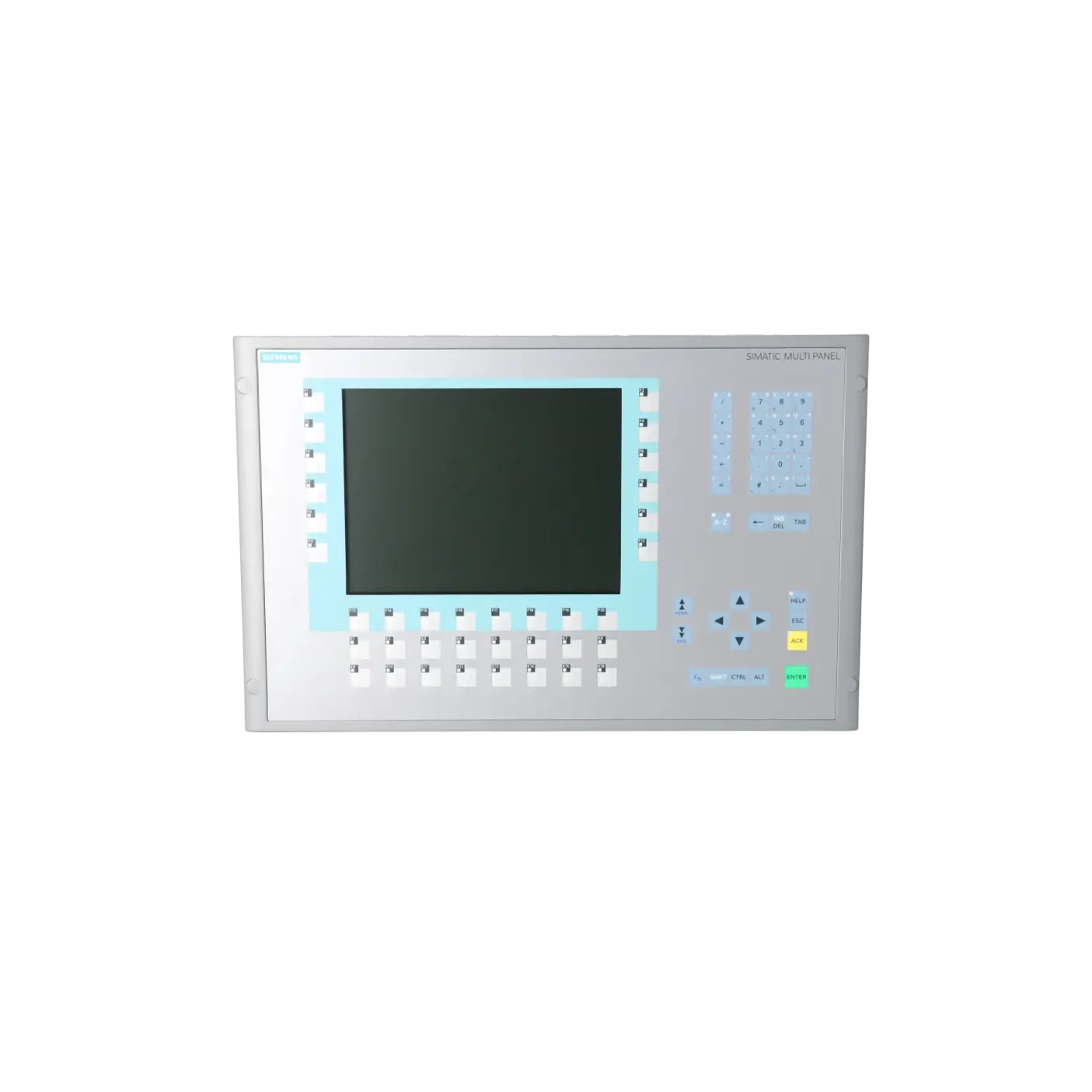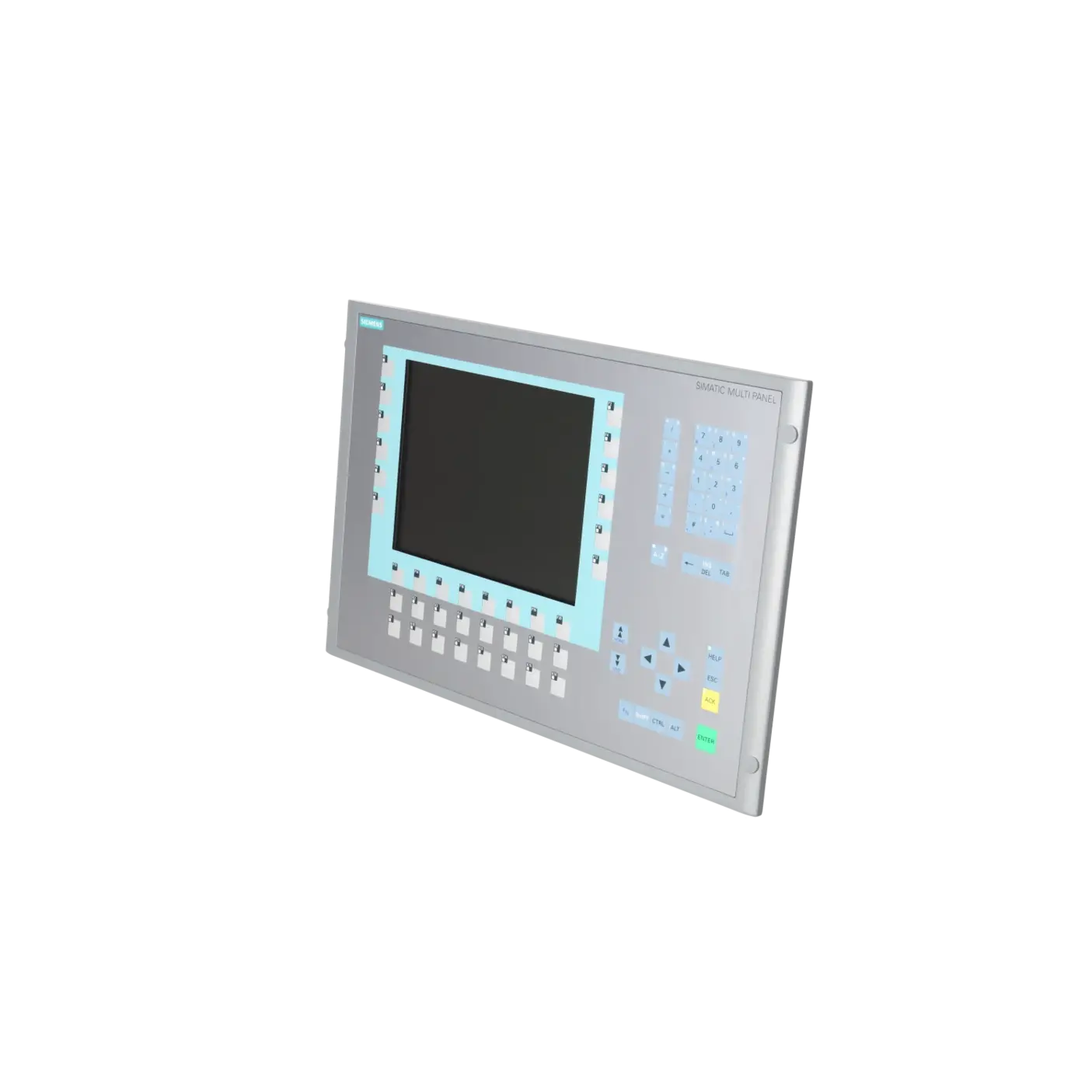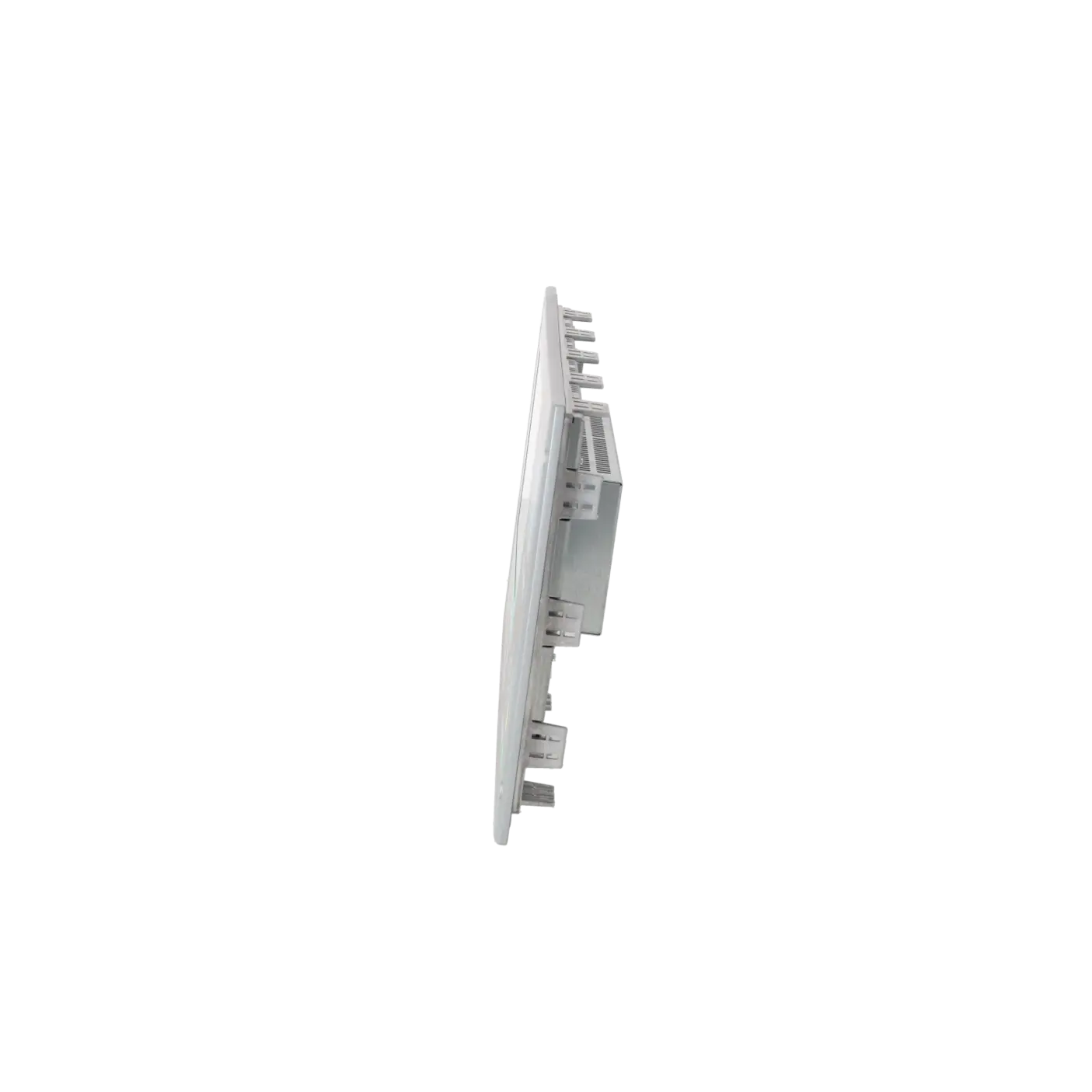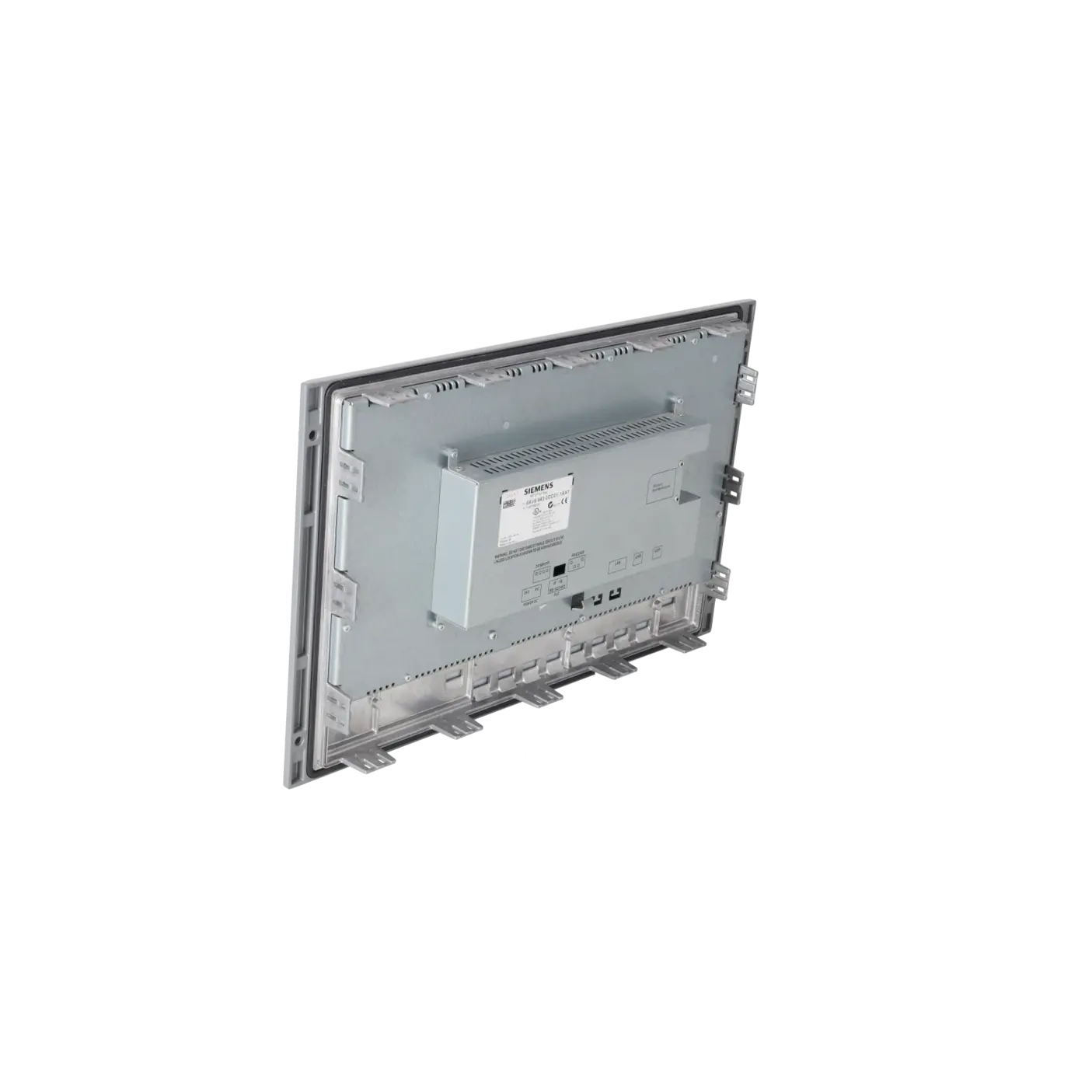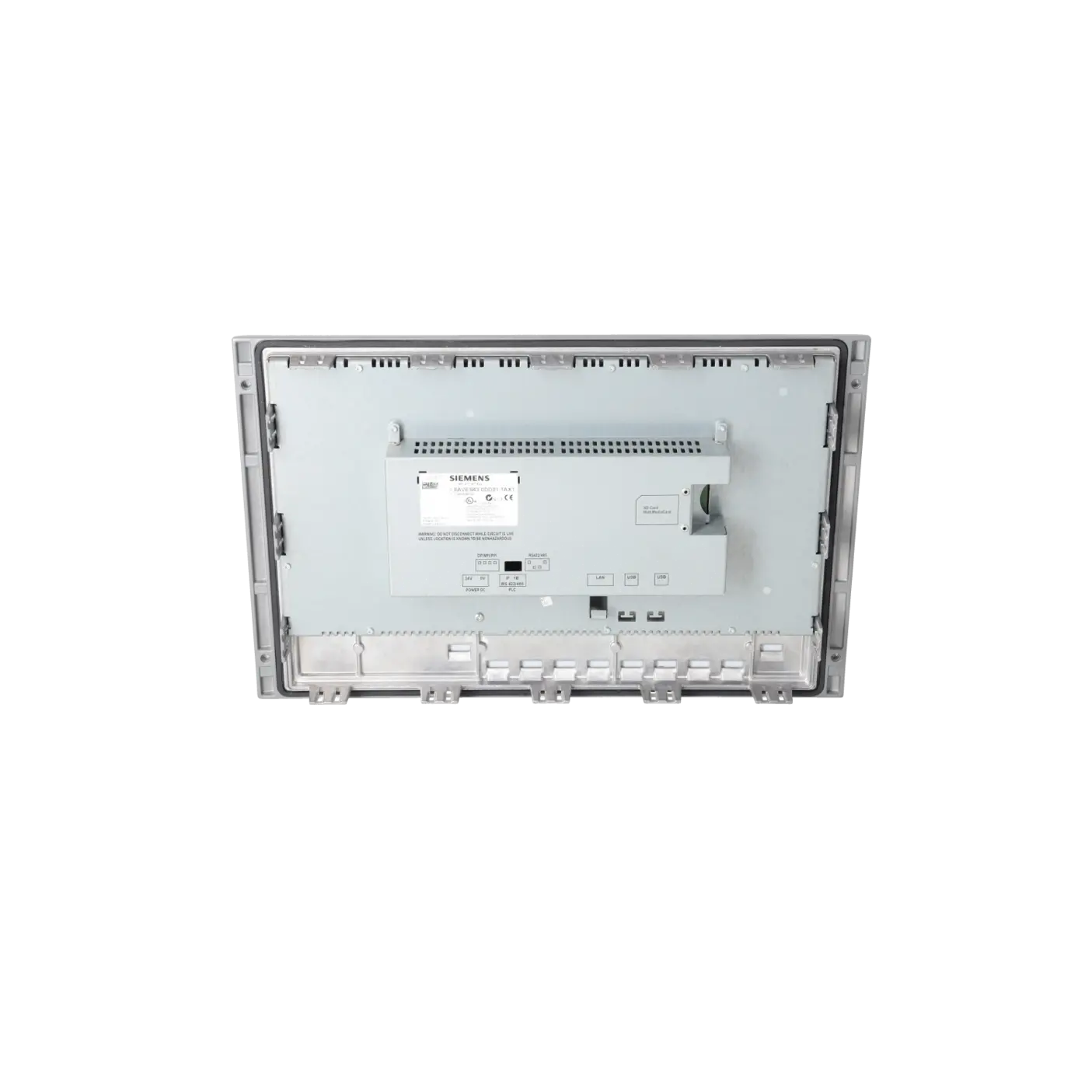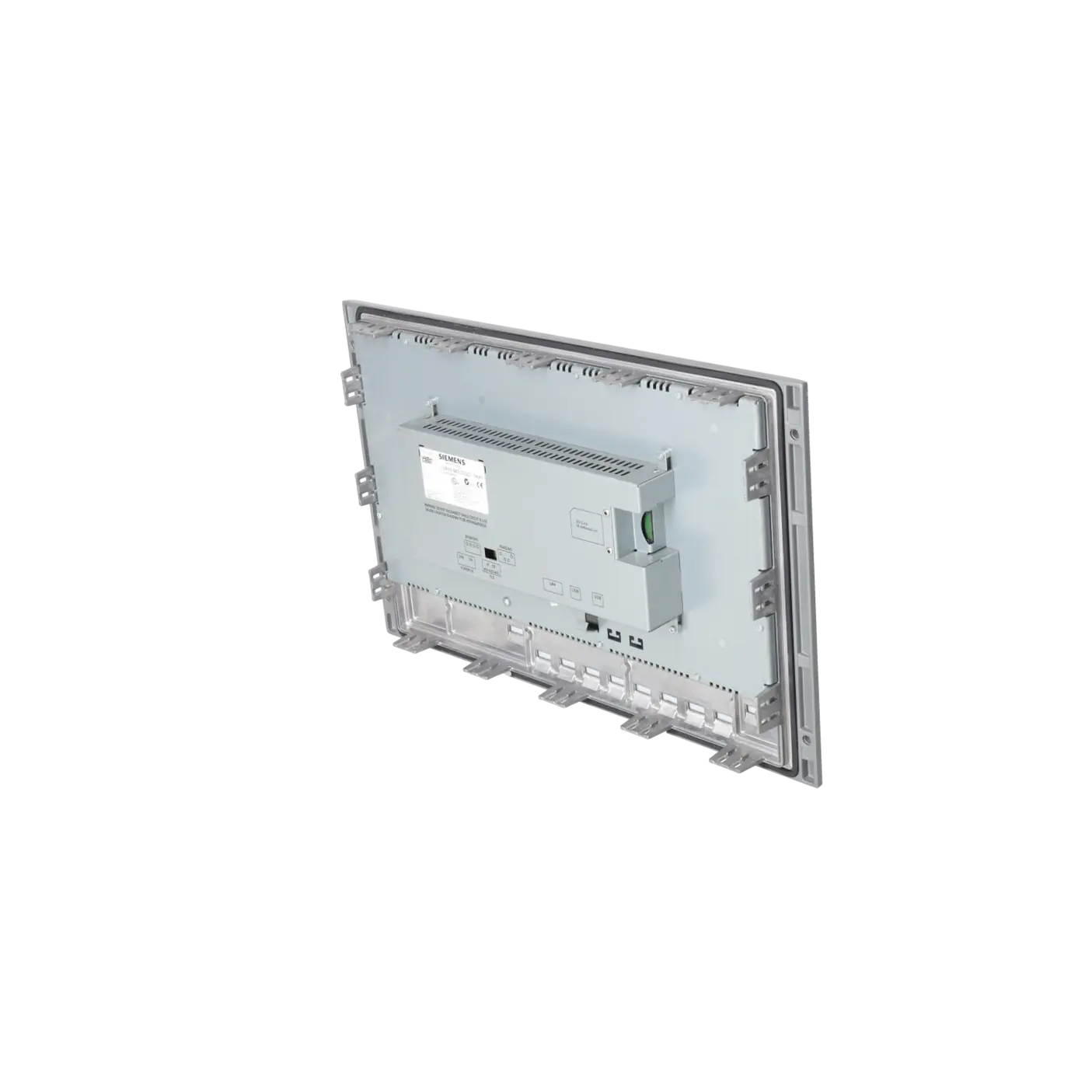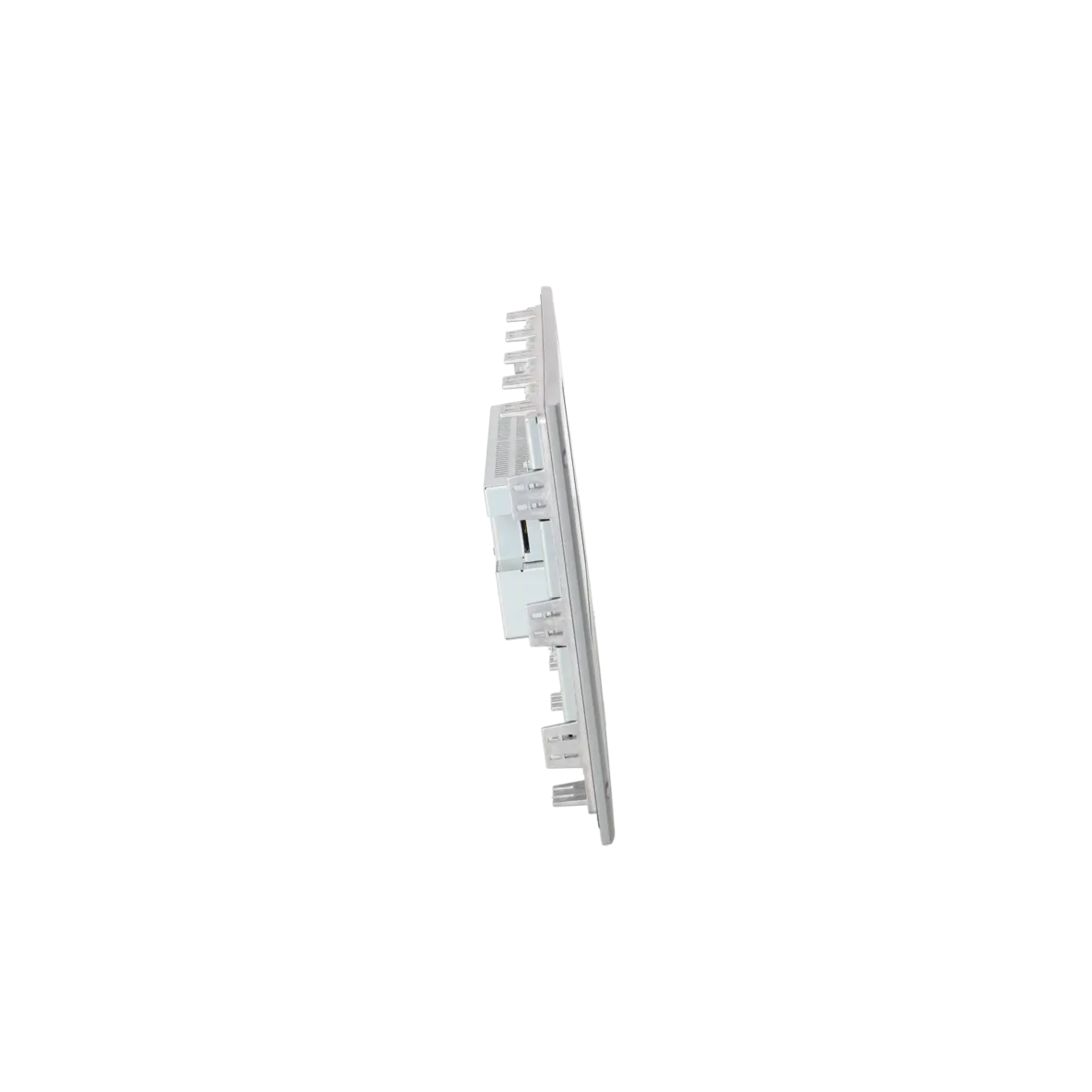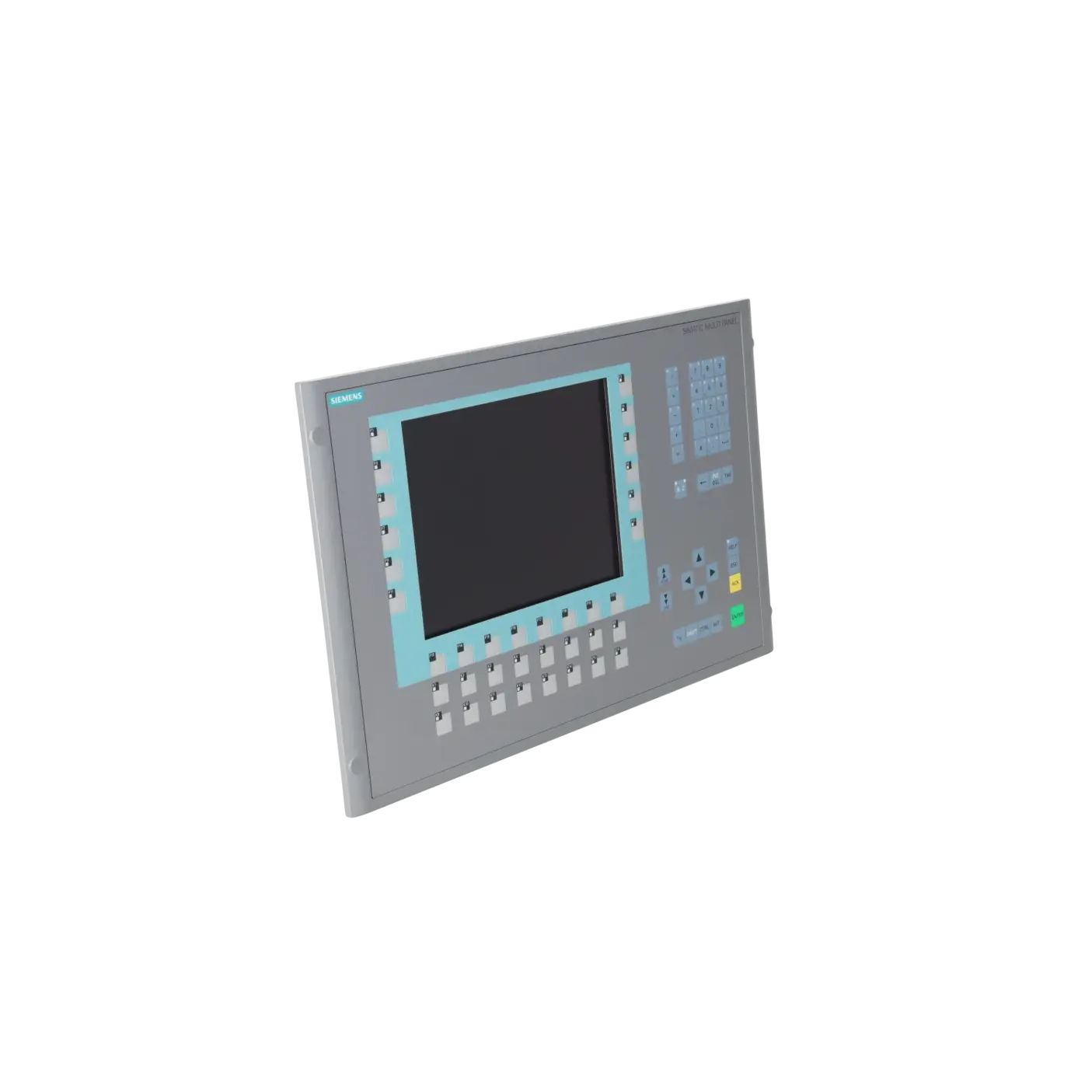
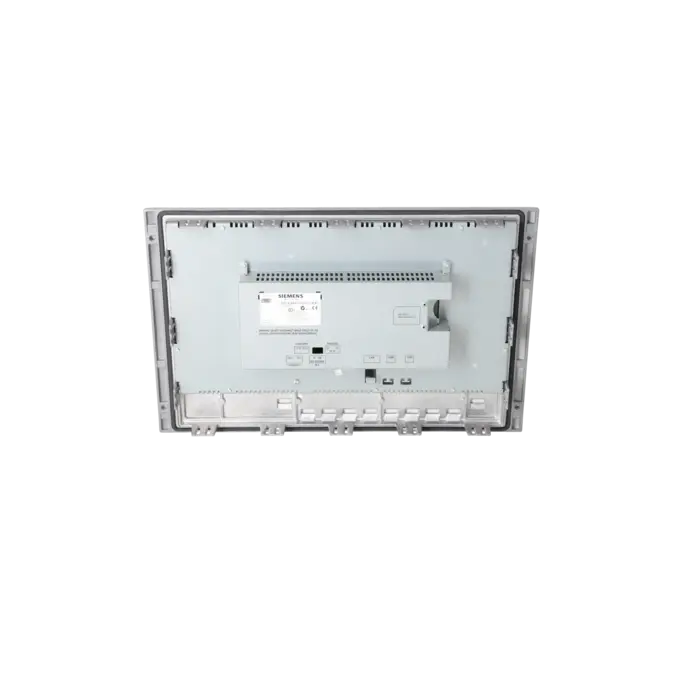
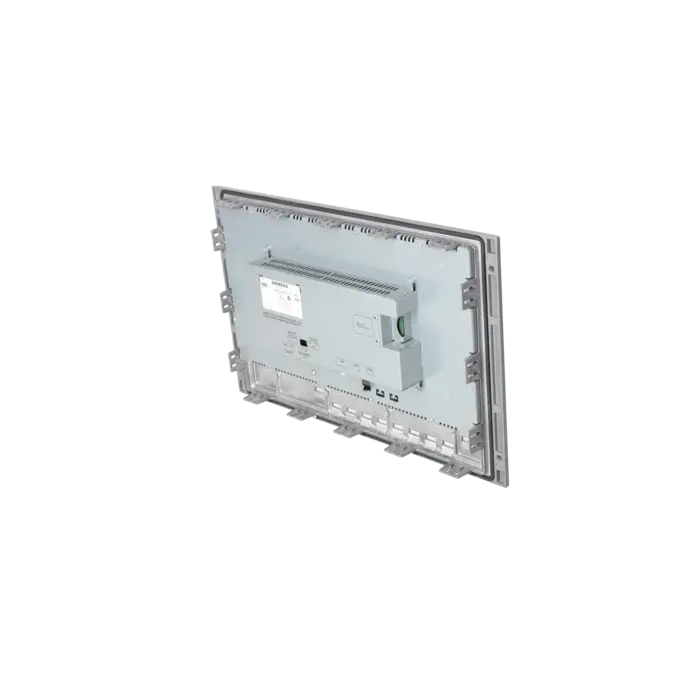
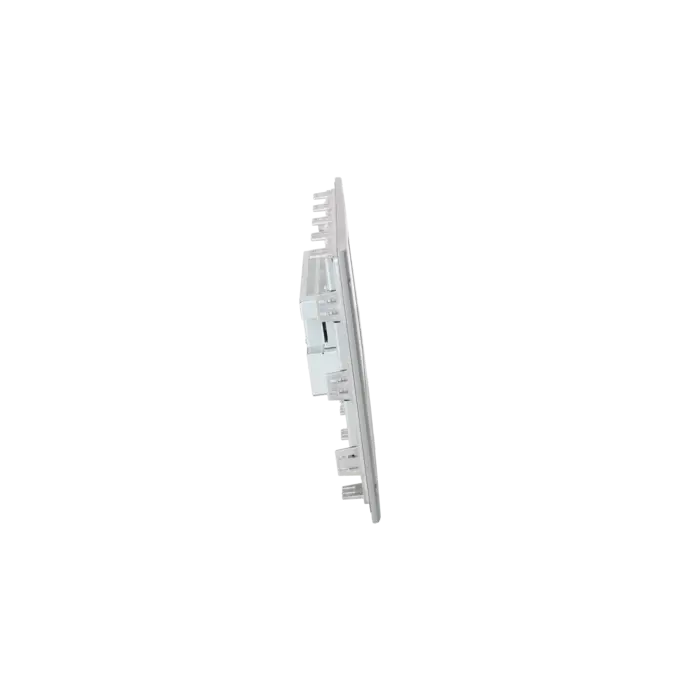
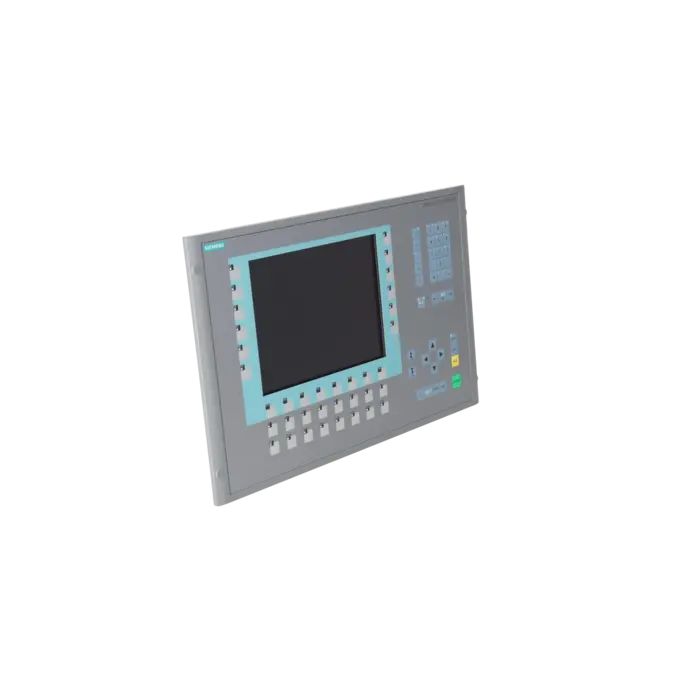
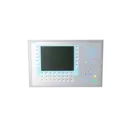
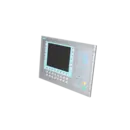

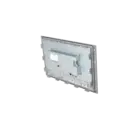

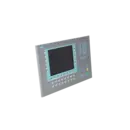
SIEMENS 6AV6643-0DD01-1AX1
- EICHLER-art.no.: K0199925
- EAN: 4025515075370
Product description
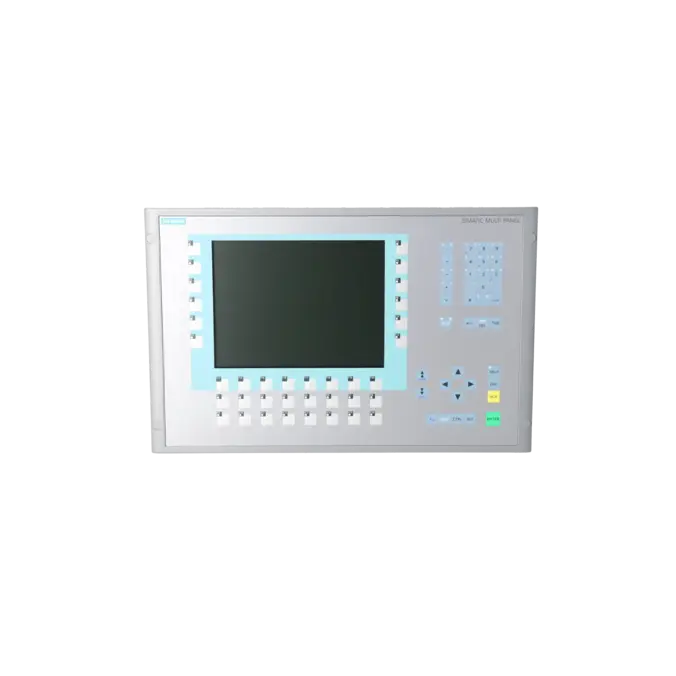
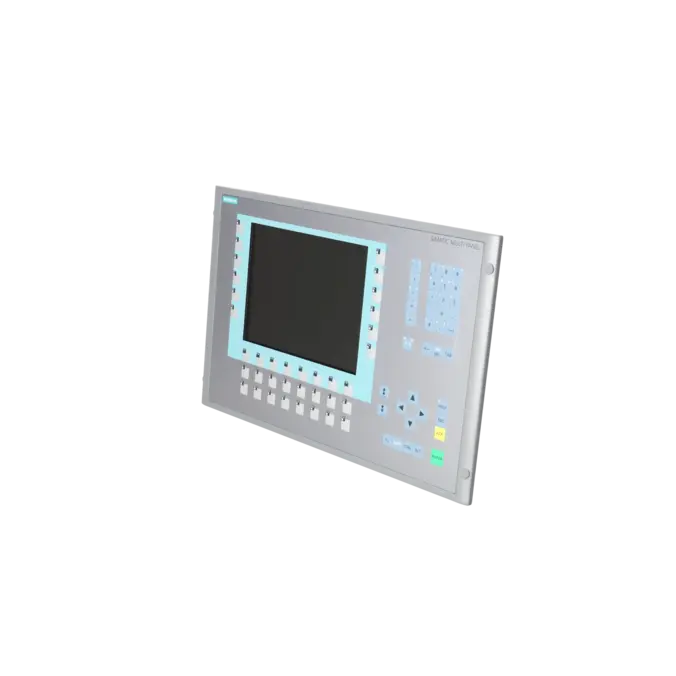
SIMATIC MP 277 10" KEY MULTI PANEL WITH RETENTIVE MEMORY 10.4" TFT DISPLAY 6 MB CONFIGURATION MEMORY, CONFIGURABLE WITH WINCC FLEXIBLE 2005 STANDARD SP1
Services for SIEMENS 6AV6643-0DD01-1AX1
Repair
from 2.302,62 €
to 4.144,72 €
Replacement
3.309,30 €
Used
3.677,00 €
New
16.783,00 €
SIEMENS |
6AV6643-0DD01-1AX1 –
additional product information
| Delivery information | |||
|---|---|---|---|
| Export identifier | AL: N ECCN: 5D002ENCU | ||
| Net weight | 5.9 | ||
| Quantity | 1 Stück | ||
| Packaging quantity | 1 | ||
| Additional product information | |||
|---|---|---|---|
| Product status | EOP: 2015-01-01 | ||
| EAN | 4025515075370 | ||
| UPC | / | ||
| Static lot number | 85371098 | ||
| List indicator | ST9.80 | ||
| Product group | 2347 | ||
| Country of origin | DE | ||
| Compliance with the substance restrictions according to RoHS directive | Since: 20080331 | ||
| Product classifications | Version | Classification | |
|---|---|---|---|
| eClass | 4 | / | |
| eClass | 5.1 | 27-24-23-02 | |
| eClass | 6.0 | 27-24-23-02 | |
| ETIM | 3 | / | |
| ETIM | 4 | EC001412 | |
| ETIM | 5 | EC001412 | |
What is 6AV6643-0DD01-1AX1 and where is it used?
6AV6643-0DD01-1AX1 is a SIEMENS SIMATIC MP 277 10" Key Multi Panel featuring a 10.4-inch TFT display, retentive memory, and 6 MB project memory. The device belongs to the HMI class for machines and systems where robust operation, dedicated function keys, and fast operator intervention are important. Typical applications include packaging machines, conveyor systems, assembly lines, special-purpose machinery, and retrofit projects within the SIMATIC environment. Unlike touchscreen-only panels, the Key version provides a defined keypad interface with LED indicators, offering advantages in harsher production environments and in applications with standardised operating procedures. The panel can be engineered using WinCC flexible 2005 Standard SP1 or later.
Overview of the key technical specifications and what they mean
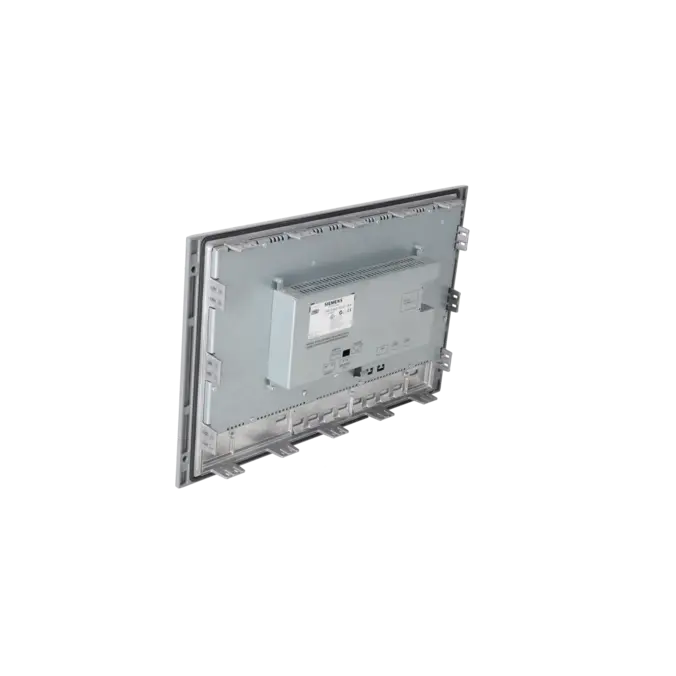
For maintenance and purchasing departments, the most important specifications are those affecting replacement compatibility and system integration. The 10.4-inch TFT LCD offers a resolution of 640 × 480 pixels with 64k colours. The membrane keyboard of the MP 277 10" Key provides 34 function keys, 26 of which include LED indicators. This supports fixed operating concepts and direct status indication at the device. Communication interfaces include 1 × RS422/RS485, 2 × USB host ports, and 1 × 10/100 Mbit/s Ethernet RJ45 port. The panel operates on 24 V DC, with an allowable range of 20.4 to 28.8 V DC. For control cabinet replacement projects, the panel cut-out dimensions of 434 +1 × 291 +1 mm and the 60 mm installation depth are particularly important. The front panel achieves IP65 protection when installed, while the rear is rated IP20.
Product status, life-cycle status and obsolescence
The 6AV6643-0DD01-1AX1 has reached an advanced stage of obsolescence. EICHLER lists the product with an EOP (End of Production) status dated 01 January 2015. Siemens also documents that the -1AX1 devices have not been supplied as new products since 01 January 2015, although spare-part availability may still be possible on a case-by-case basis. Within the MP 277 family, Siemens officially documents migration from 6AV6643-0DD01-1AX1 to 6AV6643-0DD01-1AX2. For broader modernisation projects, Siemens additionally identifies the KP1200 Comfort as the successor platform at system level within its migration guide. For operators, this means that existing installations can continue to be maintained, but spare-part procurement, repair capability, and replacement strategies should be planned proactively before downtime situations arise.
Available EICHLER services and their practical benefits
For this panel, EICHLER offers several practical service options. Repair is particularly suitable when the existing machine should continue operating without mechanical modifications or software migration. EICHLER specifies a repair turnaround time of 1–3 days, including technical cleaning, preventive maintenance, functional testing, and a minimum 24-month warranty. Exchange services are the preferred option when downtime is critical and a functionally equivalent replacement unit is required quickly. In addition, refurbished units and, in some cases, new devices remain available. An optional test report can also be supplied. For operators of obsolete HMI systems, these services are valuable because they help maintain machine availability even when the original product is no longer supplied as a standard new device by the manufacturer.
| Attribute | Value |
|---|---|
| Product type designation | MP277 10" key |
| Customer-specific configuration | Yes |
| Display | |
| Design of display | TFT |
| Screen diagonal | 10.4 in |
| Color display | Yes |
| Number of colors | 65 536 |
| Resolution (pixels) | |
| ● Horizontal image resolution | 640 pixel |
| ● Vertical image resolution | 480 pixel |
| Backlighting | |
| ● MTBF backlighting (at 25 °C) | 50 000 h |
| Control elements | |
| Control elements | Membrane keyboard |
| Keyboard fonts | |
| ● Membrane keyboard | |
| — user-definable label membrane keys | Yes |
| ● Function keys | |
| — Number of function keys | 36 |
| — Number of function keys with LEDs | 28 |
| ● System keys | Yes |
| — Number of system keys | 36 |
| ● Numeric keyboard | Yes |
| ● alphanumeric keyboard | Yes |
| ● Multi-key operation | Yes |
| — Number of multi-key operations | 2 |
| Touch operation | |
| ● Design as touch screen | No; without |
| Connection type | |
| ● Type of connection for mouse/keyboard/barcode reader | USB / USB / USB |
| Installation type/mounting | |
| Mounting position | vertical |
| maximum permissible angle of inclination without external ventilation | 35° |
| Supply voltage | |
| Type of supply voltage | DC |
| Processor | |
| Processor type | ARM |
| Memory | |
| Type of memory | Flash / RAM |
| Memory available for user data | 6 Mbyte |
| Capacity of main memory, max. | 64 Mbyte |
| Time of day | |
| Clock | |
| ● Type | Hardware clock, battery backup, synchronizable |
| ● retentive | Yes |
| ● synchronizable | Yes |
| Interfaces | |
| Interfaces/bus type | 1x RS 422, 1x RS 485, 1x Ethernet (RJ45) |
| Number of industrial Ethernet interfaces | 1 |
| Number of RS 485 interfaces | 1 |
| Number of RS 422 interfaces | 1 |
| Number of USB interfaces | 2; Up to 1 GB respectively |
| Multimedia card/SD card slot | 1x Multimedia Card slot, up to 128 MB |
| With software interfaces | No |
| Protocols | |
| Supports protocol for PROFINET IO | Yes |
| PROFIsafe | No |
| PROFIBUS | Yes |
| EtherNet/IP | No |
| Protocols (Ethernet) | |
| ● TCP/IP | Yes |
| Further protocols | |
| ● MODBUS | Yes |
| Degree and class of protection | |
| IP (at the front) | IP65 |
| IP (rear) | IP20 |
| NEMA (front) | NEMA 4x (when installed) |
| Standards, approvals, certificates | |
| CE mark | Yes |
| UL approval | Yes |
| cULus | Yes |
| Suitable for safety functions | No |
| Use in hazardous areas | |
| ● ATEX Zone 2 | No; certificate no longer available as of 1 October 2020 |
| ● ATEX Zone 22 | No; certificate no longer available as of 1 October 2020 |
| ● FM Class I Division 2 | Yes |
| Ambient conditions | |
| Ambient temperature during operation | |
| ● min. | 0 °C |
| ● max. | 50 °C |
| Ambient temperature during storage/transportation | |
| ● min. | -20 °C |
| ● max. | 60 °C |
| Relative humidity | |
| ● Operation, max. | 90 % |
| Operating systems | |
| pre-installed operating system | Windows CE |
| configuration / header | |
| Message indicator | Yes |
| Alarm system (incl. buffer and acknowledgment) | Yes |
| Process value display (output) | Yes |
| Process value default (input) possible | Yes |
| Recipe management | Yes |
| Configuration software | |
| ● Configuration tool | WinCC flexible Standard Version 2005 SP1 or higher (to be ordered separately) |
| ● STEP 7 Basic (TIA Portal) | No |
| ● STEP 7 Professional (TIA Portal) | No |
| ● WinCC flexible Compact | No |
| ● WinCC flexible Standard | Yes |
| ● WinCC flexible Advanced | Yes |
| ● WinCC Basic (TIA Portal) | No |
| ● WinCC Comfort (TIA Portal) | Yes |
| ● WinCC Advanced (TIA Portal) | Yes |
| ● WinCC Professional (TIA Portal) | Yes |
| Languages | |
| Online languages | |
| ● Number of online/runtime languages | 16 |
| Project languages | |
| ● Languages per project | 32 |
| Functionality under WinCC (TIA Portal) | |
| Libraries | Yes |
| Task planner | Yes |
| Help system | Yes |
| ● Number of characters per info text | 80 |
| Message system | |
| ● Number of alarm classes | 32 |
| ● Number of messages | 4 000 |
| ● Bit messages | Yes |
| — Number of bit messages | 4 000 |
| ● Analog messages | Yes |
| — Number of analog messages | 200 |
| ● System messages HMI | Yes |
| ● System messages PLC | Yes |
| ● System event, more (SIMATIC S7, SINUMERIK, SIMOTION, ... ) | Yes |
| ● Lines | 1 |
| ● Number of characters per message | 80 |
| ● Number of process values per message | 8 |
| ● Acknowledgment groups | Yes |
| ● Message indicator | Yes |
| ● First/last value | Yes |
| Recipe management | |
| ● Number of recipes | 300 |
| ● Data records per recipe | 500 |
| ● Entries per data record | 1 000 |
| ● Recipe memory | 64 KB integrated Flash, expandable |
| Variables | |
| ● Number of variables per device | 2 048 |
| ● Number of variables per screen | 200 |
| ● Number of variables | 1 000 |
| ● Initial values | 2 048 |
| ● Type Date & Time | 2 048 |
| ● Limit values | Yes |
| ● Multiplexing | Yes |
| ● Structures | Yes |
| Images | |
| ● Number of configurable images | 500 |
| ● Permanent window/default | Yes |
| ● Start screen configurable | Yes |
| ● Image selection by PLC | Yes |
| ● Image number in the PLC | Yes |
| Image objects | |
| ● Text objects | 10 000 text elements |
| ● Number of I/O fields per image | 200 |
| ● Number of date/time fields | 200 |
| ● Return | Yes |
| ● Graphics object | Bit maps, icons, vector graphics |
| — Icons | 1 000 |
| Complex image objects | |
| ● Status/control | With SIMATIC S7 |
| ● dynamic objects | Diagrams, bar graphs, sliders, analog display, invisible buttons |
| — Number of objects per project | 1 000 |
| — Number of curve diagrams per image | 10 |
| ● Methods | Trend / profile |
| ● Bar graphs | |
| — Number of bars per chart | 10 |
| ● Sliders | |
| — Number of slides per image | 10 |
| ● Pointer instruments | |
| — Number of analog indicators per image | 10 |
| ● Limit value lines | Yes |
| ● Number of alphanumerical fields | 300 |
| — alphanumeric fields per image | 200 |
| ● Number of numerical fields | 2 048 |
| — numerical fields per image | 200 |
| ● Number of password fields | 2 048 |
| ● Number of visible switches per project | 200 |
| — visible switches per image | 200 |
| — hidden switches per image | 200 |
| ● Number of status switches per project | 200 |
| — Number of status switches per image | 200 |
| ● Number of selector switches per project | 200 |
| — Selector switches per image | 200 |
| ● Number of decade switches per project | 200 |
| — Decade switches per image | 200 |
| ● Number of signal lamps per project | 200 |
| — Signal lamps per image | 200 |
| Attributes for dynamic objects | |
| ● Color change | Yes |
| ● X/Y movement | Yes |
| ● Hide | Yes |
| Lists | |
| ● Number of text lists per project | 500 |
| ● Number of text lists per image | 200 |
| ● Number of entries per text list | 256 |
| ● Number of graphics lists per project | 400 |
| ● Number of graphic lists per image | 200 |
| ● Number of entries per graphics list | 256 |
| Archiving | |
| ● Number of archives per device | 20 |
| ● Number of measuring points per project | 20 |
| ● Number of entries per archive | 10 000 |
| ● Message archive | Yes |
| ● Process value archive | Yes |
| ● Archiving methods | |
| — Sequential archive | Yes |
| — Short-term archive | Yes |
| ● Memory location | SD and MultiMediaCard |
| — Ethernet | Yes |
| ● Data storage format | |
| — CSV | Yes |
| ● Online evaluation | |
| — using trend curves | Yes |
| Filters | |
| ● cyclic | Yes |
| ● Tolerance | Yes |
| ● Change | Yes |
| Security | |
| ● Number of user groups | 50 |
| ● Number of user rights | 32 |
| ● Password export/import | Yes |
| Logging through printer | |
| ● Recording/Printing | Alarms, report (shift report), color print, hardcopy |
| Transfer (upload/download) | |
| ● Transfer of configuration | MPI/PROFIBUS DP, USB, Ethernet, automatic transfer recognition |
| Process coupling | |
| ● Connection to controller | S5, S7-200, S7-300/400, TI 505, SINUMERIK, SIMOTION, Allen Bradley (DF1), Allen Bradley (DF485), Mitsubishi (FX), OMRON (LINK/Multilink), Modicon (Modbus) see chapter "System interfaces" |
| ● S7-1200 | Yes |
| ● S7-1500 | Yes |
| ● S7-200 | Yes |
| — PPI (point-to-point) | Yes |
| — PPI network | Yes |
| — product function / for process coupling / with S7-200 / for WinCC in the TIA Portal / MPI | Yes |
| — product function / for process coupling / with S7-200 / for WinCC in the TIA Portal / PROFIBUS DP | Yes |
| — Ethernet | Yes |
| ● S7-300/400 | Yes |
| — MPI | Yes |
| — PROFIBUS DP | Yes |
| — PROFINET | Yes |
| ● S5 | Yes |
| — PROFIBUS DP | Yes |
| ● TI 505 | Yes |
| ● Allen Bradley (DF1) | Yes |
| ● Allen Bradley (DF485) | Yes |
| ● Mitsubishi (FX) | Yes |
| ● Mitsubishi (MP4) | Yes |
| ● Telemecanique (Uni-Telway) | Yes |
| ● OMRON (LINK/Multilink) | Yes |
| ● Modicon (Modbus) | Yes |
| ● GE-Fanuc (SNP) | Yes |
| Functions | |
| ● TAB sequence | Yes |
| ● Calculating functions | Yes |
| ● Animate | Yes |
| Service tools/configuration aids | |
| ● Backup/Restore manually | Yes |
| ● Simulation | Yes |
| ● Device switchover | Yes |
| ● Delta transfer | Yes |
| Expandability/openness | |
| ● Open Platform Program | Yes |
| Peripherals/Options | |
| Peripherals | Printer, barcode reader |
| SIMATIC HMI MM memory card: Multi Media Card | Yes |
| SIMATIC HMI SD memory card: Secure Digital memory card | Yes |
| USB memory | Yes |
| Additional software components loadable | Yes |
| Dimensions | |
| Width of the housing front | 483 mm |
| Height of housing front | 310 mm |
| Mounting cutout, width | 434 mm |
| Mounting cutout, height | 291 mm |
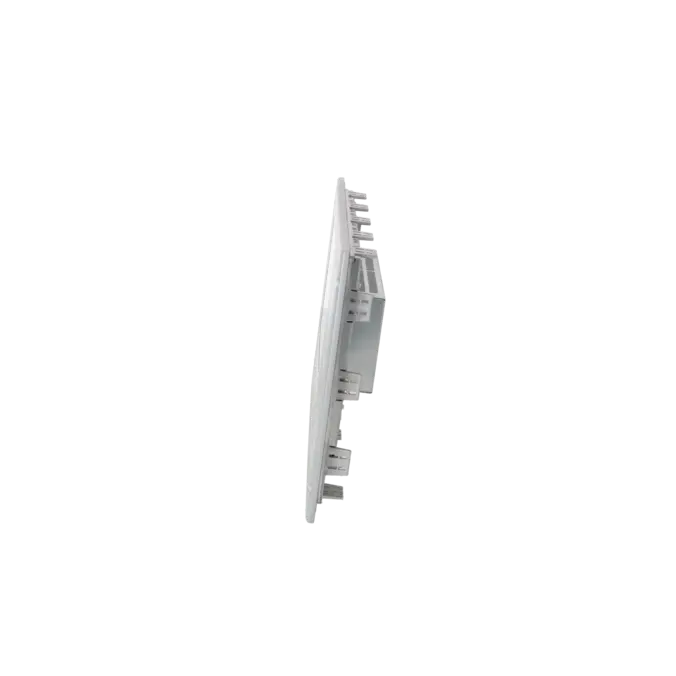
| Overall depth | 60 mm |
| Weights | |
| Weight (without packaging) | 4.95 kg |
| Fault description | Possible solution |
|---|---|
| Why is no download possible because the operating systems do not match? | In this case, the OS installed on the panel does not match the project configuration or the device type. First create a backup, then update the operating system using ProSave, and only then transfer the project again. For MP277 devices, the SPS forum explicitly points out that the OS update cannot be performed via Ethernet; Siemens describes the OS update procedure using ProSave or WinCC flexible. |
| Why does my MP277 immediately return to the start screen during transfer or only display “CONNECTING TO HOST”? | In most cases, the transfer path is not configured correctly or the device was not switched to Transfer mode in time. Check the configured connection in WinCC flexible or ProSave, verify the PG/PC interface, and manually select Transfer mode in the loader. In addition, open the output console in WinCC flexible to identify any project configuration or transfer errors. |
| Why does the panel remain black or crash intermittently? | First check the 24 V DC power supply under load, as the device requires a voltage range of 20.4 to 28.8 V DC. If the power supply is stable, a black screen or repeated crashes may indicate a deeper hardware or image-related issue. In the SPS forum, damaged file systems caused by frequent hard power cycles have been reported for this panel series. Siemens recommends rebuilding the operating system using an OS update if the operating system has become corrupted. If the problem persists, a repair is often more economical than prolonged troubleshooting. |
| Why does system message 80012 repeatedly appear on the MP277? | Message 80012 indicates an archive overload. Siemens explains that entries are first buffered; if values are written to the buffer faster than they can be physically stored, data logging stops. The solution is to reduce the number of archived values, increase the archive cycle time, or generally reduce the archiving load. In practice, it is also advisable to check whether the memory card or storage medium is too slow for the configured write load. |
| Why do the direct keys on the MP277 10" Key not work? | Direct keys only function when connected via PROFIBUS DP or PROFINET IO. With PROFINET IO, the direct keys must be enabled and the device name configured on the panel must match the name configured in STEP 7. Siemens also notes that PROFINET IO direct key functionality and the use of the RS422/RS485 serial interface may be mutually exclusive. Therefore, always check the direct key enablement, device name, and interface mode together. |
Is 6AV6643-0DD01-1AX1 still available as a new device?
The original 6AV6643-0DD01-1AX1 has no longer been supplied by Siemens as a regular new product since 01 January 2015. At the same time, EICHLER continues to offer several sourcing options for this article, including exchange units, used devices, repairs, and in some cases new devices. For purchasing and maintenance departments, it is therefore important to distinguish between the manufacturer's new-product status and actual market availability through service and spare-parts channels. In the event of an unplanned breakdown, obtaining an exchange unit or a tested used device is often more practical than searching for a factory-new Siemens unit.
Which successor is relevant for 6AV6643-0DD01-1AX1?
Siemens documents the direct version-related transition within the product family from 6AV6643-0DD01-1AX1 to 6AV6643-0DD01-1AX2. For broader modernization projects, Siemens identifies the KP1200 Comfort as the successor platform in its migration guides. For operators, this means that anyone wishing to keep the existing machine logic as close as possible to the original system should first consider the 1AX2 version. Those looking to modernize the operating concept, engineering environment, and long-term maintainability should evaluate migration to a Comfort Panel platform. The most suitable option depends on whether immediate availability, mechanical compatibility, project migration, or long-term strategy is the primary objective.
Can I project the MP 277 10" Key directly in TIA Portal?
The original MP 277 10" Key was designed for the WinCC flexible engineering environment. Siemens specifies the device as projectable with WinCC flexible 2005 Standard SP1 or later. For existing installations, this remains the most direct engineering approach. Siemens also provides migration paths from WinCC flexible to WinCC in TIA Portal, primarily in connection with migration to Comfort Panels. In practical terms, this means:
- Maintaining the existing installation: Continue using WinCC flexible.
- Modernizing the system: Migrate to TIA Portal and replace the HMI hardware.
Does a KP1200 Comfort fit into the existing MP 277 10" Key cut-out without modification?
No. A mechanically identical 1:1 replacement is not possible. The MP 277 10" Key requires a panel cut-out of 434 × 291 mm, whereas Siemens specifies 434 × 268 mm for the KP1200 Comfort. The width remains the same, but the height differs. Siemens generally notes in its migration documentation that panel cut-outs, installation depths, and front dimensions may change even when devices are listed as successors. For retrofit projects, it is therefore advisable to determine in advance whether sheet-metal modifications, adapter plates, or another mounting concept will be required.
Can I back up an existing MP 277 and restore it to a replacement panel?
Yes, this is generally possible when using identical devices. Siemens describes backup and restore procedures using ProSave, while in practice many MP277 users also rely on the integrated Backup/Restore functions via the Control Panel, USB stick, or SD card. There is, however, an important limitation regarding successor devices: Siemens states that a backup from a predecessor device cannot be restored directly to a version-changed successor device. When moving from 1AX1 to 1AX2, the project must therefore be adapted to the new MLFB. Nevertheless, maintaining an up-to-date backup remains one of the most important prerequisites for a fast replacement process.
Which EICHLER service is most suitable during an urgent breakdown?
In the event of an acute production stoppage, an exchange unit is usually the fastest solution, as EICHLER lists short availability times of 1–3 days for this article. If the existing panel can still be repaired economically and the machine should continue operating without modification, repair is often the better option. EICHLER combines repair services with technical cleaning, preventive maintenance, comprehensive functional testing, and a minimum 24-month warranty. A used device is a practical alternative when a complete replacement unit is required quickly and the cost of a brand-new device is no longer economically justifiable.