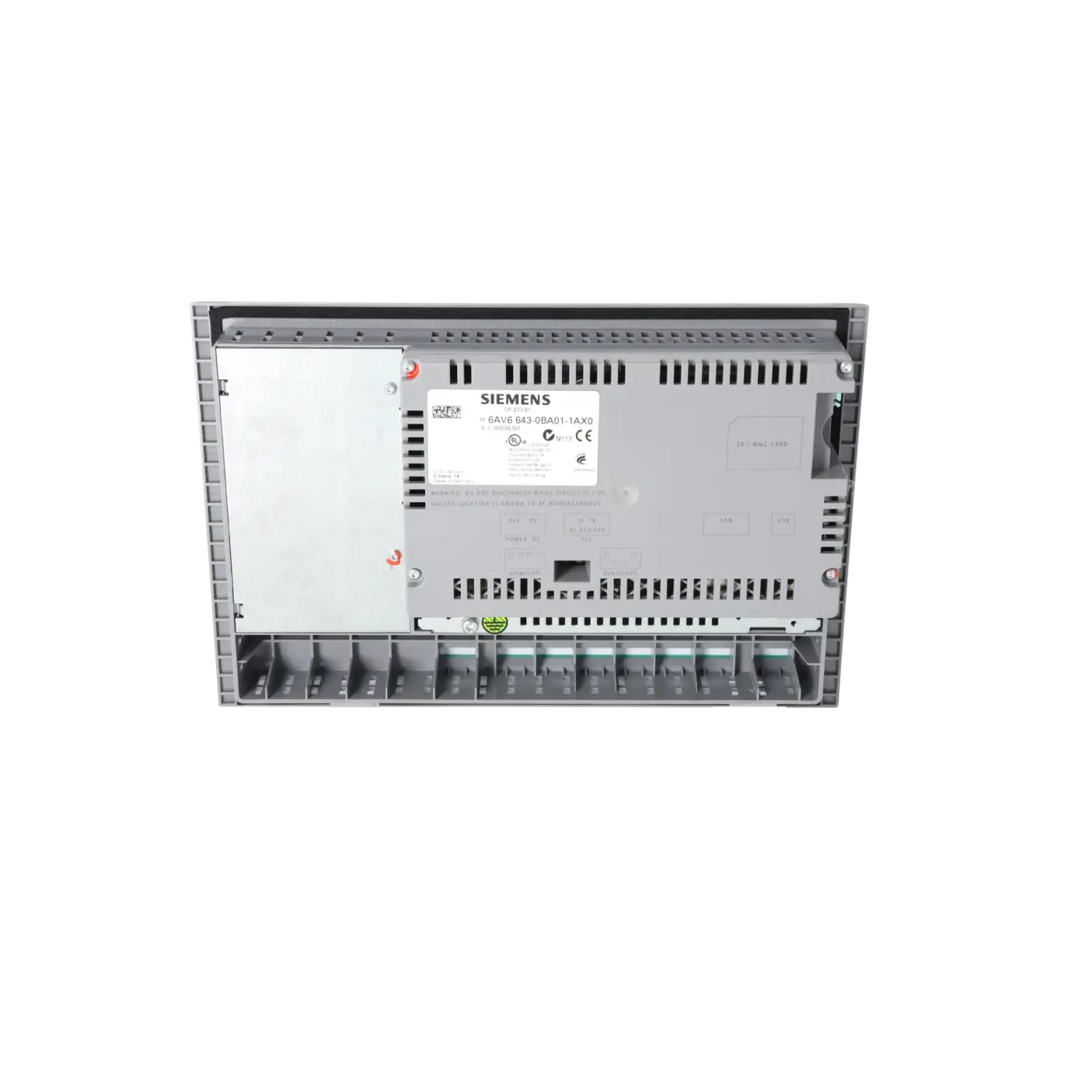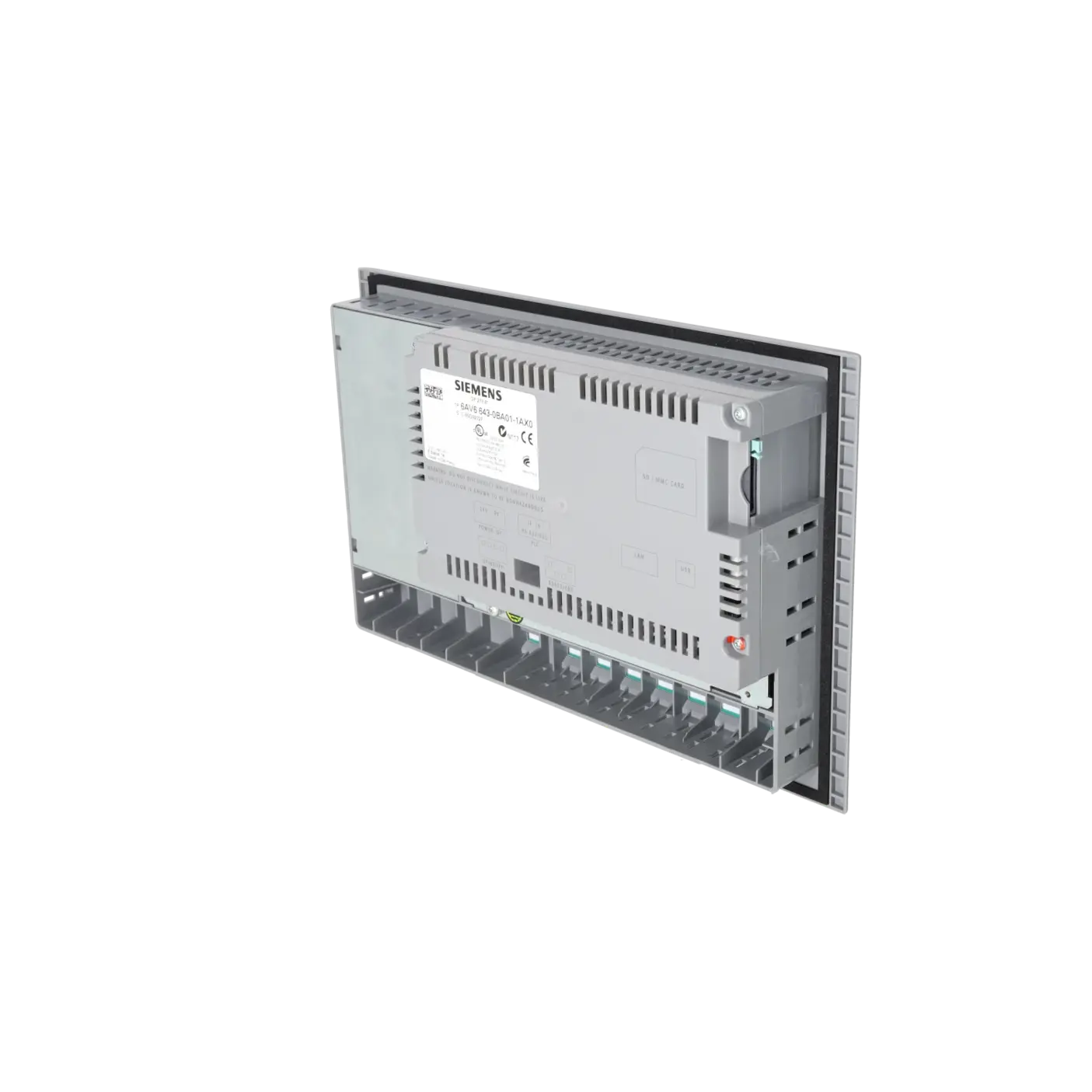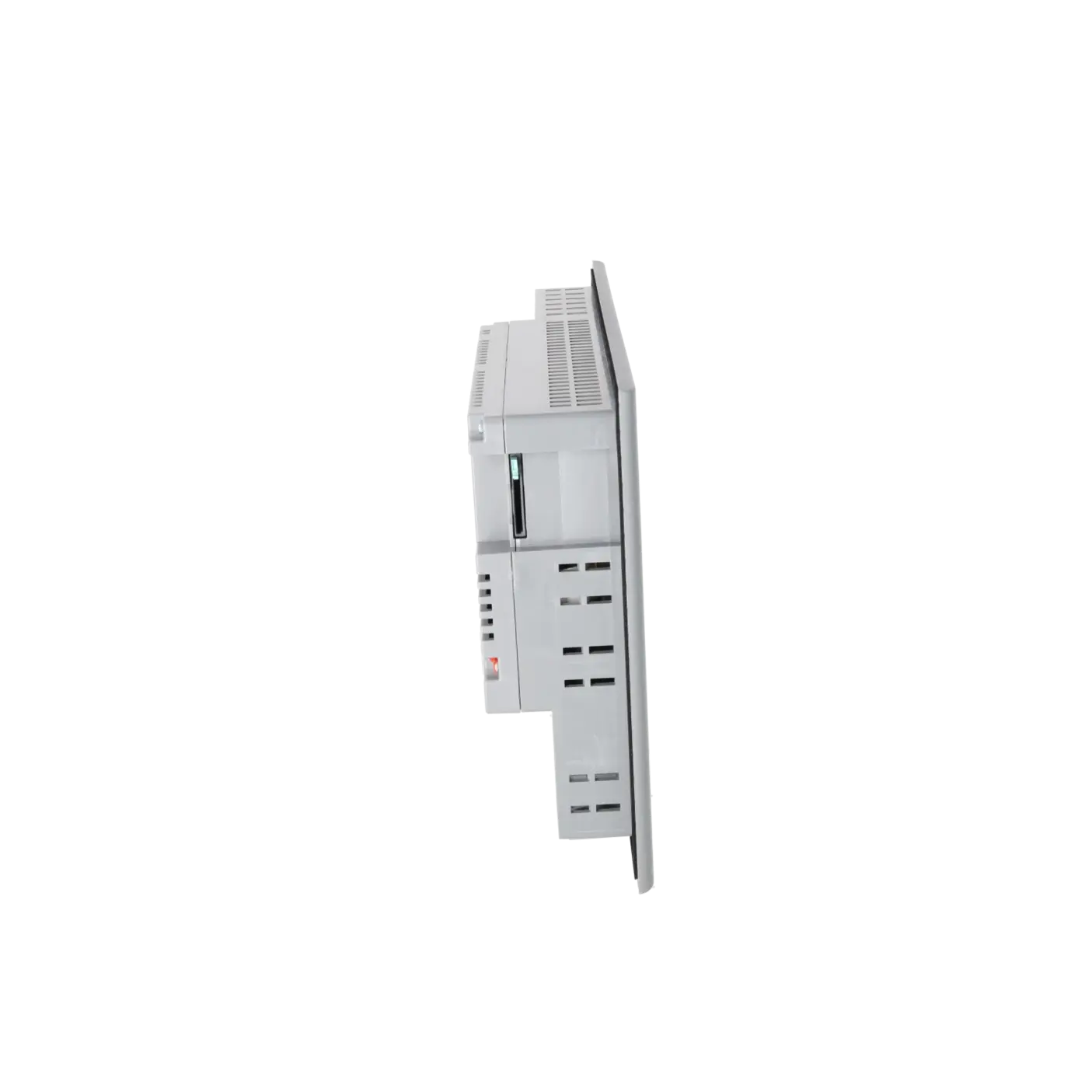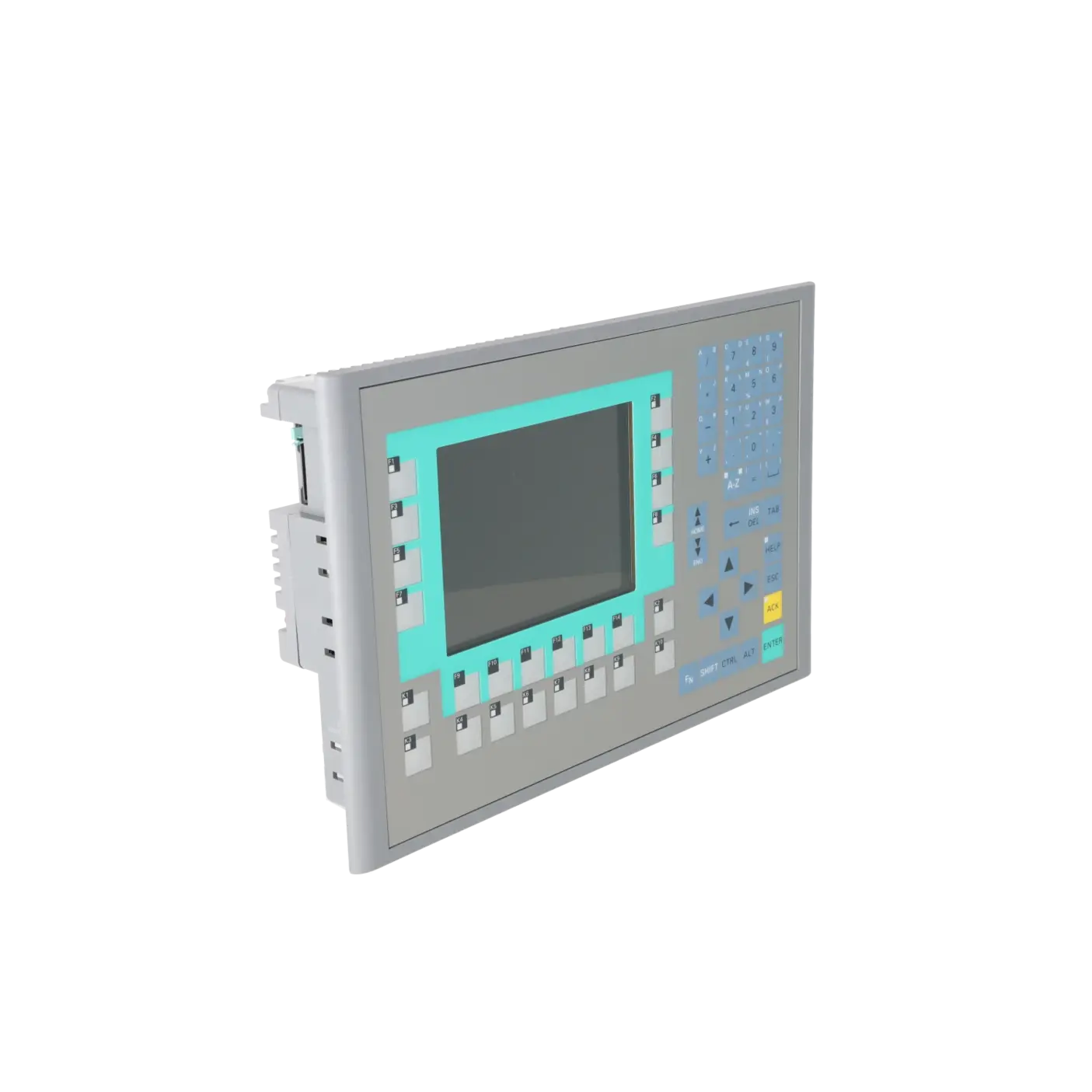
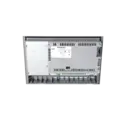
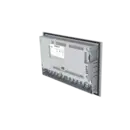
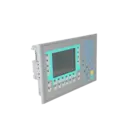
SIEMENS 6AV6643-0BA01-1AX0
-
SIEMENS | HMI | Operator Panels
- EICHLER-art.no.: K0170441
- EAN: 4025515074137
- UPC: 662643209549
Product description
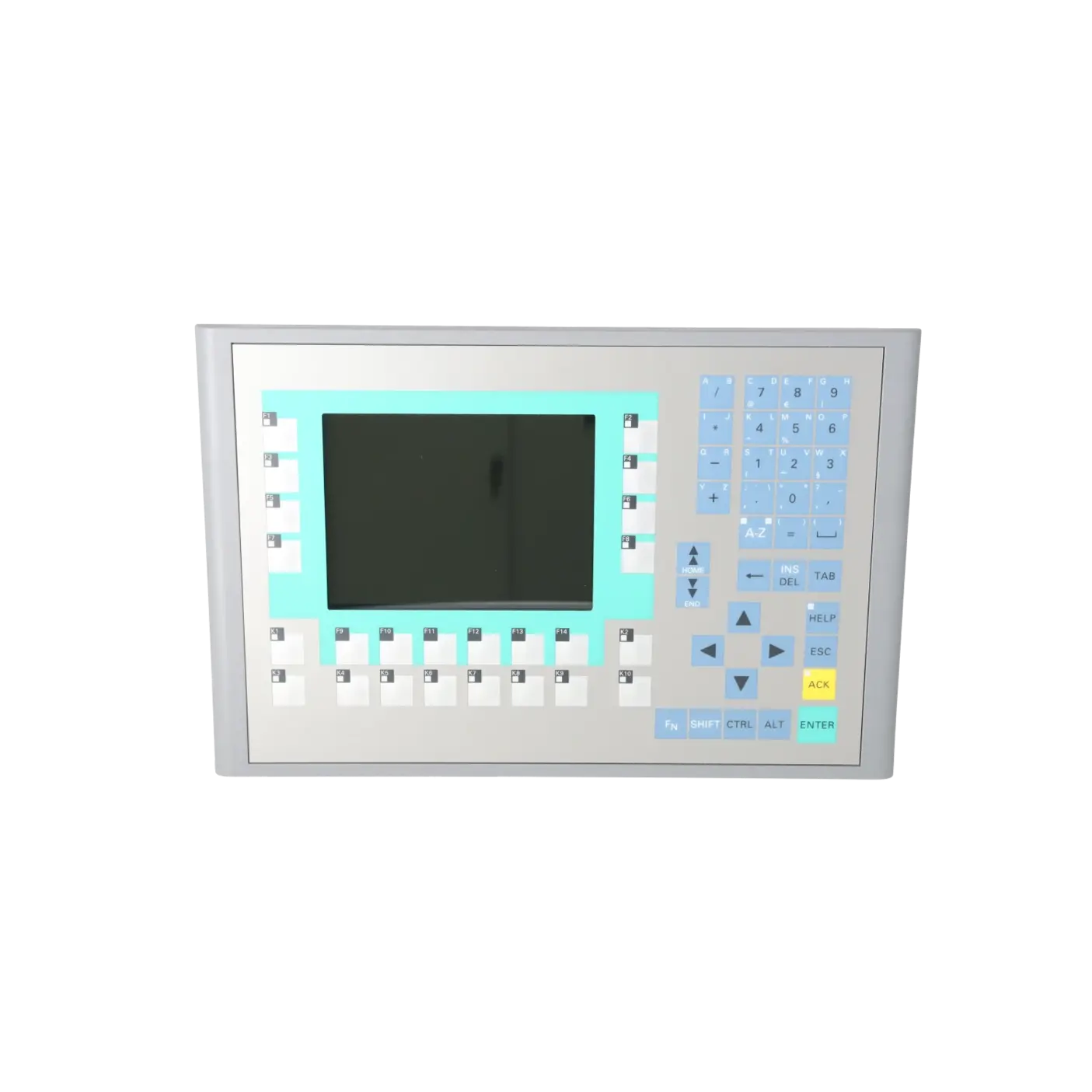
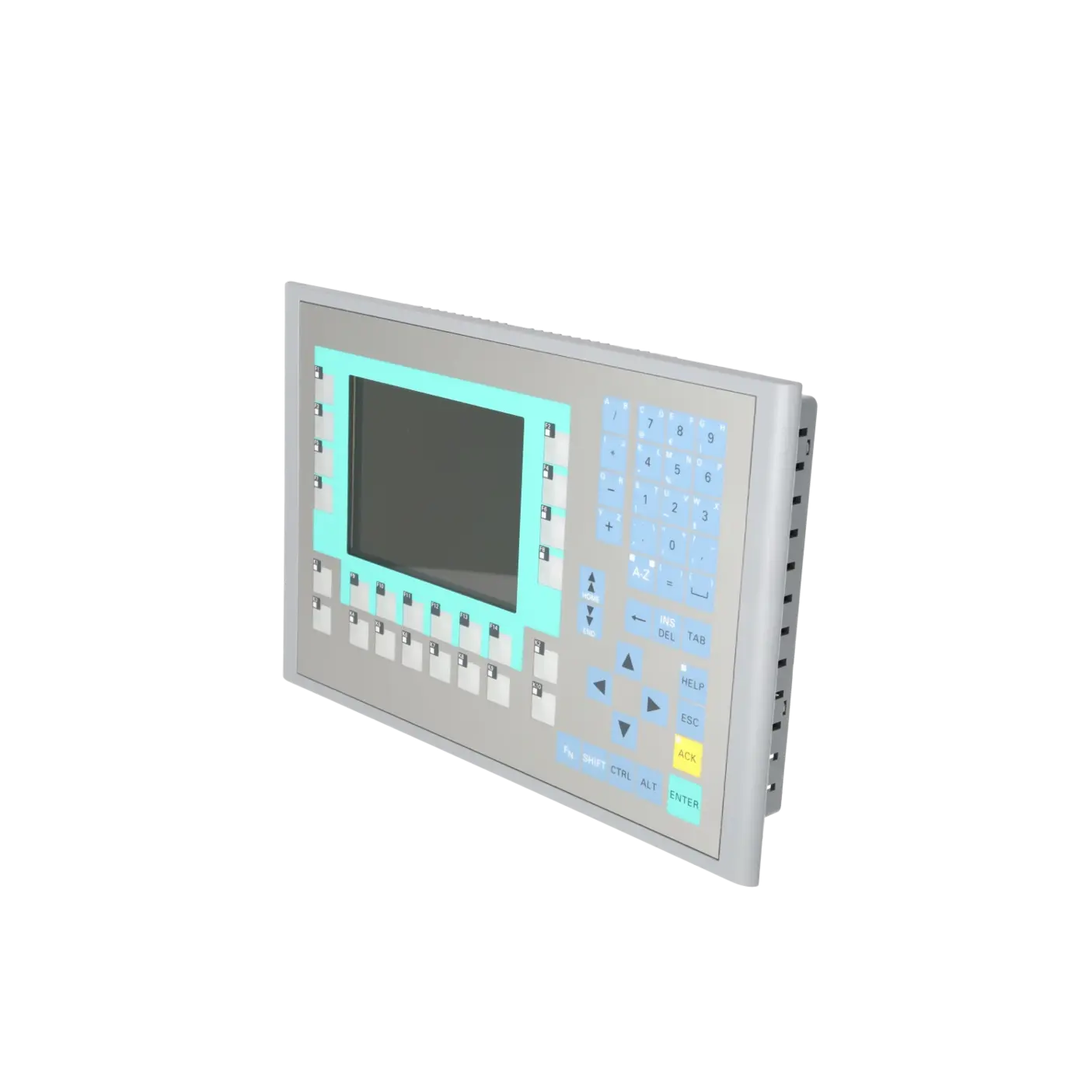
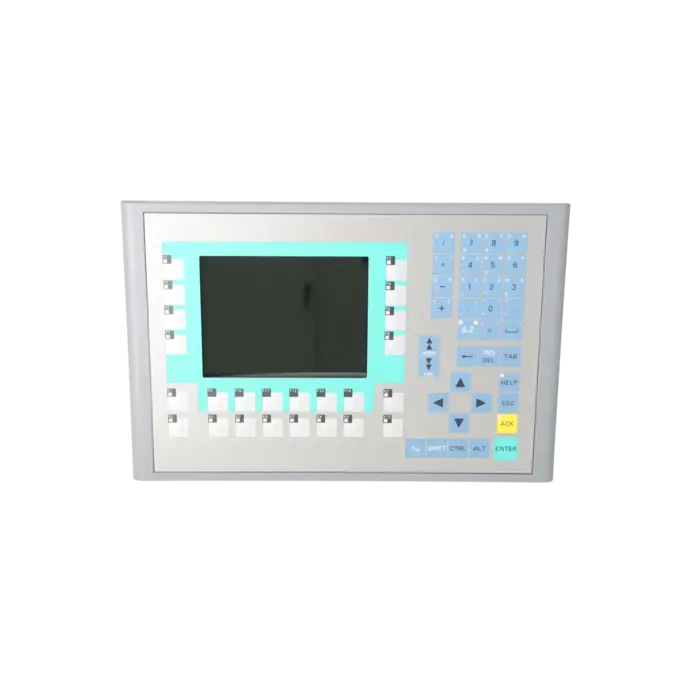
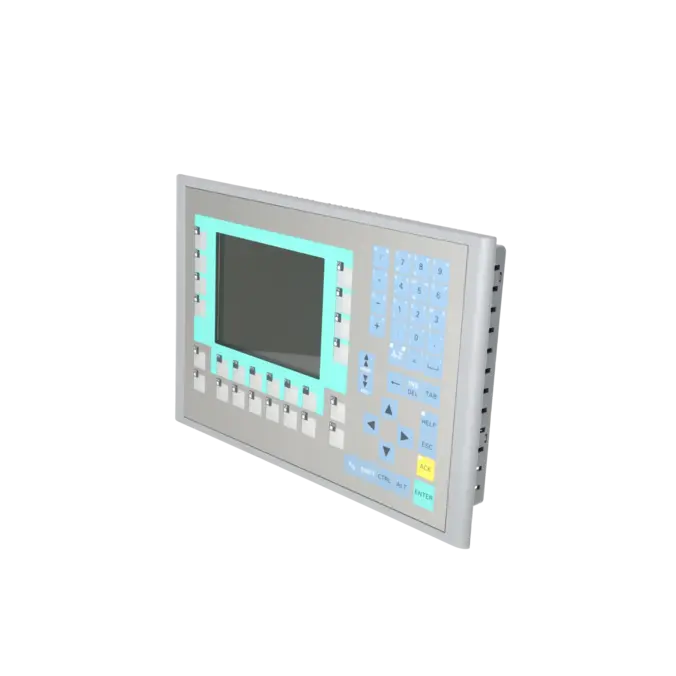
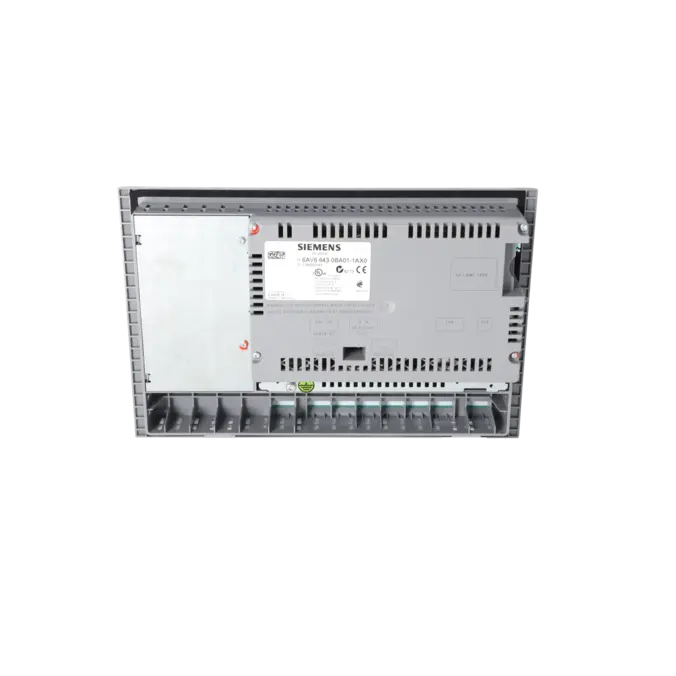
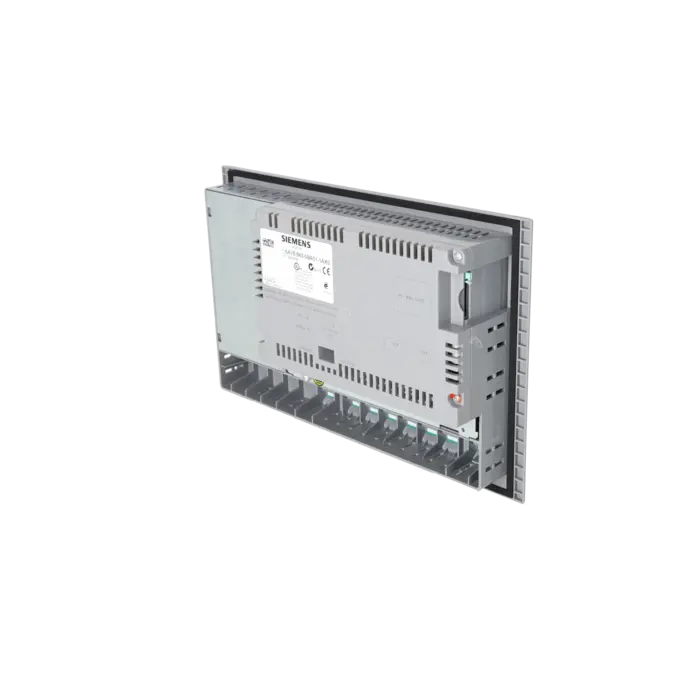
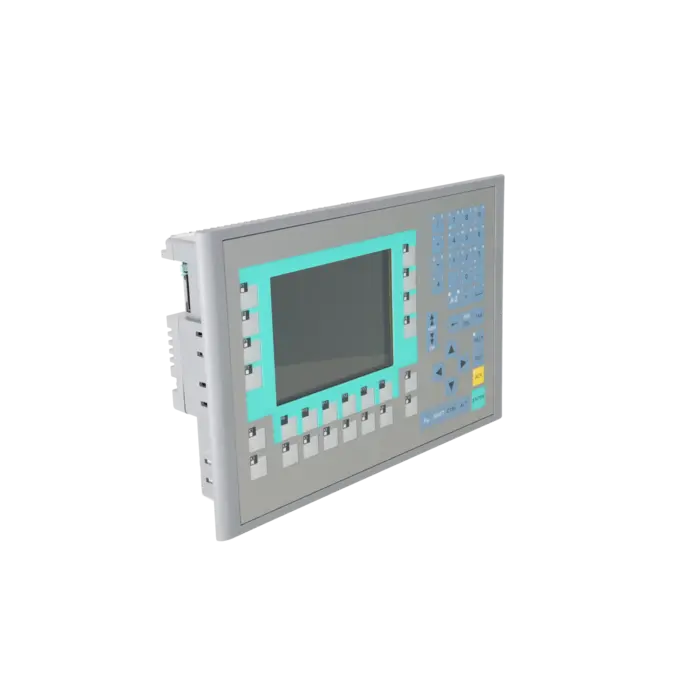
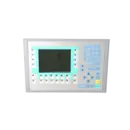
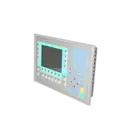
SIMATIC OP 277 6" operator panel 5.7" TFT display 4 MB configuration memory, configurable with WinCC flexible 2005 Standard SP1
Services for SIEMENS 6AV6643-0BA01-1AX0
SIEMENS |
6AV6643-0BA01-1AX0 –
additional product information
| Delivery information | |||
|---|---|---|---|
| Export identifier | AL: N ECCN: 5D002ENCU | ||
| Net weight | 1.899 | ||
| Quantity | 1 Stück | ||
| Packaging quantity | 1 | ||
| Additional product information | |||
|---|---|---|---|
| Product status | EOP: 2021-10-01 | ||
| EAN | 4025515074137 | ||
| UPC | 662643209549 | ||
| Static lot number | 85371098 | ||
| List indicator | ST9.80 | ||
| Product group | 4357 | ||
| Country of origin | DE | ||
| Compliance with the substance restrictions according to RoHS directive | Since: 20080331 | ||
| Product classifications | Version | Classification | |
|---|---|---|---|
| eClass | 4 | 27-36-01-02 | |
| eClass | 5.1 | 27-24-23-02 | |
| eClass | 6.0 | 27-24-23-02 | |
| ETIM | 3 | / | |
| ETIM | 4 | EC001412 | |
| ETIM | 5 | EC001412 | |
What is the 6AV6643-0BA01-1AX0 (OP 277 6")?
The 6AV6643-0BA01-1AX0 is a Siemens SIMATIC OP 277 6" operator panel designed for legacy industrial automation systems. It is an HMI device with a TFT display and key-based operation (no touchscreen) and is typically used as a 1:1 replacement in installed systems where the original operating concept relies on physical function and system keys.
Siemens specifies that it is engineered with WinCC flexible 2005 Standard SP1 or higher, which allows many existing legacy projects to remain usable without requiring immediate system migration.
Technical key data at a glance
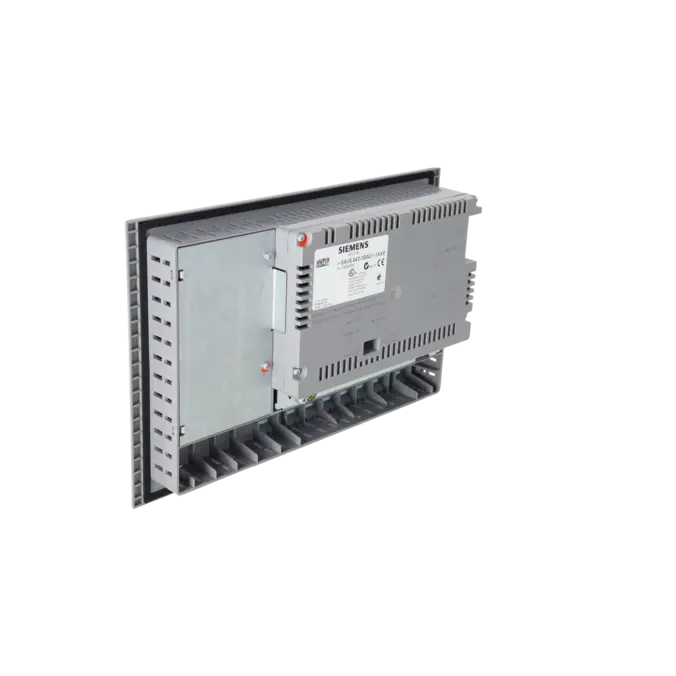
The OP 277 provides 4 MB user memory (Flash/RAM) and up to 64 MB main memory capacity. The front is rated IP65, while the rear is IP20.
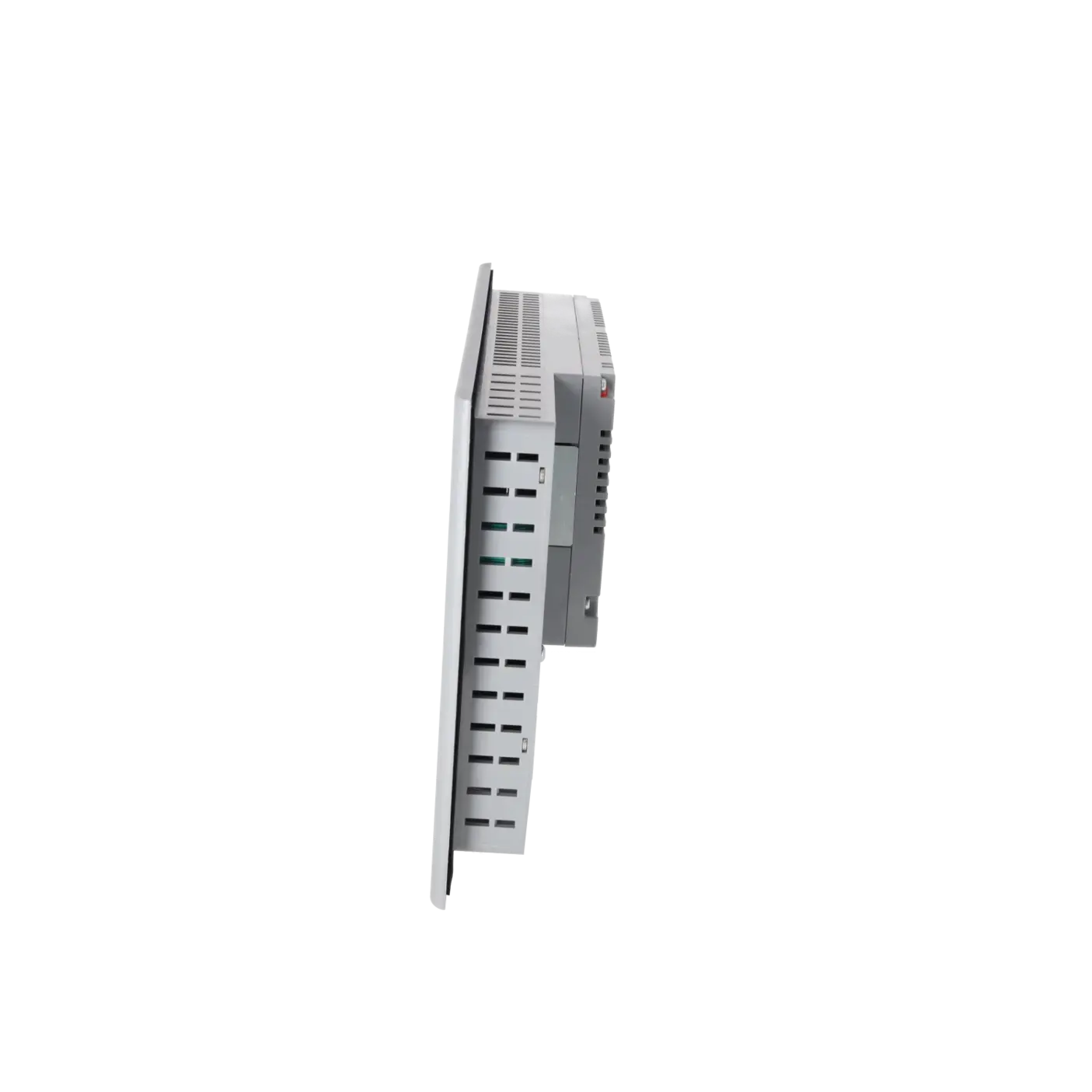
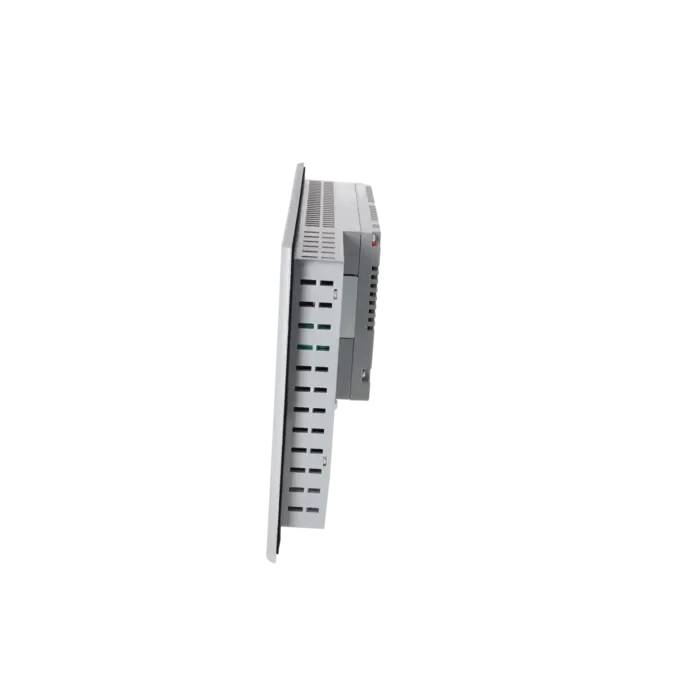
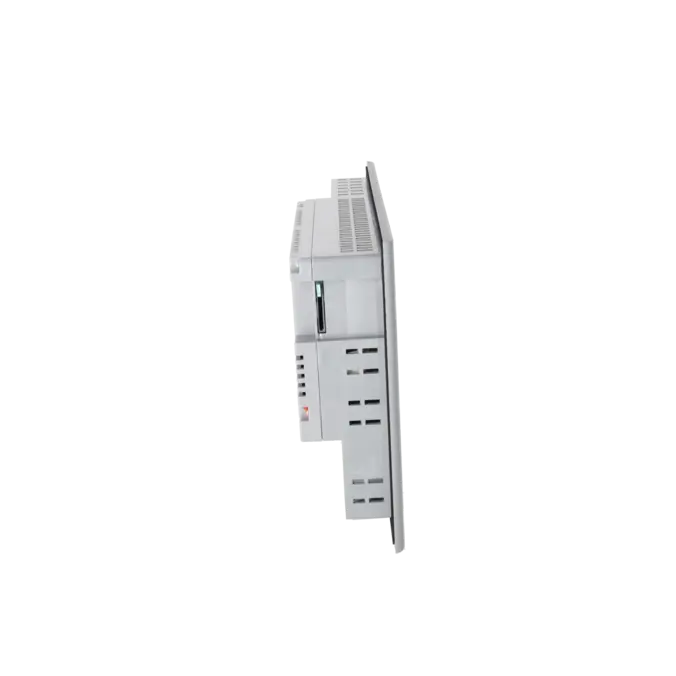
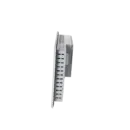
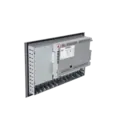
For installation planning, Siemens specifies a front width of 308 mm, front height of 204 mm, and an installation depth of 59 mm. The panel is designed for vertical mounting, which is important for direct replacement scenarios in existing control cabinets.
Display: 5.7" TFT (320 × 240, 256 colours) and backlight
The device uses a 5.7" TFT display with 320 × 240 resolution and 256 colours. Siemens specifies a backlight MTBF of approximately 60,000 hours (at 25 °C).
From a maintenance perspective, a dark or uneven display is often an indicator of backlight ageing. Because resolution and colour depth are fixed, existing HMI screens can usually be reused without layout changes when replacing the same model.
Operation: membrane keyboard, function keys and system keys
Operation is performed via a membrane keyboard with 24 programmable function keys, 18 of which include LEDs, plus system keys. The device also supports numeric input, while alphanumeric input is handled on-screen.
A key point is that this model is non-touch, meaning machine operation continues entirely via physical keys and LED feedback, which is essential in validated or long-established machine concepts.
Communication: MPI/PROFIBUS-DP, Ethernet and PROFINET
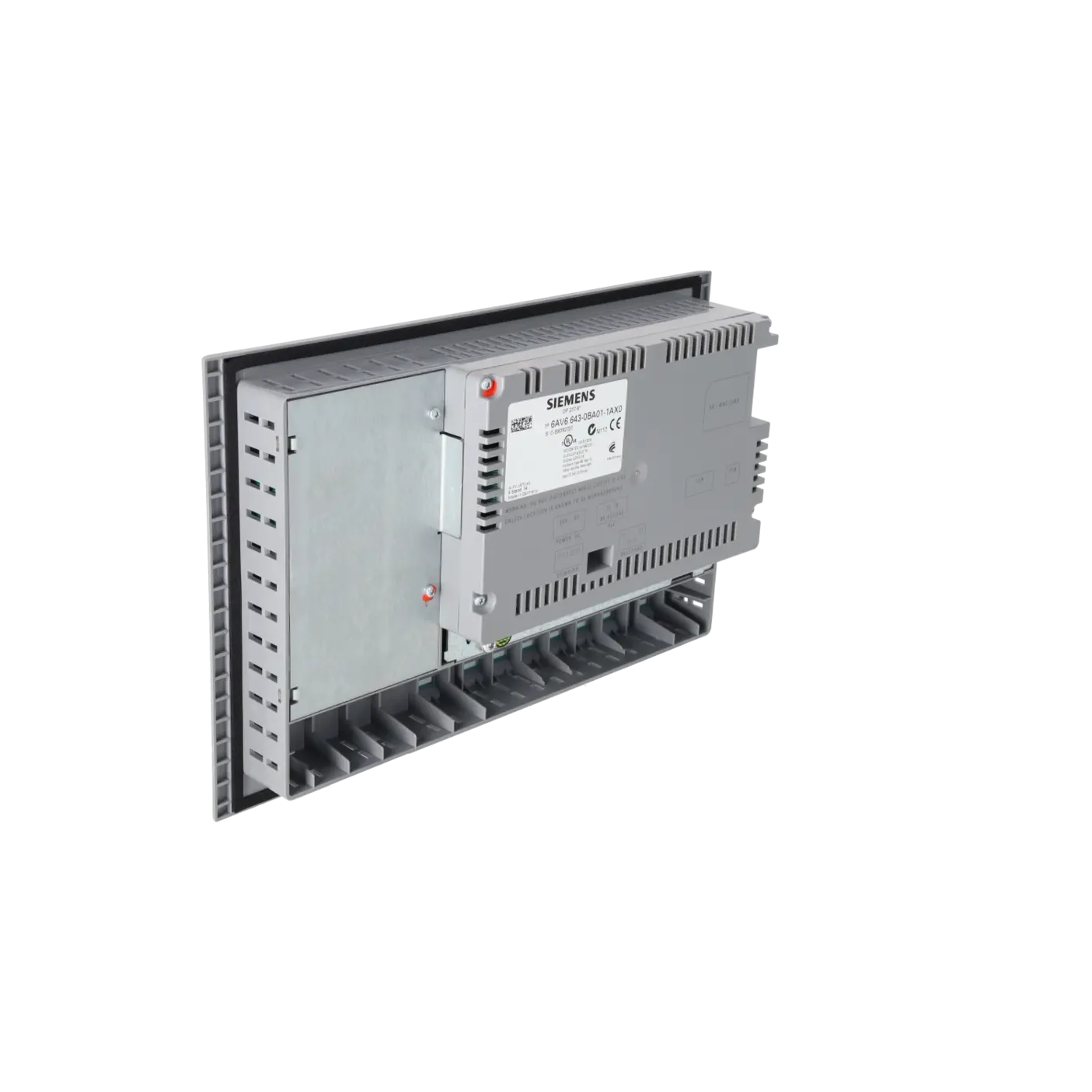
For integration, Siemens specifies 1× RS485, 1× RS422, and 1× Ethernet (RJ45). Transfer is possible via MPI/PROFIBUS-DP, USB, and Ethernet, including automatic transfer detection.
The device also supports PROFINET IO, but not PROFIsafe. In practice, this allows operation in both classic MPI/DP systems and mixed Ethernet-based architectures, depending on the project setup.
Interfaces & media: USB and MultiMediaCard
The OP 277 includes 1× USB interface (up to 1 GB support according to Siemens) and a MultiMediaCard slot (up to 128 MB).
The MMC is used for archiving, backup, and data export (e.g. CSV formats). A common practical issue is the use of incompatible or oversized memory cards, so correct media selection is important for reliable service operations.
Engineering: WinCC flexible 2005 Standard SP1 or higher
Engineering is performed using WinCC flexible Standard 2005 SP1 or higher. This is often critical in legacy environments: if the original project files and software version are available, replacement is usually straightforward.
If project data or engineering environments are missing, even a mechanically compatible replacement can lead to significant commissioning delays. Therefore, securing project files, transfer method (MPI/USB/Ethernet), and media configuration is essential.
Lifecycle: “blocked for delivery” and service relevance
According to Siemens documentation, the product has been blocked for delivery since 01.01.2015 and is no longer available as a new standard item.
This makes repair, exchange units, and spare-part strategies essential for continued operation of installed systems.
Repair & exchange: turnaround time, test report, warranty
According to EICHLER service data, repair is typically available within 1–3 days, as is exchange and refurbished delivery. An optional test report (“Operator panel with key”) is available.
Repairs typically include cleaning, preventive maintenance, functional testing, and a minimum 24-month warranty, which helps reduce downtime risk in production environments.
Identification & procurement: MPN, EICHLER number, EAN/UPC
For procurement clarity, the key identifiers are: MPN: 6AV6643-0BA01-1AX0, EICHLER article number: K0170441, EAN: 4025515074137 and UPC: 662643209549. These identifiers are important because OP 277 variants differ in interface configuration, key layout, and engineering compatibility, and correct identification prevents incorrect replacements and unnecessary downtime.
| General information | |
|---|---|
| Product type designation | OP 277 |
| Customer-specific configuration | Yes |
| Display | |
| Design of display | TFT |
| Screen diagonal | 5.7 in |
| Color display | Yes |
| Number of colors | 256 |
| Resolution (pixels) | |
| ● Horizontal image resolution | 320 pixel |
| ● Vertical image resolution | 240 pixel |
| Backlighting | |
| ● MTBF backlighting (at 25 °C) | 60 000 h |
| Control elements | |
| Control elements | Membrane keyboard |
| Keyboard fonts | |
| ● Membrane keyboard | |
| — user-definable label membrane keys | Yes |
| ● Function keys | |
| — Number of function keys | 24 |
| — Number of function keys with LEDs | 18 |
| ● System keys | Yes |
| — Number of system keys | 36 |
| ● Numeric keyboard | Yes |
| ● alphanumeric keyboard | Yes; only English font can be displayed, only on screen |
| ● Multi-key operation | Yes |
| — Number of multi-key operations | 2 |
| Touch operation | |
| ● Design as touch screen | No; without |
| Connection type | |
| ● Type of connection for mouse/keyboard/barcode reader | USB / USB / USB |
| Installation type/mounting | |
| Mounting position | vertical |
| Supply voltage | |
| Type of supply voltage | DC |
| Processor | |
| Processor type | RISC 32 bit |
| Memory | |
| Type of memory | Flash / RAM |
| Memory available for user data | 4 Mbyte |
| Capacity of main memory, max. | 64 Mbyte |
| Time of day | |
| Clock | |
| ● Type | Software clock, synchronizable, no battery backup |
| ● retentive | No |
| ● synchronizable | Yes |
| Interfaces | |
| Interfaces/bus type | 1x RS 422, 1x RS 485, 1x Ethernet (RJ45) |
| Number of industrial Ethernet interfaces | 1 |
| Number of RS 485 interfaces | 1 |
| Number of RS 422 interfaces | 1 |
| Number of USB interfaces | 1; Up to 1 GB |
| Multimedia card/SD card slot | 1x Multimedia Card slot, up to 128 MB |
| With software interfaces | No |
| Protocols | |
| Supports protocol for PROFINET IO | Yes |
| PROFIsafe | No |
| PROFIBUS | Yes |
| EtherNet/IP | No |
| Protocols (Ethernet) | |
| ● TCP/IP | Yes |
| Further protocols | |
| ● MODBUS | Yes |
| Degree and class of protection | |
| IP (at the front) | IP65 |
| IP (rear) | IP20 |
| NEMA (front) | NEMA 4x (when installed) |
| Standards, approvals, certificates | |
| Certificate of suitability | CE, UL |
| Suitable for safety functions | No |
| Ambient conditions | |
| Ambient temperature during operation | |
| ● min. | 0 °C |
| ● max. | 50 °C |
| Ambient temperature during storage/transportation | |
| ● min. | -20 °C |
| ● max. | 60 °C |
| Relative humidity | |
| ● Operation, max. | 80 % |
| Operating systems | |
| pre-installed operating system | Windows CE |
| Configuration | |
| Message indicator | Yes |
| Alarm system (incl. buffer and acknowledgment) | Yes |
| Process value display (output) | Yes |
| Process value default (input) possible | Yes |
| Recipe management | Yes |
| Configuration software | |
| ● Configuration tool | WinCC flexible Standard Version 2005 SP1 or higher (to be ordered separately) |
| ● STEP 7 Basic (TIA Portal) | No |
| ● STEP 7 Professional (TIA Portal) | No |
| ● WinCC flexible Compact | No |
| ● WinCC flexible Standard | Yes |
| ● WinCC flexible Advanced | Yes |
| ● WinCC Basic (TIA Portal) | No |
| ● WinCC Comfort (TIA Portal) | Yes |
| ● WinCC Advanced (TIA Portal) | Yes |
| ● WinCC Professional (TIA Portal) | Yes |
| Languages | |
| Online languages | |
| ● Number of online/runtime languages | 16 |
| Project languages | |
| ● Languages per project | 32 |
| Functionality under WinCC (TIA Portal) | |
| Libraries | Yes |
| Task planner | Yes |
| Help system | Yes |
| ● Number of characters per info text | 80 |
| Message system | |
| ● Number of alarm classes | 32 |
| ● Number of messages | 4 000 |
| ● Bit messages | Yes |
| — Number of bit messages | 4 000 |
| ● Analog messages | Yes |
| — Number of analog messages | 4 000 |
| ● System messages HMI | Yes |
| ● System messages PLC | Yes |
| ● System event, more (SIMATIC S7, SINUMERIK, SIMOTION, ... ) | Yes |
| ● Lines | 1 |
| ● Number of characters per message | 80 |
| ● Number of process values per message | 8 |
| ● Acknowledgment groups | |
| — Number of acknowledgement groups | Yes |
| ● Message indicator | Yes |
| ● First/last value | Yes |
| Recipe management | |
| ● Number of recipes | 300 |
| ● Data records per recipe | 500 |
| ● Entries per data record | 1 000 |
| ● Recipe memory | 64 KB integrated Flash, expandable |
| Variables | |
| ● Number of variables per device | 2 048 |
| ● Number of variables per screen | 200 |
| ● Number of variables | 1 000 |
| ● Initial values | 2 048 |
| ● Type Date & Time | 2 048 |
| ● Limit values | Yes |
| ● Multiplexing | Yes |
| ● Structures | Yes |
| Images | |
| ● Number of configurable images | 500 |
| ● Permanent window/default | Yes |
| ● Start screen configurable | Yes |
| ● Image selection by PLC | Yes |
| ● Image number in the PLC | Yes |
| Image objects | |
| ● Text objects | 10 000 text elements |
| ● Number of I/O fields per image | 200 |
| ● Number of date/time fields | 200 |
| ● Return | Yes |
| ● Graphics object | Bit maps, icons, vector graphics |
| — Icons | 1 000 |
| Complex image objects | |
| ● Status/control | With SIMATIC S7 |
| ● dynamic objects | Diagrams, bar graphs, sliders, analog display, invisible buttons |
| — Number of objects per project | 1 000 |
| — Number of curve diagrams per image | 10 |
| ● Methods | Trend / profile |
| ● Bar graphs | |
| — Number of bars per chart | 10 |
| ● Sliders | |
| — Number of slides per image | 10 |
| ● Pointer instruments | |
| — Number of analog indicators per image | 10 |
| ● Limit value lines | Yes |
| ● Number of alphanumerical fields | 300 |
| — alphanumeric fields per image | 200 |
| ● Number of numerical fields | 2 048 |
| — numerical fields per image | 200 |
| ● Number of password fields | 2 048 |
| ● Number of visible switches per project | 200 |
| — visible switches per image | 200 |
| — hidden switches per image | 200 |
| ● Number of status switches per project | 200 |
| — Number of status switches per image | 200 |
| ● Number of selector switches per project | 200 |
| — Selector switches per image | 200 |
| ● Number of decade switches per project | 200 |
| — Decade switches per image | 200 |
| ● Number of signal lamps per project | 200 |
| — Signal lamps per image | 200 |
| Attributes for dynamic objects | |
| ● Color change | Yes |
| ● X/Y movement | Yes |
| ● Hide | Yes |
| Lists | |
| ● Number of text lists per project | 500 |
| ● Number of text lists per image | 200 |
| ● Number of entries per text list | 256 |
| ● Number of graphics lists per project | 400 |
| ● Number of graphic lists per image | 200 |
| ● Number of entries per graphics list | 256 |
| Archiving | |
| ● Number of archives per device | 20 |
| ● Number of measuring points per project | 20 |
| ● Number of entries per archive | 10 000 |
| ● Message archive | Yes |
| ● Process value archive | Yes |
| ● Archiving methods | |
| — Sequential archive | Yes |
| — Short-term archive | Yes |
| ● Memory location | MultiMediaCard |
| — Ethernet | Yes |
| ● Data storage format | |
| — CSV | Yes |
| ● Online evaluation | |
| — using trend curves | Yes |
| Filters | |
| ● cyclic | Yes |
| ● Tolerance | Yes |
| ● Change | Yes |
| Security | |
| ● Number of user groups | 50 |
| ● Number of user rights | 32 |
| ● Password export/import | Yes |
| Logging through printer | |
| ● Recording/Printing | Alarms, report (shift report), color print, hardcopy |
| Transfer (upload/download) | |
| ● Transfer of configuration | MPI/PROFIBUS DP, USB, Ethernet, automatic transfer recognition |
| Process coupling | |
| ● Connection to controller | S5, S7-200, S7-300/400, TI 505, SINUMERIK, SIMOTION, Allen Bradley (DF1), Allen Bradley (DF485), Mitsubishi (FX), OMRON (LINK/Multilink), Modicon (Modbus) see chapter "System interfaces" |
| ● S7-1200 | Yes |
| ● S7-200 | Yes |
| — PPI (point-to-point) | Yes |
| — PPI network | Yes |
| — MPI | Yes |
| — PROFIBUS DP | Yes |
| — Ethernet | Yes |
| ● S7-300/400 | Yes |
| — MPI | Yes |
| — PROFIBUS DP | Yes |
| — PROFINET | Yes |
| ● S5 | Yes |
| — serial | Yes |
| — PROFIBUS DP | Yes |
| ● TI 505 | Yes |
| ● Allen Bradley (DF1) | Yes |
| ● Allen Bradley (DF485) | Yes |
| ● Mitsubishi (FX) | Yes |
| ● Mitsubishi (MP4) | Yes |
| ● OMRON (LINK/Multilink) | Yes |
| ● Modicon (Modbus) | Yes |
| ● GE-Fanuc (SNP) | Yes |
| Functions | |
| ● TAB sequence | Yes |
| ● Calculating functions | Yes |
| ● Animate | Yes |
| Service tools/configuration aids | |
| ● Backup/Restore manually | Yes |
| ● Simulation | Yes |
| ● Device switchover | Yes |
| ● Delta transfer | Yes |
| Expandability/openness | |
| ● Open Platform Program | Yes |
| Peripherals/Options | |
| Peripherals | Printer, barcode reader |
| SIMATIC HMI MM memory card: Multi Media Card | Yes |
| Additional software components loadable | Yes |
| Dimensions | |
| Width of the housing front | 308 mm |
| Height of housing front | 204 mm |
| Mounting cutout, width | 281 mm |
| Mounting cutout, height | 177 mm |
| mounting depth | 59 mm |
| Weights | |
| Weight (without packaging) | 1.19 kg |
| Fault description | Possible solution |
|---|---|
| Display is dark or flickering – what is typical? | In most cases the backlight is affected. Siemens specifies a 60,000 h MTBF (at 25 °C), so backlight ageing after long operating time is a plausible root cause. |
| Function keys do not respond or LEDs remain off – what should be checked first? | First verify power supply and connectors, then inspect the key membrane (wear) and the project assignment. The device uses a membrane keypad with 24 function keys, 18 of which include LEDs, so contact issues become noticeable quickly. |
| No communication with PLC – what are the usual causes? | Depending on the project, MPI/PROFIBUS-DP or Ethernet is used. Typical issues include incorrect bus parameters, station address, or termination (DP/MPI), or incorrect IP settings, port configuration, or assignment (Ethernet). Transfer is explicitly supported via MPI/DP, USB, and Ethernet. |
| Project transfer fails – what is often overlooked? | Most commonly, the transfer interface is incorrectly selected or the engineering version does not match. For this panel, WinCC flexible 2005 SP1 or higher is required; without the correct software version, downloads may fail even if the hardware is fine. |
| Backup/archiving does not work – what is the usual cause? | In many cases, unsuitable storage media are used. Siemens specifies a MultiMediaCard as storage medium, with a slot supporting up to 128 MB. Cards that are too large or incompatible are a frequent practical issue. |
| When is replacement more appropriate than troubleshooting? | If operation is production-critical or faults are recurring, a replacement unit (typically available within 1–3 days) is often more economical. An optional test report also supports documentation and audit requirements. |
What is the 6AV6643-0BA01-1AX0 particularly suitable for?
It is used as an OP 277 6" operator panel in legacy systems, especially where a non-touch key-based HMI with TFT display needs to be replaced 1:1 without changing the existing machine operation concept.
Which display data are critical for replacement?
The panel features a 5.7" TFT display with 320 × 240 resolution and 256 colours, and a backlight MTBF of 60,000 hours.
Which interfaces does the panel support?
It supports RS485, RS422, Ethernet (RJ45), USB, and a MultiMediaCard slot, making it suitable for both classic fieldbus and Ethernet-based Siemens environments.
Which engineering software is required?
Engineering is performed with WinCC flexible Standard 2005 SP1 or higher.
How fast are repair or exchange services available?
At EICHLER, repair, exchange, and refurbished units are typically available within 1–3 days. An optional paid test report is available, and depending on the service package, a warranty extension of up to 36 months can be included.