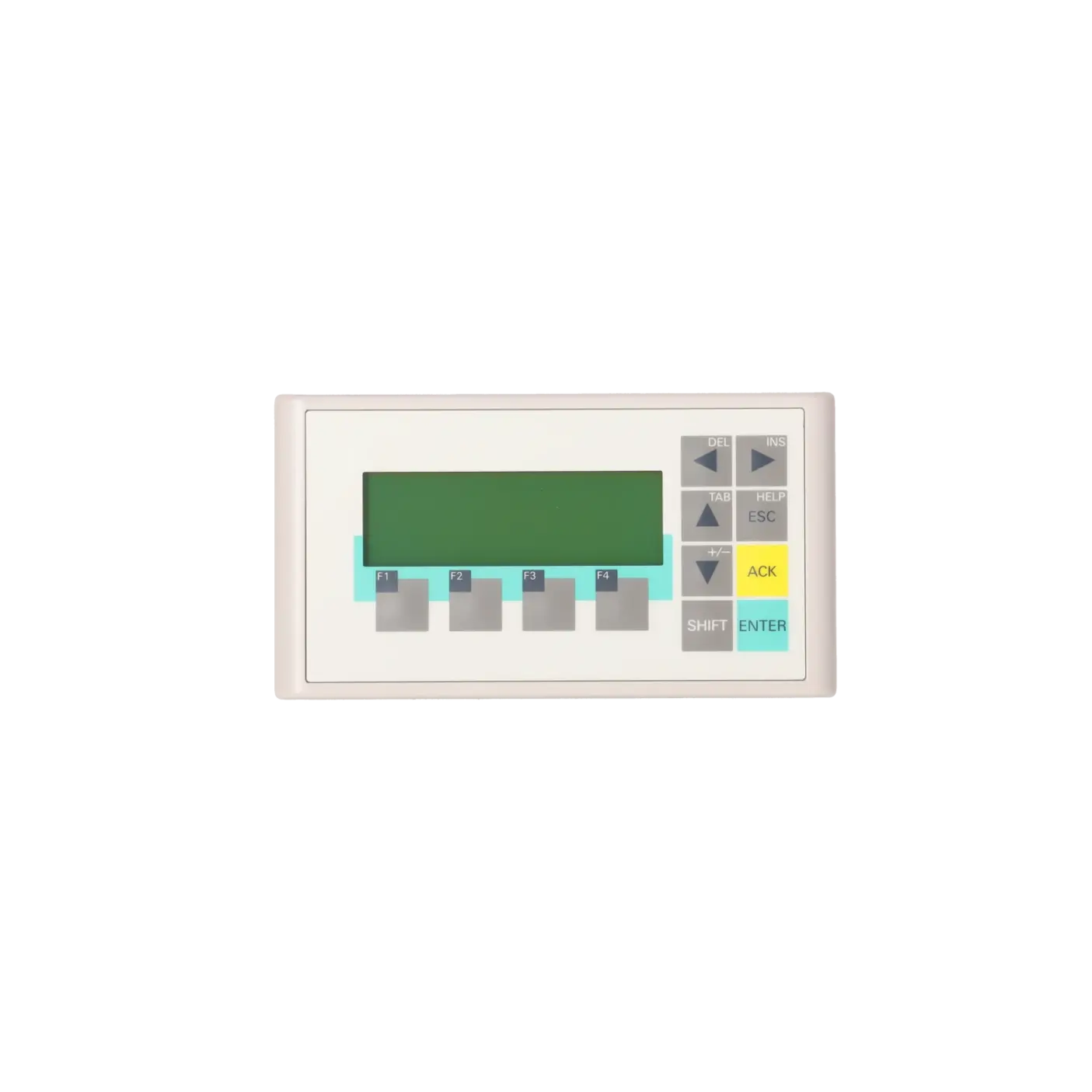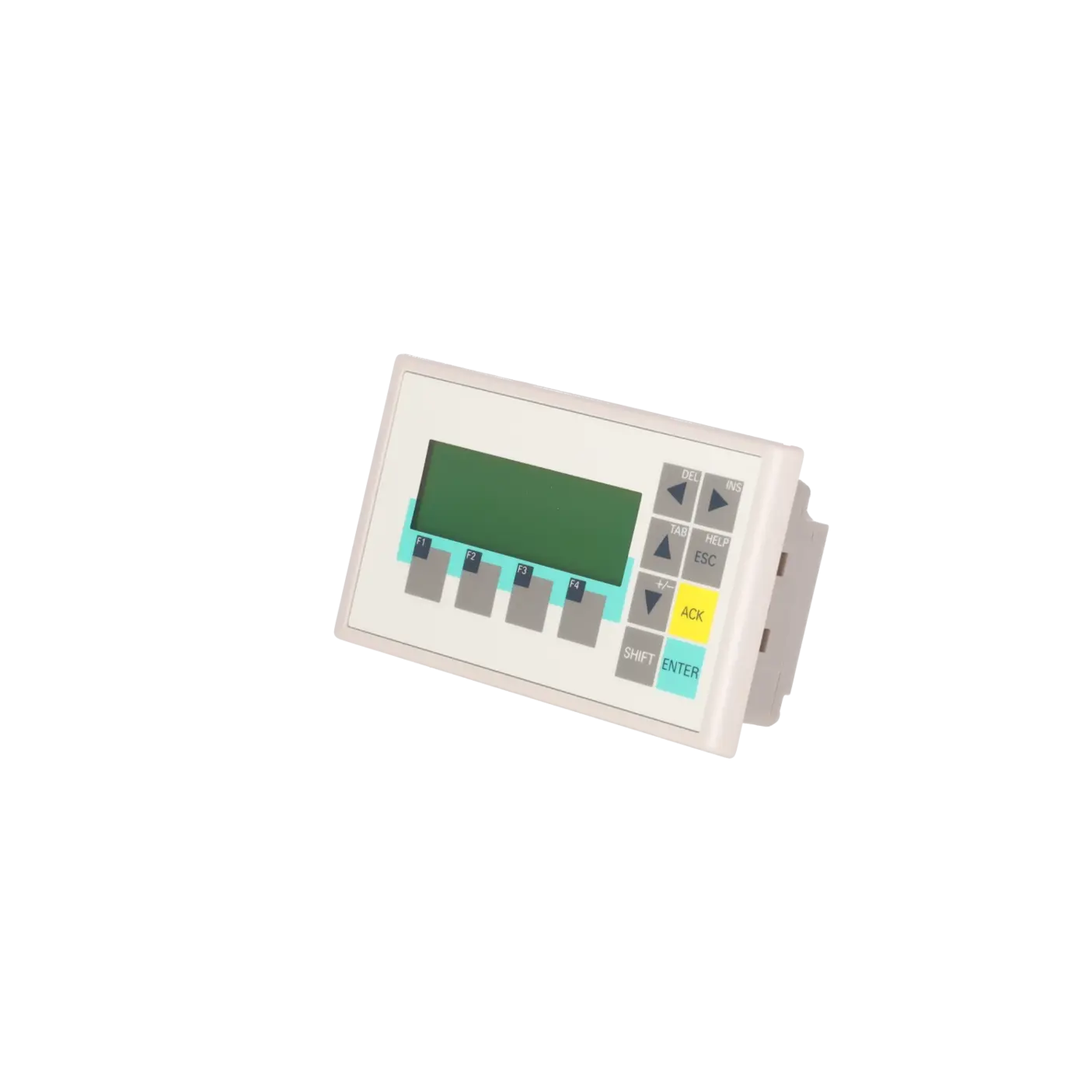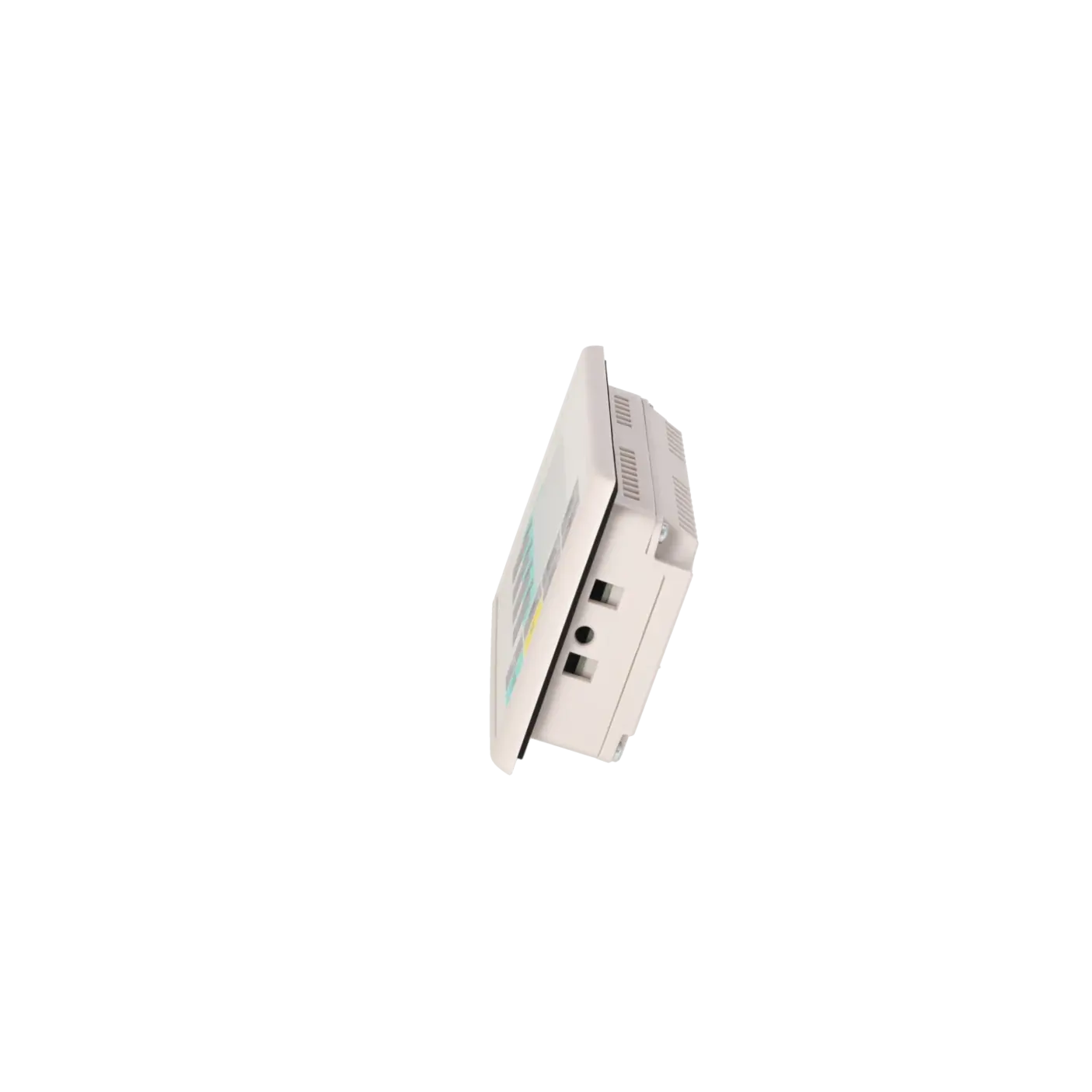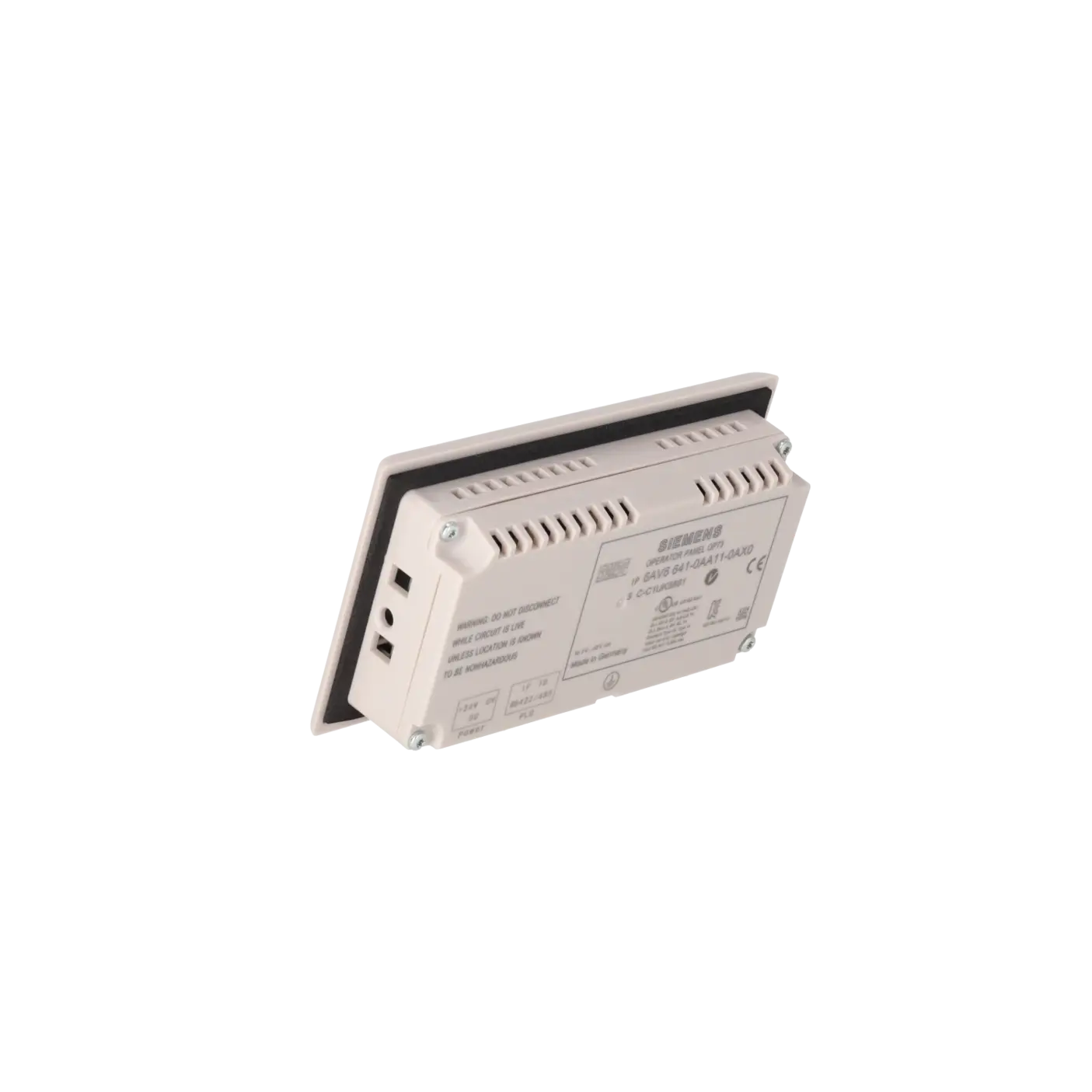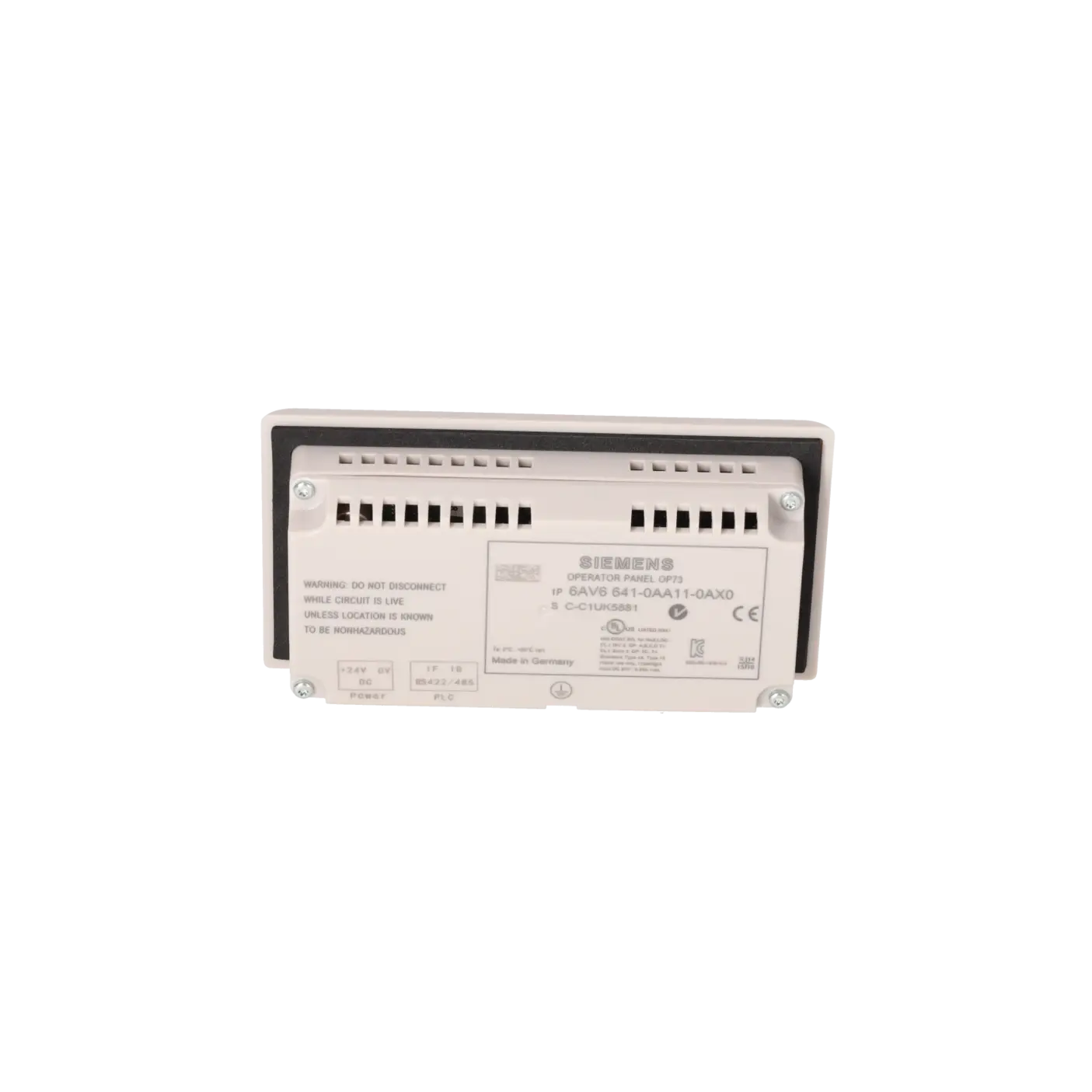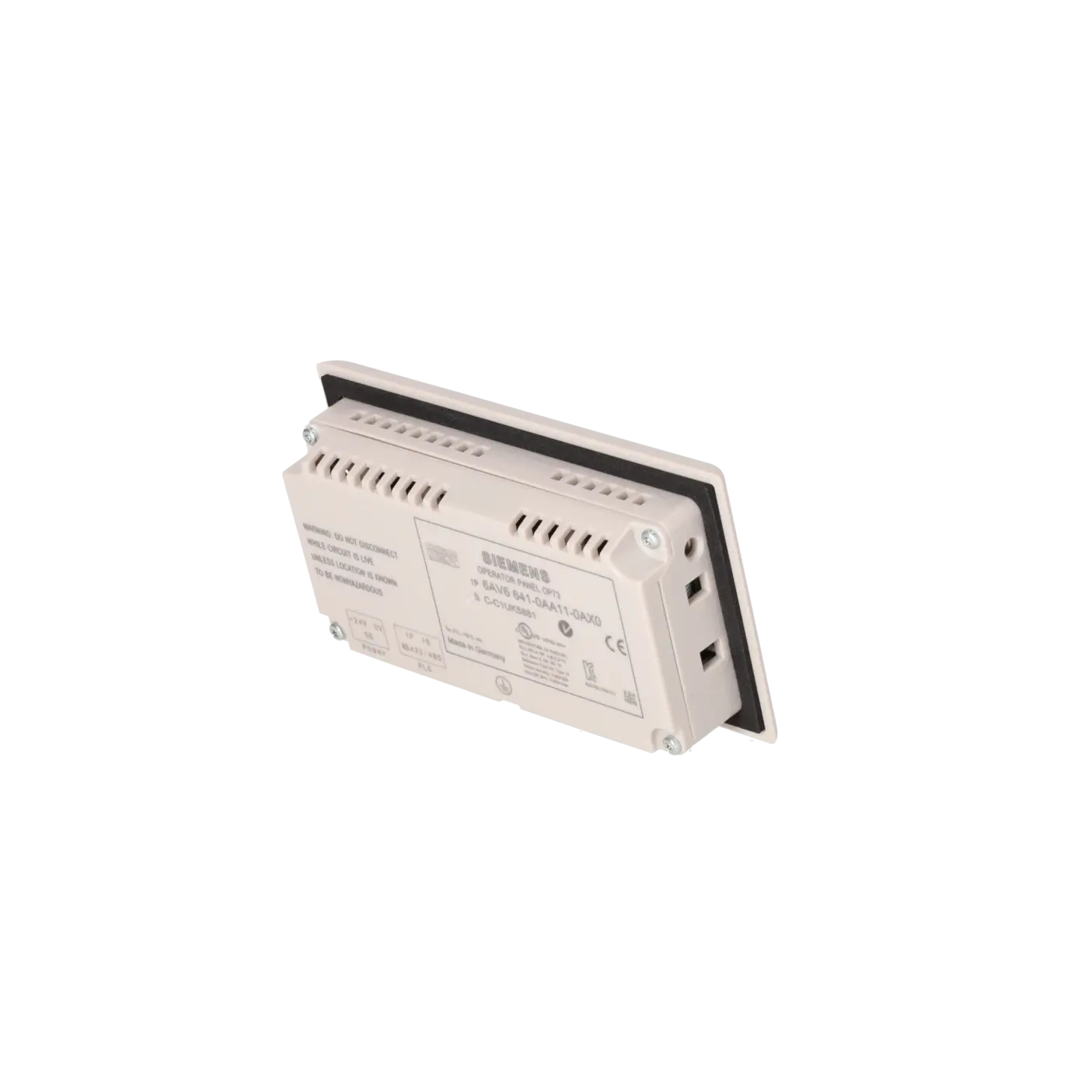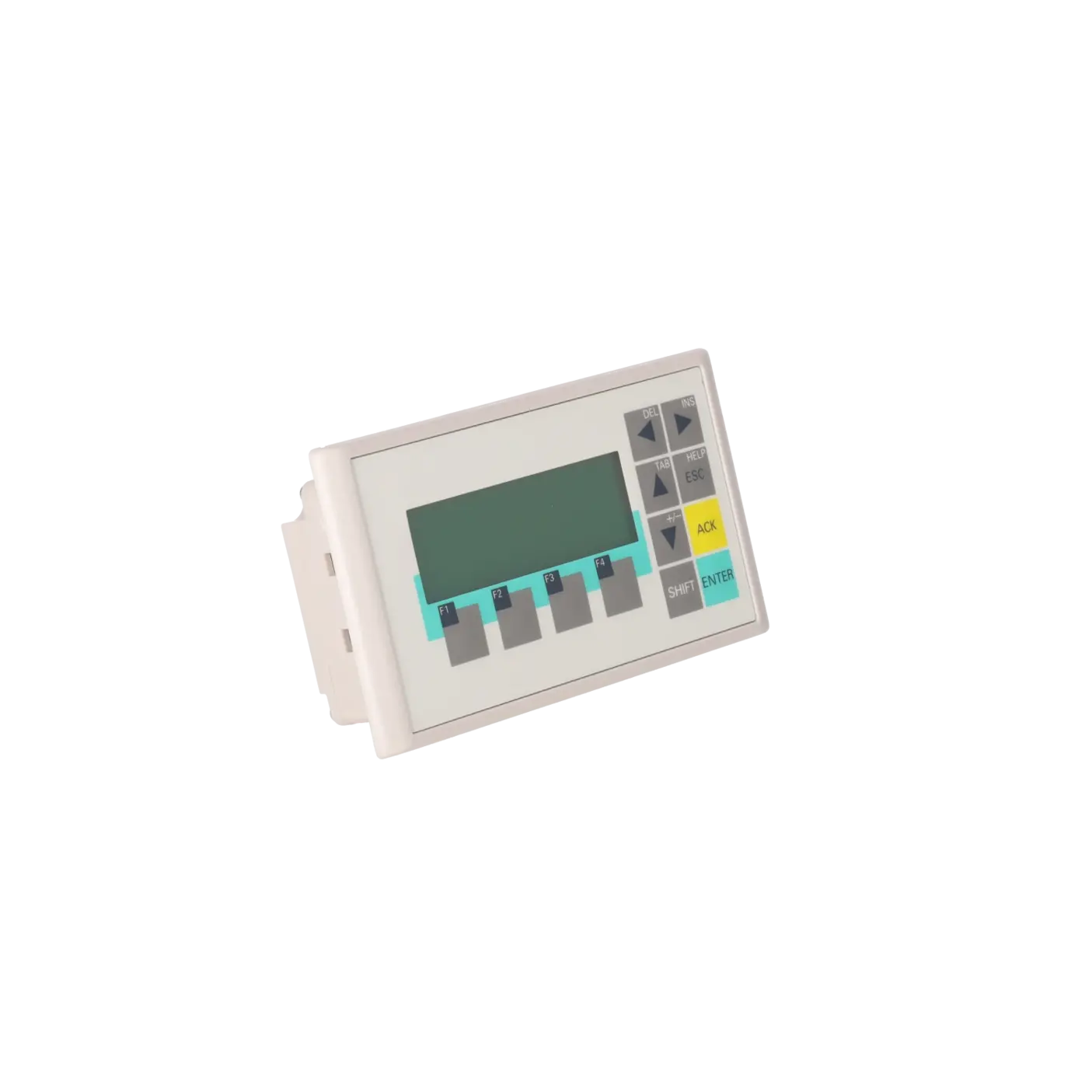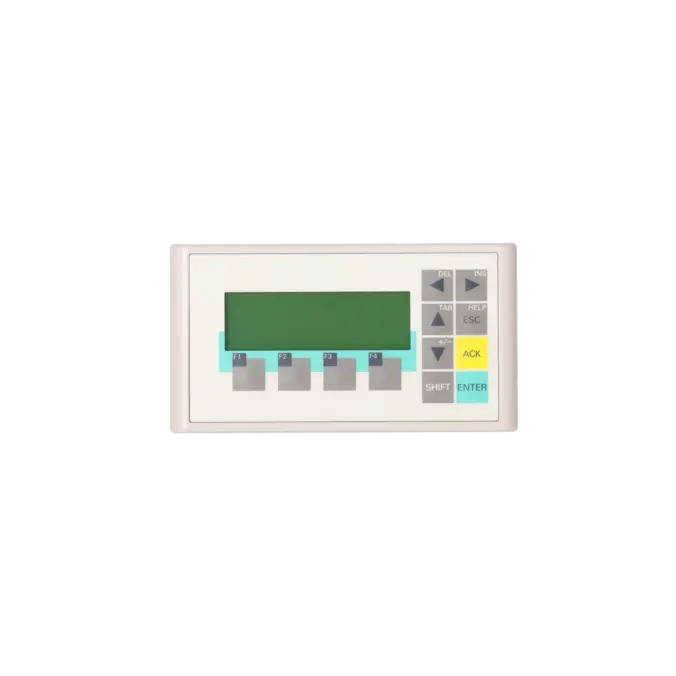
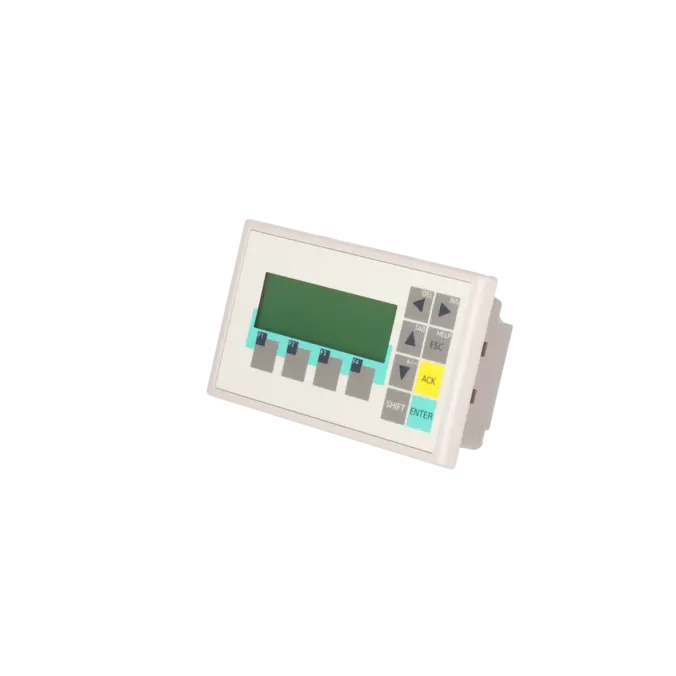
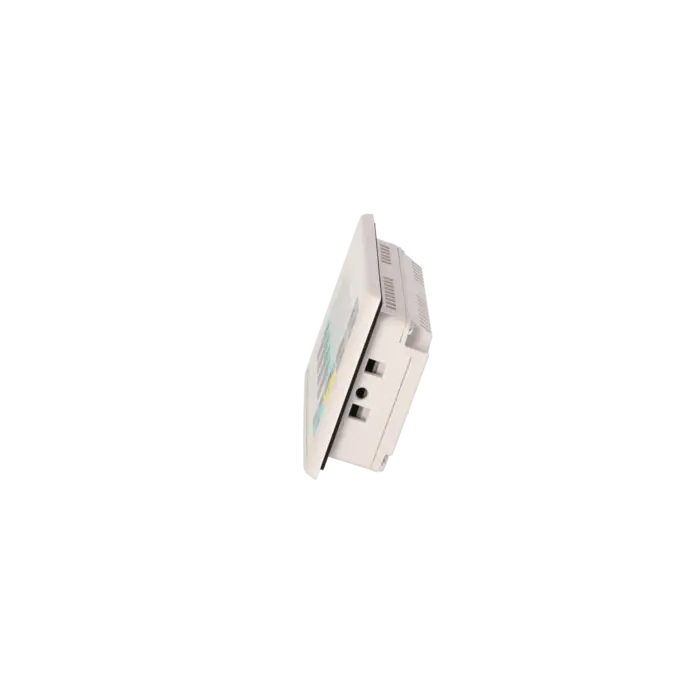
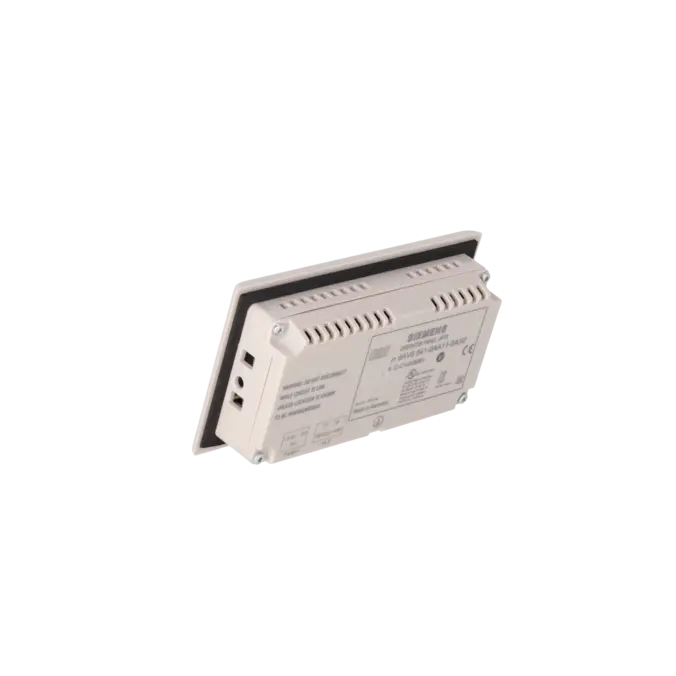
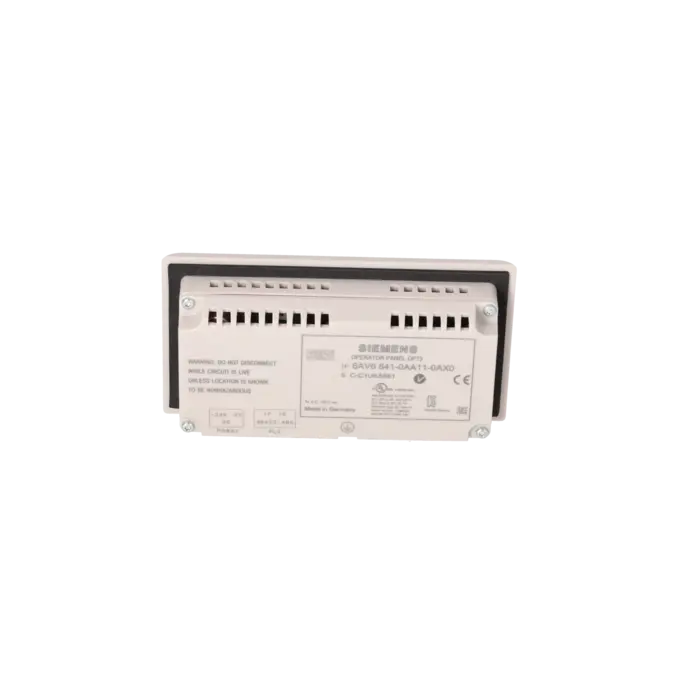
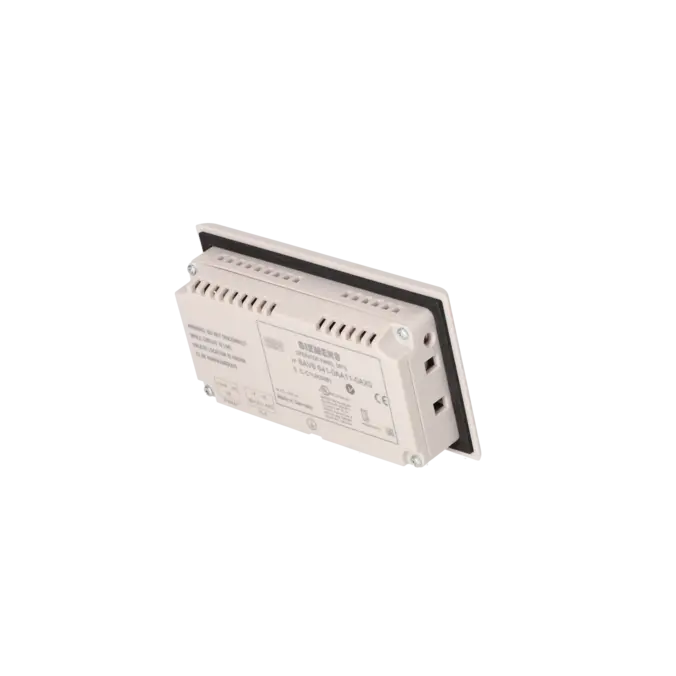
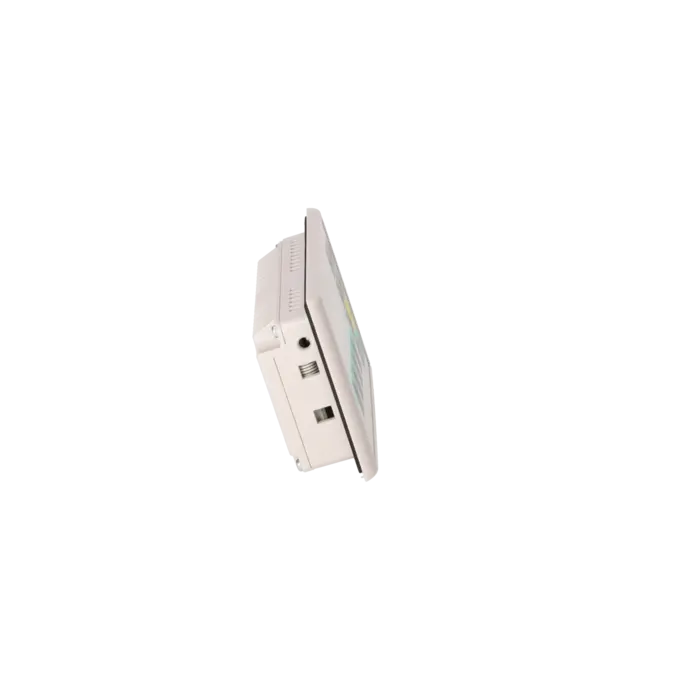
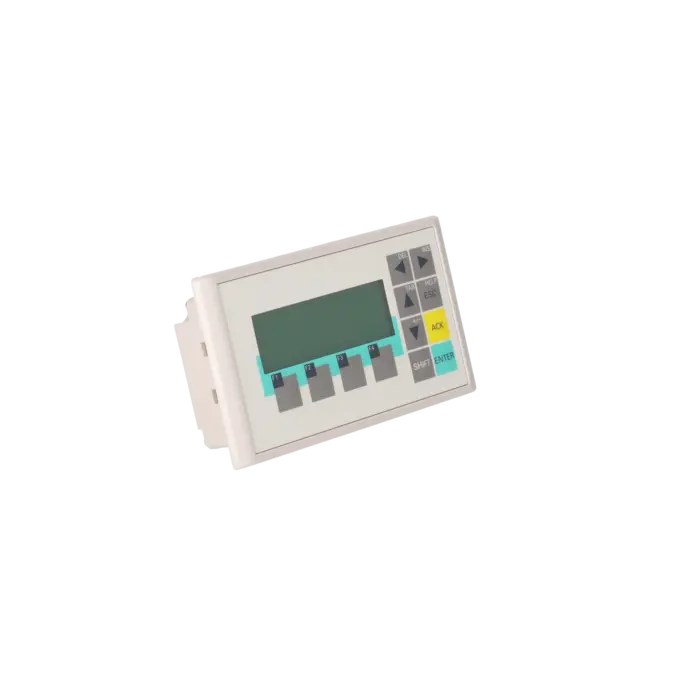
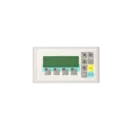
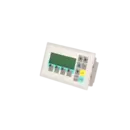



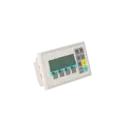
SIEMENS 6AV6641-0AA11-0AX0
- EICHLER-art.no.: K0170434
- EAN: 4025515071440
- UPC: 662643208795
Product description
SIMATIC OPERATOR PANEL OP 73 3 LC DISPLAY, GRAPHICS-CAPABLE, BACKLIT, MPI/PROFIBUS DP INTERFACE, TO 1.5 MB, CONFIGURABLE FROM WINCC FLEXIBLE 2004 COMPACT HSP CONTAINS OPEN SOURCE SOFTWARE, WHICH IS PROVIDED FREE OF CHARGE. SEE ENCLOSED CD
Services for SIEMENS 6AV6641-0AA11-0AX0
SIEMENS |
6AV6641-0AA11-0AX0 –
additional product information
| Delivery information | |||
|---|---|---|---|
| Export identifier | AL: N ECCN: N | ||
| Net weight | 0.291 | ||
| Quantity | 1 Stück | ||
| Packaging quantity | 1 | ||
| Additional product information | |||
|---|---|---|---|
| Product status | EOP: 2020-10-01 | ||
| EAN | 4025515071440 | ||
| UPC | 662643208795 | ||
| Static lot number | 85371098 | ||
| List indicator | ST9.80 | ||
| Product group | 4368 | ||
| Country of origin | DE | ||
| Compliance with the substance restrictions according to RoHS directive | Since: 20080331 | ||
| Product classifications | Version | Classification | |
|---|---|---|---|
| eClass | 4 | 27-36-01-02 | |
| eClass | 5.1 | 27-24-23-02 | |
| eClass | 6.0 | 27-24-23-02 | |
| ETIM | 3 | / | |
| ETIM | 4 | EC001412 | |
| ETIM | 5 | EC001412 | |
What is 6AV6641-0AA11-0AX0 and where is it used?
The SIEMENS 6AV6641-0AA11-0AX0 is the SIMATIC OP 73, a compact push-button HMI operator panel designed for machine-level operation and monitoring tasks. It is used where status messages, alarms, simple inputs and process values must be available directly on the machine.
Typical applications include legacy systems with SIMATIC S7-200, as well as S7-300/400 via MPI/PROFIBUS DP. For maintenance engineers, it is important that this panel is often tightly integrated into older machine concepts and is therefore frequently required as a spare part, retrofit component, repair item or replacement unit. For procurement and production, a compatible OP73 can often reduce downtime faster than a full HMI system replacement.
Overview of key technical data and what it means
The OP73 features a 3-inch STN LCD display with 160 × 48 pixels in monochrome. It is not a touchscreen device, but a membrane-key operated panel with 4 function keys, 8 system keys, and numeric, alphanumeric and hexadecimal input capability.
Communication is handled via an RS-485 interface for MPI/PROFIBUS DP with support up to 1.5 Mbit/s, clearly designed for classic serial HMI connections in legacy systems.
The front protection rating is IP65, while the rear is IP20. The device operates on 24 V DC, is designed for an operating temperature range of 0 to 50 °C, and runs on a Linux-based system.
For engineering, WinCC flexible Compact (from 2004 SP1 with HSP OP73) and other WinCC flexible versions are relevant.
Product status, life cycle status and obsolescence
From a lifecycle perspective, the SIMATIC OP 73 is no longer part of Siemens’ current HMI portfolio. Siemens has published an end-of-life/mature product notice for the OP73 and specifies the successor platform as the KP300 Basic mono PN (6AV6647-0AH11-3AX0).
According to EICHLER data, this specific MLFB has an EOP status as of 01.10.2020. For operators, this means that standard new procurement is increasingly risky and limited.
As a result, sourcing typically shifts towards refurbished units, exchange devices, repair services, or planned migration to a Basic Panel successor.
Available EICHLER services and when they are relevant
For legacy machines, four main options are relevant for the 6AV6641-0AA11-0AX0: repair, exchange, used units, and new-unit inquiry.
EICHLER offers repair, exchange, and used devices with short lead times of typically 1–3 days, while new units are available on request. Repair is especially valuable when the existing project, installation footprint and operator logic must remain unchanged.
According to EICHLER, the repair service includes technical cleaning, preventive maintenance, full functional testing, and at least a 24-month warranty. For procurement and production, this reduces the risk of unexpected downtime and helps maintain system availability even after obsolescence.
| Attribute | Value |
|---|---|
| Product type designation | OP 73 |
| Customer-specific configuration | No |
| Display | |
| Design of display | STN |
| Screen diagonal | 3 in |
| Color display | No |
| Number of colors | 2; Black/white |
| Resolution (pixels) | |
| ● Horizontal image resolution | 160 pixel |
| ● Vertical image resolution | 48 pixel |
| Backlighting | |
| ● MTBF backlighting (at 25 °C) | 100 000 h |
| Control elements | |
| Control elements | Membrane keyboard |
| Keyboard fonts | |
| ● Membrane keyboard | |
| — user-definable label membrane keys | No |
| ● Function keys | |
| — Number of function keys | 4 |
| — Number of function keys with LEDs | 0 |
| ● System keys | Yes |
| — Number of system keys | 8 |
| ● Numeric keyboard | Yes |
| ● alphanumeric keyboard | Yes |
| ● hexadecimal keyboard | Yes |
| ● Multi-key operation | Yes |
| Touch operation | |
| ● Design as touch screen | No |
| Connection type | |
| ● Type of connection for mouse/keyboard/barcode reader | - / - / - |
| Installation type/mounting | |
| Mounting position | vertical |
| maximum permissible angle of inclination without external ventilation | 80° |
| Supply voltage | |
| Type of supply voltage | DC |
| Input current | |
| Current consumption (rated value) | 0.1 A |
| Starting current inrush I²t | 0.5 A²·s |
| Processor | |
| Processor type | ARM |
| Memory | |
| Type of memory | Flash |
| Memory available for user data | 256 kbyte |
| Time of day | |
| Clock | |
| ● Type | Software clock, no battery backup |
| ● retentive | No |
| ● synchronizable | No |
| Interfaces | |
| Interfaces/bus type | 1x RS 485 (max. 1.5 Mbit/s) |
| Number of industrial Ethernet interfaces | 0 |
| Number of RS 485 interfaces | 1 |
| Number of RS 422 interfaces | 0 |
| Number of USB interfaces | 0 |
| Protocols | |
| Supports protocol for PROFINET IO | No |
| PROFIsafe | No |
| PROFIBUS | Yes |
| EtherNet/IP | No |
| Protocols (Ethernet) | |
| ● TCP/IP | No |
| Further protocols | |
| ● MODBUS | No |
| Degree and class of protection | |
| IP (at the front) | IP65 |
| IP (rear) | IP20 |
| NEMA (front) | NEMA 4x (when installed) |
| Standards, approvals, certificates | |
| Certificate of suitability | CE, GL, ABS, BV, DNV, LRS, UL, CSA, cULus, C-TICK, NEMA 4x |
| cULus | Yes |
| EAC (formerly Gost-R) | No |
| Suitable for safety functions | No |
| Use in hazardous areas | |
| ● ATEX Zone 2 | No |
| ● ATEX Zone 22 | No |
| ● FM Class I Division 2 | No |
| Marine approval | |
| ● Germanischer Lloyd (GL) | Yes |
| ● American Bureau of Shipping (ABS) | Yes |
| ● Bureau Veritas (BV) | Yes |
| ● Det Norske Veritas (DNV) | Yes |
| ● Lloyds Register of Shipping (LRS) | Yes |
| ● Nippon Kaiji Kyokai (Class NK) | Yes |
| ● Polski Rejestr Statkow (PRS) | No |
| Ambient conditions | |
| Ambient temperature during operation | |
| ● min. | 0 °C |
| ● max. | 50 °C |
| Ambient temperature during storage/transportation | |
| ● min. | -20 °C |
| ● max. | 60 °C |
| Relative humidity | |
| ● Operation, max. | 90 % |
| Operating systems | |
| pre-installed operating system | LINUX |
| configuration / header | |
| Message indicator | Yes |
| Alarm system (incl. buffer and acknowledgment) | Yes |
| Process value display (output) | Yes |
| Process value default (input) possible | Yes |
| Recipe management | No |
| Configuration software | |
| ● Configuration tool | WinCC flexible Compact Version 2004 SP 1 or higher; HSP OP 73 (to be ordered separately) |
| ● STEP 7 Basic (TIA Portal) | No |
| ● STEP 7 Professional (TIA Portal) | No |
| ● WinCC flexible Compact | Yes |
| ● WinCC flexible Standard | Yes |
| ● WinCC flexible Advanced | Yes |
| ● WinCC Basic (TIA Portal) | No |
| ● WinCC Comfort (TIA Portal) | Yes |
| ● WinCC Advanced (TIA Portal) | Yes |
| ● WinCC Professional (TIA Portal) | Yes |
| Languages | |
| Online languages | |
| ● Number of online/runtime languages | 5 |
| Project languages | |
| ● Languages per project | 32 |
| Functionality under WinCC (TIA Portal) | |
| Libraries | Yes |
| Task planner | Yes |
| Help system | Yes |
| ● Number of characters per info text | 320 |
| ● Number of tooltips | 0 |
| Message system | |
| ● Number of alarm classes | 32 |
| ● Number of messages | 500 |
| ● Bit messages | Yes |
| — Number of bit messages | 500 |
| ● Analog messages | Yes |
| — Number of analog messages | 0 |
| ● Telegram message procedure Alarm S | No |
| ● System messages HMI | Yes |
| ● System messages PLC | Yes |
| ● System event, more (SIMATIC S7, SINUMERIK, SIMOTION, ... ) | No |
| ● Number of characters per message | 80 |
| ● Number of process values per message | 8 |
| ● Acknowledgment groups | Yes |
| ● Message indicator | No |
| ● acoustic feedback | No |
| ● First/last value | Yes |
| Variables | |
| ● Number of variables per device | 1 000 |
| ● Number of variables per screen | 20 |
| ● Limit values | Yes |
| ● Multiplexing | Yes |
| ● Structures | No |
| Images | |
| ● Number of configurable images | 500 |
| ● Permanent window/default | Yes |
| ● Start screen configurable | Yes |
| ● Image selection by PLC | Yes |
| ● Image number in the PLC | Yes |
| Image objects | |
| ● Text objects | 1 000 text elements |
| ● Number of I/O fields per image | 20 |
| ● Index of screen context | No |
| ● Return | Yes |
| ● Graphics object | Bit maps, icons, icon (full-screen) |
| — Icons | 1 |
| — Icon (full screen) | 1 |
| Complex image objects | |
| ● Status/control | Not possible |
| ● dynamic objects | Bar graphs |
| ● Bar graphs | |
| — Number of bars per chart | 5 |
| ● Limit value lines | Yes |
| Attributes for dynamic objects | |
| ● Color change | No |
| ● X/Y movement | No |
| ● Hide | Yes |
| ● Angle of rotation | No |
| Lists | |
| ● Number of text lists per project | 150 |
| ● Number of graphics lists per project | 0 |
| Security | |
| ● Number of user groups | 50 |
| ● Number of user rights | 32 |
| ● Password export/import | Yes |
| Transfer (upload/download) | |
| ● Transfer of configuration | MPI/PROFIBUS DP, serial, automatic transfer recognition |
| Process coupling | |
| ● Connection to controller | S7-200, S7- 300/400, Win AC see section on "System interfaces" |
| ● S7-200 | Yes |
| — PPI (point-to-point) | Yes |
| — PPI network | Yes |
| — product function / for process coupling / with S7-200 / for WinCC in the TIA Portal / MPI | Yes |
| — product function / for process coupling / with S7-200 / for WinCC in the TIA Portal / PROFIBUS DP | Yes |
| ● S7-300/400 | Yes |
| — MPI | Yes |
| — PROFIBUS DP | Yes |
| — PROFINET | No |
| ● S5 | No |
| — serial | No |
| — PROFIBUS DP | No |
| ● TI 505 | No |
| ● Allen Bradley (DF1) | No |
| ● Allen Bradley (DF485) | No |
| ● Mitsubishi (FX) | No |
| ● Mitsubishi (MP4) | No |
| ● Telemecanique (ADJUST) | No |
| ● Telemecanique (Uni-Telway) | No |
| ● OMRON (LINK/Multilink) | No |
| ● Modicon (Modbus) | No |
| ● GE-Fanuc (SNP) | No |
| Functions | |
| ● Key repeat | Yes |
| ● TAB sequence | Yes |
| ● Calculating functions | Yes |
| ● Animate | No |
| ● Menu tree editor | No |
| ● Unit switchover | No |
| Service tools/configuration aids | |
| ● Clean screen | No |
| ● Touch calibration | No |
| ● Backup/Restore manually | Yes |
| ● Simulation | No |
| ● Device switchover | Yes |
| ● Delta transfer | No |
| ● Monitoring function for battery and memory | No |
| ● Trace (operation archive) | No |
| Expandability/openness | |
| ● Open Platform Program | No |
| Peripherals/Options | |
| Additional software components loadable | Yes |
| Dimensions | |
| Width of the housing front | 154 mm |
| Height of housing front | 84 mm |
| Mounting cutout, width | 138 mm |
| Mounting cutout, height | 68 mm |
| Overall depth | 28.5 mm |
| Weights | |
| Weight (without packaging) | 0.25 kg |
| Fault description | Possible solution |
|---|---|
| Why can a project not be transferred to the OP73? | First check in the loader whether Channel 2 is enabled for MPI/DP, whether Remote on/Remote off is correctly set, whether the MPI/DP address is unique, and whether the baud rate exactly matches the network. Siemens explicitly documents that each address may only appear once in the network and that the baud rate must be identical across the entire MPI/PROFIBUS DP network. In SPS-Forum discussions, this issue is very often traced back to missing or incorrect transfer parameters directly on the panel. |
| Why does WinCC flexible report “invalid station address” or why is the PROFIBUS connection unstable? | The OP73 communicates with S7-300/400 via PROFIBUS DP up to 1.5 Mbit/s. SPS-Forum users also point out a typical issue: for OP73/OP77A, a highest station address above 63 combined with 1.5 Mbit/s can cause communication problems. Therefore, first reduce the highest station address to 63, verify network profile and baud rate, and then download the configuration again. |
| Why is the display dark or barely readable even though the OP73 still starts? | In the loader, the display can be adjusted via Info/Settings > Contrast. Siemens explicitly states that incorrect contrast settings can make the screen nearly unreadable. Therefore, check the contrast setting first before assuming a hardware fault. If the display remains weak or poorly readable after correct adjustment, the display unit must be checked. |
| What can I do if I can no longer access “Logon/Settings” due to a missing password? | Siemens documents that if the loader password is no longer available, access to Logon/Settings is only possible again after an operating system update. This process overwrites the data on the HMI device. Therefore, existing project data, backups and the engineering project source should be checked and secured beforehand. |
| Why can an existing project not be uploaded directly from the OP73? | In the Siemens manual, project upload is explicitly described only for the OP77B. For OP73/OP77A, backup and restore via WinCC flexible or ProSave are required instead. If the project source is missing, you therefore need an existing backup from the engineering PC or must treat the device as a runtime system, not as a full source for retrieving the original project engineering. |
Is 6AV6641-0AA11-0AX0 still available?
Yes, the part is still relevant on the market as a spare part, exchange unit, refurbished device, or repair item. However, it is no longer a current standard HMI device: Siemens has published an end-of-life / mature product notice for the OP73, and EICHLER classifies the specific MLFB as EOP (End of Production).
In terms of procurement, this means availability should not be assumed as guaranteed. For machine downtime protection, it is generally safer to plan with repair, exchange, or pre-qualified replacement units rather than relying on spontaneous new procurement.
Which successor is intended for the OP73?
Siemens specifies the KP300 Basic mono PN as the successor to the OP73. This is particularly important for users planning not just a replacement part, but a long-term migration to a modern HMI platform.
In Siemens documentation, the KP300 Basic mono PN is explicitly described as the successor to the OP73, including a migration concept for mapping function keys. This allows retrofit projects to be prepared more systematically rather than performing an unplanned 1:1 replacement under time pressure.
Which software is used to engineer the OP73?
According to Siemens product data, the OP73 is primarily engineered using WinCC flexible Compact (from version 2004 SP1 with HSP OP73). Additionally, WinCC flexible Standard and Advanced are also listed as supported engineering environments.
For plant operators, this is important because a hardware failure is often not just about replacing the device, but also ensuring access to the correct engineering software and original project data. Without a matching engineering environment, commissioning and recovery can be significantly delayed.
Can the OP73 still be operated in existing MPI/PROFIBUS systems?
Yes, this is exactly what the device was designed for in many legacy systems. The OP73 communicates with SIMATIC S7-200 and S7-300/400 via MPI/PROFIBUS DP, with up to 1.5 Mbit/s for S7-300/400 systems.
In practice, continued operation is generally possible if the installation, power supply, project data, and communication parameters remain consistent. Most issues in the field are not due to the panel itself, but rather to incorrect transfer settings, missing project data, or misconfigured network parameters.
Is repair or replacement the better option in case of failure?
This depends mainly on downtime pressure, project availability, and retrofit effort. A repair is ideal if the existing operating concept, installation footprint, and project state must remain unchanged.
An exchange unit is usually the fastest way to restore production. EICHLER offers both options as well as refurbished devices for this MLFB.
Since Siemens has already defined a successor and the OP73 is no longer part of the current product range, repair is often economically attractive in existing installations, while a migration to KP300 Basic mono PN is preferable when a planned modernization is already intended.
Can an existing OP73 project be migrated to a newer panel?
Yes. Siemens provides documented migration paths for this. For the transition from OP73 to KP300 Basic mono PN, Siemens publishes a dedicated migration guide, including mapping of function keys.
For migration into WinCC (TIA Portal), Siemens supports imports from earlier WinCC flexible 2008 SP2/SP3 projects. This is important because replacing the device is not only a mechanical or electrical task, but also requires careful handling of project data, operator logic, and communication configuration.
Migration is therefore fully possible—but it should be treated as a planned retrofit rather than an emergency workaround during downtime.