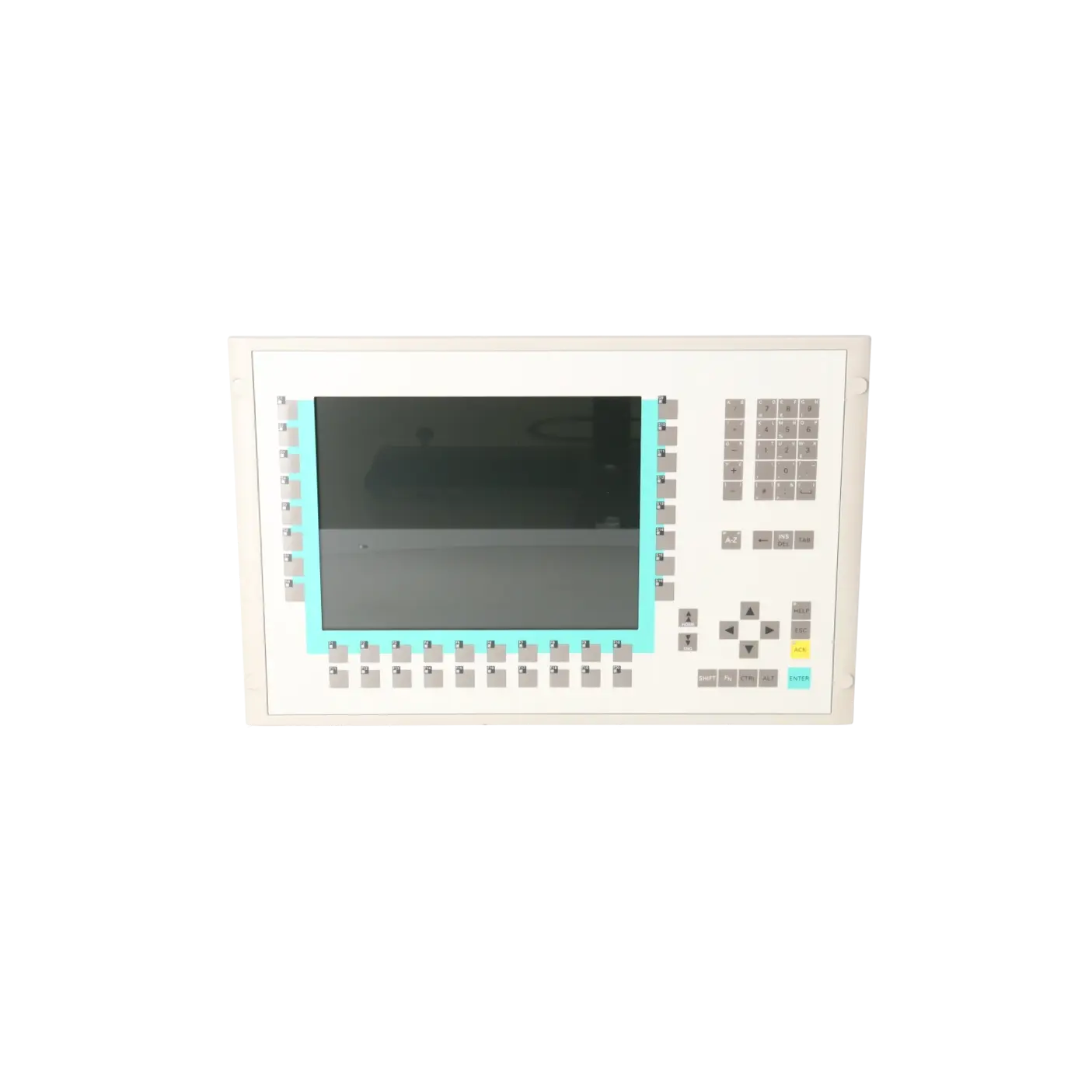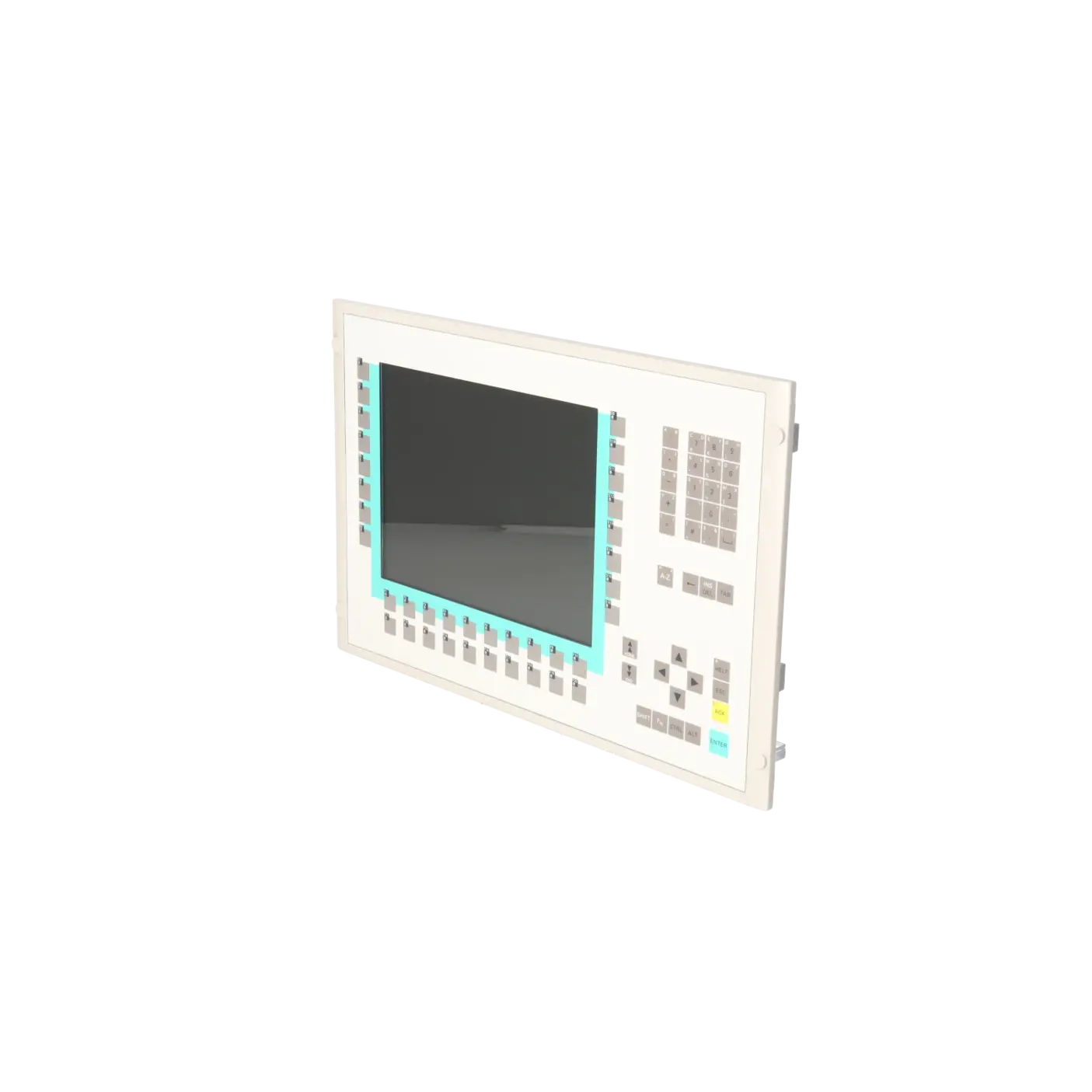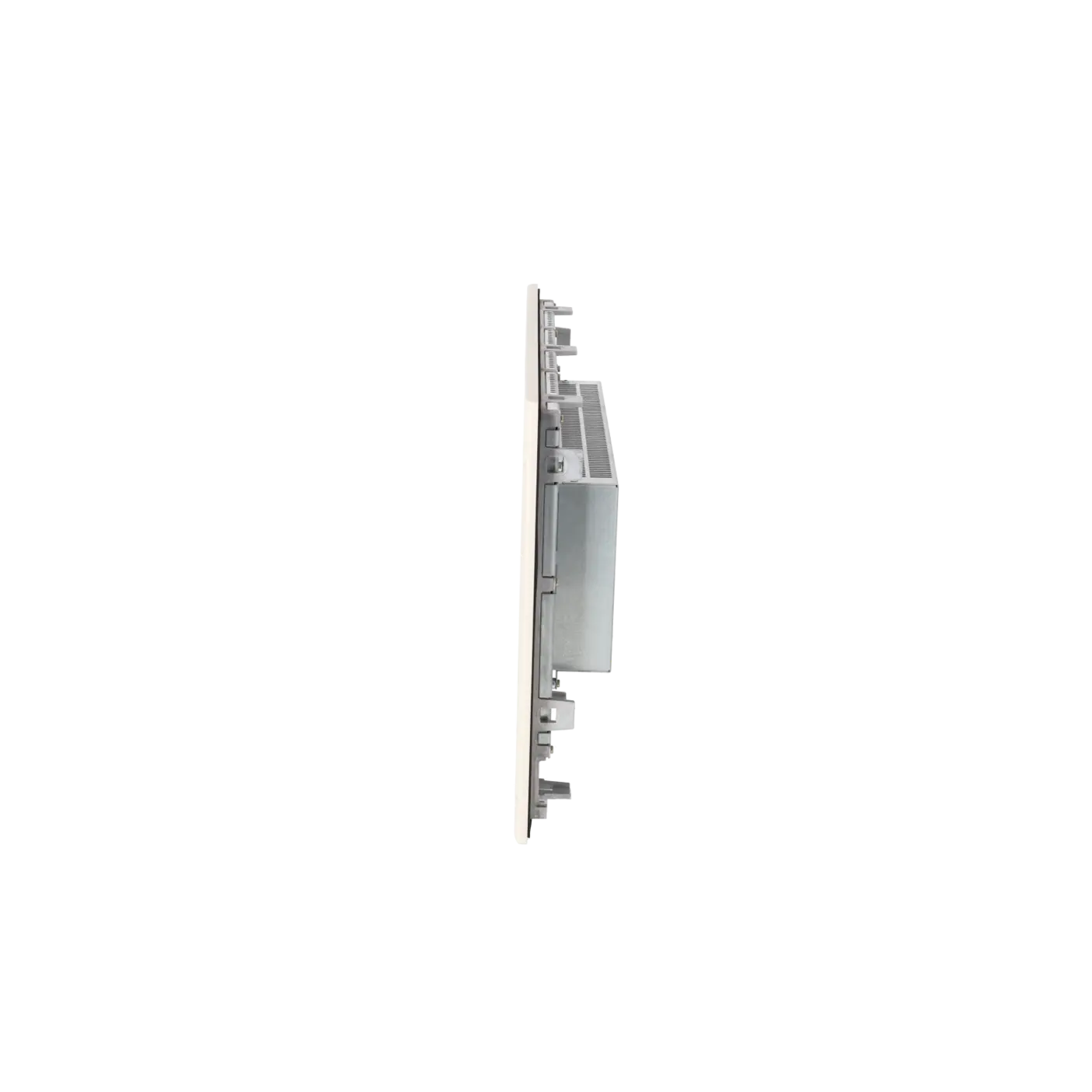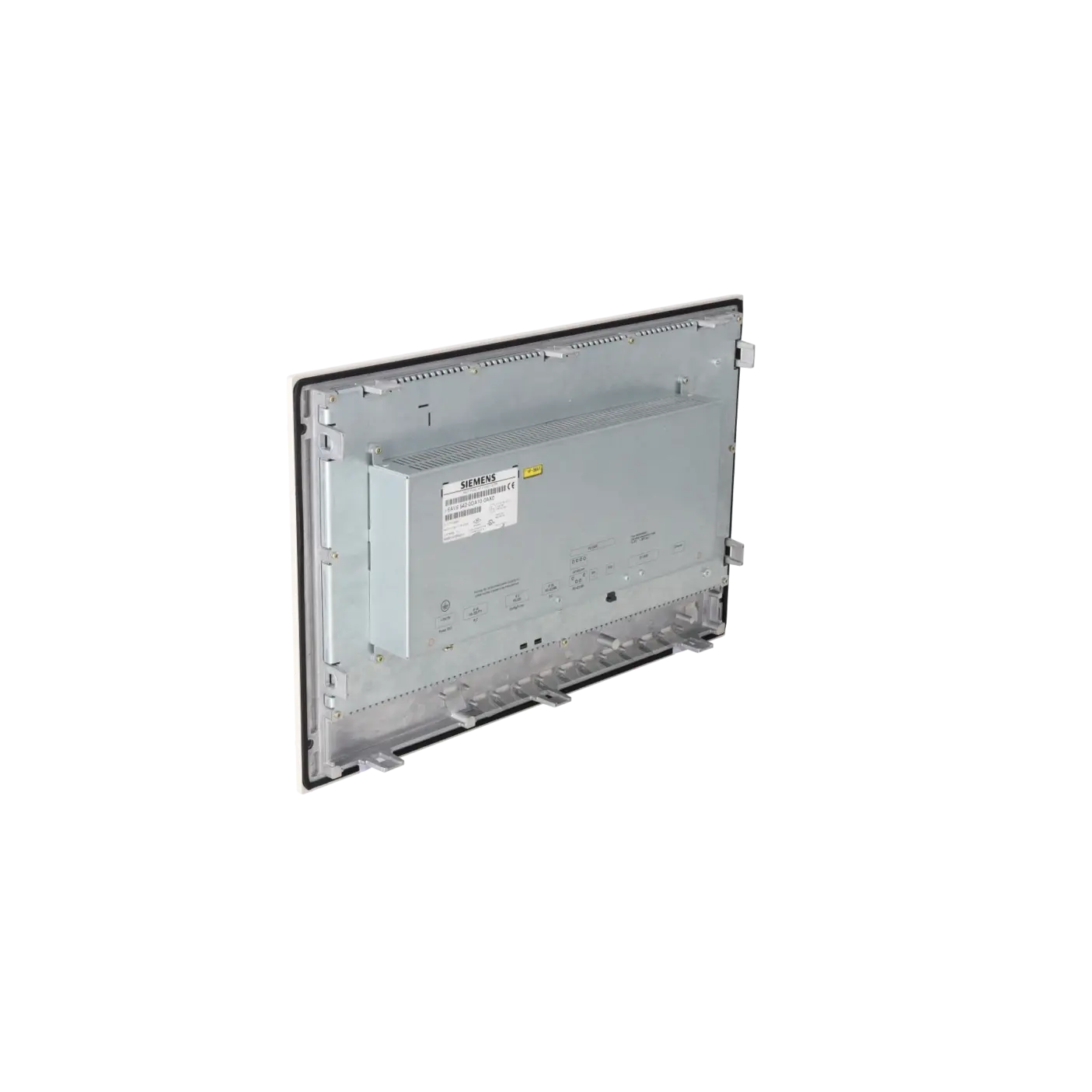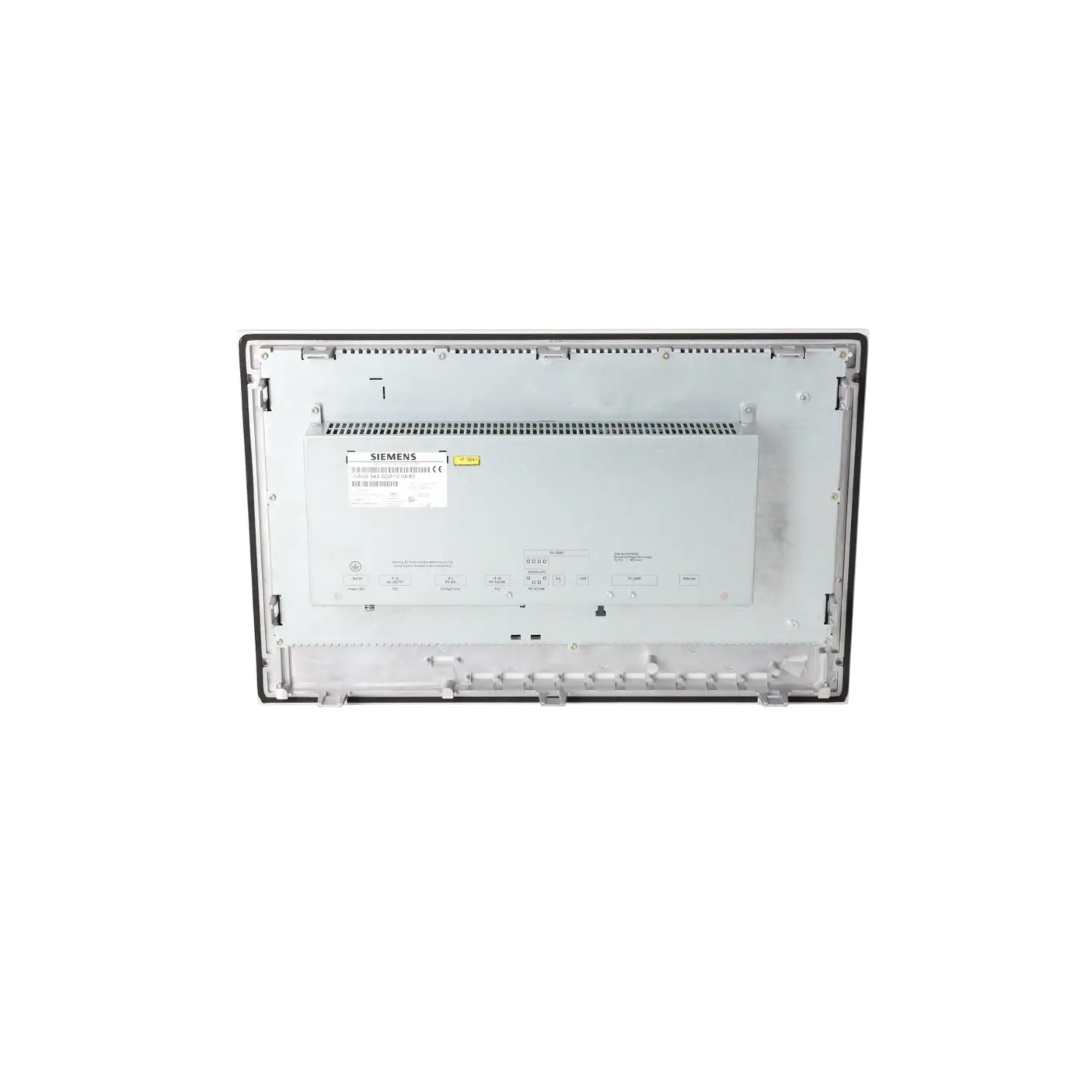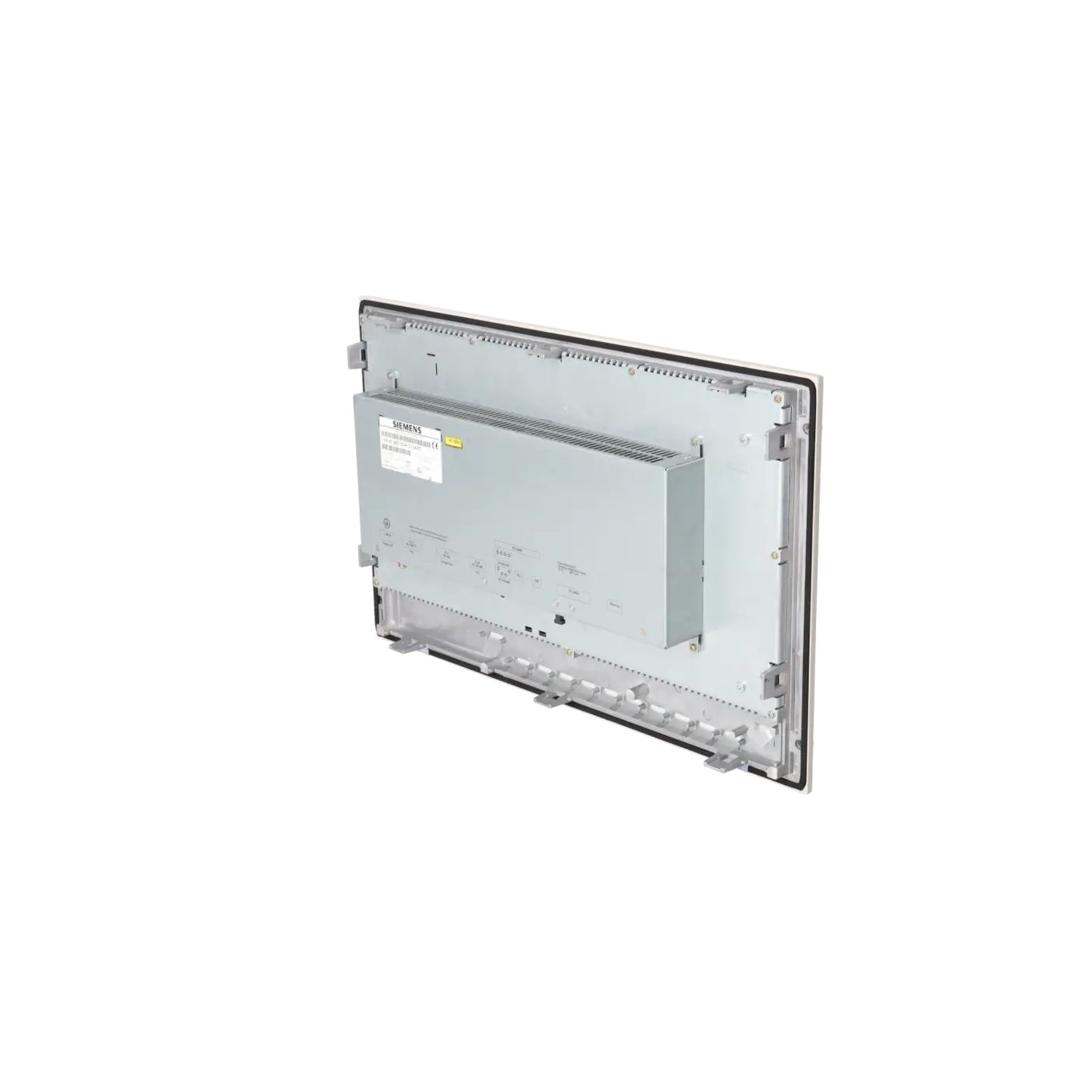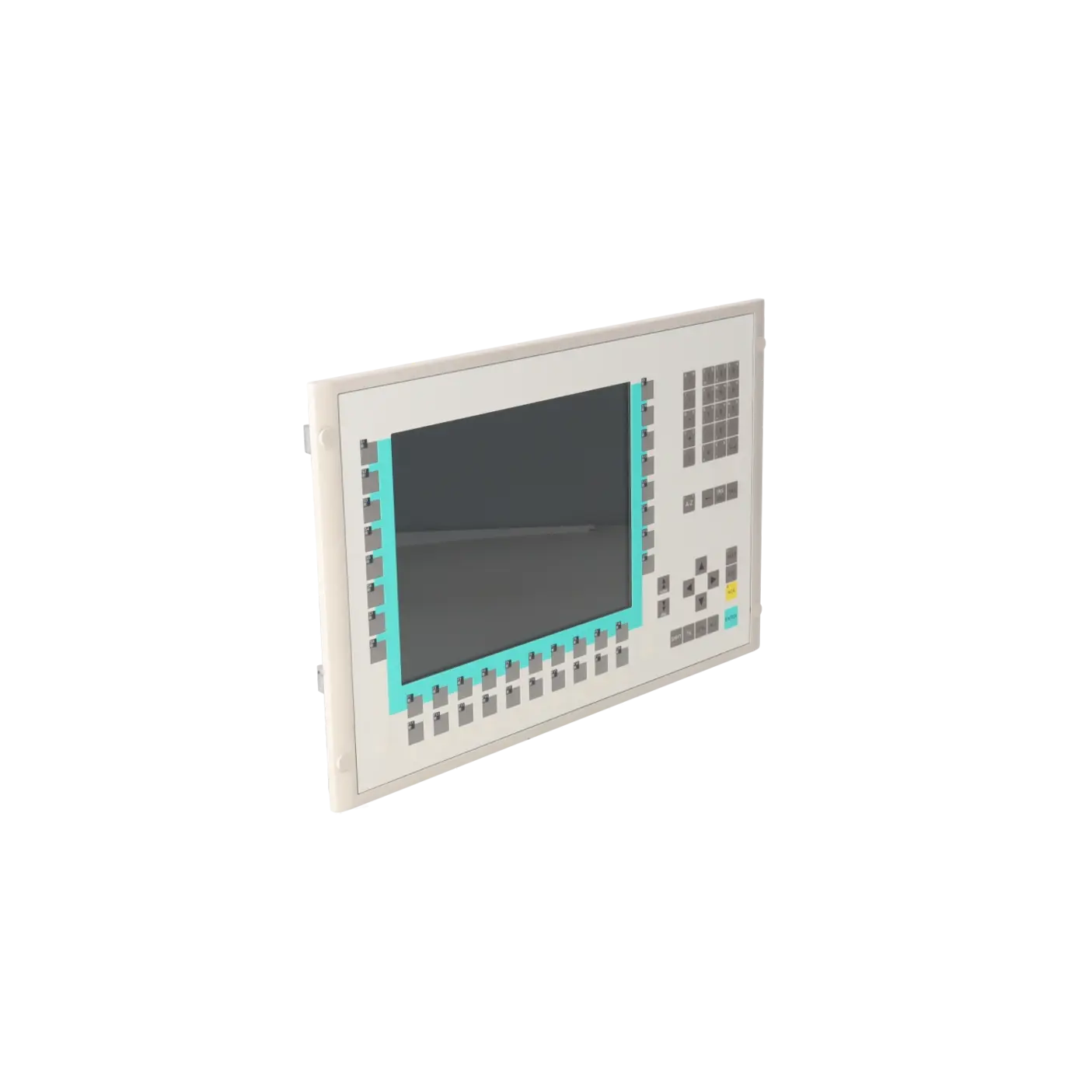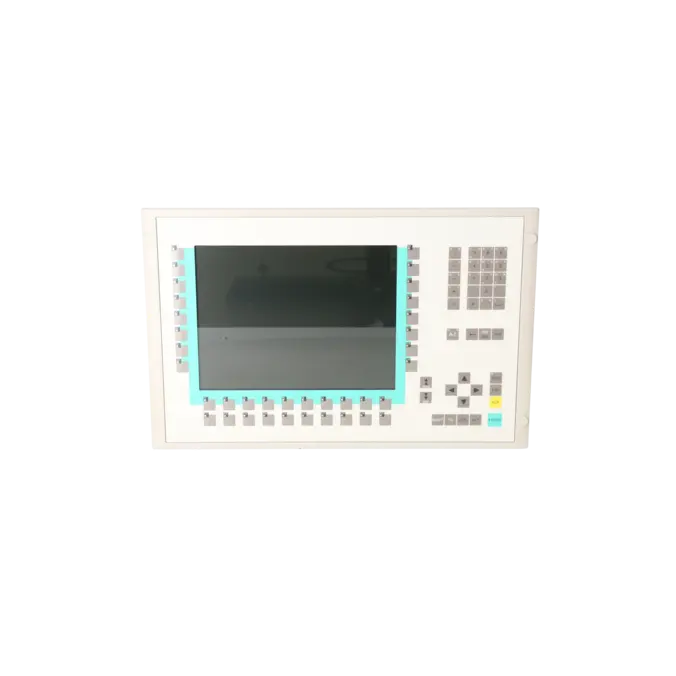
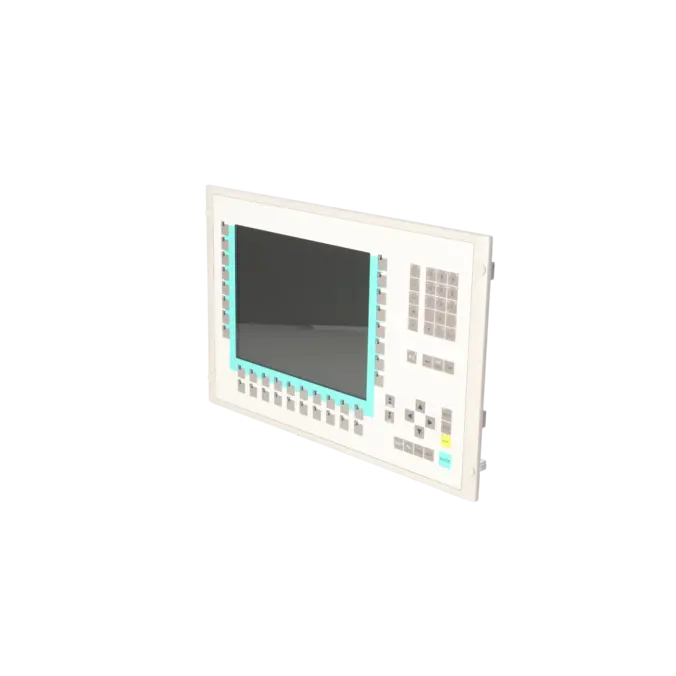
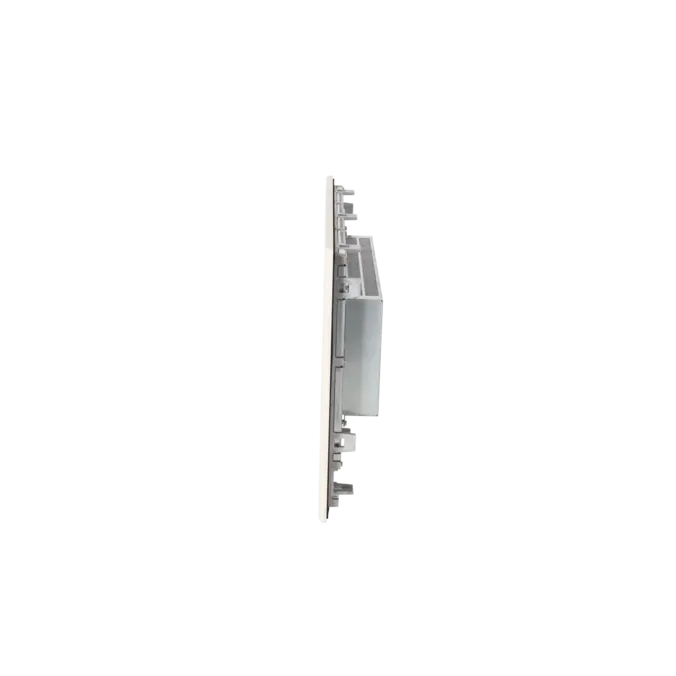
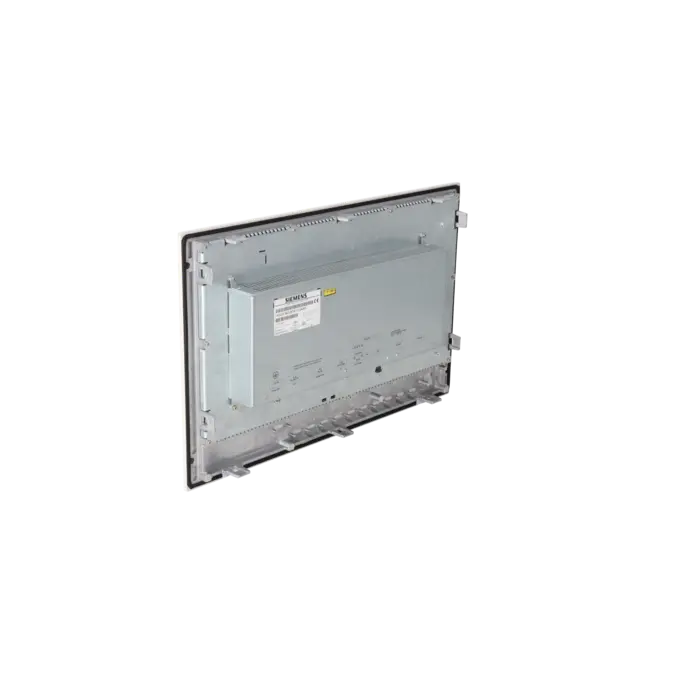
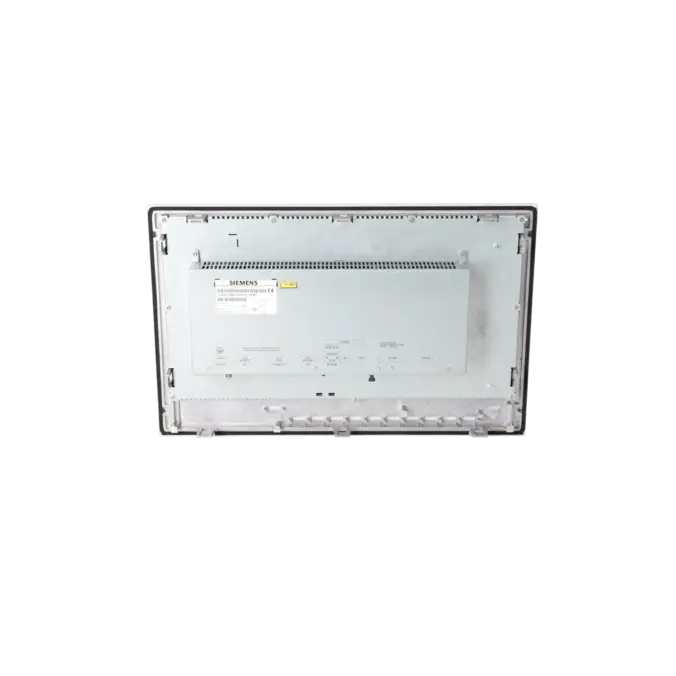
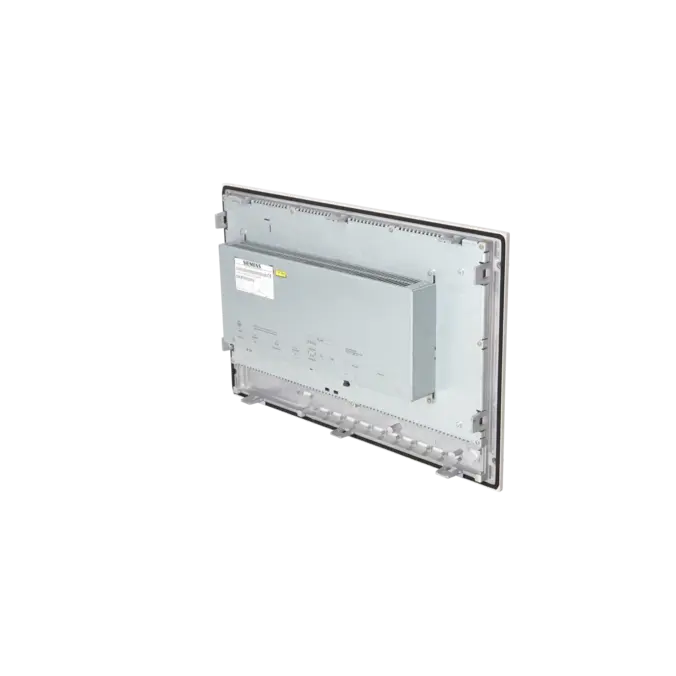
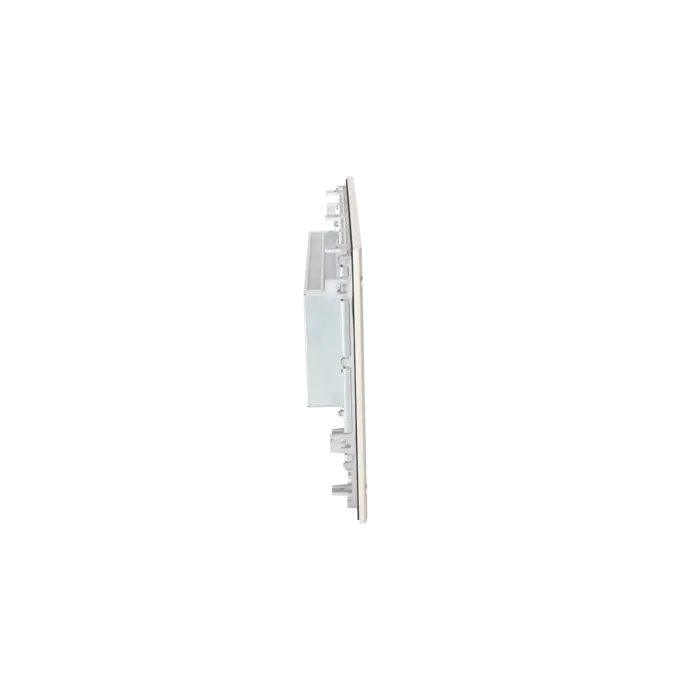
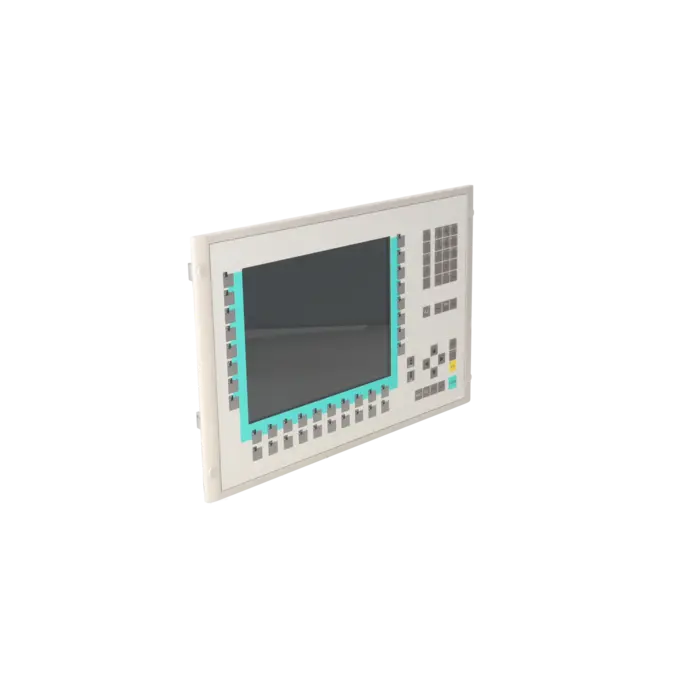
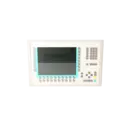

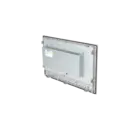

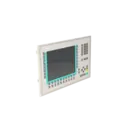
SIEMENS 6AV6542-0DA10-0AX0
- EICHLER-art.no.: K0116919
- EAN: 4025515066453
Product description
SIMATIC MULTIPANEL MP370 12" FARB-TFT-DISPLAY, TASTEN WINDOWS CE 3.0 PROJEKTIERBAR MIT PROTOOL AB VERSION V5.2+SP3
Services for SIEMENS 6AV6542-0DA10-0AX0
SIEMENS |
6AV6542-0DA10-0AX0 –
additional product information
| Delivery information | |||
|---|---|---|---|
| Export identifier | AL: ECCN: | ||
| Net weight | 8 | ||
| Quantity | 1 Stück | ||
| Packaging quantity | 1 | ||
| Additional product information | |||
|---|---|---|---|
| Product status | EOP: 2008-08-01 | ||
| EAN | 4025515066453 | ||
| UPC | / | ||
| Static lot number | 85371095 | ||
| List indicator | / | ||
| Product group | / | ||
| Country of origin | DE | ||
| Compliance with the substance restrictions according to RoHS directive | Since: / | ||
| Product classifications | Version | Classification | |
|---|---|---|---|
| eClass | 4 | / | |
| eClass | 5.1 | / | |
| eClass | 6.0 | / | |
| ETIM | 3 | / | |
| ETIM | 4 | / | |
| ETIM | 5 | / | |
What is 6AV6542-0DA10-0AX0 and where is it used?
The 6AV6542-0DA10-0AX0 is a SIEMENS SIMATIC MP370 12" Key Multi Panel designed for industrial operator control and visualisation tasks. It is a key-operated HMI device featuring a 12.1-inch colour TFT display, intended for use in machinery, production systems and process applications where operators need to enter process values, acknowledge alarms, manage recipes or monitor operating conditions. With its robust IP65-rated front panel, the device is suitable for installation in control cabinets or operator consoles within industrial environments. Typical applications include existing SIMATIC S7 installations, retrofit projects, spare-parts procurement for established production lines and the strategic support of legacy HMI platforms, particularly where a complete system upgrade is not desirable.
Overview of the key technical specifications and what they mean
The panel features a 12.1-inch TFT colour display with a resolution of 800 × 600 pixels. Unlike a touchscreen device, it is a key-operated panel equipped with 36 function keys with LEDs, 38 system keys, and facilities for numeric, alphanumeric and hexadecimal data entry. For maintenance and retrofit applications, the available communication interfaces are particularly important: TTY, RS232, RS422, RS485, Ethernet RJ45, USB, PC Card and CompactFlash card slots. This makes the panel suitable for integration into both legacy and mixed communication environments. The unit is powered by DC voltage and has a typical power consumption of 28 W. The protection rating is specified as IP65 on the front and IP20 on the rear. The panel can be engineered using ProTool from Version 5.2 SP3 onwards or WinCC flexible Standard from Version 2004 onwards, which is a key consideration for future service and migration planning.
Product status, life-cycle status and obsolescence status
For the 6AV6542-0DA10-0AX0, the EICHLER product page lists an EOP (End of Production) date of 01 August 2008. Siemens continues to classify the MP370 12" Key as a spare part within its support portfolio, clearly indicating that it is no longer part of the mainstream new-product range. For operators, the focus today is therefore on asset preservation, repair, replacement and controlled modernisation. Siemens identified the MP377 12" Key as the direct successor within the original product family. For more extensive modernisation projects, Siemens further references the KP1500 Comfort as the migration path from the MP377 12" Key within the Comfort Panel environment. As a result, the 6AV6542-0DA10-0AX0 should be regarded as a legacy product approaching obsolescence, where serviceability and data migration capabilities are particularly important.
Available EICHLER services and when they are relevant
For the 6AV6542-0DA10-0AX0, EICHLER currently offers repair services, exchange units, used devices and new units on request. For maintenance teams, a repair is often the preferred solution when the existing project, installation arrangement and communication interfaces are to remain unchanged. An exchange unit is particularly valuable when downtime must be minimised and a working replacement is required quickly. Used devices can be attractive when budget considerations, availability and compatibility with the existing installation are the primary concerns. An optional test report is also available. According to EICHLER, repairs include technical cleaning, preventive maintenance, comprehensive functional testing and a minimum 24-month warranty. For discontinued HMI platforms, these services help ensure that the operational reliability of existing installations can continue to be supported in a planned and economically viable manner despite increasing obsolescence.
| Attribute | Value |
|---|---|
| Customer-specific configuration | No |
| Display | |
| Design of display | TFT, 256 colors |
| Screen diagonal | 12.1 in |
| Resolution (pixels) | |
| ● Horizontal image resolution | 800 Pixel |
| ● Vertical image resolution | 600 Pixel |
| Backlighting | |
| ● MTBF backlighting (at 25 °C) | 50 000 h |
| Control elements | |
| Control elements | Membrane keyboard |
| Keyboard fonts | |
| ● Membrane keyboard | Yes |
| — user-definable label membrane keys | Yes |
| ● Function keys | |
| — Number of function keys | 36 |
| — Number of function keys with LEDs | 36 |
| ● System keys | |
| — Number of system keys | 38 |
| ● Numeric keyboard | Yes |
| ● alphanumeric keyboard | Yes |
| ● hexadecimal keyboard | Yes |
| ● Multi-key operation | Yes |
| — Number of multi-key operations | 36 |
| Touch operation | |
| ● Design as touch screen | No |
| Connection type | |
| ● Type of connection for mouse/keyboard/barcode reader | USB / USB / USB |
| Special operator controls | |
| ● Illuminated pushbutton | Yes |
| Installation type/mounting | |
| Mounting position | vertical |
| maximum permissible angle of inclination without external ventilation | 35° |
| Supply voltage | |
| Type of supply voltage | DC |
| UPS connectable (serial) | Yes |
| Input current | |
| Current consumption (rated value) | 1.15 A |
| Starting current inrush I²t | 0.5 A²·s |
| Power | |
| Active power input, typ. | 28 W |
| Processor | |
| Processor type | MIPS |
| Memory | |
| Type of memory | Flash / RAM |
| Memory available for user data | 7 168 kbyte |
| Battery | |
| Backup battery | |
| ● Backup battery (optional) | Yes; optional 3.6 V |
| ● Backup time, min. | 3 y |
| Type of output | |
| Info LED | Yes |
| Power LED | No |
| Error LED | Yes |
| Time of day | |
| Clock | |
| ● Type | Hardware clock, battery backup, synchronizable |
| ● retentive | Yes; yes, via optional battery |
| ● synchronizable | Yes |
| Interfaces | |
| Interfaces/bus type | 1x TTY, 2x RS 232, 1x RS 422, 1x RS 485, 1x Ethernet (RJ45) (max. 12 Mbit/s) |
| USB port | Yes; 1x USB |
| PC card slot | 1x PC card slot |
| CF card slot | 1x CF card slot |
| Degree and class of protection | |
| IP (at the front) | IP65 |
| IP (rear) | IP20 |
| Standards, approvals, certificates | |
| Certificate of suitability | CE, FM Class I Div. 2, cULus, EX Zone 2/22 |
| Ambient conditions | |
| Ambient temperature during operation | |
| ● min. | 0 °C |
| ● max. | 50 °C |
| Ambient temperature during storage/transportation | |
| ● min. | -20 °C |
| ● max. | 60 °C |
| Relative humidity | |
| ● Operation, max. | 85 % |
| Operating systems | |
| pre-installed operating system | Windows CE |
| Configuration | |
| Configuration software | |
| ● Configuration tool | ProTool Version 5.2 SP 3 or higher, or WinCC flexible Standard Version 2004 or higher (to be ordered separately) |
| Languages | |
| Online languages | |
| ● Number of online/runtime languages | 5 |
| Project languages | |
| ● Languages per project | 32 |
| Functionality under WinCC (TIA Portal) | |
| Libraries | Yes |
| Number of Visual Basic Scripts | |
| ● Debugging in the simulator | No |
| Task planner | Yes |
| Help system | Yes |
| ● Number of characters per info text | 70 |
| ● Number of tooltips | 0 |
| Message system | |
| ● Number of alarm classes | 32 |
| ● Number of messages | 4 000 |
| ● Bit messages | Yes |
| — Number of bit messages | 4 000 |
| ● Analog messages | Yes |
| — Number of analog messages | 4 000 |
| ● Telegram message procedure Alarm S | Yes |
| ● System messages HMI | Yes |
| ● System messages PLC | Yes |
| ● System messages, other (SIMATIC S7, Sinumerik, Simotion, etc.) | Yes |
| ● Lines | 1 |
| ● Number of characters per message | 80 |
| ● Number of process values per message | 8 |
| ● Acknowledgment groups | Yes |
| ● Message indicator | Yes |
| ● acoustic feedback | No |
| ● First/last value | Yes |
| Recipe management | |
| ● Number of recipes | 500 |
| ● Data records per recipe | 1 000 |
| ● Entries per data record | 1 000 |
| ● Recipe memory | 128 KB integrated Flash, expandable |
| Variables | |
| ● Number of variables per device | 2 048 |
| ● Number of variables per screen | 400 |
| ● Number of variables | 2 000 |
| ● Initial values | 2 048 |
| ● Type Date & Time | 2 048 |
| ● Limit values | Yes |
| ● Multiplexing | Yes |
| ● Structures | Yes |
| Images | |
| ● Number of configurable images | 500 |
| ● Permanent window/default | Yes |
| ● Start screen configurable | Yes |
| ● Image selection by PLC | Yes |
| ● Image number in the PLC | Yes |
| Image objects | |
| ● Text objects | 30 000 text elements |
| ● Number of I/O fields per image | 400 |
| ● Number of date/time fields | 400 |
| ● Index of screen context | No |
| ● Return | Yes |
| ● Graphics object | Bit maps, icons, vector graphics |
| — Icons | 2 000 |
| — Icon (full screen) | 0 |
| Complex image objects | |
| ● Status/control | With SIMATIC S7 |
| ● dynamic objects | Diagrams, bar graphs, sliders, analog display, invisible buttons |
| — Number of objects per project | 2 000 |
| — Number of curve diagrams per image | 20 |
| ● Methods | Trend / profile |
| ● Bar graphs | |
| — Number of bars per chart | 20 |
| ● Sliders | |
| — Number of slides per image | 20 |
| ● Pointer instruments | |
| — Number of analog indicators per image | 20 |
| ● Limit value lines | Yes |
| ● Number of alphanumerical fields | 300 |
| — alphanumeric fields per image | 400 |
| ● Number of numerical fields | 2 048 |
| — numerical fields per image | 400 |
| ● Number of password fields | 2 048 |
| ● Number of visible switches per project | 400 |
| — visible switches per image | 400 |
| — hidden switches per image | 400 |
| ● Number of status switches per project | 400 |
| — Number of status switches per image | 400 |
| ● Number of selector switches per project | 400 |
| — Selector switches per image | 400 |
| ● Number of decade switches per project | 400 |
| — Decade switches per image | 400 |
| ● Number of signal lamps per project | 400 |
| — Signal lamps per image | 400 |
| Attributes for dynamic objects | |
| ● Color change | Yes |
| ● X/Y movement | Yes |
| ● Hide | Yes |
| ● Angle of rotation | No |
| Lists | |
| ● Number of text lists per project | 500 |
| ● Number of text lists per image | 400 |
| ● Number of entries per text list | 256 |
| ● Number of graphics lists per project | 500 |
| ● Number of graphic lists per image | 400 |
| ● Number of entries per graphics list | 256 |
| Archiving | |
| ● Number of archives per device | 50 |
| ● Number of measuring points per project | 50 |
| ● Number of entries per archive | 50 000 |
| ● Message archive | Yes |
| ● Process value archive | Yes |
| ● Archiving methods | Sequential log, circular log, alarm log, process value archive |
| — Sequential archive | Yes |
| — Short-term archive | Yes |
| ● Memory location | PC card, CF card, Ethernet |
| — PC card | Yes |
| — CF card | Yes |
| — USB memory | No |
| — Ethernet | Yes |
| ● Data storage format | CSV file, readable, e.g. with MS Excel, MS Access |
| — CSV | Yes |
| — TXT | No |
| ● external evaluation | readable, e.g. with MS Excel, MS Access, etc. |
| ● Size of archive | depending on free memory on ext. card/stick or on free hard disk space via network drive |
| ● Online evaluation | via trends |
| — using trend curves | Yes |
| Filters | |
| ● cyclic | Yes |
| ● Tolerance | Yes |
| ● Change | Yes |
| Security | |
| ● Number of user groups | 50 |
| ● Number of user rights | 32 |
| ● Password export/import | Yes |
| Data carrier support | |
| ● PC card | Yes |
| ● CF card | Yes |
| ● Diskette drive | No |
| ● Hard disk | No |
| ● CD-ROM | No |
| Logging through printer | |
| ● Recording/Printing | Alarms, report (shift report), color print, hardcopy |
| Transfer (upload/download) | |
| ● Transfer of configuration | MPI/PROFIBUS DP, serial, USB, Ethernet, by means of external storage medium, automatic transfer recognition |
| Process coupling | |
| ● Connection to controller | S5, S7-200, S7- 300/400, TI 505, Win AC, PC (TCP/IP), SINUMERIK, SIMOTION, Allen Bradley (DF1), Allen Bradley (DF485), Mitsubishi (FX), Telemecanique (ADJUST), OMRON (LINK/Multilink), Modicon (Modbus), for further non-Siemens drivers, see section on "System interfaces" |
| ● S7-200 | Yes |
| — PPI (point-to-point) | Yes |
| — PPI network | Yes |
| — MPI | Yes |
| — PROFIBUS DP | Yes |
| ● S7-300/400 | Yes |
| — MPI | Yes |
| — PROFIBUS DP | Yes |
| — PROFINET | Yes |
| ● S5 | Yes |
| — serial | Yes |
| — PROFIBUS DP | Yes |
| ● TI 505 | Yes |
| ● Allen Bradley (DF1) | Yes |
| ● Allen Bradley (DF485) | Yes |
| ● Mitsubishi (FX) | Yes |
| ● Mitsubishi (MP4) | Yes |
| ● Telemecanique (ADJUST) | Yes |
| ● Telemecanique (Uni-Telway) | Yes |
| ● OMRON (LINK/Multilink) | Yes |
| ● Modicon (Modbus) | Yes |
| ● GE-Fanuc (SNP) | Yes |
| Functions | |
| ● Key repeat | Yes |
| ● TAB sequence | Yes |
| ● Calculating functions | Yes |
| ● Animate | Yes |
| ● Menu tree editor | No |
| ● Unit switchover | No |
| Service tools/configuration aids | |
| ● Clean screen | No |
| ● Touch calibration | No |
| ● Backup/Restore manually | Yes |
| ● Simulation | Yes |
| ● Device switchover | Yes |
| ● Delta transfer | Yes |
| ● Monitoring function for battery and memory | Yes |
| ● Trace (operation archive) | No |
| Expandability/openness | |
| ● Open Platform Program | Yes |
| Peripherals/Options | |
| Peripherals | Printer, barcode reader |
| SIMATIC HMI MM memory card: Multi Media Card | No |
| SIMATIC HMI SD memory card: Secure Digital memory card | No |
| USB memory | No |
| Dimensions | |
| Width of the housing front | 483 mm |
| Height of housing front | 310 mm |
| Overall depth | 59 mm |
| Weights | |
| Weight (without packaging) | 5.1 kg |
| Fault description | Possible solution |
|---|---|
| Why does the transfer to the MP370 fail with a compatibility conflict? | The cause is usually a version mismatch between the engineering software and the operating system image installed on the panel. In this case, the operating system of the operator panel should be updated to the matching image using WinCC flexible or ProSave, and the transfer should then be repeated. Before performing the update, it is advisable to back up the existing project and recipe data to prevent the loss of production-relevant information in the event of an error. |
| Why can't I establish a connection to the MP370 during project transfer? | Check whether the transfer settings in the engineering software and on the panel are identical, whether the IP address or MPI/PROFIBUS parameters are configured correctly, whether the correct connection cable is being used and whether the appropriate transfer channel is enabled on the panel. On older devices, the initial transfer often fails because the operator panel is still configured to use a different default interface. Restarting the panel after changing communication settings can also help. |
| Why does a timeout error occur during the OS update or why does the panel remain on a grey or black screen after the update? | Unstable connections during the operating system update are among the most common causes. Avoid USB-to-RS232 adapters whenever possible, check the power management settings of the engineering PC and perform the update directly via ProSave if possible. If Ethernet or USB is available as a transfer path, these should be preferred over long serial connections. If the panel still does not start the runtime properly after the update, the OS update should be repeated using a stable connection and a suitable ProSave version. |
| Why can't I select Ethernet in the MP370 transfer settings? | On older MP370 devices, Ethernet may only become available as a transfer path after an appropriate operating system update. If Ethernet cannot be selected on the panel, the device must first be updated using an available transfer channel such as serial or MPI/PROFIBUS. Once the OS update has been completed successfully, the Ethernet option may then become available. |
| Why does the MP370 not communicate with the S7-300 via MPI or PROFIBUS? | First check whether the connection type configured in the project actually matches the physical interface being used on the controller. With a CPU 315-2 DP, an MPI connection must be connected to the MPI interface, while a PROFIBUS connection must be connected to the DP interface. In addition, the CPU address, bus termination, transmission rate and correct A/B wire assignment should be checked. Even minor wiring or parameterisation errors can prevent communication from being established. |
| Why does the message “invalid value 0 for parameter 2” or message number 30011 appear? | This message indicates that an invalid value or an incorrect data type has been passed to a system function. The affected variables, data types and parameter assignments should therefore be checked. Such messages can occur particularly after project modifications, recipe imports or CSV imports. Before making corrections, it is always advisable to back up the project as well as the existing recipe and archive data. |
Is 6AV6542-0DA10-0AX0 still available as a new unit?
In the current EICHLER offering, the device is not listed as a regularly stocked new product with direct purchase availability, but rather as “New on request”. At the same time, repair, exchange and used units are available as realistic procurement and service options. For purchasing and maintenance departments, this is a clear indication that availability should now primarily be secured through inventory management, exchange strategies and service capability.
Which software is required for engineering and servicing the MP370?
Siemens and EICHLER specify ProTool from version V5.2 SP3 or WinCC flexible Standard from version 2004 for project engineering. For service purposes, ProSave is important because it is used for backup, restore, OS updates and the transfer of operator panel data. Anyone maintaining an existing device or preparing a replacement unit should therefore verify not only the hardware but also the availability of the required engineering and service environment at an early stage.
What should be backed up before repair, exchange or modernisation?
Before removing the panel, a complete backup of the project, recipes and passwords should be created wherever possible using ProSave or WinCC flexible. Siemens describes the backup and restore procedure and points out that files stored in user memory may be deleted during a restore operation. Licences should also be backed up separately. This is particularly important for operators because, with obsolete panels, not only the hardware may be difficult to obtain, but the original engineering projects are often unavailable as well.
Which successor is the logical choice for a modernisation project?
Within the Siemens product environment, the MP377 12" Key is identified as the direct successor to the MP370. For later modernisation stages, Siemens migration guides then show the path from the MP377 12" Key to the KP1500 Comfort. In practice, this means that anyone replacing an MP370 today should not only consider a like-for-like replacement but should also plan the next migration step, including interfaces, mounting cut-out, project conversion and long-term spare-parts strategy.
Can I continue using an MP370 directly in TIA Portal?
The MP370 is an older operator panel that is no longer supported as a standard target device in current TIA Portal environments. Siemens documentation and practical experience therefore generally point towards migration rather than direct continued engineering of the MP370. Siemens also describes upgrade and migration paths for MP370 and MP377 Touch or Key devices towards SIMATIC WinCC in TIA Portal and Comfort Panels. For existing systems, the key question is therefore not only whether the panel is still operational, but whether the engineering platform can be maintained in the long term.
When is a test report useful for this panel?
A test report is particularly valuable when the panel is used in a critical production system, in validation-related environments or as part of a structured spare-parts strategy. It provides additional traceability regarding the functional status of a repaired, exchanged or used device and is therefore especially relevant for purchasing, quality assurance and maintenance departments. For an obsolete HMI with a long service history, a documented functional test helps reduce procurement risks and minimise the impact of potential downtime.