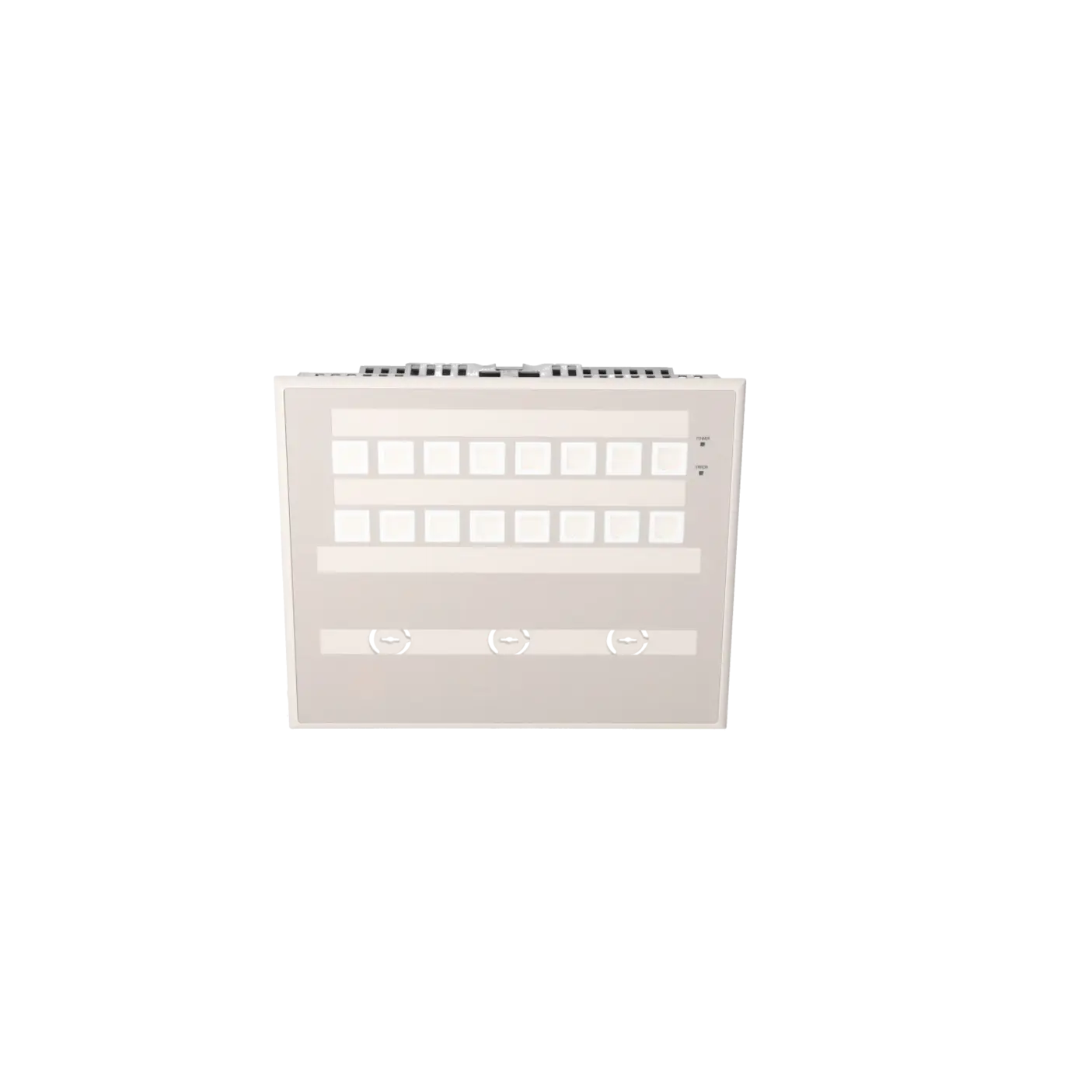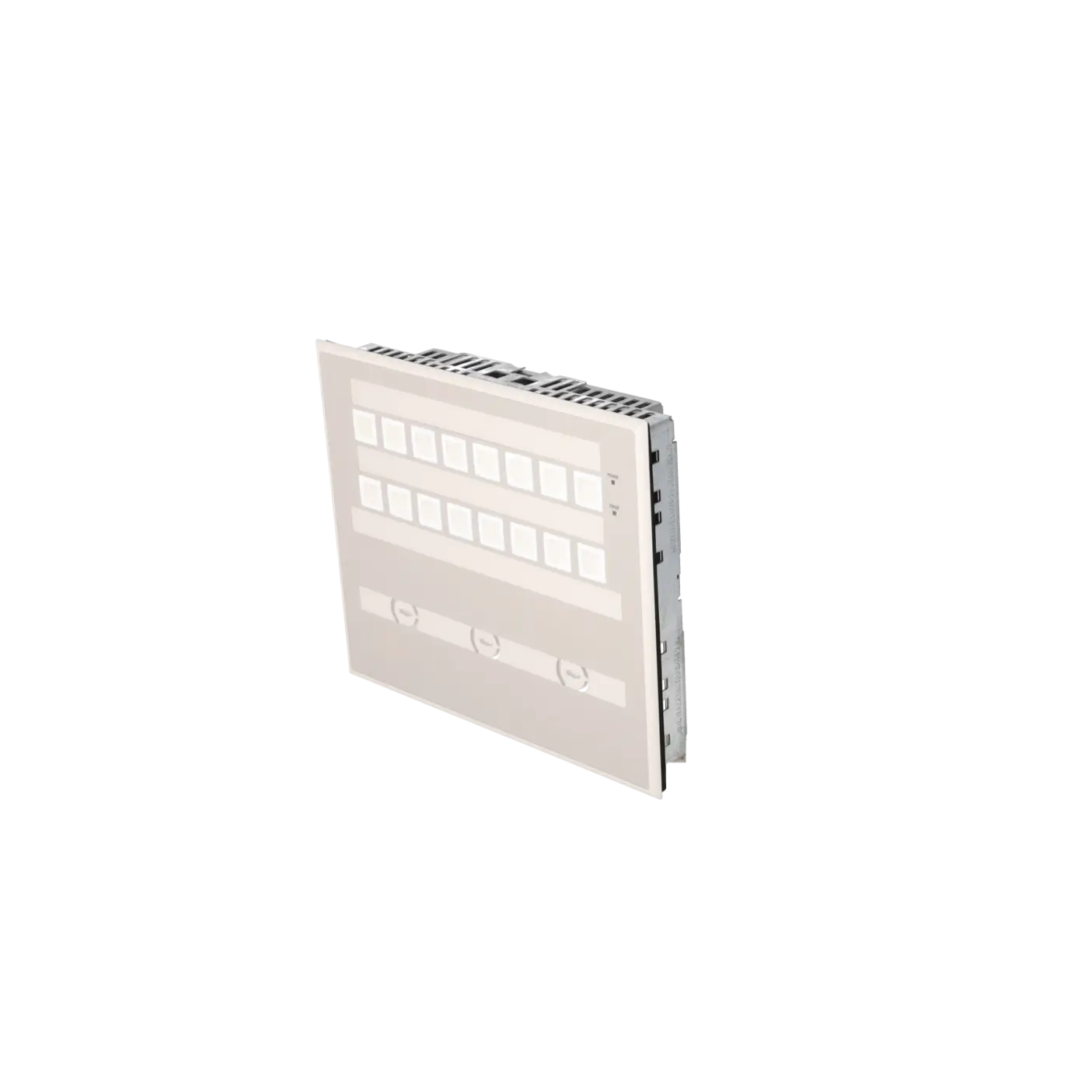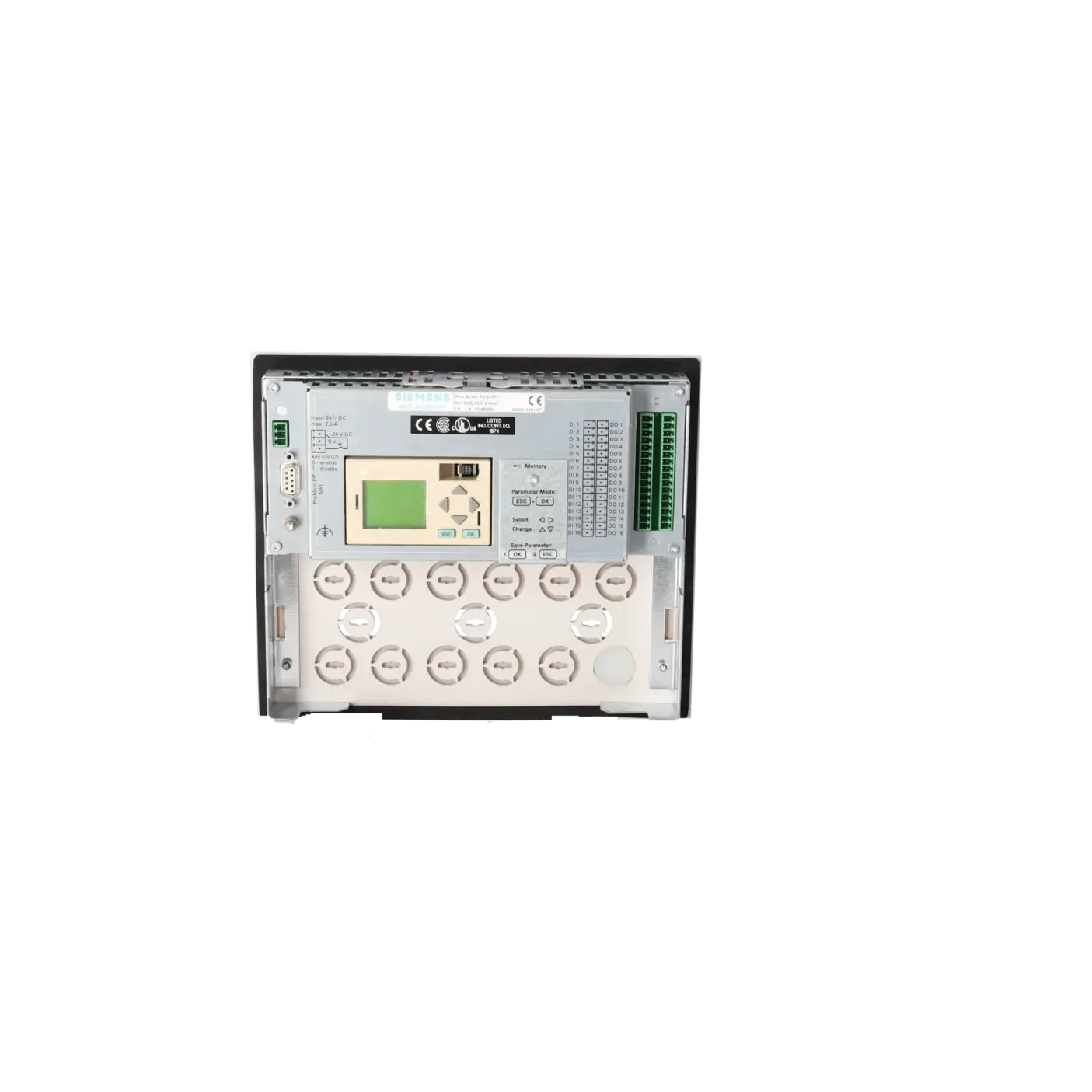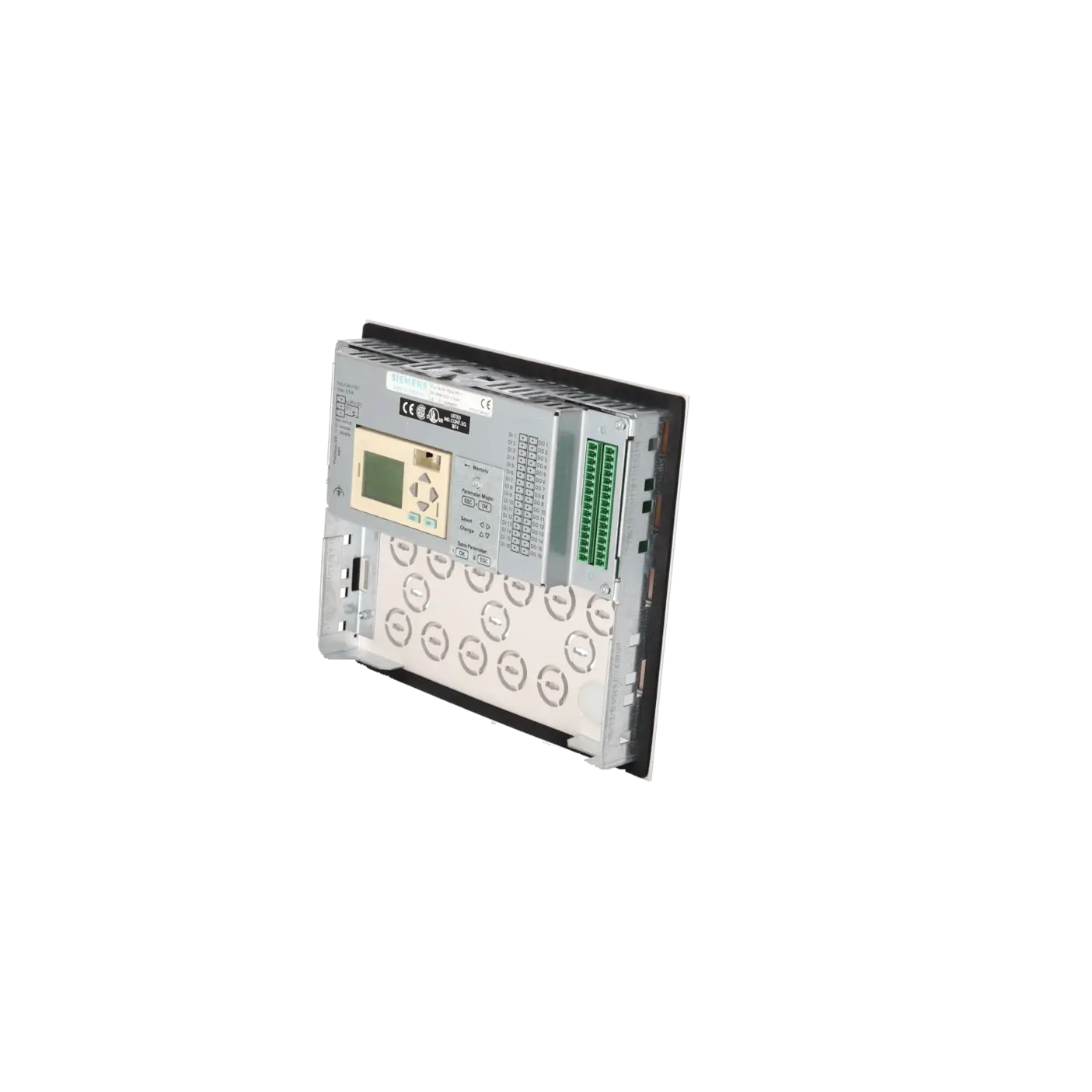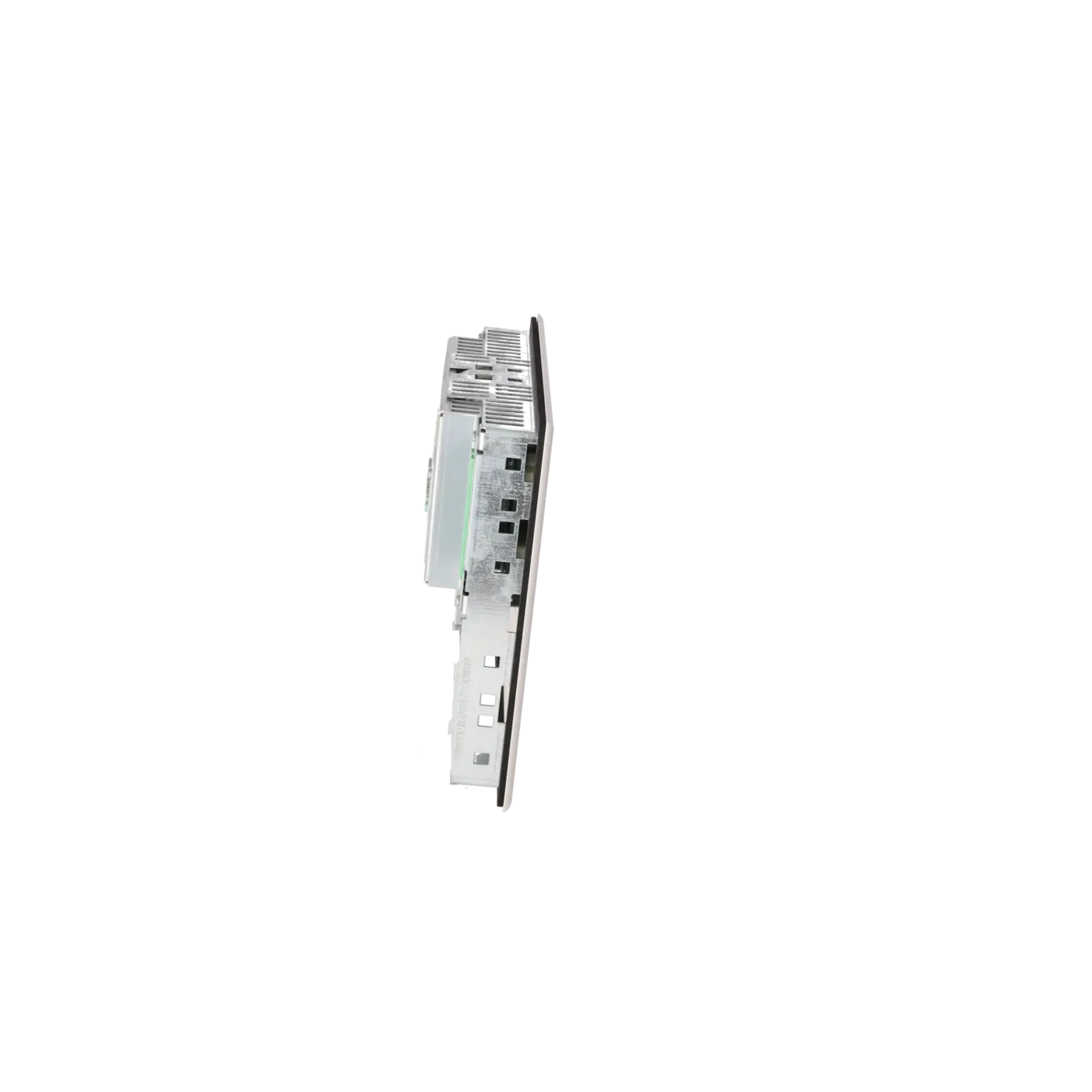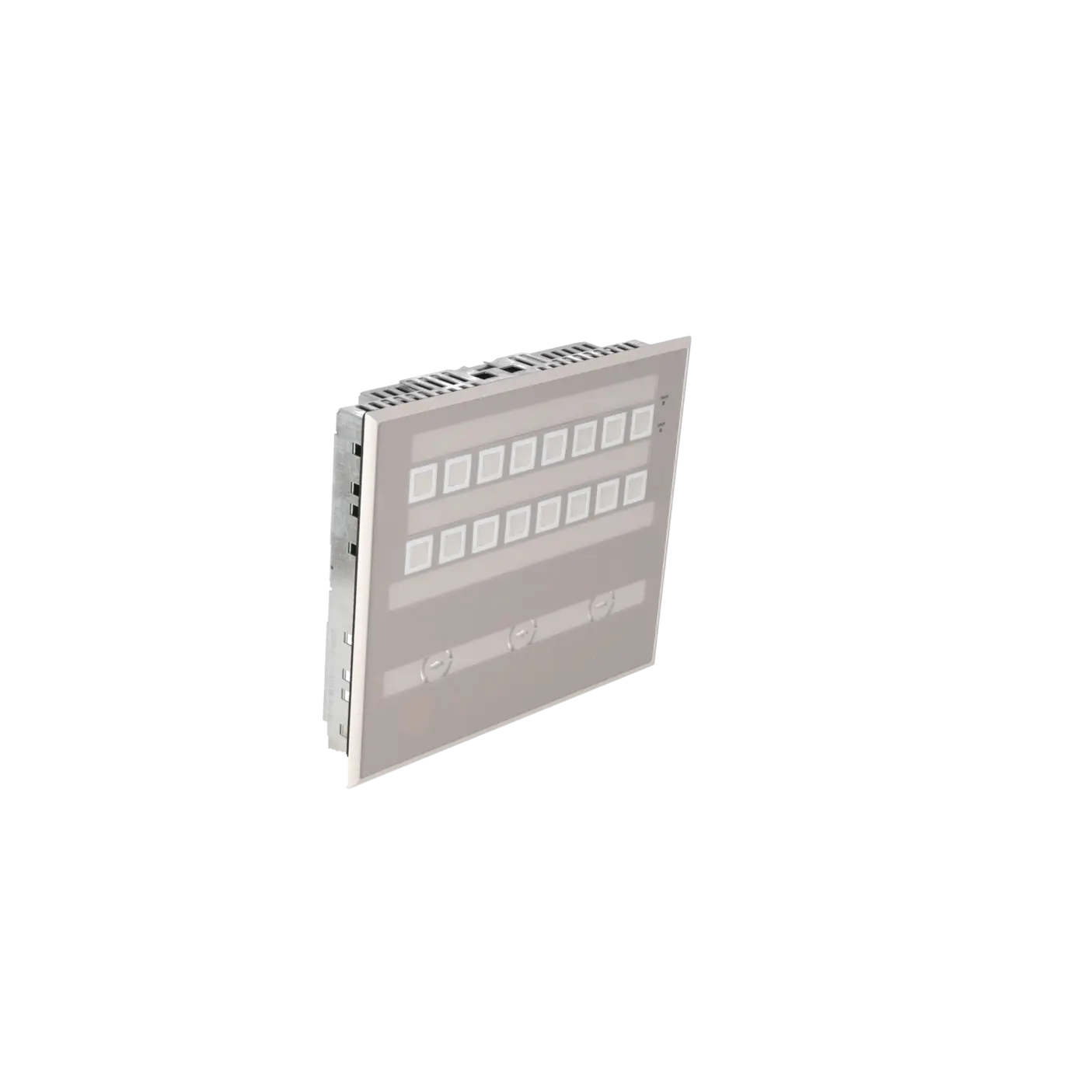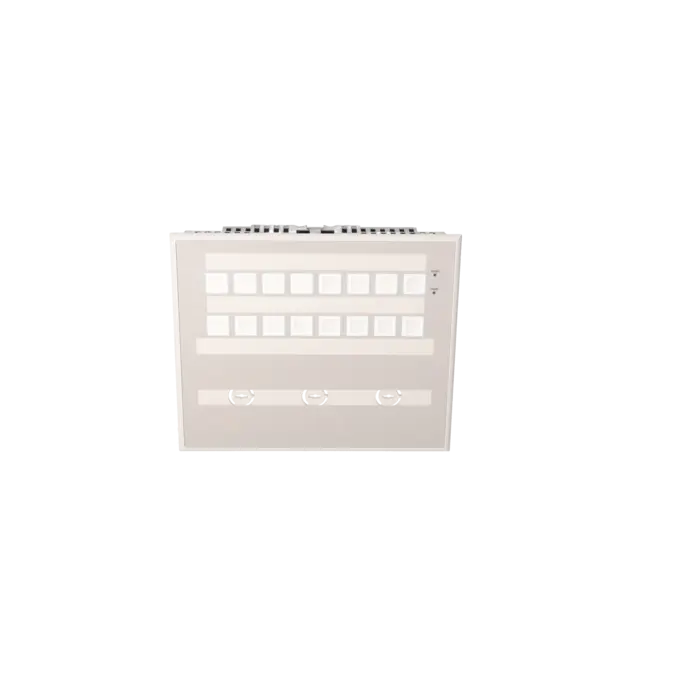
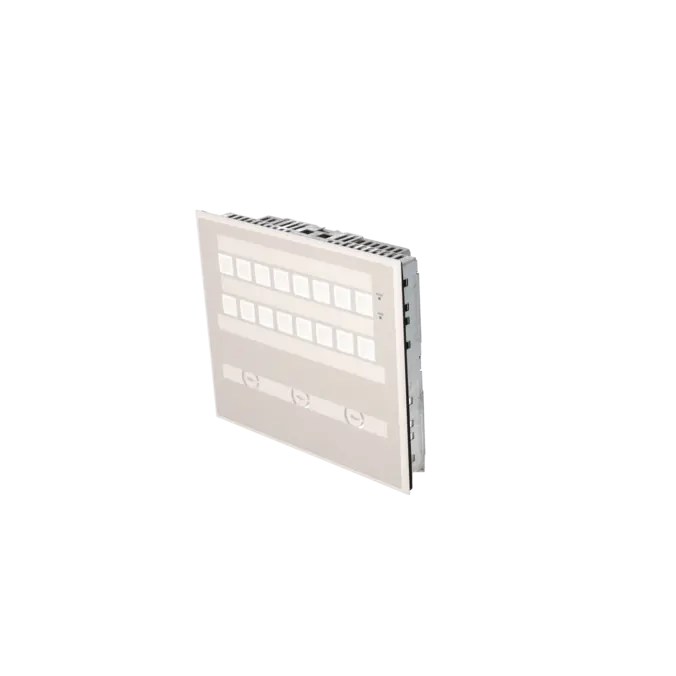
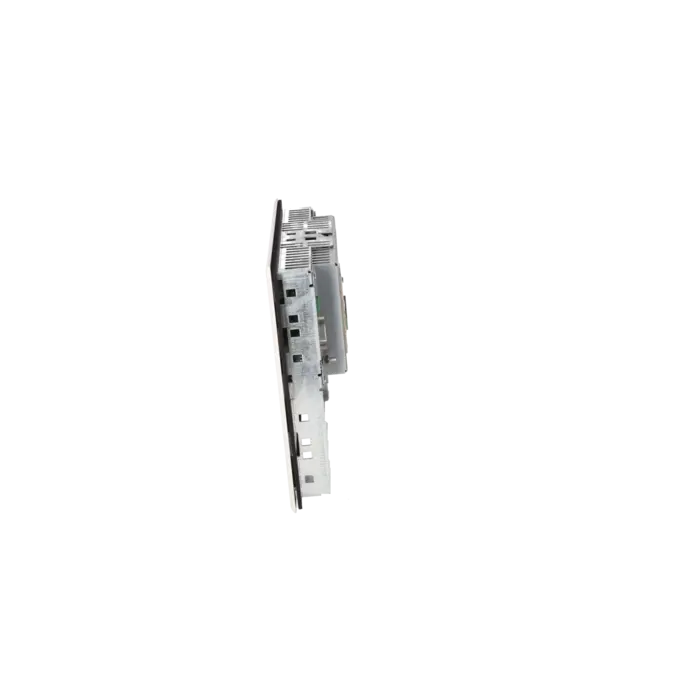
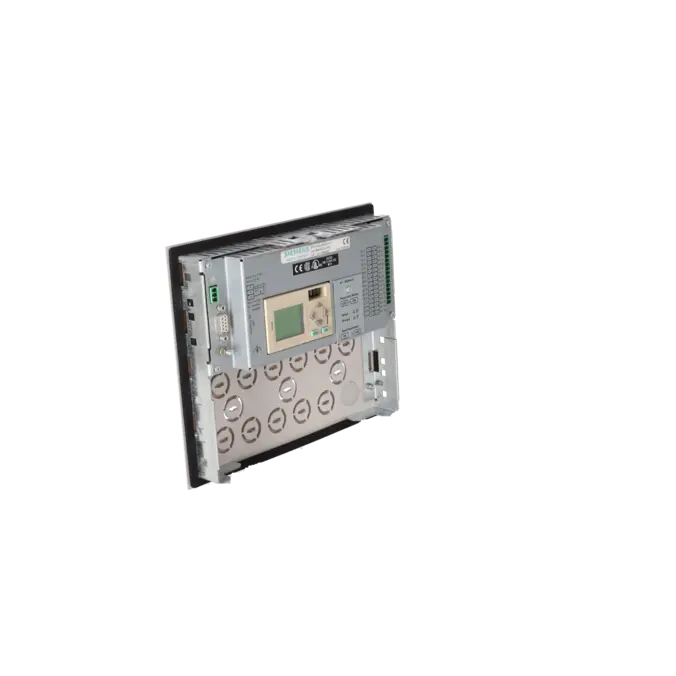



SIEMENS 6AV3688-3CD13-0AX0
-
SIEMENS | HMI | Keyboards
- EICHLER-art.no.: K0116676
- EAN: 4025515133964
- UPC: 662643028263
Product description
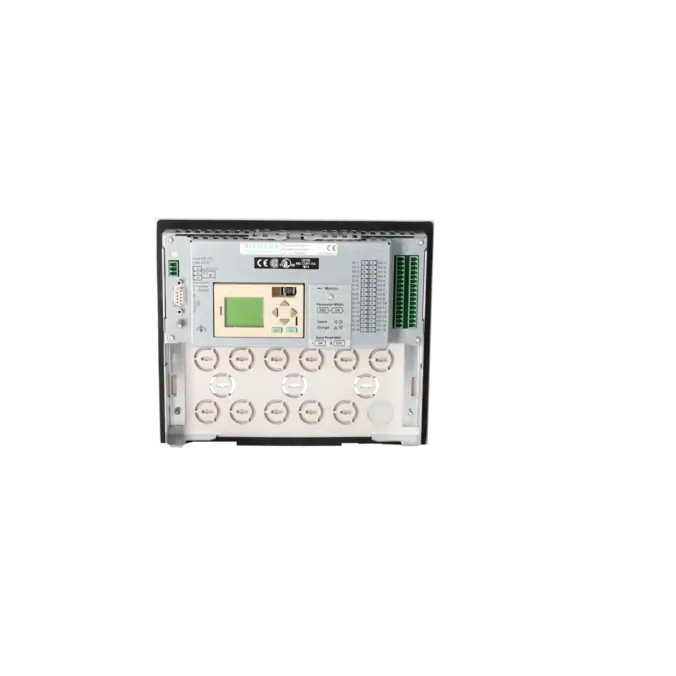
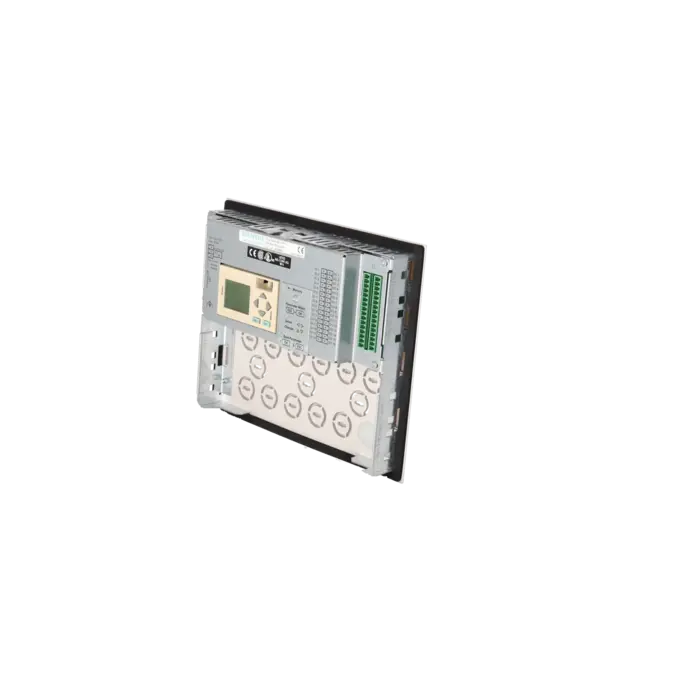
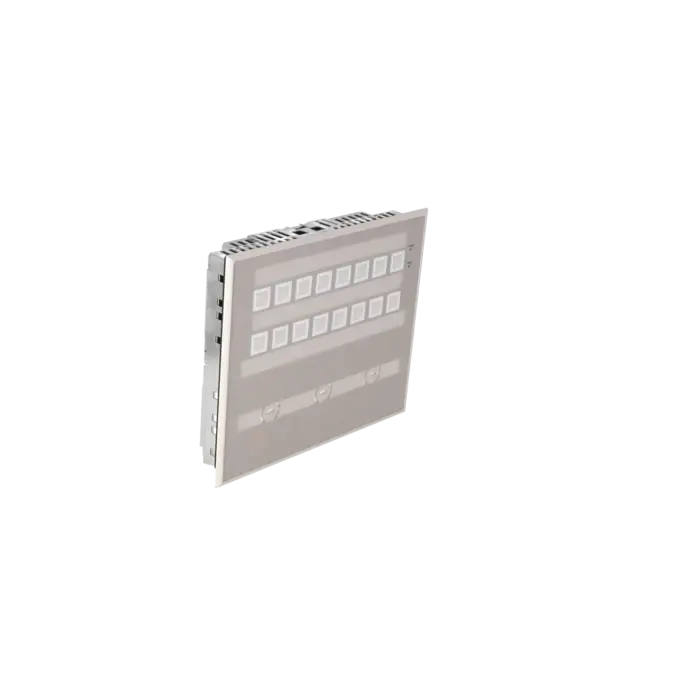
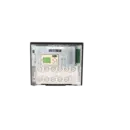
PUSH BUTTON PANEL PP17 I 16 SHORT-STROKE KEYS, 16 SURFACE LEDS, 16 DI AND 16 DO TERMINALS PROFIBUS DP12
Services for SIEMENS 6AV3688-3CD13-0AX0
SIEMENS |
6AV3688-3CD13-0AX0 –
additional product information
| Delivery information | |||
|---|---|---|---|
| Export identifier | AL: N ECCN: EAR99H | ||
| Net weight | 1.2 | ||
| Quantity | 1 Stück | ||
| Packaging quantity | 1 | ||
| Additional product information | |||
|---|---|---|---|
| Product status | EOP: 2017-07-01 | ||
| EAN | 4025515133964 | ||
| UPC | 662643028263 | ||
| Static lot number | 85371098 | ||
| List indicator | ST9.80 | ||
| Product group | 4244 | ||
| Country of origin | DE | ||
| Compliance with the substance restrictions according to RoHS directive | Since: 20991231 | ||
| Product classifications | Version | Classification | |
|---|---|---|---|
| eClass | 4 | 27-33-02-01 | |
| eClass | 5.1 | 27-24-23-05 | |
| eClass | 6.0 | 27-24-23-05 | |
| ETIM | 3 | / | |
| ETIM | 4 | EC001415 | |
| ETIM | 5 | EC001415 | |
What is 6AV3688-3CD13-0AX0 and where is it used?
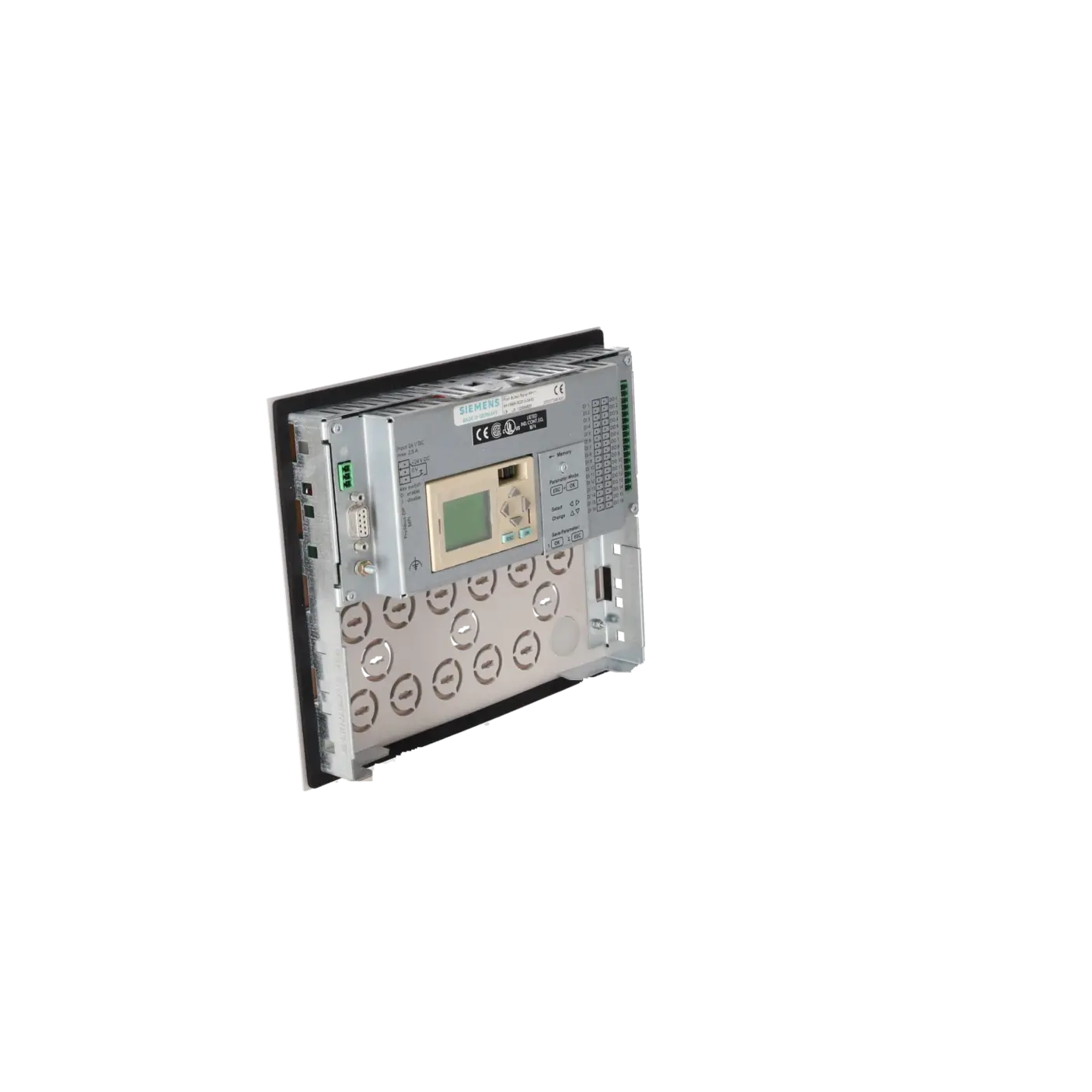
6AV3688-3CD13-0AX0 is a SIEMENS SIMATIC HMI Push Button Panel PP17-I designed for direct machine and plant operation. The device combines 16 short-stroke pushbuttons, 16 integrated surface LEDs, as well as 16 digital inputs and 16 digital outputs in a compact operator panel. It is used wherever robust, tactile operation is more important than a touchscreen, such as on machine control stations, in existing installations, in special-purpose machine construction or in environments with increased requirements for a smooth and easy-to-clean front surface. It is particularly useful for retrofit and service applications because button and indication functions can be configured flexibly without having to completely redesign the wiring of a conventional pushbutton station.
Overview of the key technical data and what they mean
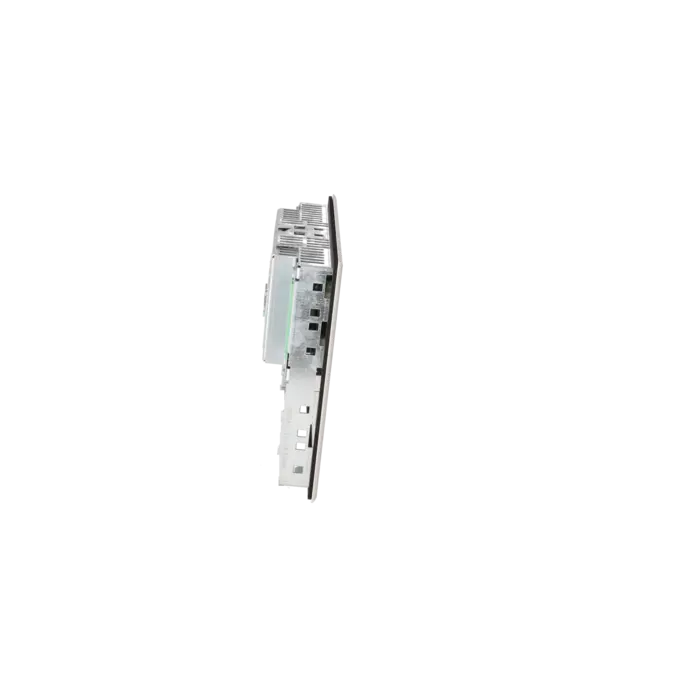
The panel operates on 24 V DC and supports a voltage range of 18 to 30 V DC. For maintenance personnel, it is important to note that the 16 digital outputs are organised in groups of four; each channel supports up to 100 mA, while each group supports up to 500 mA. The IP65 front protection rating protects the operator interface against dust and water jets, while IP20 at the rear requires installation in a control cabinet or another protected environment. With front dimensions of 240 × 204 mm, a panel cut-out of 226 × 190 mm, and an installation depth of 53 mm, the device can be integrated into existing operator stations with minimal modification. An operating temperature range of 0 to 55 °C and a button lifetime of 1.5 million switching cycles make it suitable for continuous industrial use.
Product status, life-cycle status and obsolescence
For spare-parts planning, the life-cycle status is particularly important. The EICHLER product page lists the status EOP: 2017-07-01. Siemens also classifies this article number in SiePortal as a discontinued product without a successor product. For operators of existing installations, this means the component clearly belongs in an obsolescence management and spare-parts stocking strategy. Anyone wishing to continue operating the machine unchanged should not expect an official 1:1 successor, but instead secure availability through repair, exchange services, tested used equipment, or a strategic spare-parts inventory. An officially designated and compatible successor for 6AV3688-3CD13-0AX0 could not be verified from the available manufacturer sources.
Available EICHLER services and when they are relevant
For 6AV3688-3CD13-0AX0, EICHLER offers repair, exchange, used equipment, and new-unit enquiries. Repair is particularly relevant when the machine should continue operating without modifications and existing cut-outs, wiring and operating concepts need to remain unchanged. EICHLER combines repair services with technical cleaning, preventive maintenance, comprehensive functional testing, and a minimum 24-month warranty. The exchange service is valuable when machine downtime must be kept to a minimum. Used units support cost-effective spare-parts procurement for discontinued components. For purchasing departments and decision-makers, these options provide supply security even though the product has already entered the obsolescence phase and no official successor is available.
| Attribute | Value |
|---|---|
| Product type designation | PP17-I |
| Control elements | |
| With parameterizable keys | Yes |
| Keyboard fonts | |
| ● Membrane keyboard | |
| — user-definable label membrane keys | Yes |
| ● Function keys | |
| — Number of function keys | 16 |
| ● Short-stroke keys | |
| — Number of short-stroke keys | 16 |
| Expansions for operator control of the process | |
| ● DP direct LEDs (LEDs as S7 output I/O) | 16 |
| ● Number of color modes for LED | 3 |
| ● Direct keys (keys as S7 input I/O) | 16 |
| Installation type/mounting | |
| Mounting type | Clamp terminals |
| Mounting position | vertical |
| Rack mounting | No |
| Front mounting | Yes |
| Rail mounting | No |
| Wall mounting/direct mounting | No |
| Mounting in portrait format possible | No |
| Mounting in landscape format possible | Yes |
| maximum permissible angle of inclination without external ventilation | 35° |
| Number of slots for command devices and signaling units | 12 |
| Supply voltage | |
| Type of supply voltage | DC |
| permissible range, lower limit (DC) | 18 V |
| permissible range, upper limit (DC) | 30 V |
| Input current | |
| Starting current inrush I²t | 0.03 A²·s |
| Digital inputs | |
| Number of digital inputs | 16 |
| Input voltage | |
| ● Rated value (DC) | 24 V |
| Digital outputs | |
| Number of digital outputs | 16 |
| ● in groups of | 4 |
| Short-circuit protection | Yes |
| Switching capacity of the outputs | |
| ● with resistive load, max. | 100 mA |
| ● with inductive load, max. | 100 mA; max. 2 watts |
| ● on lamp load, max. | 2 W |
| Output voltage | |
| ● Rated value (DC) | 24 V |
| Total current of the outputs | |
| ● Current per channel, max. | 100 mA |
| ● Current per group, max. | 500 mA |
| Interfaces | |
| Number of industrial Ethernet interfaces | 0 |
| Number of PROFINET interfaces | 0 |
| Industrial Ethernet | |
| ● Industrial Ethernet status LED | 0 |
| ● Number of ports of the integrated switch | 0 |
| Protocols | |
| PROFINET | No |
| Supports protocol for PROFINET IO | No |
| PROFINET CBA | No |
| IRT | No |
| PROFIsafe | No |
| PROFIBUS | Yes |
| EtherNet/IP | No |
| MPI | Yes |
| AS-Interface | No |
| EIB/KNX | No |
| Protocols (Ethernet) | |
| ● TCP/IP | No |
| Redundancy mode | |
| Media redundancy | |
| — MRP | No |
| Further protocols | |
| ● AS-Interface Safety at Work | No |
| ● CAN | No |
| ● Data-Highway | No |
| ● DeviceNet | No |
| ● DeviceNet Safety | No |
| ● Foundation Fieldbus | No |
| ● INTERBUS | No |
| ● INTERBUS-Safety | No |
| ● Local Operating Network | No |
| ● MODBUS | No |
| ● SafetyBUS p | No |
| ● SERCOS | No |
| ● SUCOnet | No |
| ● other bus systems | No |
| Test commissioning functions | |
| Illuminant test | Yes |
| Key and signal lamp test | Yes; automatically when switching on |
| EMC | |
| Emission of radio interference acc. to EN 55 011 | |
| ● Limit class A, for use in industrial areas | Yes |
| ● Limit class B, for use in residential areas | No |
| Degree and class of protection | |
| IP (at the front) | IP65 |
| IP (rear) | IP20 |
| NEMA (front) | |
| ● Enclosure Type 4 at the front | No |
| ● Enclosure Type 4x at the front | No |
| Standards, approvals, certificates | |
| CE mark | Yes |
| cULus | No |
| RCM (formerly C-TICK) | No |
| KC approval | No |
| Suitable for safety functions | No |
| Use in hazardous areas | |
| ● ATEX Zone 2 | No |
| ● ATEX Zone 22 | No |
| ● cULus Class I Zone 1 | No |
| ● cULus Class I Zone 2, Division 2 | No |
| ● FM Class I Division 2 | No |
| Marine approval | |
| ● Germanischer Lloyd (GL) | No |
| ● American Bureau of Shipping (ABS) | No |
| ● Bureau Veritas (BV) | No |
| ● Det Norske Veritas (DNV) | No |
| ● Lloyds Register of Shipping (LRS) | No |
| ● Nippon Kaiji Kyokai (Class NK) | No |
| ● Polski Rejestr Statkow (PRS) | No |
| Ambient conditions | |
| Ambient temperature during operation | |
| ● min. | 0 °C |
| ● max. | 55 °C |
| Operation (vertical installation) | |
| — For vertical installation, min. | 0 °C |
| — For vertical installation, max. | 55 °C |
| Operation (max. tilt angle) | |
| — At maximum tilt angle, min. | 0 °C |
| — At maximum tilt angle, max. | 55 °C |
| Ambient temperature during storage/transportation | |
| ● min. | -20 °C |
| ● max. | 60 °C |
| Relative humidity | |
| ● Operation, max. | 95 % |
| configuration / header | |
| Configuration software | |
| ● STEP 7 Basic (TIA Portal) | Yes |
| ● STEP 7 Professional (TIA Portal) | Yes |
| Functionality under WinCC (TIA Portal) | |
| Process coupling | |
| ● S7-1200 | Yes |
| ● S7-1500 | Yes |
| ● S7-200 | No |
| ● S7-300/400 | Yes |
| ● LOGO! | No |
| ● WinAC | Yes |
| ● SINUMERIK | No |
| ● SIMOTION | No |
| ● Allen Bradley (EtherNet/IP) | No |
| ● Allen Bradley (DF1) | No |
| ● Mitsubishi (MC TCP/IP) | No |
| ● Mitsubishi (FX) | No |
| ● OMRON (FINS TCP) | No |
| ● OMRON (LINK/Multilink) | No |
| ● Modicon (Modbus TCP/IP) | No |
| ● Modicon (Modbus) | No |
| Mechanics/material | |
| Enclosure material (front) | |
| ● Plastic | No |
| ● Aluminum | Yes |
| ● Stainless steel | No |
| Service life | |
| ● Short-stroke keys (in switching cycles) | 1 500 000 |
| ● LEDs (ON period) | 100 % |
| Dimensions | |
| Width of the housing front | 240 mm |
| Height of housing front | 204 mm |
| Mounting cutout, width | 226 mm |
| Mounting cutout, height | 190 mm |
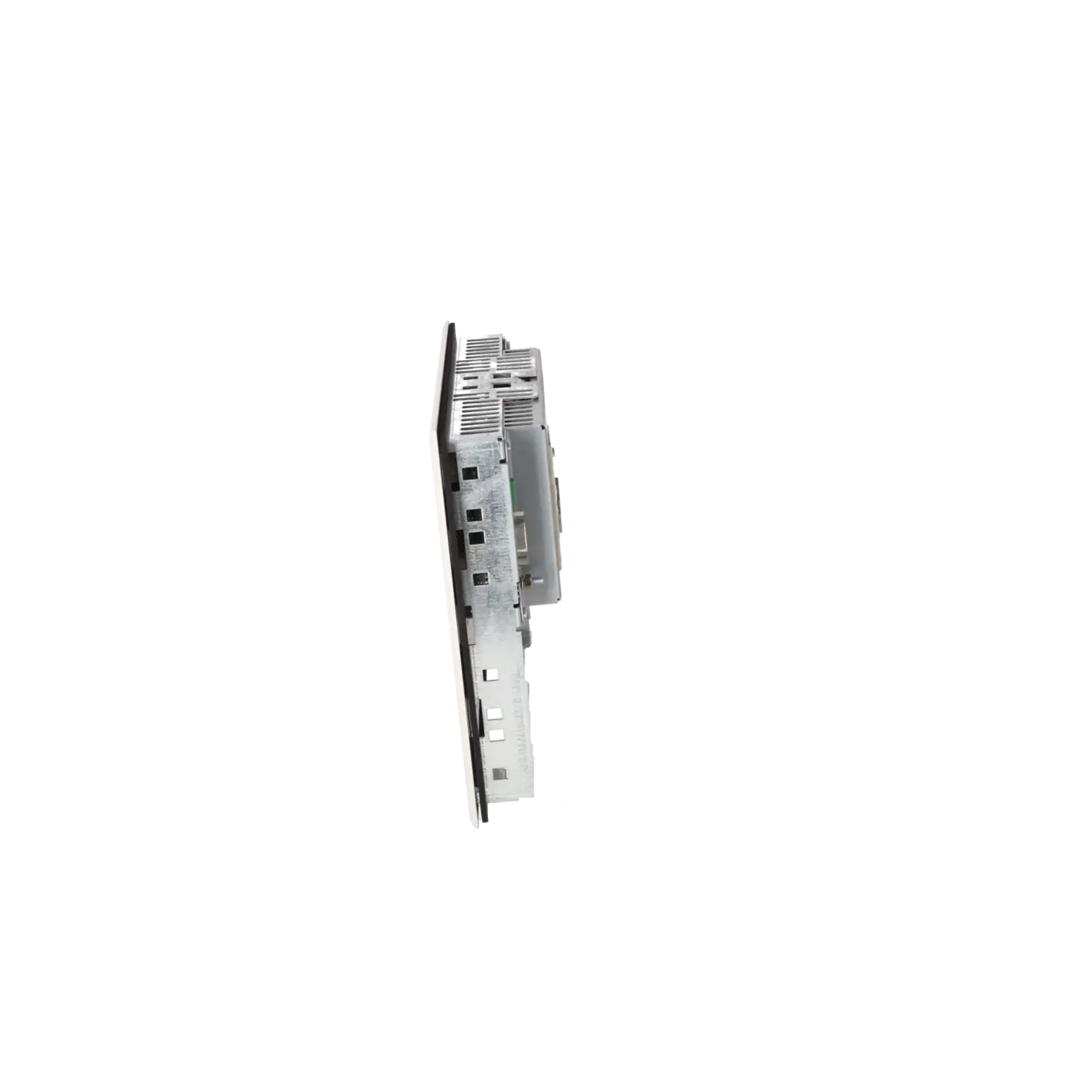
| Overall depth | 53 mm |
| Weights | |
| Weight (without packaging) | 1 130 g |
| Fault description | Possible solution |
|---|---|
| Why does my Siemens PP17-I display the message NO PLC? | The connection to the controller cannot be established. First check the bus cable, connectors and shielding. Then verify the panel interface parameters, particularly the communication type (MPI or PROFIBUS DP), baud rate, slave or MPI address, and for MPI also the PLC address, rack number and slot number. If the configuration does not match the actual PLC setup, communication cannot be established. |
| Why does the PP17-I display the message NO PAR. DB? | The parameter data block configured in the panel does not exist in the controller. Create the required configuration data block in the PLC or set the PARAM-DB parameter to 0 if you want to use the system default settings for buttons and LEDs. Afterwards, restart the device and check communication again. |
| Why does the operator panel report PARAM ERROR? | The configured data block contains invalid or incomplete parameterisation data. Check the structure of the parameter data block, the assignment of the MB/DB data area, the start addresses, and the defined functions of the buttons and LEDs. In many cases, rebuilding the parameter data block and then matching the panel interface configuration with the PLC project configuration resolves the issue. |
| Why does DIAG-ERROR appear on the PP17-I? | This message indicates a short circuit on one of the digital outputs. Disconnect the connected loads group by group and check the wiring, terminals, external actuators and the current consumption per channel and per output group. Ensure that the specified panel limits are not exceeded so that the fault does not immediately reoccur after the short circuit has been eliminated. |
| Why does the panel display EEPROM ERR? | The memory module is missing or defective. On the PP17-I, the relevant communication parameters are stored in the memory module. Therefore, first ensure that a functioning module is correctly installed. If the message remains, the memory module must be replaced. When replacing a device, transferring the existing memory module is often the fastest way to retain the current parameter settings. |
| Why does EEPROM INV appear? | The installed memory module contains invalid data, or the stored parameterisation no longer matches the device or communication configuration. Reconfigure the panel interface settings and verify that the correct memory module is being used. In cases of incompatible device replacements or corrupted module data, complete reparameterisation is usually the necessary next step. |
Is 6AV3688-3CD13-0AX0 still available or has it been discontinued?
6AV3688-3CD13-0AX0 is already at an advanced stage of its product life cycle. The EICHLER shop lists the status EOP (End of Production) as of 2017-07-01, and Siemens classifies the article number in SiePortal as discontinued without a successor product. For companies operating existing installations, this means that availability should no longer be taken for granted. Repair strategies, exchange concepts and proactive spare-parts planning are therefore recommended to prevent equipment failures from causing extended machine downtime.
Is there an official successor for Siemens 6AV3688-3CD13-0AX0?
No clearly designated 1:1 successor for 6AV3688-3CD13-0AX0 could be verified in the official Siemens sources. This is important for purchasing and engineering departments because any modernisation project must consider not only the article number but also the communication interface, installation dimensions, number of buttons, I/O structure and machine logic. For maintaining the operational reliability of existing machines, repair, exchange services or fully tested replacement units are often the lower-risk option compared with an unverified substitution.
How is the PP17-I connected to the PLC?
Depending on the system architecture, the PP17-I can operate via MPI or PROFIBUS DP. According to Siemens, it can be connected to SIMATIC S7-200, S7-300 and S7-400 controllers via MPI, as well as to SIMATIC S5 and SIMATIC S7 systems via PROFIBUS DP. The device can also operate as a PROFIBUS DP standard slave on DP masters from other manufacturers. For reliable commissioning, the communication parameters must be configured correctly, including communication type, baud rate, slave or MPI address, and for MPI also the PLC address, rack and slot settings.
What power supply and protection rating does the operator panel have?
The panel is designed for 24 V DC operation and supports a supply voltage range of 18 to 30 V DC. The front side is rated IP65, making it suitable for industrial operator stations exposed to dust and water spray. The rear side is rated IP20, which means it must be installed in a suitably protected environment. For mechanical planning, the key dimensions are 240 × 204 mm front dimensions, a 226 × 190 mm panel cut-out, and an installation depth of 53 mm. These values are particularly important when replacing a unit in an existing control panel without requiring mechanical modifications.
Can the parameterisation be retained when replacing the device?
Yes. This is one of the key advantages of the PP17-I. The communication parameters required for the PLC interface are stored in the memory module. If only the electronics or the complete panel is replaced, the existing parameterisation can be retained simply by transferring this memory module. This significantly reduces downtime and simplifies replacement. However, the memory module itself must be fully functional. Messages such as EEPROM ERR or EEPROM INV indicate that the module is missing, defective or contains invalid data.
What is the difference between the PP17-I and the PP17-II?
The main difference lies in the operator interface design. The PP17-I features 16 short-stroke pushbuttons and additional installation positions for 22.5 mm standard devices, making it suitable for hybrid operator concepts using extra pushbuttons or indicator elements. The PP17-II, on the other hand, provides 32 short-stroke pushbuttons and is designed more specifically for pure keypad operation. Both devices offer 16 digital inputs, 16 digital outputs, 24 V DC power supply, and an IP65 front protection rating. For spare-parts procurement, this distinction is important because the two panels are not directly interchangeable based solely on the number of buttons.
Is the panel suitable for existing installations and retrofit projects?
Yes. This is one of the areas where the device offers the greatest value. The PP17-I was designed as a robust alternative to conventionally wired pushbuttons and indicator lamps. Siemens highlights features such as preconfigured commissioning, clear diagnostics via the rear display, multi-colour LEDs, and the ability to modify functions later without completely rewiring the panel. For existing installations, this is advantageous because mechanical integration, operating philosophy and wiring effort remain predictable. Combined with repair and exchange services, the panel can help extend the economic service life of older machines.