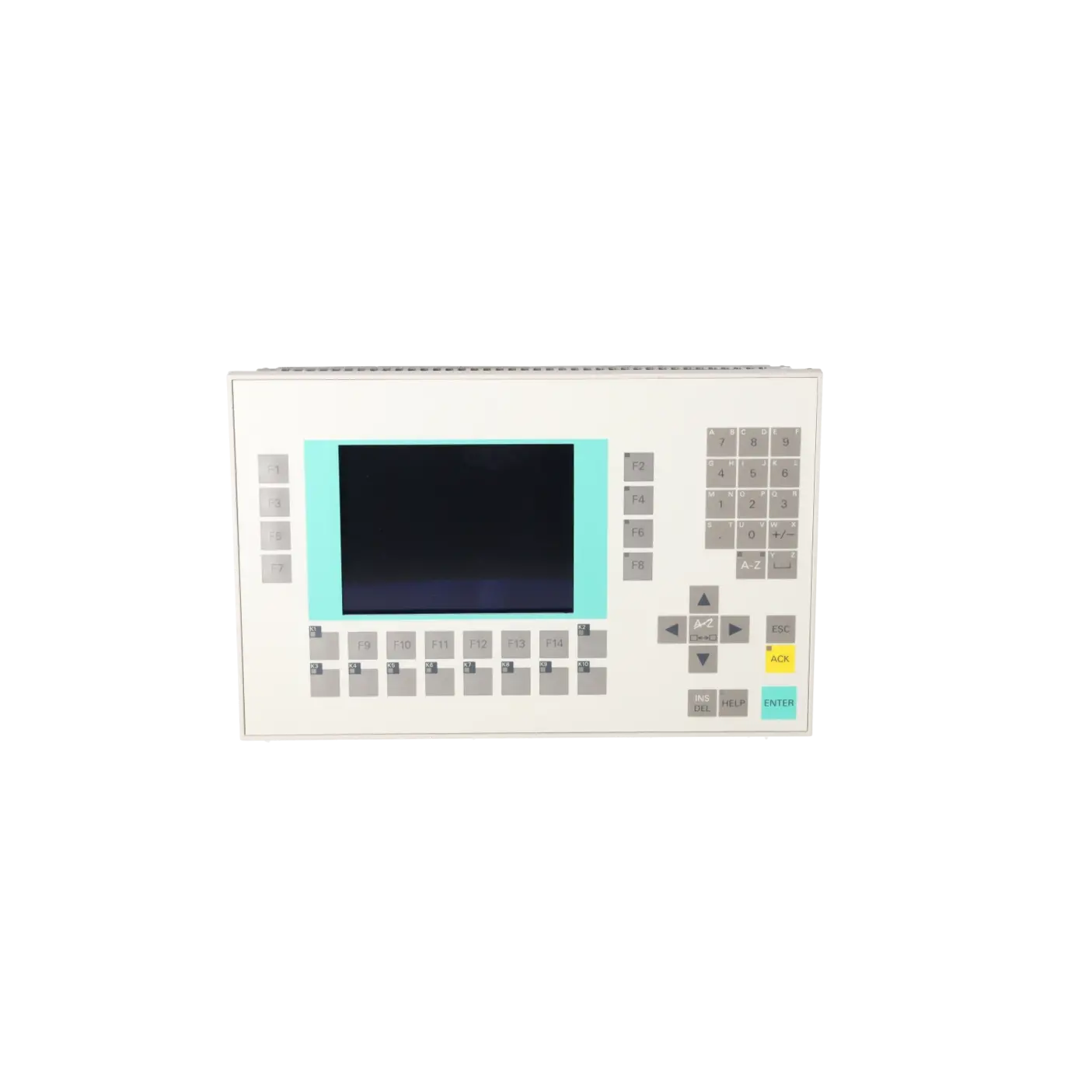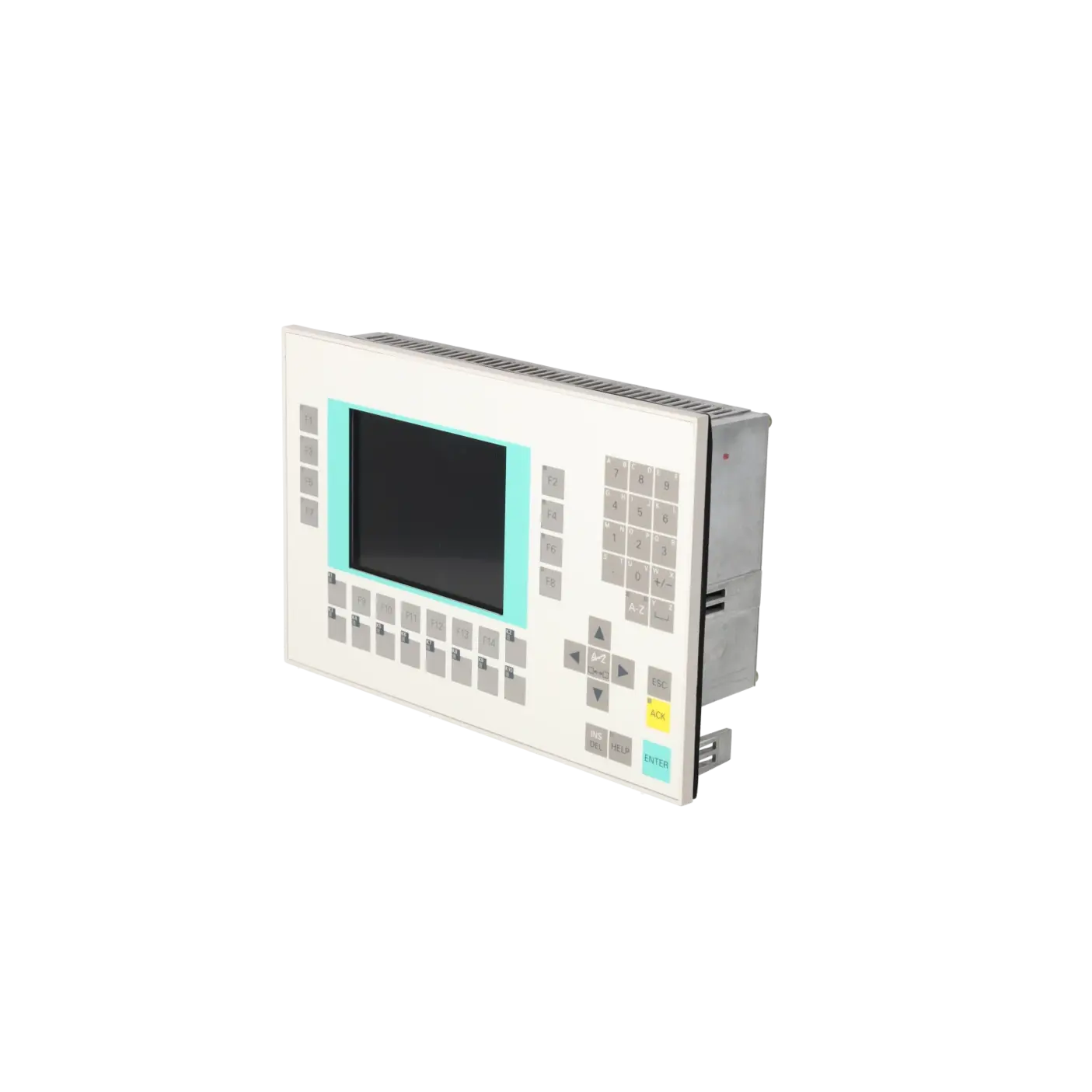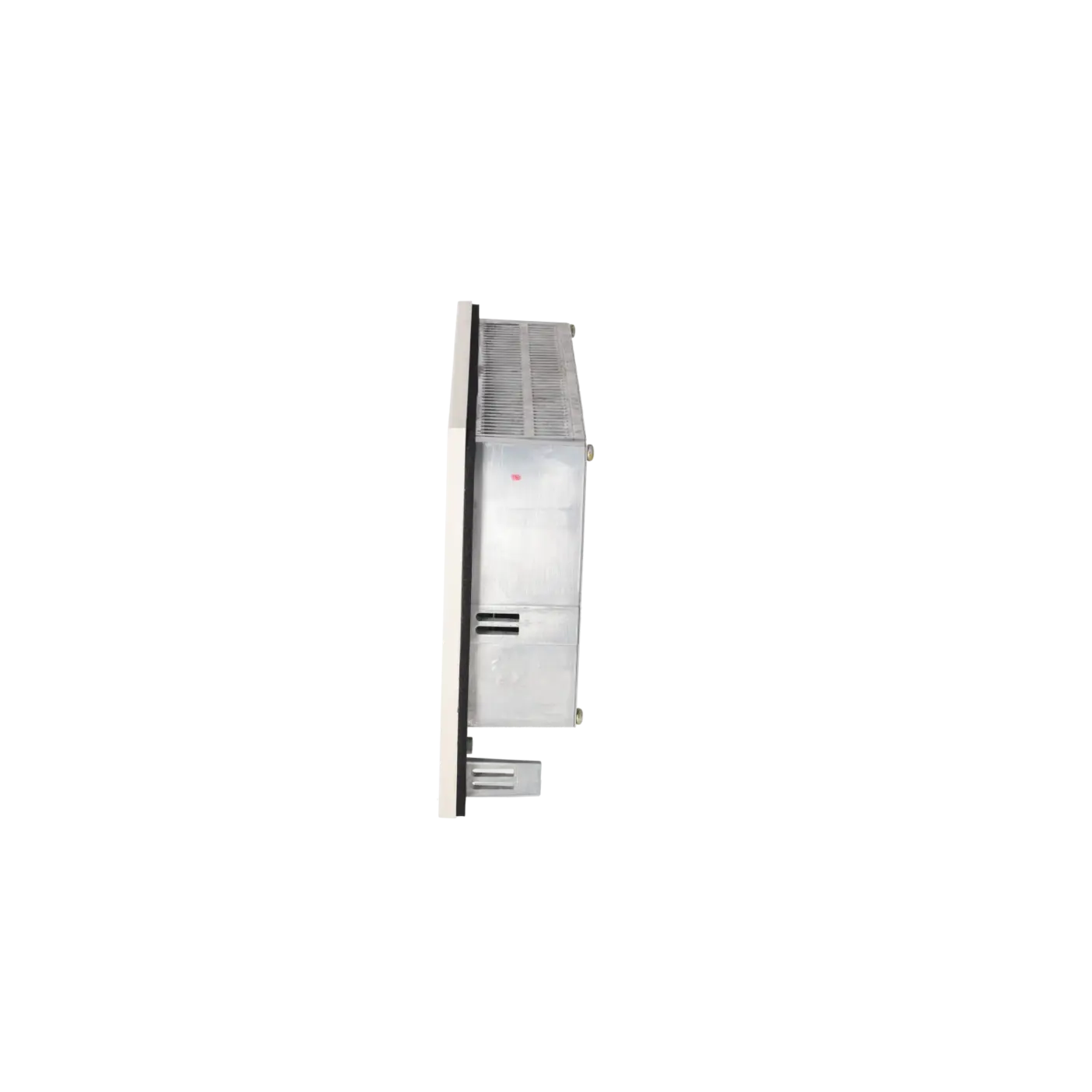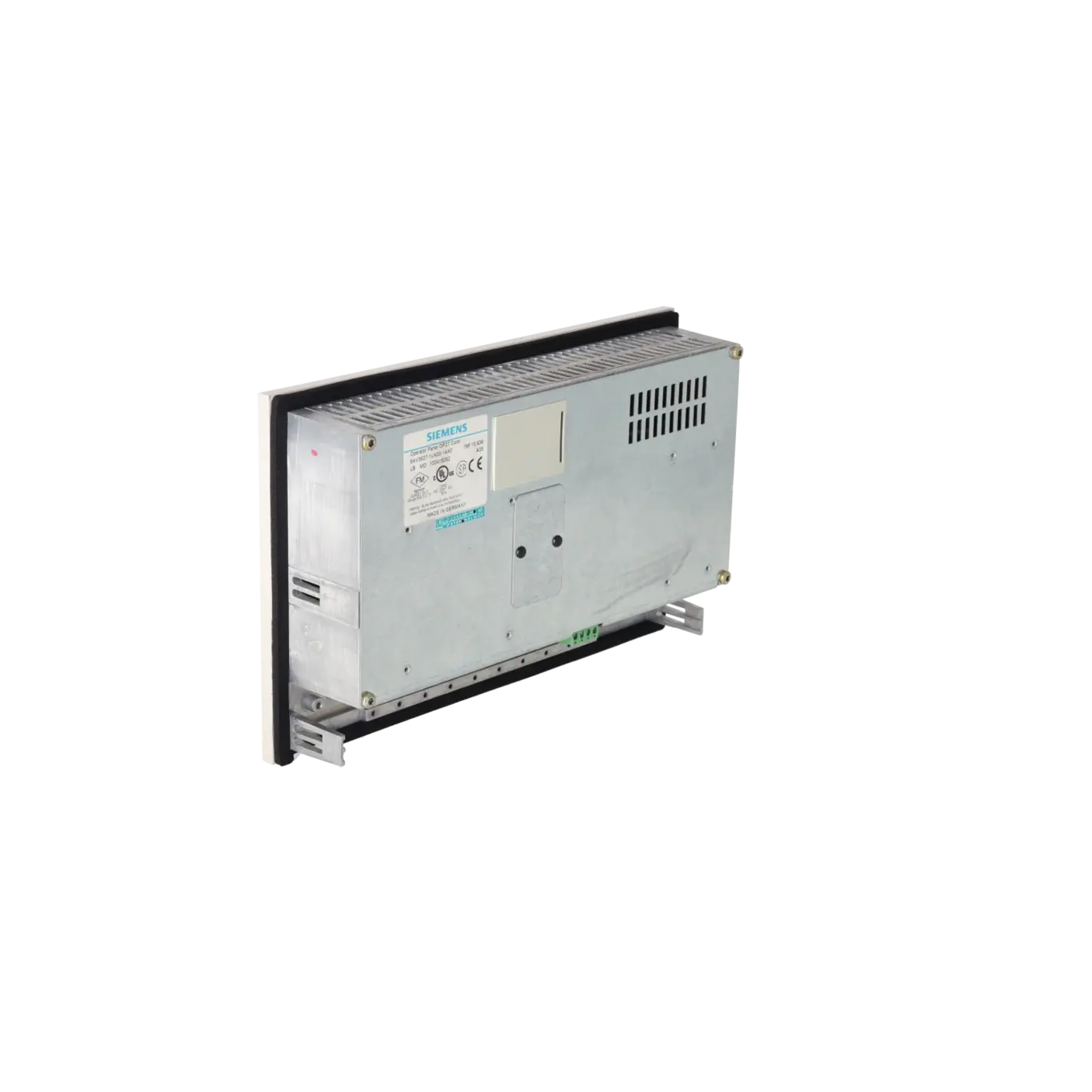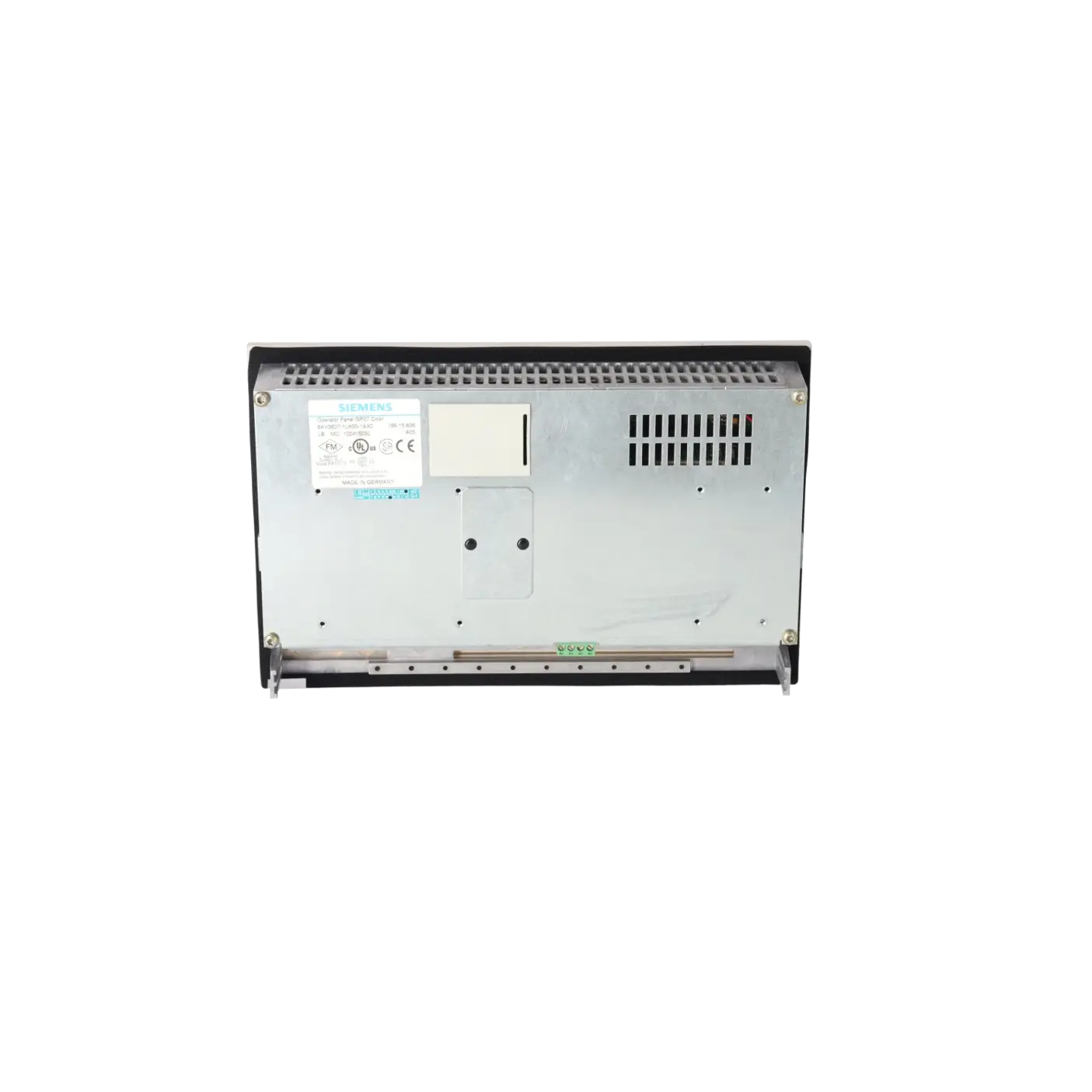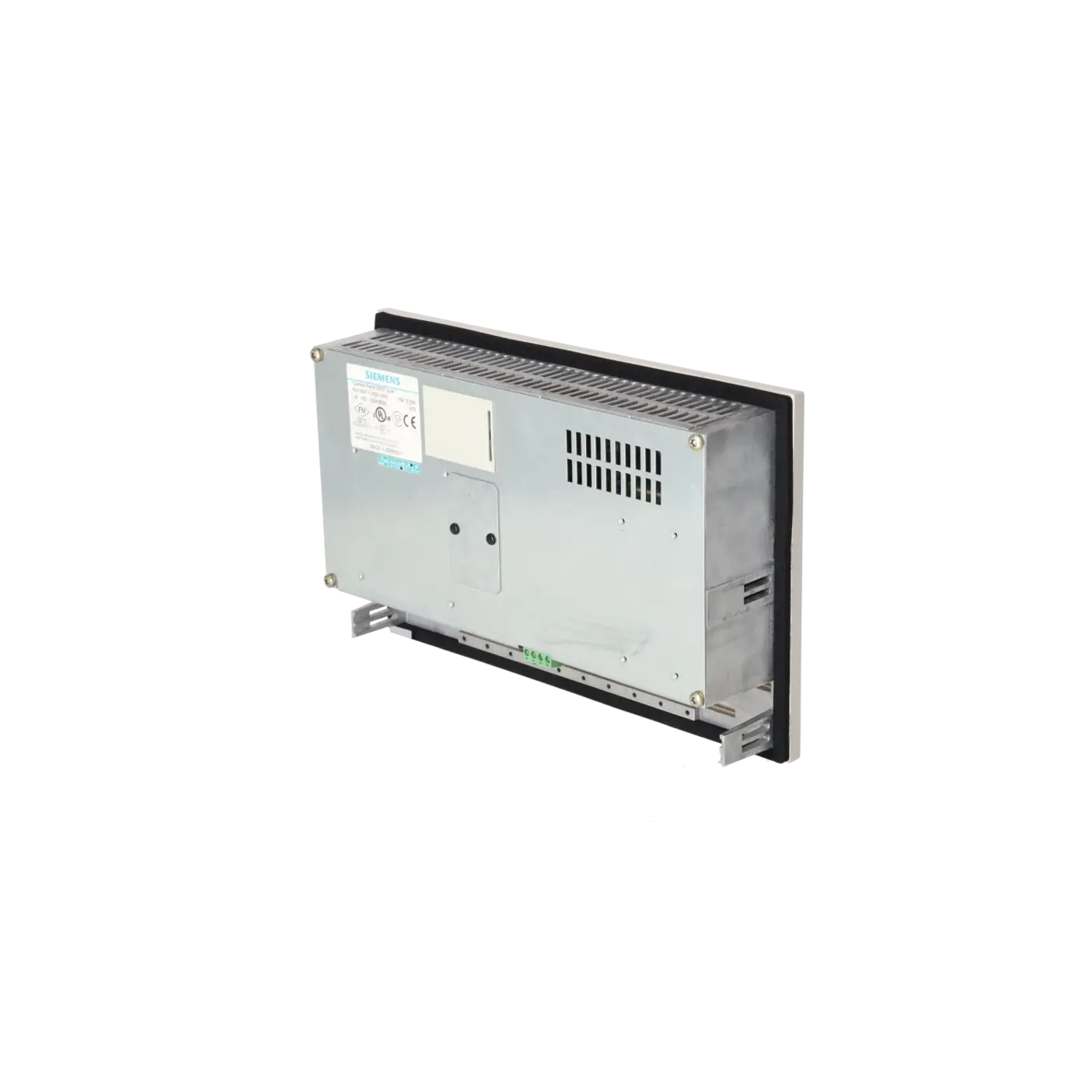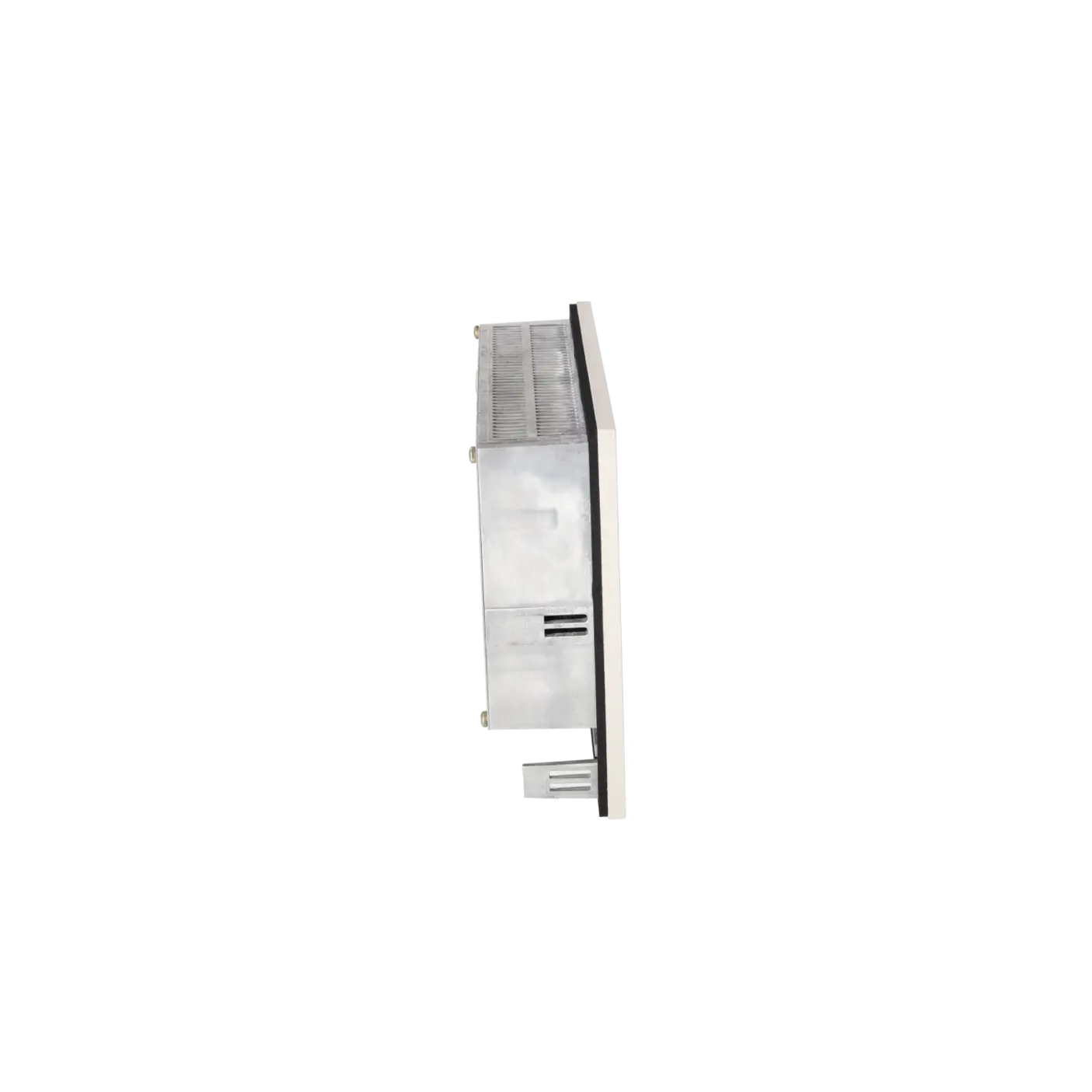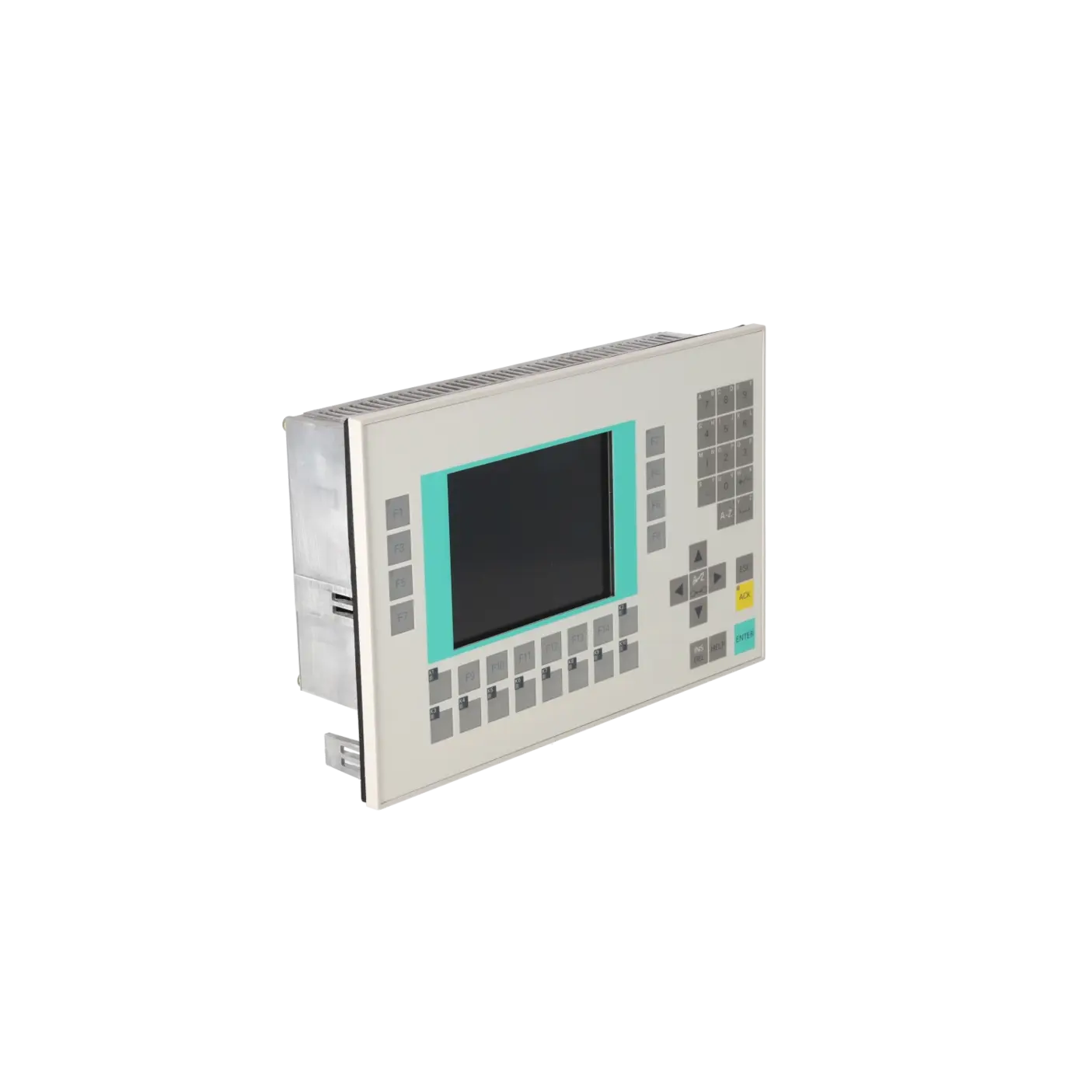
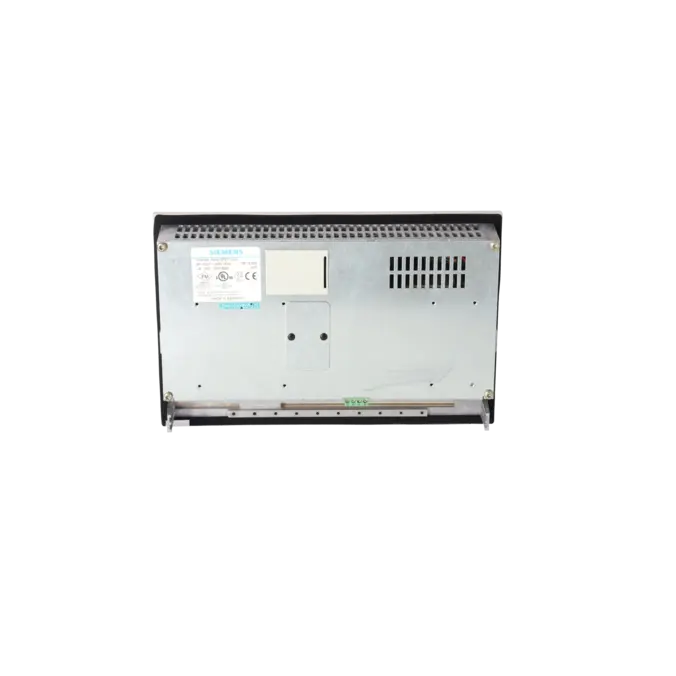
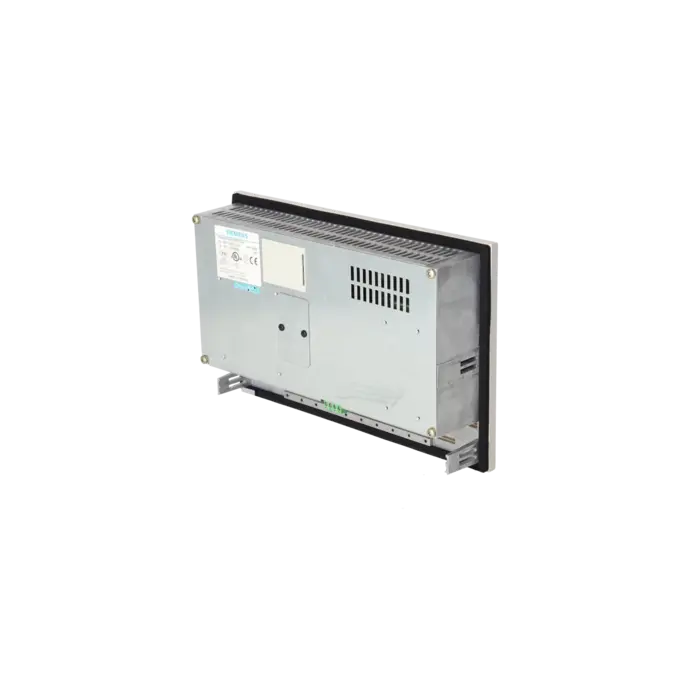
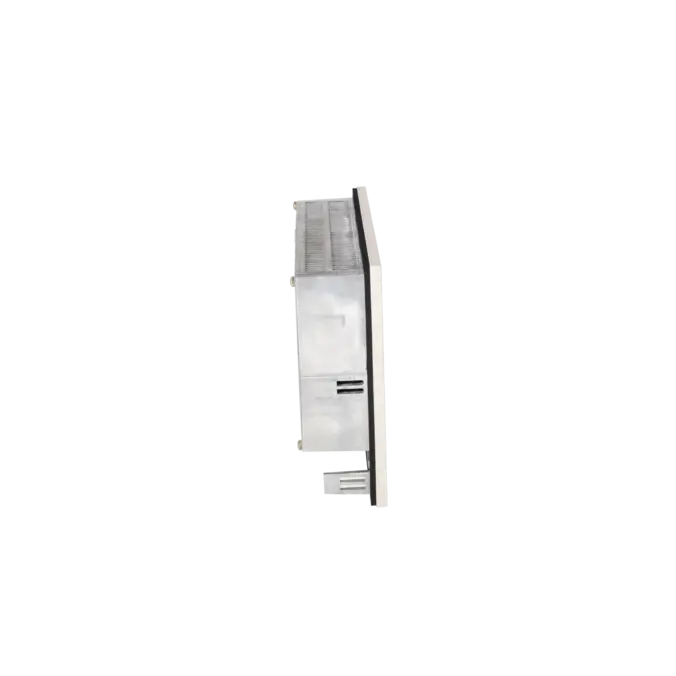
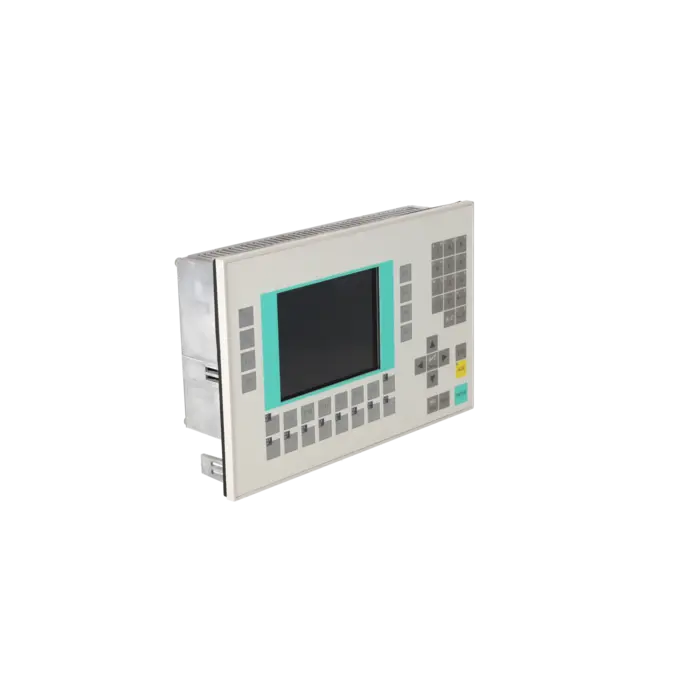
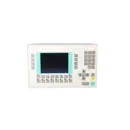
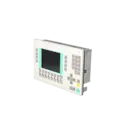
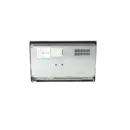
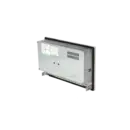
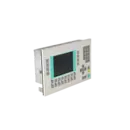
SIEMENS 6AV3627-1LK00-1AX0
- EICHLER-art.no.: K0005060
Product description
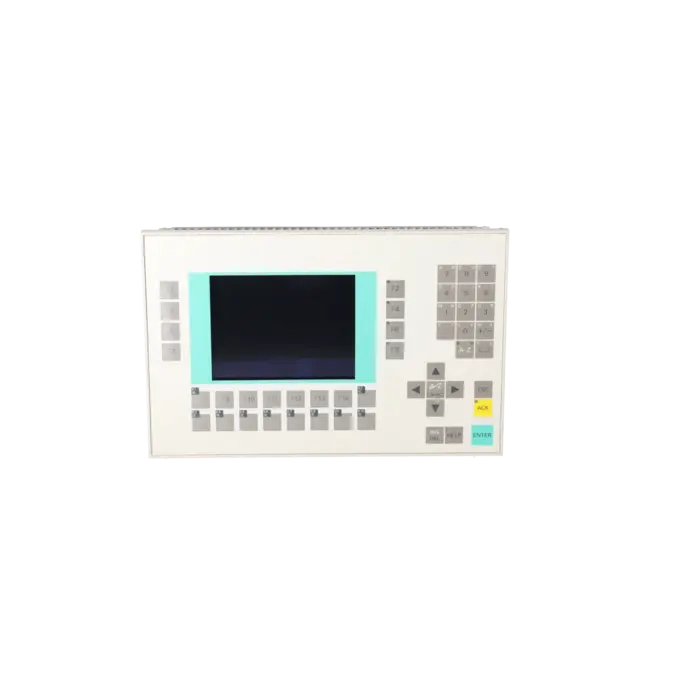
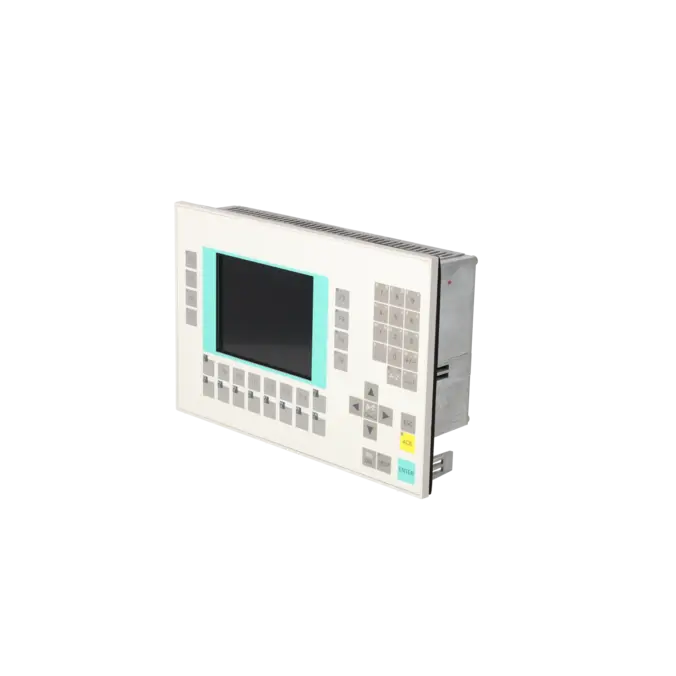
OPERATOR PANEL OP27 STN COLOR LC DISPLAY
Services for SIEMENS 6AV3627-1LK00-1AX0
SIEMENS |
6AV3627-1LK00-1AX0 –
additional product information
| Delivery information | |||
|---|---|---|---|
| Export identifier | AL: ECCN: | ||
| Net weight | 2.05 | ||
| Quantity | 1 Stück | ||
| Packaging quantity | 1 | ||
| Additional product information | |||
|---|---|---|---|
| Product status | EOP: 2003-10-01 | ||
| EAN | / | ||
| UPC | / | ||
| Static lot number | 85371099 | ||
| List indicator | / | ||
| Product group | 4357 | ||
| Country of origin | DE | ||
| Compliance with the substance restrictions according to RoHS directive | Since: / | ||
| Product classifications | Version | Classification | |
|---|---|---|---|
| eClass | 4 | / | |
| eClass | 5.1 | / | |
| eClass | 6.0 | / | |
| ETIM | 3 | / | |
| ETIM | 4 | / | |
| ETIM | 5 | / | |
What is 6AV3627-1LK00-1AX0 and where is it used?
The SIEMENS 6AV3627-1LK00-1AX0 is a SIMATIC OP27 in the colour version with STN LC display. The device belongs to the class of operator panels with keypad operation and is designed for operating and monitoring machines and systems directly at the machine. Typical applications are existing installations where robust serial HMI communication and a clearly defined key-based operating concept are more important than modern touch operation. For maintenance personnel, the part number is particularly relevant when a faulty panel must be identified, replaced with a project-compatible unit or sent for repair. For purchasing and production departments, it is also important that this specific device is classified as an OP27 colour panel and should therefore not be considered interchangeable with arbitrary successor panels.
Overview of the key technical data and what it means
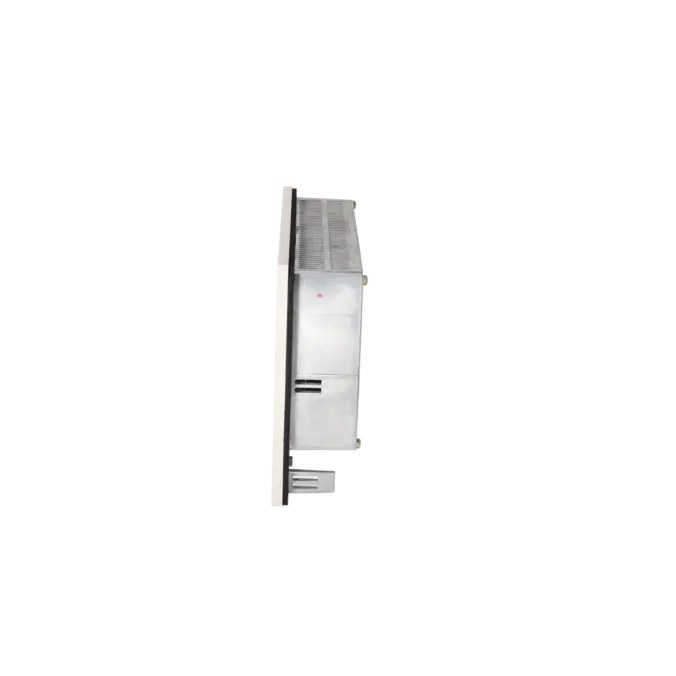
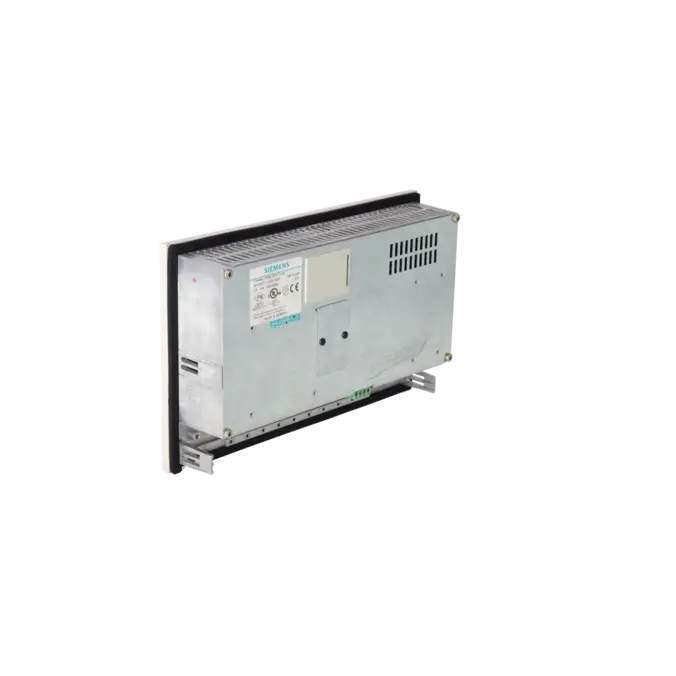
The panel operates on 24 V DC and, according to Siemens, supports a voltage range of 18.0 to 30.0 V DC. In practice, this is important because power supply issues, unstable voltages or unsuitable power supplies can directly lead to communication or start-up problems. The colour STN display provides a resolution of 320 x 240 pixels, with an active display area of 115 x 86 mm. The OP27 features 24 system keys and 24 configurable function keys, including 18 LED-equipped keys and 14 softkeys. For machine communication, the critical interfaces are IF1A RS232/TTY, IF2 RS232/TTY and IF1B RS422/RS485. The device is rated IP65 at the front, measures 296 x 192 x 59 mm and is therefore clearly designed for control cabinet and front-panel installation in industrial environments.
Product status, life-cycle status and obsolescence
The EICHLER product page lists the product status as EOP (End of Production). In the Siemens product catalogue, 6AV3627-1LK00-1AX0 is additionally classified as "deleted without replacement". This means that no verified 1:1 successor is assigned to this order number. For operators of older machines, this is particularly important because mechanical compatibility alone is not sufficient. Interfaces, project data, communication protocols and the exact device type must also remain compatible. Although Siemens support discussions mention TP/OP270 and subsequently TP/OP277 or MP277 as potential migration paths, this should not be interpreted as automatic approval for direct replacement of this specific OP27. When dealing with obsolescence, a careful decision between repair, exchange unit, used equipment or migration is therefore essential.
Available EICHLER services and when they are relevant
For 6AV3627-1LK00-1AX0, EICHLER offers repair, exchange, tested used equipment and new units on request. An optional test report is also available according to the product page. This is particularly relevant for maintenance teams when production downtime must be minimised and an exchange unit offers the fastest route back into operation. For purchasing departments, repair services are attractive because EICHLER performs component-level repairs, provides a detailed quotation and states that savings of up to 70% compared to purchasing new equipment may be possible. For decision-makers, it is important that EICHLER offers exchange and used equipment with warranties of up to 36 months and provides life-cycle management services to support obsolescence planning, spare-parts strategies and long-term machine availability.
| Attribute | Value |
|---|---|
| Display | |
| Design of display | STN, 8 colors |
| Screen diagonal | 5.7 in |
| graphics-enabled | Yes |
| Resolution (pixels) | |
| ● Horizontal image resolution | 240 Pixel |
| ● Vertical image resolution | 320 Pixel |
| Backlighting | |
| ● MTBF backlighting (at 25 °C) | 40 000 h |
| Control elements | |
| Control elements | Keys |
| Keyboard fonts | |
| ● Membrane keyboard | Yes |
| — user-definable label membrane keys | Yes |
| ● Function keys | |
| — Number of function keys | 24 |
| — Number of function keys with LEDs | 18 |
| ● System keys | |
| — Number of system keys | 24 |
| ● Numeric keyboard | Yes |
| ● alphanumeric keyboard | Yes |
| ● hexadecimal keyboard | Yes |
| ● Multi-key operation | No |
| Touch operation | |
| ● Design as touch screen | No |
| Installation type/mounting | |
| Mounting position | vertical |
| maximum permissible angle of inclination without external ventilation | 35° |
| Supply voltage | |
| Type of supply voltage | 24 V DC |
| UPS connectable (serial) | No |
| Input current | |
| Current consumption (rated value) | 0.3 A |
| Power | |
| Active power input, typ. | 8 W |
| Processor | |
| Processor type | X86, 33 MHz |
| Drives | |
| Diskette drive | No |
| CD-ROM | No |
| Hard disk | No |
| Memory | |
| Type of memory | Flash / RAM |
| Memory available for user data | 512 kbyte |
| Battery | |
| Backup battery | |
| ● Backup battery (optional) | Yes; Lithium-ion |
| ● Backup time, min. | 4 y |
| Type of output | |
| Info LED | Yes |
| Power LED | No |
| Time of day | |
| Clock | |
| ● Type | Hardware clock, battery backup, synchronizable |
| ● retentive | Yes |
| ● synchronizable | Yes |
| Interfaces | |
| Interfaces/bus type | 1x TTY, 2x RS 232, 1x RS 422, 1x RS 485 (max. 12 Mbit/s) |
| Number of RS 485 interfaces | 1 |
| USB port | No |
| PC card slot | 1x PC card slot |
| CF card slot | No |
| Special interfaces | No |
| Degree and class of protection | |
| IP (at the front) | IP65 |
| IP (rear) | IP20 |
| Standards, approvals, certificates | |
| Certificate of suitability | PRS, FM Class I Div. 2, UL, EX Zone 22 |
| Ambient conditions | |
| Ambient temperature during storage/transportation | |
| ● min. | -20 °C |
| ● max. | 60 °C |
| Relative humidity | |
| ● Operation, max. | 95 % |
| Operating systems | |
| pre-installed operating system | Rmos |
| Configuration | |
| Configuration software | |
| ● Configuration tool | ProTool Version 3.1 or higher (to be ordered separately) |
| Dimensions | |
| Width of the housing front | 296 mm |
| Height of housing front | 192 mm |
| Overall depth | 59 mm |
| Weights | |
| Weight (without packaging) | 1.85 kg |
| Fault description | Possible solution |
|---|---|
| Why does my OP27 display error 044 "Communication with the controller is disturbed"? | Siemens identifies two primary causes: a fault in the communication path, such as a defective cable, or incorrectly configured interface parameters between the operator panel and the controller. First check the cable, connectors, shielding, any installed signal converter and the interface actually being used. Then compare the protocol, baud rate and all other communication parameters on both sides. Only after the physical connection has been verified should the project be transferred again. |
| Why does the OP27 display error 136 "Controller does not respond"? | According to Siemens, the main areas to check are the PLC program execution and the physical connection. In practice, first verify that the PLC is running, is not in STOP mode and that the communication program is operating correctly. Then check the cabling, connectors and the correct assignment of the HMI interface. If the message remains, compare the communication link against the configured addresses and protocol settings in the project. |
| Why does the OP27 display error 138 "Data block in the controller does not exist"? | Siemens recommends creating the required memory area in the controller. In most cases, the panel is attempting to access a data block or memory area that is missing from the CPU, has a different number or no longer matches the panel because of an older project version. Therefore, verify the DB numbers, lengths, offsets and the actual PLC program version loaded in the controller. After correcting the PLC or HMI project, reload the project and repeat the communication test. |
| Why does my OP27 display error 200 "Battery voltage is no longer sufficient for internal data backup"? | This message relates to the panel's internal backup battery. Siemens recommends replacing the battery while the device remains powered on to prevent data loss. The OP27 uses a 3.6 V lithium battery with approximately 1.5 Ah capacity, with a typical service life of more than four years. After replacement, verify whether the message disappears. If the warning remains, use the RTC/Battery Test available in the hardware test menu to check both the battery connection and the real-time clock hardware. |
| Why does a restore or backup download fail on the OP27? | Siemens notes in the manual that, in the event of restore errors, the backup should be repeated using the correct operator panel type. A Siemens support discussion further emphasises that matching part numbers are critical for a successful restore. Therefore, only use backups created from the same device type and ensure that the firmware version and project configuration are compatible. If the memory card or internal flash memory has become inconsistent, place the panel into transfer mode and perform a clean project download again. |
Is 6AV3627-1LK00-1AX0 still available?
Yes, but it is no longer an active standard product in the Siemens portfolio. Siemens lists this order number as discontinued without a designated replacement, while EICHLER continues to offer repair, exchange, tested used devices, and new units on request for this item. For procurement and maintenance, this means that availability today depends primarily on service stock, exchange pools, the used equipment market, and repairability, rather than on regular manufacturer supply.
Is there a direct successor to the Siemens OP27 Color 6AV3627-1LK00-1AX0?
There is no verified 1:1 successor specified for this particular order number. Siemens support references TP/OP270 and later TP/OP277 or MP277 as migration paths, but this does not replace a detailed technical assessment. Key factors include project conversion, interfaces, communication protocols, installation conditions, and the operating concept. To minimise downtime, it is therefore advisable to first evaluate whether repair or replacement with the identical order number is more economical and less risky than an immediate migration.
Which interfaces should I check before purchasing or replacing the unit?
Before any procurement decision, power supply, communication interfaces, and project compatibility should be verified. According to Siemens, the OP27 provides IF1A RS232/TTY, IF2 RS232/TTY, and IF1B RS422/RS485. These legacy interfaces are often the deciding factor in determining whether a replacement unit can be integrated into an existing machine without additional modifications. In addition, installation dimensions, protection rating, existing wiring, and the current HMI project should be checked. A panel that looks similar is not necessarily a functional replacement.
When is repair more sensible than replacement?
Repair is generally the better option when the existing project must be retained, no exchange unit is available from stock, or the fault can be repaired economically at component level. EICHLER describes its repair service as including fault analysis, quotation, component-level repair, and functional testing, with potential savings of up to 70% compared with purchasing new equipment. Replacement, on the other hand, is often preferable when unplanned downtime must be minimised, as a fully tested replacement unit can be supplied immediately while the defective assembly is returned afterwards.
Can I simply restore a backup or project from another OP27?
Not automatically. Siemens describes restore procedures using a memory card, but also states that the restore must be performed on the correct operator panel. Siemens support information further emphasises that the same part number is essential. In practice, it is therefore important to verify that the device type, firmware version, and project configuration are fully compatible. If there is any uncertainty, the safest approach is to place the panel in transfer mode and reload the correct project.
How can the obsolescence risk for this panel be reduced?
With a discontinued HMI such as the OP27, reacting only after a failure has occurred is often too late. EICHLER describes life-cycle management as a method of identifying installed equipment, assessing risks for each assembly, and developing a supply strategy. In practical terms, this means identifying critical panels, planning appropriate spare units or repair reserves, and making clear decisions regarding stockholding, repair, replacement, and migration. For older HMIs in particular, such a strategy helps to prevent lengthy downtime and urgent spare-part procurement under pressure.