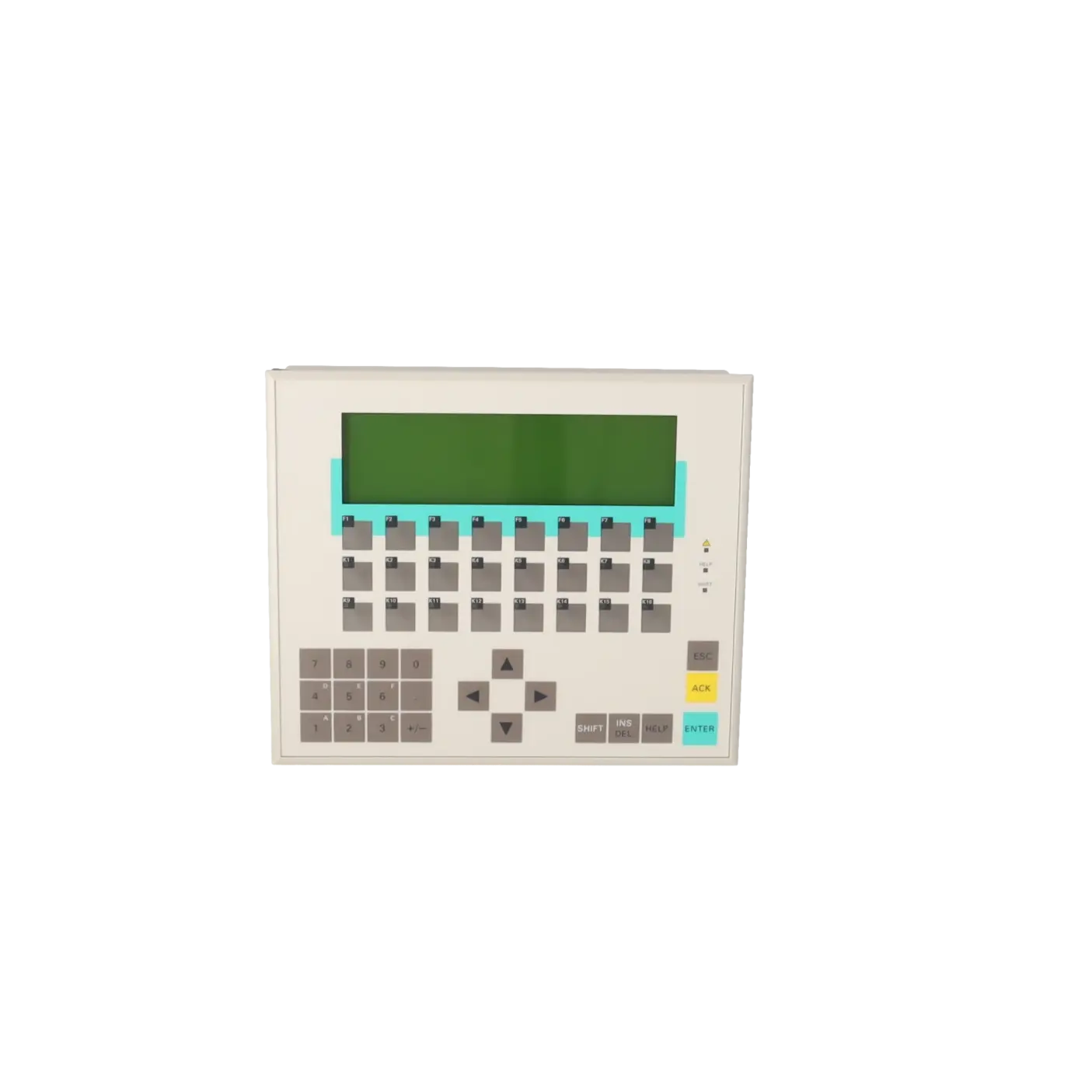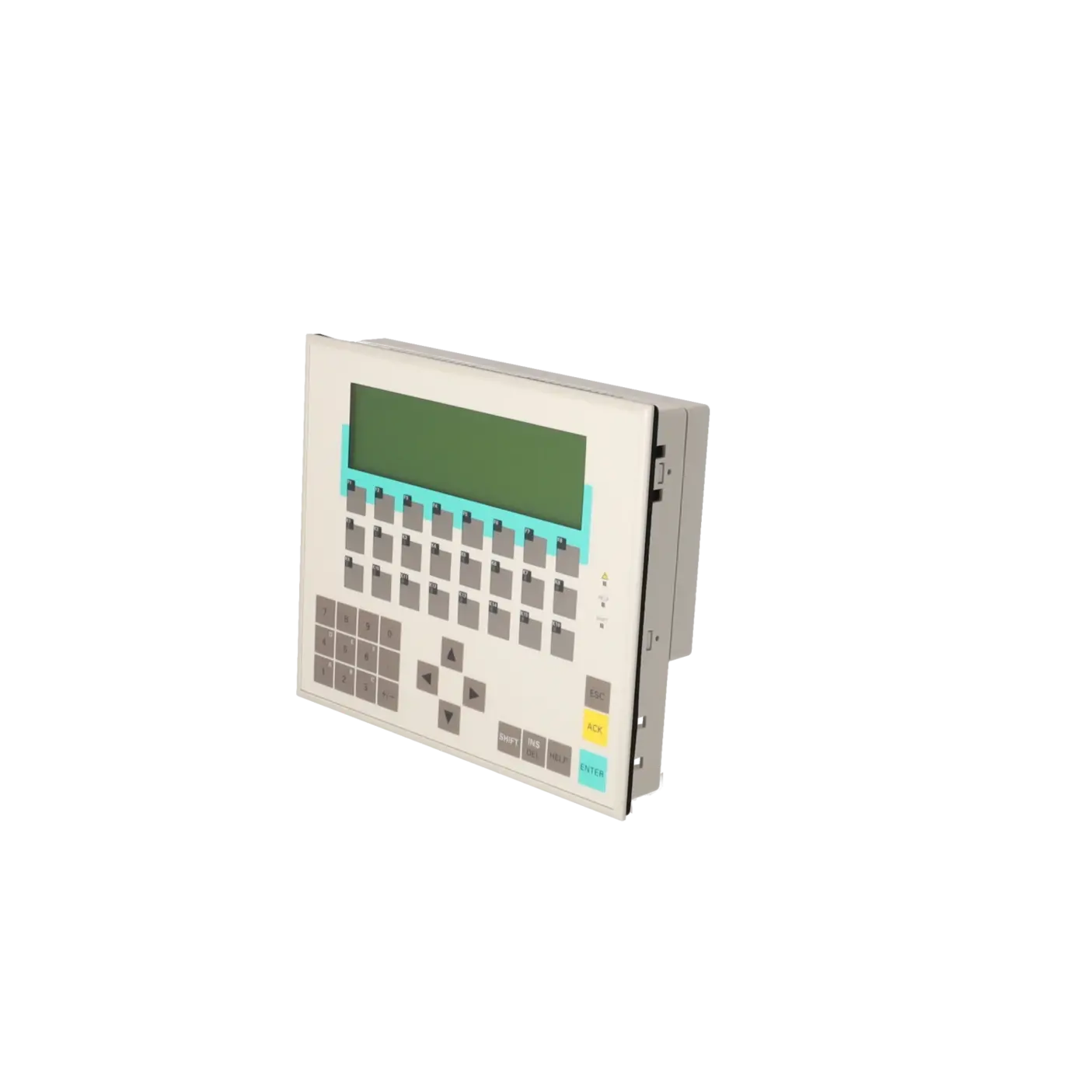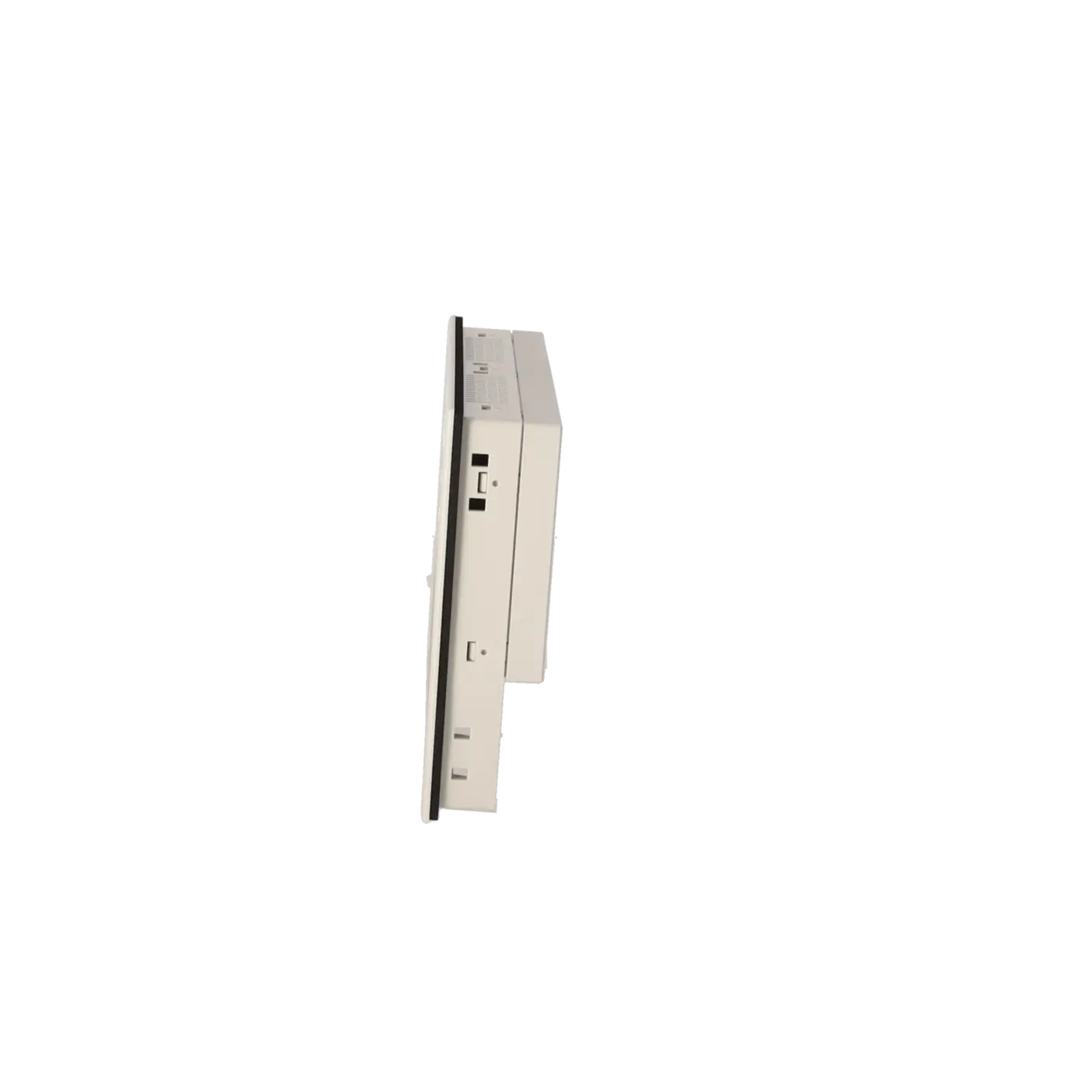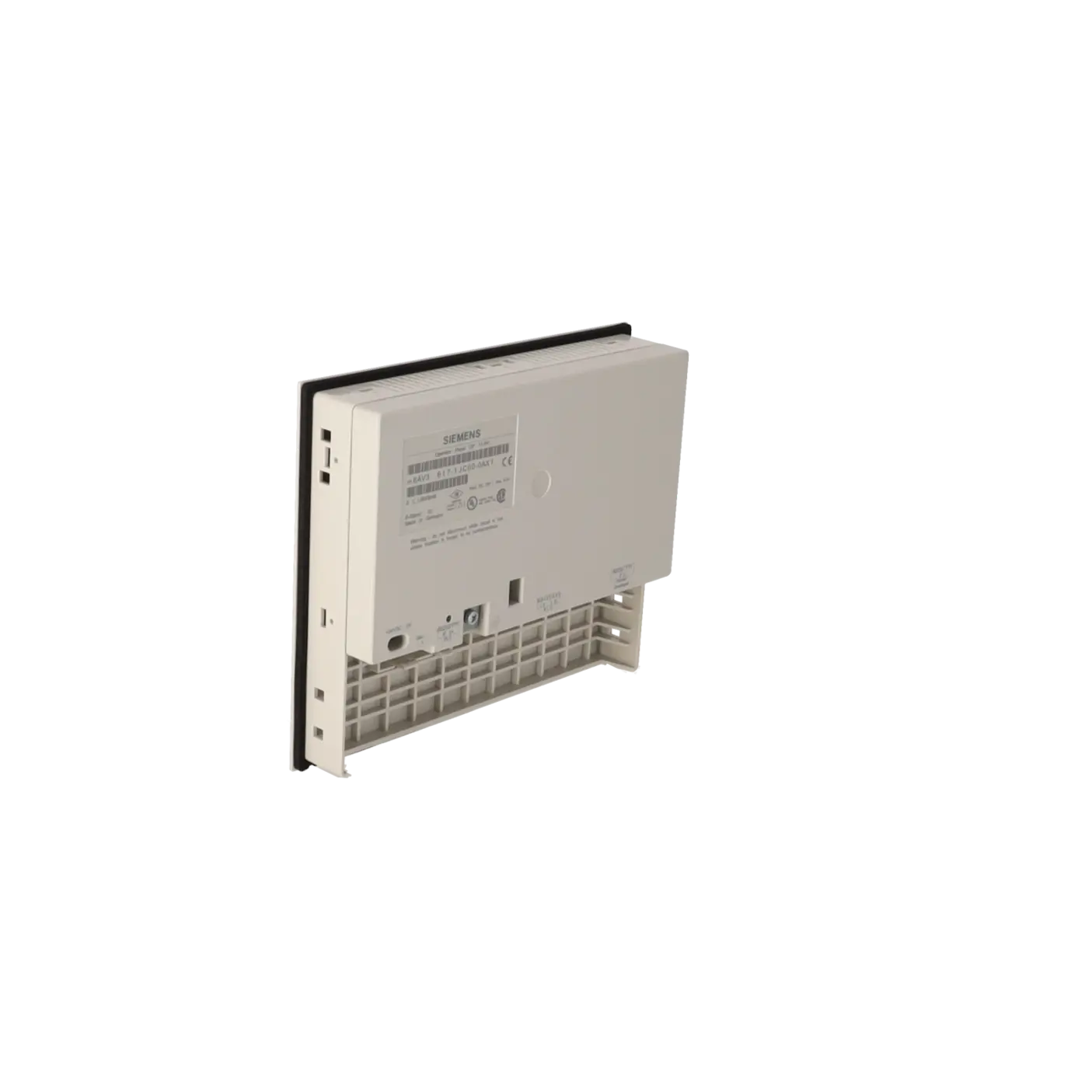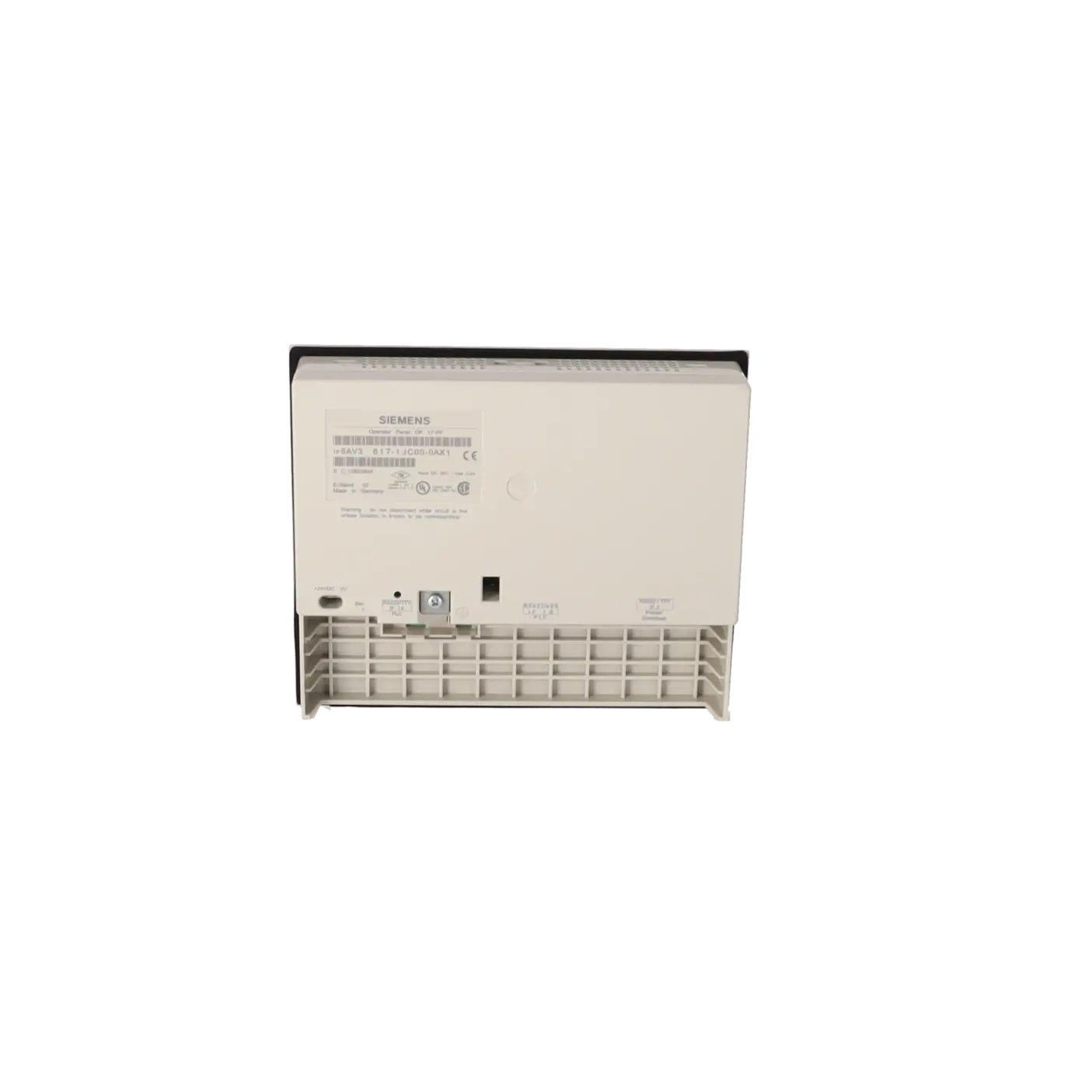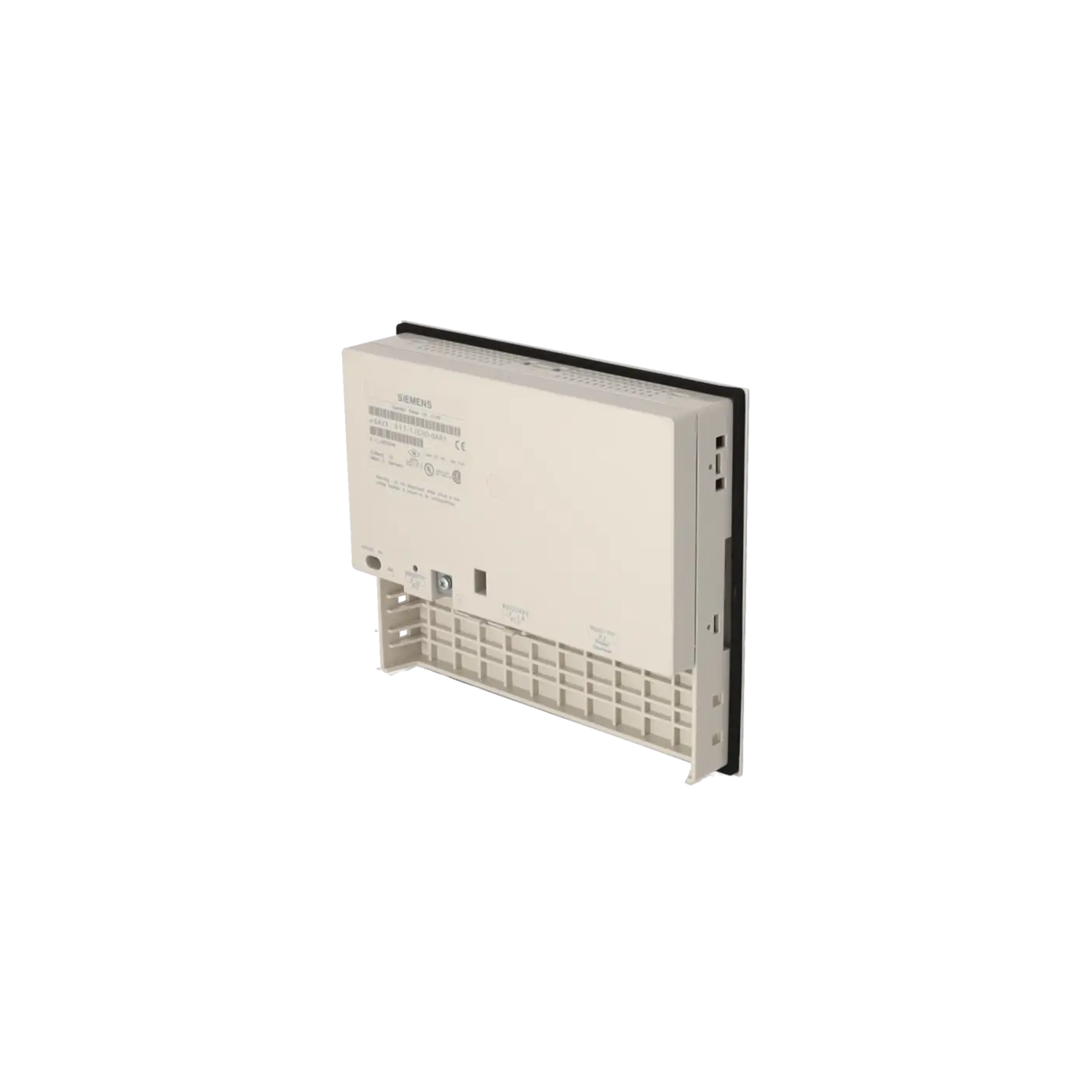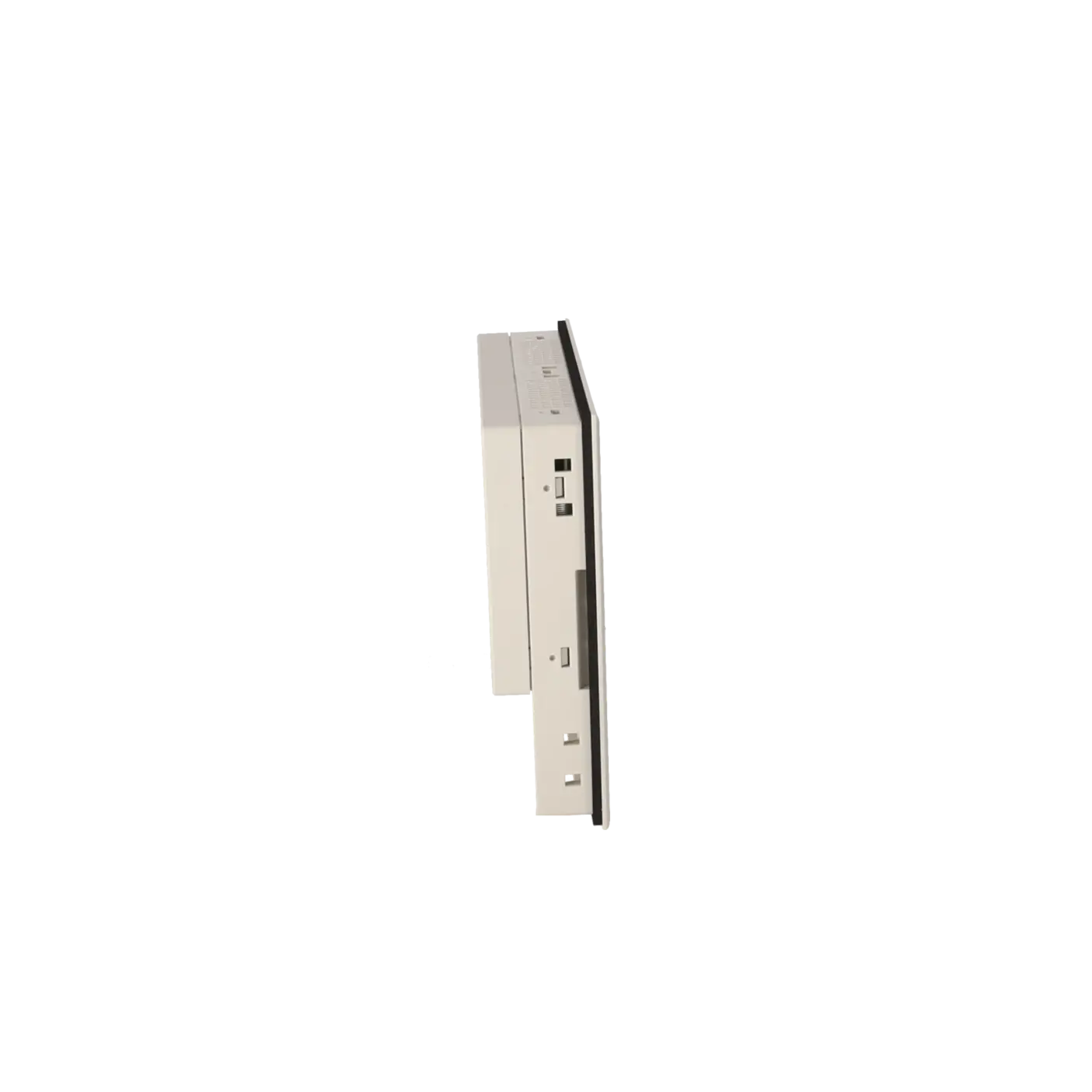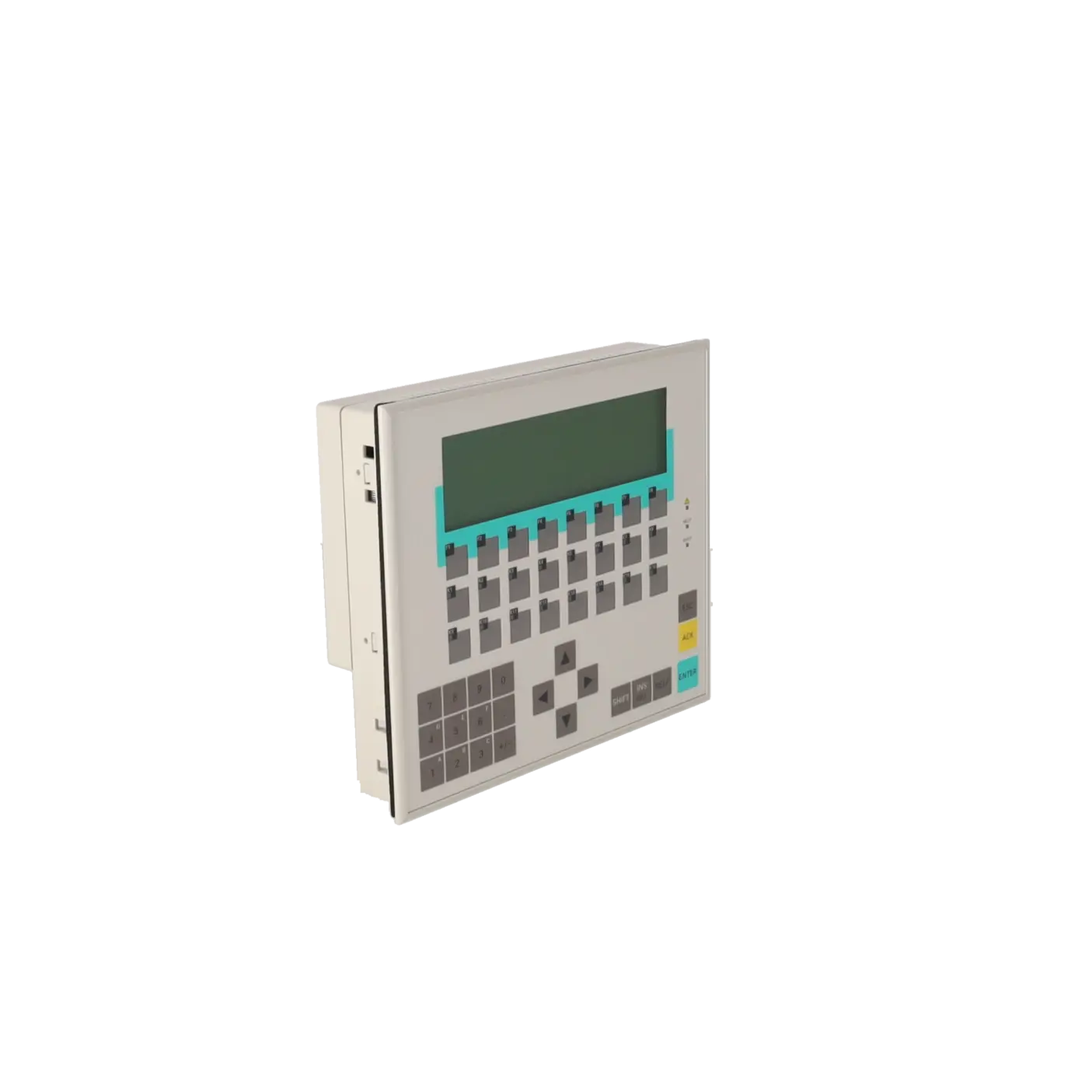
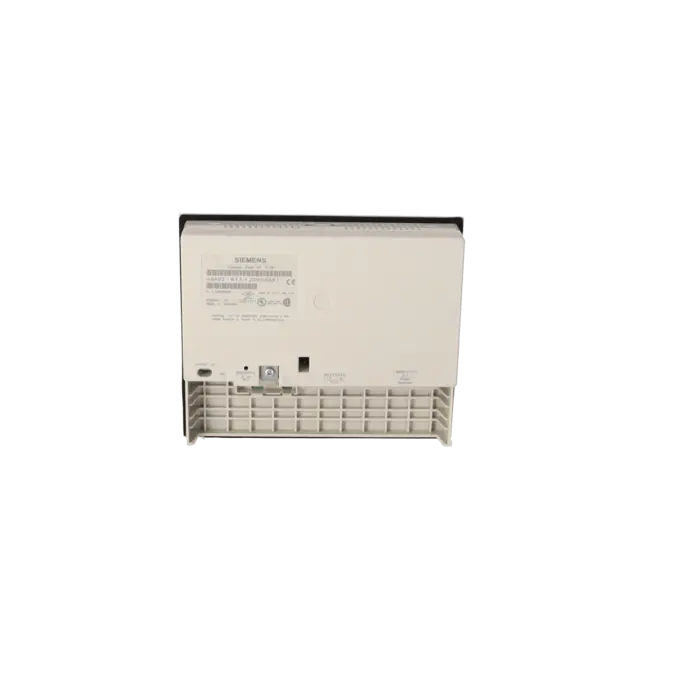
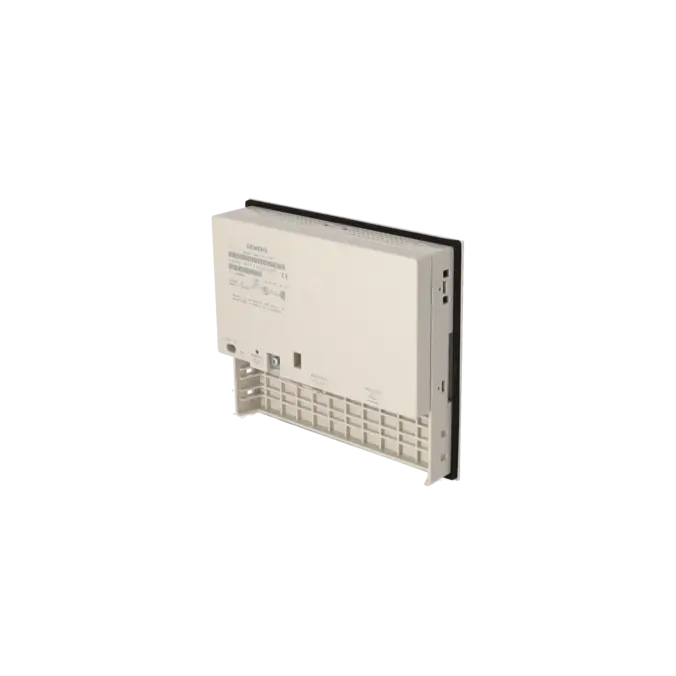
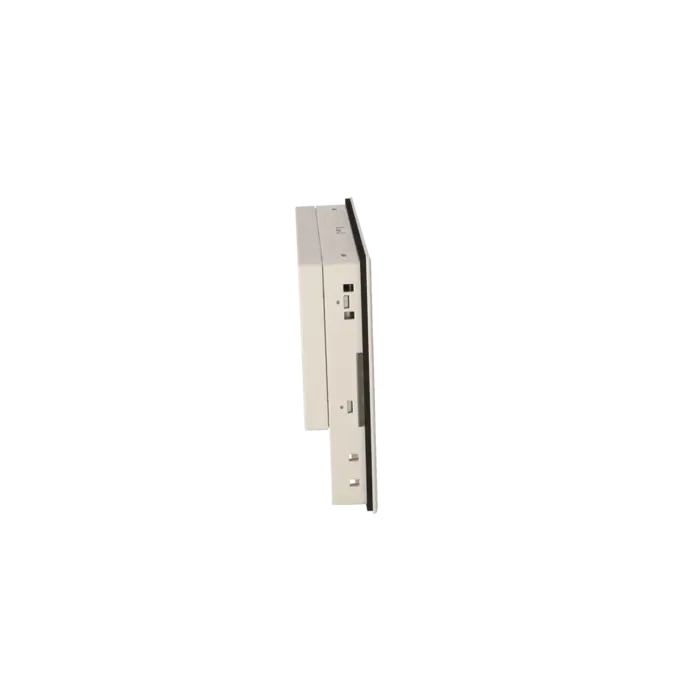
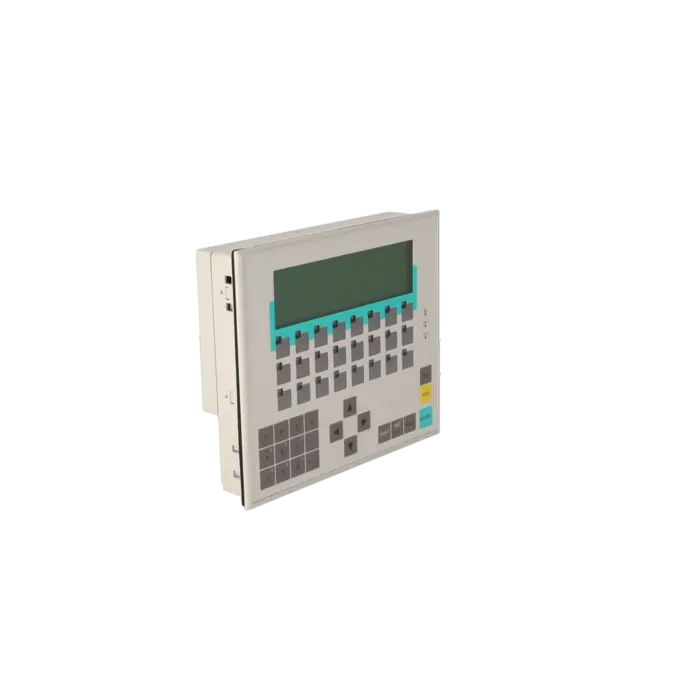
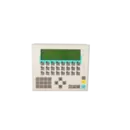
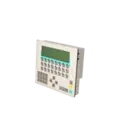

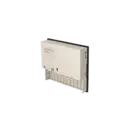
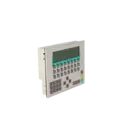
SIEMENS 6AV3617-1JC00-0AX1
- EICHLER-art.no.: K0116660
- EAN: 4025515052111
Product description
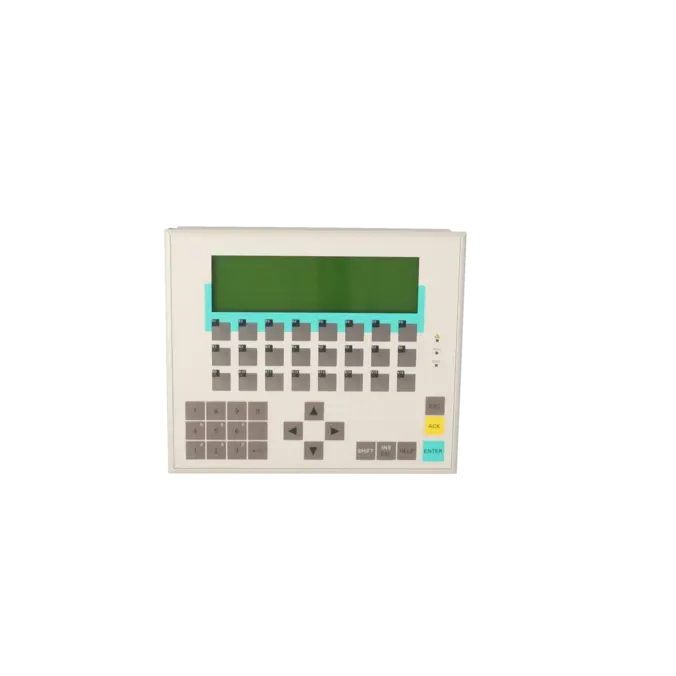
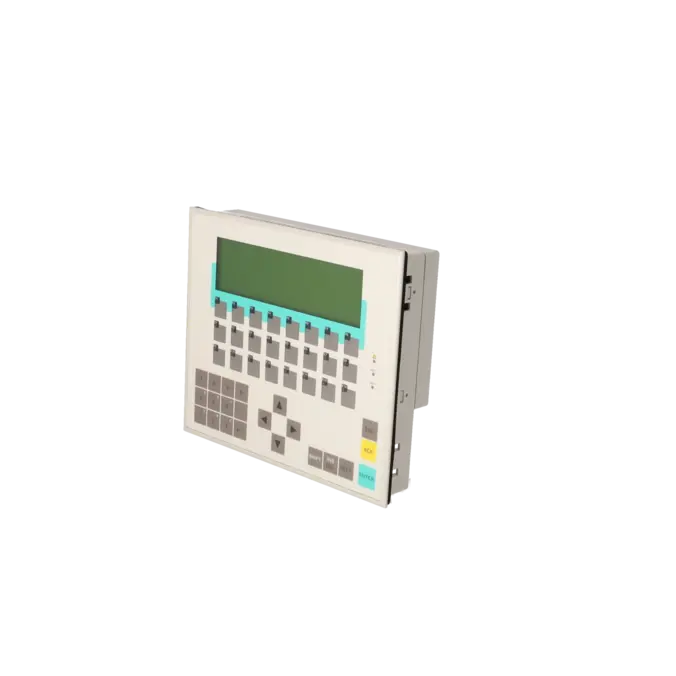
Operator Panel OP 17/PP LC display, LED backlit 4x 20/8x 40 lines x characters SIMATIC S5, 505, native drivers with UL/CSA approval
Services for SIEMENS 6AV3617-1JC00-0AX1
Repair
from 1.789,94 €
to 3.221,90 €
Replacement
1.716,30 €
1.630,48 €
Used
1.907,00 €
1.811,65 €
New
SIEMENS |
6AV3617-1JC00-0AX1 –
additional product information
| Delivery information | |||
|---|---|---|---|
| Export identifier | AL: ECCN: | ||
| Net weight | 1.106 | ||
| Quantity | 1 Stück | ||
| Packaging quantity | 1 | ||
| Additional product information | |||
|---|---|---|---|
| Product status | EOP: 2007-10-01 | ||
| EAN | 4025515052111 | ||
| UPC | / | ||
| Static lot number | 85371098 | ||
| List indicator | / | ||
| Product group | 4368 | ||
| Country of origin | DE | ||
| Compliance with the substance restrictions according to RoHS directive | Since: / | ||
| Product classifications | Version | Classification | |
|---|---|---|---|
| eClass | 4 | / | |
| eClass | 5.1 | / | |
| eClass | 6.0 | / | |
| ETIM | 3 | / | |
| ETIM | 4 | / | |
| ETIM | 5 | / | |
What is SIEMENS 6AV3617-1JC00-0AX1 and where is it used?
The SIEMENS 6AV3617-1JC00-0AX1 is a SIMATIC OP17/PP Operator Panel with keypad operation. It is a character-based HMI designed for traditional machine and system operation, where setpoints, alarms, status information and operating functions are displayed and controlled directly from the panel. The device was designed for SIMATIC S5 and SIMATIC 505 environments and operates using the corresponding native communication drivers. Typical applications are found in existing installations where robust text and alarm display functionality is more important than modern graphical visualisation. For maintenance personnel, the device is particularly relevant when an existing panel must be identified, replaced, repaired or secured as a stocked spare part.
Overview of the key technical specifications and their significance
The panel operates from a 24 V DC power supply, has a typical power consumption of 10 W, and features a monochrome LC display with 8 lines of 40 characters each. In practical terms, this provides clear, text-oriented operator screens rather than graphics-intensive visualisation. The protection rating is IP65 on the front panel and IP20 on the rear, making the device suitable for control cabinet installation and front-panel mounting in industrial environments. The OP17 provides 24 function keys, 16 LED-equipped function keys, 22 system keys, and supports both numeric and hexadecimal input. The device offers 256 kB of application memory. Depending on the version, communication interfaces such as TTY, RS232, RS422 and RS485 are available. For the 6AV3617-1JC00-0AX1 PP version, the communication methods used in S5 and 505 applications are particularly important.
Product status, life-cycle status and obsolescence
The OP17 belongs to Siemens' discontinued HMI product range. Siemens identifies the OP17 family as discontinued within its product phase-out documentation and specifies the OP177B DP as the successor platform. For operators of legacy machinery, it is important to understand that a successor device generally does not represent a simple one-to-one replacement, but rather requires a project migration. Siemens explicitly documents the migration process from OP17 to OP177B and describes how existing OP17 projects can be reused on the OP177B platform. For procurement and maintenance departments, this means that repair, functionally equivalent replacement devices or a planned migration project are the most common approaches to managing obsolescence risks effectively.
Available EICHLER services and when they are relevant
For the 6AV3617-1JC00-0AX1, EICHLER offers repair services, exchange units, used devices and new devices on request. Repair is particularly beneficial when the existing panel is mechanically compatible with the installation, the original project should remain unchanged and rapid reinstallation is required. According to the product page, the repair service includes technical cleaning, preventive maintenance, comprehensive functional testing and a minimum 24-month warranty. An exchange unit is the preferred option when minimising downtime is more important than retaining the original device. Used assemblies are especially useful when obsolescence makes the procurement of new units difficult. Through these services, EICHLER helps companies maintain the operational reliability of older HMI infrastructures even after manufacturer discontinuation.
| Attribute | Value |
|---|---|
| Customer-specific configuration | No |
| Display | |
| Design of display | LC display, black/white |
| Line display | |
| ● Number of lines | 8 |
| ● Number of characters per line | 40 |
| Backlighting | |
| ● MTBF backlighting (at 25 °C) | 200 000 h |
| Control elements | |
| Control elements | Keys |
| Keyboard fonts | |
| ● Membrane keyboard | Yes |
| — user-definable label membrane keys | Yes |
| ● Function keys | |
| — Number of function keys | 24 |
| — Number of function keys with LEDs | 16 |
| ● System keys | |
| — Number of system keys | 22 |
| ● Numeric keyboard | Yes |
| ● alphanumeric keyboard | No |
| ● hexadecimal keyboard | Yes |
| ● Multi-key operation | No |
| Installation type/mounting | |
| Mounting position | vertical |
| maximum permissible angle of inclination without external ventilation | 90° |
| Supply voltage | |
| Type of supply voltage | 24 V DC |
| UPS connectable (serial) | No |
| Input current | |
| Current consumption (rated value) | 0.34 A |
| Power | |
| Active power input, typ. | 10 W |
| Processor | |
| Processor type | X86 |
| Memory | |
| Type of memory | Flash / RAM |
| Memory available for user data | 256 kbyte |
| Battery | |
| Backup battery | |
| ● Backup battery (optional) | Yes; optional 3.6 V |
| ● Backup time, min. | 4 y |
| Type of output | |
| Info LED | Yes |
| Power LED | No |
| Error LED | Yes |
| Time of day | |
| Clock | |
| ● Type | Hardware clock, battery backup, synchronizable |
| ● retentive | Yes |
| ● synchronizable | Yes |
| Interfaces | |
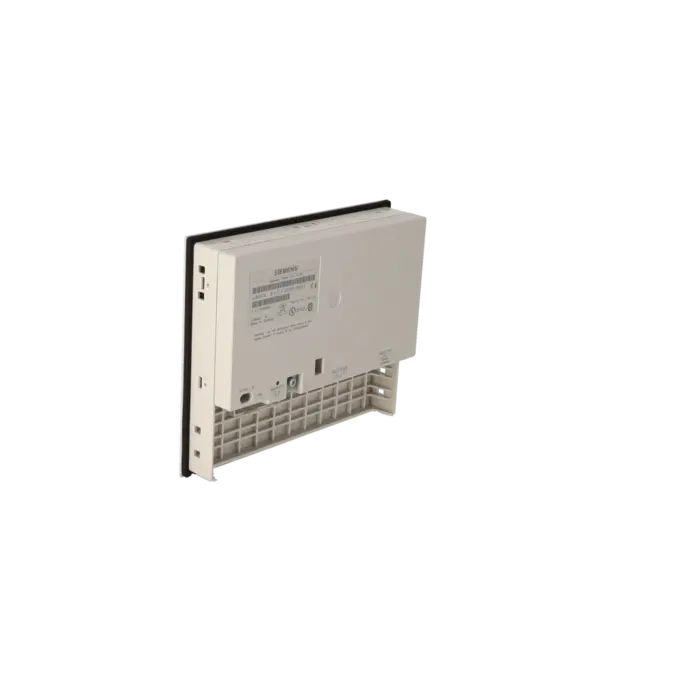
| Interfaces/bus type | 2x TTY, 2x RS 232, 1x RS 422, 1x RS 485 |
| Number of RS 485 interfaces | 1 |
| USB port | No |
| PC card slot | No |
| CF card slot | No |
| Special interfaces | No |
| Protocols | |
| PROFIBUS | Yes |
| MPI | Yes |
| AS-Interface | No |
| Further protocols | |
| ● MODBUS | No |
| ● other bus systems | No |
| Degree and class of protection | |
| IP (at the front) | IP65 |
| IP (rear) | IP20 |
| Standards, approvals, certificates | |
| Certificate of suitability | CE, PRS, FM Class I Div. 2, UL, EX Zone 2/22 |
| Ambient conditions | |
| Ambient temperature during storage/transportation | |
| ● min. | -25 °C |
| ● max. | 70 °C |
| Relative humidity | |
| ● Operation, max. | 95 % |
| Operating systems | |
| pre-installed operating system | Rmos |
| Configuration | |
| Message indicator | Yes |
| Alarm system (incl. buffer and acknowledgment) | No |
| Process value display (output) | No |
| Process value default (input) possible | No |
| Recipe management | No |
| Configuration software | |
| ● Configuration tool | ProTool / Lite Version 2.51 or higher or Version 1 (to be ordered separately) |
| Peripherals/Options | |
| Additional software components loadable | No |
| Dimensions | |
| Width of the housing front | 240 mm |
| Height of housing front | 204 mm |
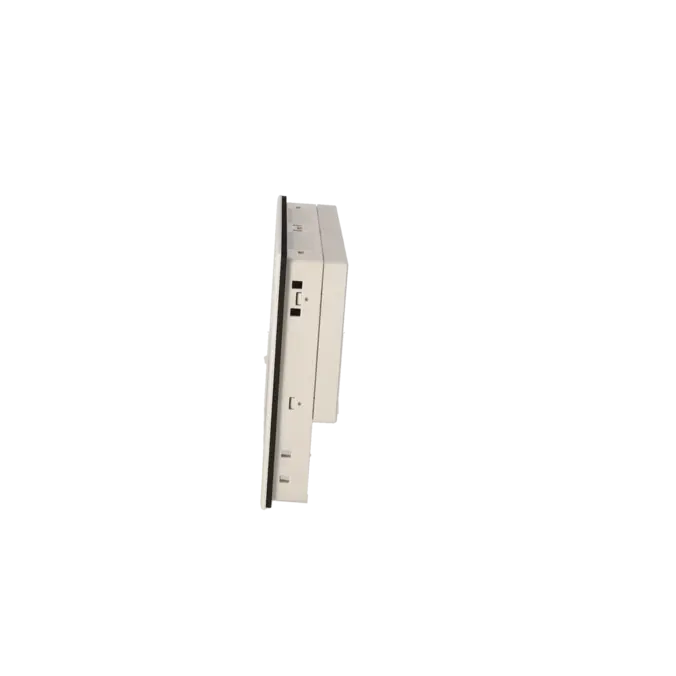
| Overall depth | 50 mm |
| Weights | |
| Weight (without packaging) | 0.96 kg |
| Fault description | Possible solution |
|---|---|
| Why does my OP17 only display "Ready for transfer" instead of the machine screen? | This message indicates that the panel is waiting for data from a PU/PC and is operating in, or close to, download/transfer mode. First, check whether the device has intentionally been set to System Settings > OpMode > Download. If the condition occurs after a replacement or restore procedure, reload the correct configuration to the panel via IF2. If the device continues to display "Ready for transfer" after a restore, an incompatible backup or an incomplete transfer process may also be the cause. |
| What does "Firmware not compatible" mean on an OP17? | In this situation, the firmware currently installed on the device is not compatible with the configuration being used. This commonly occurs with replacement devices or when restoring older backup files. The recommended solution is to place the panel into download mode and transfer a compatible configuration or matching firmware combination. If additional messages such as "Backup version does not match" appear during device replacement, the part number, device variant and firmware version of the replacement panel should be verified before restoring the backup. |
| Why does my OP17 display "$041 Transfer Error"? | This message typically indicates a communication fault between the operator panel and the controller. First, check the cabling, shielding, connectors and cable length, ideally using a short and reliable test cable. Afterwards, verify the communication parameters and the project configuration. If alarm messages or screens were modified shortly before the fault occurred, retransferring the configuration may resolve the issue. It is also advisable to check whether the project is generating excessive communication load. |
| Why do I receive a download message stating that the configured interface type is not supported by the hardware variant of the connected device? | This message is typically displayed when the device variant and the configured communication method do not match. The 6AV3617-1JC00-0AX1 is the PP version. According to the Siemens manual, this version supports SIMATIC S5 AS511 (TTY) and FAP (TTY/RS232) communication, as well as connections to 500/505 controllers and other PLCs via the designated interfaces. If an incompatible MPI or PROFIBUS DP communication configuration has been created in ProTool, the download or operation will fail. In this case, the device type, driver and communication method within the project configuration must correspond exactly to the requirements of the PP variant. |
| What does "$551 PLC address 2 not possible" mean on an OP17? | This message indicates that the communication partner at the configured address is not responding. First, check the bus address, connectors, cable condition and termination settings. In DP or MPI applications, the CPU communication port and bus parameters should also be verified. If the message occurs together with other communication faults, a defect in the cable, connector or interface hardware may also be present. For the PP variant, it is additionally important to ensure that the correct controller family and communication interface are being used. |
Is 6AV3617-1JC00-0AX1 intended for SIMATIC S5 or SIMATIC S7?
The 6AV3617-1JC00-0AX1 is the OP17 PP variant. It was designed for SIMATIC S5 systems using AS511/FAP communication as well as 500/505-oriented communication environments. Siemens documentation for the various OP17 versions clearly shows that the PP variant does not provide S7/MPI communication in the way that the DP variants do. This distinction is extremely important for procurement and replacement purposes, as an incorrect OP17 variant may appear similar externally but will not be technically compatible with the existing installation.
Which software is required to configure this panel?
For the OP17, Siemens and the product documentation specify ProTool/Lite as the engineering software. The EICHLER product page specifically lists Version 2.51 or Version 1. This is particularly important for operators of older installations because modern engineering environments do not support this device class in the same way as current-generation panels. Anyone planning to source a replacement device or restore a backup should therefore verify at an early stage that the original project file, the appropriate ProTool version and the corresponding transfer environment are still available.
Which interface is used to download data to the OP17 from a PC or PG?
The IF2 interface is intended for communication with a PC/PG via TTY or RS232. Siemens describes both initial commissioning and recommissioning using this interface in the device manual. For successful downloads, not only the correct cable is required, but also the correct communication path must be configured within the project. With older panels, this is a common source of errors because the device connection, PLC connection and download interface must not be confused.
Is there a Siemens successor for the 6AV3617-1JC00-0AX1?
Yes. Siemens identifies the OP177B DP as the successor device for the OP17 PP in its discontinuation documentation. In practice, however, this is not a simple one-to-one replacement where the old panel can simply be removed and the new one installed. In most cases, it involves a migration project. Siemens provides dedicated documentation covering the migration from OP17 to OP177B. For operators, this means that in the event of an unexpected failure, a repaired unit or a functionally equivalent replacement device is often the fastest solution, whereas the successor device is generally more suitable as part of a planned modernisation programme.
Does the OP17 have a backup battery and why is it important?
Yes. An optional 3.6 V backup battery is available for the OP17. Siemens explains that, during power interruptions, this battery ensures that alarm-buffer data remains available and that the real-time clock continues to operate. Under normal operating conditions, the battery has a typical service life of approximately four years. This is important for maintenance personnel because an ageing battery does not necessarily cause an immediately visible fault, but it can contribute to lost buffer data or clock-related issues.
Can an existing ProTool project be reused on a replacement or successor device?
In principle, yes, but not always without modification. Siemens explicitly documents the migration process from OP17 to OP177B and also describes the reuse of existing OP17 projects on the OP177B platform. This demonstrates the value of existing project data and highlights why it should always be backed up before a failure occurs. For a direct device replacement within the same OP17 family, the part number, device variant and firmware version must also match correctly to ensure that restore operations or project downloads can be completed without version conflicts.