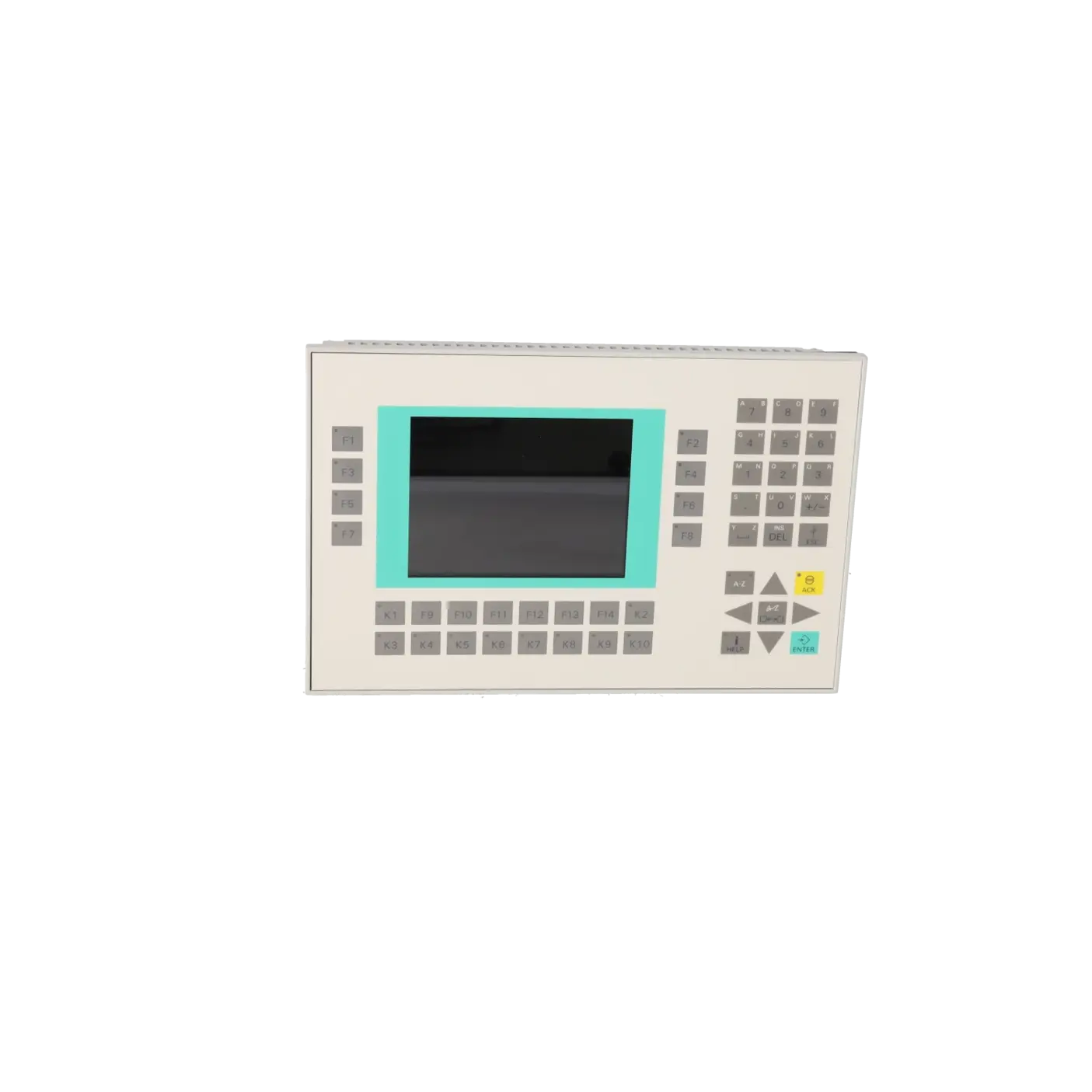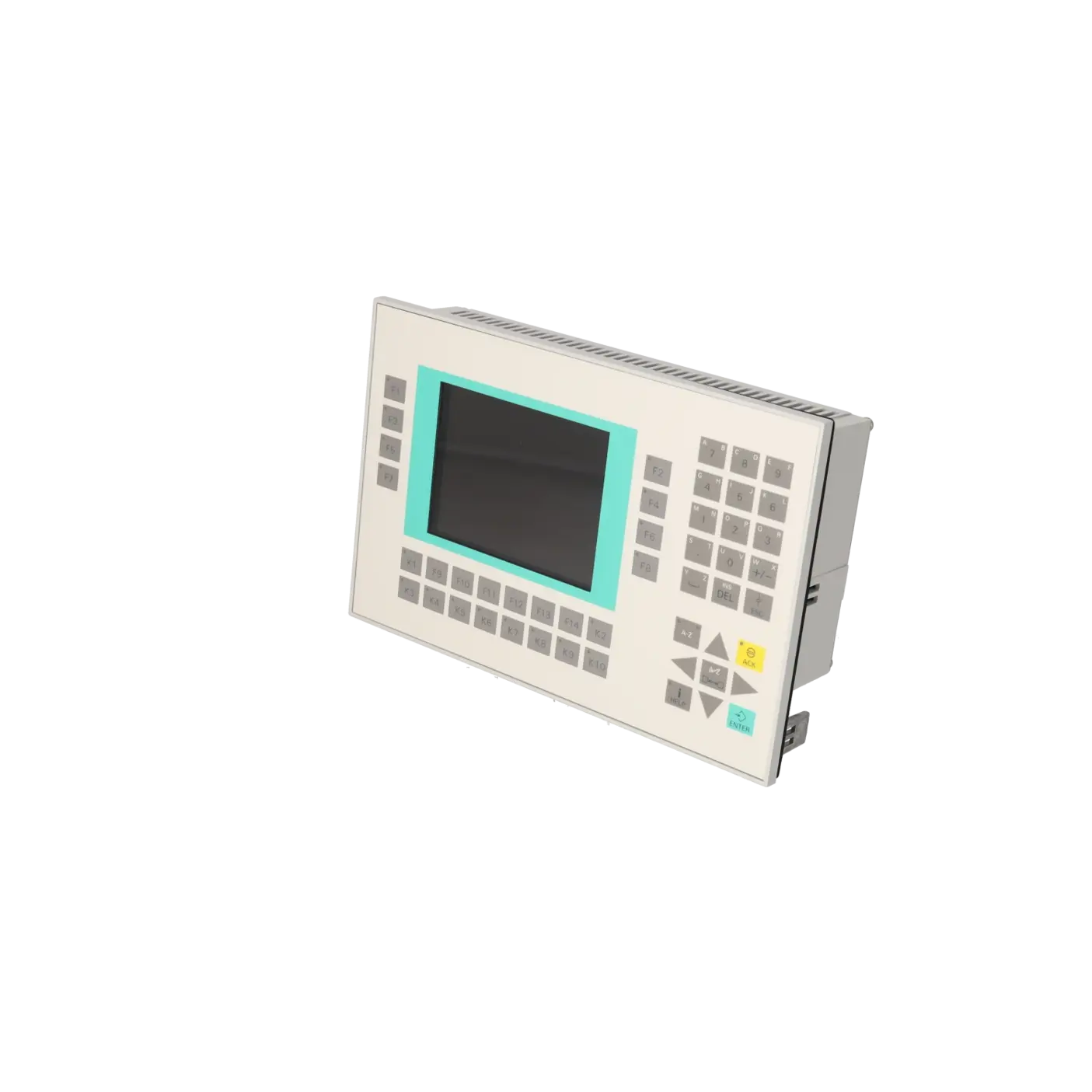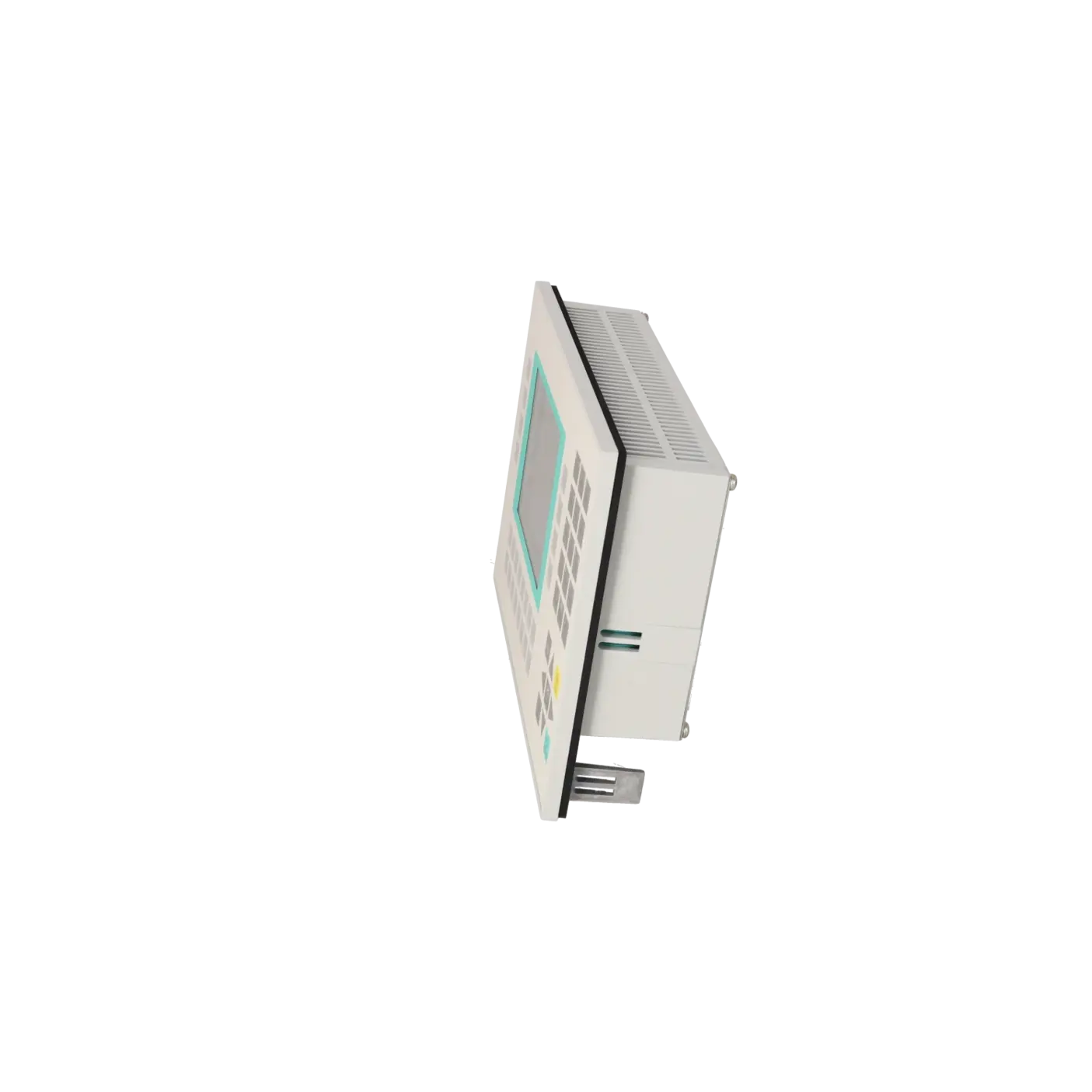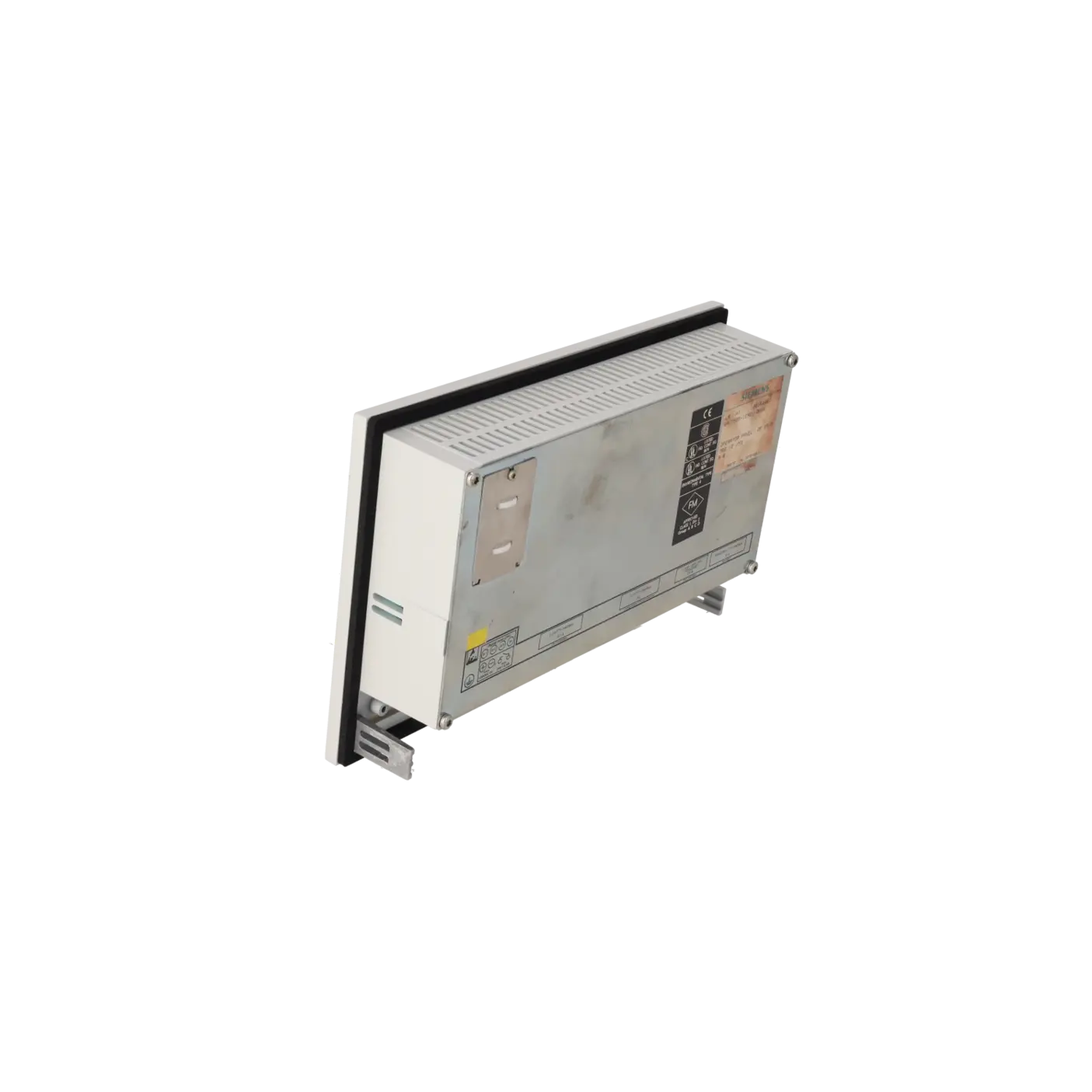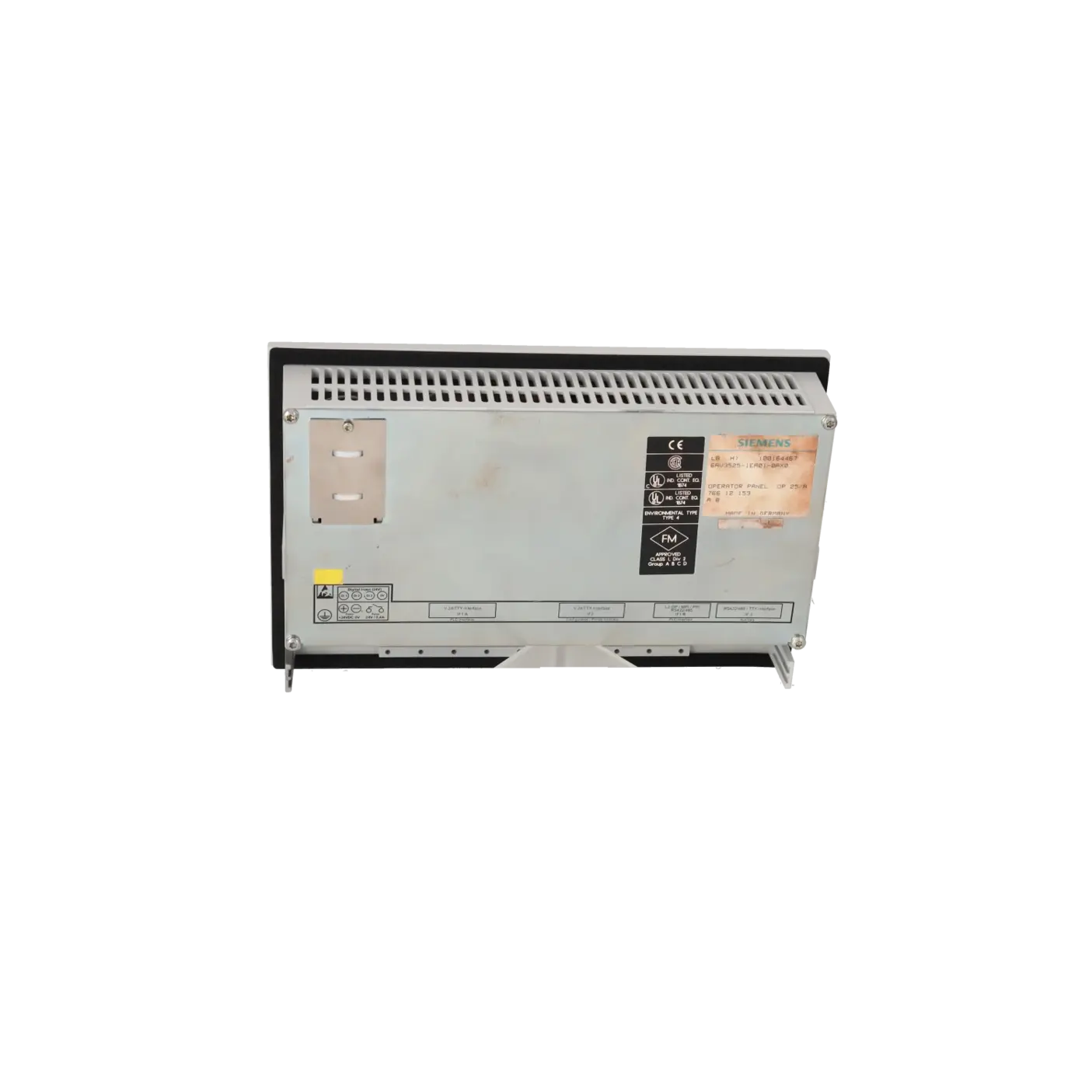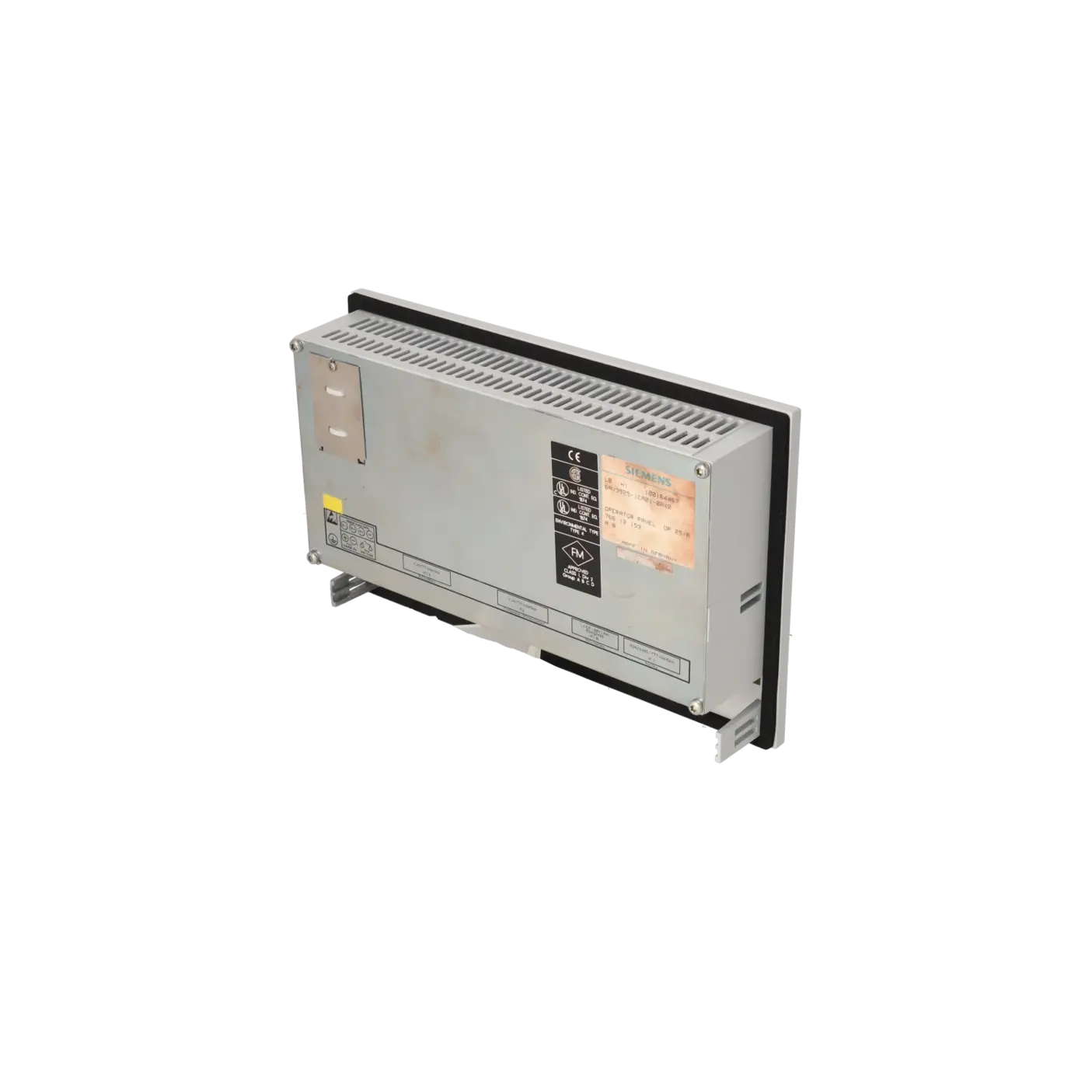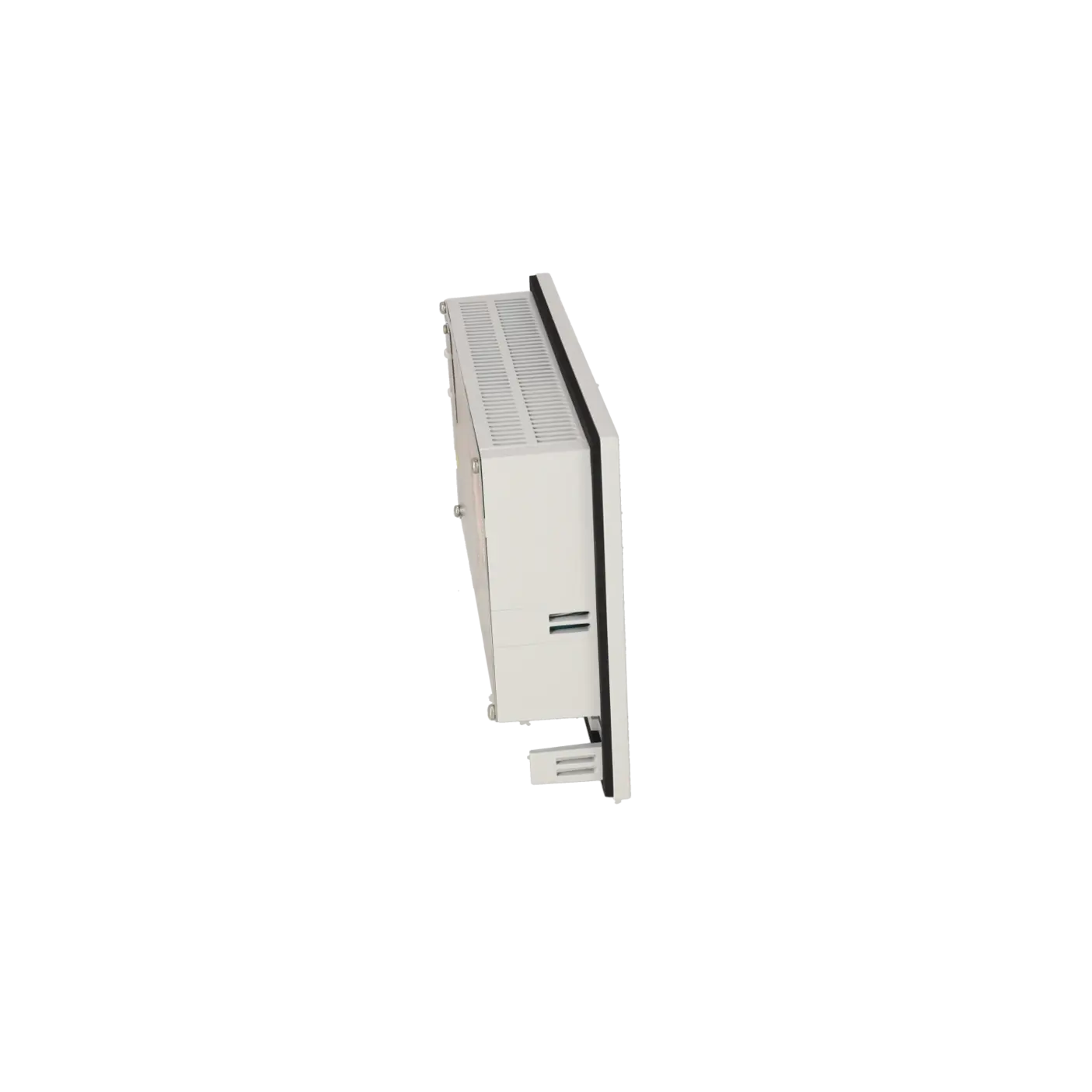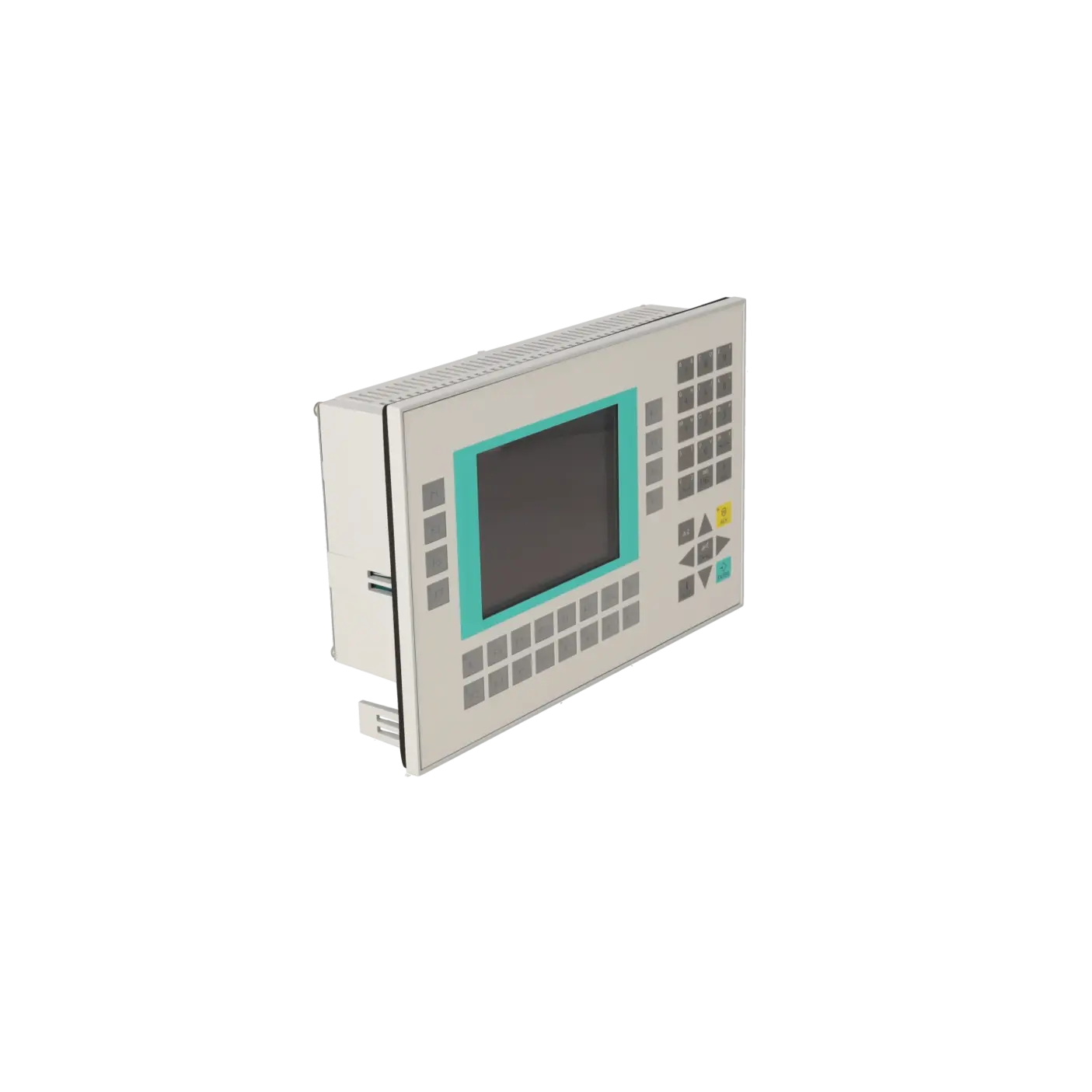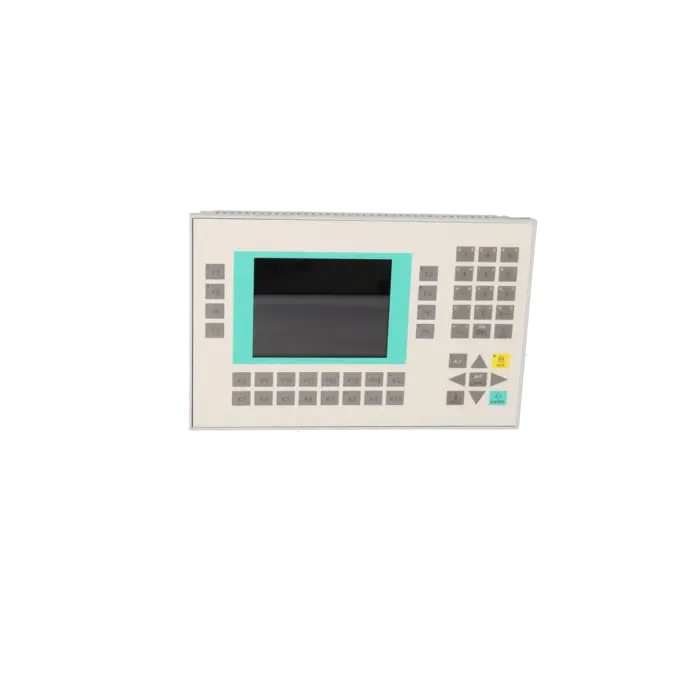
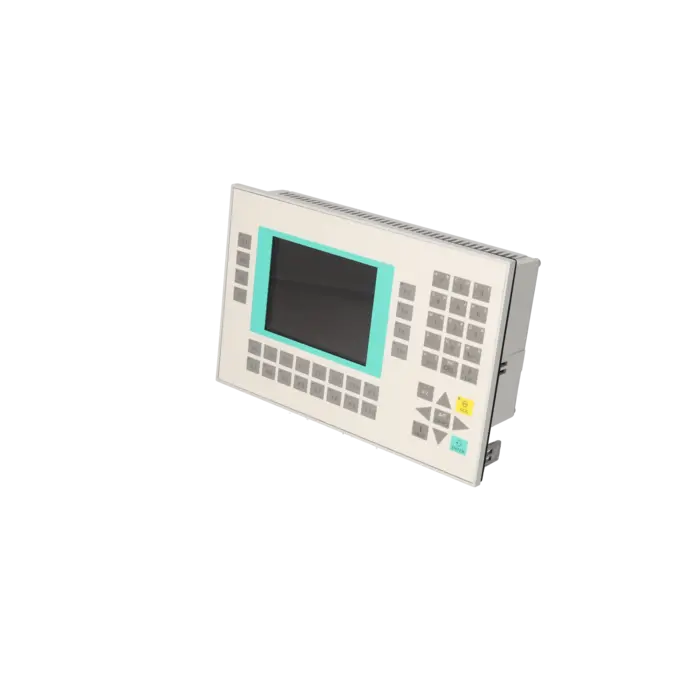
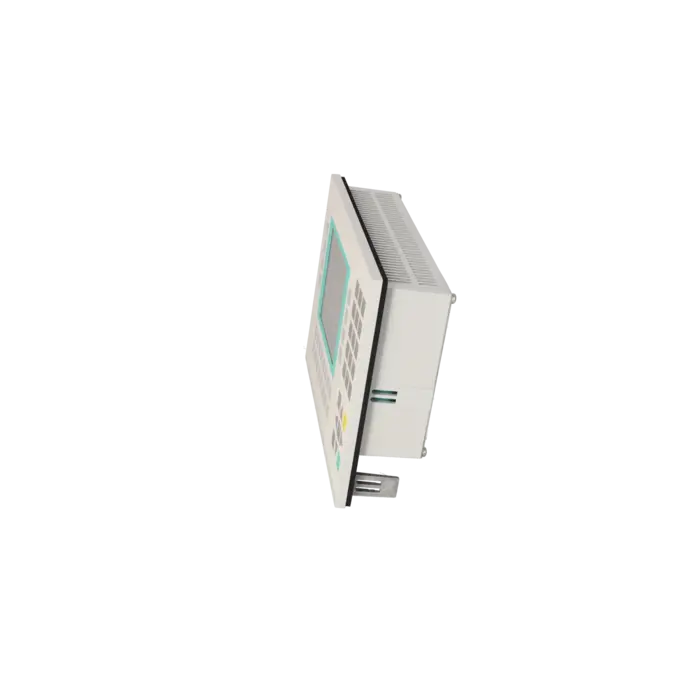
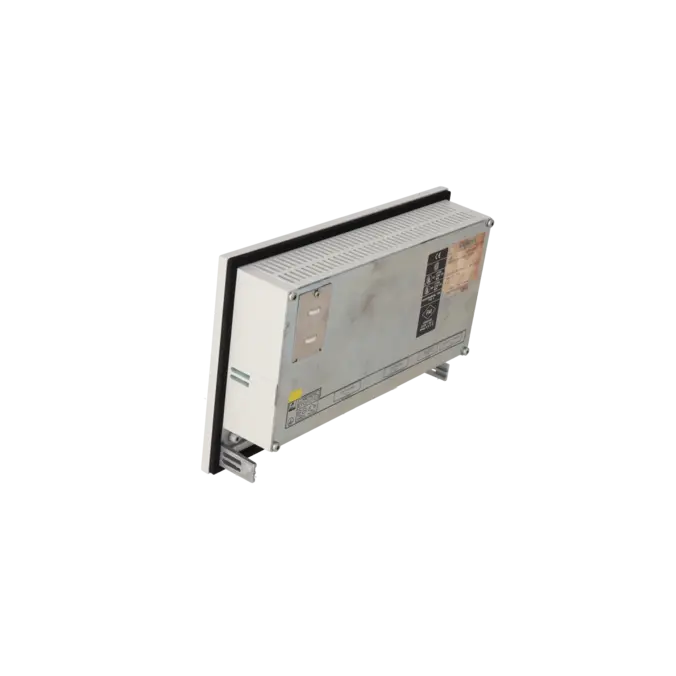
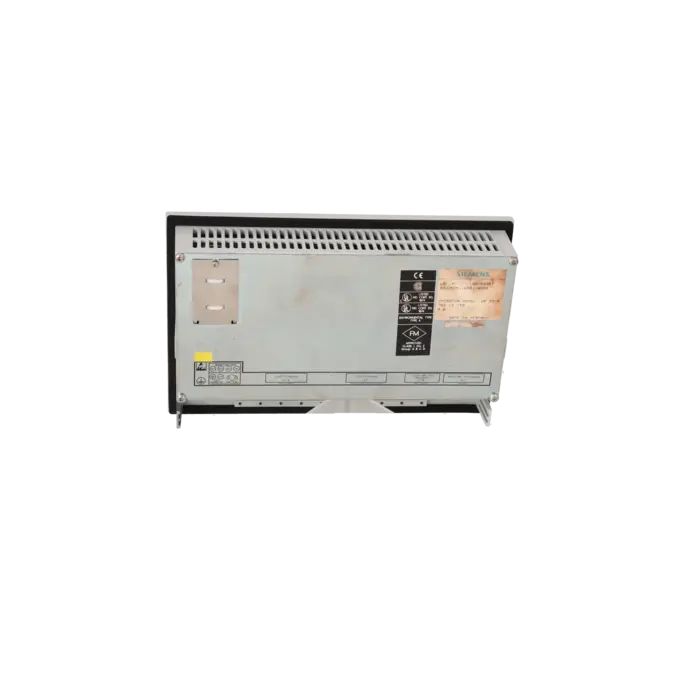
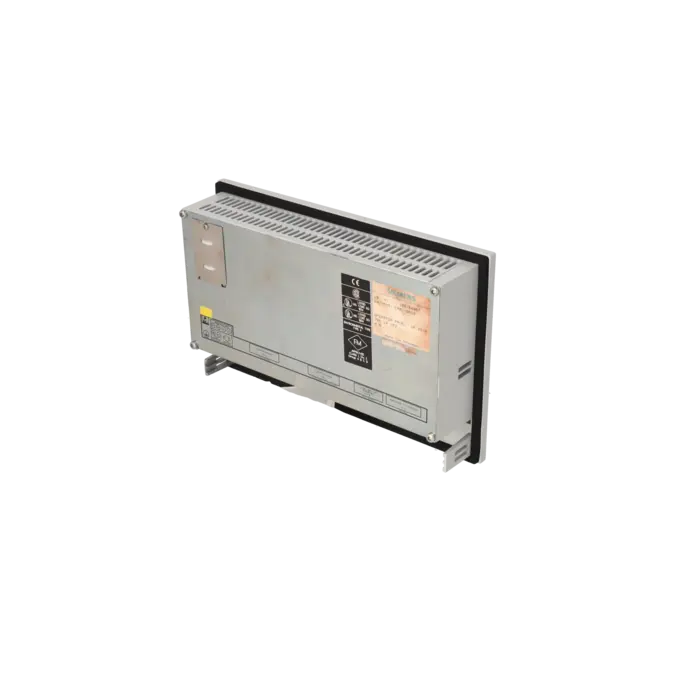
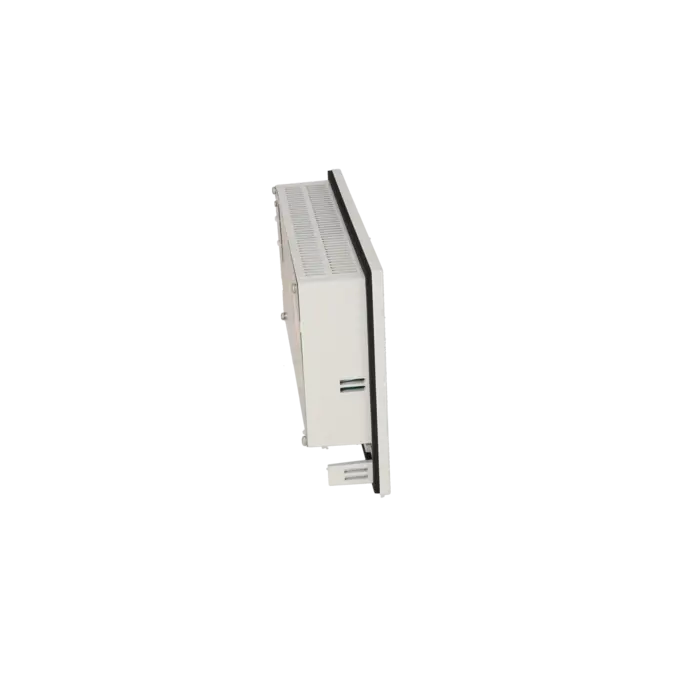
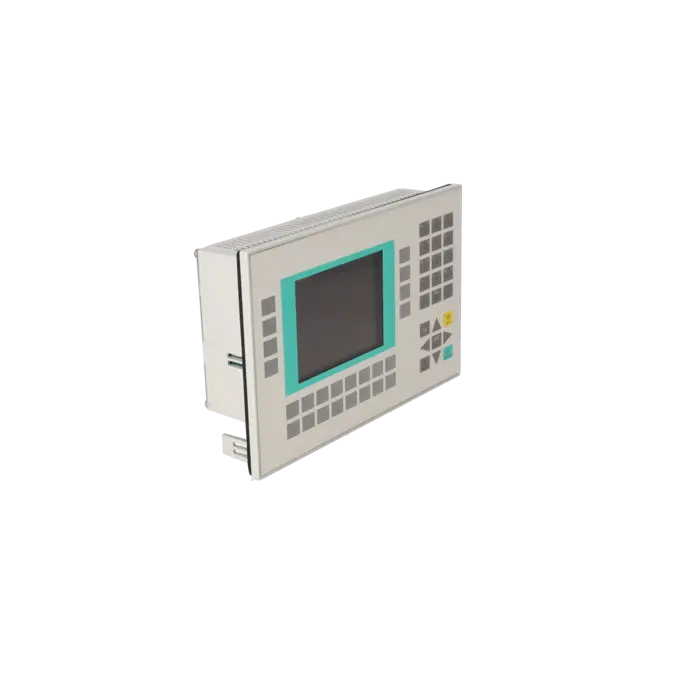
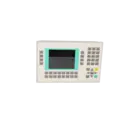
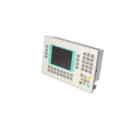

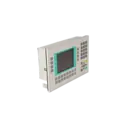
SIEMENS 6AV3525-1EA01-0AX0
- EICHLER-art.no.: K0136053
Product description
OPERATOR PANEL OP25 WITH LC DISPLAY, MONOCHROME (PIXEL GRAPHICS), WITH 4 INTEGRATED INTERFACES 2X TTY/V.24, X.27/TTY, MPI/PPI) W/O DIRECT KEYPAD
Services for SIEMENS 6AV3525-1EA01-0AX0
SIEMENS |
6AV3525-1EA01-0AX0 –
additional product information
| Delivery information | |||
|---|---|---|---|
| Export identifier | AL: ECCN: | ||
| Net weight | 2.48 | ||
| Quantity | 1 Stück | ||
| Packaging quantity | 1 | ||
| Additional product information | |||
|---|---|---|---|
| Product status | EOP: 1999-10-01 | ||
| EAN | / | ||
| UPC | / | ||
| Static lot number | 85371099 | ||
| List indicator | / | ||
| Product group | 2347 | ||
| Country of origin | DE | ||
| Compliance with the substance restrictions according to RoHS directive | Since: / | ||
| Product classifications | Version | Classification | |
|---|---|---|---|
| eClass | 4 | / | |
| eClass | 5.1 | / | |
| eClass | 6.0 | / | |
| ETIM | 3 | / | |
| ETIM | 4 | / | |
| ETIM | 5 | / | |
What is 6AV3525-1EA01-0AX0 and where is it used?
The 6AV3525-1EA01-0AX0 is a SIEMENS OP25 Operator Panel from the SIMATIC HMI product family, designed for local machine and plant operation. The device is intended for front-panel installation in control cabinet doors or operator consoles and was typically used in legacy installations featuring SIMATIC S5, SIMATIC S7, and other serially connected control systems. It utilises a monochrome graphic display and a membrane keypad, making it suitable for operator tasks such as alarm display, setpoint entry, recipe management and basic process visualisation directly at the machine. With a front protection rating of IP65, the OP25 is designed for industrial environments where enhanced protection against dust and water splashes is required.
Key technical specifications and their significance
The OP25 operates from a 24 V DC power supply and, according to the manual, supports an operating range of 18 to 30 V DC. For operators, this is important because voltage fluctuations or unstable power supplies can directly cause communication or startup issues. The device features an STN LCD display with a resolution of 320 × 240 pixels and an active display area of 115 × 86 mm. Operator input is provided through 24 system keys and 24 function keys, 18 of which are equipped with LEDs. Integrated communication interfaces include V.24/TTY, RS422/RS485, and connection options for a PC/PG, printer or a second TD/OP device. The enclosure dimensions are 296 × 192 mm, with an installation depth of 59 mm and a weight of approximately 1.85 kg. The protection rating is IP65 on the front and IP20 on the rear. These specifications are particularly important when an existing device must be replaced, tested or mechanically installed as a direct replacement within an existing operator panel cut-out.
Product status, life-cycle status and obsolescence
For the 6AV3525-1EA01-0AX0, the EICHLER product page lists an EOP (End of Production) date of 01 October 1999. For maintenance and procurement teams, this means that the original device has been discontinued for many years and that availability, project data and the technical condition of existing units have become the primary concerns. Siemens identifies the OP270 6" as a suitable successor for the OP25. At the same time, Siemens migration documentation shows that certain key assignments can be transferred when migrating to an OP170B or OP270 6", although the migration process must still be reviewed and adapted where necessary. For operators of older S5 or early S7 installations, the key question is therefore not only the part number itself, but also whether repair, replacement or migration represents the most economical and fastest solution in a given downtime scenario.
Available EICHLER services and their practical benefits
For the OP25, EICHLER offers repair services, exchange units, used devices and new devices on request. The product page specifies lead times of 1–3 days for repair, exchange and used-device options, while a test report can also be selected as an additional service. These options are particularly valuable for operators who cannot immediately undertake a complete migration when faced with a display, keypad or communication fault. A repair is often the preferred solution when the existing project should continue operating unchanged in the field. An exchange unit is beneficial when downtime costs are high and production must be restored quickly. Used devices can provide a practical alternative when obsolescence and long lead times limit procurement options. EICHLER also states that repairs include technical cleaning, preventive maintenance, functional testing and a minimum 24-month warranty. This significantly reduces the risk of another failure occurring shortly after an older HMI has been returned to service.
| Fault description | Possible solution |
|---|---|
| What do system messages 040, 041, 044 or 681 mean on an OP25? | These messages indicate that communication between the operator panel and the controller has failed or cannot be established. Siemens identifies the most common causes as disconnected or defective communication cables and incorrect interface parameter settings. First, check the cables, connectors, power supply and the actual communication method being used. Depending on the project configuration, the OP25 may communicate via SIMATIC S5 AS511, FAP, PROFIBUS DP, or in S7 environments via MPI, PPI or PROFIBUS DP. If the protocol, cable type and parameter settings do not match, the panel may remain online but will not establish stable communication with the controller. |
| What does a 7xx error mean on a Siemens OP25? | Siemens classifies 7xx messages as internal device errors. A structured troubleshooting approach is recommended: first power down the operator panel and restart it, then restart the controller. If the fault remains, switch the OP into Transfer Mode during startup and download the project configuration again. It is important to note that the OP automatically performs a self-test during startup and will enter serial transfer mode automatically if no valid project configuration is present. If 7xx errors occur repeatedly, a simple restart is usually not a permanent solution and a repair or replacement strategy should be considered. |
| Why does my OP25 display black lines, black areas or an unreadable screen? | In practical applications, OP25 and OP27 panels have repeatedly shown display faults involving black lines and increasingly unreadable screens. Siemens also notes in the manual that the backlight is a wear component with an expected service life of approximately 10,000 operating hours. Furthermore, elevated temperatures can lead to optical issues such as poor contrast. Therefore, the first step should be to check the contrast and brightness settings using the display test function. If the display remains streaked, distorted or difficult to read, a hardware fault within the display assembly or backlight system is likely. In such cases, repair or replacement of the panel is generally more effective than attempting further parameter adjustments. |
| Why do individual keys on the OP25 no longer respond or only work intermittently? | Failures of cursor keys and Enter keys have been reported on ageing OP25 units. Siemens provides a dedicated hardware test programme, including the "Keyb/LED" test, which allows individual keys to be checked directly. If a key is not reliably detected during the test or intermittent operation occurs, the cause is typically not related to the project configuration but rather to the membrane keypad, contact ageing or general front-panel wear. The recommended approach is therefore to verify the fault using the hardware test first and then plan for front-panel repair or complete device refurbishment if necessary. |
| Why can I not simply back up an OP25 project or restore it to a replacement device? | The OP25 does support backup and restore functions for firmware, project data and datasets. However, in practice these functions are only easy to use if the project includes a System Settings screen with the corresponding Backup/Restore softkey. This limitation is frequently discussed in user forums. Without a configured System Settings screen or a prepared backup function, retrieving data from the panel can be significantly more difficult. Siemens also explains that performing a restore using a memory module overwrites the contents of the internal flash memory. For this reason, operators should establish in advance whether they have access to a working project source, a memory-module backup or only the field-installed device, as this can significantly affect recovery options in the event of a failure. |
Is 6AV3525-1EA01-0AX0 still available or has it been discontinued?
The device has been discontinued. The EICHLER product page lists an EOP (End of Production) date of 01 October 1999. From a procurement perspective, this means that sourcing a factory-new original unit is no longer the standard approach. In practice, the realistic options are repair services, exchange units, tested used devices or migration to a newer HMI platform. Anyone researching this part number for purchasing or maintenance purposes should look beyond simple availability and also consider project availability, mechanical compatibility, communication interfaces and expected downtime, as these factors are often more critical today than the part number itself.
Which successor is suitable for the Siemens OP25?
Siemens identifies the OP270 6" as a suitable successor for the OP25. This is important because it provides an official migration path. At the same time, Siemens migration documentation clearly shows that the transition should not be treated as a simple one-to-one device replacement. During the migration from OP25/OP27 to OP170B or OP270 6", certain key and LED assignments can be transferred, although additional project modifications may still be required. In practical terms, this means that a successor device is available, but the decision between migration and repair or replacement of the existing panel depends heavily on whether the original project files are available and how quickly the machine must return to operation.
Which controllers and communication protocols can the OP25 support?
According to the Siemens communication manual, the OP25 supports several communication methods. Within the SIMATIC S5 environment, these include AS511, FAP and PROFIBUS DP. Within the SIMATIC S7 environment, MPI, PPI and PROFIBUS DP using the S7 protocol are supported. The manual also describes support for additional controllers through serial communication drivers and native drivers. For spare-parts procurement, this is a critical consideration because a matching part number alone is not sufficient. The decisive factors are the actual physical interface, communication protocol and machine architecture used in the installation. Particularly in legacy S5 systems, verifying these details often makes the difference between a rapid recommissioning and an unnecessary project delay.
Can an OP25 project be backed up or transferred to a replacement device?
Yes, but not always easily. Siemens describes a backup and restore function using a memory module for firmware, project data and datasets. However, this functionality must also have been made accessible within the project itself, typically through the System Settings screen with access to the Backup/Restore function. In practice, this is often where difficulties arise. If the function was not configured and no original project source is available, transferring the project to a replacement device becomes significantly more complicated. For purchasing and maintenance departments, this is an important factor because, under such circumstances, repairing the existing device or sourcing a compatible exchange unit is often faster and more practical than attempting an unplanned migration.
When is repair more economical than migrating to a new panel?
A repair is generally the most economical option when the machine must be returned to service quickly, the existing OP25 is already correctly integrated both mechanically and communicatively, and no reliable project source is available for migration. Migration to a Siemens successor or another modern HMI platform is usually more appropriate when a larger retrofit project is already planned, when several obsolete devices are affected, or when additional functionality is required. The EICHLER product page specifies lead times of 1–3 days for repair, exchange and used-device options. This makes repair or replacement particularly attractive when the cost of downtime exceeds the potential savings gained by postponing a planned modernisation project.