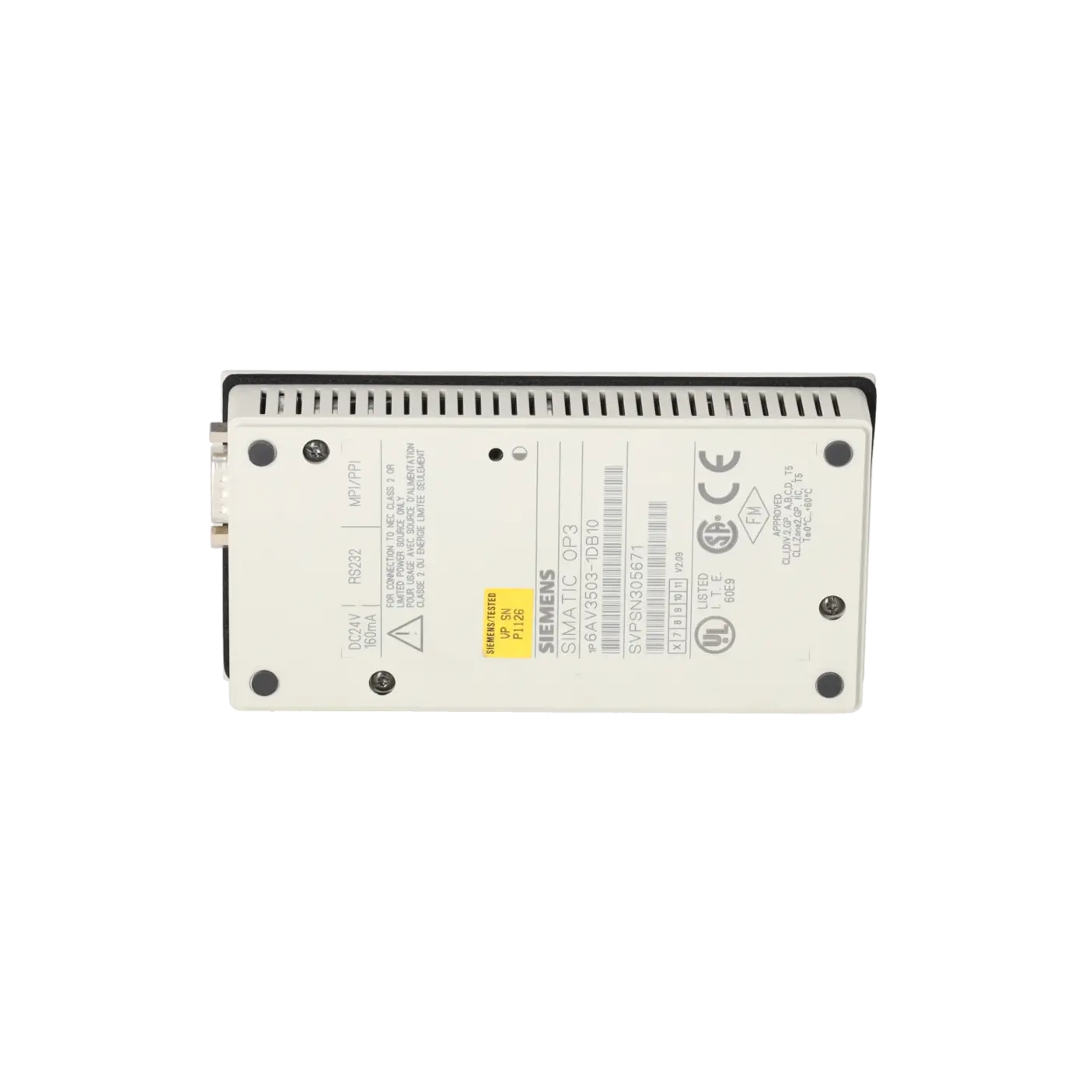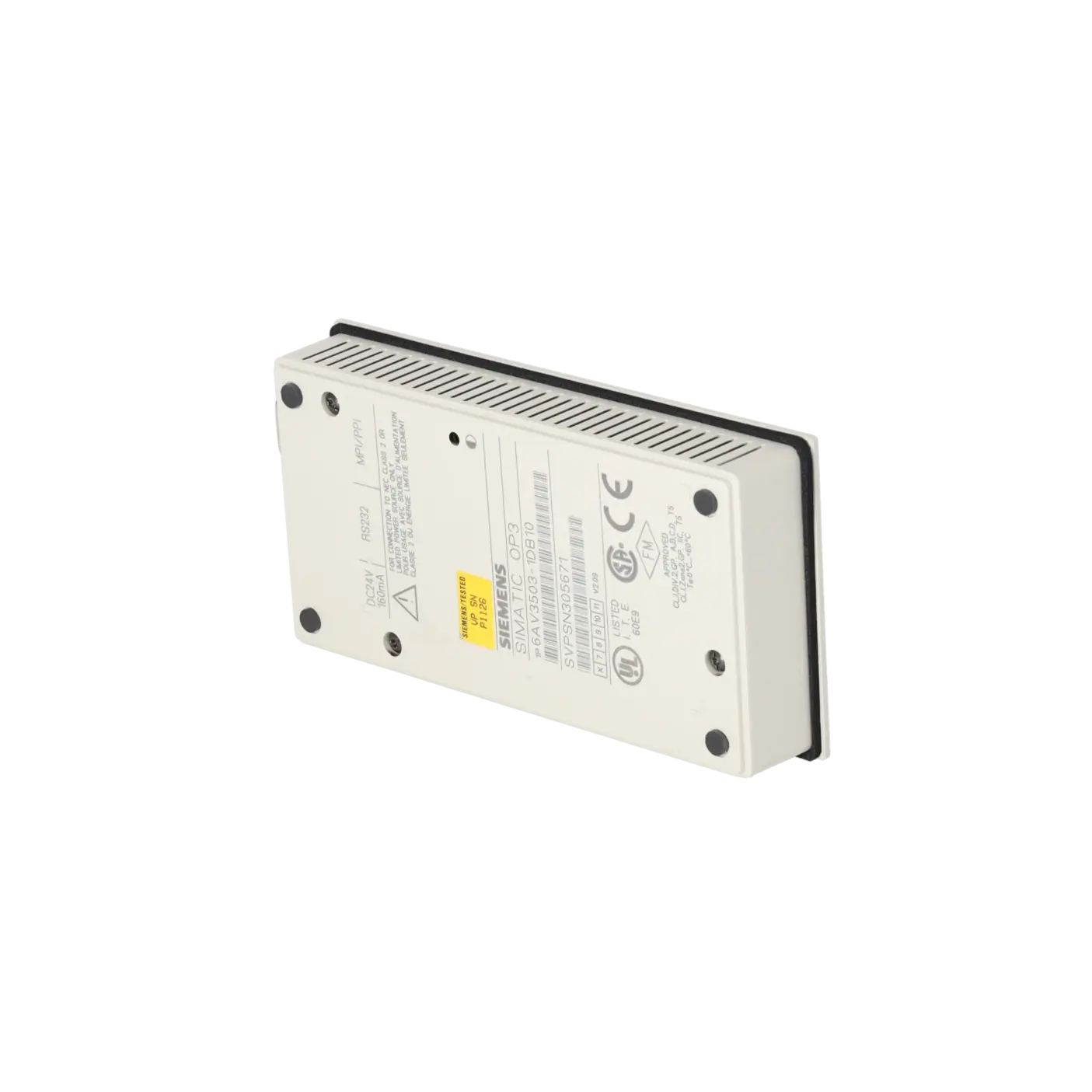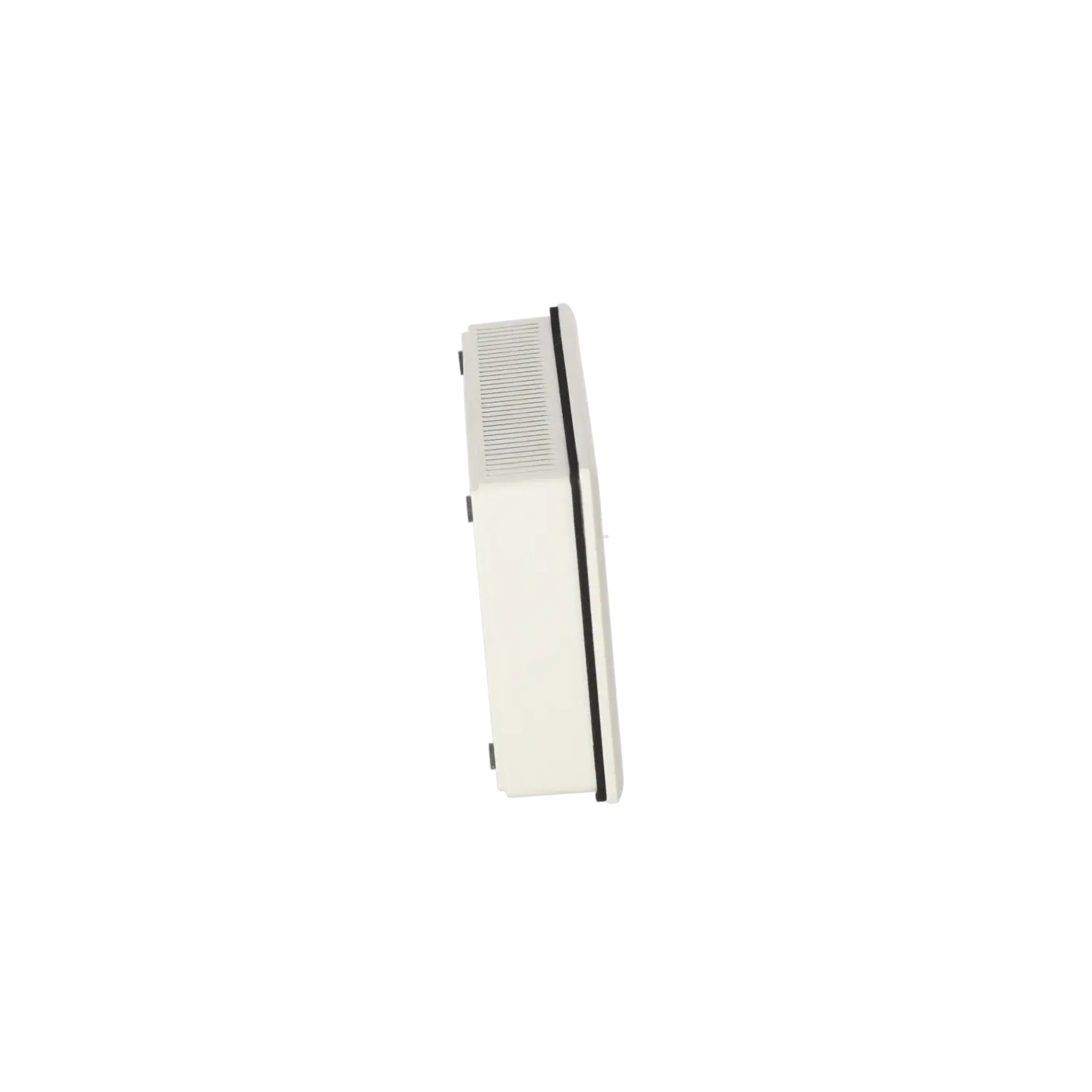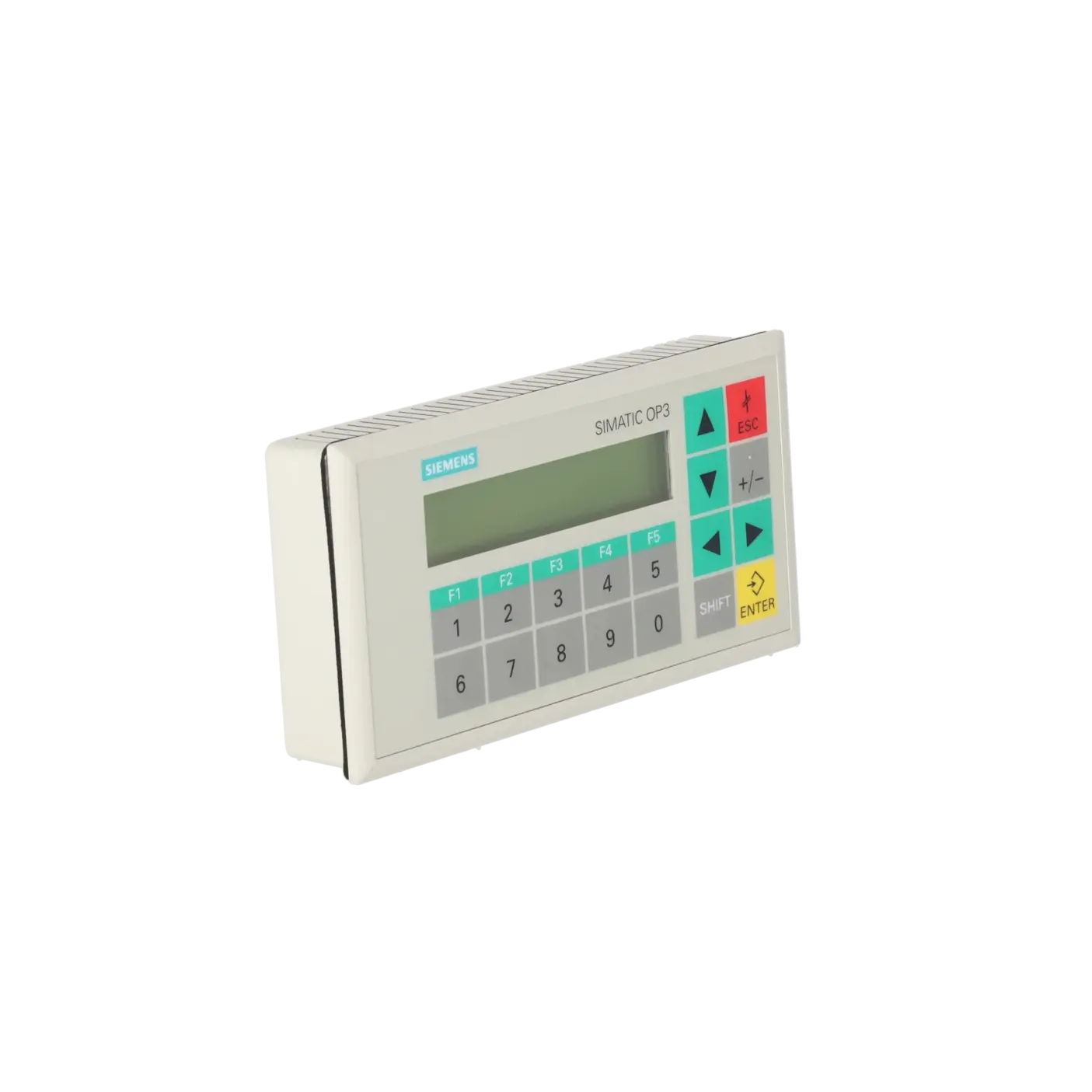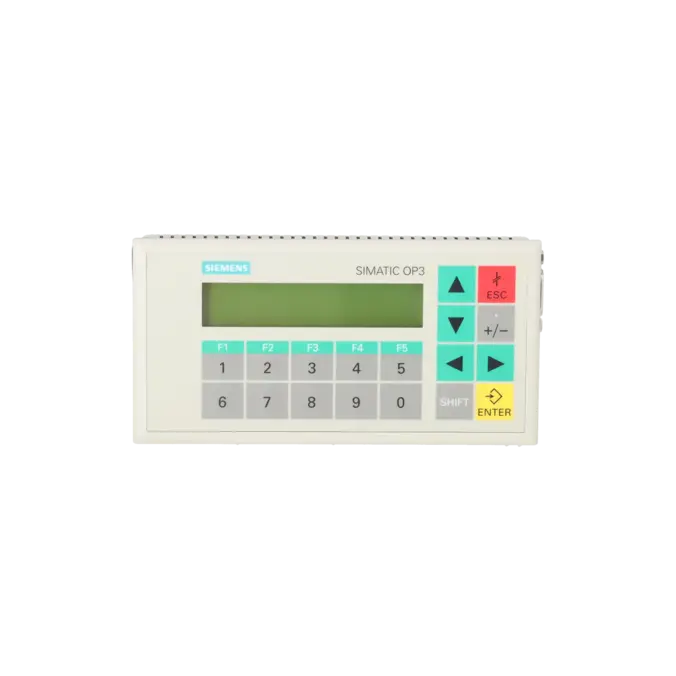
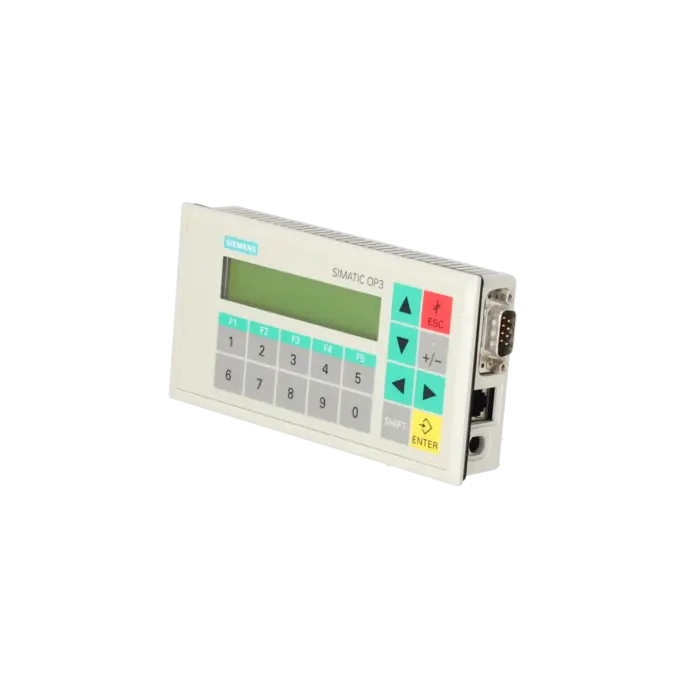
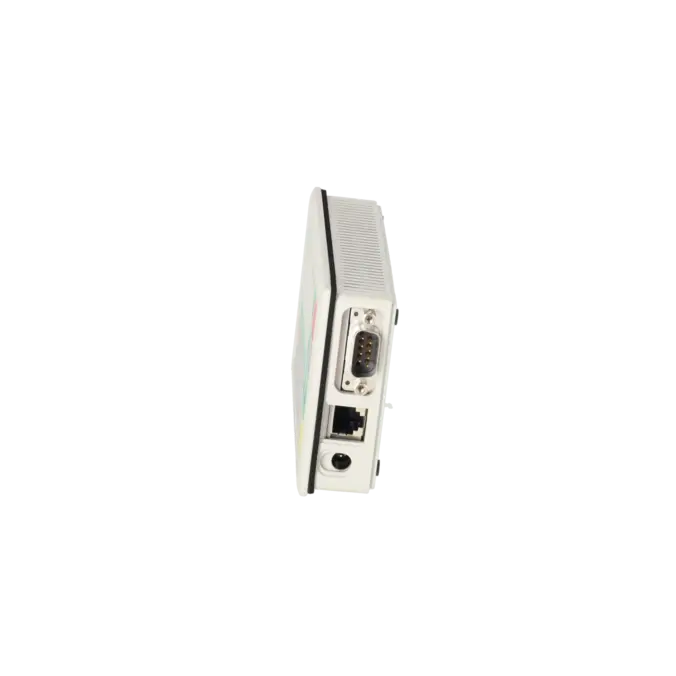
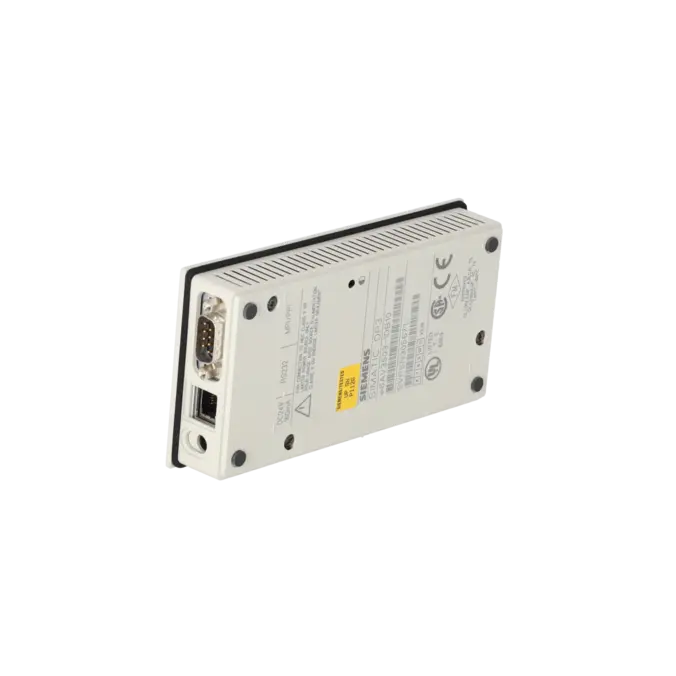
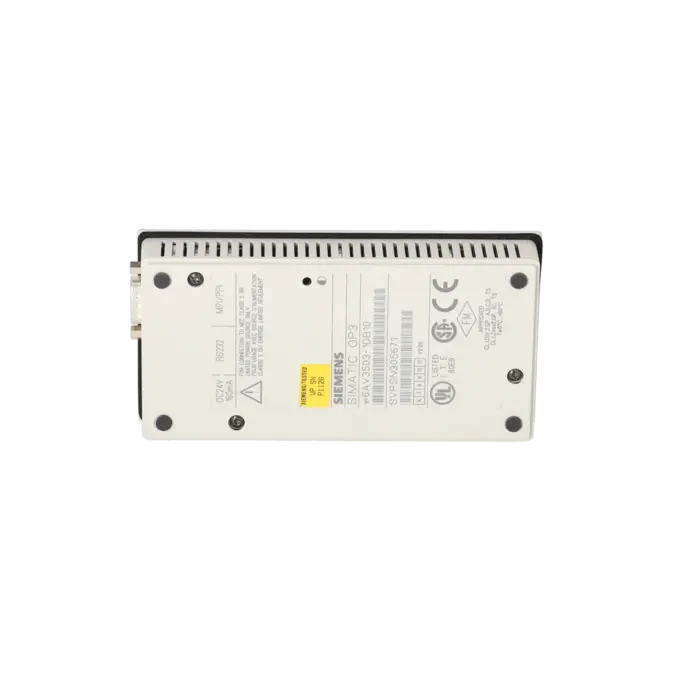
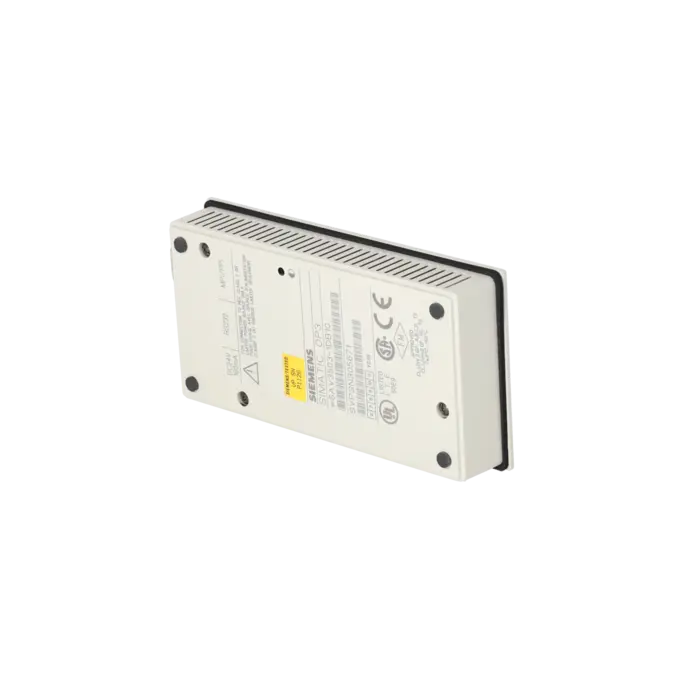
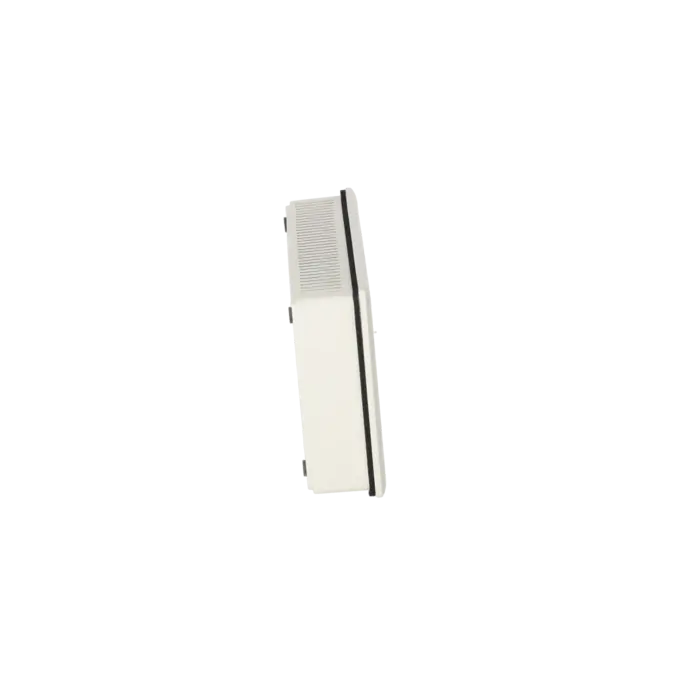
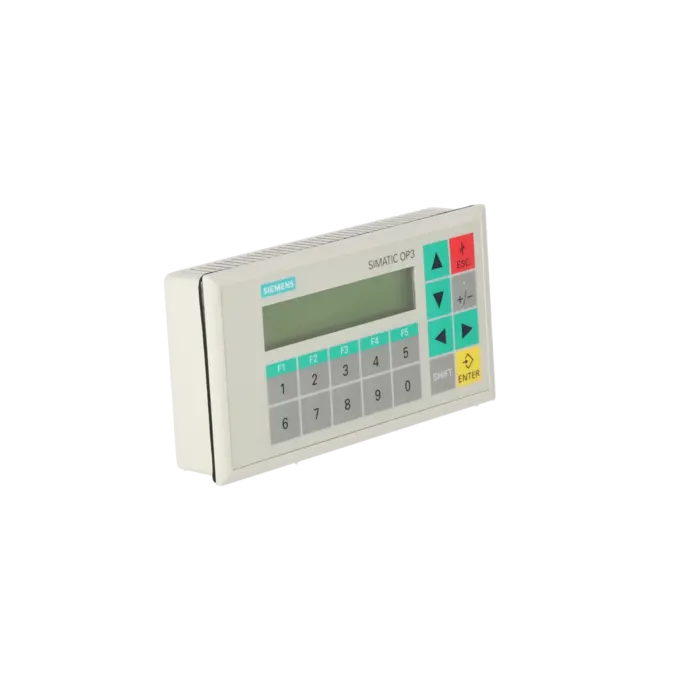
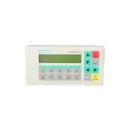
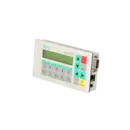
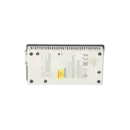
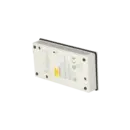
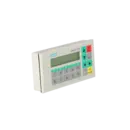
SIEMENS 6AV3503-1DB10
- EICHLER-art.no.: K0116651
- EAN: 4025515107293
Product description
OPERATOR PANEL OP3 WITH CABLE FOR CONNECTION TO SIMATIC S7, SER. CABLE FOR CONFIGURATION AND CABLE FOR POWER SUPPLY
Services for SIEMENS 6AV3503-1DB10
SIEMENS |
6AV3503-1DB10 –
additional product information
| Delivery information | |||
|---|---|---|---|
| Export identifier | AL: ECCN: | ||
| Net weight | 0.681 | ||
| Quantity | 1 Stück | ||
| Packaging quantity | 1 | ||
| Additional product information | |||
|---|---|---|---|
| Product status | EOP: 2007-10-01 | ||
| EAN | 4025515107293 | ||
| UPC | / | ||
| Static lot number | 85371098 | ||
| List indicator | / | ||
| Product group | 4368 | ||
| Country of origin | DE | ||
| Compliance with the substance restrictions according to RoHS directive | Since: / | ||
| Product classifications | Version | Classification | |
|---|---|---|---|
| eClass | 4 | / | |
| eClass | 5.1 | / | |
| eClass | 6.0 | / | |
| ETIM | 3 | / | |
| ETIM | 4 | / | |
| ETIM | 5 | / | |
What is the 6AV3503-1DB10 (OP3)?
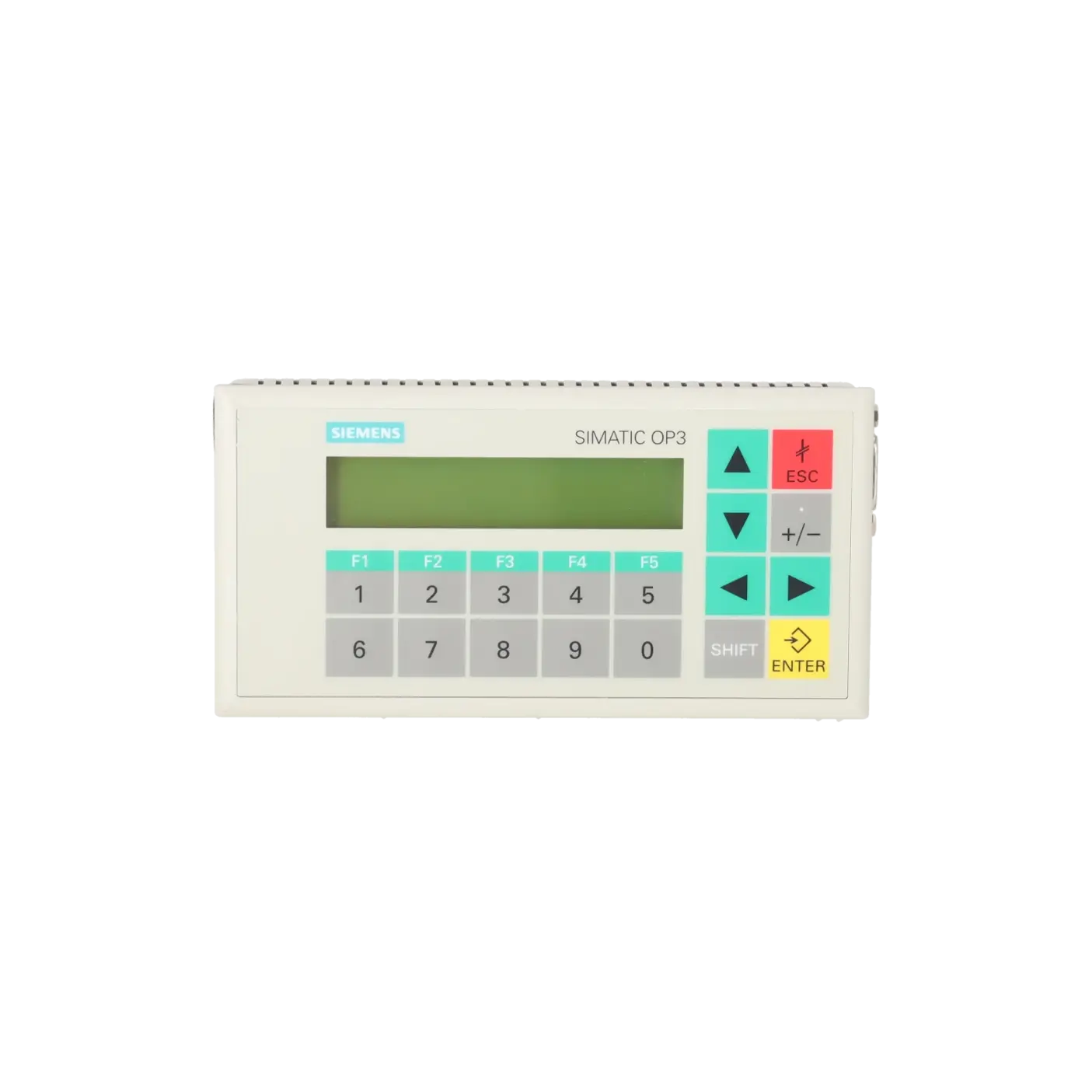
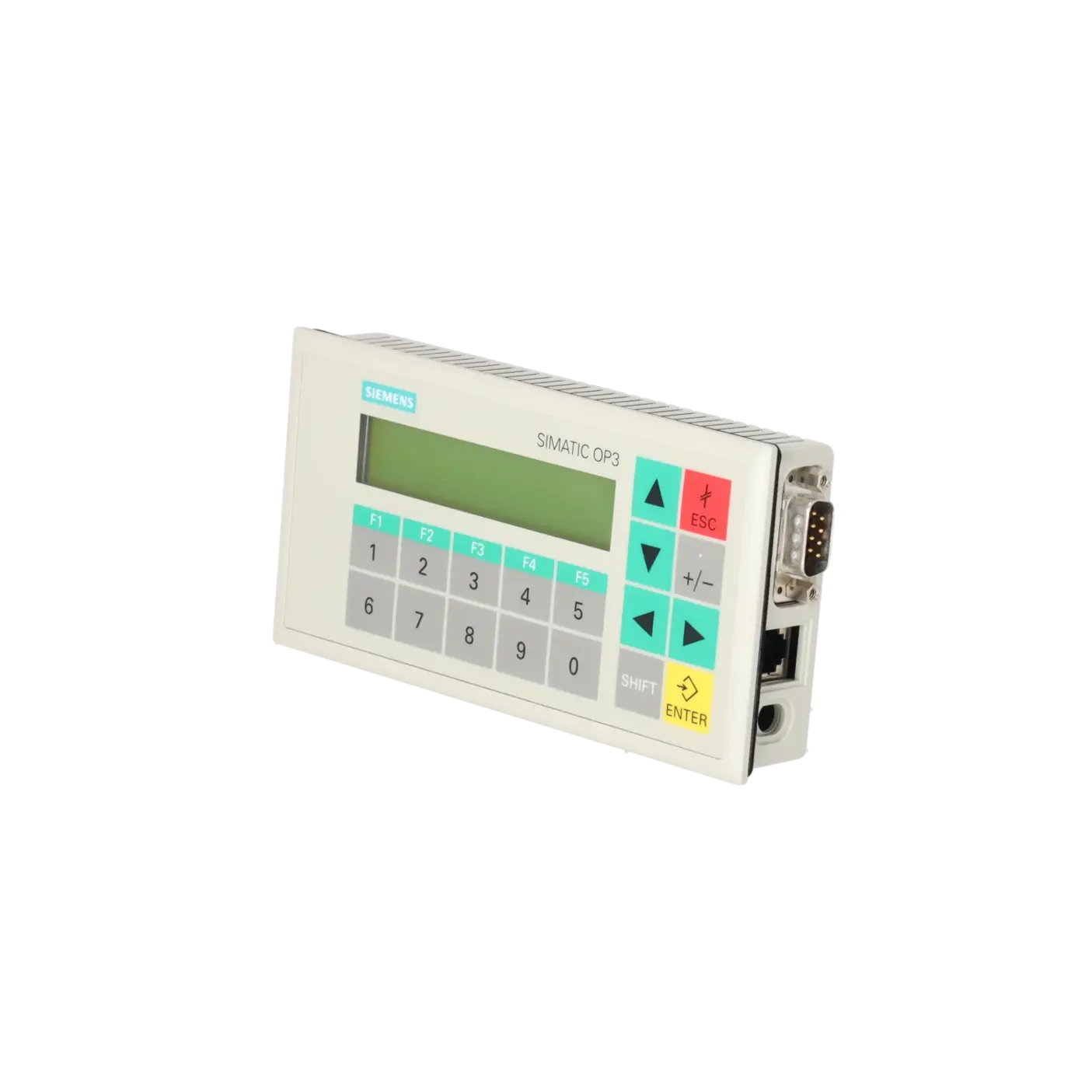
The 6AV3503-1DB10 is a SIEMENS SIMATIC OP3 supplied as a spare part – a compact operator panel with keypad operation for text-based control and message dialogues in existing installations. It is designed for connection to SIMATIC S7 systems and, according to the datasheet, is supplied complete with cables (connection, configuration and power supply cables). This makes it particularly suitable for a like-for-like replacement when rapid recommissioning is more important than a retrofit to modern HMI systems.
Overview of the key technical specifications and what they mean
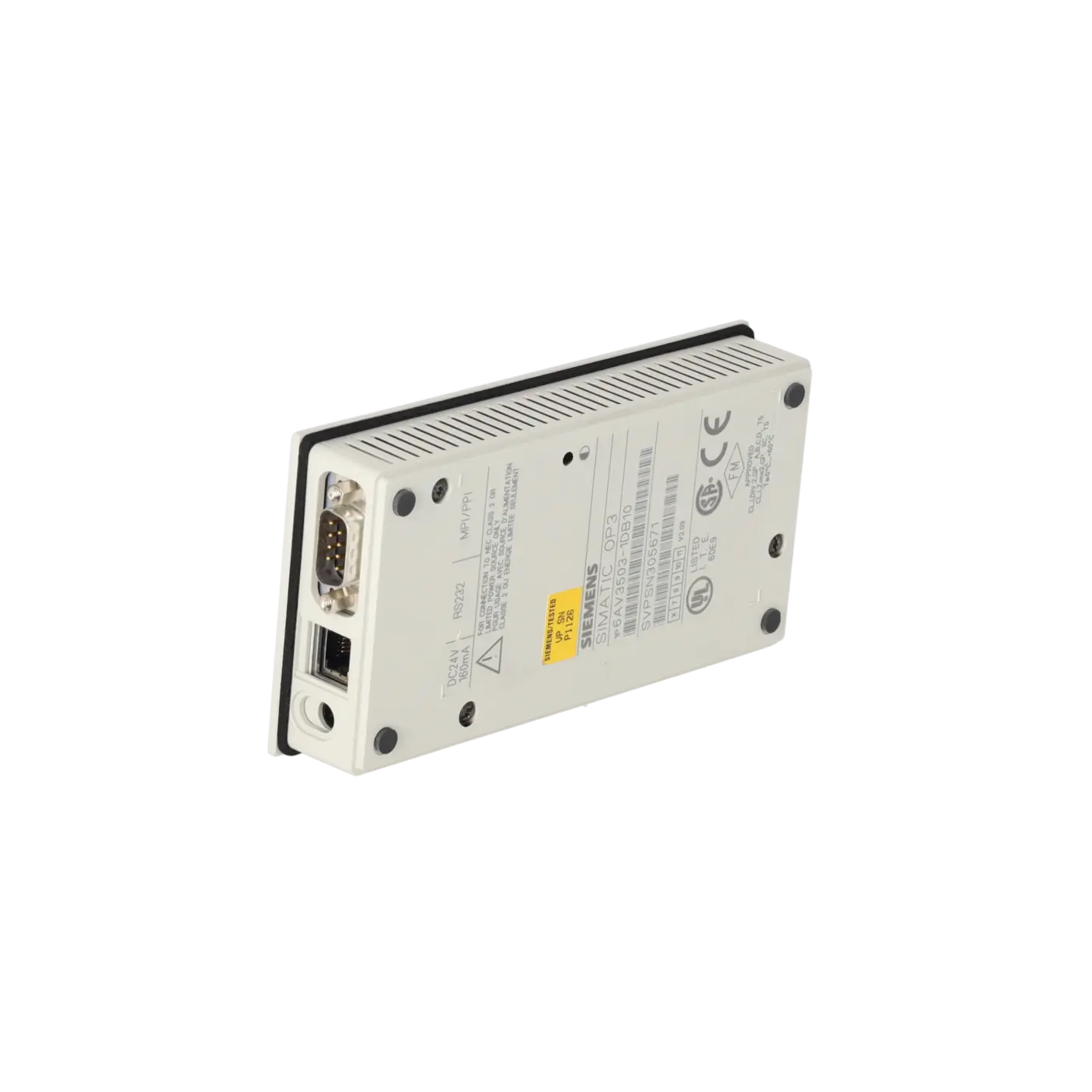
The OP3 is designed for simple and robust operator tasks. It operates on a 24 V DC supply with a very low current consumption of 0.07 A nominal. Mechanically, it is compact, with a front width of 148 mm, a front height of 76 mm and an overall depth of 25 mm. The front protection rating is IP65, while the rear is rated IP20. The product status is listed as EOP 2007-10-01, meaning that proven availability on the spare parts market is often more important today than additional functionality.
Display: 2 × 20 character LCD and backlight MTBF
The panel features a black-and-white LCD character display (not graphics-capable) with 2 lines and 20 characters per line. For long-term operation, the backlight is particularly important: Siemens specifies a backlight MTBF of 200,000 hours at 25 °C. In practice, declining readability or significantly reduced brightness is a common reason for replacement. As the display is not graphics-capable, the presentation remains deliberately simple and focused – ideal for status messages, parameter values and acknowledgements.
Operation: keypad layout, function keys and system keys
The OP3 is operated exclusively via keys and does not feature a touch screen. It is equipped with a membrane keypad, 5 function keys and 18 system keys. A numeric keypad is available, while alphanumeric and hexadecimal keypads are not provided according to the datasheet. This is important when performing a like-for-like replacement, as the operating logic, key assignments and acknowledgement procedures must match the existing project. In many older installations, this fixed keypad layout is precisely the reason why a replacement panel can be integrated more quickly than a conversion to a modern touch-based device.
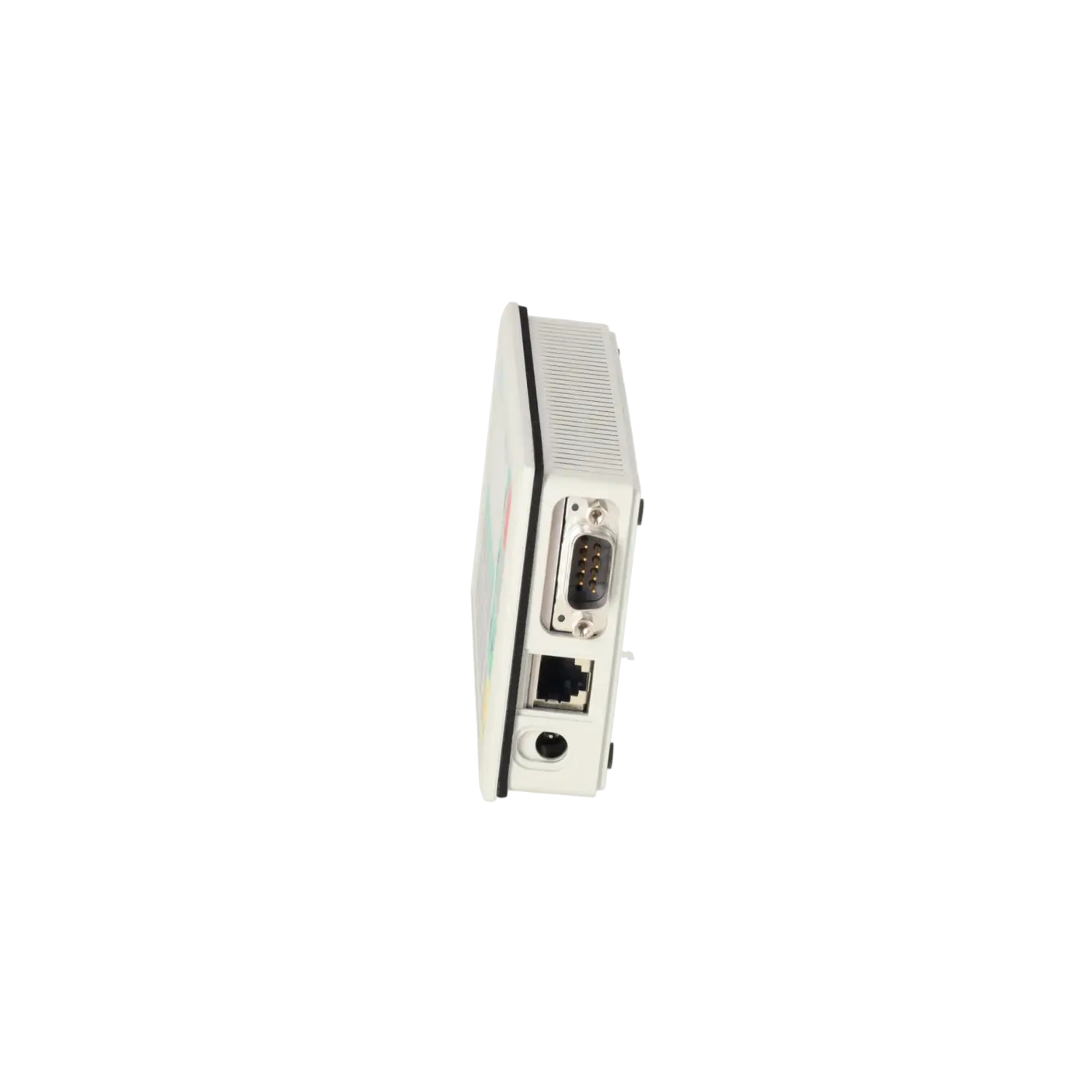
Communication: connection to SIMATIC S7 and typical integration
The device is explicitly described as being intended “for connection to SIMATIC S7” and is typically used as a classic operator terminal within S7 environments. In practice, this means that projects and communication parameters have often evolved over many years, making a like-for-like replacement especially valuable when machine or plant parameters should remain unchanged. As the device does not rely on modern graphical visualisation, the focus is on reliable status indication and operator input – exactly what makes it attractive as a spare part solution when downtime must be minimised.
Interfaces and memory: realistic expectations
Siemens specifies Flash and RAM as the storage technology, with 128 kB available for user data. No additional software components can be loaded, and there is no touch functionality. This helps to set realistic expectations: the OP3 is not a graphics panel but a compact text terminal with clearly defined limitations. For service operations, the key requirement is that the correct configuration methods and project files, together with the corresponding engineering environment, remain available. If these prerequisites are met, recommissioning is typically very quick.
Project engineering: ProTool/Lite 2.51 – important when replacing the device
ProTool / Lite from version 2.51 is specified as the engineering software. In practice, this is often the real bottleneck in the field. It is not the hardware itself but the availability of the correct engineering software and project archive that determines whether a replacement takes minutes or days. For existing installations, a straightforward strategy is recommended: secure the project version, document the transfer method and maintain either a replacement device or a defined repair path. This helps keep operation manageable and auditable despite the EOP status.
Identification and ordering: MPN, EICHLER number and EAN
For purchasing and clear identification, the key identifiers are MPN 6AV3503-1DB10, EICHLER part number K0116651 and EAN 4025515107293. Particularly within older OP product families, similar variants often exist, and the combination of MPN and EAN helps to avoid ordering errors. The product page also includes additional logistics information such as a net weight of 0.68 kg, which can be useful for ERP systems and inventory planning.
| General information | |
|---|---|
| Customer-specific configuration | No |
| Display | |
| Design of display | LC display, black/white |
| graphics-enabled | No |
| Line display | |
| ● Number of lines | 2 |
| ● Number of characters per line | 20 |
| Backlighting | |
| ● MTBF backlighting (at 25 °C) | 200 000 h |
| Control elements | |
| Control elements | Keys |
| Keyboard fonts | |
| ● Membrane keyboard | Yes |
| — user-definable label membrane keys | No |
| ● Function keys | |
| — Number of function keys | 5 |
| ● System keys | |
| — Number of system keys | 18 |
| ● Numeric keyboard | Yes |
| ● alphanumeric keyboard | No |
| ● hexadecimal keyboard | No |
| ● Multi-key operation | No |
| Touch operation | |
| ● Design as touch screen | No |
| Installation type/mounting | |
| Mounting position | vertical |
| maximum permissible angle of inclination without external ventilation | 180° |
| Supply voltage | |
| Type of supply voltage | 24 V DC |
| UPS connectable (serial) | No |
| Input current | |
| Current consumption (rated value) | 0.07 A |
| Processor | |
| Processor type | X86 |
| Drives | |
| Diskette drive | No |
| CD-ROM | No |
| Hard disk | No |
| Memory | |
| Type of memory | Flash / RAM |
| Memory available for user data | 128 kbyte |
| Battery | |
| Backup battery | |
| ● Backup battery (optional) | No |
| ● Backup time, min. | 0 y |
| Time of day | |
| Clock | |
| ● Type | Software clock, no battery backup |
| ● retentive | No |
| ● synchronizable | No |
| Interfaces | |
| Interfaces/bus type | 1x RS 232, 1x RS 485 (max. 1.5 Mbit/s) |
| Number of RS 485 interfaces | 1 |
| Number of parallel interfaces | 0 |
| USB port | No |
| PC card slot | No |
| CF card slot | No |
| Special interfaces | No |
| With software interfaces | No |
| Degree and class of protection | |
| IP (at the front) | IP65 |
| IP (rear) | IP20 |
| Standards, approvals, certificates | |
| Certificate of suitability | CE, GL, DNV, LRS, PRS, FM Class I Div. 2, UL, CSA, cULus |
| Ambient conditions | |
| Ambient temperature during storage/transportation | |
| ● min. | -20 °C |
| ● max. | 60 °C |
| Relative humidity | |
| ● Operation, max. | 85 % |
| Operating systems | |
| pre-installed operating system | Rmos |
| Configuration | |
| Message indicator | Yes |
| Alarm system (incl. buffer and acknowledgment) | No |
| Process value display (output) | No |
| Process value default (input) possible | No |
| Recipe management | No |
| Configuration software | |
| ● Configuration tool | ProTool / Lite Version 2.51 or higher (to be ordered separately) |
| Peripherals/Options | |
| Additional software components loadable | No |
| Dimensions | |
| Width of the housing front | 148 mm |
| Height of housing front | 76 mm |
| Overall depth | 25 mm |
| Weights | |
| Weight (without packaging) | 0.25 kg |
| Fault description | Possible solution |
|---|---|
| Display is dark or difficult to read – what is a typical cause? | In many cases, the backlight is the cause. The datasheet specifies a backlight MTBF of 200,000 hours; after long operating periods, the brightness can decrease significantly. |
| Keys respond unreliably – what should be checked first? | First check the 24 V DC power supply and all connectors, then inspect the membrane keypad for wear or mechanical damage. Since the device relies entirely on keypad operation, contact-related faults are a common failure mode. |
| The panel displays no messages or unusual messages – what is often the cause? | With text-based panels, the project or parameter configuration is often the root cause, for example an incorrect project version or an incorrect transfer. If the ProTool/Lite project and transfer procedure are properly documented, the problem can usually be identified quickly. |
| When is replacement preferable to further troubleshooting? | If the machine is down and the cause is not immediately obvious, a replacement unit or repair service (typically 1–3 days) is often more economical than an iterative troubleshooting process, particularly for EOP products. |
What is the 6AV3503-1DB10 particularly suitable for?
As a SIMATIC OP3 for existing SIMATIC S7 installations where a compact text-based operator panel is required as a like-for-like replacement.
Which display specifications are most important?
The panel features a 2-line × 20-character black-and-white display and is not graphics-capable. The backlight has a specified MTBF of 200,000 hours.
Which engineering software is required?
ProTool / Lite from version V2.51.
How quickly can repair or replacement be provided?
According to EICHLER, repair turnaround is typically 1–3 days. Exchange units and tested used devices are also available within 1–3 days.