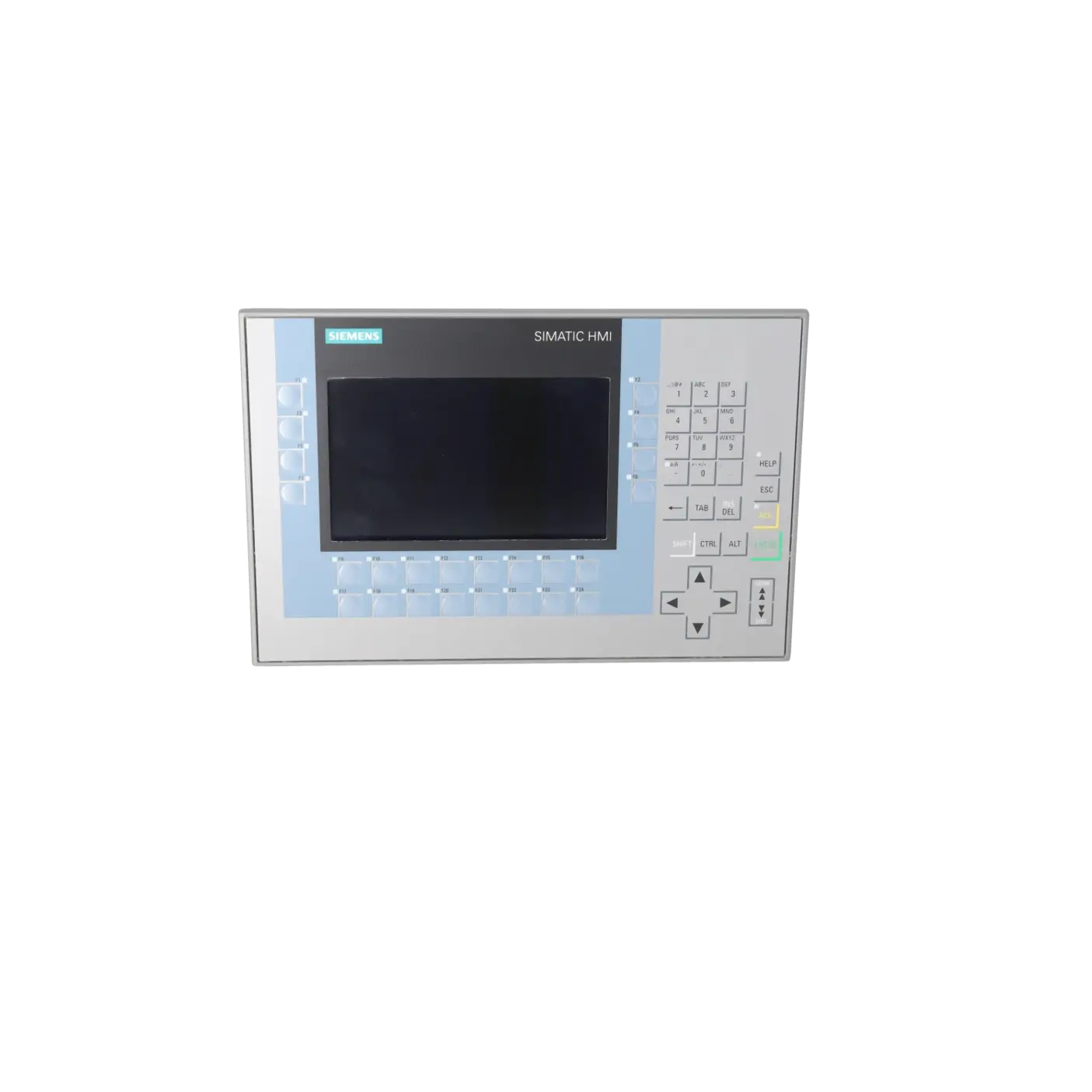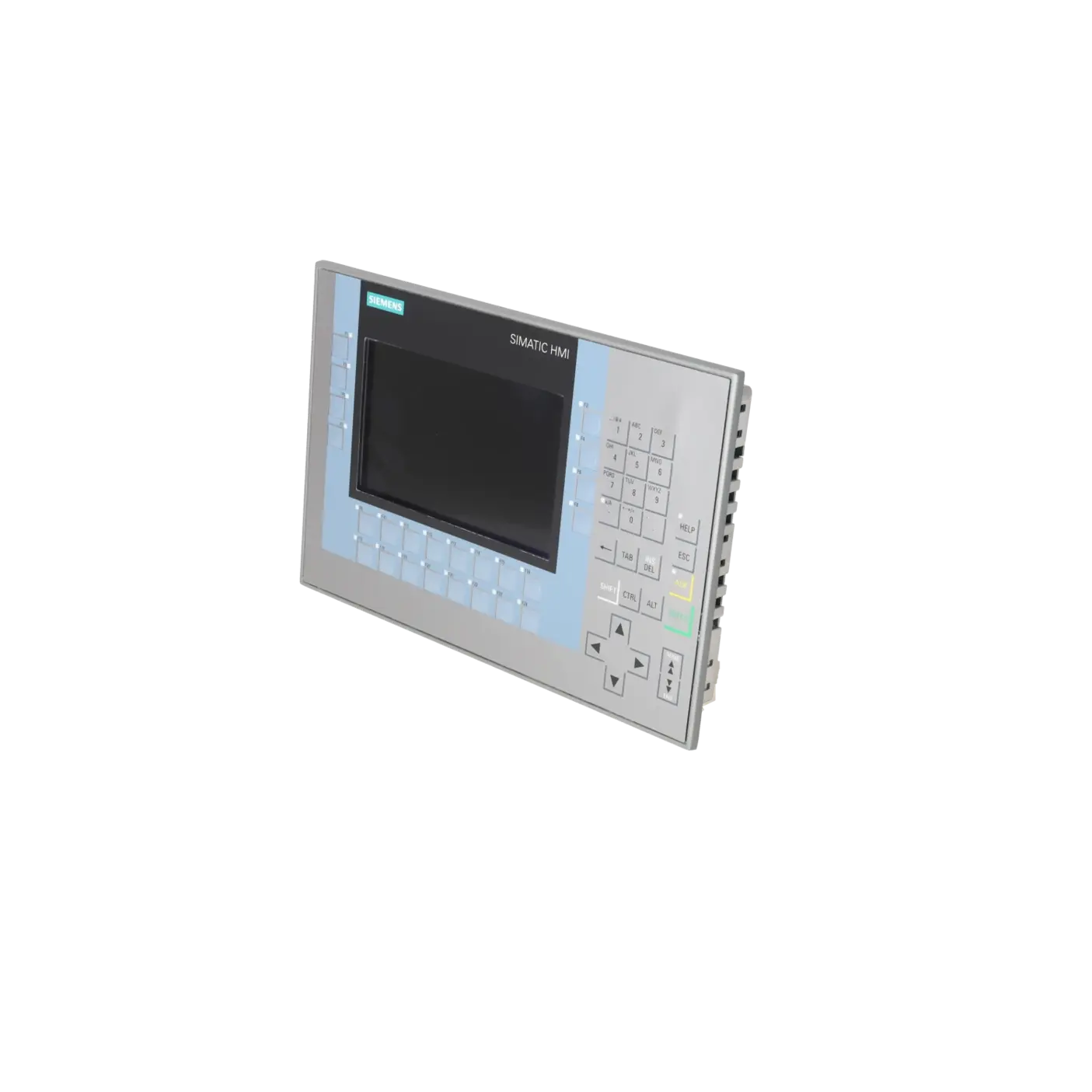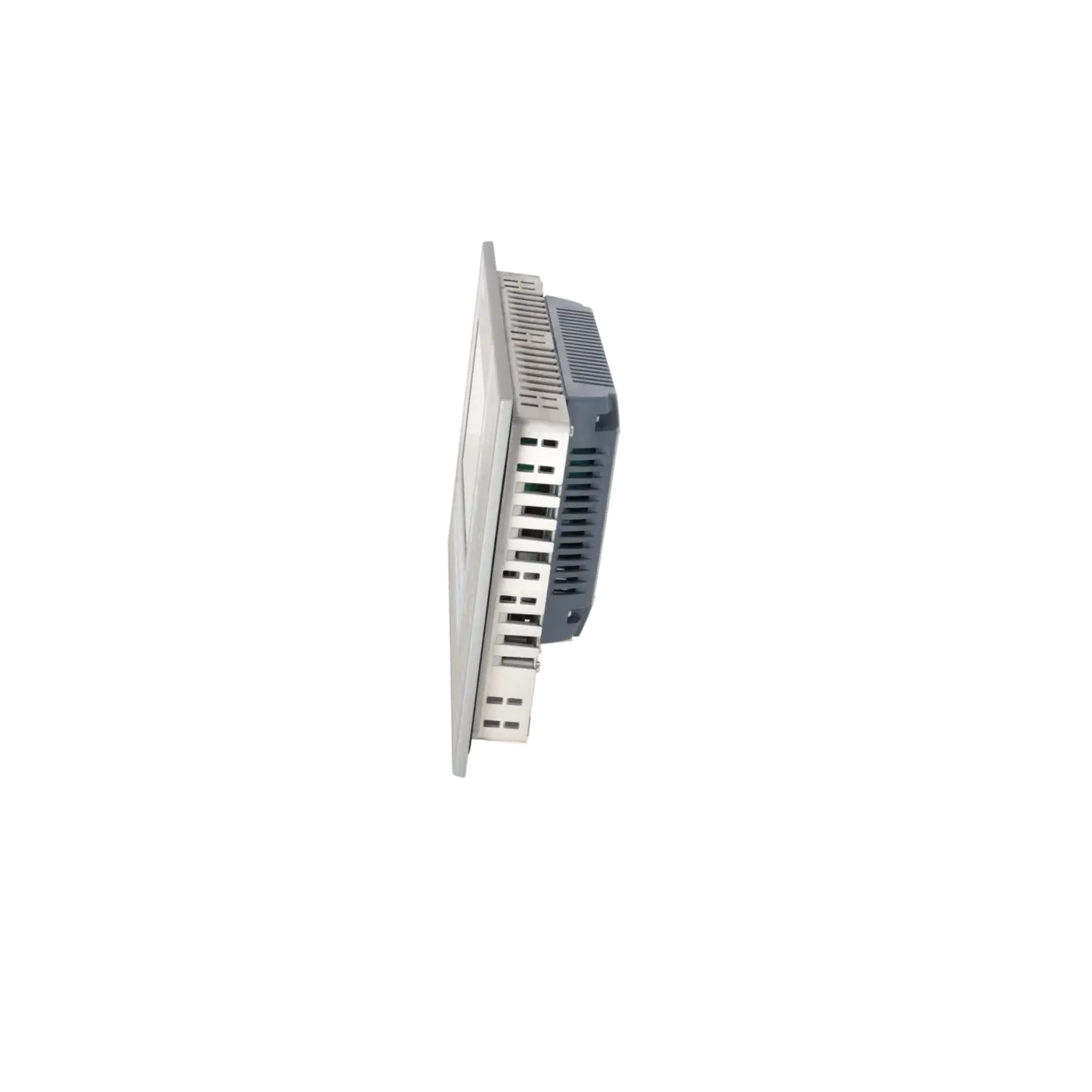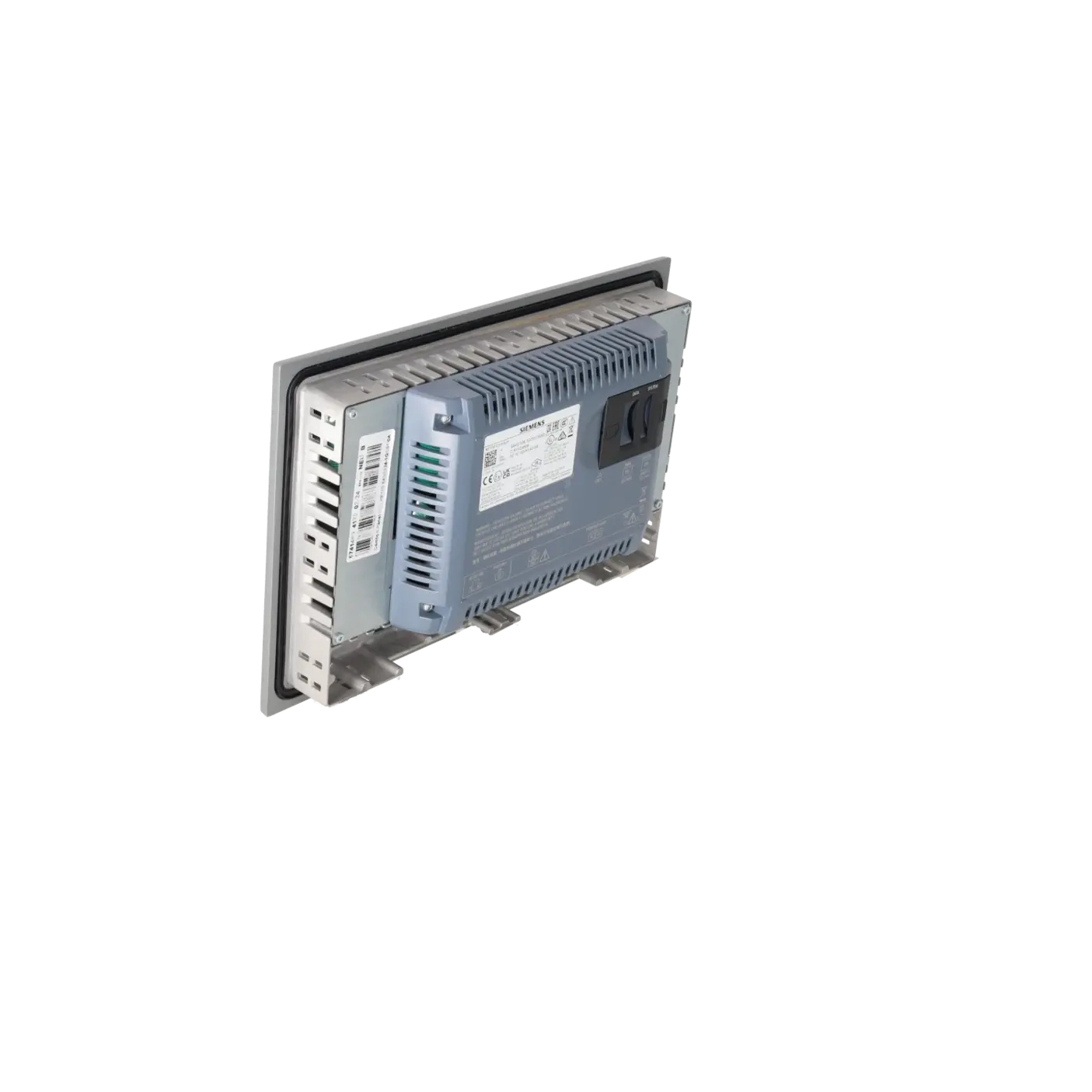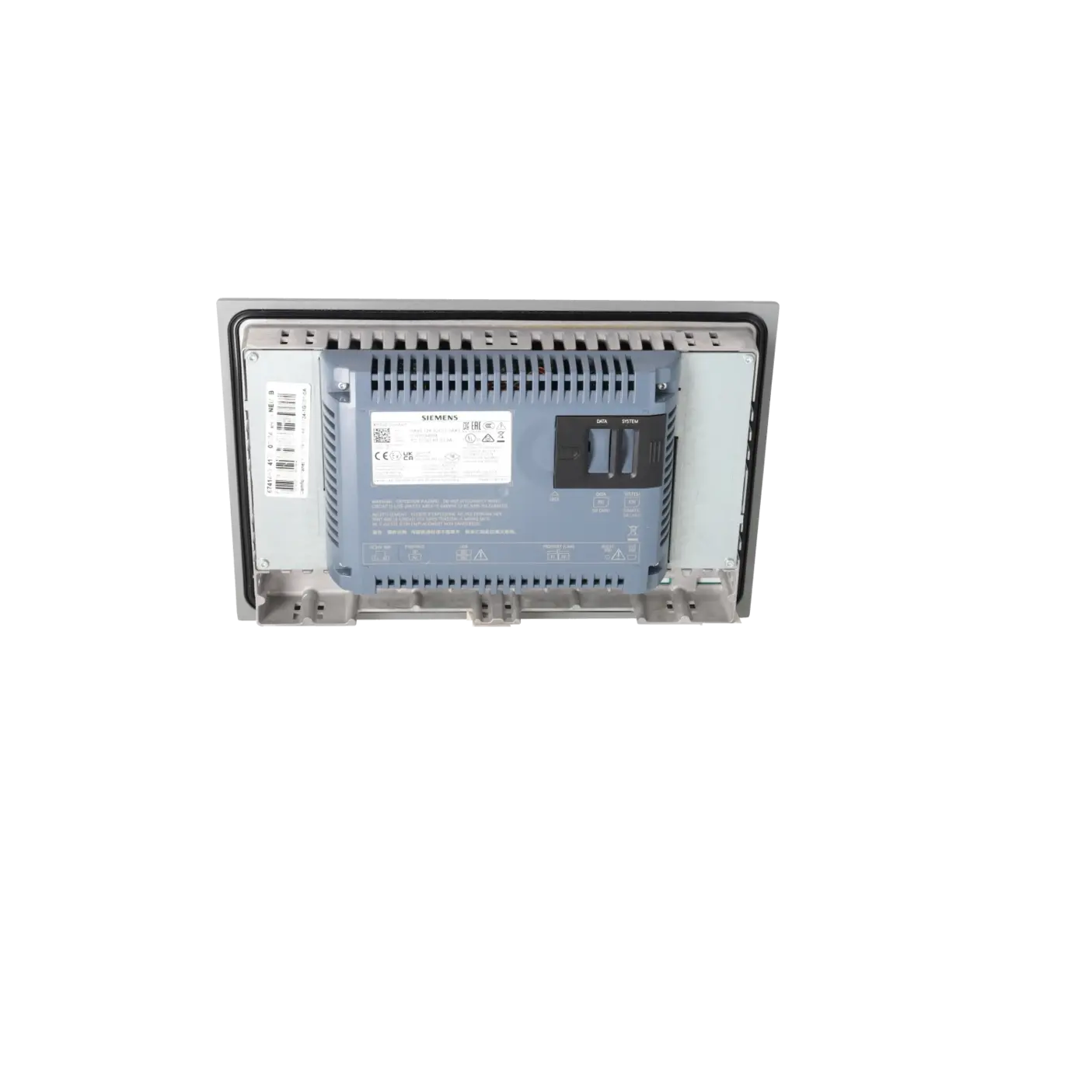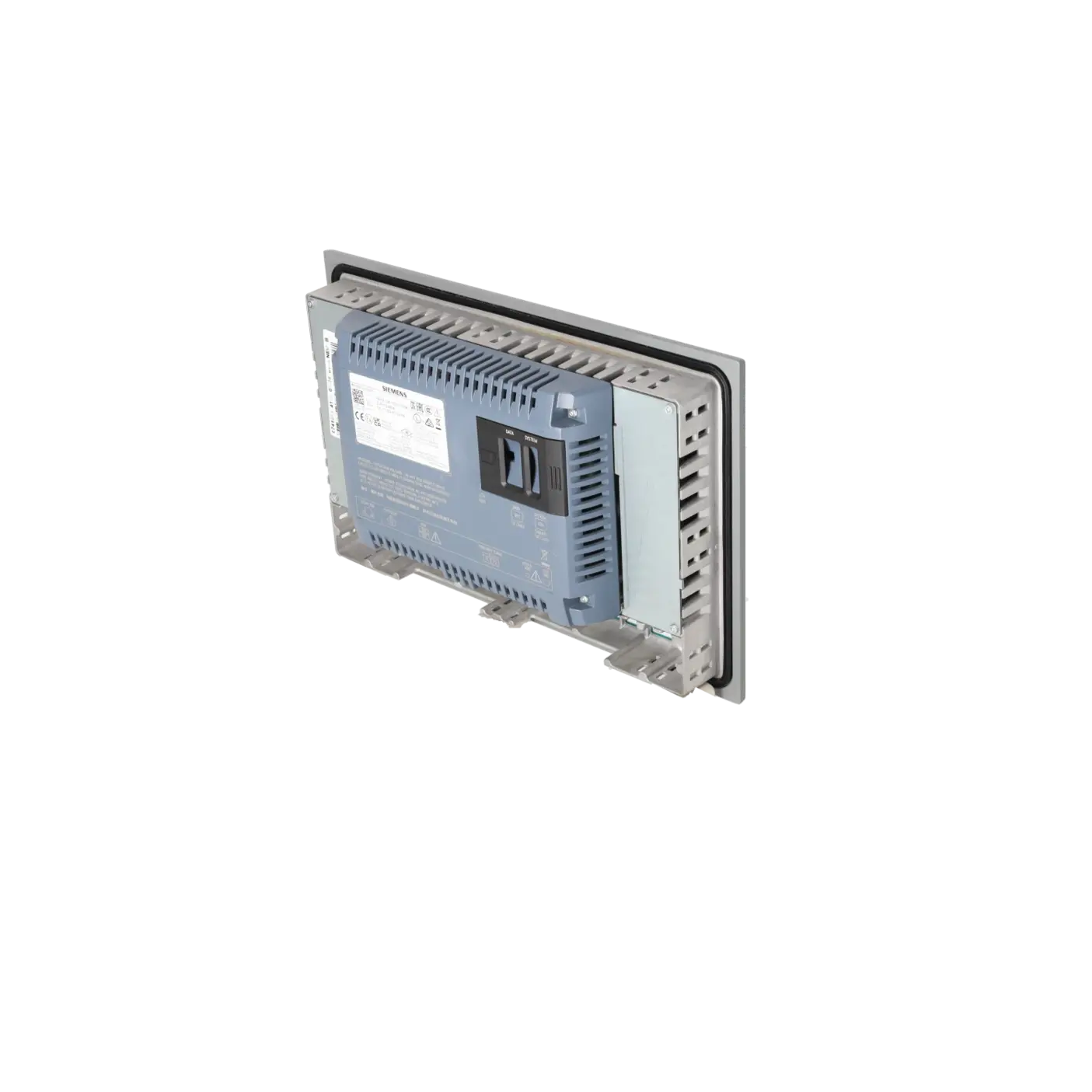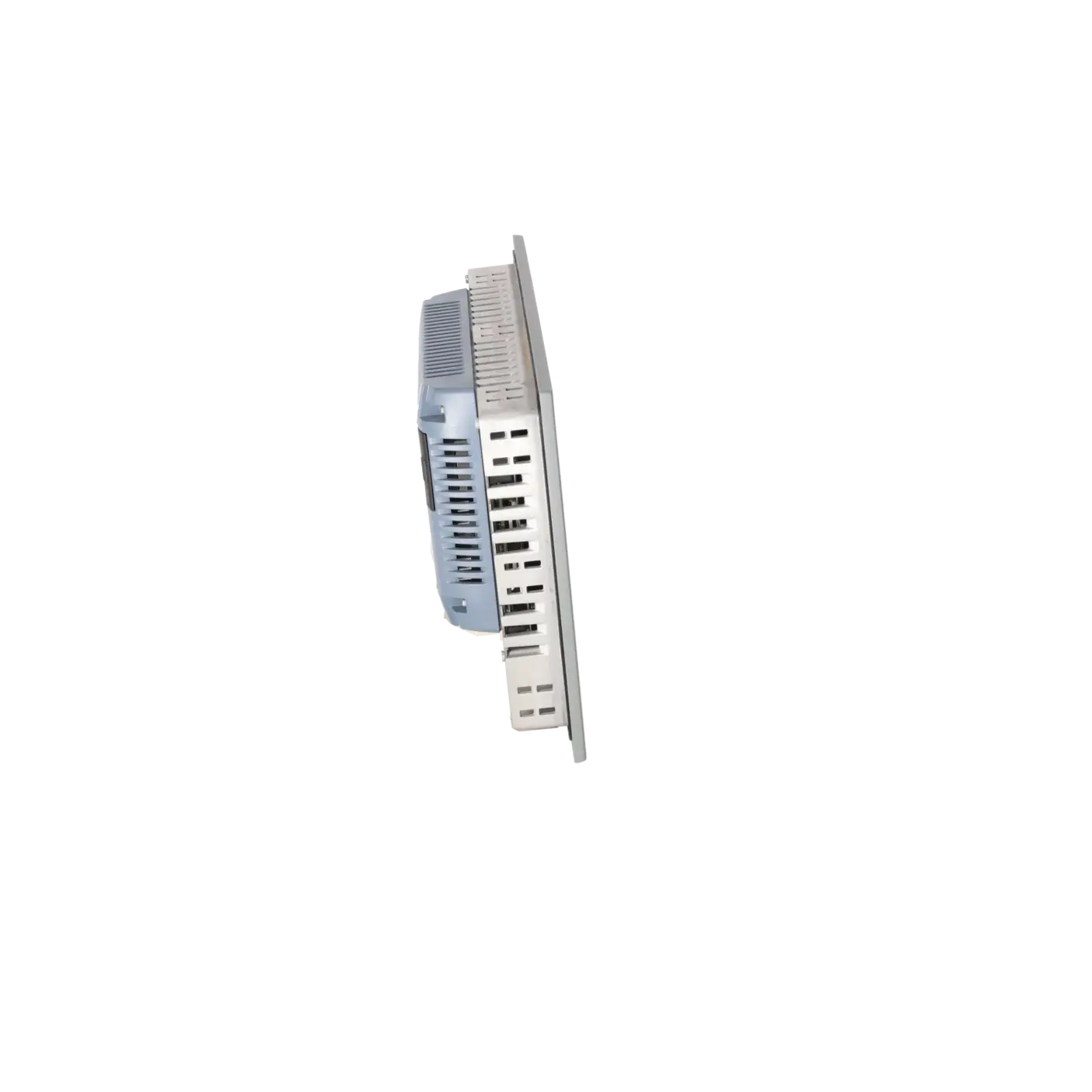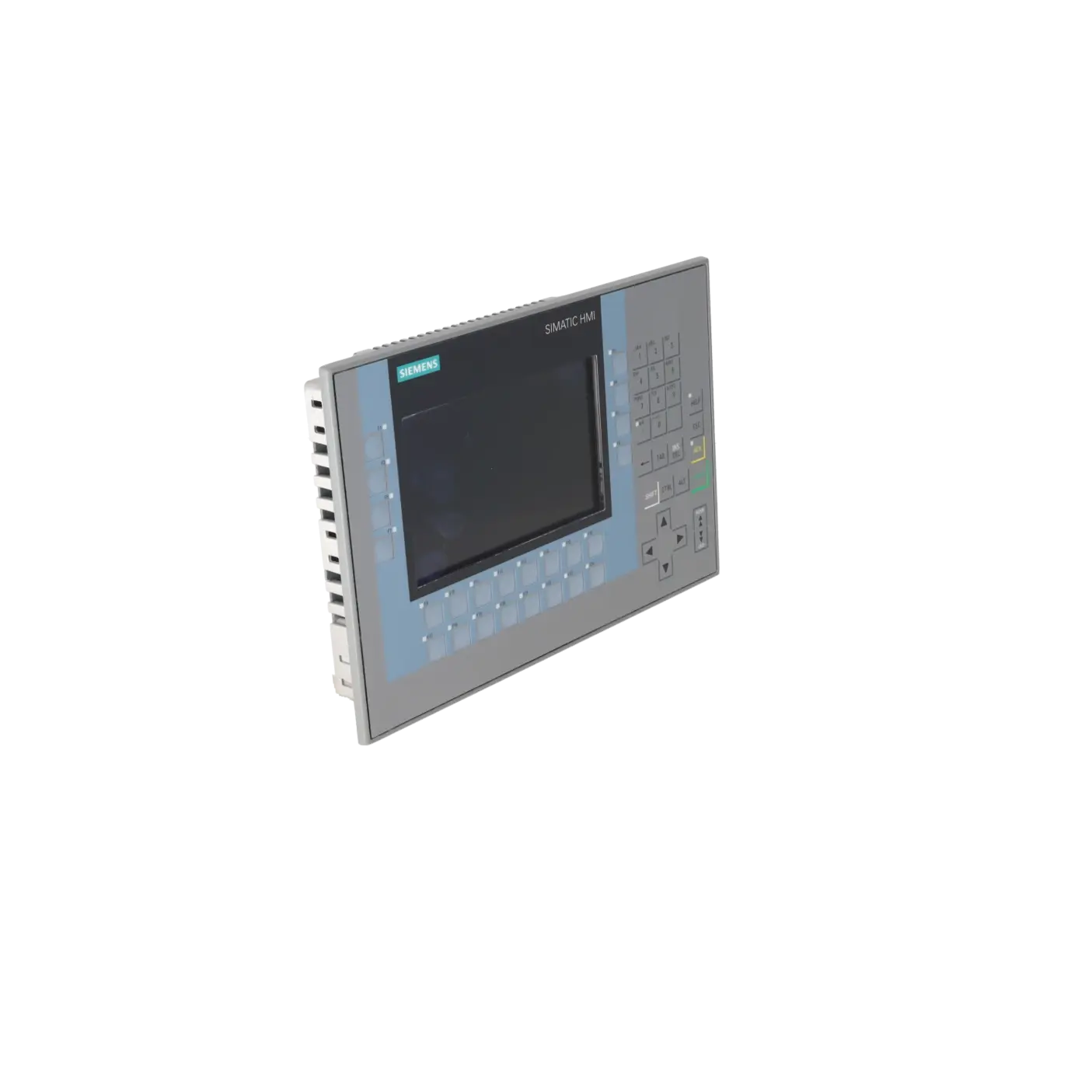
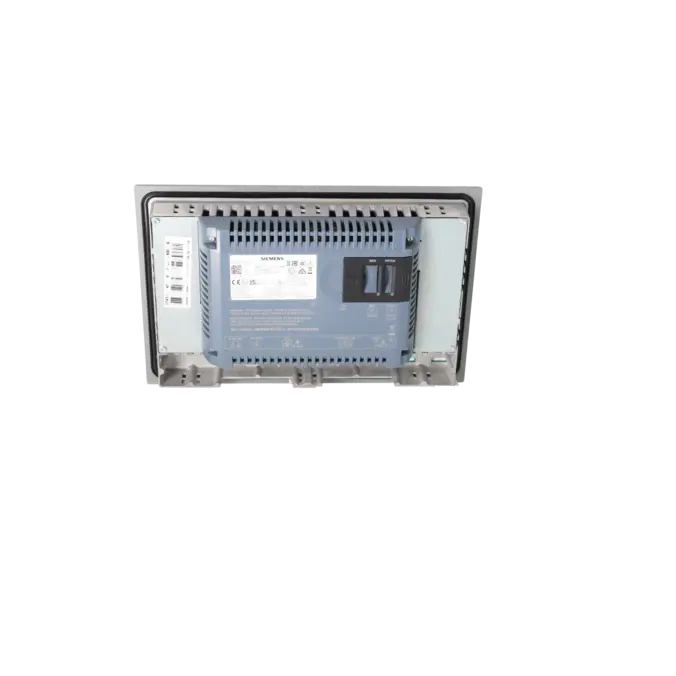
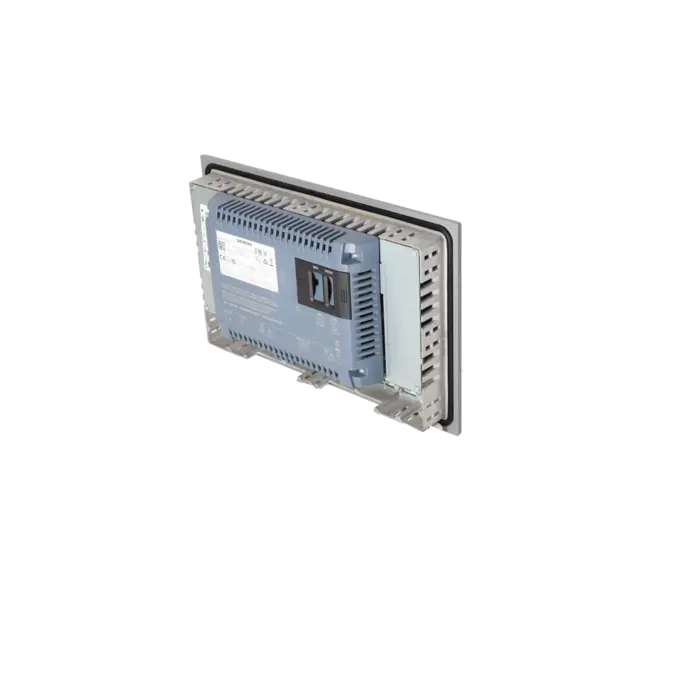
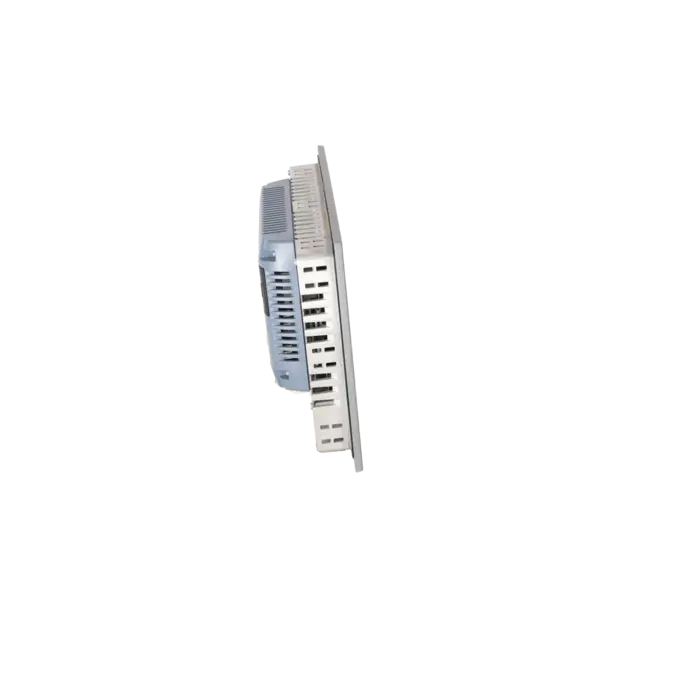
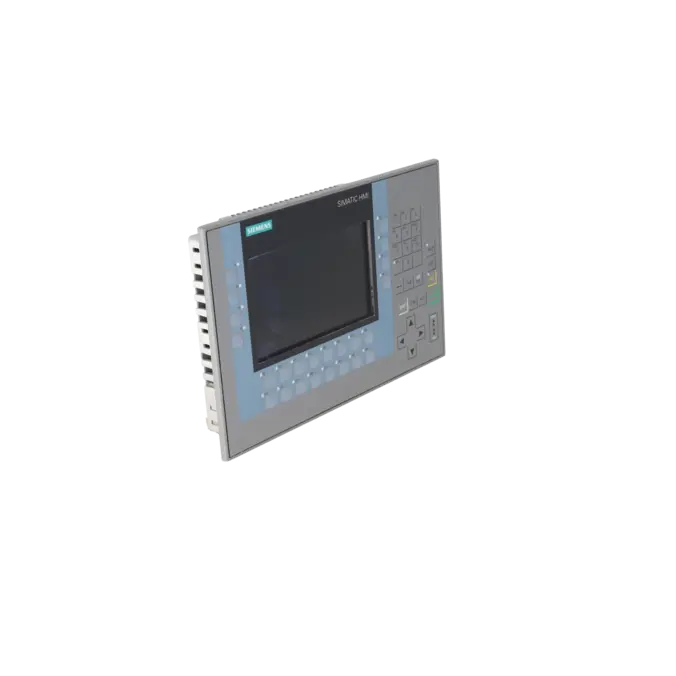
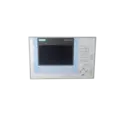
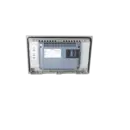
SIEMENS 6AV2124-1GC01-0AX0
- EICHLER-art.no.: K1006529
- EAN: 4025515079057
- UPC: 040892686074
Product description
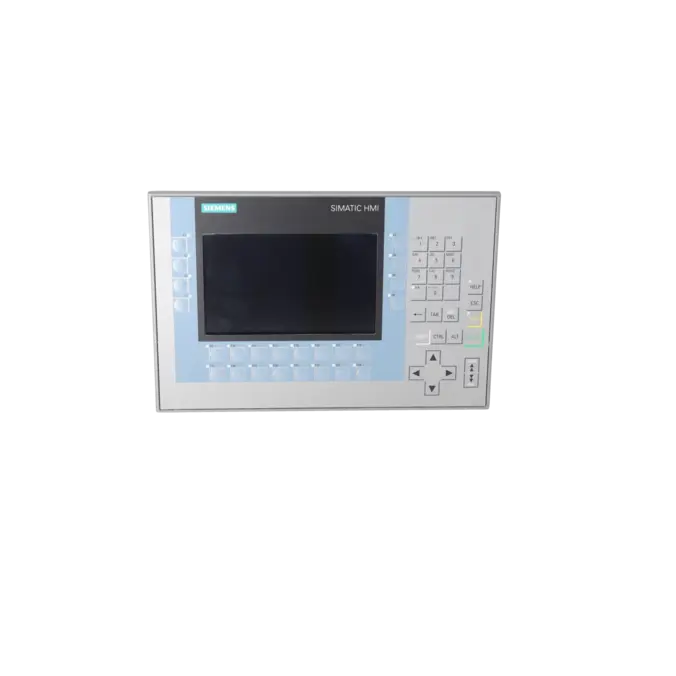
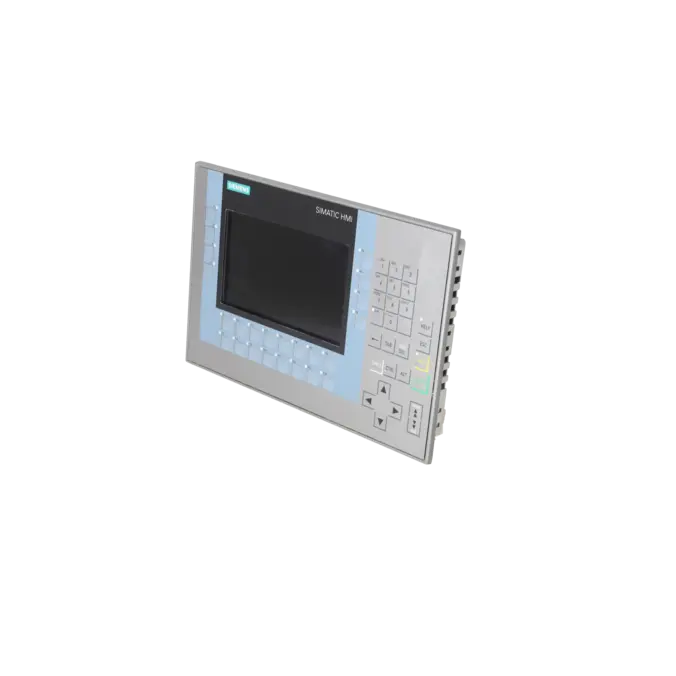
SIMATIC HMI KP700 COMFORT, COMFORT PANEL, KEY OPERATION, 7 WIDESCREEN-TFT-DISPLAY, 16 MIL. COLORS, PROFINET INTERFACE, MPI/PROFIBUS DP INTERFACE, 12 MB USER MEMORY, WINDOWS CE 6.0, CONFIGURABLE FROM WINCC COMFORT V11
Services for SIEMENS 6AV2124-1GC01-0AX0
Repair
from 903,01 €
to 1.625,41 €
Replacement
1.575,09 €
1.496,34 €
Used
1.750,10 €
1.662,59 €
New
1.925,11 €
1.828,85 €
SIEMENS |
6AV2124-1GC01-0AX0 –
additional product information
| Delivery information | |||
|---|---|---|---|
| Export identifier | AL: N ECCN: 5A992 | ||
| Net weight | 2.645 | ||
| Quantity | 1 Stück | ||
| Packaging quantity | 1 | ||
| Additional product information | |||
|---|---|---|---|
| Product status | |||
| EAN | 4025515079057 | ||
| UPC | 040892686074 | ||
| Static lot number | 85371091 | ||
| List indicator | ST80.1N | ||
| Product group | 3403 | ||
| Country of origin | DE | ||
| Compliance with the substance restrictions according to RoHS directive | Since: 20110131 | ||
| Product classifications | Version | Classification | |
|---|---|---|---|
| eClass | 4 | 27-36-01-02 | |
| eClass | 5.1 | 27-24-23-02 | |
| eClass | 6.0 | 27-24-23-02 | |
| ETIM | 3 | / | |
| ETIM | 4 | EC001412 | |
| ETIM | 5 | EC001412 | |
What is 6AV2124-1GC01-0AX0 and where is it used?
The 6AV2124-1GC01-0AX0 is the SIMATIC HMI KP700 Comfort from Siemens, a 7-inch Comfort Panel with keypad operation for machine and system monitoring and control tasks. The device is designed for visualisation, operator input, alarm handling and guided operating procedures. Thanks to PROFINET as well as MPI/PROFIBUS-DP, it fits both modern Ethernet-based topologies and existing legacy installations. Typical applications include packaging machines, conveyor systems, production lines, retrofit projects and manufacturing environments where dedicated function keys, clear operating logic and robust front-panel operation are required. In systems with standardised operating procedures, a keypad panel is often the preferred choice because functions can be assigned clearly and operated quickly.
Overview of the most important technical data and what they mean
The KP700 Comfort features a 7" TFT widescreen display with 800 × 480 pixels and 16,777,216 colours. For operation, the device provides 24 LED function keys, a numeric keypad and an alphanumeric keypad; this model does not include a touchscreen. The panel is powered by 24 V DC with a permissible range of 19.2 to 28.8 V, and its typical power consumption is 12 W. Communication interfaces include Industrial Ethernet with an integrated 2-port switch, RS422/RS485, 2 × USB 2.0 and 2 SD card slots. Additional features relevant for control cabinet installation include IP65 protection at the front, IP20 at the rear, a typical real-time clock backup of six weeks, and operation at temperatures up to 50 °C when mounted vertically in landscape orientation.
Product status, life-cycle status and obsolescence
Siemens lists the 6AV2124-1GC01-0AX0 with the life-cycle status PM400: Product phase-out announcement, with an effective date of 31 January 2026. Siemens also identifies 6AV2128-3GB06-0AX1 as the successor. However, this successor is a SIMATIC HMI MTP700 Unified Comfort Panel with touchscreen operation and engineering based on WinCC Unified Comfort V16 or later. For maintenance departments and purchasing teams, this distinction is important: the successor is officially designated by the manufacturer, but it is not necessarily a direct 1:1 replacement without verifying installation dimensions, operating concept and engineering requirements. It should also be noted that the existing device is still based on Windows CE 6.0, and according to the product description, Microsoft support and security updates for this operating system have already ended.
Available EICHLER services and when they are relevant
For the 6AV2124-1GC01-0AX0, EICHLER offers repair, exchange, used equipment and new units. The product page indicates short processing times of 1–3 days for several of these service options. This is particularly valuable in the event of an unplanned machine downtime where a complete modernisation is not yet technically or economically justified. According to EICHLER, the repair service includes technical cleaning, preventive maintenance, comprehensive functional testing and a minimum 24-month warranty; an optional test report is also available. For maintenance personnel, this reduces the risk associated with recommissioning. For purchasing departments, it provides predictable procurement routes, while decision-makers benefit from a practical way to maintain the availability of installed Comfort Panels even during an advanced stage of the product life cycle.
| Attribute | Value |
|---|---|
| Product type designation | KP700 Comfort |
| Display | |
| Design of display | TFT |
| Screen diagonal | 7 in |
| Display width | 152.4 mm |
| Display height | 91.4 mm |
| Number of colors | 16 777 216 |
| Resolution (pixels) | |
| ● Horizontal image resolution | 800 pixel |
| ● Vertical image resolution | 480 pixel |
| Backlighting | |
| ● MTBF backlighting (at 25 °C) | 80 000 h |
| ● Backlight dimmable | Yes; 0-100 % |
| Control elements | |
| Keyboard fonts | |
| ● Function keys | |
| — Number of function keys | 24 |
| — Number of function keys with LEDs | 24 |
| ● Keys with LED | Yes |
| ● System keys | Yes |
| ● Numeric keyboard | Yes |
| ● alphanumeric keyboard | Yes; similar to mobile phone |
| Touch operation | |
| ● Design as touch screen | No; without |
| Expansions for operator control of the process | |
| ● DP direct LEDs (LEDs as S7 output I/O) | |
| — F1...Fx | 24 |
| ● Direct keys (keys as S7 input I/O) | |
| — F1...Fx | 24 |
| ● Direct keys (touch buttons as S7 input I/O) | 0 |
| Installation type/mounting | |
| Mounting position | vertical |
| Wall mounting/direct mounting | No |
| Mounting in portrait format possible | No |
| Mounting in landscape format possible | Yes |
| maximum permissible angle of inclination without external ventilation | 35° |
| Supply voltage | |
| Type of supply voltage | DC |
| Rated value (DC) | 24 V |
| permissible range, lower limit (DC) | 19.2 V |
| permissible range, upper limit (DC) | 28.8 V |
| Input current | |
| Current consumption (rated value) | 0.5 A |
| Starting current inrush I²t | 0.5 A²·s |
| Power | |
| Active power input, typ. | 12 W |
| Processor | |
| Processor type | X86 |
| Memory | |
| Flash | Yes |
| RAM | Yes |
| Memory available for user data | 12 Mbyte |
| Type of output | |
| Info LED | Yes |
| Power LED | No |
| Error LED | No |
| Acoustics | |
| ● Buzzer | No |
| ● Speaker | Yes |
| Time of day | |
| Clock | |
| ● Hardware clock (real-time) | Yes |
| ● Software clock | Yes |
| ● retentive | Yes; Back-up duration typically 6 weeks |
| ● synchronizable | Yes |
| Interfaces | |
| Number of industrial Ethernet interfaces | 1; 2 ports (switch) |
| Number of RS 485 interfaces | 1; RS 422 / 485 combined |
| Number of RS 422 interfaces | 1 |
| Number of RS 232 interfaces | 0 |
| Number of USB interfaces | 2; USB 2.0 |
| ● USB Mini B | 1; 5-pole |
| Number of 20 mA interfaces (TTY) | 0 |
| Number of parallel interfaces | 0 |
| Number of other interfaces | 0 |
| Number of SD card slots | 2 |
| With software interfaces | No |
| Industrial Ethernet | |
| ● Industrial Ethernet status LED | 2 |
| ● Number of ports of the integrated switch | 2 |
| Protocols | |
| PROFINET | Yes |
| Supports protocol for PROFINET IO | Yes |
| IRT | Yes; As of WinCC V12 |
| PROFIBUS | Yes |
| EtherNet/IP | Yes |
| MPI | Yes |
| Protocols (Ethernet) | |
| ● TCP/IP | Yes |
| ● DHCP | Yes |
| ● SNMP | Yes |
| ● DCP | Yes |
| ● LLDP | Yes |
| WEB characteristics | |
| ● HTTP | Yes |
| ● HTTPS | Yes |
| ● HTML | Yes |
| ● XML | Yes |
| ● CSS | Yes |
| ● Active X | Yes |
| ● JavaScript | Yes |
| ● Java VM | No |
| Redundancy mode | |
| Media redundancy | |
| — MRP | Yes; As of WinCC V12 |
| Further protocols | |
| ● CAN | No |
| ● MODBUS | Yes |
| Interrupts/diagnostics/status information | |
| Diagnoses | |
| ● Diagnostic information readable | Yes; S7 controller |
| EMC | |
| Emission of radio interference acc. to EN 55 011 | |
| ● Limit class A, for use in industrial areas | Yes |
| ● Limit class B, for use in residential areas | No |
| Degree and class of protection | |
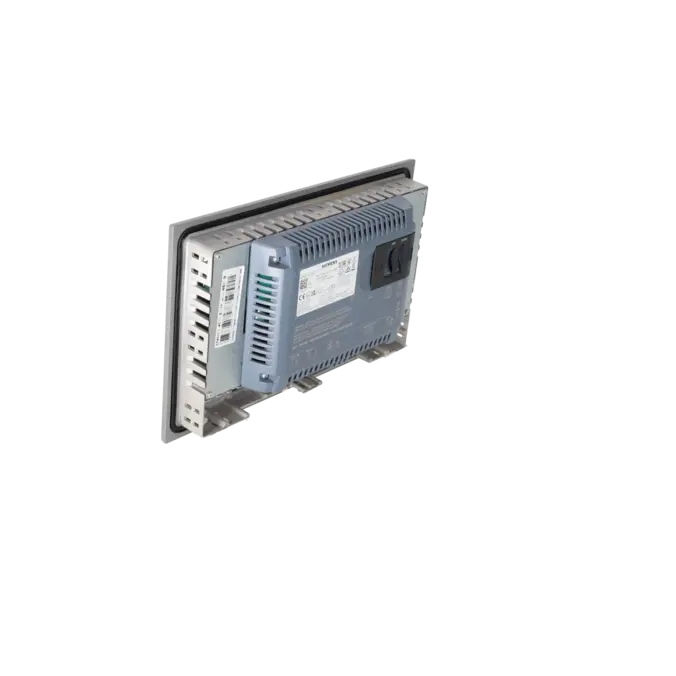
| IP (at the front) | IP65 |
| IP (rear) | IP20 |
| NEMA (front) | |
| ● Enclosure Type 4 at the front | Yes |
| ● Enclosure Type 4x at the front | Yes |
| Standards, approvals, certificates | |
| CE mark | Yes |
| cULus | Yes |
| RCM (formerly C-TICK) | Yes |
| KC approval | Yes |
| Use in hazardous areas | |
| ● ATEX Zone 2 | Yes |
| ● ATEX Zone 22 | Yes |
| ● IECEx Zone 2 | Yes |
| ● IECEx Zone 22 | Yes |
| ● cULus Class I Zone 1 | No |
| ● cULus Class I Zone 2, Division 2 | Yes |
| ● FM Class I Division 2 | Yes |
| Marine approval | |
| ● Germanischer Lloyd (GL) | Yes |
| ● American Bureau of Shipping (ABS) | Yes |
| ● Bureau Veritas (BV) | Yes |
| ● Det Norske Veritas (DNV) | Yes |
| ● Lloyds Register of Shipping (LRS) | Yes |
| ● Nippon Kaiji Kyokai (Class NK) | Yes |
| ● Polski Rejestr Statkow (PRS) | No |
| Ambient conditions | |
| Ambient temperature during operation | |
| Operation (vertical installation) | |
| — For vertical installation, min. | 0 °C |
| — For vertical installation, max. | 50 °C; (55 °C, see entry ID: 64847814) |
| Operation (max. tilt angle) | |
| — At maximum tilt angle, min. | 0 °C |
| — At maximum tilt angle, max. | 40 °C |
| Operation (vertical installation, portrait format) | |
| — For vertical installation, min. | 0 °C |
| — For vertical installation, max. | 40 °C |
| Operation (max. tilt angle, portrait format) | |
| — At maximum tilt angle, min. | 0 °C |
| — At maximum tilt angle, max. | 35 °C |
| Ambient temperature during storage/transportation | |
| ● min. | -20 °C |
| ● max. | 60 °C |
| Relative humidity | |
| ● Operation, max. | 90 %; no condensation |
| Operating systems | |
| proprietary | No |
| pre-installed operating system | |
| ● Windows CE | Yes |
| Configuration | |
| Message indicator | Yes |
| Alarm system (incl. buffer and acknowledgment) | Yes |
| Process value display (output) | Yes |
| Process value default (input) possible | Yes |
| Recipe management | Yes |
| Configuration software | |
| ● STEP 7 Basic (TIA Portal) | No |
| ● STEP 7 Professional (TIA Portal) | No |
| ● WinCC flexible Compact | No |
| ● WinCC flexible Standard | No |
| ● WinCC flexible Advanced | No |
| ● WinCC Basic (TIA Portal) | No |
| ● WinCC Comfort (TIA Portal) | Yes; from V11 |
| ● WinCC Advanced (TIA Portal) | Yes; from V11 |
| ● WinCC Professional (TIA Portal) | Yes; from V11 |
| Languages | |
| Online languages | |
| ● Number of online/runtime languages | 32 |
| Project languages | |
| ● Languages per project | 32 |
| Functionality under WinCC (TIA Portal) | |
| Libraries | Yes |
| Applications/options | |
| ● Web browser | Yes |
| ● Pocket Word | Yes |
| ● Pocket Excel | Yes |
| ● PDF Viewer | Yes |
| ● Media Player | Yes |
| ● SIMATIC WinCC Sm@rtServer | Yes |
| ● SIMATIC WinCC Audit | Yes |
| Number of Visual Basic Scripts | Yes |
| Task planner | |
| ● time-controlled | Yes |
| ● task-controlled | Yes |
| Help system | |
| ● Number of characters per info text | 70 |
| Message system | |
| ● Number of alarm classes | 32 |
| ● Bit messages | Yes |
| — Number of bit messages | 4 000 |
| ● Analog messages | Yes |
| — Number of analog messages | 200 |
| ● S7 alarm number procedure | Yes |
| ● System messages HMI | Yes |
| ● System event, more (SIMATIC S7, SINUMERIK, SIMOTION, ... ) | Yes |
| ● Number of characters per message | 80 |
| ● Number of process values per message | 8 |
| ● Acknowledgment groups | Yes |
| ● Message indicator | Yes |
| ● Message buffer | |
| — Number of entries | 1 024 |
| — Circulating buffer | Yes |
| — retentive | Yes |
| — maintenance-free | Yes |
| Recipe management | |
| ● Number of recipes | 300 |
| ● Data records per recipe | 500 |
| ● Entries per data record | 1 000 |
| ● Size of internal recipe memory | 2 Mbyte |
| ● Recipe memory expandable | Yes |
| Variables | |
| ● Number of variables per device | 2 048 |
| ● Number of variables per screen | 400 |
| ● Limit values | Yes |
| ● Multiplexing | Yes |
| ● Structures | Yes |
| ● Arrays | Yes |
| Images | |
| ● Number of configurable images | 500 |
| ● Permanent window/default | Yes |
| ● Global image | Yes |
| ● Pop-up images | Yes |
| ● Slide-in images | Yes |
| ● Image selection by PLC | Yes |
| ● Image number in the PLC | Yes |
| Image objects | |
| ● Number of objects per image | 400 |
| ● Text fields | Yes |
| ● I/O fields | Yes |
| ● Graphic I/O fields (graphics list) | Yes |
| ● Symbolic I/O fields (text list) | Yes |
| ● Date/time fields | Yes |
| ● Switches | Yes |
| ● Buttons | Yes |
| ● Graphic display | Yes |
| ● Icons | Yes |
| ● Geometric objects | Yes |
| Complex image objects | |
| ● Number of complex objects per screen | 20 |
| ● Alarm view | Yes |
| ● Trend view | Yes |
| ● User view | Yes |
| ● Status/control | Yes |
| ● Sm@rtClient view | Yes |
| ● Recipe view | Yes |
| ● f(x) trend view | Yes |
| ● System diagnostics view | Yes |
| ● Media Player | Yes |
| ● HTML browser | Yes |
| ● PDF display | Yes |
| ● IP camera display | Yes |
| ● Bar graphs | Yes |
| ● Sliders | Yes |
| ● Pointer instruments | Yes |
| ● Analog/digital clock | Yes |
| Lists | |
| ● Number of text lists per project | 500 |
| ● Number of entries per text list | 500 |
| ● Number of graphics lists per project | 500 |
| ● Number of entries per graphics list | 500 |
| Archiving | |
| ● Number of archives per device | 50 |
| ● Number of entries per archive | 20 000 |
| ● Message archive | Yes |
| ● Process value archive | Yes |
| ● Archiving methods | |
| — Sequential archive | Yes |
| — Short-term archive | Yes |
| ● Memory location | |
| — Memory card | Yes |
| — USB memory | Yes |
| — Ethernet | Yes |
| ● Data storage format | |
| — CSV | Yes |
| — TXT | Yes |
| — RDB | Yes |
| Security | |
| ● Number of user groups | 50 |
| ● Number of user rights | 32 |
| ● Number of users | 50 |
| ● Password export/import | Yes |
| ● SIMATIC Logon | Yes |
| Logging through printer | |
| ● Alarms | Yes |
| ● Report (shift log) | Yes |
| ● Hardcopy | Yes |
| ● Electronic print to file | Yes; PDF, HTML |
| Character sets | |
| ● Keyboard fonts | |
| — US English | Yes |
| Transfer (upload/download) | |
| ● MPI/PROFIBUS DP | Yes |
| ● USB | Yes |
| ● Ethernet | Yes |
| ● using external storage medium | Yes |
| Process coupling | |
| ● S7-1200 | Yes |
| ● S7-1500 | Yes |
| ● S7-200 | Yes |
| ● S7-300/400 | Yes |
| ● LOGO! | Yes |
| ● WinAC | Yes |
| ● SINUMERIK | Yes; with SINUMERIK option package |
| ● SIMOTION | Yes |
| ● Allen Bradley (EtherNet/IP) | Yes |
| ● Allen Bradley (DF1) | Yes |
| ● Mitsubishi (MC TCP/IP) | Yes |
| ● Mitsubishi (FX) | Yes |
| ● OMRON (FINS TCP) | No |
| ● OMRON (LINK/Multilink) | Yes |
| ● Modicon (Modbus TCP/IP) | Yes |
| ● Modicon (Modbus) | Yes |
| ● OPC UA Client | Yes |
| ● OPC UA Server | Yes |
| Service tools/configuration aids | |
| ● Backup/Restore manually | Yes |
| ● Backup/Restore automatically | Yes |
| ● Simulation | Yes |
| ● Device switchover | Yes |
| Peripherals/Options | |
| Printer | Yes |
| SIMATIC HMI MM memory card: Multi Media Card | Yes; Up to 128 MB |
| SIMATIC HMI SD memory card: Secure Digital memory card | Yes; Up to 2 GB |
| SIMATIC HMI CF memory card Compact Flash Card | No |
| USB memory | Yes |
| SIMATIC IPC USB Flashdrive (USB stick) | Yes; Up to 16 GB |
| SIMATIC HMI USB stick | Yes; Up to 8 GB |
| Network camera | Yes |
| Mechanics/material | |
| Enclosure material (front) | |
| ● Plastic | No |
| ● Aluminum | Yes |
| ● Stainless steel | No |
| Dimensions | |
| Width of the housing front | 308 mm |
| Height of housing front | 204 mm |
| Mounting cutout, width | 282 mm |
| Mounting cutout, height | 178 mm |
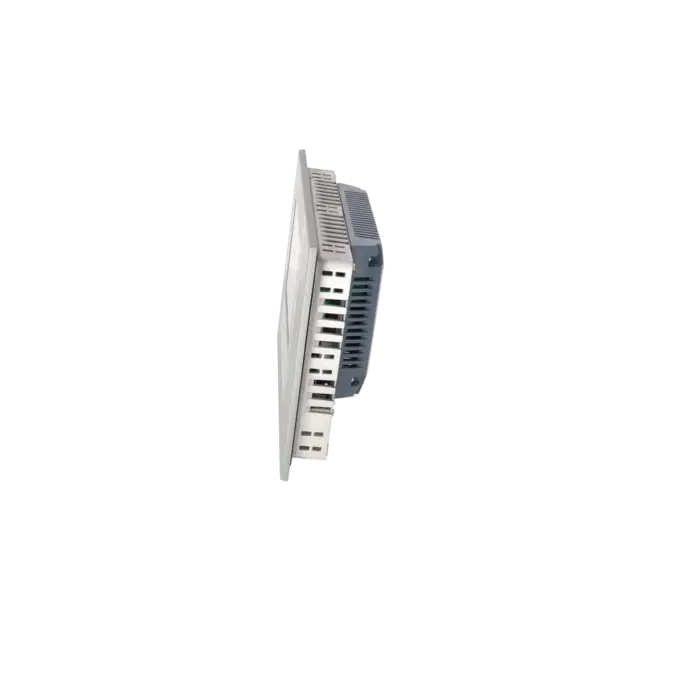
| mounting depth | 63 mm |
| Weights | |
| Weight (without packaging) | 2.2 kg |
| Weight (with packaging) | 2.8 kg |
| Fault description | Possible solution |
|---|---|
| Why can't TIA Portal find my KP700 Comfort during download? | The same transfer path should be configured on both the panel and in TIA Portal, preferably Ethernet or PN/IE. It is often helpful to start the transfer manually and search for the panel directly via its IP address instead of using DCP. In addition, the PG/PC and the panel must be located in the same subnet, and the panel IP address is configured directly on the device. |
| Why does error 0132:000002 appear when downloading a project to the Comfort Panel? | Typical causes include an incorrect device version configured in the project, a transfer channel that has not been properly enabled, or a panel that does not switch correctly into transfer mode. Therefore, first check the device version, transfer settings and network environment. If the panel software version is older than the project version, an OS/image update is often recommended before attempting the download again. |
| Why does my KP700/TP700 Comfort remain stuck in transfer mode after downloading? | After restore or transfer issues, the panel may fail to switch back to runtime mode. In this case, completely restart the device, manually activate transfer mode before starting runtime and then transfer the project again. If the behaviour persists, performing a consistent restore or an OS update is the next recommended step. |
| Why can I ping the panel but still cannot establish an online connection? | A successful ping only confirms IP connectivity. For HMI transfer, the transfer channel, gateway settings, addressing and target device selection in TIA Portal must also be configured correctly. When working via remote access or routed networks, the Extended online connection function can often help. Duplicate IP addresses should also be ruled out. |
| Why is the CPU online and accessible, but the HMI is not? | In such cases, the cause is often related to different HMI transfer settings or a separate panel configuration. The IP address and key transfer parameters are configured directly on the panel and must be checked independently of the CPU communication settings. This point should be verified separately, especially during initial commissioning or after network changes. |
Is 6AV2124-1GC01-0AX0 a touchscreen panel or a keypad panel?
The 6AV2124-1GC01-0AX0 is a keypad-only panel. The device is called KP700 Comfort, operates exclusively via keys and features 24 LED function keys as well as a numeric and alphanumeric keypad. This model does not include a touchscreen. This is particularly useful in applications that rely on fixed operator stations, glove operation or clearly assigned key functions.
Which software and engineering platform are required for the KP700 Comfort?
The panel can be engineered from WinCC Comfort V11 onwards. It is also important that the device version configured in the project matches the image or runtime version installed on the panel. If an older device version is no longer directly supported in newer WinCC releases, Siemens describes a migration path in which the project is first opened in an older software version and the device or device version is adjusted there before further migration.
Is there an official successor for 6AV2124-1GC01-0AX0?
Yes. Siemens identifies 6AV2128-3GB06-0AX1 as the successor. This device belongs to the Unified Comfort Panel family, is an MTP700 with touchscreen operation and is engineered with WinCC Unified Comfort V16 or later. In practice, this means that the successor is officially designated by the manufacturer, but the operating concept, engineering environment and mechanical integration should be carefully evaluated before migration.
Can a project be transferred to the panel without a direct online connection?
Yes. Siemens also supports project transfer to Comfort Panels via a storage medium, such as a USB flash drive. This can be particularly useful when online access is unstable, remote connections are problematic or updates need to be installed in a controlled manner during planned maintenance windows. According to Siemens, this download method is supported on Comfort Panels from device version V14.0 onwards.
Is the KP700 Comfort suitable as a replacement for older OP177B or OP277 applications?
Yes. Siemens has referenced the KP700 Comfort in several migration and successor scenarios, including as a successor for the OP177B and within the context of older OP and MP panel generations. For current procurement decisions, however, it is important to note that the KP700 Comfort itself has already entered the product phase-out announcement stage. In existing installations, repair or exchange of an installed KP700 may therefore be the preferred option, while larger modernisation projects may justify a direct move to a Unified platform.
Why is repair often the most economical option for this device?
Because the panel is widely installed but has been listed with PM400 status since 31.01.2026. As a result, fast and reliable service options become increasingly valuable. EICHLER offers repair, exchange, used units and new units for this model. The repair service includes technical cleaning, preventive maintenance, functional testing and a minimum 24-month warranty. For operators, this is often the most cost-effective way to minimise downtime while allowing modernisation projects to be planned properly rather than being carried out under time pressure.