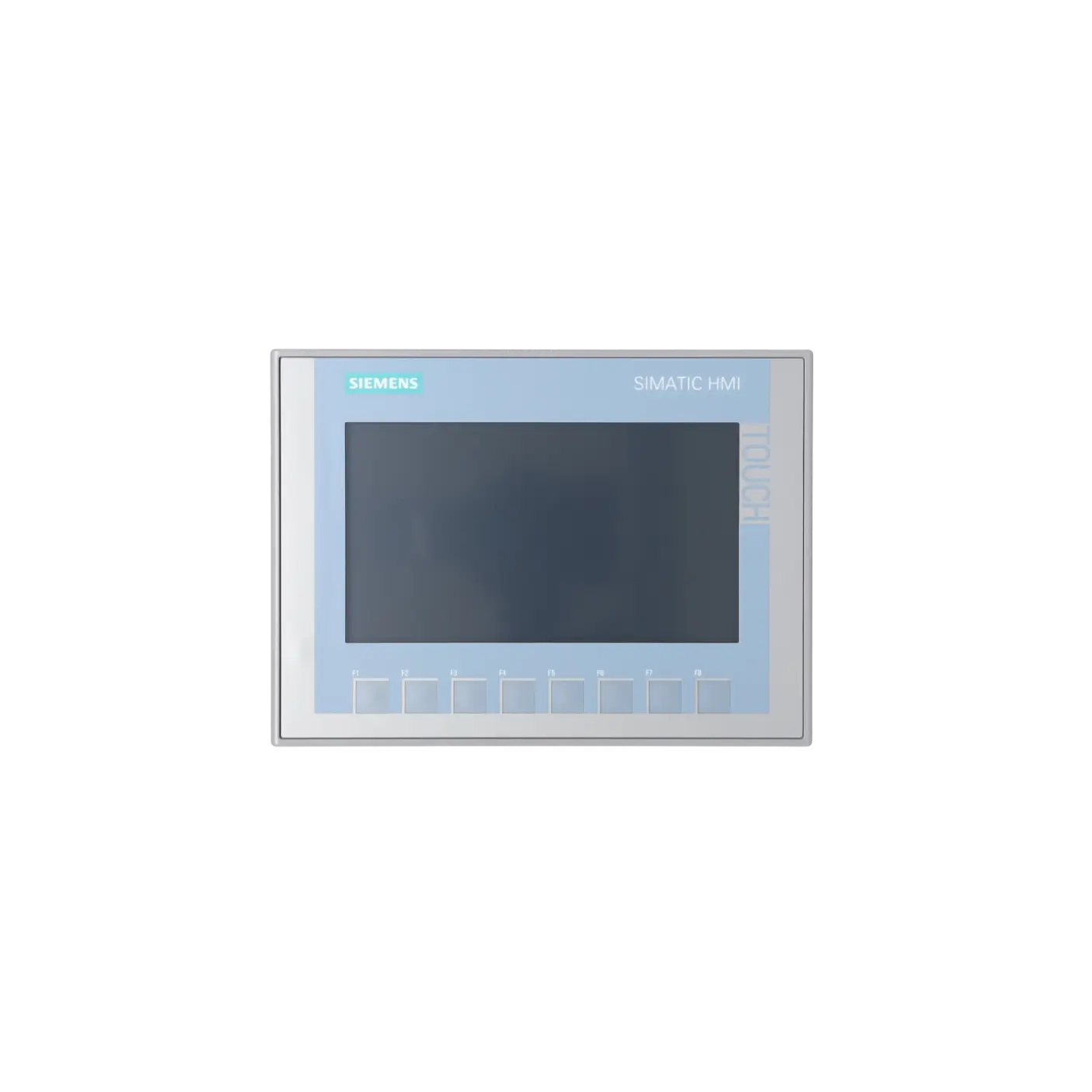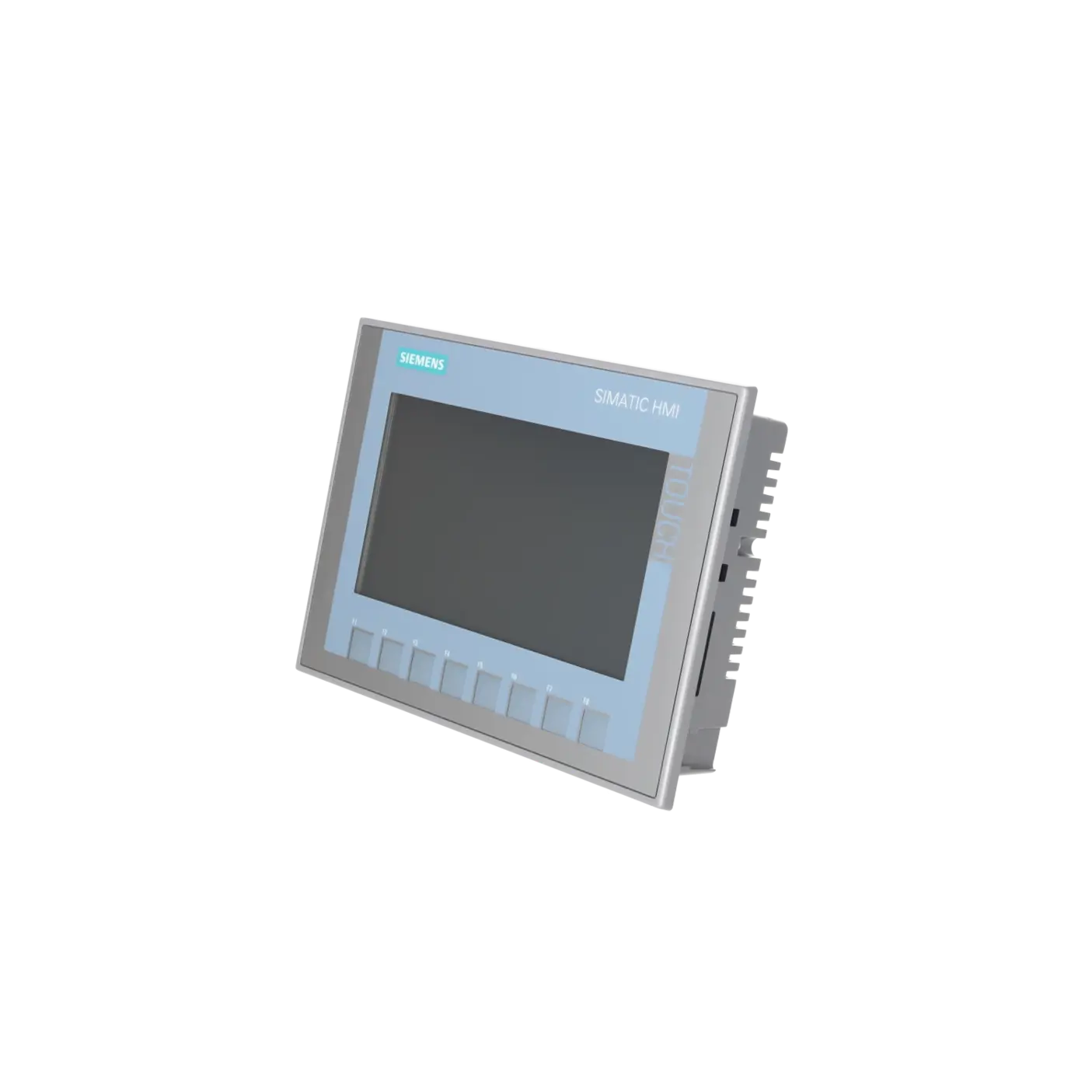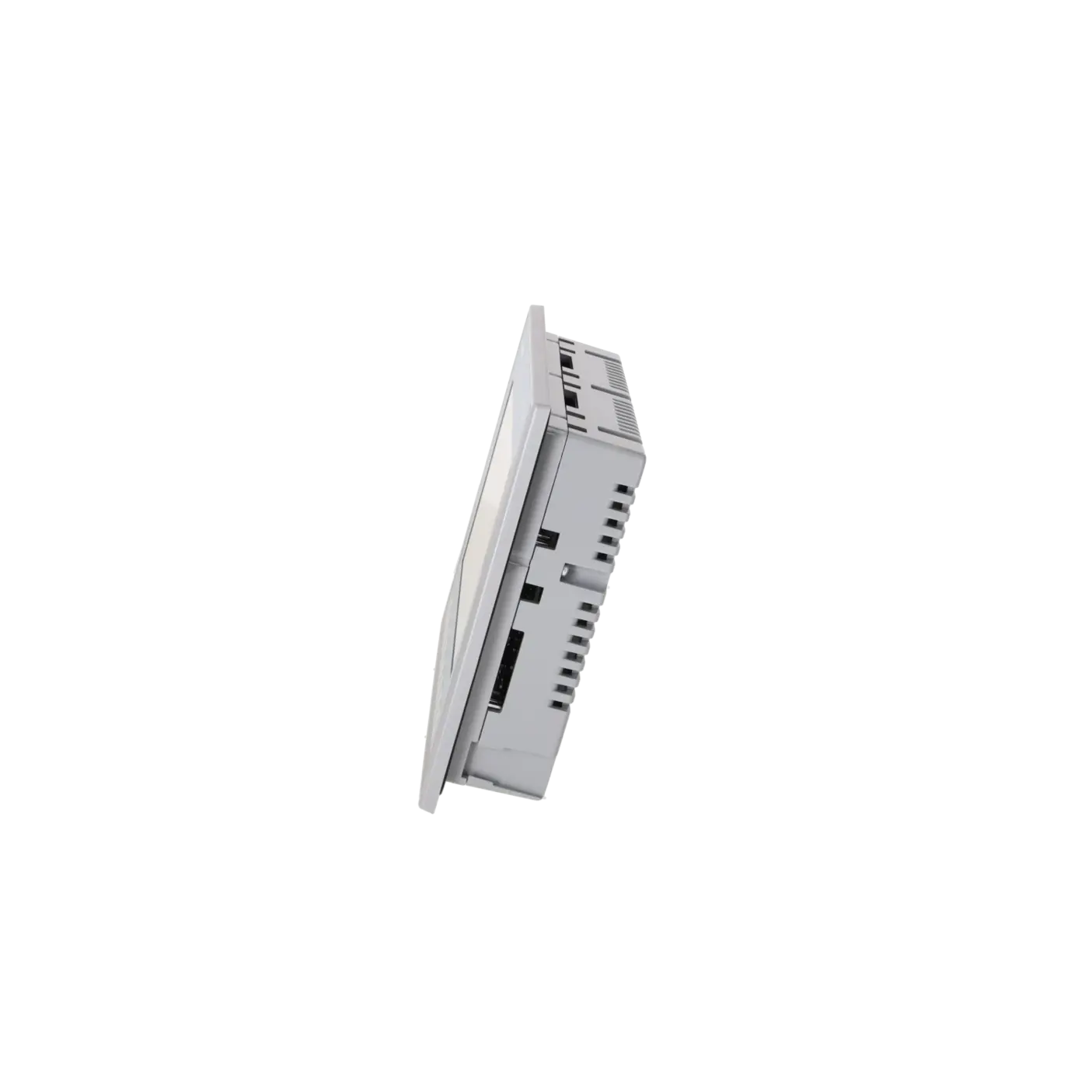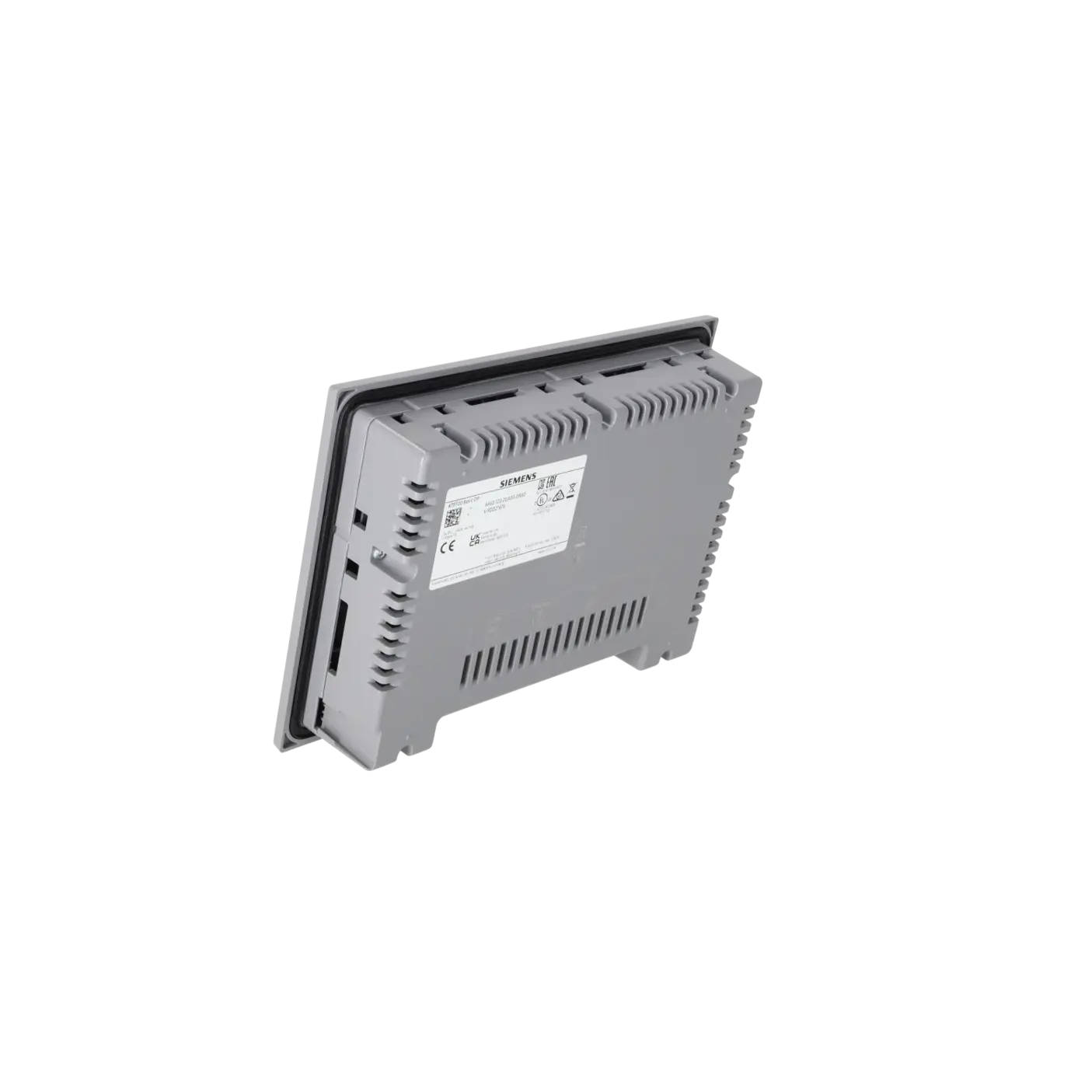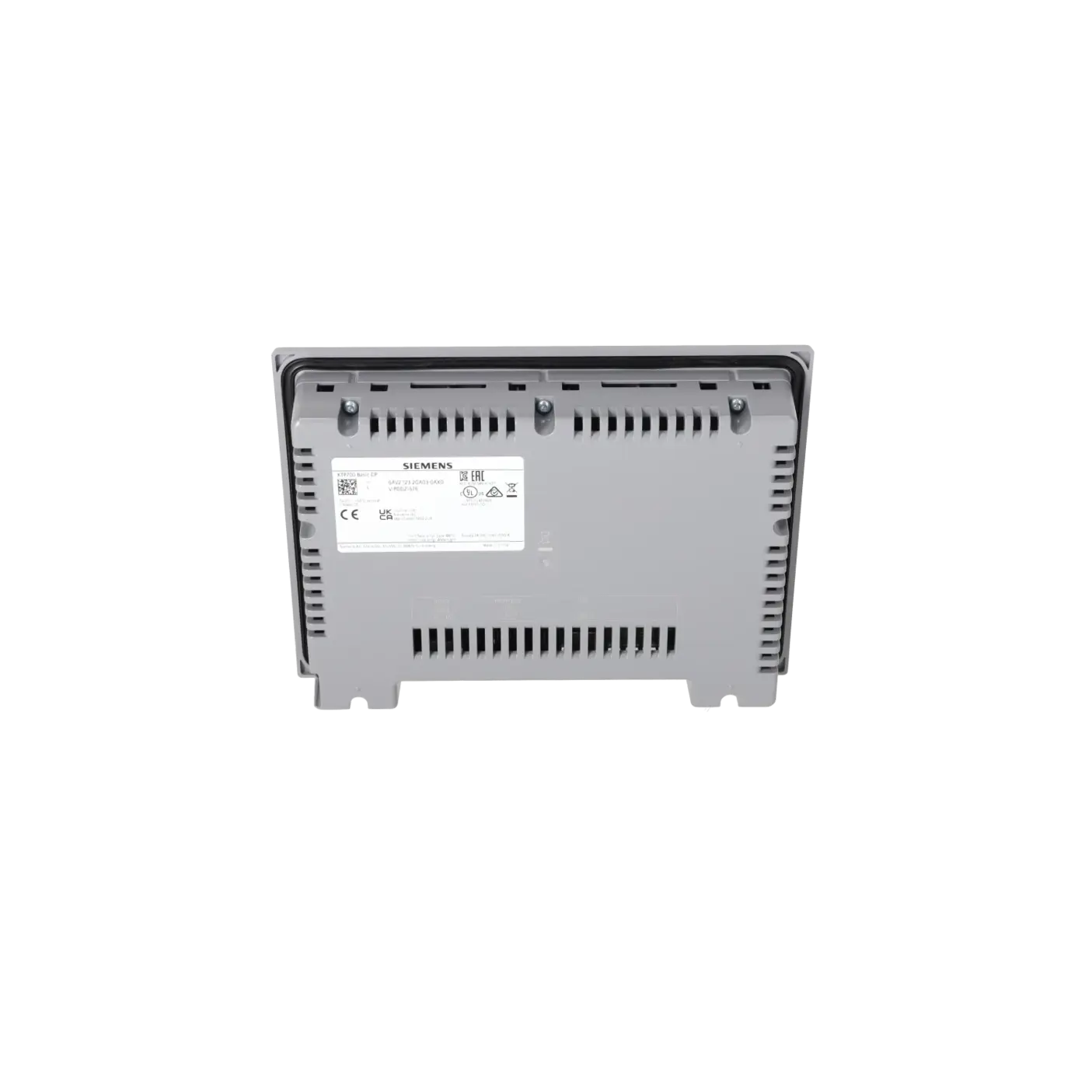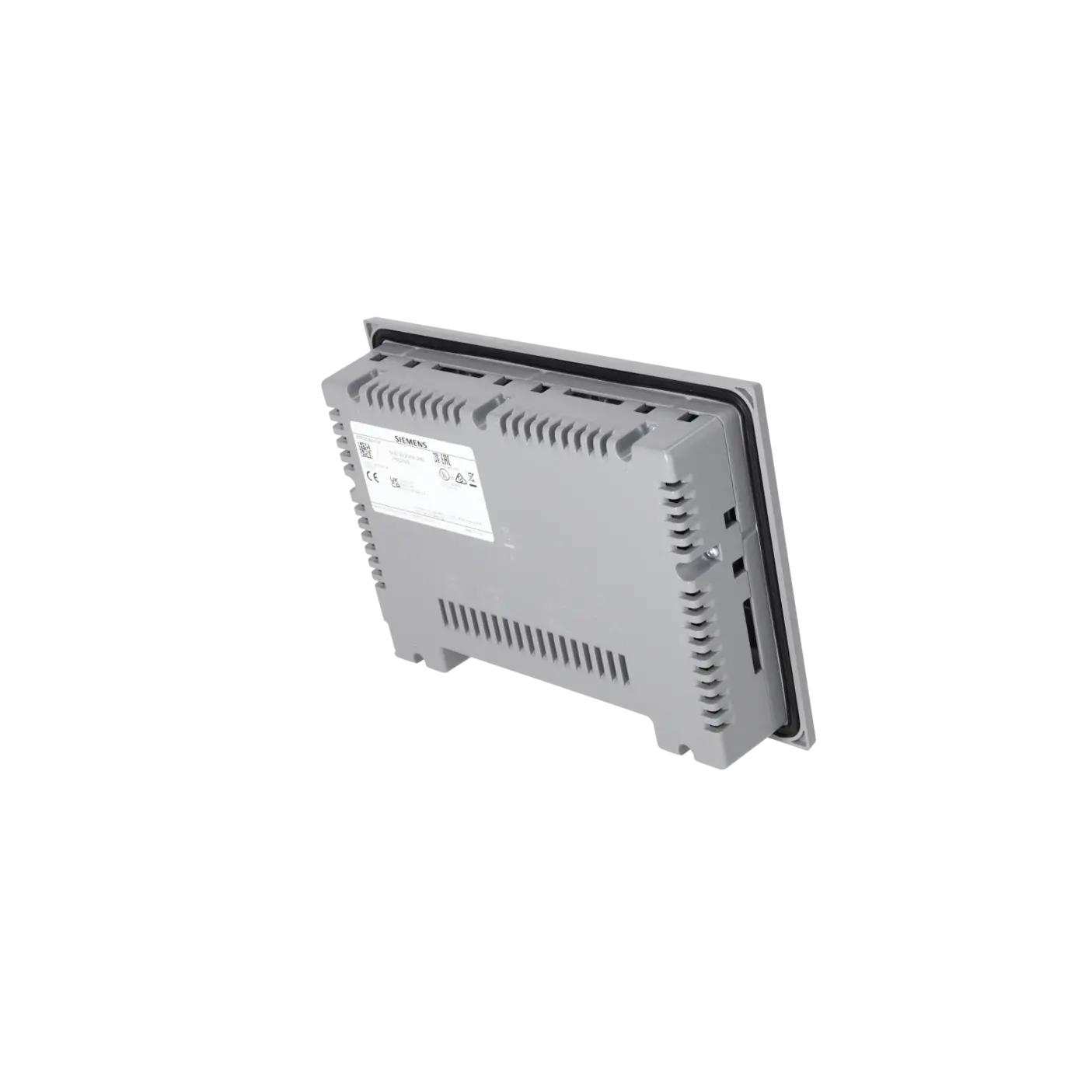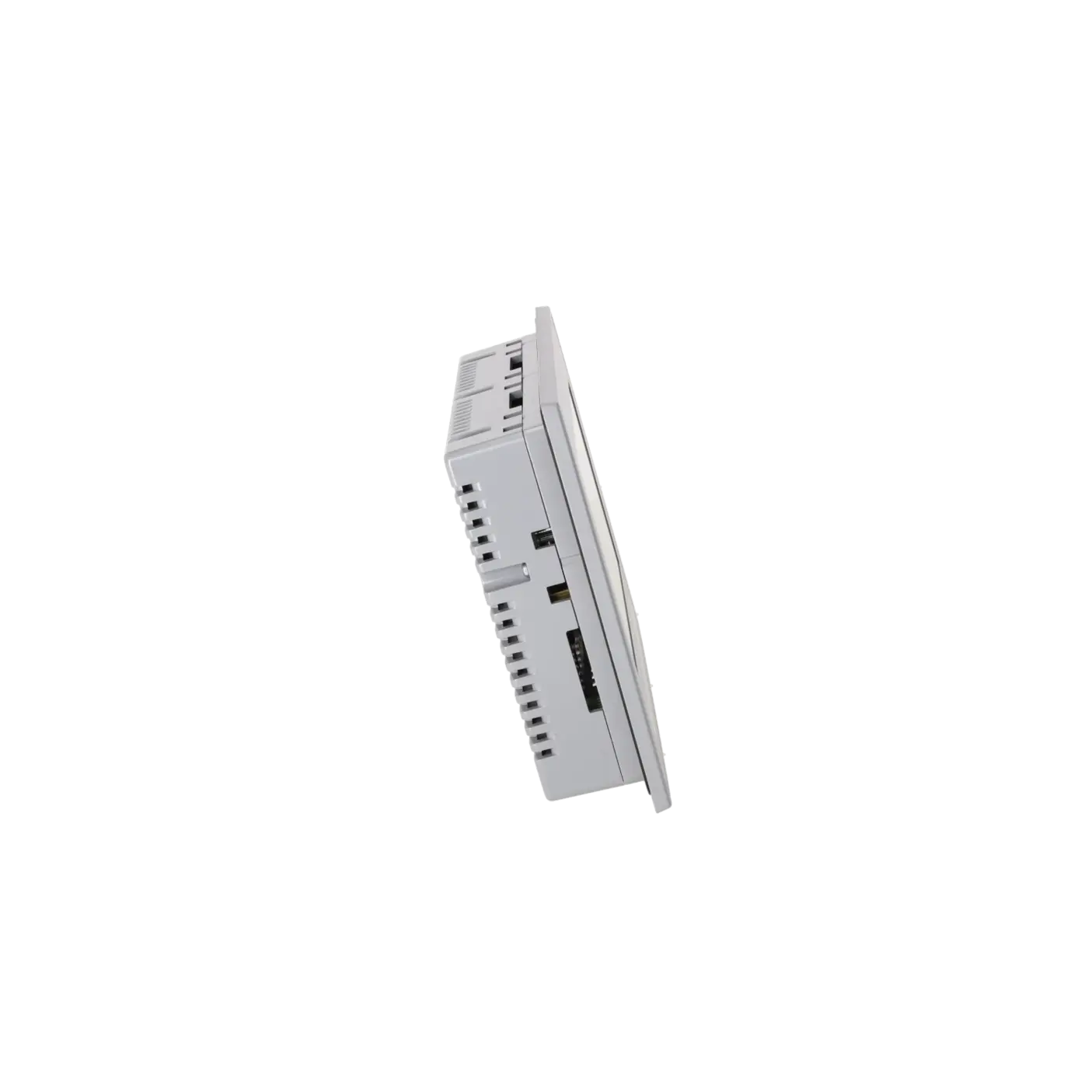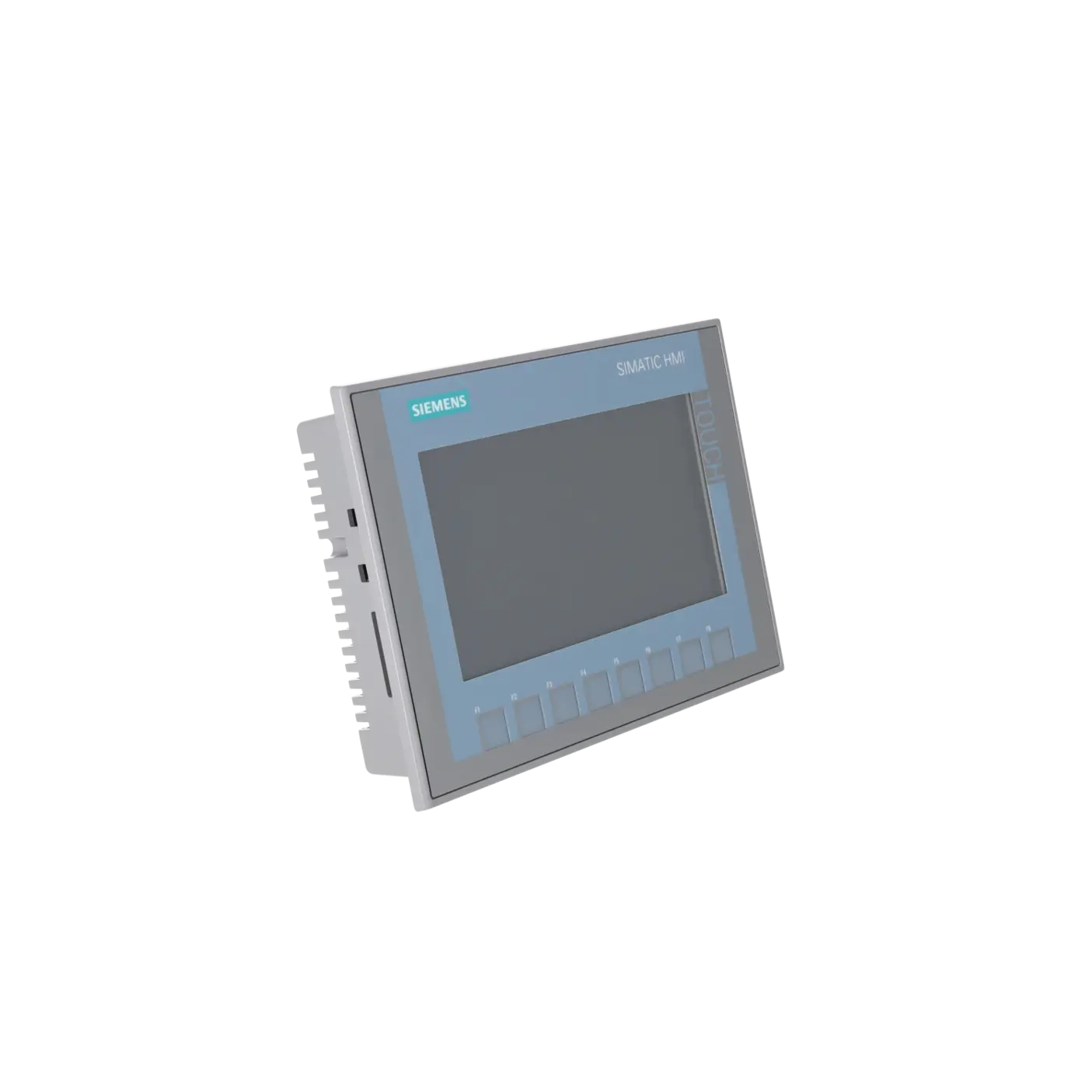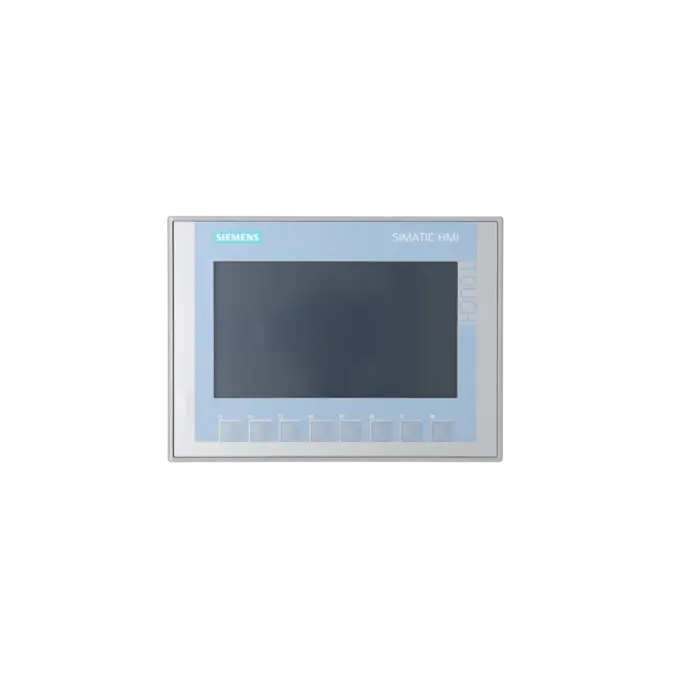
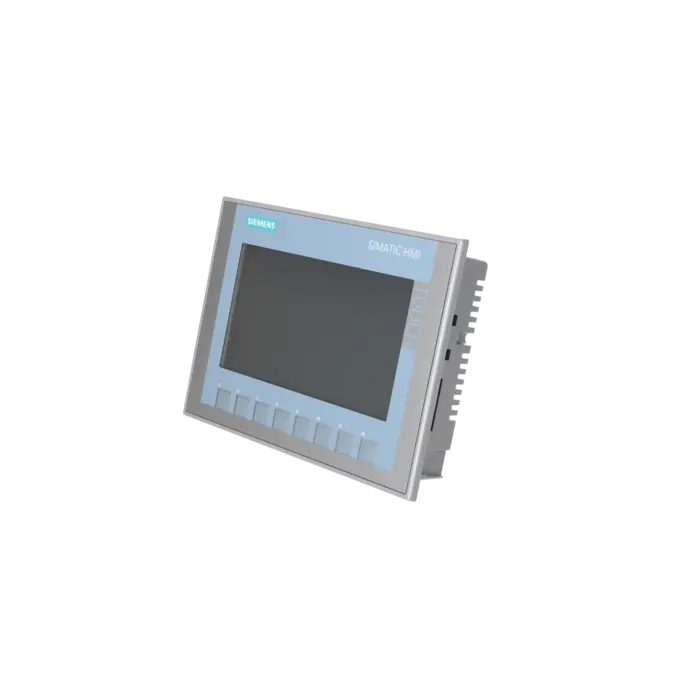
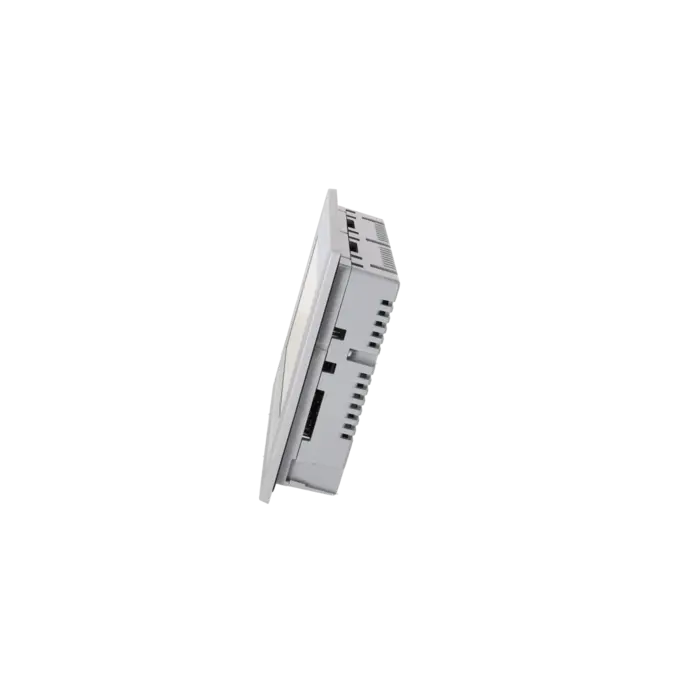
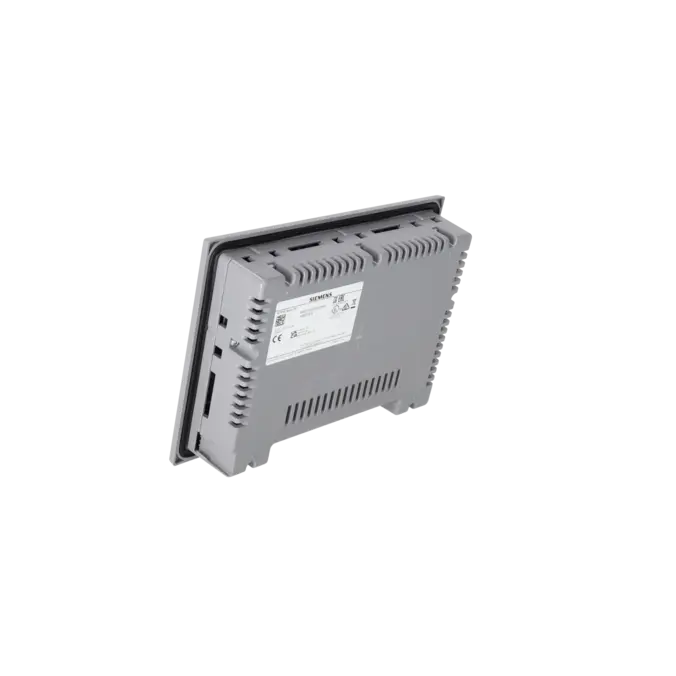
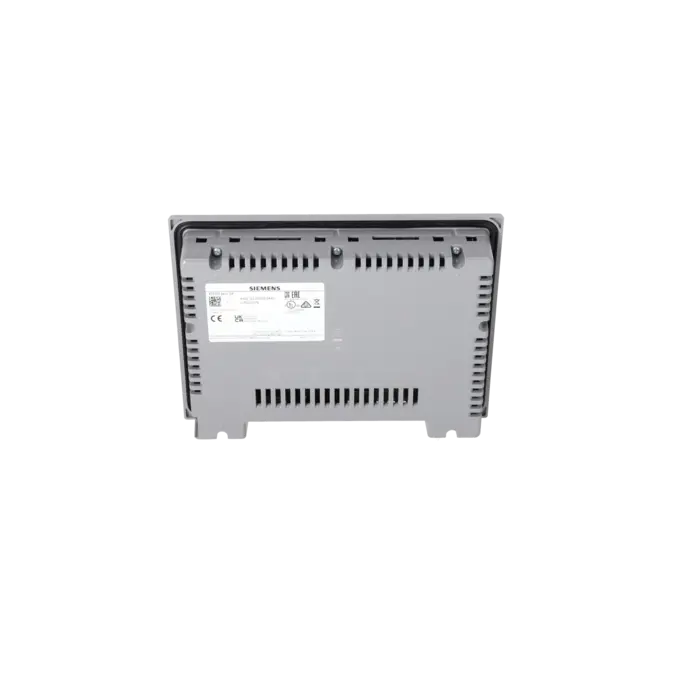
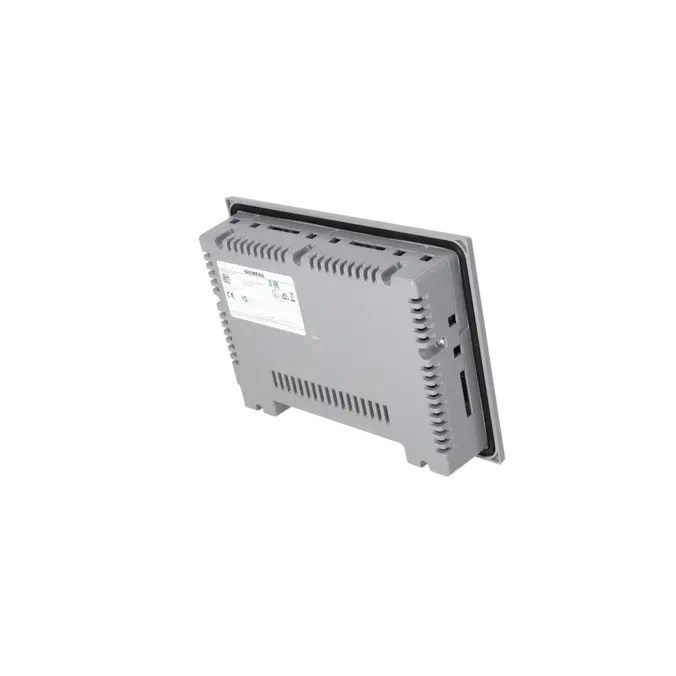
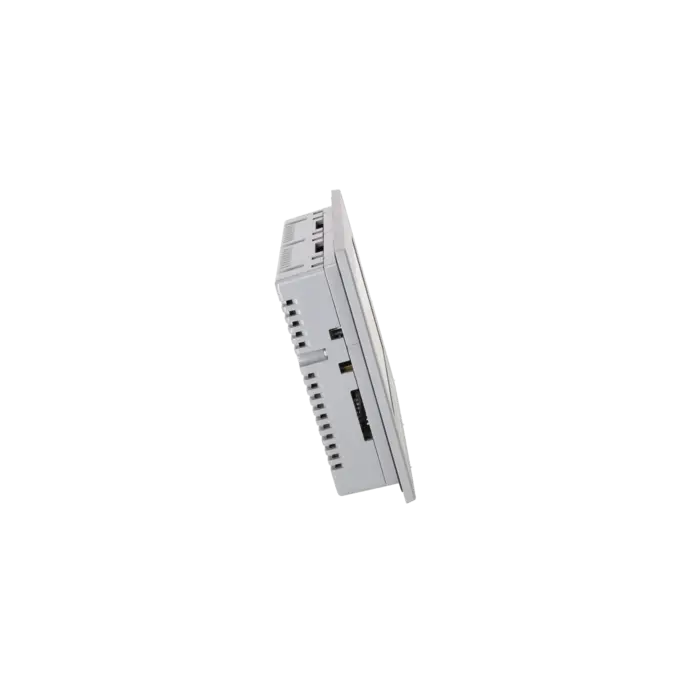
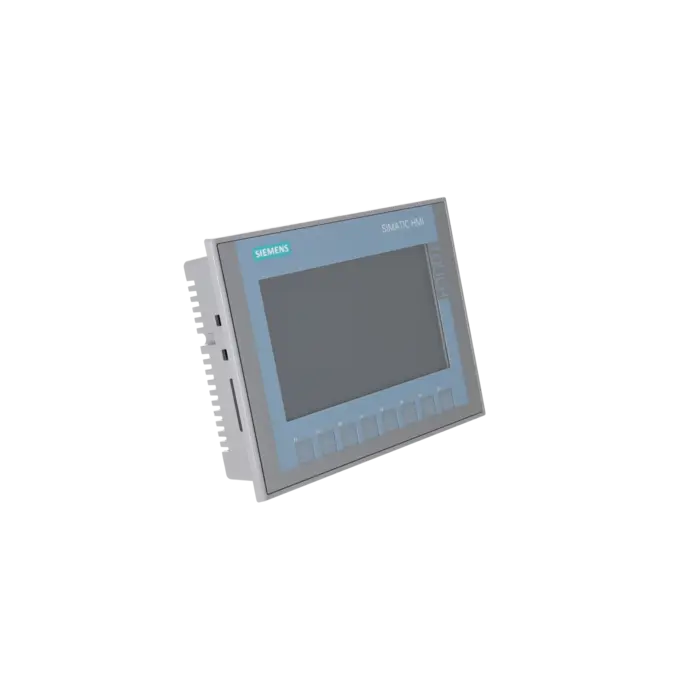
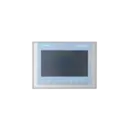
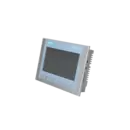
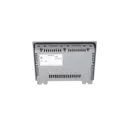
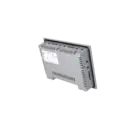
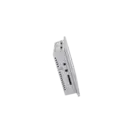
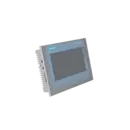
SIEMENS 6AV2123-2GA03-0AX0
- EICHLER-art.no.: K1026591
- EAN: 4034106029227
- UPC: 887621874100
Product description
SIMATIC HMI, KTP700 BASIC DP, BASIC PANEL, KEY AND TOUCH OPERATION, 7 TFT DISPLAY, 65536 COLORS, PROFIBUS INTERFACE, CONFIGURATION FROM WINCC BASIC V13/ STEP7 BASIC V13, CONTAINS OPEN SOURCE SW WHICH IS PROVIDED FREE OF CHARGE FOR DETAILS SEE CD
Services for SIEMENS 6AV2123-2GA03-0AX0
Repair
from 781,31 €
to 1.406,35 €
Replacement
579,60 €
550,62 €
Used
644,00 €
611,80 €
New
708,40 €
672,98 €
SIEMENS |
6AV2123-2GA03-0AX0 –
additional product information
| Delivery information | |||
|---|---|---|---|
| Export identifier | AL: N ECCN: EAR99H | ||
| Net weight | 0.988 | ||
| Quantity | 1 Stück | ||
| Packaging quantity | 1 | ||
| Additional product information | |||
|---|---|---|---|
| Product status | |||
| EAN | 4034106029227 | ||
| UPC | 887621874100 | ||
| Static lot number | 85371091 | ||
| List indicator | ST80.1J | ||
| Product group | 2263 | ||
| Country of origin | CN | ||
| Compliance with the substance restrictions according to RoHS directive | Since: 20140905 | ||
| Product classifications | Version | Classification | |
|---|---|---|---|
| eClass | 4 | / | |
| eClass | 5.1 | 27-24-23-02 | |
| eClass | 6.0 | 27-24-23-02 | |
| ETIM | 3 | / | |
| ETIM | 4 | EC001412 | |
| ETIM | 5 | EC001412 | |
What is 6AV2123-2GA03-0AX0 and where is it used?
The 6AV2123-2GA03-0AX0 is a Siemens SIMATIC HMI KTP700 Basic DP from the Basic Panels 2nd Generation family. It is a 7-inch operator panel with both key and touch operation, designed for simple to medium-level visualisation and control tasks directly at the machine. Typical applications include machines and systems where operating states, alarms, setpoints, and simple operator screens must be displayed and controlled reliably. Thanks to its PROFIBUS DP connectivity, the device is particularly suitable for existing installations with established DP infrastructure. For maintenance engineers, the panel is valuable when an installed HMI needs to be quickly identified, replaced, or returned to service. For purchasing departments, the exact part number is important because DP and PN versions differ technically and should not be confused.
Overview of the most important technical data and what they mean
The panel features a 7" TFT widescreen display with 800 × 480 pixels and 65,536 colours, providing a clearer display than many older, smaller Basic HMIs. The combination of 8 function keys and an analogue resistive touchscreen makes it suitable for a wide range of standard machine applications, allowing operation through both dedicated keys and direct screen interaction. The device operates on 24 V DC, with a permissible voltage range of 19.2 to 28.8 V DC, and has a typical power consumption of 5.5 W. For communication, the DP version provides 1 × RS422/RS485 interface for PROFIBUS/MPI communication at up to 12 Mbit/s, as well as USB 2.0. Additional installation-relevant characteristics include IP65 protection at the front, IP20 at the rear, and operating temperatures of up to 50 °C in landscape orientation with vertical mounting.
Product status, life-cycle status and obsolescence
Siemens currently lists 6AV2123-2GA03-0AX0 as an Active Product. This is an important consideration for plant operators and purchasing departments, as there is no confirmed discontinuation status in the available manufacturer documentation. The panel belongs to the Standard Devices 2nd Generation product range, providing a stable position within the Siemens HMI portfolio. Engineering support is available from WinCC Basic V13 and STEP 7 Basic V13 onwards. No explicitly designated direct successor has been identified by Siemens for this exact part number in the reviewed documentation. However, Siemens includes this product family in various migration and replacement scenarios for older Basic Panel installations, helping to reduce procurement and upgrade risks in brownfield projects.
Available EICHLER services and when they are relevant in practice
EICHLER offers several practical service options for this panel, including repair, exchange, used devices, new devices, and an optional test report. Repair is particularly economical when the existing device is already engineered, mechanically compatible, and fully integrated into the machine. EICHLER combines repairs with technical cleaning, preventive maintenance, comprehensive functional testing, and a minimum 24-month warranty. This is especially valuable for maintenance teams when downtime must be minimised without creating additional engineering or retrofit work. An exchange unit is often the preferred option when immediate availability is the priority. Used and new devices allow purchasing departments to balance budget, lead time, and supply security according to their specific requirements. The optional test report additionally supports internal approval processes, documentation requirements, and traceable quality assurance.
| Attribute | Value |
|---|---|
| Product type designation | KTP700 Basic color DP |
| Display | |
| Design of display | TFT widescreen display, LED backlighting |
| Screen diagonal | 7 in |
| Display width | 154.1 mm |
| Display height | 85.9 mm |
| Number of colors | 65 536 |
| Resolution (pixels) | |
| ● Horizontal image resolution | 800 pixel |
| ● Vertical image resolution | 480 pixel |
| Backlighting | |
| ● MTBF backlighting (at 25 °C) | 20 000 h |
| ● Backlight dimmable | Yes |
| Control elements | |
| Keyboard fonts | |
| ● Function keys | |
| — Number of function keys | 8 |
| — Number of function keys with LEDs | 0 |
| ● Keys with LED | No |
| ● System keys | No |
| ● Numeric keyboard | Yes; Onscreen keyboard |
| ● alphanumeric keyboard | Yes; Onscreen keyboard |
| Touch operation | |
| ● Design as touch screen | Yes; Analog-resistive |
| Installation type/mounting | |
| Mounting position | vertical |
| Mounting in portrait format possible | Yes |
| Mounting in landscape format possible | Yes |
| maximum permissible angle of inclination without external ventilation | 35° |
| Supply voltage | |
| Type of supply voltage | DC |
| Rated value (DC) | 24 V |
| permissible range, lower limit (DC) | 19.2 V |
| permissible range, upper limit (DC) | 28.8 V |
| Input current | |
| Current consumption (rated value) | 230 mA |
| Starting current inrush I²t | 0.2 A²·s |
| Power | |
| Active power input, typ. | 5.5 W |
| Processor | |
| Processor type | ARM |
| Memory | |
| Flash | Yes |
| RAM | Yes |
| Memory available for user data | 10 Mbyte |
| Type of output | |
| Acoustics | |
| ● Buzzer | Yes |
| ● Speaker | No |
| Time of day | |
| Clock | |
| ● Hardware clock (real-time) | Yes |
| ● Software clock | Yes |
| ● retentive | Yes; Back-up duration typically 6 weeks |
| ● synchronizable | Yes |
| Interfaces | |
| Number of industrial Ethernet interfaces | 0 |
| Number of RS 485 interfaces | 1 |
| Number of RS 422 interfaces | 1; together with RS 485 |
| Number of RS 232 interfaces | 0; with optional adapter |
| Number of USB interfaces | 1; Up to 16 GB |
| Number of 20 mA interfaces (TTY) | 0 |
| Number of parallel interfaces | 0 |
| Number of other interfaces | 0 |
| Number of SD card slots | 0 |
| With software interfaces | No |
| Industrial Ethernet | |
| ● Industrial Ethernet status LED | 0 |
| Protocols | |
| PROFINET | No |
| Supports protocol for PROFINET IO | No |
| IRT | No |
| PROFIBUS | Yes |
| EtherNet/IP | No |
| MPI | Yes |
| Protocols (Ethernet) | |
| ● TCP/IP | No |
| ● DHCP | No |
| ● SNMP | No |
| ● DCP | No |
| ● LLDP | No |
| WEB characteristics | |
| ● HTTP | No |
| ● HTML | No |
| Redundancy mode | |
| Media redundancy | |
| — MRP | No |
| Further protocols | |
| ● CAN | No |
| ● MODBUS | Yes; Modicon (MODBUS RTU) |
| Interrupts/diagnostics/status information | |
| Diagnoses | |
| ● Diagnostic information readable | No |
| EMC | |
| Emission of radio interference acc. to EN 55 011 | |
| ● Limit class A, for use in industrial areas | Yes |
| ● Limit class B, for use in residential areas | No |
| Degree and class of protection | |
| IP (at the front) | IP65 |
| IP (rear) | IP20 |
| NEMA (front) | |
| ● Enclosure Type 4 at the front | Yes |
| ● Enclosure Type 4x at the front | Yes |
| Standards, approvals, certificates | |
| CE mark | Yes |
| cULus | Yes |
| RCM (formerly C-TICK) | Yes |
| KC approval | Yes |
| Ecological footprint | |
| ● environmental product declaration | Yes |
| Global warming potential | |
| — global warming potential, (total) [CO2 eq] | 85 kg |
| — global warming potential, (during production) [CO2 eq] | 26.2 kg |
| — global warming potential, (during operation) [CO2 eq] | 59.2 kg |
| — global warming potential, (after end of life cycle) [CO2 eq] | -0.682 kg |
| Use in hazardous areas | |
| ● ATEX Zone 2 | No |
| ● ATEX Zone 22 | No |
| ● IECEx Zone 2 | No |
| ● IECEx Zone 22 | No |
| ● cULus Class I Zone 1 | No |
| ● cULus Class I Zone 2, Division 2 | No |
| ● FM Class I Division 2 | No |
| Marine approval | |
| ● Germanischer Lloyd (GL) | Yes |
| ● American Bureau of Shipping (ABS) | Yes |
| ● Bureau Veritas (BV) | Yes |
| ● Det Norske Veritas (DNV) | Yes |
| ● Lloyds Register of Shipping (LRS) | Yes |
| ● Nippon Kaiji Kyokai (Class NK) | Yes |
| ● Polski Rejestr Statkow (PRS) | No |
| ● Chinese Classification Society (CCS) | No |
| Ambient conditions | |
| Suited for indoor use | Yes |
| Suited for outdoor use | No |
| Ambient temperature during operation | |
| Operation (vertical installation) | |
| — For vertical installation, min. | 0 °C |
| — For vertical installation, max. | 50 °C |
| Operation (max. tilt angle) | |
| — At maximum tilt angle, min. | 0 °C |
| — At maximum tilt angle, max. | 40 °C |
| Operation (vertical installation, portrait format) | |
| — For vertical installation, min. | 0 °C |
| — For vertical installation, max. | 40 °C |
| Operation (max. tilt angle, portrait format) | |
| — At maximum tilt angle, min. | 0 °C |
| — At maximum tilt angle, max. | 35 °C |
| Ambient temperature during storage/transportation | |
| ● min. | -20 °C |
| ● max. | 60 °C |
| Relative humidity | |
| ● Operation, max. | 90 %; no condensation |
| Operating systems | |
| proprietary | Yes |
| pre-installed operating system | |
| ● Windows CE | No |
| Configuration | |
| Message indicator | Yes |
| Alarm system (incl. buffer and acknowledgment) | Yes |
| Process value display (output) | Yes |
| Process value default (input) possible | Yes |
| Recipe management | Yes |
| Configuration software | |
| ● STEP 7 Basic (TIA Portal) | Yes; via integrated WinCC Basic (TIA Portal) |
| ● STEP 7 Professional (TIA Portal) | Yes; via integrated WinCC Basic (TIA Portal) |
| ● WinCC flexible Compact | No |
| ● WinCC flexible Standard | No |
| ● WinCC flexible Advanced | No |
| ● WinCC Basic (TIA Portal) | Yes |
| ● WinCC Comfort (TIA Portal) | Yes |
| ● WinCC Advanced (TIA Portal) | Yes |
| ● WinCC Professional (TIA Portal) | Yes |
| Languages | |
| Online languages | |
| ● Number of online/runtime languages | 10 |
| Project languages | |
| ● Languages per project | 32 |
| Functionality under WinCC (TIA Portal) | |
| Libraries | Yes |
| Applications/options | |
| ● Web browser | No |
| ● SIMATIC WinCC Sm@rtServer | No |
| Number of Visual Basic Scripts | No |
| Task planner | Yes |
| ● time-controlled | No |
| ● task-controlled | Yes |
| Help system | Yes |
| ● Number of characters per info text | 500 |
| Message system | |
| ● Number of alarm classes | 32 |
| ● Bit messages | |
| — Number of bit messages | 1 000 |
| ● Analog messages | |
| — Number of analog messages | 25 |
| ● S7 alarm number procedure | No |
| ● System messages HMI | Yes |
| ● System event, more (SIMATIC S7, SINUMERIK, SIMOTION, ... ) | Yes; System message buffer of the SIMATIC S7-1200 and S7-1500 |
| ● Number of characters per message | 80 |
| ● Number of process values per message | 8 |
| ● Acknowledgment groups | Yes |
| ● Message indicator | Yes |
| ● Message buffer | |
| — Number of entries | 256 |
| — Circulating buffer | Yes |
| — retentive | Yes |
| — maintenance-free | Yes |
| Recipe management | |
| ● Number of recipes | 50 |
| ● Data records per recipe | 100 |
| ● Entries per data record | 100 |
| ● Size of internal recipe memory | 256 kbyte |
| ● Recipe memory expandable | No |
| Variables | |
| ● Number of variables per device | 800 |
| ● Number of variables per screen | 100 |
| ● Limit values | Yes |
| ● Multiplexing | Yes |
| ● Structures | No |
| ● Arrays | Yes |
| Images | |
| ● Number of configurable images | 250 |
| ● Permanent window/default | Yes |
| ● Global image | Yes |
| ● Pop-up images | No |
| ● Slide-in images | No |
| ● Image selection by PLC | Yes |
| ● Image number in the PLC | Yes |
| Image objects | |
| ● Number of objects per image | 100 |
| ● Text fields | Yes |
| ● I/O fields | Yes |
| ● Graphic I/O fields (graphics list) | Yes |
| ● Symbolic I/O fields (text list) | Yes |
| ● Date/time fields | Yes |
| ● Switches | Yes |
| ● Buttons | Yes |
| ● Graphic display | Yes |
| ● Icons | Yes |
| ● Geometric objects | Yes |
| Complex image objects | |
| ● Number of complex objects per screen | 10 |
| ● Alarm view | Yes |
| ● Trend view | Yes |
| ● User view | Yes |
| ● Status/control | No |
| ● Sm@rtClient view | No |
| ● Recipe view | Yes |
| ● f(x) trend view | No |
| ● System diagnostics view | Yes; System message buffer of the SIMATIC S7-1200 and S7-1500 |
| ● Media Player | No |
| ● HTML browser | No |
| ● PDF display | No |
| ● IP camera display | No |
| ● Bar graphs | Yes |
| ● Sliders | No |
| ● Pointer instruments | No |
| ● Analog/digital clock | No |
| Lists | |
| ● Number of text lists per project | 300 |
| ● Number of entries per text list | 100 |
| ● Number of graphics lists per project | 100 |
| ● Number of entries per graphics list | 100 |
| Archiving | |
| ● Number of archives per device | 2; One message and one process value archive |
| ● Number of entries per archive | 10 000 |
| ● Message archive | Yes |
| ● Process value archive | Yes |
| ● Archiving methods | |
| — Sequential archive | Yes |
| — Short-term archive | Yes |
| ● Memory location | |
| — Memory card | No |
| — USB memory | Yes |
| — Ethernet | No |
| ● Data storage format | |
| — CSV | No |
| — TXT | Yes |
| — RDB | No |
| Security | |
| ● Number of user groups | 50 |
| ● Number of user rights | 32 |
| ● Number of users | 50 |
| ● Password export/import | Yes |
| ● SIMATIC Logon | No |
| Character sets | |
| ● Keyboard fonts | |
| — US English | Yes |
| Transfer (upload/download) | |
| ● MPI/PROFIBUS DP | Yes |
| ● USB | No |
| ● Ethernet | No |
| ● using external storage medium | Yes |
| Process coupling | |
| ● S7-1200 | Yes |
| ● S7-1500 | Yes |
| ● S7-200 | Yes |
| ● S7-300/400 | Yes |
| ● LOGO! | Yes |
| ● WinAC | Yes |
| ● SINUMERIK | Yes; No access to NCK data |
| ● SIMOTION | Yes |
| ● Allen Bradley (EtherNet/IP) | No |
| ● Allen Bradley (DF1) | Yes |
| ● Mitsubishi (MC TCP/IP) | No |
| ● Mitsubishi (FX) | Yes |
| ● OMRON (FINS TCP) | No |
| ● OMRON (LINK/Multilink) | Yes |
| ● Modicon (Modbus TCP/IP) | No |
| ● Modicon (Modbus) | Yes |
| Service tools/configuration aids | |
| ● Backup/Restore manually | Yes |
| ● Backup/Restore automatically | No |
| ● Simulation | Yes |
| ● Device switchover | Yes |
| Peripherals/Options | |
| Printer | No |
| SIMATIC HMI MM memory card: Multi Media Card | No |
| SIMATIC HMI SD memory card: Secure Digital memory card | No |
| SIMATIC HMI CF memory card Compact Flash Card | No |
| USB memory | Yes |
| SIMATIC IPC USB Flashdrive (USB stick) | Yes |
| SIMATIC HMI USB stick | Yes |
| Mechanics/material | |
| Enclosure material (front) | |
| ● Plastic | Yes |
| ● Aluminum | No |
| ● Stainless steel | No |
| Dimensions | |
| Width of the housing front | 214 mm |
| Height of housing front | 158 mm |
| Mounting cutout, width | 198 mm |
| Mounting cutout, height | 142 mm |
| mounting depth | 39 mm |
| Weights | |
| Weight (without packaging) | 800 g |
| Weight (with packaging) | 1 kg |
| Fault description | Possible solution |
|---|---|
| Why is my KTP700 Basic DP not detected in TIA Portal? | First check the transfer settings on the operator panel. The data channel must be enabled, i.e. Enable transfer = ON. Then switch the panel manually to Transfer mode or activate automatic transfer. If the PROFIBUS address, bus parameters or the PG/PC interface do not match the project configuration, access will fail even though the hardware itself is functioning correctly. |
| Why does the transfer abort with “HMI Runtime error during loading” or “Connection interrupted”? | Common causes are an incorrectly configured PG/PC interface, unsuitable PROFIBUS parameters, faulty terminating resistors or an incorrect bus configuration. Check the wiring, adapters, addressing, transmission profile and the network settings configured in TIA Portal. If an OS update or ProSave works but the project transfer does not, this usually indicates a configuration or project transfer issue rather than a complete hardware failure. |
| Why does my KTP700 Basic DP not communicate with the PLC via PROFIBUS although both devices are on the same network? | Physical network connectivity alone is not sufficient. A suitable HMI connection must also be configured in WinCC. In addition, the device must be set up as a DP variant with the correct address and protocol. The 6AV2123-2GA03-0AX0 communicates via RS422/RS485 or PROFIBUS, not via Industrial Ethernet. |
| How can I enter Transfer mode if Runtime starts immediately and I cannot load a new project? | Check whether a function key or screen object has been configured in the existing project for Transfer mode or Exit Runtime. If transfer access is locked and no such object is available, the only option may be a controlled reset using a Siemens OS update or USB recovery. Before performing a reset, back up any existing project data if it is still required. |
| Why does the touchscreen respond inaccurately or with an offset? | On Basic Panels 2nd Generation, the touchscreen can be recalibrated in the Start Center via Touch > Recalibrate. During the process, each calibration cross must be touched accurately. If the input remains inaccurate afterwards, consider possible mechanical damage or wear. Siemens also notes that pointed, sharp or impact-type operation can significantly reduce the service life of the touchscreen. |
Is 6AV2123-2GA03-0AX0 a PROFIBUS or a PROFINET panel?
The article number 6AV2123-2GA03-0AX0 identifies the DP variant of the KTP700 Basic, meaning a panel equipped with a PROFIBUS interface. If a PROFINET version is required, the corresponding PN variant must be selected. This distinction is crucial for spare parts procurement because the communication interface, integration and commissioning are directly affected. DP and PN are not merely different naming conventions; they are different communication versions.
Which software can be used to configure 6AV2123-2GA03-0AX0?
The panel can be configured with WinCC Basic V13 / STEP 7 Basic V13 or later. Siemens also notes that the current operating instructions apply to V14 or higher. For operators of existing systems, this is important because the available engineering environment must match the installed device generation. Before replacing or recommissioning the panel, it should therefore always be verified which TIA Portal/WinCC version was used to create the existing project and whether the engineering station still supports that version.
Does the KTP700 Basic DP fit into the mounting cut-out of a KTP600 Basic DP?
Yes. Siemens specifies a mounting cut-out of 197 × 141 mm for the KTP700 Basic / KTP700 Basic DP and lists these devices as compatible with the mounting cut-outs of the KTP600 Basic mono PN, KTP600 Basic colour PN and KTP600 Basic colour DP. This is particularly useful for control cabinet retrofits, as mechanical modifications can often be avoided. However, before ordering, it should also be verified that the project, communication interface and wiring are compatible with the existing machine.
Can an existing WinCC flexible project be migrated to this panel?
In principle, yes, but not without verification. Siemens describes the migration from WinCC flexible 2008 SP2/SP3 to WinCC (TIA Portal) and recommends reviewing the migration report and making any necessary adjustments afterwards. Due to changes in format and screen resolution, graphics, objects and key assignments may need to be adapted. In practice, this means that migration is possible, but it is not fully automatic. Especially in older legacy systems, sufficient time should be planned for functional testing and screen adjustments.
How can I make sure that I am ordering the correct spare-part variant?
The decisive factor is the complete MLFB/order number 6AV2123-2GA03-0AX0. In addition, the communication interface, supply voltage, display size, mounting cut-out, engineering software and environmental conditions should be compared with the existing installation. For this device, the most important characteristics are PROFIBUS rather than PROFINET, 24 V DC, 7-inch display, 800 × 480 pixel resolution and the compatible mounting cut-out. Anyone searching only for “KTP700 Basic” runs a significant risk of ordering the wrong communication variant.