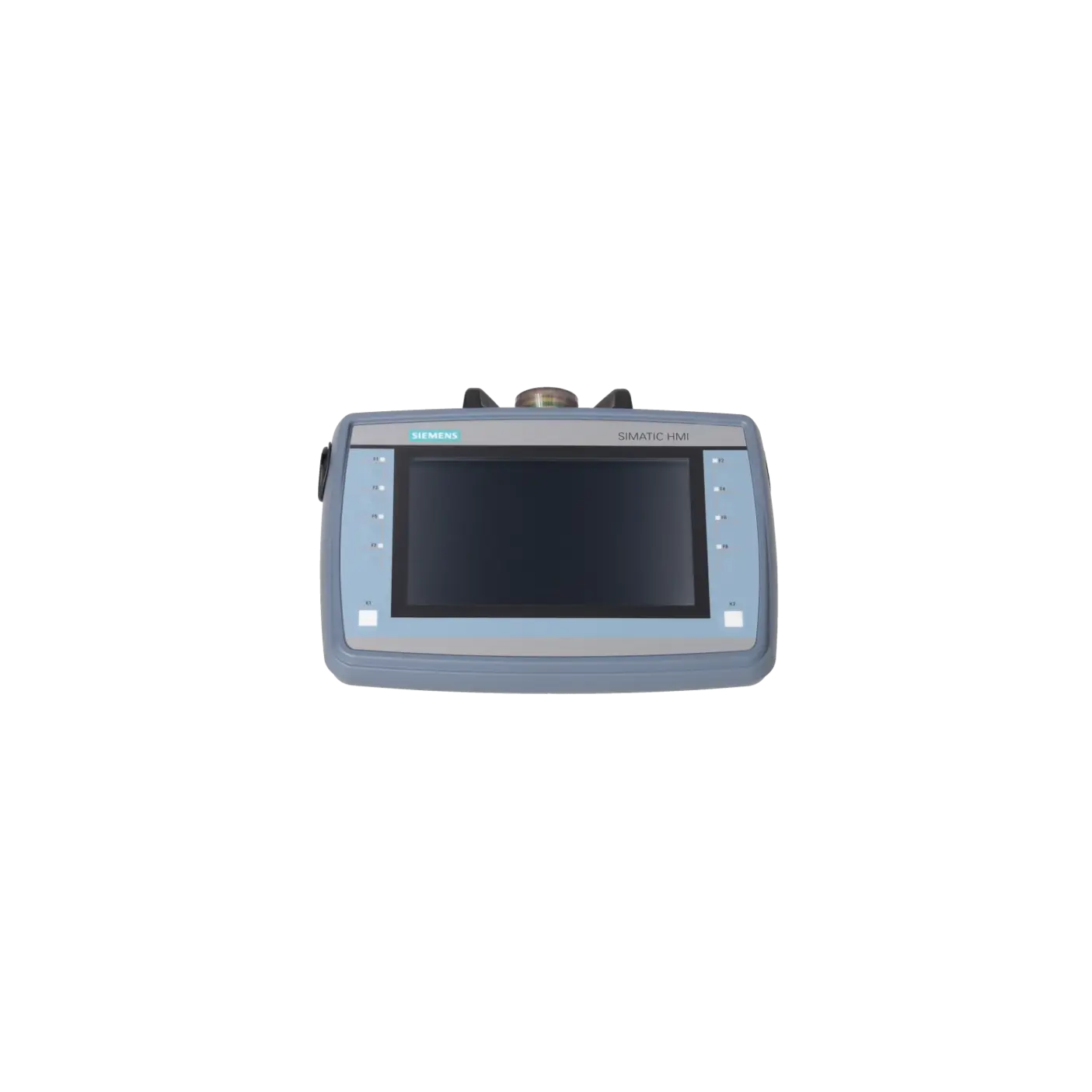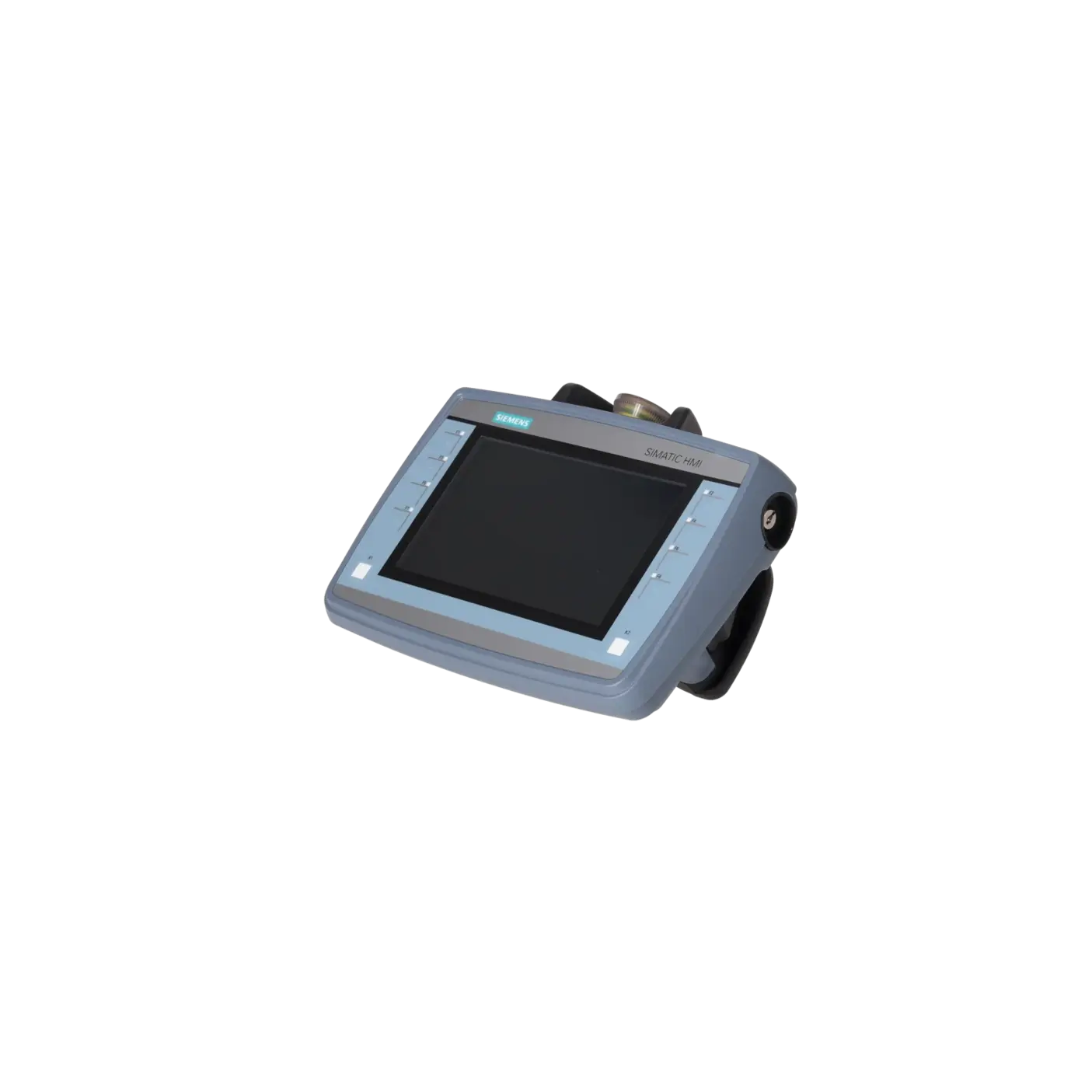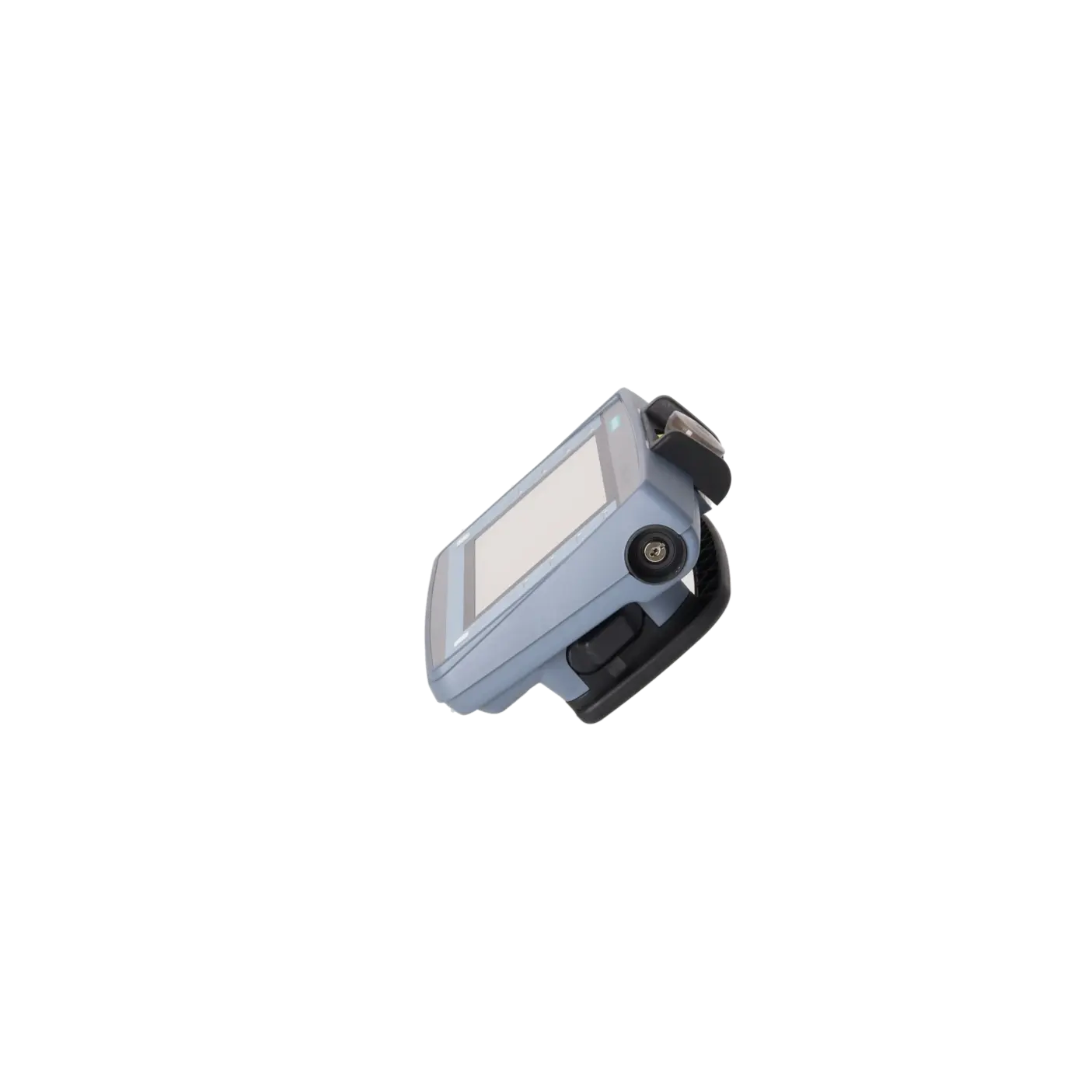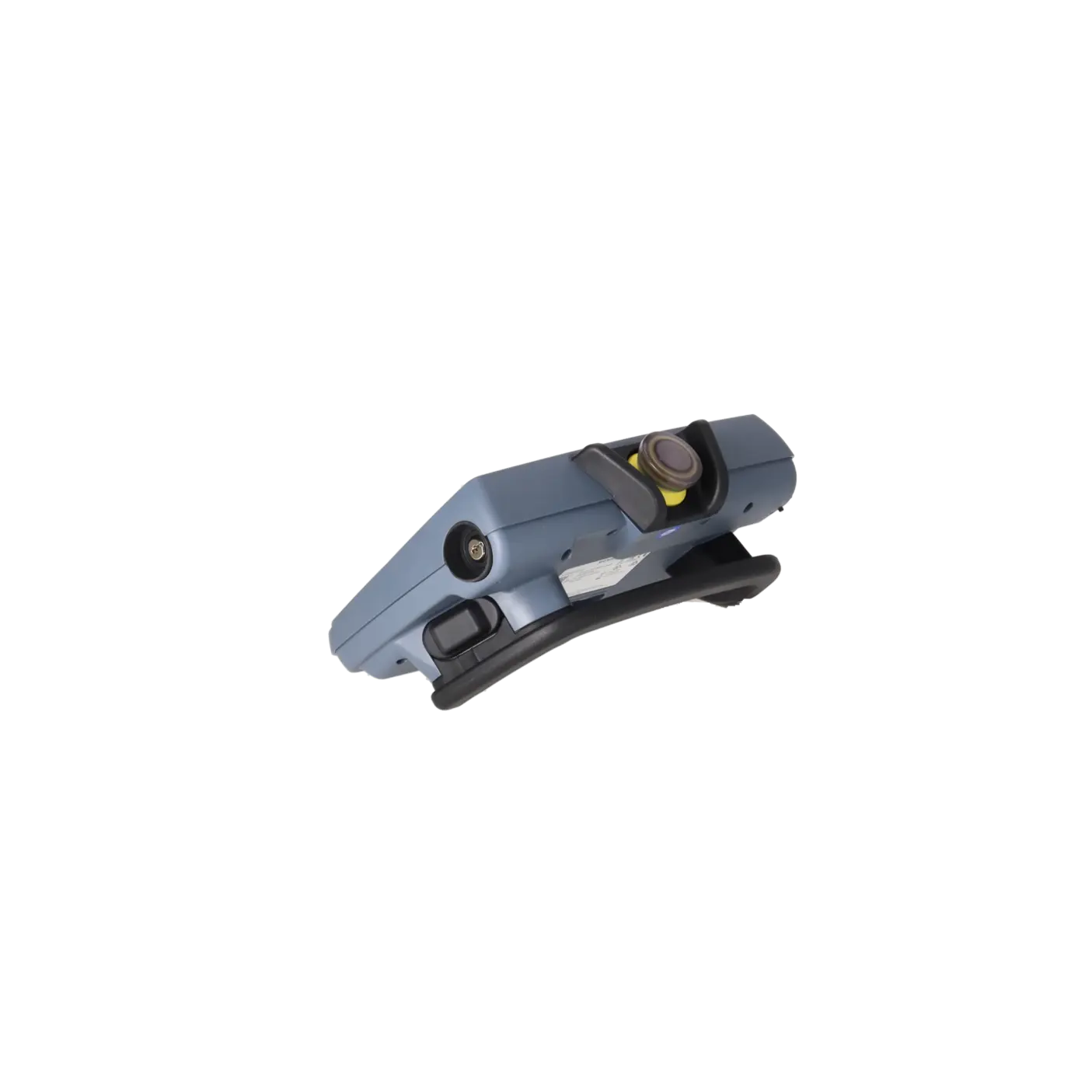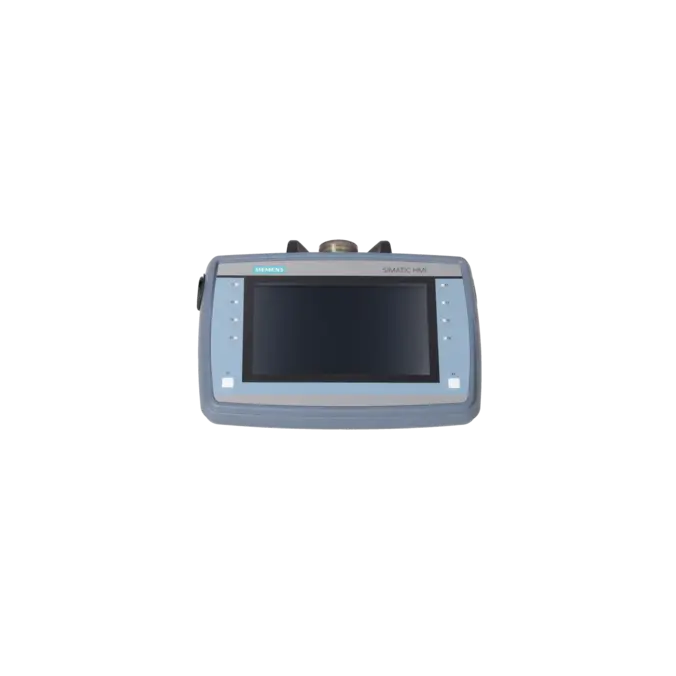
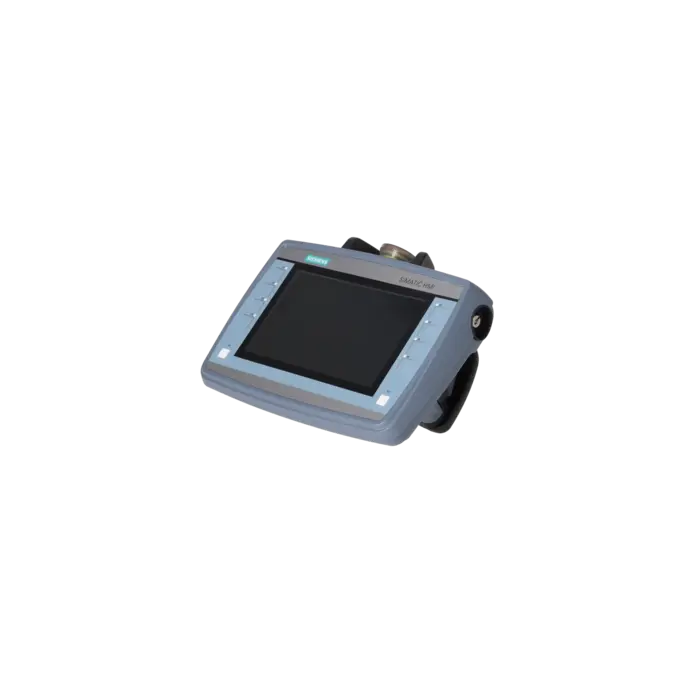
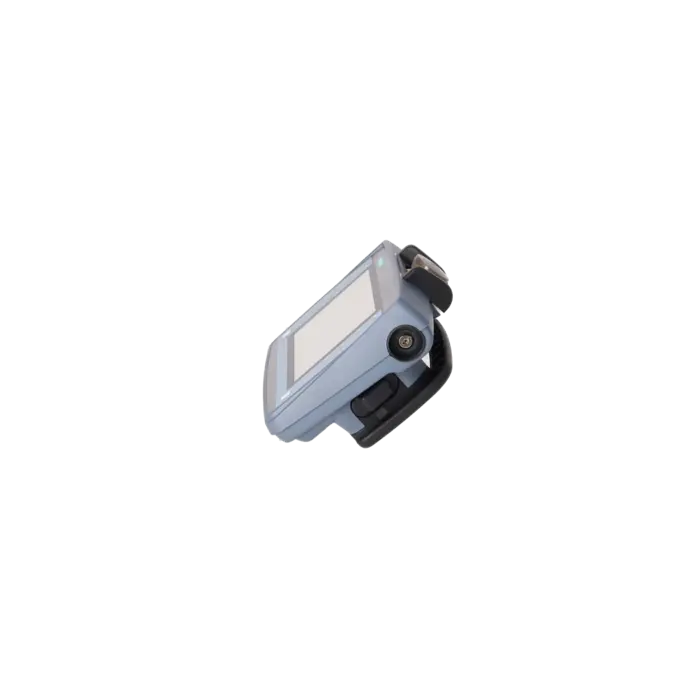
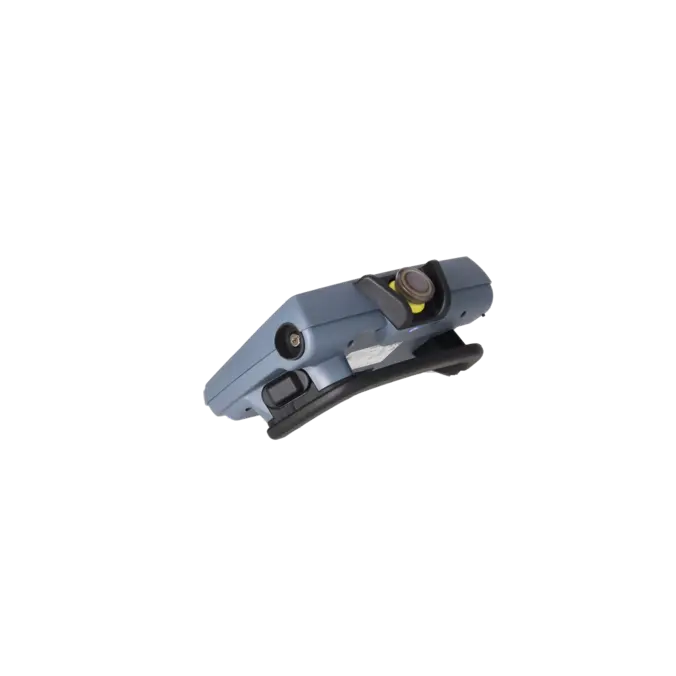
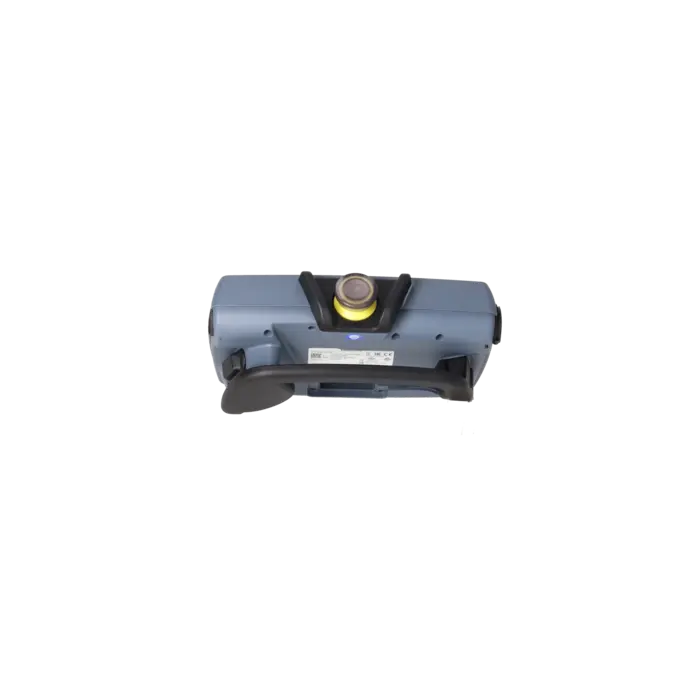
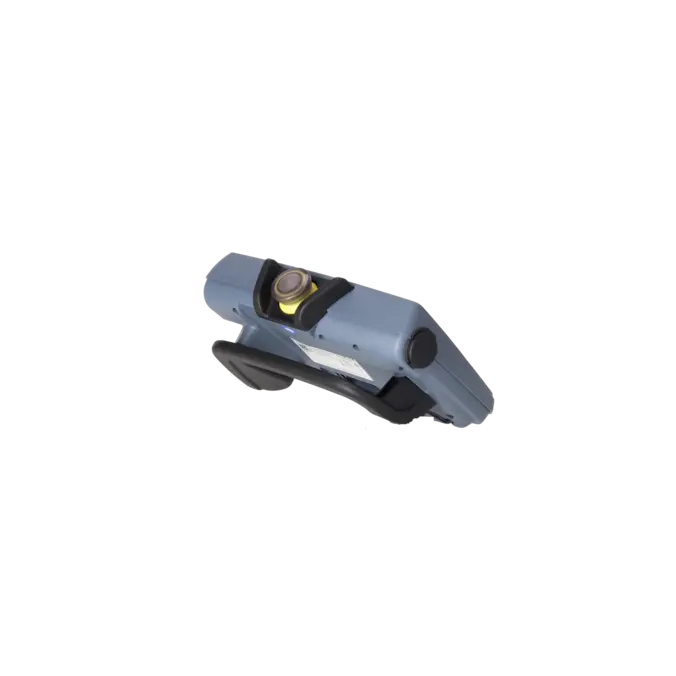
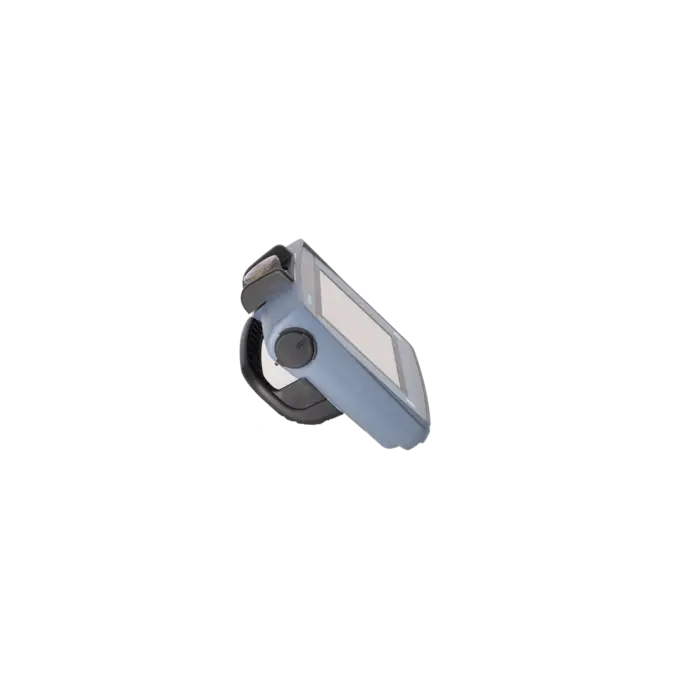
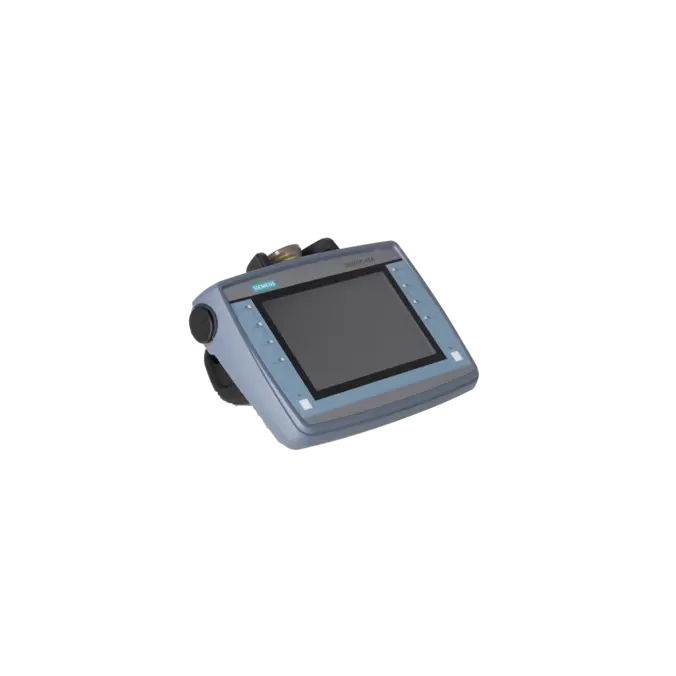
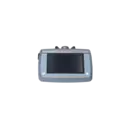


SIEMENS 6AV2125-2GB23-0AX0
- EICHLER-art.no.: K1026605
- EAN: 4047623404729
Product description
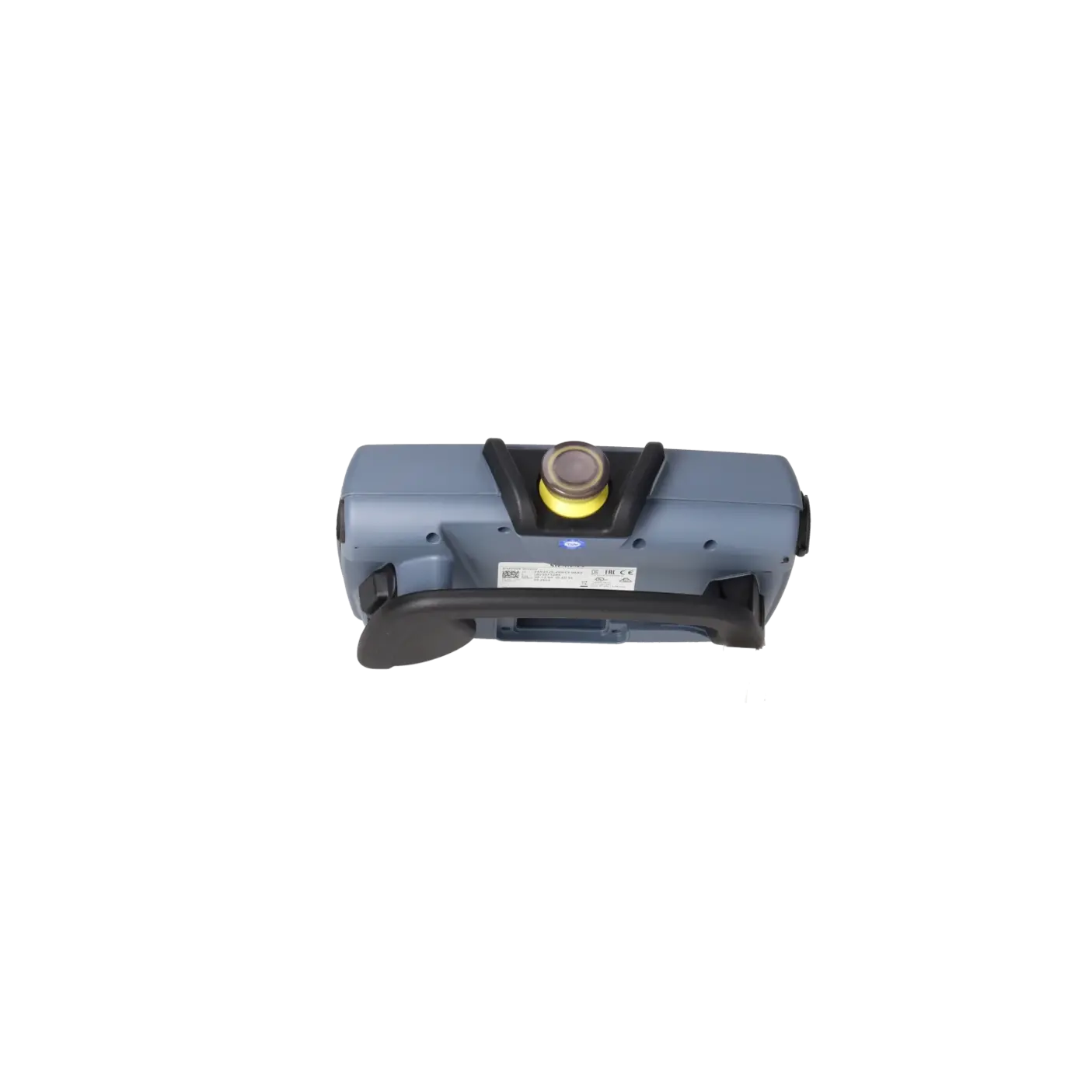
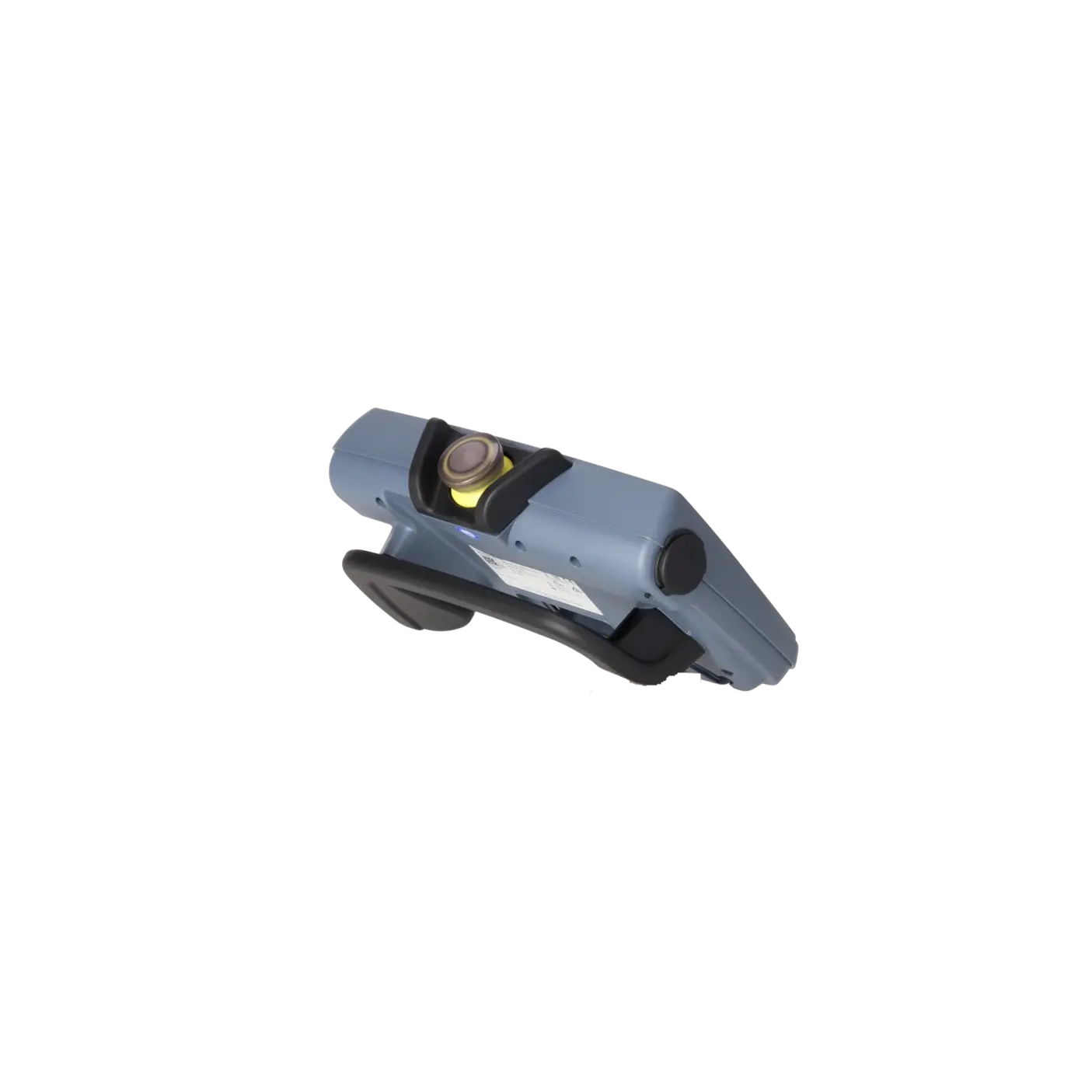
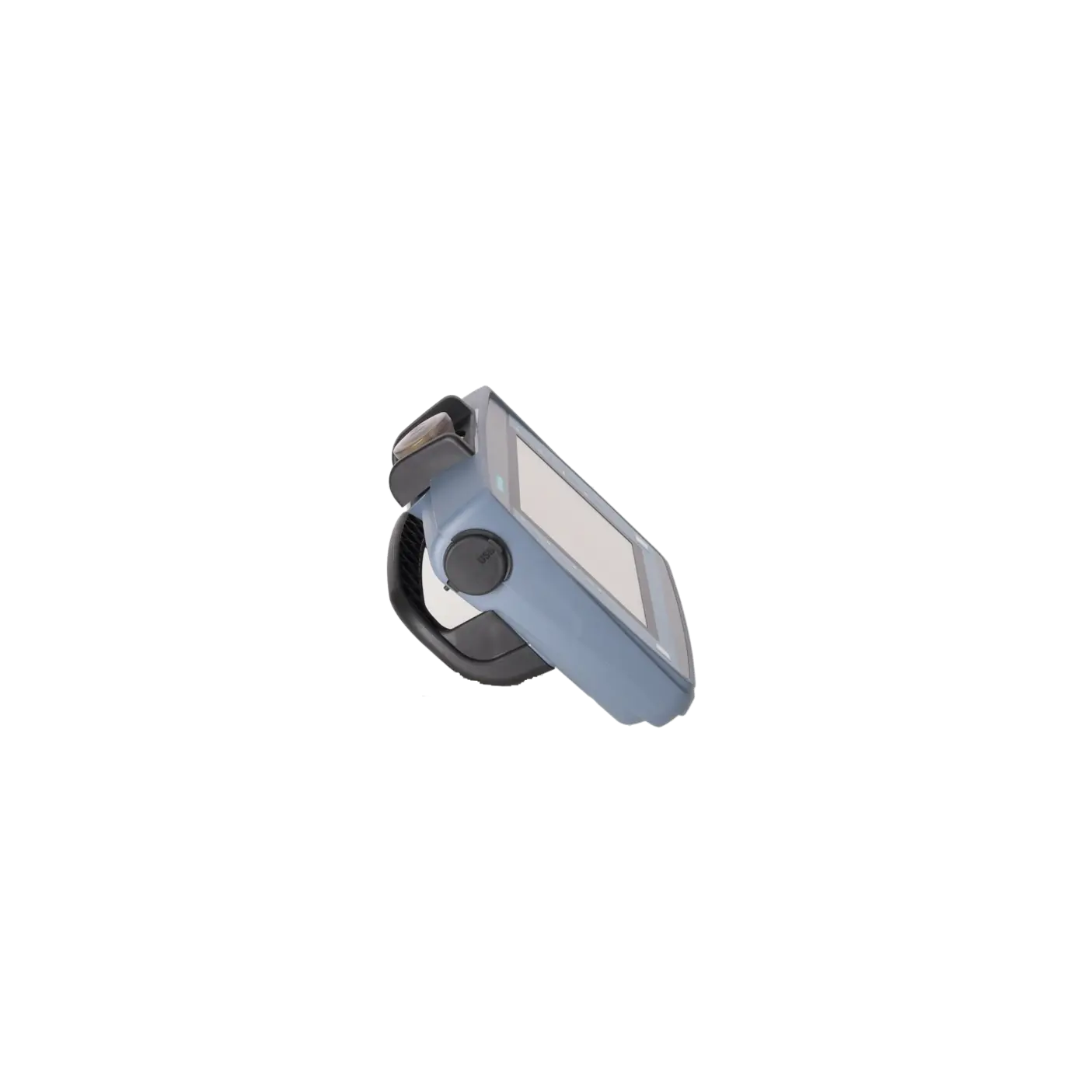
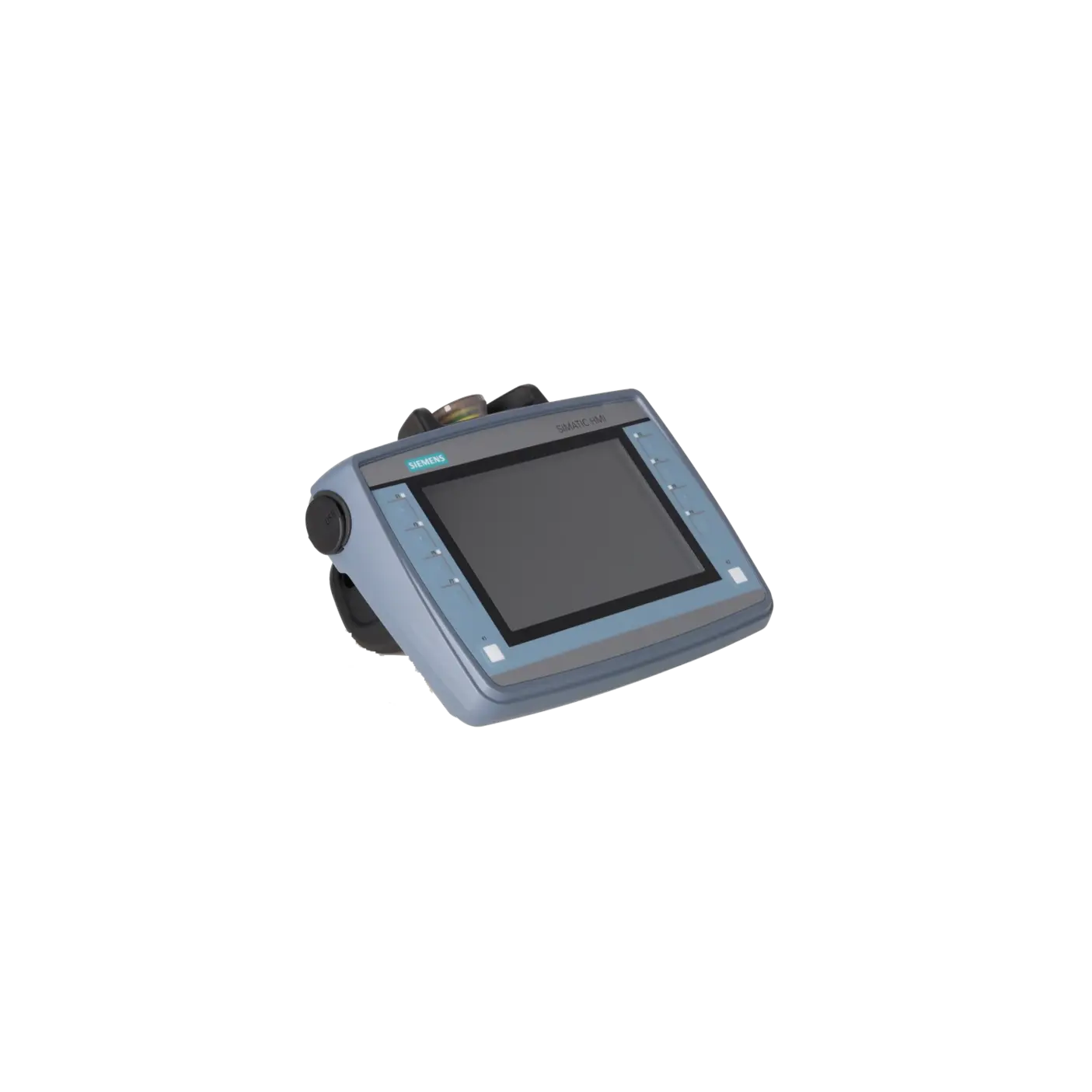
SIMATIC HMI KTP700F Mobile, 7.0" TFT display, 800x 480 pixel, 16m colors, key and touch operation, 8 function keys, 1x PROFINET/Industrial Ethernet interface, 1x multimedia card, 1x USB, Key-operated switch, acknowledgement button, 1 emergency stop/stop button configurable from WinCC Comfort V13 SP1
Services for SIEMENS 6AV2125-2GB23-0AX0
Repair
from 1.229,72 €
to 2.213,50 €
Replacement
2.136,10 €
Used
2.373,44 €
New
2.597,00 €
SIEMENS |
6AV2125-2GB23-0AX0 –
additional product information
| Delivery information | |||
|---|---|---|---|
| Export identifier | AL: N ECCN: EAR99H | ||
| Net weight | 1.336 | ||
| Quantity | 1 Stück | ||
| Packaging quantity | 1 | ||
| Additional product information | |||
|---|---|---|---|
| Product status | |||
| EAN | 4047623404729 | ||
| UPC | / | ||
| Static lot number | 85371091 | ||
| List indicator | ST80.1F | ||
| Product group | 4A66 | ||
| Country of origin | DE | ||
| Compliance with the substance restrictions according to RoHS directive | Since: 20150629 | ||
| Product classifications | Version | Classification | |
|---|---|---|---|
| eClass | 4 | / | |
| eClass | 5.1 | 27-24-23-03 | |
| eClass | 6.0 | 27-24-23-03 | |
| ETIM | 3 | / | |
| ETIM | 4 | / | |
| ETIM | 5 | EC001427 | |
What is the 6AV2125-2GB23-0AX0 and where is it used?
The 6AV2125-2GB23-0AX0 is the SIMATIC HMI KTP700F Mobile from Siemens, a mobile operator panel designed for machines and systems where operators need to control, monitor and acknowledge processes directly at the machine rather than solely from a control cabinet. The panel combines a 7-inch touchscreen with 8 function keys and also integrates safety-related operating elements such as an emergency stop/stop button, enabling switch and key switch. This makes it particularly suitable for set-up operation, service, diagnostics, manual jogging functions and mobile operating concepts on linked production systems, machining centres or robotic cells. Communication is provided via PROFINET / Industrial Ethernet.
Overview of the key technical specifications and what they mean
The panel features a 7.0-inch TFT widescreen display with a resolution of 800 × 480 pixels and 16.7 million colours. For maintenance personnel, this means good readability of operating screens, alarms and diagnostic information. The combination of touch operation and 8 LED function keys is advantageous where both menu-driven input and clearly assigned machine functions are required.
Other important technical features include 1× PROFINET, 1× USB 2.0 and 1× SD card slot. The device is powered by 24 V DC, has a typical power consumption of 8.5 W, and is rated IP65 on all sides, making it suitable for industrial environments. For safety applications, it supports PROFIsafe and achieves Performance Level e (PLe) according to ISO 13849-1 and SIL 3 according to IEC 61508.
Product status, life-cycle status and obsolescence status
For purchasing, maintenance and life-cycle planning, it is important that the 6AV2125-2GB23-0AX0 is currently listed in Siemens product documentation as an Active Product and belongs to the Mobile Panels 2nd Generation family. As a result, the device is not currently classified as discontinued or obsolete. There is therefore no officially designated successor that needs to be considered at present.
For operators, this is significant because standardisation, new procurement and spare-parts strategies based on existing TIA Portal and PROFINET infrastructures remain a viable long-term approach. At the same time, a mobile safety HMI remains a critical component. Where downtime costs, shift operation or longer procurement lead times are a concern, a proactive repair and spare-parts strategy is still recommended.
Available EICHLER services and when they are relevant in practice
For the 6AV2125-2GB23-0AX0, EICHLER offers repair, exchange, used units and new units. Repair is particularly suitable when the existing panel fits the machine mechanically, the current project configuration should be retained, and migration to a different HMI platform is to be avoided. EICHLER's repair service includes technical cleaning, preventive maintenance, comprehensive functional testing and a minimum 24-month warranty.
An exchange service is the preferred option when downtime must be kept to an absolute minimum. Used units can be attractive for spare-parts stocking and cost control. New units are the right choice where a standardised and predictable supply strategy is required for ongoing machine production. Particularly for safety-related mobile panels, these options help ensure long-term operational reliability and availability.
| Attribute | Value |
|---|---|
| Product type designation | KTP700F Mobile |
| Display | |
| Design of display | TFT widescreen display, LED backlighting |
| Screen diagonal | 7 in |
| Color display | Yes |
| Number of colors | 16 777 216 |
| Resolution (pixels) | |
| ● Horizontal image resolution | 800 pixel |
| ● Vertical image resolution | 480 pixel |
| Backlighting | |
| ● MTBF backlighting (at 25 °C) | 50 000 h |
| ● Backlight dimmable | Yes; 0-100 % |
| Control elements | |
| Keyboard fonts | |
| ● Function keys | |
| — Number of function keys | 8 |
| — Number of function keys with LEDs | 8 |
| ● Keys with LED | Yes |
| ● Numeric keyboard | Yes; Onscreen keyboard |
| ● alphanumeric keyboard | Yes; Onscreen keyboard |
| Touch operation | |
| ● Design as touch screen | Yes |
| ● Design as multi-touch screen | No |
| Special operator controls | |
| ● Stop button (forced blocking) | Yes |
| ● Emergency stop button (illuminated and forced blocking) | Yes |
| ● Acknowledgement button (3-stage) | Yes |
| ● Key-operated switch | Yes |
| ● Illuminated pushbutton | Yes |
| Camera | |
| ● integrated camera | No |
| Expansions for operator control of the process | |
| ● DP direct LEDs (LEDs as S7 output I/O) | |
| — F1...Fx | 8 |
| ● Direct keys (keys as S7 input I/O) | |
| — F1...Fx | 8 |
| ● Direct keys (touch buttons as S7 input I/O) | 32 |
| Supply voltage | |
| Type of supply voltage | DC |
| Rated value (DC) | 24 V |
| permissible range, lower limit (DC) | 19.2 V |
| permissible range, upper limit (DC) | 28.8 V |
| Input current | |
| Current consumption (rated value) | 350 mA |
| Starting current inrush I²t | 0.135 A²·s |
| Power | |
| Active power input, typ. | 8.5 W |
| Processor | |
| Processor type | ARM |
| Memory | |
| Flash | Yes |
| RAM | Yes |
| Memory available for user data | 12 Mbyte |
| Type of output | |
| Power LED | No |
| LED for safe | No |
| LED for communication | No |
| LED for battery | No |
| Vibrations | No |
| Time of day | |
| Clock | |
| ● Hardware clock (real-time) | Yes |
| ● retentive | Yes |
| ● synchronizable | Yes |
| Interfaces | |
| Number of industrial Ethernet interfaces | 1 |
| Number of PROFINET interfaces | 1 |
| Number of RS 485 interfaces | 0 |
| Number of RS 422 interfaces | 0 |
| Number of RS 232 interfaces | 0 |
| Number of USB interfaces | 1; USB 2.0 |
| Number of wireless interfaces | 0 |
| Number of SD card slots | 1 |
| Protocols | |
| PROFINET | Yes |
| Supports protocol for PROFINET IO | Yes |
| PROFIsafe | Yes |
| PROFIBUS | No |
| EtherNet/IP | Yes |
| MPI | No |
| Protocols (Ethernet) | |
| ● TCP/IP | Yes |
| ● DHCP | Yes |
| ● SNMP | Yes |
| ● DCP | Yes |
| ● LLDP | Yes |
| WEB characteristics | |
| ● HTTP | Yes |
| ● HTTPS | Yes |
| ● HTML | Yes |
| ● XML | No |
| ● CSS | Yes |
| ● Active X | No |
| ● JavaScript | Yes |
| ● Java VM | No |
| Further protocols | |
| ● MODBUS | Yes |
| ● other bus systems | No |
| Communication functions | |
| Wireless communication | |
| ● supported standards | |
| — Radio standard WLAN 802.11 | No |
| — Bluetooth radio standard | No |
| Interrupts/diagnostics/status information | |
| Diagnoses | |
| ● Diagnostic information readable | Yes |
| EMC | |
| Emission of radio interference acc. to EN 55 011 | |
| ● Limit class A, for use in industrial areas | Yes |
| ● Limit class B, for use in residential areas | No |
| Degree and class of protection | |
| IP65 (all-round) | Yes |
| Standards, approvals, certificates | |
| CE mark | Yes |
| cULus | Yes |
| RCM (formerly C-TICK) | Yes |
| KC approval | Yes |
| Suitable for safety functions | Yes |
| Marine approval | Yes |
| Ecological footprint | |
| ● environmental product declaration | Yes |
| Global warming potential | |
| — global warming potential, (total) [CO2 eq] | 157 kg |
| — global warming potential, (during production) [CO2 eq] | 45 kg |
| — global warming potential, (during operation) [CO2 eq] | 114 kg |
| — global warming potential, (after end of life cycle) [CO2 eq] | -1.55 kg |
| Highest safety class achievable in safety mode | |
| ● Performance level according to ISO 13849-1 | PLe |
| ● SIL acc. to IEC 61508 | SIL 3 |
| Use in hazardous areas | |
| ● ATEX Zone 2 | No |
| ● ATEX Zone 22 | No |
| ● IECEx Zone 2 | No |
| ● IECEx Zone 22 | No |
| ● cULus Class I Zone 1 | No |
| ● cULus Class I Zone 2, Division 2 | No |
| ● FM Class I Division 2 | No |
| Marine approval | |
| ● Germanischer Lloyd (GL) | Yes |
| ● American Bureau of Shipping (ABS) | Yes |
| ● Bureau Veritas (BV) | Yes |
| ● Det Norske Veritas (DNV) | Yes |
| ● Korean Register of Shipping (KRS) | Yes |
| ● Lloyds Register of Shipping (LRS) | Yes |
| ● Nippon Kaiji Kyokai (Class NK) | Yes |
| ● Polski Rejestr Statkow (PRS) | No |
| ● Chinese Classification Society (CCS) | Yes |
| Ambient conditions | |
| Free fall | |
| ● Fall height, max. | 1.2 m |
| Ambient temperature during operation | |
| ● min. | 0 °C |
| ● max. | 45 °C |
| Ambient temperature during storage/transportation | |
| ● min. | -20 °C |
| ● max. | 60 °C |
| Relative humidity | |
| ● Operation, max. | 90 % |
| Operating systems | |
| pre-installed operating system | |
| ● Windows CE | Yes |
| Configuration | |
| Message indicator | Yes |
| Alarm system (incl. buffer and acknowledgment) | Yes |
| Process value display (output) | Yes |
| Process value default (input) possible | Yes |
| Recipe management | Yes |
| Configuration software | |
| ● STEP 7 Basic (TIA Portal) | No |
| ● STEP 7 Professional (TIA Portal) | No |
| ● WinCC flexible Compact | No |
| ● WinCC flexible Standard | No |
| ● WinCC flexible Advanced | No |
| ● WinCC Basic (TIA Portal) | No |
| ● WinCC Comfort (TIA Portal) | Yes |
| ● WinCC Advanced (TIA Portal) | Yes |
| ● WinCC Professional (TIA Portal) | Yes |
| Languages | |
| Online languages | |
| ● Number of online/runtime languages | 32 |
| Project languages | |
| ● Languages per project | 32 |
| Functionality under WinCC (TIA Portal) | |
| Libraries | Yes |
| Applications/options | |
| ● Web browser | Yes |
| ● Pocket Word | No |
| ● Pocket Excel | No |
| ● PDF Viewer | Yes |
| ● Media Player | No |
| ● SIMATIC WinCC Sm@rtServer | Yes |
| ● SIMATIC WinCC Audit | Yes |
| Number of Visual Basic Scripts | Yes |
| Task planner | |
| ● time-controlled | Yes |
| ● task-controlled | Yes |
| Help system | |
| ● Number of characters per info text | 500 |
| Multiproject | |
| ● Number of projects (internal) | 0 |
| ● Number of projects (external) | 0 |
| Message system | |
| ● Number of alarm classes | 32 |
| ● Bit messages | |
| — Number of bit messages | 4 000 |
| ● Analog messages | |
| — Number of analog messages | 200 |
| ● S7 alarm number procedure | Yes |
| ● System messages HMI | Yes |
| ● System event, more (SIMATIC S7, SINUMERIK, SIMOTION, ... ) | Yes |
| ● Number of characters per message | 80 |
| ● Number of process values per message | 8 |
| ● Acknowledgment groups | Yes |
| ● Message indicator | Yes |
| ● Message buffer | |
| — Number of entries | 1 024 |
| — Circulating buffer | Yes |
| — retentive | Yes |
| — maintenance-free | Yes |
| Recipe management | |
| ● Number of recipes | 300 |
| ● Data records per recipe | 500 |
| ● Entries per data record | 1 000 |
| ● Size of internal recipe memory | 2 Mbyte |
| ● Recipe memory expandable | Yes |
| Variables | |
| ● Number of variables per device | 2 048 |
| ● Number of variables per screen | 400 |
| ● Limit values | Yes |
| ● Multiplexing | Yes |
| ● Structures | Yes |
| ● Arrays | Yes |
| Images | |
| ● Number of configurable images | 500 |
| ● Permanent window/default | Yes |
| ● Global image | Yes |
| ● Image selection by PLC | Yes |
| ● Image number in the PLC | Yes |
| Image objects | |
| ● Number of objects per image | 400 |
| ● Text fields | Yes |
| ● I/O fields | Yes |
| ● Graphic I/O fields (graphics list) | Yes |
| ● Symbolic I/O fields (text list) | Yes |
| ● Date/time fields | Yes |
| ● Switches | Yes |
| ● Graphic display | Yes |
| ● Icons | Yes |
| ● Geometric objects | Yes |
| Complex image objects | |
| ● Number of complex objects per screen | 20 |
| ● Alarm view | Yes |
| ● Trend view | Yes |
| ● User view | Yes |
| ● Status/control | Yes |
| ● Sm@rtClient view | Yes |
| ● Recipe view | Yes |
| ● f(x) trend view | Yes |
| ● System diagnostics view | Yes |
| ● Media Player | No |
| ● Bar graphs | Yes |
| ● Sliders | Yes |
| ● Pointer instruments | Yes |
| ● Analog/digital clock | Yes |
| Lists | |
| ● Number of text lists per project | 500 |
| ● Number of entries per text list | 500 |
| ● Number of graphics lists per project | 500 |
| ● Number of entries per graphics list | 500 |
| Archiving | |
| ● Number of archives per device | 50 |
| ● Number of entries per archive | 20 000 |
| ● Message archive | Yes |
| ● Process value archive | Yes |
| ● Archiving methods | |
| — Sequential archive | Yes |
| — Short-term archive | Yes |
| ● Memory location | |
| — Memory card | Yes |
| — USB memory | Yes |
| — Ethernet | Yes |
| ● Data storage format | |
| — CSV | Yes |
| — TXT | No |
| — RDB | Yes |
| Security | |
| ● Number of user groups | 50 |
| ● Number of user rights | 32 |
| ● Number of users | 50 |
| ● Password export/import | Yes |
| ● SIMATIC Logon | Yes |
| Logging through printer | |
| ● Alarms | Yes |
| ● Report (shift log) | Yes |
| ● Hardcopy | No |
| ● Electronic print to file | No |
| Character sets | |
| ● Keyboard fonts | |
| — US English | Yes |
| Transfer (upload/download) | |
| ● MPI/PROFIBUS DP | No |
| ● USB | No |
| ● Ethernet | Yes |
| ● Wireless LAN | No |
| ● using external storage medium | Yes; Backup/restore |
| Process coupling | |
| ● S7-1200 | Yes |
| ● S7-1500 | Yes |
| ● S7-200 | Yes |
| ● S7-300/400 | Yes |
| ● LOGO! | Yes |
| ● WinAC | Yes; WinAC RTX |
| ● SINUMERIK | Yes; without NC channel |
| ● SIMOTION | Yes |
| ● Allen Bradley (EtherNet/IP) | Yes |
| ● Allen Bradley (DF1) | No |
| ● Mitsubishi (MC TCP/IP) | Yes |
| ● Mitsubishi (FX) | No |
| ● OMRON (FINS TCP) | No |
| ● OMRON (LINK/Multilink) | No |
| ● Modicon (Modbus TCP/IP) | Yes |
| ● Modicon (Modbus) | No |
| ● OPC UA Client | Yes |
| ● OPC UA Server | Yes |
| Service tools/configuration aids | |
| ● Backup/Restore manually | Yes |
| ● Backup/Restore automatically | Yes |
| ● Simulation | Yes |
| ● Device switchover | Yes |
| Peripherals/Options | |
| Printer | Yes |
| SIMATIC HMI MM memory card: Multi Media Card | Yes |
| SIMATIC HMI SD memory card: Secure Digital memory card | Yes |
| USB memory | Yes |
| Network camera | Yes |
| Additional software components loadable | Yes; SIMATIC options |
| Mechanics/material | |
| Enclosure material (front) | |
| ● Plastic | Yes |
| ● Aluminum | No |
| ● Stainless steel | No |
| Weights | |
| Weight (without packaging) | 1.3 kg |
| Weight (with packaging) | 1.4 kg |
| Fault description | Possible solution |
|---|---|
| Why does the KTP700F Mobile trigger a safety fault or emergency stop when disconnected from the connection box? | When the panel is operated with PROFIsafe, it must be properly logged off from the safety program before being disconnected, for example using the TerminatePROFIsafe system function or by shutting down the project in a controlled manner. If the panel is disconnected without being logged off, the system may trigger an emergency stop or a communication fault. |
| Why does the 6AV2125-2GB23-0AX0 have no PROFINET connection or cannot be reached in TIA Portal? | First check whether the PROFINET device name, IP addressing and the assignment in the project match the actual device configuration. Siemens explicitly states that when there is no PROFINET connection, the PROFINET name configured in the project must match the name configured in the panel's Control Panel. In addition, verify that IP assignment via the IO controller has been configured correctly and that the configuration has been recompiled and downloaded. |
| Why do the F1–F8 direct keys or the key LEDs not respond? | On this device, the direct keys and their status indication depend on the correct PROFINET IO configuration. In TIA Portal, the panel's IO functionality must be configured correctly. In PLC forum discussions, the setting “PROFINET IO enabled” is specifically highlighted as essential for direct key communication. Siemens also notes that if direct key communication fails or a PROFINET IO fault occurs, the key LEDs will no longer display valid status information. Therefore, the IO device configuration, address ranges and communication diagnostics should be checked together. |
| Why do the emergency stop or enabling switch on the KTP700F Mobile not work? | In safety applications, it must be verified that the panel is correctly registered in the safety program and that the selected operating mode matches the wiring concept. Siemens explains that the emergency stop and enabling switch are only effective when the panel is correctly integrated into the safety logic. In practice, it is often overlooked that the safety function is only active when the emergency stop button on the panel is correctly recognised and signalled. In addition, the wiring, connection box type and the evaluation via PROFIsafe or external safety relays should be checked. |
Which software do I need for the 6AV2125-2GB23-0AX0?
According to the product description, the device is supported from WinCC Comfort V13 SP1 onwards. In the Mobile Panels 2nd Generation release documentation, Siemens specifies TIA Portal V13 SP1 Update 3 or later as the engineering platform. The technical data additionally lists support for WinCC Comfort, WinCC Advanced and WinCC Professional. For existing installations, it is therefore important to compare the available TIA Portal version with the actual device generation and project version in use.
Does the 6AV2125-2GB23-0AX0 support PROFIsafe?
Yes. The KTP700F Mobile supports both PROFINET IO and PROFIsafe. This makes the device particularly suitable for mobile operator stations with safety-related functions, as the emergency stop and enabling switch can be integrated into appropriate F-safety concepts. According to Siemens, the device can achieve PLe according to ISO 13849-1 and SIL 3 according to IEC 61508 in safety applications. For machine builders and retrofit projects, this is a significant advantage when safety and mobile operation need to be combined in a single device.
Which connection boxes are compatible with the 6AV2125-2GB23-0AX0?
Siemens lists the Connection Box compact, Connection Box standard and Connection Box advanced as compatible system components for the KTP700F Mobile. Where the panel is to be integrated into an existing safety concept, the Connection Box advanced is particularly relevant because it is used in Siemens safety application examples. For procurement, it is therefore important to consider not only the panel part number but also the exact connection box variant and the appropriate connection cable.
Is the 6AV2125-2GB23-0AX0 still active or already discontinued?
According to currently available Siemens product information, the 6AV2125-2GB23-0AX0 is listed as an Active Product. This is an important consideration for purchasing and maintenance departments, as there is currently no indication of an imminent discontinuation. However, operators should not ignore spare-parts planning. As with any mobile safety HMI, a proactive repair or replacement strategy remains advisable because a failure can directly affect machine availability and operability.
Is the device suitable for harsh industrial environments?
Yes. The device is specifically designed for industrial use. Siemens specifies IP65 protection on all sides, an operating temperature range of 0 to 45 °C, up to 90% relative humidity during operation, and a maximum drop height of 1.2 m. It is also classified for industrial environments according to EN 55011. In practice, this means the panel is intended for typical production environments, set-up operations and mobile service applications, provided the specified environmental limits are observed.
Which procurement or service option is most appropriate in the event of a failure?
The most suitable option depends on the failure scenario. Repair is generally the most economical choice when the existing device matches the machine and the fault can clearly be attributed to the panel itself. Exchange is the preferred option when production must resume as quickly as possible. Used units are often attractive for spare-parts stockholding or for supporting older machines economically. New units are typically the best choice for standardisation projects, serial machine production or planned upgrades. EICHLER offers all four options for this device, allowing technical, commercial and time-related requirements to be balanced accordingly.