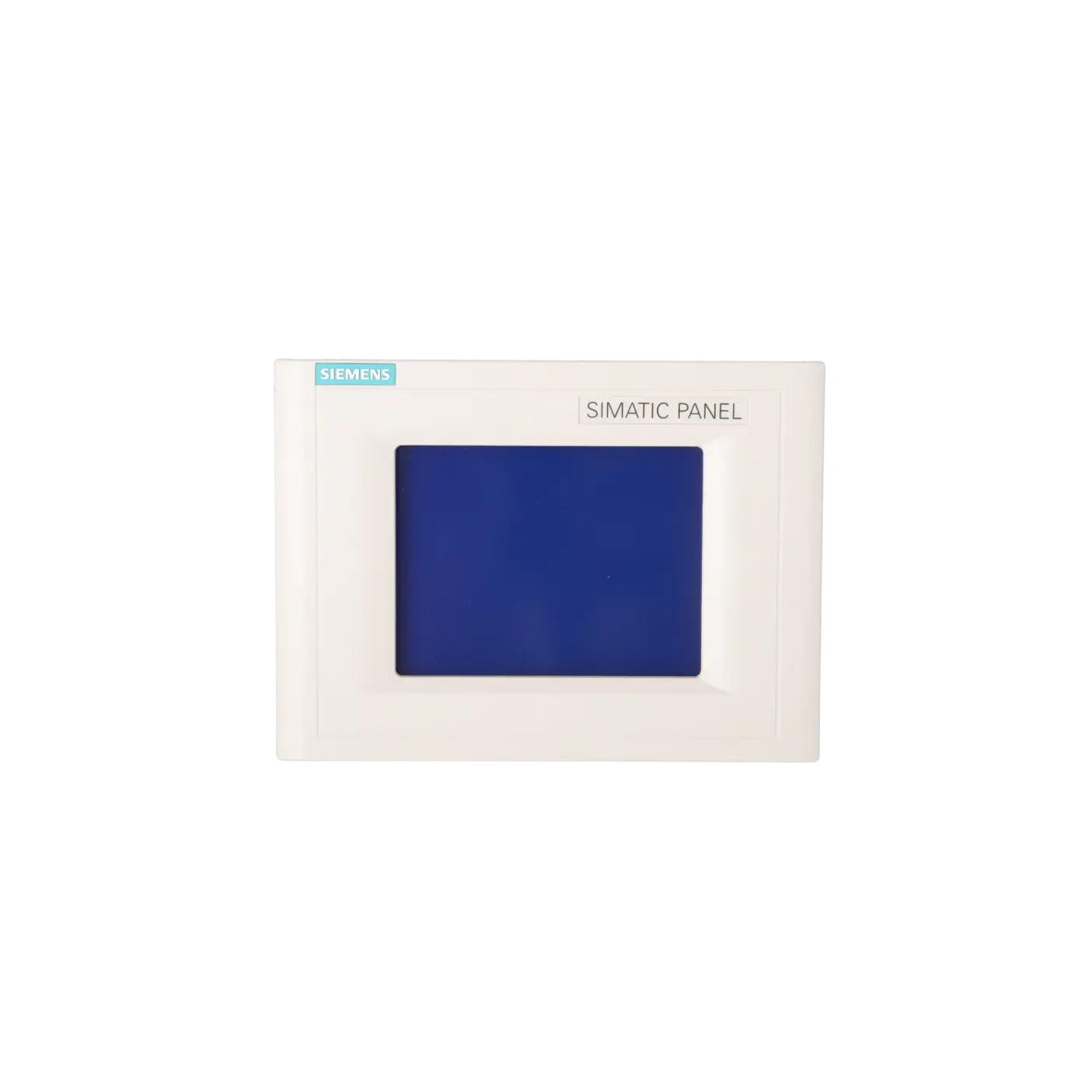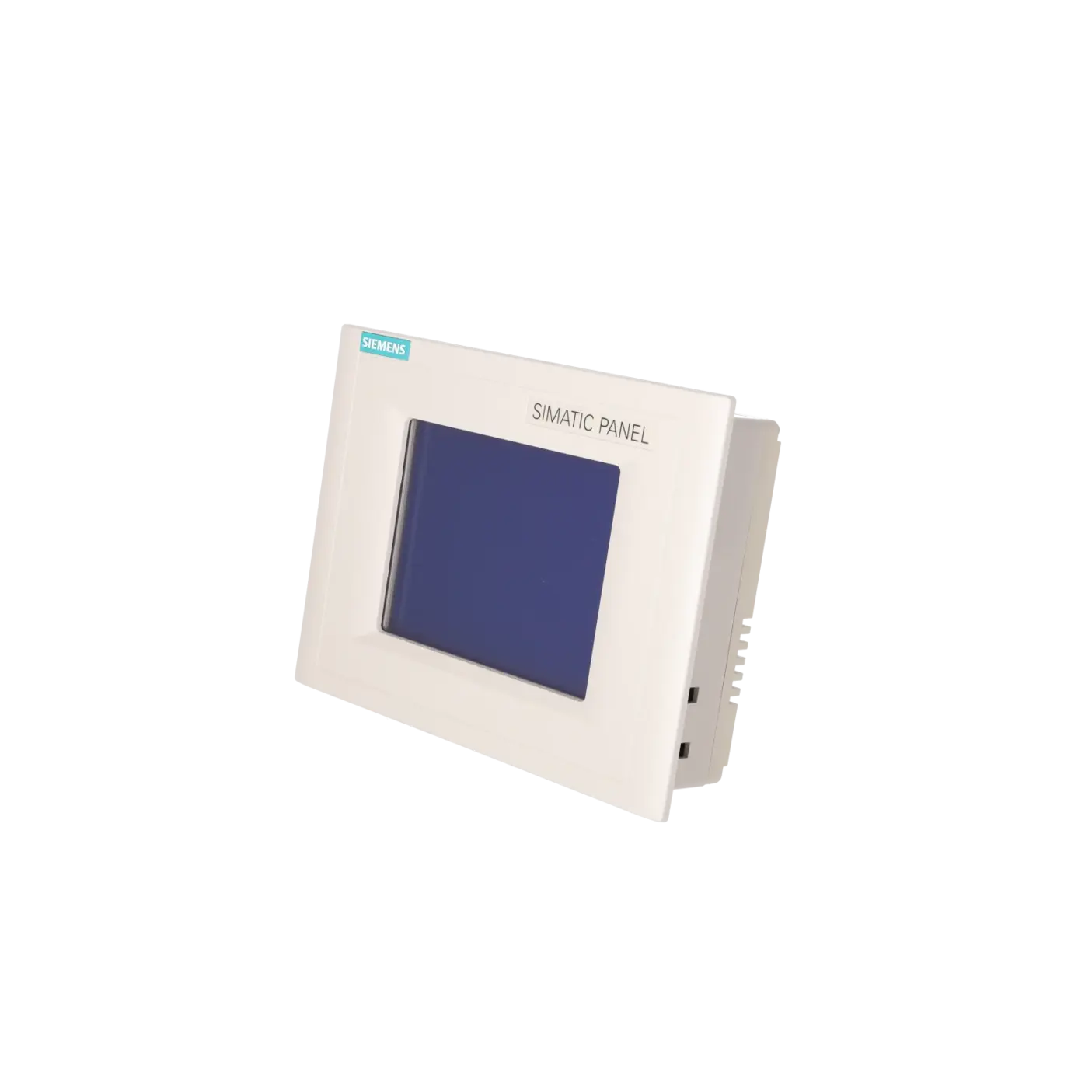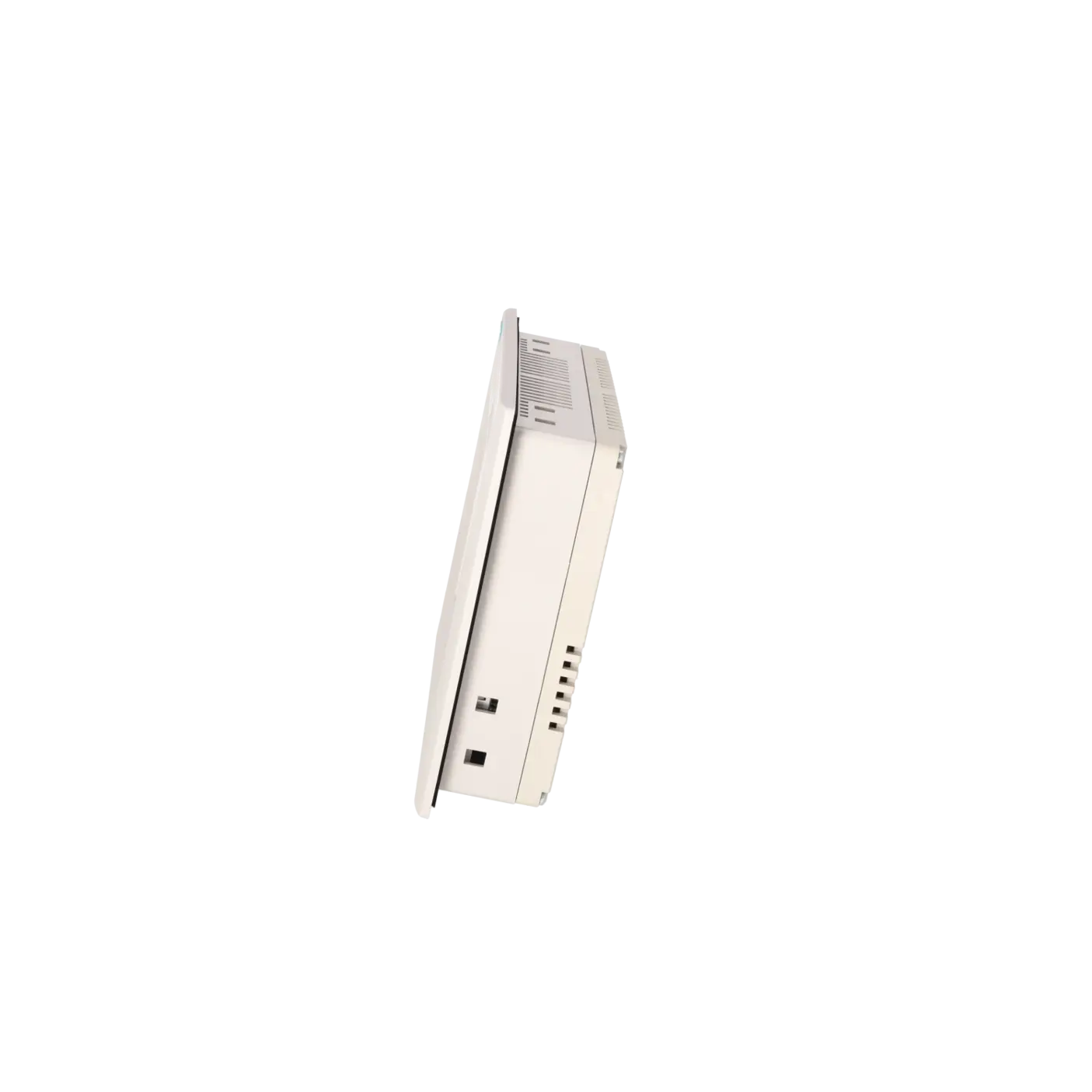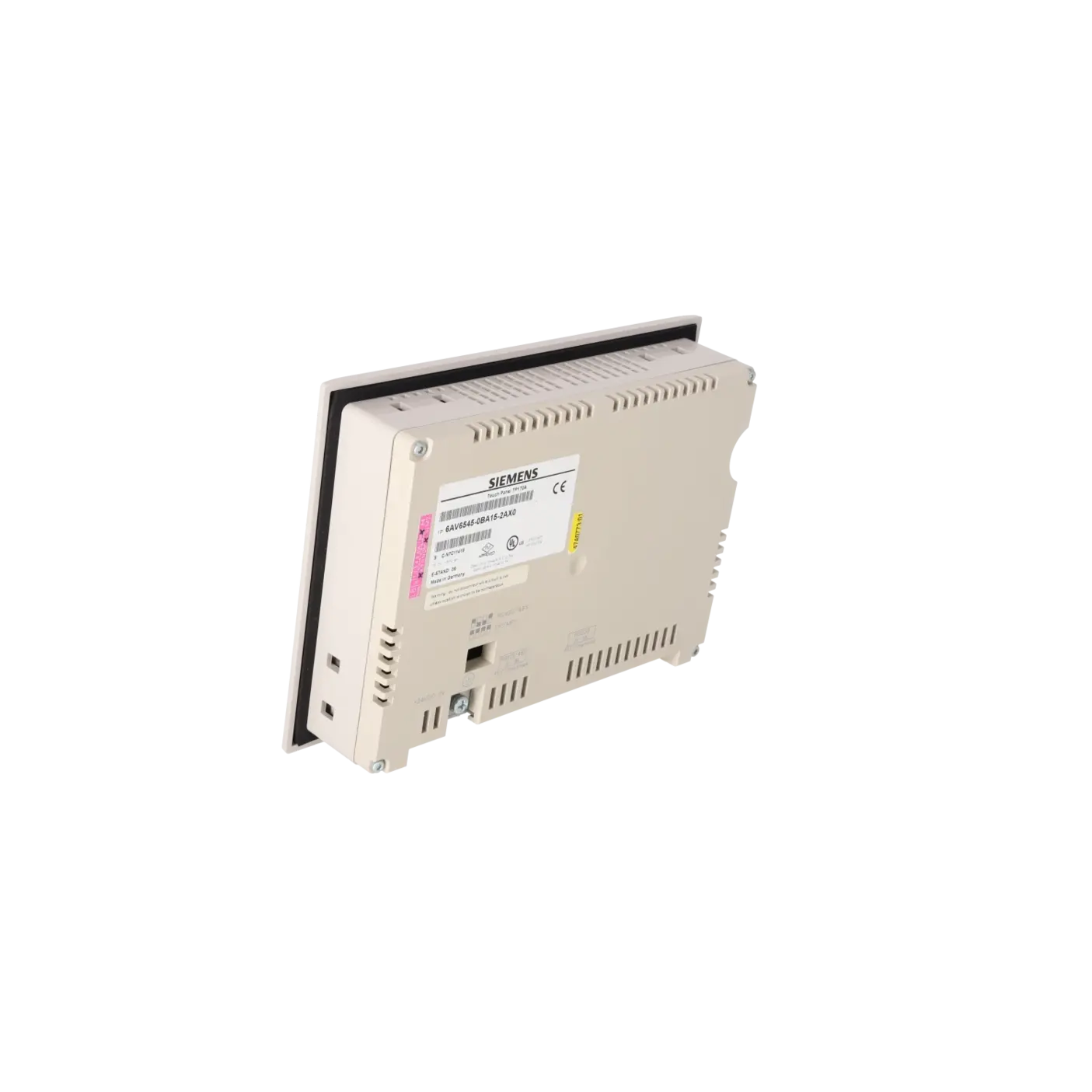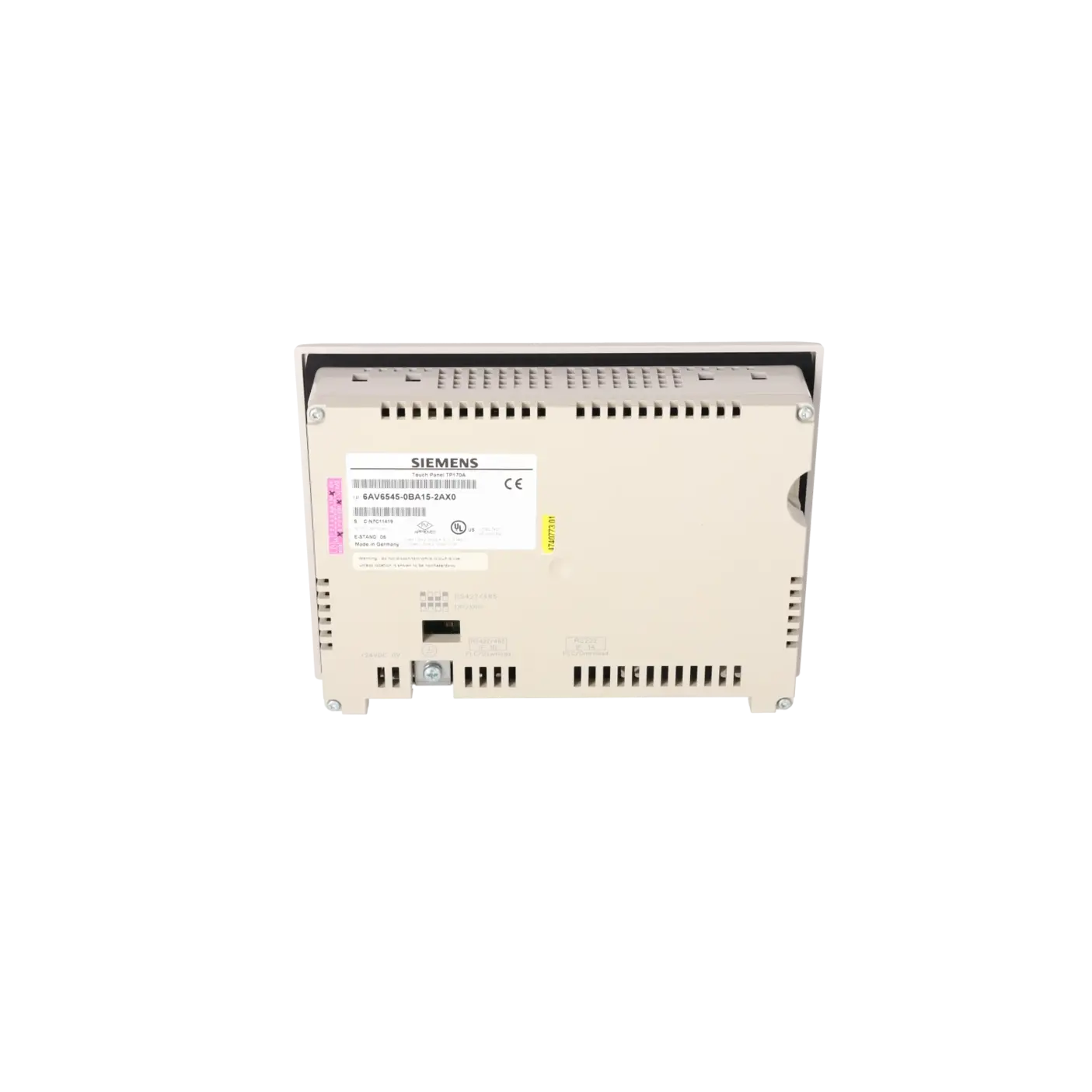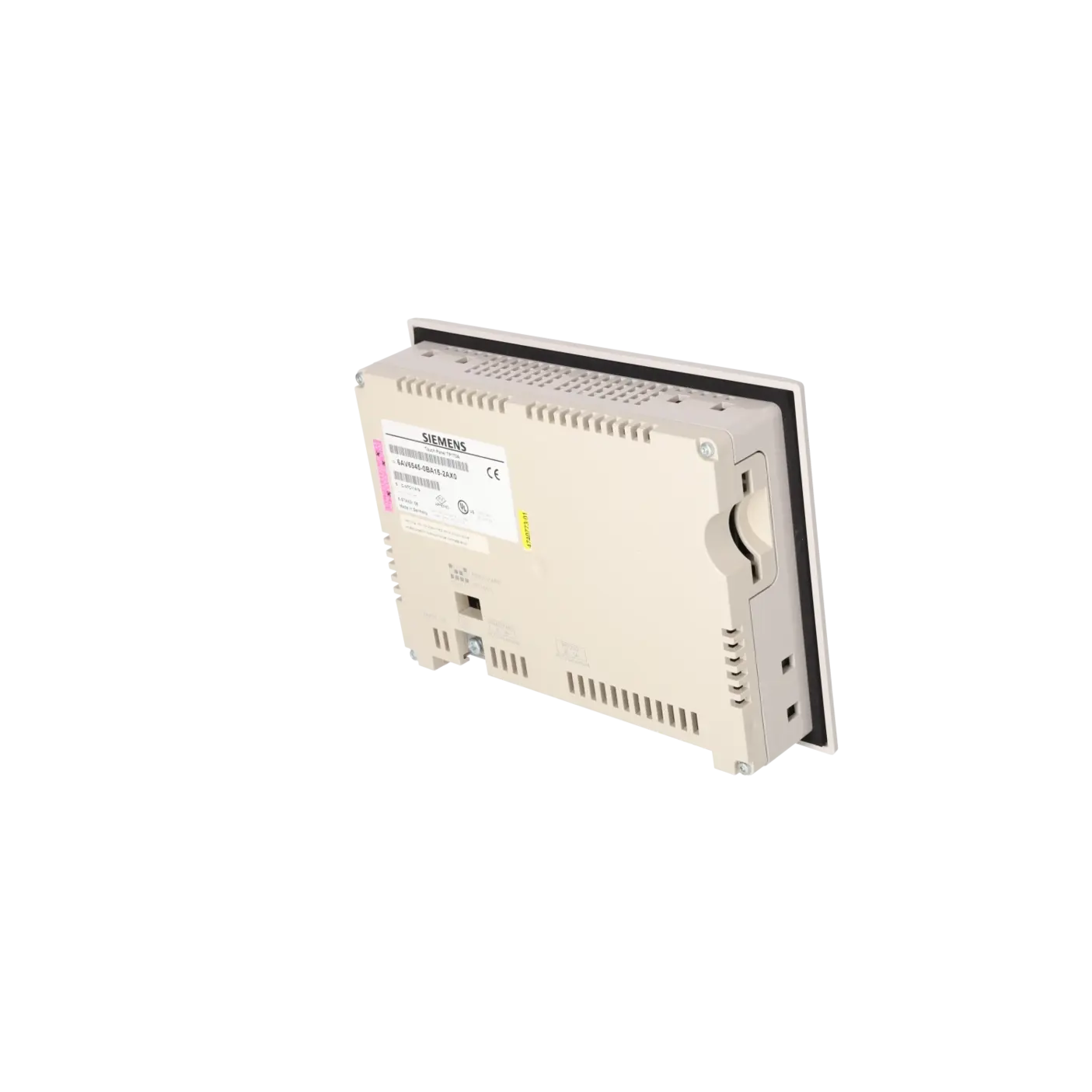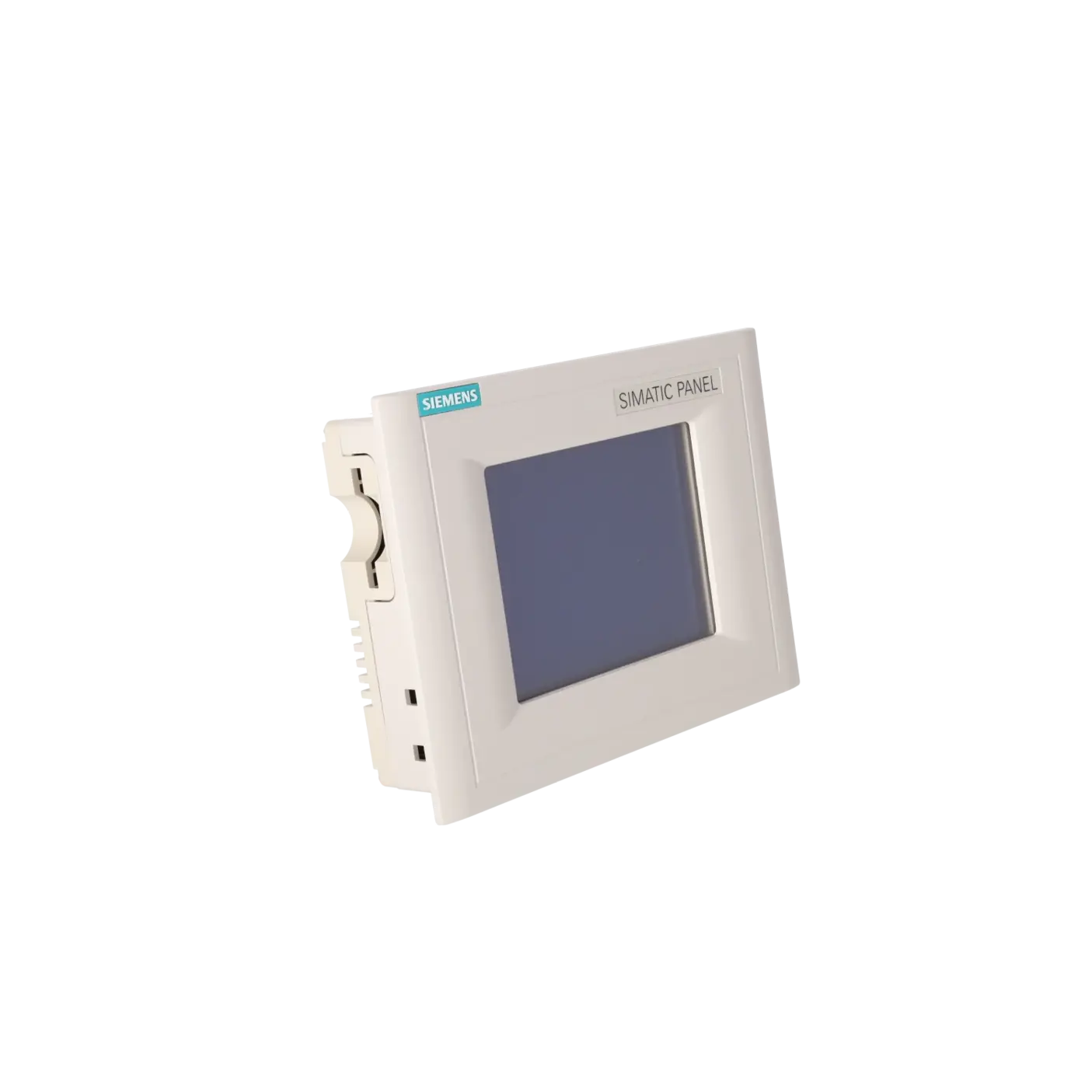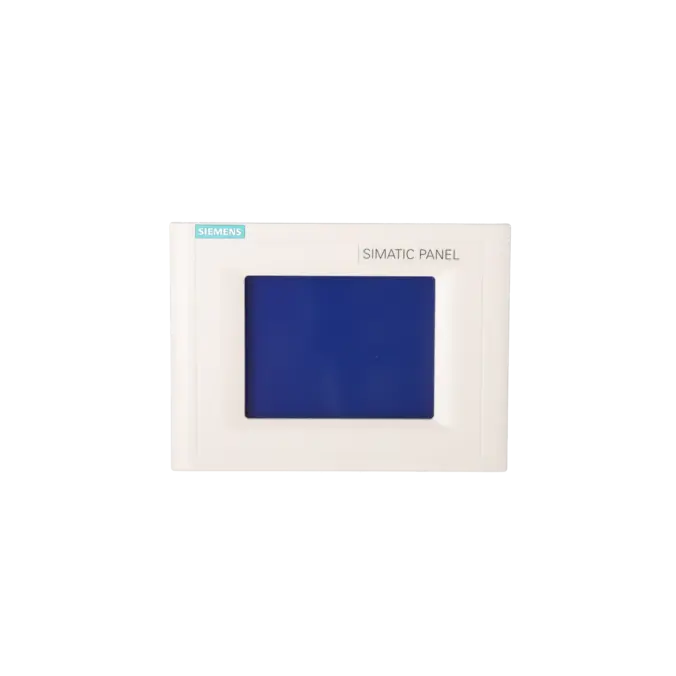
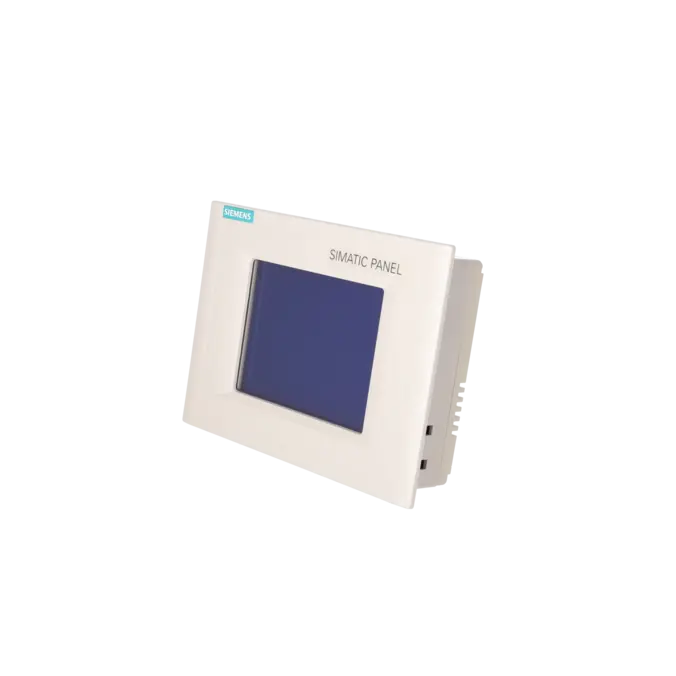
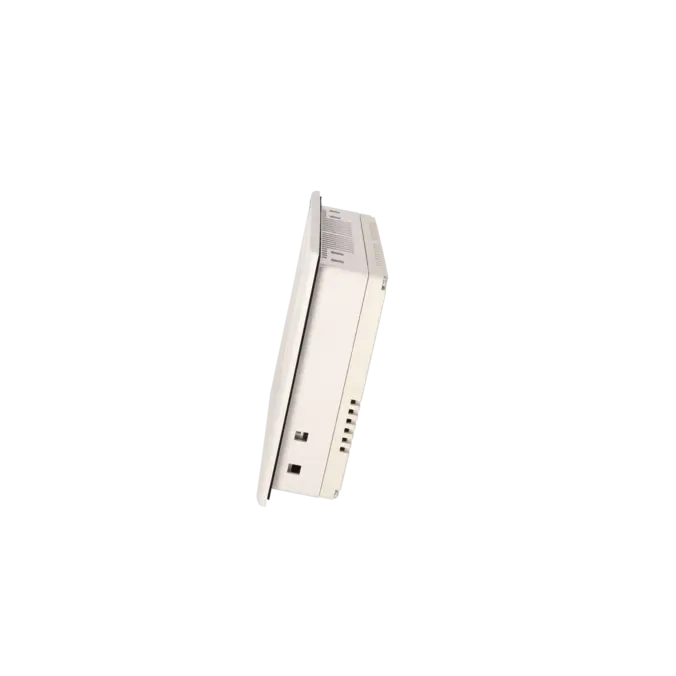
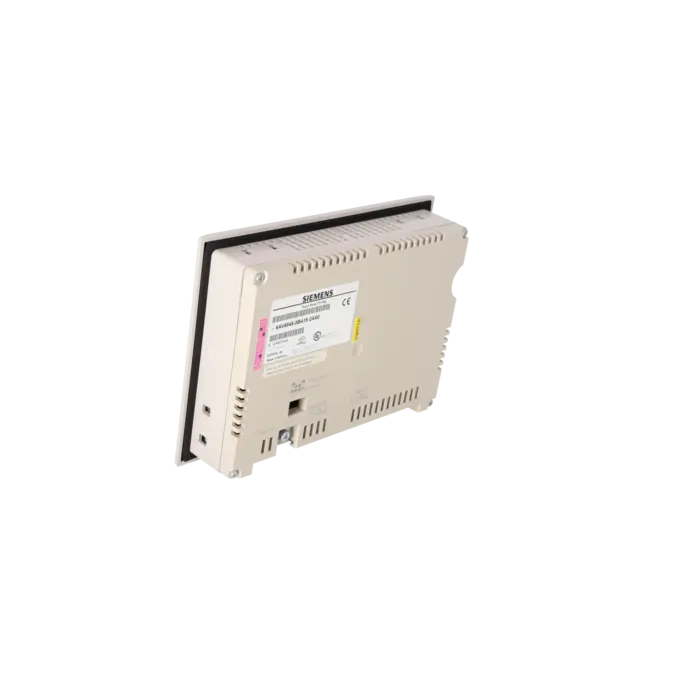
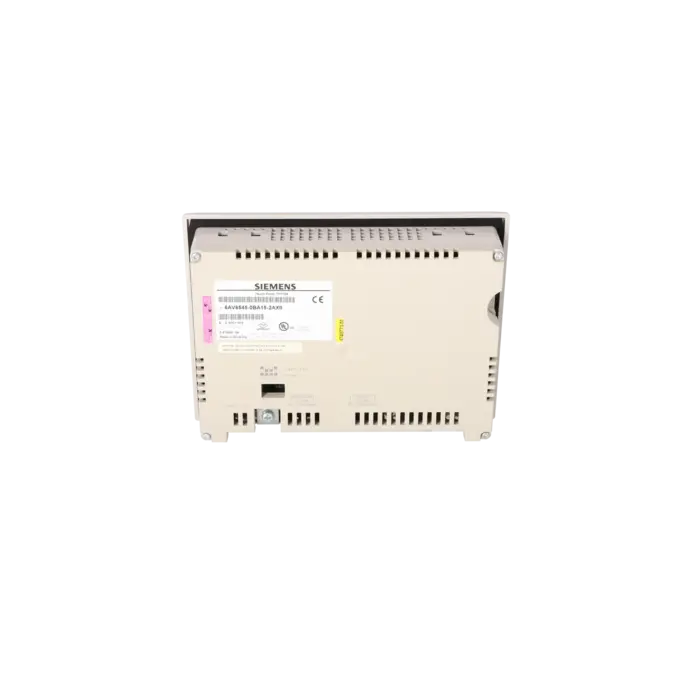
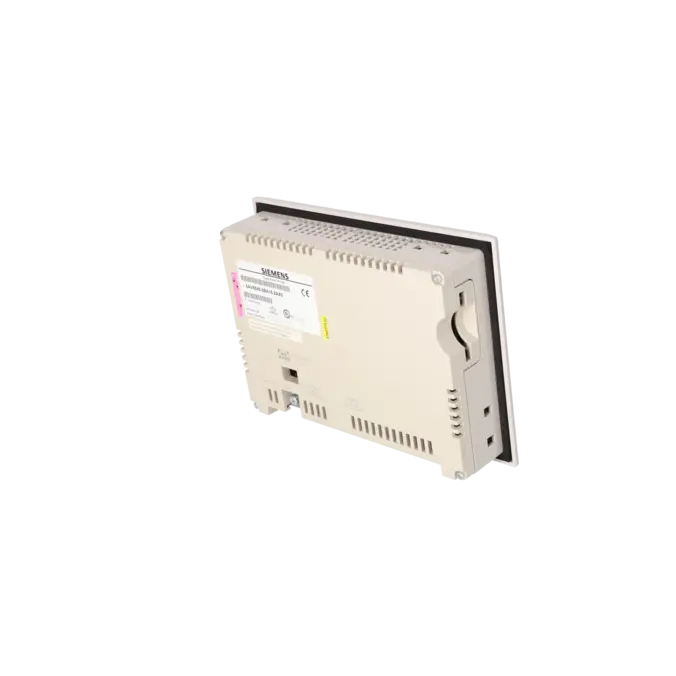
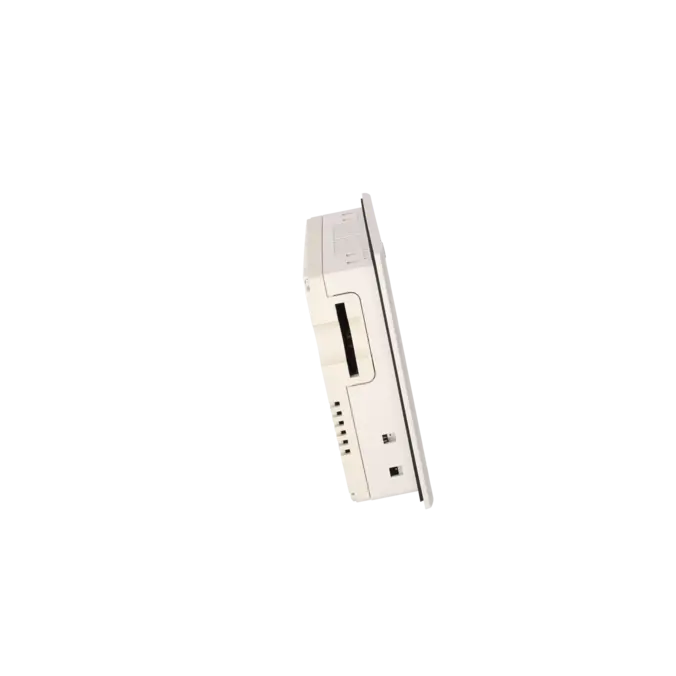
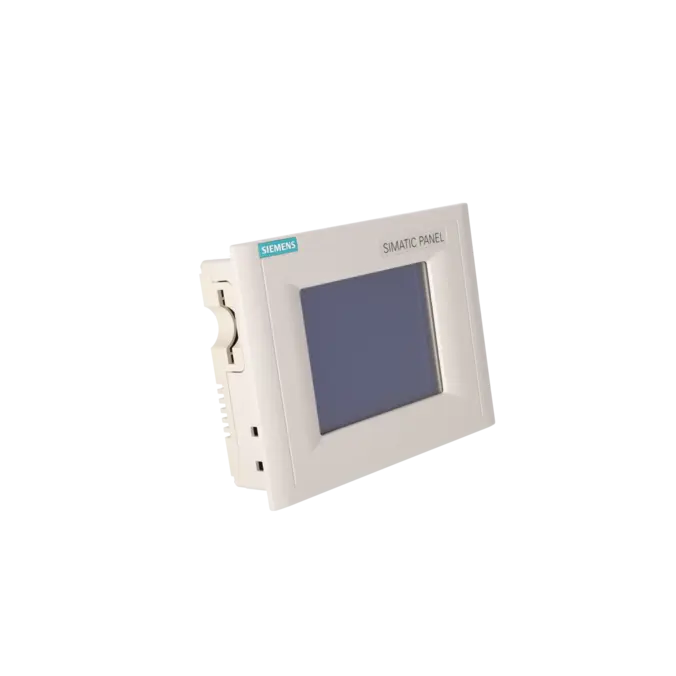




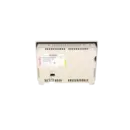


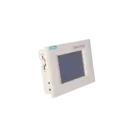
SIEMENS 6AV6545-0BA15-2AX0
-
SIEMENS | HMI | Touch Panels
- EICHLER-art.no.: K0116922
- EAN: 4025515063414
Product description
SIMATIC TOUCHPANEL TP170A BLUE MODE STN-DISPLAY MPI/PROFIBUS-DP -SCHNITTSTELLE PROJEKTIERBAR MIT PROTOOL/LITE AB VERSION V5.2
Services for SIEMENS 6AV6545-0BA15-2AX0
Repair
from 1.053,32 €
to 1.895,98 €
Replacement
1.155,60 €
Used
1.284,00 €
New
1.549,20 €
SIEMENS |
6AV6545-0BA15-2AX0 –
additional product information
| Delivery information | |||
|---|---|---|---|
| Export identifier | AL: ECCN: | ||
| Net weight | 0.73 | ||
| Quantity | 1 Stück | ||
| Packaging quantity | 1 | ||
| Additional product information | |||
|---|---|---|---|
| Product status | EOP: 2008-04-01 | ||
| EAN | 4025515063414 | ||
| UPC | / | ||
| Static lot number | 85371095 | ||
| List indicator | / | ||
| Product group | / | ||
| Country of origin | / | ||
| Compliance with the substance restrictions according to RoHS directive | Since: / | ||
| Product classifications | Version | Classification | |
|---|---|---|---|
| eClass | 4 | / | |
| eClass | 5.1 | / | |
| eClass | 6.0 | / | |
| ETIM | 3 | / | |
| ETIM | 4 | / | |
| ETIM | 5 | / | |
What is 6AV6545-0BA15-2AX0 and where is it used?
The 6AV6545-0BA15-2AX0 is a SIEMENS SIMATIC TP170A Touch Panel featuring a Blue Mode STN display and an MPI/PROFIBUS DP interface. The device serves as a compact HMI operator station for machines and systems where process values must be visualised, alarms displayed and operating functions triggered directly via touchscreen input. Typical applications include existing installations with SIMATIC S7-200, S7-300 or S7-400 controllers, where the existing operating concept needs to be maintained. For maintenance teams, the part number is particularly important because it enables rapid identification in the event of a fault, replacement requirement, repair or spare-parts stockholding. For operators of older systems, the TP170A is especially relevant when a retrofit is not planned in the short term and the existing visualisation system must remain operational.
Overview of the key technical specifications and their significance
The panel features a 5.7-inch display with a resolution of 320 × 240 pixels, 4 blue-grey shades, and an analogue resistive touchscreen. This specification is typical of robust operator devices from older generations and remains fully adequate for traditional visualisation and input tasks in existing installations. The device operates from a 24 V DC power supply, has a current consumption of 0.24 A, and provides IP65 protection on the front panel and IP20 protection on the rear. Additional specifications relevant to control cabinet integration include front dimensions of 212 × 156 mm, an installation depth of 45 mm, and a weight of approximately 0.7 kg. The device can be configured using ProTool/Lite from Version 5.2 SP1 or WinCC flexible Compact from Version 2004 onwards. For users, an important consideration is that the TP170A supports up to 500 variables, 250 screens and 1,000 alarm messages, clearly positioning it as a solution for traditional and comparatively straightforward HMI applications.
Product status, life-cycle status and obsolescence
The EICHLER product page lists the 6AV6545-0BA15-2AX0 with an EOP (End of Production) status effective from 01 April 2008. Siemens additionally classifies the device as a spare part, and Siemens support documentation identifies the TP170A series as discontinued. For operators, this means that the panel clearly falls within the scope of obsolescence management, where availability, repairability and spare-parts strategy become more important than purchasing new devices directly from the manufacturer. Siemens identifies the TP177A as the successor device and describes it as an innovated replacement and a cost-optimised successor platform. In practice, however, this should not be interpreted as an automatic one-to-one replacement. During migration or device replacement projects, the project configuration, communication setup and supported engineering objects must be carefully reviewed and adapted where necessary.
Available EICHLER services and when they are beneficial in practice
For this panel, EICHLER offers repair services, exchange units, function-tested used devices and new devices. The product page specifies short turnaround and delivery times for each of these options. For maintenance departments, repair is particularly advantageous when the existing visualisation system should continue operating unchanged and modifications to the project configuration or machine approval process are to be avoided. Exchange units are particularly valuable during unplanned breakdowns, as a function-tested replacement device is available in advance. Used devices can help when obsolescence limits spare-parts availability and multiple identical assemblies are required for stockholding purposes. According to EICHLER, repairs include technical cleaning, preventive maintenance, comprehensive functional testing and a minimum 24-month warranty. In addition, the company's general repair and sales services include test-centre verification, express service options and warranty periods of up to 36 months, providing additional security for operators managing ageing HMI equipment.
| Attribute | Value |
|---|---|
| Display | |
| Design of display | STN, 4 blue levels |
| Screen diagonal | 5.7 in |
| Resolution (pixels) | |
| ● Horizontal image resolution | 320 Pixel |
| ● Vertical image resolution | 240 Pixel |
| Backlighting | |
| ● MTBF backlighting (at 25 °C) | 50 000 h |
| Control elements | |
| Control elements | Touch screen |
| Keyboard fonts | |
| ● Numeric keyboard | Yes |
| ● alphanumeric keyboard | Yes |
| ● hexadecimal keyboard | Yes |
| ● Multi-key operation | No |
| Touch operation | |
| ● Design as touch screen | Yes; analog, resistive |
| Connection type | |
| ● Type of connection for mouse/keyboard/barcode reader | - / - / - |
| Installation type/mounting | |
| Mounting position | vertical |
| maximum permissible angle of inclination without external ventilation | 35° |
| Supply voltage | |
| UPS connectable (serial) | No |
| Input current | |
| Current consumption (rated value) | 0.24 A |
| Processor | |
| Processor type | RISC 32 bit |
| Memory | |
| Type of memory | Flash / RAM |
| Memory available for user data | 320 kbyte |
| Battery | |
| Backup battery | |
| ● Backup battery (optional) | No |
| ● Backup time, min. | 0 y |
| Type of output | |
| Info LED | No |
| Power LED | No |
| Error LED | No |
| Time of day | |
| Clock | |
| ● Type | Software clock, no battery backup |
| ● retentive | No |
| ● synchronizable | No |
| Interfaces | |
| Interfaces/bus type | TTY optional, 1x RS 232, 1x RS 422, 1x RS 485 (max. 1.5 Mbit/s) |
| USB port | No |
| PC card slot | No |
| CF card slot | No |
| Degree and class of protection | |
| IP (at the front) | IP65 |
| IP (rear) | IP20 |
| NEMA (front) | NEMA 4 (when installed) |
| Standards, approvals, certificates | |
| Certificate of suitability | CE, FM Class I Div. 2, UL, CSA, cULus, NEMA 4 |
| Ambient conditions | |
| Ambient temperature during storage/transportation | |
| ● min. | -20 °C |
| ● max. | 60 °C |
| Relative humidity | |
| ● Operation, max. | 85 % |
| Operating systems | |
| pre-installed operating system | Windows CE |
| Configuration | |
| Configuration software | |
| ● Configuration tool | ProTool / Lite, Version 5.2 SP 1 or higher or WinCC flexible Compact Version 2004 or higher (to be ordered separately) |
| Languages | |
| Online languages | |
| ● Number of online/runtime languages | 5 |
| Project languages | |
| ● Languages per project | 32 |
| Functionality under WinCC (TIA Portal) | |
| Libraries | Yes |
| Number of Visual Basic Scripts | |
| ● Debugging in the simulator | No |
| Task planner | No |
| Help system | No |
| ● Number of characters per info text | 0 |
| ● Number of tooltips | 0 |
| Message system | |
| ● Number of alarm classes | 32 |
| ● Number of messages | 1 000 |
| ● Bit messages | Yes |
| — Number of bit messages | 1 000 |
| ● Analog messages | No |
| — Number of analog messages | 0 |
| ● Telegram message procedure Alarm S | No |
| ● System messages HMI | Yes |
| ● System messages PLC | No |
| ● System messages, other (SIMATIC S7, Sinumerik, Simotion, etc.) | No |
| ● Lines | 1 |
| ● Number of characters per message | 80 |
| ● Number of process values per message | 8 |
| ● Acknowledgment groups | Yes |
| ● Message indicator | No |
| ● acoustic feedback | No |
| ● First/last value | Yes |
| Variables | |
| ● Number of variables per device | 500 |
| ● Number of variables per screen | 20 |
| ● Limit values | Yes |
| ● Multiplexing | No |
| ● Structures | No |
| Images | |
| ● Number of configurable images | 250 |
| ● Permanent window/default | Yes |
| ● Start screen configurable | Yes |
| ● Image number in the PLC | Yes |
| Image objects | |
| ● Text objects | 1 000 text elements |
| ● Number of I/O fields per image | 20 |
| ● Number of date/time fields | 0 |
| ● Index of screen context | No |
| ● Return | Yes |
| ● Graphics object | Bit maps, icons, icon (full-screen) |
| — Icons | 1 000 |
| — Icon (full screen) | 1 |
| Complex image objects | |
| ● Status/control | Not possible |
| ● dynamic objects | Bar graphs |
| — Number of objects per project | 1 250 |
| ● Bar graphs | |
| — Number of bars per chart | 5 |
| ● Sliders | |
| — Number of slides per image | 0 |
| ● Pointer instruments | |
| — Number of analog indicators per image | 0 |
| ● Limit value lines | Yes |
| ● Number of alphanumerical fields | 0 |
| — alphanumeric fields per image | 0 |
| ● Number of numerical fields | 0 |
| — numerical fields per image | 0 |
| ● Number of password fields | 0 |
| ● Number of visible switches per project | 0 |
| — visible switches per image | 0 |
| — hidden switches per image | 0 |
| ● Number of status switches per project | 0 |
| — Number of status switches per image | 0 |
| ● Number of selector switches per project | 0 |
| — Selector switches per image | 0 |
| ● Number of decade switches per project | 0 |
| — Decade switches per image | 0 |
| ● Number of signal lamps per project | 0 |
| — Signal lamps per image | 0 |
| Attributes for dynamic objects | |
| ● Color change | No |
| ● X/Y movement | No |
| ● Hide | Yes |
| ● Angle of rotation | No |
| Lists | |
| ● Number of text lists per project | 0 |
| ● Number of graphics lists per project | 0 |
| Security | |
| ● Number of users | 1 |
| ● Password export/import | Yes |
| Transfer (upload/download) | |
| ● Transfer of configuration | MPI/PROFIBUS DP, serial, automatic transfer recognition |
| Process coupling | |
| ● Connection to controller | S5, S7-200, S7-300/400, TI 505, Win AC, Allen Bradley (DF1), Allen Bradley (DF485), Mitsubishi (FX), OMRON (LINK/Multilink), Modicon (Modbus), further non-Siemens drivers, see chapter "System interfaces" |
| ● S7-200 | Yes |
| — PPI (point-to-point) | Yes |
| — PPI network | Yes |
| — MPI | Yes |
| — PROFIBUS DP | Yes |
| ● S7-300/400 | Yes |
| — MPI | Yes |
| — PROFIBUS DP | Yes |
| — PROFINET | No |
| ● S5 | Yes |
| — serial | Yes |
| — PROFIBUS DP | Yes |
| ● TI 505 | Yes |
| ● Allen Bradley (DF1) | Yes |
| ● Allen Bradley (DF485) | Yes |
| ● Mitsubishi (FX) | Yes |
| ● Mitsubishi (MP4) | No |
| ● Telemecanique (ADJUST) | No |
| ● Telemecanique (Uni-Telway) | Yes |
| ● OMRON (LINK/Multilink) | Yes |
| ● Modicon (Modbus) | Yes |
| ● GE-Fanuc (SNP) | Yes |
| Functions | |
| ● Key repeat | No |
| ● TAB sequence | Yes |
| ● Calculating functions | Yes |
| ● Animate | No |
| ● Menu tree editor | No |
| ● Unit switchover | No |
| Service tools/configuration aids | |
| ● Clean screen | Yes |
| ● Touch calibration | Yes |
| ● Backup/Restore manually | Yes |
| ● Simulation | Yes |
| ● Device switchover | Yes |
| ● Delta transfer | Yes |
| ● Monitoring function for battery and memory | No |
| ● Trace (operation archive) | No |
| Peripherals/Options | |
| Peripherals | none |
| Dimensions | |
| Width of the housing front | 212 mm |
| Height of housing front | 156 mm |
| Overall depth | 45 mm |
| Weights | |
| Weight (without packaging) | 0.7 kg |
| Fault description | Possible solution |
|---|---|
| Why can my TP170A not be reached during transfer via MPI/PROFIBUS? | First, check in the Loader under "Transfer Settings" whether the required transfer channel is actually enabled. On the TP170A, MPI/PROFIBUS DP transfer is not enabled by default. Then verify the panel's address and baud rate, and ensure that the address is assigned only once within the bus network. If a project is already stored on the device, the MPI/DP address from that project will be used. In practical applications, issues are also frequently reported when using unsuitable USB-to-serial adapters. |
| Why does the project transfer to the TP170A not start or terminate immediately? | Enable the correct transfer channel in the "Transfer Settings" dialogue and verify that the interface connected to the engineering computer has been selected correctly. Please note that the TP170A does not support remote transfer when connected via a serial interface. If the transfer is generated but stops immediately, the transfer channel is often incorrectly configured or the physical connection is unsuitable. For operating system updates, the Siemens manual also describes transferring the appropriate image file via PTUpdate through IF1A. |
| Why does the touchscreen no longer respond correctly or activate the wrong fields? | In this case, the touchscreen should be recalibrated. Siemens explicitly states that recalibration may be necessary when an operator object no longer responds correctly or when ageing and environmental influences affect touch recognition. On the TP170A, this is performed via the Loader and the "Control Settings" dialogue using the "Calibrate" function. The calibration procedure must be completed in full by accurately touching each calibration cross in sequence. |
| Why is the time on my TP170A incorrect after a restart? | The TP170A does not have a battery-backed system clock. As a result, the time may be lost after power-off or may no longer match the system time stamps used within the installation. Siemens recommends time synchronisation via the PLC, for example using the "Date/Time PLC" area pointer or dedicated time synchronisation function blocks in S7-200 applications. If time stamps, alarms or shift data are important, time synchronisation should be integrated as a permanent part of the HMI/PLC concept. |
| Why is the display on my TP170A difficult to read or almost blank? | First, check the contrast setting in the "Control Settings" dialogue. Siemens points out that the contrast can be adjusted over a wide range and, under unfavourable lighting conditions, may be reduced to the point where the display becomes almost unreadable. The value can be adjusted directly using "Contrast +" and "Contrast -". If readability remains poor, the display should also be inspected for contamination or a damaged protective film. |
Is 6AV6545-0BA15-2AX0 still available?
Yes. Through EICHLER, several procurement and service options remain available for this part number, including repair, exchange units, used devices and new devices. This is particularly important for discontinued HMIs, as availability is no longer determined solely by the purchase of new units, but also by the ability to bridge failures quickly through function-tested replacement devices or repair services. For B2B customers, this provides significantly greater operational security in existing installations than relying solely on the original manufacturer's product status.
Is there an official Siemens successor for the TP170A?
Siemens identifies the TP177A as an innovated replacement and a cost-optimised successor to the TP170A. This is an important reference point for both purchasing and technical departments, but it does not replace a detailed technical evaluation. When migrating to the TP177A, the project configuration, communication setup and display objects within the WinCC flexible environment must be carefully reviewed to ensure seamless integration into the target installation. In this context, "successor" should not be interpreted as automatically plug-and-play compatible, but rather as a manufacturer-defined migration path.
Which software is used to configure the 6AV6545-0BA15-2AX0?
According to Siemens, the TP170A can be configured using ProTool/Lite from Version 5.2 SP1 and WinCC flexible Compact from Version 2004 onwards. For operators of older machines, this is particularly important because the availability of the original engineering environment often determines whether repair, replacement or migration is the most practical option. Before procuring a replacement device, it is therefore advisable to verify that the project files, engineering PC and appropriate communication adapters are still available. Without a secured project environment, replacing the device becomes significantly more complex and carries a higher level of risk.
Which controllers and communication interfaces are supported by the TP170A?
The device was designed for traditional serial and fieldbus-based HMI communication. Siemens identifies MPI/PROFIBUS DP as the primary communication interface and also describes project engineering and communication options via RS232, RS422/RS485 and optional TTY, depending on the application and selected driver. Supported controller families include SIMATIC S7-200, S7-300 and S7-400, as well as other control systems through the appropriate communication drivers. For spare-parts procurement, this is important because not only the part number must match, but also the existing communication architecture of the machine or system.
Can an existing TP170A project be migrated to a newer panel?
Yes, in principle. Siemens describes a device switch procedure within the WinCC flexible environment for migration to successor devices. However, project-specific characteristics must be carefully evaluated. Siemens notes in its migration documentation that certain objects and display elements are device-dependent. As a result, a migration project involves much more than a simple hardware replacement. Communication settings, screens, objects and operating behaviour all need to be reviewed and validated. For production managers, this is the key factor when assessing the potential downtime risk and commissioning effort associated with a migration project.
When is repair more beneficial than replacement or purchasing another device?
A repair is often the preferred option when the original device should remain integrated into the existing installation, including its mounting dimensions and project configuration. An exchange unit is advantageous when machine downtime must be minimised and the defective assembly can be returned afterwards. Function-tested used devices are particularly attractive when obsolescence makes procurement difficult and identical spare units need to be held in stock. New devices are appropriate when an unused unit is specifically required and compatible stock remains available. EICHLER clearly presents these options as practical methods for maintaining availability despite product discontinuation and unexpected equipment failures.