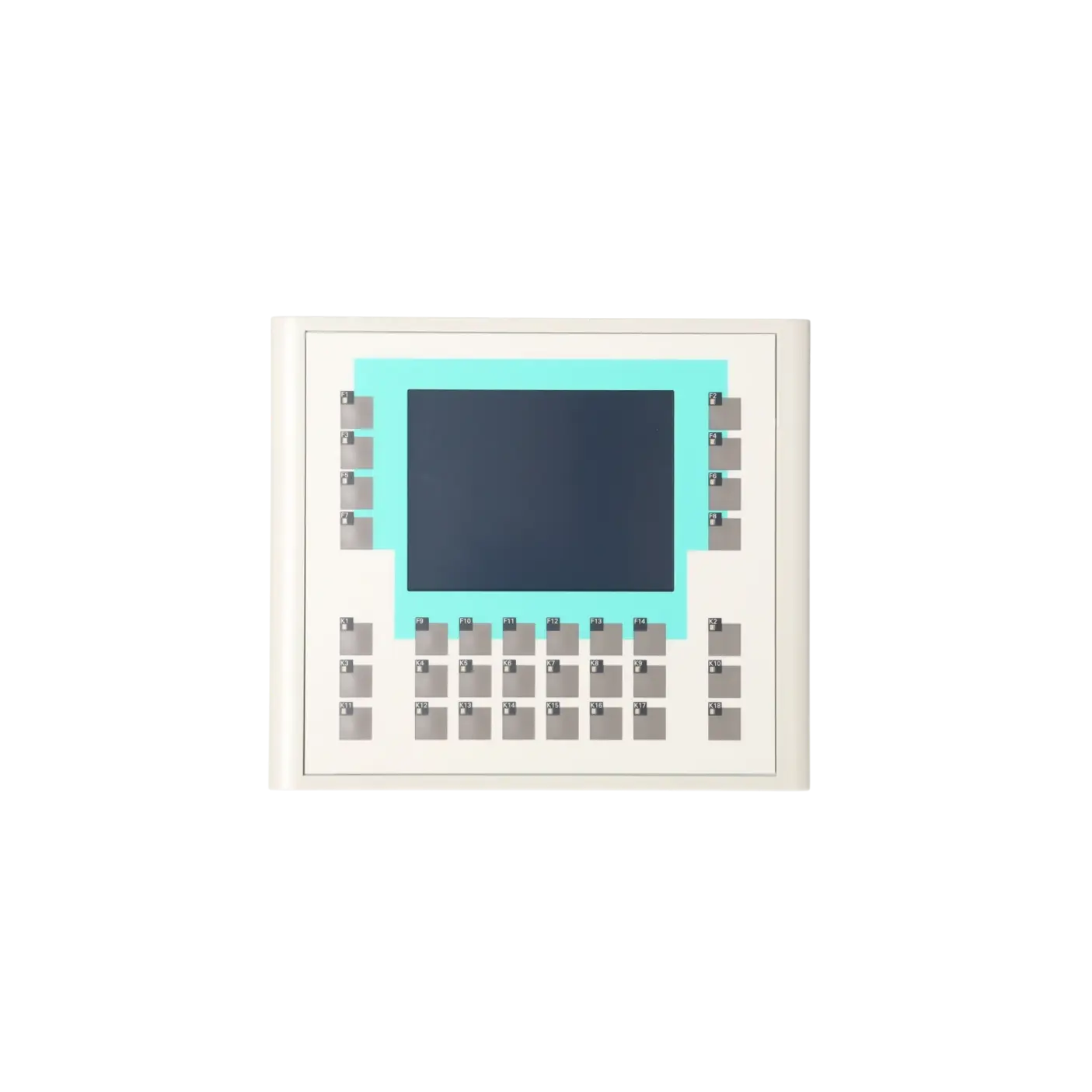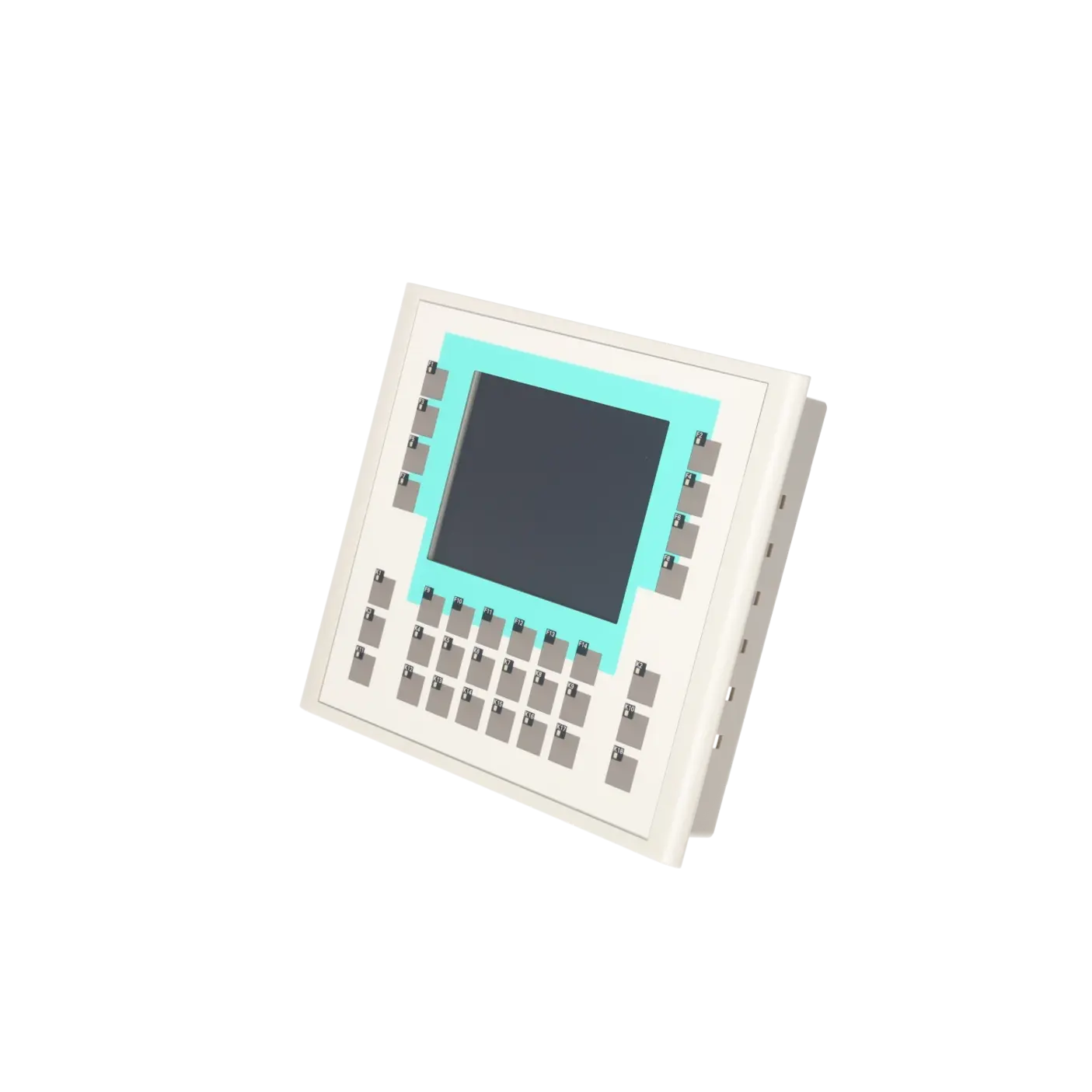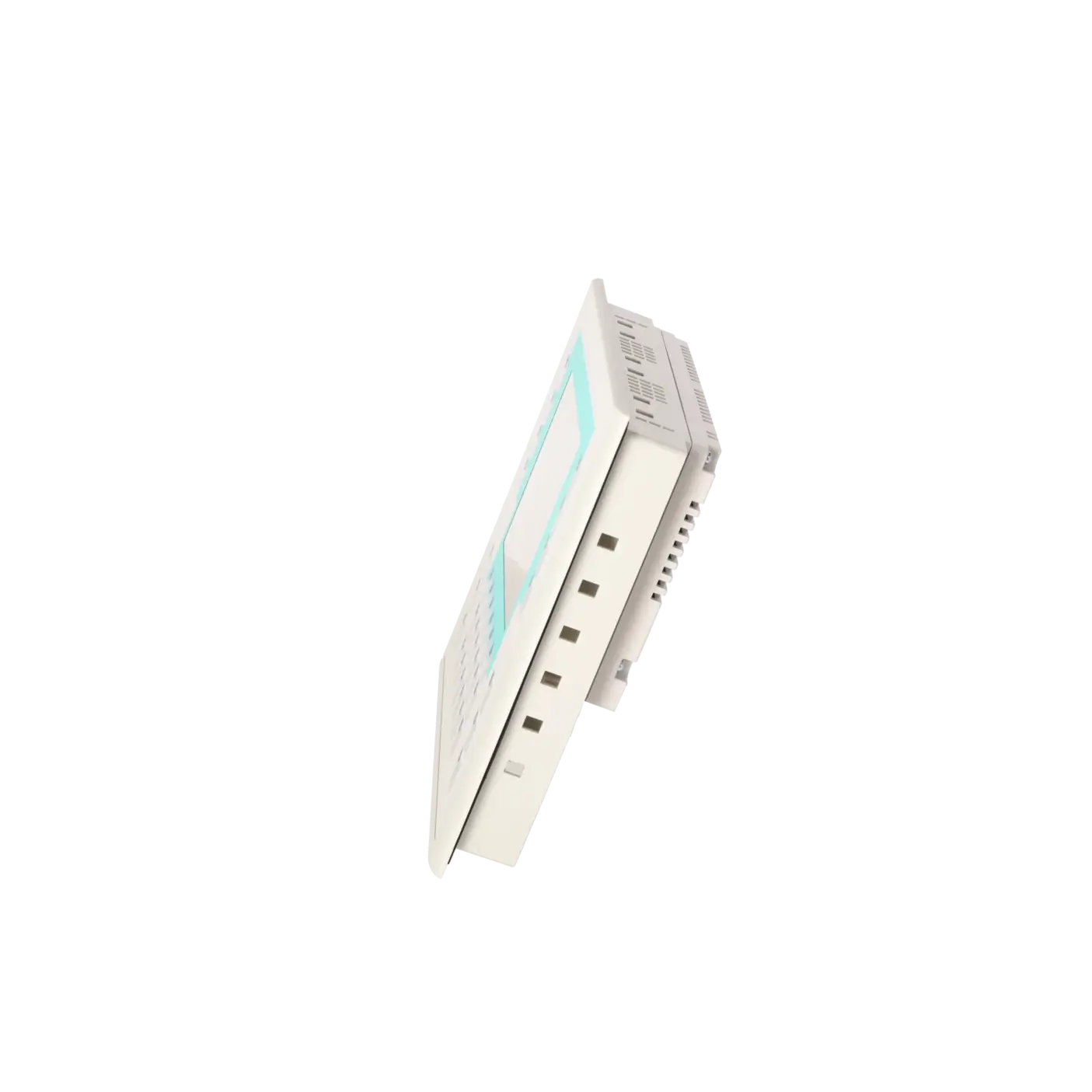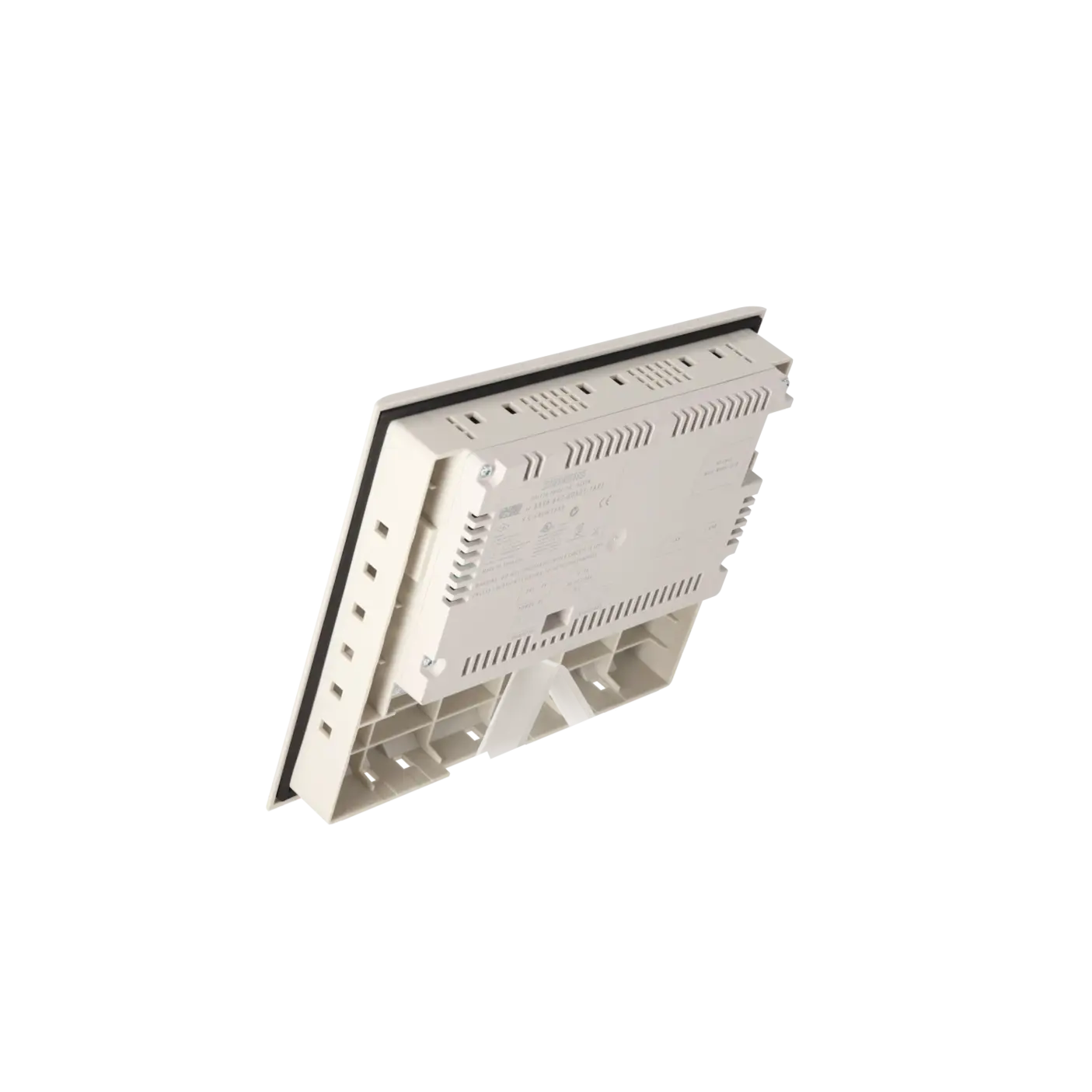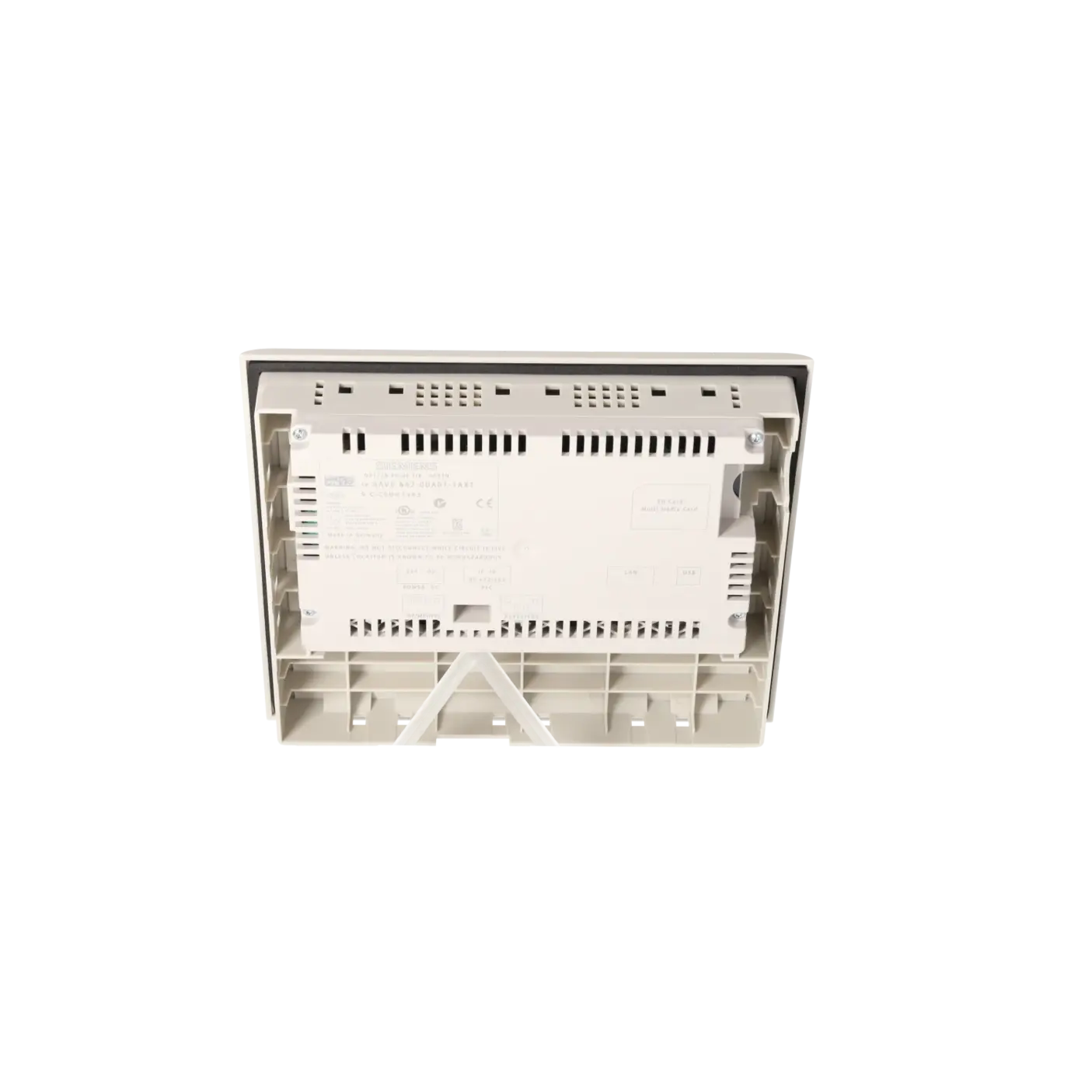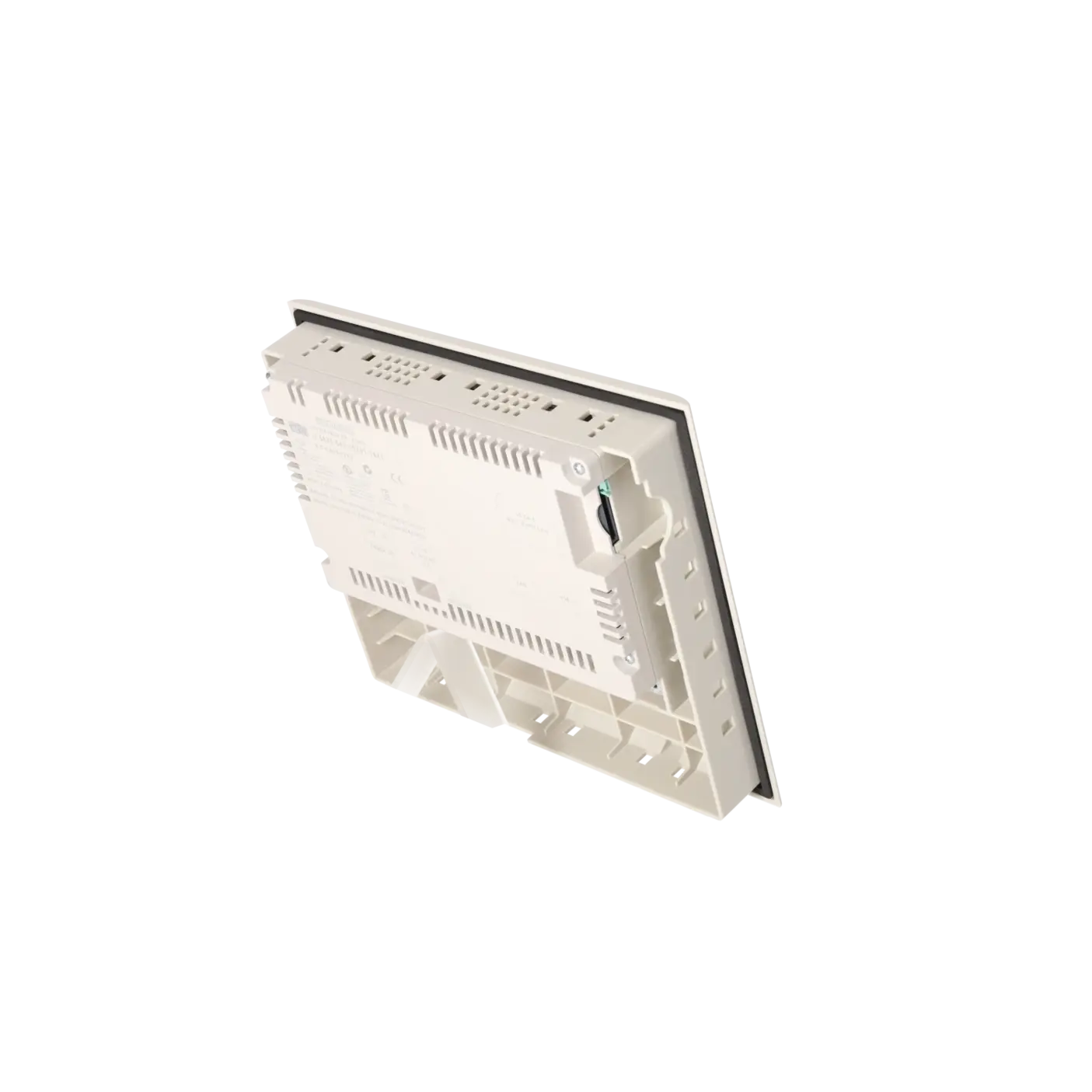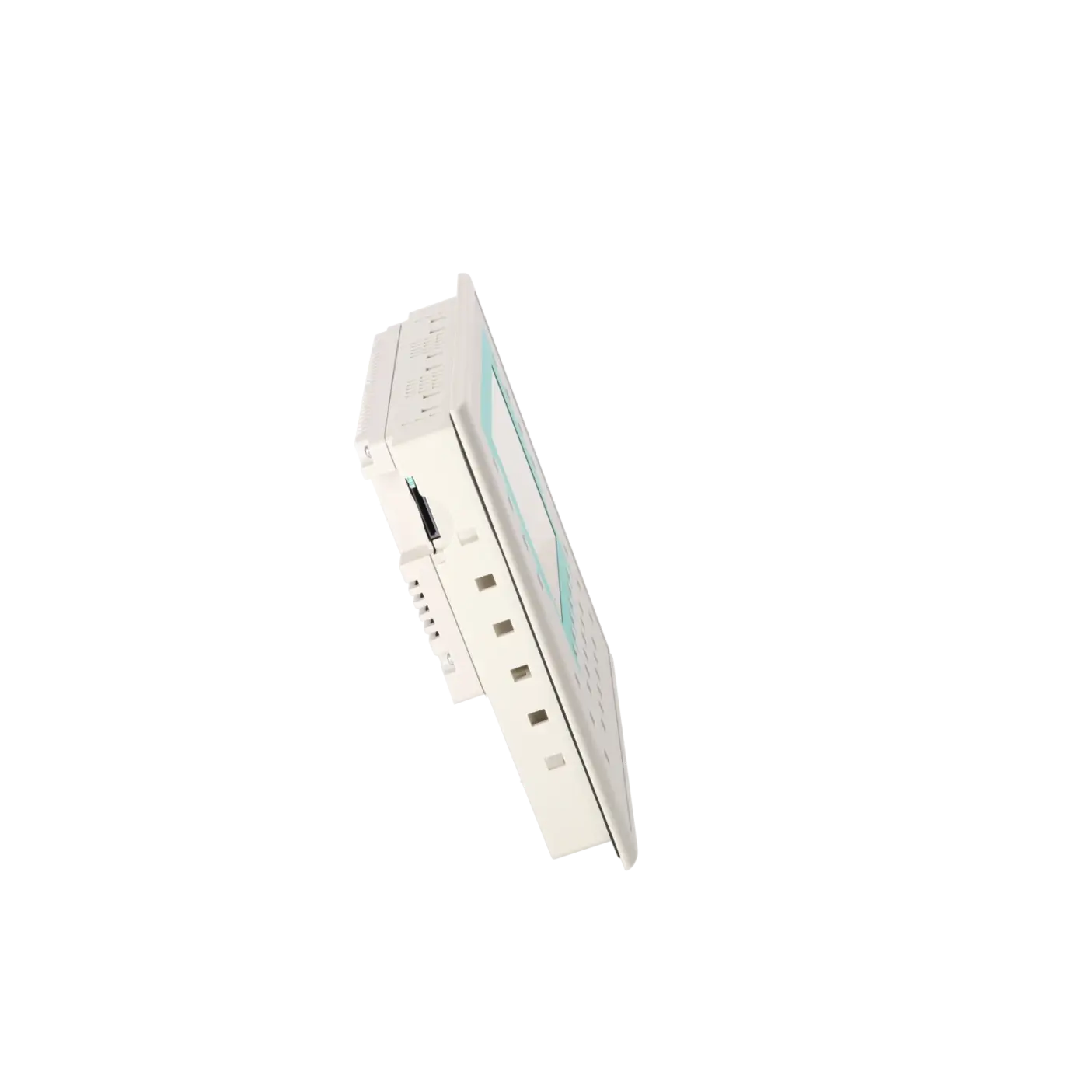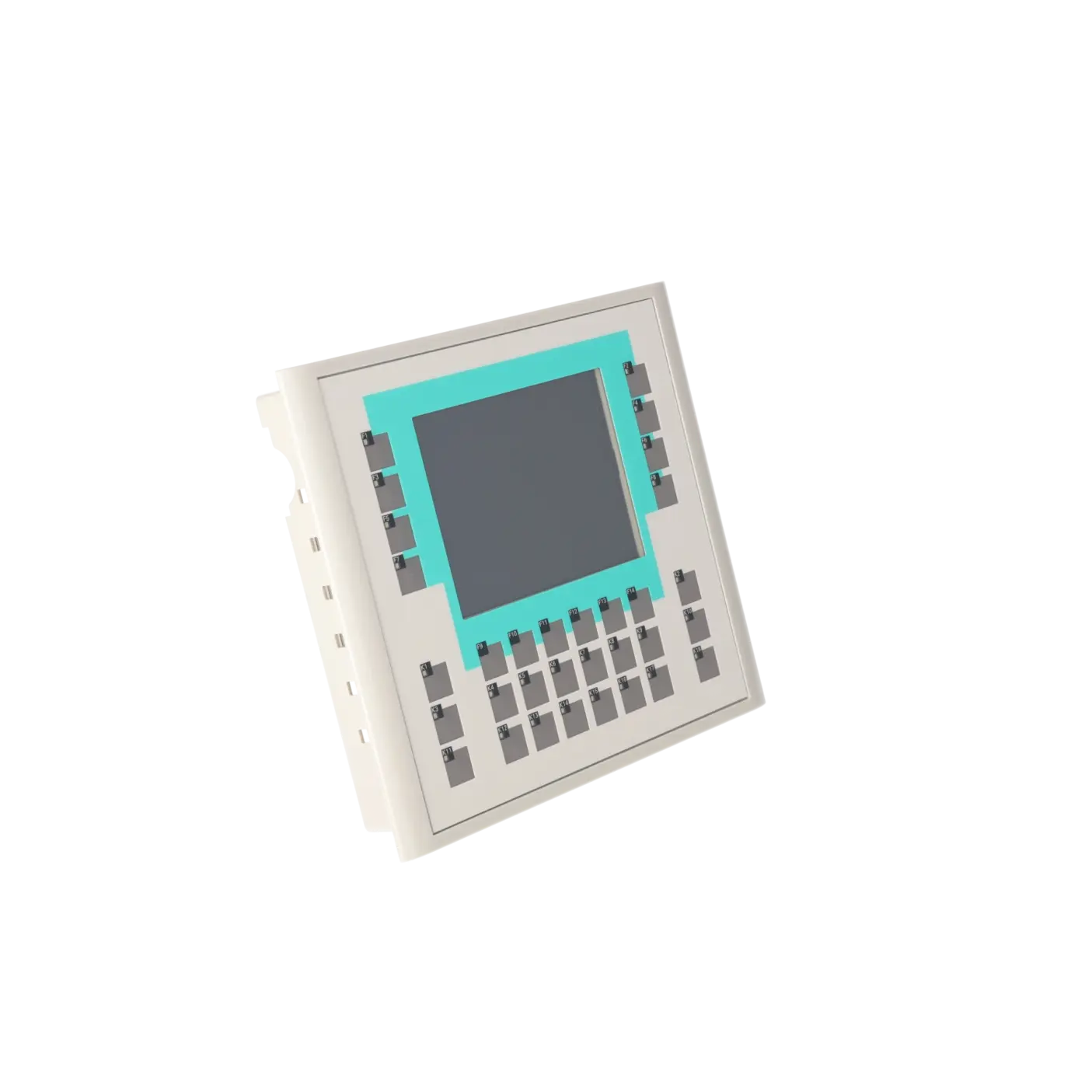
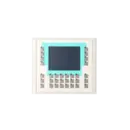

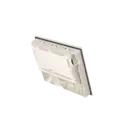

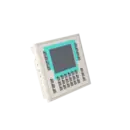
SIEMENS 6AV6642-0DA01-1AX1
-
SIEMENS | HMI | Operator Panels
- EICHLER-art.no.: K0219216
- EAN: 4025515076476
- UPC: 662643396867
Product description
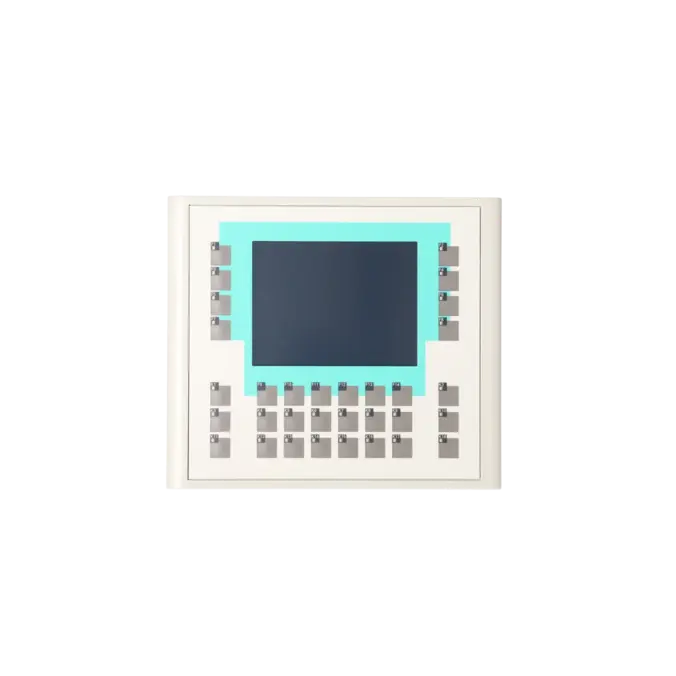
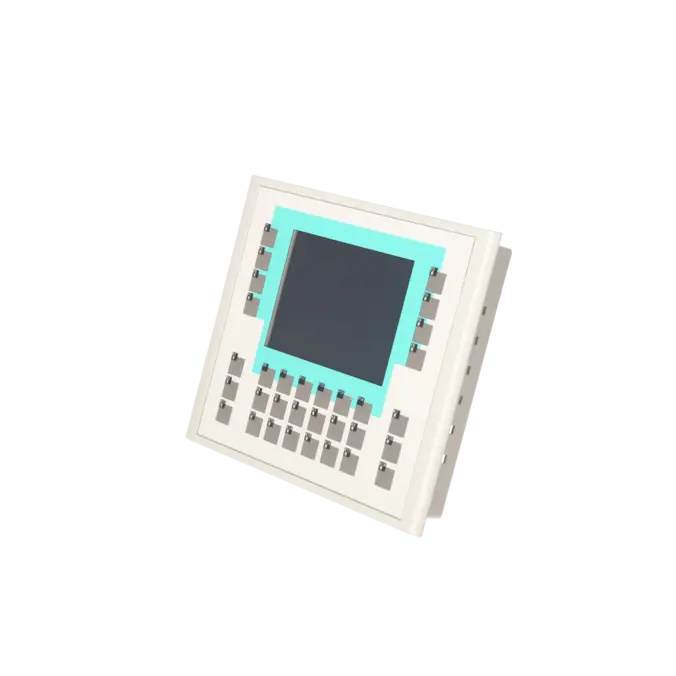
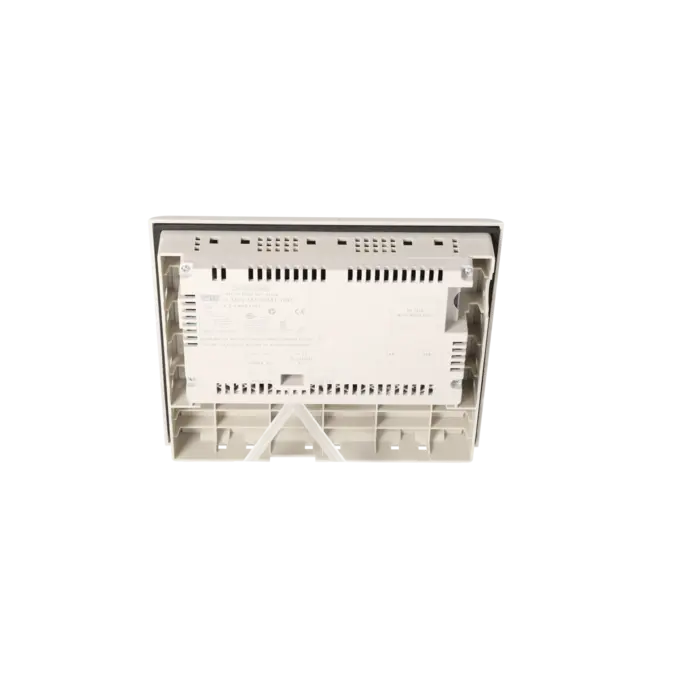
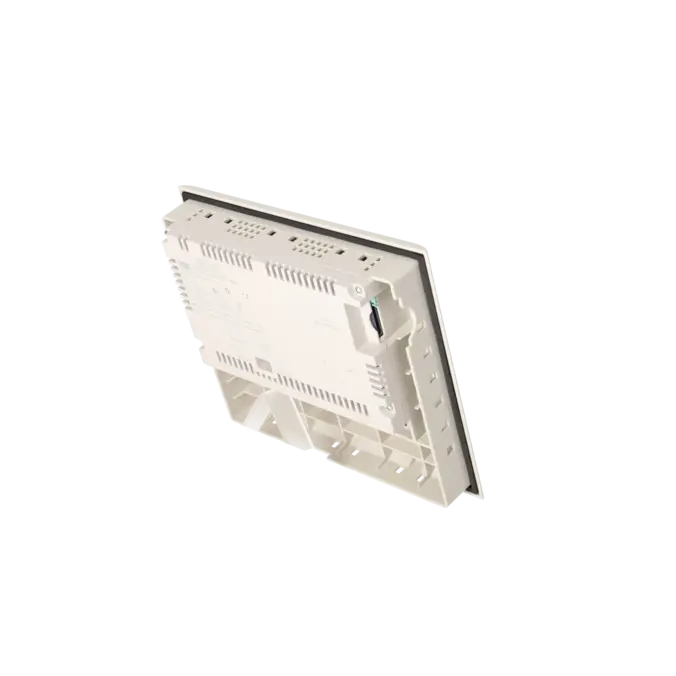
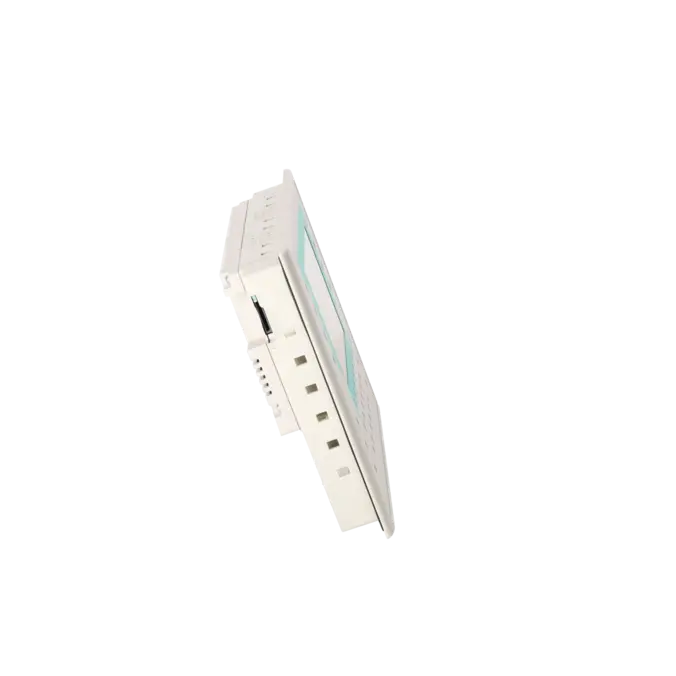
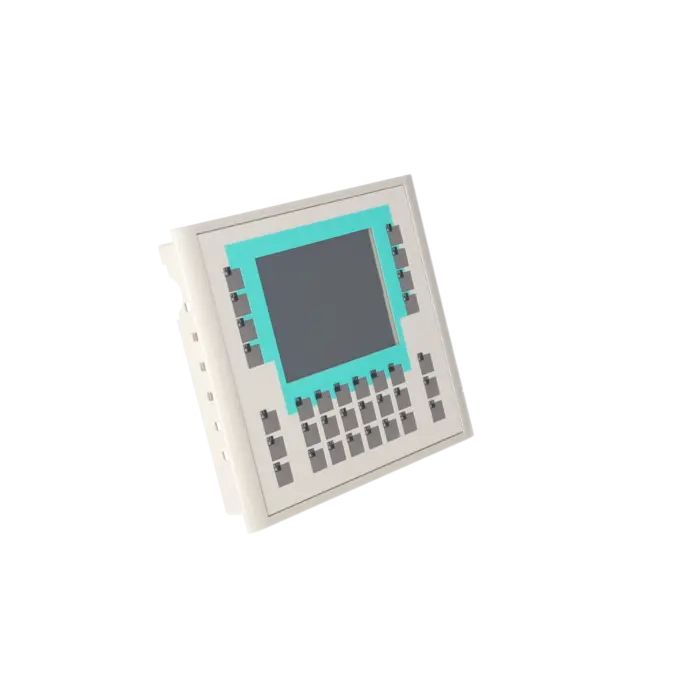
SIMATIC OP 177B 6" PN/DP STN 256 COLOR DISPLAY TOUCH AND KEY MPI/PROFIBUS DP PROTOCOL RS485/RS422/USB INTERFACE ETHERNET 10/100 INTERFACE PRINTER INTERFACE SLOT FOR MMC CONFIGURABLE WITH WINCC FLEXIBLE 2005
Services for SIEMENS 6AV6642-0DA01-1AX1
SIEMENS |
6AV6642-0DA01-1AX1 –
additional product information
| Delivery information | |||
|---|---|---|---|
| Export identifier | AL: N ECCN: 5D002ENCU | ||
| Net weight | 1.275 | ||
| Quantity | 1 Stück | ||
| Packaging quantity | 1 | ||
| Additional product information | |||
|---|---|---|---|
| Product status | EOP: 2021-10-01 | ||
| EAN | 4025515076476 | ||
| UPC | 662643396867 | ||
| Static lot number | 85371098 | ||
| List indicator | ST9.80 | ||
| Product group | 4368 | ||
| Country of origin | DE | ||
| Compliance with the substance restrictions according to RoHS directive | Since: 20080331 | ||
| Product classifications | Version | Classification | |
|---|---|---|---|
| eClass | 4 | 27-36-01-02 | |
| eClass | 5.1 | 27-24-23-02 | |
| eClass | 6.0 | 27-24-23-02 | |
| ETIM | 3 | / | |
| ETIM | 4 | EC001412 | |
| ETIM | 5 | EC001412 | |
The 6AV6642-0DA01-1AX1 is a Siemens SIMATIC OP 177B 6" PN/DP HMI panel with an STN display (256 colours) and combined operation via touchscreen and physical keys. It is used in industrial automation systems for machine operation, visualisation, and alarm handling directly at the equipment.
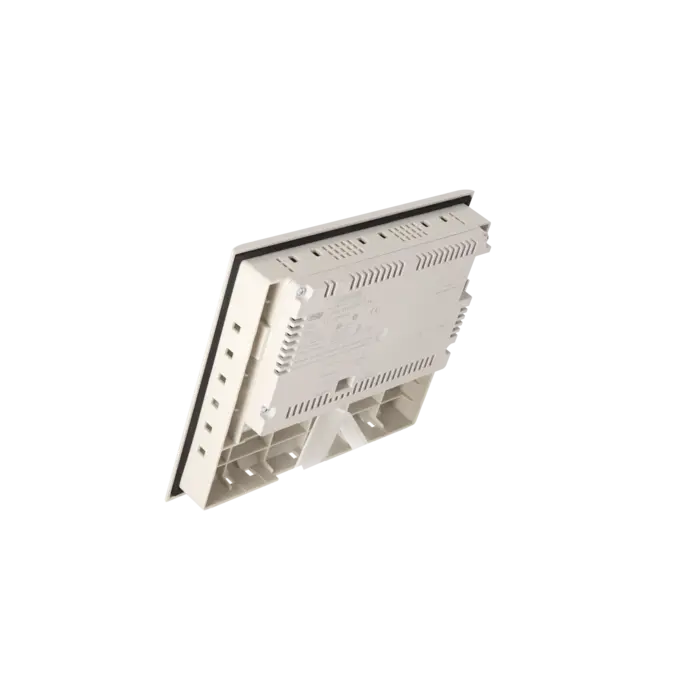
For system integration, it provides clearly defined communication interfaces including MPI/PROFIBUS-DP via RS485/RS422 as well as Industrial Ethernet 10/100. In addition, USB, a printer interface, and an MMC slot are available, which are typically used for project transfer, backup, and service-related data handling.
For engineering and compatibility, Siemens specifies WinCC flexible 2005 (or WinCC flexible Compact 2005 and higher) as the engineering environment. This is often the key factor for continuing to operate existing projects without migration.
What is the 6AV6642-0DA01-1AX1 particularly suitable for?
It is mainly used as a 1:1 replacement in existing OP 177B PN/DP installations where the combination of touchscreen operation and physical key/LED logic must be preserved.
Which interfaces are relevant for PLC communication?
The relevant interfaces are MPI/PROFIBUS-DP and Industrial Ethernet 10/100, making the device suitable for mixed S7 network environments.
Why is spare part availability important for this device?
The device is no longer available as a standard new product. The datasheet indicates “blocked for delivery” for new units since 01.01.2015, meaning procurement today is mainly based on spare parts, exchange units, refurbished devices, or repair services.
How fast is service available and is documentation provided?
According to EICHLER service information, repair is typically available within 1–3 days. An optional test report (159 €) can be provided for verification after repair or replacement.
Which identifiers are relevant for procurement?
For clear ordering and logistics identification, the relevant references are EICHLER article number K0219216, EAN 4025515076476, UPC 662643396867, and Siemens order number 6AV6642-0DA01-1AX1.
| General information | |
|---|---|
| Product type designation | OP177B 6" PN/DP Color |
| Customer-specific configuration | Yes |
| Display | |
| Design of display | STN |
| Screen diagonal | 5.7 in |
| Color display | Yes |
| Number of colors | 256 |
| Resolution (pixels) | |
| ● Horizontal image resolution | 320 pixel |
| ● Vertical image resolution | 240 pixel |
| Backlighting | |
| ● MTBF backlighting (at 25 °C) | 50 000 h |
| Control elements | |
| Control elements | Touch screen and membrane keyboard |
| Keyboard fonts | |
| ● Membrane keyboard | |
| — user-definable label membrane keys | Yes |
| ● Function keys | |
| — Number of function keys | 32 |
| — Number of function keys with LEDs | 26 |
| ● System keys | No |
| — Number of system keys | 0 |
| — Number of configurable system keys | 32 |
| ● Numeric keyboard | Yes |
| ● alphanumeric keyboard | Yes |
| ● hexadecimal keyboard | Yes |
| ● Multi-key operation | Yes |
| Touch operation | |
| ● Design as touch screen | Yes; analog, resistive |
| Connection type | |
| ● Type of connection for mouse/keyboard/barcode reader | USB / USB / USB |
| Installation type/mounting | |
| Mounting position | vertical |
| maximum permissible angle of inclination without external ventilation | 35° |
| Supply voltage | |
| Type of supply voltage | DC |
| Input current | |
| Current consumption (rated value) | 0.24 A |
| Starting current inrush I²t | 0.5 A²·s |
| Processor | |
| Processor type | ARM, 200 MHz |
| Memory | |
| Type of memory | Flash / RAM |
| Memory available for user data | 2 048 kbyte |
| Time of day | |
| Clock | |
| ● Type | Hardware clock, synchronizable, no battery backup |
| ● retentive | No |
| ● synchronizable | Yes |
| Interfaces | |
| Interfaces/bus type | RS 232 optional, 1x RS 422, 1x RS 485, 1x Ethernet (RJ45) (max. 12 Mbit/s) |
| Number of industrial Ethernet interfaces | 1 |
| Number of RS 485 interfaces | 1 |
| Number of RS 422 interfaces | 1 |
| Number of USB interfaces | 1; Up to 1 GB |
| PC card slot | No |
| CF card slot | No |
| Multimedia card/SD card slot | combined, as of E version 016 in conjunction with WinCC flexible 2008 SP1 |
| With software interfaces | No |
| Protocols | |
| Supports protocol for PROFINET IO | Yes |
| PROFIsafe | No |
| PROFIBUS | Yes |
| EtherNet/IP | Yes |
| Protocols (Ethernet) | |
| ● TCP/IP | Yes |
| Protocols (terminal link) | |
| ● Sm@rtServer | Yes |
| Further protocols | |
| ● MODBUS | Yes |
| Degree and class of protection | |
| IP (at the front) | IP65 |
| IP (rear) | IP20 |
| NEMA (front) | NEMA 4x, NEMA 12 (when installed) |
| Standards, approvals, certificates | |
| CE mark | Yes |
| UL approval | Yes |
| cULus | Yes |
| EAC (formerly Gost-R) | No |
| Suitable for safety functions | No |
| Use in hazardous areas | |
| ● ATEX Zone 2 | No; certificate no longer available as of 1 October 2020 |
| ● ATEX Zone 22 | No; certificate no longer available as of 1 October 2020 |
| ● FM Class I Division 2 | Yes |
| Marine approval | |
| ● Germanischer Lloyd (GL) | Yes |
| ● American Bureau of Shipping (ABS) | Yes |
| ● Bureau Veritas (BV) | Yes |
| ● Det Norske Veritas (DNV) | Yes |
| ● Lloyds Register of Shipping (LRS) | Yes |
| ● Polski Rejestr Statkow (PRS) | No |
| Ambient conditions | |
| Ambient temperature during operation | |
| ● min. | 0 °C |
| ● max. | 50 °C |
| Ambient temperature during storage/transportation | |
| ● min. | -20 °C |
| ● max. | 60 °C |
| Relative humidity | |
| ● Operation, max. | 90 % |
| Operating systems | |
| pre-installed operating system | Windows CE |
| Configuration | |
| Message indicator | Yes |
| Alarm system (incl. buffer and acknowledgment) | Yes |
| Process value display (output) | Yes |
| Process value default (input) possible | Yes |
| Recipe management | Yes |
| Configuration software | |
| ● Configuration tool | WinCC flexible Compact Version 2005 or higher (to be ordered separately) |
| ● STEP 7 Basic (TIA Portal) | No |
| ● STEP 7 Professional (TIA Portal) | No |
| ● WinCC flexible Compact | Yes |
| ● WinCC flexible Standard | Yes |
| ● WinCC flexible Advanced | Yes |
| ● WinCC Basic (TIA Portal) | No |
| ● WinCC Comfort (TIA Portal) | Yes |
| ● WinCC Advanced (TIA Portal) | Yes |
| ● WinCC Professional (TIA Portal) | Yes |
| Languages | |
| Online languages | |
| ● Number of online/runtime languages | 5 |
| Project languages | |
| ● Languages per project | 32 |
| Functionality under WinCC (TIA Portal) | |
| Libraries | Yes |
| Task planner | Yes |
| Help system | Yes |
| ● Number of characters per info text | 70 |
| Message system | |
| ● Number of alarm classes | 32 |
| ● Number of messages | 2 000 |
| ● Bit messages | Yes |
| — Number of bit messages | 2 000 |
| ● Analog messages | Yes |
| — Number of analog messages | 50 |
| ● Telegram message procedure Alarm S | No |
| ● System messages HMI | Yes |
| ● System messages PLC | Yes |
| ● System event, more (SIMATIC S7, SINUMERIK, SIMOTION, ... ) | No |
| ● Lines | 1 |
| ● Number of characters per message | 80 |
| ● Number of process values per message | 8 |
| ● Acknowledgment groups | |
| — Number of acknowledgement groups | 99 |
| ● Message indicator | Yes |
| ● acoustic feedback | No |
| ● First/last value | Yes |
| Recipe management | |
| ● Number of recipes | 100 |
| ● Data records per recipe | 200 |
| ● Entries per data record | 200 |
| ● Recipe memory | 32 KB integrated Flash, expandable |
| Variables | |
| ● Number of variables per device | 1 000 |
| ● Number of variables per screen | 50 |
| ● Number of variables | 1 000 |
| ● Initial values | 1 000 |
| ● Type Date & Time | 1 000 |
| ● Limit values | Yes |
| ● Multiplexing | Yes |
| ● Structures | No |
| Images | |
| ● Number of configurable images | 500 |
| ● Permanent window/default | Yes |
| ● Start screen configurable | Yes |
| ● Image selection by PLC | Yes |
| ● Image number in the PLC | Yes |
| Image objects | |
| ● Text objects | 2 500 text elements |
| ● Number of I/O fields per image | 50 |
| ● Number of date/time fields | 30 |
| ● Index of screen context | No |
| ● Return | Yes |
| ● Graphics object | Bit maps, icons, icon (full-screen), vector graphics |
| — Icons | 500 |
| — Icon (full screen) | 50 |
| Complex image objects | |
| ● Status/control | Yes; With SIMATIC S7 |
| ● dynamic objects | Diagrams, bar graphs, sliders, analog display, invisible buttons |
| — Number of objects per project | 500 |
| — Number of curve diagrams per image | 5 |
| ● Methods | Trend |
| ● Bar graphs | |
| — Number of bars per chart | 5 |
| ● Sliders | |
| — Number of slides per image | 0 |
| ● Pointer instruments | |
| — Number of analog indicators per image | 0 |
| ● Limit value lines | Yes |
| ● Number of alphanumerical fields | 1 000 |
| — alphanumeric fields per image | 100 |
| ● Number of numerical fields | 1 000 |
| — numerical fields per image | 100 |
| ● Number of password fields | 1 000 |
| ● Number of visible switches per project | 1 000 |
| — visible switches per image | 100 |
| — hidden switches per image | 100 |
| ● Number of status switches per project | 1 000 |
| — Number of status switches per image | 100 |
| ● Number of selector switches per project | 1 000 |
| — Selector switches per image | 100 |
| ● Number of decade switches per project | 0 |
| — Decade switches per image | 0 |
| ● Number of signal lamps per project | 1 000 |
| — Signal lamps per image | 100 |
| Attributes for dynamic objects | |
| ● Color change | Yes |
| ● X/Y movement | Yes |
| ● Hide | Yes |
| ● Angle of rotation | No |
| Lists | |
| ● Number of text lists per project | 300 |
| ● Number of text lists per image | 10 |
| ● Number of entries per text list | 30 |
| ● Number of graphics lists per project | 100 |
| ● Number of graphic lists per image | 10 |
| ● Number of entries per graphics list | 30 |
| Security | |
| ● Number of user groups | 50 |
| ● Number of user rights | 32 |
| ● Password export/import | Yes |
| Data carrier support | |
| ● PC card | No |
| ● CF card | No |
| Logging through printer | |
| ● Recording/Printing | Alarms, report (shift report), color print, hardcopy |
| Transfer (upload/download) | |
| ● Transfer of configuration | MPI/PROFIBUS DP, serial, USB, Ethernet, by means of external storage medium, automatic transfer recognition |
| Process coupling | |
| ● Connection to controller | S5, S7-200, S7-300/400, Win AC, PC (TCP/IP), SINUMERIK, SIMOTION, Allen Bradley (DF1), Mitsubishi (FX), Telemecanique (ADJUST), Modicon (Modbus), further non-Siemens drivers, see chapter "System interfaces" |
| ● S7-1200 | Yes |
| ● S7-1500 | No |
| ● S7-200 | Yes |
| — PPI (point-to-point) | Yes |
| — PPI network | No |
| — MPI | Yes |
| — PROFIBUS DP | Yes |
| — Ethernet | Yes |
| ● S7-300/400 | Yes |
| — MPI | Yes |
| — PROFIBUS DP | Yes |
| — PROFINET | Yes |
| ● S5 | Yes; only PROFIBUS DP |
| — serial | No |
| — PROFIBUS DP | Yes |
| ● TI 505 | No |
| ● Allen Bradley (DF1) | Yes |
| ● Allen Bradley (DF485) | Yes |
| ● Mitsubishi (FX) | Yes |
| ● Telemecanique (ADJUST) | No |
| ● Telemecanique (Uni-Telway) | Yes; Only in combination with WinCC flexible |
| ● OMRON (LINK/Multilink) | Yes |
| ● Modicon (Modbus) | Yes |
| Functions | |
| ● Key repeat | No |
| ● TAB sequence | Yes |
| ● Calculating functions | Yes |
| ● Animate | Yes |
| ● Menu tree editor | Yes |
| ● Unit switchover | No |
| Service tools/configuration aids | |
| ● Clean screen | Yes |
| ● Touch calibration | Yes |
| ● Backup/Restore manually | Yes |
| ● Simulation | Yes |
| ● Device switchover | Yes |
| ● Delta transfer | Yes |
| ● Monitoring function for battery and memory | No |
| ● Trace (operation archive) | No |
| Expandability/openness | |
| ● Open Platform Program | Yes |
| Peripherals/Options | |
| Peripherals | Printer |
| SIMATIC HMI MM memory card: Multi Media Card | Yes |
| Additional software components loadable | Yes |
| Dimensions | |
| Width of the housing front | 243 mm |
| Height of housing front | 212 mm |
| Mounting cutout, width | 229 mm |
| Mounting cutout, height | 196 mm |
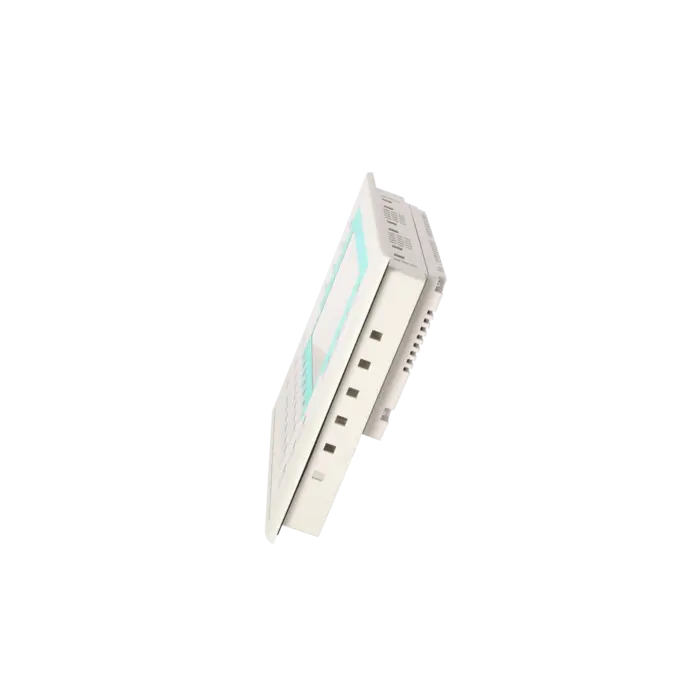
| mounting depth | 45 mm |
| Weights | |
| Weight (without packaging) | 1 kg |
| Fault description | Possible solution |
|---|---|
| Panel does not start correctly / boot loop / hangs during startup – what should be checked first? | First check the 24 V power supply (stable, no voltage drops) and all connectors. Then check the MMC memory slot (proper seating, contact issues, or test by removing the medium), since the device explicitly supports an MMC slot and faulty media can prevent booting. |
| Touch is inaccurate or registers offset input – what is the fastest fix? | If touch points are misaligned, a touch recalibration is usually required. Siemens documentation for TP/OP 177 devices describes recalibration as the quickest first step before assuming a hardware defect. |
| Touch does not respond at all – setting issue or hardware defect? | If recalibration does not help and the touch remains unresponsive, a defective touch overlay (wear or damage) is a common cause. Practical shortcut: an A/B test with a verified replacement panel is often faster than extended troubleshooting. |
| No connection to PLC via MPI/PROFIBUS-DP – typical causes? | For RS485-based networks, the usual causes are termination, connectors, cabling, and bus parameters (address/baud rate). Since the OP 177B PN/DP supports MPI/PROFIBUS-DP via RS485/RS422, checking bus wiring and configuration first is essential. |
| Ethernet/PROFINET communication not working – first check? | First verify link status and switch port, then check IP configuration and network segment. The device supports Ethernet 10/100, so cable, switch port, and IP settings are the fastest points of inspection. |
| Transfer/download from WinCC flexible fails – what should be checked? | A common issue is that the panel is set to the wrong transfer interface (e.g. DP/MPI instead of Ethernet or vice versa) or is not correctly in transfer mode. Siemens forum cases show this exact pattern of “transfer/connection not possible”. |
| Backtransfer/upload from panel not possible – what is realistic? | For OP/TP 177 devices, backtransfer often fails due to connection issues, transfer mode settings, or project protection/setup limitations. In practice, if fast recovery is needed, using an existing project and replacing the device is often faster than forcing an upload. |
| SD/MMC/media not recognised – what to do? | The datasheet indicates a combined MMC/SD slot (depending on hardware version and WinCC flexible level). If media is not detected, test a different card and verify format and compatibility, especially on older devices. |
| “Everything worked for years, now suddenly unstable” – what is typically the cause? | On older OP panels, ageing components (touch foil, keys, connectors, power supply) are common root causes. Since the product is often listed as a spare-part lifecycle device, a structured spare-part or replacement strategy is usually more reliable than repeated fault tracing. |
| When is repair or replacement more economical than further troubleshooting? | If operation is production-critical or the root cause is unclear, a replacement unit is often the fastest way to minimise downtime. The lifecycle status (“no new delivery, spare part only”) also strongly influences the decision towards repair or exchange solutions instead of extended diagnostics. |
Which display and operating combination does the OP 177B have?
It features an STN display (256 colours) combined with touch operation and physical key input (key-based operation).
Which interfaces are available besides fieldbus communication?
In addition to bus communication, the device provides RS485/RS422, USB, a printer interface, and an MMC card slot for media handling and service functions.
Which software is required for engineering?
Engineering is performed with WinCC flexible 2005, as specified in the datasheet (including WinCC flexible Compact 2005 or higher).
Where does communication most commonly fail in practice?
Most issues are caused by incorrect bus parameters, station address, or termination on MPI/PROFIBUS-DP, or by IP configuration, port settings, or assignment errors on Ethernet 10/100. Since the interfaces are clearly defined, the first step is always to check physical wiring and parameter consistency.
Is there a lifecycle note affecting replacement strategy?
Yes. The device is marked as “blocked for delivery” for new units (since 01.01.2015), while spare-part supply remains available. This makes repair, exchange units, and lifecycle-based replacement strategies particularly relevant.