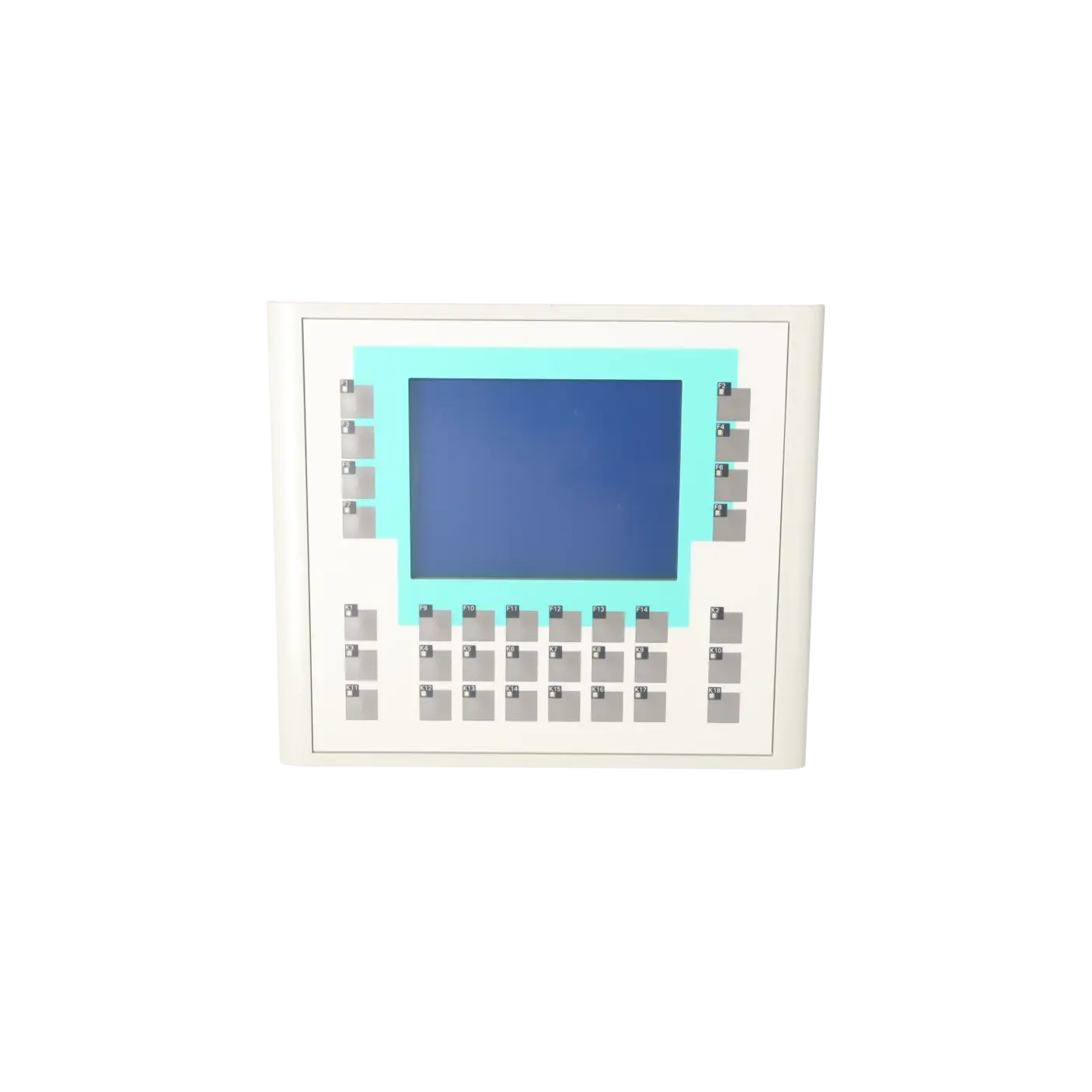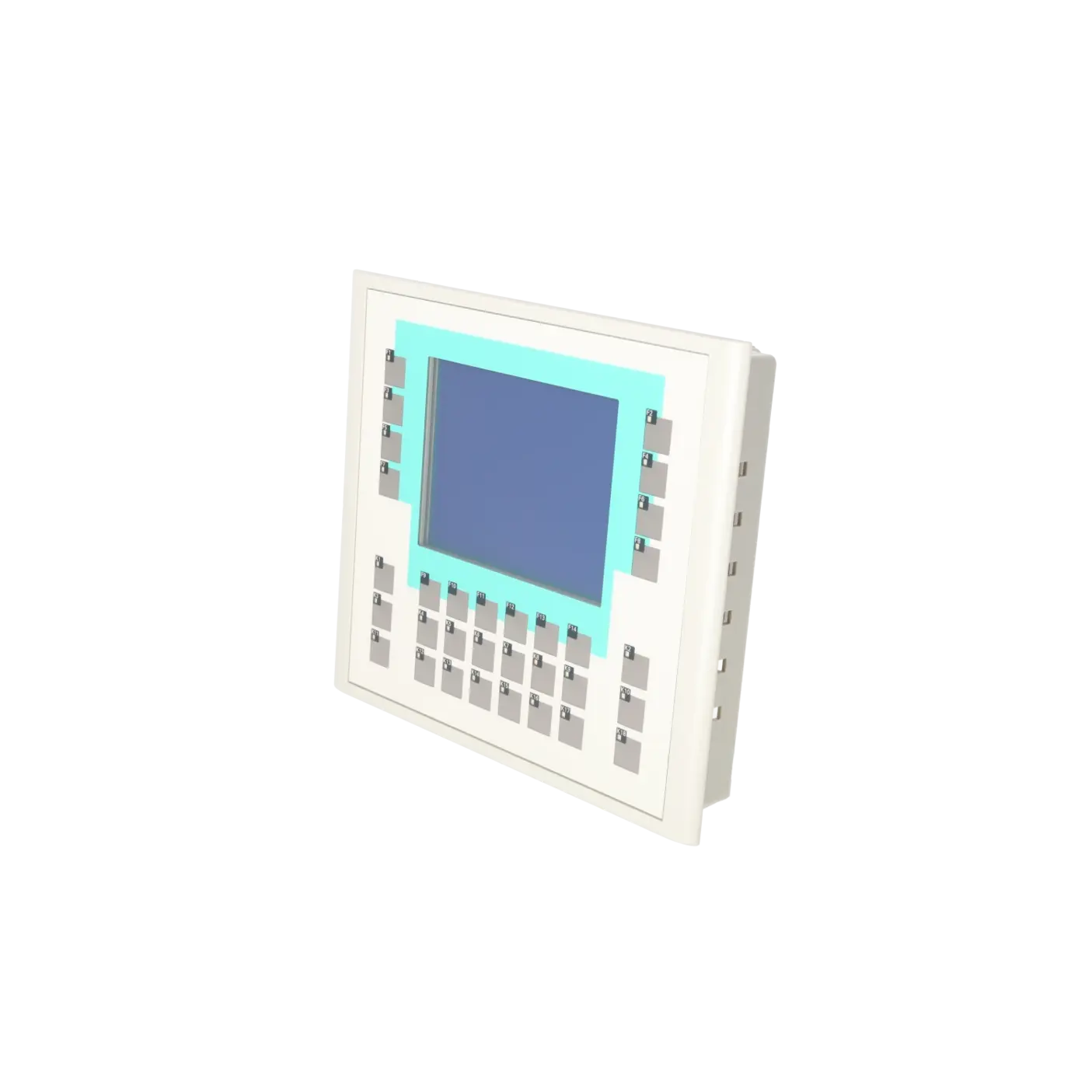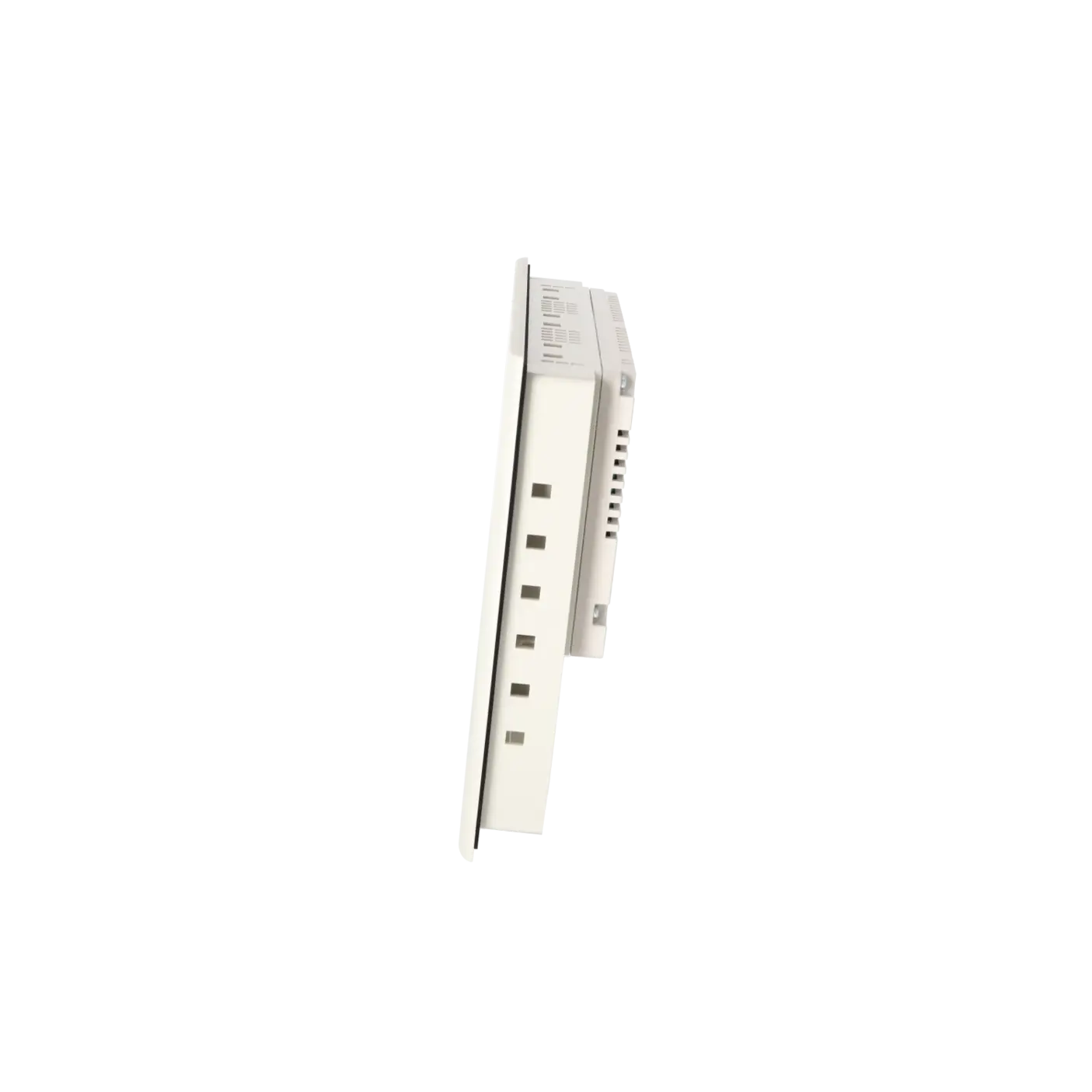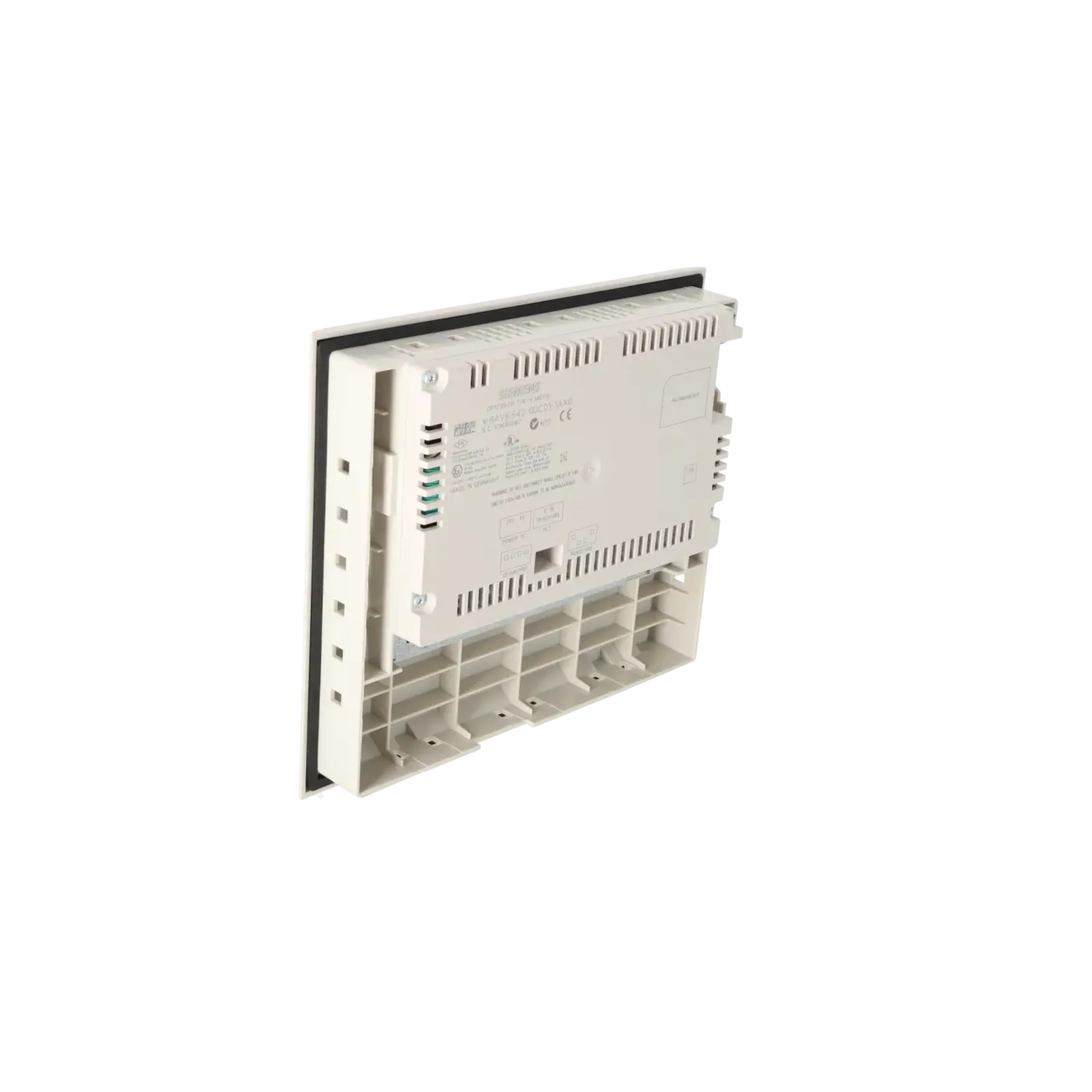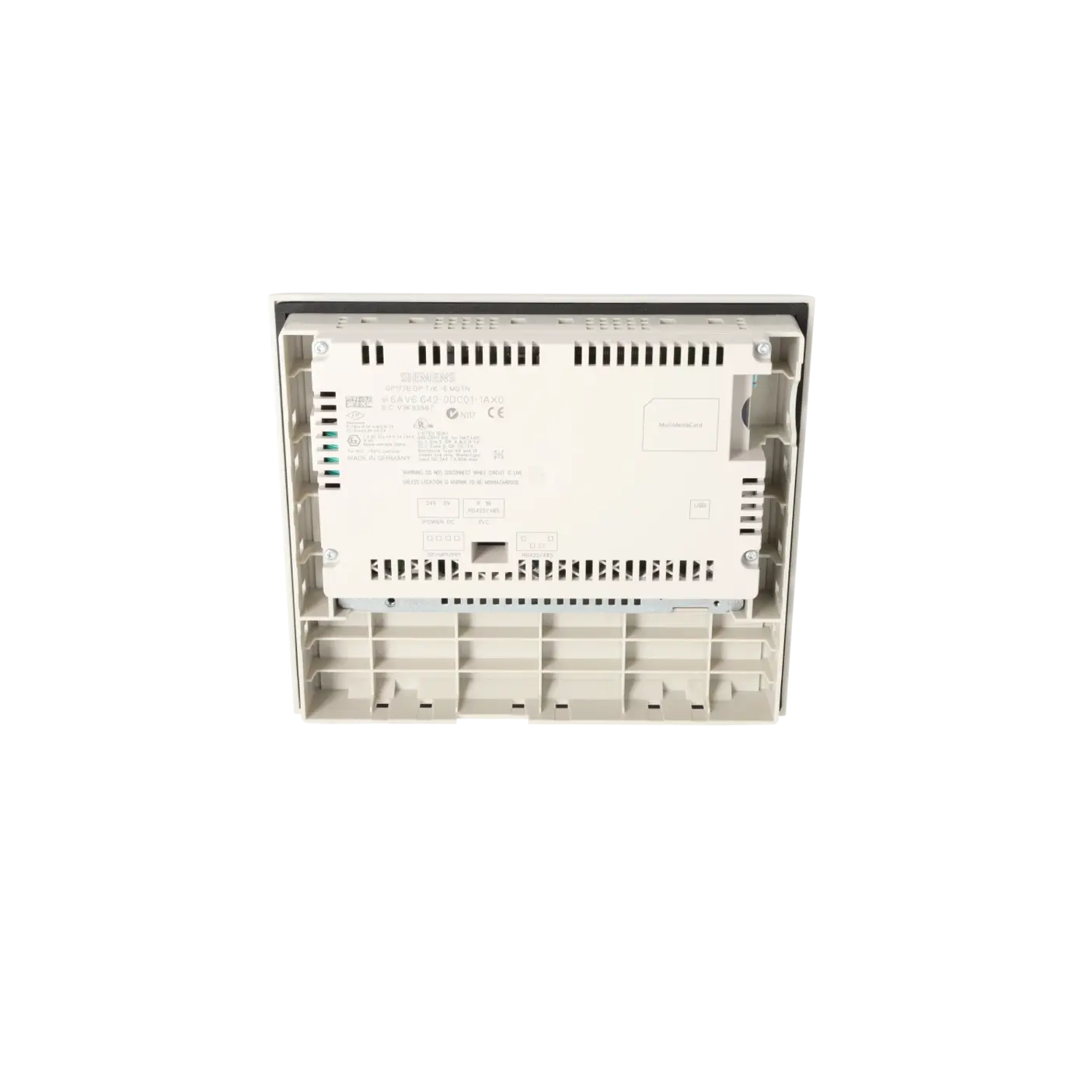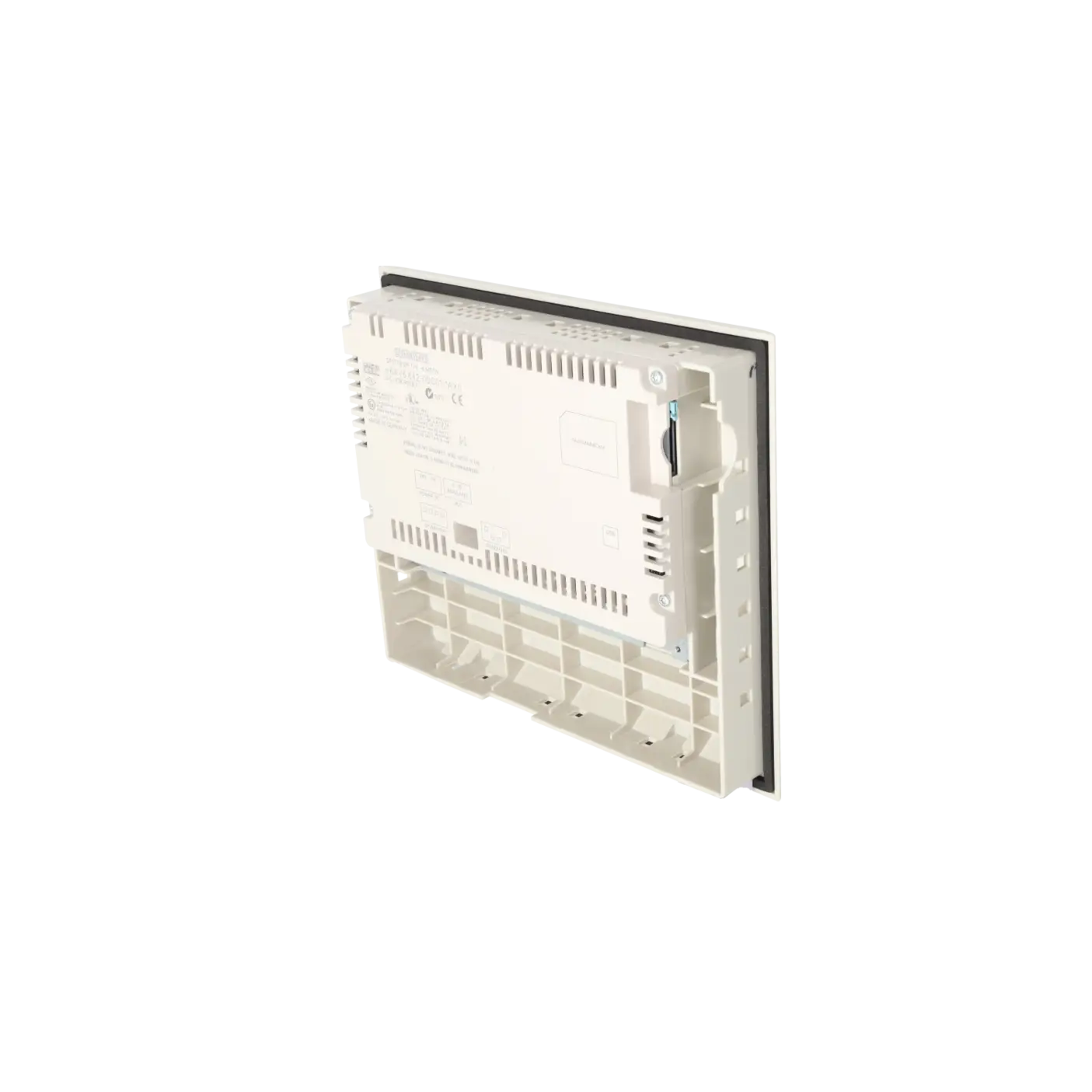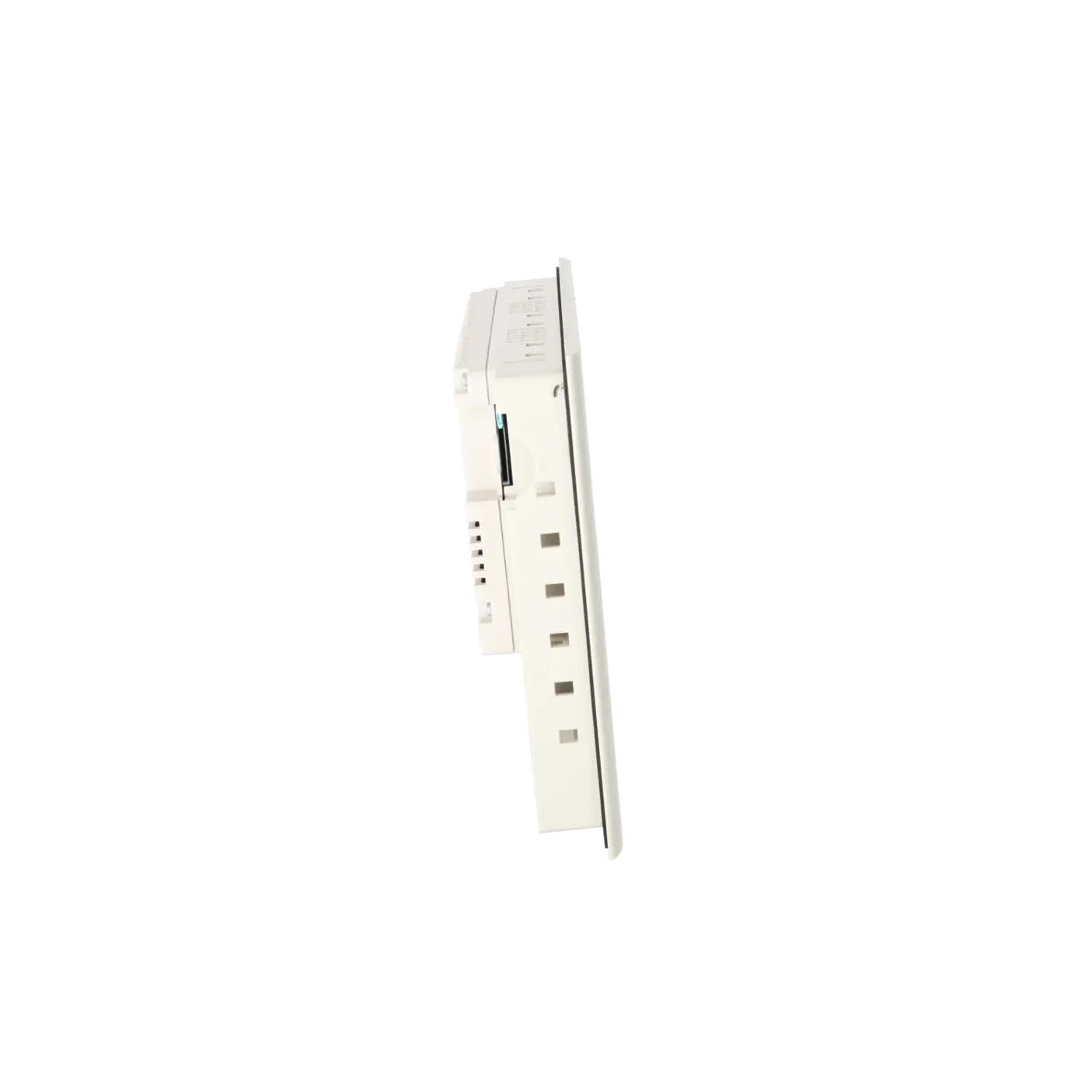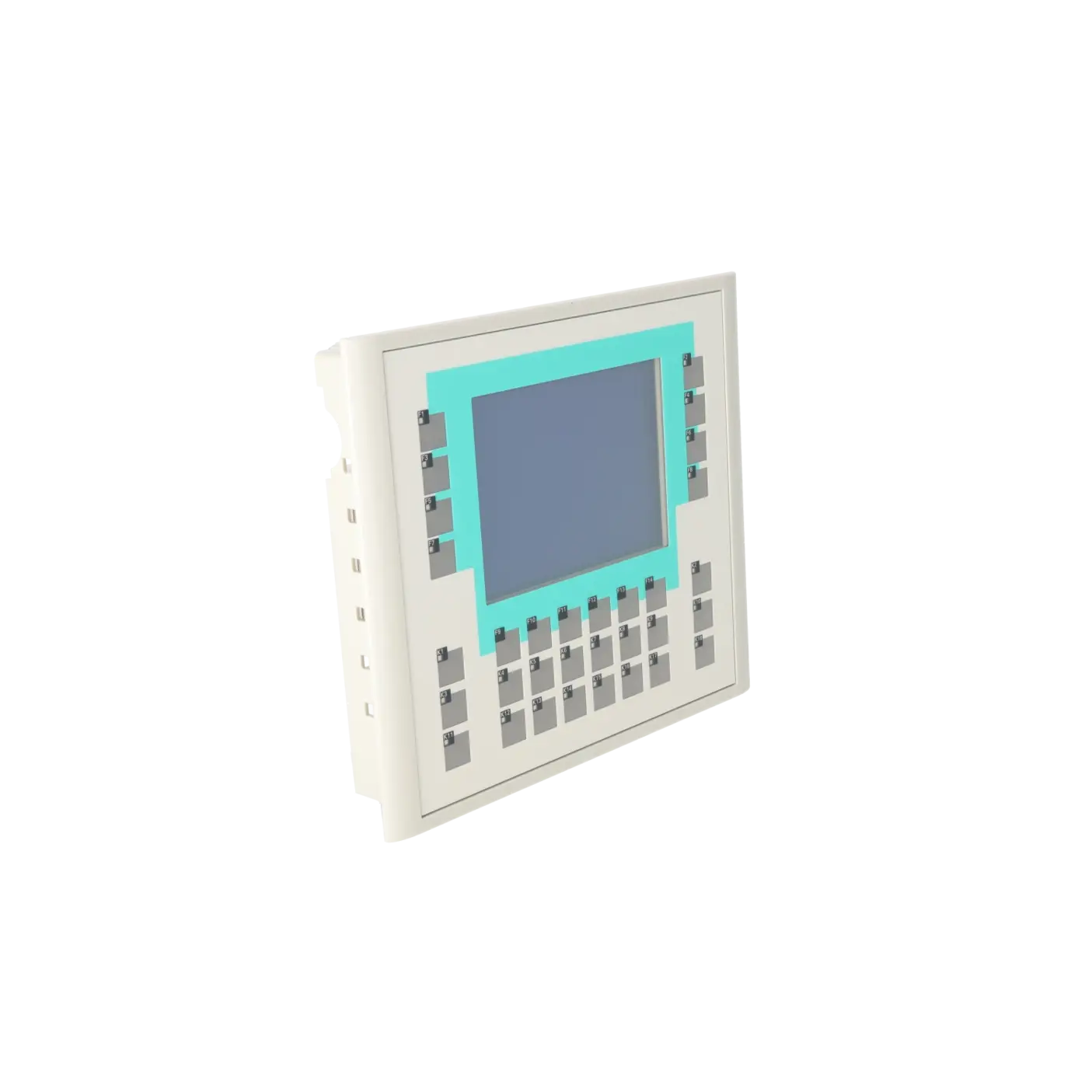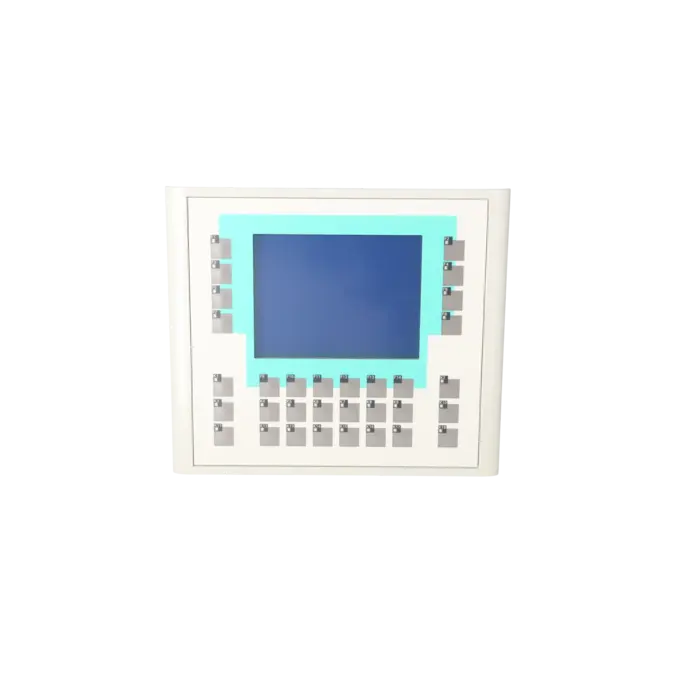
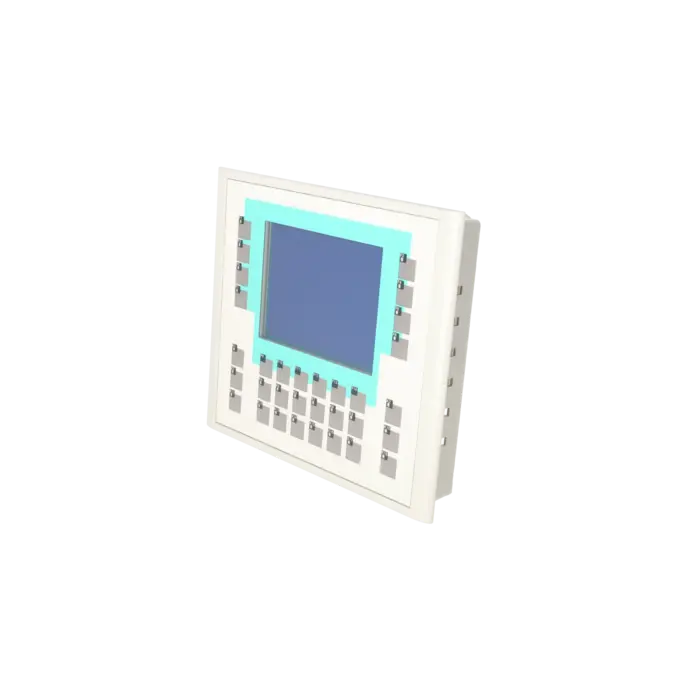
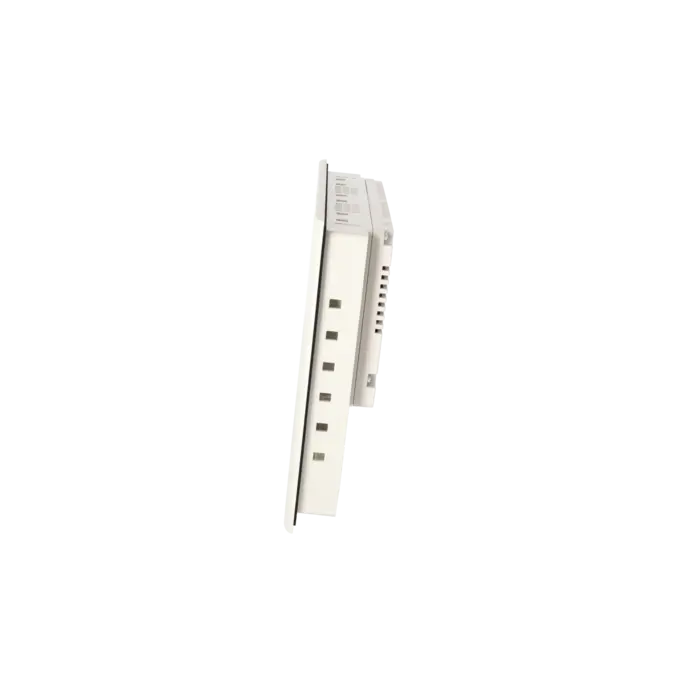
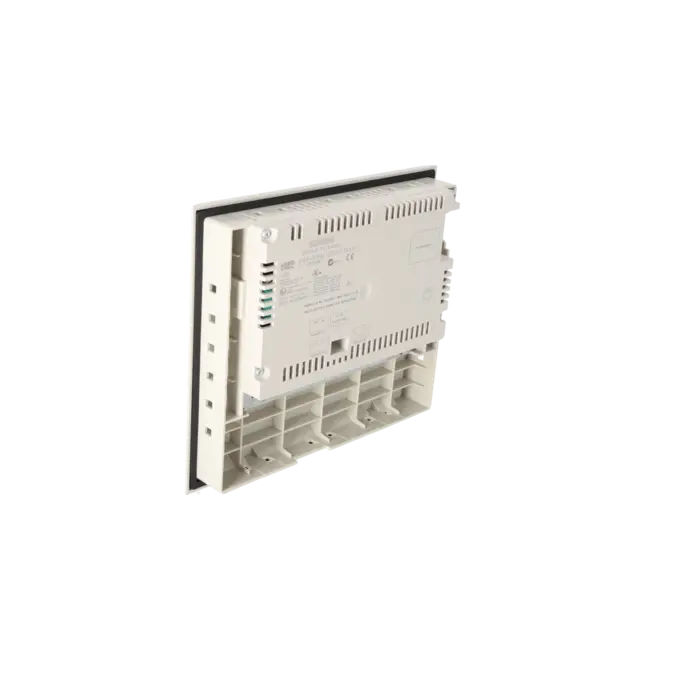
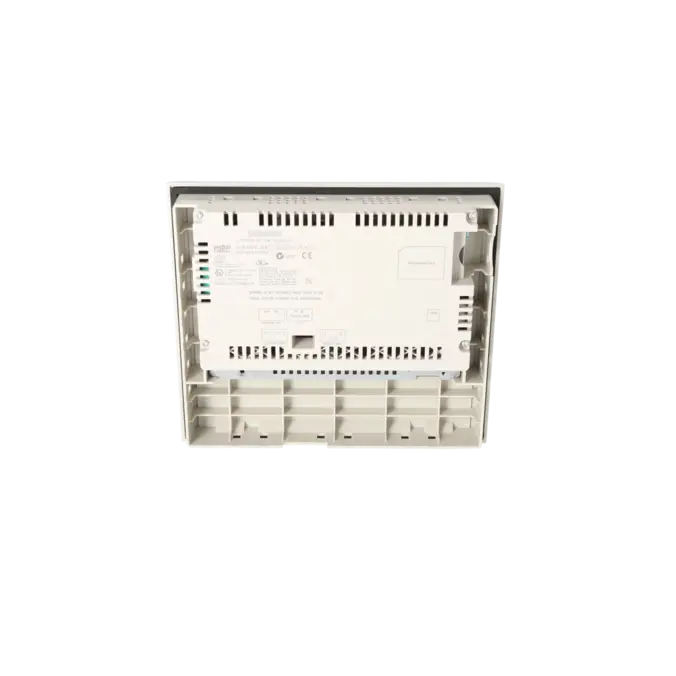
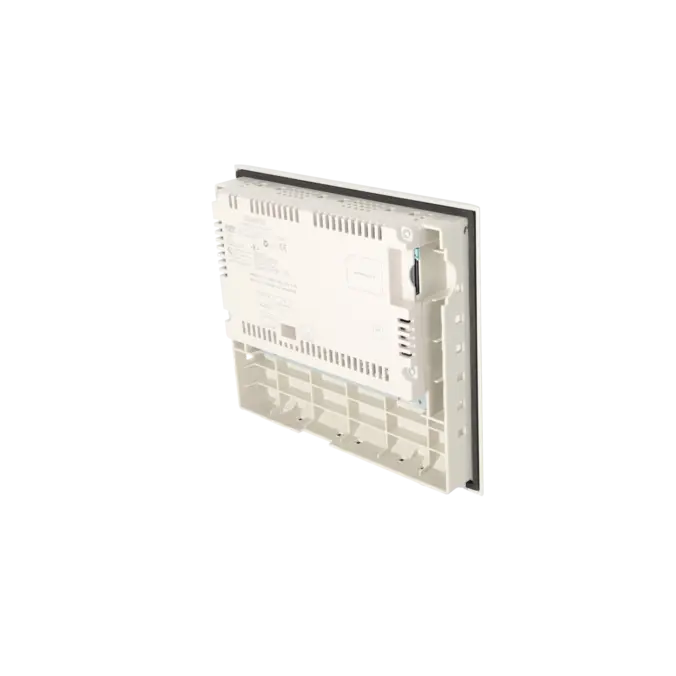
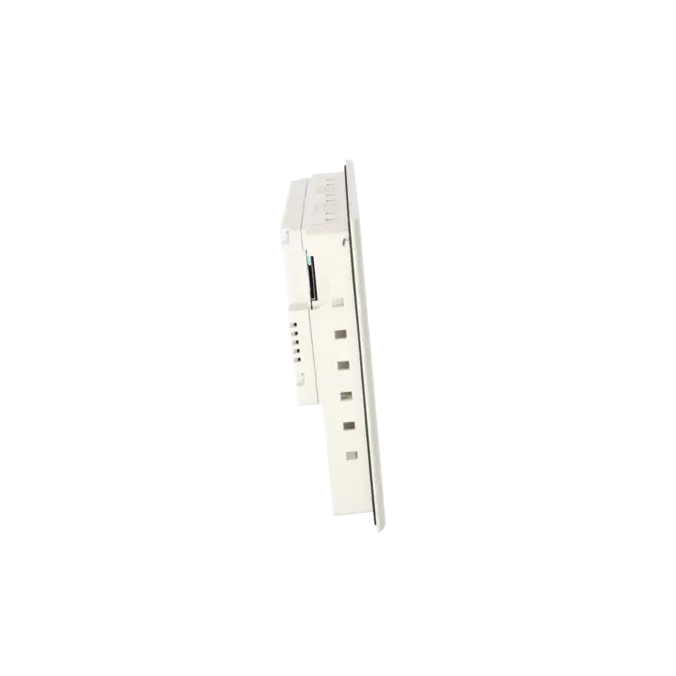
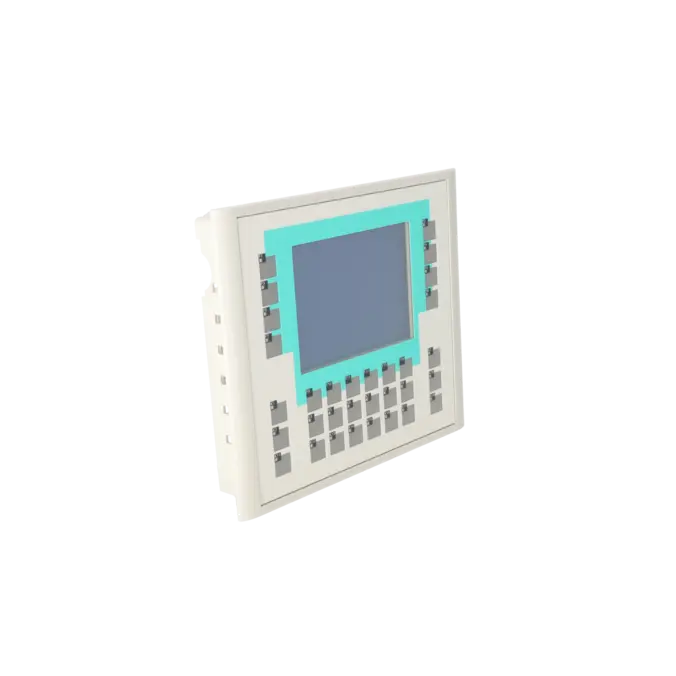
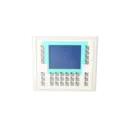


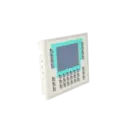
SIEMENS 6AV6642-0DC01-1AX0
- EICHLER-art.no.: K0170438
- EAN: 4025515072539
Product description
SIMATIC PANEL OP177B DP BLUE MODE STN DISPLAY TOUCH AND KEYS MPI-/PROFIBUS-DP PROTOCOL RS485-/RS422-/USB- INTERFACE PRINTER INTERFACE SLOT FOR MM-CARD CONFIGURABLE WITH WINCC FLEXIBLE 2005
Services for SIEMENS 6AV6642-0DC01-1AX0
SIEMENS |
6AV6642-0DC01-1AX0 –
additional product information
| Delivery information | |||
|---|---|---|---|
| Export identifier | AL: ECCN: | ||
| Net weight | 1.28 | ||
| Quantity | 1 Stück | ||
| Packaging quantity | 1 | ||
| Additional product information | |||
|---|---|---|---|
| Product status | EOP: 2008-07-11 | ||
| EAN | 4025515072539 | ||
| UPC | / | ||
| Static lot number | 85371098 | ||
| List indicator | / | ||
| Product group | 4356 | ||
| Country of origin | DE | ||
| Compliance with the substance restrictions according to RoHS directive | Since: / | ||
| Product classifications | Version | Classification | |
|---|---|---|---|
| eClass | 4 | / | |
| eClass | 5.1 | / | |
| eClass | 6.0 | / | |
| ETIM | 3 | / | |
| ETIM | 4 | / | |
| ETIM | 5 | / | |
What is 6AV6642-0DC01-1AX0 and where is it used?
6AV6642-0DC01-1AX0 is a SIEMENS SIMATIC OP177B DP Blue Mode from the range of HMI operator panels featuring touch and key operation. The panel is designed for machine and system operation where process values need to be visualised, operator commands must be executed reliably, and machine statuses displayed directly at the point of operation. Typical applications include older SIMATIC S7, MPI and PROFIBUS-DP environments, retrofit projects, existing installations using WinCC flexible, and applications where robust local operation with dedicated function keys is more important than modern colour visualisation. With its combination of display, keypad, MMC slot and serial interfaces, the device is particularly suitable for maintenance engineers and purchasing departments that need to identify, replace or repair an existing panel.
Overview of the key technical specifications and what they mean
The panel features a 5.7-inch LCD STN display with a resolution of 320 × 240 pixels and 4 Blue Mode colour levels, combined with a resistive touchscreen and membrane keyboard. For service applications, the F1 to F14 and K1 to K18 keys are especially important, as they allow operating functions to be triggered reliably even when wearing gloves or working in harsh industrial environments. The device is powered by 24 V DC with an allowable range of 20.4 to 28.8 V DC. Communication interfaces on the OP177B DP include RS-422/RS-485 and USB, while supported MultiMediaCards can also be used. When correctly installed with the appropriate gasket and mounting clamps, the front of the panel achieves IP65 / NEMA 4X / NEMA 12 protection. In practice, this means reliable integration into existing control cabinets, while maintaining strict requirements for installation quality and spare-part compatibility.
Product status, life-cycle status and obsolescence
For 6AV6642-0DC01-1AX0, EICHLER lists the product status as EOP: 11 July 2008. Siemens also classifies this material number as phased out / discontinued. For operators of older installations, this is a key consideration: new units are generally no longer readily available, making repair, exchange units, refurbished devices and spare-parts management increasingly important. Siemens documents a migration path for the OP177B Mono family in its migration guide, where the KP700 Comfort (6AV2124-1GC01-0AX0) is identified as the replacement for OP177B Mono 6AV6642-0DC01-1AX1. For the AX0 variant discussed here, actual interchangeability should always be verified based on the project configuration, communication interfaces and installation conditions.
Available EICHLER services and their practical benefits
For this panel, EICHLER offers repair, exchange and refurbished units. Repairs are specified with a turnaround time of 1–3 days and include technical cleaning, preventive maintenance, comprehensive functional testing, and a minimum 24-month warranty. This combination is particularly valuable when an installed panel fails but the machine cannot easily be upgraded to a new HMI platform due to existing project files, communication interfaces or validation requirements. For maintenance teams, this helps minimise downtime. For purchasing departments, it reduces the risk of having no immediate solution available for a discontinued panel. For decision-makers, it provides a practical way to maintain system availability despite obsolescence, without immediately triggering a complete HMI redesign.
| Attribute | Value |
|---|---|
| Customer-specific configuration | Yes |
| Display | |
| Design of display | STN |
| Screen diagonal | 5.7 in |
| Color display | No |
| Number of colors | 4; Blue levels |
| Resolution (pixels) | |
| ● Horizontal image resolution | 320 Pixel |
| ● Vertical image resolution | 240 Pixel |
| Backlighting | |
| ● MTBF backlighting (at 25 °C) | 50 000 h |
| Control elements | |
| Control elements | Touch screen and membrane keyboard |
| Keyboard fonts | |
| ● Membrane keyboard | |
| — user-definable label membrane keys | Yes |
| ● Function keys | |
| — Number of function keys | 32 |
| — Number of function keys with LEDs | 26 |
| ● System keys | Yes |
| ● Numeric keyboard | Yes |
| ● alphanumeric keyboard | Yes |
| ● hexadecimal keyboard | Yes |
| ● Multi-key operation | Yes |
| Touch operation | |
| ● Design as touch screen | Yes; analog, resistive |
| Connection type | |
| ● Type of connection for mouse/keyboard/barcode reader | USB / USB / - |
| Installation type/mounting | |
| Mounting position | vertical |
| maximum permissible angle of inclination without external ventilation | 35° |
| Processor | |
| Processor type | RISC 32 bit, 200 MHz |
| Memory | |
| Type of memory | Flash / RAM |
| Memory available for user data | 2 048 kbyte |
| Time of day | |
| Clock | |
| ● Type | Hardware clock, synchronizable, no battery backup |
| ● retentive | No |
| ● synchronizable | Yes |
| Interfaces | |
| Interfaces/bus type | RS 232 optional, 1x RS 422, 1x RS 485 (max. 12 Mbit/s) |
| Number of industrial Ethernet interfaces | 0 |
| Number of RS 485 interfaces | 1 |
| Number of RS 422 interfaces | 1 |
| Number of USB interfaces | 1; Up to 1 GB |
| PC card slot | No |
| CF card slot | No |
| Multimedia card/SD card slot | 1x Multimedia Card slot, up to 128 MB |
| Degree and class of protection | |
| IP (at the front) | IP65 |
| IP (rear) | IP20 |
| NEMA (front) | NEMA 4, NEMA 4x, NEMA 12 (when installed) |
| Standards, approvals, certificates | |
| Certificate of suitability | CE, GL, ABS, BV, DNV, LRS, PRS, FM Class I Div. 2, UL, CSA, cULus, EX-Zone 2/22, Gost-R, C-TICK, NEMA 4, NEMA 4x, NEMA 12 |
| cULus | Yes |
| Use in hazardous areas | |
| ● ATEX Zone 2 | Yes |
| ● ATEX Zone 22 | Yes |
| ● FM Class I Division 2 | Yes |
| Marine approval | |
| ● Germanischer Lloyd (GL) | Yes |
| ● American Bureau of Shipping (ABS) | Yes |
| ● Bureau Veritas (BV) | Yes |
| ● Det Norske Veritas (DNV) | Yes |
| ● Lloyds Register of Shipping (LRS) | Yes |
| ● Polski Rejestr Statkow (PRS) | Yes |
| Ambient conditions | |
| Ambient temperature during storage/transportation | |
| ● min. | -20 °C |
| ● max. | 60 °C |
| Relative humidity | |
| ● Operation, max. | 90 % |
| Operating systems | |
| pre-installed operating system | Windows CE |
| Configuration | |
| Message indicator | Yes |
| Alarm system (incl. buffer and acknowledgment) | Yes |
| Process value display (output) | Yes |
| Process value default (input) possible | Yes |
| Recipe management | Yes |
| Configuration software | |
| ● Configuration tool | WinCC flexible Compact Version 2005 or higher (to be ordered separately) |
| Languages | |
| Online languages | |
| ● Number of online/runtime languages | 16 |
| Project languages | |
| ● Languages per project | 32 |
| Functionality under WinCC (TIA Portal) | |
| Libraries | Yes |
| Task planner | Yes |
| Help system | Yes |
| ● Number of characters per info text | 70 |
| Message system | |
| ● Number of alarm classes | 32 |
| ● Number of messages | 2 000 |
| ● Bit messages | Yes |
| — Number of bit messages | 2 000 |
| ● Analog messages | Yes |
| — Number of analog messages | 2 000 |
| ● Telegram message procedure Alarm S | No |
| ● System messages HMI | Yes |
| ● System messages PLC | No |
| ● System messages, other (SIMATIC S7, Sinumerik, Simotion, etc.) | No |
| ● Lines | 1 |
| ● Number of characters per message | 80 |
| ● Number of process values per message | 8 |
| ● Acknowledgment groups | |
| — Number of acknowledgement groups | 99 |
| ● Message indicator | Yes |
| ● acoustic feedback | No |
| ● First/last value | Yes |
| Recipe management | |
| ● Number of recipes | 100 |
| ● Data records per recipe | 200 |
| ● Entries per data record | 200 |
| ● Recipe memory | 32 KB integrated Flash, expandable |
| Variables | |
| ● Number of variables per device | 1 000 |
| ● Number of variables per screen | 50 |
| ● Number of variables | 1 000 |
| ● Initial values | 1 000 |
| ● Type Date & Time | 1 000 |
| ● Limit values | Yes |
| ● Multiplexing | Yes |
| ● Structures | No |
| Images | |
| ● Number of configurable images | 500 |
| ● Permanent window/default | Yes |
| ● Start screen configurable | Yes |
| ● Image selection by PLC | Yes |
| ● Image number in the PLC | Yes |
| Image objects | |
| ● Text objects | 2 500 text elements |
| ● Number of I/O fields per image | 50 |
| ● Number of date/time fields | 30 |
| ● Index of screen context | No |
| ● Return | Yes |
| ● Graphics object | Bit maps, icons, icon (full-screen), vector graphics |
| — Icons | 500 |
| — Icon (full screen) | 50 |
| Complex image objects | |
| ● Status/control | With SIMATIC S7 |
| ● dynamic objects | Diagrams, bar graphs, sliders, analog display, invisible buttons |
| — Number of objects per project | 500 |
| — Number of curve diagrams per image | 5 |
| ● Methods | Trend |
| ● Bar graphs | |
| — Number of bars per chart | 5 |
| ● Sliders | |
| — Number of slides per image | 0 |
| ● Pointer instruments | |
| — Number of analog indicators per image | 0 |
| ● Limit value lines | Yes |
| ● Number of alphanumerical fields | 1 000 |
| — alphanumeric fields per image | 100 |
| ● Number of numerical fields | 1 000 |
| — numerical fields per image | 100 |
| ● Number of password fields | 1 000 |
| ● Number of visible switches per project | 1 000 |
| — visible switches per image | 100 |
| — hidden switches per image | 100 |
| ● Number of status switches per project | 1 000 |
| — Number of status switches per image | 100 |
| ● Number of selector switches per project | 1 000 |
| — Selector switches per image | 100 |
| ● Number of decade switches per project | 0 |
| — Decade switches per image | 0 |
| ● Number of signal lamps per project | 1 000 |
| — Signal lamps per image | 100 |
| Attributes for dynamic objects | |
| ● Color change | Yes |
| ● X/Y movement | Yes |
| ● Hide | Yes |
| ● Angle of rotation | No |
| Lists | |
| ● Number of text lists per project | 300 |
| ● Number of text lists per image | 10 |
| ● Number of entries per text list | 30 |
| ● Number of graphics lists per project | 100 |
| ● Number of graphic lists per image | 10 |
| ● Number of entries per graphics list | 30 |
| Security | |
| ● Number of user groups | 50 |
| ● Number of user rights | 32 |
| ● Password export/import | Yes |
| Logging through printer | |
| ● Recording/Printing | Alarms, report (shift report), hardcopy |
| Transfer (upload/download) | |
| ● Transfer of configuration | MPI/PROFIBUS DP, by means of external storage medium, automatic transfer recognition |
| Process coupling | |
| ● Connection to controller | S5, S7-200, S7- 300/400, Win AC, SINUMERIK, SIMOTION, Allen Bradley (DF1), Mitsubishi (FX), Telemecanique (ADJUST), Modicon (Modbus), for further non-Siemens drivers, see section on "System interfaces" |
| ● S7-200 | Yes |
| — PPI (point-to-point) | Yes |
| — PPI network | No |
| — MPI | Yes |
| — PROFIBUS DP | Yes |
| — Ethernet | No |
| ● S7-300/400 | Yes |
| — MPI | Yes |
| — PROFIBUS DP | Yes |
| — PROFINET | No |
| ● S5 | Yes |
| — serial | No |
| — PROFIBUS DP | Yes |
| ● TI 505 | No |
| ● Allen Bradley (DF1) | Yes |
| ● Allen Bradley (DF485) | No |
| ● Mitsubishi (FX) | Yes |
| ● Telemecanique (ADJUST) | Yes |
| ● OMRON (LINK/Multilink) | No |
| ● Modicon (Modbus) | Yes |
| Functions | |
| ● Key repeat | No |
| ● TAB sequence | Yes |
| ● Calculating functions | Yes |
| ● Animate | Yes |
| ● Menu tree editor | Yes |
| ● Unit switchover | No |
| Service tools/configuration aids | |
| ● Clean screen | Yes |
| ● Touch calibration | Yes |
| ● Backup/Restore manually | Yes |
| ● Simulation | Yes |
| ● Device switchover | Yes |
| ● Delta transfer | Yes |
| ● Monitoring function for battery and memory | Yes |
| ● Trace (operation archive) | No |
| Expandability/openness | |
| ● Open Platform Program | Yes |
| Peripherals/Options | |
| Peripherals | Printer |
| SIMATIC HMI MM memory card: Multi Media Card | Yes |
| Additional software components loadable | No |
| Dimensions | |
| Width of the housing front | 243 mm |
| Height of housing front | 212.5 mm |
| Overall depth | 45 mm |
| Weights | |
| Weight (without packaging) | 1 kg |
| Fault description | Possible solution |
|---|---|
| Why can't I establish a connection or why do I get a transfer error via MPI/PROFIBUS on the OP177B? | On the OP177B, the MPI/PROFIBUS-DP transfer parameters are taken from the currently loaded project. For a successful transfer, the running project must be terminated, at least one data channel must be enabled, and the device must then be returned to transfer mode. In addition, the address configured on the panel must be the panel’s own address and not the CPU address. Practical cases involving the OP177B have shown that exactly this address mix-up can cause communication failures. If problems persist, a direct transfer via the appropriate interface is usually more effective than routing through the CPU. |
| Why does the OP177B touchscreen respond inaccurately or register touches in the wrong position? | Siemens explicitly states for the TP177/OP177 series that parallax effects can occur depending on the installation position and viewing angle. As a result, touch points may appear offset or operating elements may respond unreliably. The recommended solution is to recalibrate the touchscreen in the operator panel. This is especially important after a restart, restore operation or operating system update. If the panel is installed correctly and the touchscreen still responds inaccurately, first perform a recalibration and then inspect the front panel for damage or signs of ageing. |
| Why does my OP177B display “unsupported storage card detected” or fail to recognise the memory card? | The OP177B only supports Siemens-approved MultiMediaCards (MMCs). An S7 MMC used in a PLC is not suitable. A case documented in an SPS forum described an S7-300 memory card that was not recognised by the panel because it was intended for a PLC rather than an HMI, and its capacity was also insufficient. Siemens further notes that an MMC intended for an S7 controller can no longer be used in the controller after being formatted in the operator panel. Therefore, only compatible HMI memory cards with sufficient capacity should be used for backup and restore operations. |
| Why does the restore process display the message “Backup error. Device is not compatible”? | This message typically appears when the backup image does not exactly match the target device. SPS forum discussions have reported this error both on seemingly identical OP177B units and when attempting to migrate from a DP version to a PN/DP version. In one case, a different WinCC flexible version was suspected; in another, it was clarified that backup and restore do not work across different device types. In such situations, the only reliable solution is to use the original project: adapt the device type within the project and download the complete visualisation again. |
| Why does the OP177B remain in the bootloader or continuously restart? | If the panel only displays the bootloader version and MAC address, or repeatedly restarts after the first progress bar appears, this usually indicates a corrupted operating system, an incomplete update, or a hardware defect. SPS forum reports describe this behaviour after an interrupted OS update or loss of the 24 V DC supply during the update process. Siemens recommends restoring the device to factory settings or performing an OS update using ProSave. Afterwards, the project must be downloaded again. If the behaviour persists, repair or replacement is generally the more economical solution. |
Is 6AV6642-0DC01-1AX0 still available as a new product?
6AV6642-0DC01-1AX0 is no longer a current standard product. Siemens lists this material number as discontinued, and EICHLER additionally specifies an EOP (End of Production) status dated 11 July 2008. For purchasing and maintenance departments, this means that the realistic options today are usually repair, exchange units, tested refurbished devices, or a planned migration strategy. Anyone looking to minimise downtime risks should therefore consider not only the availability of replacement hardware, but also serviceability, backup strategy, and project availability.
Which software is required for engineering, transfer and service?
According to the product documentation, the panel is engineered using WinCC flexible 2005. For service activities such as backup, restore, or operating system updates, ProSave is also required. Siemens describes the use of ProSave for OS updates and restoring factory settings and notes that a touchscreen recalibration is often necessary afterwards. For operators of older installations, it is therefore important to ensure that not only the replacement panel but also the appropriate engineering environment remains available.
Can I simply replace an OP177B DP with an OP177B PN/DP on a one-to-one basis?
A direct backup/restore replacement is not always possible. Practical cases involving OP177B and TP177B devices have shown that different device types may be recognised as incompatible during the restore process. Siemens does provide a migration path from the OP177B Mono family towards the KP700 Comfort, but this is not a direct plug-and-play replacement. As soon as communication interfaces, bootloader version, device type, or project version differ, the original WinCC flexible project is generally required to adapt the device type and download the project correctly.
Which interfaces and operating options does the panel provide?
The OP177B DP combines a touchscreen with a membrane keyboard. Available keys include F1 to F14 and K1 to K18, which is particularly advantageous for repetitive operating sequences, glove operation, or environments with dirt and contamination. On the hardware side, the panel provides RS-422/RS-485 and USB interfaces. Via USB, devices such as a mouse, keyboard, printer, or USB memory stick can be connected. The panel also features an MMC slot. For existing installations, this combination is valuable because many established communication and service concepts can continue to be used without major modifications.
Why is repair often more practical than an immediate retrofit?
For a discontinued HMI such as the OP177B DP Blue Mode, a complete retrofit is often considerably more complex than replacing or repairing the existing device. In addition to the panel itself, factors such as project engineering, communication interfaces, panel cut-out dimensions, key assignments, documentation, and validation status frequently need to be addressed. EICHLER offers repairs for this model with a turnaround time of 1–3 days, including technical cleaning, preventive maintenance, functional testing, and a minimum 24-month warranty. For many operators, this is the fastest way to reduce downtime costs and return an existing machine to productive operation without immediately undertaking a full project migration.
What should I pay particular attention to regarding memory cards, backup and restore?
Only approved HMI MultiMediaCards (MMCs) should be used with the OP177B. An S7 MMC is not the correct type of card and may cause problems when used in the panel. In addition, backup and restore functions operate reliably only when the target device is identical or genuinely compatible. When restore issues occur, three key checks should be performed in this order: correct memory card type, exact device type, and matching project and operating system version. Only when these factors match correctly is a fast replacement without a complete project re-download realistically possible.