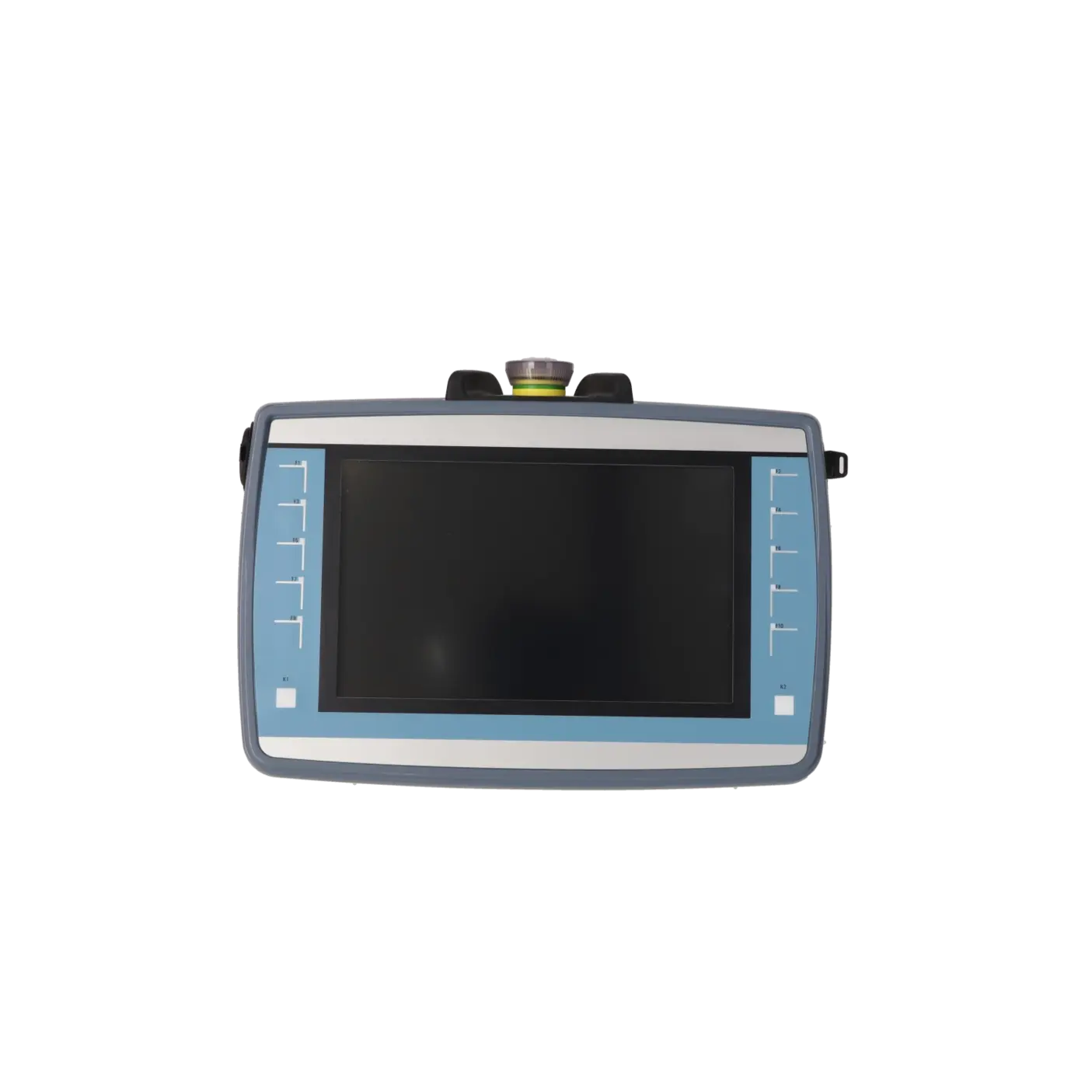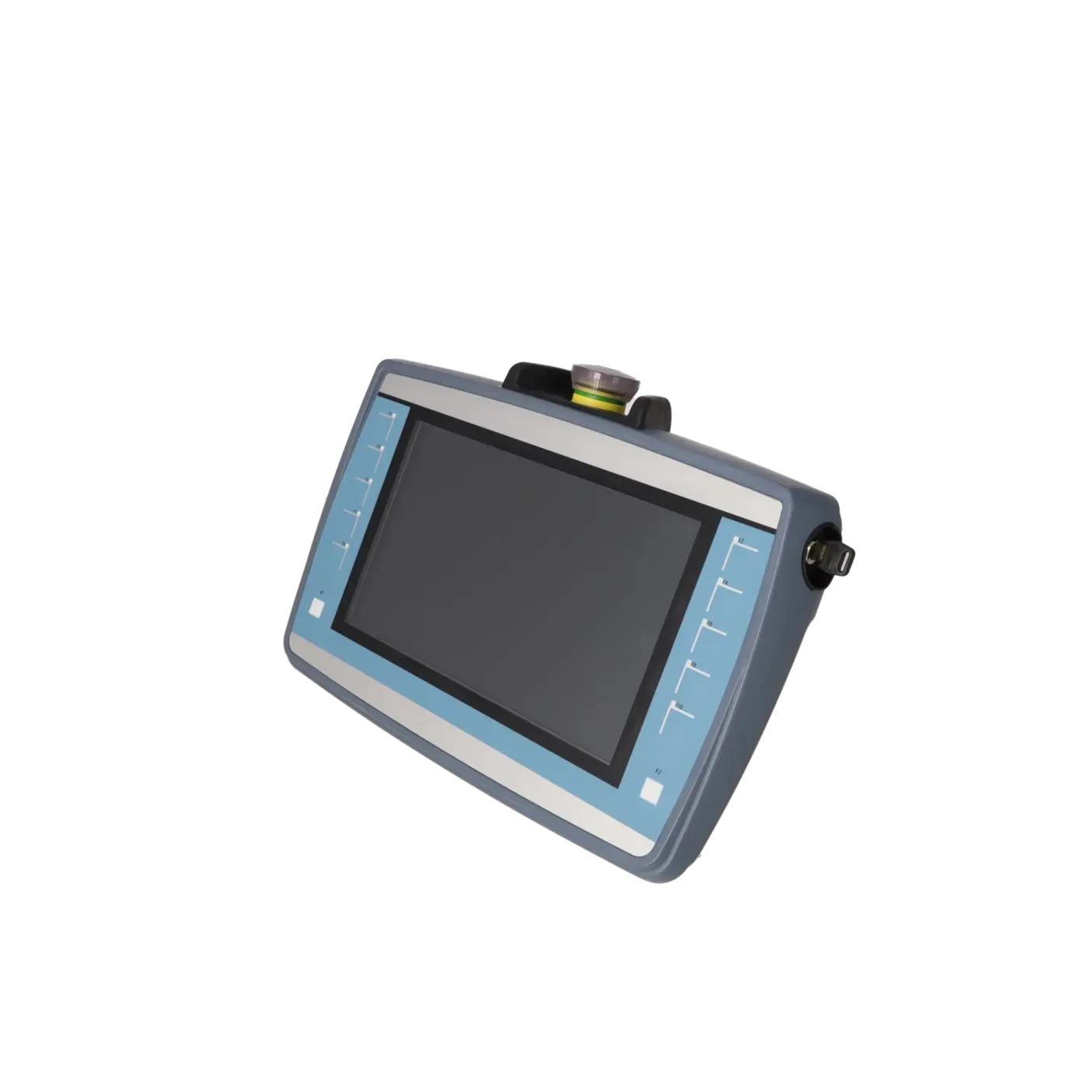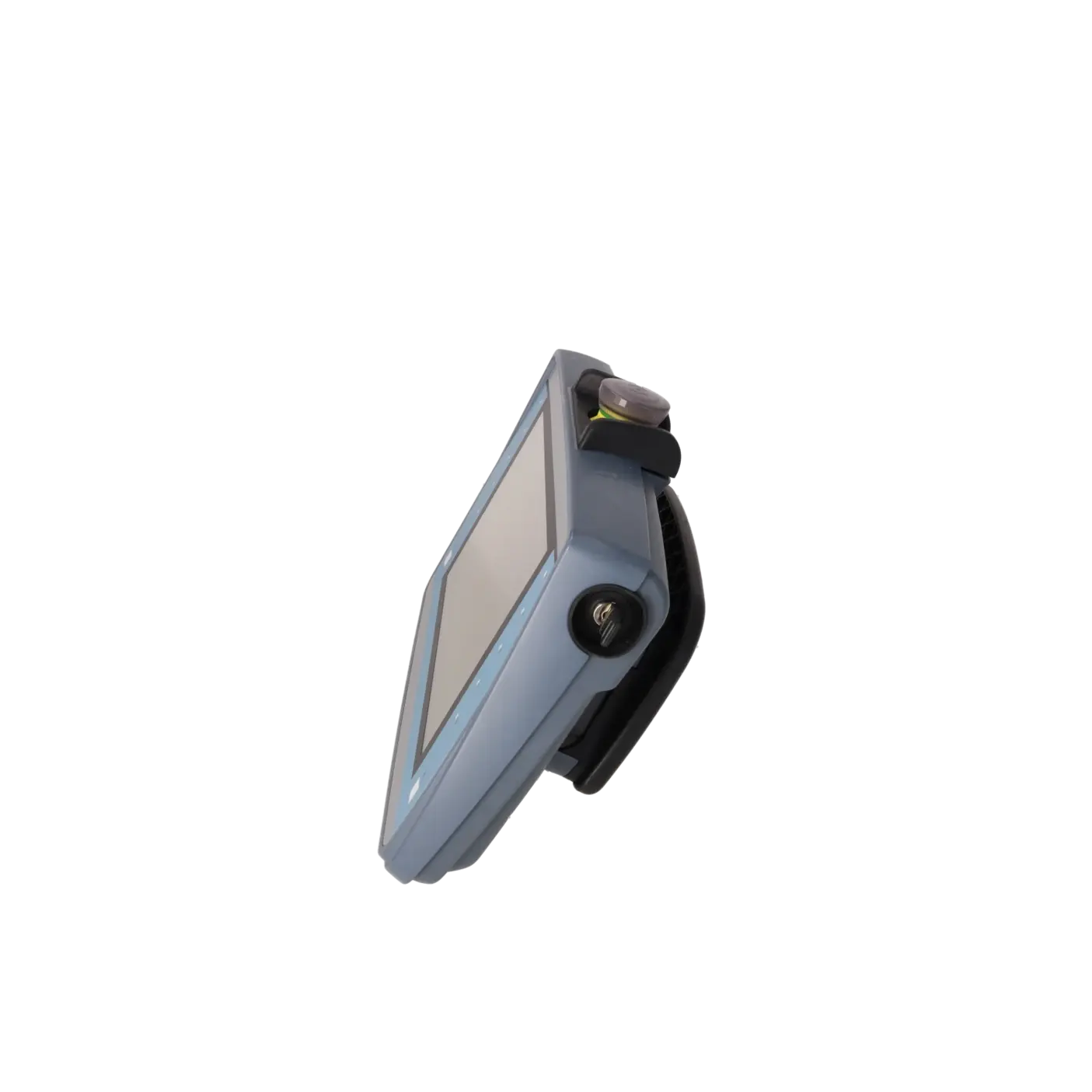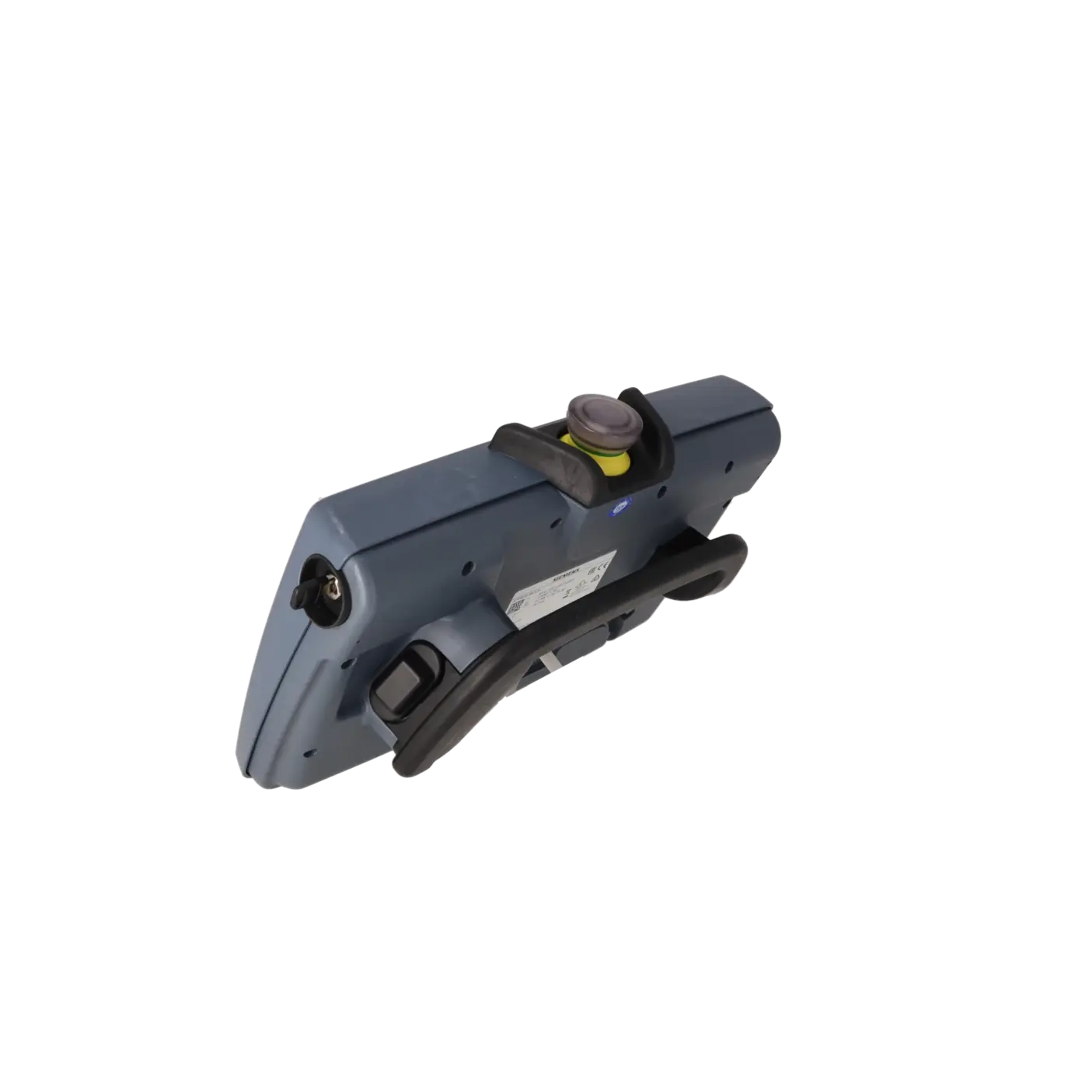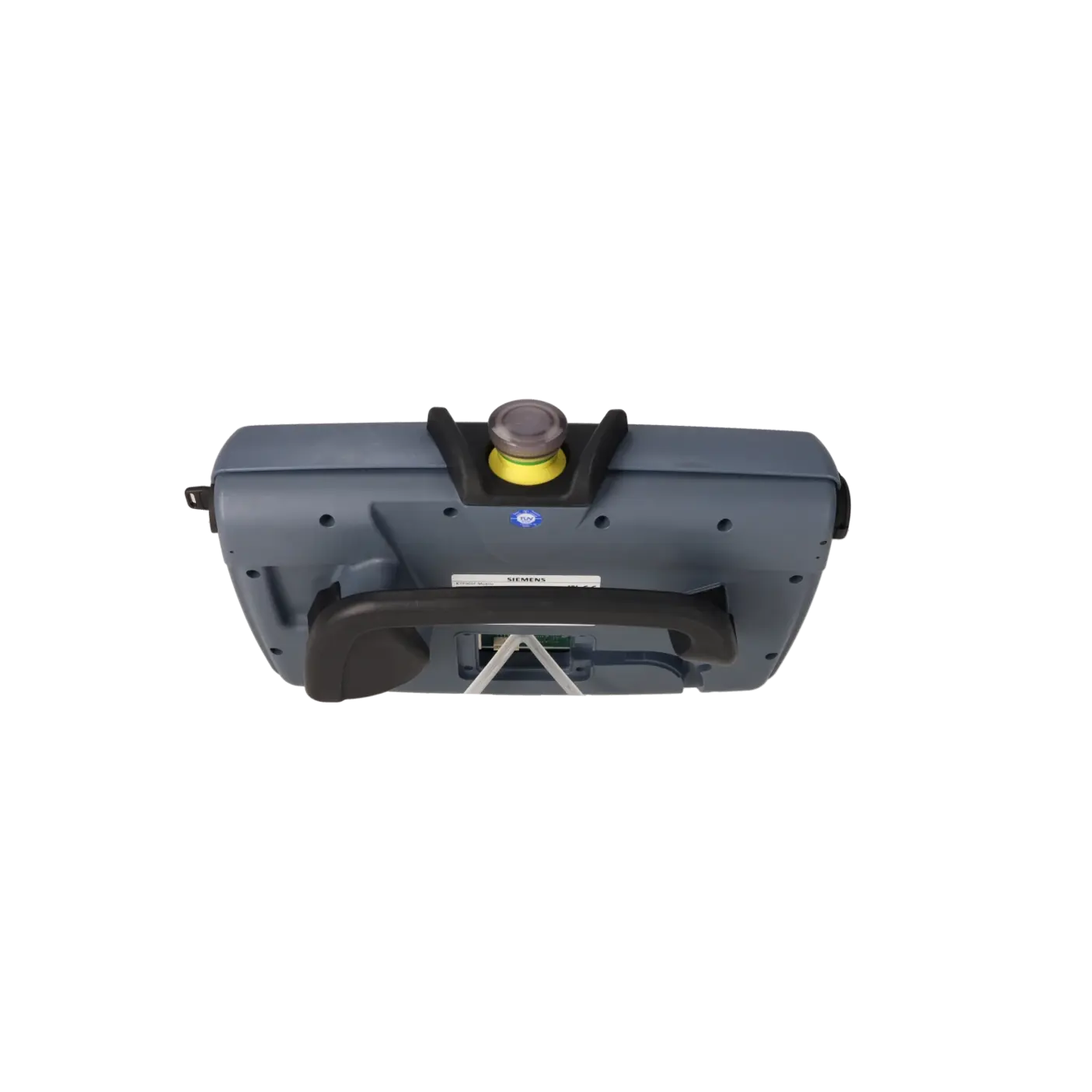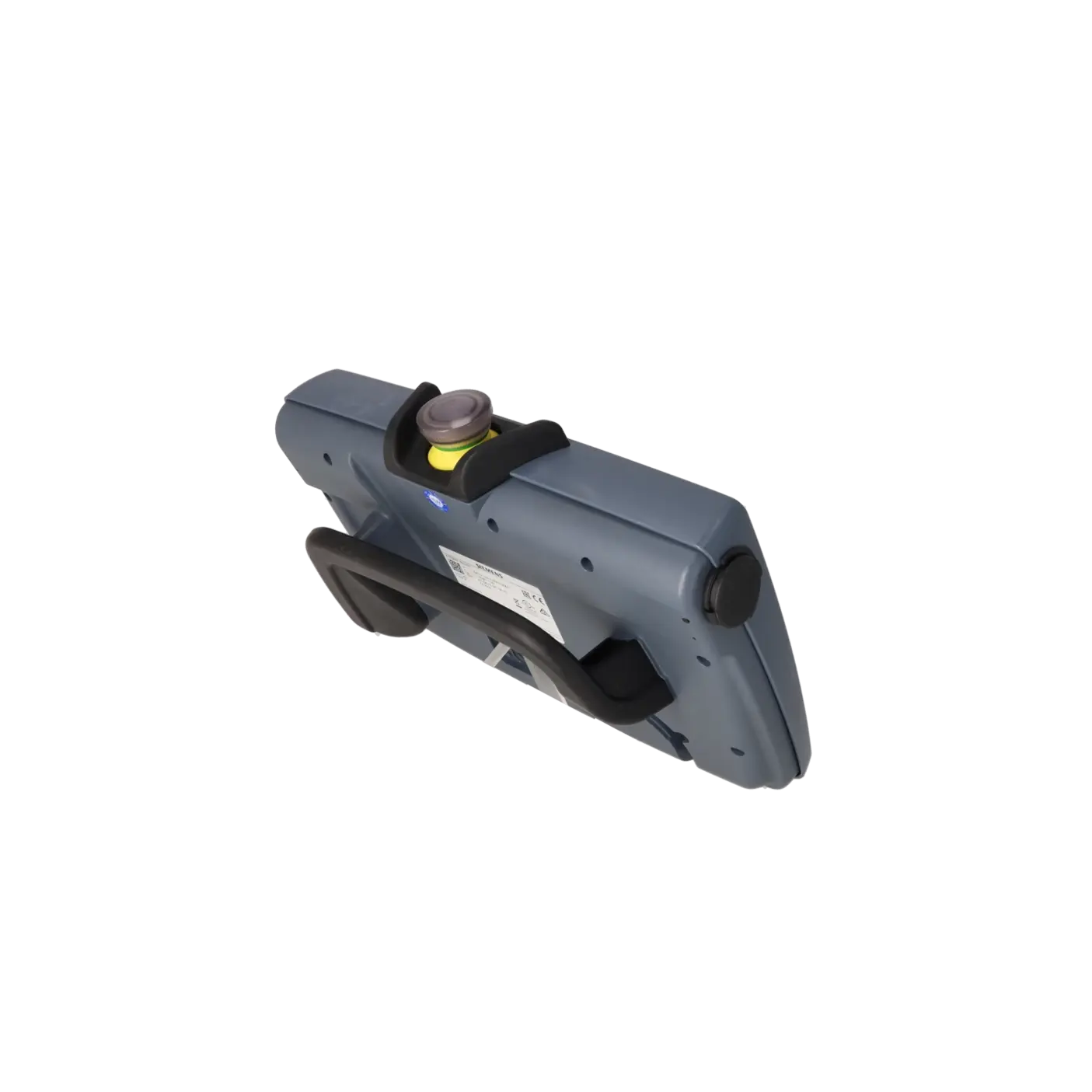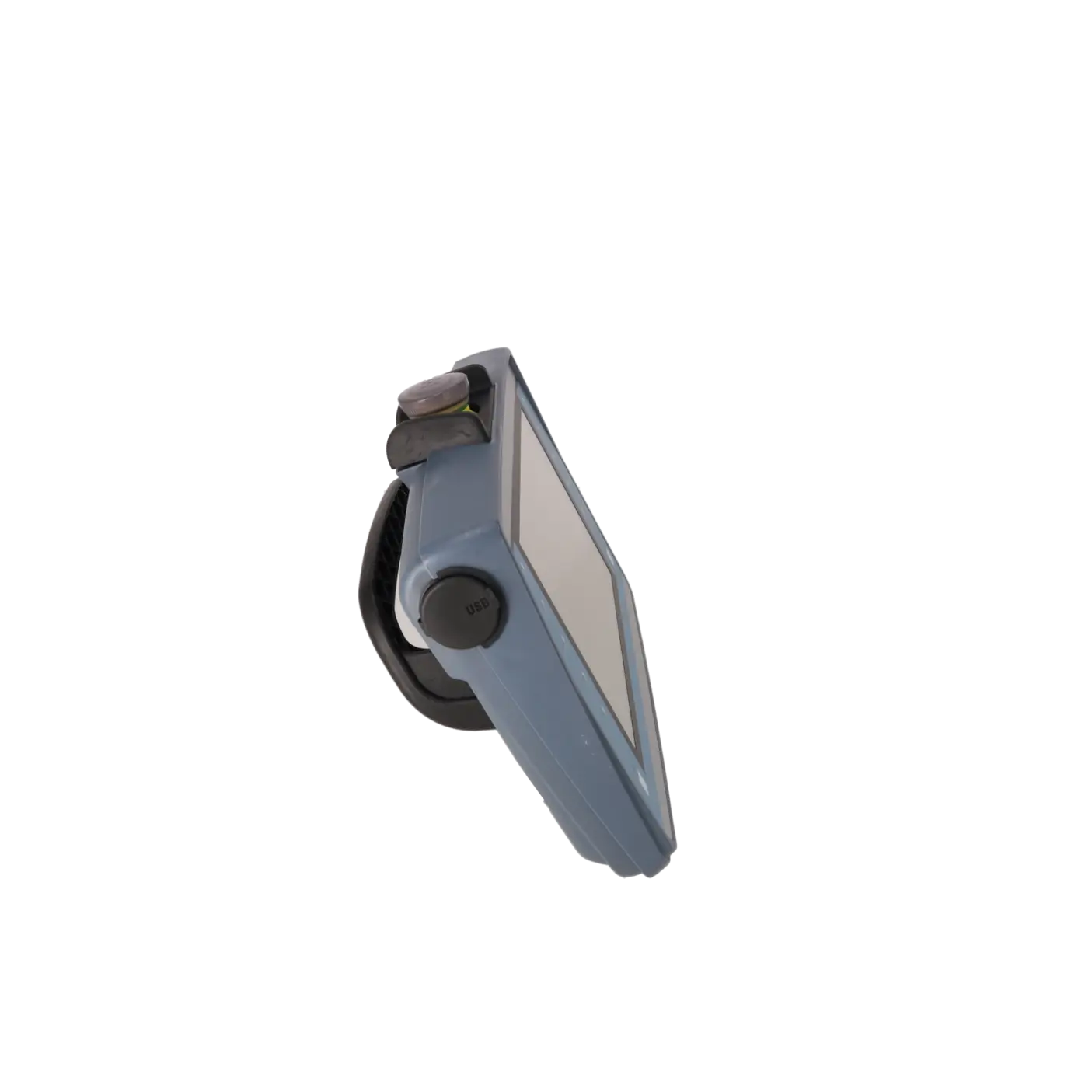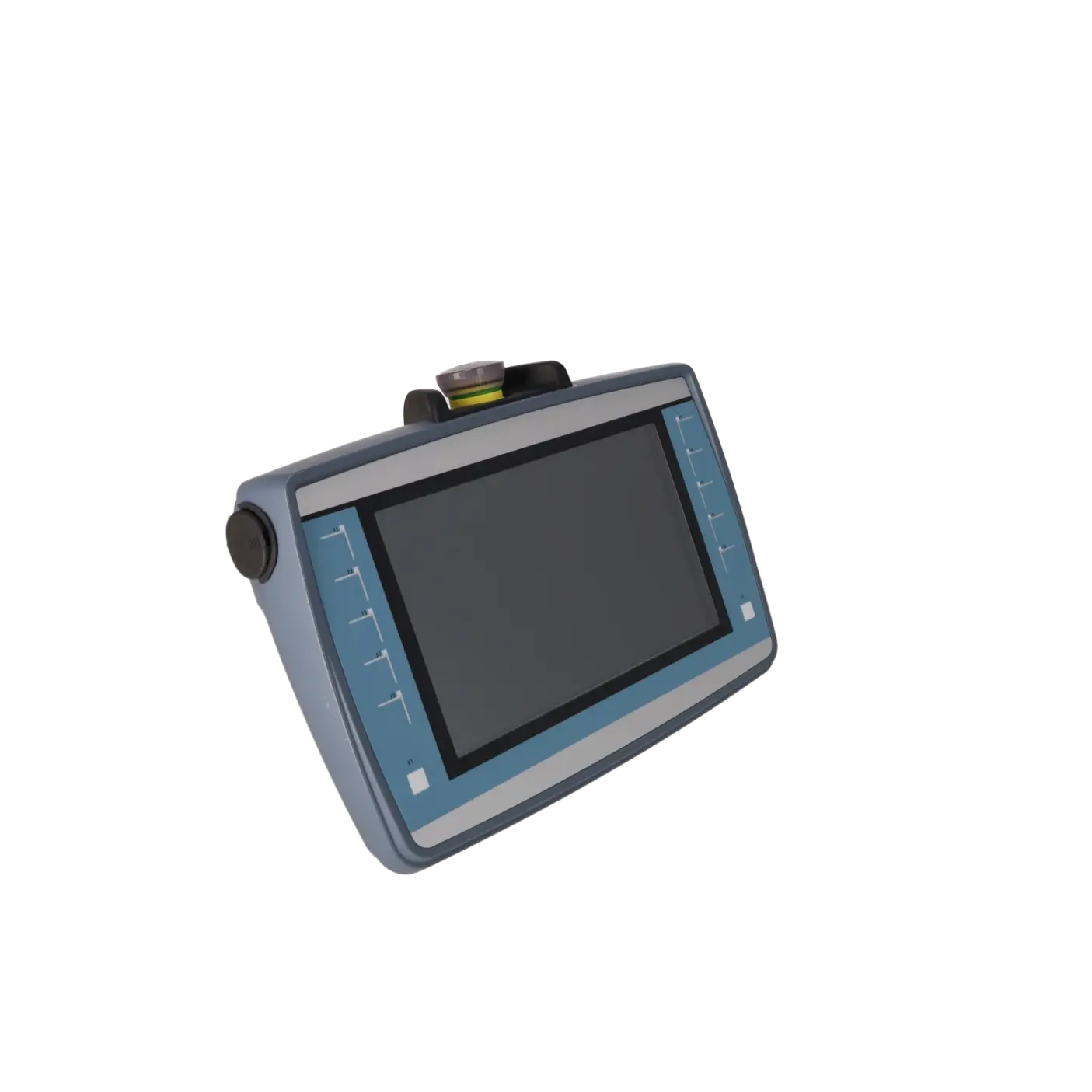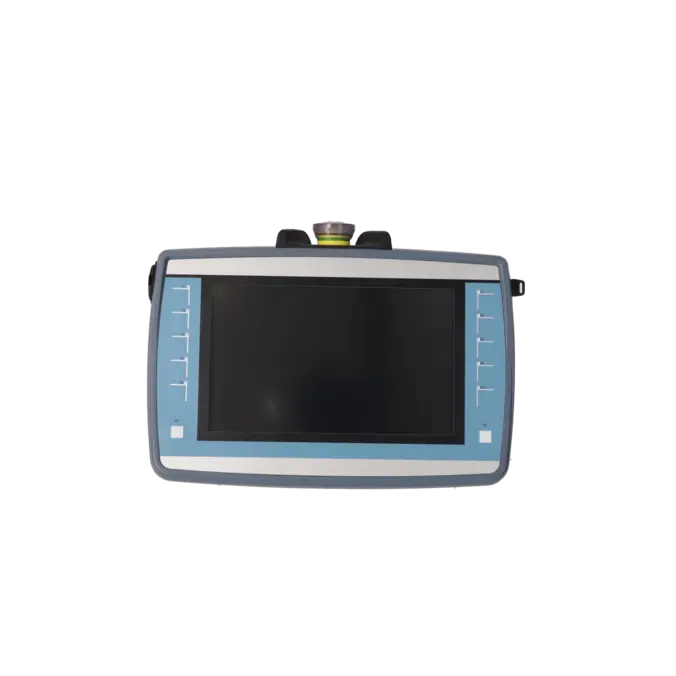
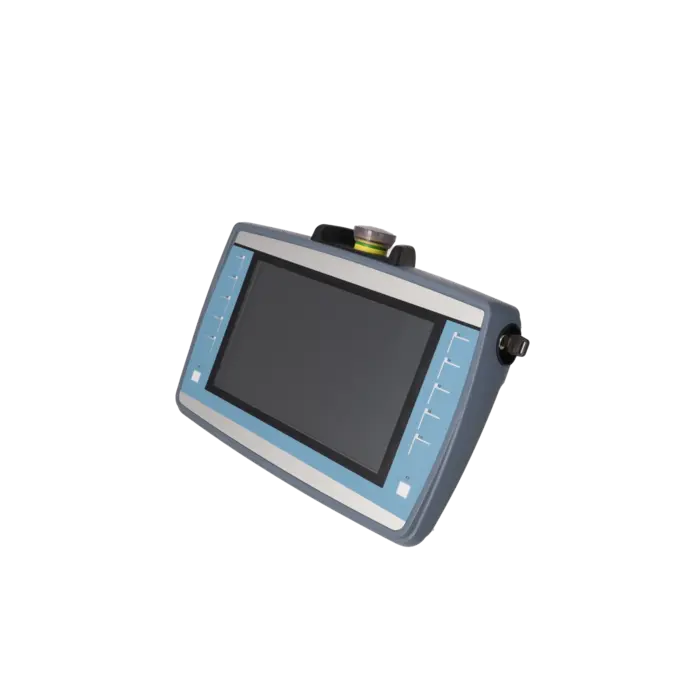
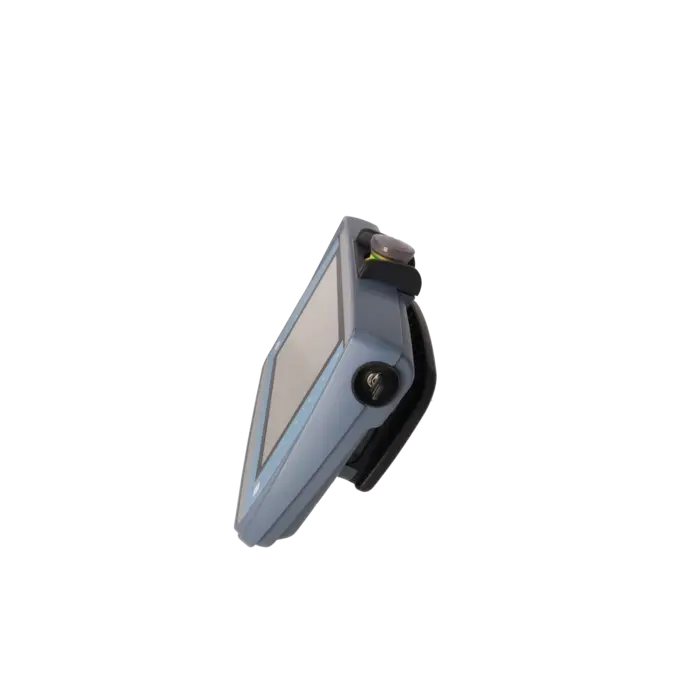
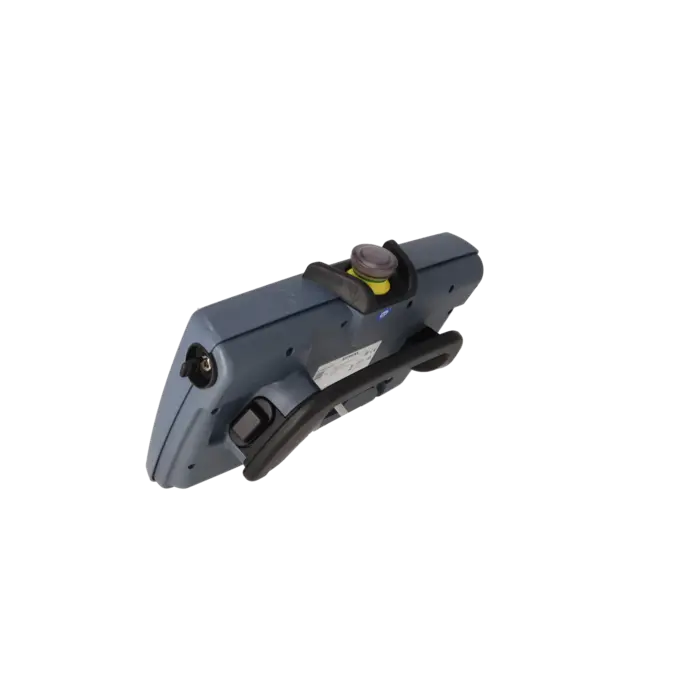
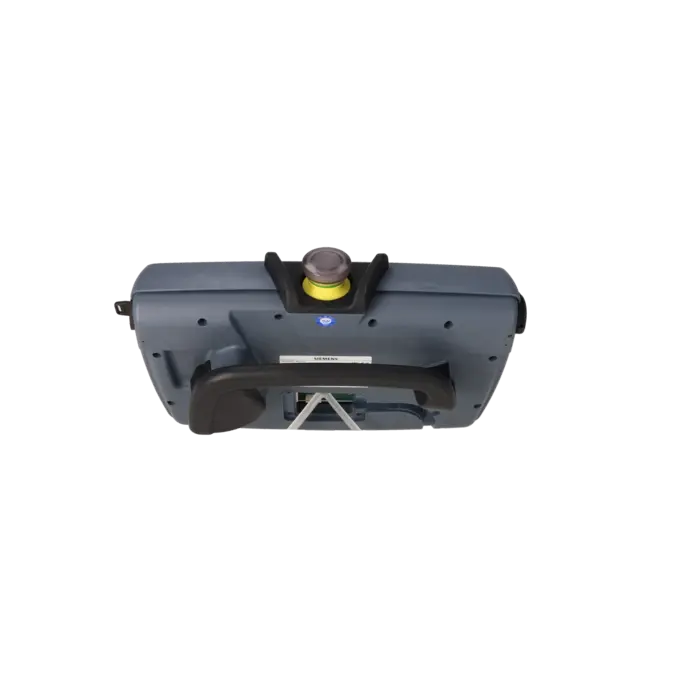
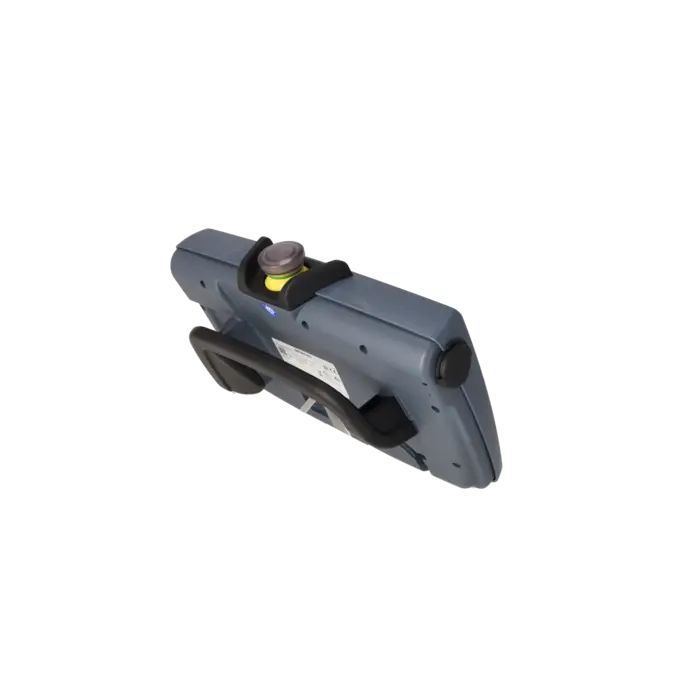
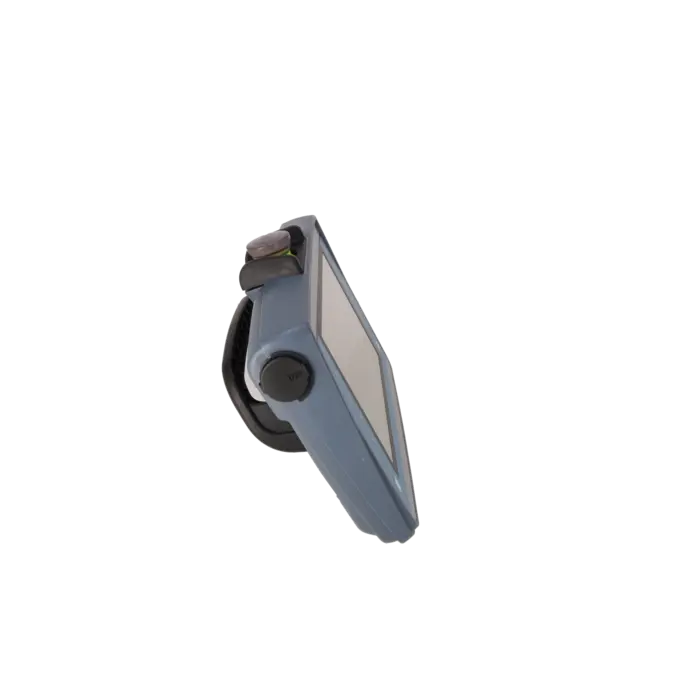
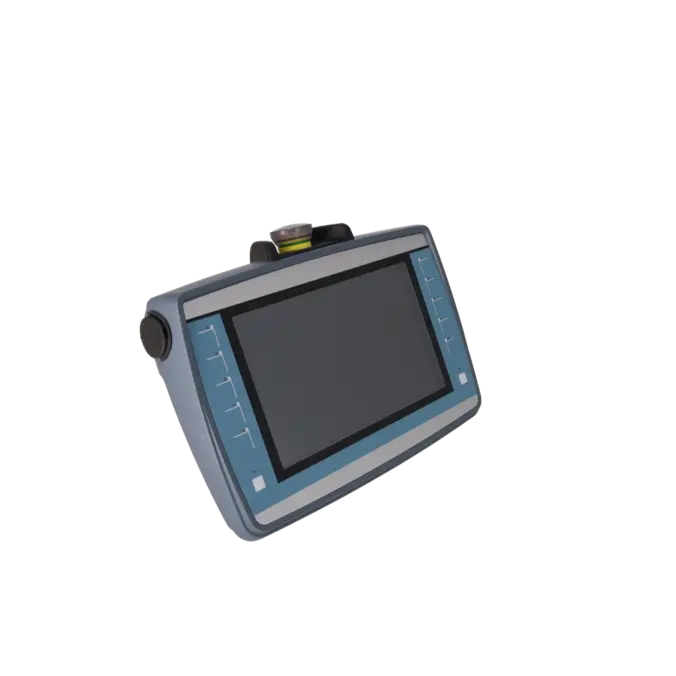
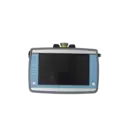
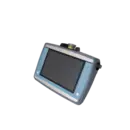
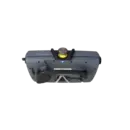
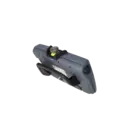

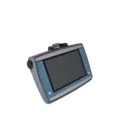
SIEMENS 6AV2125-2JB23-0AX0
- EICHLER-art.no.: K1026607
- EAN: 4047623404750
Product description
SIMATIC HMI KTP900F MOBILE, 9.0 TFT DISPLAY, 800 X 480 PIXELS,16M COLOR, KEY AND TOUCH OPERATION, 10 FUNCTION KEYS, 1 X PROFINET/INDUSTRIAL ETHERNET INTERFACE; 1 X MULTIMEDIA CARD, 1 X USB, ACKNOWLEDGEMENT SWITCH, EMERGENCY-STOP BUTTON, CONFIGURABLE FROM WINCC COMFORT V13 SP1
Services for SIEMENS 6AV2125-2JB23-0AX0
SIEMENS |
6AV2125-2JB23-0AX0 –
additional product information
| Delivery information | |||
|---|---|---|---|
| Export identifier | AL: N ECCN: EAR99H | ||
| Net weight | 1.716 | ||
| Quantity | 1 Stück | ||
| Packaging quantity | 1 | ||
| Additional product information | |||
|---|---|---|---|
| Product status | |||
| EAN | 4047623404750 | ||
| UPC | / | ||
| Static lot number | 85371091 | ||
| List indicator | ST80.1F | ||
| Product group | 4A66 | ||
| Country of origin | DE | ||
| Compliance with the substance restrictions according to RoHS directive | Since: 20150629 | ||
| Product classifications | Version | Classification | |
|---|---|---|---|
| eClass | 4 | / | |
| eClass | 5.1 | 27-24-23-03 | |
| eClass | 6.0 | 27-24-23-03 | |
| ETIM | 3 | / | |
| ETIM | 4 | / | |
| ETIM | 5 | EC001427 | |
What is the 6AV2125-2JB23-0AX0 and where is it used?
The 6AV2125-2JB23-0AX0 is the SIEMENS SIMATIC HMI KTP900F Mobile, a 9-inch mobile operator panel for machines and industrial systems with PROFINET / Industrial Ethernet connectivity. The device combines touchscreen and keypad operation and is designed for applications where operators are not permanently stationed at a control cabinet but need to move between different points of a machine or production line. Typical applications include interconnected production systems, manual workstations, robotic cells and safety-related applications, as the panel integrates a key switch, enable switch and emergency stop button. The device can be engineered from WinCC Comfort V13 SP1 onwards. Siemens classifies the KTP900F Mobile within the Mobile Panels 2nd Generation family.
Overview of the key technical specifications and their significance
The KTP900F Mobile features a 9-inch TFT widescreen display with a resolution of 800 × 480 pixels and 16.7 million colours. For maintenance personnel, this provides clear visualisation of process screens, alarm messages and diagnostic information directly at the machine.
The 10 LED-equipped function keys complement the touchscreen wherever defined, glove-friendly or safety-guided operation is required. The device is powered by 24 V DC, with a permissible voltage range of 19.2 to 28.8 V DC. It includes 1 × PROFINET interface, 1 × USB 2.0 port and 1 × SD memory card slot.
For demanding industrial environments, Siemens specifies IP65 protection on all sides, an operating temperature range of 0 to 45 °C, and safety ratings of Performance Level e (PLe) according to ISO 13849-1 and SIL 3 according to IEC 61508 when used in safety applications.
Product status, life-cycle status and obsolescence
For procurement and spare-parts planning, an important point is that Siemens currently classifies 6AV2125-2JB23-0AX0 as an Active Product (PM300). The product family was released by Siemens in 2015 and remains part of the active Mobile Panels 2nd Generation portfolio.
This means the device is not a discontinued product. At the same time, Siemens does not currently identify an official direct successor for this specific order number. Although Siemens describes the TP1000F Mobile as being based on the KTP900F Mobile platform, it is not designated as a formal 1:1 successor to this MLFB.
For operators of machines with long service lives, proactive spare-parts and service planning therefore remains advisable.
Available EICHLER services and when they are relevant in practice
For 6AV2125-2JB23-0AX0, EICHLER offers several service options that may be appropriate depending on the fault scenario, budget and downtime requirements.
In the event of a defect, component-level repair can be an attractive option when the existing unit is to be retained and replacement costs reduced. EICHLER describes a standardised process consisting of diagnosis, quotation, repair and functional testing.
Where machine downtime must be minimised, an exchange unit can be advantageous because a fully tested replacement device can be supplied in advance. For spare-parts inventory and long-term availability planning, tested used units are often a cost-effective solution.
In addition, Life Cycle Management services help companies systematically manage inventory, supply risks and long-term support strategies for critical components. According to the product page, repair, exchange, used units and new units on request are currently available, with 1–3 day lead times listed for repair, exchange and used units.
| Attribute | Value |
|---|---|
| Product type designation | KTP900F Mobile |
| Display | |
| Design of display | TFT widescreen display, LED backlighting |
| Screen diagonal | 9 in |
| Color display | Yes |
| Number of colors | 16 777 216 |
| Resolution (pixels) | |
| ● Horizontal image resolution | 800 pixel |
| ● Vertical image resolution | 480 pixel |
| Backlighting | |
| ● MTBF backlighting (at 25 °C) | 50 000 h |
| ● Backlight dimmable | Yes; 0-100 % |
| Control elements | |
| Keyboard fonts | |
| ● Function keys | |
| — Number of function keys | 10 |
| — Number of function keys with LEDs | 10 |
| ● Keys with LED | Yes |
| ● Numeric keyboard | Yes; Onscreen keyboard |
| ● alphanumeric keyboard | Yes; Onscreen keyboard |
| Touch operation | |
| ● Design as touch screen | Yes |
| ● Design as multi-touch screen | No |
| Special operator controls | |
| ● Stop button (forced blocking) | Yes |
| ● Emergency stop button (illuminated and forced blocking) | Yes |
| ● Acknowledgement button (3-stage) | Yes |
| ● Key-operated switch | Yes |
| ● Illuminated pushbutton | Yes |
| Camera | |
| ● integrated camera | No |
| Expansions for operator control of the process | |
| ● DP direct LEDs (LEDs as S7 output I/O) | |
| — F1...Fx | 10 |
| ● Direct keys (keys as S7 input I/O) | |
| — F1...Fx | 10 |
| ● Direct keys (touch buttons as S7 input I/O) | 32 |
| Supply voltage | |
| Type of supply voltage | DC |
| Rated value (DC) | 24 V |
| permissible range, lower limit (DC) | 19.2 V |
| permissible range, upper limit (DC) | 28.8 V |
| Input current | |
| Current consumption (rated value) | 450 mA |
| Starting current inrush I²t | 0.135 A²·s |
| Power | |
| Active power input, typ. | 11 W |
| Processor | |
| Processor type | ARM |
| Memory | |
| Flash | Yes |
| RAM | Yes |
| Memory available for user data | 12 Mbyte |
| Type of output | |
| Power LED | No |
| LED for safe | No |
| LED for communication | No |
| LED for battery | No |
| Vibrations | No |
| Time of day | |
| Clock | |
| ● Hardware clock (real-time) | Yes |
| ● retentive | Yes |
| ● synchronizable | Yes |
| Interfaces | |
| Number of industrial Ethernet interfaces | 1 |
| Number of PROFINET interfaces | 1 |
| Number of RS 485 interfaces | 0 |
| Number of RS 422 interfaces | 0 |
| Number of RS 232 interfaces | 0 |
| Number of USB interfaces | 1; USB 2.0 |
| Number of wireless interfaces | 0 |
| Number of SD card slots | 1 |
| Protocols | |
| PROFINET | Yes |
| Supports protocol for PROFINET IO | Yes |
| PROFIsafe | Yes |
| PROFIBUS | No |
| EtherNet/IP | Yes |
| MPI | No |
| Protocols (Ethernet) | |
| ● TCP/IP | Yes |
| ● DHCP | Yes |
| ● SNMP | Yes |
| ● DCP | Yes |
| ● LLDP | Yes |
| WEB characteristics | |
| ● HTTP | Yes |
| ● HTTPS | Yes |
| ● HTML | Yes |
| ● XML | No |
| ● CSS | Yes |
| ● Active X | No |
| ● JavaScript | Yes |
| ● Java VM | No |
| Further protocols | |
| ● MODBUS | Yes |
| ● other bus systems | No |
| Communication functions | |
| Wireless communication | |
| ● supported standards | |
| — Radio standard WLAN 802.11 | No |
| — Bluetooth radio standard | No |
| Interrupts/diagnostics/status information | |
| Diagnoses | |
| ● Diagnostic information readable | Yes |
| EMC | |
| Emission of radio interference acc. to EN 55 011 | |
| ● Limit class A, for use in industrial areas | Yes |
| ● Limit class B, for use in residential areas | No |
| Degree and class of protection | |
| IP65 (all-round) | Yes |
| Standards, approvals, certificates | |
| CE mark | Yes |
| cULus | Yes |
| RCM (formerly C-TICK) | Yes |
| KC approval | Yes |
| Suitable for safety functions | Yes |
| Marine approval | Yes |
| Highest safety class achievable in safety mode | |
| ● Performance level according to ISO 13849-1 | PLe |
| ● SIL acc. to IEC 61508 | SIL 3 |
| Use in hazardous areas | |
| ● ATEX Zone 2 | No |
| ● ATEX Zone 22 | No |
| ● IECEx Zone 2 | No |
| ● IECEx Zone 22 | No |
| ● cULus Class I Zone 1 | No |
| ● cULus Class I Zone 2, Division 2 | No |
| ● FM Class I Division 2 | No |
| Marine approval | |
| ● Germanischer Lloyd (GL) | Yes |
| ● American Bureau of Shipping (ABS) | Yes |
| ● Bureau Veritas (BV) | Yes |
| ● Det Norske Veritas (DNV) | Yes |
| ● Korean Register of Shipping (KRS) | Yes |
| ● Lloyds Register of Shipping (LRS) | Yes |
| ● Nippon Kaiji Kyokai (Class NK) | Yes |
| ● Polski Rejestr Statkow (PRS) | No |
| ● Chinese Classification Society (CCS) | Yes |
| Ambient conditions | |
| Free fall | |
| ● Fall height, max. | 1.2 m |
| Ambient temperature during operation | |
| ● min. | 0 °C |
| ● max. | 45 °C |
| Ambient temperature during storage/transportation | |
| ● min. | -20 °C |
| ● max. | 60 °C |
| Relative humidity | |
| ● Operation, max. | 90 % |
| Operating systems | |
| pre-installed operating system | |
| ● Windows CE | Yes |
| Configuration | |
| Message indicator | Yes |
| Alarm system (incl. buffer and acknowledgment) | Yes |
| Process value display (output) | Yes |
| Process value default (input) possible | Yes |
| Recipe management | Yes |
| Configuration software | |
| ● STEP 7 Basic (TIA Portal) | No |
| ● STEP 7 Professional (TIA Portal) | No |
| ● WinCC flexible Compact | No |
| ● WinCC flexible Standard | No |
| ● WinCC flexible Advanced | No |
| ● WinCC Basic (TIA Portal) | No |
| ● WinCC Comfort (TIA Portal) | Yes |
| ● WinCC Advanced (TIA Portal) | Yes |
| ● WinCC Professional (TIA Portal) | Yes |
| Languages | |
| Online languages | |
| ● Number of online/runtime languages | 32 |
| Project languages | |
| ● Languages per project | 32 |
| Functionality under WinCC (TIA Portal) | |
| Libraries | Yes |
| Applications/options | |
| ● Web browser | Yes |
| ● Pocket Word | No |
| ● Pocket Excel | No |
| ● PDF Viewer | Yes |
| ● Media Player | No |
| ● SIMATIC WinCC Sm@rtServer | Yes |
| ● SIMATIC WinCC Audit | Yes |
| Number of Visual Basic Scripts | Yes |
| Task planner | |
| ● time-controlled | Yes |
| ● task-controlled | Yes |
| Help system | |
| ● Number of characters per info text | 500 |
| Multiproject | |
| ● Number of projects (internal) | 0 |
| ● Number of projects (external) | 0 |
| Message system | |
| ● Number of alarm classes | 32 |
| ● Bit messages | |
| — Number of bit messages | 4 000 |
| ● Analog messages | |
| — Number of analog messages | 200 |
| ● S7 alarm number procedure | Yes |
| ● System messages HMI | Yes |
| ● System event, more (SIMATIC S7, SINUMERIK, SIMOTION, ... ) | Yes |
| ● Number of characters per message | 80 |
| ● Number of process values per message | 8 |
| ● Acknowledgment groups | Yes |
| ● Message indicator | Yes |
| ● Message buffer | |
| — Number of entries | 1 024 |
| — Circulating buffer | Yes |
| — retentive | Yes |
| — maintenance-free | Yes |
| Recipe management | |
| ● Number of recipes | 300 |
| ● Data records per recipe | 500 |
| ● Entries per data record | 1 000 |
| ● Size of internal recipe memory | 2 Mbyte |
| ● Recipe memory expandable | Yes |
| Variables | |
| ● Number of variables per device | 2 048 |
| ● Number of variables per screen | 400 |
| ● Limit values | Yes |
| ● Multiplexing | Yes |
| ● Structures | Yes |
| ● Arrays | Yes |
| Images | |
| ● Number of configurable images | 500 |
| ● Permanent window/default | Yes |
| ● Global image | Yes |
| ● Image selection by PLC | Yes |
| ● Image number in the PLC | Yes |
| Image objects | |
| ● Number of objects per image | 400 |
| ● Text fields | Yes |
| ● I/O fields | Yes |
| ● Graphic I/O fields (graphics list) | Yes |
| ● Symbolic I/O fields (text list) | Yes |
| ● Date/time fields | Yes |
| ● Switches | Yes |
| ● Graphic display | Yes |
| ● Icons | Yes |
| ● Geometric objects | Yes |
| Complex image objects | |
| ● Number of complex objects per screen | 20 |
| ● Alarm view | Yes |
| ● Trend view | Yes |
| ● User view | Yes |
| ● Status/control | Yes |
| ● Sm@rtClient view | Yes |
| ● Recipe view | Yes |
| ● f(x) trend view | Yes |
| ● System diagnostics view | Yes |
| ● Media Player | No |
| ● Bar graphs | Yes |
| ● Sliders | Yes |
| ● Pointer instruments | Yes |
| ● Analog/digital clock | Yes |
| Lists | |
| ● Number of text lists per project | 500 |
| ● Number of entries per text list | 500 |
| ● Number of graphics lists per project | 500 |
| ● Number of entries per graphics list | 500 |
| Archiving | |
| ● Number of archives per device | 50 |
| ● Number of entries per archive | 20 000 |
| ● Message archive | Yes |
| ● Process value archive | Yes |
| ● Archiving methods | |
| — Sequential archive | Yes |
| — Short-term archive | Yes |
| ● Memory location | |
| — Memory card | Yes |
| — USB memory | Yes |
| — Ethernet | Yes |
| ● Data storage format | |
| — CSV | Yes |
| — TXT | No |
| — RDB | Yes |
| Security | |
| ● Number of user groups | 50 |
| ● Number of user rights | 32 |
| ● Number of users | 50 |
| ● Password export/import | Yes |
| ● SIMATIC Logon | Yes |
| Logging through printer | |
| ● Alarms | Yes |
| ● Report (shift log) | Yes |
| ● Hardcopy | No |
| ● Electronic print to file | No |
| Character sets | |
| ● Keyboard fonts | |
| — US English | Yes |
| Transfer (upload/download) | |
| ● MPI/PROFIBUS DP | No |
| ● USB | No |
| ● Ethernet | Yes |
| ● Wireless LAN | No |
| ● using external storage medium | Yes; Backup/restore |
| Process coupling | |
| ● S7-1200 | Yes |
| ● S7-1500 | Yes |
| ● S7-200 | Yes |
| ● S7-300/400 | Yes |
| ● LOGO! | Yes |
| ● WinAC | Yes; WinAC RTX |
| ● SINUMERIK | Yes; without NC channel |
| ● SIMOTION | Yes |
| ● Allen Bradley (EtherNet/IP) | Yes |
| ● Allen Bradley (DF1) | No |
| ● Mitsubishi (MC TCP/IP) | Yes |
| ● Mitsubishi (FX) | Yes |
| ● OMRON (FINS TCP) | No |
| ● OMRON (LINK/Multilink) | No |
| ● Modicon (Modbus TCP/IP) | Yes |
| ● Modicon (Modbus) | No |
| ● OPC UA Client | Yes |
| ● OPC UA Server | Yes |
| Service tools/configuration aids | |
| ● Backup/Restore manually | Yes |
| ● Backup/Restore automatically | Yes |
| ● Simulation | Yes |
| ● Device switchover | Yes |
| Peripherals/Options | |
| Printer | Yes |
| SIMATIC HMI MM memory card: Multi Media Card | Yes |
| SIMATIC HMI SD memory card: Secure Digital memory card | Yes |
| USB memory | Yes |
| Network camera | Yes |
| Additional software components loadable | Yes; SIMATIC options |
| Mechanics/material | |
| Enclosure material (front) | |
| ● Plastic | Yes |
| ● Aluminum | No |
| ● Stainless steel | No |
| Weights | |
| Weight (without packaging) | 1.6 kg |
| Weight (with packaging) | 1.7 kg |
| Fehlerbeschreibung | Möglicher Lösungsansatz |
|---|---|
| Warum baut mein KTP900F Mobile nach einem Gerätetausch keine sichere Verbindung mehr auf? | Prüfen Sie die PROFIsafe-Einstellungen vollständig neu. Siemens weist darauf hin, dass nach dem Austausch eines Geräts die sicherheitsbezogenen Parameter erneut parametriert werden müssen. Kontrollieren Sie dabei insbesondere PROFIsafe-Adresse, PROFIsafe-Name und die korrekte Zuordnung im Projekt. |
| Warum wird die eingegebene Box-ID am KTP900F Mobile nicht übernommen? | Kontrollieren Sie die Drehschalter der Anschluss-Box. Siemens beschreibt, dass die Box-ID in der Anschluss-Box im hexadezimalen Format eingestellt wird, im F-FB und am Mobile Panel jedoch dezimal eingetragen wird. Stimmen diese Werte nicht zueinander, wird die Box-ID nicht korrekt übernommen. |
| Warum funktioniert die PROFIsafe-Kommunikation mit dem KTP900F Mobile nicht? | Vergleichen Sie die PROFIsafe-Adresse am Bediengerät mit der Adresse in STEP 7. Zusätzlich müssen der PROFIsafe-Name und die PROFINET-Gerätenamen korrekt vergeben sein. Siemens nennt außerdem als Prüfpunkt, dass im Mobile Panel unter PROFINET die Option IO device aktiviert sein muss. Doppelte PROFIsafe-Adressen im gleichen Netzsegment können einen Not-Halt auslösen und die Anlage in den sicheren Zustand bringen. |
| Warum erscheint am Mobile Panel die Meldung „No connection available in ProjectSettings.hsf data.“? | Diese Meldung erscheint laut Siemens, wenn kein Projekt geladen wurde oder wenn im Projekt keine Kommunikationsverbindung zu einer S7-1200 oder S7-1500 angelegt ist. Öffnen Sie im Start Center den Dialog zum Verbindungsaufbau, nutzen Sie Find Controller und wählen Sie eine tatsächlich projektierte Verbindung aus. Danach IP-Adresse speichern und das HMI neu starten. |
| Warum bleibt nach dem Abziehen des Mobile Panels eine PROFIsafe- oder CPU-Fehlermeldung stehen? | Siemens beschreibt, dass das Panel vor dem Abziehen sauber aus dem Sicherheitsprogramm abgemeldet werden sollte. Dafür ist zuerst die PROFIsafe-Verbindung über die Systemfunktion Terminate PROFIsafe zu beenden, danach kann das Gerät als IO-Device deaktiviert werden. Erst anschließend sollte das Panel von der Anschluss-Box getrennt werden. Beachten Sie dabei, dass der Not-Halt des Panels nach der Deaktivierung nicht mehr im Sicherheitsprogramm berücksichtigt wird. |
Is 6AV2125-2JB23-0AX0 still active or already discontinued?
Siemens currently lists 6AV2125-2JB23-0AX0 as an active product. For purchasing and spare parts planning, this is an important point because official manufacturer references, documentation and accessories remain available. At the same time, supply security remains relevant, as mobile HMI devices in existing systems are often used far longer than typical electronics life cycles.
Which connection box is compatible with 6AV2125-2JB23-0AX0?
The KTP900F Mobile belongs to the Mobile Panels 2nd Generation family. Siemens specifies several compatible connection boxes. In the standard KTP Mobile environment, these are the Connection Box compact (6AV2125-2AE03-0AX0), standard (6AV2125-2AE13-0AX0) and advanced (6AV2125-2AE23-0AX0). Siemens also describes compatibility with PN Basic (6AV6671-5AE01-0AX0) and PN Plus (6AV6671-5AE11-0AX0), although with functional limitations in F-system applications. For safety-related applications, the connection box should therefore always be checked against the specific system architecture.
Which software is required to configure the KTP900F Mobile?
According to Siemens, this device requires WinCC Comfort V13 SP1 Update 4 or later or WinCC Advanced V13 SP1 Update 4 or later for configuration. If the fail-safe panel is to be operated within a PROFIsafe-based F-system, STEP 7 Safety Advanced V13 SP1 or later is also required. This is particularly important for maintenance personnel, as many communication or transfer issues are caused by incompatible engineering versions or missing safety packages.
Which cable lengths are available for the KTP900F Mobile?
Siemens specifies several standard cable lengths for the KTP Mobile connection cable: 2 m, 5 m, 8 m, 10 m, 15 m, 20 m and 25 m. This is relevant for system planning because cable length, operating range and the position of the connection box directly influence how flexibly the mobile panel can be used within the production environment. For fixed storage locations or wall-mounted holders, the cable length should therefore always be considered together with the installation position.
Is the KTP900F Mobile suitable for safety applications?
Yes. The device is explicitly designed as a fail-safe mobile panel and features an enabling switch, emergency stop/stop pushbutton and key switch. Siemens specifies PL e according to ISO 13849-1 and SIL 3 according to IEC 61508 for safety operation. In safety applications, however, not only the panel itself is important, but also the correct connection box, proper PROFIsafe parameterisation and seamless integration into the controller's F-program.
When is repair more suitable than replacement or purchasing a used unit?
Repair is particularly worthwhile when the existing device is fundamentally suitable for the machine, the fault is clearly located within the panel and the existing hardware should be retained. Replacement is the better option when downtime must be ended immediately and a fully tested replacement unit can restore operation faster than a repair. Purchasing a used unit is especially suitable for spare parts stock, reserve devices or supporting older systems. EICHLER describes standardised diagnostic and testing processes for repairs and also offers replacement and used units with warranty or guarantee coverage.